























Using Sketch in Your Workflow
From Idea to Finished Product
Brian Louis Ramirez | UX Designer | @brilouram
What's up?
4 What
4 Why
4 How
What is Sketch?
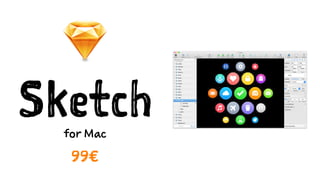
Sketchfor Mac
99€
posters magazines
documents illustrations
What is Sketch
NOT?
Sketch is not
Photoshop!
WHY use
Sketch?
ARTBOARDS
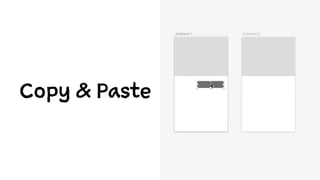
Copy & Paste
Badass shortcuts
⌘
Vector graphics
= Exportability
Work @1x
PLUGINS - community
1 x 99€
Independence from Adobe
How to
Use Sketch
in Your Workflow
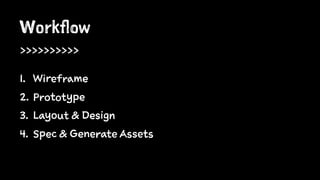
Workflow
>>>>>>>>>>
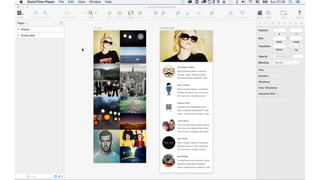
1. Wireframe
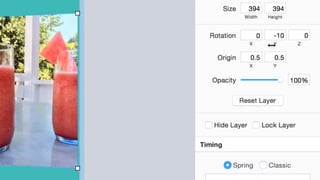
2. Prototype
3. Layout & Design
4. Spec & Generate Assets
1Wireframe
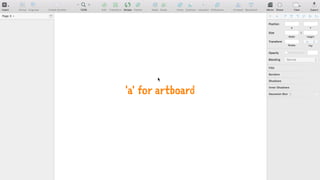
'a' for artboard
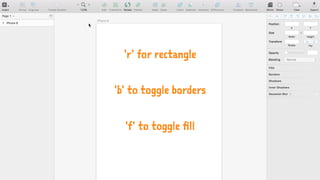
'r' for rectangle
'b' to toggle borders
'f' to toggle fill
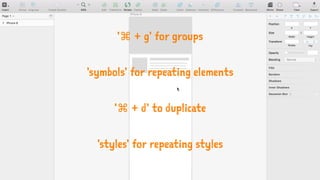
'⌘ + g' for groups
'symbols' for repeating elements
'⌘ + d' to duplicate
'styles' for repeating styles
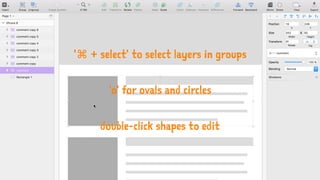
'⌘ + select' to select layers in groups
'o' for ovals and circles
double-click shapes to edit
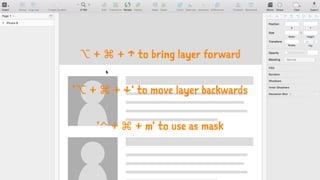
⌥ + ⌘ + ↑ to bring layer forward
'⌥ + ⌘ + ↓' to move layer backwards
'⌃ + ⌘ + m' to use as mask
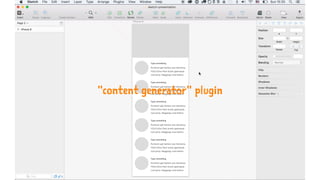
"content generator" plugin
2Prototype
InVisionfor iOS
from $13/mo
(free / 1 prototype)
InVision Viewer
for iOS
free
Flintofor Mac
$99
Pixatefor Mac or PC
from $5/mo
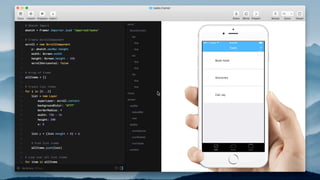
Framer Studio
for Mac
$99
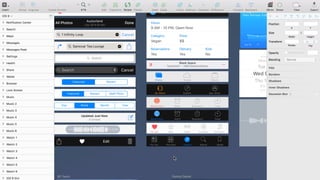
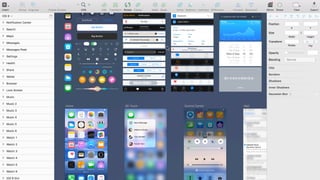
3Layout & Design
sketchappsources.com
designcode.io/ios9.com
Sketch Mirror
for iOS
4.99€
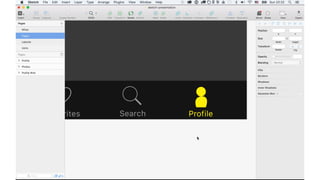
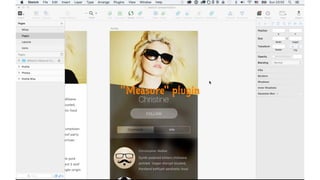
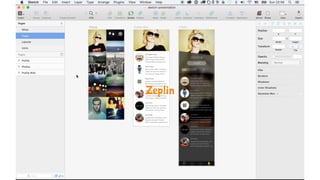
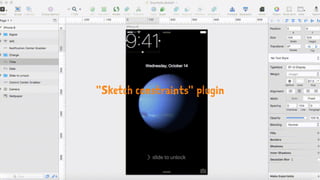
4Spec & Generate Assets
"Measure" plugin
Zeplin
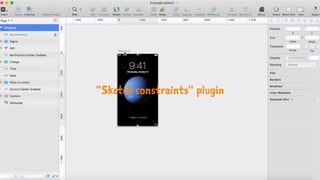
"Sketch constraints" plugin
=============
SVMMASVMMARVM
=============
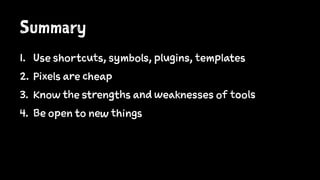
Summary
1. Use shortcuts, symbols, plugins, templates
2. Pixels are cheap
3. Know the strengths and weaknesses of tools
4. Be open to new things
Sketch is not
just a tool
Sketch isa community – a design culture
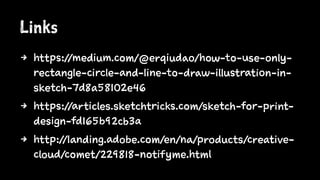
Links
4 https://medium.com/@erqiudao/how-to-use-only-
rectangle-circle-and-line-to-draw-illustration-in-
sketch-7d8a58102e46
4 https://articles.sketchtricks.com/sketch-for-print-
design-fd165b92cb3a
4 http://landing.adobe.com/en/na/products/creative-
cloud/comet/229818-notifyme.html
Thanks!@brilouram
Using Sketch in Your Workflow – From Idea to Finished Product

Using Sketch in Your Workflow – From Idea to Finished Product