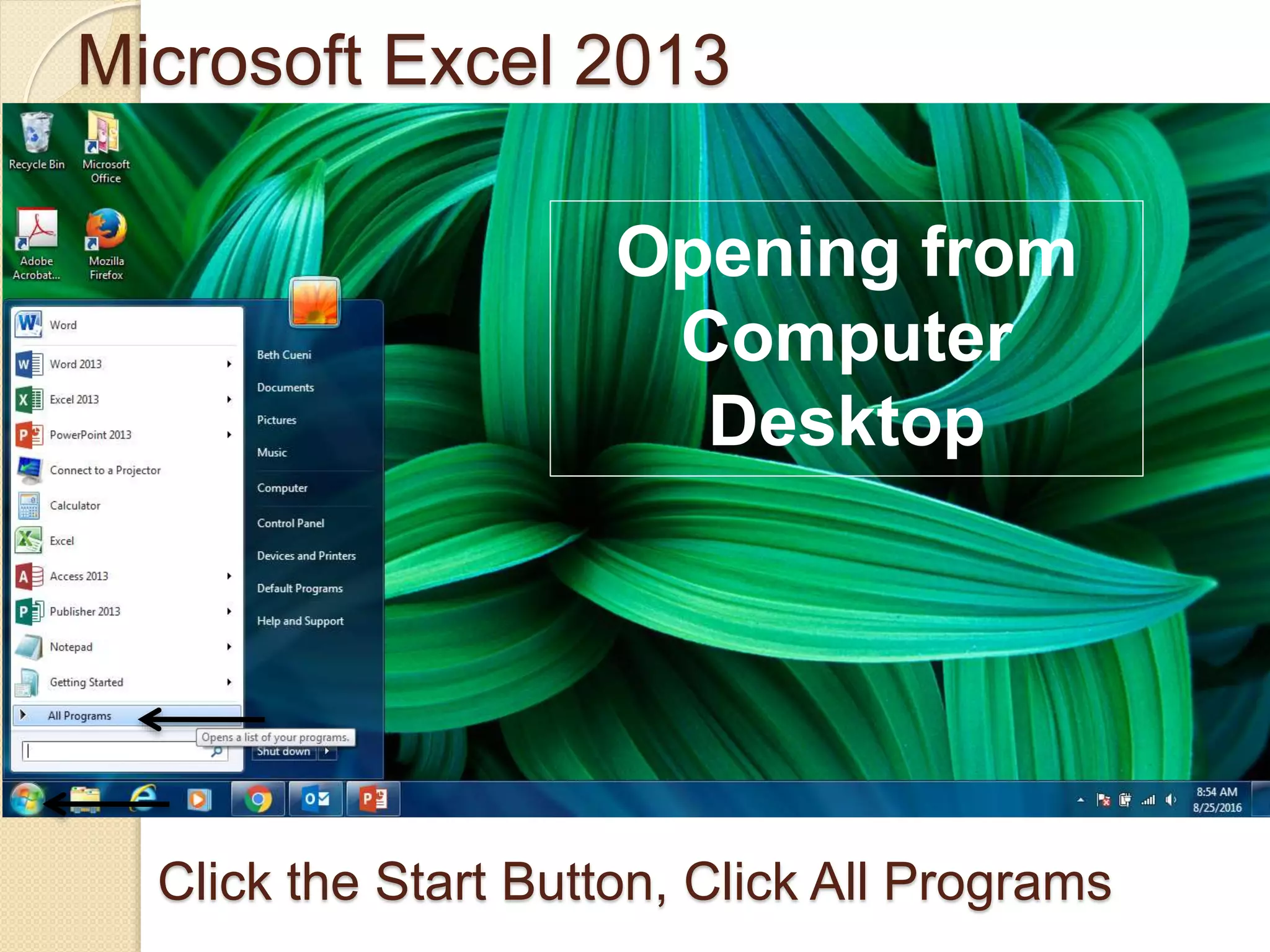
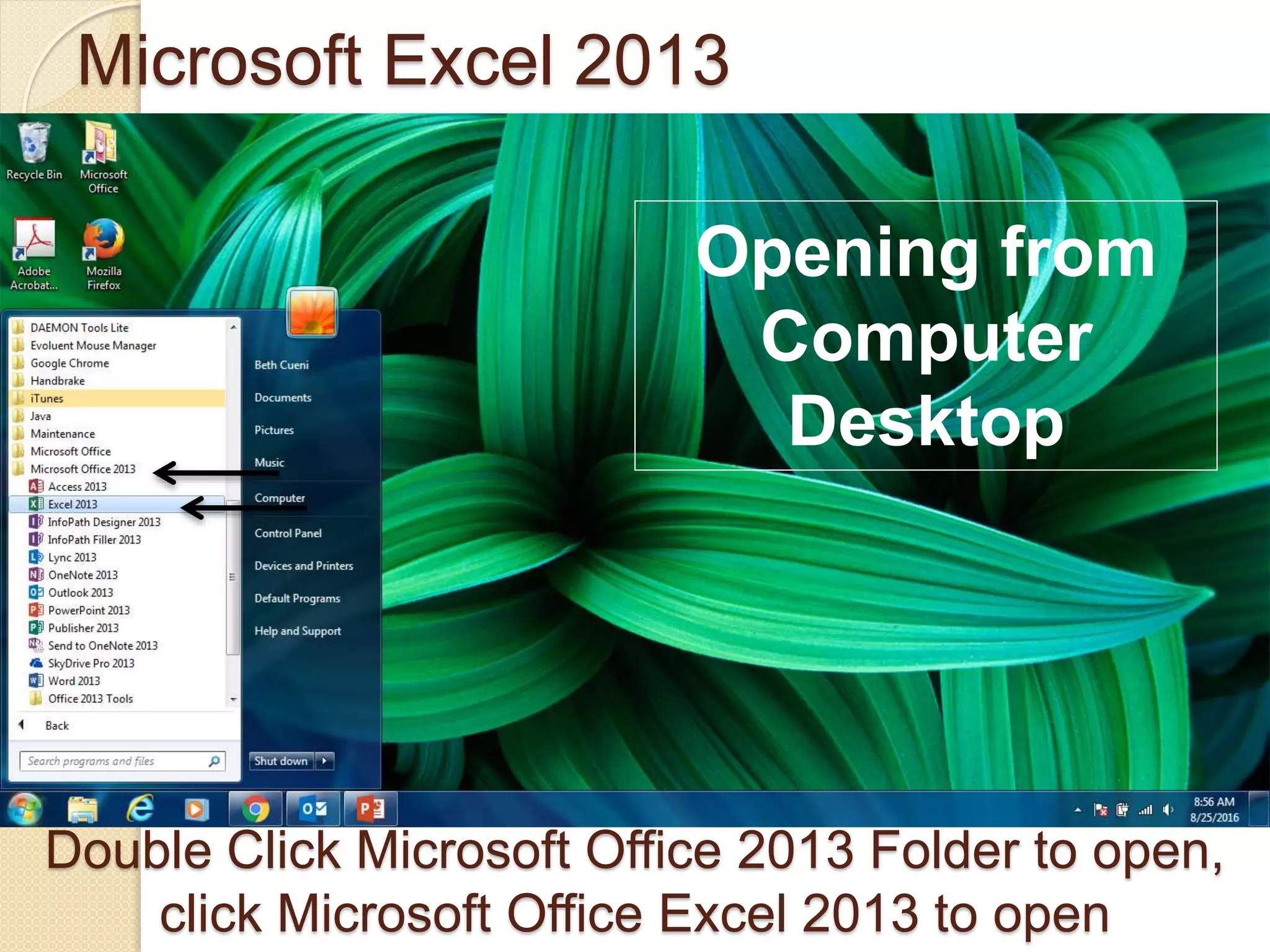
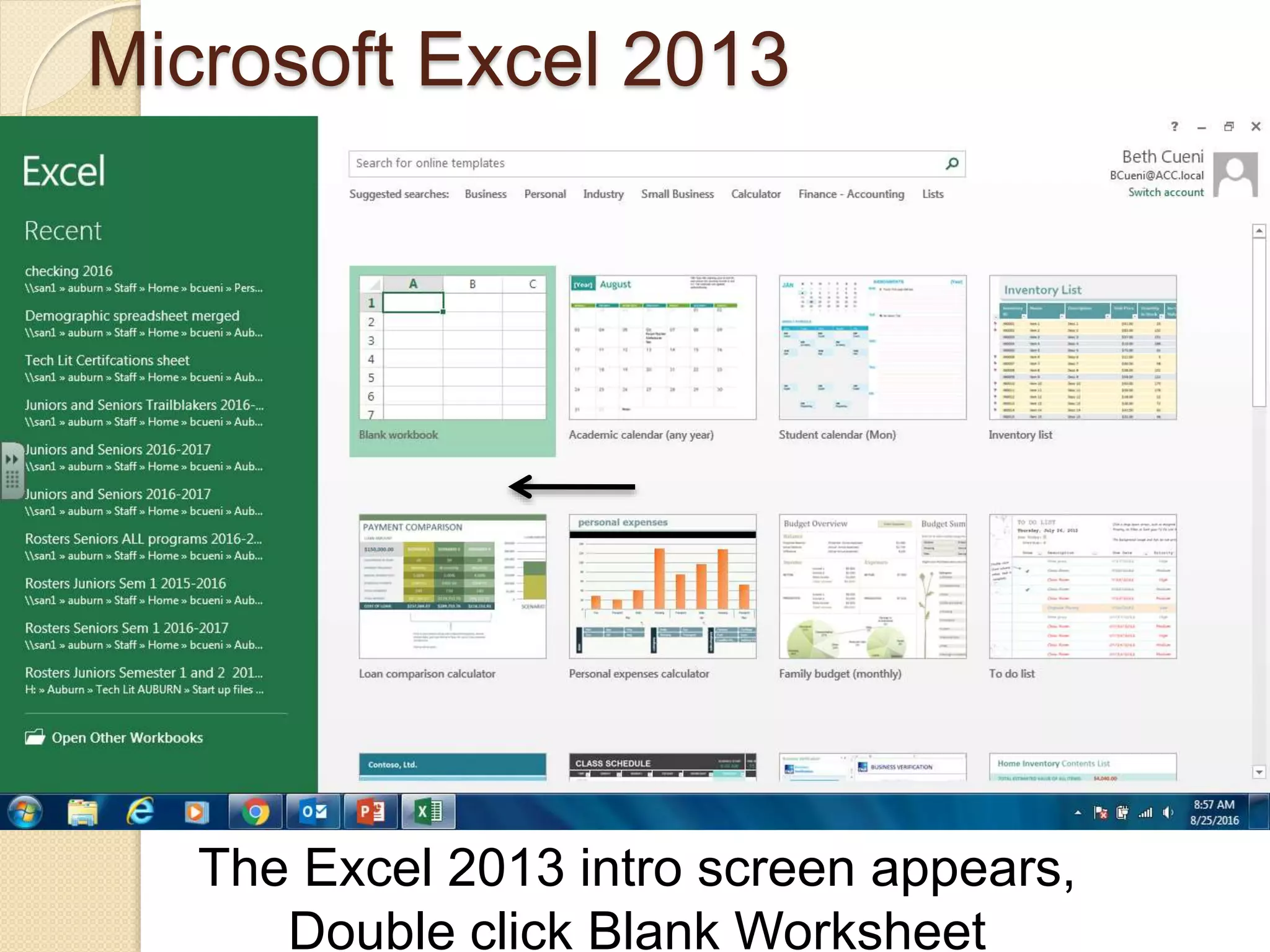
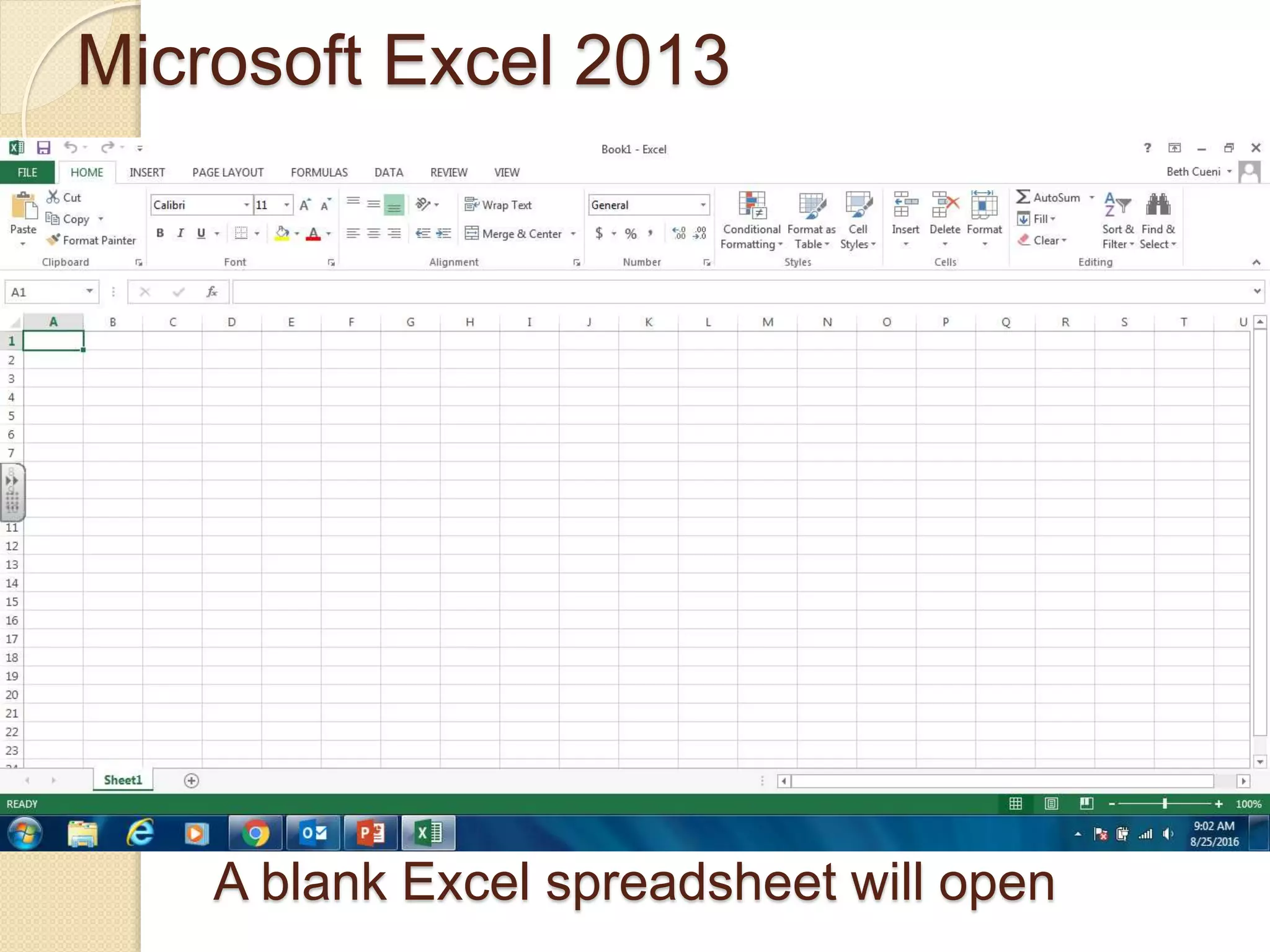
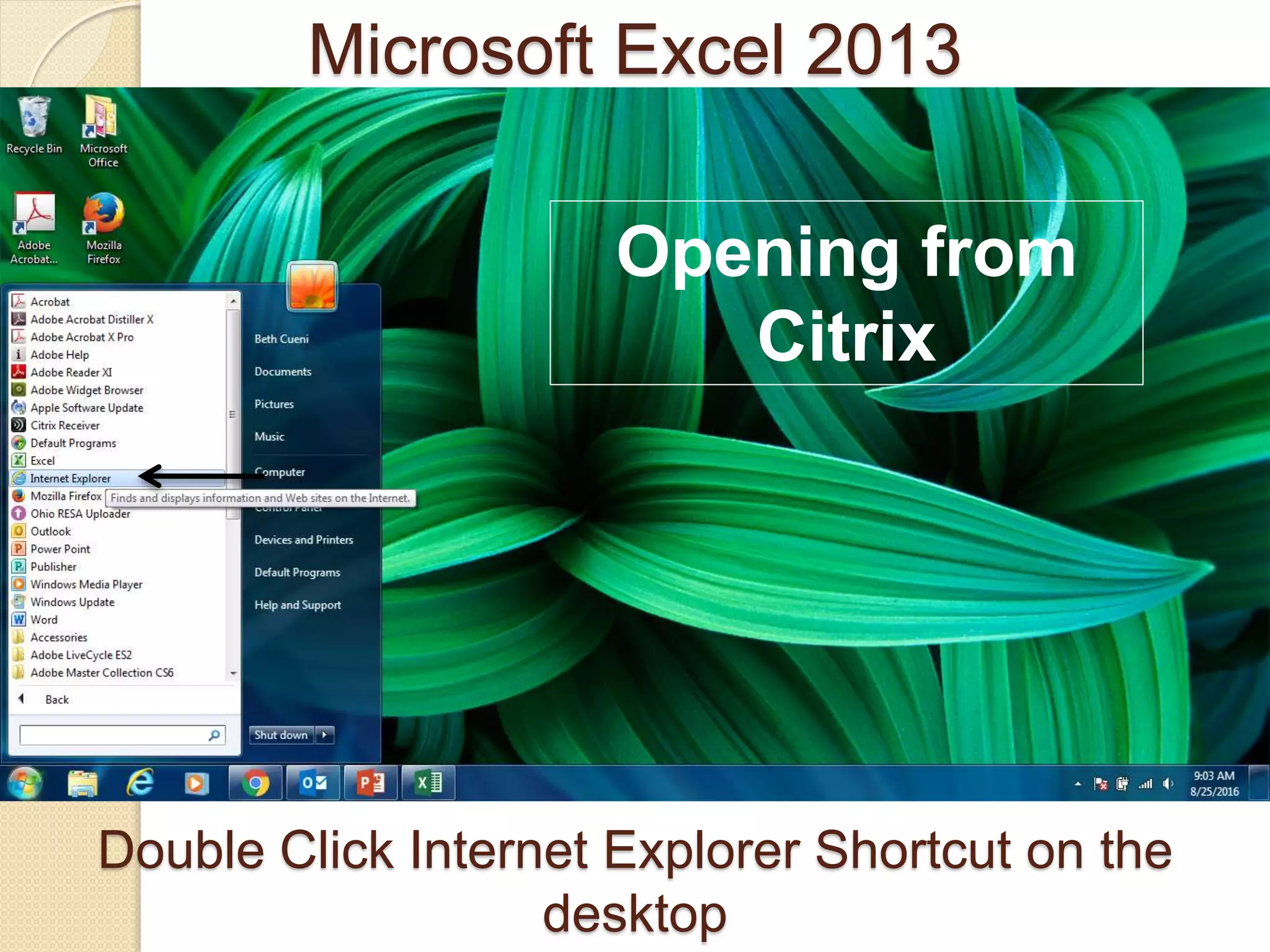
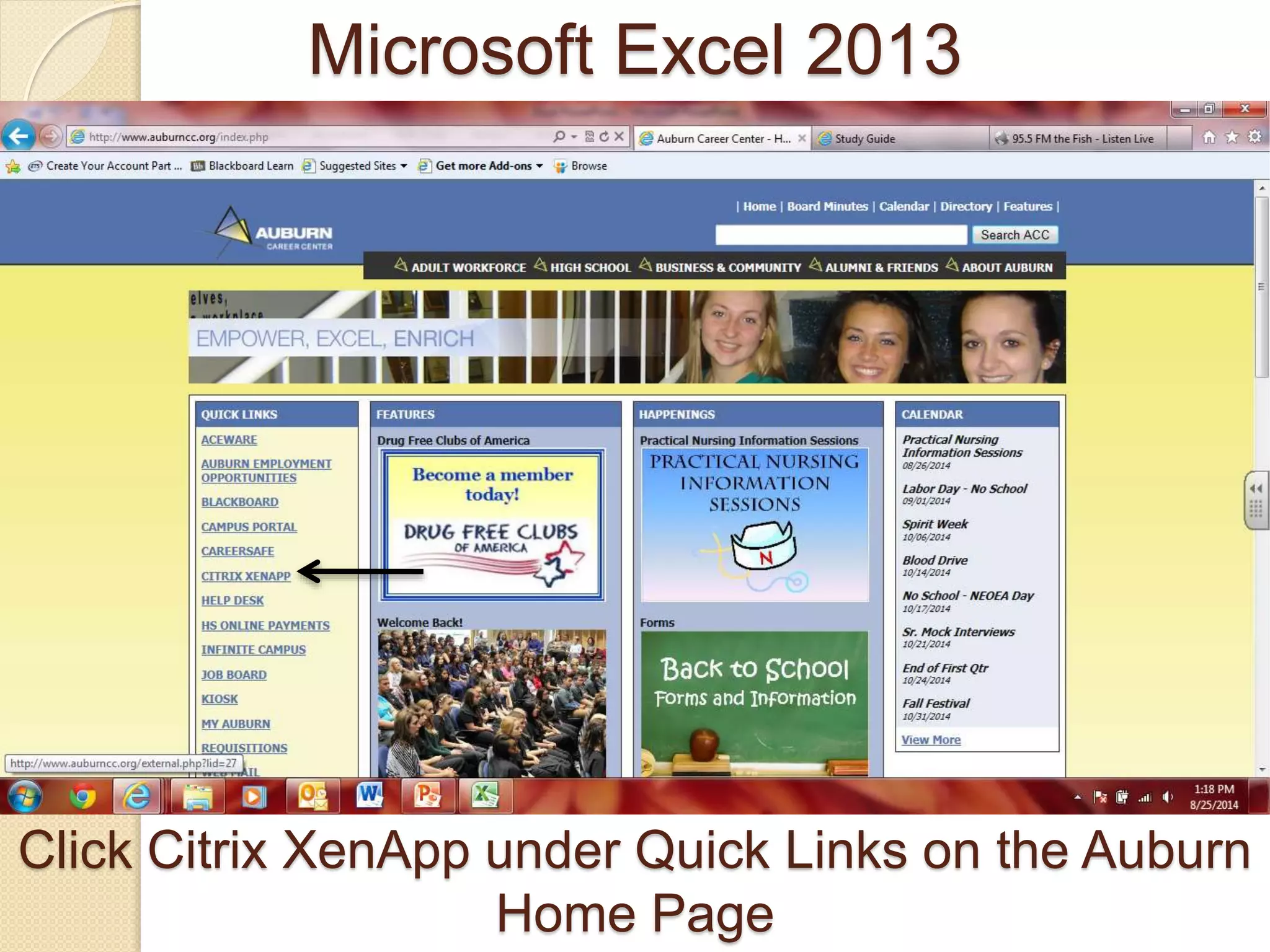
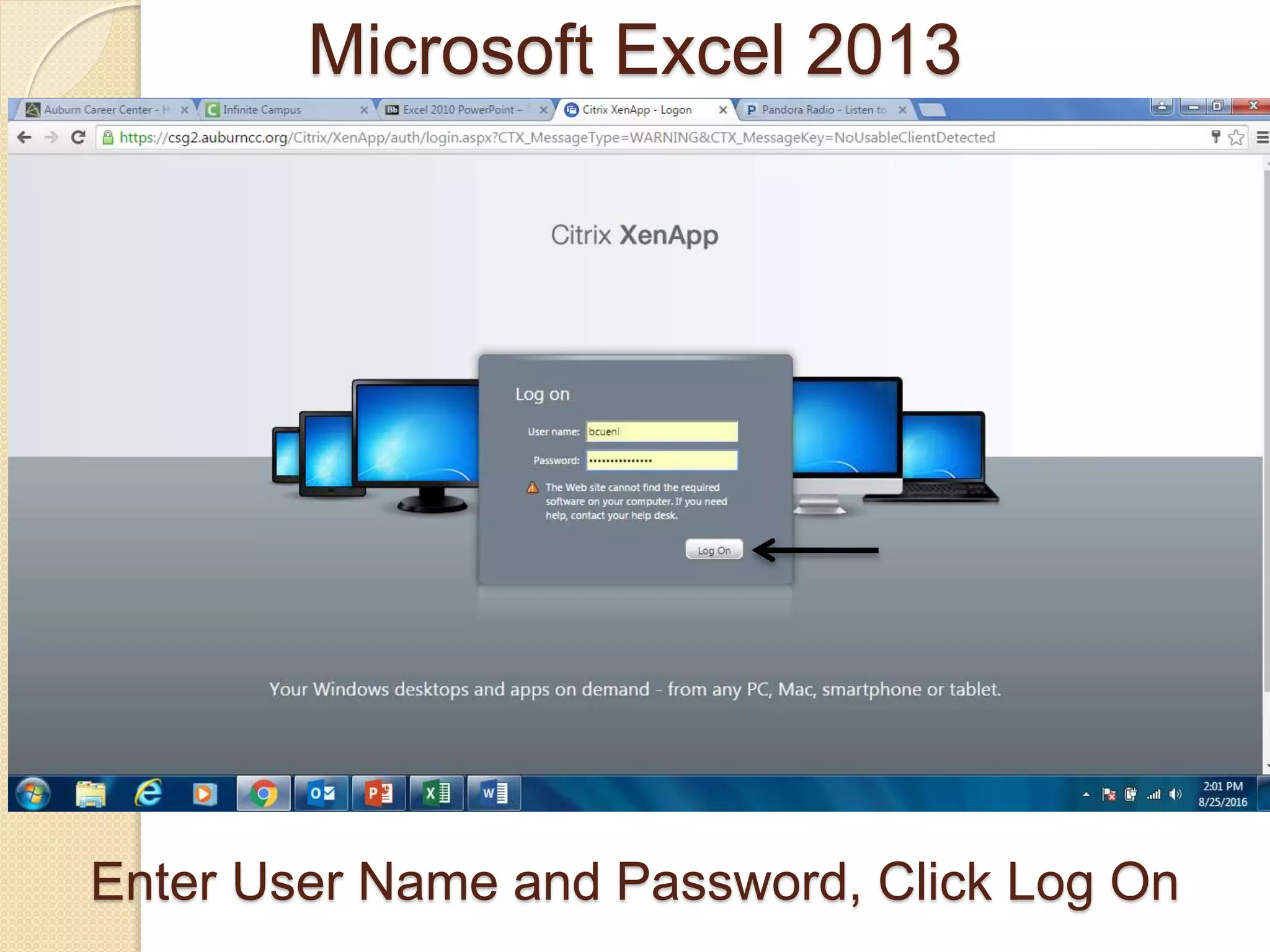
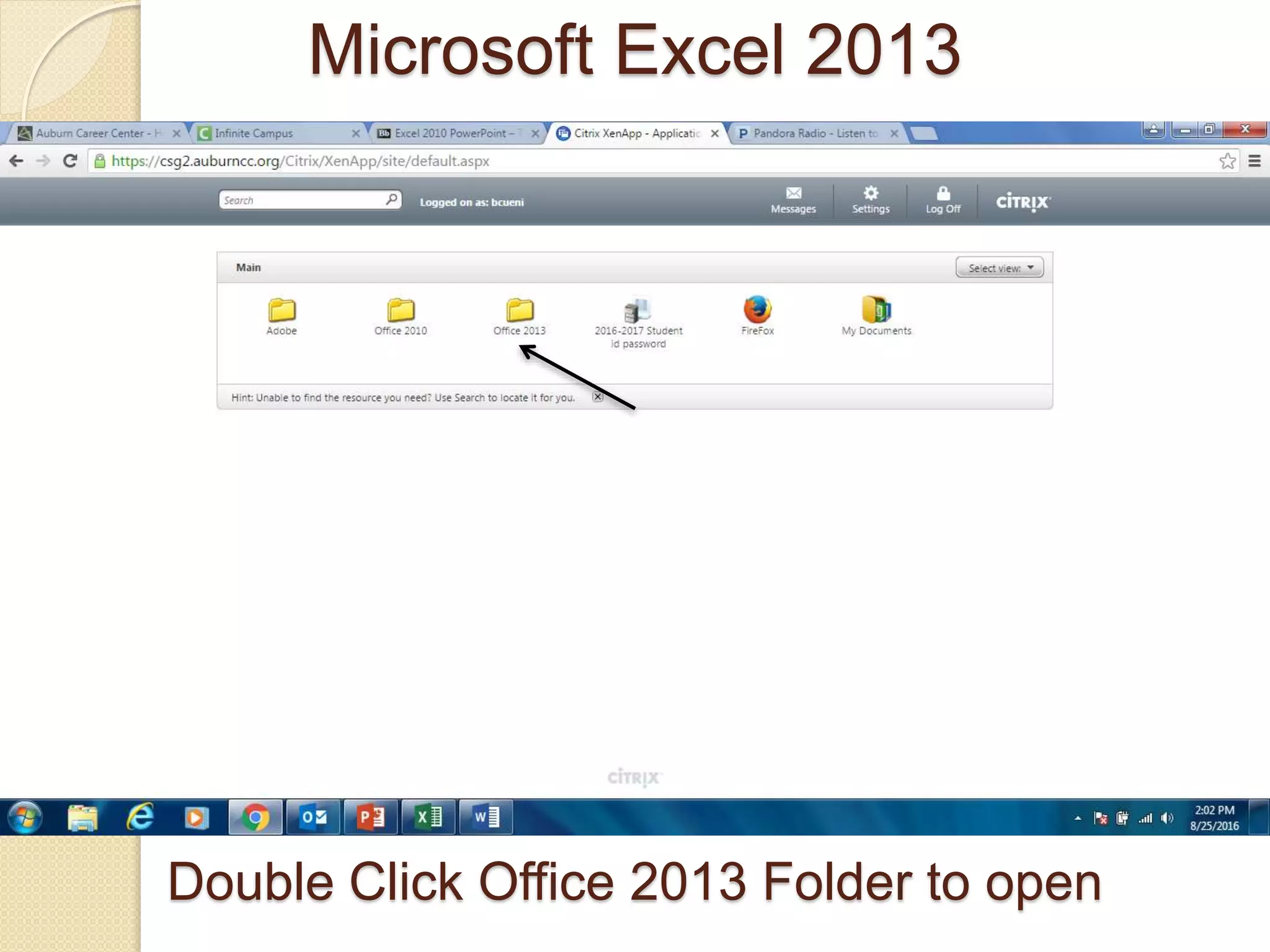
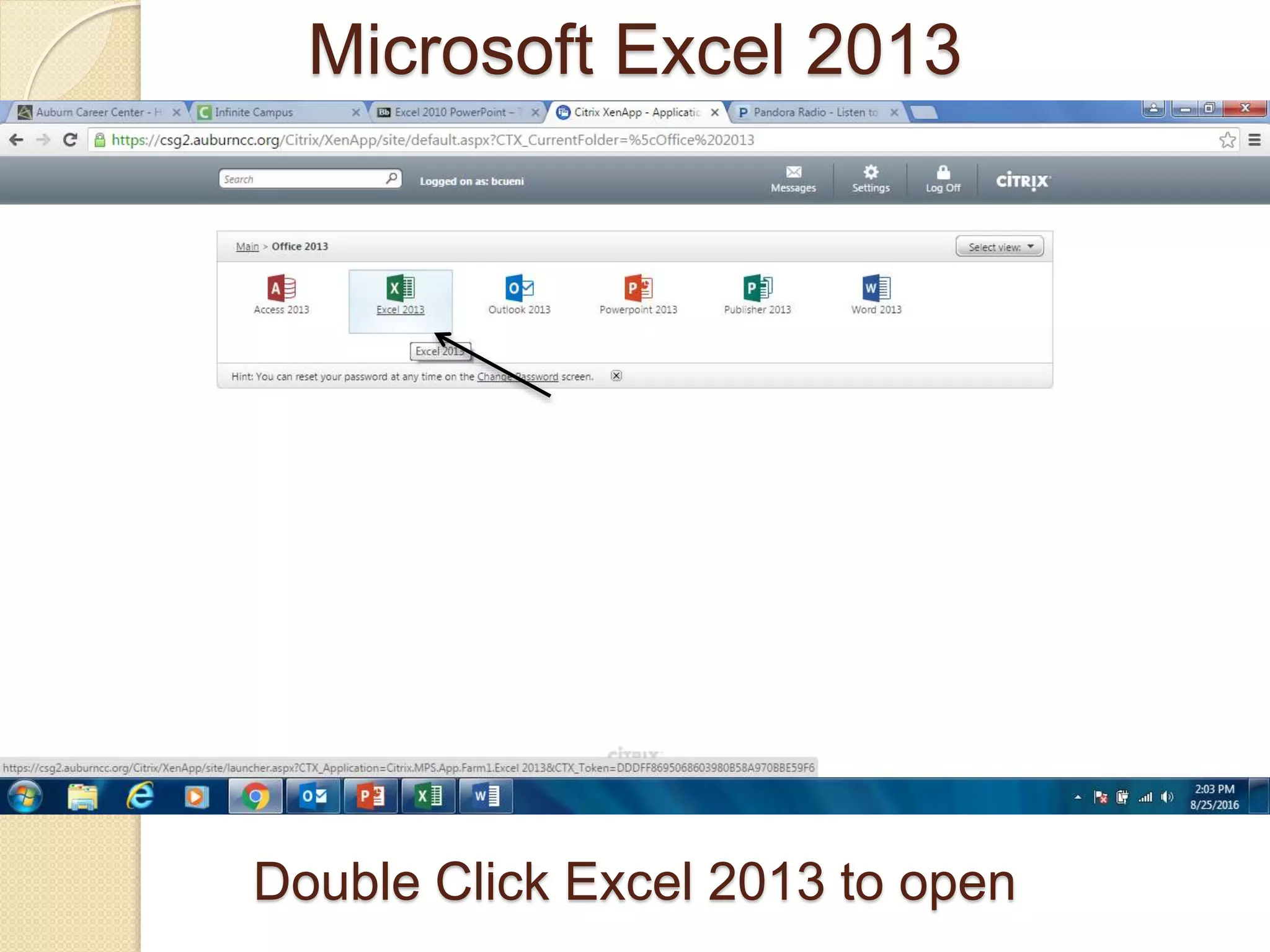
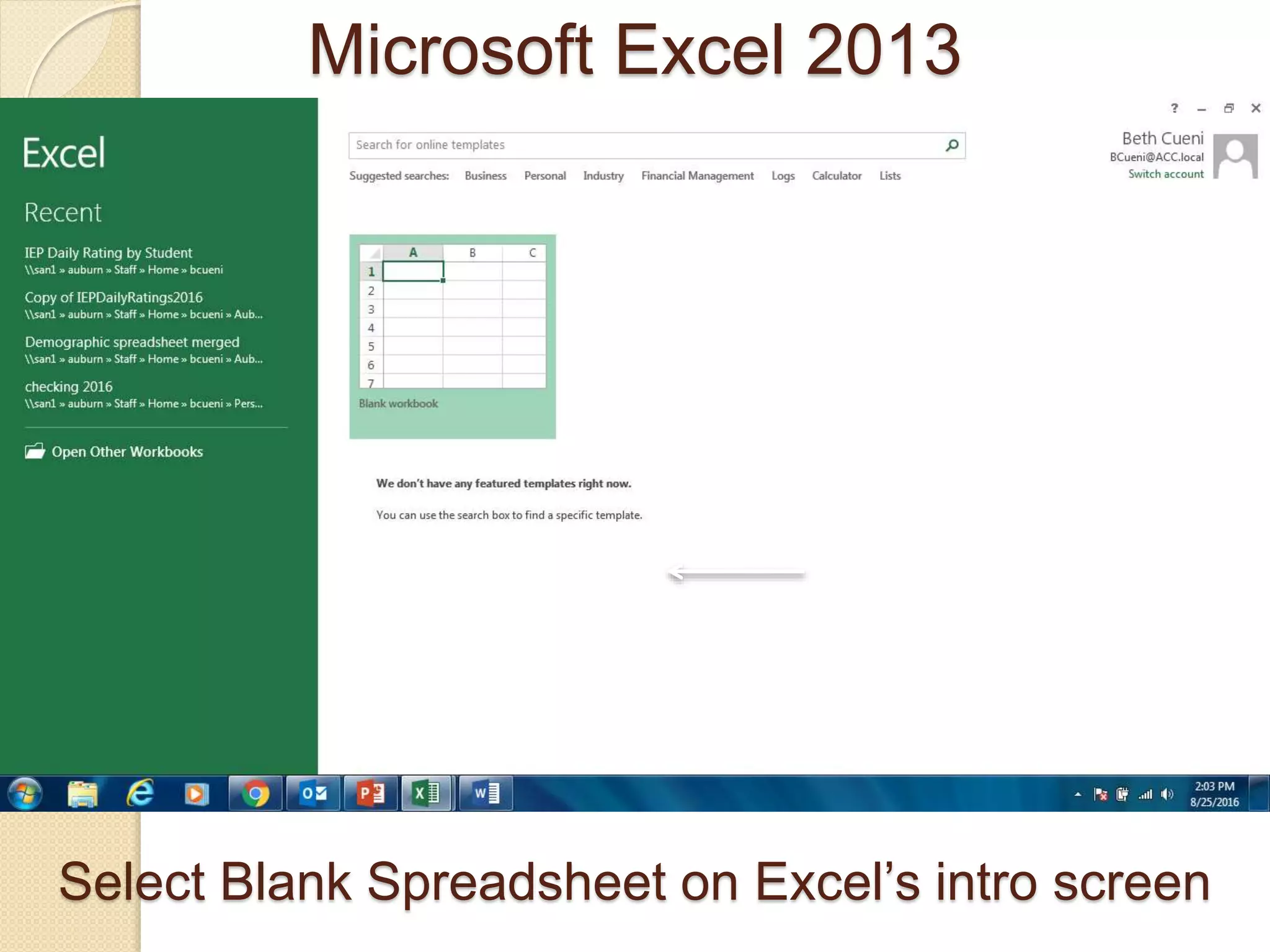
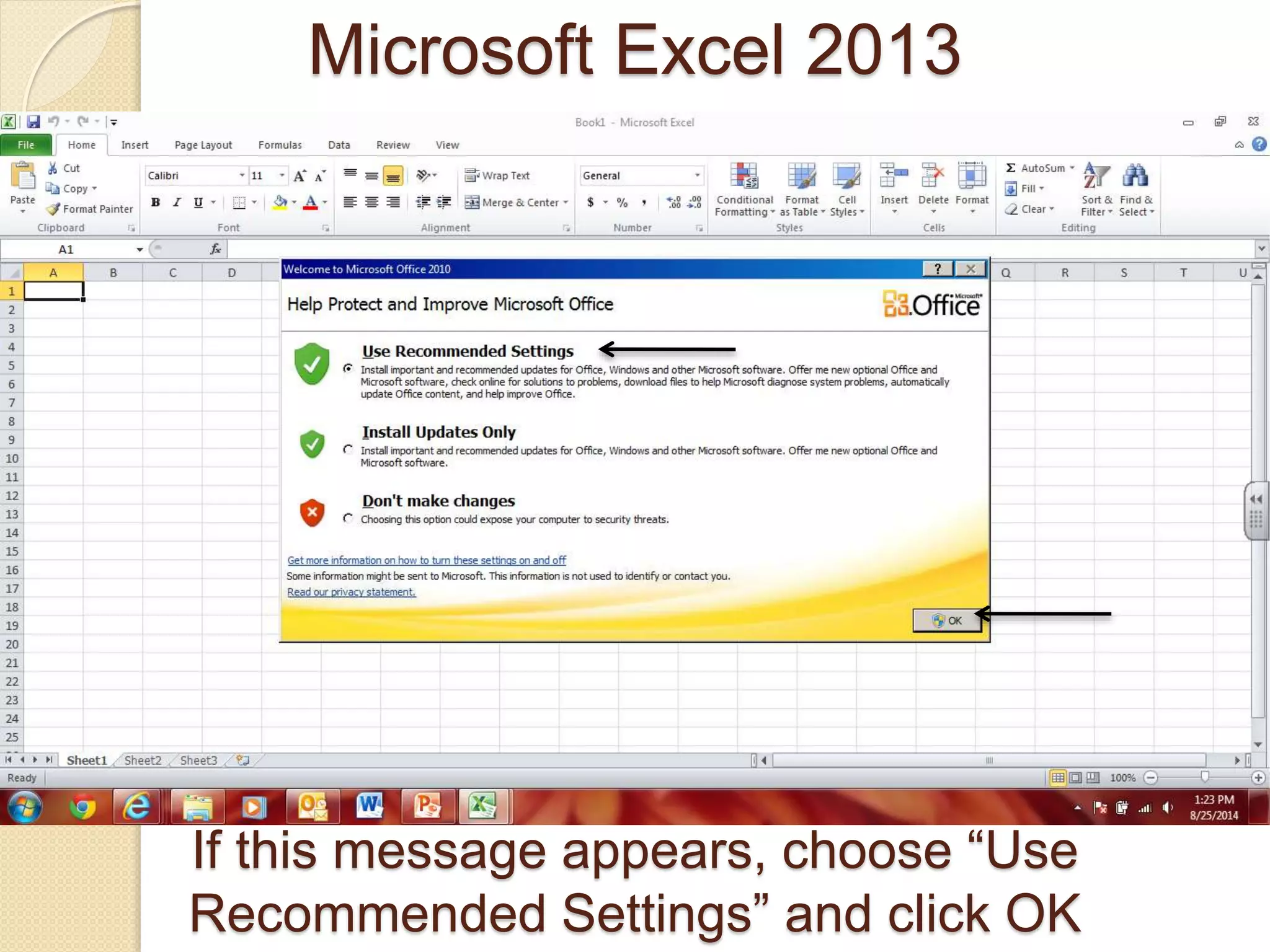
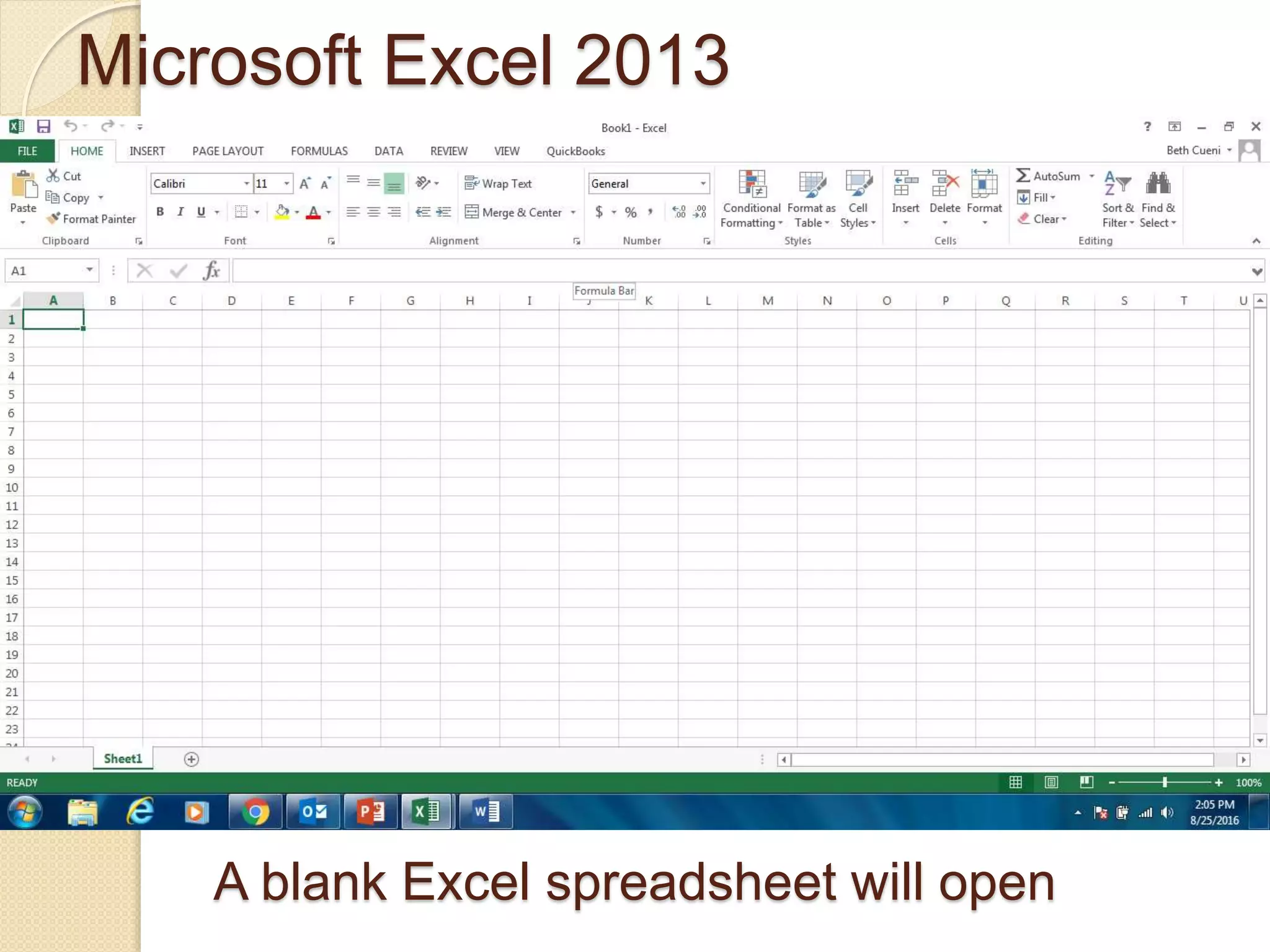
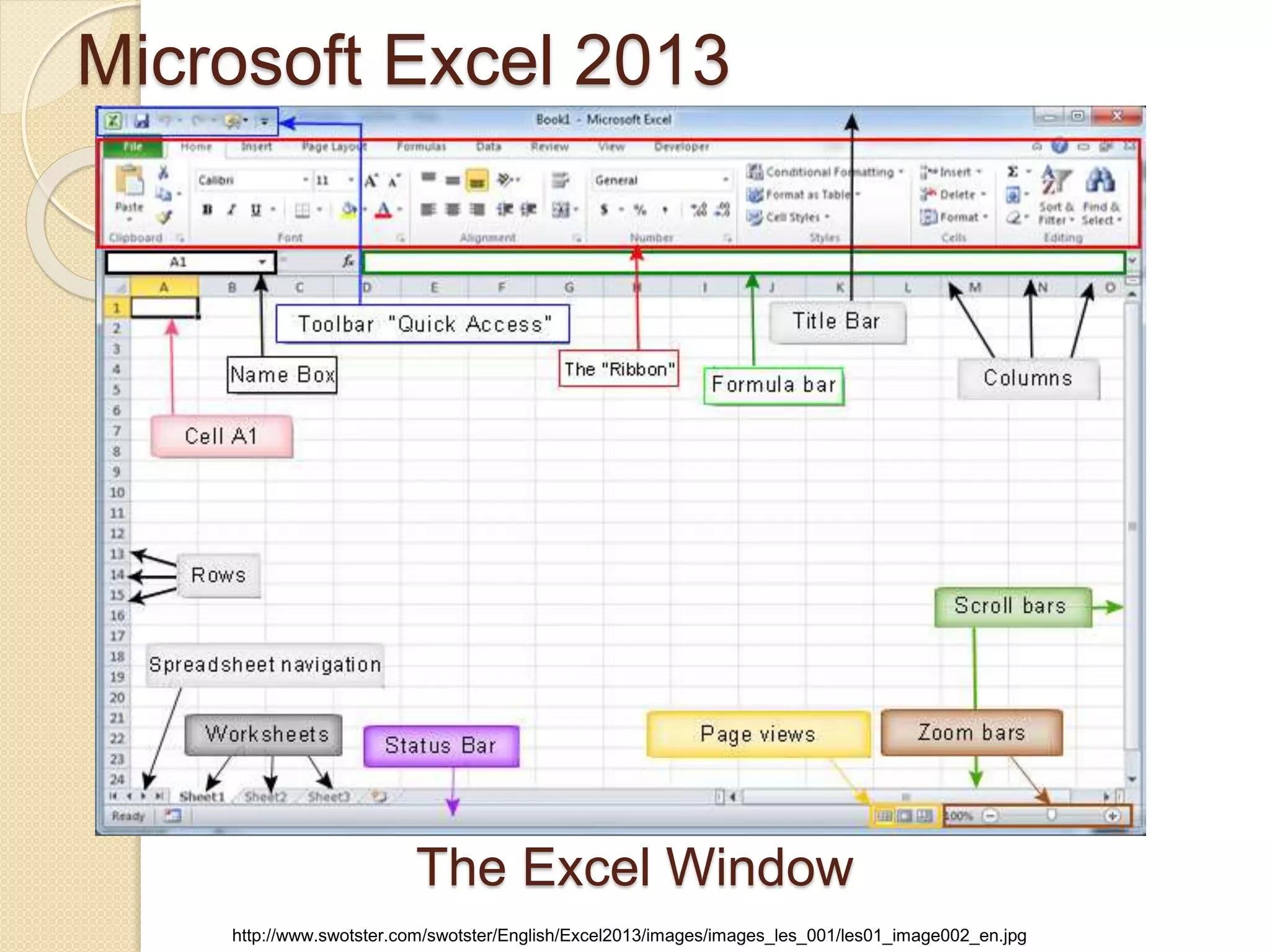
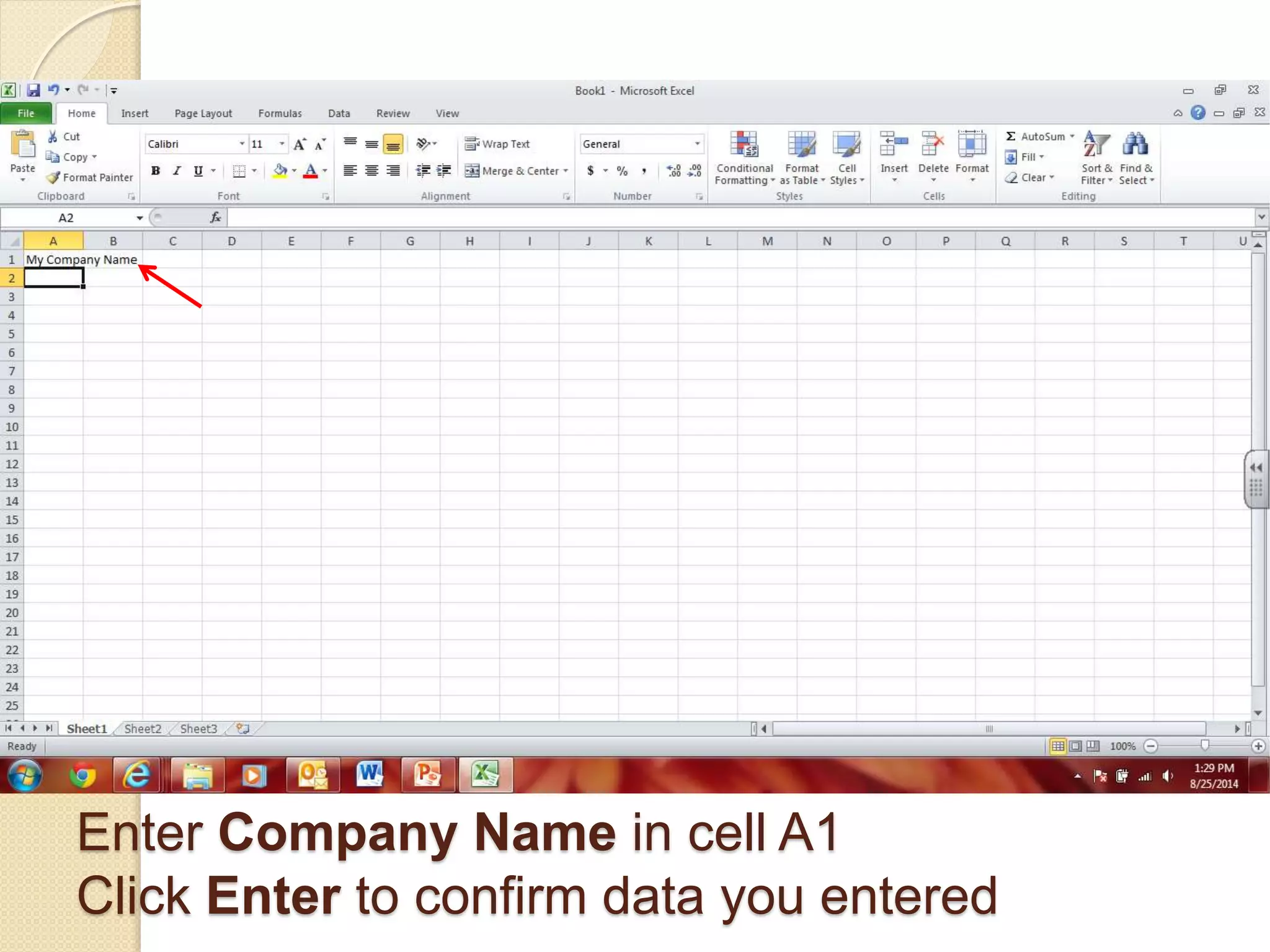
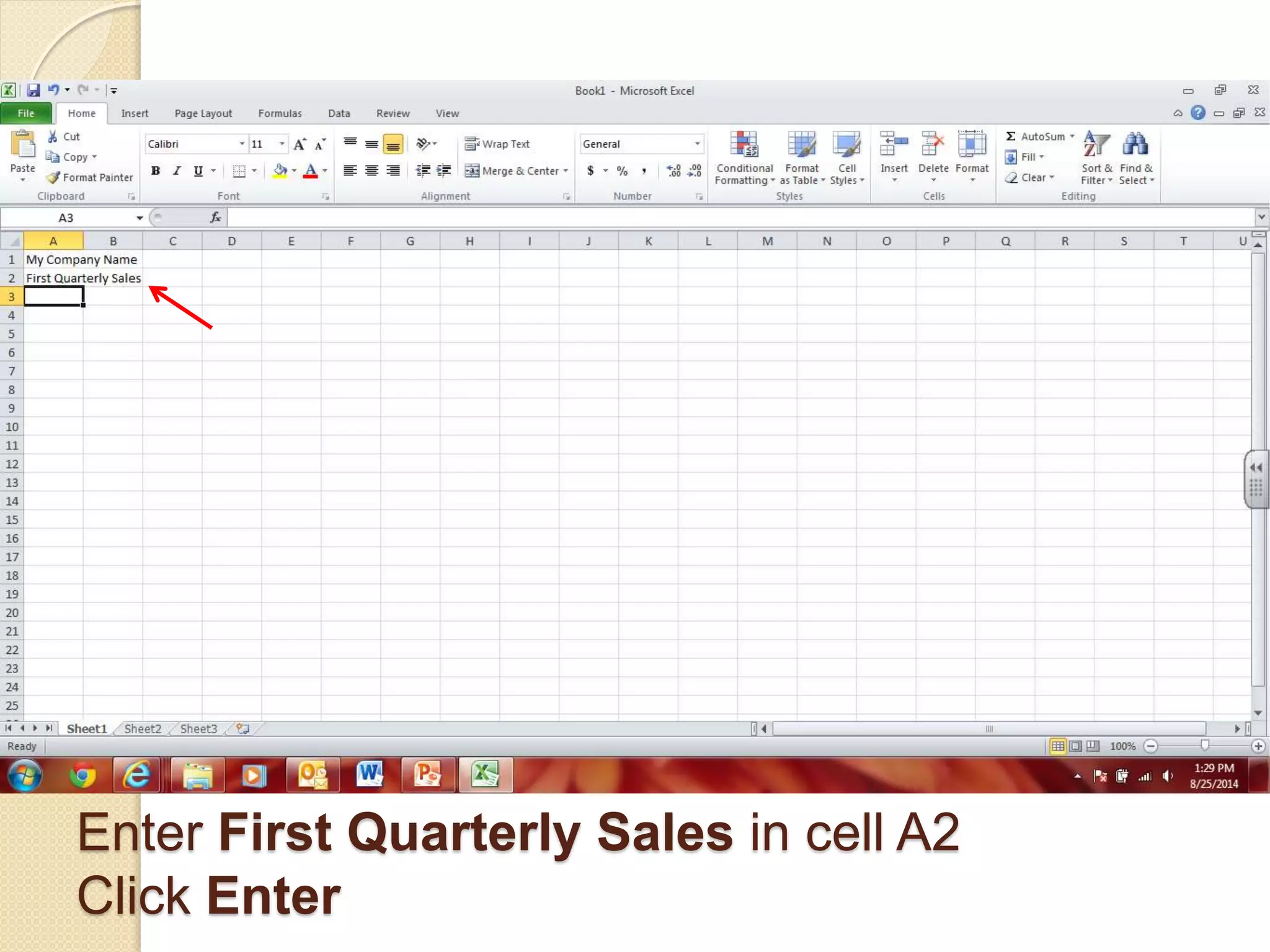
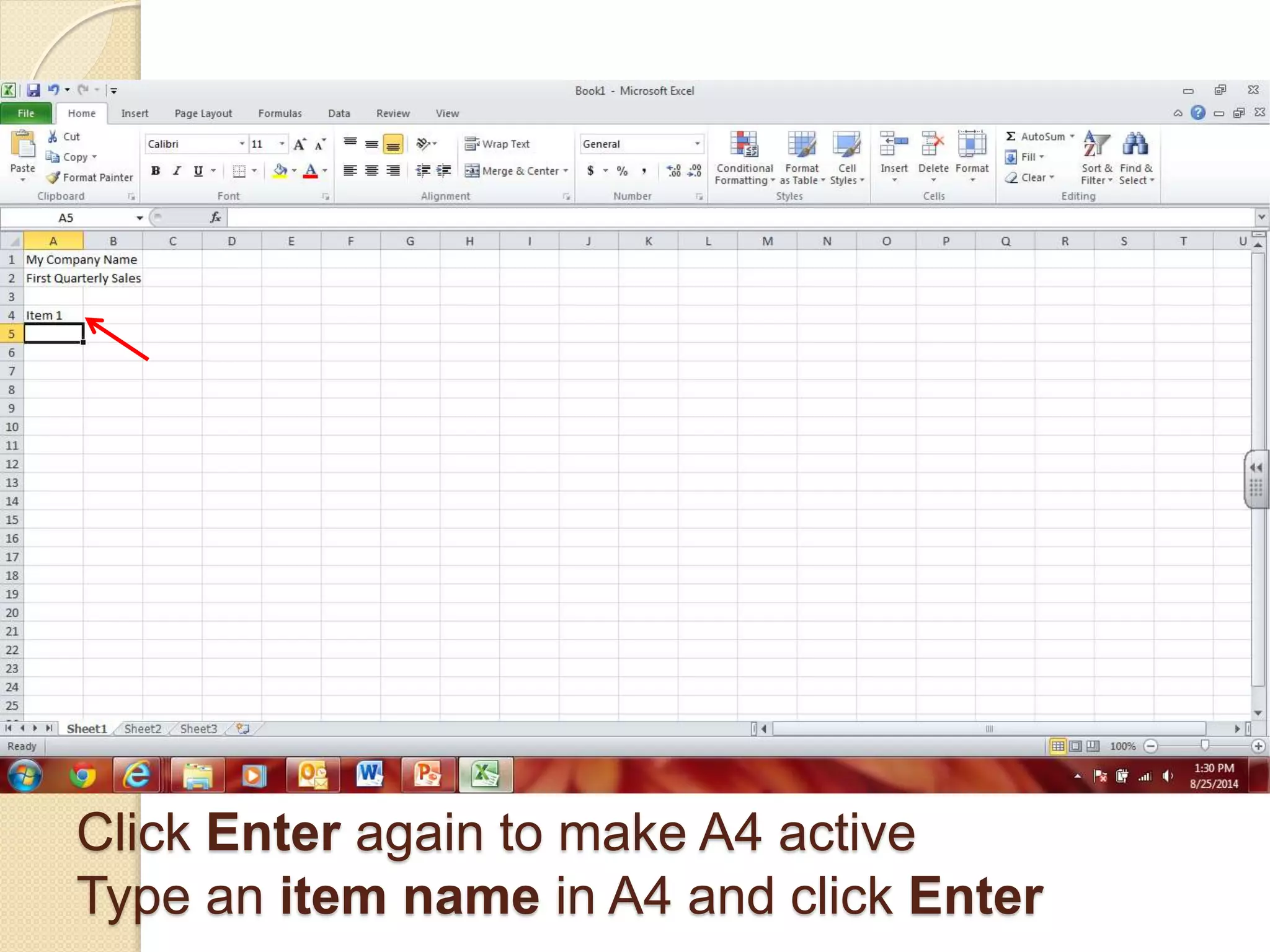
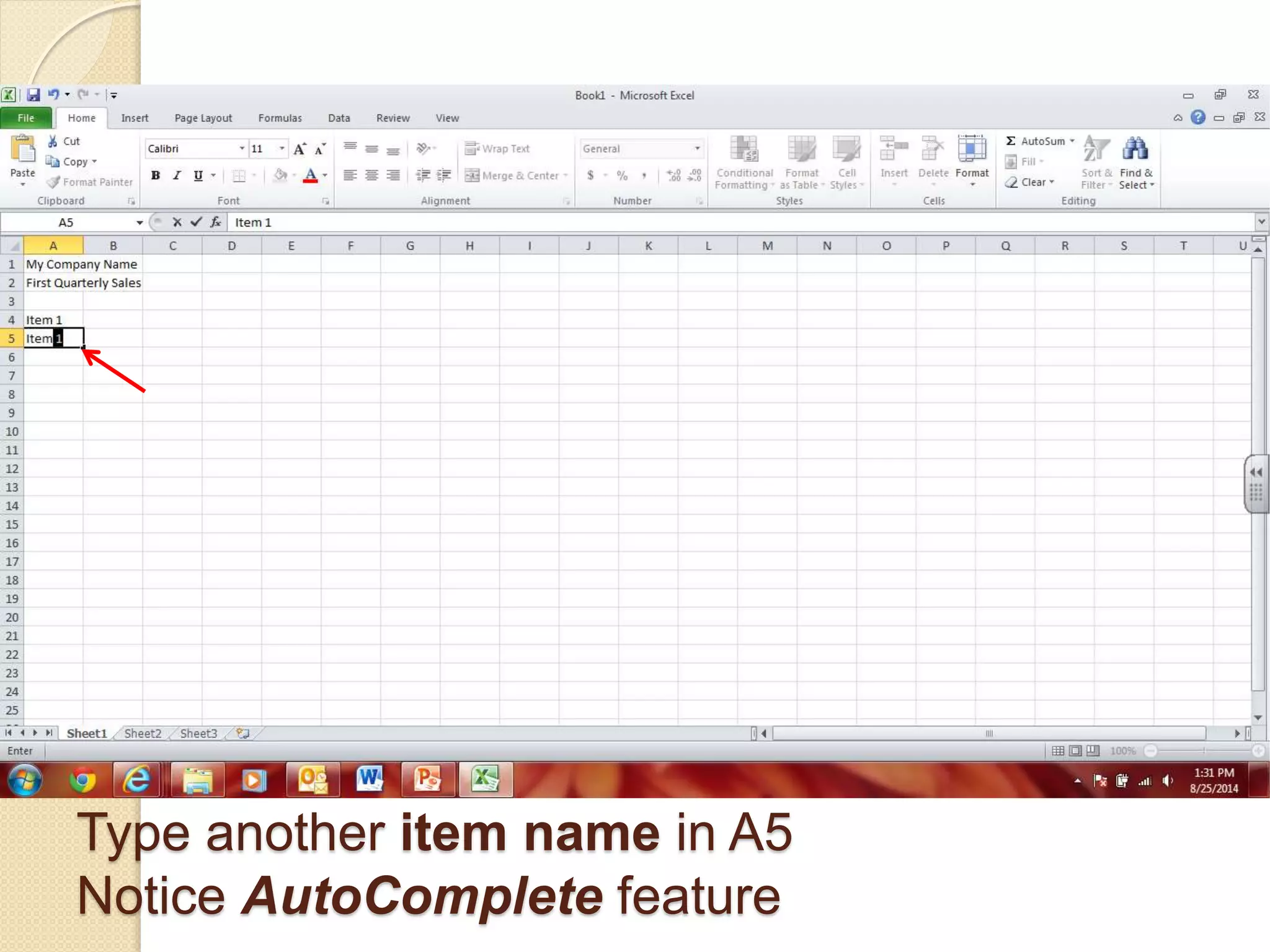
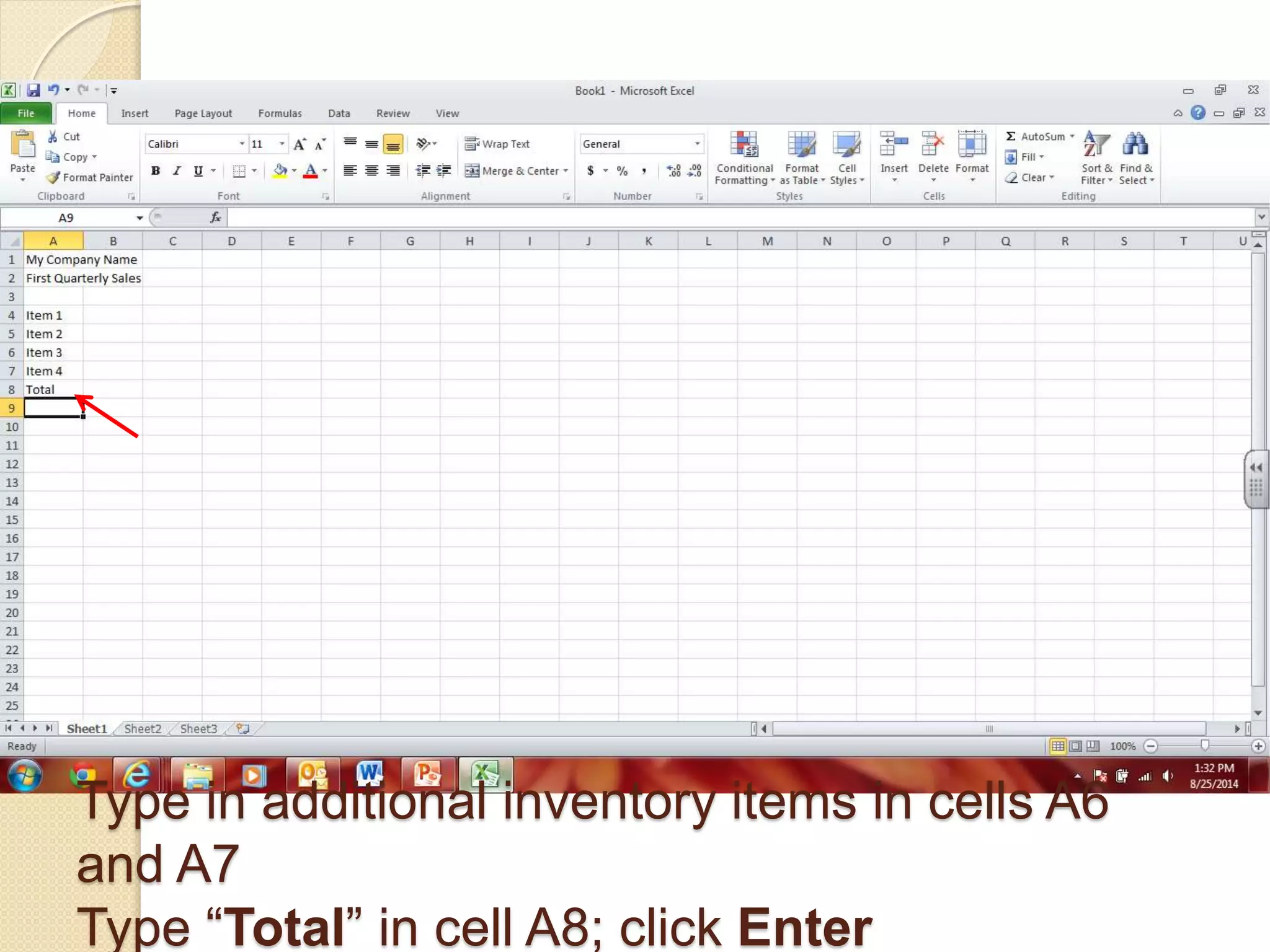
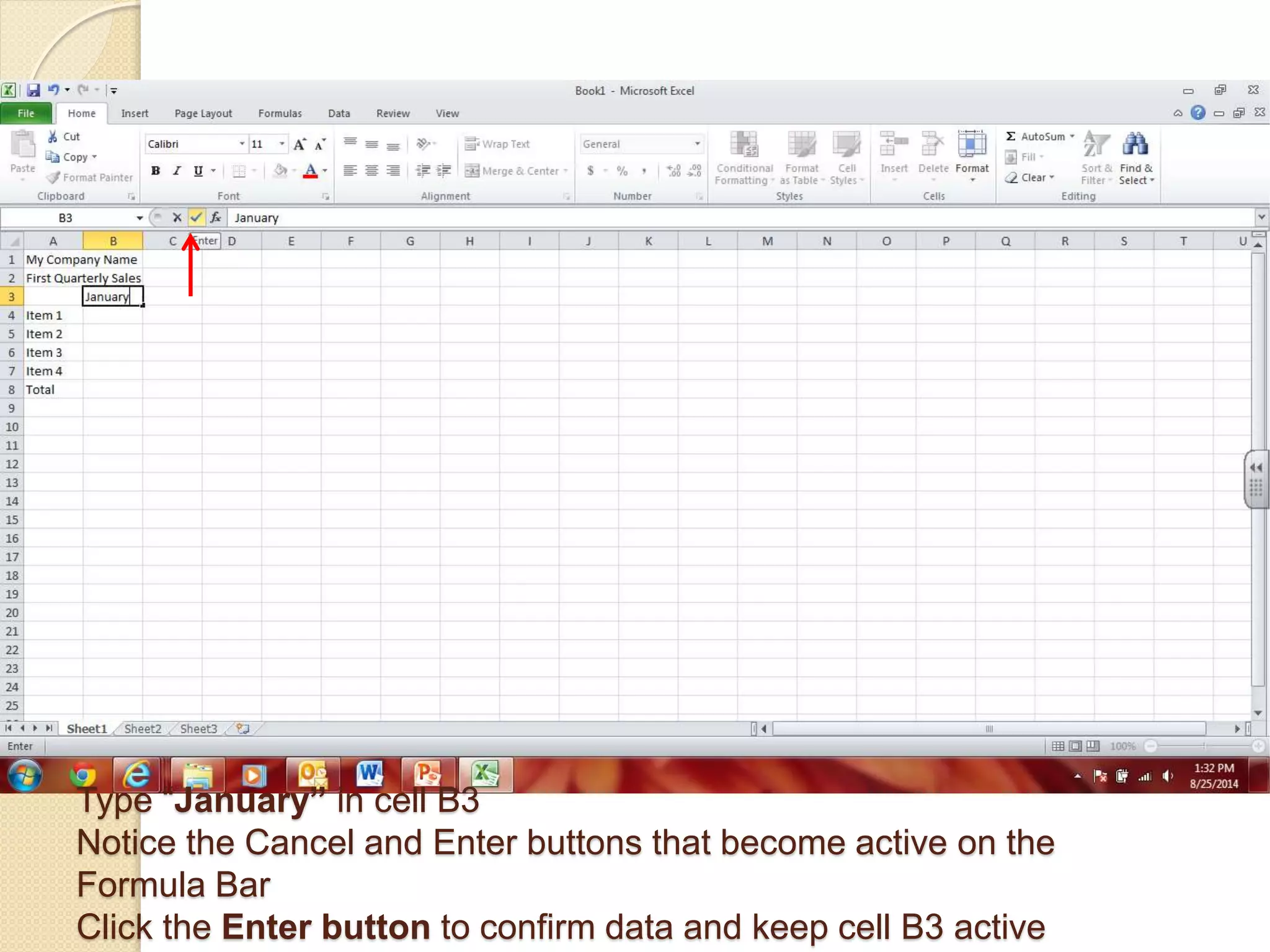
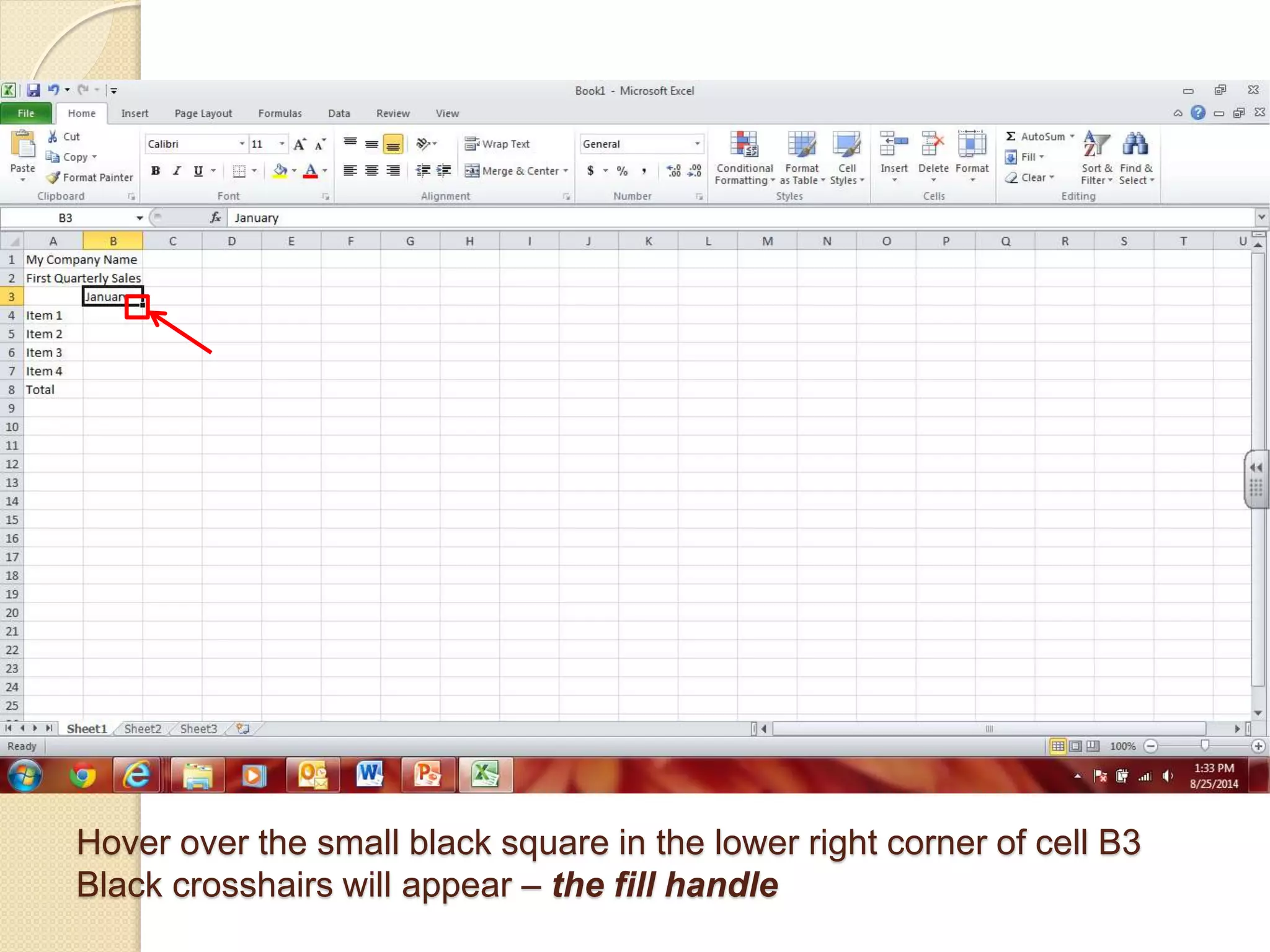
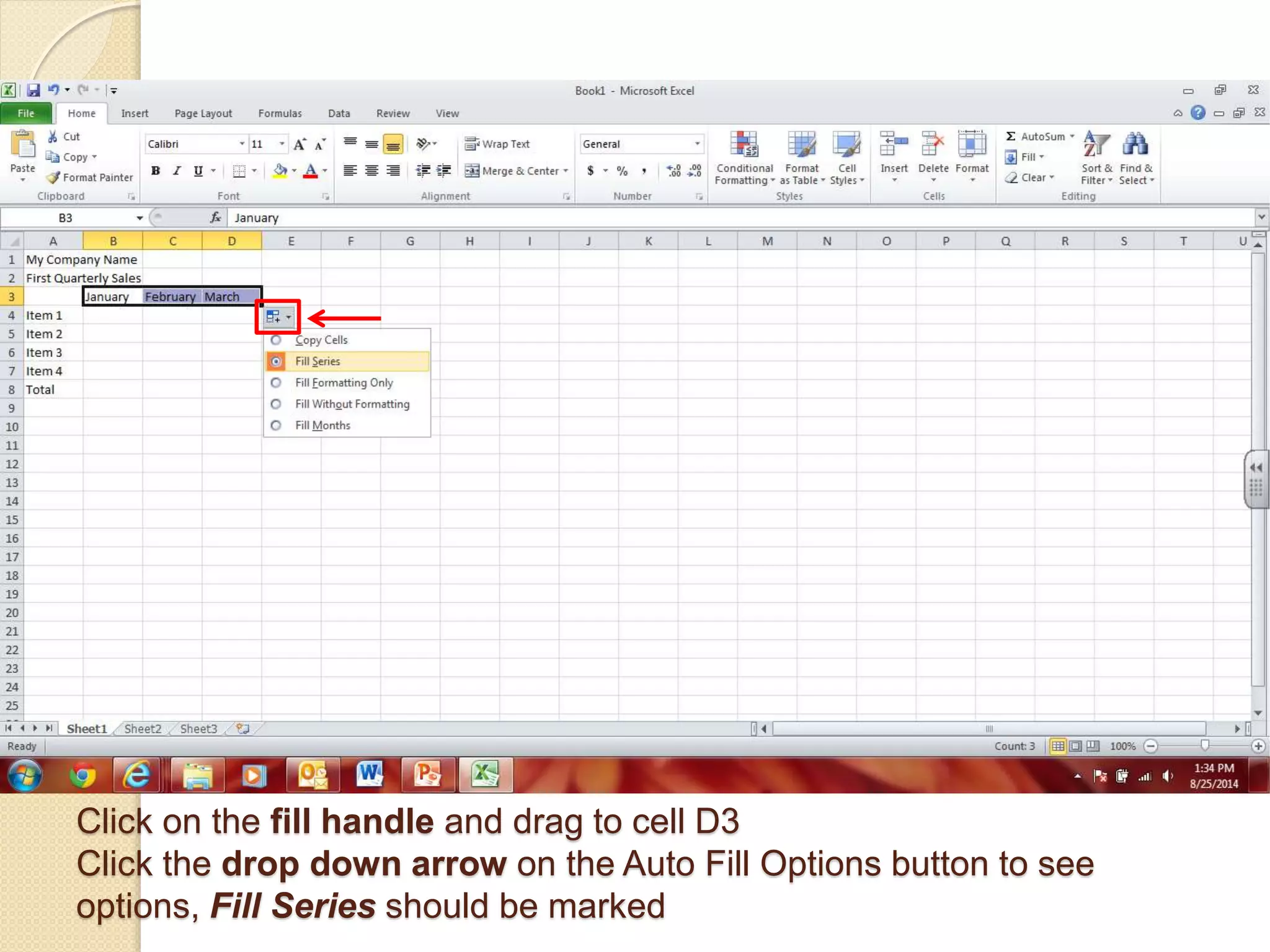
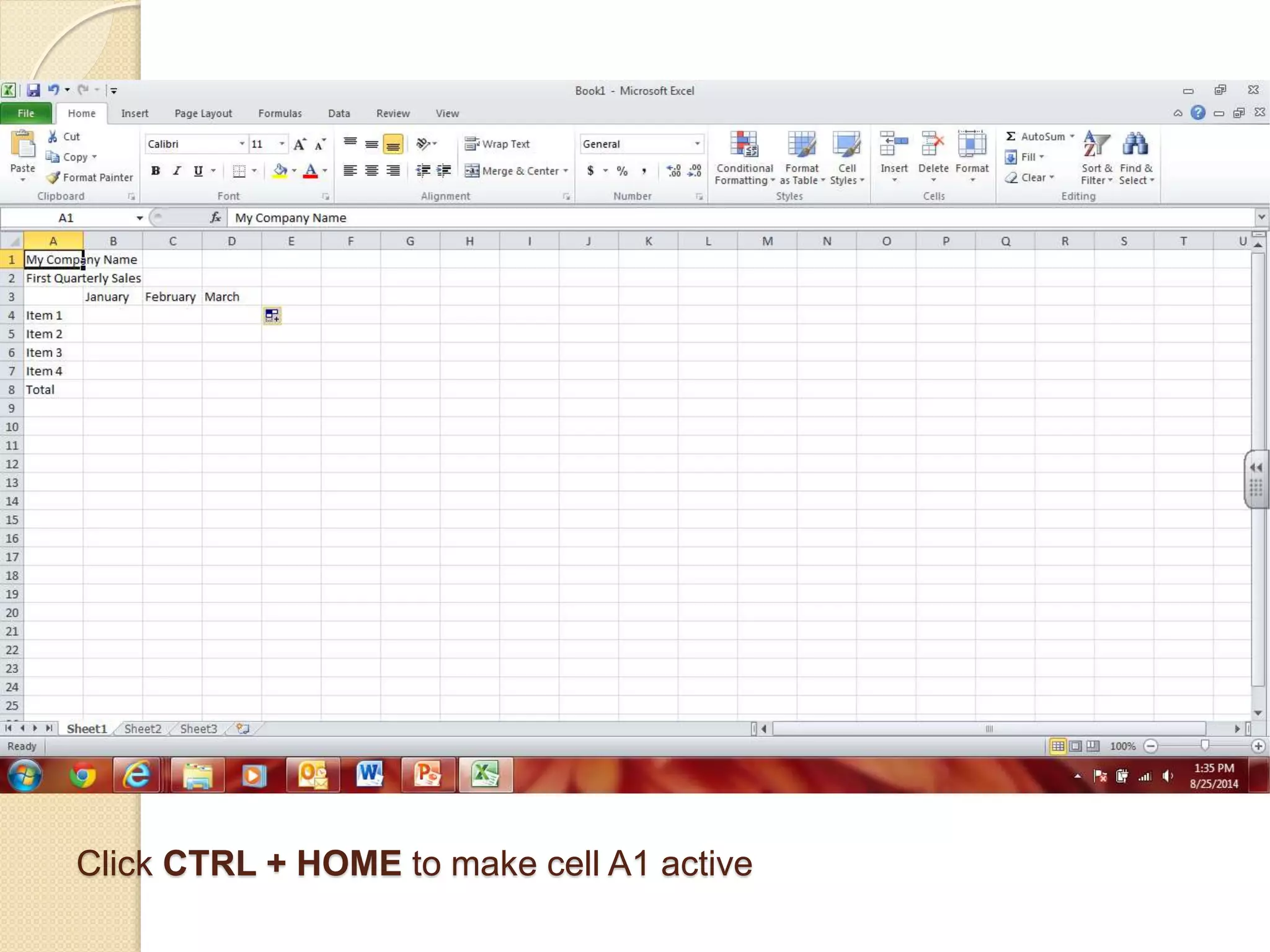
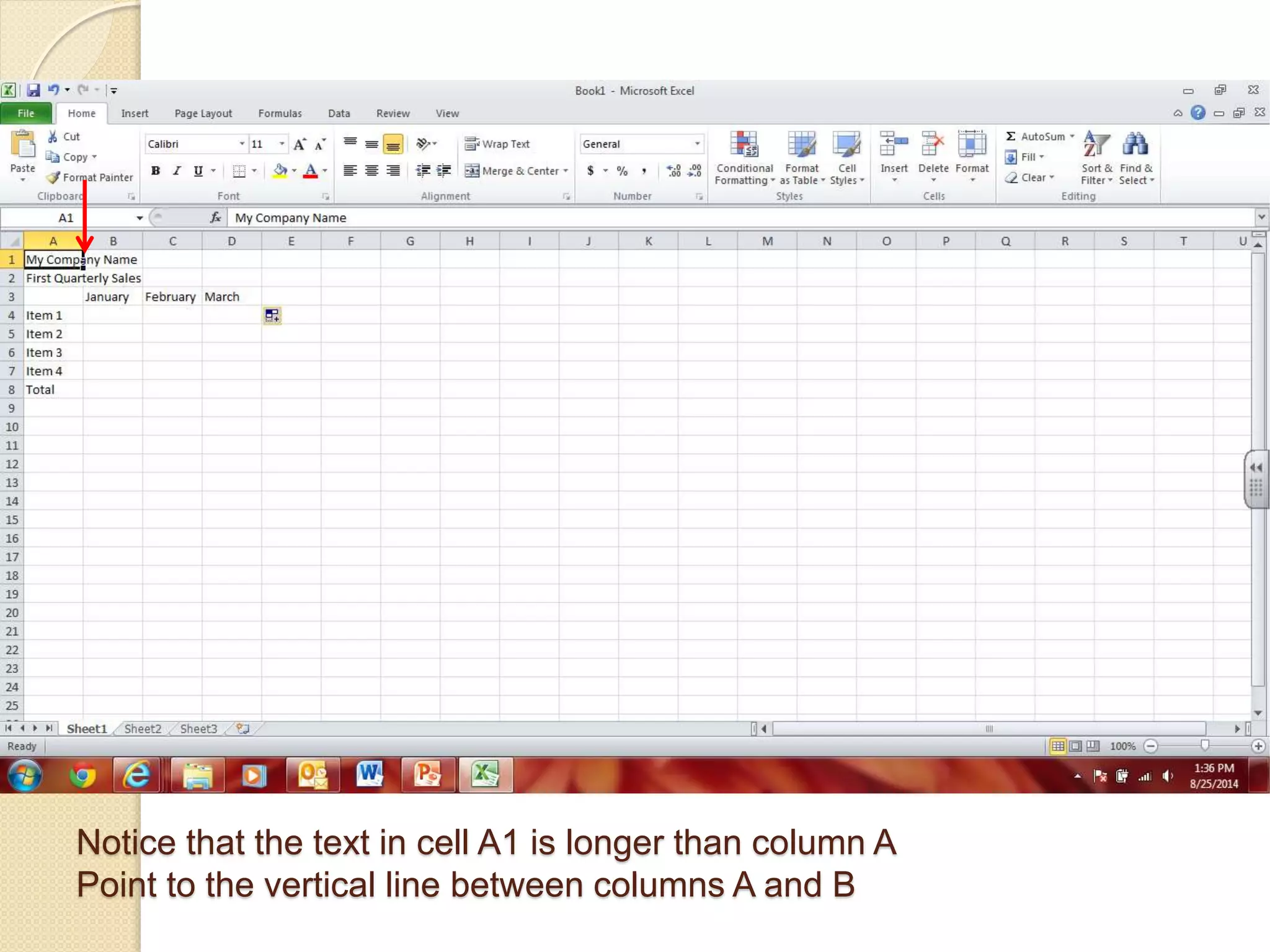
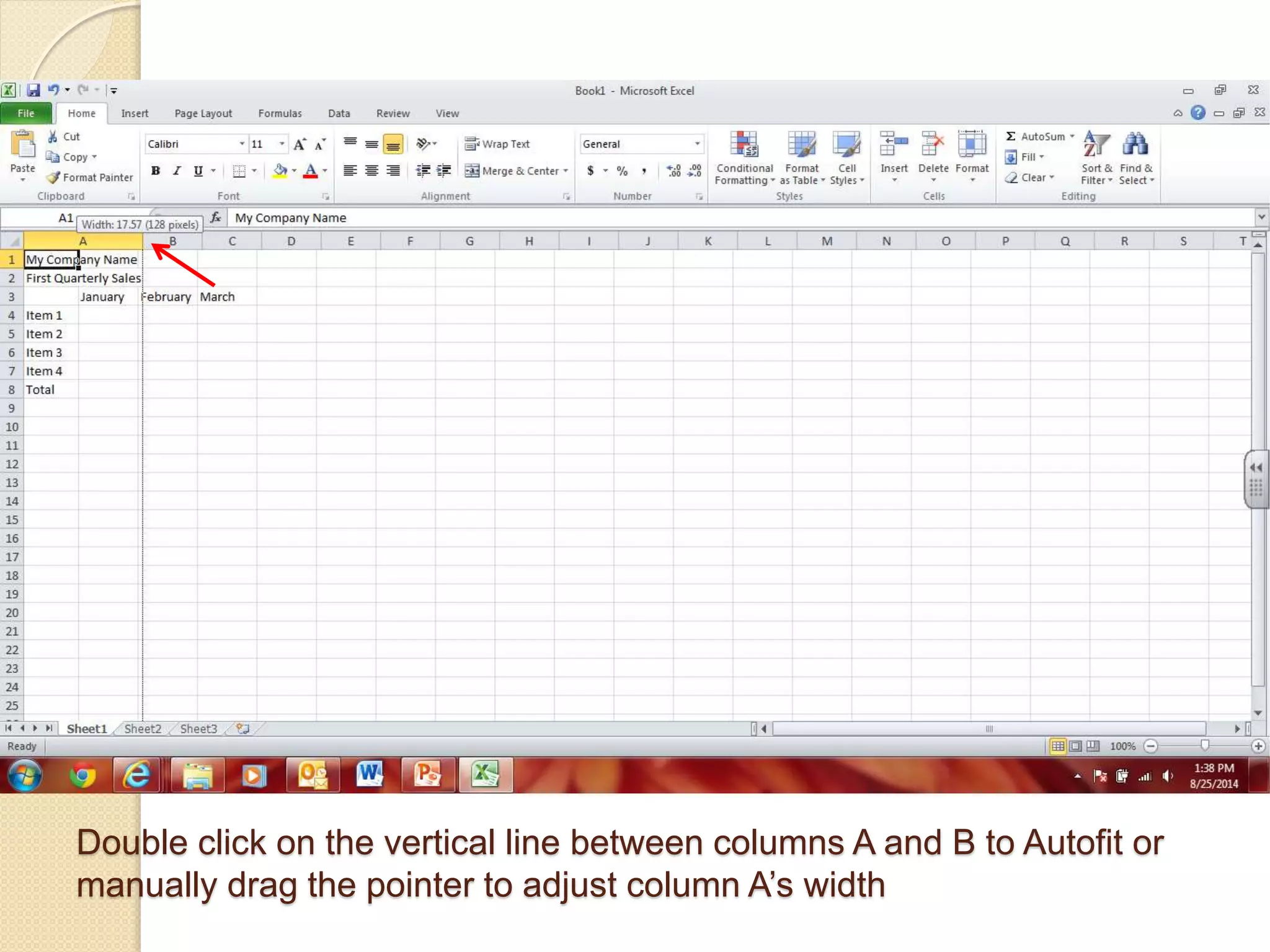
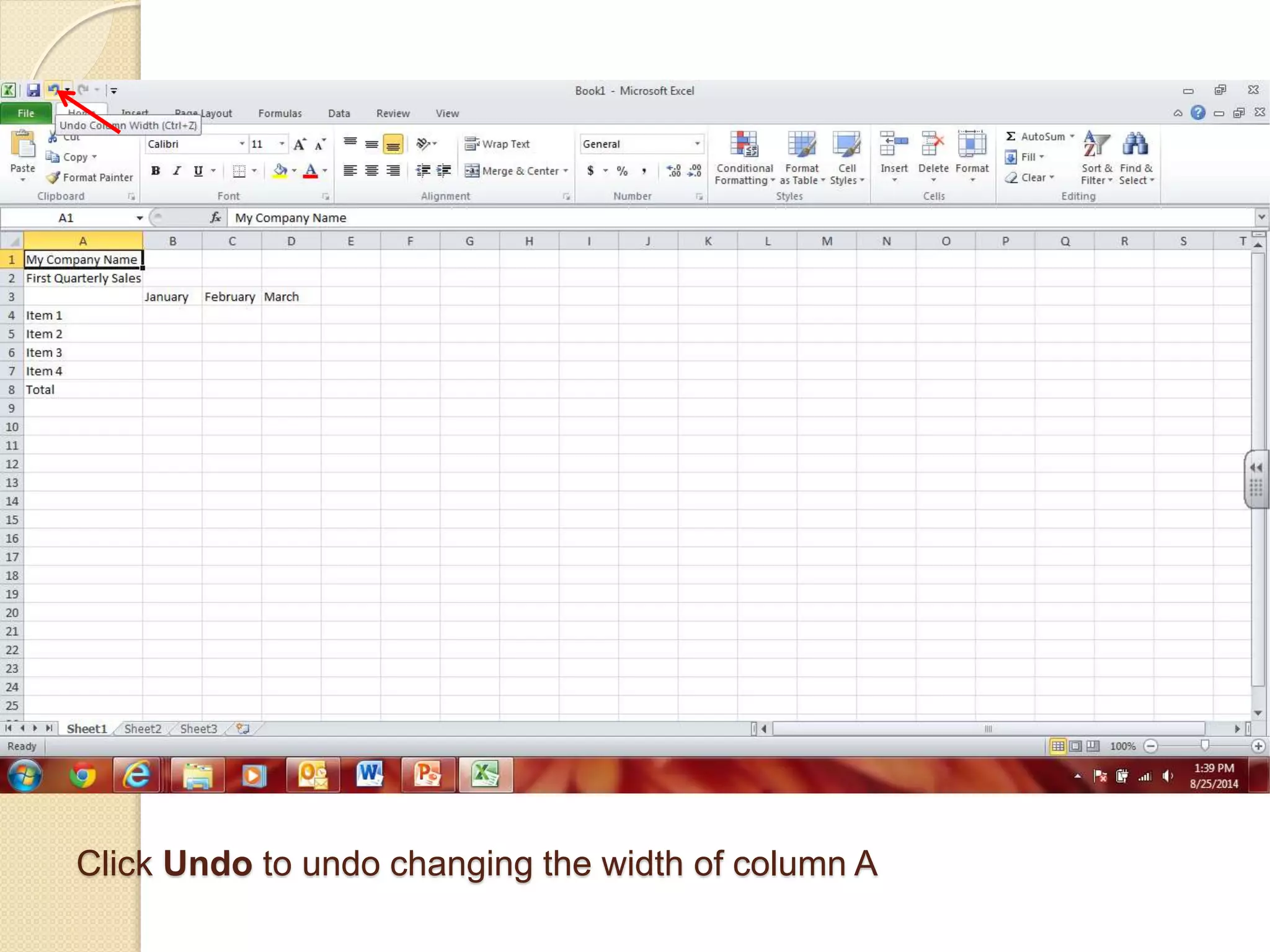
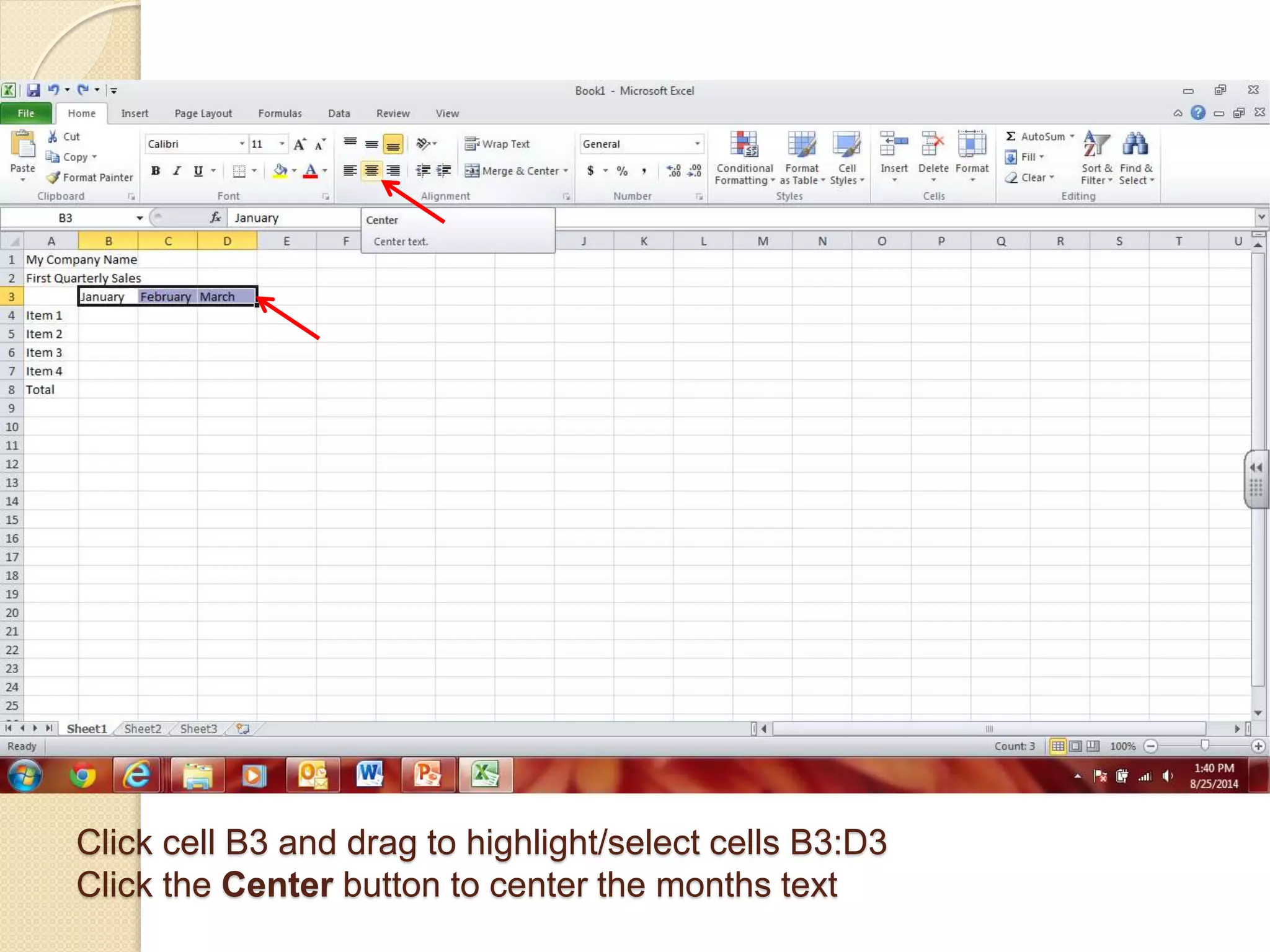
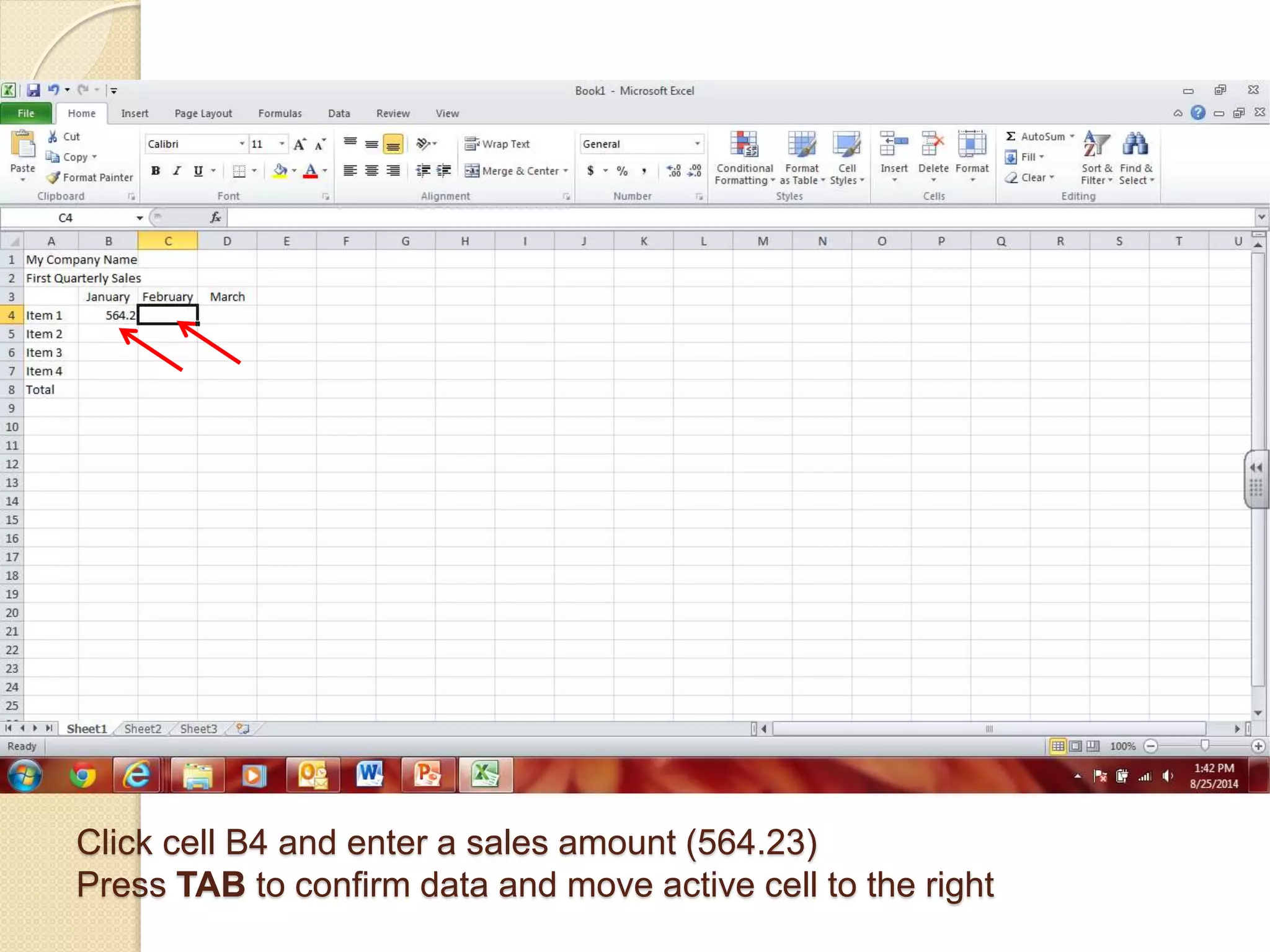
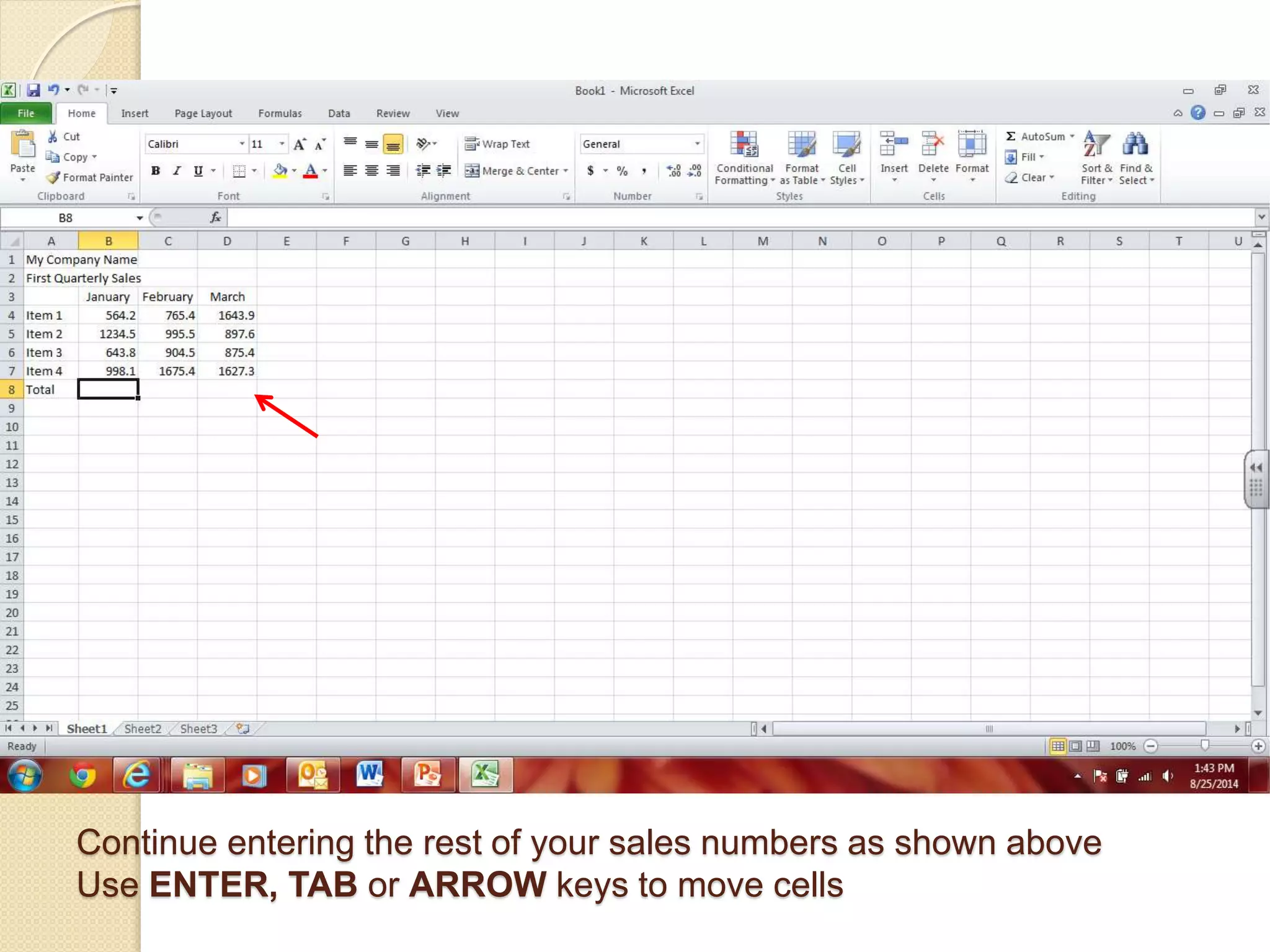
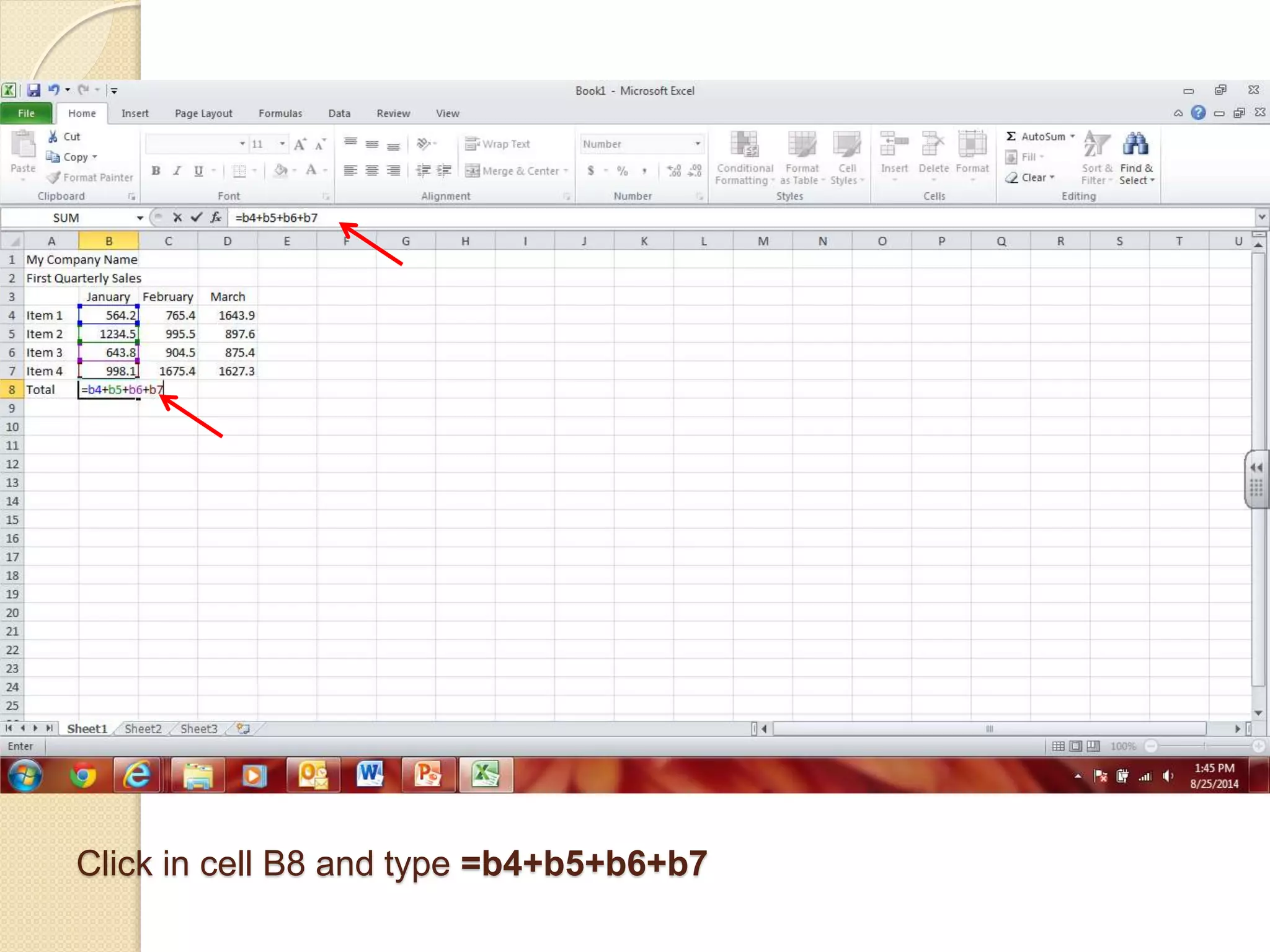
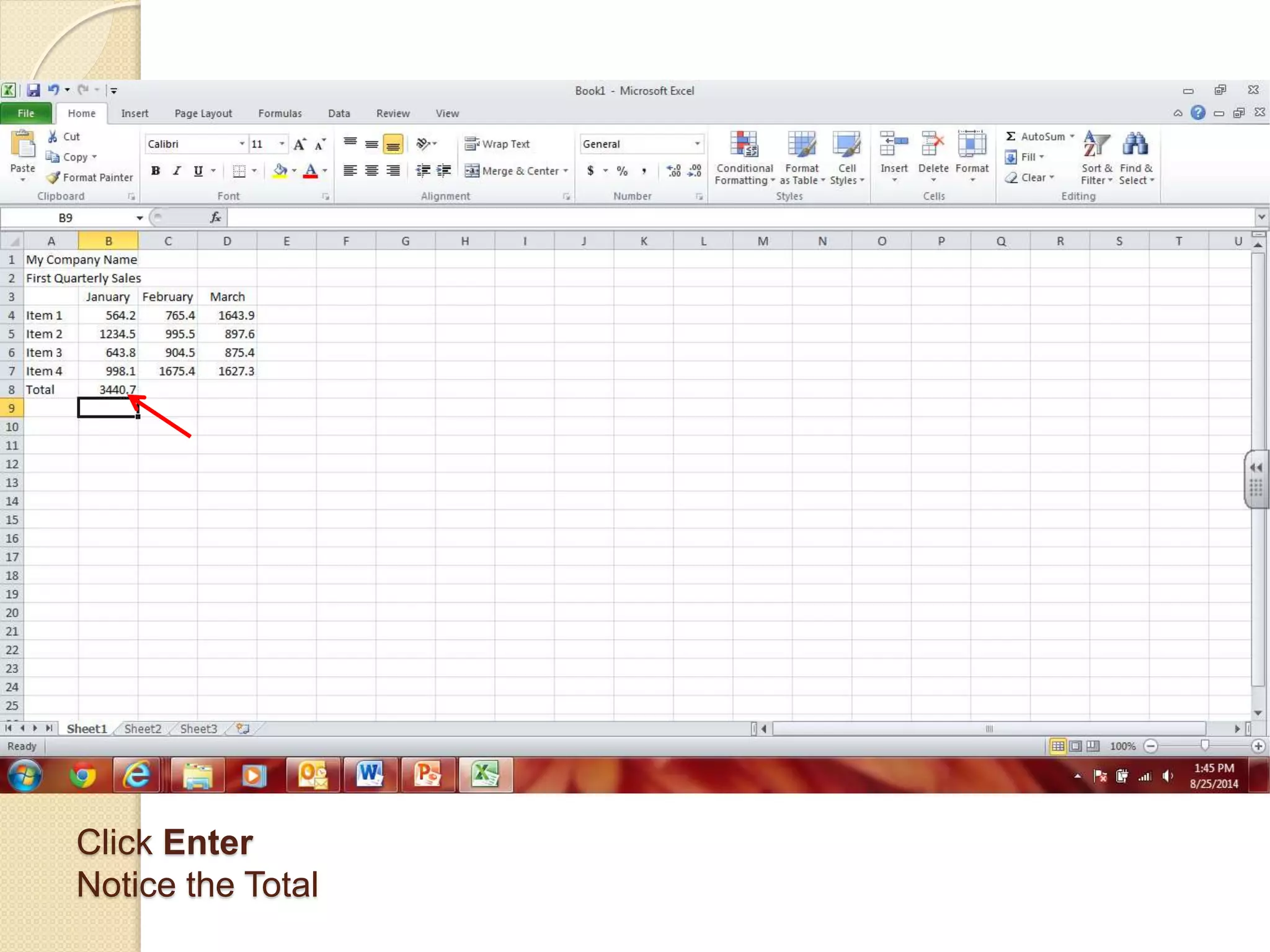
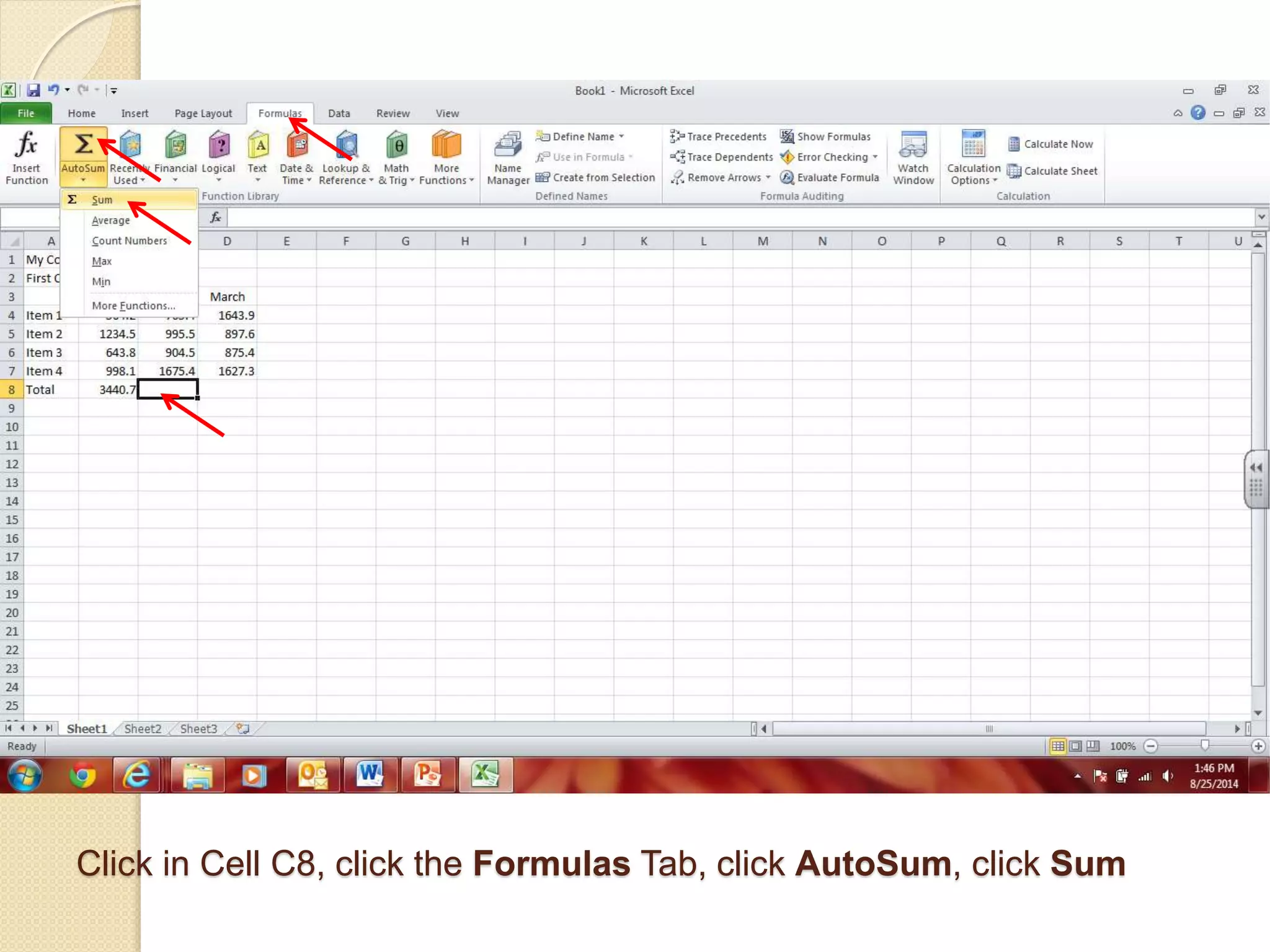
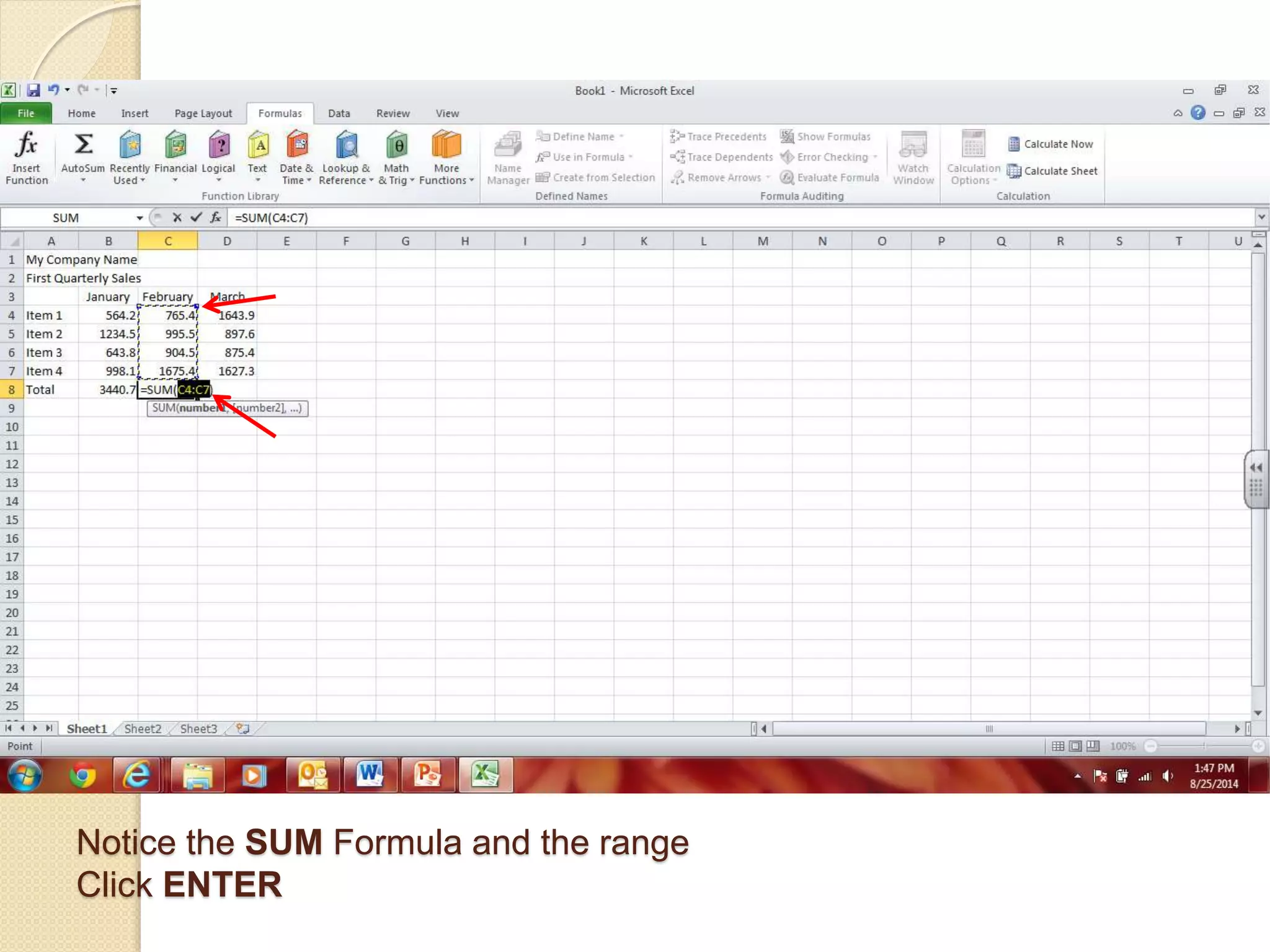
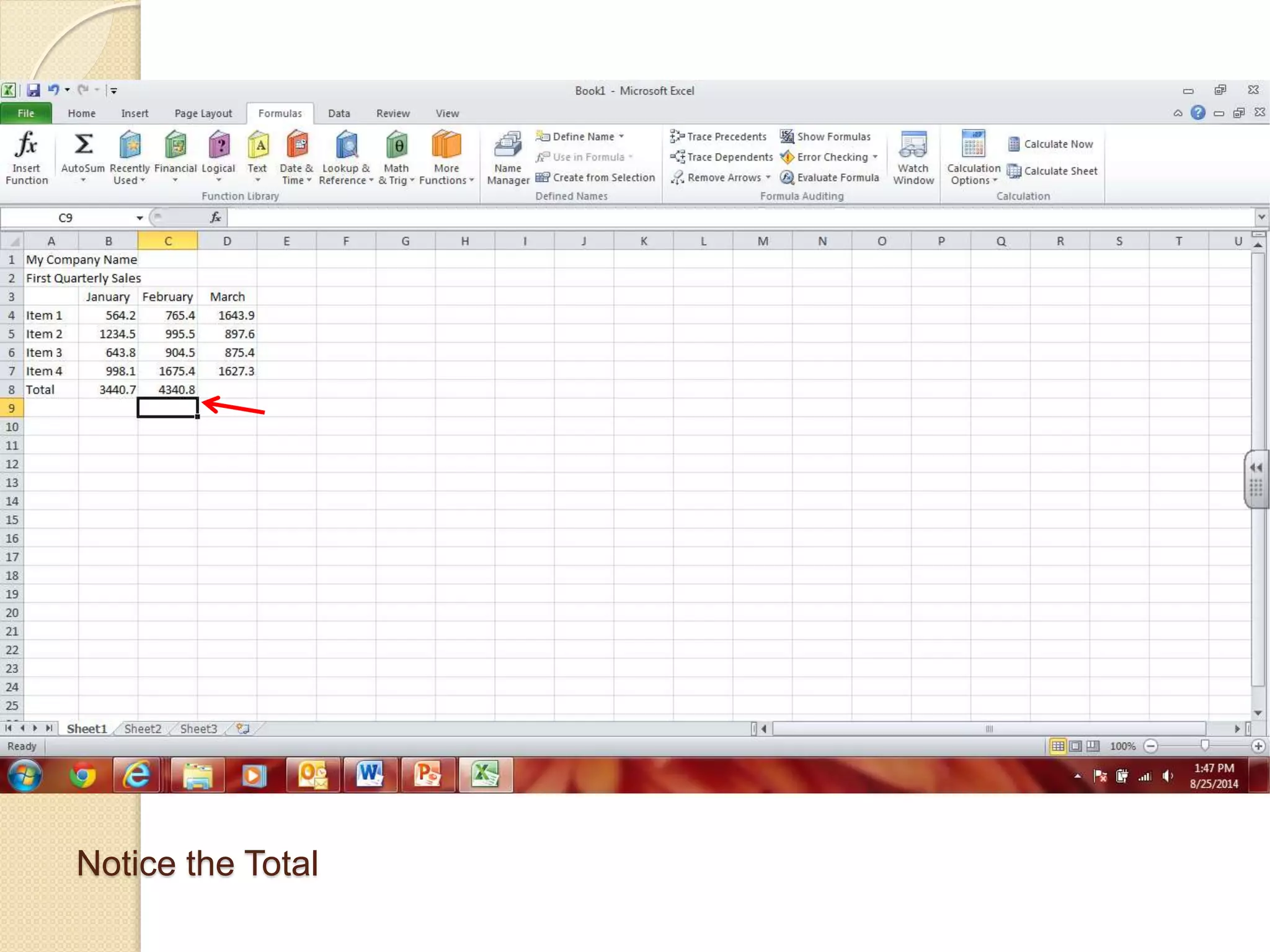
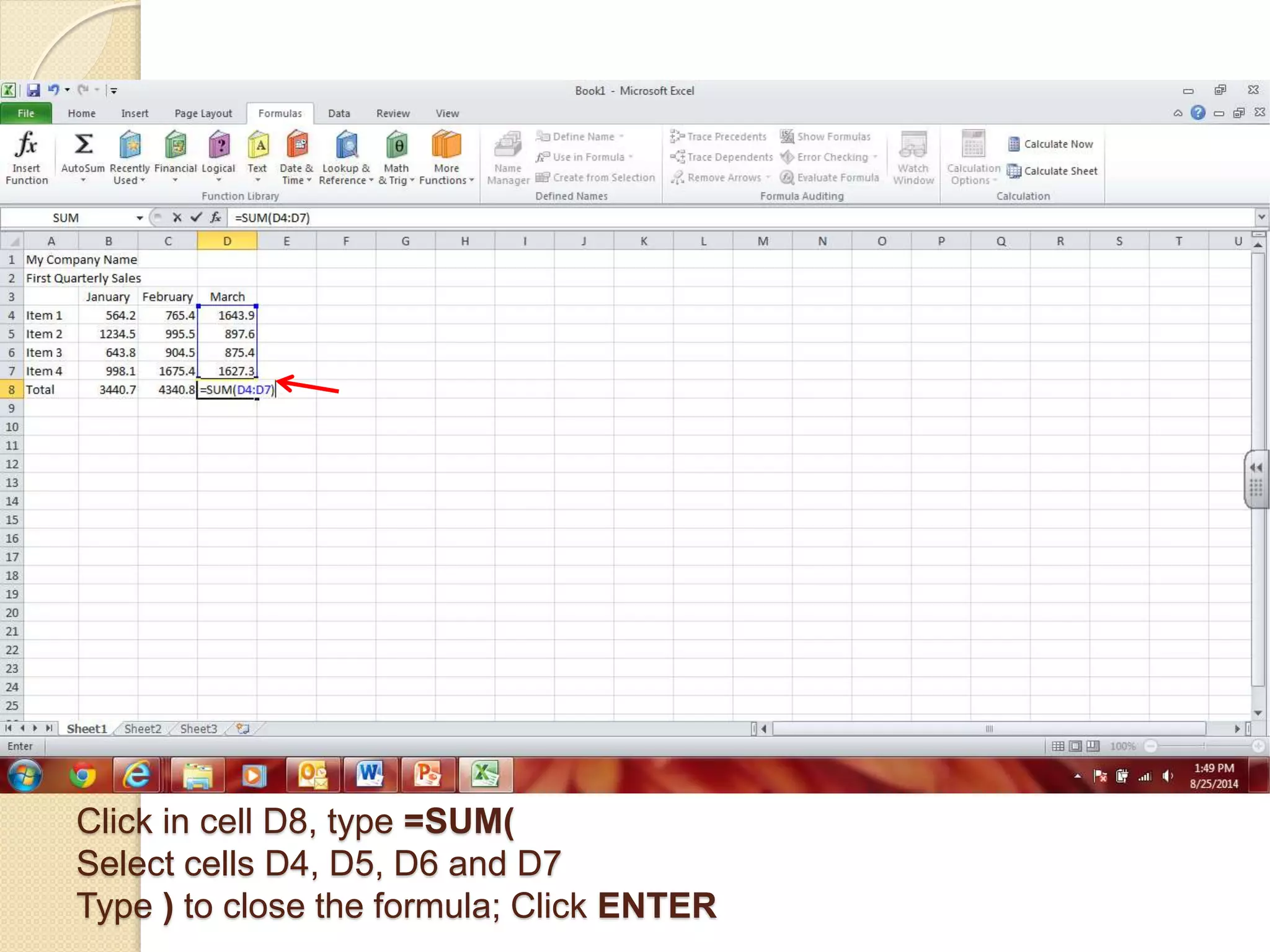
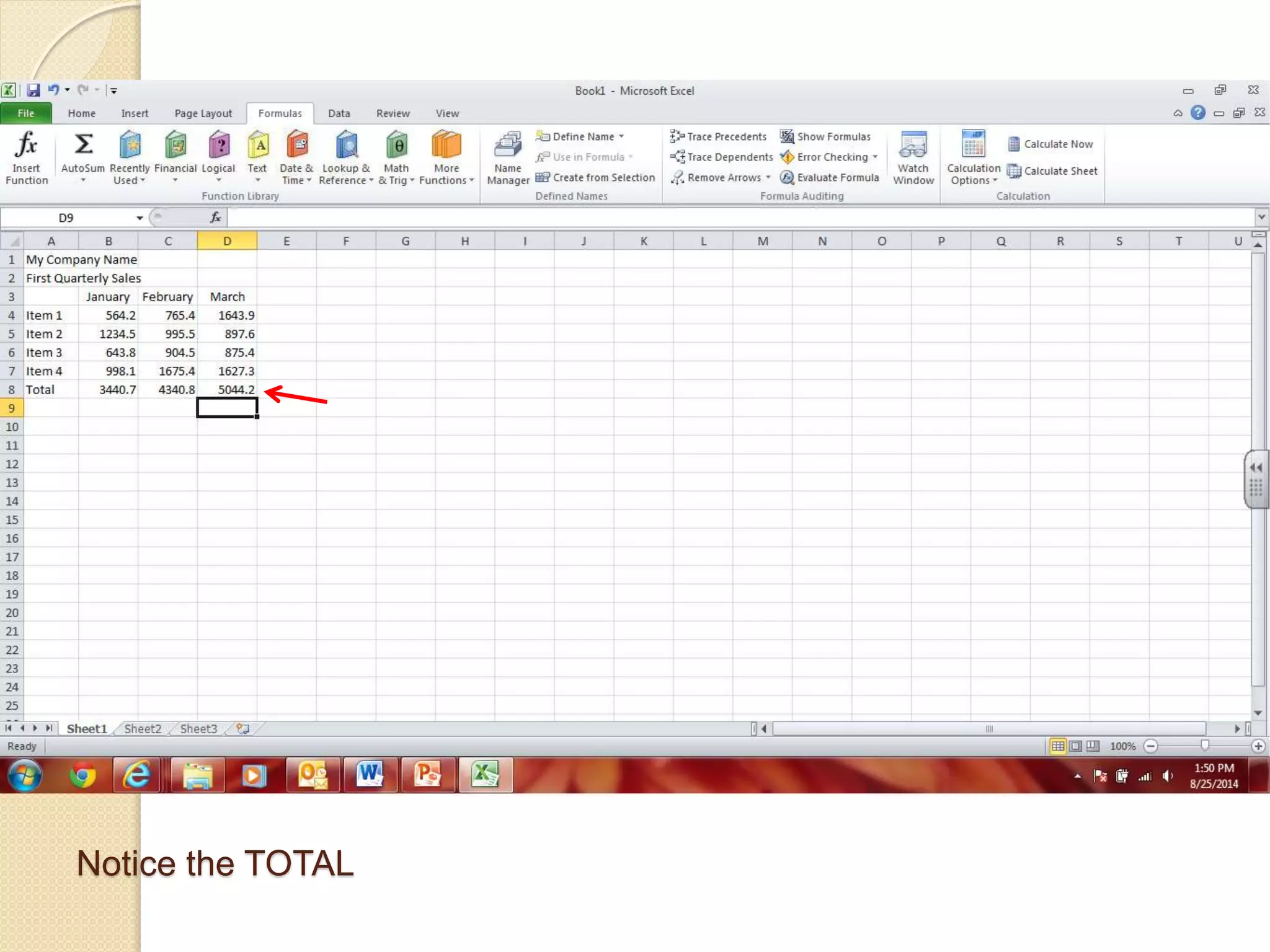
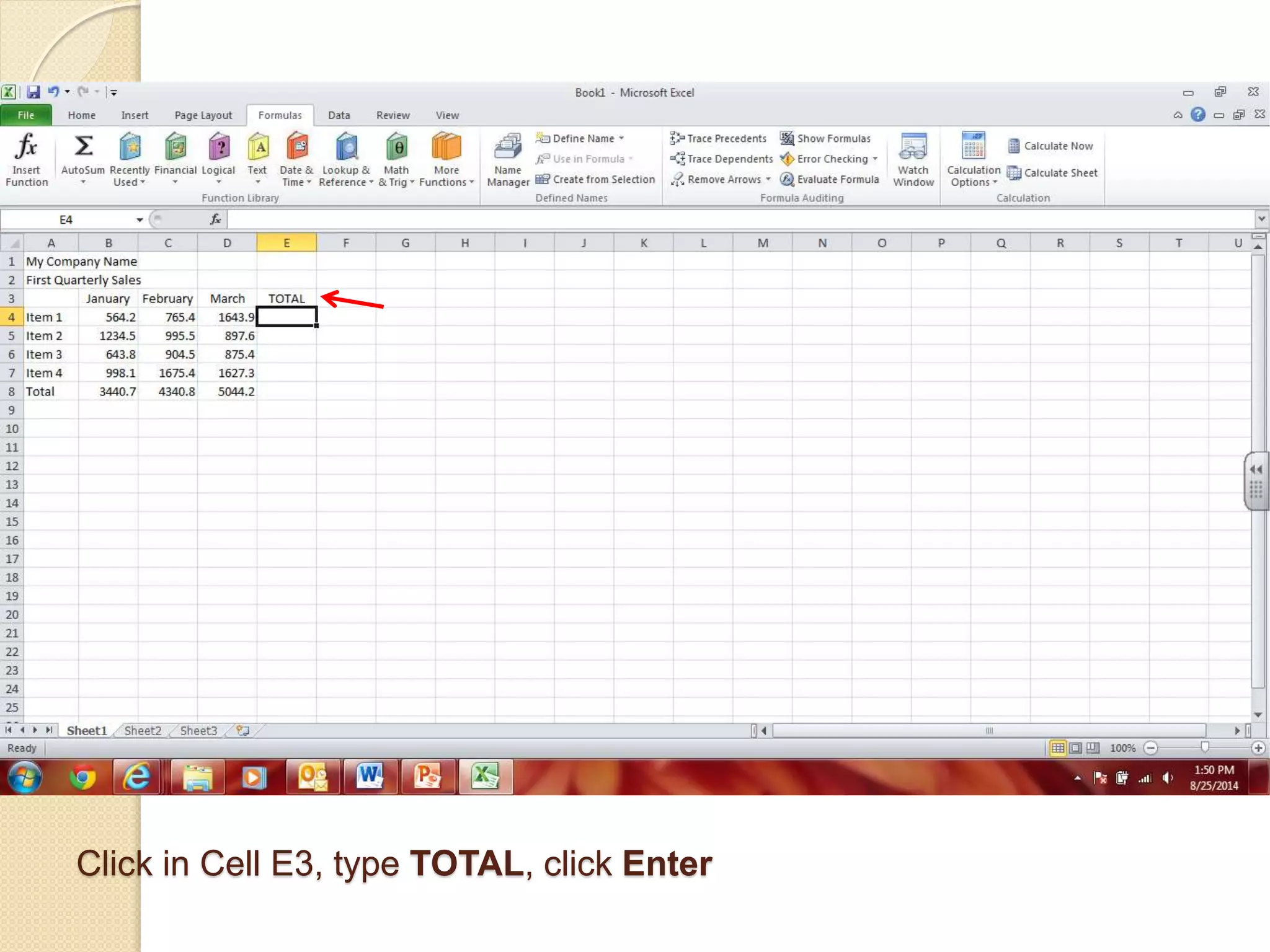
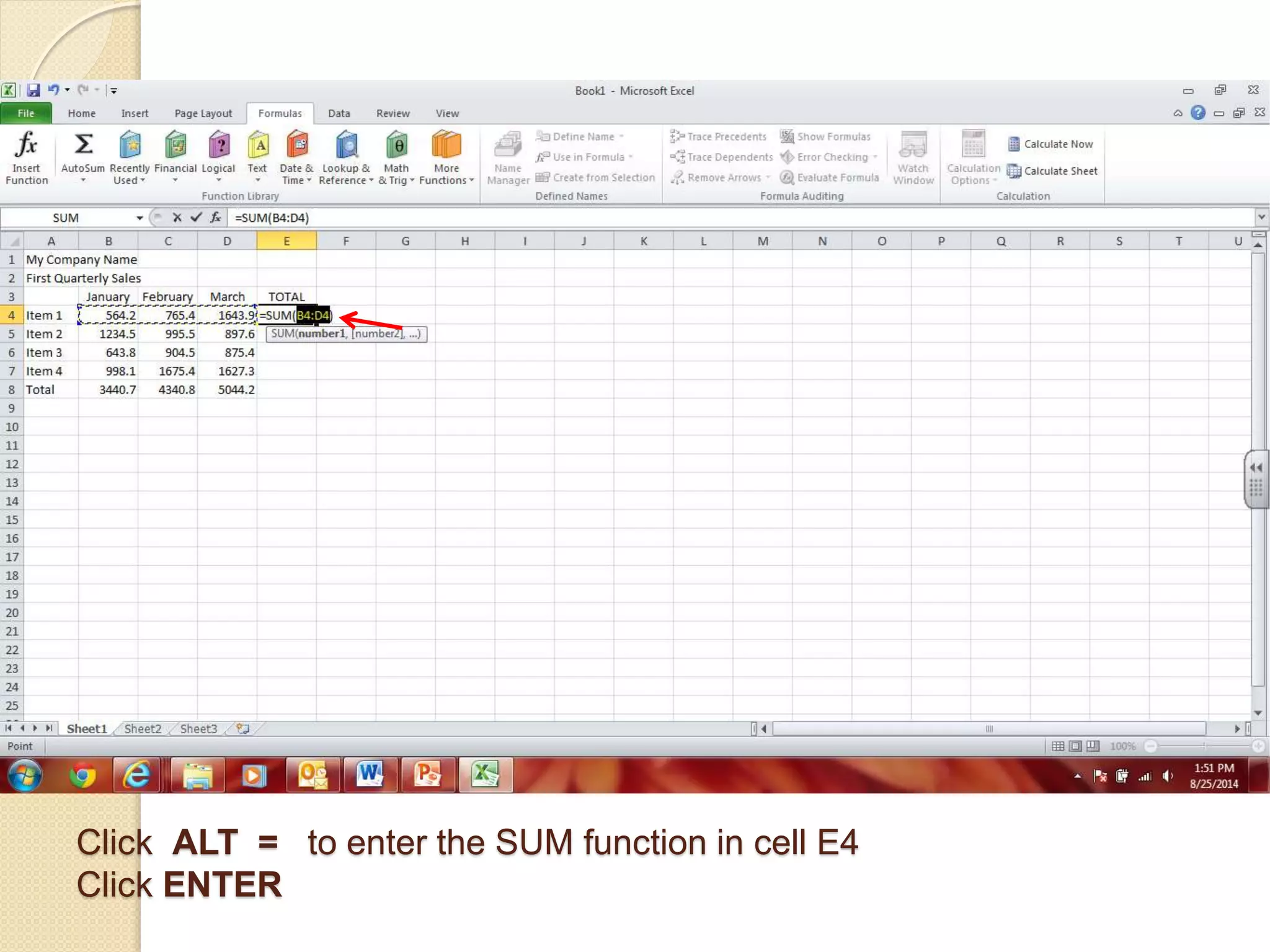
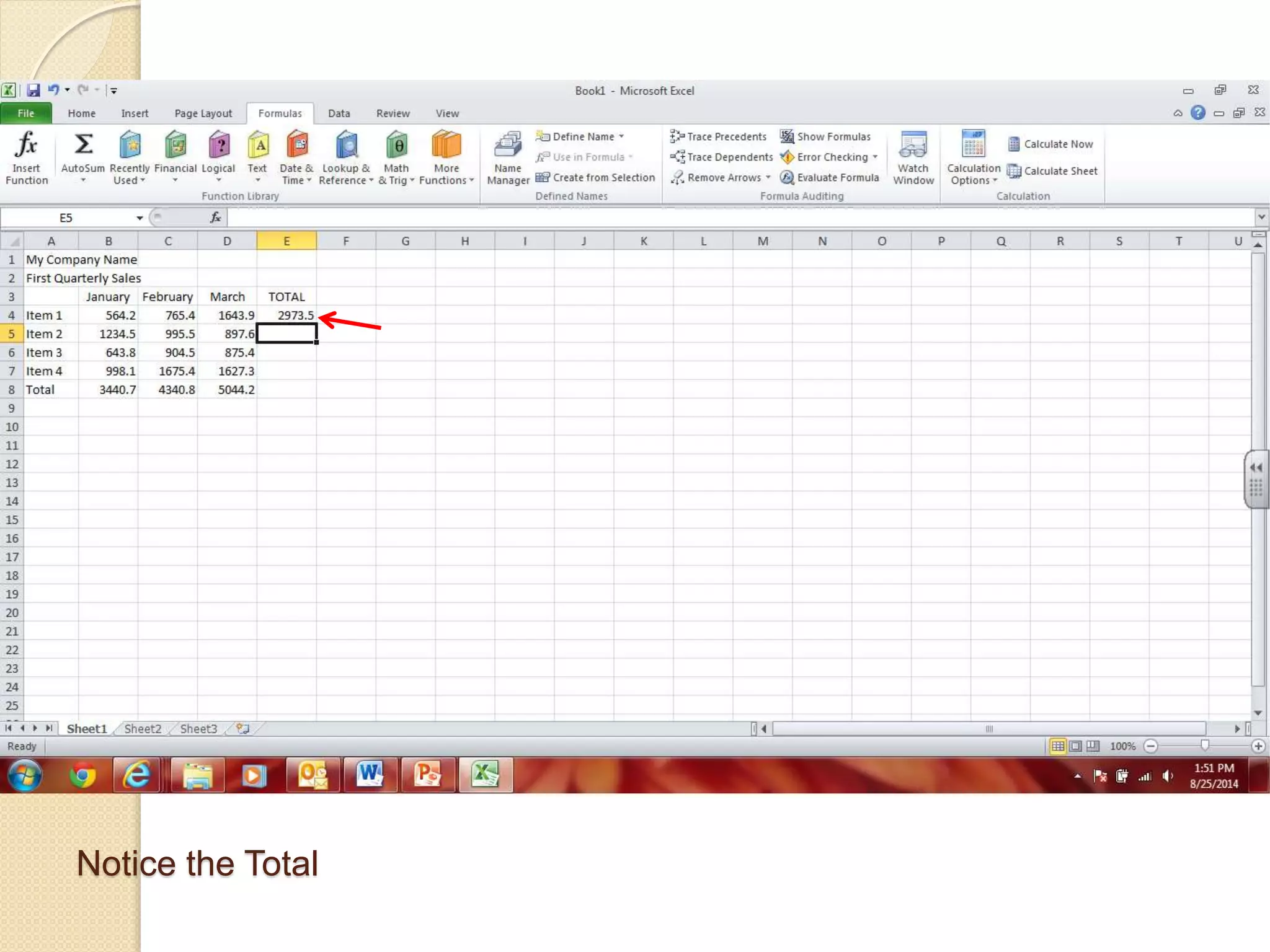
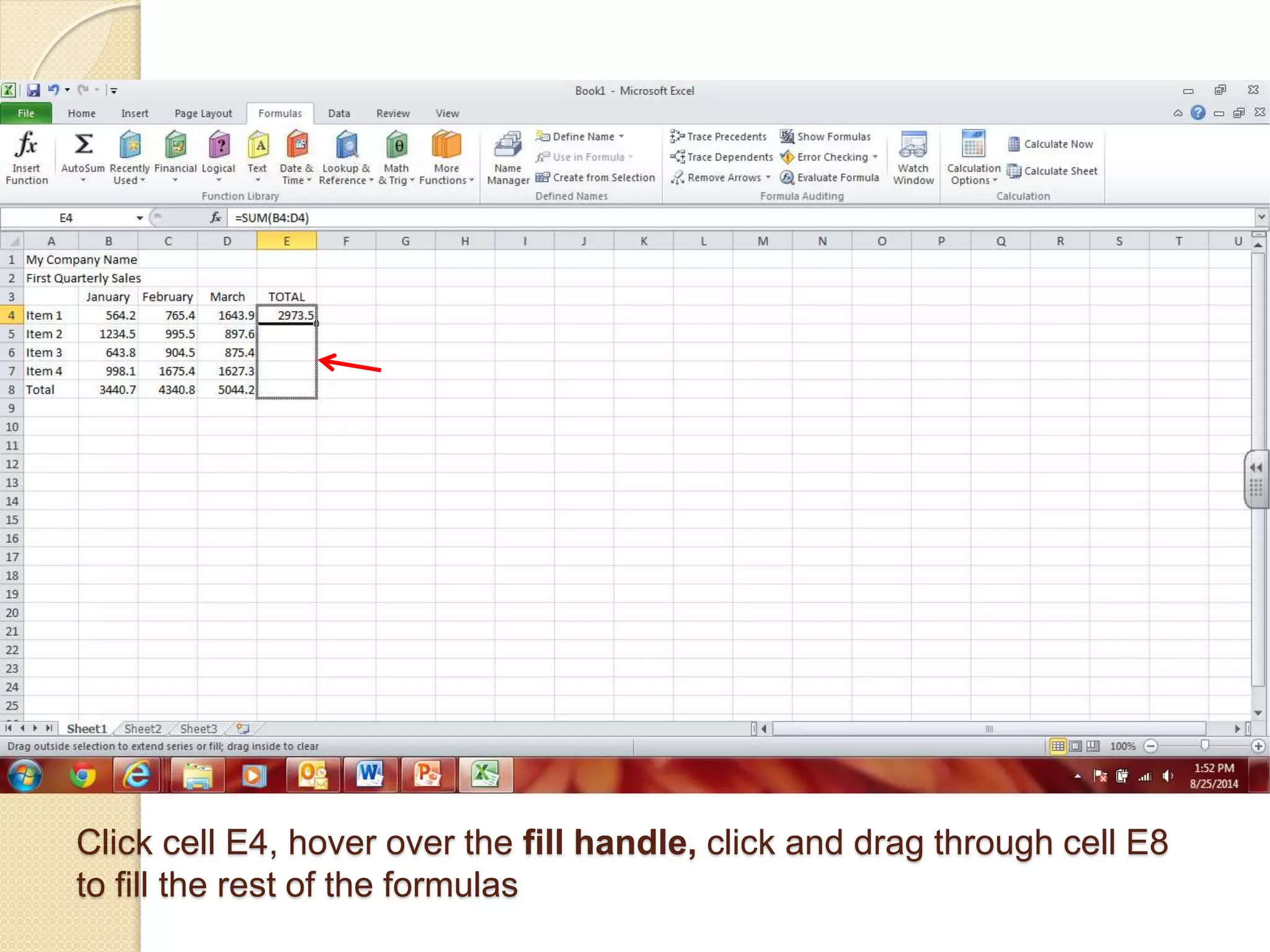
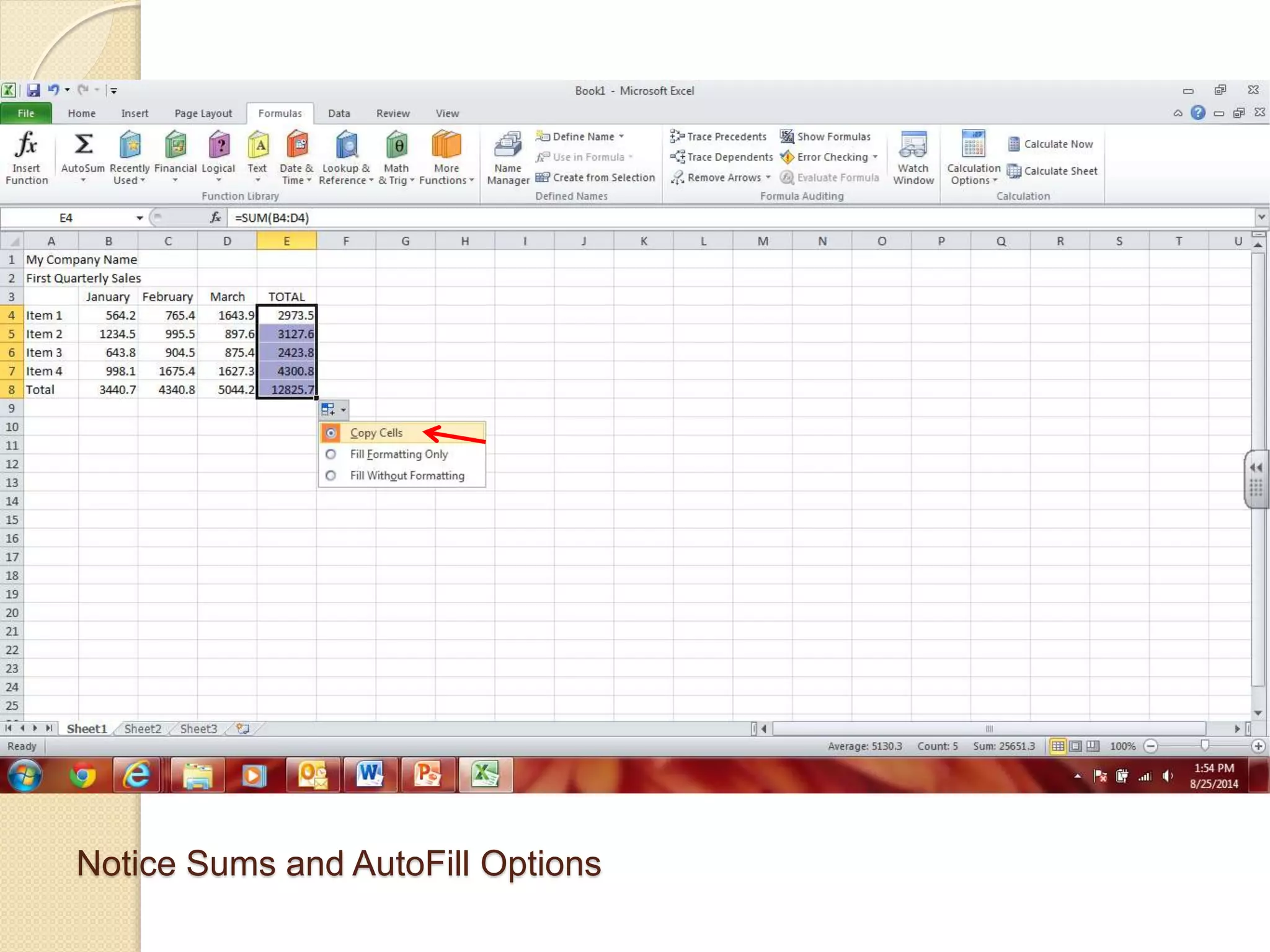
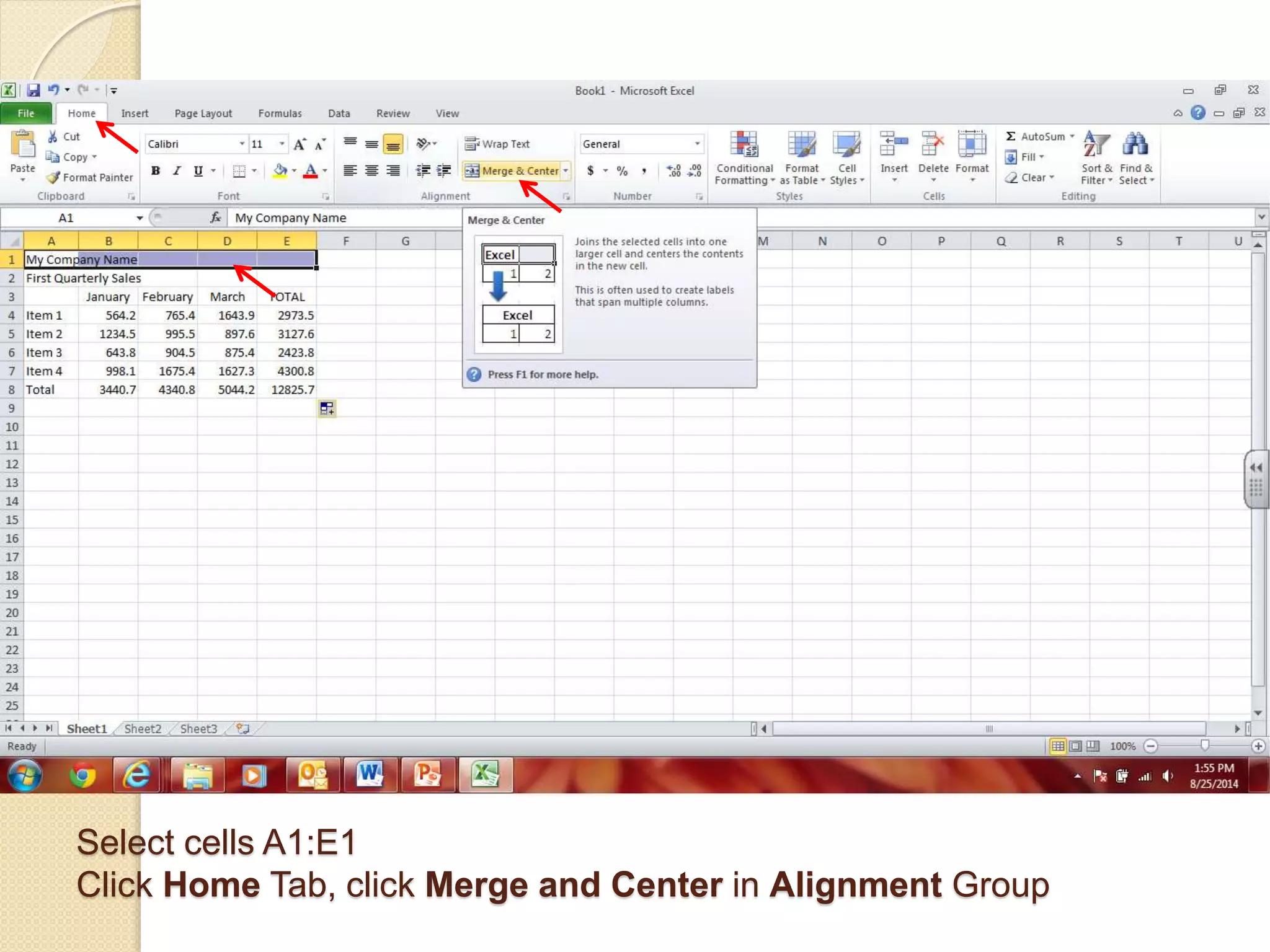
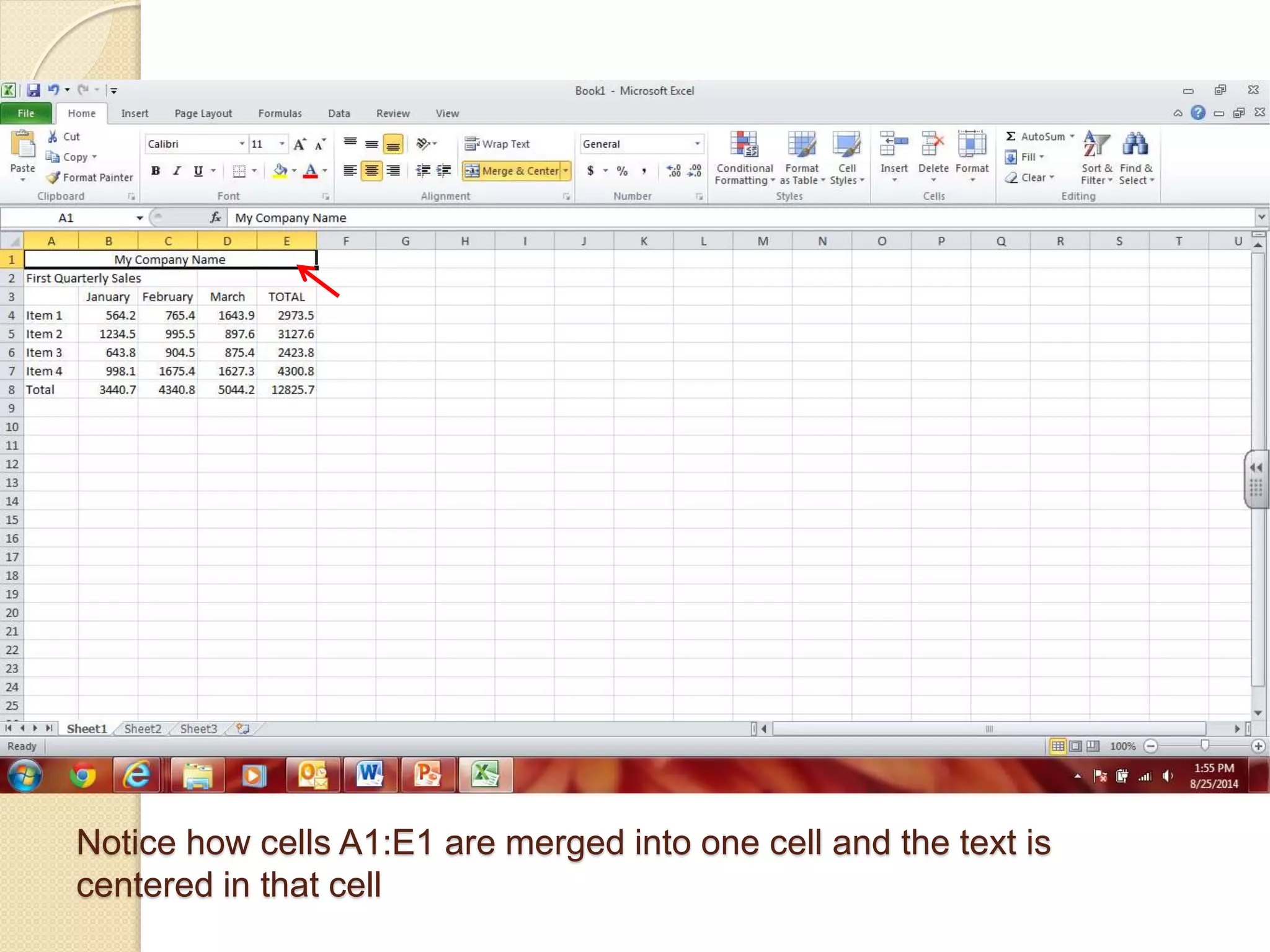
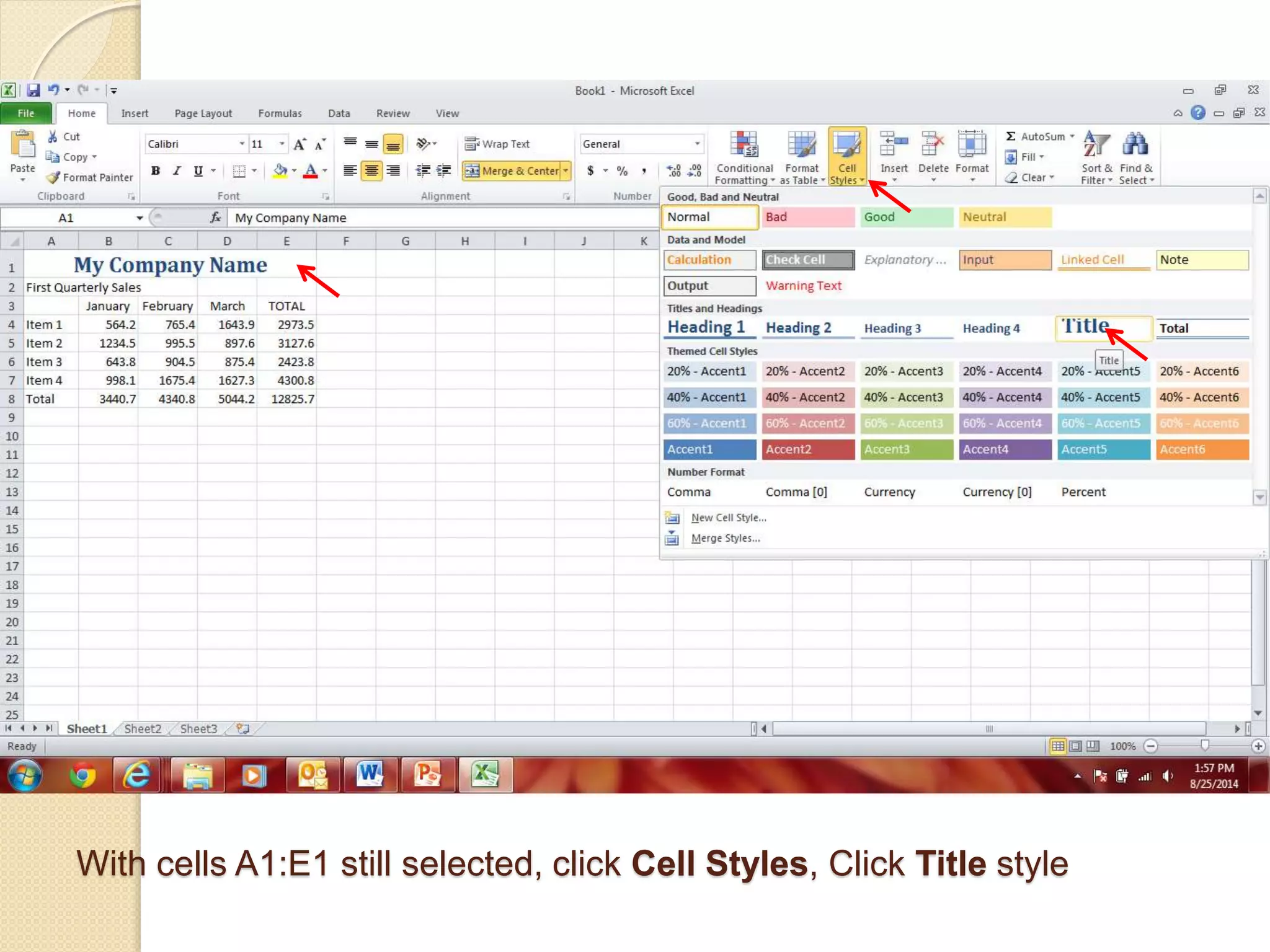
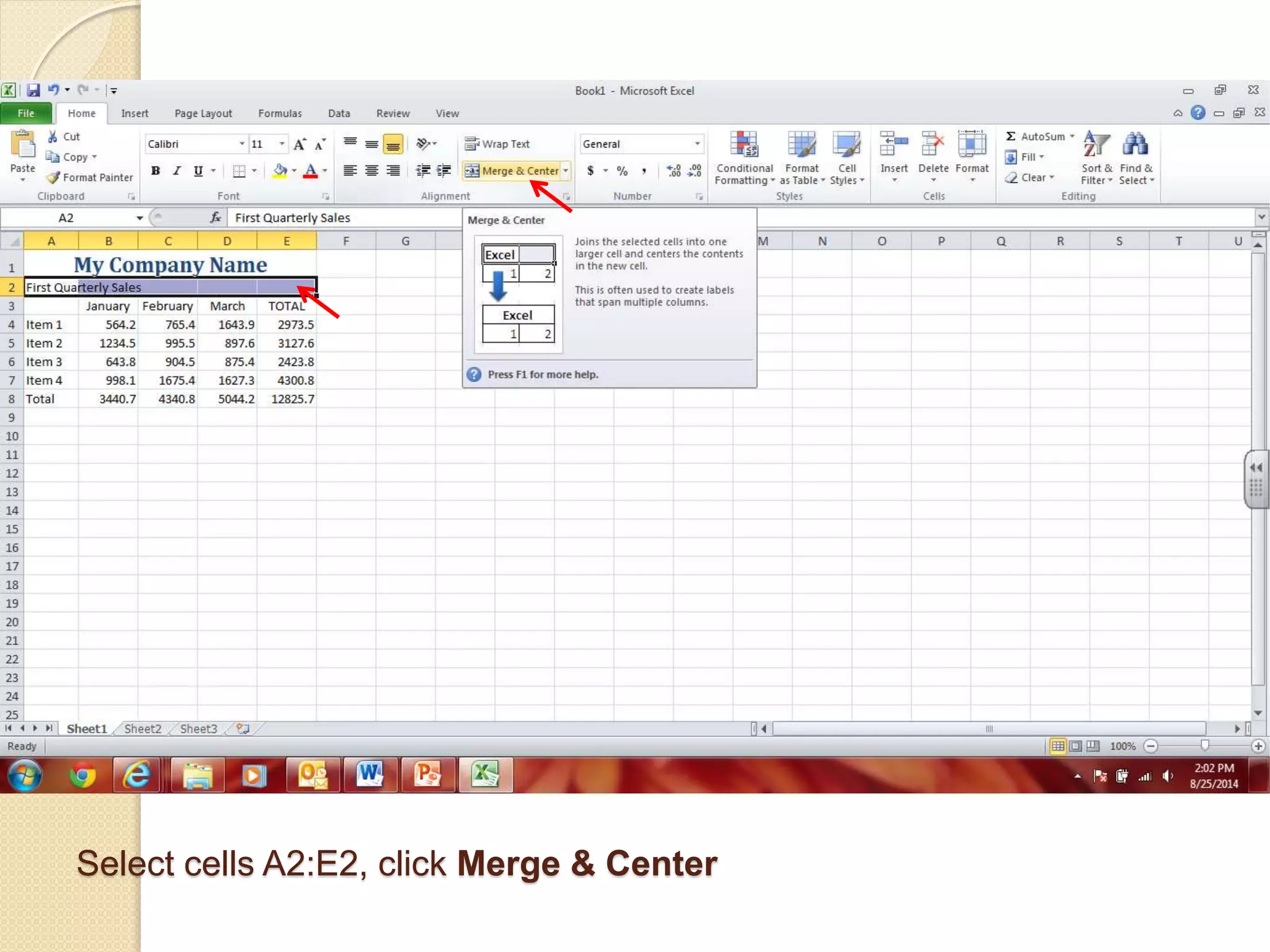
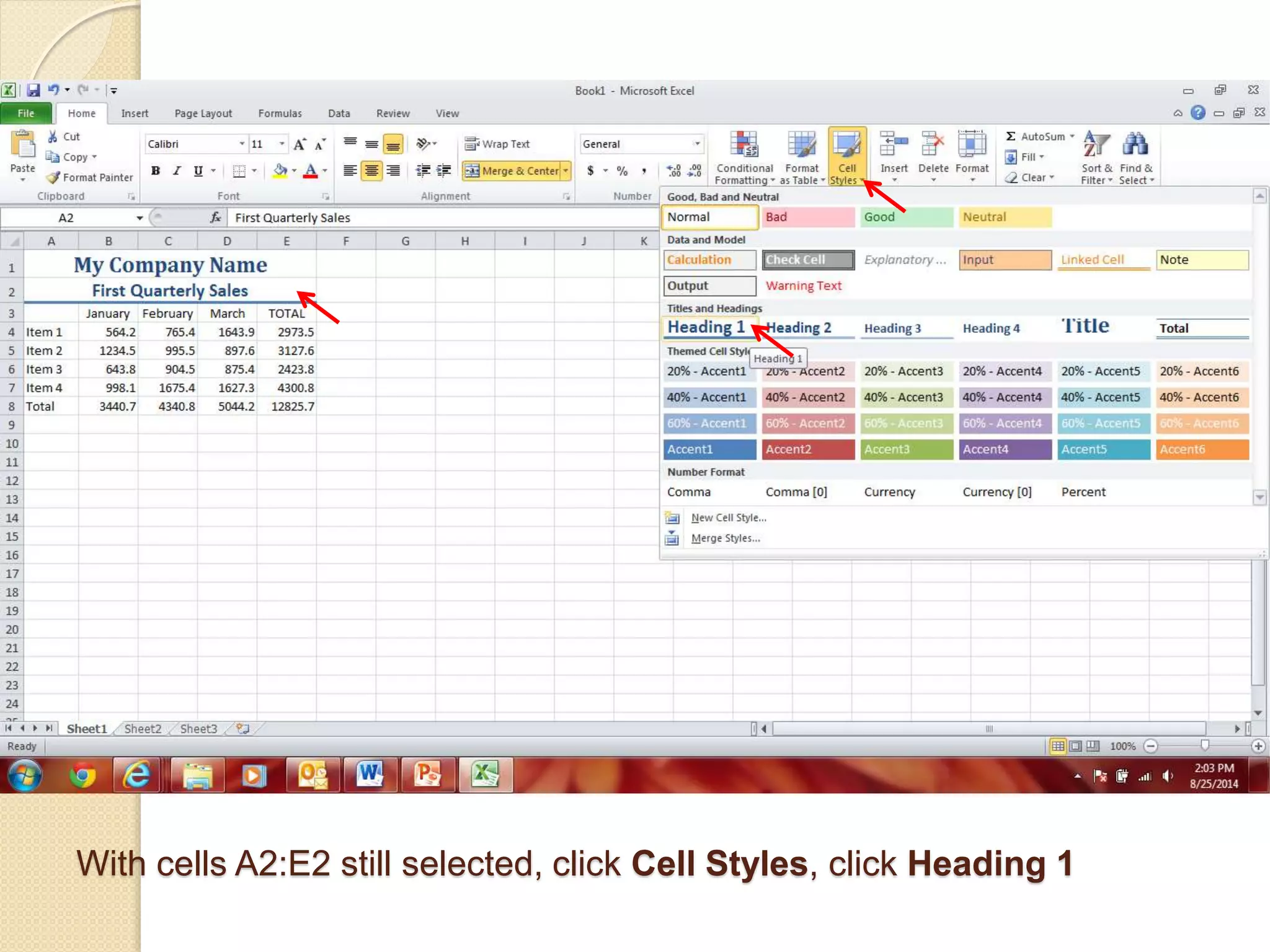
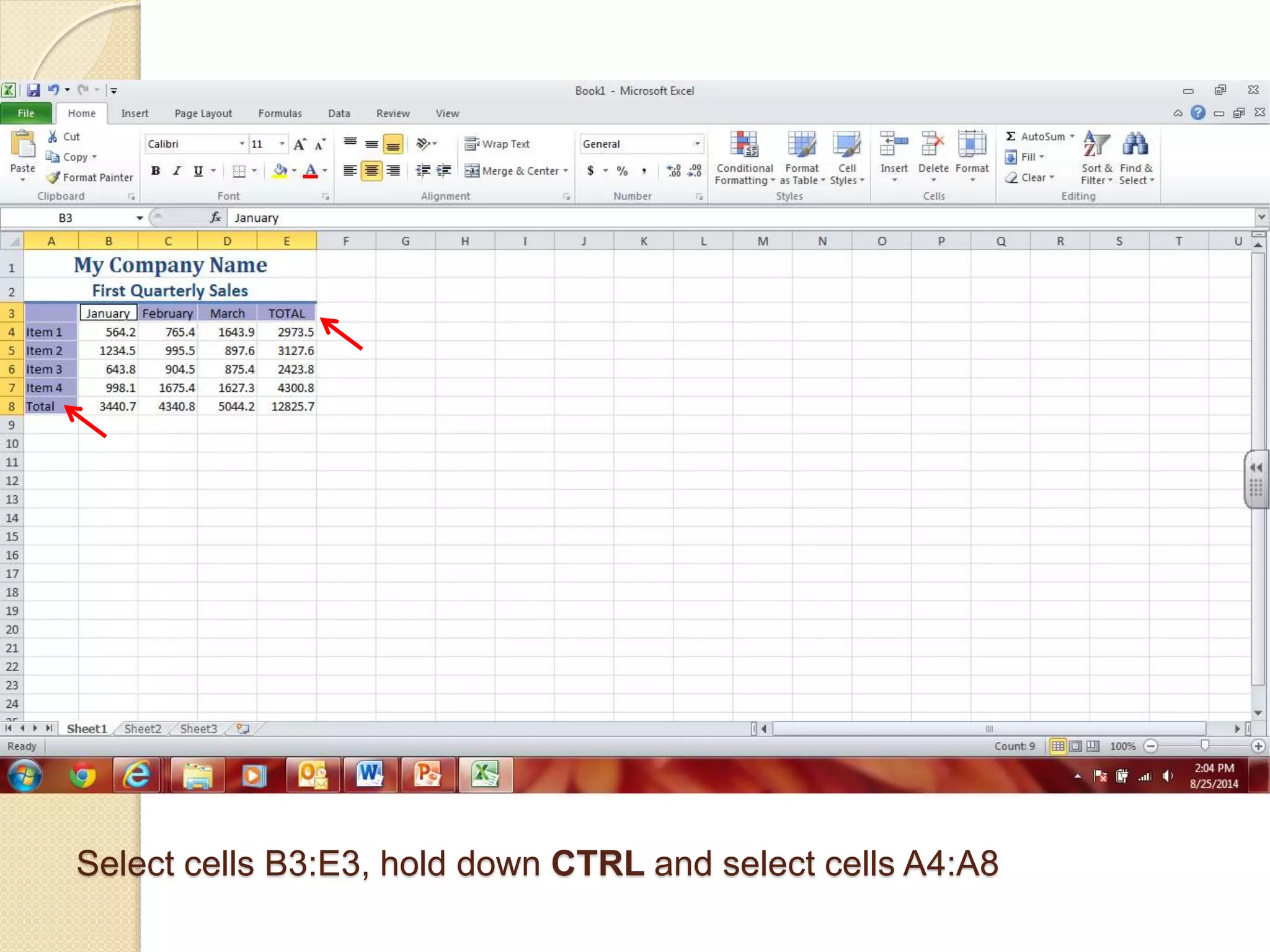
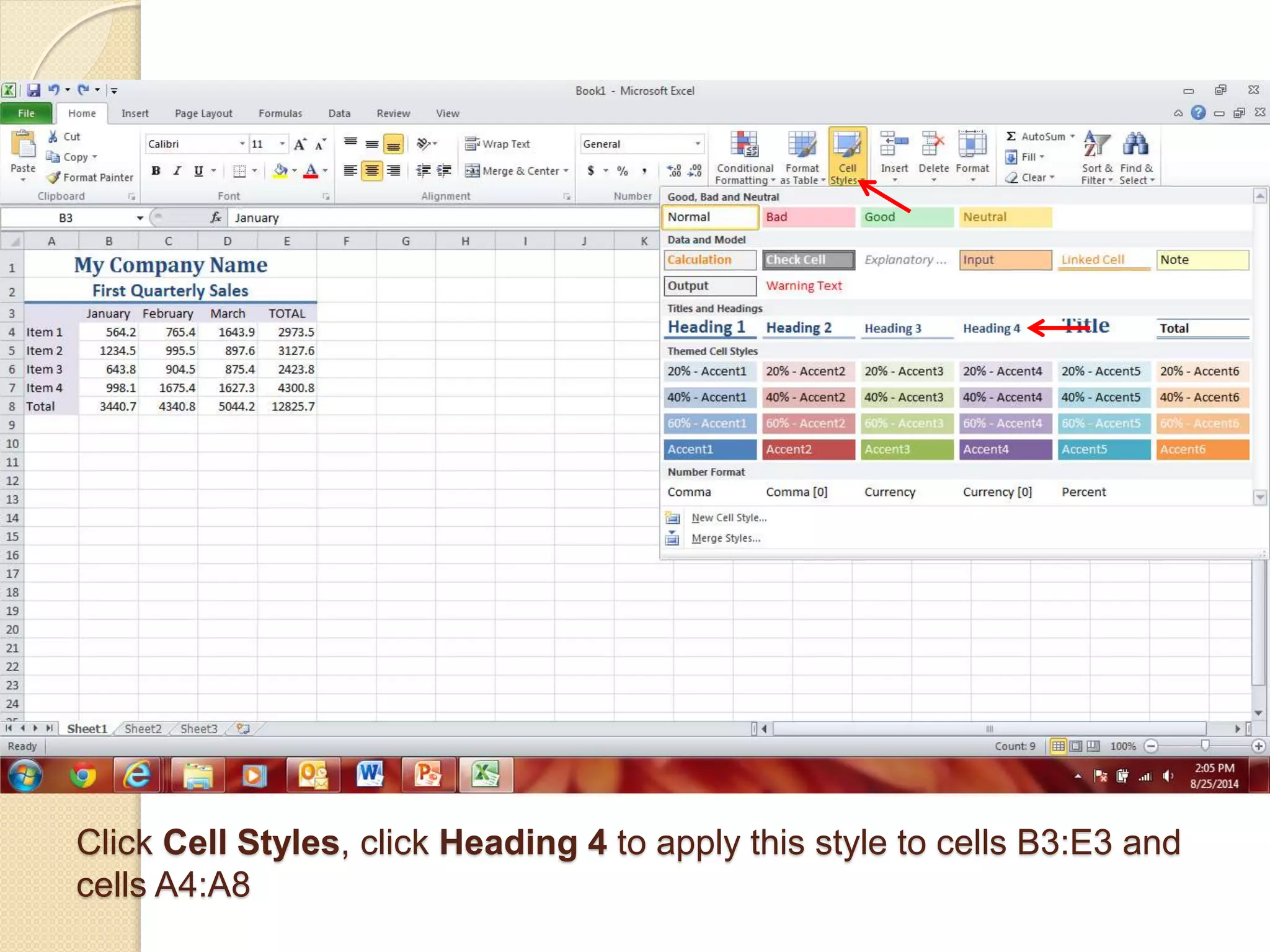
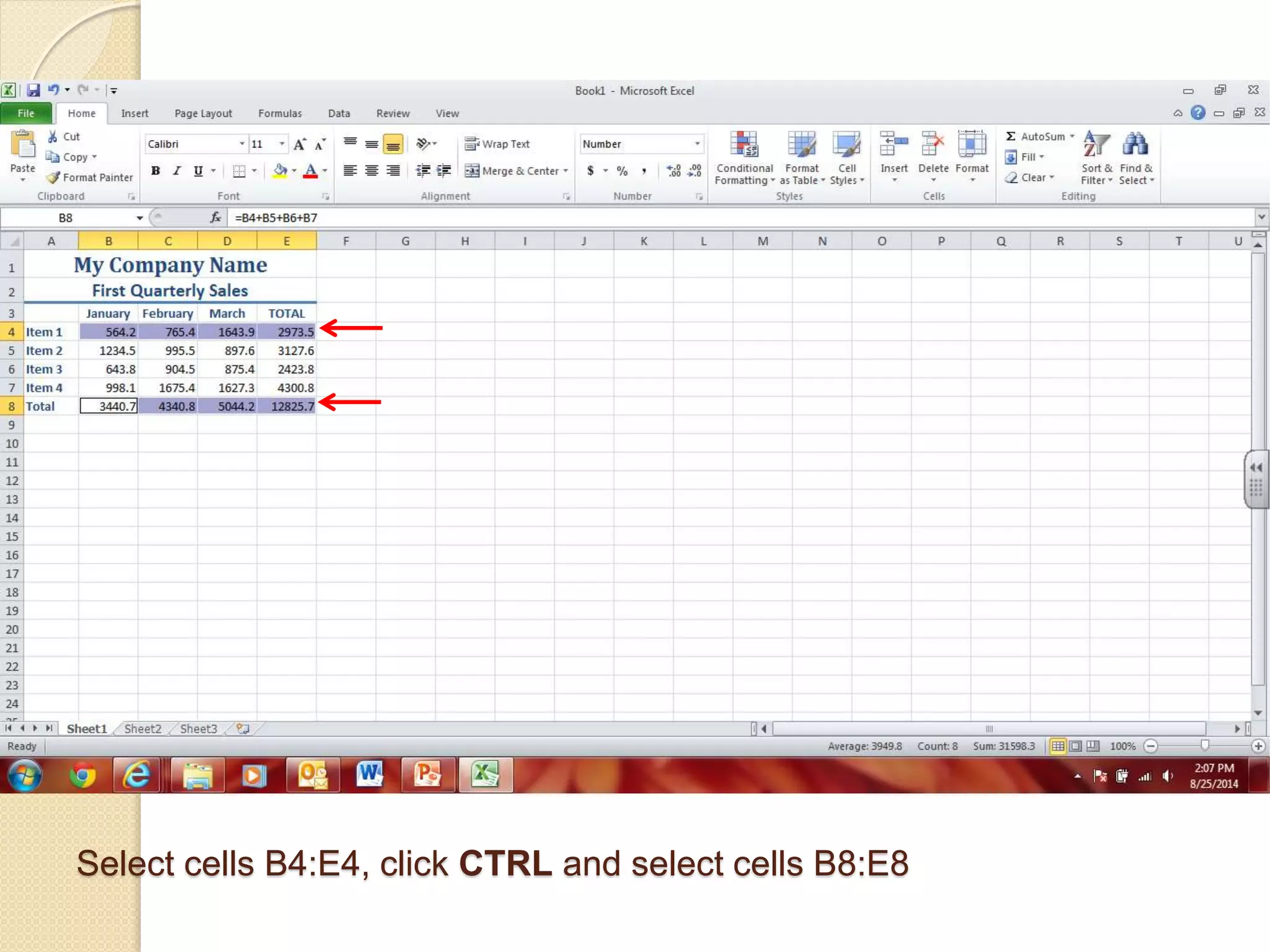
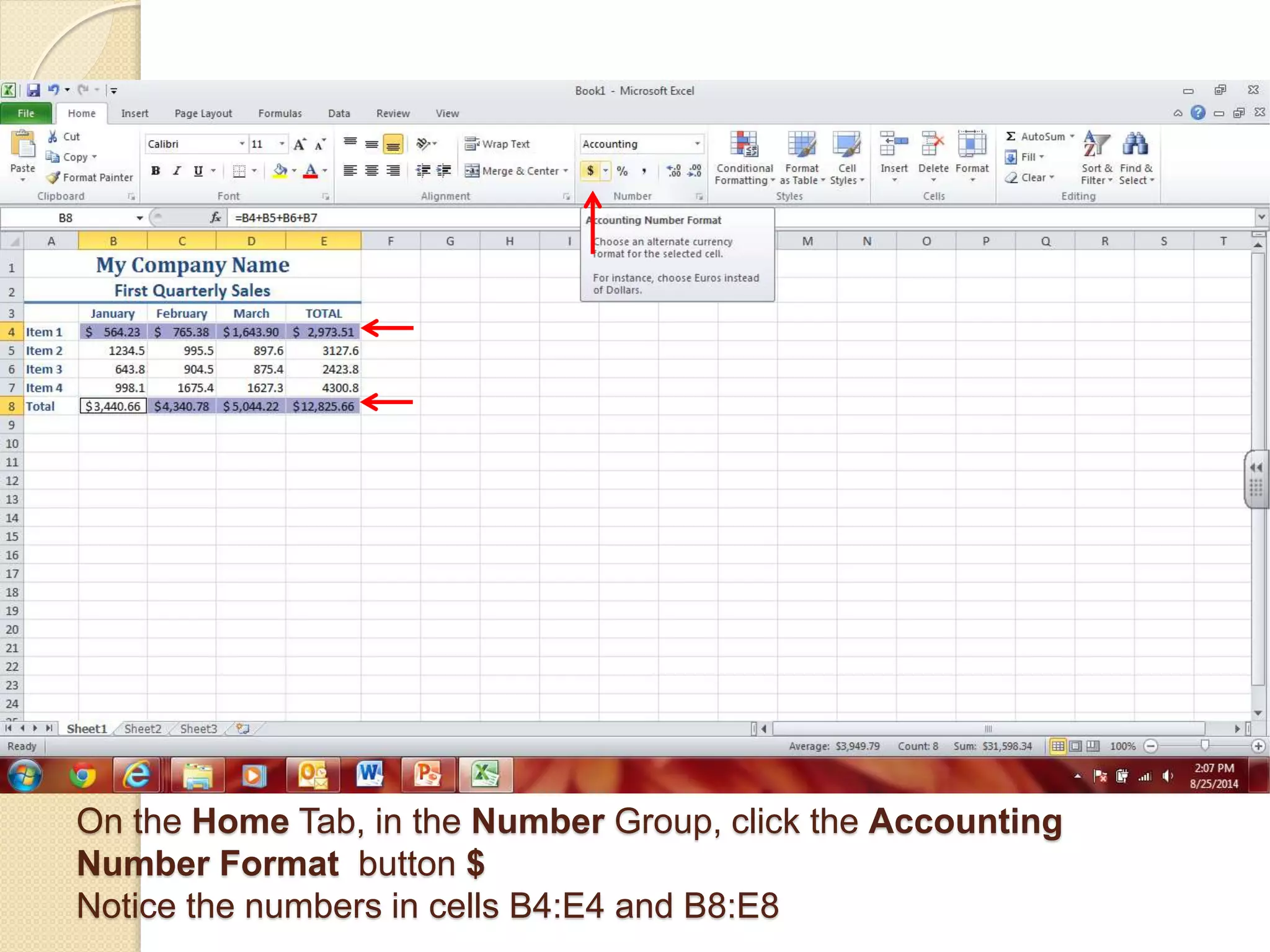
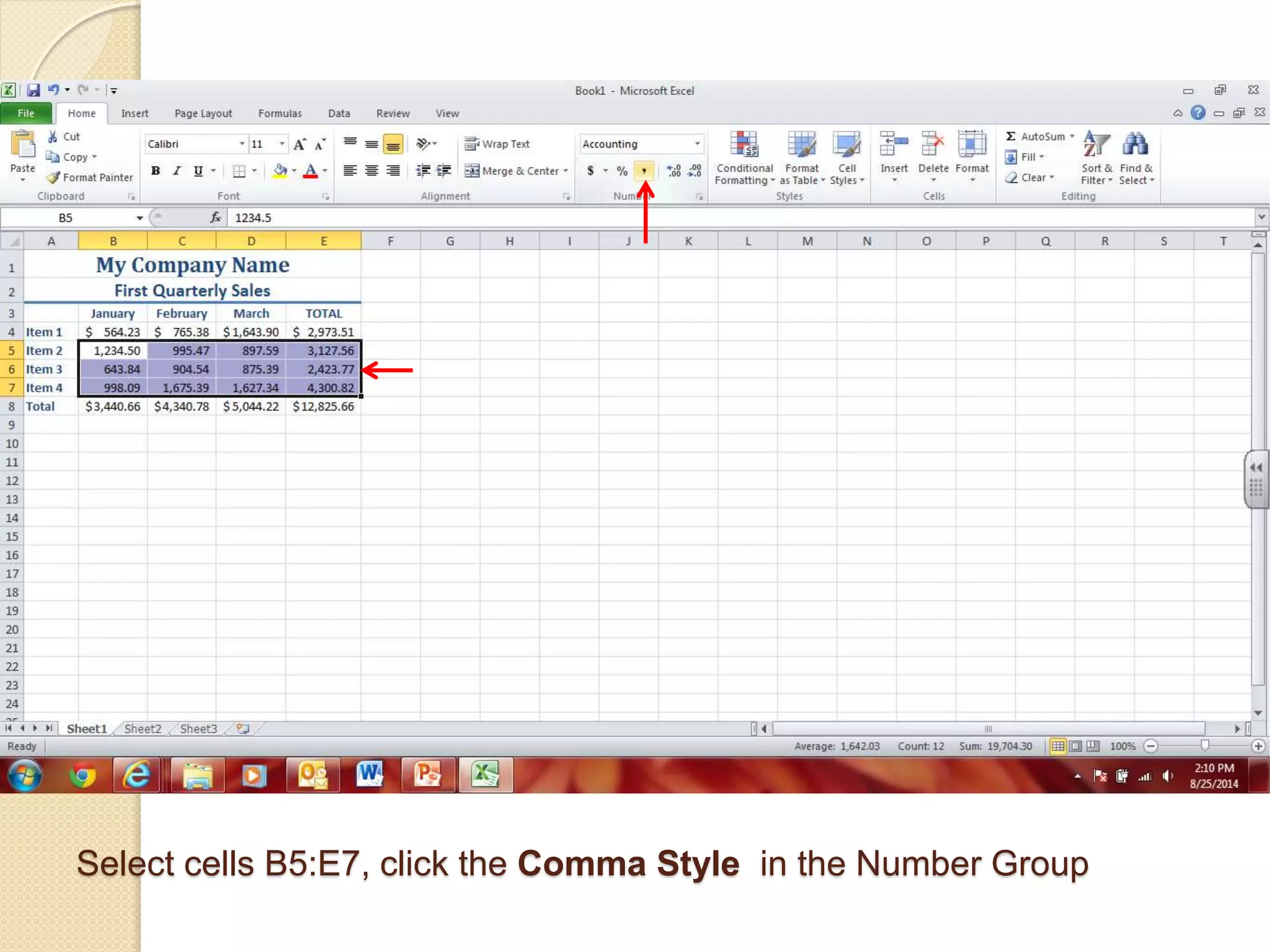
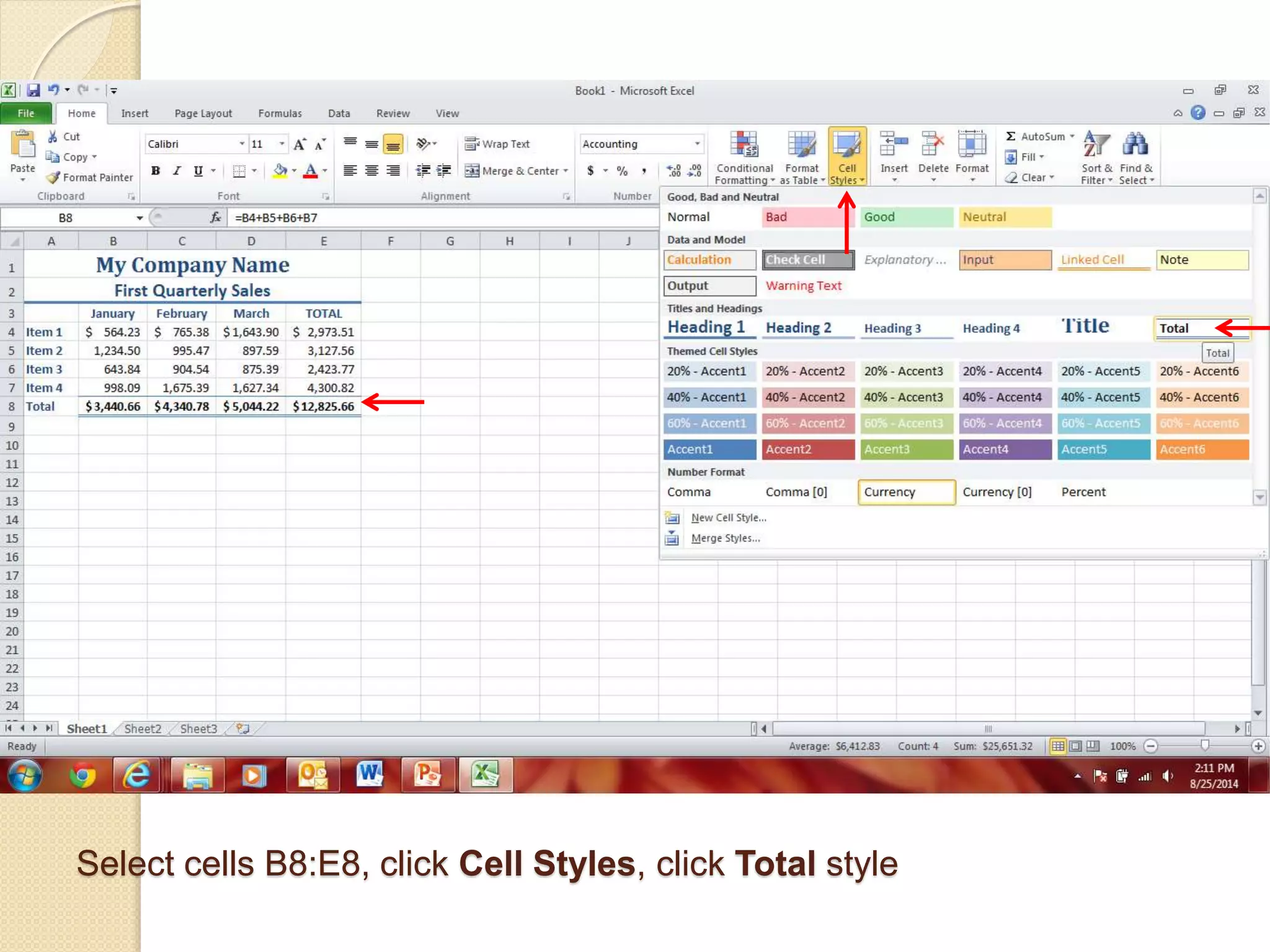
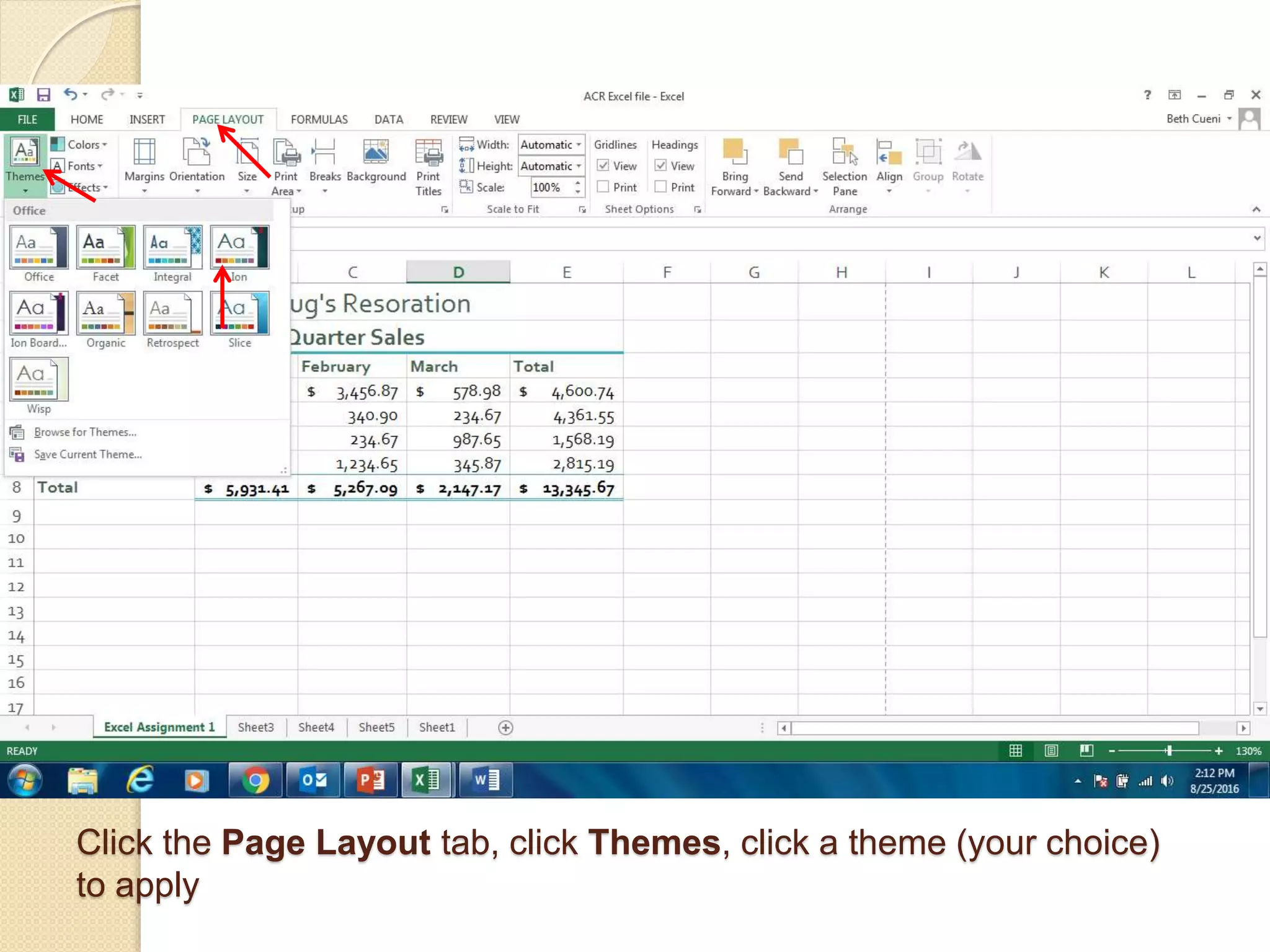
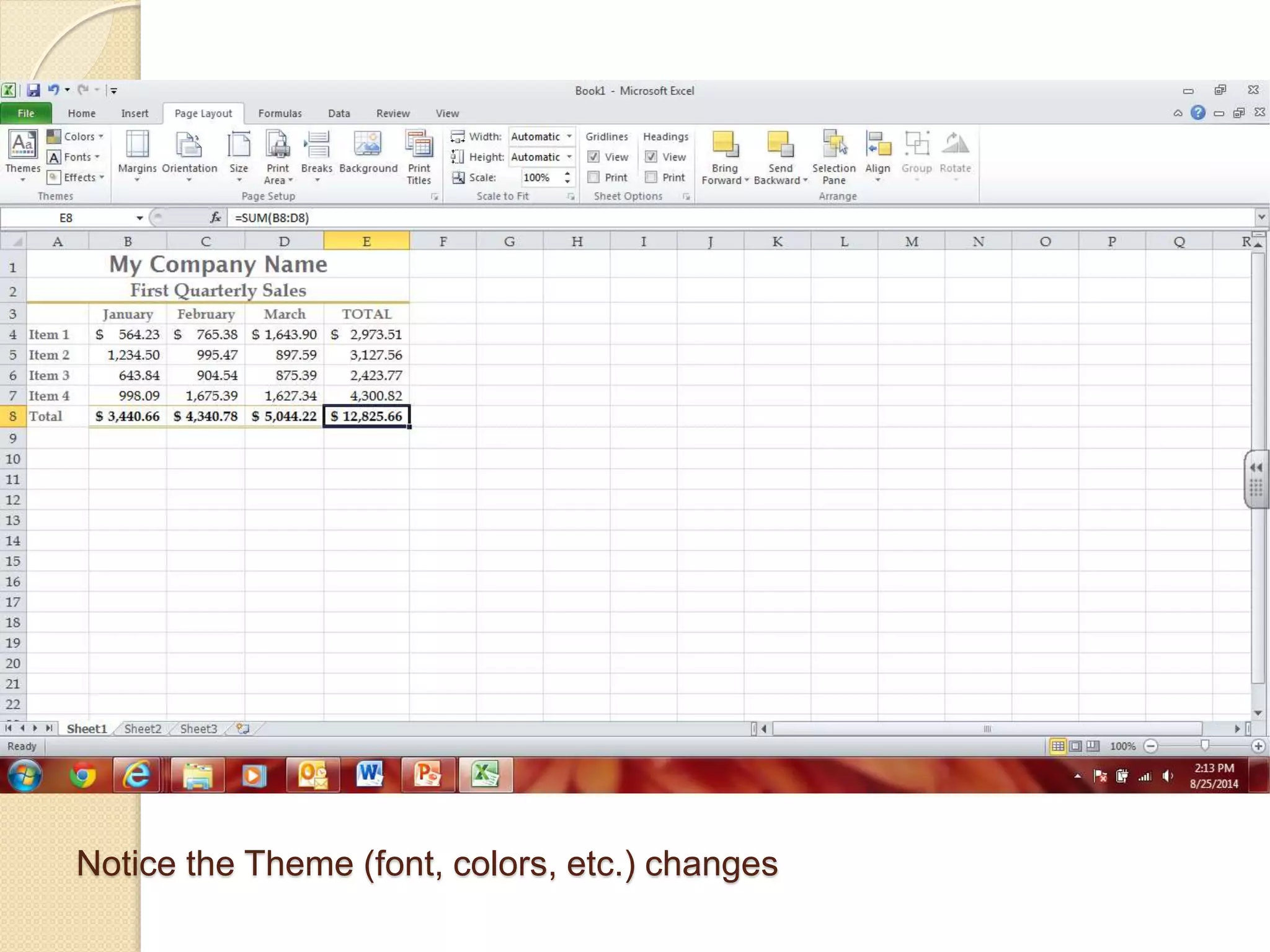
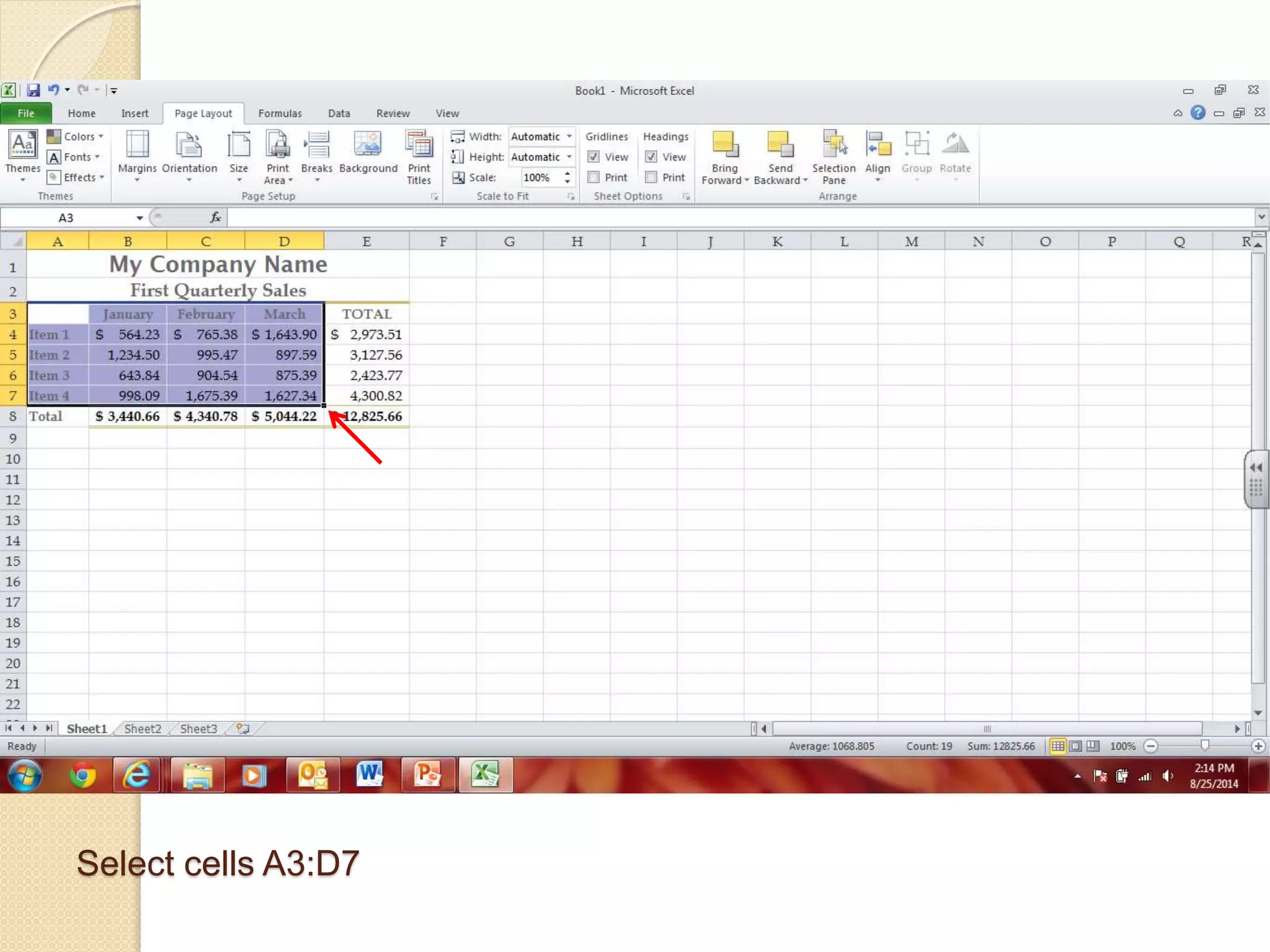
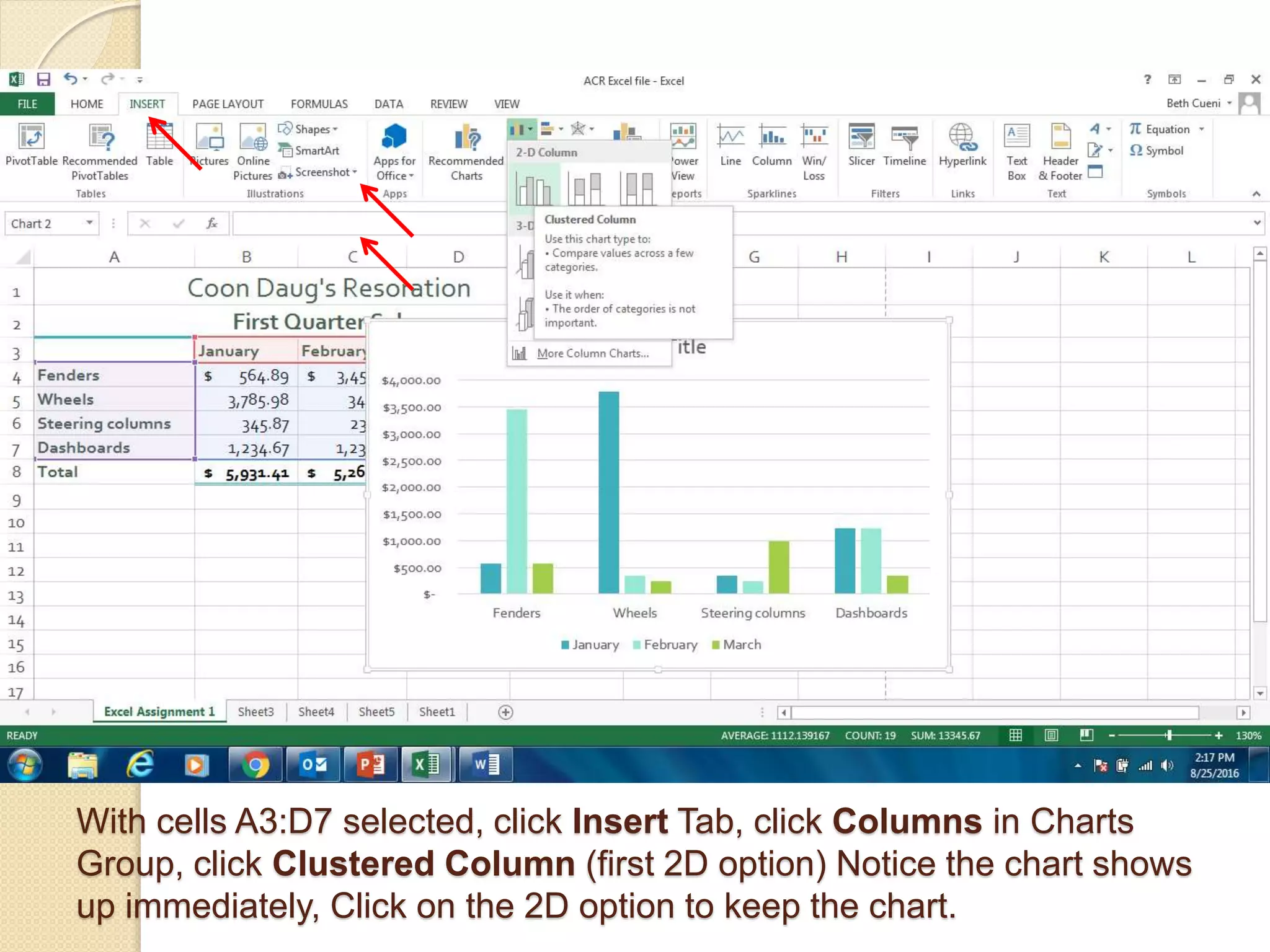
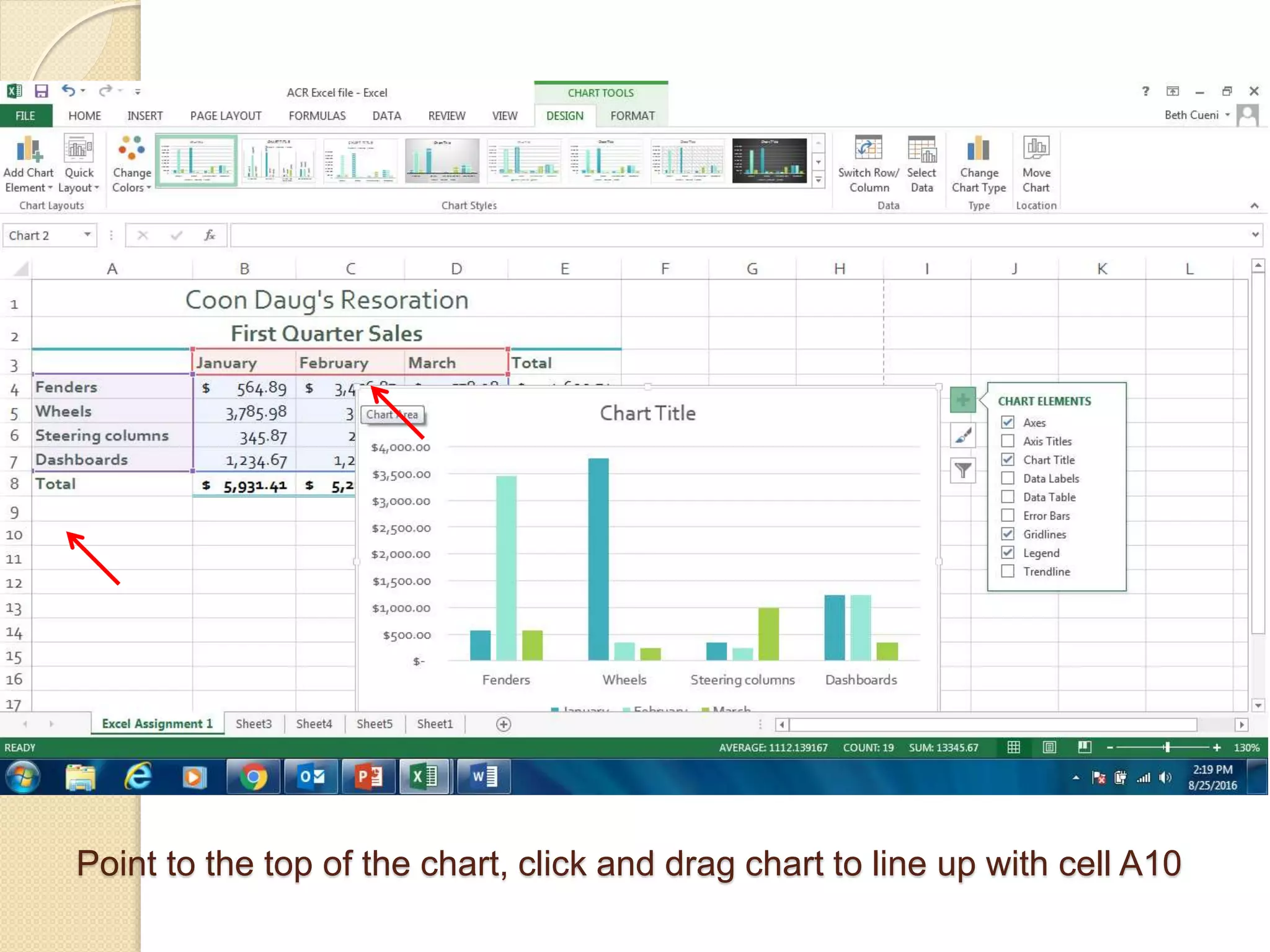
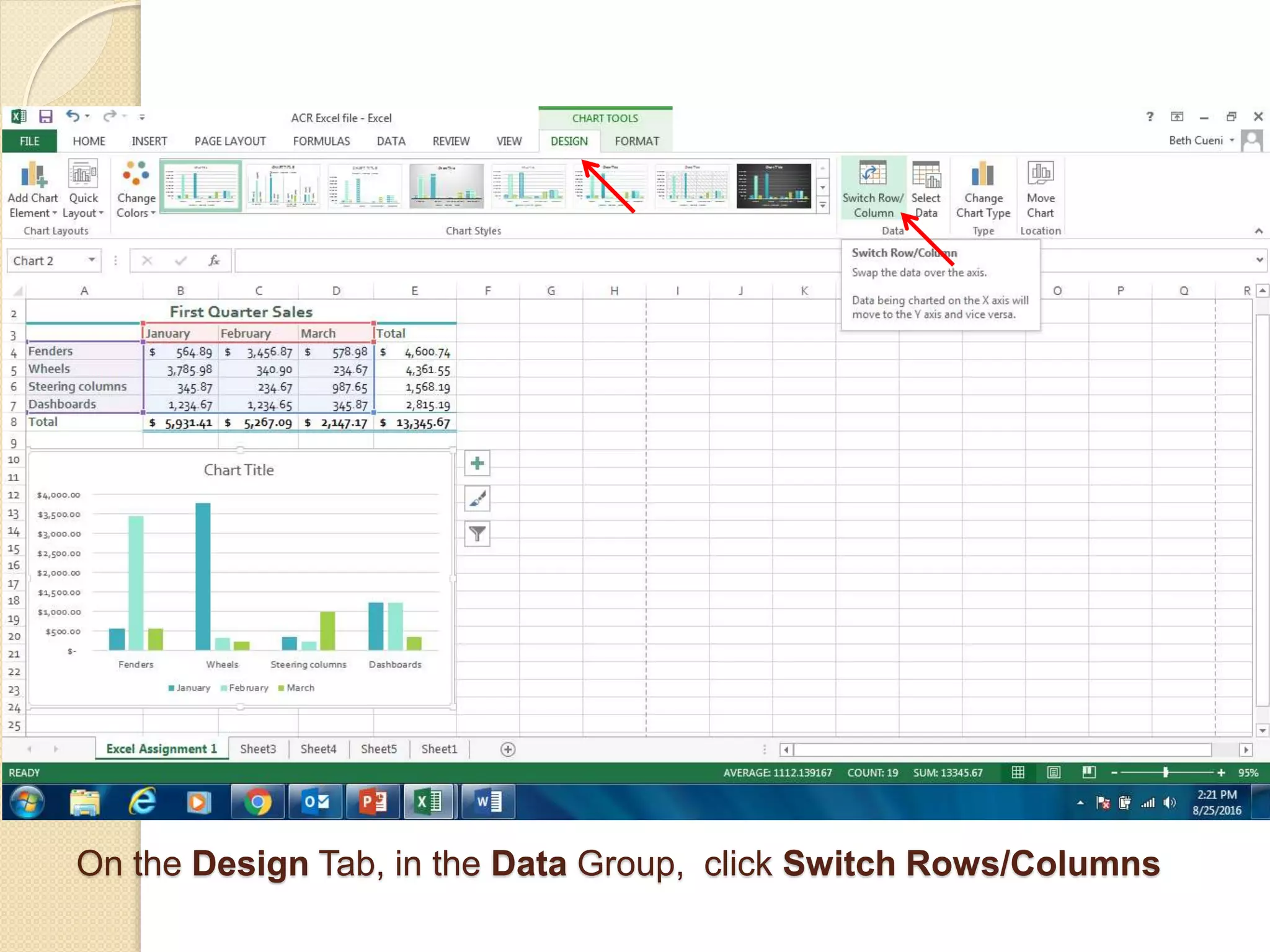
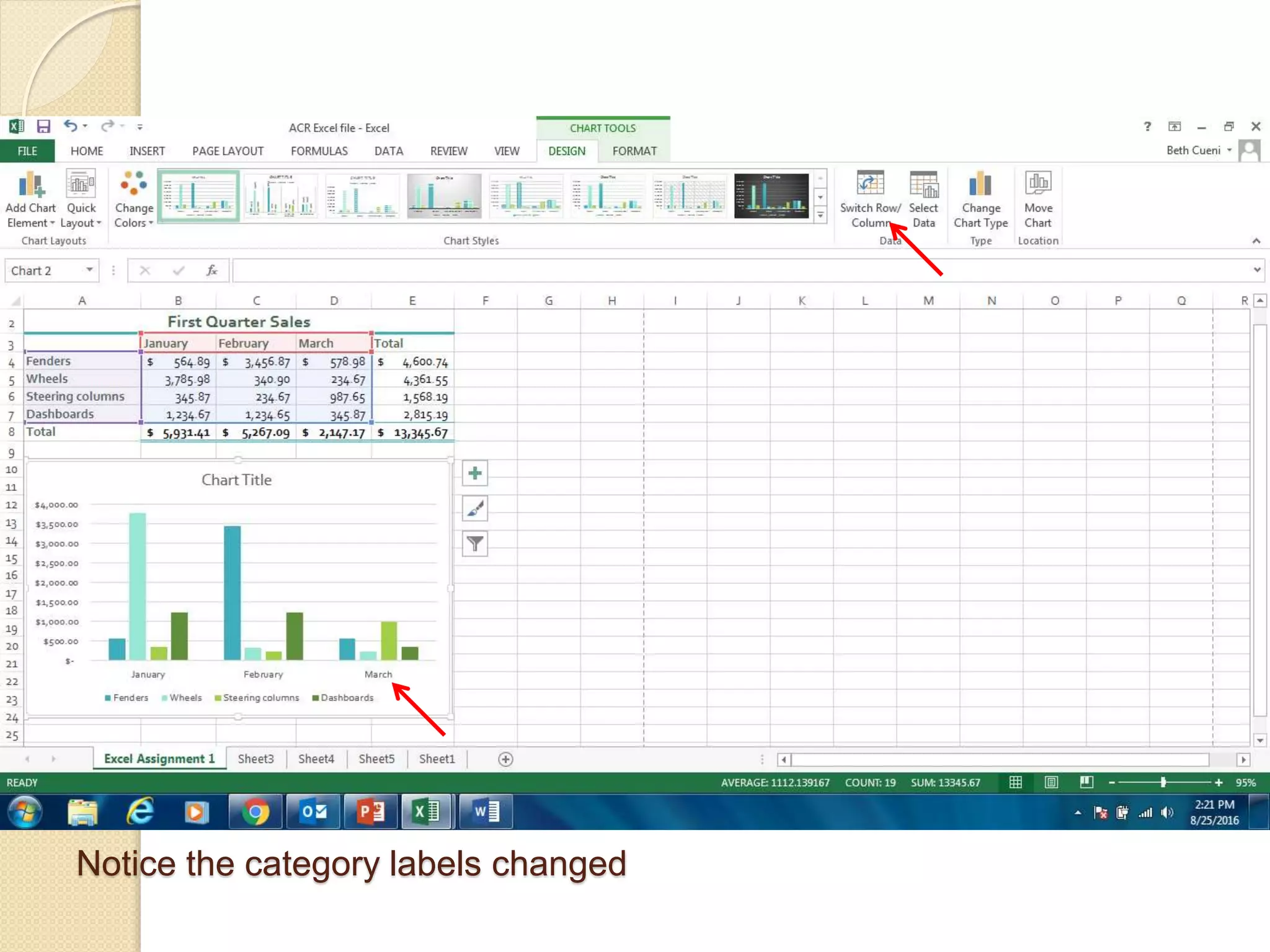
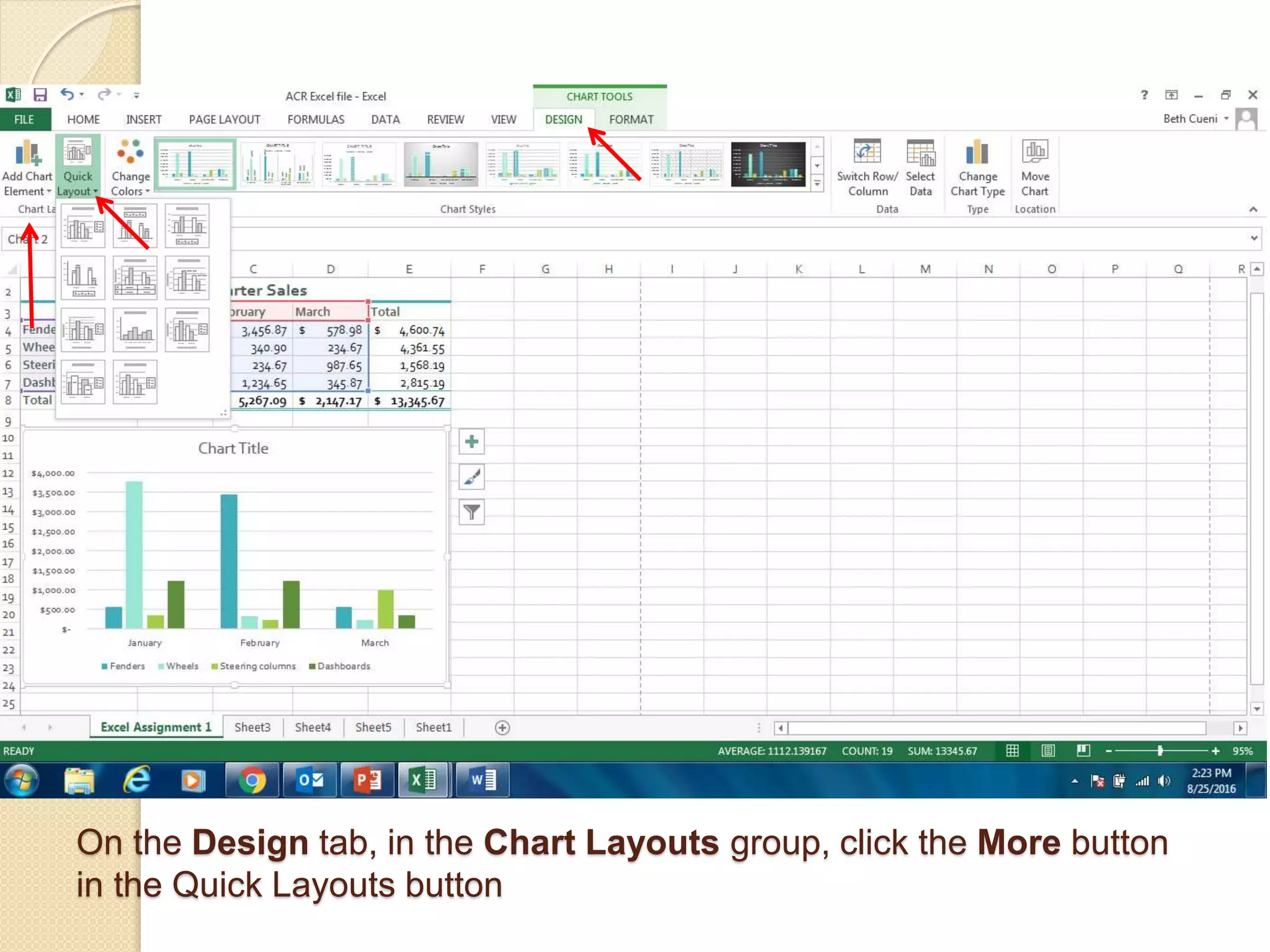
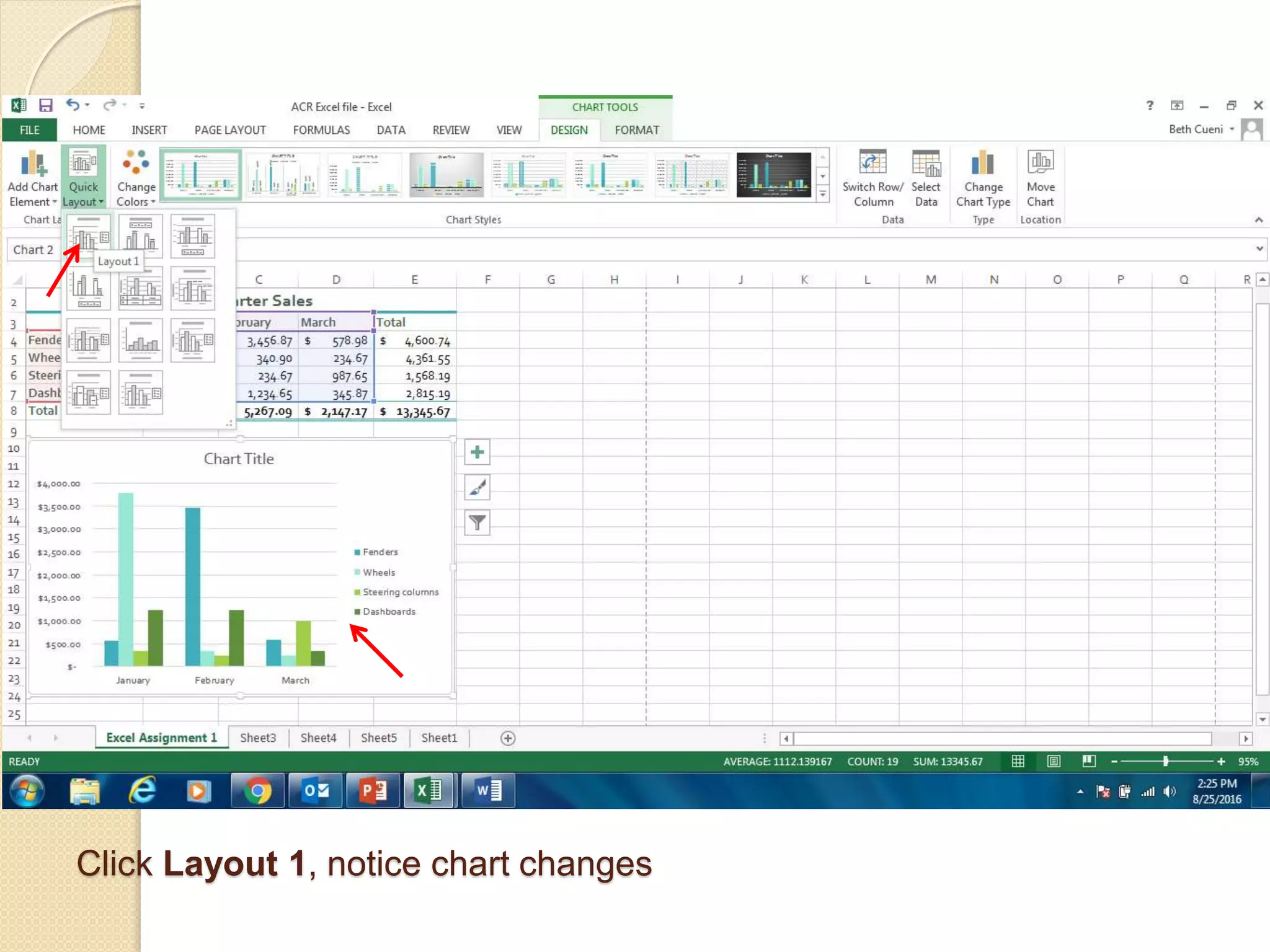
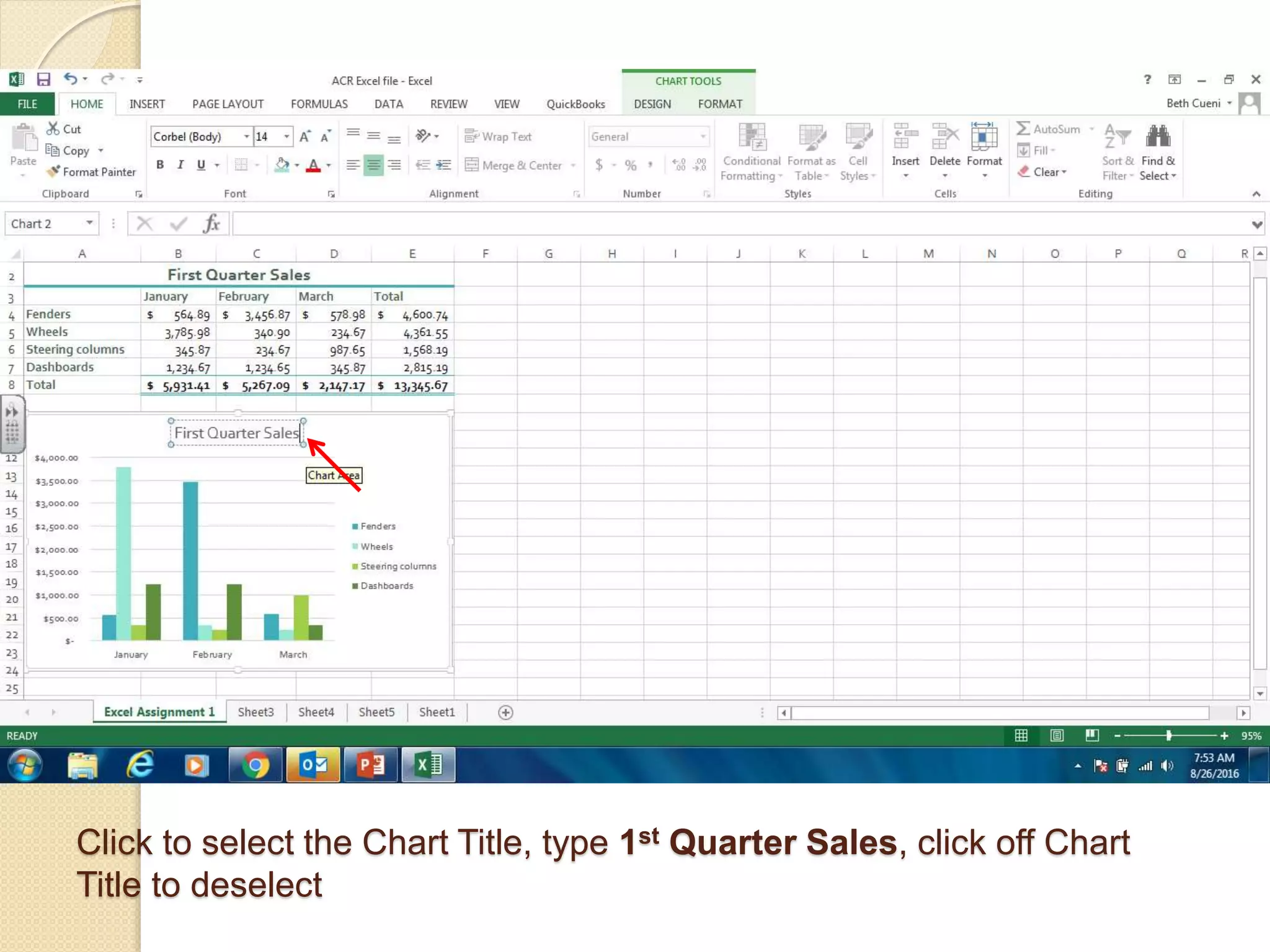
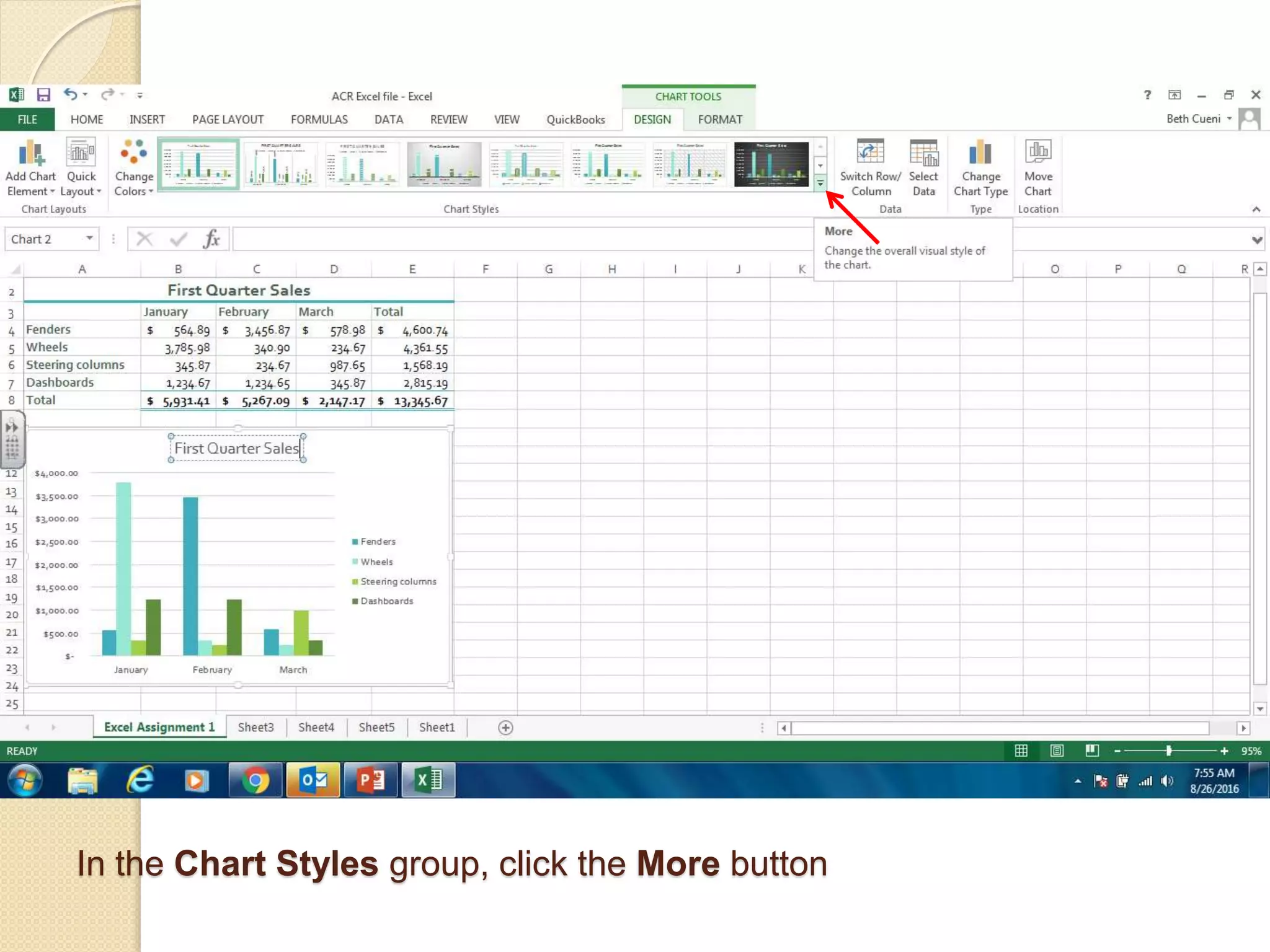
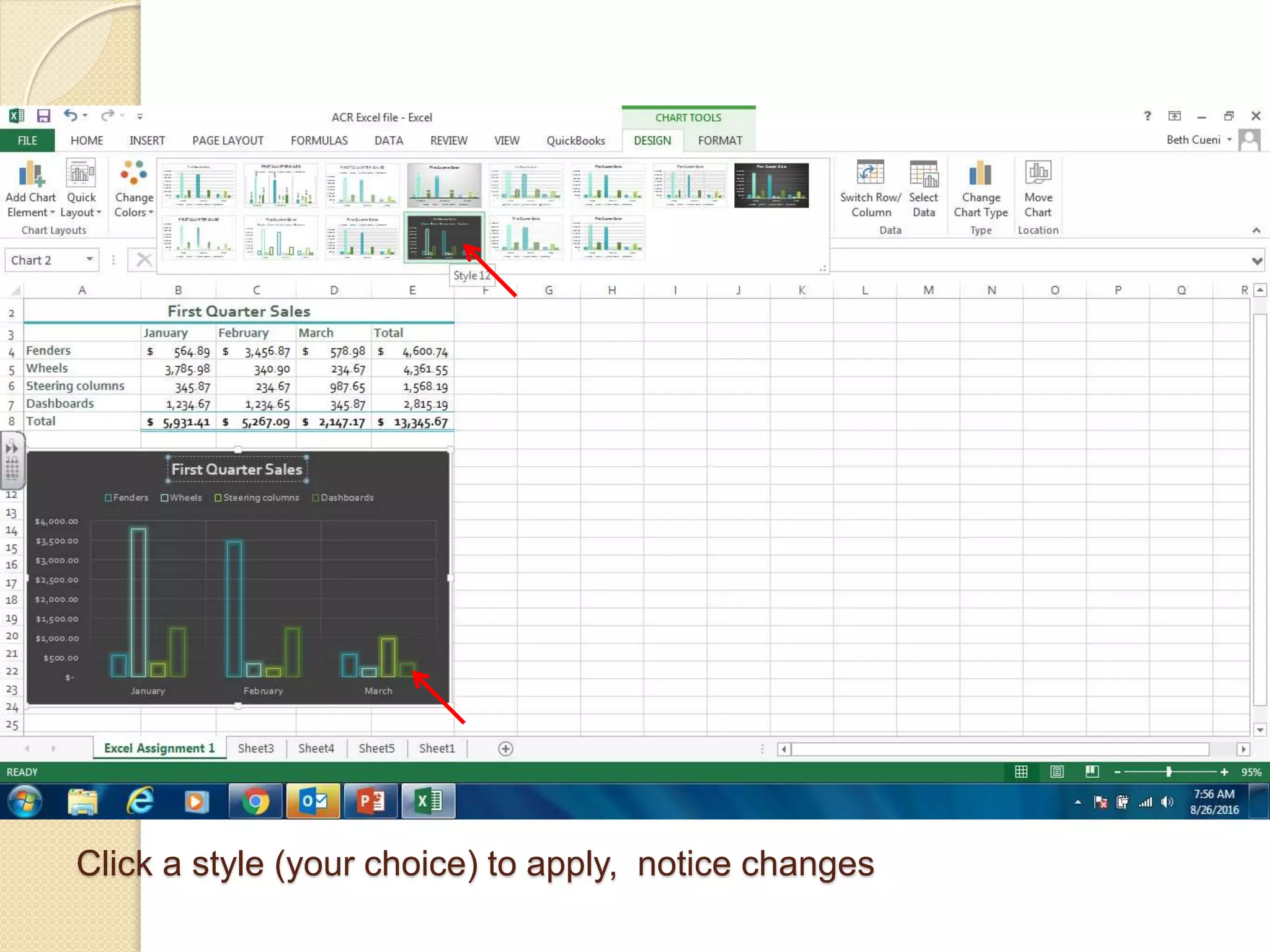
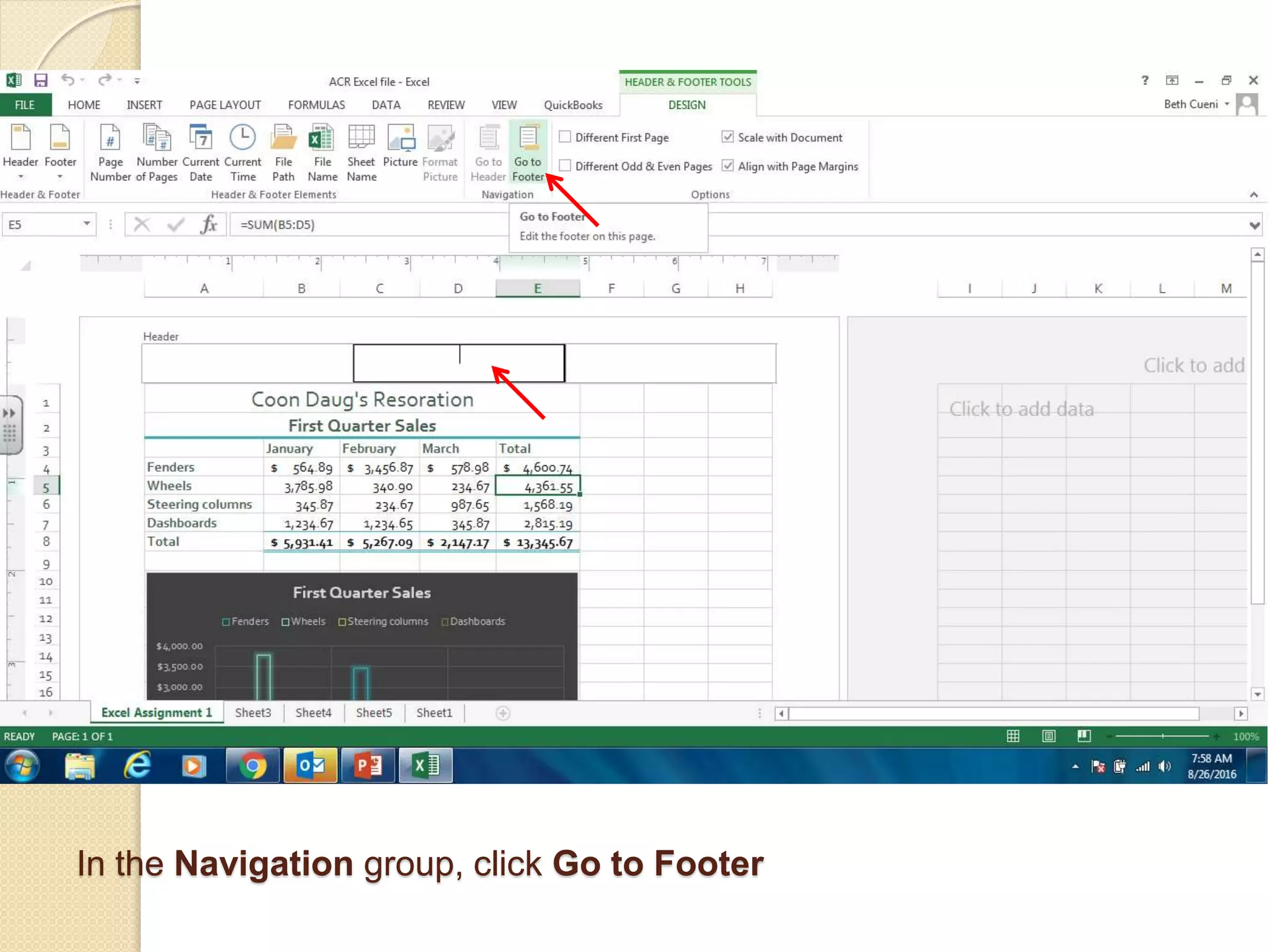
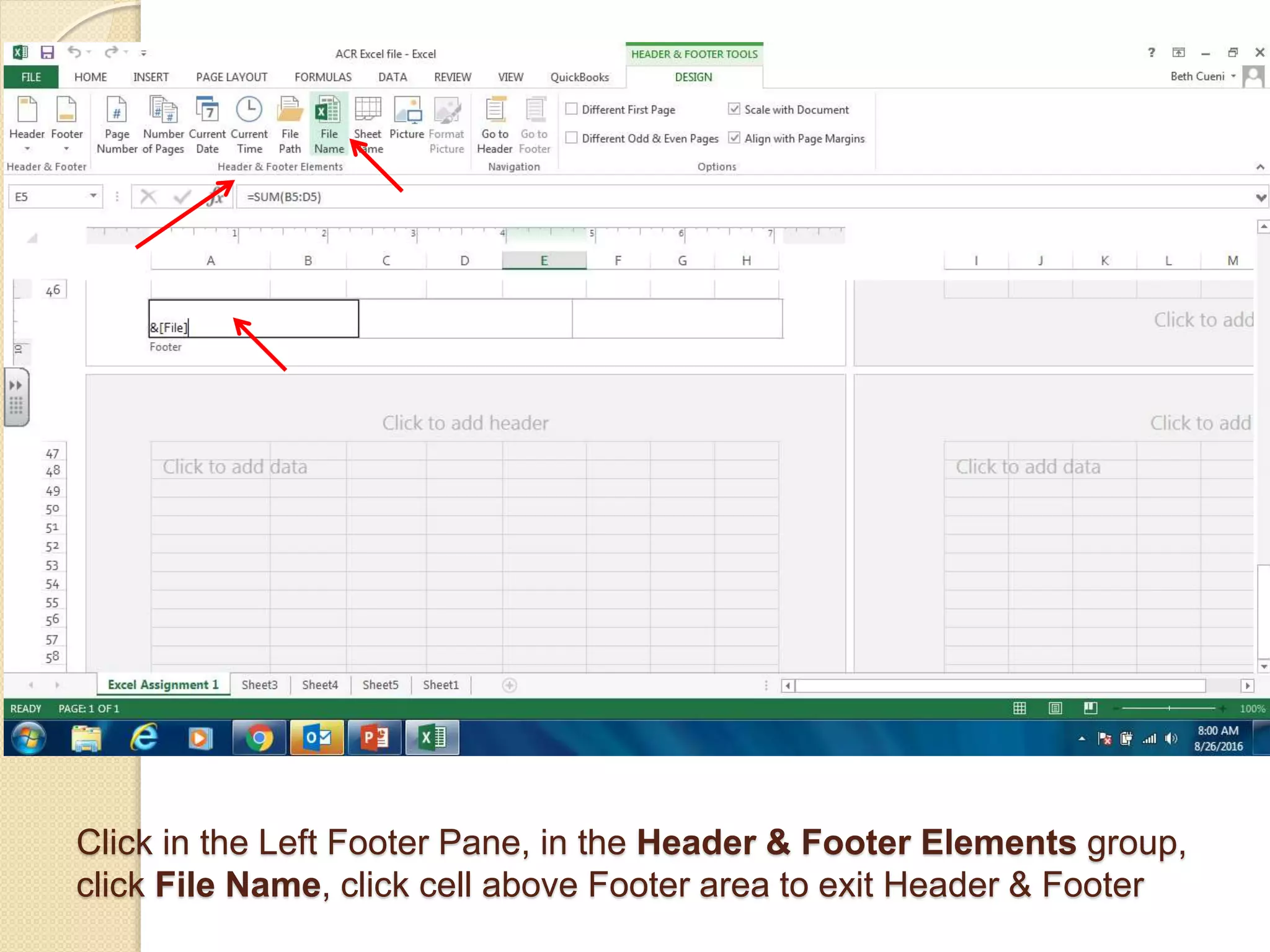
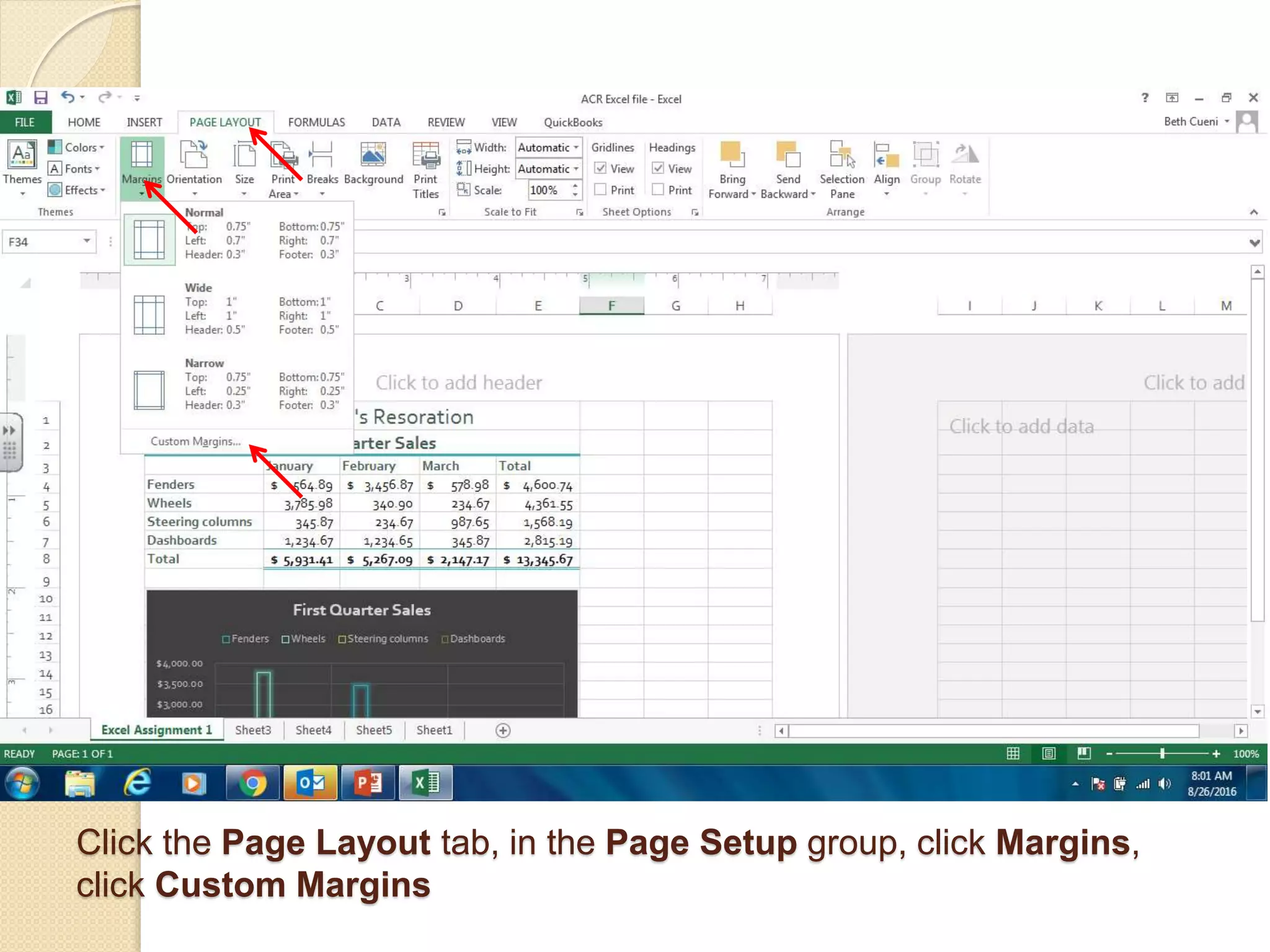
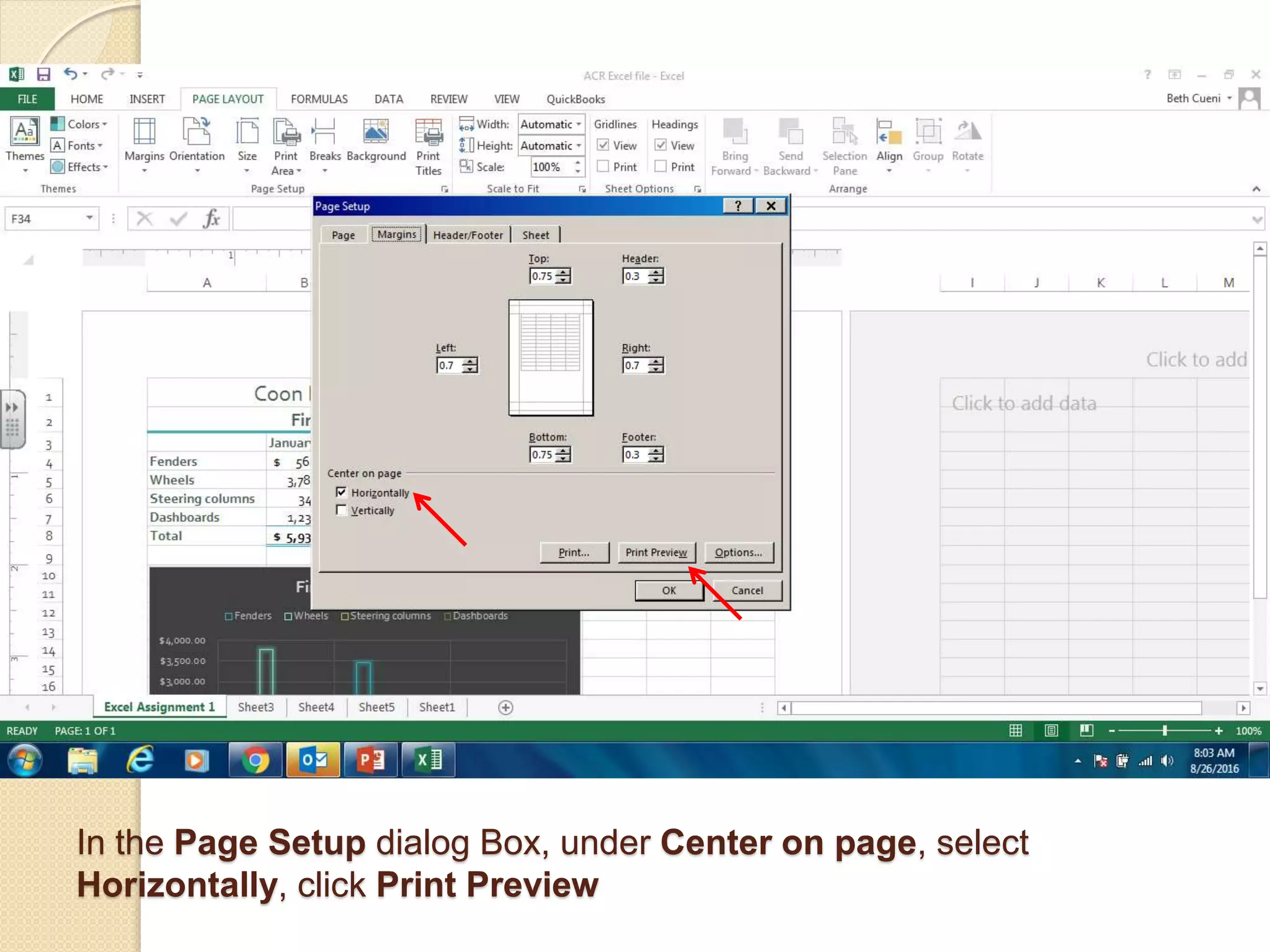
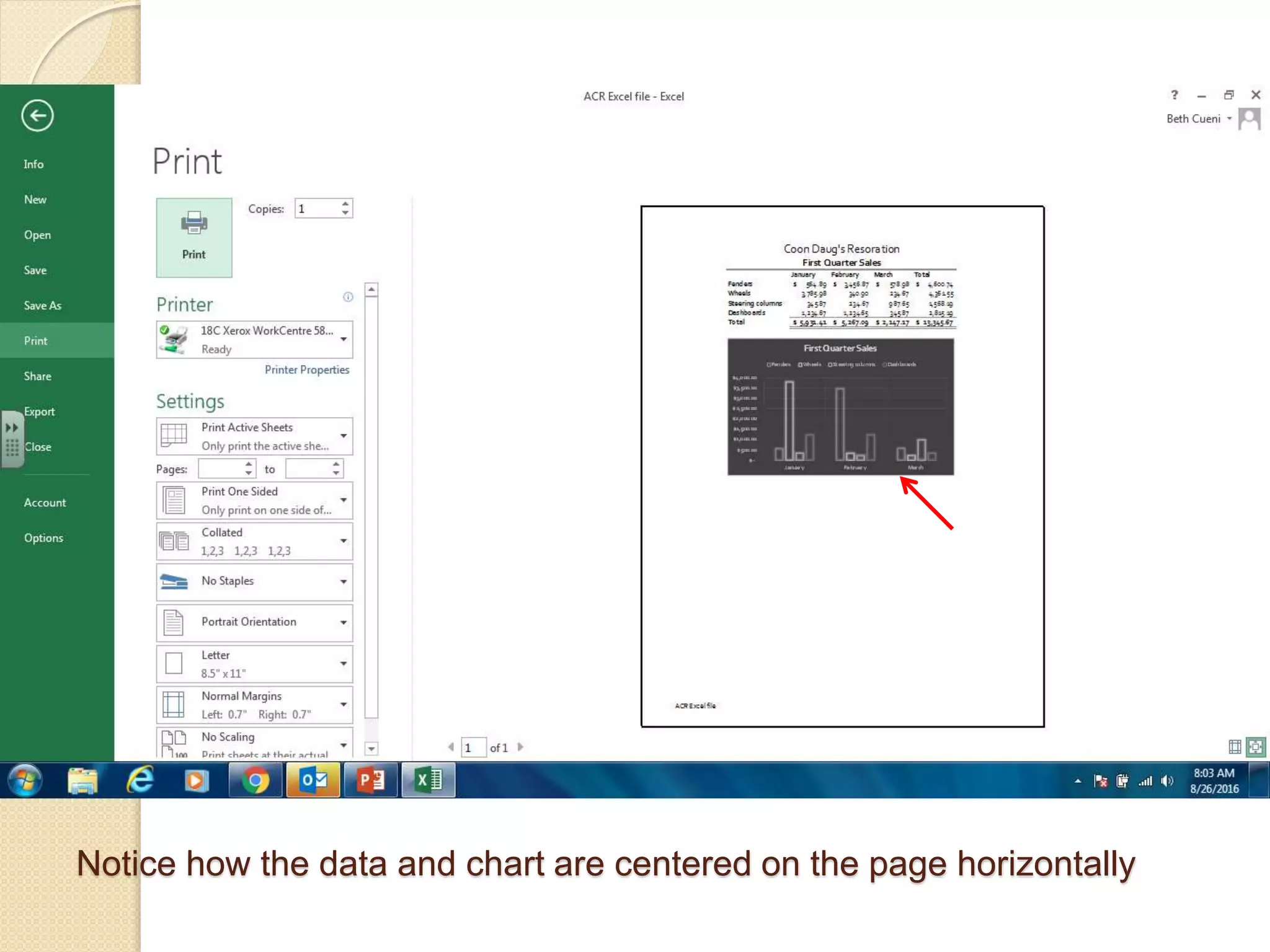
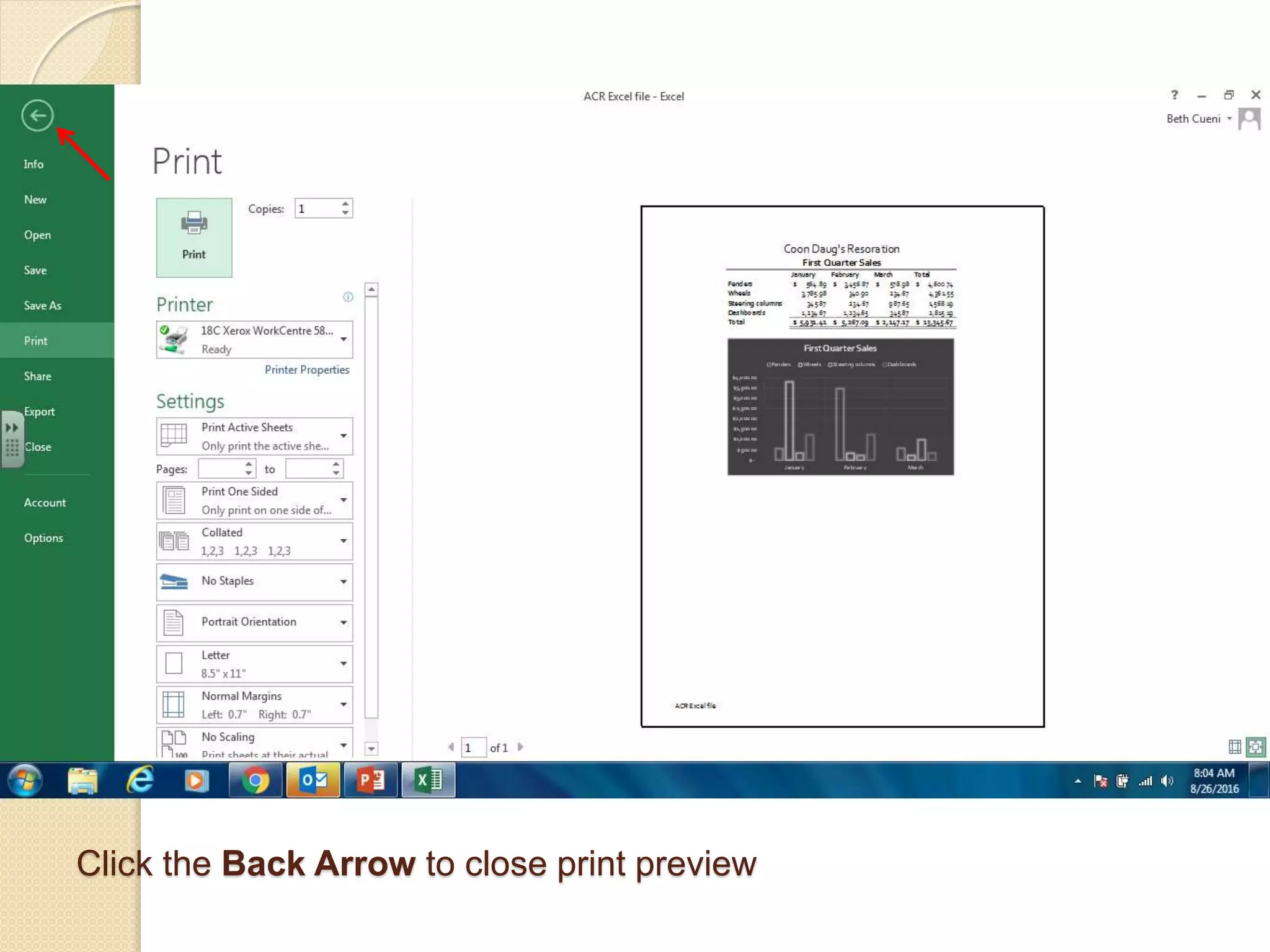
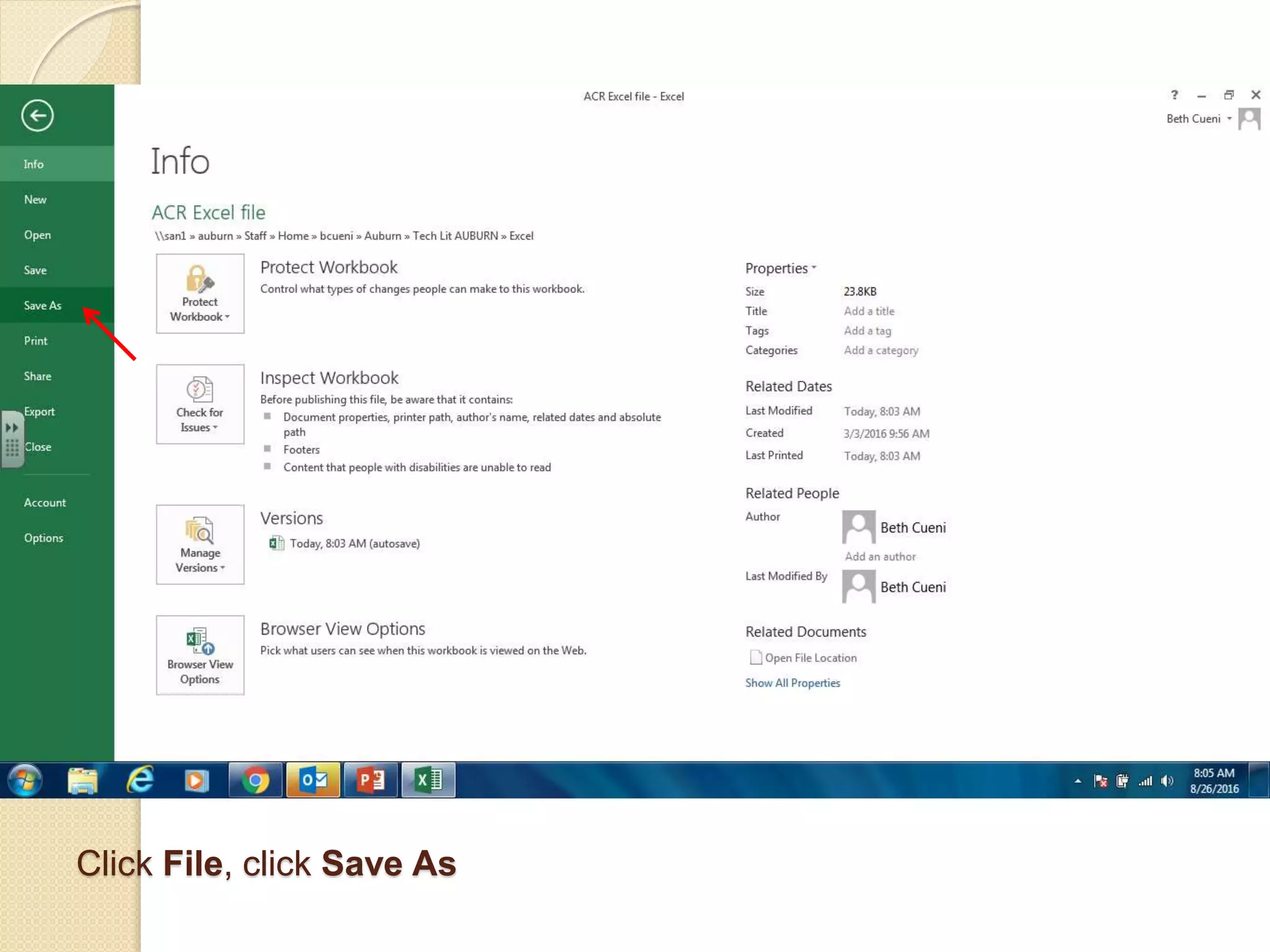
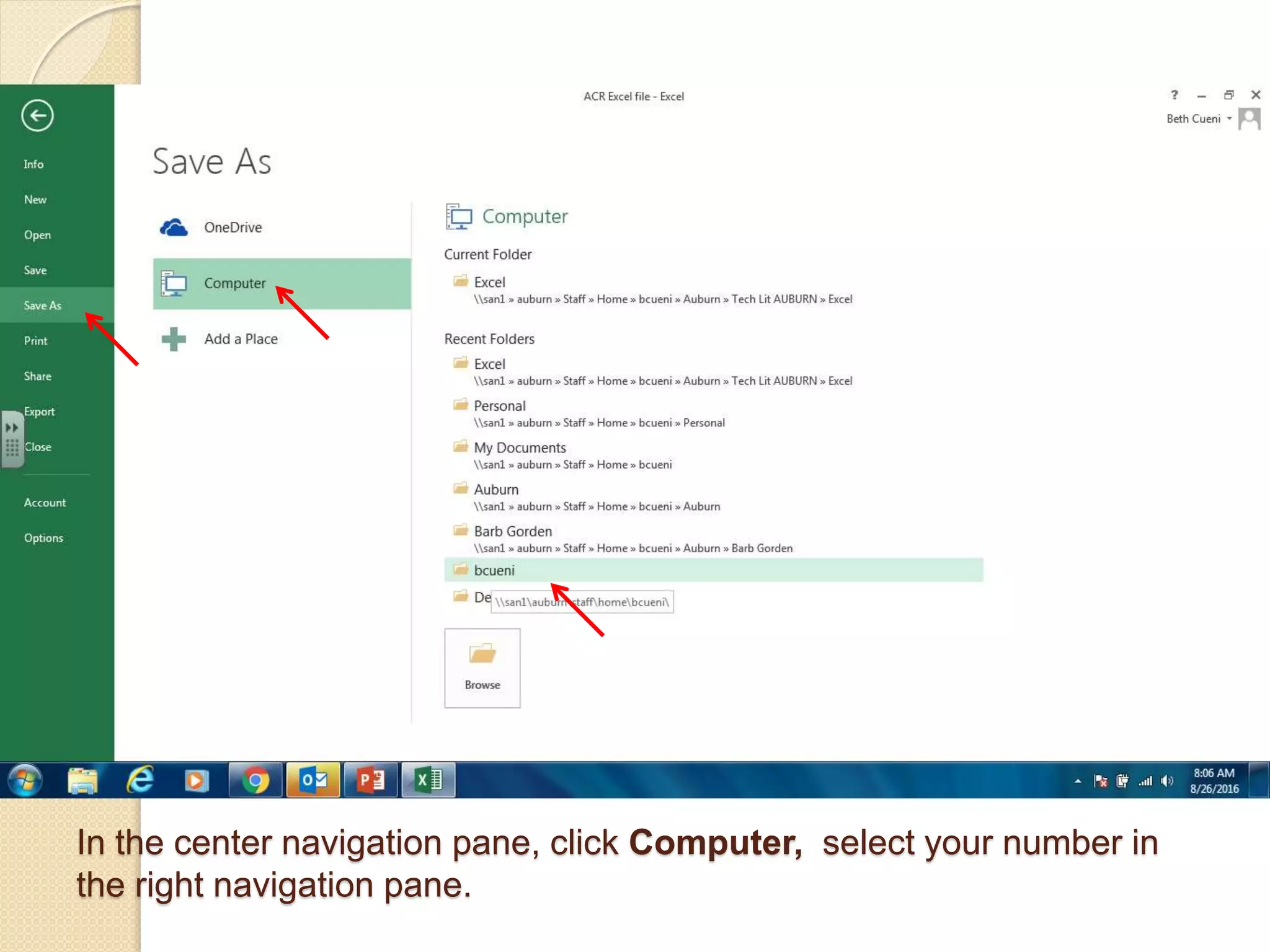
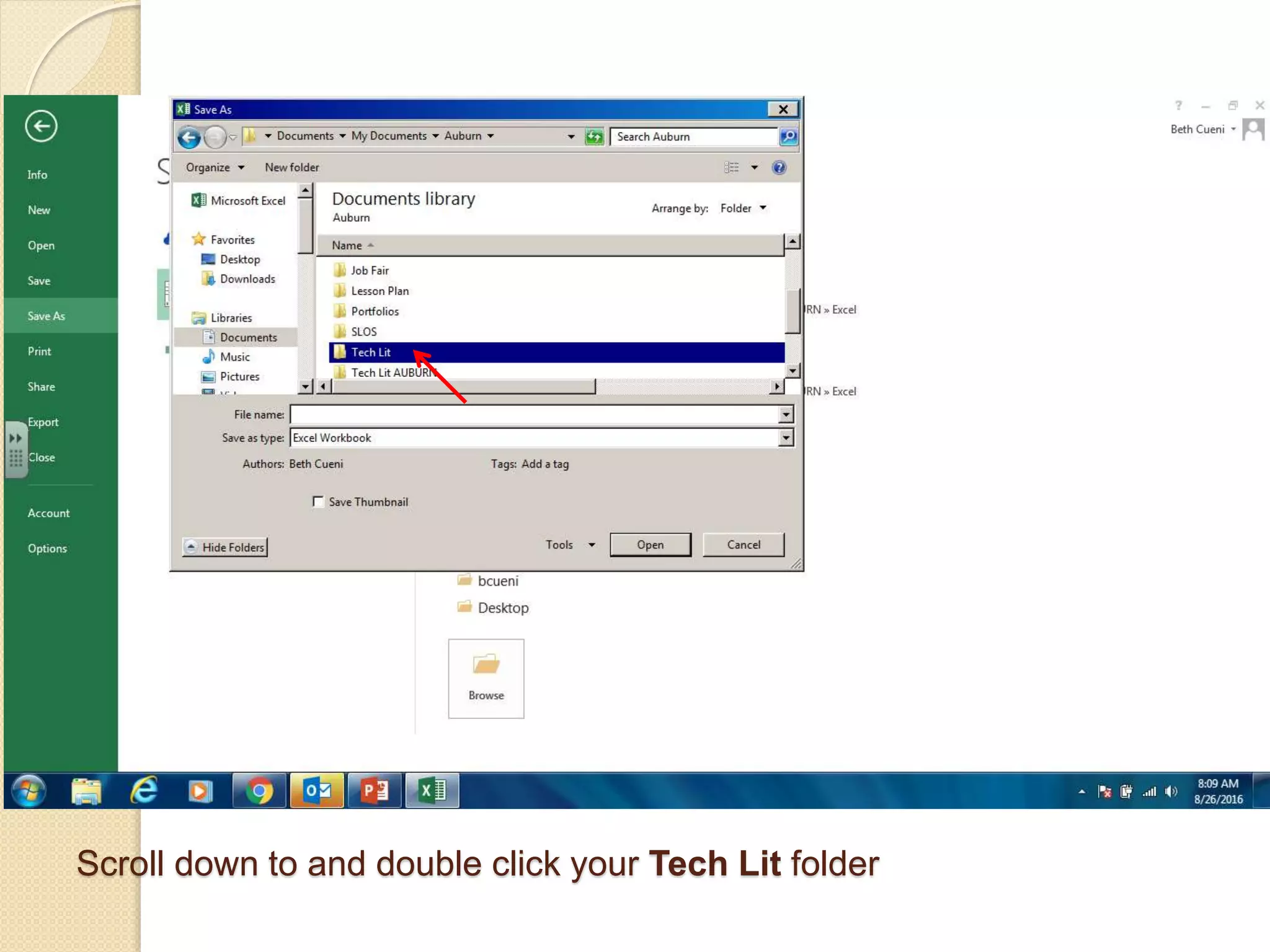
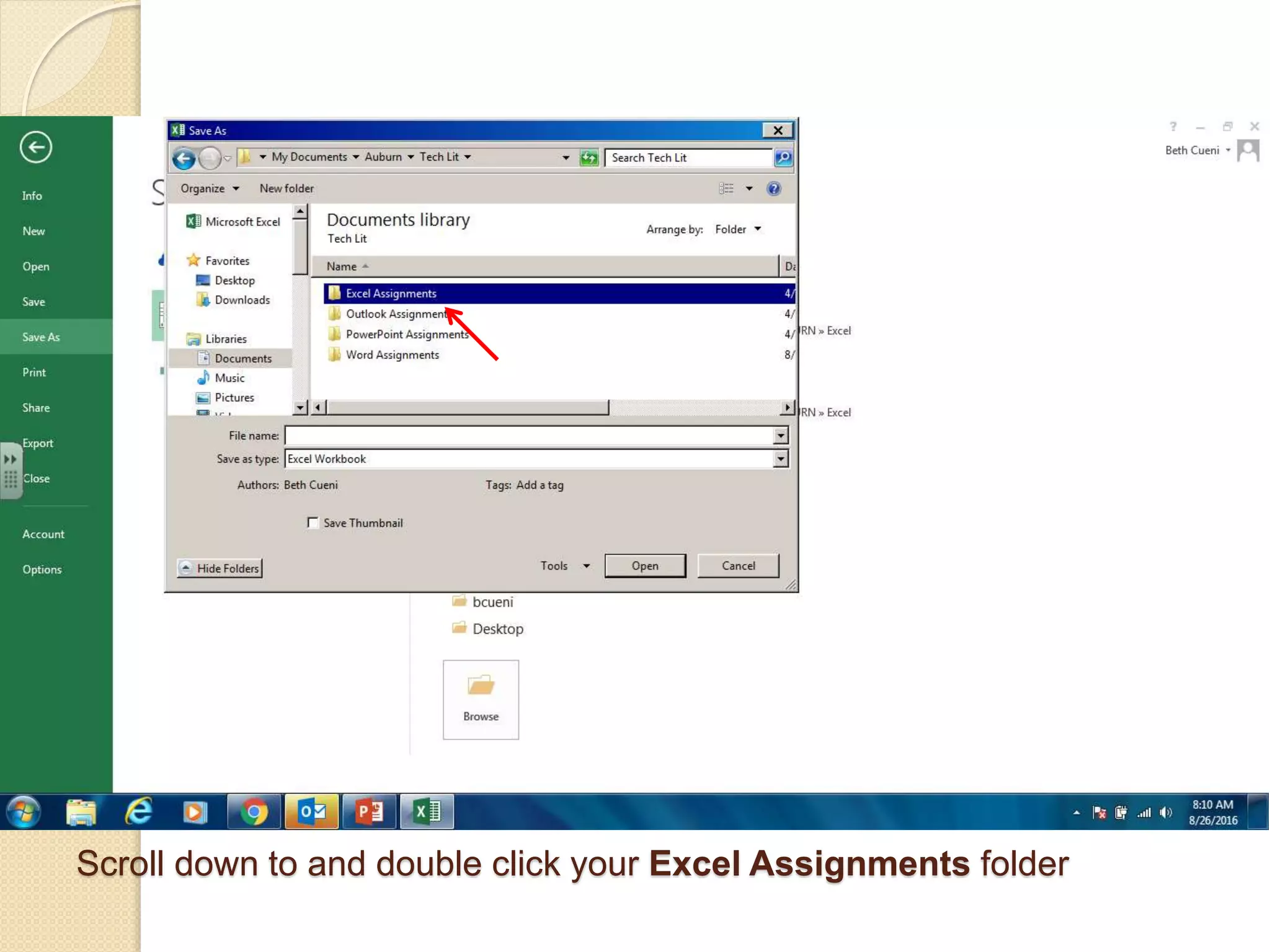
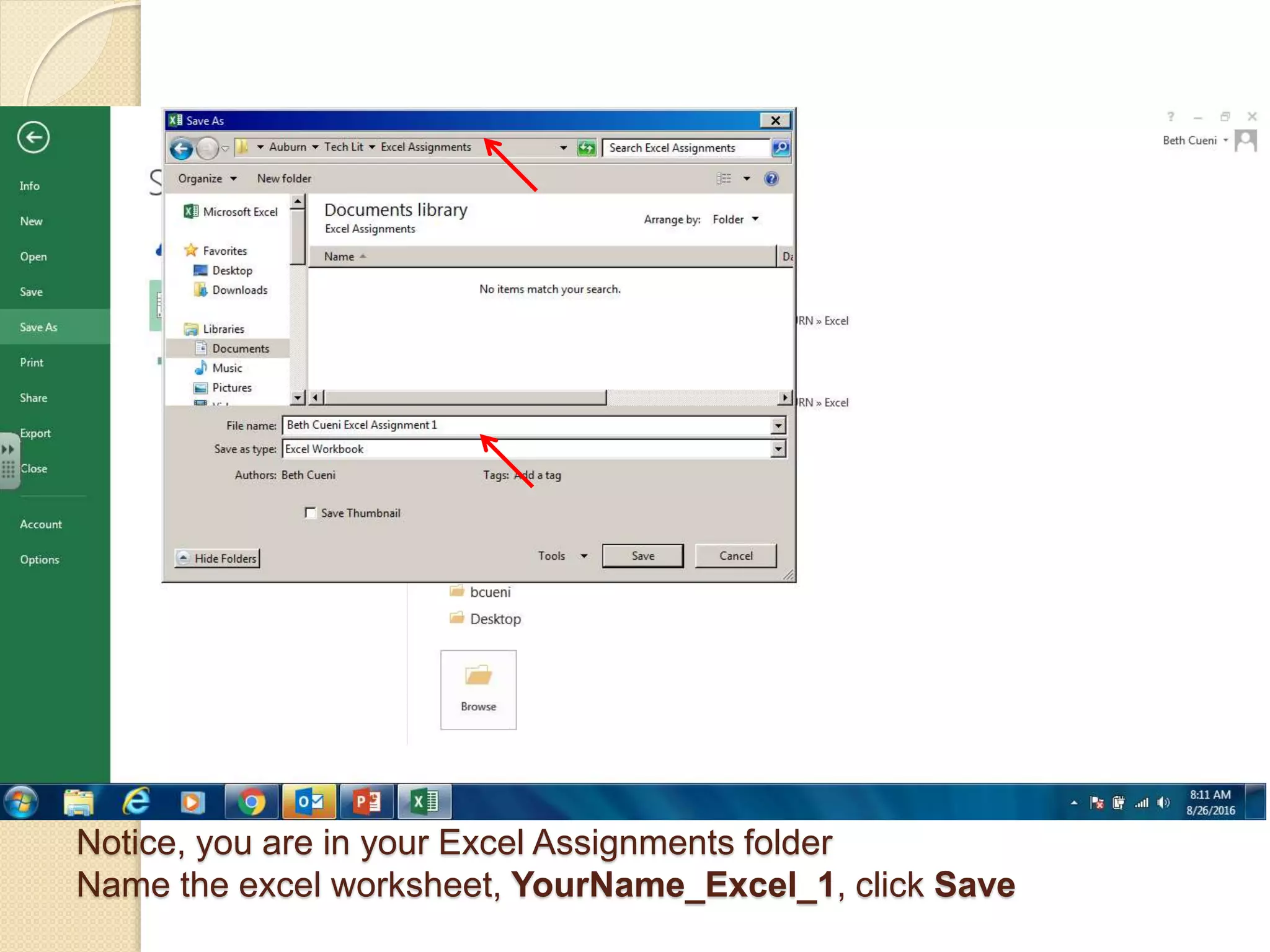
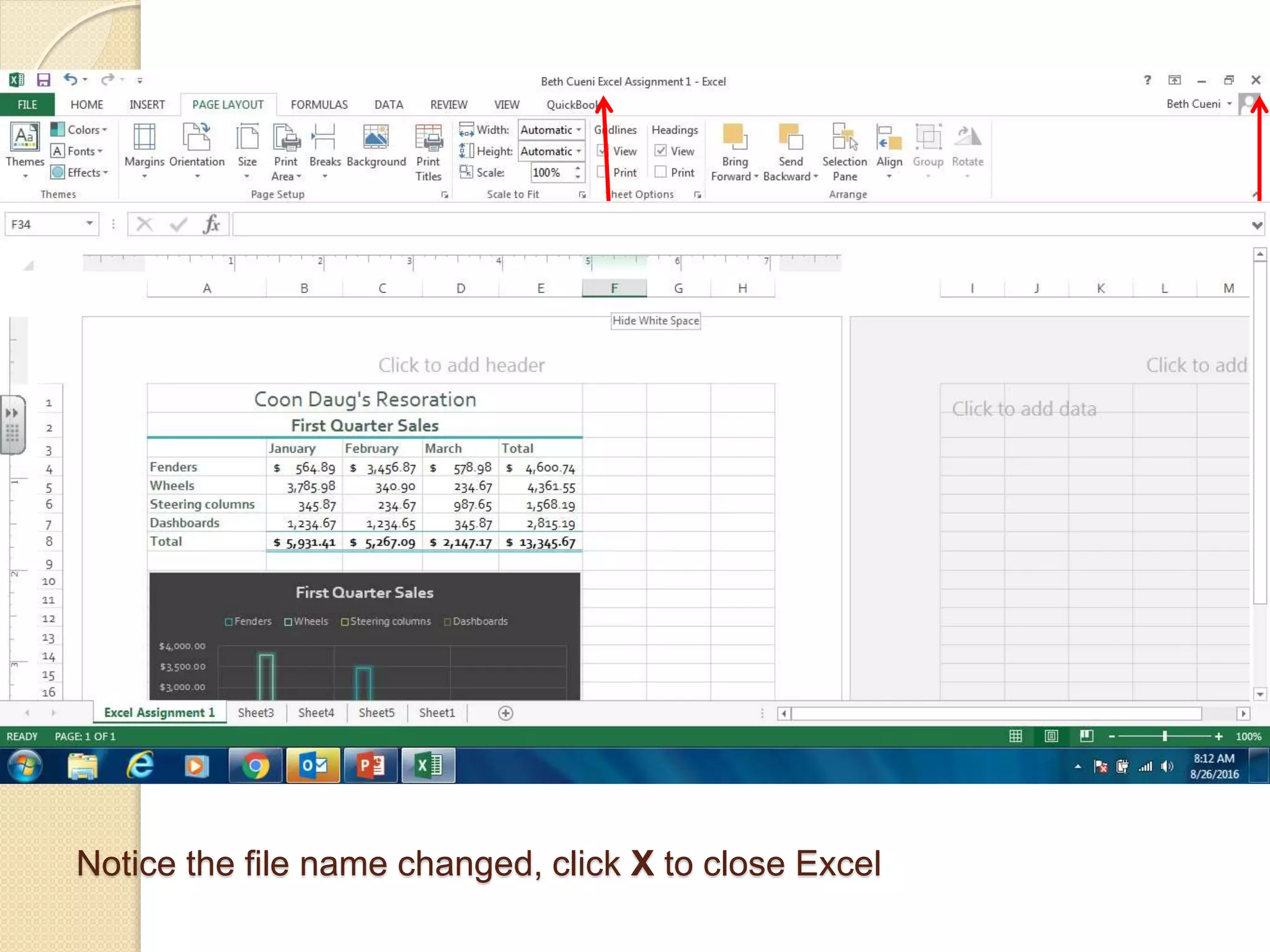
This document provides instructions for opening and using Microsoft Excel 2013. It demonstrates how to enter data, perform calculations, format cells and numbers, insert a column chart, and save the Excel worksheet. The key steps include entering company and sales data, using formulas to calculate totals, applying cell styles and formatting, inserting a clustered column chart to visualize the data, and saving the file in the appropriate folder.


![Vibe Coding vs. Spec-Driven Development [Free Meetup]](https://cdn.slidesharecdn.com/ss_thumbnails/vibecodingvsspecdrivendevelopment-251209105622-43f455e7-thumbnail.jpg?width=640&height=640&fit=bounds)


