
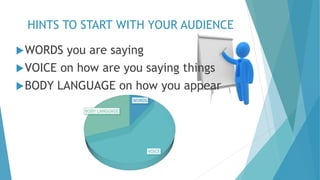


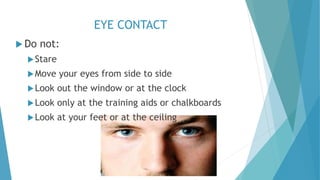
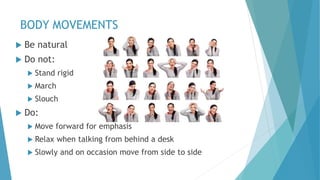
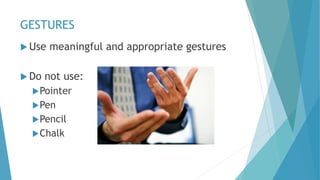



This document provides tips for improving oral presentation skills in IT. It emphasizes maintaining the audience's interest through varying vocal tone, maintaining eye contact, and moving around. Presenters should rehearse, stay on time, and use an appropriate format. Body language, including appearance, eye contact, gestures, and movements, is as important as the words spoken. The tone, pitch, rate, and articulation of one's voice also impact engagement.

![Oral Presentation Techniques[1]](https://cdn.slidesharecdn.com/ss_thumbnails/oralpresentationtechniques1-100401132619-phpapp01-thumbnail.jpg?width=640&height=640&fit=bounds)


![Getting Started with Apache Spark: Big Data Made Simple [Free Meetup]](https://cdn.slidesharecdn.com/ss_thumbnails/apachesparkgettingstarted-260203175547-8361bcc3-thumbnail.jpg?width=640&height=640&fit=bounds)


