Hussein Sabit, PhD
Presentation SkillsPreparing a good ppt.
‫نعم‬!!
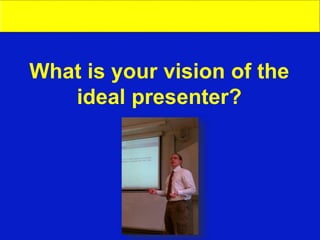
What is your vision of the
ideal presenter?
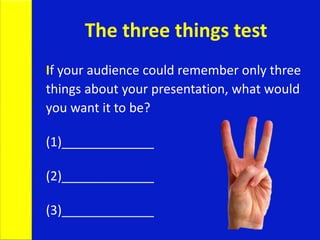
The three things test
If your audience could remember only three
things about your presentation, what would
you want it to be?
(1)_____________
(2)_____________
(3)_____________
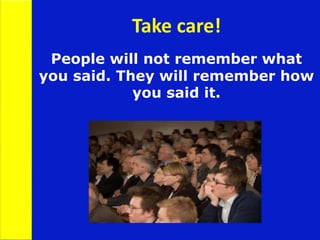
People will not remember what
you said. They will remember how
you said it.
Take care!
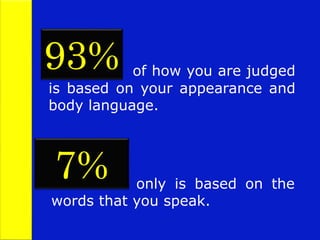
of how you are judged
is based on your appearance and
body language.
93%
7% only is based on the
words that you speak.
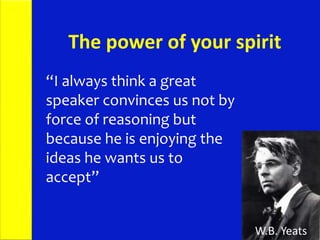
“I always think a great
speaker convinces us not by
force of reasoning but
because he is enjoying the
ideas he wants us to
accept”
W.B. Yeats
The power of your spirit
To be a good speaker
you have to:
• Be prepared
• Be accurate
• Reveal credit where it is due
• Be on time
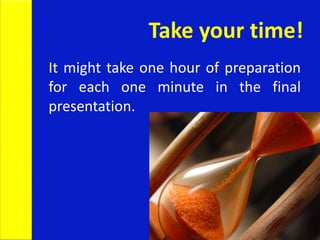
Take your time!
It might take one hour of preparation
for each one minute in the final
presentation.
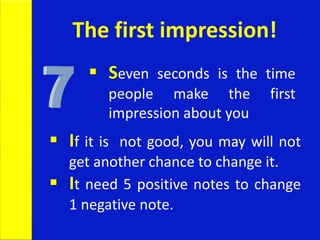
 If it is not good, you may will not
get another chance to change it.
 It need 5 positive notes to change
1 negative note.
The first impression!
 Seven seconds is the time
people make the first
impression about you
 Lack of experience
 Lack of preparation
 Lack of enthusiasm
 Negative self-talk
Feeling Nervous?
Podium Panic
Hate giving presentations? You are
not alone.
41% of 3000 Americans placed
public speaking at the top of their
fearing list.
Dealing with Podium Panic
 Audiences are forgiving
 Nervousness is usually invisible
 Be yourself
 Practice deep breathing
 Begin in your comfort zone
General Presentation Tips
 You want your audience to respect
you, not like you.
 Try to speak more slowly than you
would normally.
 Be over-prepared.
 Make sure material is well organised.
 Visualise yourself delivering a
successful presentation.
 Rehearse standing up with all visual
aids.
 Remember that your audience are
on your side. They are not against
you.
General Presentation Tips
The seven sins of ppt
 Speaking too softly
 Speaking in a monotone
 Using “Umms” and “Uhhs”
 Keeping your hands in your pockets
 Being glued to a podium
 Reading from a prepared text
 Reading every word off a slide
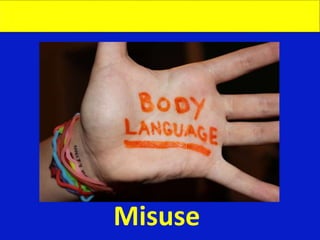
Misuse
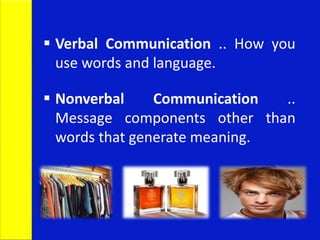
 Verbal Communication .. How you
use words and language.
 Nonverbal Communication ..
Message components other than
words that generate meaning.
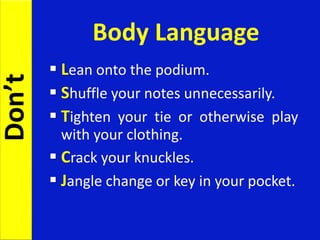
Body Language
 Lean onto the podium.
 Shuffle your notes unnecessarily.
 Tighten your tie or otherwise play
with your clothing.
 Crack your knuckles.
 Jangle change or key in your pocket.
Don’t
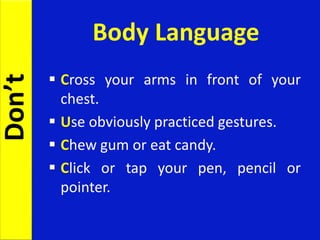
 Cross your arms in front of your
chest.
 Use obviously practiced gestures.
 Chew gum or eat candy.
 Click or tap your pen, pencil or
pointer.
Body Language
Don’t
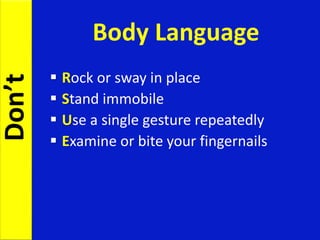
 Rock or sway in place
 Stand immobile
 Use a single gesture repeatedly
 Examine or bite your fingernails
Body Language
Don’t
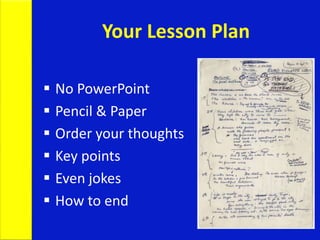
Your Lesson Plan
 No PowerPoint
 Pencil & Paper
 Order your thoughts
 Key points
 Even jokes
 How to end
Create interest
ur tendency is to tell people the
facts. First, they must realize that
they need these facts.
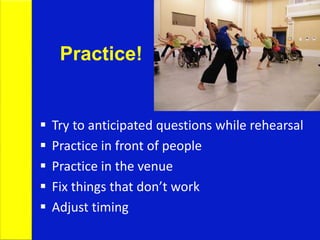
Practice!
 Try to anticipated questions while rehearsal
 Practice in front of people
 Practice in the venue
 Fix things that don’t work
 Adjust timing
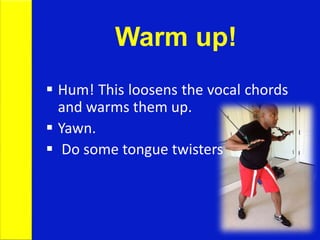
Warm up!
 Hum! This loosens the vocal chords
and warms them up.
 Yawn.
 Do some tongue twisters
Tongue Twisters!
 Unique New York
 She sells sea shells by the sea shore.
The shells that she sells are sea
shells I’m sure
 Red Lorry, Yellow Lorry
 Never let them out of your sight.
 Looking them in the
eye makes them feel that they are
influencing what you say.
 Eye contact allows the presentation
to approximate conversation—the
audience feels much more involved.
Eye Contact
Voice
 Pronunciation
 Stock expressions
 Colloquialism
 Rate of speech
 Volume
 Tonality
 Clarity
Visual aids are not the stars
of the show
Remember!
You are the star
Smile!
Slide Structure
Keep it simple
 Arial or Helvetica
 Beware of busy backgrounds
 Blue background with yellow or white
text
 Avoid overuse of red, shadows,
animation and transitions
Slide Structure – Good
 Write in point form, not complete
sentences
 Include 4-5 points per slide
 Avoid wordiness: use key words and
phrases only
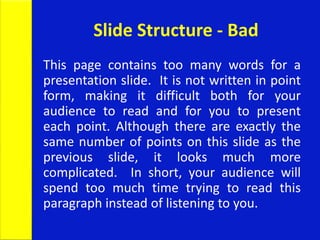
Slide Structure - Bad
This page contains too many words for a
presentation slide. It is not written in point
form, making it difficult both for your
audience to read and for you to present
each point. Although there are exactly the
same number of points on this slide as the
previous slide, it looks much more
complicated. In short, your audience will
spend too much time trying to read this
paragraph instead of listening to you.
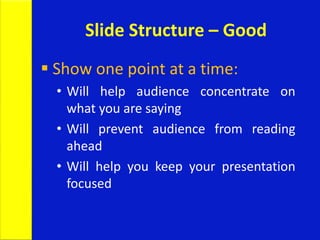
Slide Structure – Good
 Show one point at a time:
• Will help audience concentrate on
what you are saying
• Will prevent audience from reading
ahead
• Will help you keep your presentation
focused
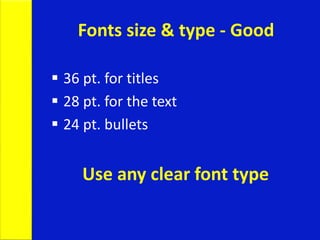
Fonts size & type - Good
 36 pt. for titles
 28 pt. for the text
 24 pt. bullets
Use any clear font type
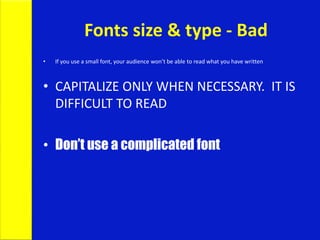
Fonts size & type - Bad
• If you use a small font, your audience won’t be able to read what you have written
• CAPITALIZE ONLY WHEN NECESSARY. IT IS
DIFFICULT TO READ
• Don’t use a complicated font
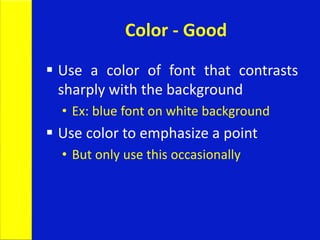
Color - Good
 Use a color of font that contrasts
sharply with the background
• Ex: blue font on white background
 Use color to emphasize a point
• But only use this occasionally
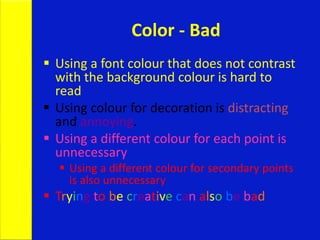
Color - Bad
 Using a font colour that does not contrast
with the background colour is hard to
read
 Using colour for decoration is distracting
and annoying.
 Using a different colour for each point is
unnecessary
 Using a different colour for secondary points
is also unnecessary
 Trying to be creative can also be bad
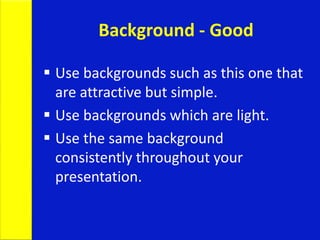
Background - Good
 Use backgrounds such as this one that
are attractive but simple.
 Use backgrounds which are light.
 Use the same background
consistently throughout your
presentation.
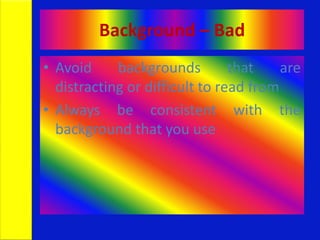
Background – Bad
• Avoid backgrounds that are
distracting or difficult to read from
• Always be consistent with the
background that you use
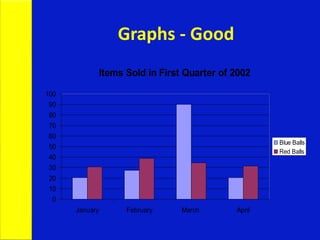
Graphs - Good
Items Sold in First Quarter of 2002
0
10
20
30
40
50
60
70
80
90
100
January February March April
Blue Balls
Red Balls
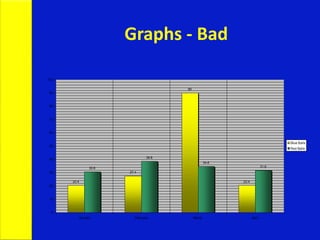
Graphs - Bad
20.4
27.4
90
20.4
30.6
38.6
34.6
31.6
0
10
20
30
40
50
60
70
80
90
100
January February March April
Blue Balls
Red Balls
Use high quality images
Dealing with
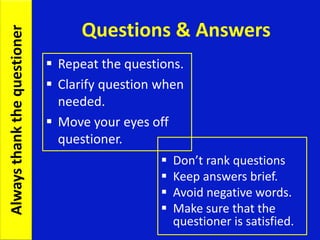
Questions & Answers
 Beginning of a whole new
interactive presentation.
 Opportunity to make a new
point.
 Most presentations are won or
lost here.
Questions & Answers
 Don’t rank questions
 Keep answers brief.
 Avoid negative words.
 Make sure that the
questioner is satisfied.
 Repeat the questions.
 Clarify question when
needed.
 Move your eyes off
questioner.
Alwaysthankthequestioner
Take control of the show
 Use B or W keys
 Change to pen (Ctrl P) – E to erase
 Hide the pointer (Ctrl H)
The rule of doing an excellent
presentation is ..
Just
Be Yourself!
Presentation skills III

Presentation skills III

  • 1.
    Hussein Sabit, PhD PresentationSkillsPreparing a good ppt.
  • 2.
  • 3.
    What is yourvision of the ideal presenter?
  • 4.
    The three thingstest If your audience could remember only three things about your presentation, what would you want it to be? (1)_____________ (2)_____________ (3)_____________
  • 5.
    People will notremember what you said. They will remember how you said it. Take care!
  • 6.
    of how youare judged is based on your appearance and body language. 93% 7% only is based on the words that you speak.
  • 7.
    “I always thinka great speaker convinces us not by force of reasoning but because he is enjoying the ideas he wants us to accept” W.B. Yeats The power of your spirit
  • 8.
    To be agood speaker you have to: • Be prepared • Be accurate • Reveal credit where it is due • Be on time
  • 9.
    Take your time! Itmight take one hour of preparation for each one minute in the final presentation.
  • 10.
     If itis not good, you may will not get another chance to change it.  It need 5 positive notes to change 1 negative note. The first impression!  Seven seconds is the time people make the first impression about you
  • 11.
     Lack ofexperience  Lack of preparation  Lack of enthusiasm  Negative self-talk Feeling Nervous?
  • 12.
    Podium Panic Hate givingpresentations? You are not alone. 41% of 3000 Americans placed public speaking at the top of their fearing list.
  • 13.
    Dealing with PodiumPanic  Audiences are forgiving  Nervousness is usually invisible  Be yourself  Practice deep breathing  Begin in your comfort zone
  • 14.
    General Presentation Tips You want your audience to respect you, not like you.  Try to speak more slowly than you would normally.  Be over-prepared.
  • 15.
     Make surematerial is well organised.  Visualise yourself delivering a successful presentation.  Rehearse standing up with all visual aids.  Remember that your audience are on your side. They are not against you. General Presentation Tips
  • 16.
    The seven sinsof ppt  Speaking too softly  Speaking in a monotone  Using “Umms” and “Uhhs”  Keeping your hands in your pockets  Being glued to a podium  Reading from a prepared text  Reading every word off a slide
  • 17.
  • 18.
     Verbal Communication.. How you use words and language.  Nonverbal Communication .. Message components other than words that generate meaning.
  • 19.
    Body Language  Leanonto the podium.  Shuffle your notes unnecessarily.  Tighten your tie or otherwise play with your clothing.  Crack your knuckles.  Jangle change or key in your pocket. Don’t
  • 20.
     Cross yourarms in front of your chest.  Use obviously practiced gestures.  Chew gum or eat candy.  Click or tap your pen, pencil or pointer. Body Language Don’t
  • 21.
     Rock orsway in place  Stand immobile  Use a single gesture repeatedly  Examine or bite your fingernails Body Language Don’t
  • 22.
    Your Lesson Plan No PowerPoint  Pencil & Paper  Order your thoughts  Key points  Even jokes  How to end
  • 23.
    Create interest ur tendencyis to tell people the facts. First, they must realize that they need these facts.
  • 24.
    Practice!  Try toanticipated questions while rehearsal  Practice in front of people  Practice in the venue  Fix things that don’t work  Adjust timing
  • 25.
    Warm up!  Hum!This loosens the vocal chords and warms them up.  Yawn.  Do some tongue twisters
  • 26.
    Tongue Twisters!  UniqueNew York  She sells sea shells by the sea shore. The shells that she sells are sea shells I’m sure  Red Lorry, Yellow Lorry
  • 27.
     Never letthem out of your sight.  Looking them in the eye makes them feel that they are influencing what you say.  Eye contact allows the presentation to approximate conversation—the audience feels much more involved. Eye Contact
  • 28.
    Voice  Pronunciation  Stockexpressions  Colloquialism  Rate of speech  Volume  Tonality  Clarity
  • 29.
    Visual aids arenot the stars of the show Remember! You are the star
  • 30.
  • 31.
  • 32.
    Keep it simple Arial or Helvetica  Beware of busy backgrounds  Blue background with yellow or white text  Avoid overuse of red, shadows, animation and transitions
  • 33.
    Slide Structure –Good  Write in point form, not complete sentences  Include 4-5 points per slide  Avoid wordiness: use key words and phrases only
  • 34.
    Slide Structure -Bad This page contains too many words for a presentation slide. It is not written in point form, making it difficult both for your audience to read and for you to present each point. Although there are exactly the same number of points on this slide as the previous slide, it looks much more complicated. In short, your audience will spend too much time trying to read this paragraph instead of listening to you.
  • 35.
    Slide Structure –Good  Show one point at a time: • Will help audience concentrate on what you are saying • Will prevent audience from reading ahead • Will help you keep your presentation focused
  • 36.
    Fonts size &type - Good  36 pt. for titles  28 pt. for the text  24 pt. bullets Use any clear font type
  • 37.
    Fonts size &type - Bad • If you use a small font, your audience won’t be able to read what you have written • CAPITALIZE ONLY WHEN NECESSARY. IT IS DIFFICULT TO READ • Don’t use a complicated font
  • 38.
    Color - Good Use a color of font that contrasts sharply with the background • Ex: blue font on white background  Use color to emphasize a point • But only use this occasionally
  • 39.
    Color - Bad Using a font colour that does not contrast with the background colour is hard to read  Using colour for decoration is distracting and annoying.  Using a different colour for each point is unnecessary  Using a different colour for secondary points is also unnecessary  Trying to be creative can also be bad
  • 40.
    Background - Good Use backgrounds such as this one that are attractive but simple.  Use backgrounds which are light.  Use the same background consistently throughout your presentation.
  • 41.
    Background – Bad •Avoid backgrounds that are distracting or difficult to read from • Always be consistent with the background that you use
  • 42.
    Graphs - Good ItemsSold in First Quarter of 2002 0 10 20 30 40 50 60 70 80 90 100 January February March April Blue Balls Red Balls
  • 43.
  • 44.
  • 46.
    Dealing with Questions &Answers  Beginning of a whole new interactive presentation.  Opportunity to make a new point.  Most presentations are won or lost here.
  • 47.
    Questions & Answers Don’t rank questions  Keep answers brief.  Avoid negative words.  Make sure that the questioner is satisfied.  Repeat the questions.  Clarify question when needed.  Move your eyes off questioner. Alwaysthankthequestioner
  • 48.
    Take control ofthe show  Use B or W keys  Change to pen (Ctrl P) – E to erase  Hide the pointer (Ctrl H)
  • 49.
    The rule ofdoing an excellent presentation is ..
  • 51.