External Big memory
devices
Luis Viruez.
Raul Corman.
Eduardo Añez.
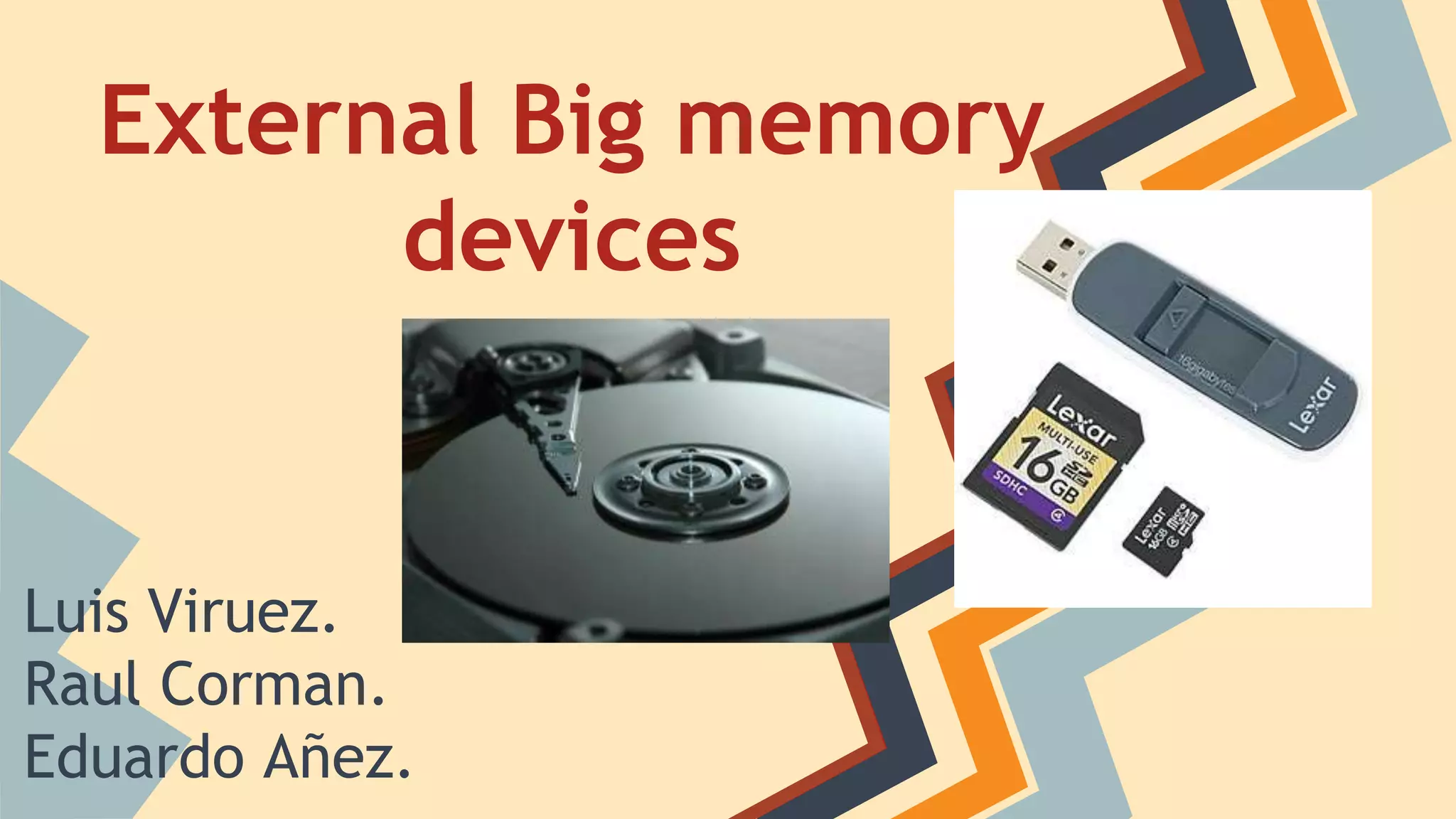
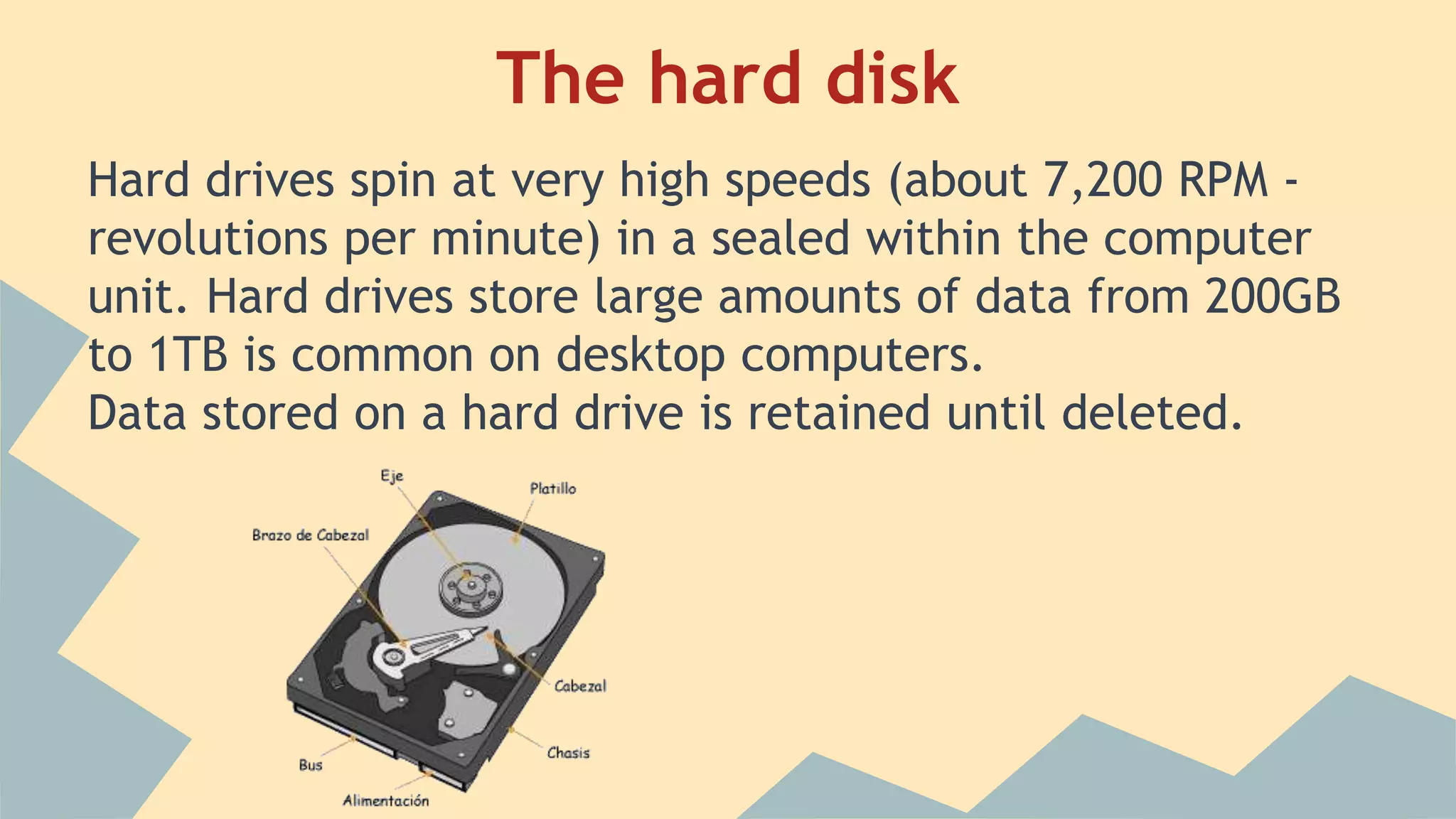
A hard drive is a storage device that is one of
the most important parts of a computer. It is
the part of the computer that contains
information such as the OS, various programs
and user files.
The hard disk
The hard disk
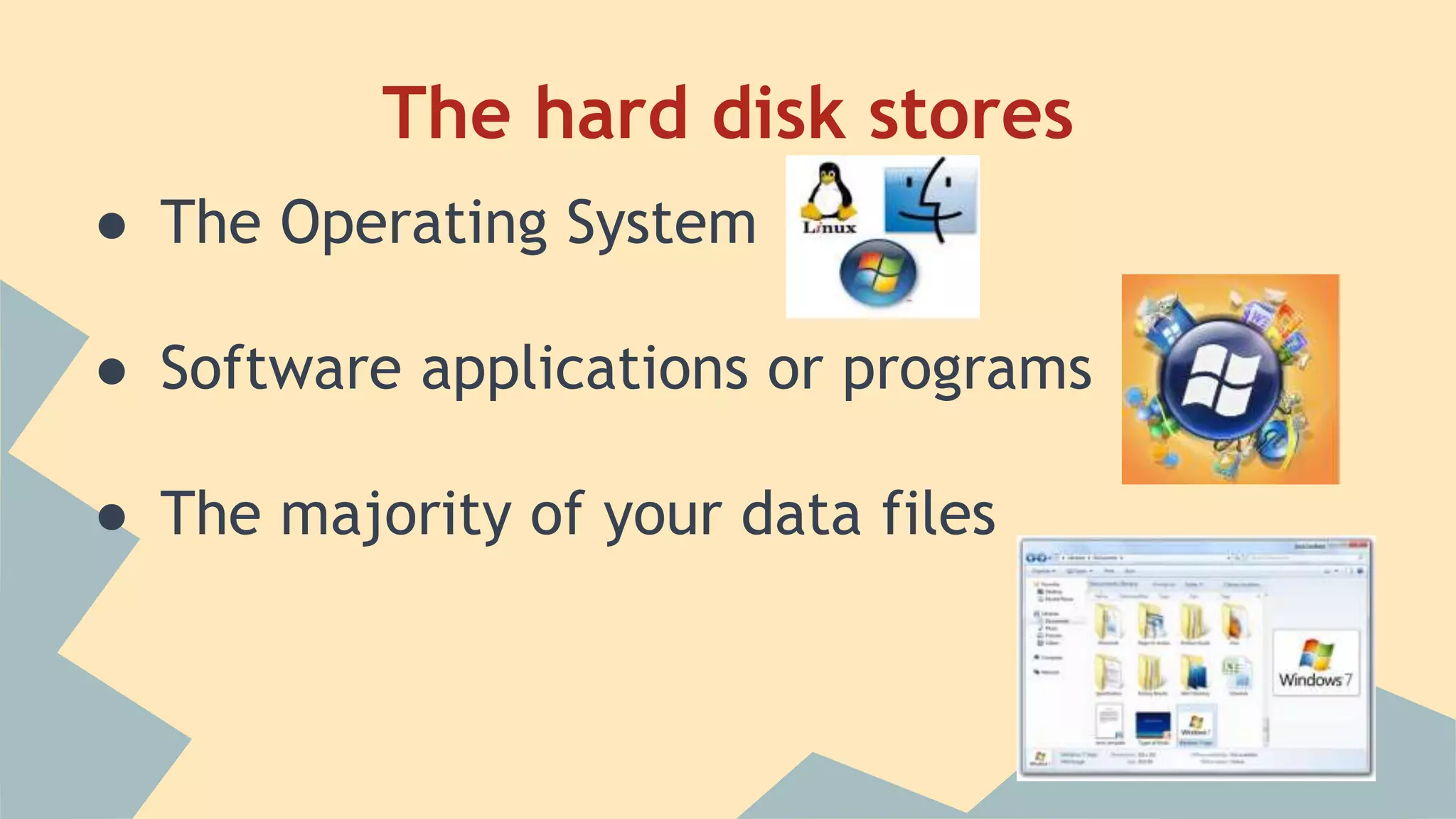
Hard drives spin at very high speeds (about 7,200 RPM -
revolutions per minute) in a sealed within the computer
unit. Hard drives store large amounts of data from 200GB
to 1TB is common on desktop computers.
Data stored on a hard drive is retained until deleted.
The hard disk stores
● The Operating System
● Software applications or programs
● The majority of your data files
External hard disks
An external hard disk can be plugged into your computer via a USB port to
provide extra storage. They're essentially the same as the hard disk in your
computer but due to the casing are usable externally.
Advantage
High, capacity, eg 1TB or more so they can be used for data backup or large
amounts of data between machines move.
Disadvantages
● They're often quite large and therefore inconvenient to carry around.
● They have moving parts so are more likely to break, especially if dropped.
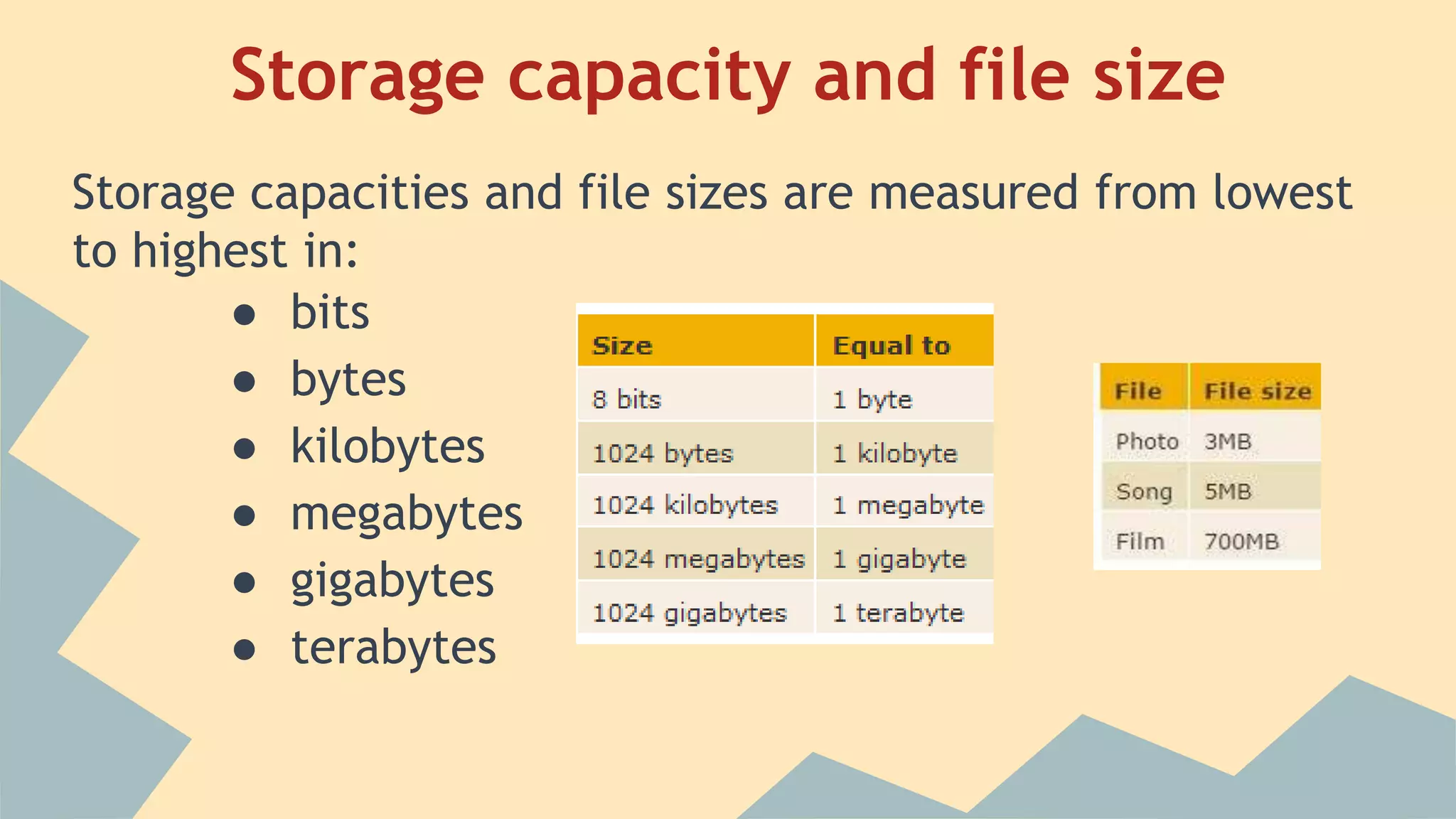
Storage capacity and file size
Storage capacities and file sizes are measured from lowest
to highest in:
● bits
● bytes
● kilobytes
● megabytes
● gigabytes
● terabytes
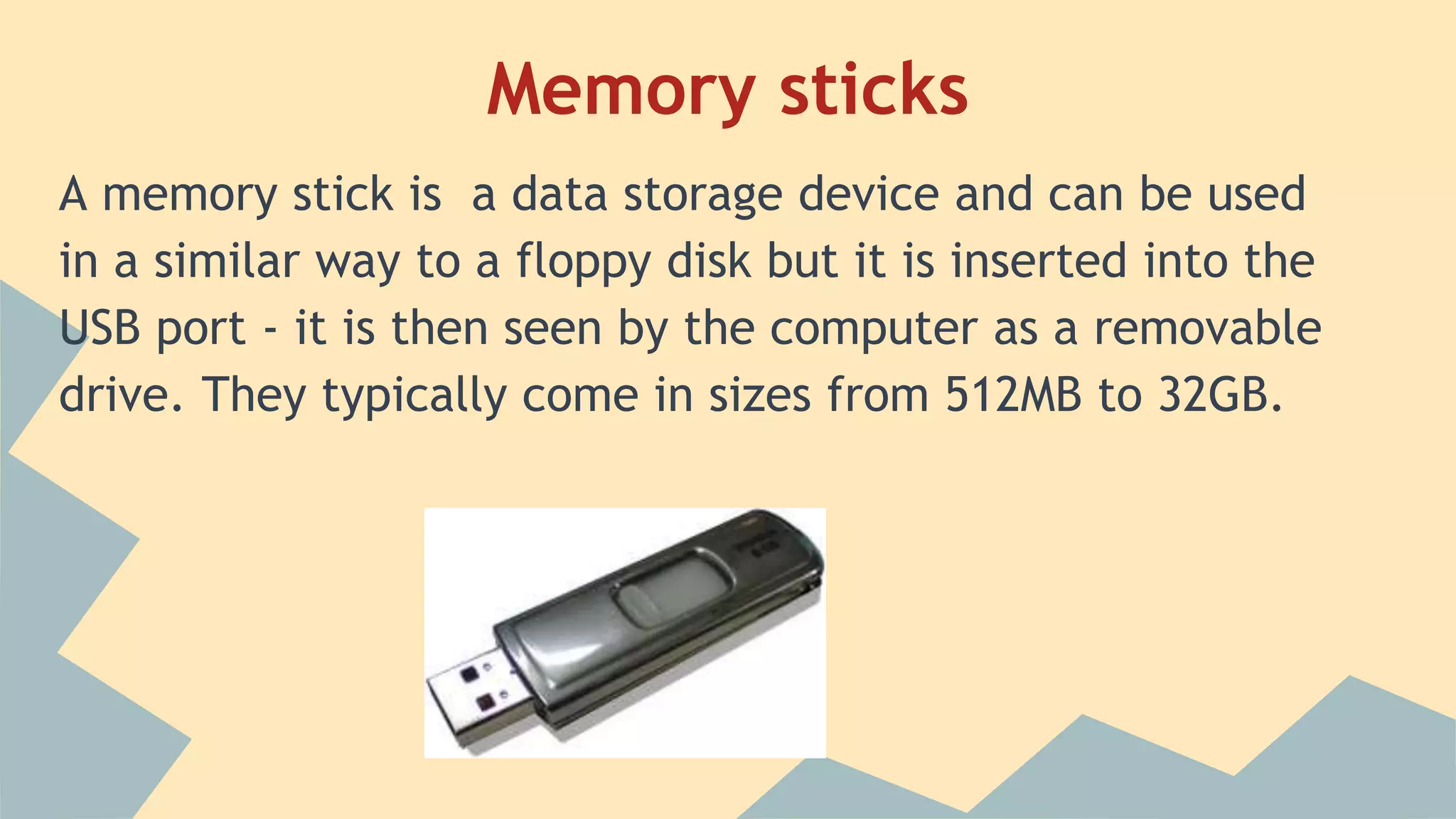
Memory sticks
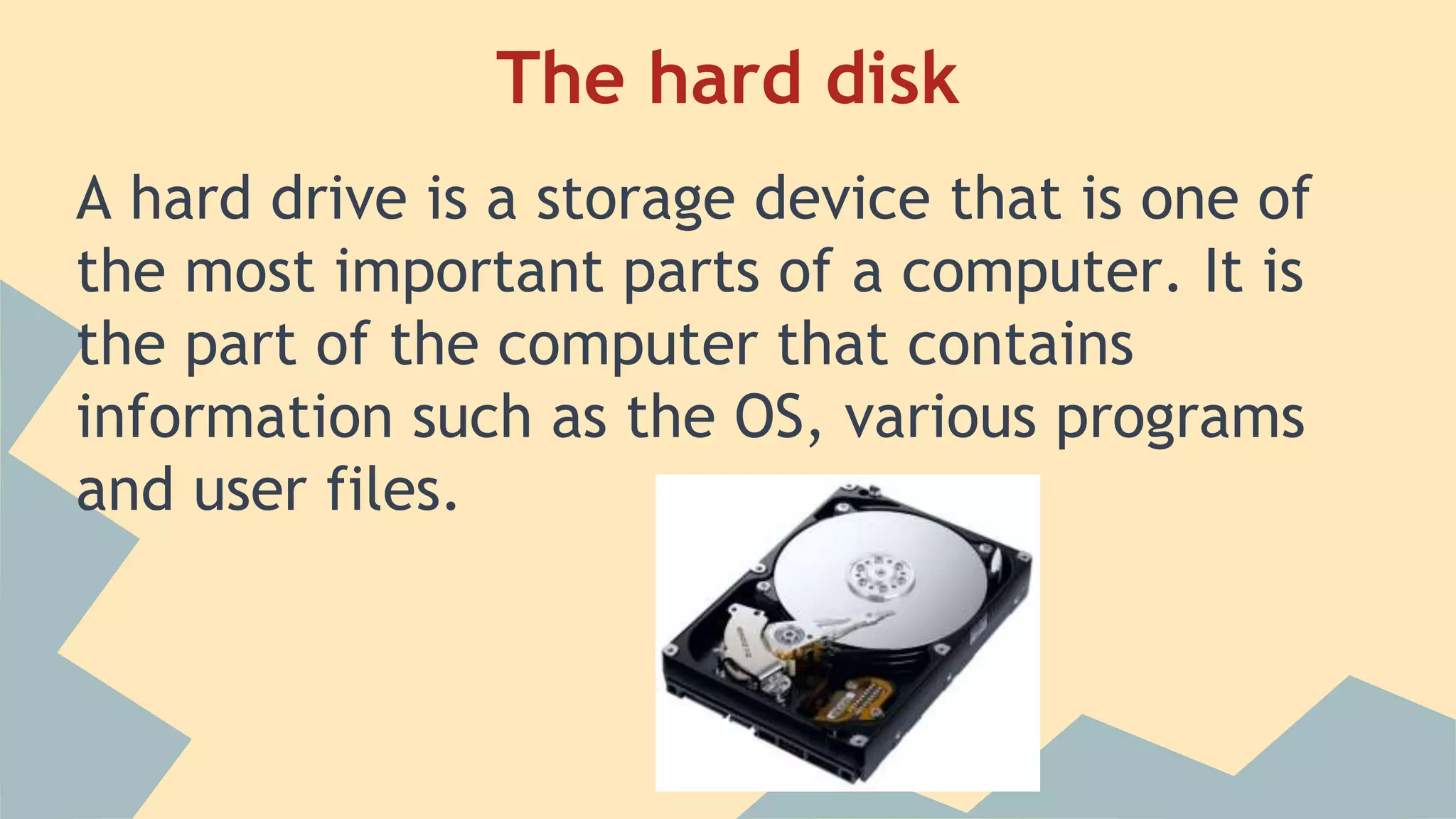
A memory stick is a data storage device and can be used
in a similar way to a floppy disk but it is inserted into the
USB port - it is then seen by the computer as a removable
drive. They typically come in sizes from 512MB to 32GB.
Advantages
● Memory sticks can hold large quantities of data.
● They are extremely portable, so the user can take
them wherever they go.
● They're durable, because they have no moving parts.
Disadvantage
● Portable storage devices in general are more likely to
be lost, stolen or damaged.
Memory cards
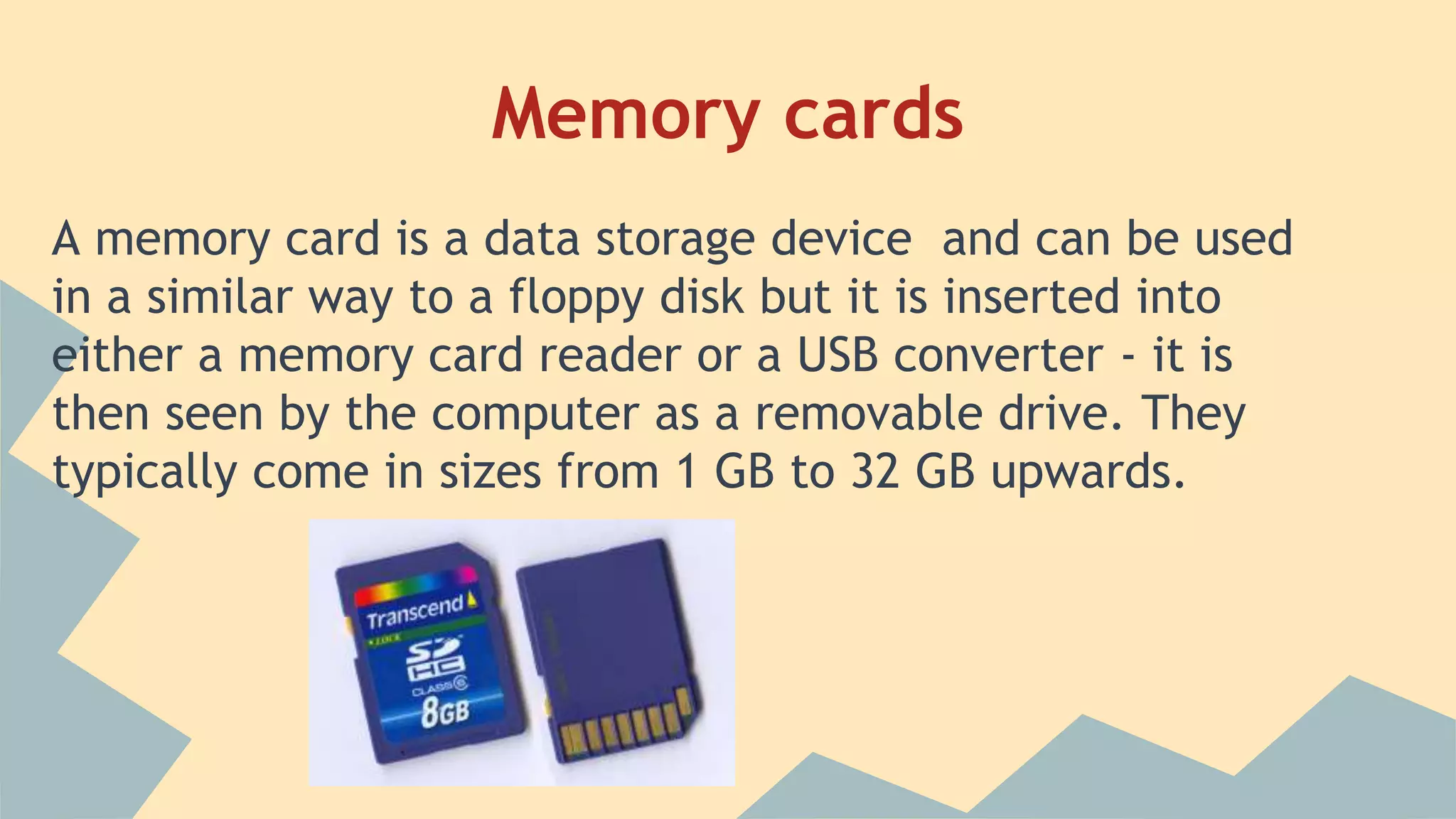
A memory card is a data storage device and can be used
in a similar way to a floppy disk but it is inserted into
either a memory card reader or a USB converter - it is
then seen by the computer as a removable drive. They
typically come in sizes from 1 GB to 32 GB upwards.
Advantages
Memory cards can hold large quantities of data.
They are extremely portable so the user can take them wherever they go.
Digital accessories such as compact cameras and mobile phones are able to
read and write to memory cards allowing the user to transport large
collections of photographs, songs or information with them.
They're durable because they have no moving parts.
Disadvantage
● Memory cards, specifically the micro SD card, are the smallest storage
devices available. This means they are more likely to be lost, stolen or
damaged.
● All computers do not come with memory card readers built in. Users will
often be required to purchase a card reader or USB converter to view
the data on a card.
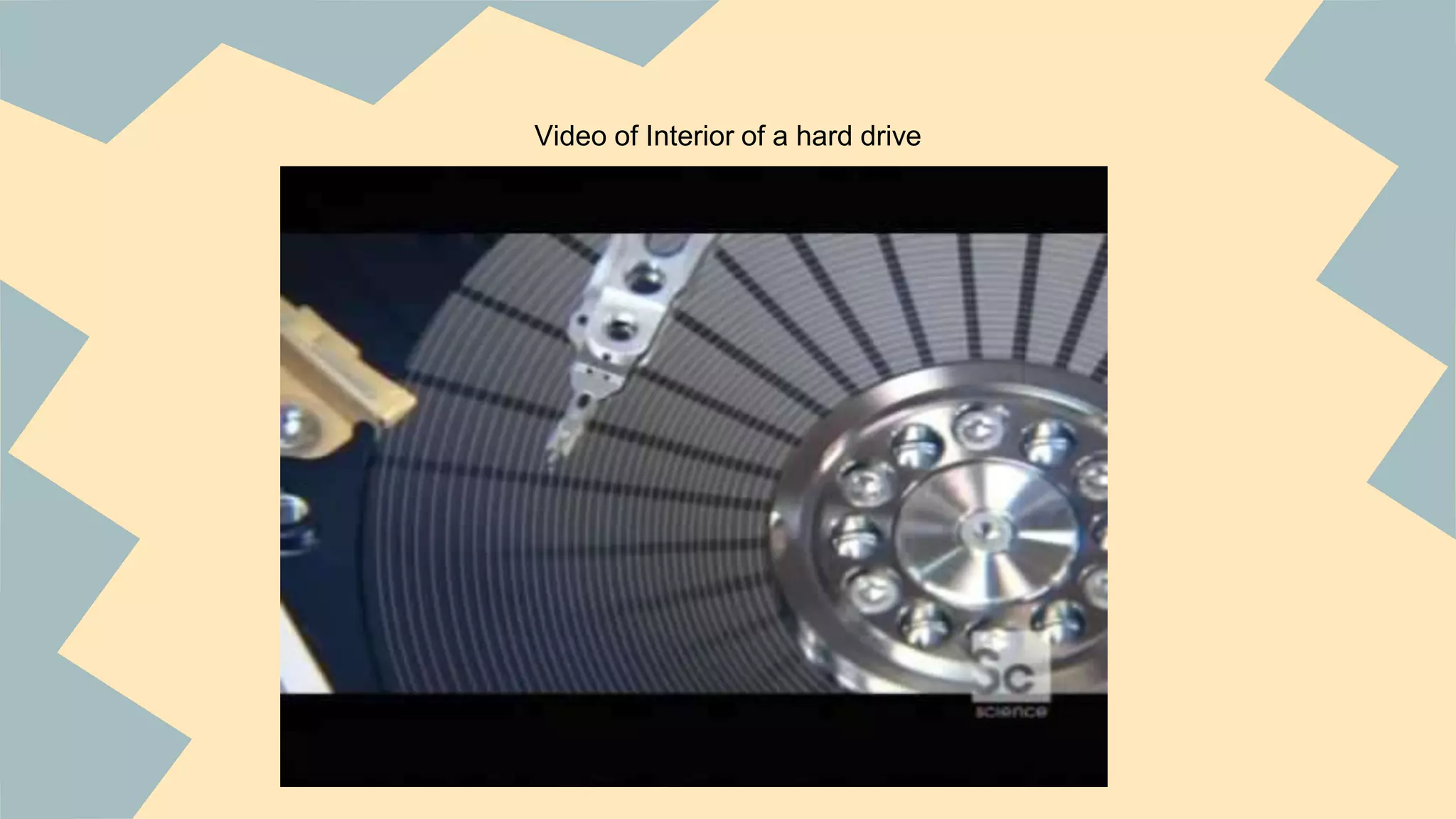
Video of Interior of a hard drive
ACRONIMS
B -- Bit
BT -- Byte
KB -- Kilobyte
MB -- Megabyte
GB -- Gigabyte
TB -- Terabyte
HDD – Hard Disc Drive
USB –- Universal Serial Bus
RPM – Revolution per Minut
FINISHING PROFE :)
Real G 4 Life

Presentation of the big external memory

  • 1.
    External Big memory devices LuisViruez. Raul Corman. Eduardo Añez.
  • 2.
    A hard driveis a storage device that is one of the most important parts of a computer. It is the part of the computer that contains information such as the OS, various programs and user files. The hard disk
  • 3.
    The hard disk Harddrives spin at very high speeds (about 7,200 RPM - revolutions per minute) in a sealed within the computer unit. Hard drives store large amounts of data from 200GB to 1TB is common on desktop computers. Data stored on a hard drive is retained until deleted.
  • 4.
    The hard diskstores ● The Operating System ● Software applications or programs ● The majority of your data files
  • 5.
    External hard disks Anexternal hard disk can be plugged into your computer via a USB port to provide extra storage. They're essentially the same as the hard disk in your computer but due to the casing are usable externally. Advantage High, capacity, eg 1TB or more so they can be used for data backup or large amounts of data between machines move. Disadvantages ● They're often quite large and therefore inconvenient to carry around. ● They have moving parts so are more likely to break, especially if dropped.
  • 6.
    Storage capacity andfile size Storage capacities and file sizes are measured from lowest to highest in: ● bits ● bytes ● kilobytes ● megabytes ● gigabytes ● terabytes
  • 7.
    Memory sticks A memorystick is a data storage device and can be used in a similar way to a floppy disk but it is inserted into the USB port - it is then seen by the computer as a removable drive. They typically come in sizes from 512MB to 32GB.
  • 8.
    Advantages ● Memory stickscan hold large quantities of data. ● They are extremely portable, so the user can take them wherever they go. ● They're durable, because they have no moving parts. Disadvantage ● Portable storage devices in general are more likely to be lost, stolen or damaged.
  • 9.
    Memory cards A memorycard is a data storage device and can be used in a similar way to a floppy disk but it is inserted into either a memory card reader or a USB converter - it is then seen by the computer as a removable drive. They typically come in sizes from 1 GB to 32 GB upwards.
  • 10.
    Advantages Memory cards canhold large quantities of data. They are extremely portable so the user can take them wherever they go. Digital accessories such as compact cameras and mobile phones are able to read and write to memory cards allowing the user to transport large collections of photographs, songs or information with them. They're durable because they have no moving parts. Disadvantage ● Memory cards, specifically the micro SD card, are the smallest storage devices available. This means they are more likely to be lost, stolen or damaged. ● All computers do not come with memory card readers built in. Users will often be required to purchase a card reader or USB converter to view the data on a card.
  • 11.
    Video of Interiorof a hard drive
  • 12.
    ACRONIMS B -- Bit BT-- Byte KB -- Kilobyte MB -- Megabyte GB -- Gigabyte TB -- Terabyte HDD – Hard Disc Drive USB –- Universal Serial Bus RPM – Revolution per Minut
  • 13.