
PRESENTATION ON
STORAGE
BY- Dipankar Dutta
Dhriti Kr. Das
Paper- Information technology
management
MBA, 2nd Sem, Assam University, Silchar
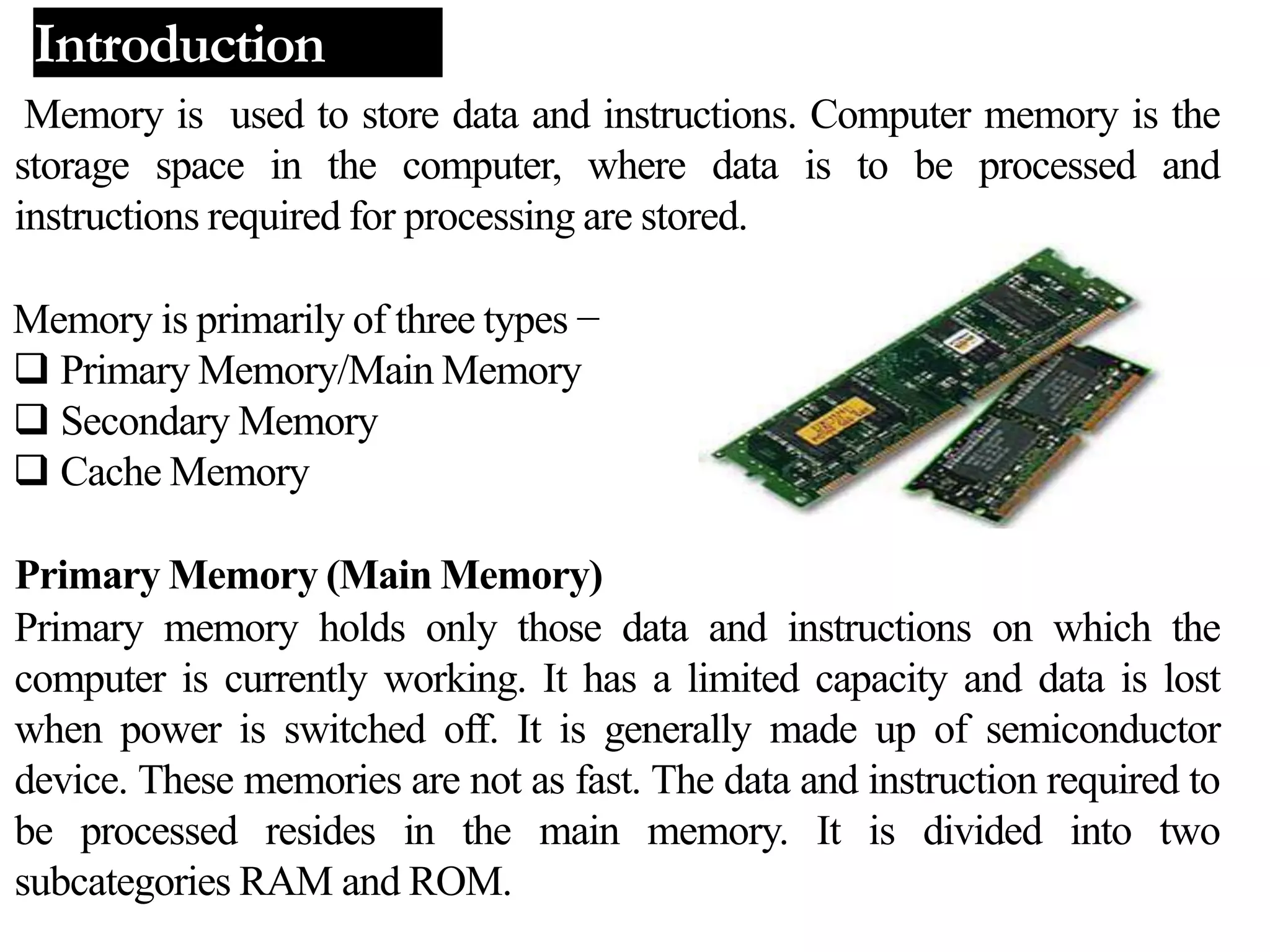
Memory is used to store data and instructions. Computer memory is the
storage space in the computer, where data is to be processed and
instructions required for processing are stored.
Memory is primarily of three types −
 Primary Memory/Main Memory
 Secondary Memory
 Cache Memory
Primary Memory (Main Memory)
Primary memory holds only those data and instructions on which the
computer is currently working. It has a limited capacity and data is lost
when power is switched off. It is generally made up of semiconductor
device. These memories are not as fast. The data and instruction required to
be processed resides in the main memory. It is divided into two
subcategories RAM and ROM.
Introduction
Cache Memory
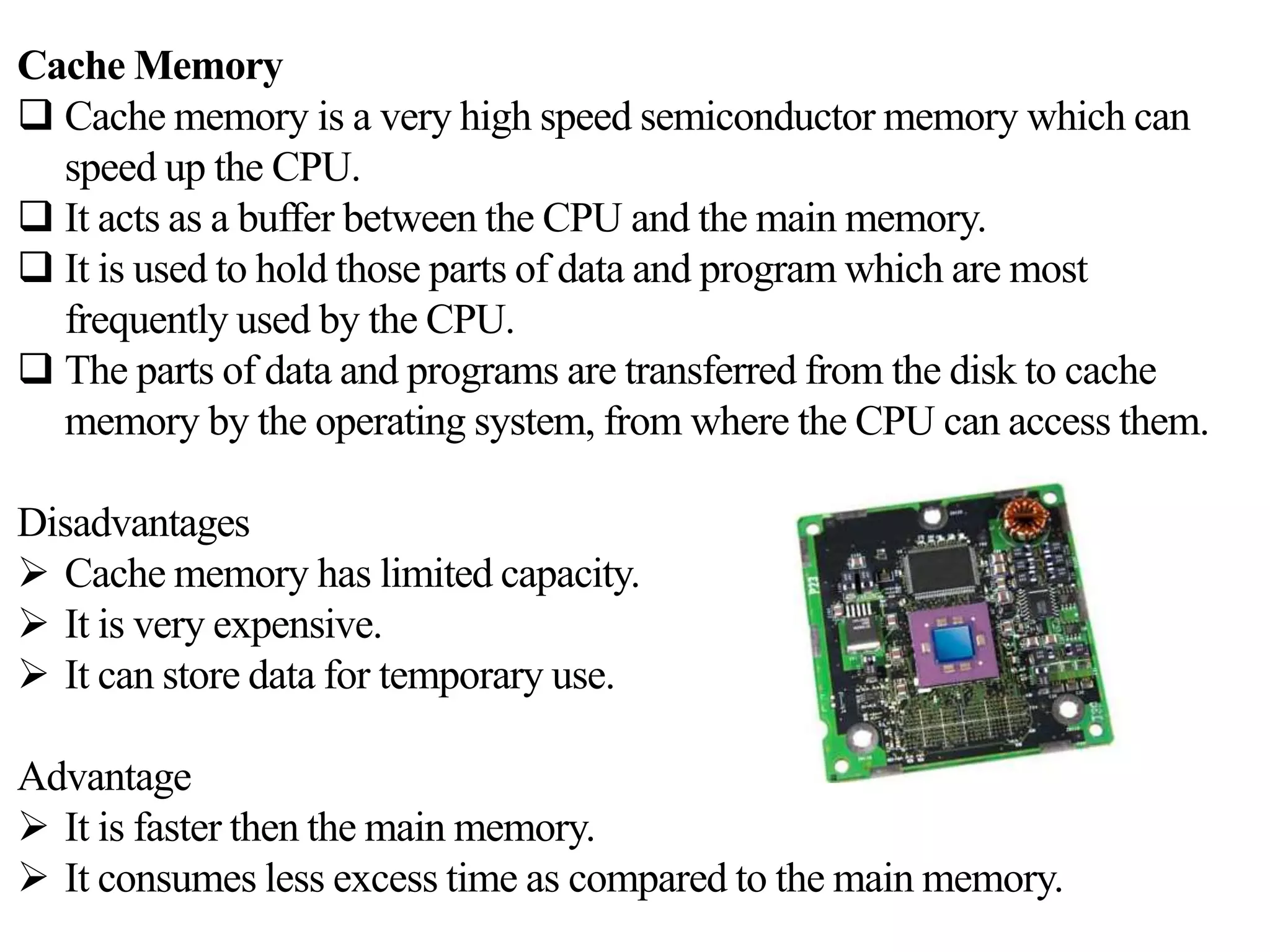
 Cache memory is a very high speed semiconductor memory which can
speed up the CPU.
 It acts as a buffer between the CPU and the main memory.
 It is used to hold those parts of data and program which are most
frequently used by the CPU.
 The parts of data and programs are transferred from the disk to cache
memory by the operating system, from where the CPU can access them.
Disadvantages
 Cache memory has limited capacity.
 It is very expensive.
 It can store data for temporary use.
Advantage
 It is faster then the main memory.
 It consumes less excess time as compared to the main memory.
Secondary memory
This type of memory is also known as external memory or non-volatile.
It is slower than the main memory. These are used for storing
data/information permanently. CPU directly does not access these
memories, instead they are accessed via input-output routines. For
example, disk, CD-ROM, DVD, etc.
Storage is required for following reason:
 The main memory is temporary memory. the storage is required to
store data and programs permanently.
 The storage is required to store a large amount of data and program
 Any storage unit of a computer system is characterized and evaluated
based on following properties – storage capacity, access time, cost per
bit ofstorage, volatile andrandom access.
1. Bit : Computer works with binary digits. These digits are in the
form of 0’s and 1’s. A binary digit is called bit. One bit takes one
storage location in memory. It is the smallest unit for data storage.
2. Byte : A collection of eight bits is called byte. It is used to store
single character. The capacity of the memory or the storage is
expressed in terms of bytes.
3. Kilobyte : A kilobyte consists of 1024 bytes. It is denoted by KB.
4. Megabyte : megabyte consists of 1024 kilobytes. It is denoted by
MB.
5. Gigabyte: A gigabyte consists of 1024 megabytes. It is denoted by
GB.
6. Terabyte: A terabyte consists of 1024 gigabytes. It is denoted by
TB
BASIC UNIT OF STORAGE
Types of Secondary storagedevice
Optical storage device-
CD,DVD,Blu-Ray
Magneticstorage device-
Floppydisk, Hard disk
Solidstate device-
Flash memory & Memorystick
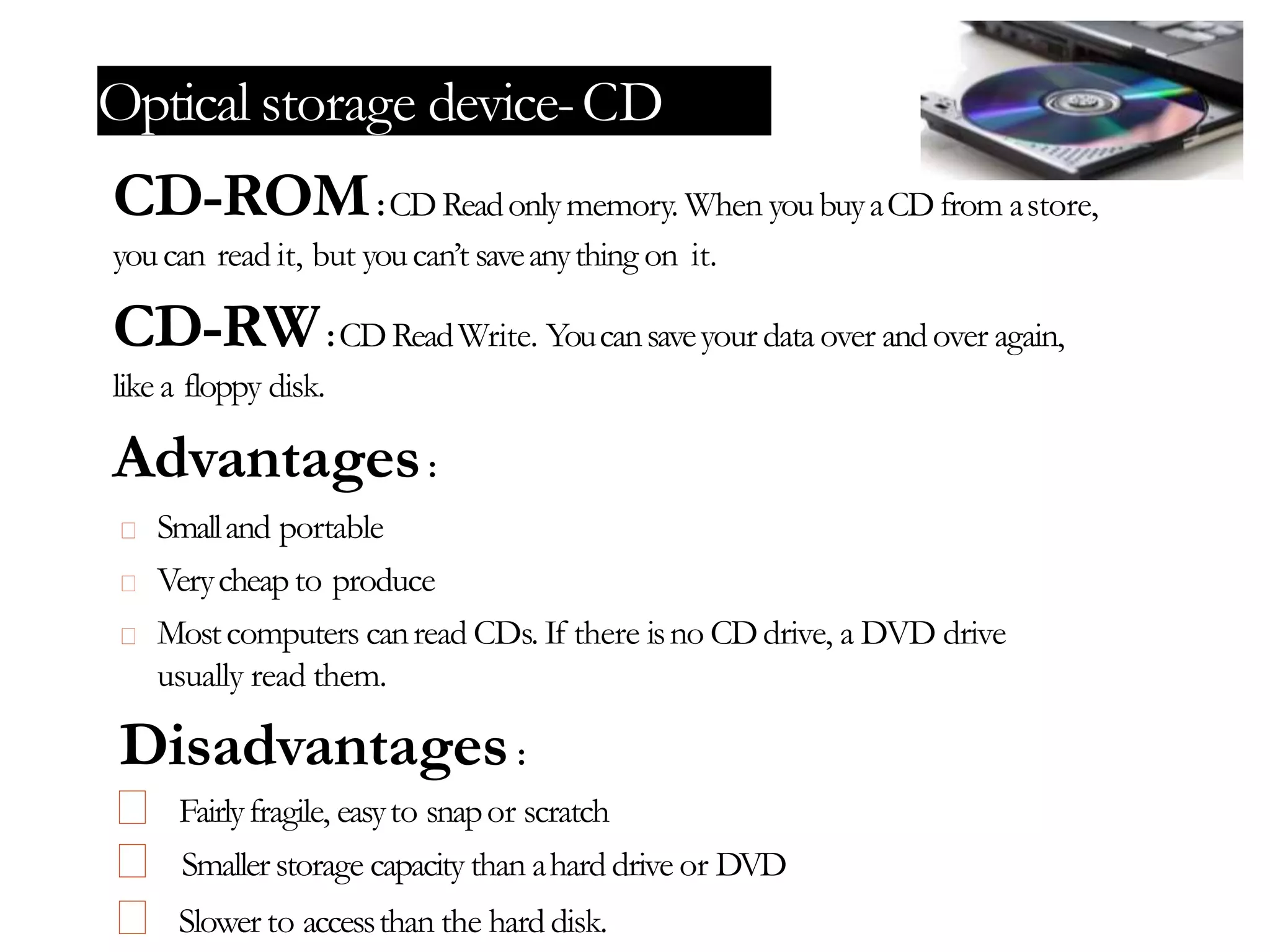
Optical storage device-CD
CD-ROM:CDReadonlymemory. When youbuyaCDfrom astore,
youcan read it, but youcan’t saveanything on it.
CD-RW:CDReadWrite. Youcansaveyour data over andover again,
like a floppy disk.
Advantages:
Smalland portable
Verycheapto produce
Mostcomputers canread CDs. If there isno CDdrive, a DVD drive
usually read them.
Disadvantages:
Fairlyfragile, easyto snapor scratch
Smallerstorage capacity than ahard drive or DVD
Slower to accessthan the hard disk.
Optical storage device-DVD
DVD-ROM:Anew type ofread onlycompactdiscthat canholda
minimumof 4.7GB.
DVD-RW:Thedataon aDVD-RWdisccanbe erased and
recorded over numerous times without damagingthe medium.
Advantages:
Verylargestorage capacity
DVDplayerscanread CDs
DVDsare nowmassproduced sothey are relatively cheap
Disadvantages:
DVDsdo not work in CD drives
There isno singlestandard ofDVD
Theycanbeeasilydamagedbybreakingor scratching
Optical storage device-Blu-Ray
Blu-ray : medium designed to supersede the standard DVD format. Its
main uses are for storing high-definition video, video games, and other data, with
up to 25 GB per single layered, and 50 GB per dual layered disc. The disc has the
samephysicaldimensionsasstandard DVDsand CDs.
Advantage :
Hugestorage capacity
Disadvantage :
Veryexpensive
Thecost offilm
Presently greater number ofmovietitles are availableon DVD's
Magnetic storage device-Floppydisk
Floppy disk : It canonlystore up1.44Mbofdata.Alldisksmust
beformatted before datacanbewritten to the disk. Formatting dividesthe
diskupinto sections or sectors onto whichdatafilesare stored.
Advantage :
Small& light– easyto carry
Cheap
Usefulfortransferring small files
Disadvantage :
• Easyto bedamage
• Smallstorage capacity
• Manynewcomputer don’t havefloppydiskdrives
Magnetic storage device- Harddisk
Hard disk : The main storage device in computer. It is a bit like a filing
cabinet: all of your data files and applications software are stored on it. It
contains a number of metal platters which have been coated with a special
magnetic material. The data is stored in this magnetic material.
Fixed hard discs : Used to store operating systems, software and
working data. Any application which requires very fast access to data for both
reading and writing to. Not for applications which need portability. Used for
online and real time processes requiring direct access. Used in file servers for
computer networks.
Portable hard discs :Anyapplication whichrequires extremely large
storage capacity where speed of access is not an issue. Uses serial access for
reading and writing. Used for backups of file servers for computer networks.
Used in a variety of batch processing applications such as reading of bank
cheques, payroll processing andgeneral stock control.
Flash memory & Memory stick
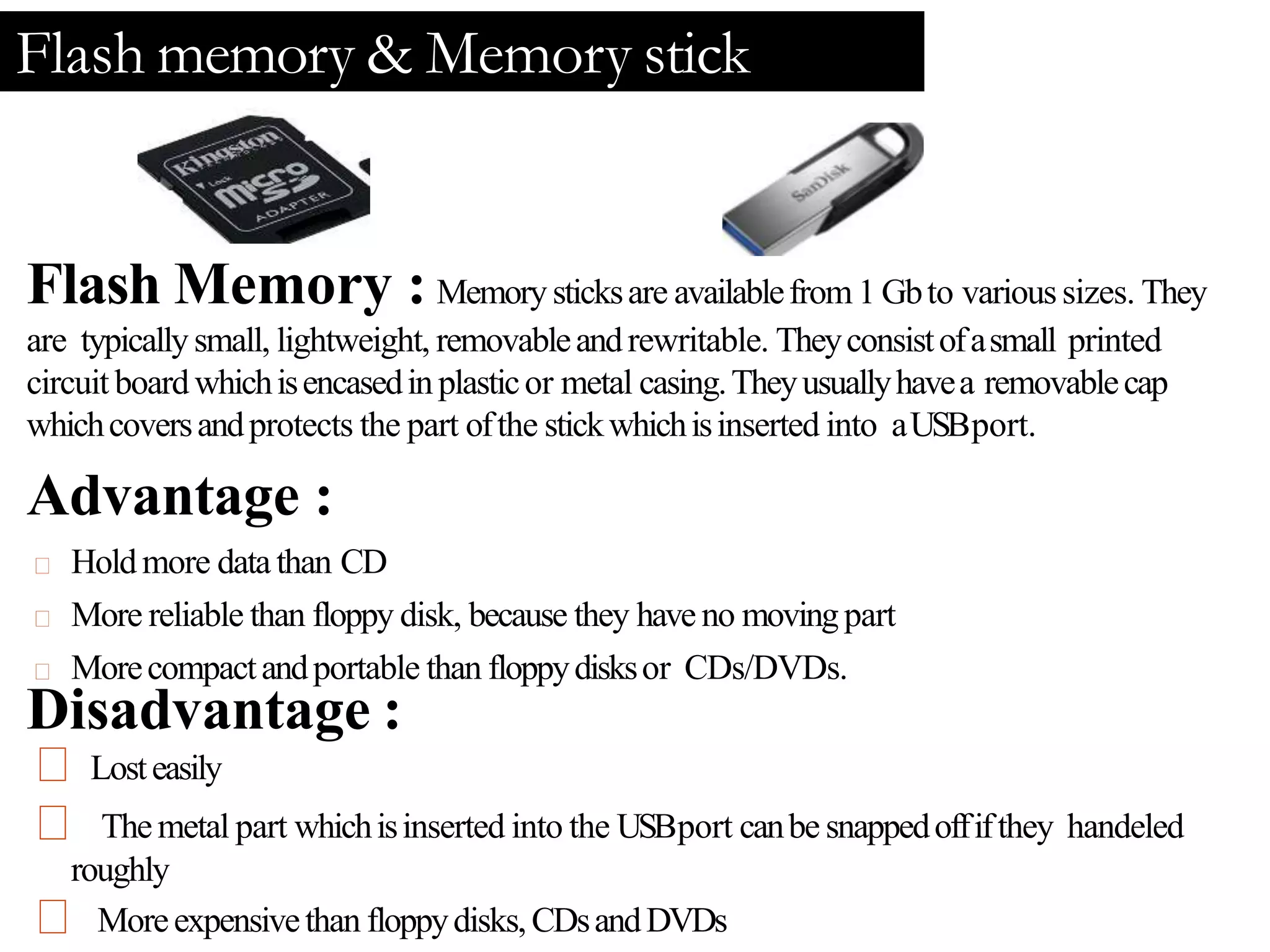
Flash Memory : Memorysticksare availablefrom 1 Gbto varioussizes. They
are typicallysmall, lightweight, removableandrewritable. Theyconsistofasmall printed
circuit boardwhichisencasedinplasticor metal casing.Theyusuallyhavea removablecap
whichcoversandprotects the part ofthe stickwhichisinserted into aUSBport.
Advantage :
Holdmore datathan CD
More reliable than floppy disk, because they haveno movingpart
Morecompactandportable than floppydisksor CDs/DVDs.
Disadvantage :
Losteasily
Themetal part whichisinserted into the USBport canbe snappedoffifthey handeled
roughly
Moreexpensivethan floppydisks,CDsandDVDs
computer storage

computer storage

  • 1.
    PRESENTATION ON STORAGE BY- DipankarDutta Dhriti Kr. Das Paper- Information technology management MBA, 2nd Sem, Assam University, Silchar
  • 2.
    Memory is usedto store data and instructions. Computer memory is the storage space in the computer, where data is to be processed and instructions required for processing are stored. Memory is primarily of three types −  Primary Memory/Main Memory  Secondary Memory  Cache Memory Primary Memory (Main Memory) Primary memory holds only those data and instructions on which the computer is currently working. It has a limited capacity and data is lost when power is switched off. It is generally made up of semiconductor device. These memories are not as fast. The data and instruction required to be processed resides in the main memory. It is divided into two subcategories RAM and ROM. Introduction
  • 3.
    Cache Memory  Cachememory is a very high speed semiconductor memory which can speed up the CPU.  It acts as a buffer between the CPU and the main memory.  It is used to hold those parts of data and program which are most frequently used by the CPU.  The parts of data and programs are transferred from the disk to cache memory by the operating system, from where the CPU can access them. Disadvantages  Cache memory has limited capacity.  It is very expensive.  It can store data for temporary use. Advantage  It is faster then the main memory.  It consumes less excess time as compared to the main memory.
  • 4.
    Secondary memory This typeof memory is also known as external memory or non-volatile. It is slower than the main memory. These are used for storing data/information permanently. CPU directly does not access these memories, instead they are accessed via input-output routines. For example, disk, CD-ROM, DVD, etc. Storage is required for following reason:  The main memory is temporary memory. the storage is required to store data and programs permanently.  The storage is required to store a large amount of data and program  Any storage unit of a computer system is characterized and evaluated based on following properties – storage capacity, access time, cost per bit ofstorage, volatile andrandom access.
  • 5.
    1. Bit :Computer works with binary digits. These digits are in the form of 0’s and 1’s. A binary digit is called bit. One bit takes one storage location in memory. It is the smallest unit for data storage. 2. Byte : A collection of eight bits is called byte. It is used to store single character. The capacity of the memory or the storage is expressed in terms of bytes. 3. Kilobyte : A kilobyte consists of 1024 bytes. It is denoted by KB. 4. Megabyte : megabyte consists of 1024 kilobytes. It is denoted by MB. 5. Gigabyte: A gigabyte consists of 1024 megabytes. It is denoted by GB. 6. Terabyte: A terabyte consists of 1024 gigabytes. It is denoted by TB BASIC UNIT OF STORAGE
  • 6.
    Types of Secondarystoragedevice Optical storage device- CD,DVD,Blu-Ray Magneticstorage device- Floppydisk, Hard disk Solidstate device- Flash memory & Memorystick
  • 7.
    Optical storage device-CD CD-ROM:CDReadonlymemory.When youbuyaCDfrom astore, youcan read it, but youcan’t saveanything on it. CD-RW:CDReadWrite. Youcansaveyour data over andover again, like a floppy disk. Advantages: Smalland portable Verycheapto produce Mostcomputers canread CDs. If there isno CDdrive, a DVD drive usually read them. Disadvantages: Fairlyfragile, easyto snapor scratch Smallerstorage capacity than ahard drive or DVD Slower to accessthan the hard disk.
  • 8.
    Optical storage device-DVD DVD-ROM:Anewtype ofread onlycompactdiscthat canholda minimumof 4.7GB. DVD-RW:Thedataon aDVD-RWdisccanbe erased and recorded over numerous times without damagingthe medium. Advantages: Verylargestorage capacity DVDplayerscanread CDs DVDsare nowmassproduced sothey are relatively cheap Disadvantages: DVDsdo not work in CD drives There isno singlestandard ofDVD Theycanbeeasilydamagedbybreakingor scratching
  • 9.
    Optical storage device-Blu-Ray Blu-ray: medium designed to supersede the standard DVD format. Its main uses are for storing high-definition video, video games, and other data, with up to 25 GB per single layered, and 50 GB per dual layered disc. The disc has the samephysicaldimensionsasstandard DVDsand CDs. Advantage : Hugestorage capacity Disadvantage : Veryexpensive Thecost offilm Presently greater number ofmovietitles are availableon DVD's
  • 10.
    Magnetic storage device-Floppydisk Floppydisk : It canonlystore up1.44Mbofdata.Alldisksmust beformatted before datacanbewritten to the disk. Formatting dividesthe diskupinto sections or sectors onto whichdatafilesare stored. Advantage : Small& light– easyto carry Cheap Usefulfortransferring small files Disadvantage : • Easyto bedamage • Smallstorage capacity • Manynewcomputer don’t havefloppydiskdrives
  • 11.
    Magnetic storage device-Harddisk Hard disk : The main storage device in computer. It is a bit like a filing cabinet: all of your data files and applications software are stored on it. It contains a number of metal platters which have been coated with a special magnetic material. The data is stored in this magnetic material. Fixed hard discs : Used to store operating systems, software and working data. Any application which requires very fast access to data for both reading and writing to. Not for applications which need portability. Used for online and real time processes requiring direct access. Used in file servers for computer networks. Portable hard discs :Anyapplication whichrequires extremely large storage capacity where speed of access is not an issue. Uses serial access for reading and writing. Used for backups of file servers for computer networks. Used in a variety of batch processing applications such as reading of bank cheques, payroll processing andgeneral stock control.
  • 12.
    Flash memory &Memory stick Flash Memory : Memorysticksare availablefrom 1 Gbto varioussizes. They are typicallysmall, lightweight, removableandrewritable. Theyconsistofasmall printed circuit boardwhichisencasedinplasticor metal casing.Theyusuallyhavea removablecap whichcoversandprotects the part ofthe stickwhichisinserted into aUSBport. Advantage : Holdmore datathan CD More reliable than floppy disk, because they haveno movingpart Morecompactandportable than floppydisksor CDs/DVDs. Disadvantage : Losteasily Themetal part whichisinserted into the USBport canbe snappedoffifthey handeled roughly Moreexpensivethan floppydisks,CDsandDVDs