

Power Up with Power BI
Fast, Cost Effective Dashboards and Reporting
 To ask our panelists questions, please use
the GoToWebinar panel on your screen.
 Please enter your question here and click
SEND
 We will answer as many questions as
time permits or follow up after the
webinar.
Ask Questions!
Ask questions here…Enter question here, then click send.
HELLO!
3
Mike Hammons
Director, Solution Architects
Email: mhammons@sbsgroupusa.com
LinkedIn: https://www.linkedin.com/in/michaelhammons
Twitter: twitter.com/mikehammons
Web: http://www.sbsgroupusa.com
History of Power BI
Visualize your data in new ways
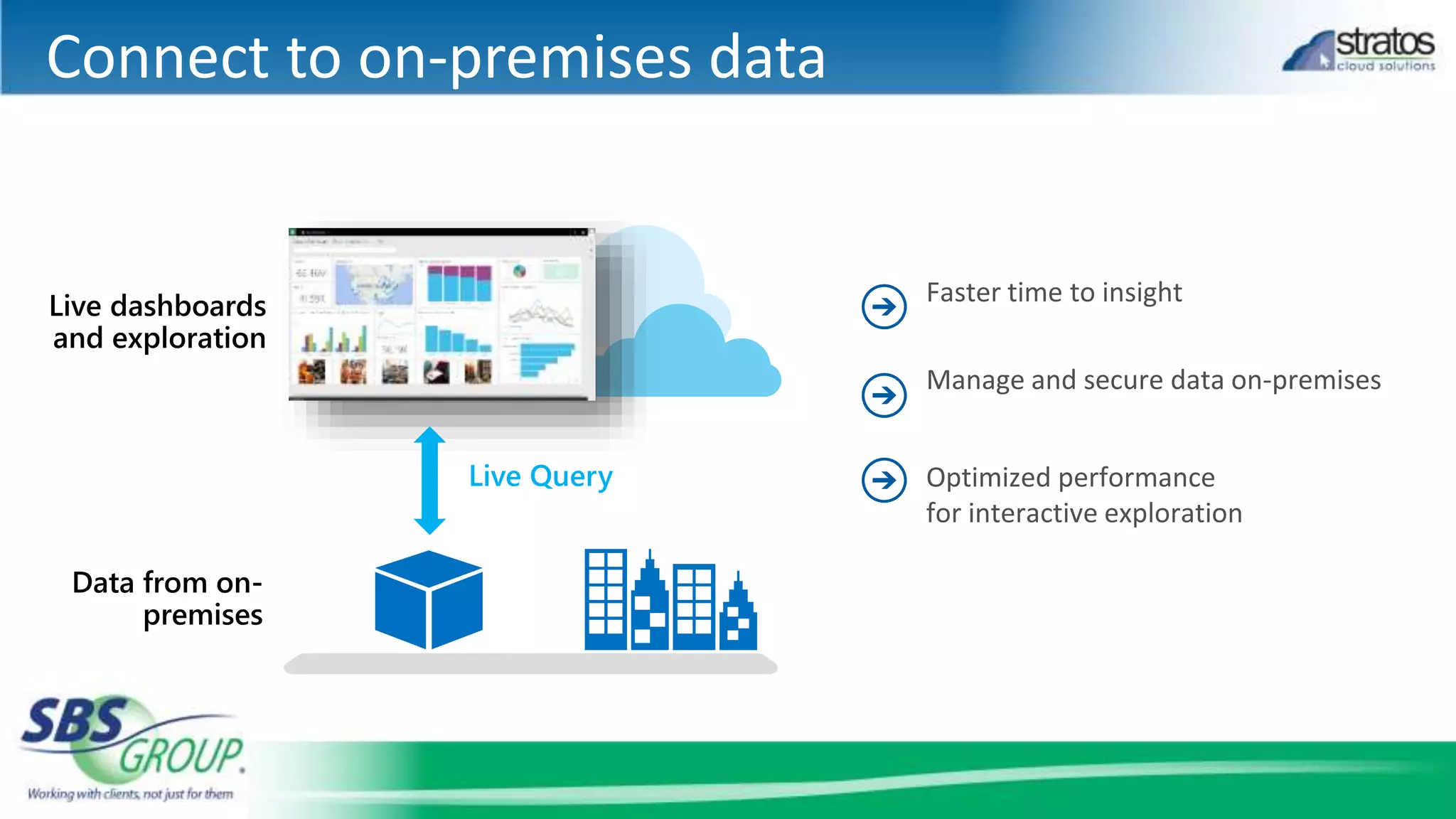
Connect to on-premises data
Live Query
Power BI Desktop
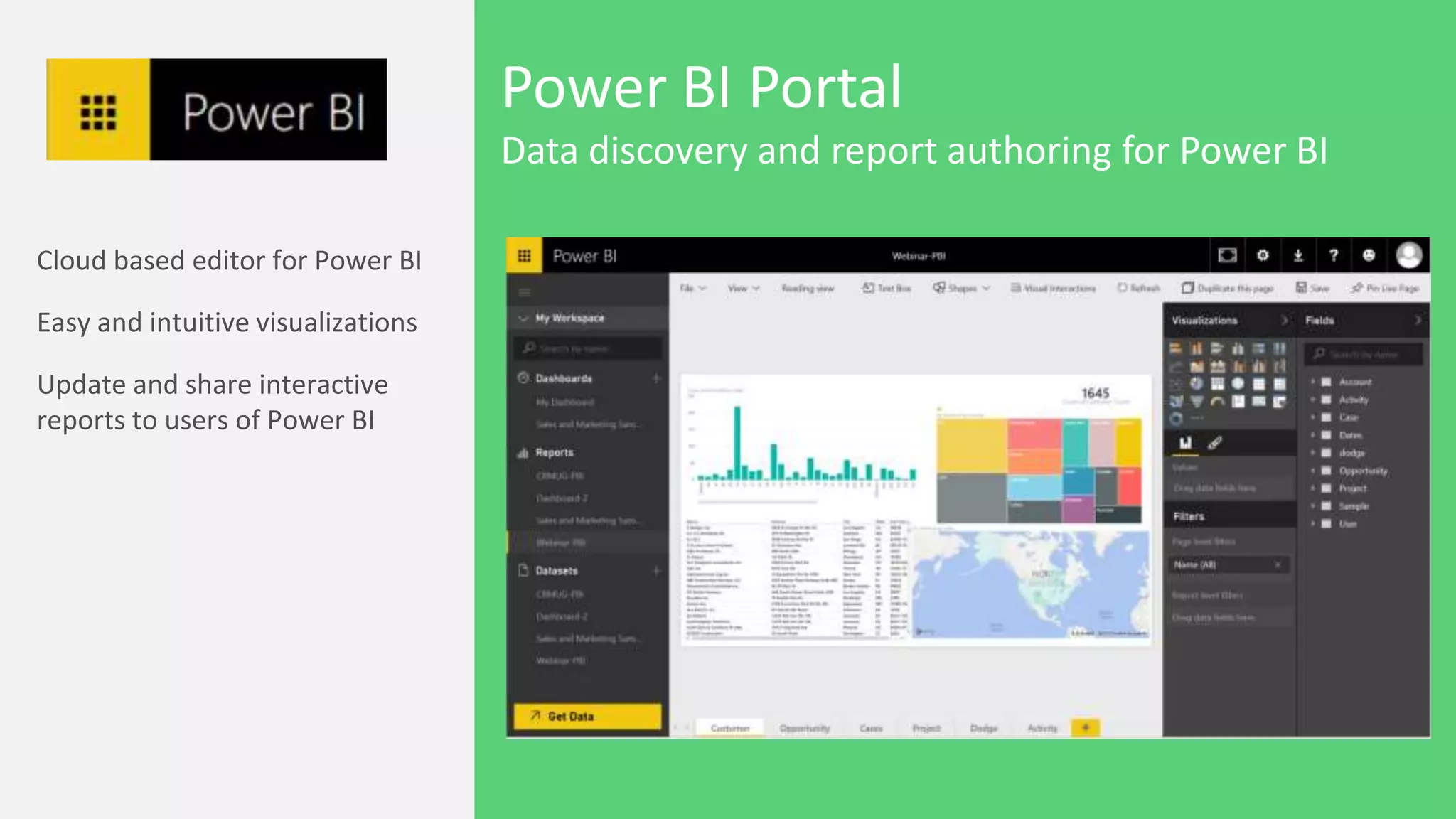
Power BI Portal
DEMO
14
Data Gateway
Enabling On-Premises
Data Feeds
Enabling Data Source RefreshEnabling Discovery
in Power Query /
PBI Desktop
capabilities
Power BI Admin Center
Personal/Enterprise Data
Gateway
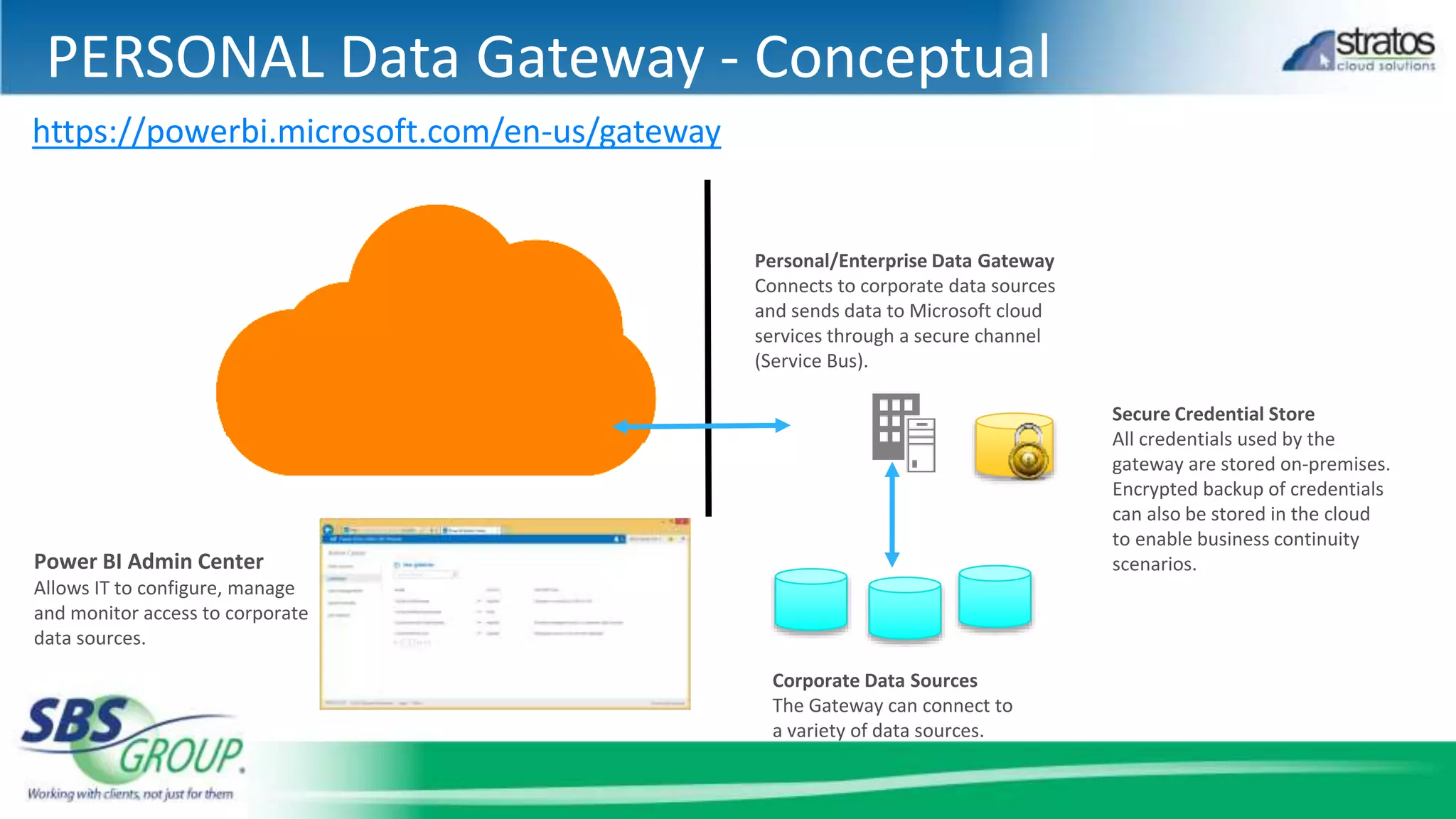
PERSONAL Data Gateway - Conceptual
Power BI Admin Center
Allows IT to configure, manage
and monitor access to corporate
data sources.
Personal/Enterprise Data Gateway
Connects to corporate data sources
and sends data to Microsoft cloud
services through a secure channel
(Service Bus).
Corporate Data Sources
The Gateway can connect to
a variety of data sources.
Secure Credential Store
All credentials used by the
gateway are stored on-premises.
Encrypted backup of credentials
can also be stored in the cloud
to enable business continuity
scenarios.
https://powerbi.microsoft.com/en-us/gateway
Data Refresh from Power BI Sites
Personal Data
Gateway
Data Sources in PBI
Portal
Gateway
Cloud Service
(2) Connects to Gateway
Cloud Service
(3) Checks whether user
is authorized to perform
a refresh
(4) Sends command (SQL
statement, connection
string) to onpremise
Gateway
(5) Sends SQL to
SQL Server
(6) Return Results
(7) Compress, chunk
and return the data
(8) Returns data to Excel
Workbook
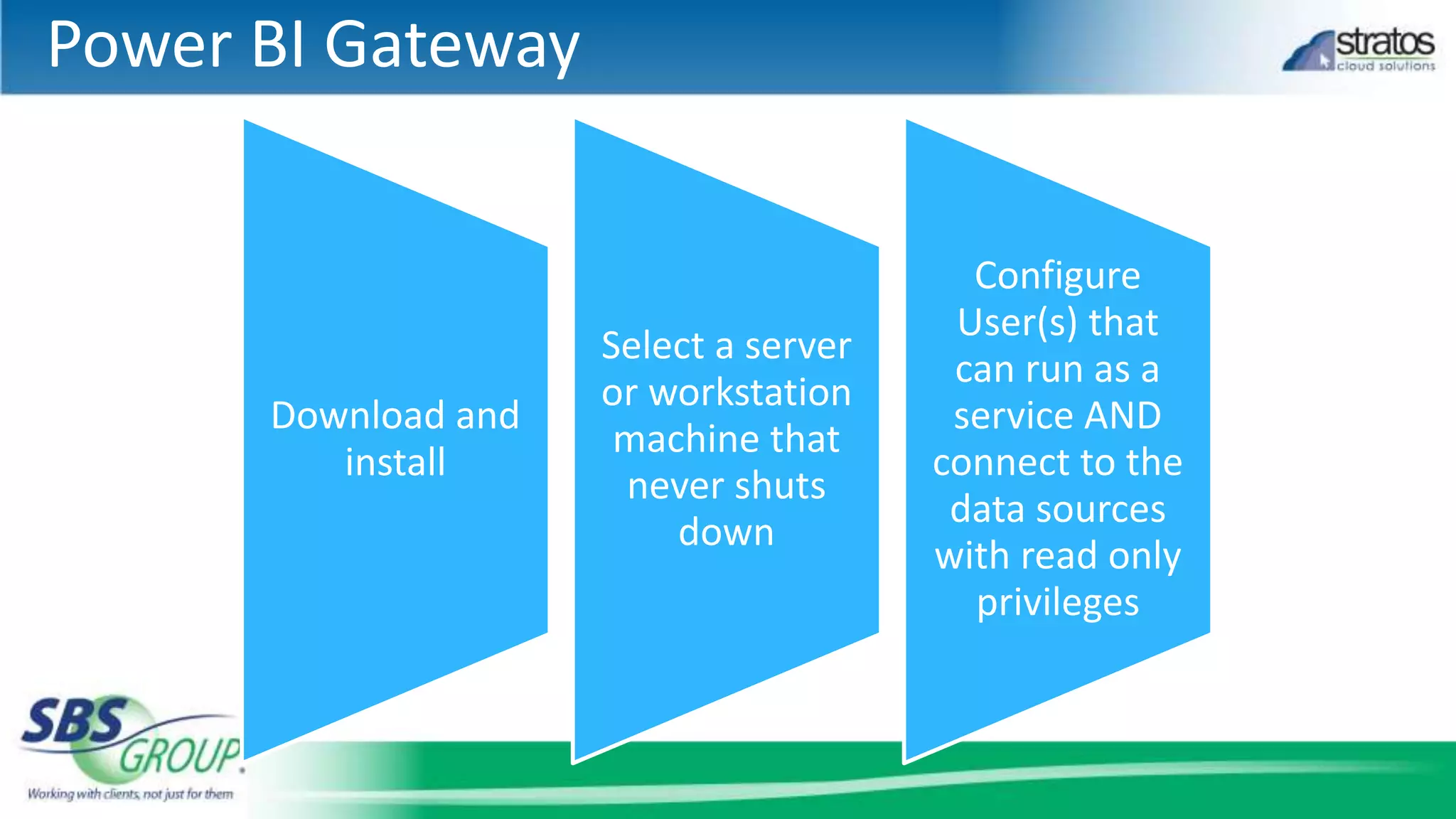
Power BI Gateway
Download and
install
Select a server
or workstation
machine that
never shuts
down
Configure
User(s) that
can run as a
service AND
connect to the
data sources
with read only
privileges
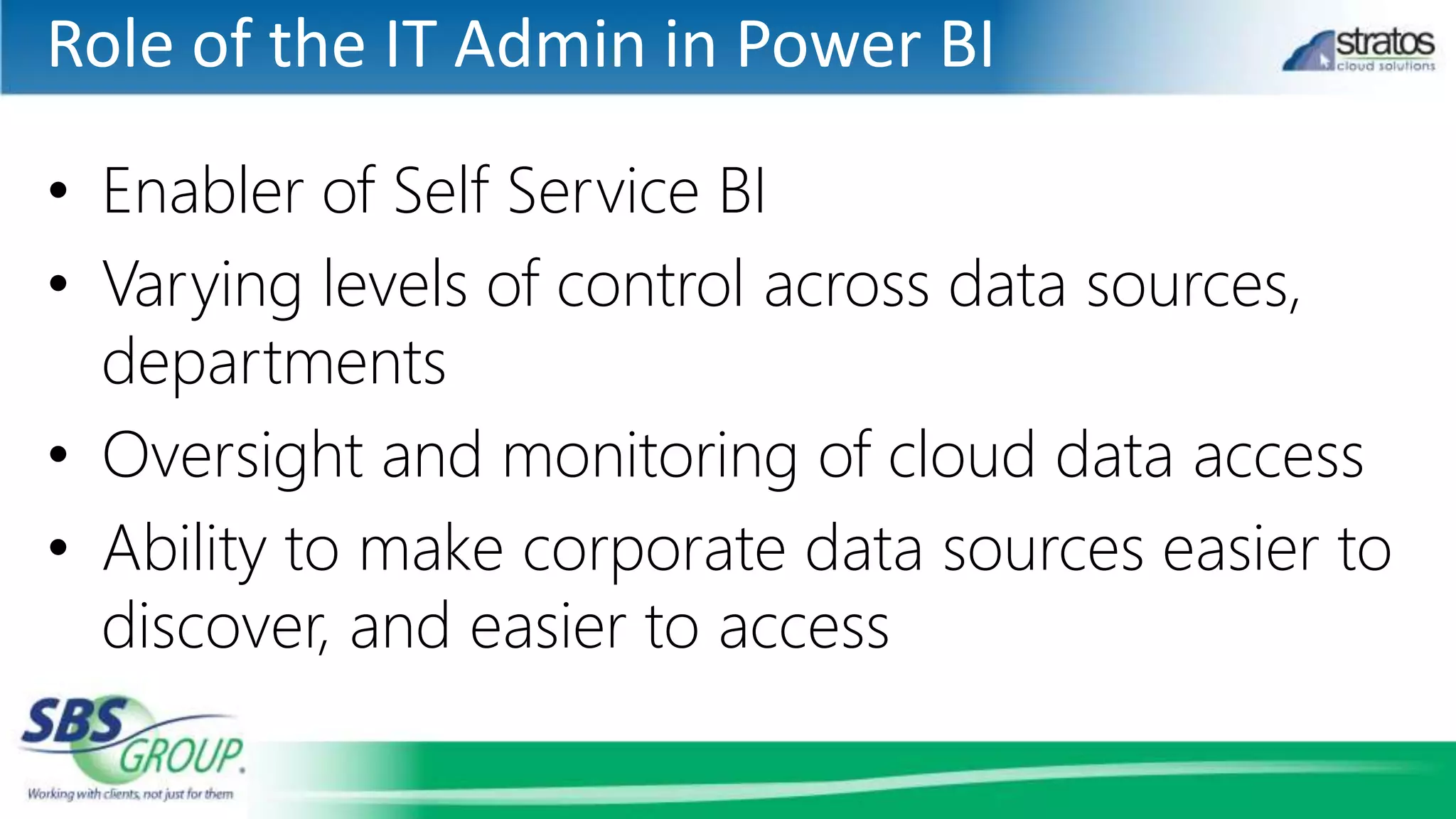
Role of the IT Admin in Power BI
• Enabler of Self Service BI
• Varying levels of control across data sources,
departments
• Oversight and monitoring of cloud data access
• Ability to make corporate data sources easier to
discover, and easier to access
Power BI – Conceptual Architecture
Power BI Portal
Corporate
Data Sources
IT Admin
Corporate
Data Catalog
Power BI
Admin Center
Data Management
Portal
SPO team sites,
BI Sites, Q&A
Cloud Data
Sources
Public
Data Catalog
Data Steward IW
(Author)
IW
(Consumer)
Manage Data
Publish raw
data
sources or
expose
them as
OData
feeds
Publish queries
Data Refresh
Data Refresh
Power Query
Power Pivot
Power View
Power Map
Publish reports &
create featured
questions, configure
scheduled refresh
Import data,
Publish queries
Excel,
Tablet/Mobile
,
Browser –
Silverlight,
HTML5
Consume interactive
reports, ask
questions
Configure
Import Data
Import Data
Import Data
Import Data
Public Cloud
Data Sources
Index
P/E Data
Management
Gateway
Q&A
21
Contact Us
1. Engage with SBS Group
– 888.725.2555
– www.sbsgroupusa.com
– info@sbsgroupusa.com
2. Sign up for our newsletter
3. Subscribe to our blog
THANK YOU!

Power Up with Power BI

  • 1.
    Power Up withPower BI Fast, Cost Effective Dashboards and Reporting
  • 2.
     To askour panelists questions, please use the GoToWebinar panel on your screen.  Please enter your question here and click SEND  We will answer as many questions as time permits or follow up after the webinar. Ask Questions! Ask questions here…Enter question here, then click send.
  • 3.
    HELLO! 3 Mike Hammons Director, SolutionArchitects Email: mhammons@sbsgroupusa.com LinkedIn: https://www.linkedin.com/in/michaelhammons Twitter: twitter.com/mikehammons Web: http://www.sbsgroupusa.com
  • 6.
  • 7.
  • 9.
    Connect to on-premisesdata Live Query
  • 10.
  • 11.
  • 14.
  • 15.
    Data Gateway Enabling On-Premises DataFeeds Enabling Data Source RefreshEnabling Discovery in Power Query / PBI Desktop capabilities Power BI Admin Center Personal/Enterprise Data Gateway
  • 16.
    PERSONAL Data Gateway- Conceptual Power BI Admin Center Allows IT to configure, manage and monitor access to corporate data sources. Personal/Enterprise Data Gateway Connects to corporate data sources and sends data to Microsoft cloud services through a secure channel (Service Bus). Corporate Data Sources The Gateway can connect to a variety of data sources. Secure Credential Store All credentials used by the gateway are stored on-premises. Encrypted backup of credentials can also be stored in the cloud to enable business continuity scenarios. https://powerbi.microsoft.com/en-us/gateway
  • 17.
    Data Refresh fromPower BI Sites Personal Data Gateway Data Sources in PBI Portal Gateway Cloud Service (2) Connects to Gateway Cloud Service (3) Checks whether user is authorized to perform a refresh (4) Sends command (SQL statement, connection string) to onpremise Gateway (5) Sends SQL to SQL Server (6) Return Results (7) Compress, chunk and return the data (8) Returns data to Excel Workbook
  • 18.
    Power BI Gateway Downloadand install Select a server or workstation machine that never shuts down Configure User(s) that can run as a service AND connect to the data sources with read only privileges
  • 19.
    Role of theIT Admin in Power BI • Enabler of Self Service BI • Varying levels of control across data sources, departments • Oversight and monitoring of cloud data access • Ability to make corporate data sources easier to discover, and easier to access
  • 20.
    Power BI –Conceptual Architecture Power BI Portal Corporate Data Sources IT Admin Corporate Data Catalog Power BI Admin Center Data Management Portal SPO team sites, BI Sites, Q&A Cloud Data Sources Public Data Catalog Data Steward IW (Author) IW (Consumer) Manage Data Publish raw data sources or expose them as OData feeds Publish queries Data Refresh Data Refresh Power Query Power Pivot Power View Power Map Publish reports & create featured questions, configure scheduled refresh Import data, Publish queries Excel, Tablet/Mobile , Browser – Silverlight, HTML5 Consume interactive reports, ask questions Configure Import Data Import Data Import Data Import Data Public Cloud Data Sources Index P/E Data Management Gateway
  • 21.
  • 22.
    Contact Us 1. Engagewith SBS Group – 888.725.2555 – www.sbsgroupusa.com – info@sbsgroupusa.com 2. Sign up for our newsletter 3. Subscribe to our blog THANK YOU!

Editor's Notes

  • #23 Note – badges at the bottom contain links