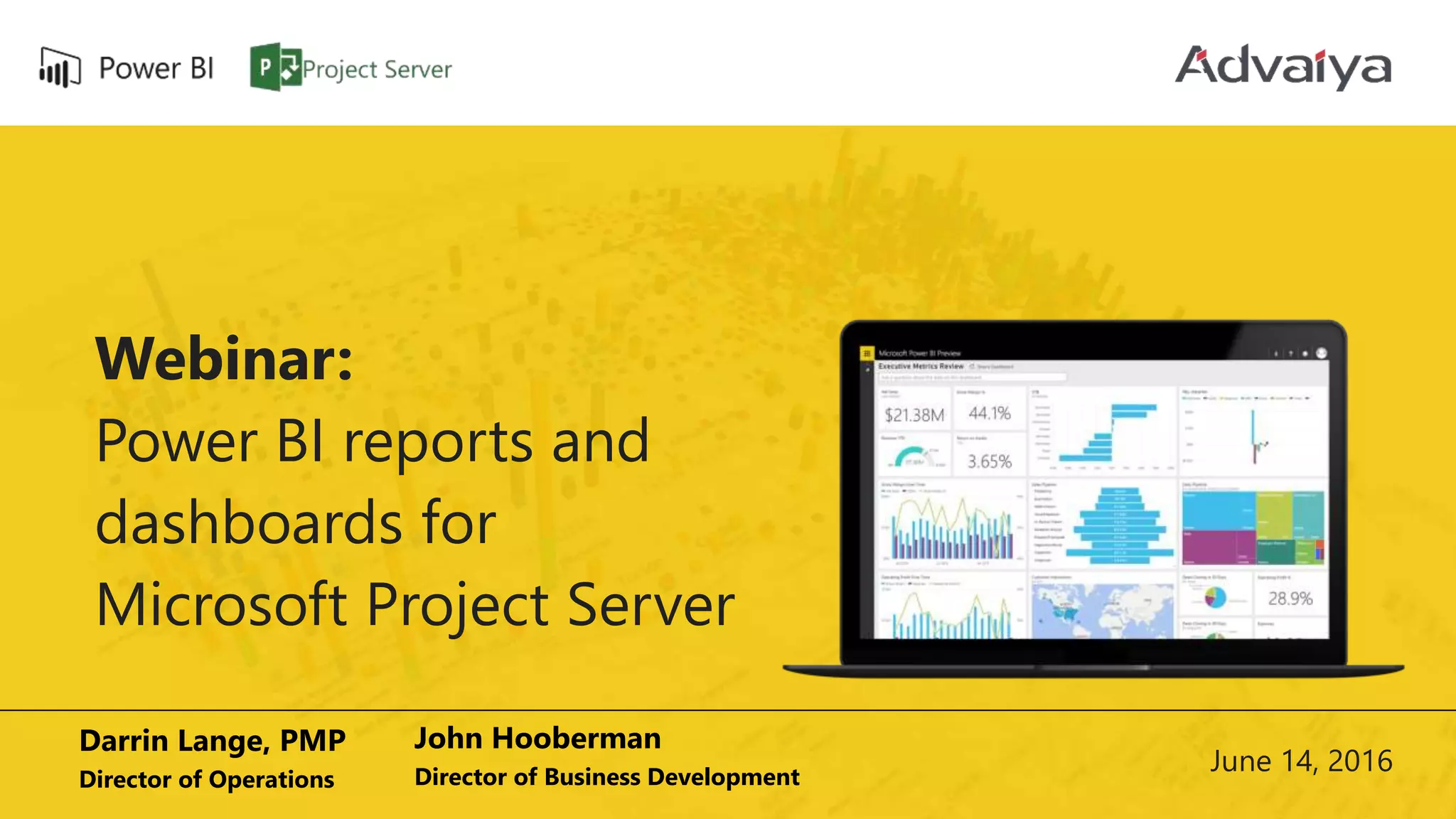
Webinar:
Power BI reports and
dashboards for
Microsoft Project Server
Darrin Lange, PMP
Director of Operations
John Hooberman
Director of Business Development
June 14, 2016
About the Speaker
 Darrin Lange, PMP
 Director of Operations at Advaiya Solutions, Inc.
 Two decades of diverse project management experience in the
Information Technology industry
Code of Conduct
• Presentation of around 30 minutes, followed by a brief Q and A session
• Attendees are expected to stay quiet during the session, and note down
questions which can be taken up in the Q and A
• In case of any urgency, attendees can ping us to discuss the matter
Agenda
• Introduction to Advaiya Solutions, Inc.
• Common terms and concepts
• PWA data and how to access it (OData feed)
• PowerBI
• Natural Query Language
• Sharing dashboards
• Importing visuals from Power BI visual gallery
• Creating group workspaces
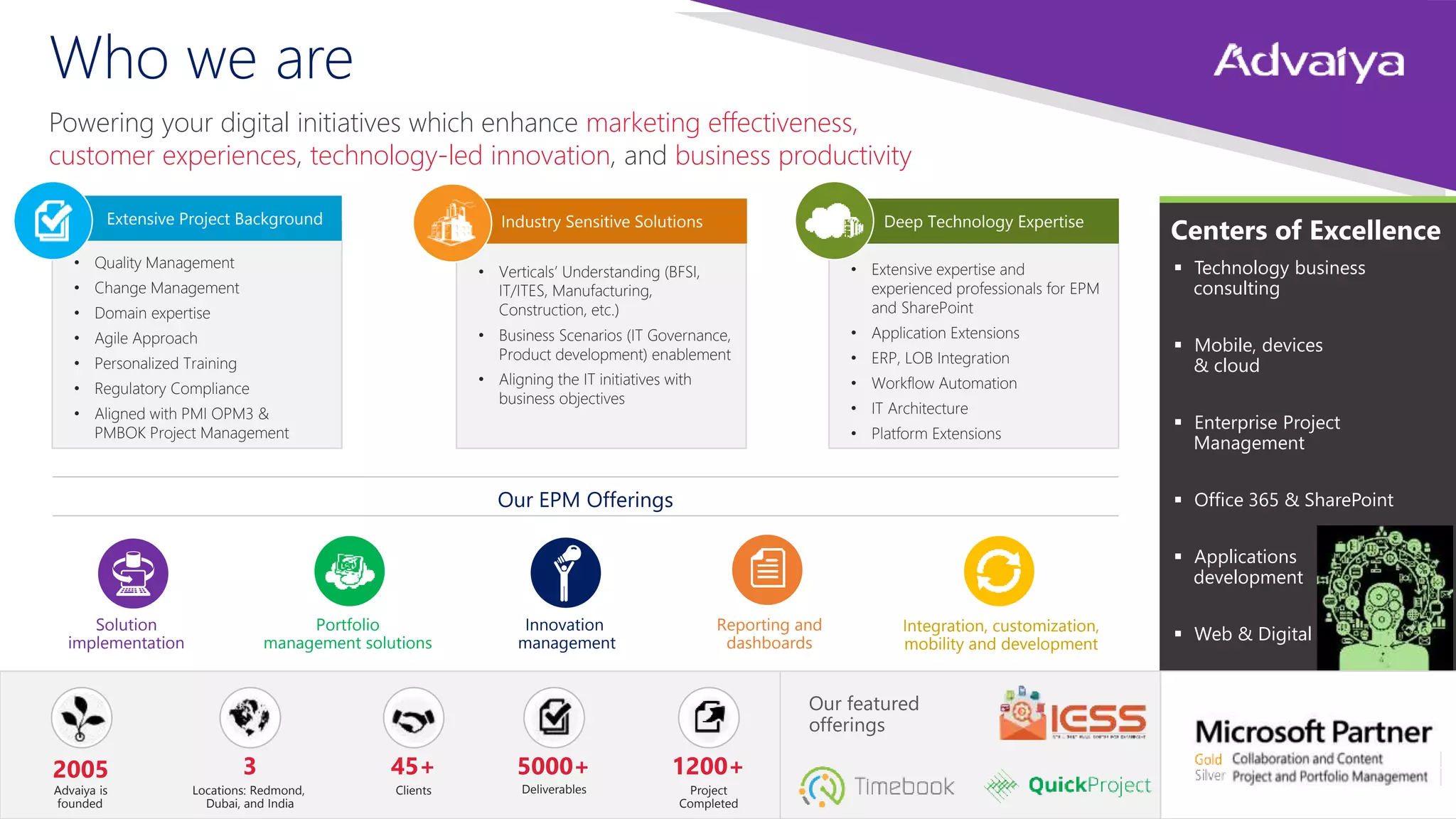
• Extensive expertise and
experienced professionals for EPM
and SharePoint
• Application Extensions
• ERP, LOB Integration
• Workflow Automation
• IT Architecture
• Platform Extensions
• Verticals’ Understanding (BFSI,
IT/ITES, Manufacturing,
Construction, etc.)
• Business Scenarios (IT Governance,
Product development) enablement
• Aligning the IT initiatives with
business objectives
• Quality Management
• Change Management
• Domain expertise
• Agile Approach
• Personalized Training
• Regulatory Compliance
• Aligned with PMI OPM3 &
PMBOK Project Management
Powering your digital initiatives which enhance marketing effectiveness,
customer experiences, technology-led innovation, and business productivity
Solution
implementation
Portfolio
management solutions
Innovation
management
Integration, customization,
mobility and development
Reporting and
dashboards
Centers of Excellence
 Technology business
consulting
 Mobile, devices
& cloud
 Enterprise Project
Management
 Office 365 & SharePoint
 Applications
development
 Web & Digital
2005
Advaiya is
founded
3
Locations: Redmond,
Dubai, and India
45+
Clients
5000+
Deliverables
1200+
Project
Completed
Our EPM Offerings
Our featured
offerings
Deep Technology ExpertiseIndustry Sensitive SolutionsExtensive Project Background
Who we are
Common terms and concepts
Power BI ecosystem
 Power BI Desktop - a Windows desktop application
 Power BI Services - an online SaaS (Software as a Service) service
(formerly Power BI for Office 365, now PowerBI.com )
 Power BI Apps - Mobile apps for Windows phones and tablets, as well as for
iOS and Android devices
 Power BI Gateways - To sync external files with Power BI, you need to install
Gateway on your machine, and sign-in to authenticate the data refresh
 Power BI REST API - Create apps that integrate with a Power BI dashboard in
real-time using REST calls.
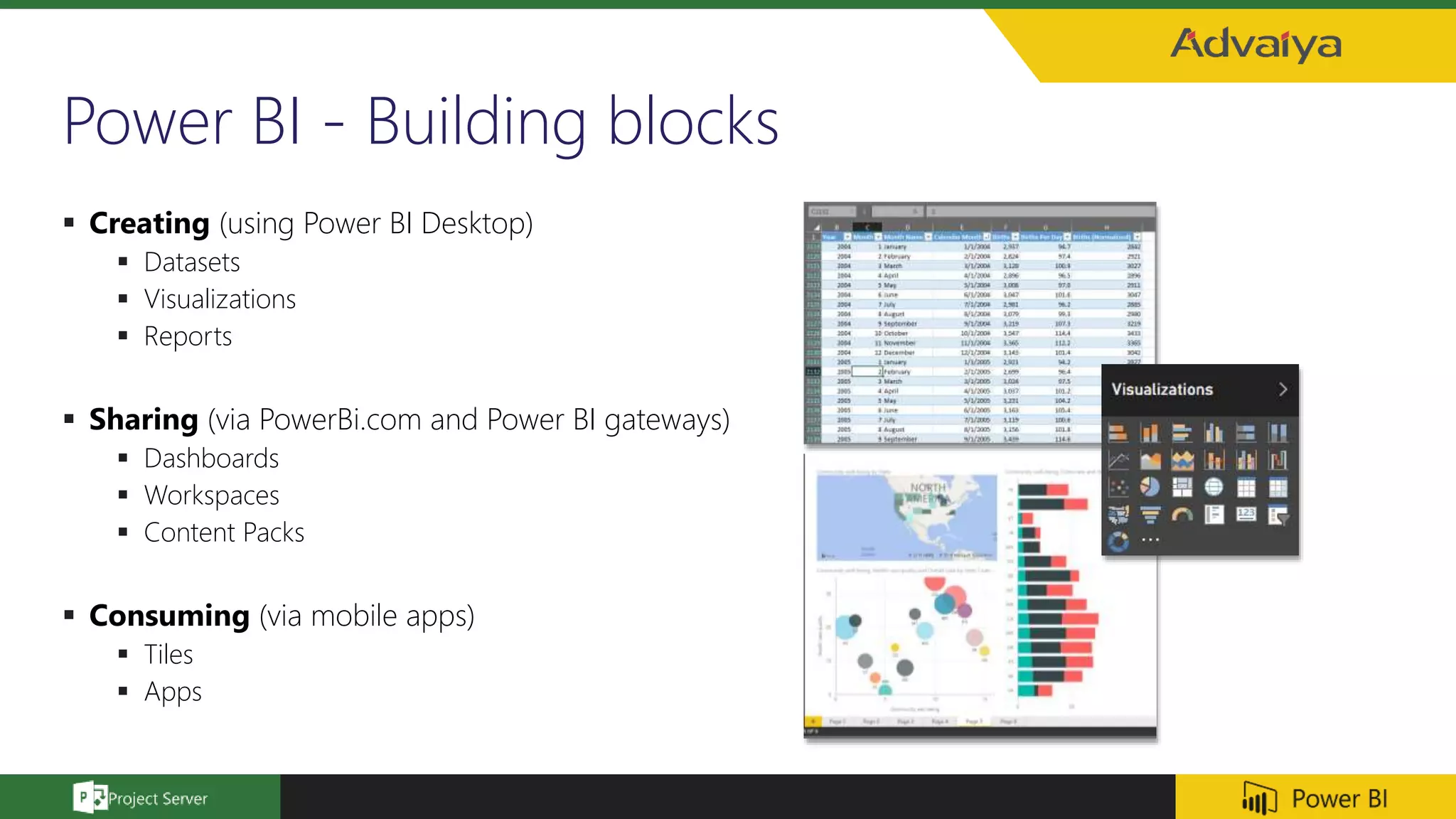
Power BI - Building blocks
 Creating (using Power BI Desktop)
 Datasets
 Visualizations
 Reports
 Sharing (via PowerBi.com and Power BI gateways)
 Dashboards
 Workspaces
 Content Packs
 Consuming (via mobile apps)
 Tiles
 Apps
Natural Query Language
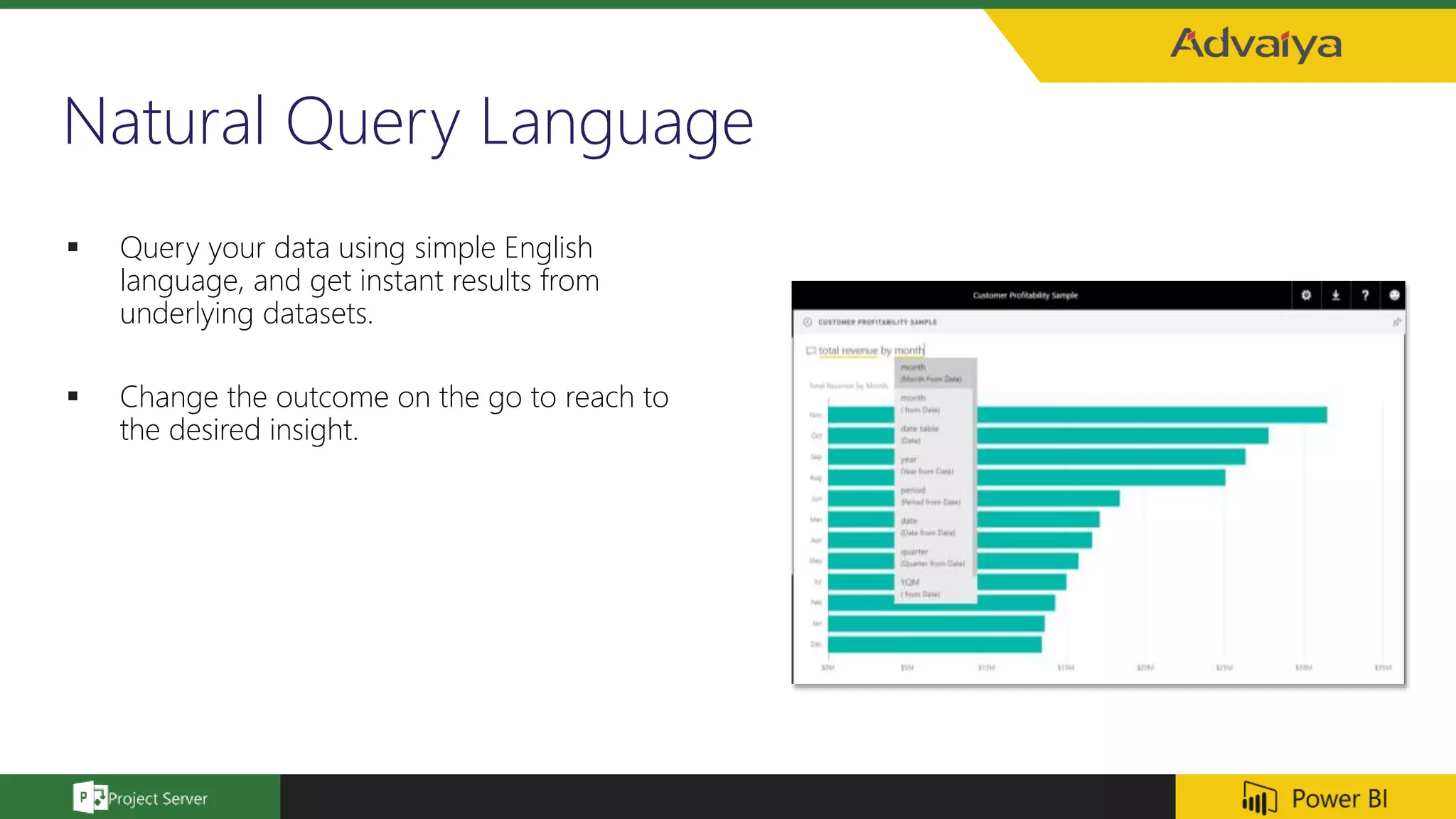
 Query your data using simple English
language, and get instant results from
underlying datasets.
 Change the outcome on the go to reach to
the desired insight.
Dashboards
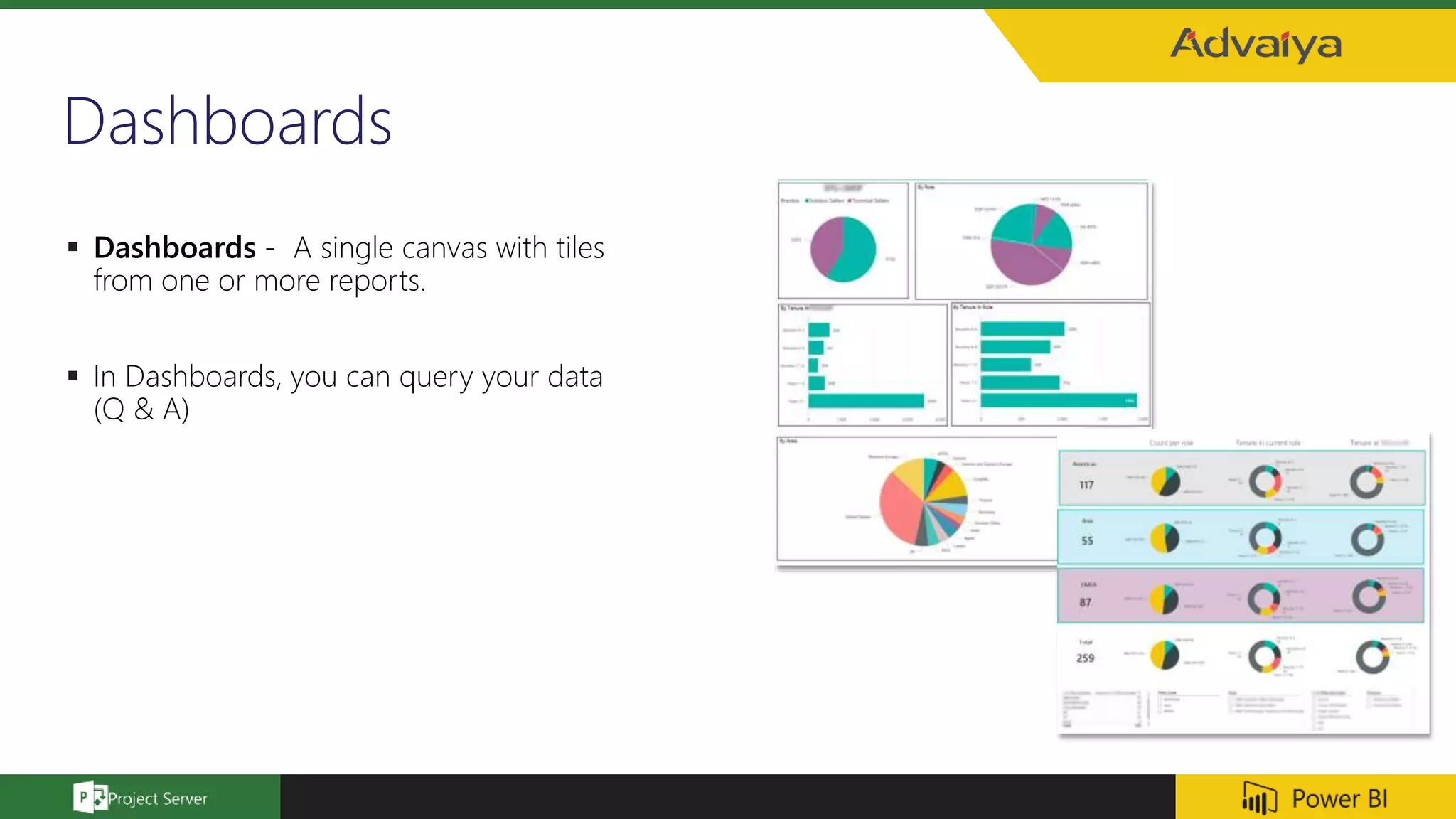
 Dashboards - A single canvas with tiles
from one or more reports.
 In Dashboards, you can query your data
(Q & A)
Power BI visual gallery
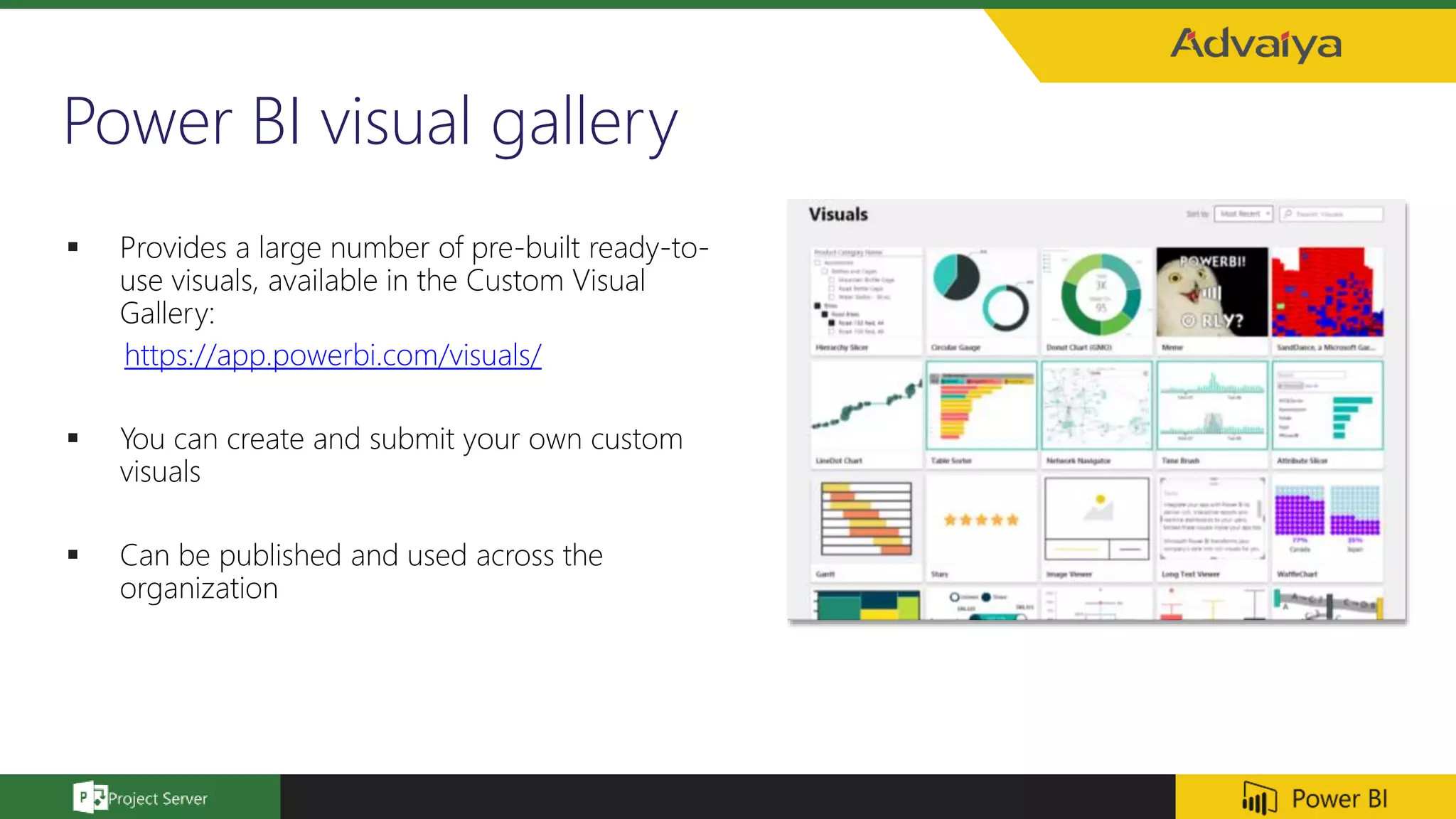
 Provides a large number of pre-built ready-to-
use visuals, available in the Custom Visual
Gallery:
https://app.powerbi.com/visuals/
 You can create and submit your own custom
visuals
 Can be published and used across the
organization
Creating group workspaces
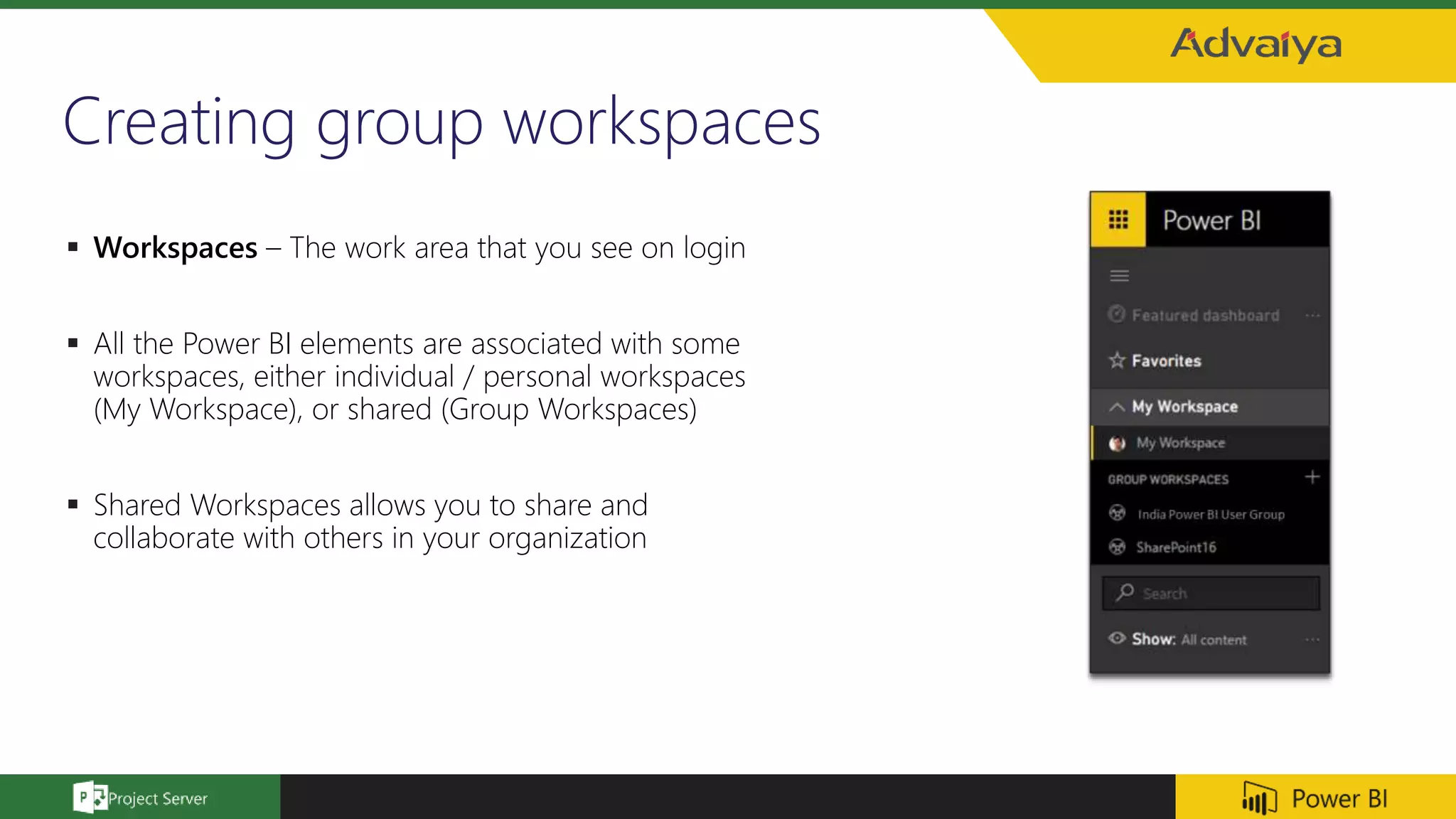
 Workspaces – The work area that you see on login
 All the Power BI elements are associated with some
workspaces, either individual / personal workspaces
(My Workspace), or shared (Group Workspaces)
 Shared Workspaces allows you to share and
collaborate with others in your organization
Accessing PWA data using Power BI (via OData)
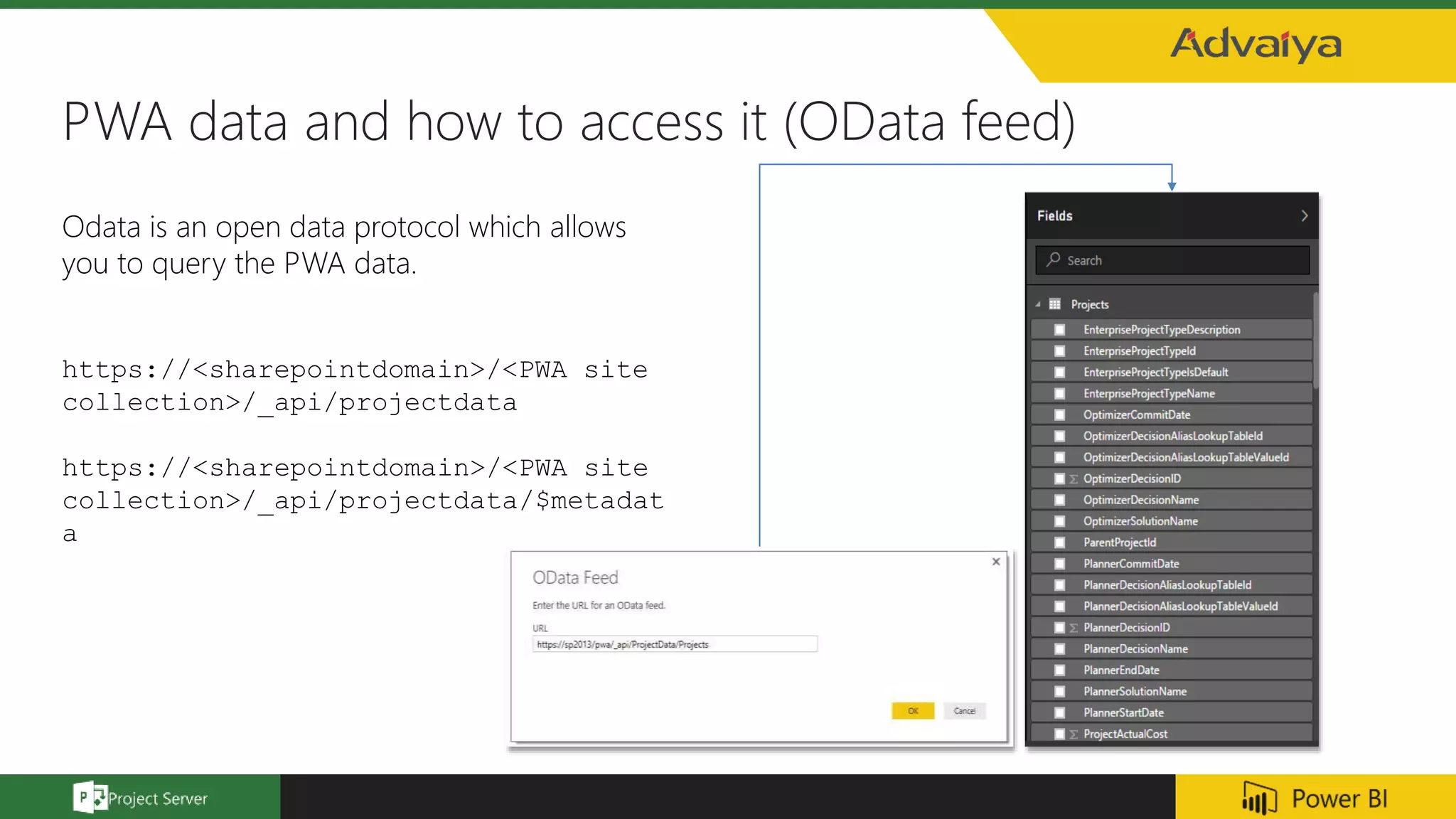
PWA data and how to access it (OData feed)
Odata is an open data protocol which allows
you to query the PWA data.
https://<sharepointdomain>/<PWA site
collection>/_api/projectdata
https://<sharepointdomain>/<PWA site
collection>/_api/projectdata/$metadat
a
Natural Query Language
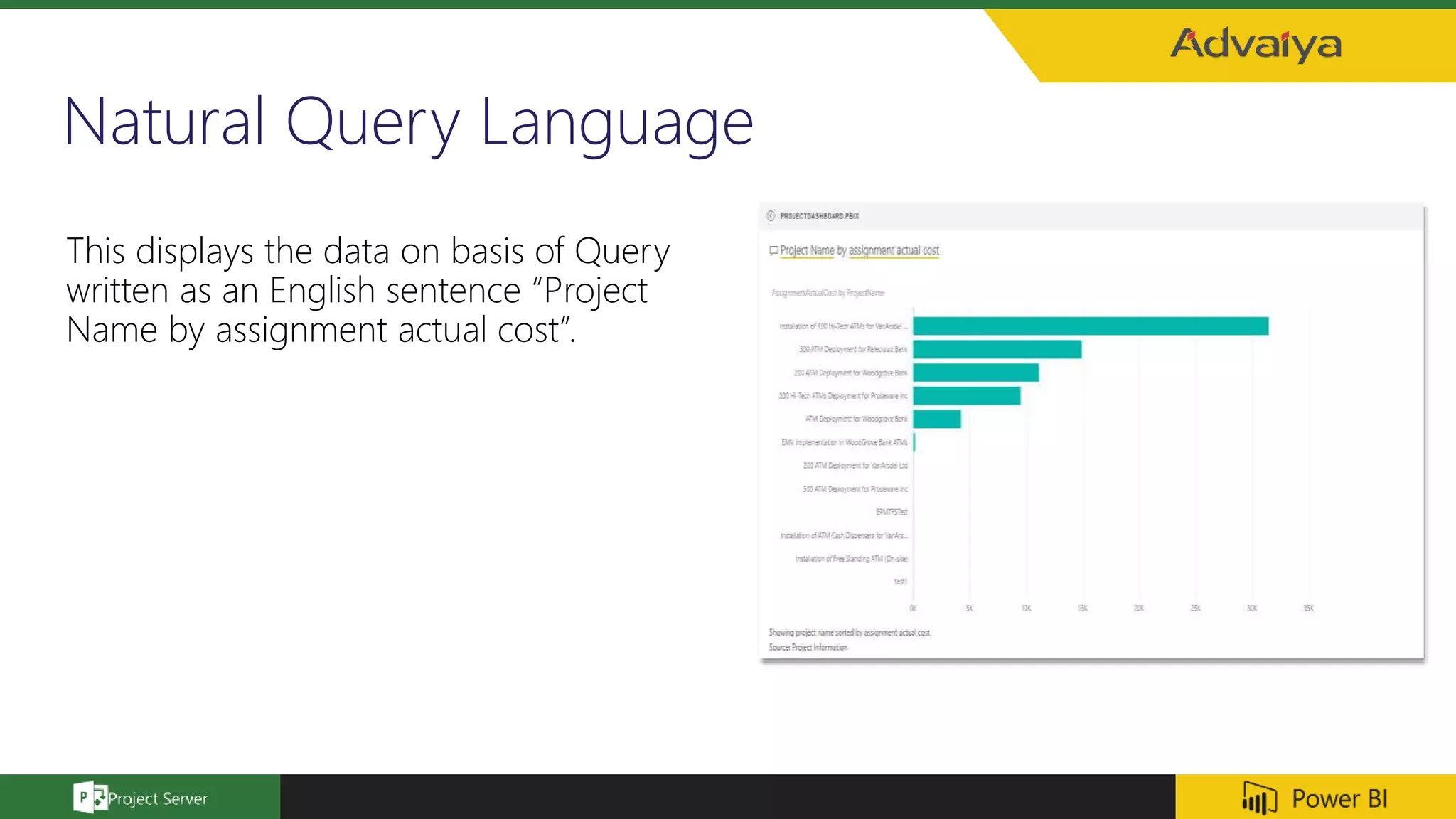
This displays the data on basis of Query
written as an English sentence “Project
Name by assignment actual cost”.
Custom Visuals: Chiclet Slicer
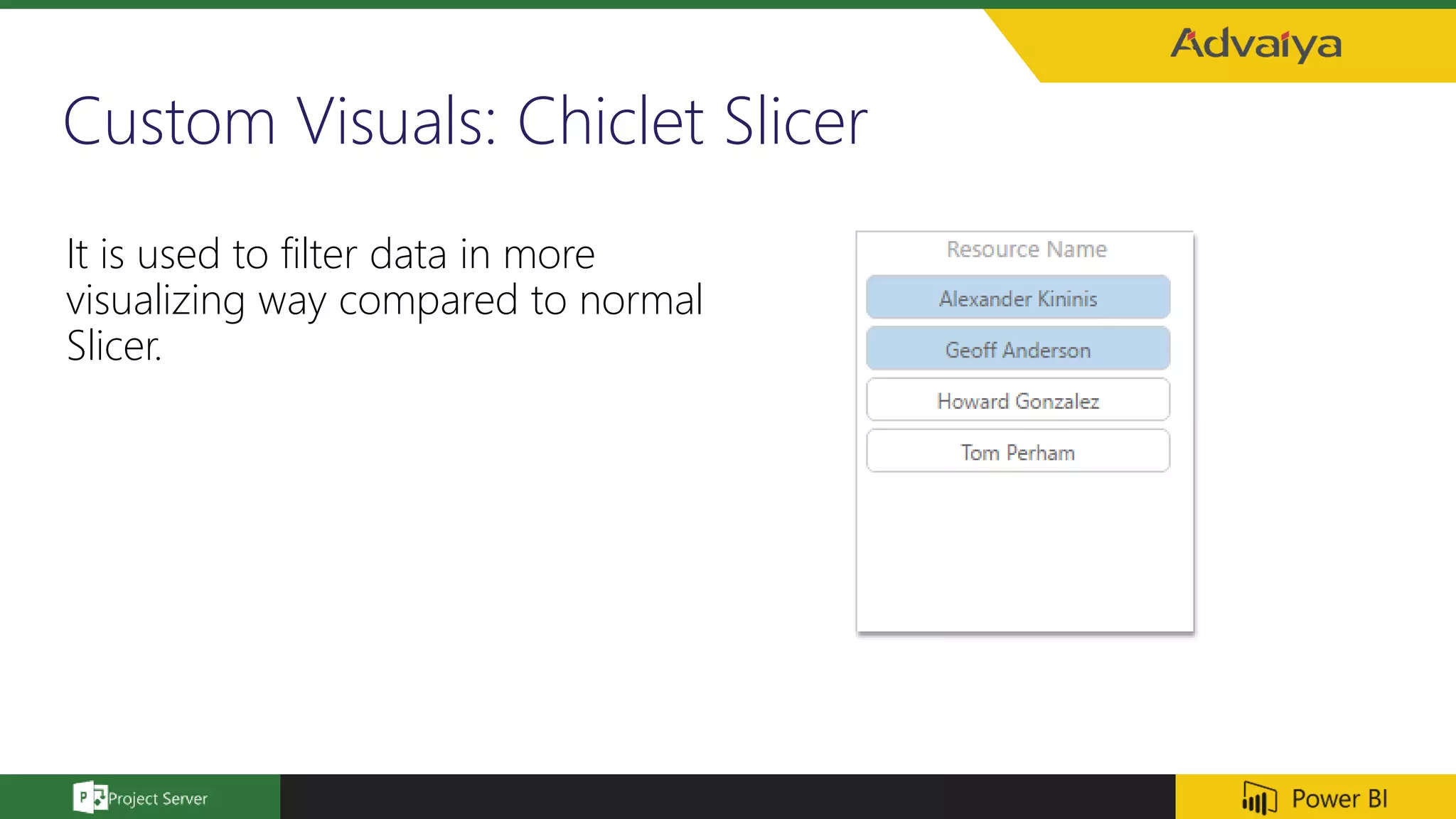
It is used to filter data in more
visualizing way compared to normal
Slicer.
Project Dashboards
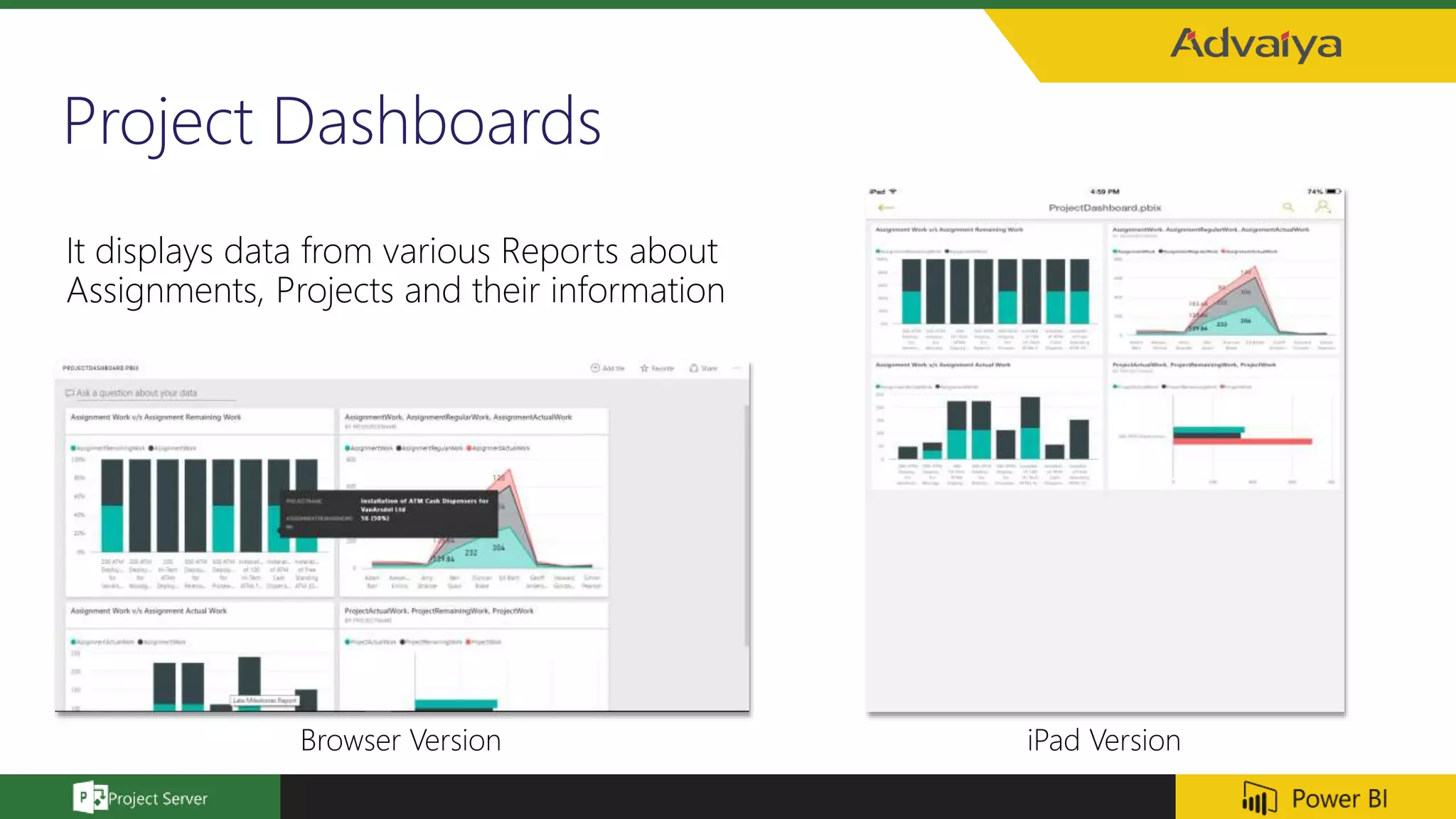
It displays data from various Reports about
Assignments, Projects and their information
Browser Version iPad Version
Demo
Questions ?
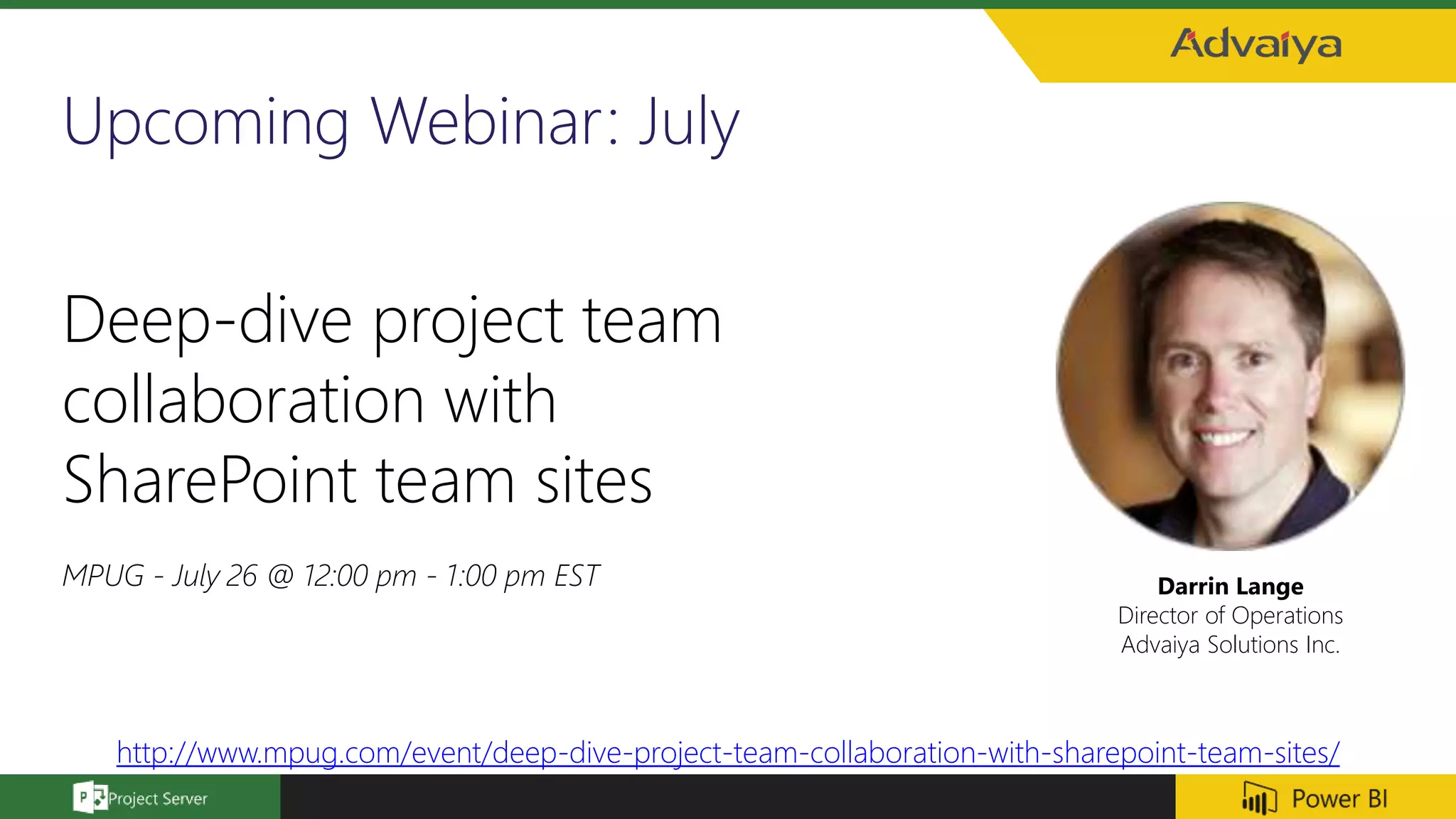
Upcoming Webinar: July
Darrin Lange
Director of Operations
Advaiya Solutions Inc.
Deep-dive project team
collaboration with
SharePoint team sites
MPUG - July 26 @ 12:00 pm - 1:00 pm EST
http://www.mpug.com/event/deep-dive-project-team-collaboration-with-sharepoint-team-sites/
Resources
You're now well versed in all these important concepts:
• What Power BI is
• The building blocks of Power BI
• Getting (Desktop) and modeling data
• Getting (Services) and modeling data
• Visualizations
• Exploring data in the Power BI service
• Using Excel and Power BI together
• And publishing and sharing your work
Here are some links to downloads or to get your browser connected to the Power BI service:
• You can always get the latest Power BI Desktop
• Heading to the Power BI service is easy
• Getting mobile apps for Power BI is a tap away
Follow Us, Today!
For more details, please e-mail to:
Darrin Lange: Darrin.Lange@advaiya.com
Contact us:
ADVAIYA SOLUTIONS, INC.
411 108th Ave NE Ste 700
Bellevue, WA 98004
Phone: +1 (425) 256 3123
Thank you!
Power BI reports and  dashboards for Microsoft Project Server

Power BI reports and dashboards for Microsoft Project Server

  • 1.
    Webinar: Power BI reportsand dashboards for Microsoft Project Server Darrin Lange, PMP Director of Operations John Hooberman Director of Business Development June 14, 2016
  • 2.
    About the Speaker Darrin Lange, PMP  Director of Operations at Advaiya Solutions, Inc.  Two decades of diverse project management experience in the Information Technology industry
  • 3.
    Code of Conduct •Presentation of around 30 minutes, followed by a brief Q and A session • Attendees are expected to stay quiet during the session, and note down questions which can be taken up in the Q and A • In case of any urgency, attendees can ping us to discuss the matter
  • 4.
    Agenda • Introduction toAdvaiya Solutions, Inc. • Common terms and concepts • PWA data and how to access it (OData feed) • PowerBI • Natural Query Language • Sharing dashboards • Importing visuals from Power BI visual gallery • Creating group workspaces
  • 5.
    • Extensive expertiseand experienced professionals for EPM and SharePoint • Application Extensions • ERP, LOB Integration • Workflow Automation • IT Architecture • Platform Extensions • Verticals’ Understanding (BFSI, IT/ITES, Manufacturing, Construction, etc.) • Business Scenarios (IT Governance, Product development) enablement • Aligning the IT initiatives with business objectives • Quality Management • Change Management • Domain expertise • Agile Approach • Personalized Training • Regulatory Compliance • Aligned with PMI OPM3 & PMBOK Project Management Powering your digital initiatives which enhance marketing effectiveness, customer experiences, technology-led innovation, and business productivity Solution implementation Portfolio management solutions Innovation management Integration, customization, mobility and development Reporting and dashboards Centers of Excellence  Technology business consulting  Mobile, devices & cloud  Enterprise Project Management  Office 365 & SharePoint  Applications development  Web & Digital 2005 Advaiya is founded 3 Locations: Redmond, Dubai, and India 45+ Clients 5000+ Deliverables 1200+ Project Completed Our EPM Offerings Our featured offerings Deep Technology ExpertiseIndustry Sensitive SolutionsExtensive Project Background Who we are
  • 6.
  • 7.
    Power BI ecosystem Power BI Desktop - a Windows desktop application  Power BI Services - an online SaaS (Software as a Service) service (formerly Power BI for Office 365, now PowerBI.com )  Power BI Apps - Mobile apps for Windows phones and tablets, as well as for iOS and Android devices  Power BI Gateways - To sync external files with Power BI, you need to install Gateway on your machine, and sign-in to authenticate the data refresh  Power BI REST API - Create apps that integrate with a Power BI dashboard in real-time using REST calls.
  • 8.
    Power BI -Building blocks  Creating (using Power BI Desktop)  Datasets  Visualizations  Reports  Sharing (via PowerBi.com and Power BI gateways)  Dashboards  Workspaces  Content Packs  Consuming (via mobile apps)  Tiles  Apps
  • 9.
    Natural Query Language Query your data using simple English language, and get instant results from underlying datasets.  Change the outcome on the go to reach to the desired insight.
  • 10.
    Dashboards  Dashboards -A single canvas with tiles from one or more reports.  In Dashboards, you can query your data (Q & A)
  • 11.
    Power BI visualgallery  Provides a large number of pre-built ready-to- use visuals, available in the Custom Visual Gallery: https://app.powerbi.com/visuals/  You can create and submit your own custom visuals  Can be published and used across the organization
  • 12.
    Creating group workspaces Workspaces – The work area that you see on login  All the Power BI elements are associated with some workspaces, either individual / personal workspaces (My Workspace), or shared (Group Workspaces)  Shared Workspaces allows you to share and collaborate with others in your organization
  • 13.
    Accessing PWA datausing Power BI (via OData)
  • 14.
    PWA data andhow to access it (OData feed) Odata is an open data protocol which allows you to query the PWA data. https://<sharepointdomain>/<PWA site collection>/_api/projectdata https://<sharepointdomain>/<PWA site collection>/_api/projectdata/$metadat a
  • 15.
    Natural Query Language Thisdisplays the data on basis of Query written as an English sentence “Project Name by assignment actual cost”.
  • 16.
    Custom Visuals: ChicletSlicer It is used to filter data in more visualizing way compared to normal Slicer.
  • 17.
    Project Dashboards It displaysdata from various Reports about Assignments, Projects and their information Browser Version iPad Version
  • 18.
  • 19.
  • 20.
    Upcoming Webinar: July DarrinLange Director of Operations Advaiya Solutions Inc. Deep-dive project team collaboration with SharePoint team sites MPUG - July 26 @ 12:00 pm - 1:00 pm EST http://www.mpug.com/event/deep-dive-project-team-collaboration-with-sharepoint-team-sites/
  • 21.
    Resources You're now wellversed in all these important concepts: • What Power BI is • The building blocks of Power BI • Getting (Desktop) and modeling data • Getting (Services) and modeling data • Visualizations • Exploring data in the Power BI service • Using Excel and Power BI together • And publishing and sharing your work Here are some links to downloads or to get your browser connected to the Power BI service: • You can always get the latest Power BI Desktop • Heading to the Power BI service is easy • Getting mobile apps for Power BI is a tap away
  • 22.
    Follow Us, Today! Formore details, please e-mail to: Darrin Lange: Darrin.Lange@advaiya.com Contact us: ADVAIYA SOLUTIONS, INC. 411 108th Ave NE Ste 700 Bellevue, WA 98004 Phone: +1 (425) 256 3123
  • 23.

Editor's Notes

  • #9 Why MS PowerBI? part of the MS ecosystem. Native to the tools already in use. What is the difference between a dashboard, report and widget? What is a content pack? What is a tile?
  • #10 In Dashboards, you can query your data using the Question and Answer feature. In this, you ask your queries in form of simple English language, and get instant results from underlying datasets, and even change it on-the-go. So suppose you have a bar graph in front, and you want to change the sorting order and apply additional filters, you can just type it in the QA box, and you will get the updated bar graph immediately. When would I use NQL? How long has this been around?
  • #11 What is a dashboard?
  • #13 What can I do with a workspace? Who is this for?
  • #16 In Dashboards, you can query your data using the Question and Answer feature. In this, you ask your queries in form of simple English language, and get instant results from underlying datasets, and even change it on-the-go. So suppose you have a bar graph in front, and you want to change the sorting order and apply additional filters, you can just type it in the QA box, and you will get the updated bar graph immediately.