
About Me
Software Engineer by profession
4 years of experience in Power
BI
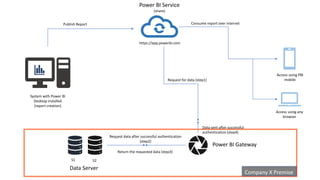
Data Server
S1 S2
Power BI Gateway
Company X Premise
Access using any
browser
Access using PBI
mobile
System with Power BI
Desktop installed
(report creation)
Power BI Service
(share)
https://app.powerbi.com
Publish Report Consume report over internet
Request for data (step1)
Data sent after successful
authentication (step4)
Request data after successful authentication
(step2)
Return the requested data (step3)
Components
of Power BI
Ecosystem
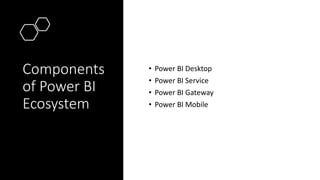
• Power BI Desktop
• Power BI Service
• Power BI Gateway
• Power BI Mobile
Power BI Desktop
(Component 1)
Power BI
Desktop
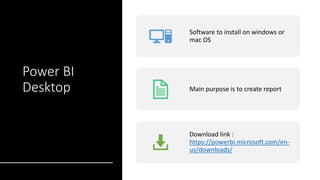
Software to install on windows or
mac OS
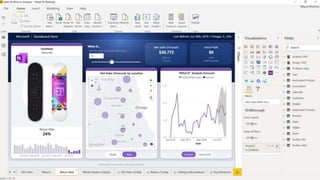
Main purpose is to create report
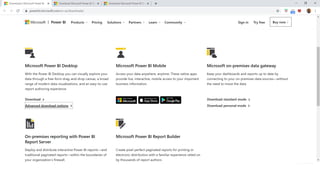
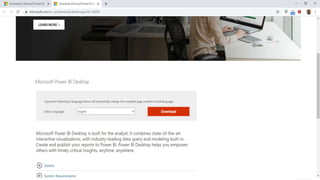
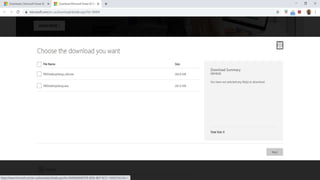
Download link :
https://powerbi.microsoft.com/en-
us/downloads/
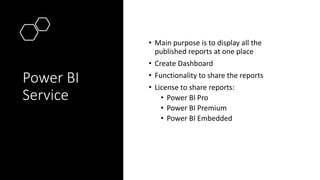
Power BI Service
(Component 2)
Power BI
Service
• Main purpose is to display all the
published reports at one place
• Create Dashboard
• Functionality to share the reports
• License to share reports:
• Power BI Pro
• Power BI Premium
• Power BI Embedded
Power BI Gateway
(Component 3)
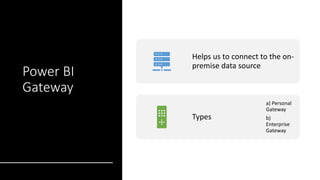
Power BI
Gateway
Helps us to connect to the on-
premise data source
Types
a) Personal
Gateway
b)
Enterprise
Gateway
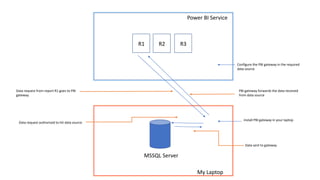
Power BI Service
R1 R2 R3
My Laptop
MSSQL Server
Install PBI gateway in your laptop
Configure the PBI gateway in the required
data source
Data request authorized to hit data source
Data sent to gateway
Data request from report R1 goes to PBI
gateway
PBI gateway forwards the data received
from data source
Power BI Mobile
(Component 4)
Power BI
Mobile
Main purpose is to consume the reports and
dashboards
Video on
Power BI
Ecosystem
Blog on Power
BI Ecosystem
• Visit the link :
https://www.essenceoflearning.in/2020/06/po
wer-bi-ecosystem.html
Power BI Ecosystem

Power BI Ecosystem