12.12.2015
Real-Time PowerBI:
API, Events, Hubs and Streams
Davide Mauri
dmauri@solidq.com
@mauridb
12.12.2015
12.12.2015
Thank you to our AWESOME sponsors!
12.12.2015
Davide Mauri
 Microsoft SQL Server MVP
 Works with SQL Server from 6.5, on BI from 2003
 Specialized in Data Solution Architecture, Database
Design, Performance Tuning, High-Performance Data
Warehousing, BI, Big Data
 President of UGISS (Italian SQL Server UG)
 Regular Speaker @ SQL Server events
 Consulting & Training, Mentor @ SolidQ
 E-mail: dmauri@solidq.com
 Twitter: @mauridb
 Blog: http://sqlblog.com/blogs/davide_mauri/default.aspx
12.12.2015
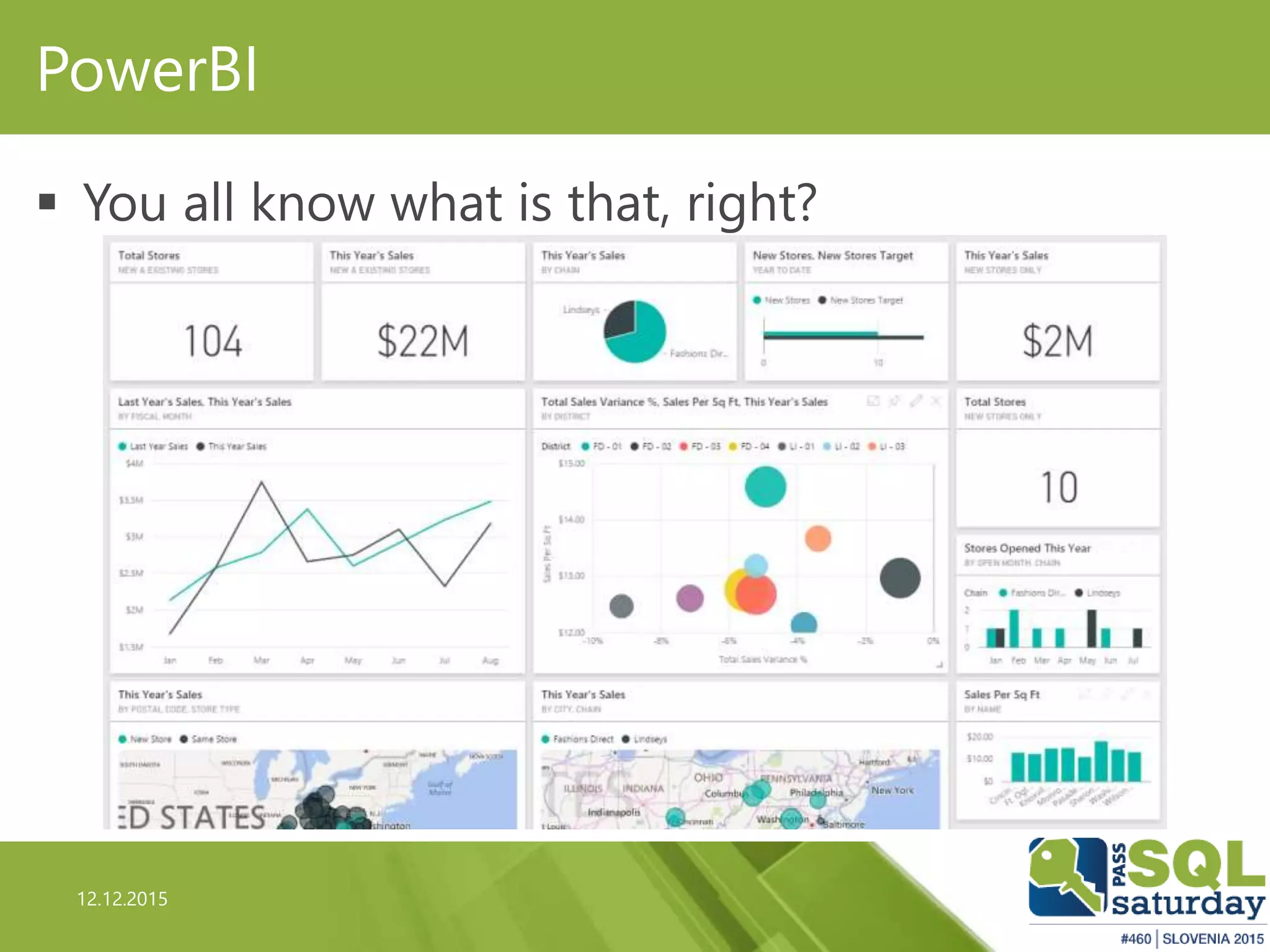
PowerBI
 You all know what is that, right?
12.12.2015
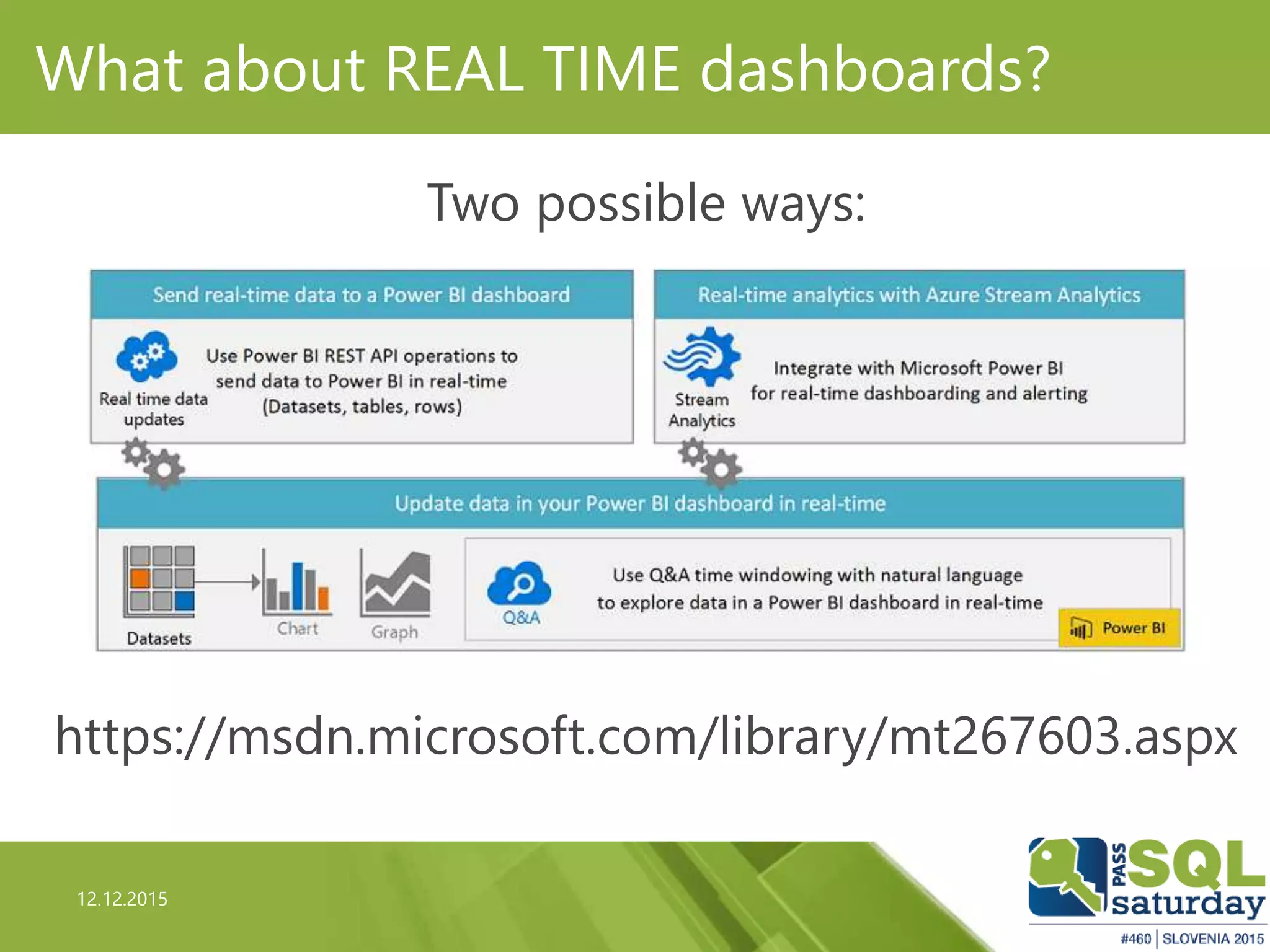
What about REAL TIME dashboards?
Two possible ways:
https://msdn.microsoft.com/library/mt267603.aspx
12.12.2015
First Option: PowerBI API
12.12.2015
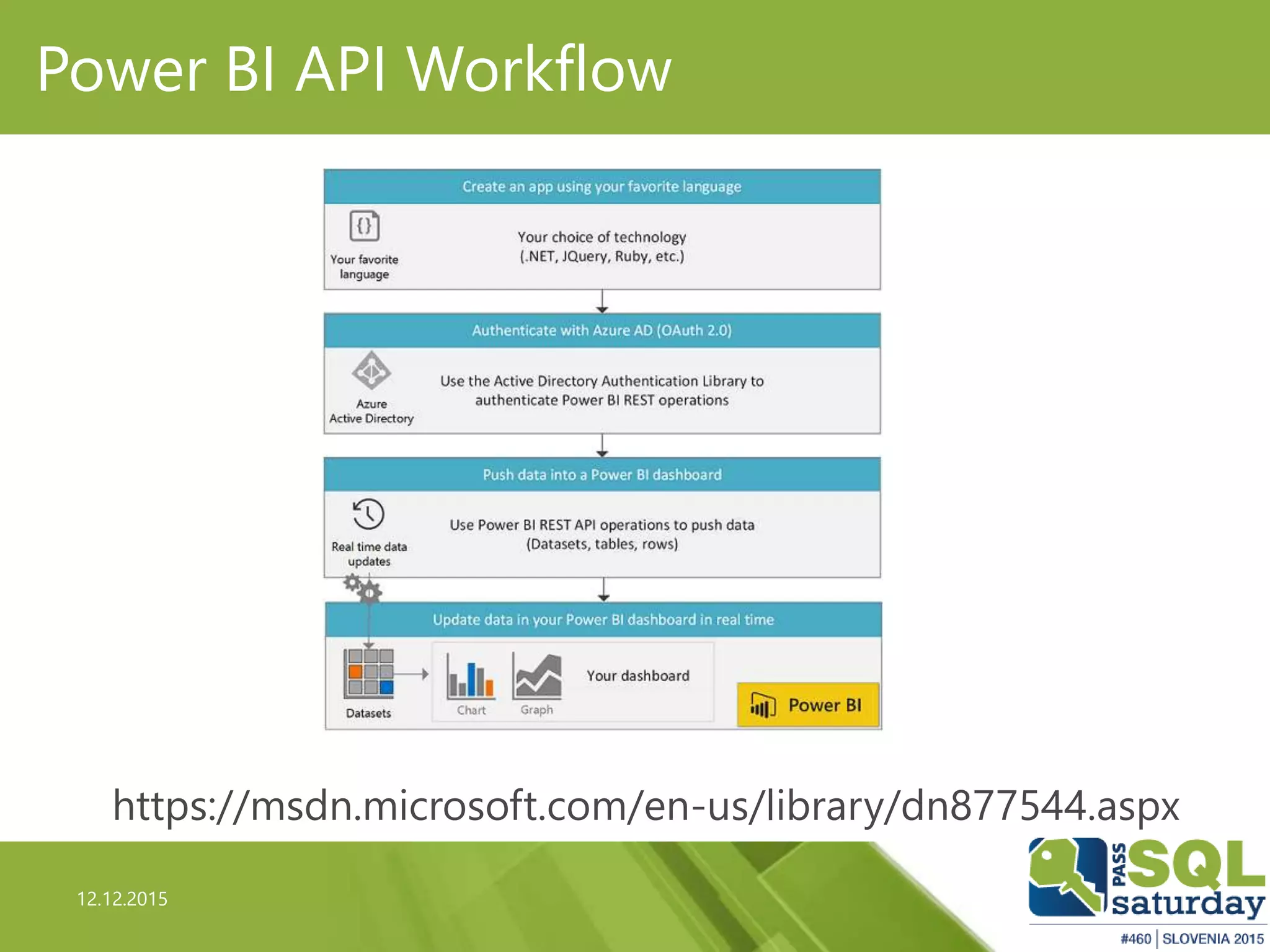
Power BI API Workflow
https://msdn.microsoft.com/en-us/library/dn877544.aspx
12.12.2015
Power BI & Your App
 As many (all?) other Microsoft product, Power BI is a
also (mainly?) platform
 Rich set of REST API
 REST: REpresentational State Transfer (REST)
 http://www.restapitutorial.com/lessons/whatisrest.html
 Allows to interact and manage almost all Power BI
objects
 Allows the creation of automatic updated (near) real-
time dashboard
12.12.2015
Power BI & Your App
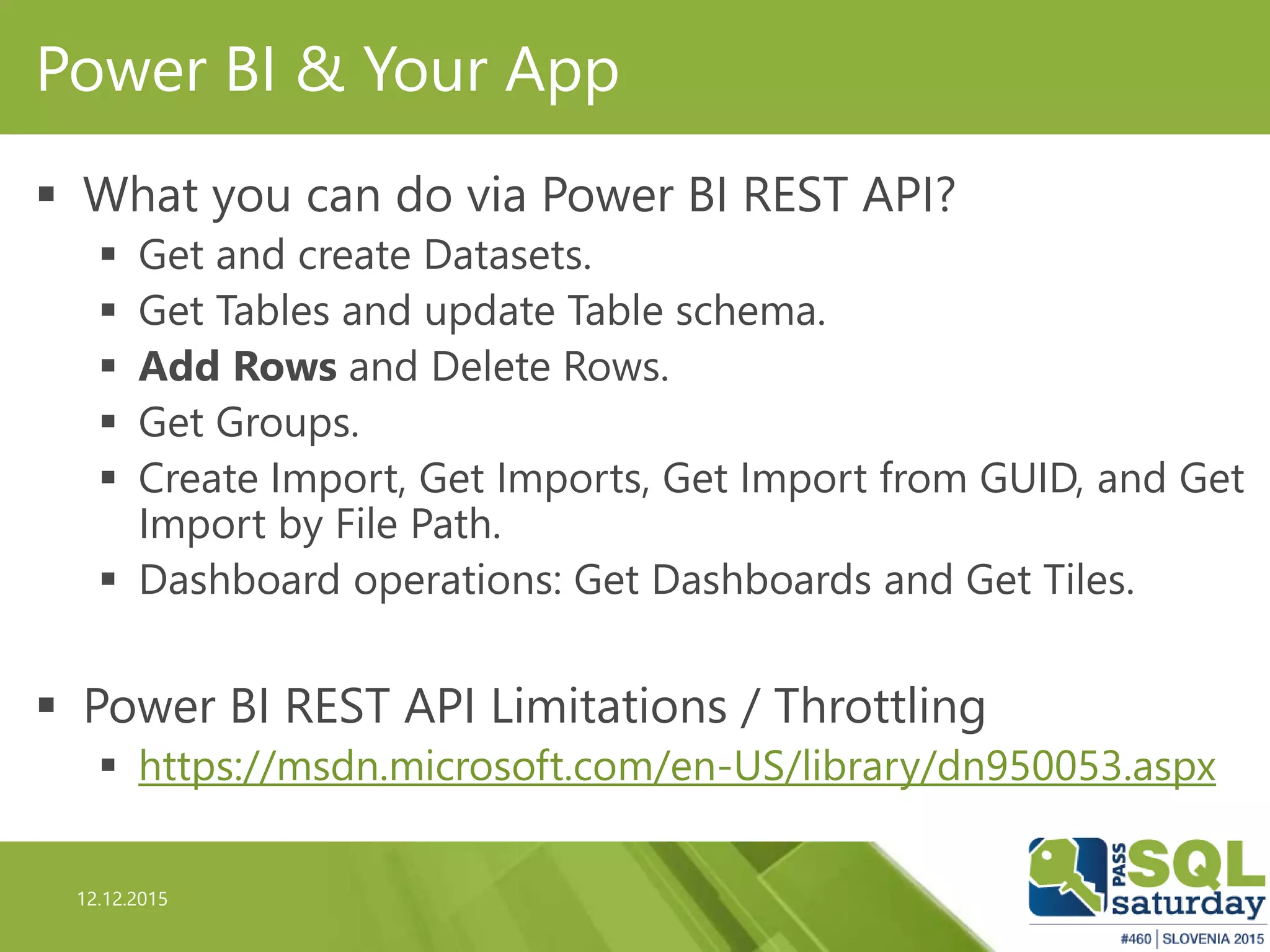
 What you can do via Power BI REST API?
 Get and create Datasets.
 Get Tables and update Table schema.
 Add Rows and Delete Rows.
 Get Groups.
 Create Import, Get Imports, Get Import from GUID, and Get
Import by File Path.
 Dashboard operations: Get Dashboards and Get Tiles.
 Power BI REST API Limitations / Throttling
 https://msdn.microsoft.com/en-US/library/dn950053.aspx
12.12.2015
Power BI & Your App
 Authentication needed
 Azure Active Directory
 Via OAuth2
 Full interactive documentation of Power BI REST
API available here:
 http://docs.powerbi.apiary.io/
12.12.2015
Demo
apiary.io
12.12.2015
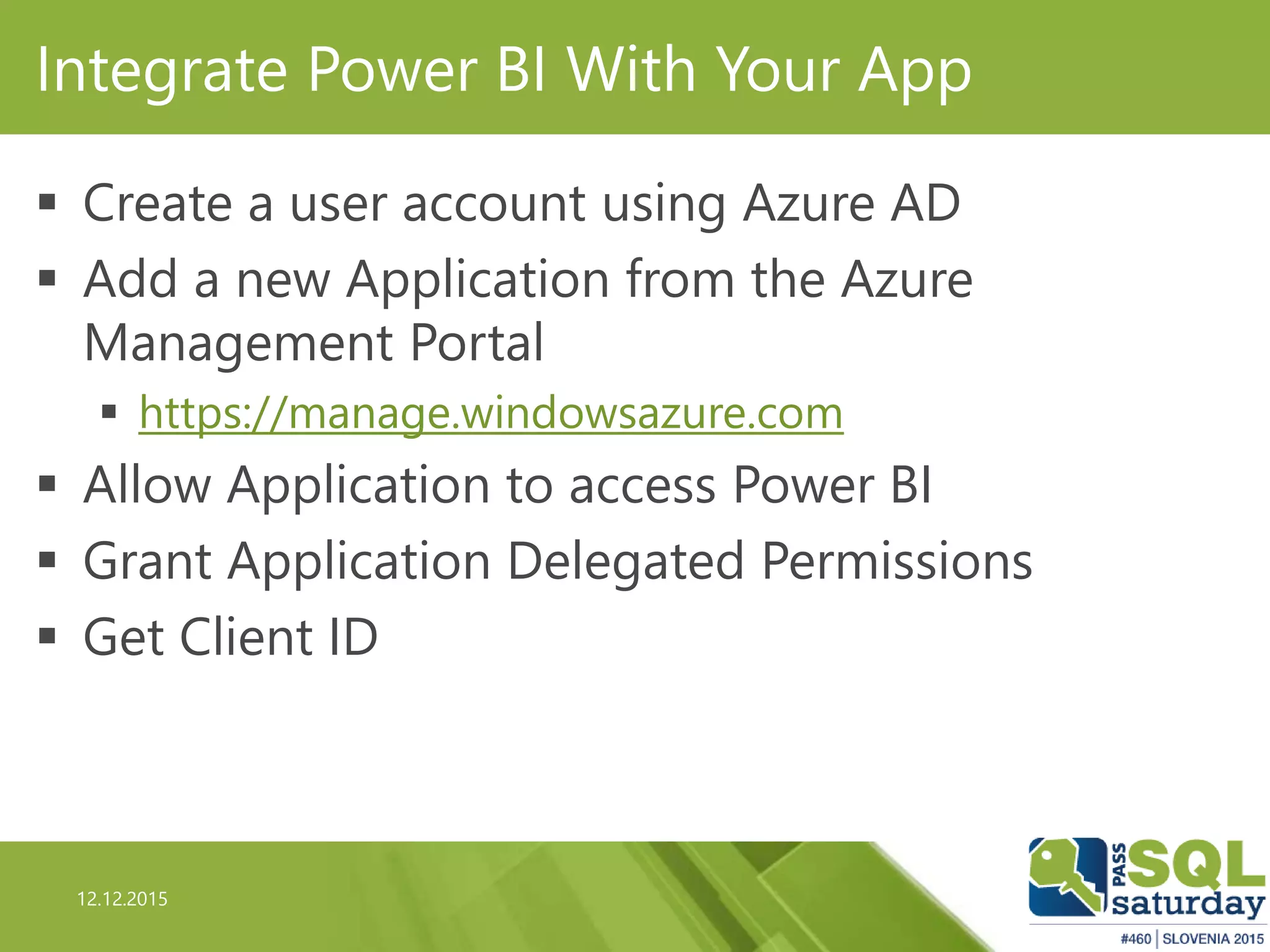
Integrate Power BI With Your App
 Create a user account using Azure AD
 Add a new Application from the Azure
Management Portal
 https://manage.windowsazure.com
 Allow Application to access Power BI
 Grant Application Delegated Permissions
 Get Client ID
12.12.2015
Integrate Power BI With Your App
 Authenticate against Azure AD
 Use Microsoft.IdentityModel.Clients.ActiveDirectory Library
 From NuGet. Latest version as of today: 2.19.208020213
 Get the token
 New or Refreshed one
 Call the desired REST API specifying the Bearer Token
in the Header
 Receive the JSON answer
 JSON.NET strongly recommended 
12.12.2015
Demo
PowerBI Client Console
12.12.2015
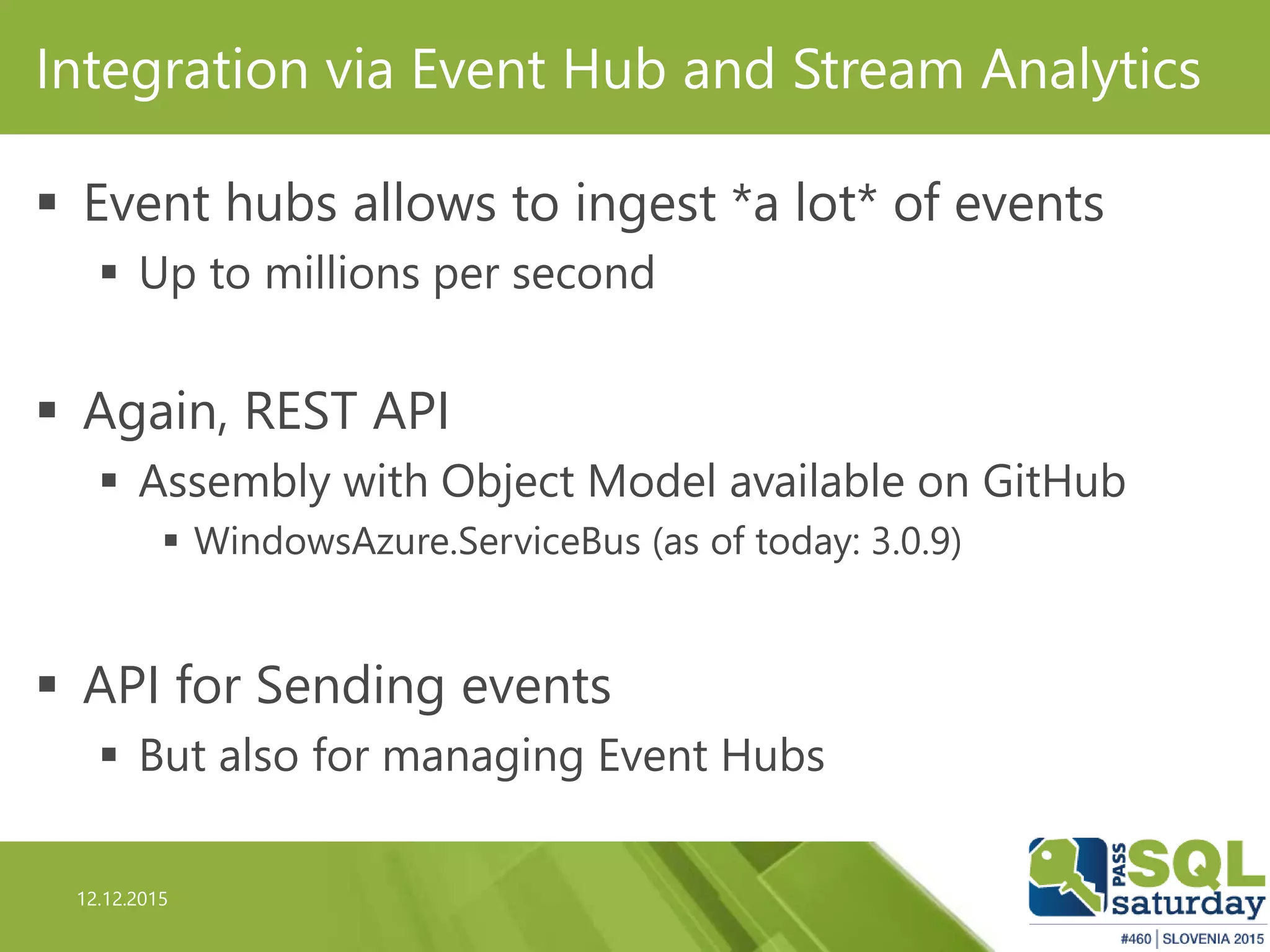
Integration via Event Hub and Stream Analytics
 Event hubs allows to ingest *a lot* of events
 Up to millions per second
 Again, REST API
 Assembly with Object Model available on GitHub
 WindowsAzure.ServiceBus (as of today: 3.0.9)
 API for Sending events
 But also for managing Event Hubs
12.12.2015
Demo
Event Hubs Client Console
12.12.2015
Second Option: Streaming Data
12.12.2015
Lambda Architecture
 Fits in the lambda architecture vision
 Real time and “batch” analytics
 http://lambda-architecture.net/
12.12.2015
Integration via Event Hub and Stream Analytics
 Azure Stream Analytics allows you to execute
streaming queries
 Like StreamInsight or Apache Storm
 Inputs and Outputs has to ben defined
 Streaming or Reference Data supported
 Can use Event hubs as a Streaming Source
12.12.2015
Integration via Event Hub and Stream Analytics
 Use Streaming SQL to
 Transform/Aggregate Streaming data
 Send results to an output
 One of the output can be PowerBI
 This enables the creation of Real-Time Dashboard
 That are automatically refreshed
12.12.2015
Demo
Power BI & Stream Analytics
12.12.2015
Third Option: PowerBI DirectQuery
12.12.2015
Non-Streamed Data
 Another option is Azure SQL/DW + PowerBI with
Direct Query
 Stream Analytics will output to an Azure SQL Database
 100% Lambda Architecture
 Merging can be done via Views or via Power Query
 No Streaming so no automatic chart updates
 You don’t need to refresh data, since we’re using Direct
Query
12.12.2015
Questions?
12.12.2015
Thanks!!!

Real Time Power BI

  • 1.
    12.12.2015 Real-Time PowerBI: API, Events,Hubs and Streams Davide Mauri dmauri@solidq.com @mauridb 12.12.2015
  • 2.
    12.12.2015 Thank you toour AWESOME sponsors!
  • 3.
    12.12.2015 Davide Mauri  MicrosoftSQL Server MVP  Works with SQL Server from 6.5, on BI from 2003  Specialized in Data Solution Architecture, Database Design, Performance Tuning, High-Performance Data Warehousing, BI, Big Data  President of UGISS (Italian SQL Server UG)  Regular Speaker @ SQL Server events  Consulting & Training, Mentor @ SolidQ  E-mail: dmauri@solidq.com  Twitter: @mauridb  Blog: http://sqlblog.com/blogs/davide_mauri/default.aspx
  • 4.
    12.12.2015 PowerBI  You allknow what is that, right?
  • 5.
    12.12.2015 What about REALTIME dashboards? Two possible ways: https://msdn.microsoft.com/library/mt267603.aspx
  • 6.
  • 7.
    12.12.2015 Power BI APIWorkflow https://msdn.microsoft.com/en-us/library/dn877544.aspx
  • 8.
    12.12.2015 Power BI &Your App  As many (all?) other Microsoft product, Power BI is a also (mainly?) platform  Rich set of REST API  REST: REpresentational State Transfer (REST)  http://www.restapitutorial.com/lessons/whatisrest.html  Allows to interact and manage almost all Power BI objects  Allows the creation of automatic updated (near) real- time dashboard
  • 9.
    12.12.2015 Power BI &Your App  What you can do via Power BI REST API?  Get and create Datasets.  Get Tables and update Table schema.  Add Rows and Delete Rows.  Get Groups.  Create Import, Get Imports, Get Import from GUID, and Get Import by File Path.  Dashboard operations: Get Dashboards and Get Tiles.  Power BI REST API Limitations / Throttling  https://msdn.microsoft.com/en-US/library/dn950053.aspx
  • 10.
    12.12.2015 Power BI &Your App  Authentication needed  Azure Active Directory  Via OAuth2  Full interactive documentation of Power BI REST API available here:  http://docs.powerbi.apiary.io/
  • 11.
  • 12.
    12.12.2015 Integrate Power BIWith Your App  Create a user account using Azure AD  Add a new Application from the Azure Management Portal  https://manage.windowsazure.com  Allow Application to access Power BI  Grant Application Delegated Permissions  Get Client ID
  • 13.
    12.12.2015 Integrate Power BIWith Your App  Authenticate against Azure AD  Use Microsoft.IdentityModel.Clients.ActiveDirectory Library  From NuGet. Latest version as of today: 2.19.208020213  Get the token  New or Refreshed one  Call the desired REST API specifying the Bearer Token in the Header  Receive the JSON answer  JSON.NET strongly recommended 
  • 14.
  • 15.
    12.12.2015 Integration via EventHub and Stream Analytics  Event hubs allows to ingest *a lot* of events  Up to millions per second  Again, REST API  Assembly with Object Model available on GitHub  WindowsAzure.ServiceBus (as of today: 3.0.9)  API for Sending events  But also for managing Event Hubs
  • 16.
  • 17.
  • 18.
    12.12.2015 Lambda Architecture  Fitsin the lambda architecture vision  Real time and “batch” analytics  http://lambda-architecture.net/
  • 19.
    12.12.2015 Integration via EventHub and Stream Analytics  Azure Stream Analytics allows you to execute streaming queries  Like StreamInsight or Apache Storm  Inputs and Outputs has to ben defined  Streaming or Reference Data supported  Can use Event hubs as a Streaming Source
  • 20.
    12.12.2015 Integration via EventHub and Stream Analytics  Use Streaming SQL to  Transform/Aggregate Streaming data  Send results to an output  One of the output can be PowerBI  This enables the creation of Real-Time Dashboard  That are automatically refreshed
  • 21.
  • 22.
  • 23.
    12.12.2015 Non-Streamed Data  Anotheroption is Azure SQL/DW + PowerBI with Direct Query  Stream Analytics will output to an Azure SQL Database  100% Lambda Architecture  Merging can be done via Views or via Power Query  No Streaming so no automatic chart updates  You don’t need to refresh data, since we’re using Direct Query
  • 24.
  • 25.

Editor's Notes

  • #13 https://msdn.microsoft.com/en-us/library/dn877542.aspx
  • #16 https://azure.microsoft.com/en-us/documentation/articles/event-hubs-programming-guide/