OpenGL ES

      ERIC CHENG CGGT
 CIS 565 GPU PROGRAMMING
UNIVERSITY OF PENNSYLVANIA
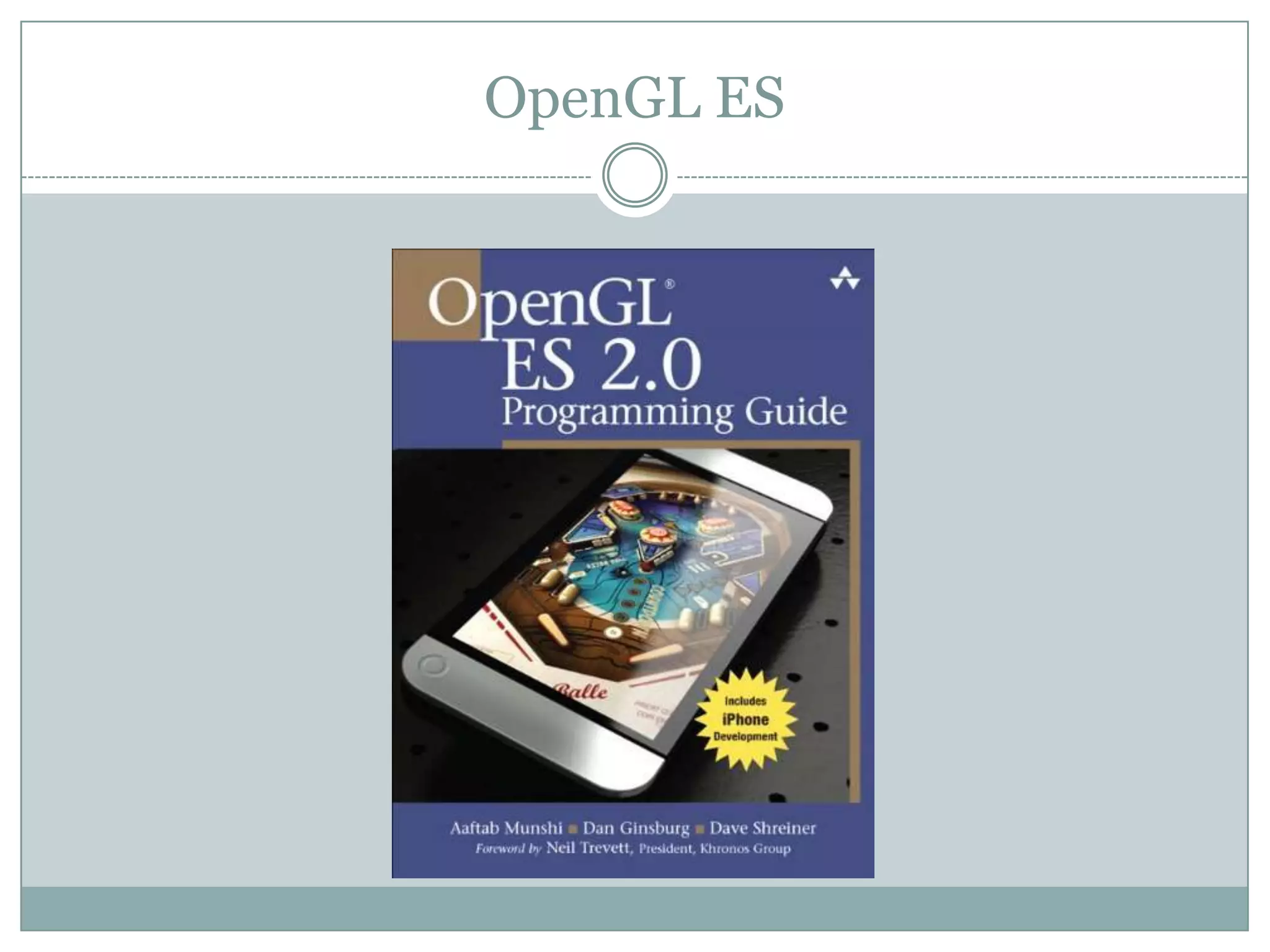
OpenGL ES
What is OpenGL ES?

 OpenGL ES is an application programming interface
 (API) for advanced 3D graphics targeted at handheld
 and embedded devices such as cell phones, personal
 digital assistants (PDAs), consoles, appliances,
 vehicles, and avionics. OpenGL ES is one of a set of
 APIs created by the Khronos Group. The Khronos
 Group, founded in January 2000, is a member-
 funded industry consortium that is focused on the
 creation of open standard and royalty- free APIs for
 handheld and embedded devices.
Features:

 The OpenGL API is very large and complex and the goal
 of the OpenGL ES working group was to create an API
 suitable for constrained devices. To achieve this goal, the
 working group removed any redundancy from the
 OpenGL API. In any case where there was more than one
 way of performing the same operation, the most useful
 method was taken and the redundant techniques were
 removed. A good example of this is specifying geometry,
 where in OpenGL an application can use immediate
 mode, display lists, or vertex arrays. In OpenGL ES, only
 vertex arrays exist and immediate mode and display lists
 were removed.
Features

 Removing redundancy was an important goal, but
 maintaining compatibility with OpenGL was also
 important. As much as possible, OpenGL ES was
 designed such that applications that were written to
 the embedded subset of functionality in OpenGL
 would also run on OpenGL ES. The reason this was
 an important goal is it allows developers to leverage
 both APIs and develop applications and tools that
 use the common subset of functionality. Although
 this was an important goal, there are cases where it
 has deviated, especially with OpenGL ES 2.0.
Features

 New features were introduced to address specific
 constraints of hand- held and embedded devices. For
 example, to reduce the power consumption and
 increase the performance of shaders, precision
 qualifiers were introduced to the shading language.
OpenGL ES Versions

 Several versions of the OpenGL ES specification now
  exist. OpenGL ES 1.0 is drawn up against the OpenGL 1.3
  specification, OpenGL ES 1.1 is defined relative to the
  OpenGL 1.5 specification and OpenGL ES 2.0 is defined
  relative to the OpenGL 2.0 specification. This means
  that, for example, an application written for OpenGL ES
  1.0 should be easily portable to the desktop OpenGL 1.3;
  as the OpenGL ES is a stripped-down version of the API
  the reverse may or may not be true, depending on the
  particular features used.
 Version 1.0 and 1.1 both have common and common lite
  profiles, the difference being that the common lite profile
  only supports fixed-point instead of floating point data
  type support, whereas common supports both.
OpenGL ES 2.0

 OpenGL ES 2.0 was publicly released in March
 2007.[2] It eliminates most of the fixed-function
 rendering pipeline in favor of a programmable one.
 Almost all rendering features of the transform and
 lighting pipelines, such as the specification of
 materials and light parameters formerly specified by
 the fixed-function API, are replaced by shaders
 written by the graphics programmer. As a result,
 OpenGL ES 2.0 is not backward compatible with
 OpenGL ES 1.1.
Usage

 OpenGL ES 1.0
 Official 3D graphics API of the operating systems Android[3] and
    Symbian[4]
   Supported by the PlayStation 3 as one of official graphics APIs[5] (the other
    one being low level libgcm library), the PlayStation 3 also includes several
    features of OpenGL ES 2.0
   Supported by QNX[6]
   OpenGL ES 1.1
   Supported by Android 1.6
   Supported by iOS for iPad, iPhone, and iPod Touch
   Supported by the BlackBerry 5.0 operating system series,[7] however, only
    BlackBerry Storm 2, BlackBerry Curve 8530 and later models have the
    needed hardware[8]
   Supported for Palm webOS, using the Plug-in Development Kit[9]
   Supported by the Nintendo 3DS
Usage

 OpenGL ES 2.0
 Supported by the iPad, iPhone 3GS or later, and iPod Touch 3rd generation and
    later
   Supported by the Android platform since Android 2.2[10]
   Supported by the Android platform NDK since Android 2.0[11]
   Support by BlackBerry devices with BlackBerry OS 7.0
   Supported by the BlackBerry PlayBook
   3D Library of the Pandora console
   Chosen for WebGL: OpenGL for web browsers[12]
   Supported by some new Nokia mobile phones, such as the Maemo based Nokia
    N900[13] and the Symbian^3 based Nokia N8.
   Supported by various Samsung mobile phones, including the Galaxy S and Wave
   Supported for Palm webOS, using the Plug-in Development Kit[9]
   Supported by the Archos Internet tablets: Archos 70 IT, Archos 101 IT, Archos 80
    G9, Archos 101 G9
Learn though Samples!

 Sample 1: Rotating Cubes
 Written by me based on Xcode template
Learn through Samples!

 Sample 2: Bump Mapping
 From iPhone 3D Programming
Learn through Samples!
Q&A

THANK YOU!

OpenGL ES Presentation

  • 1.
    OpenGL ES ERIC CHENG CGGT CIS 565 GPU PROGRAMMING UNIVERSITY OF PENNSYLVANIA
  • 2.
  • 3.
    What is OpenGLES?  OpenGL ES is an application programming interface (API) for advanced 3D graphics targeted at handheld and embedded devices such as cell phones, personal digital assistants (PDAs), consoles, appliances, vehicles, and avionics. OpenGL ES is one of a set of APIs created by the Khronos Group. The Khronos Group, founded in January 2000, is a member- funded industry consortium that is focused on the creation of open standard and royalty- free APIs for handheld and embedded devices.
  • 4.
    Features:  The OpenGLAPI is very large and complex and the goal of the OpenGL ES working group was to create an API suitable for constrained devices. To achieve this goal, the working group removed any redundancy from the OpenGL API. In any case where there was more than one way of performing the same operation, the most useful method was taken and the redundant techniques were removed. A good example of this is specifying geometry, where in OpenGL an application can use immediate mode, display lists, or vertex arrays. In OpenGL ES, only vertex arrays exist and immediate mode and display lists were removed.
  • 5.
    Features  Removing redundancywas an important goal, but maintaining compatibility with OpenGL was also important. As much as possible, OpenGL ES was designed such that applications that were written to the embedded subset of functionality in OpenGL would also run on OpenGL ES. The reason this was an important goal is it allows developers to leverage both APIs and develop applications and tools that use the common subset of functionality. Although this was an important goal, there are cases where it has deviated, especially with OpenGL ES 2.0.
  • 6.
    Features  New featureswere introduced to address specific constraints of hand- held and embedded devices. For example, to reduce the power consumption and increase the performance of shaders, precision qualifiers were introduced to the shading language.
  • 7.
    OpenGL ES Versions Several versions of the OpenGL ES specification now exist. OpenGL ES 1.0 is drawn up against the OpenGL 1.3 specification, OpenGL ES 1.1 is defined relative to the OpenGL 1.5 specification and OpenGL ES 2.0 is defined relative to the OpenGL 2.0 specification. This means that, for example, an application written for OpenGL ES 1.0 should be easily portable to the desktop OpenGL 1.3; as the OpenGL ES is a stripped-down version of the API the reverse may or may not be true, depending on the particular features used.  Version 1.0 and 1.1 both have common and common lite profiles, the difference being that the common lite profile only supports fixed-point instead of floating point data type support, whereas common supports both.
  • 8.
    OpenGL ES 2.0 OpenGL ES 2.0 was publicly released in March 2007.[2] It eliminates most of the fixed-function rendering pipeline in favor of a programmable one. Almost all rendering features of the transform and lighting pipelines, such as the specification of materials and light parameters formerly specified by the fixed-function API, are replaced by shaders written by the graphics programmer. As a result, OpenGL ES 2.0 is not backward compatible with OpenGL ES 1.1.
  • 9.
    Usage  OpenGL ES1.0  Official 3D graphics API of the operating systems Android[3] and Symbian[4]  Supported by the PlayStation 3 as one of official graphics APIs[5] (the other one being low level libgcm library), the PlayStation 3 also includes several features of OpenGL ES 2.0  Supported by QNX[6]  OpenGL ES 1.1  Supported by Android 1.6  Supported by iOS for iPad, iPhone, and iPod Touch  Supported by the BlackBerry 5.0 operating system series,[7] however, only BlackBerry Storm 2, BlackBerry Curve 8530 and later models have the needed hardware[8]  Supported for Palm webOS, using the Plug-in Development Kit[9]  Supported by the Nintendo 3DS
  • 10.
    Usage  OpenGL ES2.0  Supported by the iPad, iPhone 3GS or later, and iPod Touch 3rd generation and later  Supported by the Android platform since Android 2.2[10]  Supported by the Android platform NDK since Android 2.0[11]  Support by BlackBerry devices with BlackBerry OS 7.0  Supported by the BlackBerry PlayBook  3D Library of the Pandora console  Chosen for WebGL: OpenGL for web browsers[12]  Supported by some new Nokia mobile phones, such as the Maemo based Nokia N900[13] and the Symbian^3 based Nokia N8.  Supported by various Samsung mobile phones, including the Galaxy S and Wave  Supported for Palm webOS, using the Plug-in Development Kit[9]  Supported by the Archos Internet tablets: Archos 70 IT, Archos 101 IT, Archos 80 G9, Archos 101 G9
  • 11.
    Learn though Samples! Sample 1: Rotating Cubes  Written by me based on Xcode template
  • 12.
    Learn through Samples! Sample 2: Bump Mapping  From iPhone 3D Programming
  • 13.
  • 14.
  • 15.

Editor's Notes

  • #2 Good morning everyone. Today my presentation is about OpenGL ES.
  • #3 Today my presentation slides got a lot of information from the book OpenGL ES 2.0 Programming Guide by Addison-Wesley. If you go to the bookstore, most of the OpenGL ES books are iOS programming related, which is another topic that I’m interested in.
  • #4 In the desktop world there are two standard 3D APIs, DirectX and OpenGL. DirectX is the de facto standard 3D API for any system running the Microsoft Windows operating system and is used by the majority of 3D games on that platform. OpenGL is a cross-platform standard 3D API for desktop systems running Linux, various flavors of UNIX, Mac OS X, and Microsoft Windows. It is a widely accepted standard 3D API that has seen significant real-world usage. The API is used by games such as the Doom and Quake series, user interfaces as in Mac OS X, workstation computer-aided design (CAD) applications like CATIA, and digital content creation applications such as Maya and SoftImage|XSI. Due to the widespread adoption of OpenGL as a 3D API, it made sense to start with the desktop OpenGL API in developing an open standard 3D API for handheld and embedded devices and modifying it to meet the needs and constraints of the handheld and embedded device space. The device constraints that OpenGL ES addresses are very limited processing capabilities and memory availability, low memory bandwidth, sensitivity to power consumption, and lack of floating-point hardware. The working group used the following criteria in the definition of the OpenGL ES specification(s):
  • #13 Either approach requires the use of a normal map, which is a texture that contains normal vectors (XYZ components) rather than colors (RGB components). Since color components are, by definition, non-negative, a conversion needs to occur to represent a vector as a color: vec3 TransformedVector = (OriginalVector + vec3(1, 1, 1)) / 2 Representing vectors as colors can sometimes cause problems because of relatively poor precision in the texture format. On some platforms, you can work around this with a high-precision texture format. At the time of this writing, the iPhone does not support high-precision formats, but I find that standard 8-bit precision is good enough in most scenarios.
  • #14 Extract a perturbed normal from the normal map, transforming it from [0, +1] to [–1, +1]. Create three basis vectors using the normal and tangent vectors that were passed in from the vertex shader. Perform a change of basis on the perturbed normal to bring it to object space. Execute the same lighting algorithm that we’ve used in the past, but use the perturbed normal.