Using Technology to
Support Inquiry Based
Learning
Joanna Wilson
Naperville North High School
Social Studies Department
jwilson@naperville203.org
Please take out your cell phone
She said WHAT??
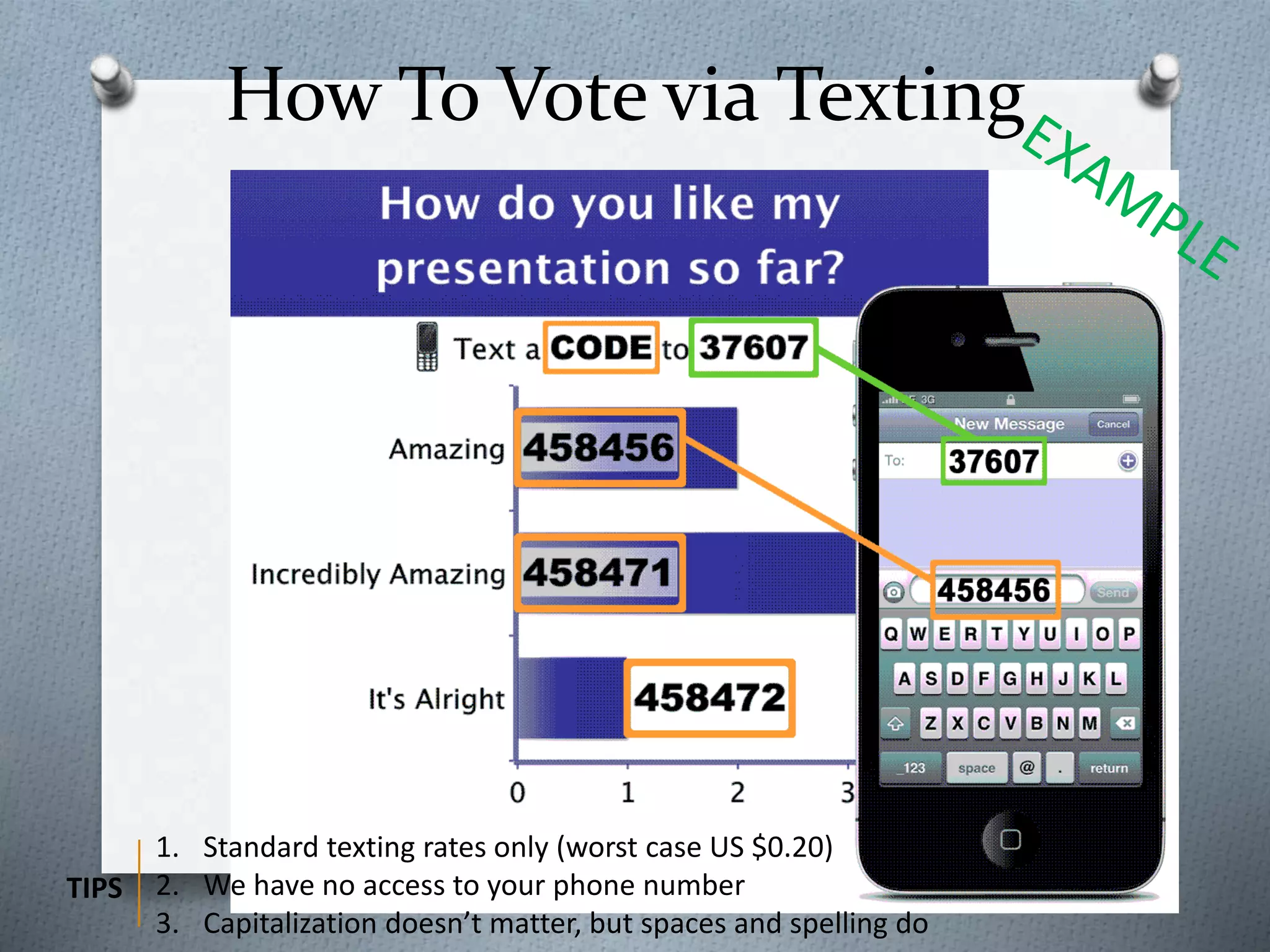
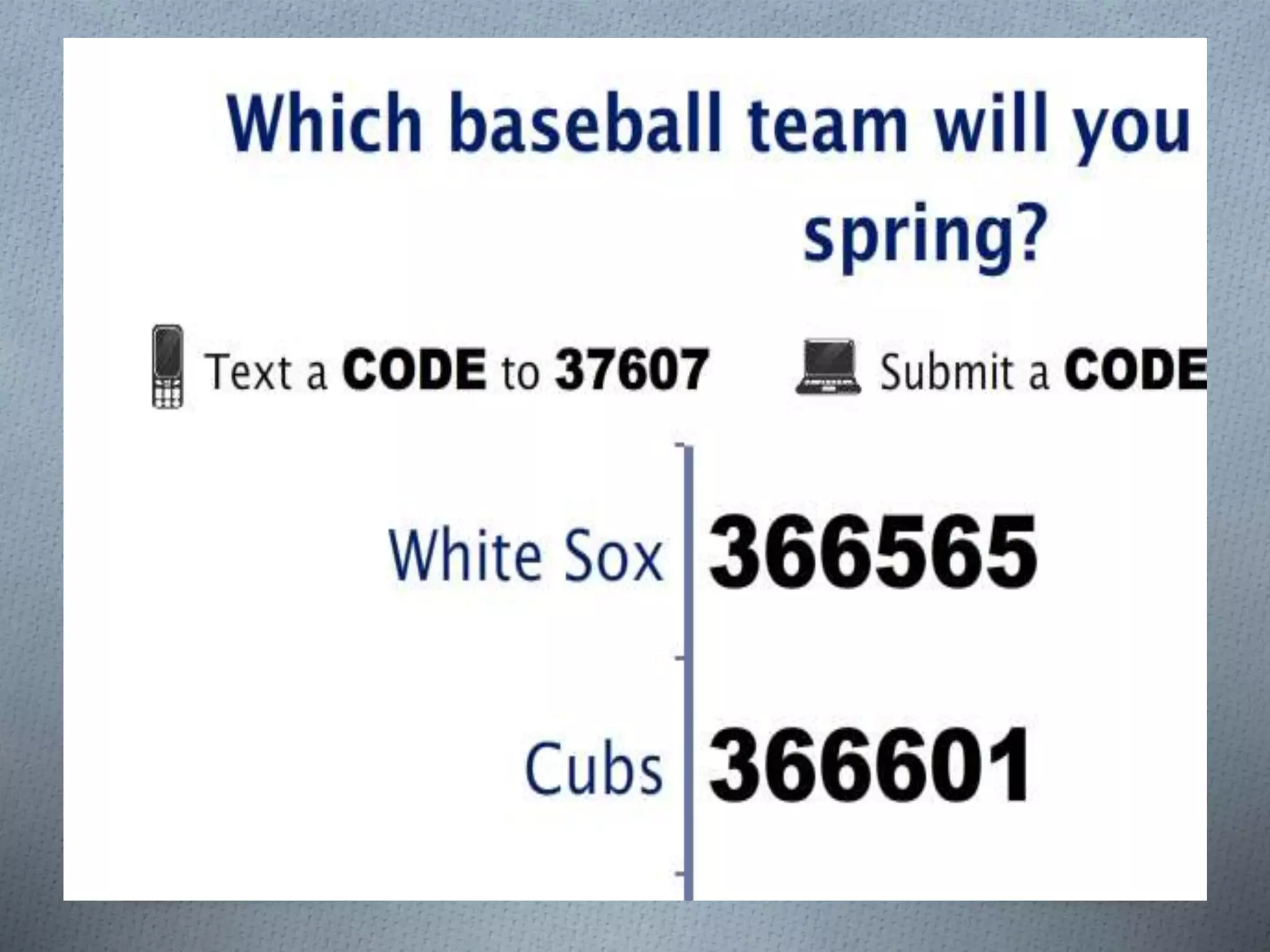
How To Vote via Texting
1. Standard texting rates only (worst case US $0.20)
2. We have no access to your phone number
3. Capitalization doesn’t matter, but spaces and spelling do
TIPS
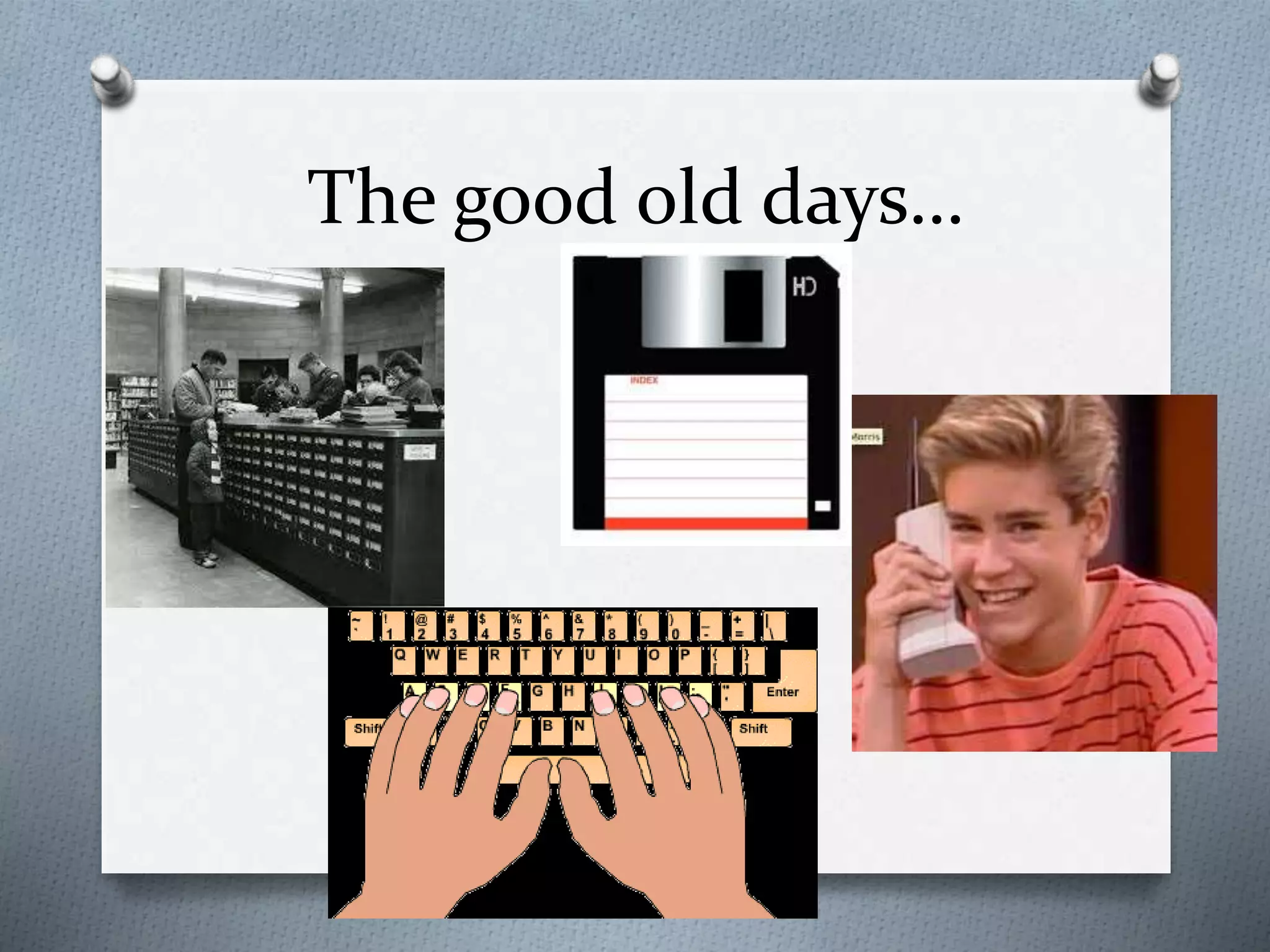
The good old days…
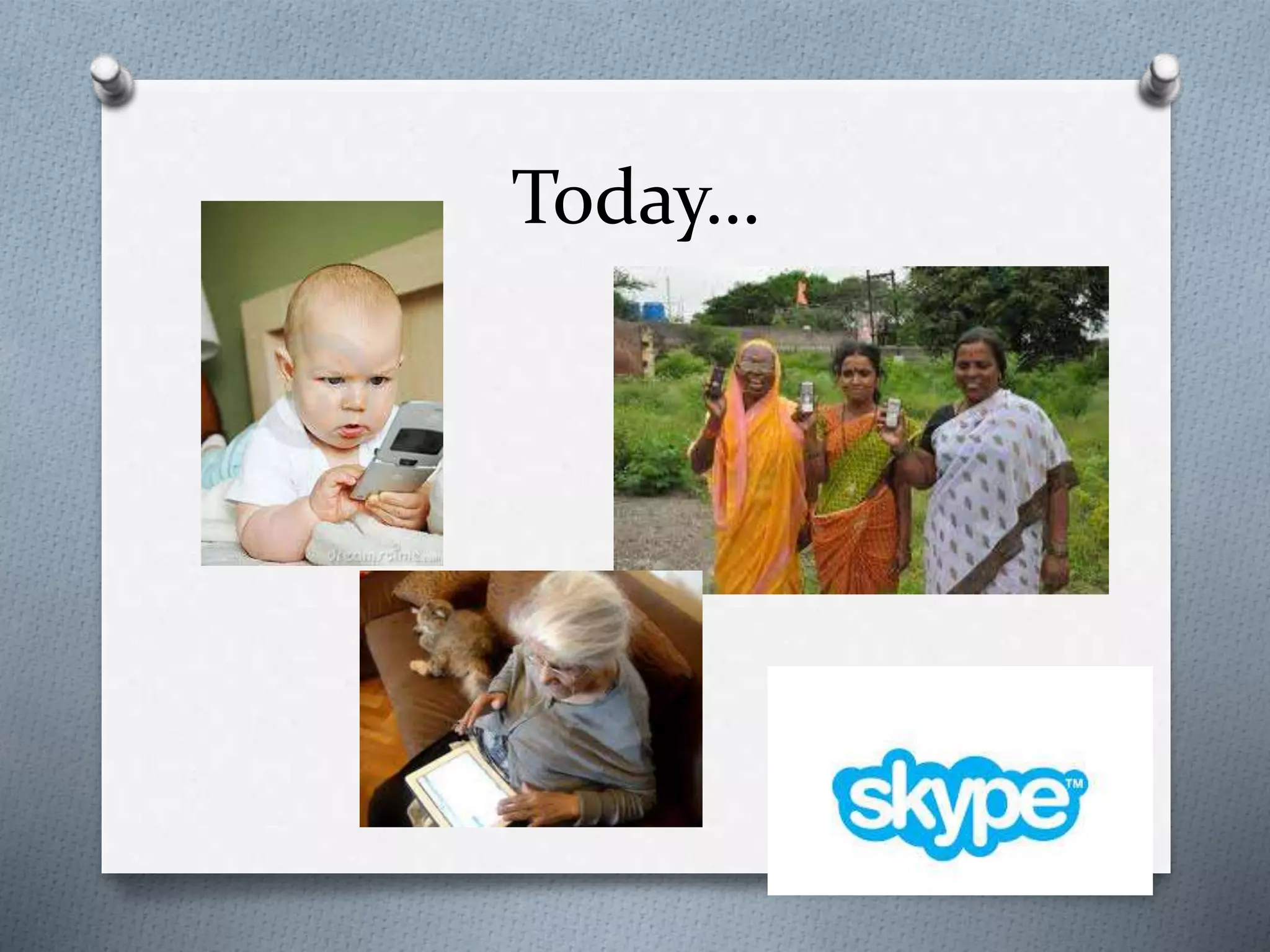
Today…
So why use technology?
O We can use technology in our classrooms to:
O Engage students in learning in and out of the
classroom
O Flipped classroom learning
O Communication and feedback
O Bring in supplemental resources
O Creativity based projects and collaborative thinking
O Teach 21st century skills
O Make inquiry based lessons (student-
centered)
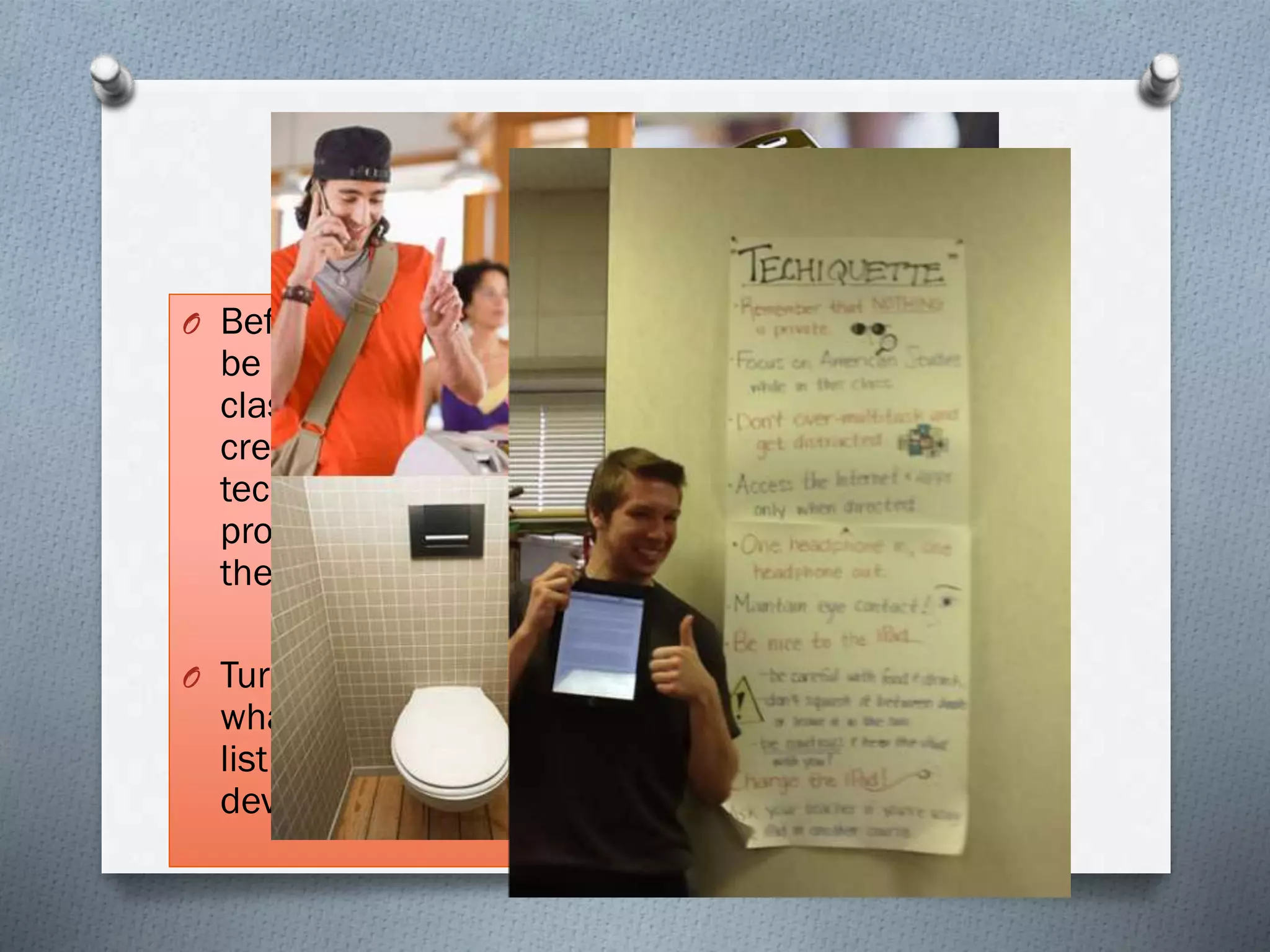
Techiquette
O Before technology can
be used properly in the
classroom we must first
create as a group our
technology etiquette, or
proper use of devices in
the classroom:
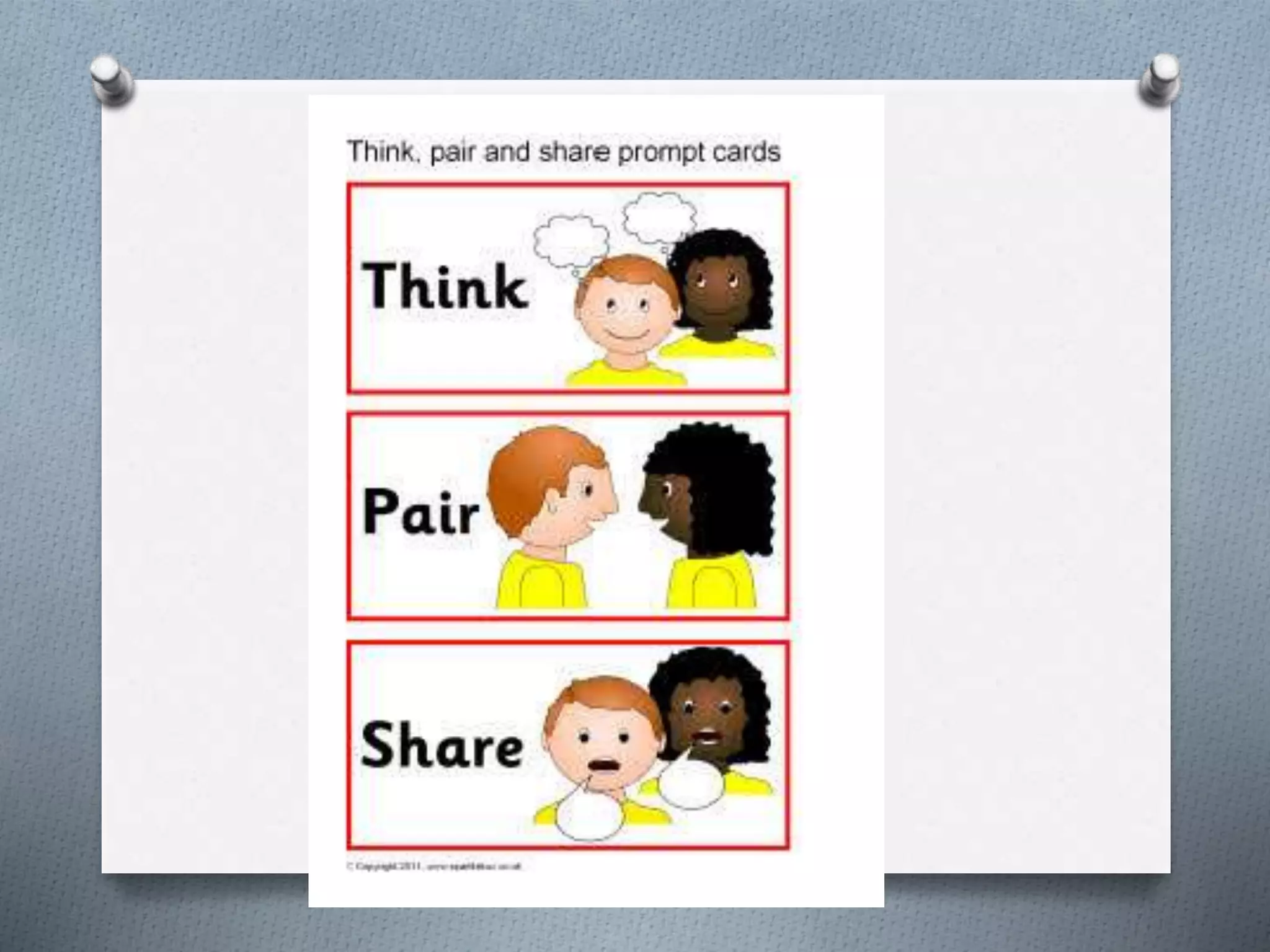
O Turn to your partner,
what would be on your
list of appropriate
device behavior?
What should be part of tech
etiquette?
O Let’s make a list:
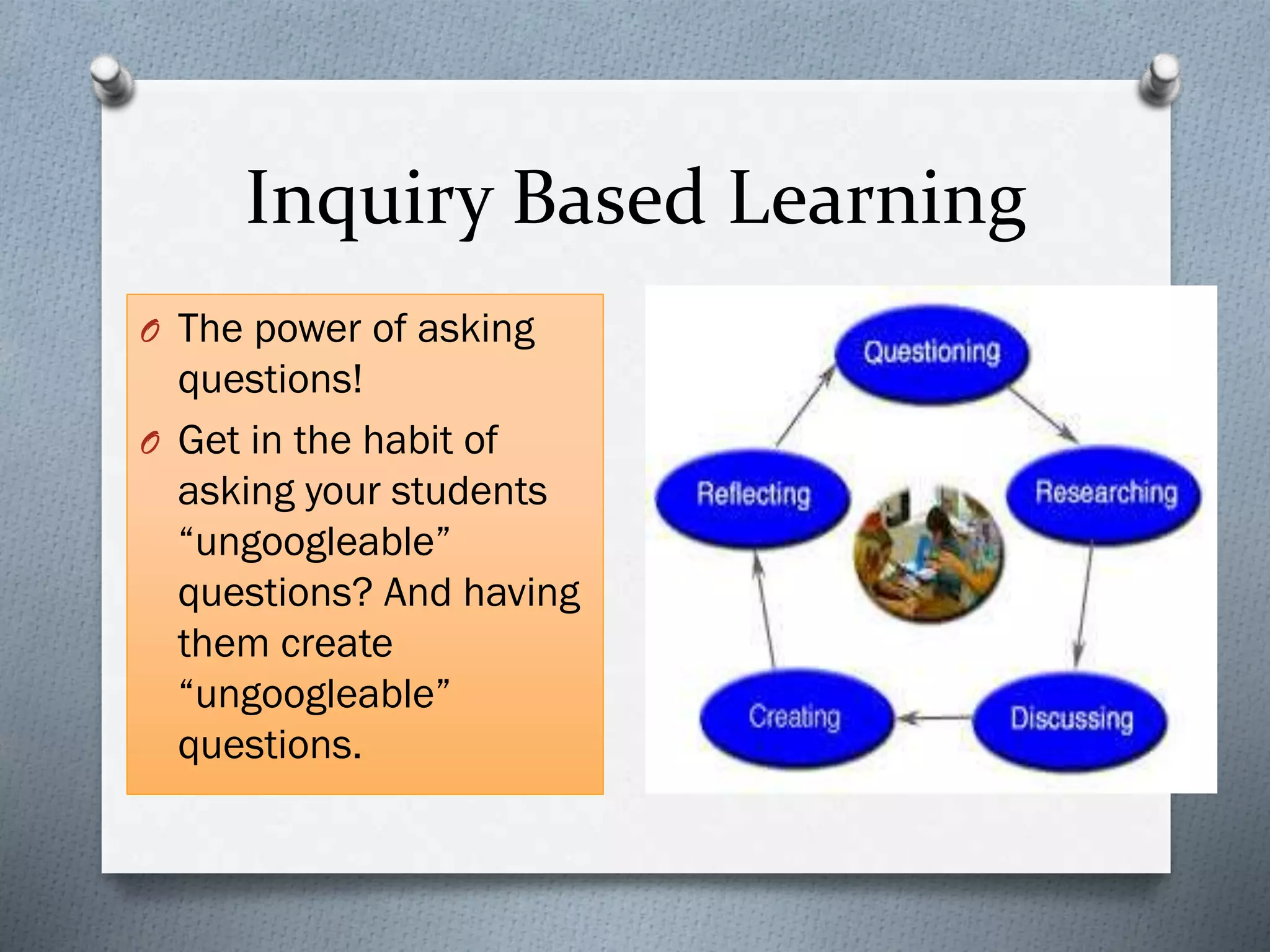
Inquiry Based Learning
O The power of asking
questions!
O Get in the habit of
asking your students
“ungoogleable”
questions? And having
them create
“ungoogleable”
questions.
The Power of Questions
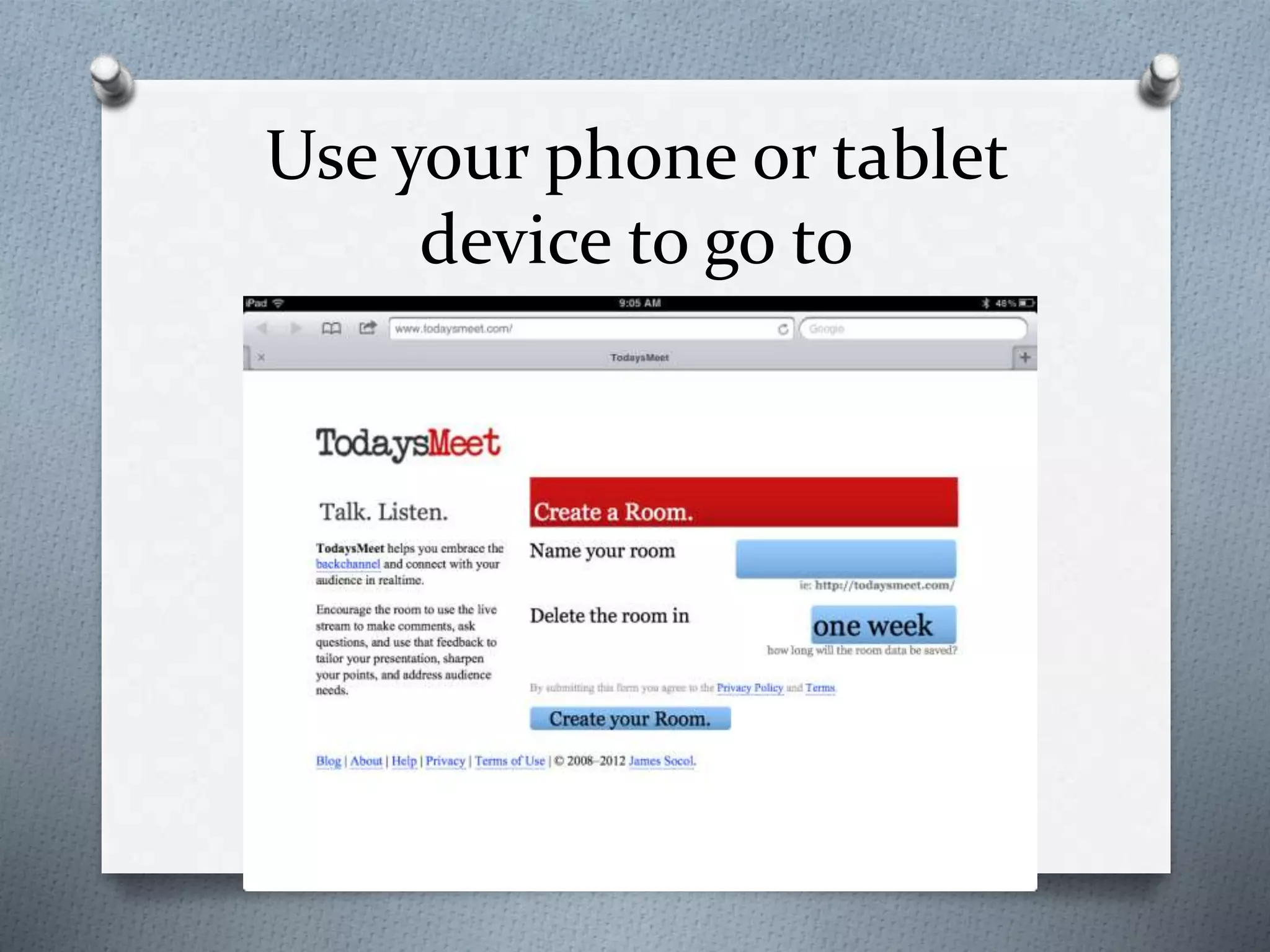
Use your phone or tablet
device to go to
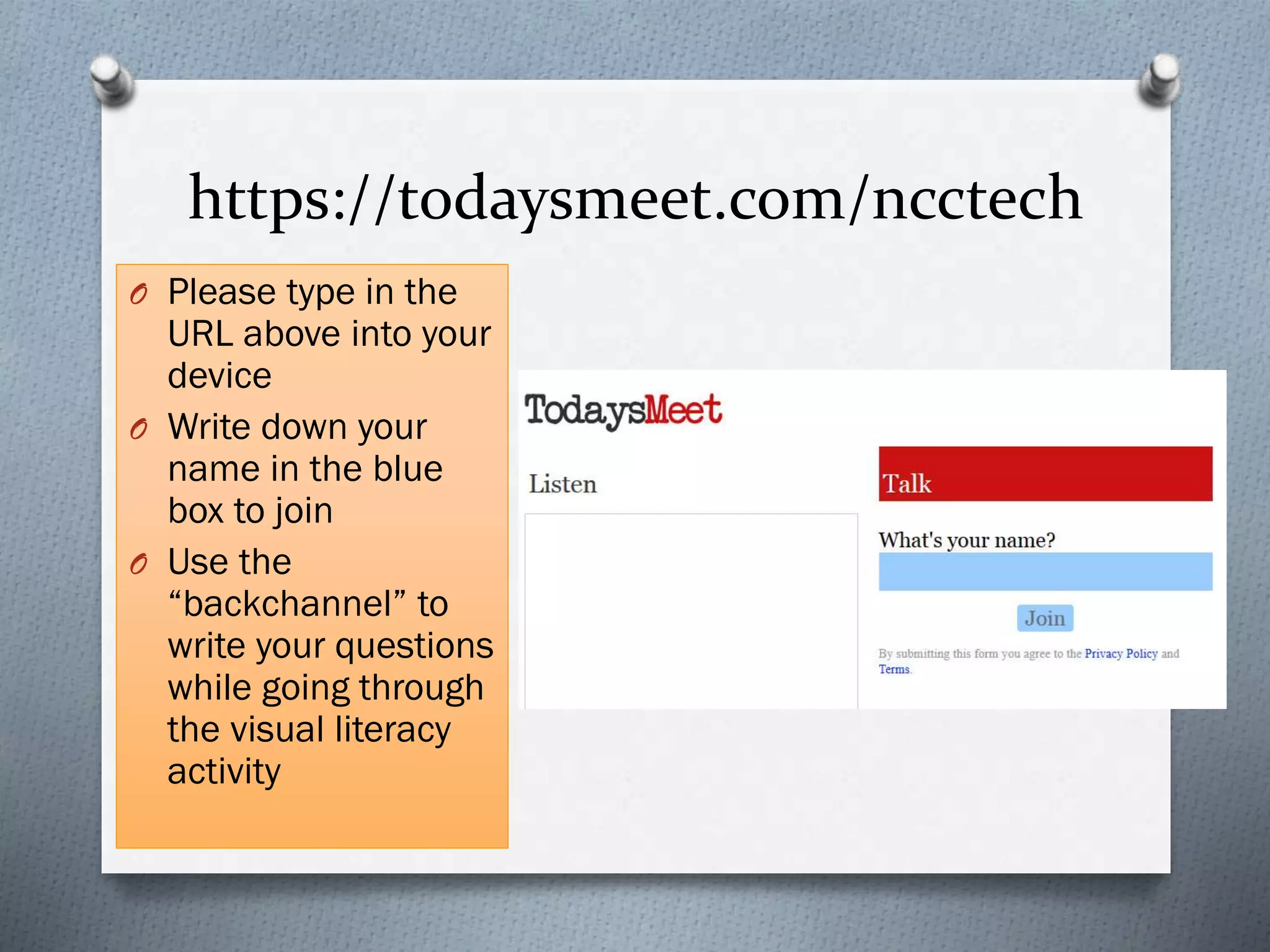
https://todaysmeet.com/ncctech
O Please type in the
URL above into your
device
O Write down your
name in the blue
box to join
O Use the
“backchannel” to
write your questions
while going through
the visual literacy
activity
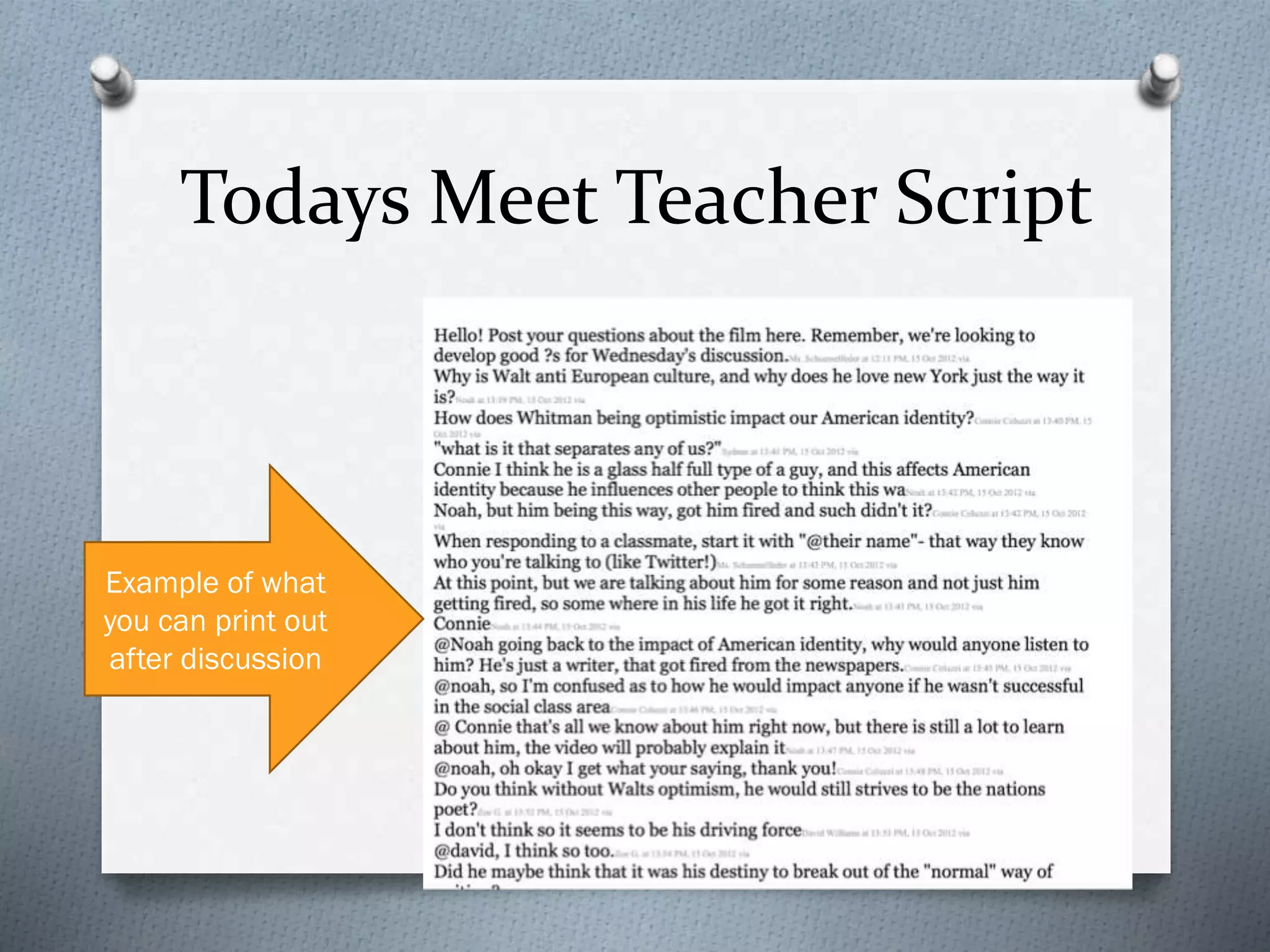
Todays Meet Teacher Script
Example of what
you can print out
after discussion
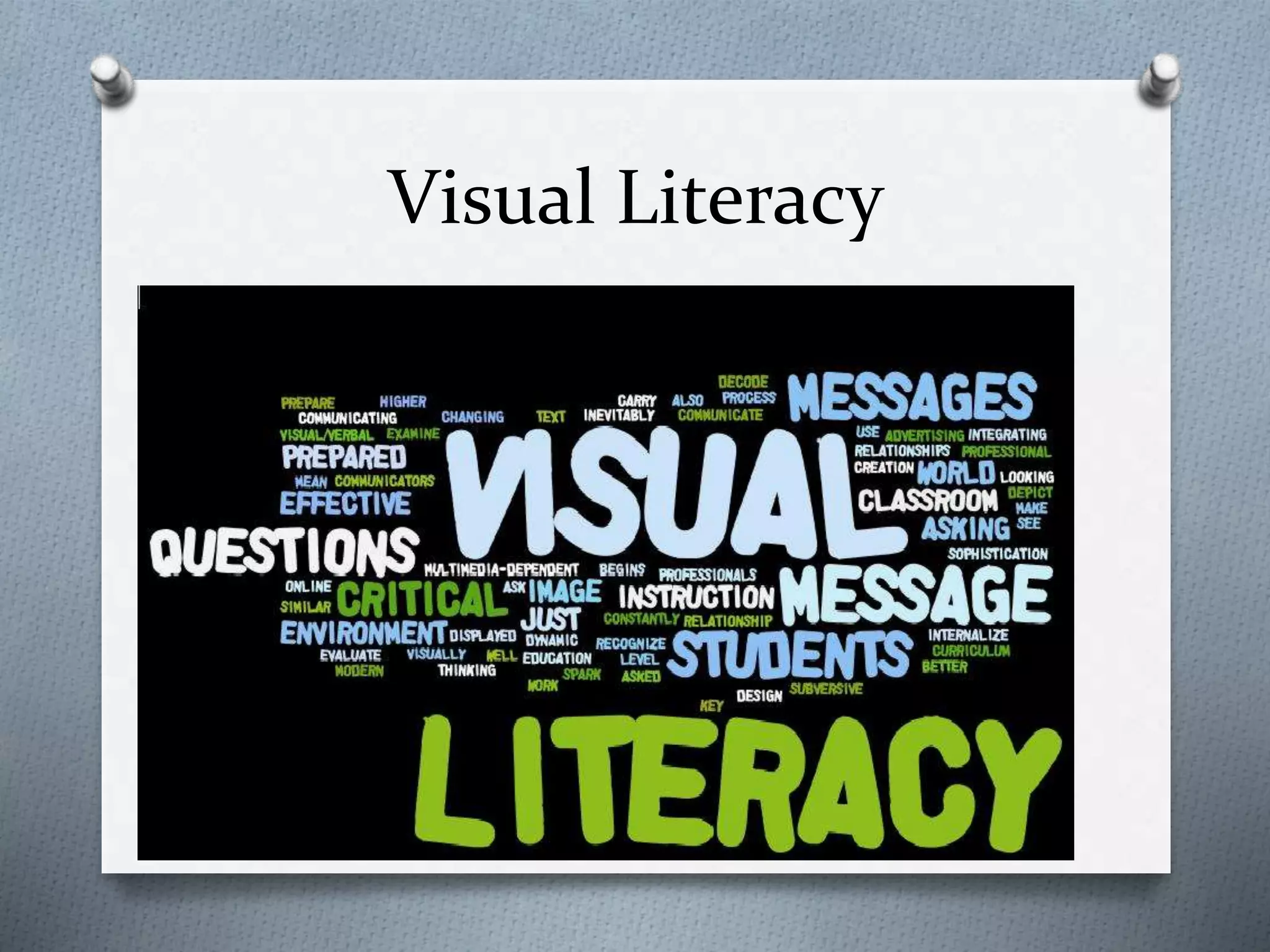
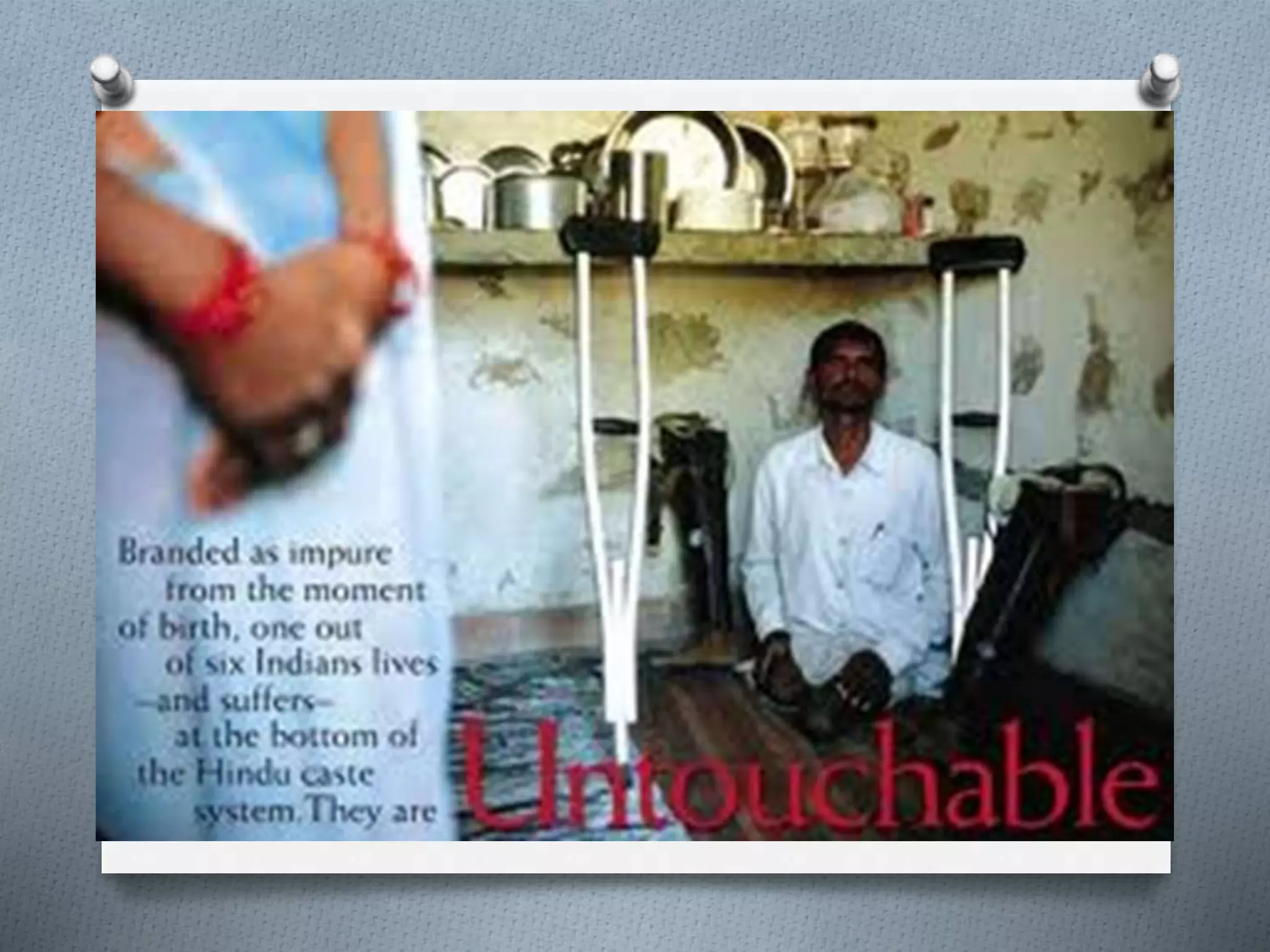
Visual Literacy
O After you create an account on todaysmeet,
type a question or comment you have after
looking at each picture
O Try not to jump to conclusions but think of
questions or comments that could drive
discussion, research or inquiry
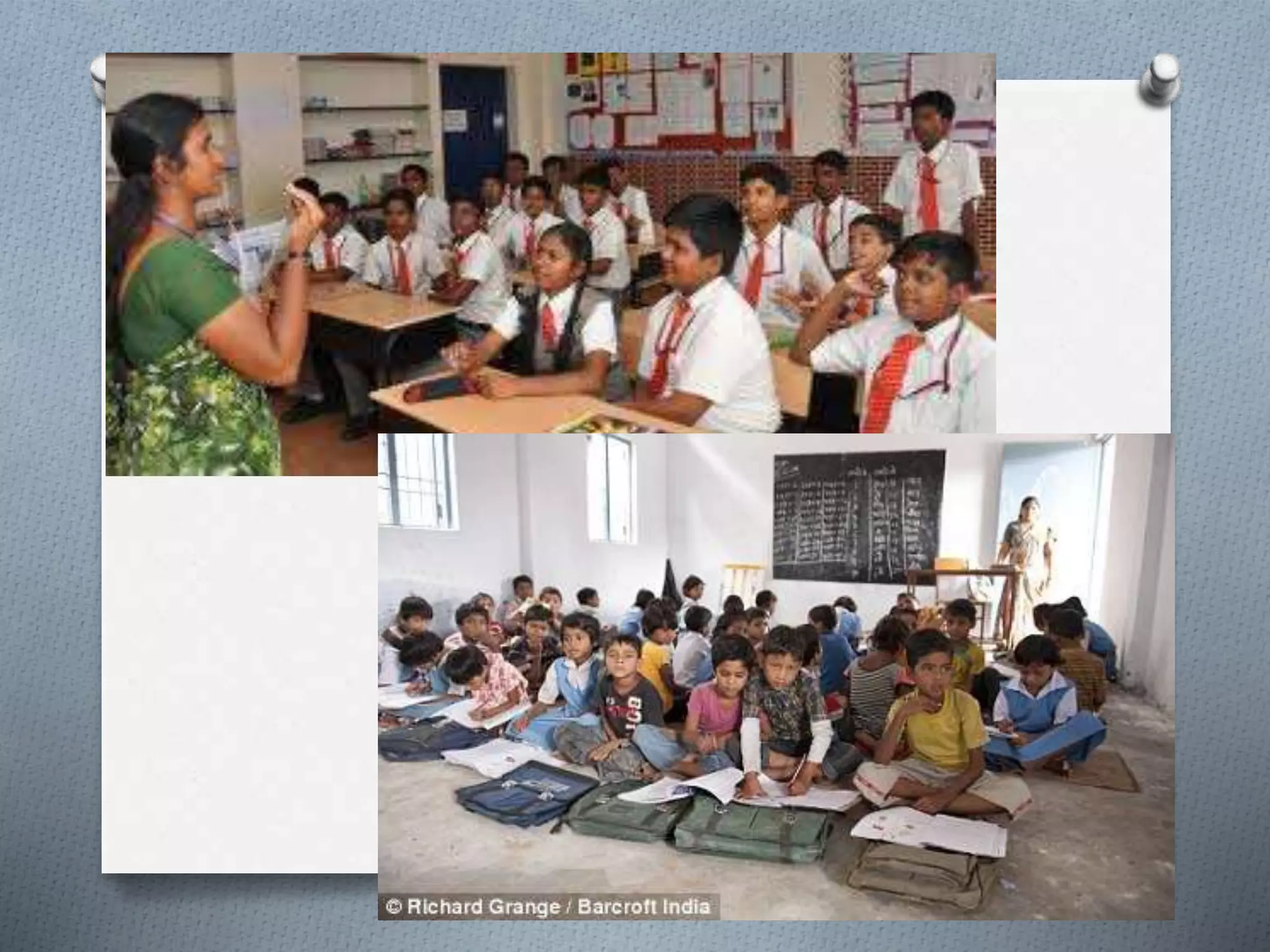
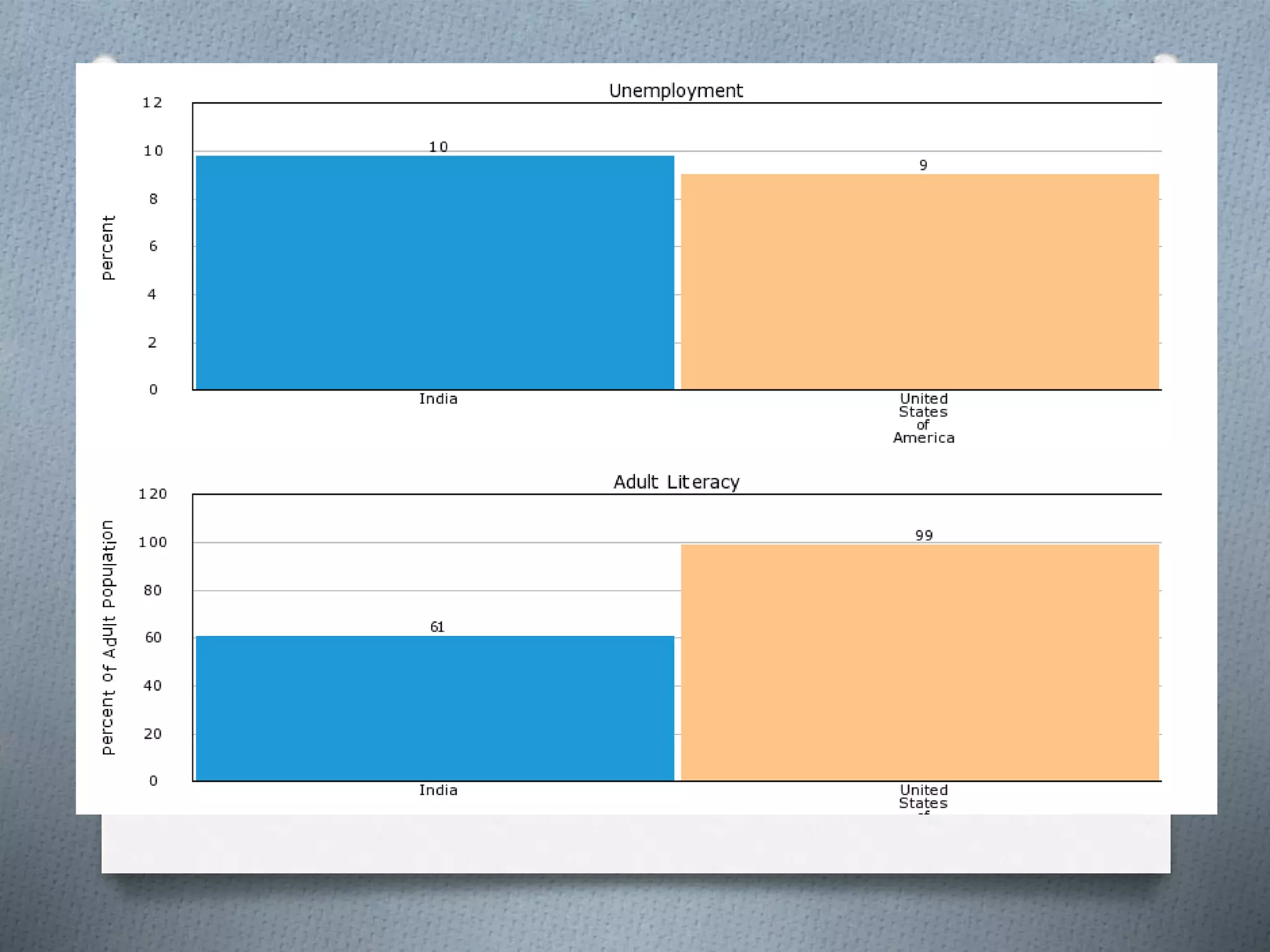
O Topic: Social Stratification
Teacher Talk
O What are some activities or lessons
could you plan connected to your
subject area that relate to these
questions you raised?
O What type of math, science, social
studies or reading activity or lesson
could center around answering
these questions?
O Write down some ideas!
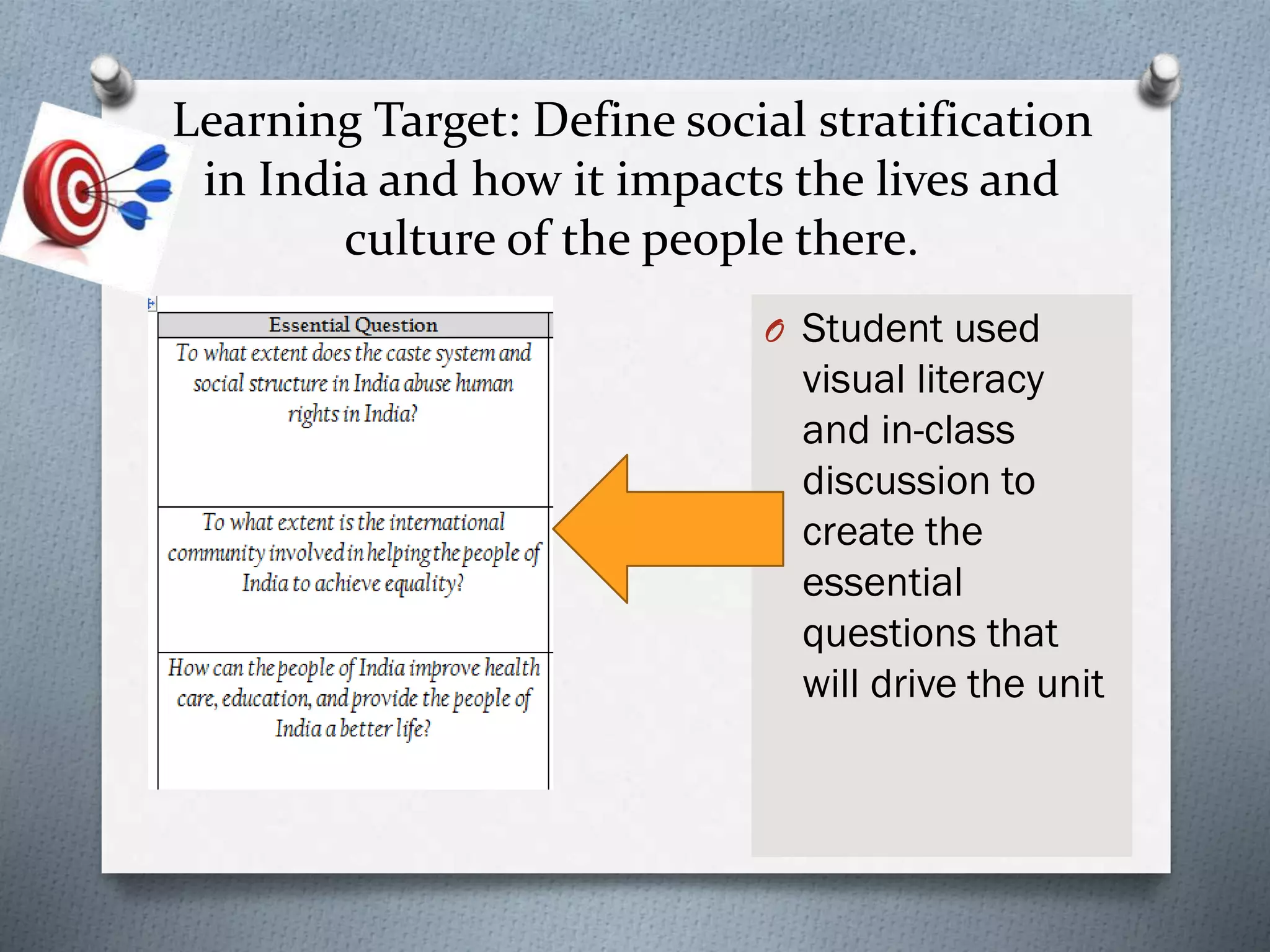
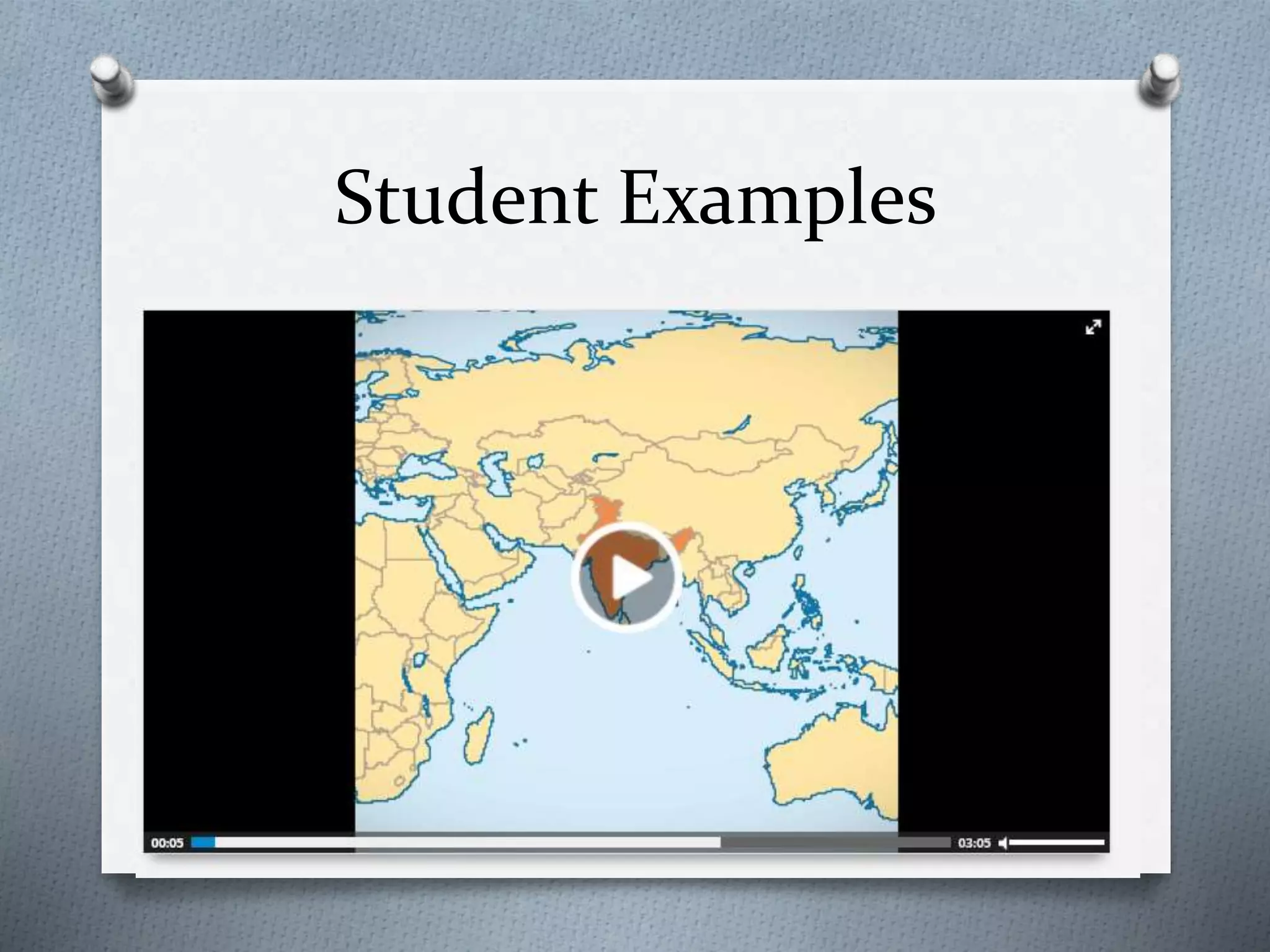
Learning Target: Define social stratification
in India and how it impacts the lives and
culture of the people there.
O Student used
visual literacy
and in-class
discussion to
create the
essential
questions that
will drive the unit
Student-Centered Research
O Students then created
search terms to help drive
their research
O Students made a list of
appropriate sites to find
research
O Students collected research
and saved on the Google
Docs of the school network
so their group could share
information (students have
to create Gmail accounts)
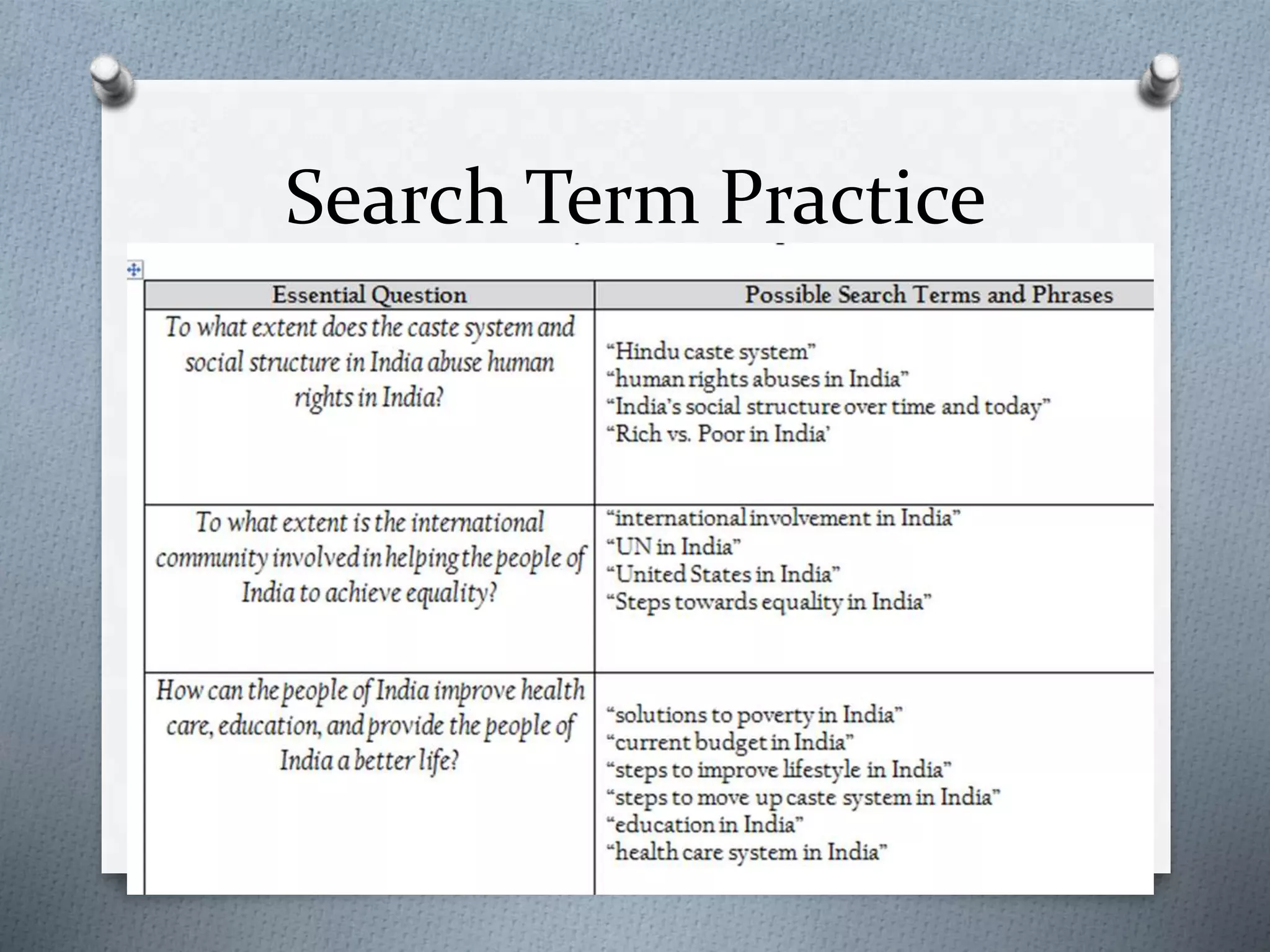
Search Term Practice
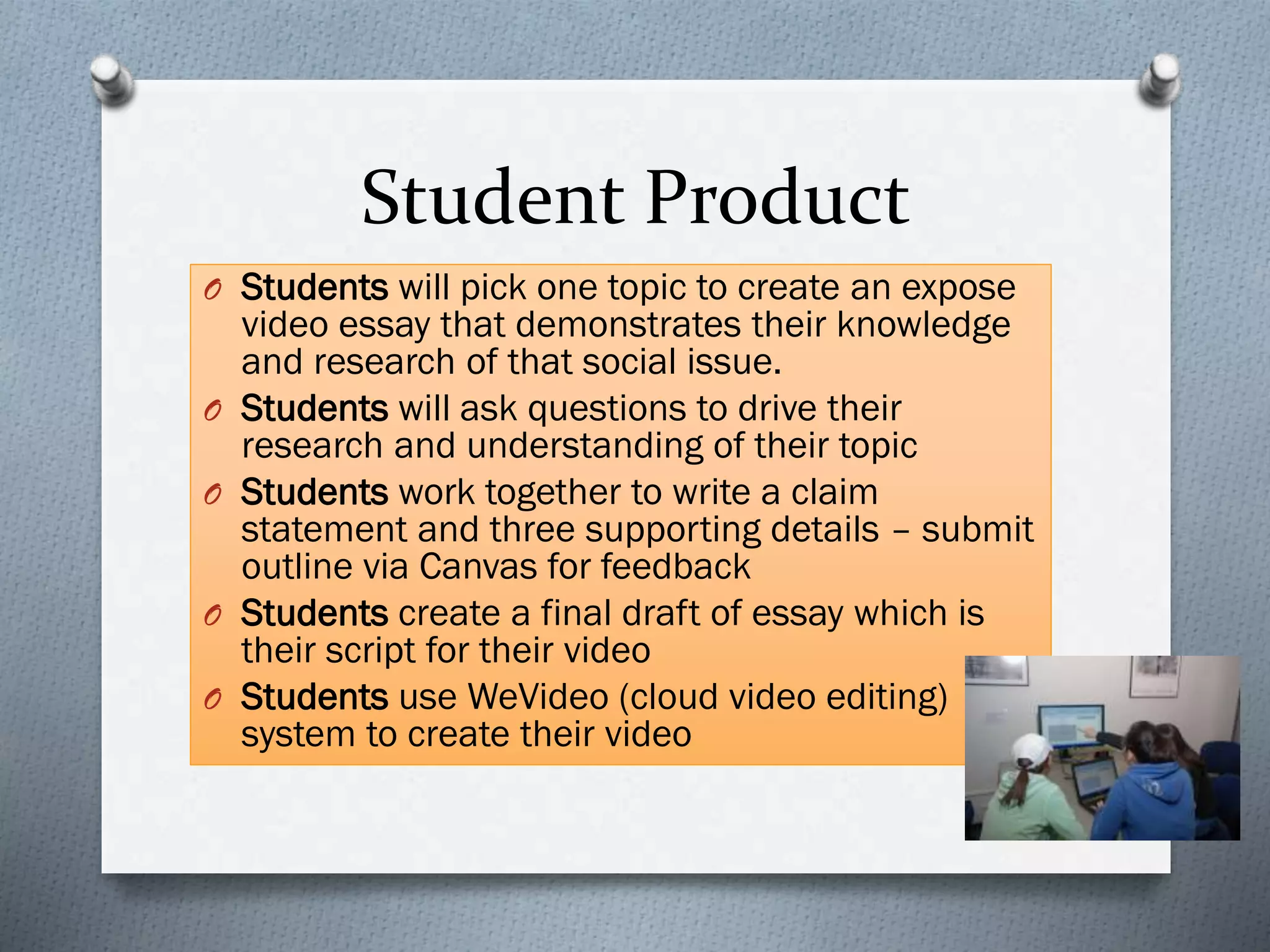
Student Product
O Students will pick one topic to create an expose
video essay that demonstrates their knowledge
and research of that social issue.
O Students will ask questions to drive their
research and understanding of their topic
O Students work together to write a claim
statement and three supporting details – submit
outline via Canvas for feedback
O Students create a final draft of essay which is
their script for their video
O Students use WeVideo (cloud video editing)
system to create their video
WeVideo
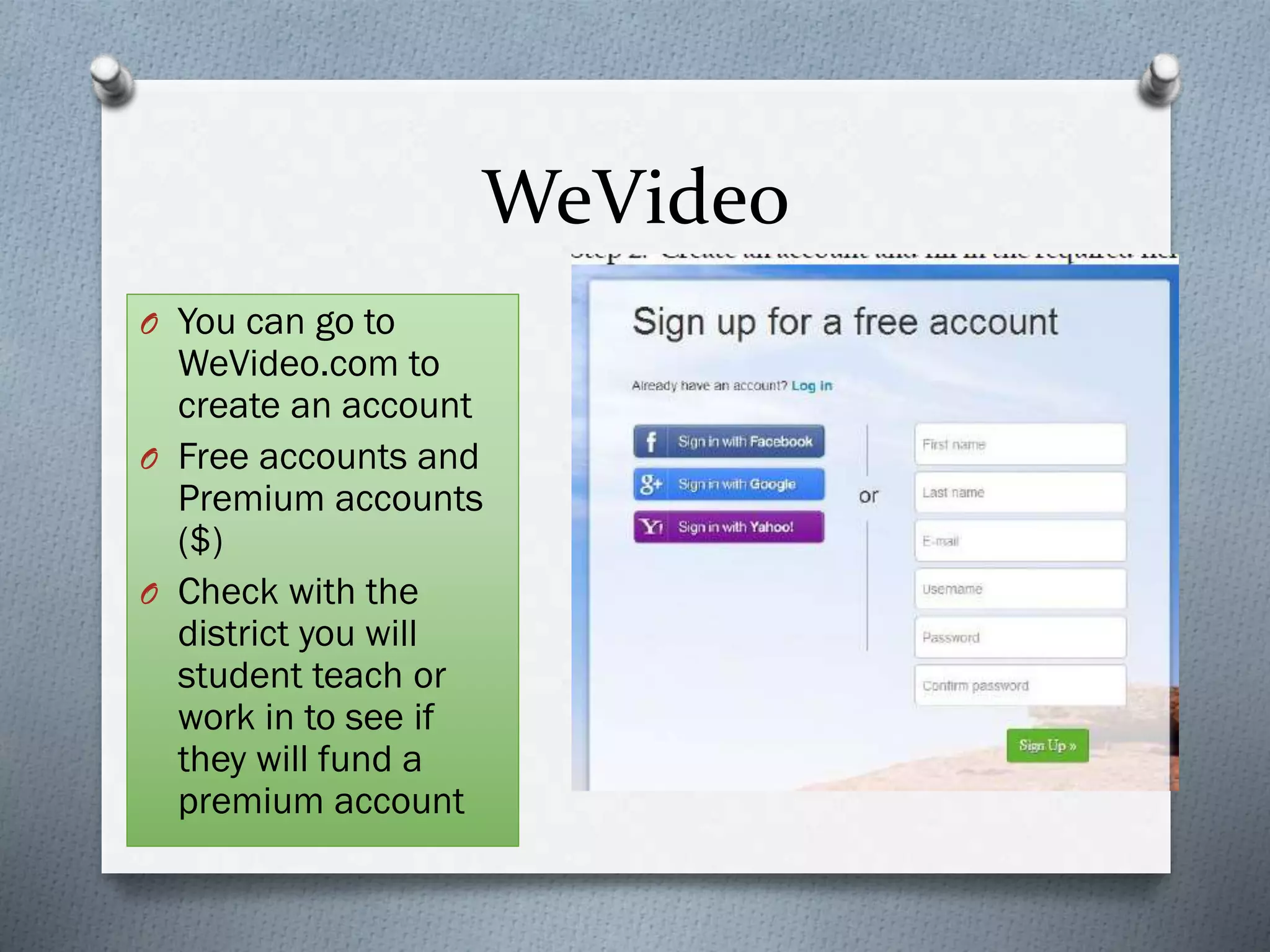
O You can go to
WeVideo.com to
create an account
O Free accounts and
Premium accounts
($)
O Check with the
district you will
student teach or
work in to see if
they will fund a
premium account
WeVideo
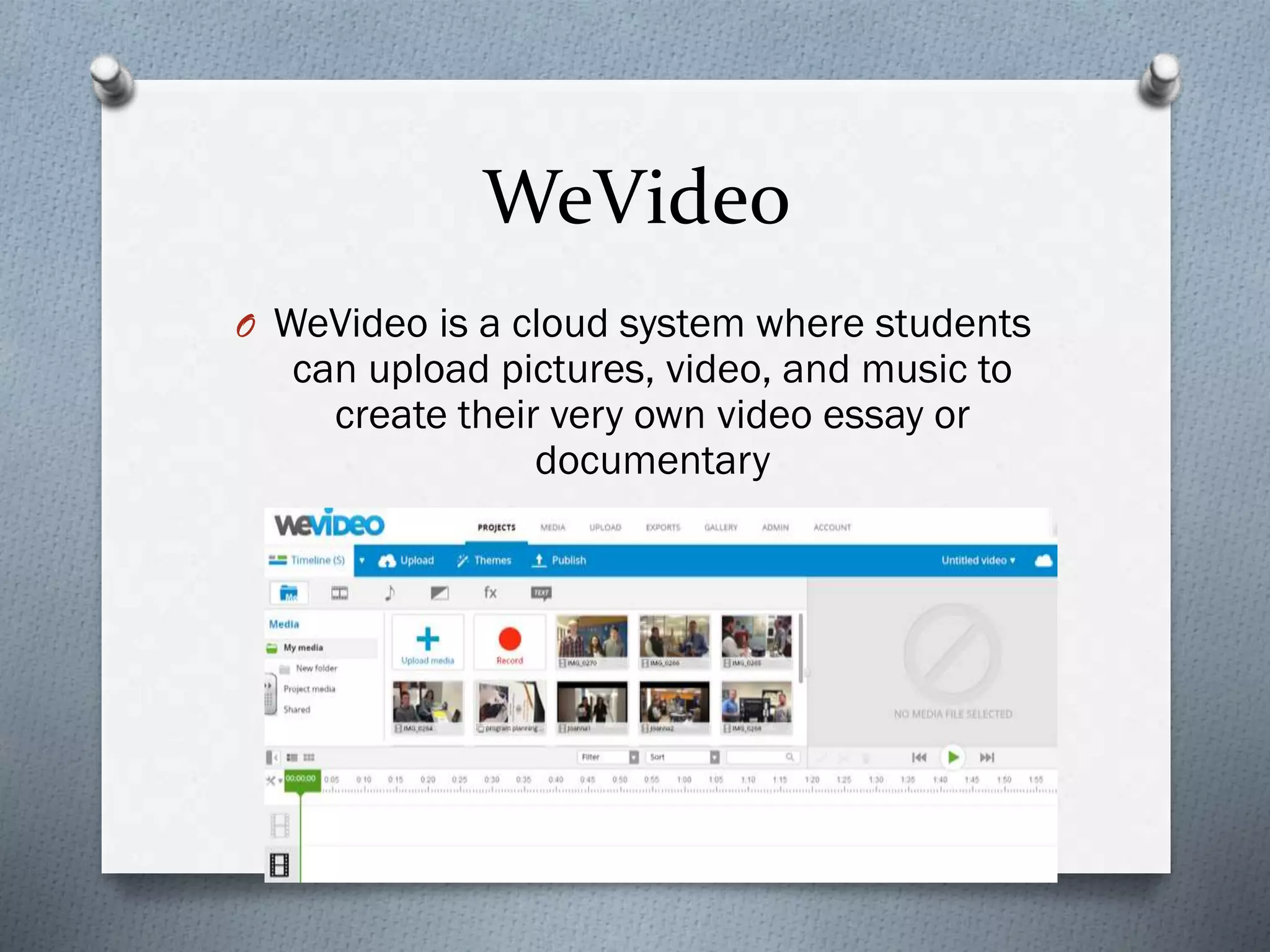
O WeVideo is a cloud system where students
can upload pictures, video, and music to
create their very own video essay or
documentary
Student Examples
iPad Example
O Students: American Studies (11th grade)
O 1:1 iPad Pilot Program
O Unit Umbrella Question:
What are the responsibilities of individuals
and societies to each other?
O Learning Target:
O Create a documentary regarding a current social
issue and show the activism and research your
group did to bring about change.
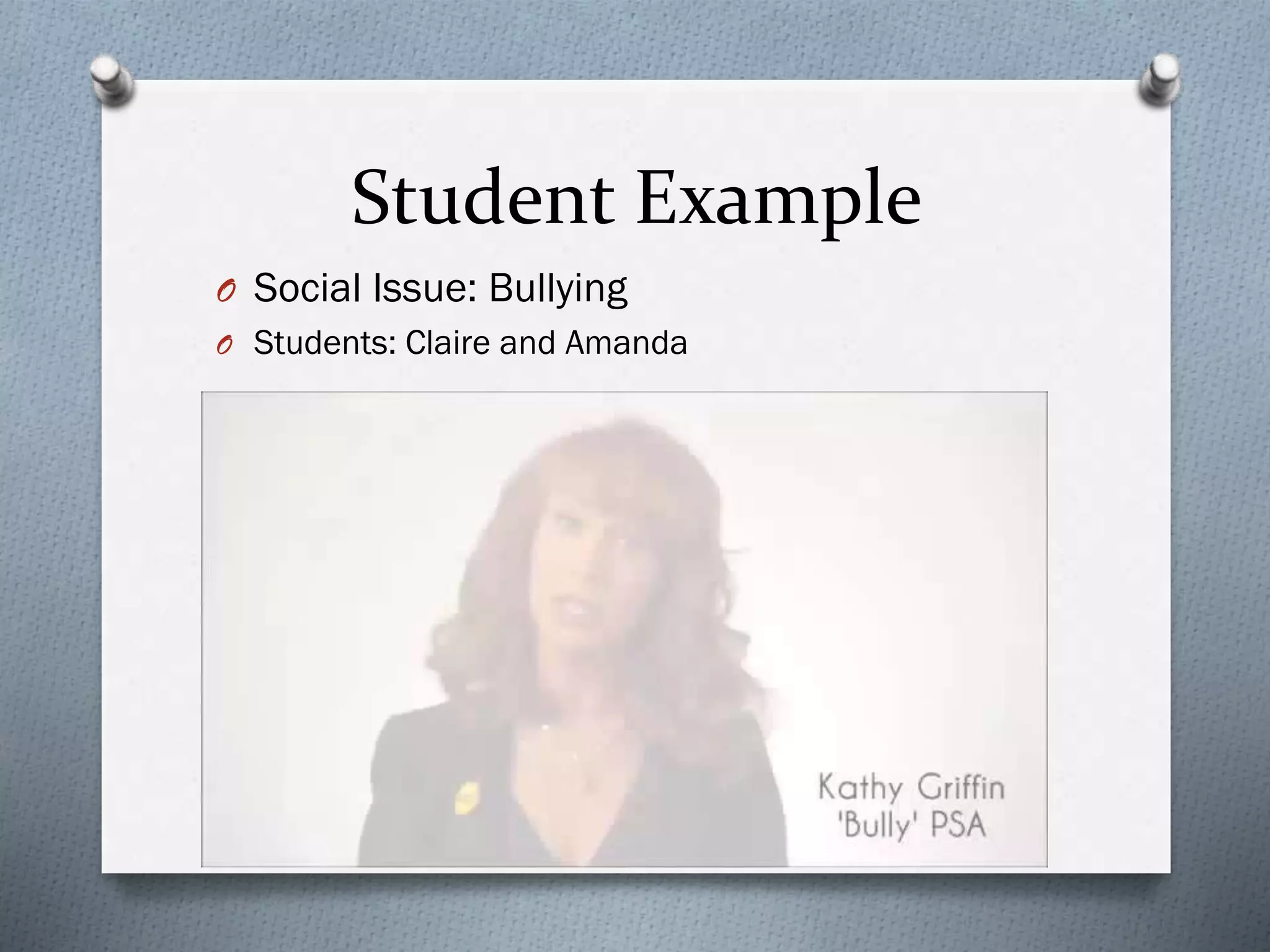
Student Example
O Social Issue: Bullying
O Students: Claire and Amanda
Video Exit Slip
O Take a 20-30 second video of your partner
recording what they have learned today in
class.
O What are some key ideas, definitions you
learned and are there any upcoming
assessments or assignments?
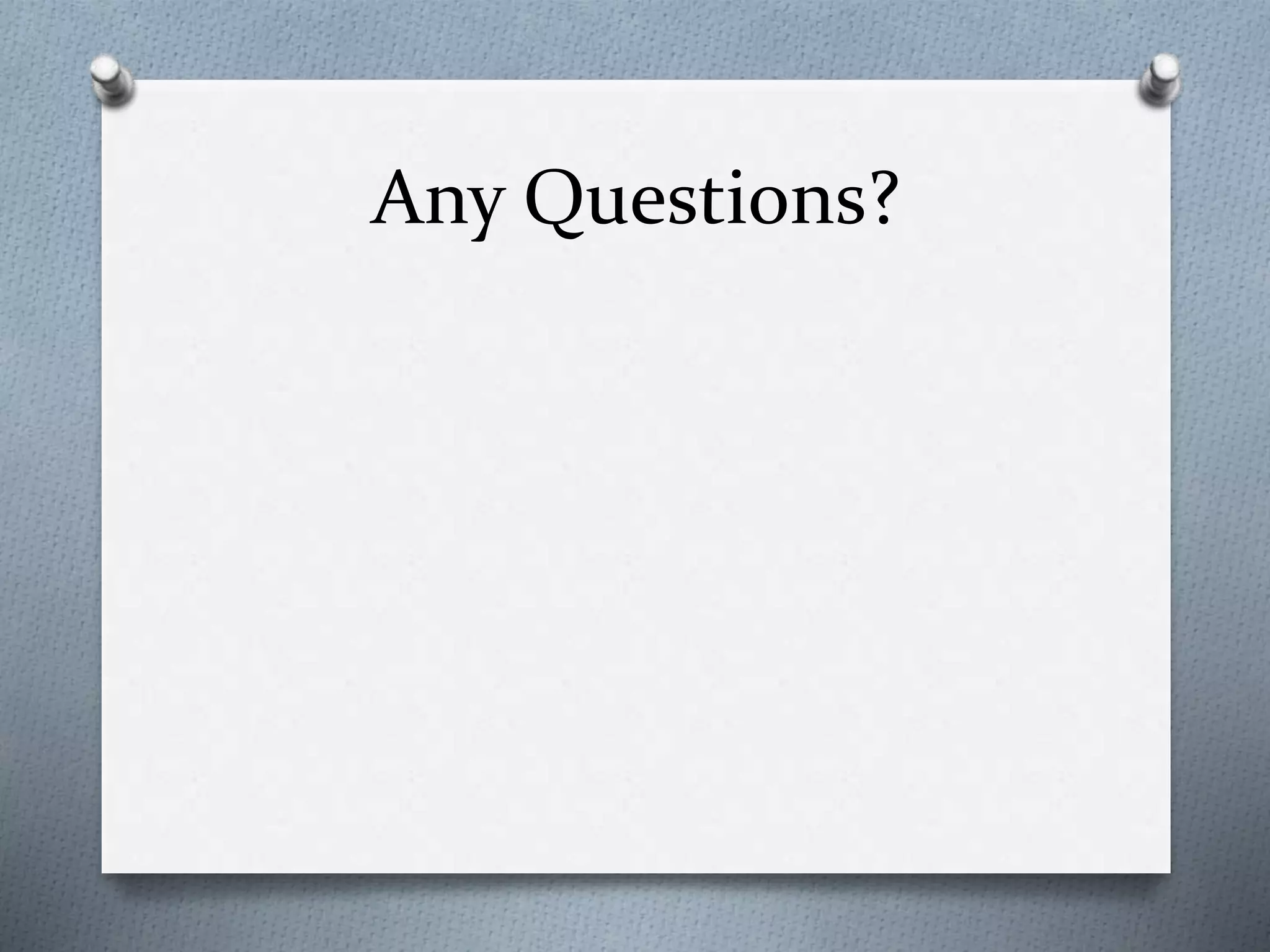
Great apps for iPad
O Evernote
O Subtext
O iBooks
O iMovie
O Nearpod
O Educreations
O Skrappy
Great online resources
O Polleverywhere.com
O Slideshare
O Google Drive
O Screenr
O Kigblog
O Todaysmeet.com
O Wevideo.com
O Moodle and Edmodo
Any Questions?
Kid President- Pep Talk
Tips for Success
O Find out the technology plan and regulations of
the school you are working in
O Talk with your colleagues
O Go to Technology Conferences
O Pick a few technology tools and use them well
(quality not quantity)
O Put more on the kids! Make them ask the
questions then ANSWER them
O Secret tools:
O SS youtube
O www.youtube.clea.nr/

Ncc technology presentation 2014

  • 1.
    Using Technology to SupportInquiry Based Learning Joanna Wilson Naperville North High School Social Studies Department jwilson@naperville203.org
  • 2.
    Please take outyour cell phone She said WHAT??
  • 3.
    How To Votevia Texting 1. Standard texting rates only (worst case US $0.20) 2. We have no access to your phone number 3. Capitalization doesn’t matter, but spaces and spelling do TIPS
  • 7.
    The good olddays…
  • 8.
  • 9.
    So why usetechnology? O We can use technology in our classrooms to: O Engage students in learning in and out of the classroom O Flipped classroom learning O Communication and feedback O Bring in supplemental resources O Creativity based projects and collaborative thinking O Teach 21st century skills O Make inquiry based lessons (student- centered)
  • 10.
    Techiquette O Before technologycan be used properly in the classroom we must first create as a group our technology etiquette, or proper use of devices in the classroom: O Turn to your partner, what would be on your list of appropriate device behavior?
  • 11.
    What should bepart of tech etiquette? O Let’s make a list:
  • 12.
    Inquiry Based Learning OThe power of asking questions! O Get in the habit of asking your students “ungoogleable” questions? And having them create “ungoogleable” questions.
  • 13.
    The Power ofQuestions
  • 15.
    Use your phoneor tablet device to go to
  • 16.
    https://todaysmeet.com/ncctech O Please typein the URL above into your device O Write down your name in the blue box to join O Use the “backchannel” to write your questions while going through the visual literacy activity
  • 17.
    Todays Meet TeacherScript Example of what you can print out after discussion
  • 18.
    Visual Literacy O Afteryou create an account on todaysmeet, type a question or comment you have after looking at each picture O Try not to jump to conclusions but think of questions or comments that could drive discussion, research or inquiry O Topic: Social Stratification
  • 25.
    Teacher Talk O Whatare some activities or lessons could you plan connected to your subject area that relate to these questions you raised? O What type of math, science, social studies or reading activity or lesson could center around answering these questions? O Write down some ideas!
  • 26.
    Learning Target: Definesocial stratification in India and how it impacts the lives and culture of the people there. O Student used visual literacy and in-class discussion to create the essential questions that will drive the unit
  • 27.
    Student-Centered Research O Studentsthen created search terms to help drive their research O Students made a list of appropriate sites to find research O Students collected research and saved on the Google Docs of the school network so their group could share information (students have to create Gmail accounts)
  • 28.
  • 29.
    Student Product O Studentswill pick one topic to create an expose video essay that demonstrates their knowledge and research of that social issue. O Students will ask questions to drive their research and understanding of their topic O Students work together to write a claim statement and three supporting details – submit outline via Canvas for feedback O Students create a final draft of essay which is their script for their video O Students use WeVideo (cloud video editing) system to create their video
  • 30.
    WeVideo O You cango to WeVideo.com to create an account O Free accounts and Premium accounts ($) O Check with the district you will student teach or work in to see if they will fund a premium account
  • 31.
    WeVideo O WeVideo isa cloud system where students can upload pictures, video, and music to create their very own video essay or documentary
  • 32.
  • 33.
    iPad Example O Students:American Studies (11th grade) O 1:1 iPad Pilot Program O Unit Umbrella Question: What are the responsibilities of individuals and societies to each other? O Learning Target: O Create a documentary regarding a current social issue and show the activism and research your group did to bring about change.
  • 34.
    Student Example O SocialIssue: Bullying O Students: Claire and Amanda
  • 35.
    Video Exit Slip OTake a 20-30 second video of your partner recording what they have learned today in class. O What are some key ideas, definitions you learned and are there any upcoming assessments or assignments?
  • 36.
    Great apps foriPad O Evernote O Subtext O iBooks O iMovie O Nearpod O Educreations O Skrappy
  • 37.
    Great online resources OPolleverywhere.com O Slideshare O Google Drive O Screenr O Kigblog O Todaysmeet.com O Wevideo.com O Moodle and Edmodo
  • 38.
  • 39.
  • 40.
    Tips for Success OFind out the technology plan and regulations of the school you are working in O Talk with your colleagues O Go to Technology Conferences O Pick a few technology tools and use them well (quality not quantity) O Put more on the kids! Make them ask the questions then ANSWER them O Secret tools: O SS youtube O www.youtube.clea.nr/