Module 5 – Integrating MS-PowerPoint Into Your Instruction Technology  Integration   MS Office  in the Classroom
Objectives:  Explore the effective use of MS PowerPoint in the  classroom
PowerPoint Basics
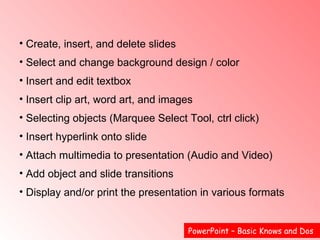
PowerPoint – Basic Knows and Dos  Create, insert, and delete slides Select and change background design / color  Insert and edit textbox Insert clip art, word art, and images  Selecting objects (Marquee Select Tool, ctrl click)  Insert hyperlink onto slide  Attach multimedia to presentation (Audio and Video)  Add object and slide transitions  Display and/or print the presentation in various formats
Ordering
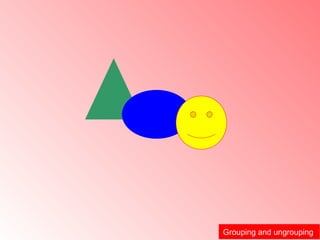
Grouping and ungrouping
Students Using PowerPoint: Activities to Consider
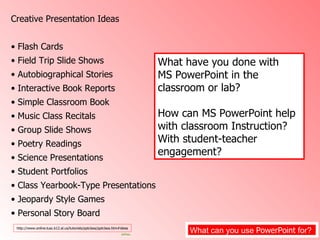
What can you use  PowerPoint  for?  Creative Presentation Ideas  Flash Cards Field Trip Slide Shows Autobiographical Stories  Interactive Book Reports  Simple Classroom Book  Music Class Recitals  Group Slide Shows  Poetry Readings  Science Presentations Student Portfolios  Class Yearbook-Type Presentations Jeopardy Style Games  Personal Story Board  http://www.online.tusc.k12.al.us/tutorials/pptclass/pptclass.htm#ideas What have you done with  MS PowerPoint in the classroom or lab? How can MS PowerPoint help with classroom Instruction?  With student-teacher engagement?
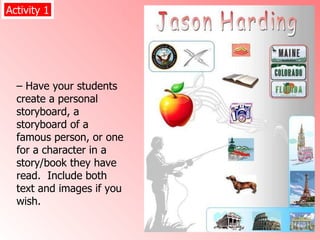
–  Have your students create a personal storyboard, a storyboard of a famous person, or one for a character in a story/book they have read.  Include both text and images if you wish.  Activity 1
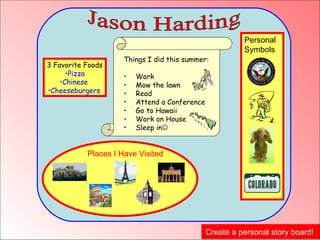
Create a personal story board!  Jason Harding  3 Favorite Foods Pizza Chinese  Cheeseburgers   Personal  Symbols  Places I Have Visited  Things I did this summer: Work Mow the lawn Read Attend a Conference  Go to Hawaii Work on House  Sleep in 
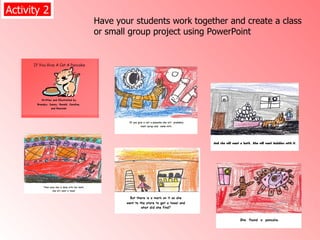
Have your students work together and create a class or small group project using PowerPoint  Activity 2
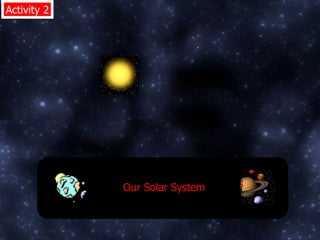
Activity 2 Our Solar System
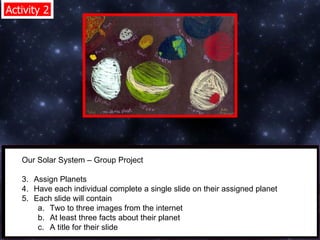
Activity 2 Our Solar System – Group Project  Assign Planets  Have each individual complete a single slide on their assigned planet  Each slide will contain  Two to three images from the internet  At least three facts about their planet  A title for their slide
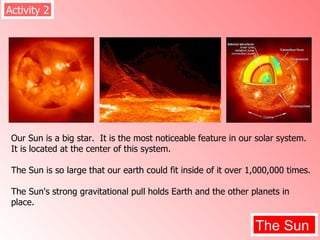
Our Sun is a big star.  It is the most noticeable feature in our solar system.  It is located at the center of this system.  The Sun is so large that our earth could fit inside of it over 1,000,000 times. The Sun's strong gravitational pull holds Earth and the other planets in place. Activity 2 The Sun
PowerPoint for Instruction
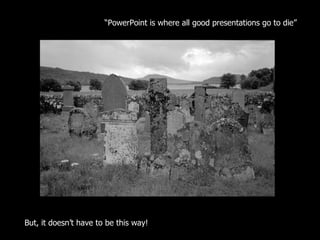
“ PowerPoint is where all good presentations go to die”  But, it doesn’t have to be this way!
 
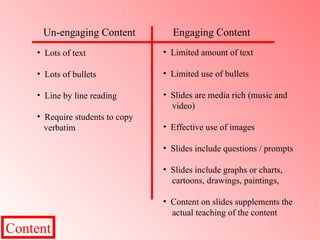
What can engaging content look  like?
Content Un-engaging Content  Lots of text  Lots of bullets Line by line reading Require students to copy  verbatim Engaging Content  Limited amount of text  Limited use of bullets  Slides are media rich (music and  video)  Effective use of images  Slides include questions / prompts  Slides include graphs or charts,  cartoons, drawings, paintings,  Content on slides supplements the  actual teaching of the content
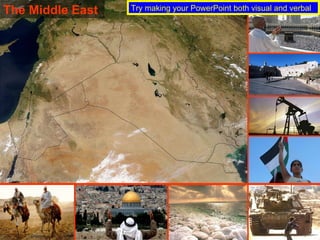
The Middle East  Try making your PowerPoint both visual and verbal
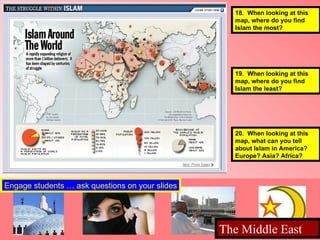
18.  When looking at this  map, where do you find  Islam the most?  19.  When looking at this  map, where do you find  Islam the least?  20.  When looking at this  map, what can you tell  about Islam in America? Europe? Asia? Africa?  Engage students … ask questions on your slides The Middle East
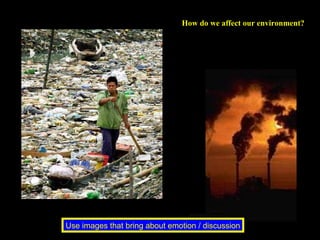
How do we affect our environment?  Use images that bring about emotion / discussion
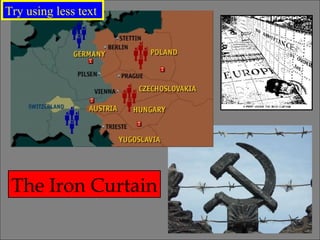
The Iron Curtain Try using less text
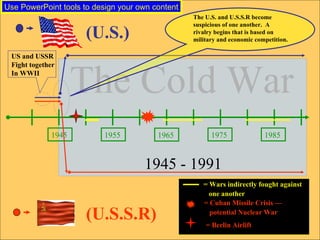
1945 1955 1965 1975 1985 US and USSR  Fight together  In WWII The Cold War   1945 - 1991 (U.S.) (U.S.S.R) The U.S. and U.S.S.R become  suspicious of one another.  A  rivalry begins that is based on  military and economic competition. = Wars indirectly fought against  one another   = Cuban Missile Crisis — potential Nuclear War   = Berlin Airlift  Use PowerPoint tools to design your own content
Try to avoid …
Dining out during the Great Depression.  A family eating at a soup kitchen.  Dining out during the Great Depression.  A family eating at a soup kitchen.  Pay attention to your text and how it interacts with your background
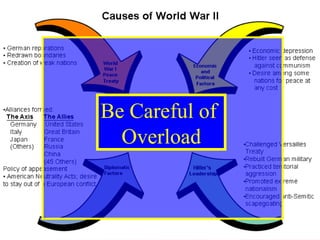
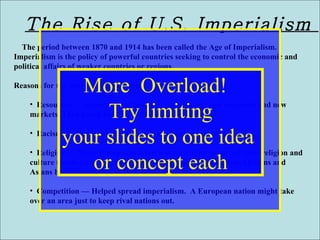
Be Careful of  Overload
The Rise of U.S. Imperialism  The period between 1870 and 1914 has been called the Age of Imperialism. Imperialism is the policy of powerful countries seeking to control the economic and political affairs of weaker countries or regions. Reasons for the growth of imperialism Resources — Industrial nations of Europe needed raw materials and new markets. They found both in Africa and Asia. Racism — The belief that one race is superior to another. Religion — Many Europeans felt it was their duty to spread their religion and culture to other parts of the world. They ignored the fact that Africans and Asians had rich cultures of their own. Competition — Helped spread imperialism.  A European nation might take over an area just to keep rival nations out. More  Overload!  Try limiting your slides to one idea  or concept each
Try avoiding animated  clipart and images
Tools for your  Presentation
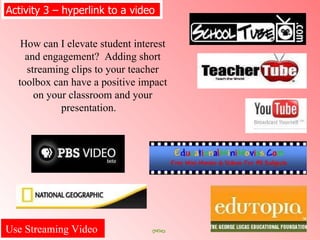
Use Streaming Video  Activity 3 – hyperlink to a video  How can I elevate student interest and engagement?  Adding short streaming clips to your teacher toolbox can have a positive impact on your classroom and your presentation.
Using Streaming Video Clips  Helpful hints on using streaming video in your PowerPoint presentations  Try it out first!  Make sure you have the correct “plug-in”  Download if the file is too large (if you can) Have direct Ethernet connection to the Internet  Create hyperlink to video in your PowerPoint  presentation (Avoid live video searches in class) Embed video clips into your blog, wiki, or website  PowerPoint  Use video often, but in small snippets (2 – 3 min)
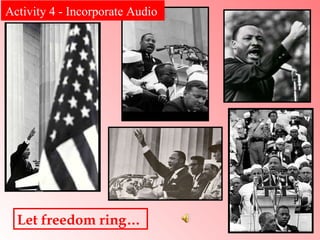
Let freedom ring…  Activity 4 - Incorporate Audio
Use Images  If you want to publish your presentation on a wiki, blog, or website, use websites that offer free non-copyrighted pictures.
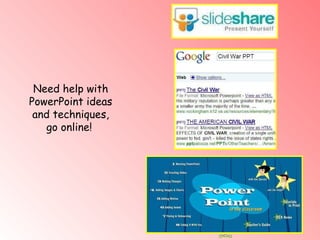
Need help with PowerPoint ideas and techniques, go online!
A few thoughts on technology integration:  Technology in the classroom should complement, rather than replace,  successful methods that teachers use in classroom instruction  The teaching of technology literacy skills should not be separate  from the curriculum Integrating the appropriate use of technology into the curriculum should  enhance the learning of the content
Jason Harding  [email_address] 719-499-8340   Mary Bowie  [email_address] 719-499-9759  Doug Larkey  [email_address] 719-499-8289 Thank You!

Module 5 Power Point In The Classroom And Lab

  • 1.
    Module 5 –Integrating MS-PowerPoint Into Your Instruction Technology Integration MS Office in the Classroom
  • 2.
    Objectives: Explorethe effective use of MS PowerPoint in the classroom
  • 3.
  • 4.
    PowerPoint – BasicKnows and Dos Create, insert, and delete slides Select and change background design / color Insert and edit textbox Insert clip art, word art, and images Selecting objects (Marquee Select Tool, ctrl click) Insert hyperlink onto slide Attach multimedia to presentation (Audio and Video) Add object and slide transitions Display and/or print the presentation in various formats
  • 5.
  • 6.
  • 7.
    Students Using PowerPoint:Activities to Consider
  • 8.
    What can youuse PowerPoint for? Creative Presentation Ideas Flash Cards Field Trip Slide Shows Autobiographical Stories Interactive Book Reports Simple Classroom Book Music Class Recitals Group Slide Shows Poetry Readings Science Presentations Student Portfolios Class Yearbook-Type Presentations Jeopardy Style Games Personal Story Board http://www.online.tusc.k12.al.us/tutorials/pptclass/pptclass.htm#ideas What have you done with MS PowerPoint in the classroom or lab? How can MS PowerPoint help with classroom Instruction? With student-teacher engagement?
  • 9.
    – Haveyour students create a personal storyboard, a storyboard of a famous person, or one for a character in a story/book they have read. Include both text and images if you wish. Activity 1
  • 10.
    Create a personalstory board! Jason Harding 3 Favorite Foods Pizza Chinese Cheeseburgers Personal Symbols Places I Have Visited Things I did this summer: Work Mow the lawn Read Attend a Conference Go to Hawaii Work on House Sleep in 
  • 11.
    Have your studentswork together and create a class or small group project using PowerPoint Activity 2
  • 12.
    Activity 2 OurSolar System
  • 13.
    Activity 2 OurSolar System – Group Project Assign Planets Have each individual complete a single slide on their assigned planet Each slide will contain Two to three images from the internet At least three facts about their planet A title for their slide
  • 14.
    Our Sun isa big star. It is the most noticeable feature in our solar system. It is located at the center of this system. The Sun is so large that our earth could fit inside of it over 1,000,000 times. The Sun's strong gravitational pull holds Earth and the other planets in place. Activity 2 The Sun
  • 15.
  • 16.
    “ PowerPoint iswhere all good presentations go to die” But, it doesn’t have to be this way!
  • 17.
  • 18.
    What can engagingcontent look like?
  • 19.
    Content Un-engaging Content Lots of text Lots of bullets Line by line reading Require students to copy verbatim Engaging Content Limited amount of text Limited use of bullets Slides are media rich (music and video) Effective use of images Slides include questions / prompts Slides include graphs or charts, cartoons, drawings, paintings, Content on slides supplements the actual teaching of the content
  • 20.
    The Middle East Try making your PowerPoint both visual and verbal
  • 21.
    18. Whenlooking at this map, where do you find Islam the most? 19. When looking at this map, where do you find Islam the least? 20. When looking at this map, what can you tell about Islam in America? Europe? Asia? Africa? Engage students … ask questions on your slides The Middle East
  • 22.
    How do weaffect our environment? Use images that bring about emotion / discussion
  • 23.
    The Iron CurtainTry using less text
  • 24.
    1945 1955 19651975 1985 US and USSR Fight together In WWII The Cold War 1945 - 1991 (U.S.) (U.S.S.R) The U.S. and U.S.S.R become suspicious of one another. A rivalry begins that is based on military and economic competition. = Wars indirectly fought against one another = Cuban Missile Crisis — potential Nuclear War = Berlin Airlift Use PowerPoint tools to design your own content
  • 25.
  • 26.
    Dining out duringthe Great Depression. A family eating at a soup kitchen. Dining out during the Great Depression. A family eating at a soup kitchen. Pay attention to your text and how it interacts with your background
  • 27.
    Be Careful of Overload
  • 28.
    The Rise ofU.S. Imperialism The period between 1870 and 1914 has been called the Age of Imperialism. Imperialism is the policy of powerful countries seeking to control the economic and political affairs of weaker countries or regions. Reasons for the growth of imperialism Resources — Industrial nations of Europe needed raw materials and new markets. They found both in Africa and Asia. Racism — The belief that one race is superior to another. Religion — Many Europeans felt it was their duty to spread their religion and culture to other parts of the world. They ignored the fact that Africans and Asians had rich cultures of their own. Competition — Helped spread imperialism. A European nation might take over an area just to keep rival nations out. More Overload! Try limiting your slides to one idea or concept each
  • 29.
    Try avoiding animated clipart and images
  • 30.
    Tools for your Presentation
  • 31.
    Use Streaming Video Activity 3 – hyperlink to a video How can I elevate student interest and engagement? Adding short streaming clips to your teacher toolbox can have a positive impact on your classroom and your presentation.
  • 32.
    Using Streaming VideoClips Helpful hints on using streaming video in your PowerPoint presentations Try it out first! Make sure you have the correct “plug-in” Download if the file is too large (if you can) Have direct Ethernet connection to the Internet Create hyperlink to video in your PowerPoint presentation (Avoid live video searches in class) Embed video clips into your blog, wiki, or website PowerPoint Use video often, but in small snippets (2 – 3 min)
  • 33.
    Let freedom ring… Activity 4 - Incorporate Audio
  • 34.
    Use Images If you want to publish your presentation on a wiki, blog, or website, use websites that offer free non-copyrighted pictures.
  • 35.
    Need help withPowerPoint ideas and techniques, go online!
  • 36.
    A few thoughtson technology integration: Technology in the classroom should complement, rather than replace, successful methods that teachers use in classroom instruction The teaching of technology literacy skills should not be separate from the curriculum Integrating the appropriate use of technology into the curriculum should enhance the learning of the content
  • 37.
    Jason Harding [email_address] 719-499-8340 Mary Bowie [email_address] 719-499-9759 Doug Larkey [email_address] 719-499-8289 Thank You!