Using Technology to Support Struggling Elementary Readers March 22, 2009 Kimberly Lightle, Ohio State University Lois McLean and Rick Tessman, McLean Media
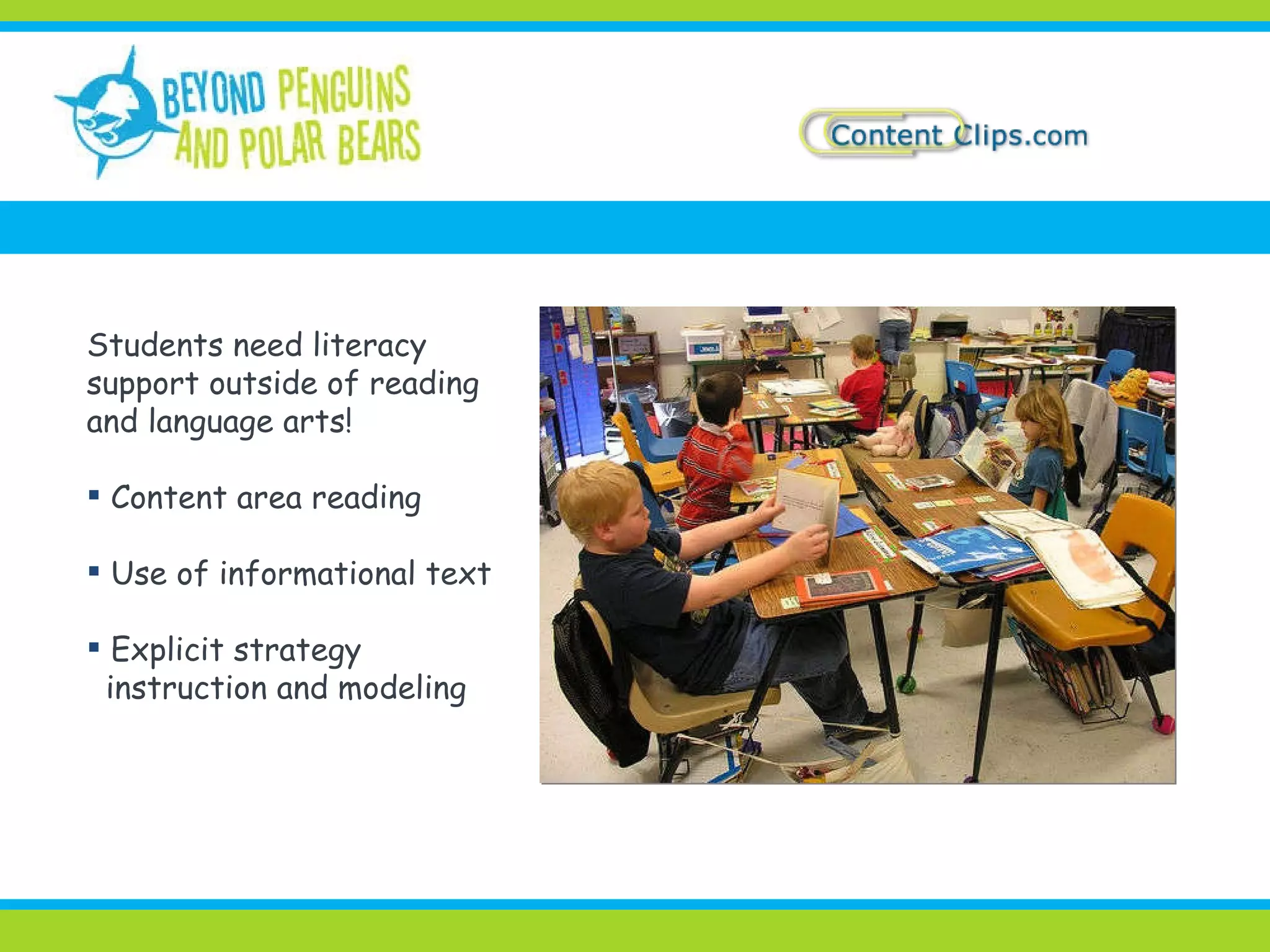
Students need literacy support outside of reading and language arts! Content area reading Use of informational text Explicit strategy instruction and modeling
Activate prior knowledge Build knowledge of key concepts Engage and motivate students Support fluency and comprehension Differentiate instruction Clarify content and facilitate visualization of concepts Demonstrate understanding Practice comprehension strategies BEFORE  DURING  AFTER Technology can help support  students…
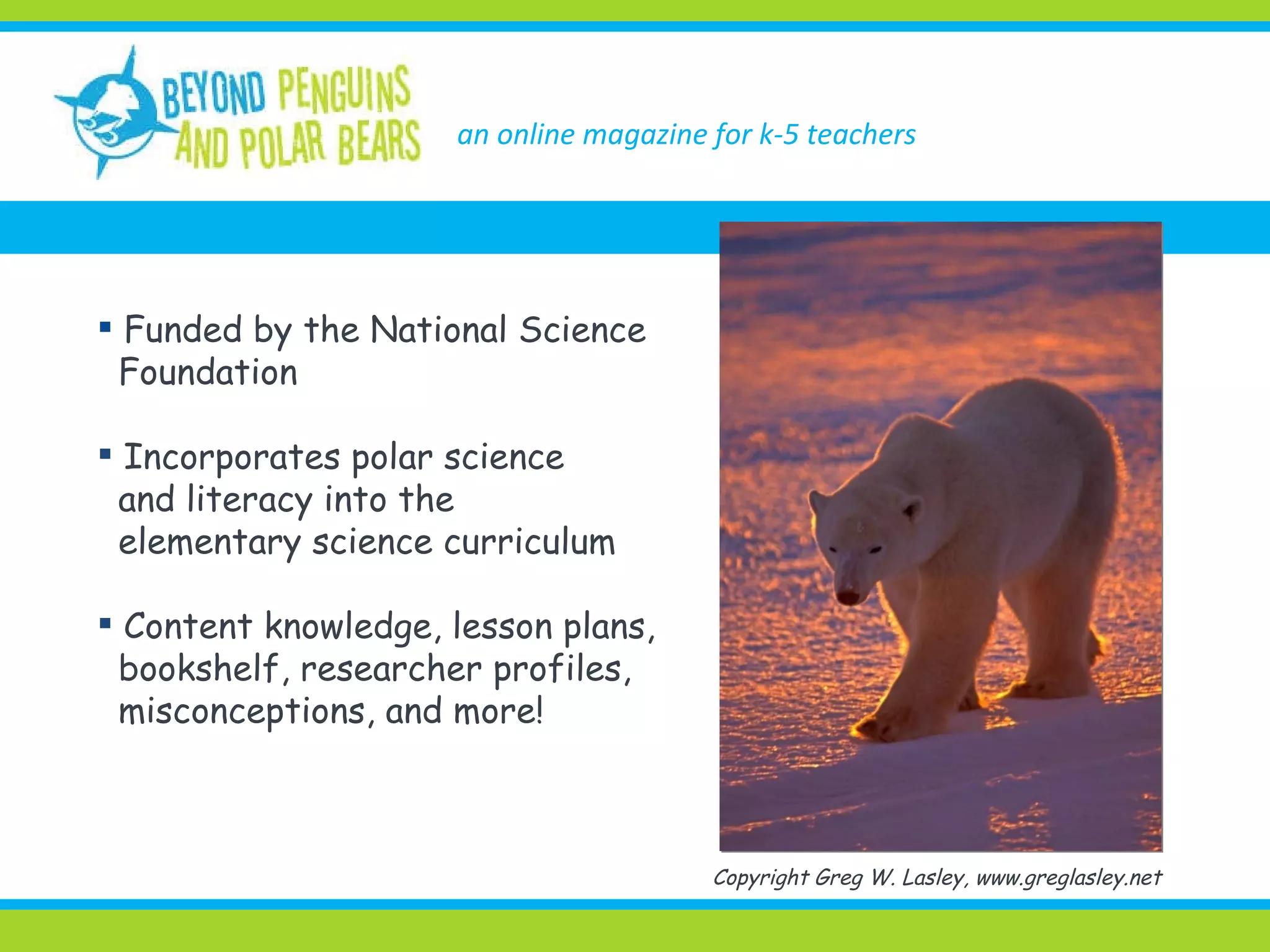
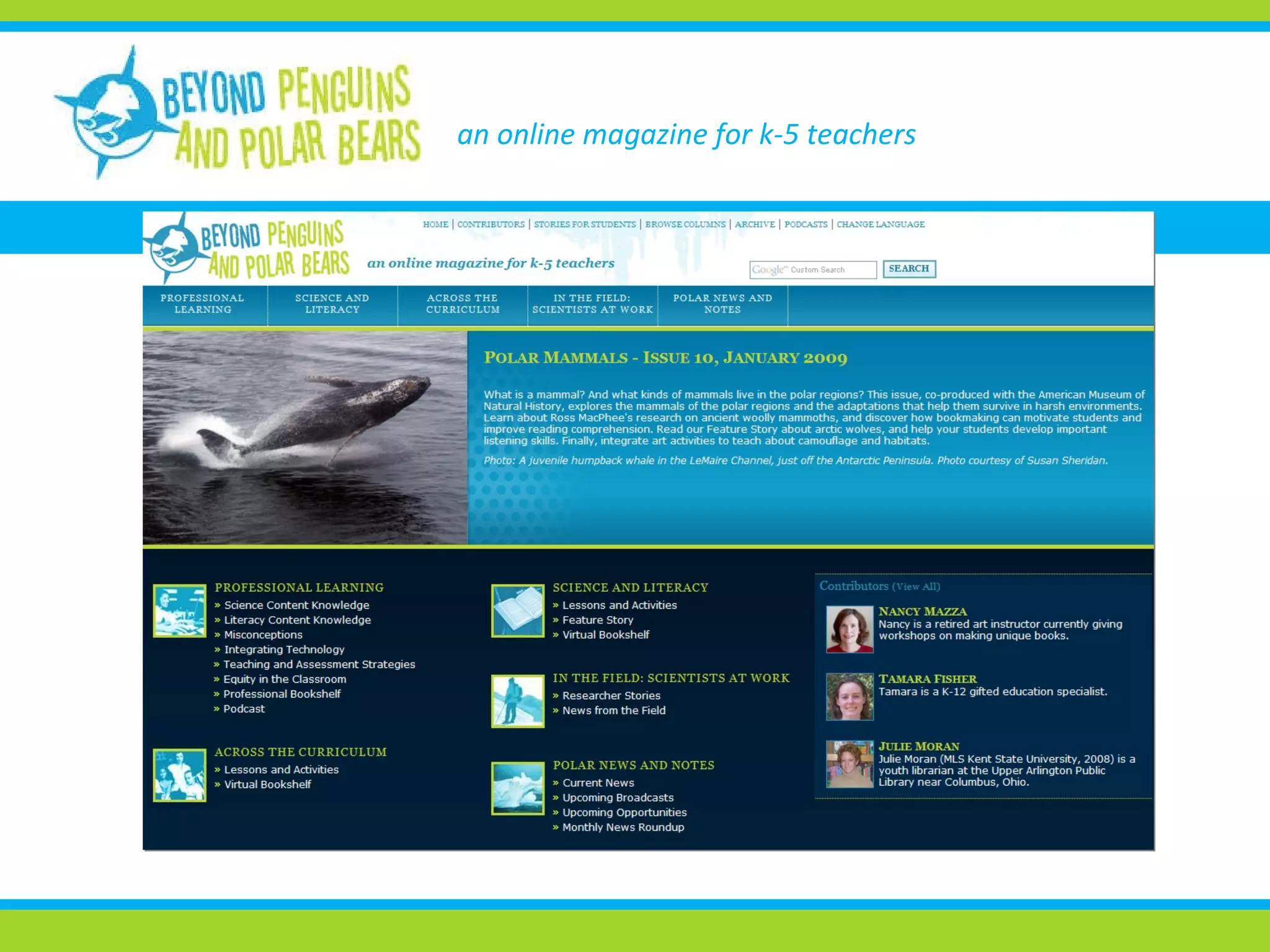
an online magazine for k-5 teachers Funded by the National Science Foundation Incorporates polar science and literacy into the elementary science curriculum Content knowledge, lesson plans, bookshelf, researcher profiles, misconceptions, and more! Copyright Greg W. Lasley, www.greglasley.net
an online magazine for k-5 teachers
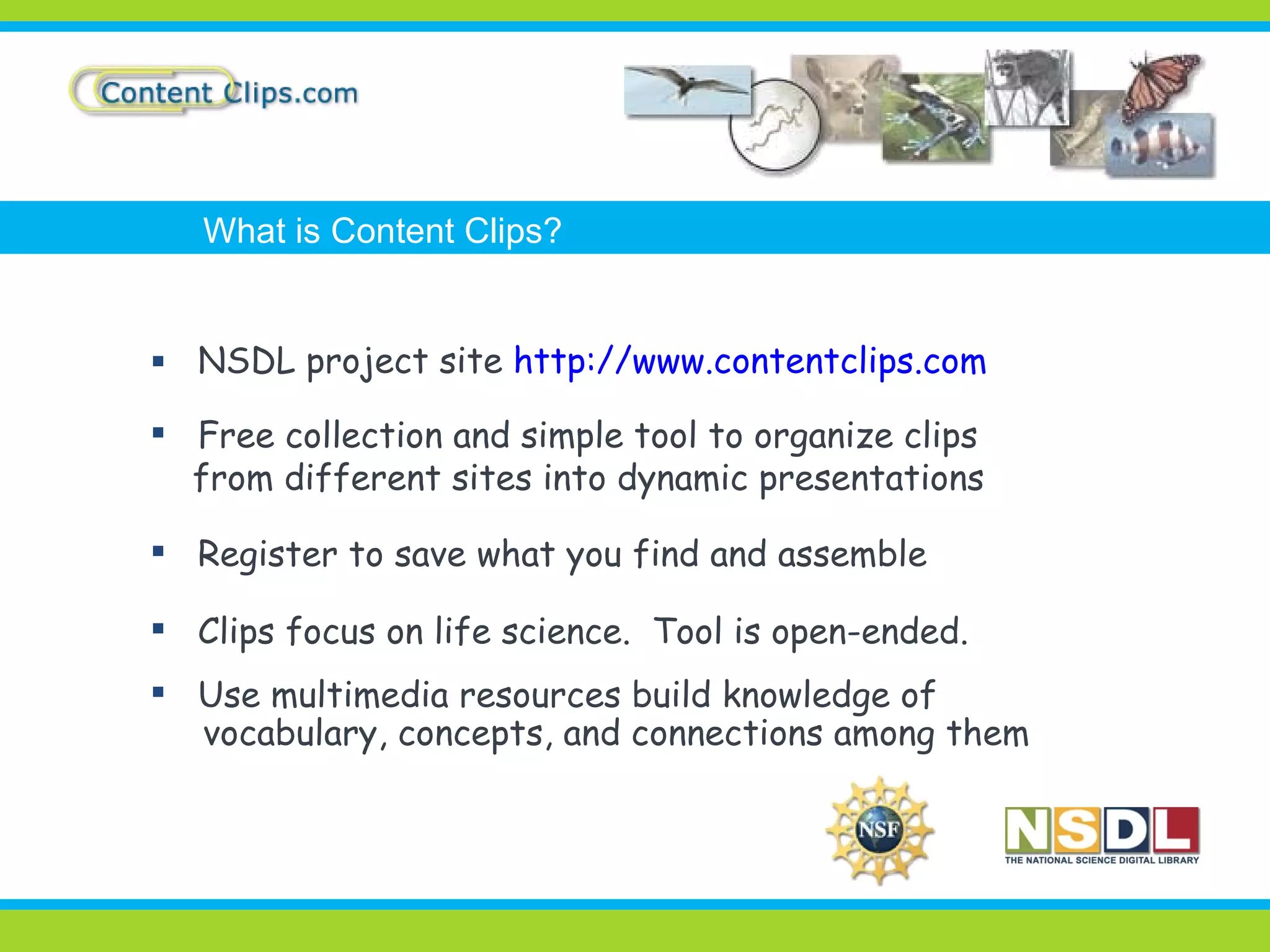
NSDL project site  http://www.contentclips.com Free collection and simple tool to organize clips  from different sites into dynamic presentations Register to save what you find and assemble Clips focus on life science.  Tool is open-ended. Use multimedia resources build knowledge of vocabulary, concepts, and connections among them What is Content Clips?
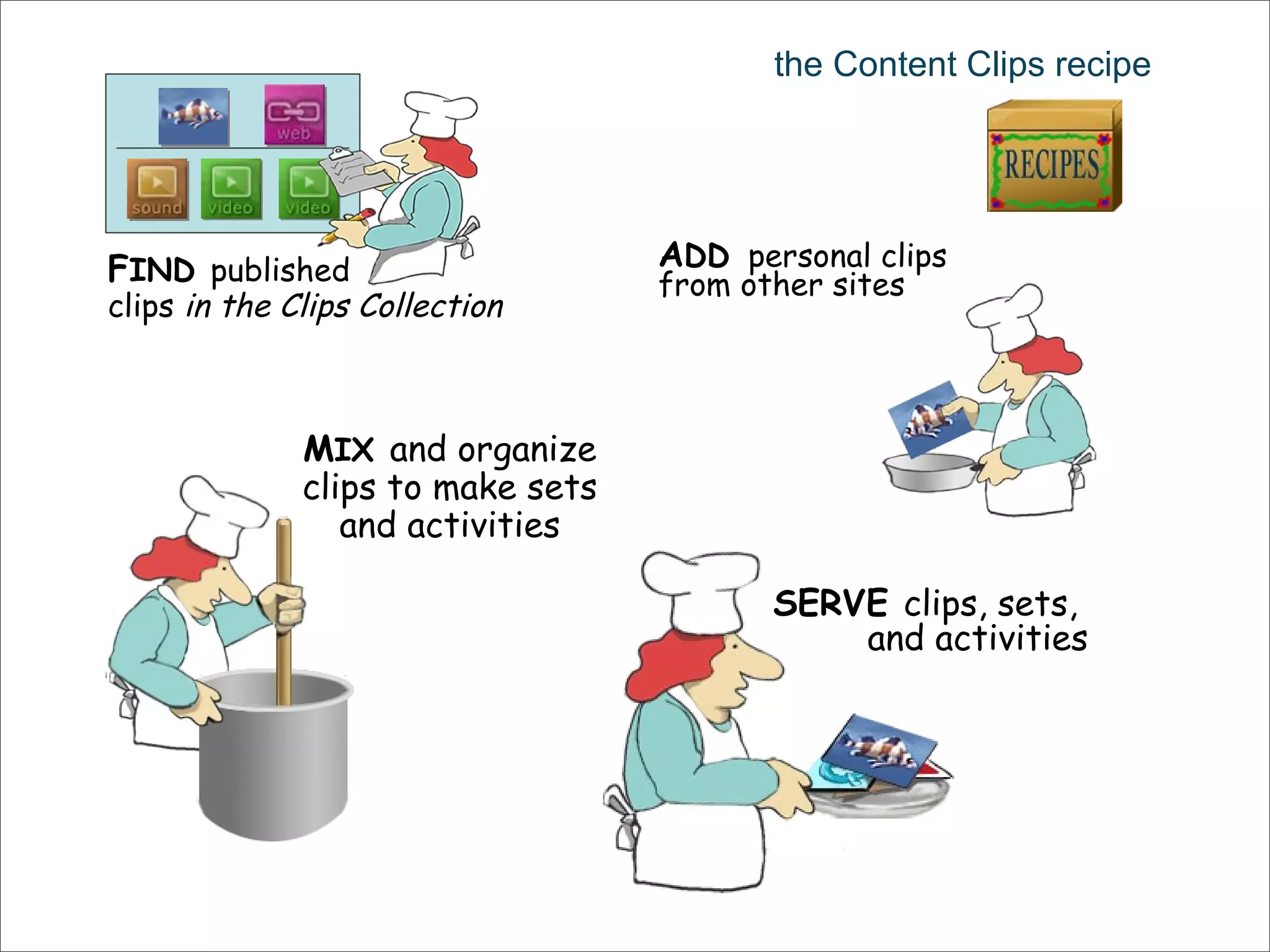
the Content Clips recipe F IND   published clips  in the Clips Collection A DD   personal clips from other sites M IX   and organize clips to make sets and activities SERVE  clips, sets,  and activities
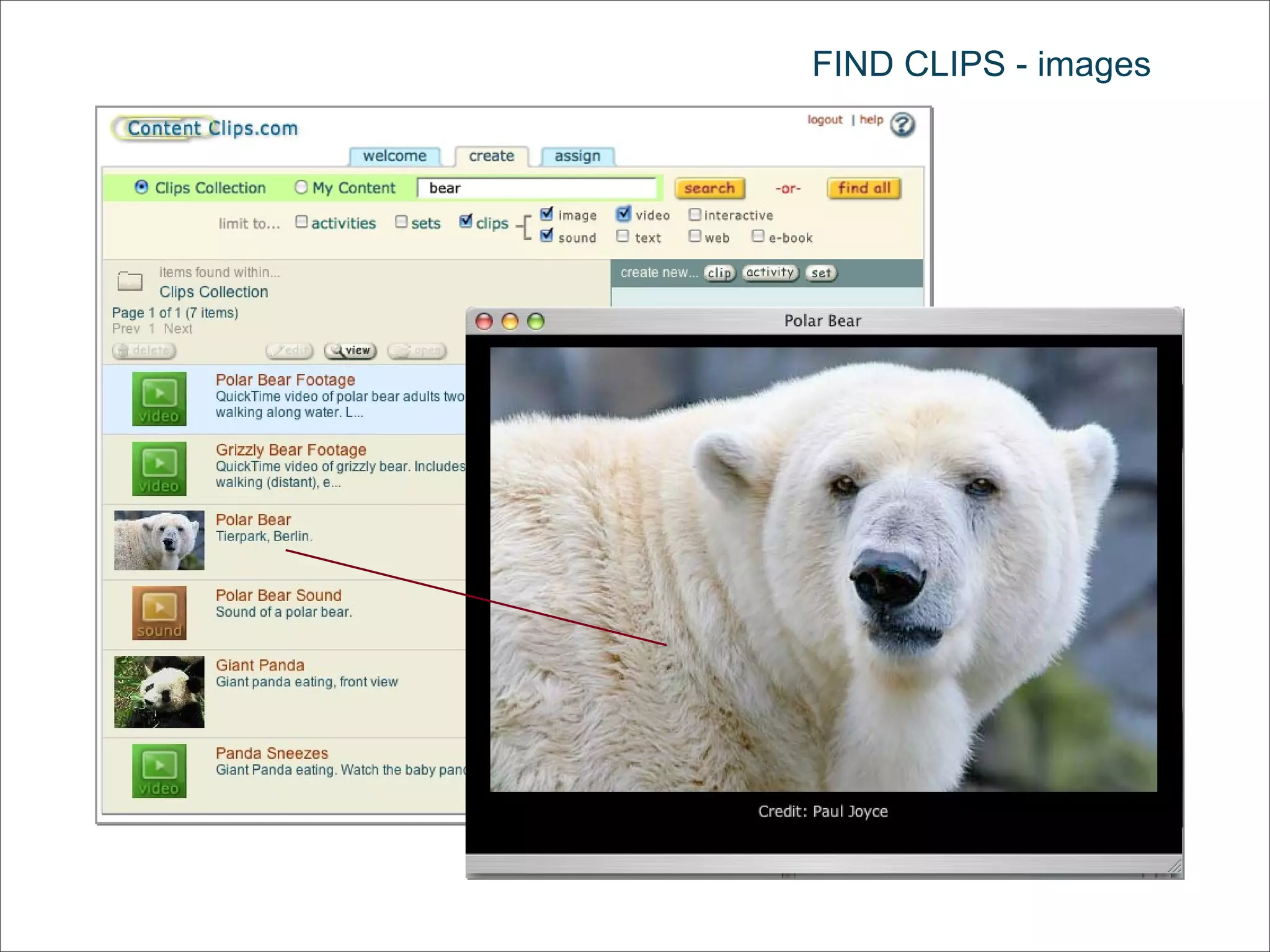
FIND CLIPS - images
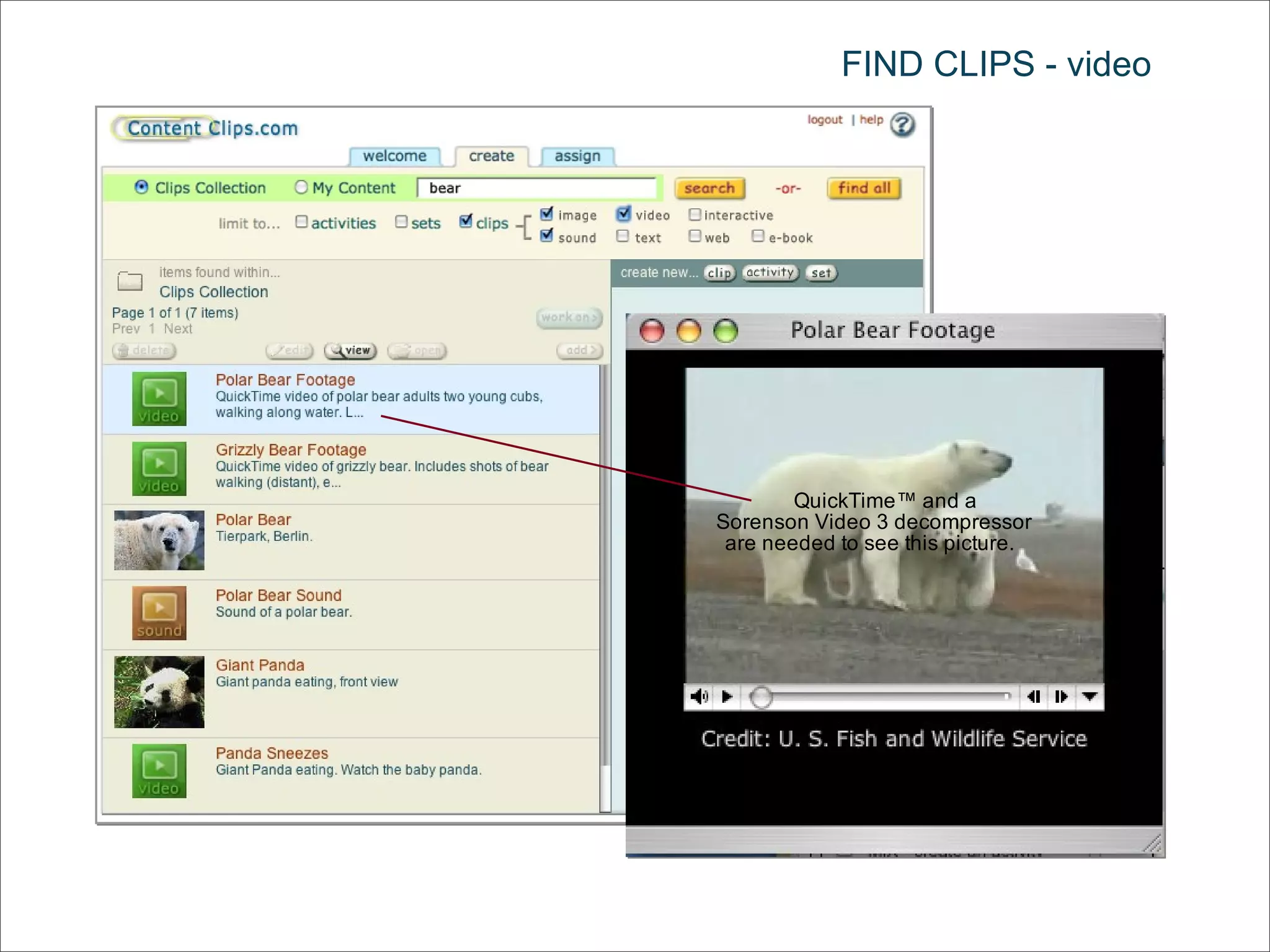
FIND CLIPS - video
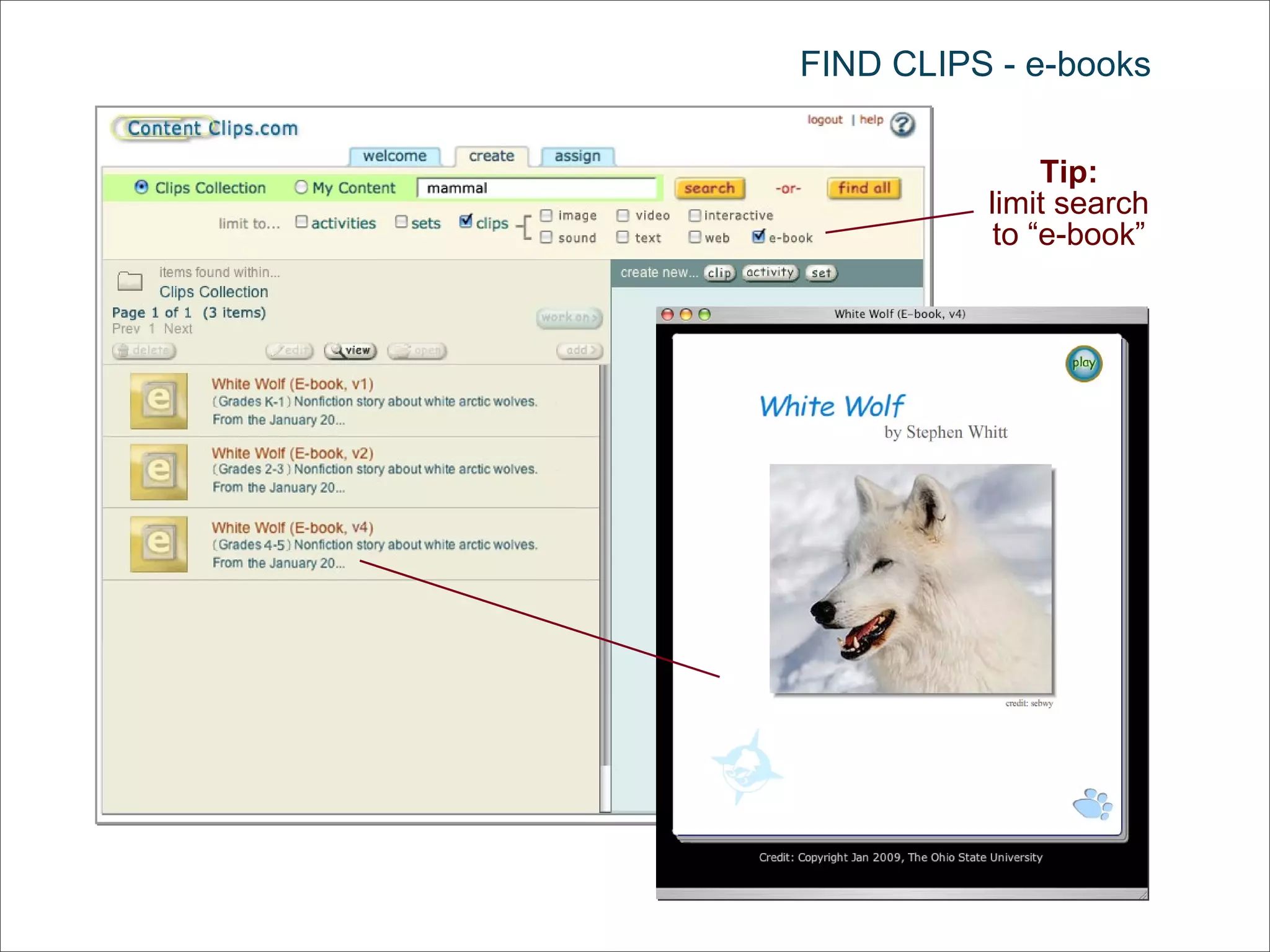
FIND CLIPS - e-books Tip: limit search to “e-book”
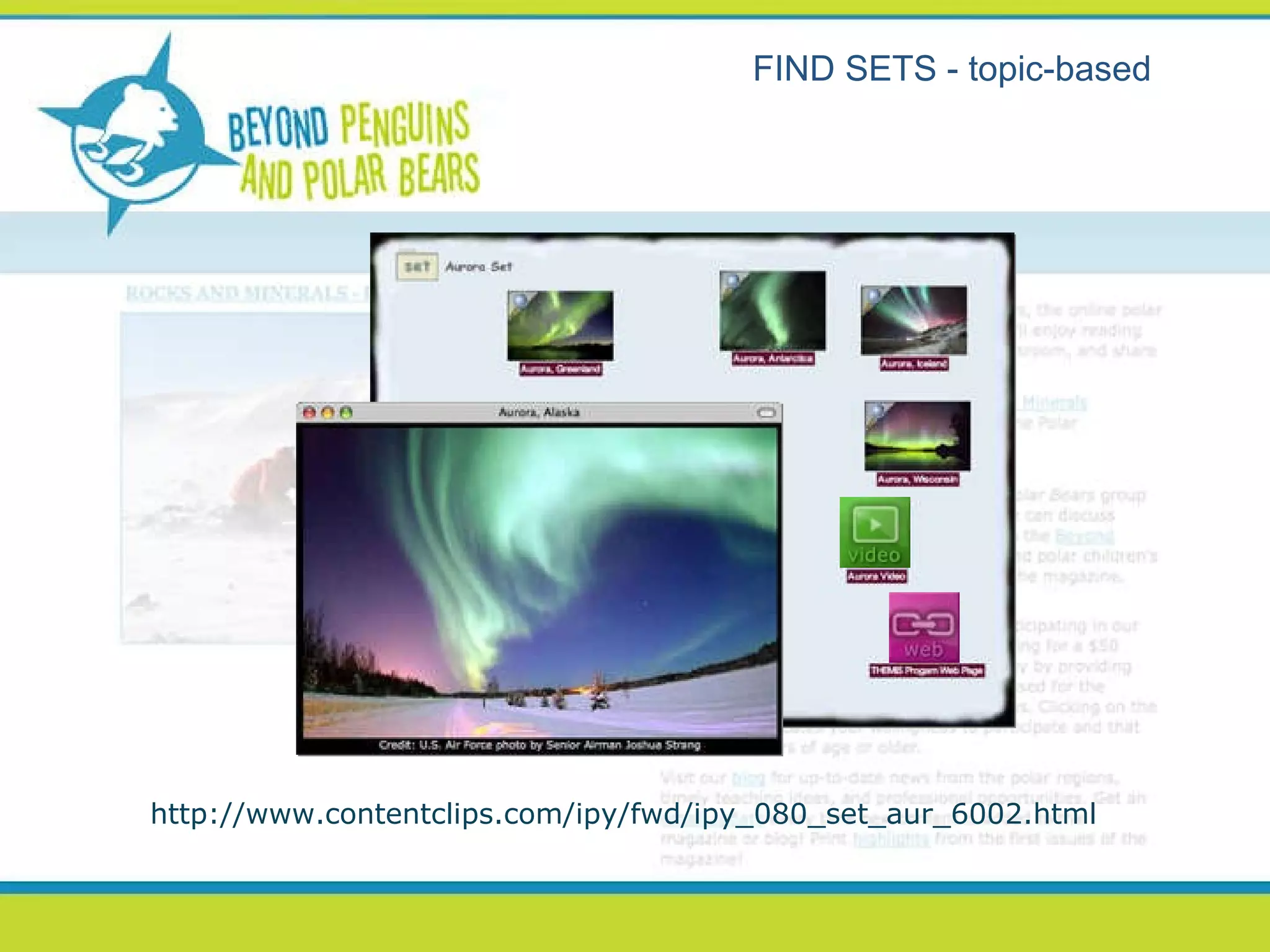
FIND SETS - topic-based http://www.contentclips.com/ipy/fwd/ipy_080_set_aur_6002.html
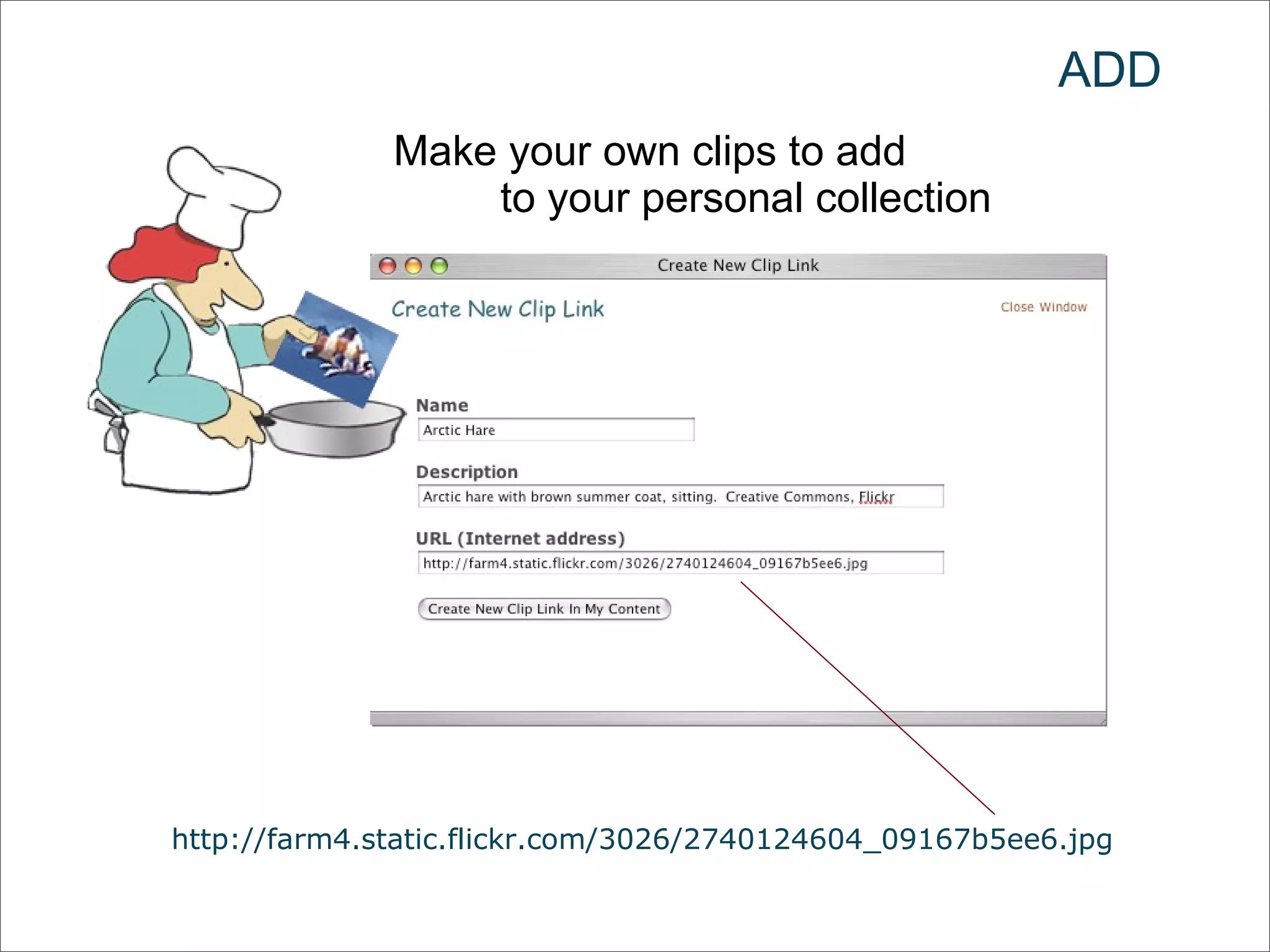
ADD Make your own clips to add  to your personal collection http://farm4.static.flickr.com/3026/2740124604_09167b5ee6.jpg
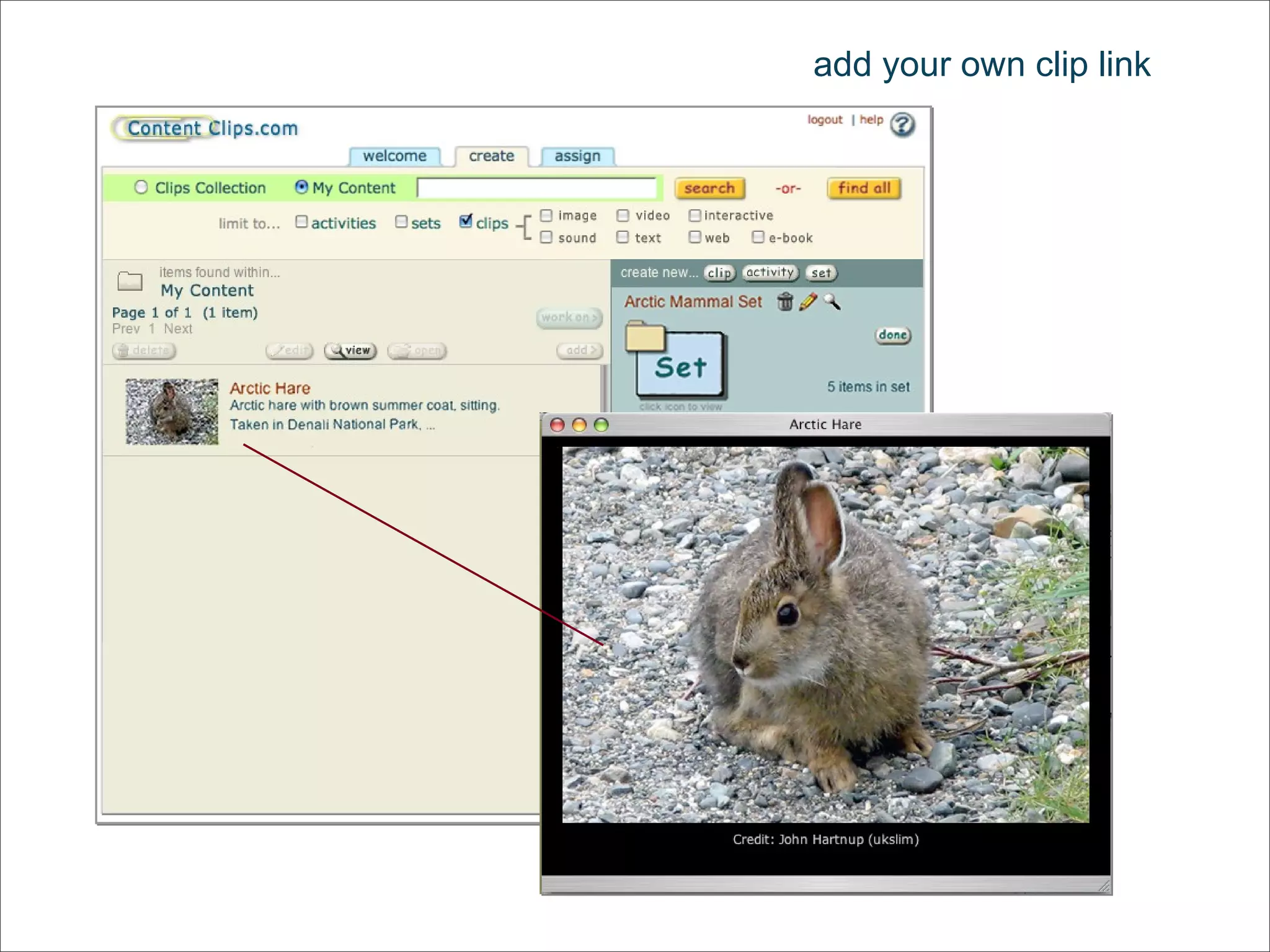
add your own clip link
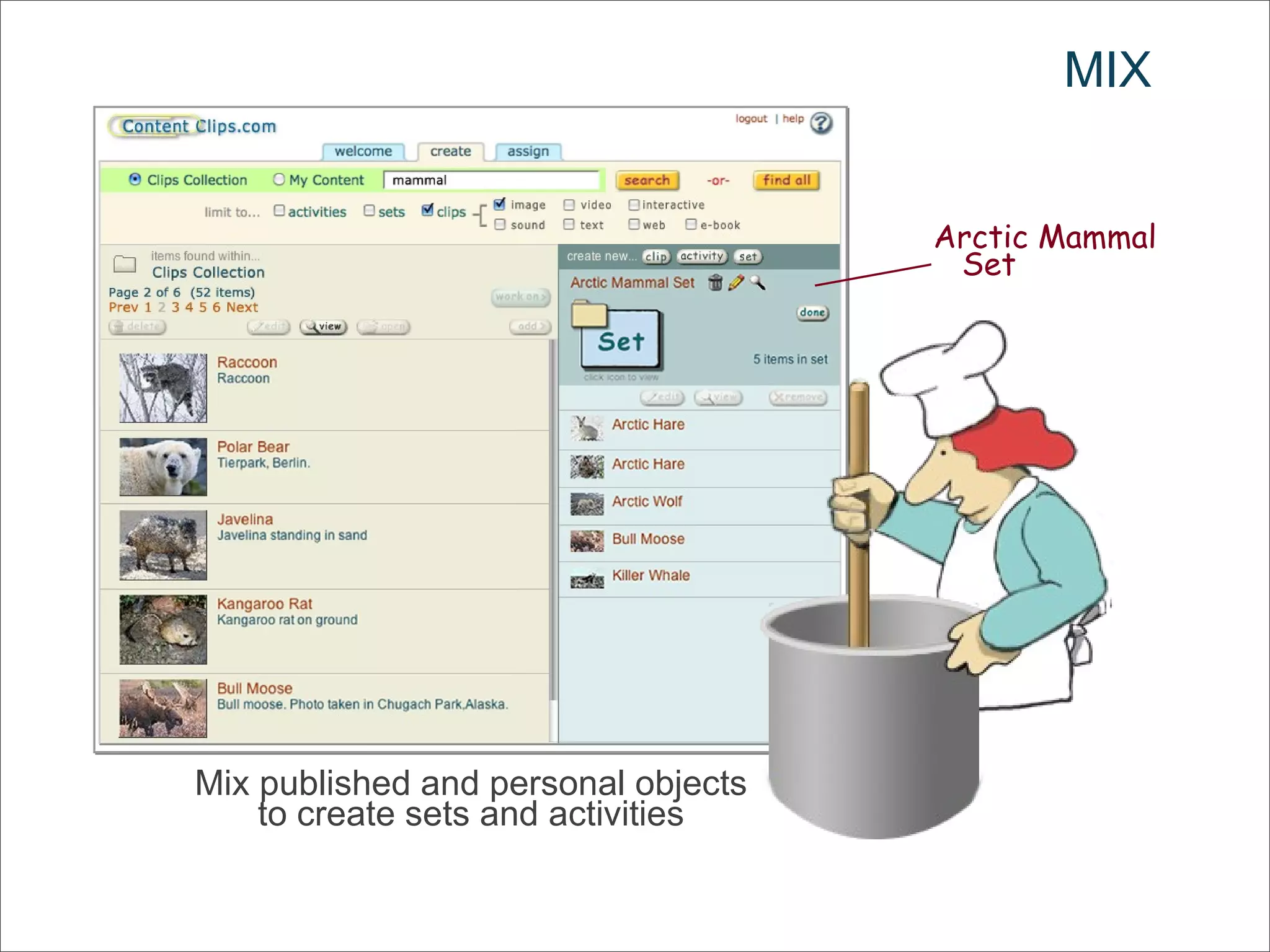
MIX Mix published and personal objects to create sets and activities Arctic Mammal Set
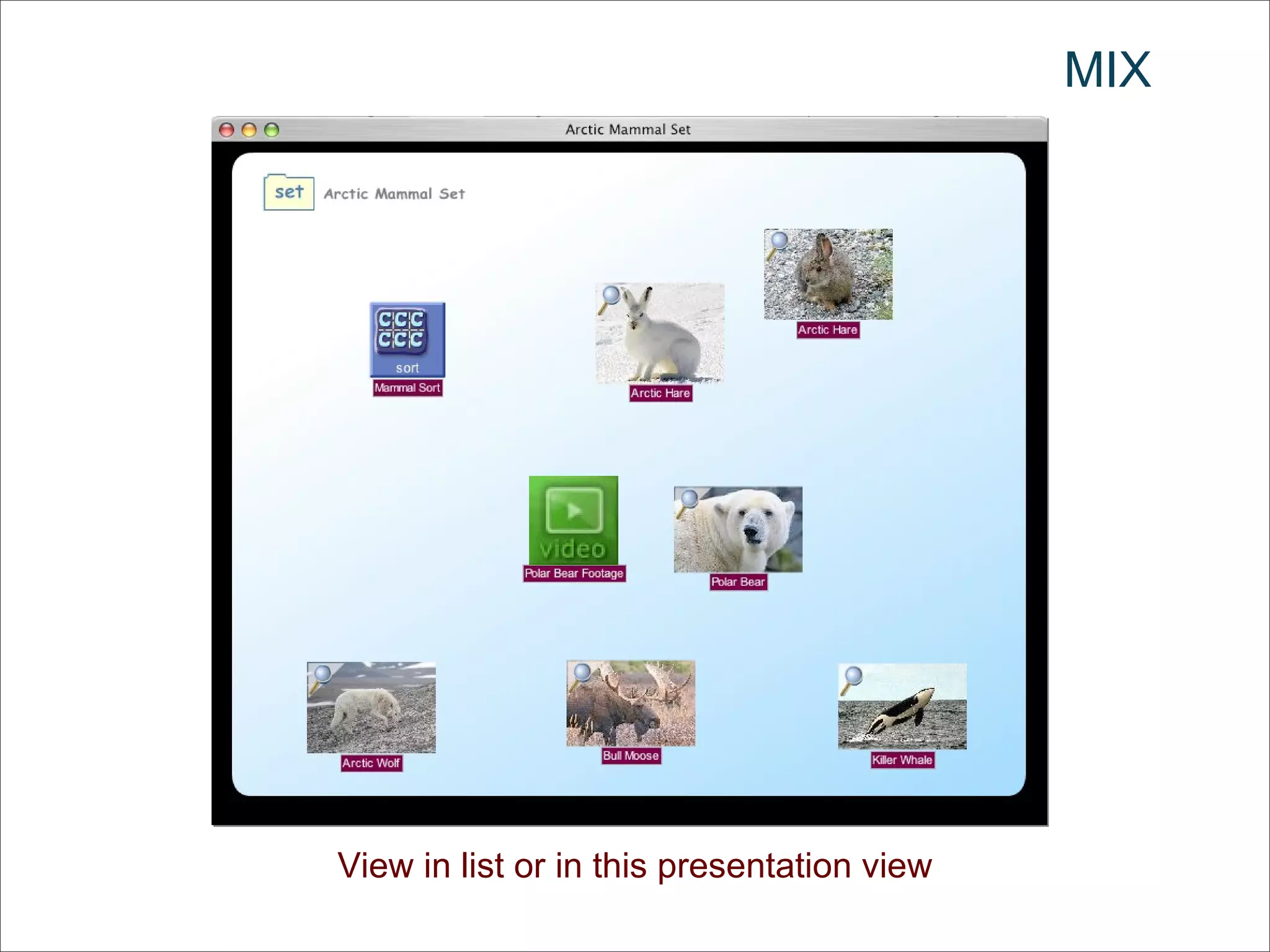
MIX View in list or in this presentation view
MIX
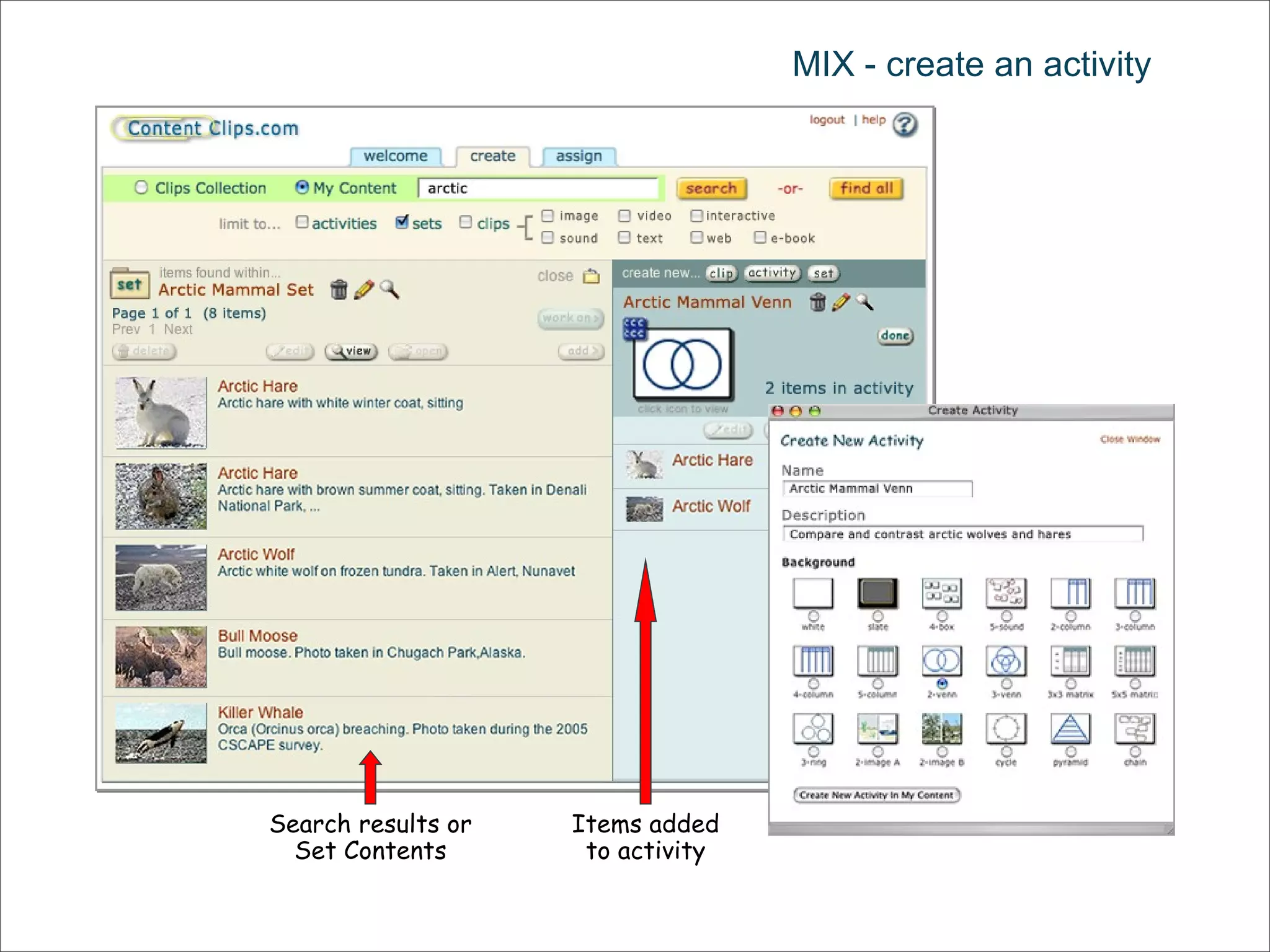
MIX - create an activity Search results or Set Contents Items added to activity
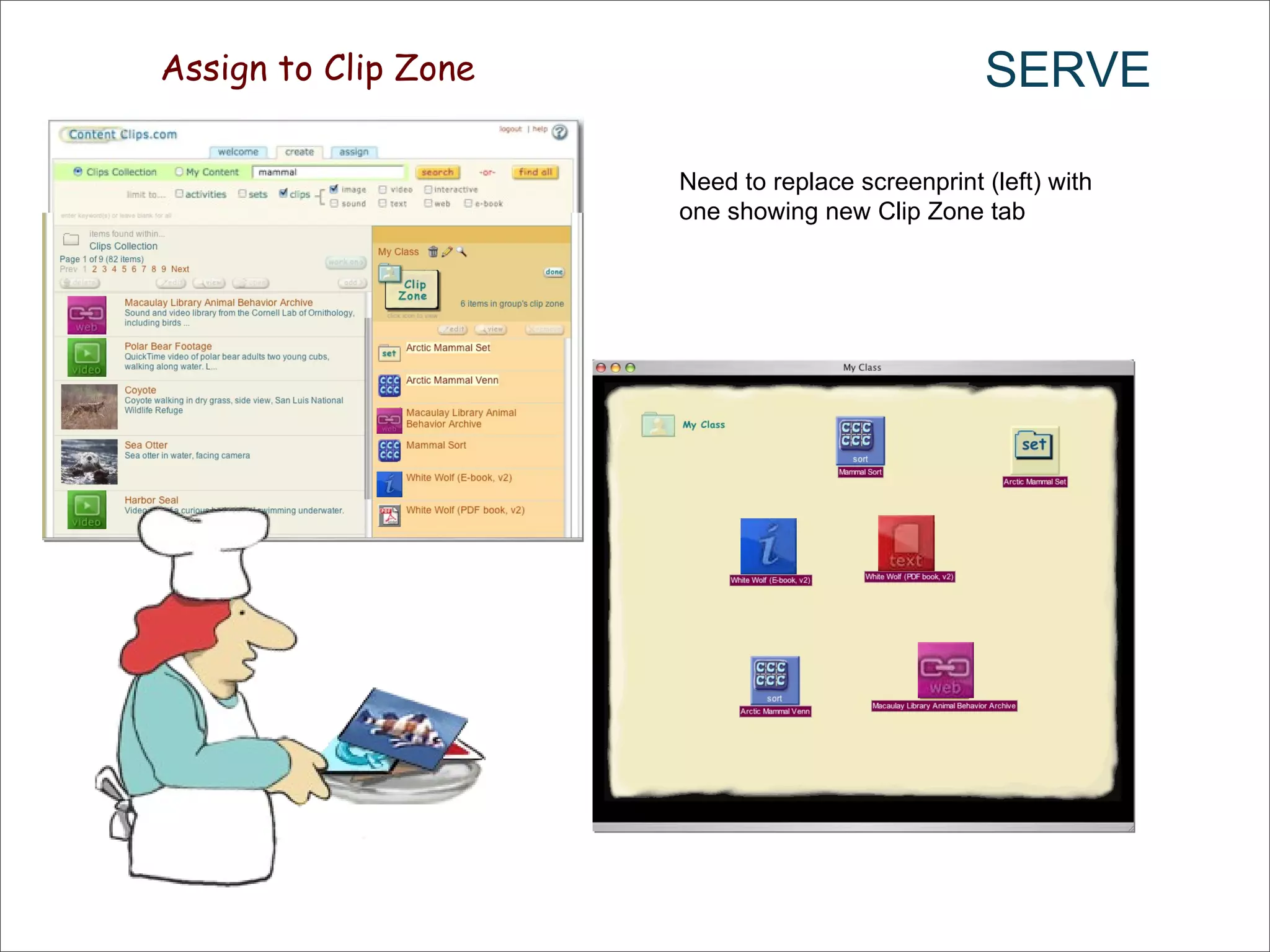
SERVE Assign to Clip Zone Need to replace screenprint (left) with one showing new Clip Zone tab
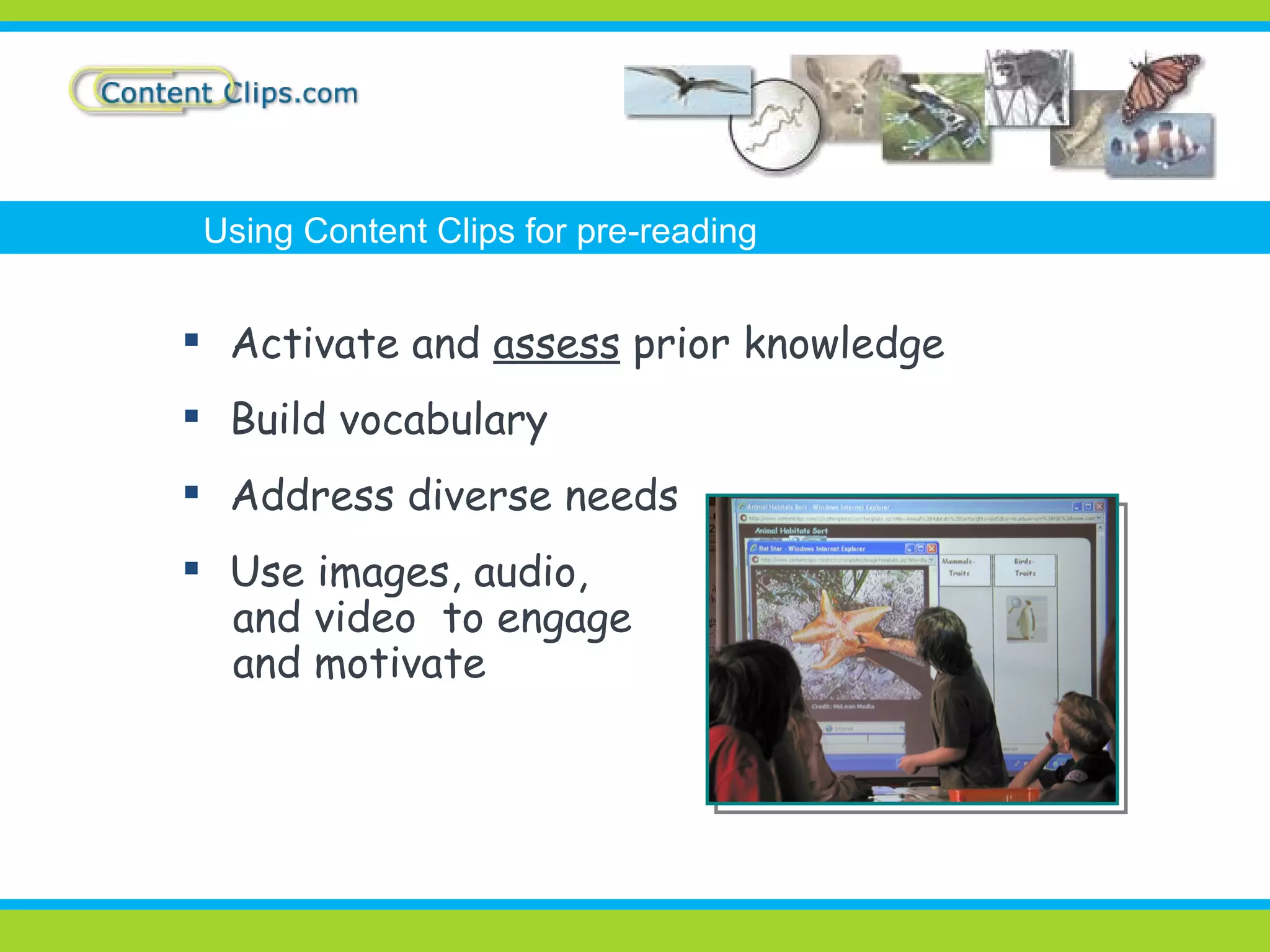
Activate and  assess  prior knowledge Build vocabulary Address diverse needs Use images, audio, and video  to engage and motivate Using Content Clips for pre-reading
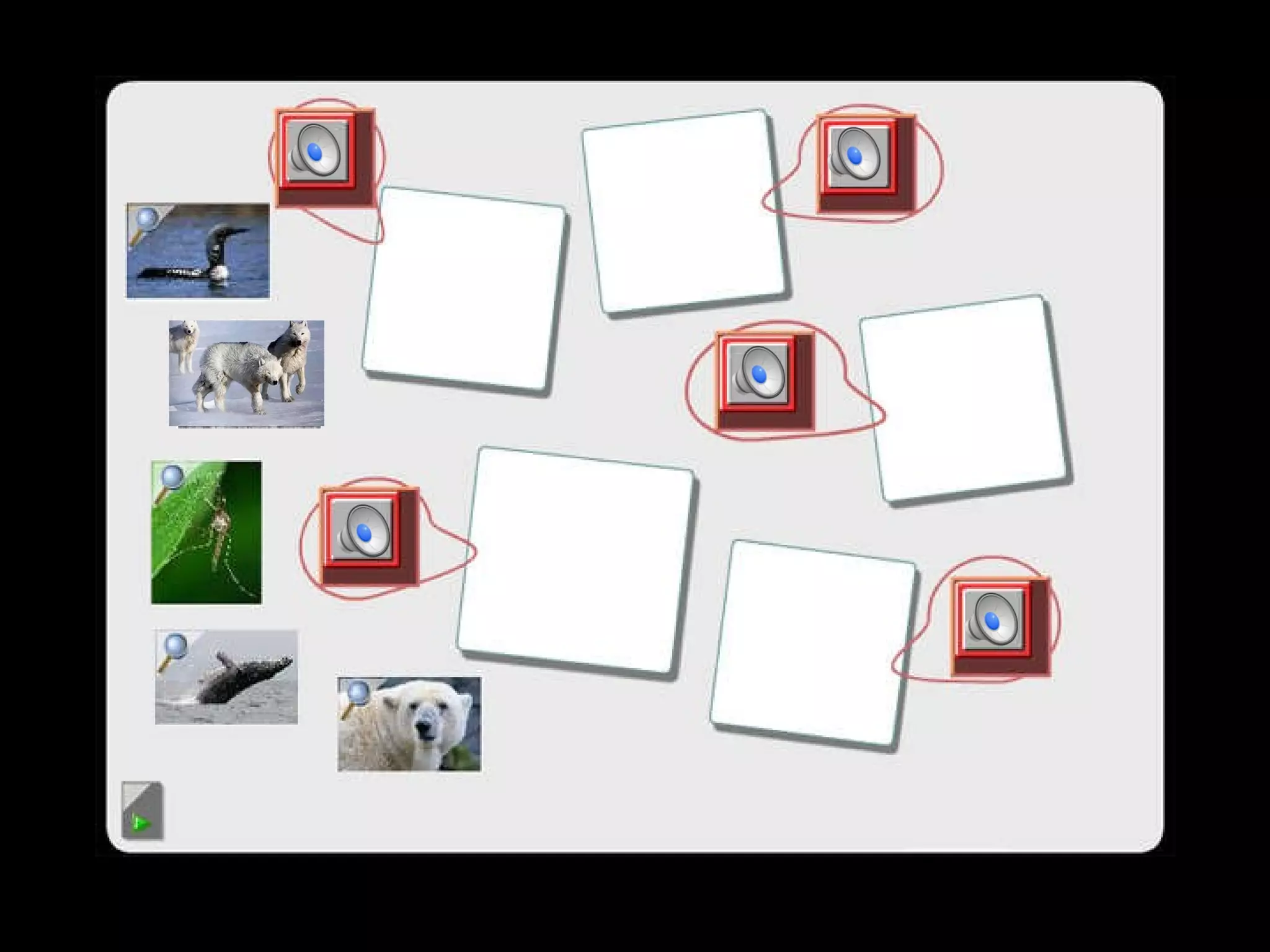
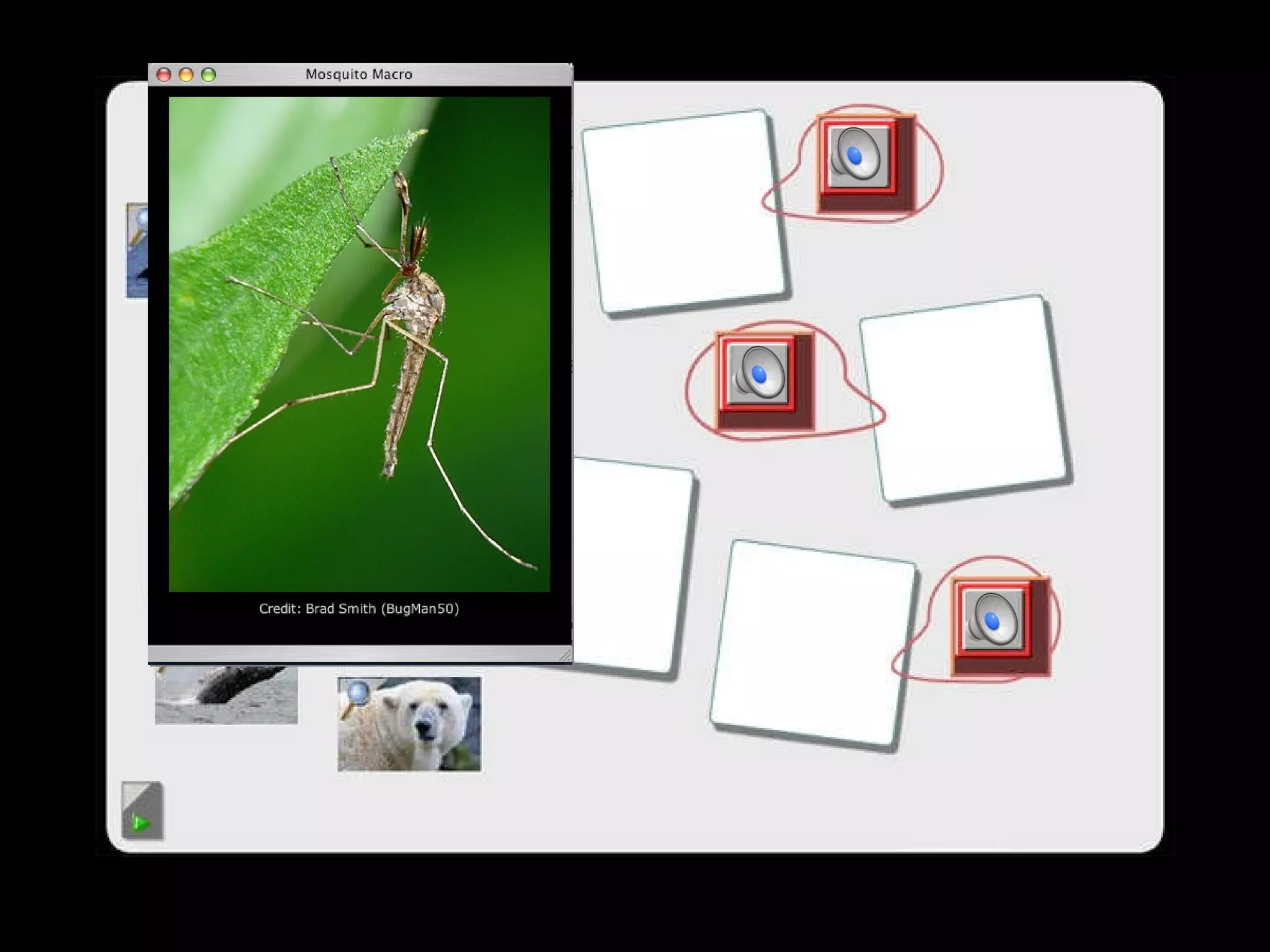
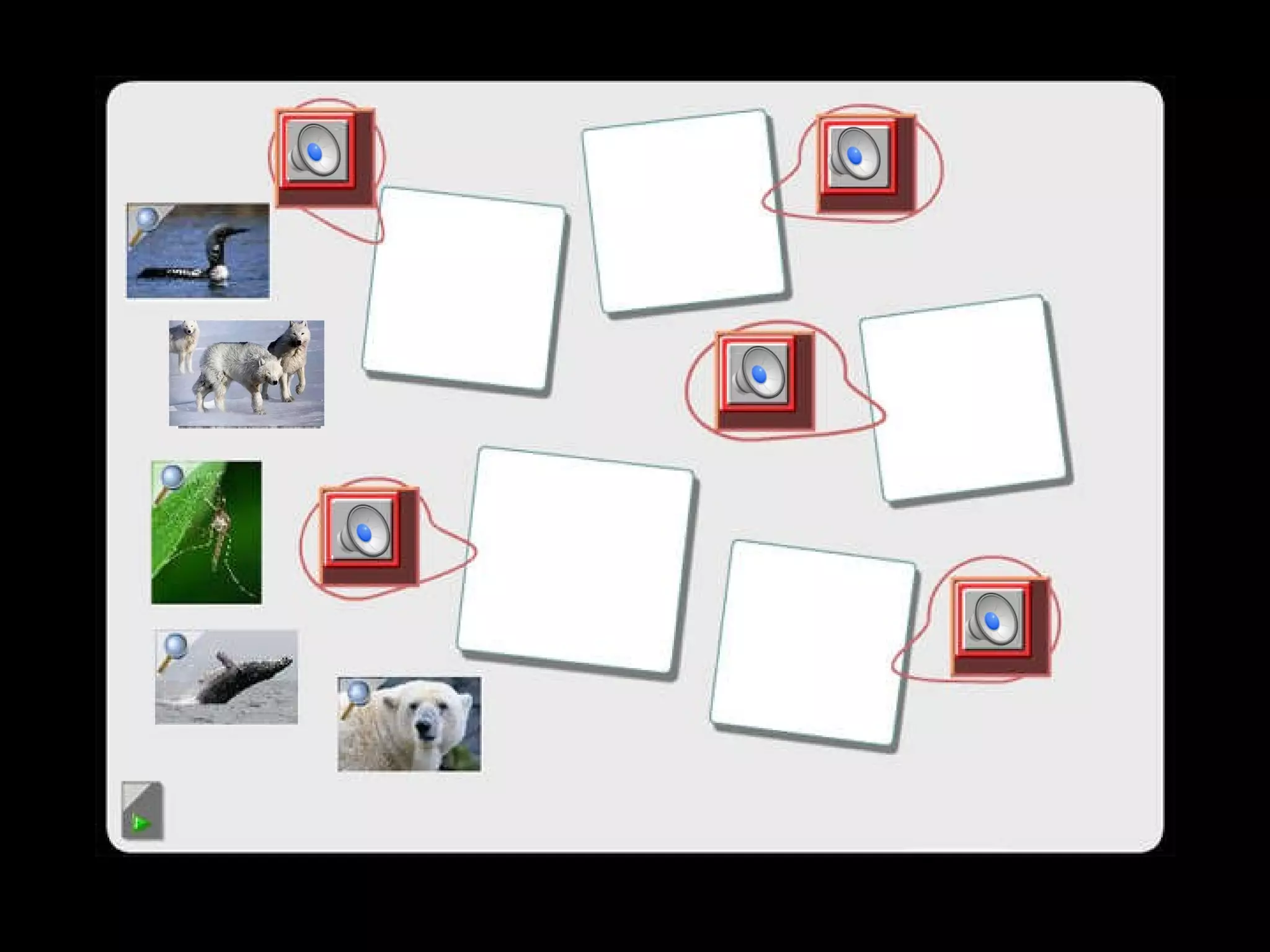
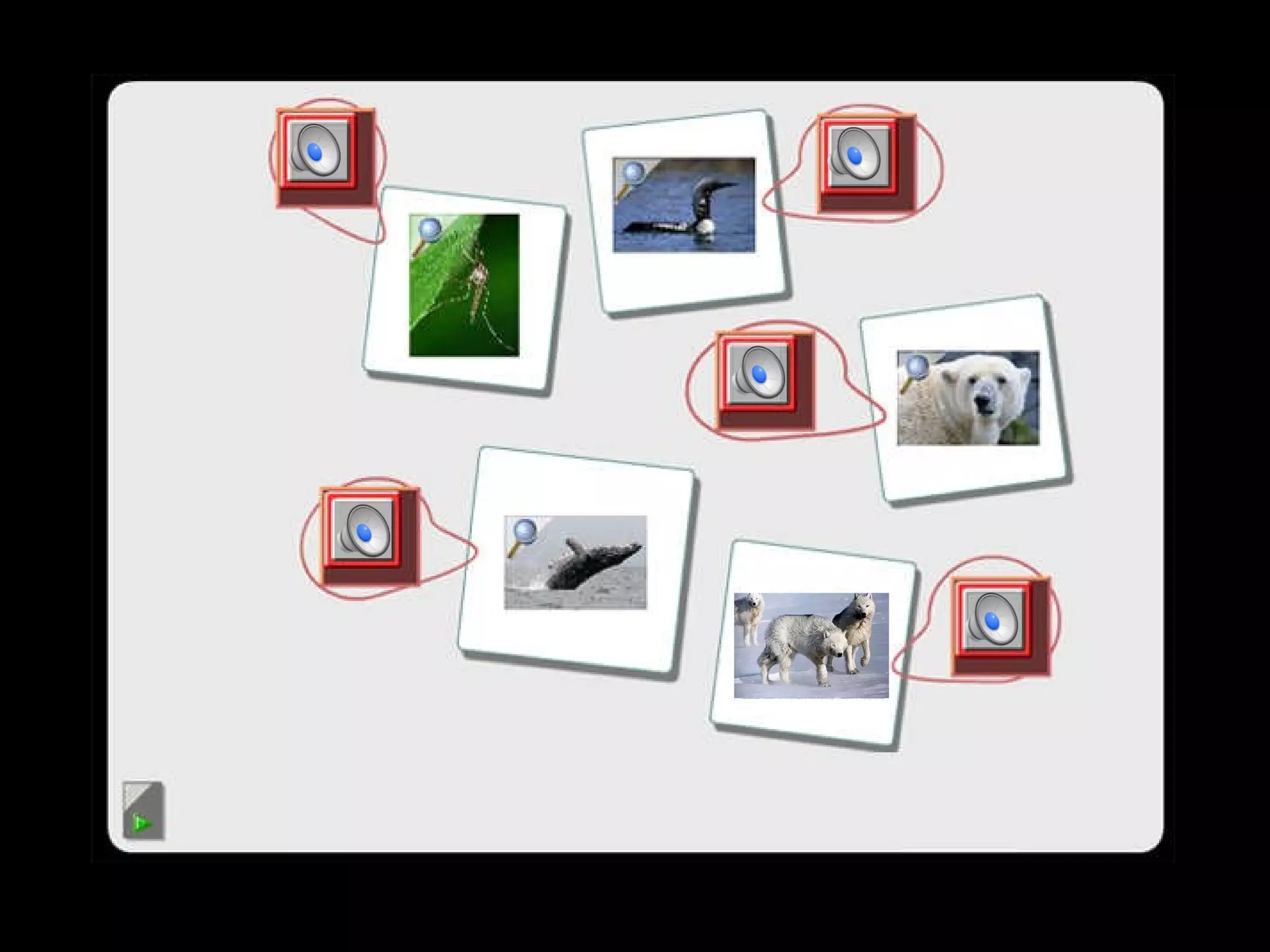
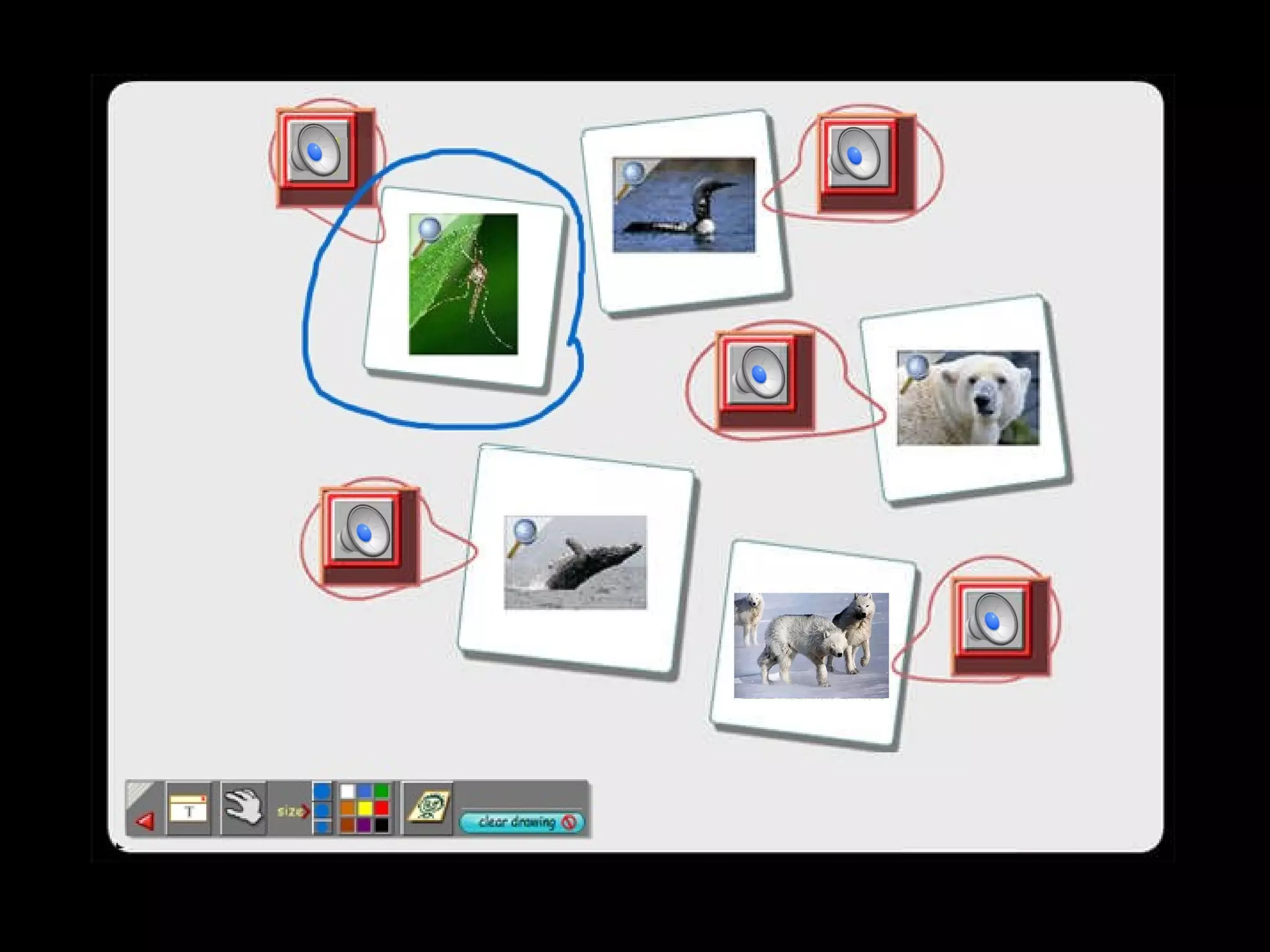
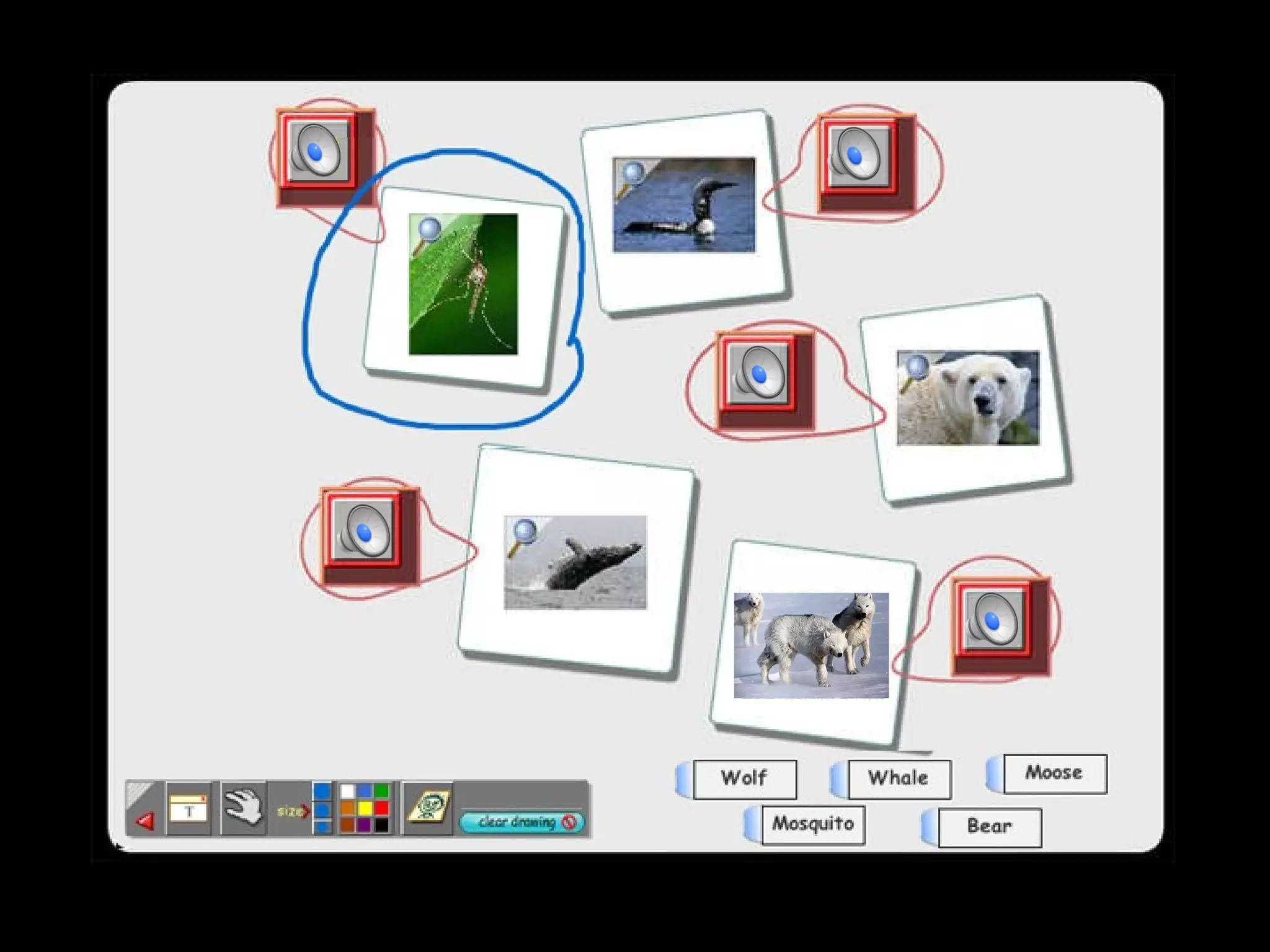
Mystery Sounds  (BLACK) Can you match the animal to the mystery sound?
Mystery Sounds
Mystery Sounds
Mystery Sounds
Mystery Sounds
Mystery Sounds
Mystery Sounds
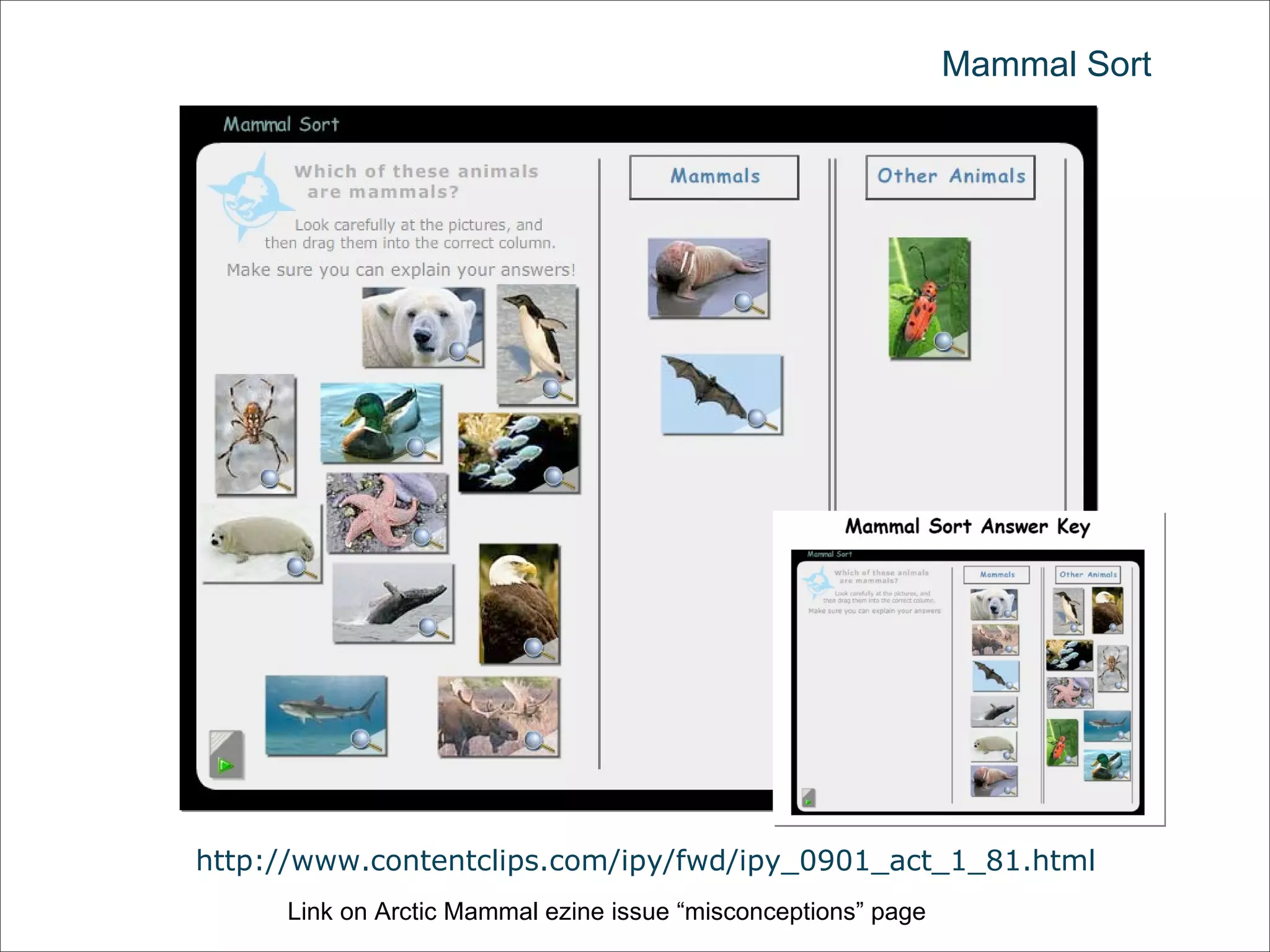
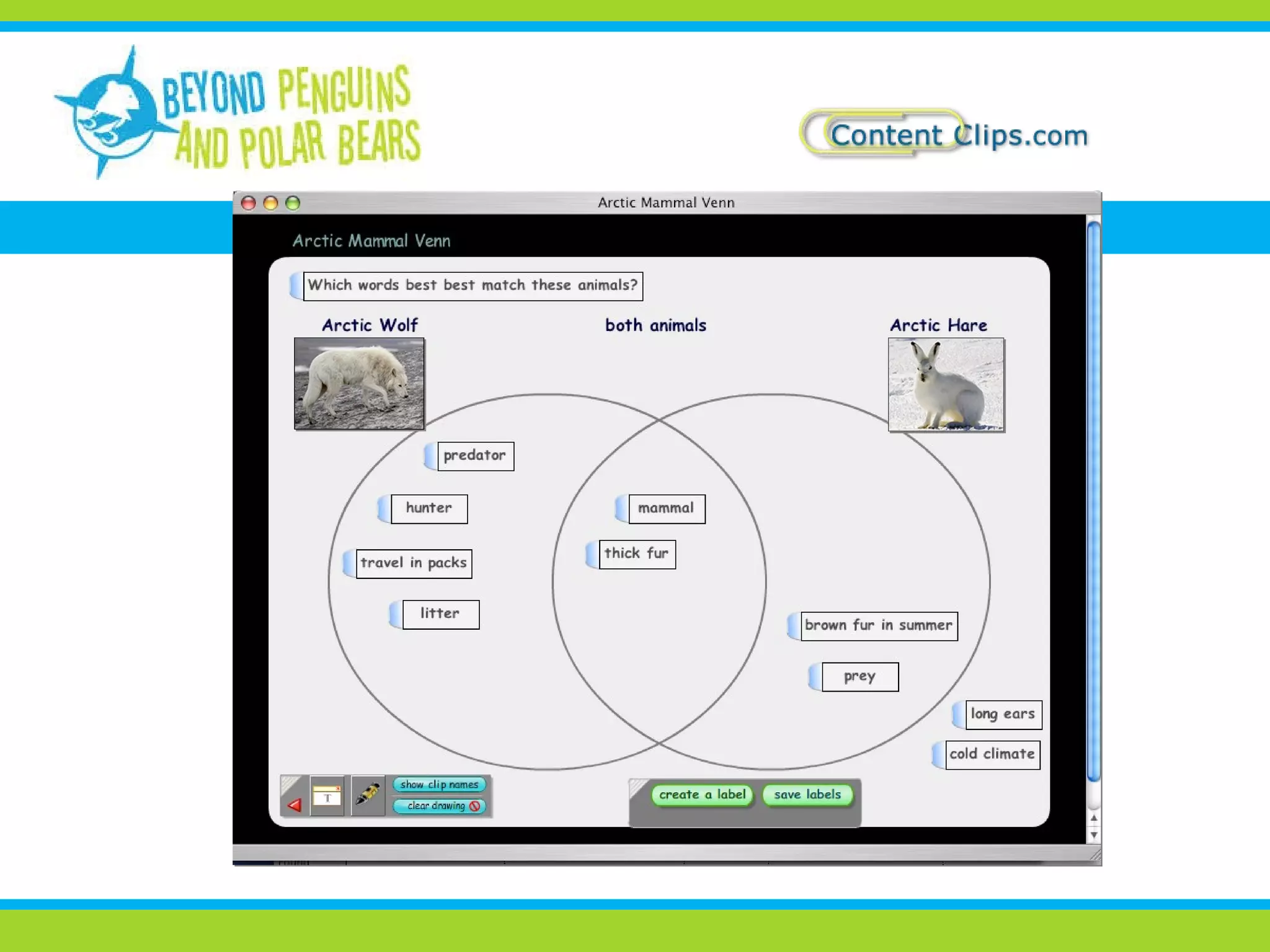
Mammal Sort http://www.contentclips.com/ipy/fwd/ipy_0901_act_1_81.html Link on Arctic Mammal ezine issue “misconceptions” page
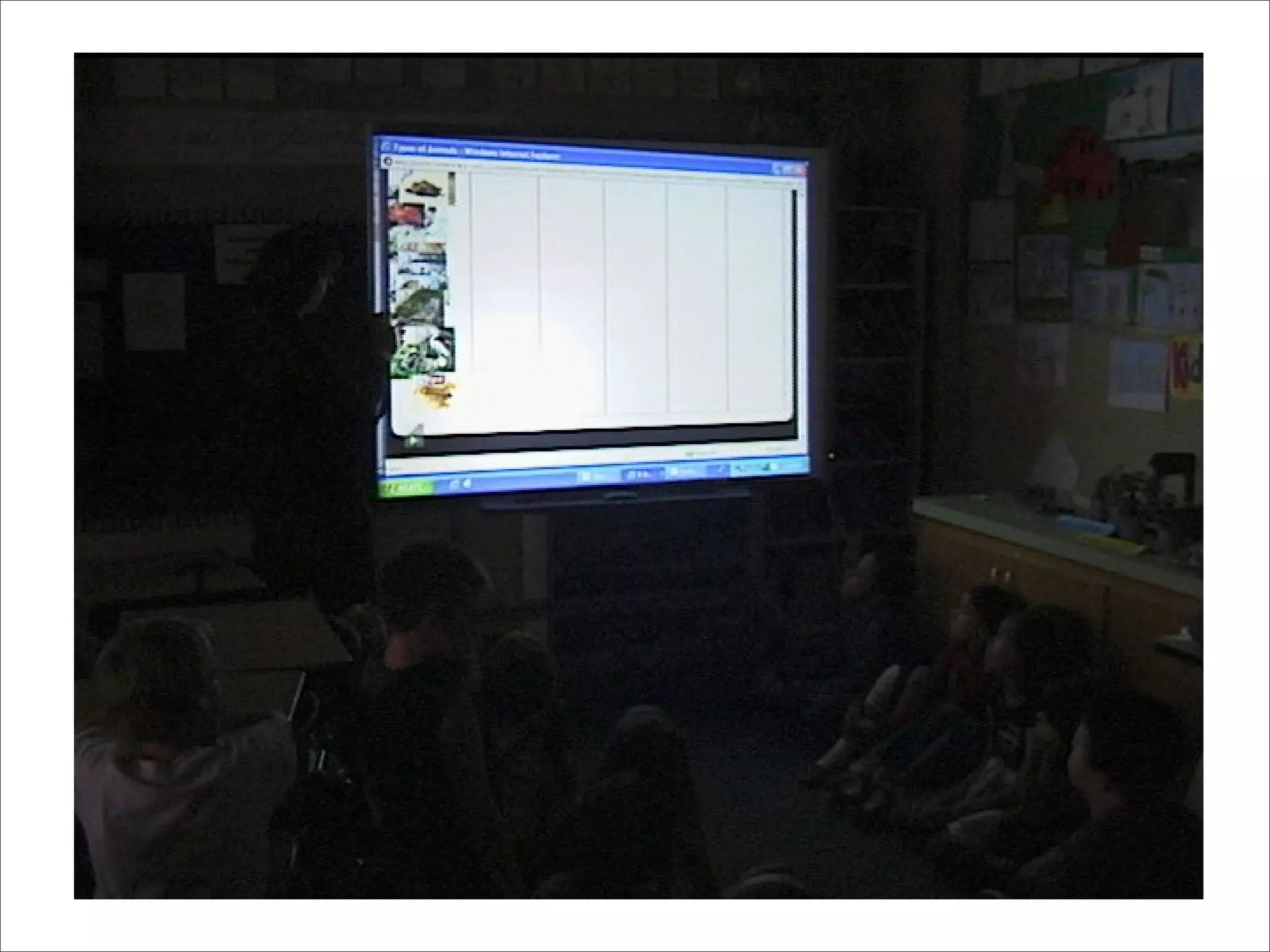
Content Clips in classroom video
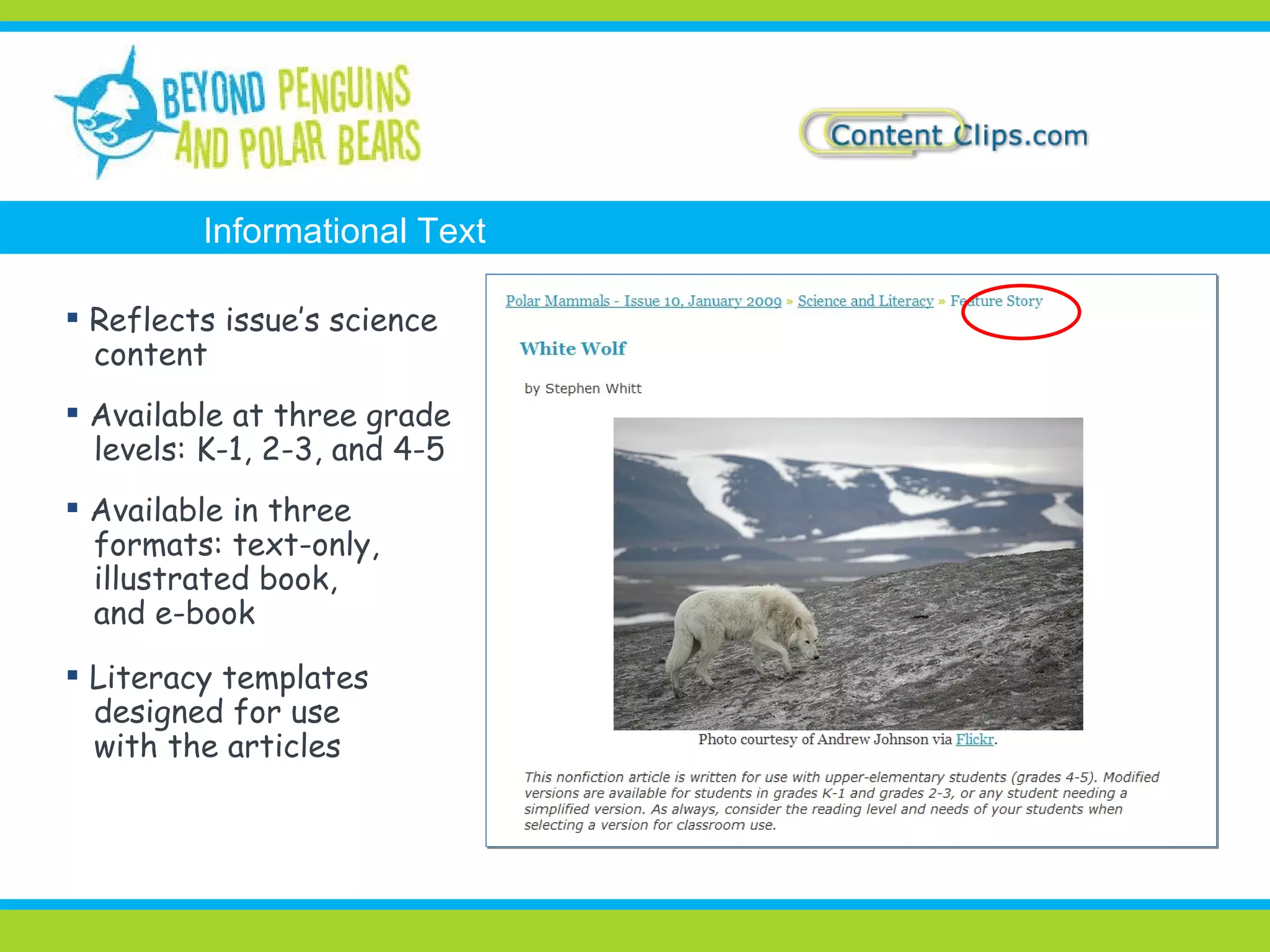
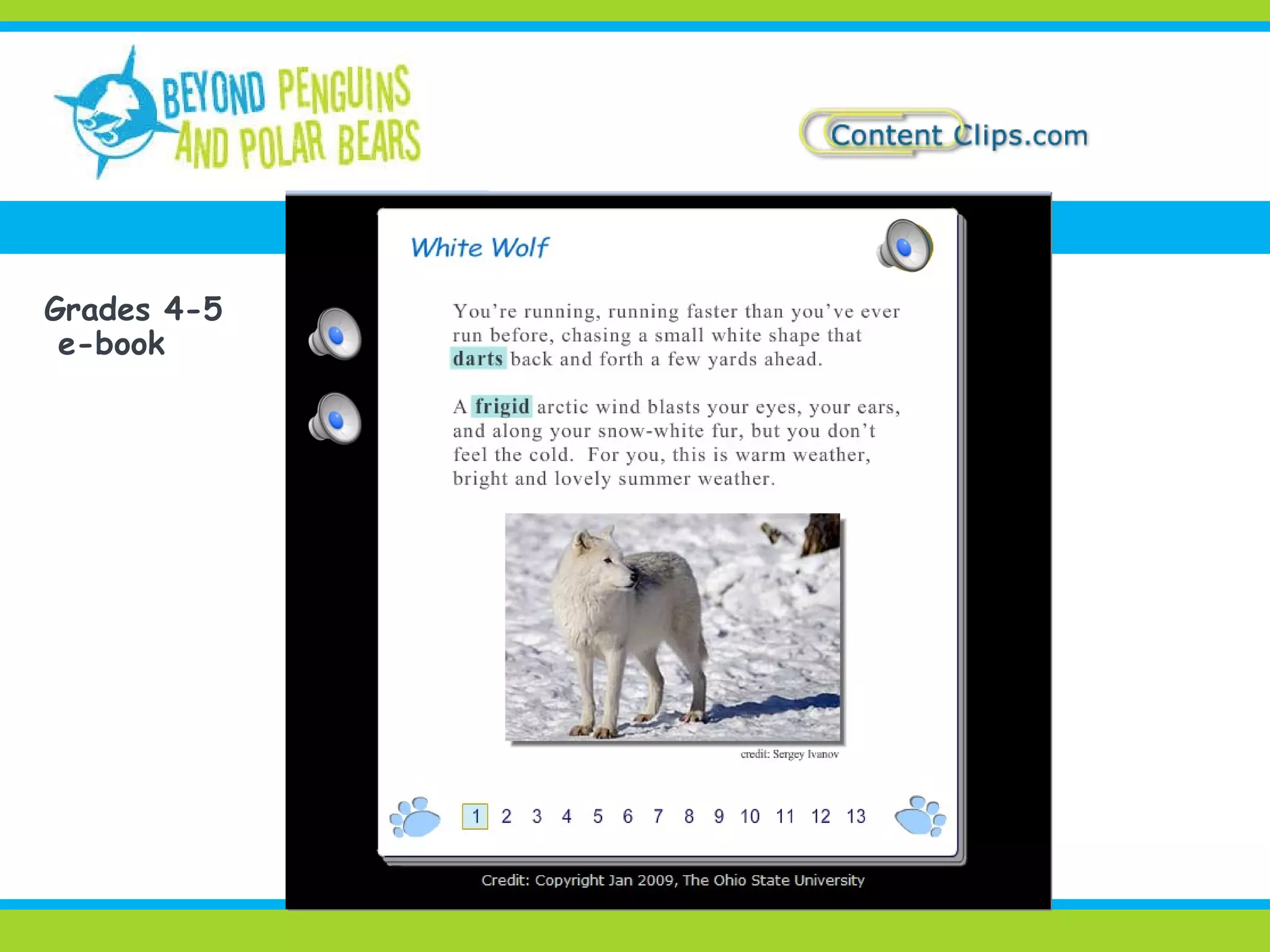
Reflects issue’s science content Available at three grade levels: K-1, 2-3, and 4-5 Available in three formats: text-only, illustrated book, and e-book Literacy templates designed for use with the articles Informational Text
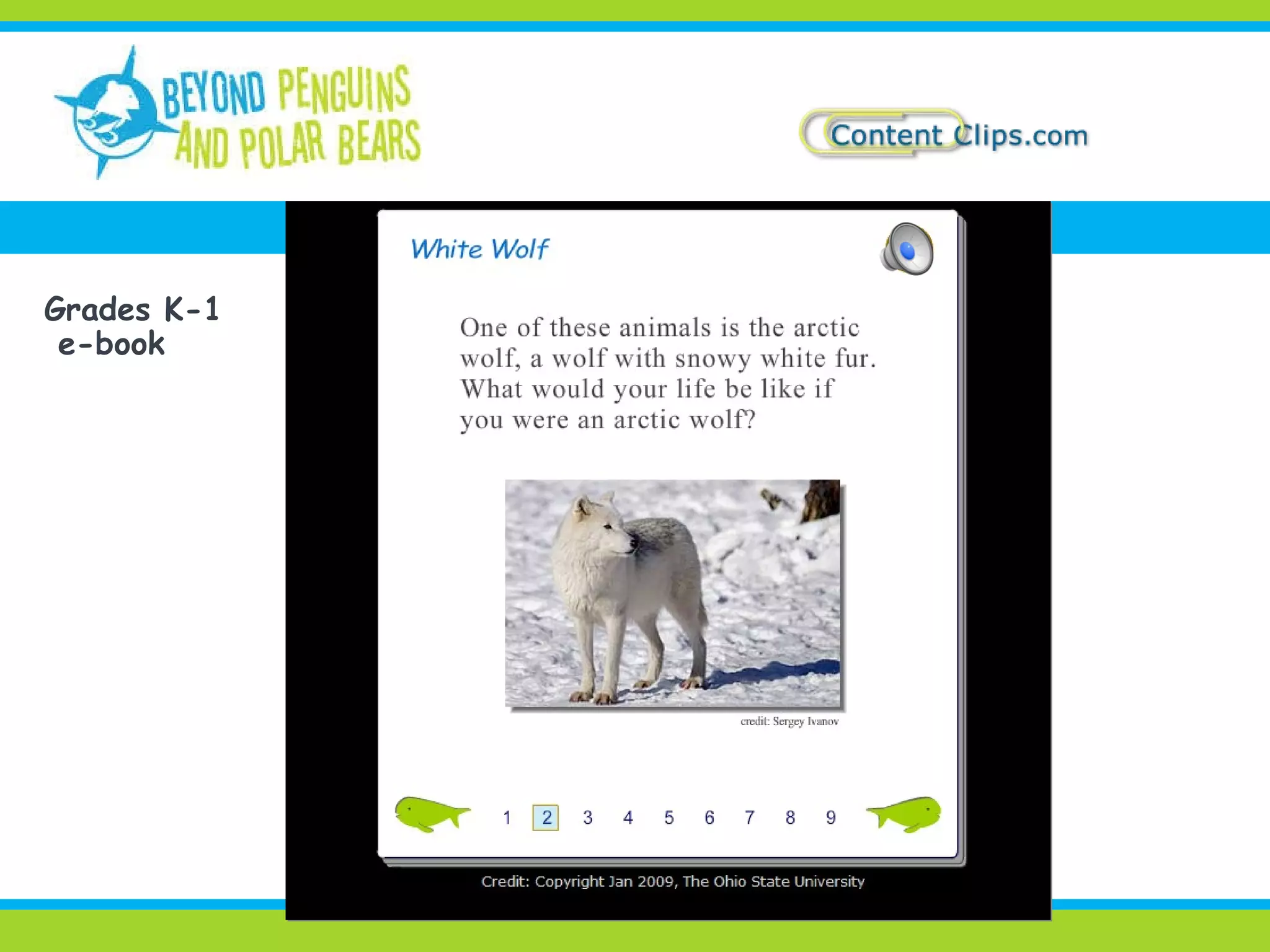
Grades K-1 e-book
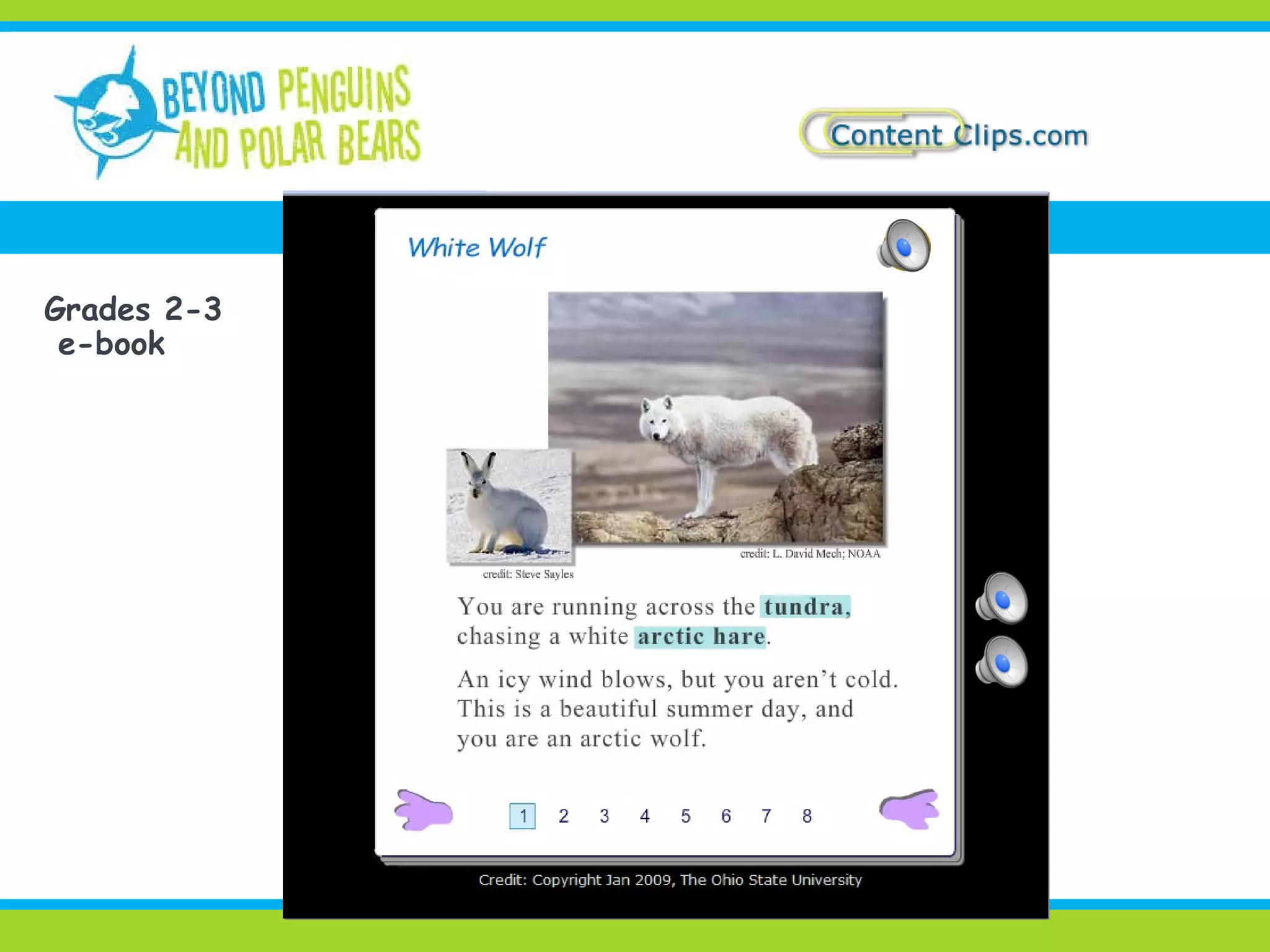
Grades 2-3 e-book
Grades 4-5 e-book
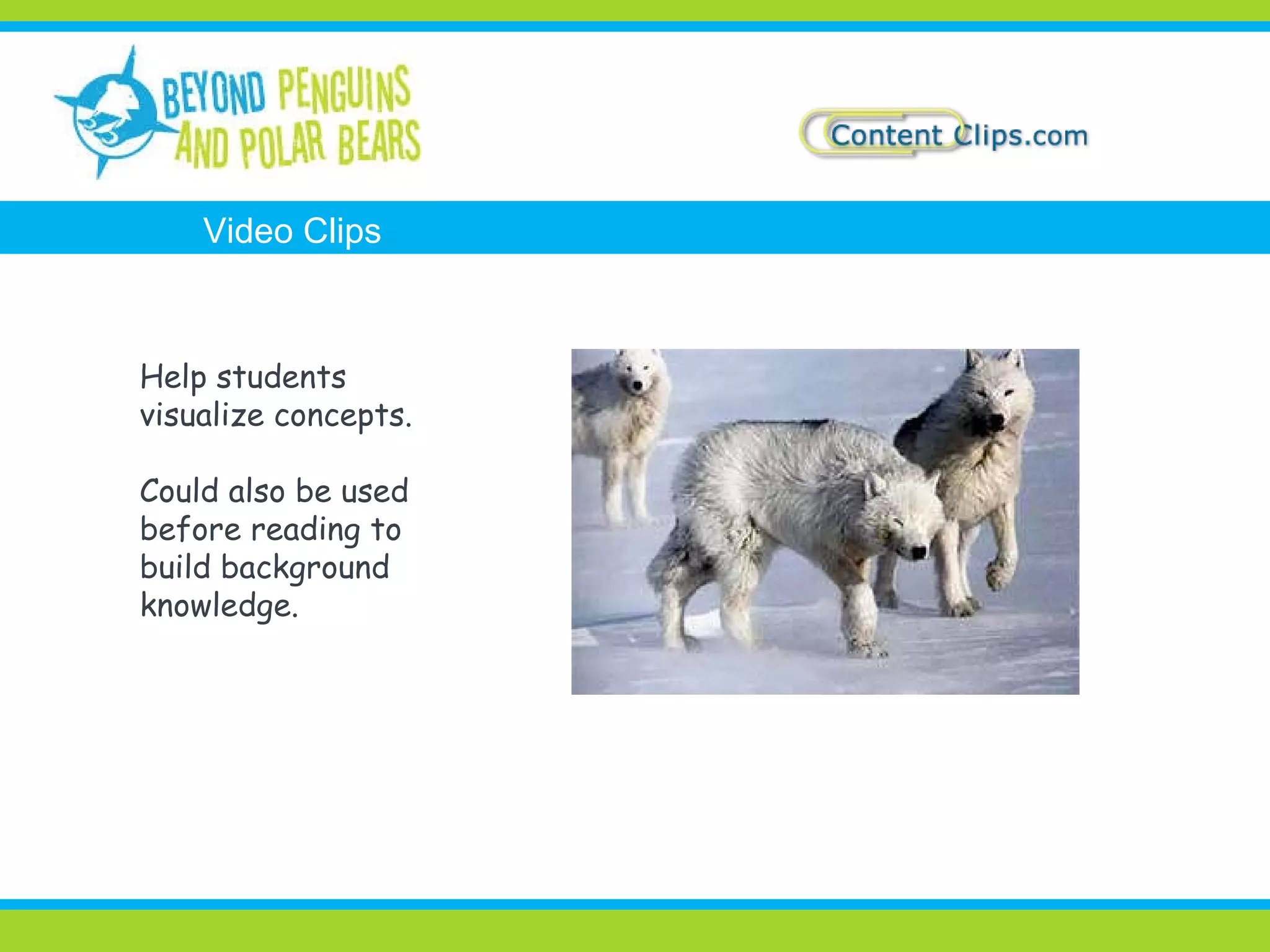
Help students visualize concepts. Could also be used before reading to build background knowledge. Video Clips
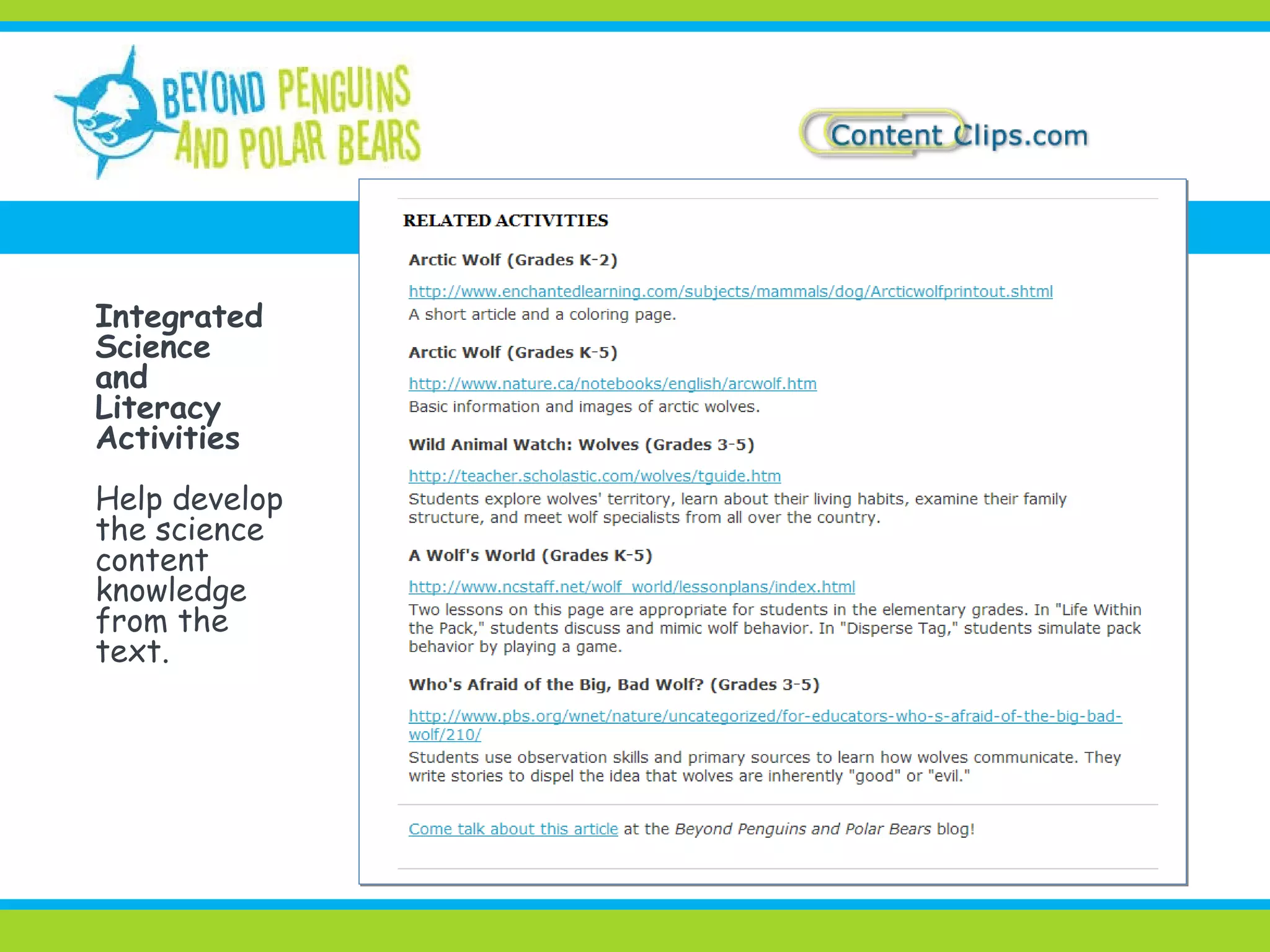
Integrated  Science and Literacy Activities Help develop the science content knowledge from the text.
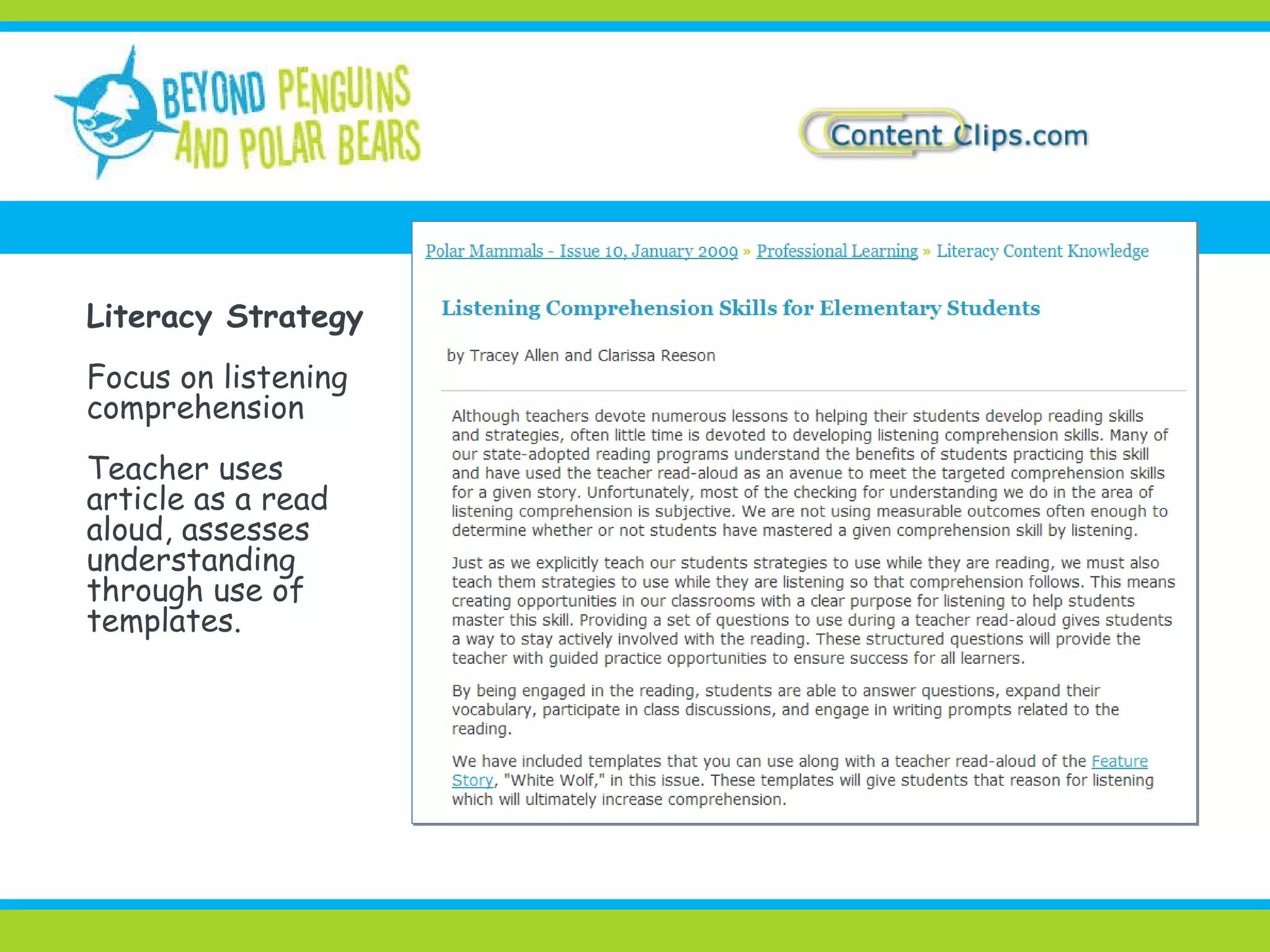
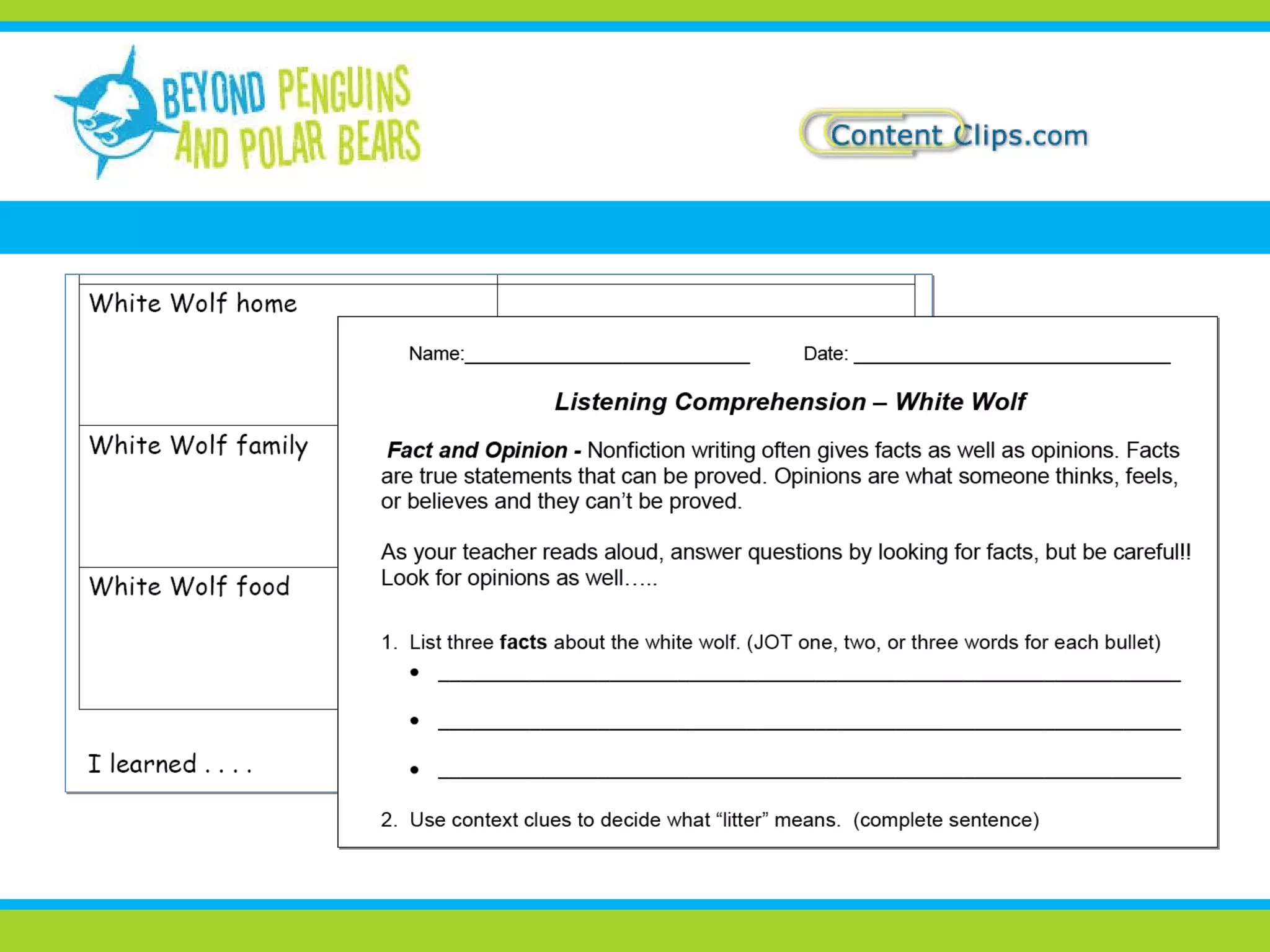
Literacy Strategy Focus on listening  comprehension Teacher uses article as a read aloud, assesses understanding through use of templates.
 
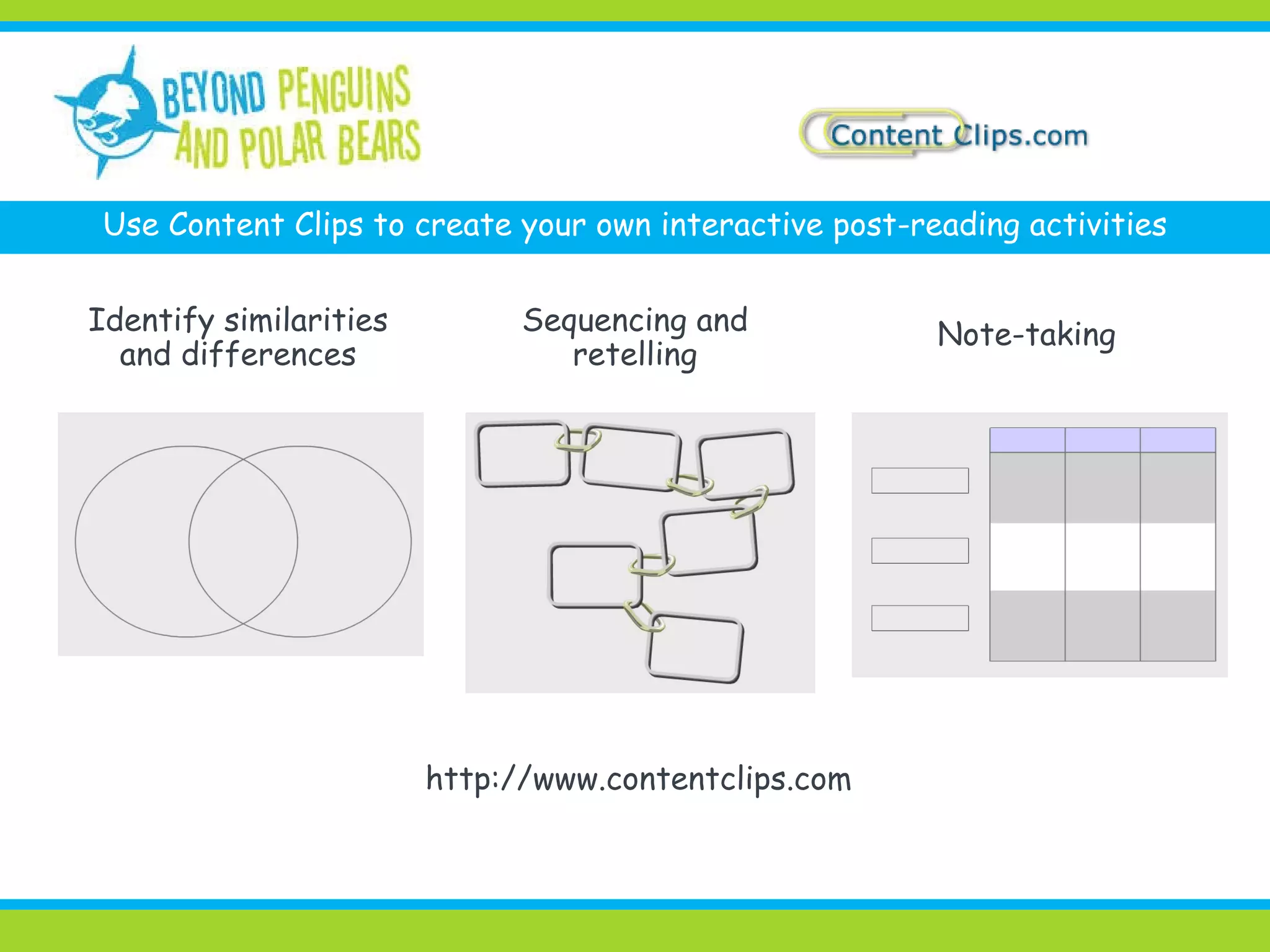
Use Content Clips to create your own interactive post-reading activities Identify similarities and differences Sequencing and retelling Note-taking http://www.contentclips.com
 
Thank You! Kimberly Lightle:  [email_address] Jessica Fries-Gaither:  [email_address] Lois McLean and Rick Tessman:  [email_address]

Using Technology to Support Struggling Elementary Readers

  • 1.
    Using Technology toSupport Struggling Elementary Readers March 22, 2009 Kimberly Lightle, Ohio State University Lois McLean and Rick Tessman, McLean Media
  • 2.
    Students need literacysupport outside of reading and language arts! Content area reading Use of informational text Explicit strategy instruction and modeling
  • 3.
    Activate prior knowledgeBuild knowledge of key concepts Engage and motivate students Support fluency and comprehension Differentiate instruction Clarify content and facilitate visualization of concepts Demonstrate understanding Practice comprehension strategies BEFORE DURING AFTER Technology can help support students…
  • 4.
    an online magazinefor k-5 teachers Funded by the National Science Foundation Incorporates polar science and literacy into the elementary science curriculum Content knowledge, lesson plans, bookshelf, researcher profiles, misconceptions, and more! Copyright Greg W. Lasley, www.greglasley.net
  • 5.
    an online magazinefor k-5 teachers
  • 6.
    NSDL project site http://www.contentclips.com Free collection and simple tool to organize clips from different sites into dynamic presentations Register to save what you find and assemble Clips focus on life science. Tool is open-ended. Use multimedia resources build knowledge of vocabulary, concepts, and connections among them What is Content Clips?
  • 7.
    the Content Clipsrecipe F IND published clips in the Clips Collection A DD personal clips from other sites M IX and organize clips to make sets and activities SERVE clips, sets, and activities
  • 8.
  • 9.
  • 10.
    FIND CLIPS -e-books Tip: limit search to “e-book”
  • 11.
    FIND SETS -topic-based http://www.contentclips.com/ipy/fwd/ipy_080_set_aur_6002.html
  • 12.
    ADD Make yourown clips to add to your personal collection http://farm4.static.flickr.com/3026/2740124604_09167b5ee6.jpg
  • 13.
    add your ownclip link
  • 14.
    MIX Mix publishedand personal objects to create sets and activities Arctic Mammal Set
  • 15.
    MIX View inlist or in this presentation view
  • 16.
  • 17.
    MIX - createan activity Search results or Set Contents Items added to activity
  • 18.
    SERVE Assign toClip Zone Need to replace screenprint (left) with one showing new Clip Zone tab
  • 19.
    Activate and assess prior knowledge Build vocabulary Address diverse needs Use images, audio, and video to engage and motivate Using Content Clips for pre-reading
  • 20.
    Mystery Sounds (BLACK) Can you match the animal to the mystery sound?
  • 21.
  • 22.
  • 23.
  • 24.
  • 25.
  • 26.
  • 27.
    Mammal Sort http://www.contentclips.com/ipy/fwd/ipy_0901_act_1_81.htmlLink on Arctic Mammal ezine issue “misconceptions” page
  • 28.
    Content Clips inclassroom video
  • 29.
    Content Clips inclassroom video
  • 30.
    Reflects issue’s sciencecontent Available at three grade levels: K-1, 2-3, and 4-5 Available in three formats: text-only, illustrated book, and e-book Literacy templates designed for use with the articles Informational Text
  • 31.
  • 32.
  • 33.
  • 34.
    Help students visualizeconcepts. Could also be used before reading to build background knowledge. Video Clips
  • 35.
    Integrated Scienceand Literacy Activities Help develop the science content knowledge from the text.
  • 36.
    Literacy Strategy Focuson listening comprehension Teacher uses article as a read aloud, assesses understanding through use of templates.
  • 37.
  • 38.
    Use Content Clipsto create your own interactive post-reading activities Identify similarities and differences Sequencing and retelling Note-taking http://www.contentclips.com
  • 39.
  • 40.
    Thank You! KimberlyLightle: [email_address] Jessica Fries-Gaither: [email_address] Lois McLean and Rick Tessman: [email_address]

Editor's Notes

  • #8 Use a cooking metaphor to give a quick overview of Content Clips. Recipe for making a set or activity in Content Clips. Not a training session --- just an idea of how you might use it.
  • #12 Example of a published set – a collection of images, video, and web resources. Available on ezine or in Content Clips. Click to see larger image or play clip.
  • #13 If you want clips that isn’t in Collection, add your own link. Example: want an Arctic Hare with a summer coat. Find one on Flickr photo sharing site that gives permission to re-use.. Enter direct link to size you want.
  • #14 Now, this jpeg image of an Arctic Hare is in my personal collection called “My Content.” Tip: add search terms to description.
  • #15 Mix clips into the new set called “Arctic Mammal Set.” Five of the items from the left column were added to the set on the right.
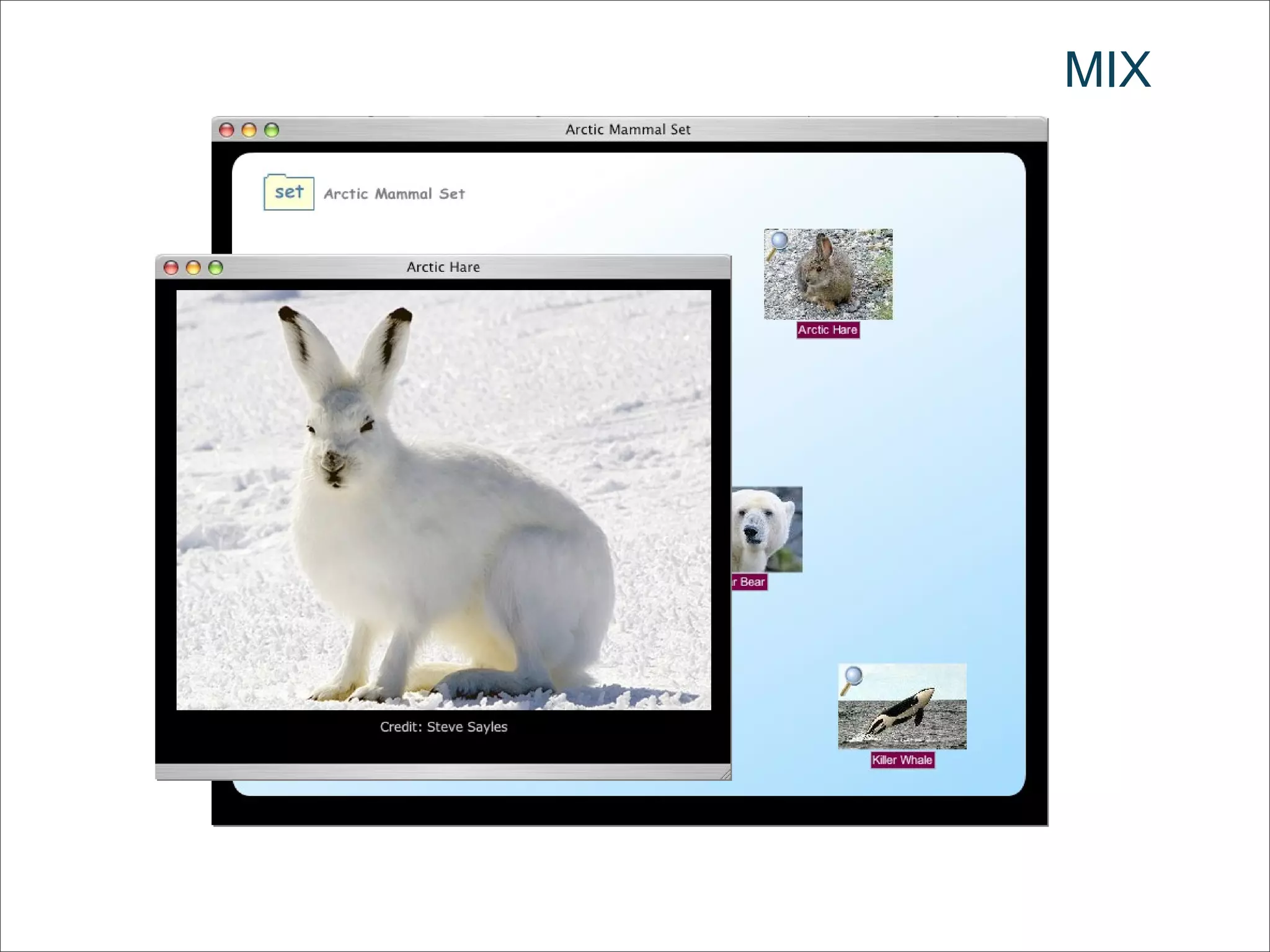
  • #16 If you click on the set icon, opens in the presentation view, with titles. Icons are draggable. Click on an icon to play video or on image to see larger view --- like Arctic Hare in winter.
  • #18 Other choice is to make an activity by choosing a background, like a graphic organizer Here someone has started a Venn Diagram. You’ll see the actual activity later.
  • #19 Can also assign items to a class clip zone and use that tab for presentations. Take out this slide??
  • #20 Now will show an example of an activity created in Content Clips to introduce Arctic animals that could be used in pre-reading.
  • #22 Find images: Loon, wolf, mosquito, whale, polar bear.
  • #23 Click to see large images and study details
  • #24 Listen to sound. Which animal makes this sound?
  • #25 Move images of animals to matching sound. Extension: Why do animals make these sounds?
  • #26 Activity toolbar includes drawing tools. Could turn on titles or …
  • #27 Can also add labels when making activity and then drag labels to correct image and sound.
  • #28 Example of an activity built with Content Clips that Jessica designed and published in the e-zine. Find on page that talks about misconceptions about mammals. Kids often categorize by motion. Bats are birds because they fly. Whales are fish because they swim. Answer key.
  • #29 Video clip of Content Clips used in a third grade with smartboard. Dealing with animal characteristics (not arctic). May be able to hear students expressing some misconceptions
  • #30 Click to play video
  • #32 Click speaker icon to play audio.
  • #33 Click speaker icons to play audio.
  • #34 Click speaker icons to play audio.
  • #35 Still need to add video clips