mvaloriani@gmail.com
@matteovaloriani
www.fifthingenium.com
Mixed Reality:Dalle demo a un prodotto
Matteo Valoriani
Torino, 23 Settembre 2016
Sponsor
Nice to MeetYou
3
MatteoValoriani
CEO of FifthIngenium
PhD at Politecnico of Milano
Speaker and Consultant
Microsoft MVP – Emerging Experiences
Intel Software Innovator
mvaloriani at gmail.com
@MatteoValoriani
Slideshare: www.slideshare.net/MatteoValoriani
Linkedin: https://it.linkedin.com/in/matteovaloriani
Blog: http://fifthingenium.com/blog
GitHub: https://github.com/mvaloriani
Agenda
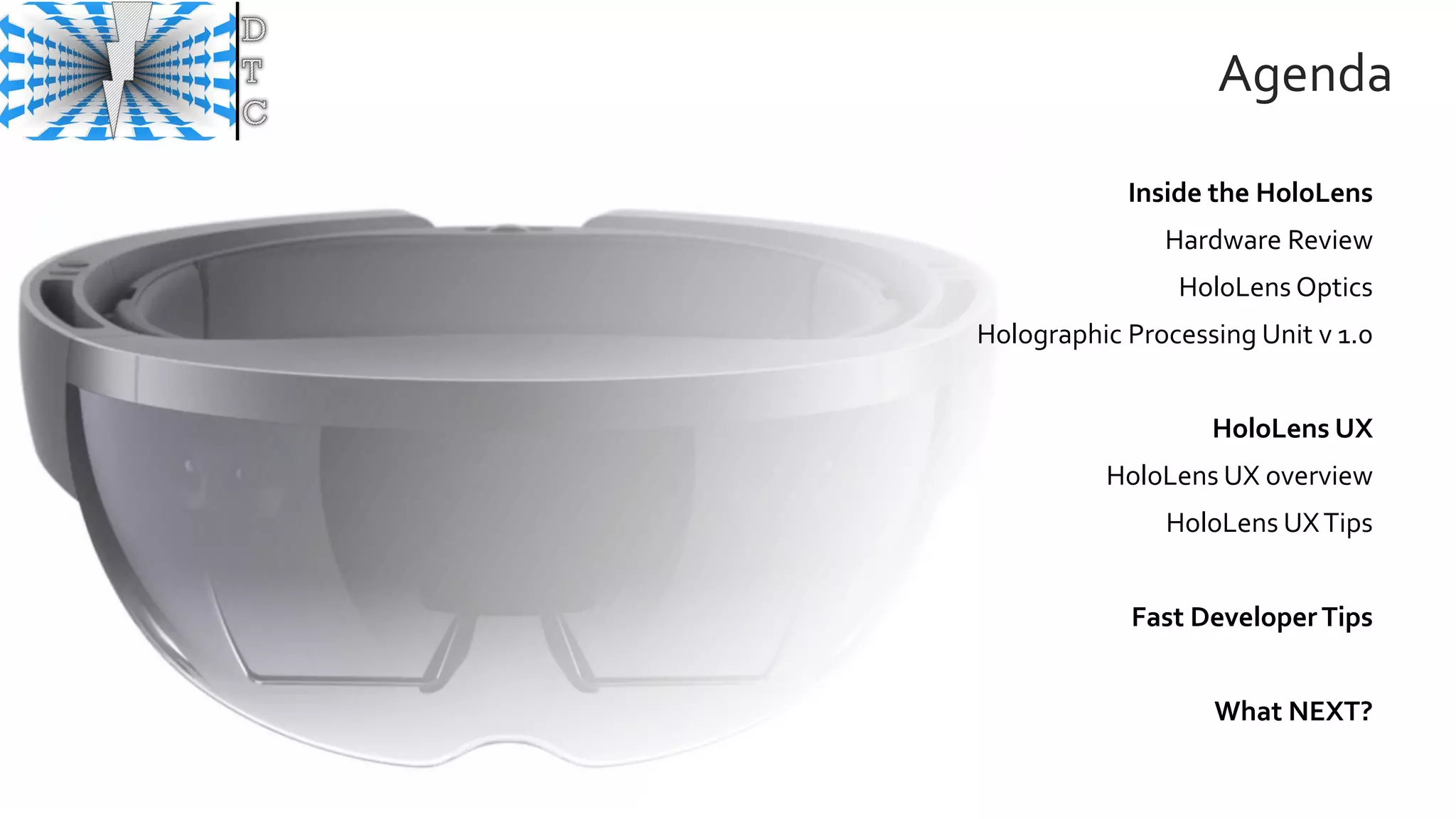
Inside the HoloLens
Hardware Review
HoloLens Optics
Holographic Processing Unit v 1.0
HoloLens UX
HoloLens UX overview
HoloLens UXTips
Fast DeveloperTips
What NEXT?
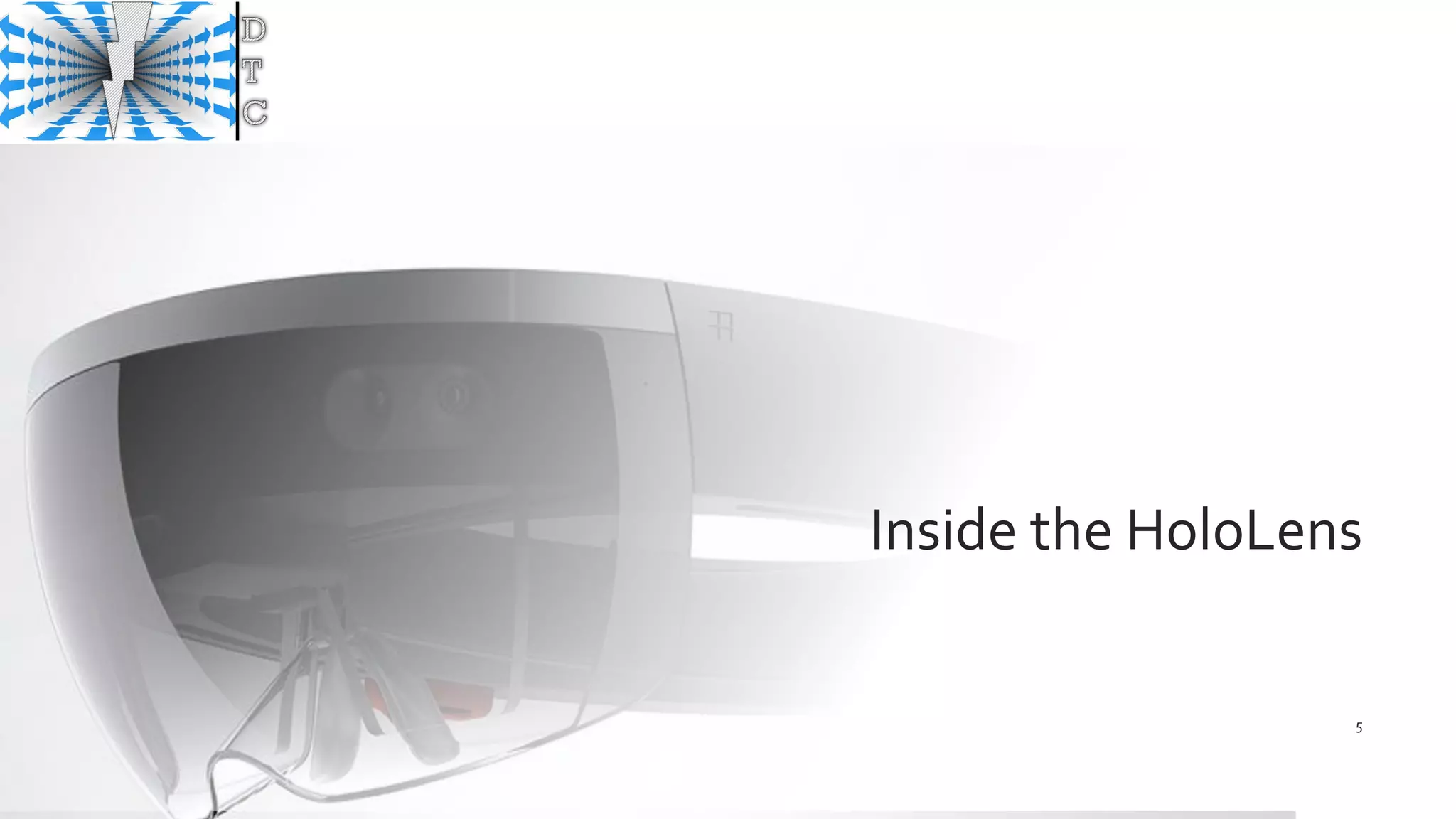
Inside the HoloLens
5
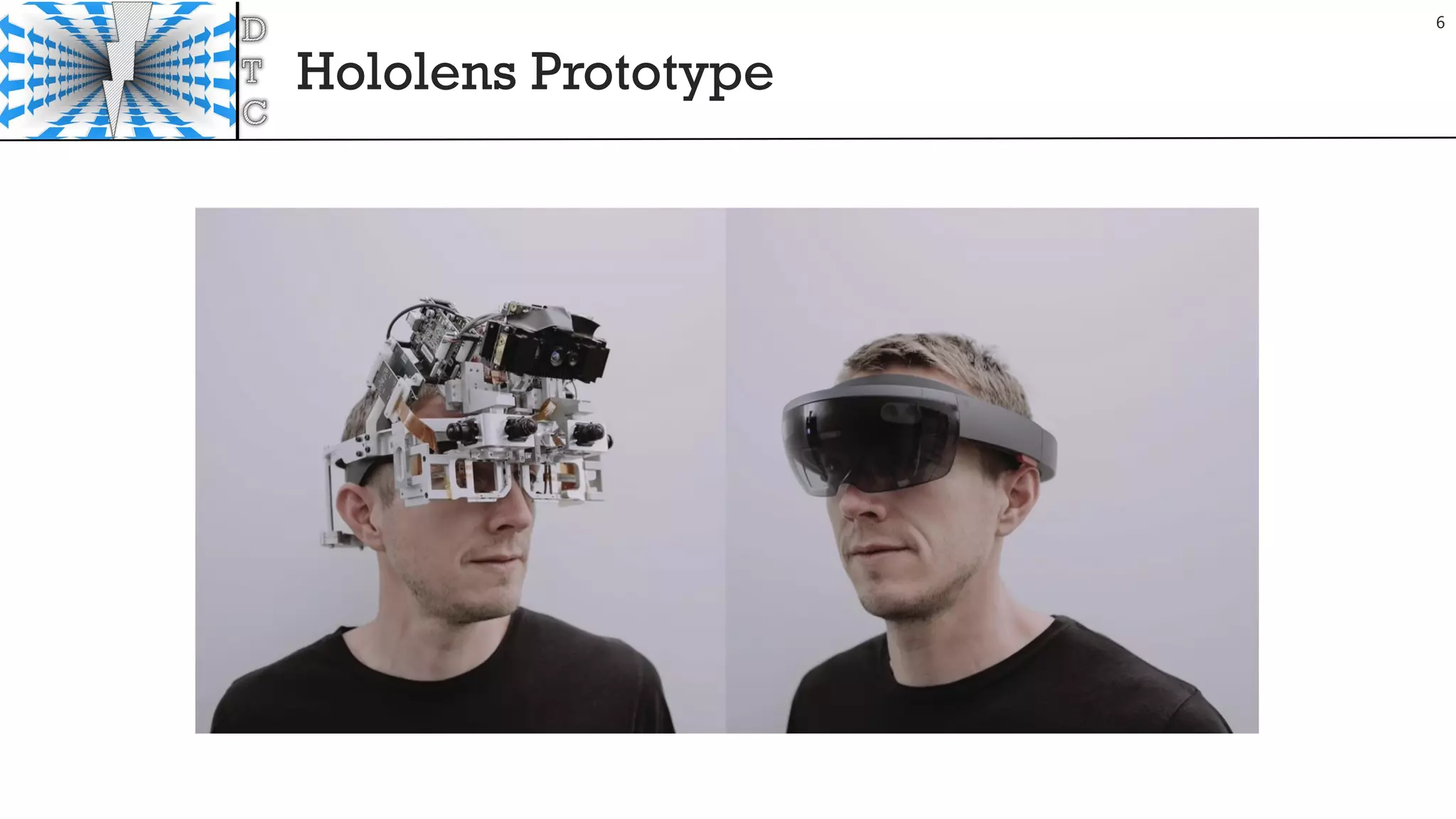
Hololens Prototype
6
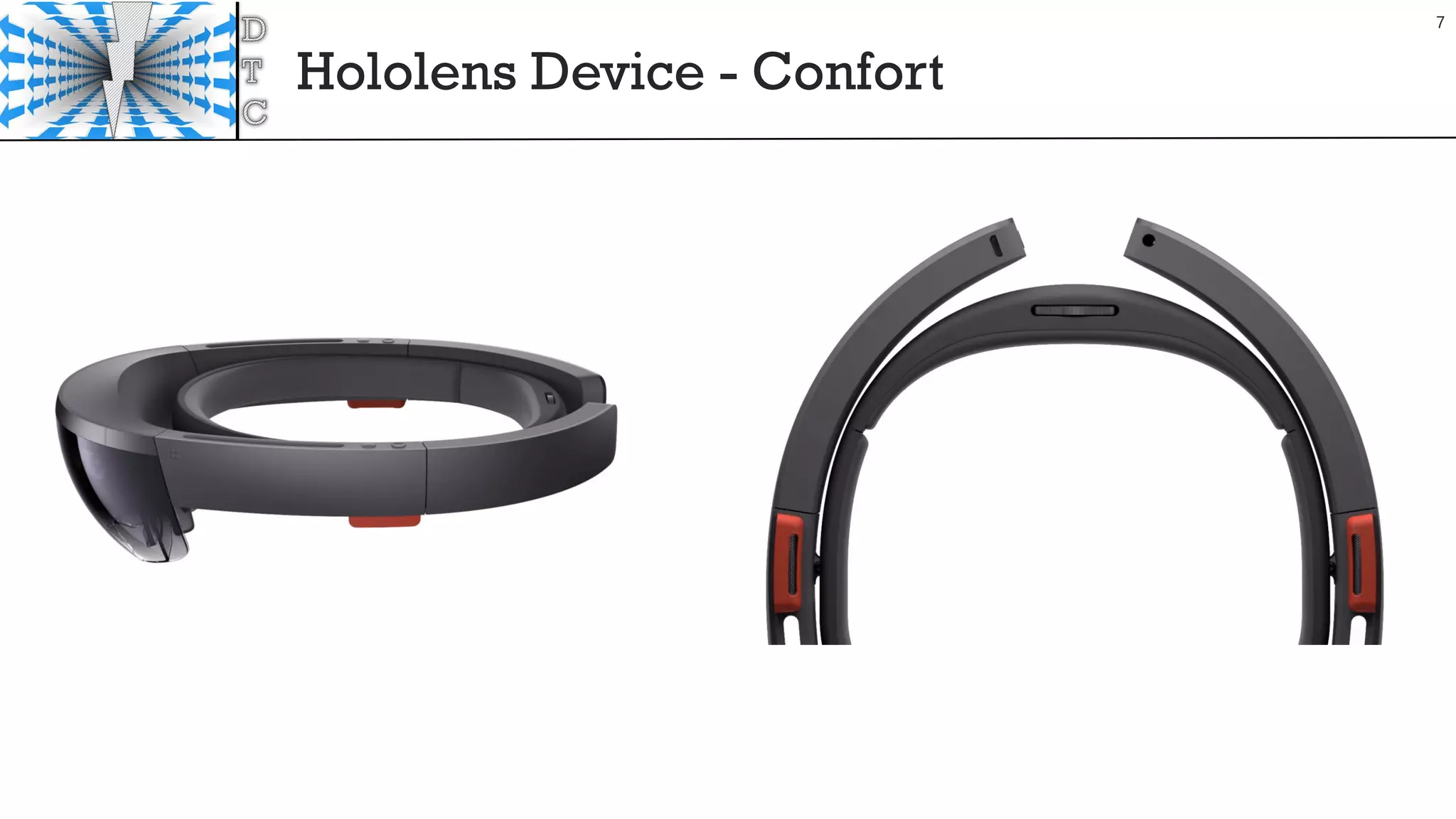
Hololens Device - Confort
7
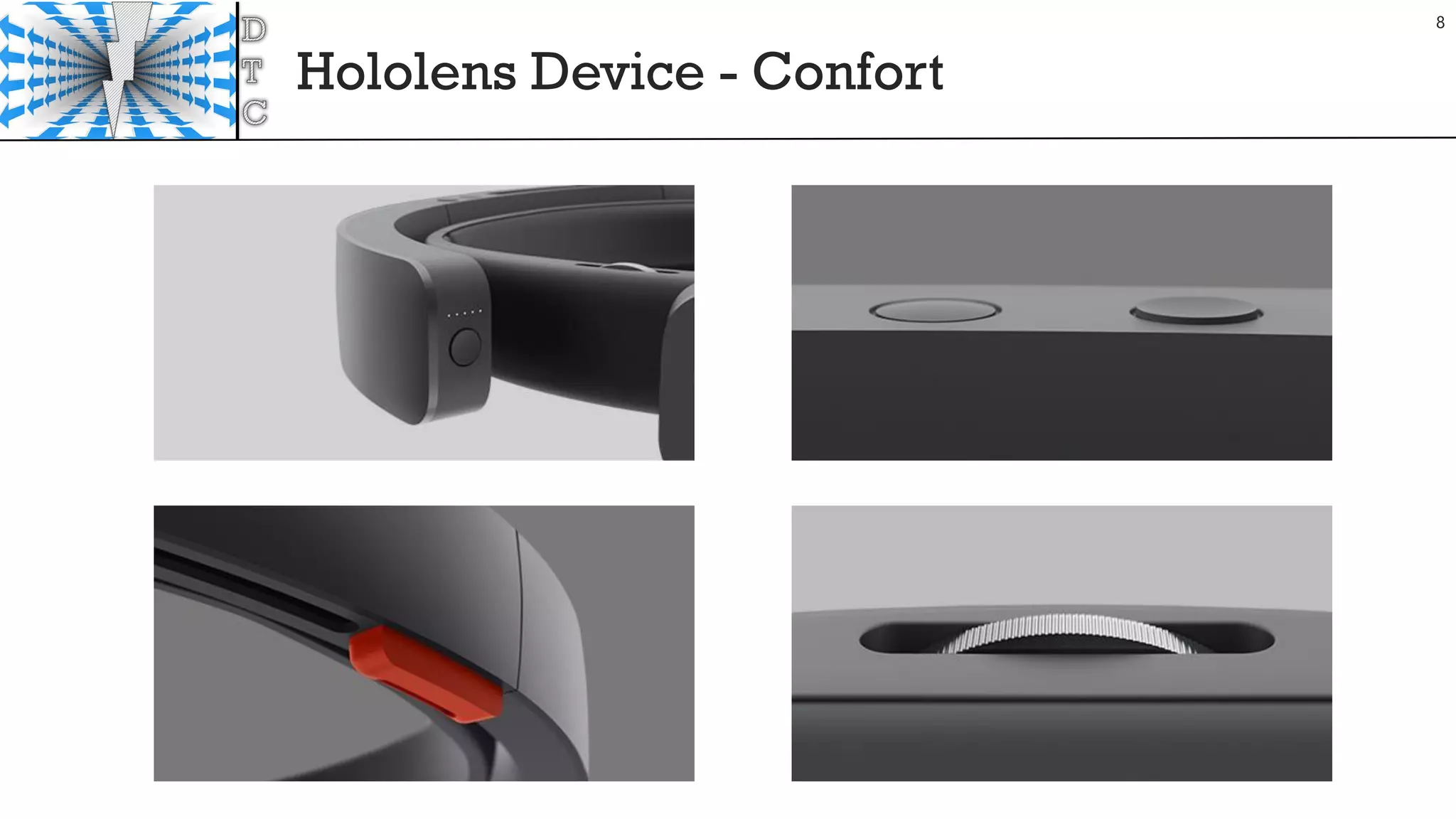
Hololens Device - Confort
8
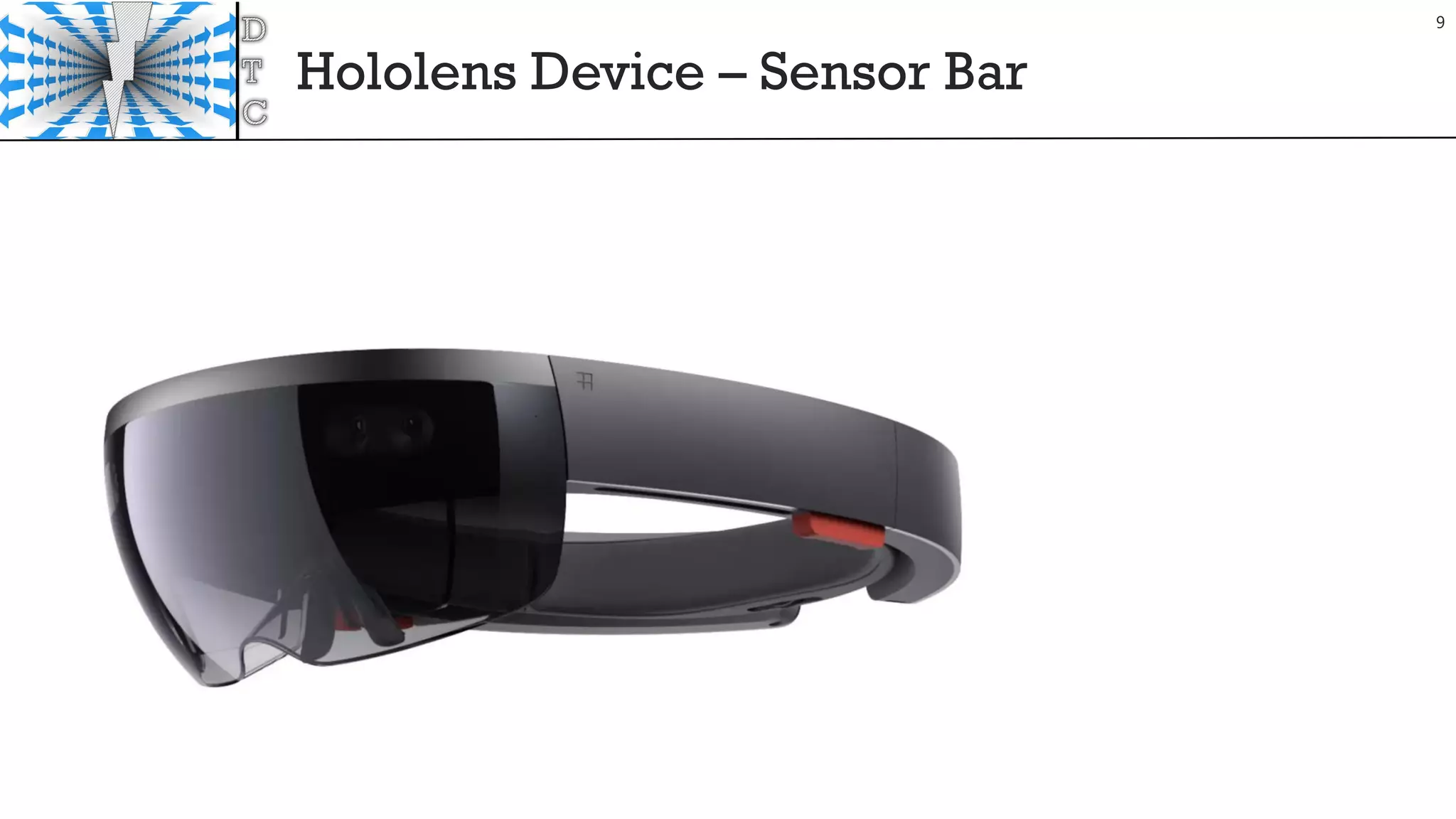
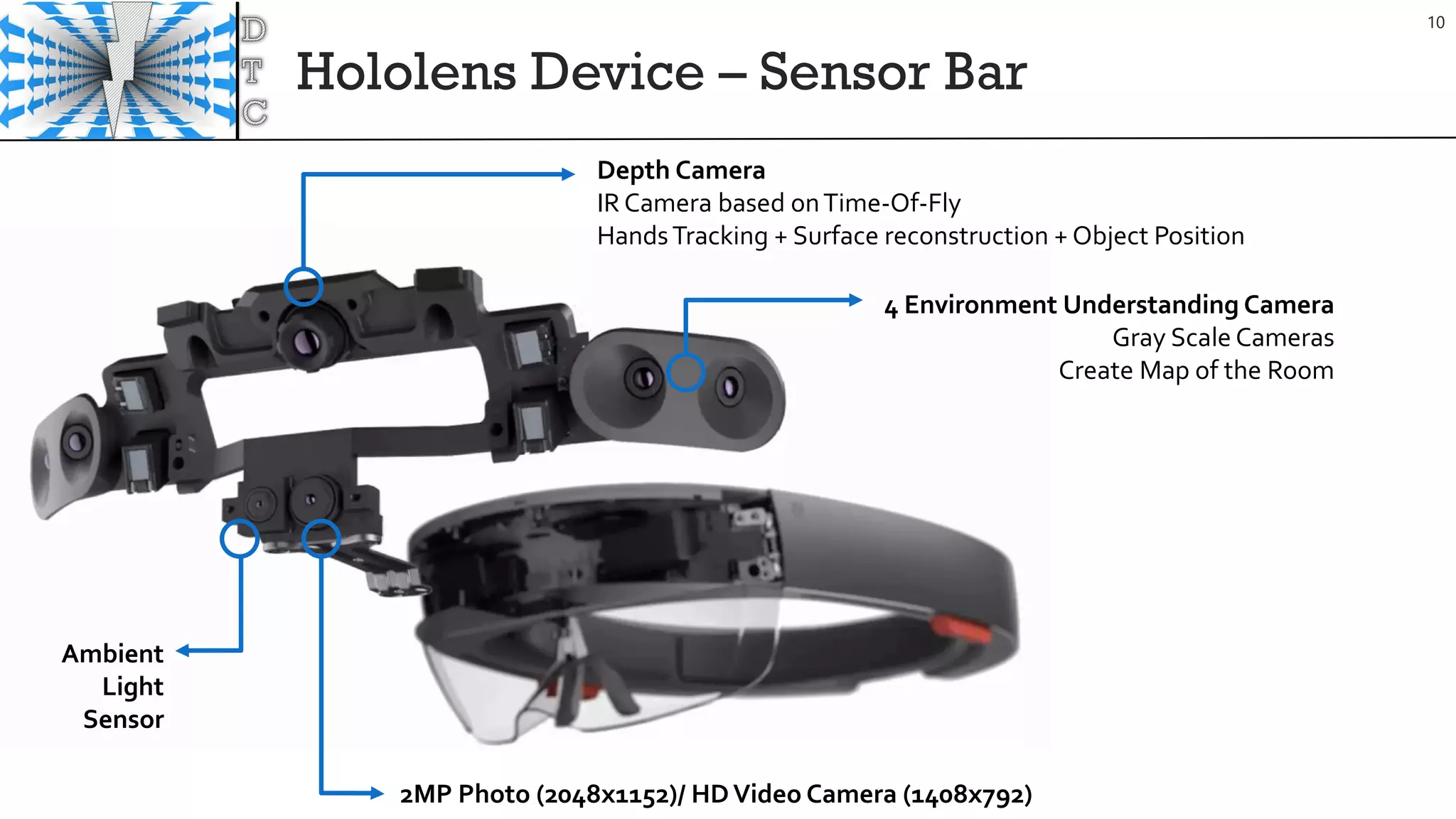
Hololens Device – Sensor Bar
9
Hololens Device – Sensor Bar
Ambient
Light
Sensor
2MP Photo (2048x1152)/ HDVideo Camera (1408x792)
Depth Camera
IR Camera based onTime-Of-Fly
HandsTracking + Surface reconstruction + Object Position
4 Environment Understanding Camera
Gray Scale Cameras
Create Map of the Room
10
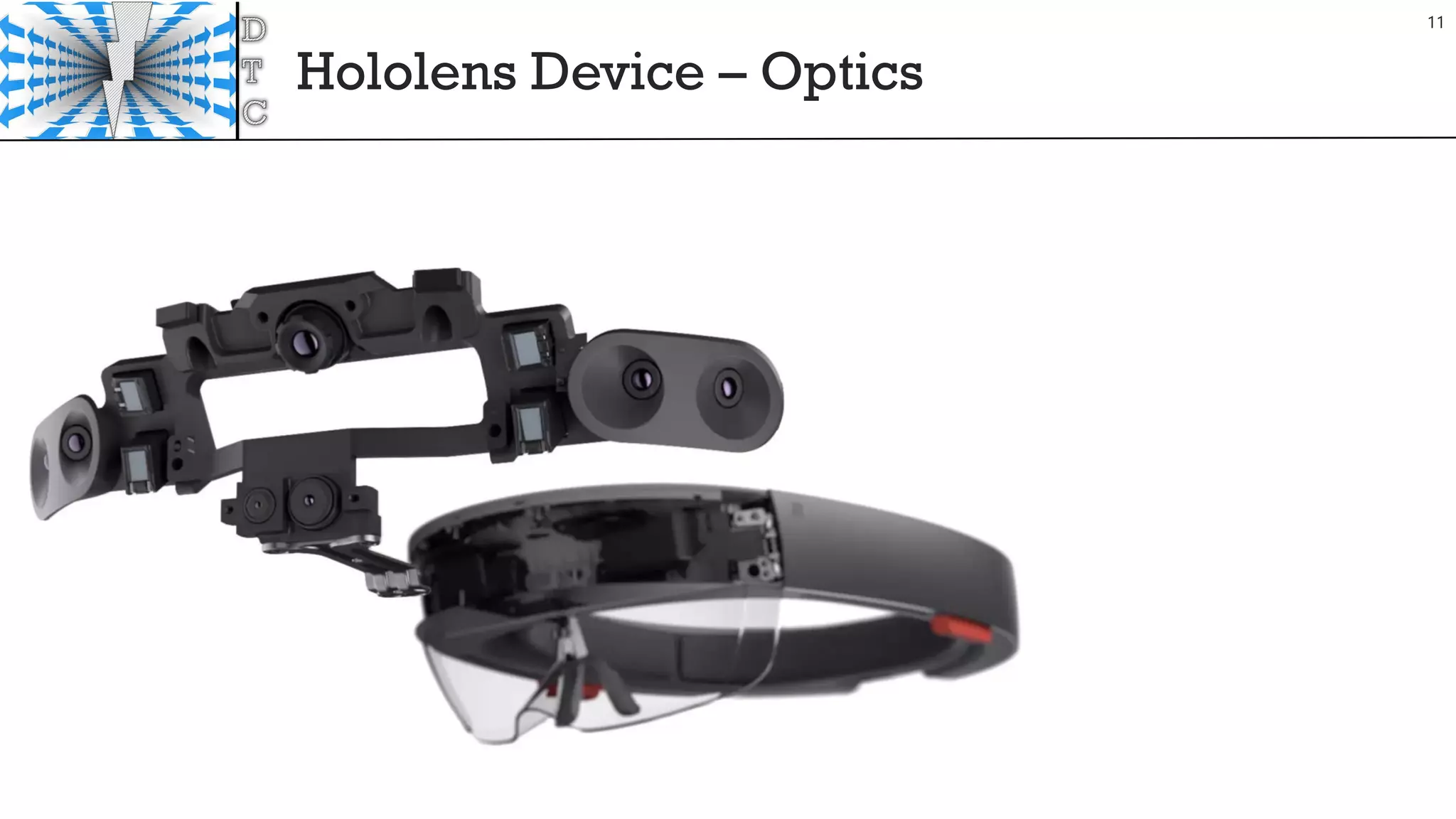
Hololens Device – Optics
11
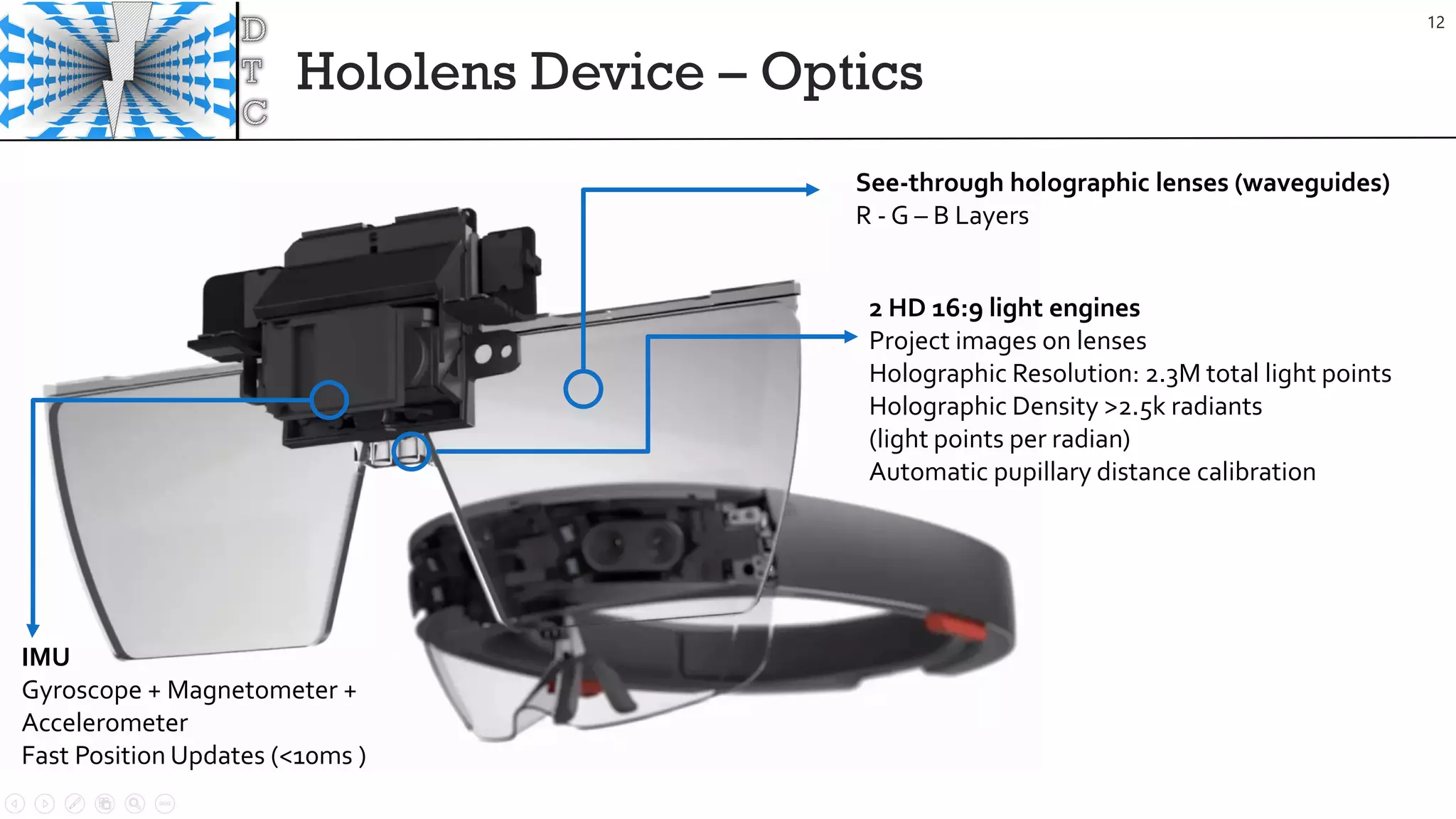
Hololens Device – Optics
IMU
Gyroscope + Magnetometer +
Accelerometer
Fast Position Updates (<10ms )
2 HD 16:9 light engines
Project images on lenses
Holographic Resolution: 2.3M total light points
Holographic Density >2.5k radiants
(light points per radian)
Automatic pupillary distance calibration
See-through holographic lenses (waveguides)
R - G – B Layers
12
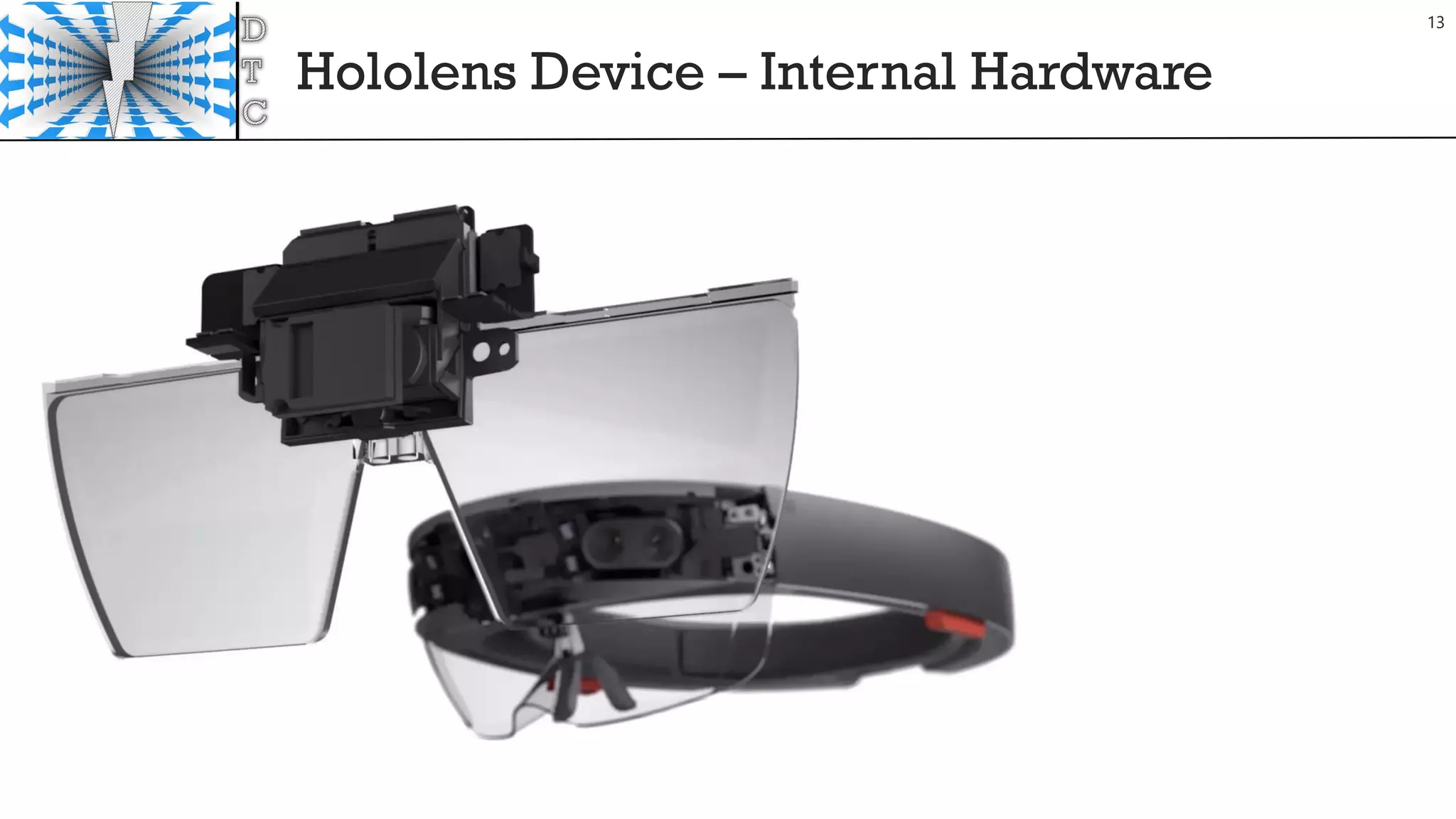
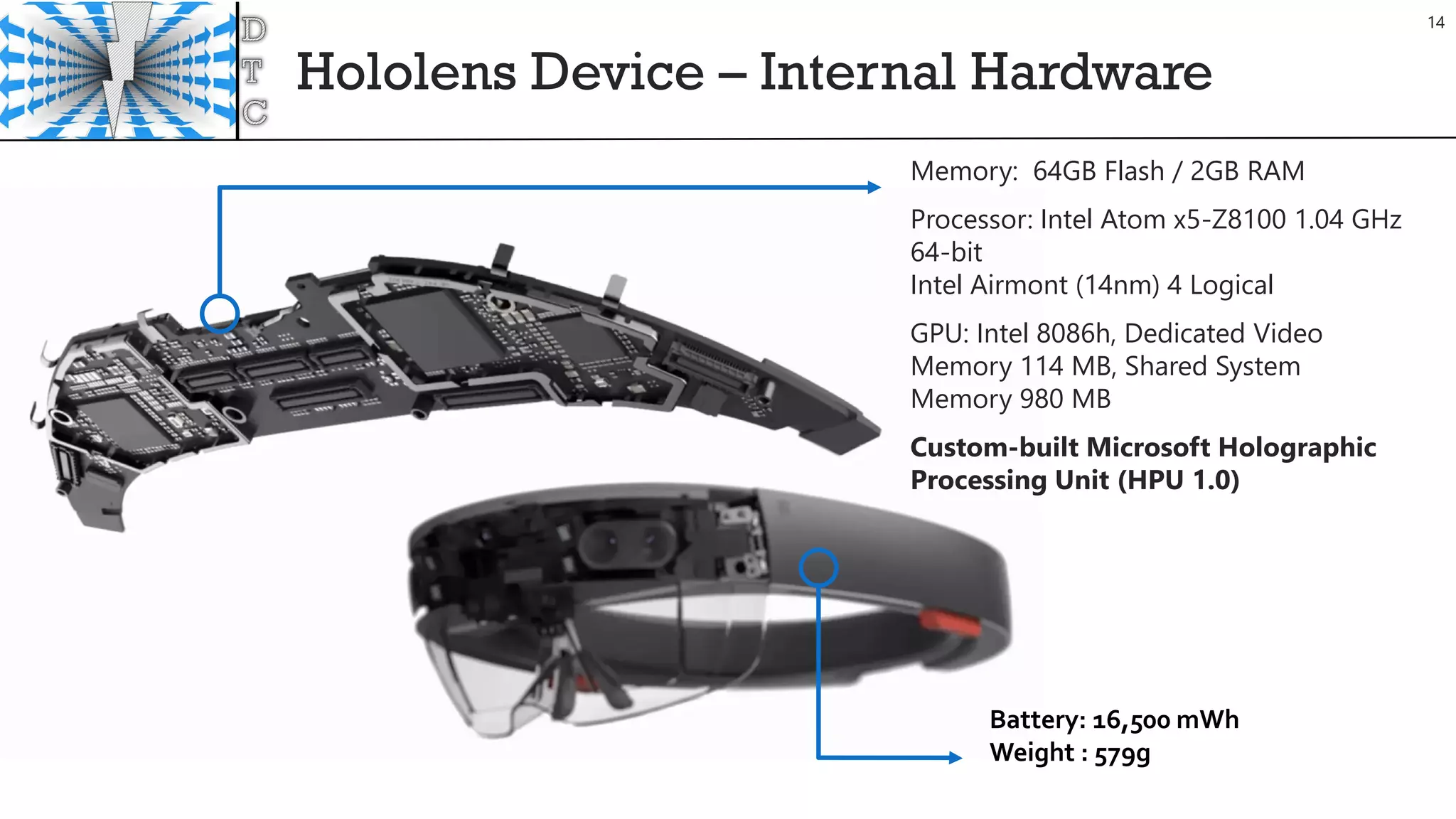
Hololens Device – Internal Hardware
13
Hololens Device – Internal Hardware
Memory: 64GB Flash / 2GB RAM
Processor: Intel Atom x5-Z8100 1.04 GHz
64-bit
Intel Airmont (14nm) 4 Logical
GPU: Intel 8086h, Dedicated Video
Memory 114 MB, Shared System
Memory 980 MB
Custom-built Microsoft Holographic
Processing Unit (HPU 1.0)
Battery: 16,500 mWh
Weight : 579g
14
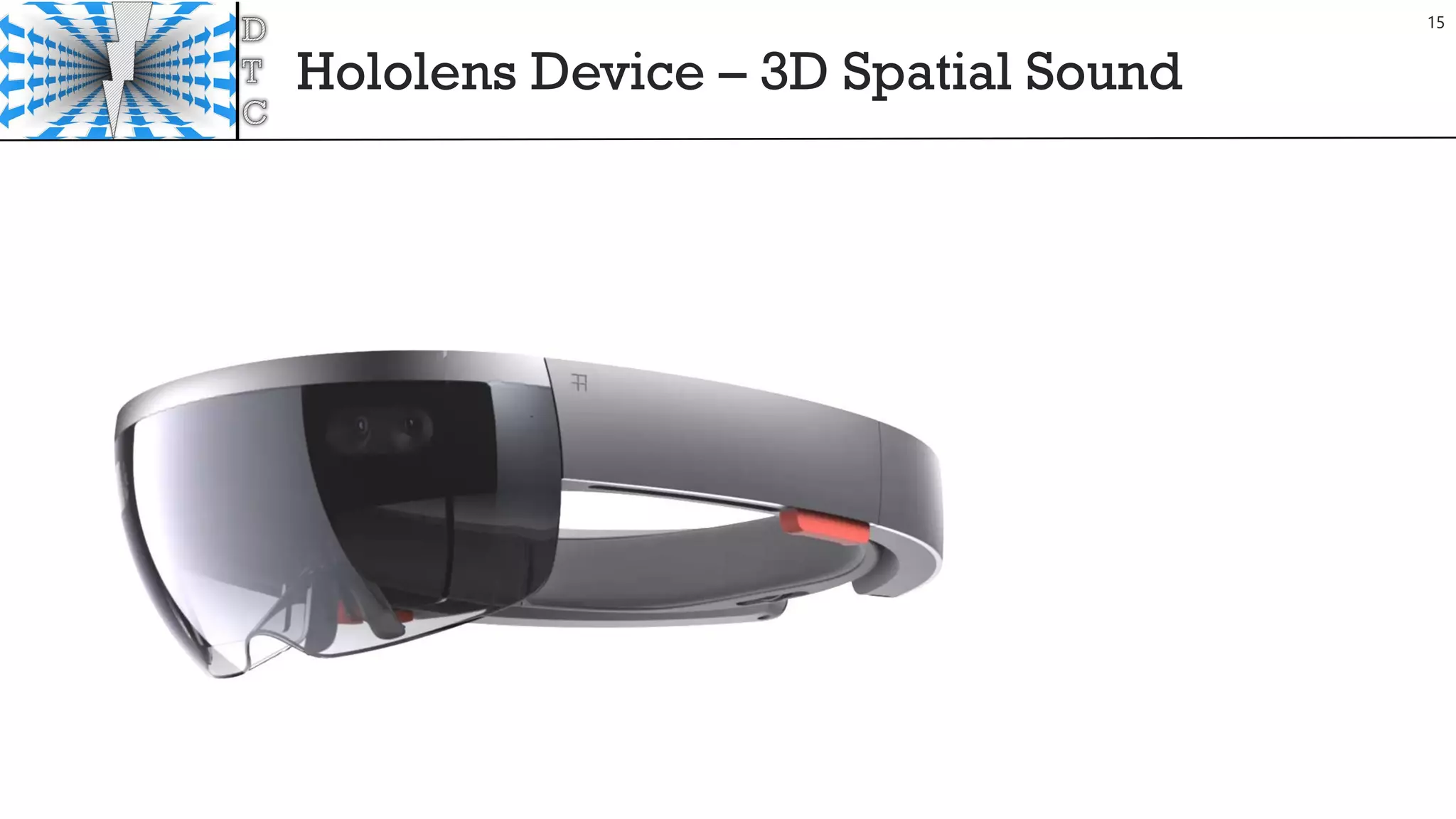
Hololens Device – 3D Spatial Sound
15
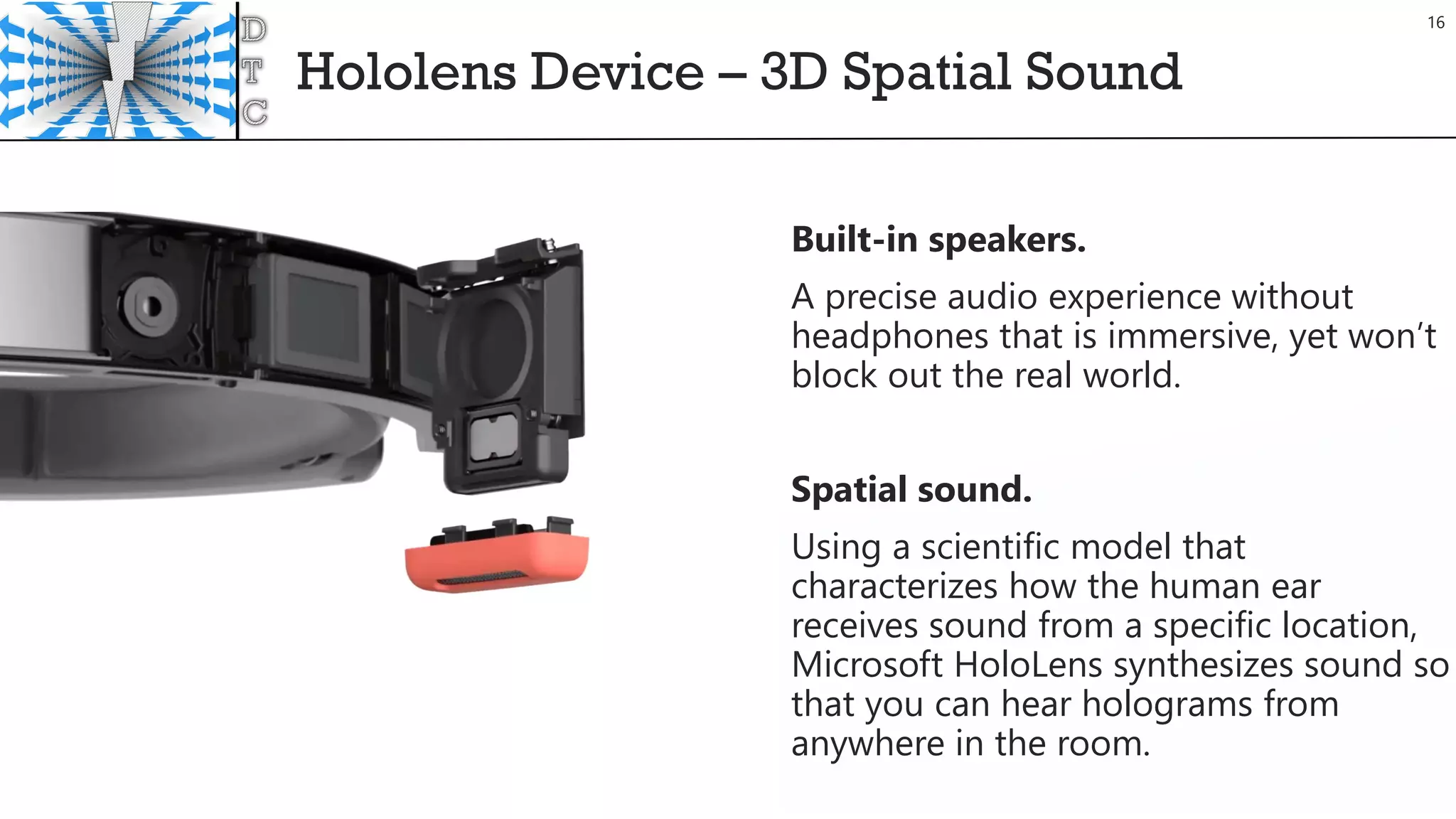
Hololens Device – 3D Spatial Sound
Built-in speakers.
A precise audio experience without
headphones that is immersive, yet won’t
block out the real world.
Spatial sound.
Using a scientific model that
characterizes how the human ear
receives sound from a specific location,
Microsoft HoloLens synthesizes sound so
that you can hear holograms from
anywhere in the room.
16
HoloLens Optics
17
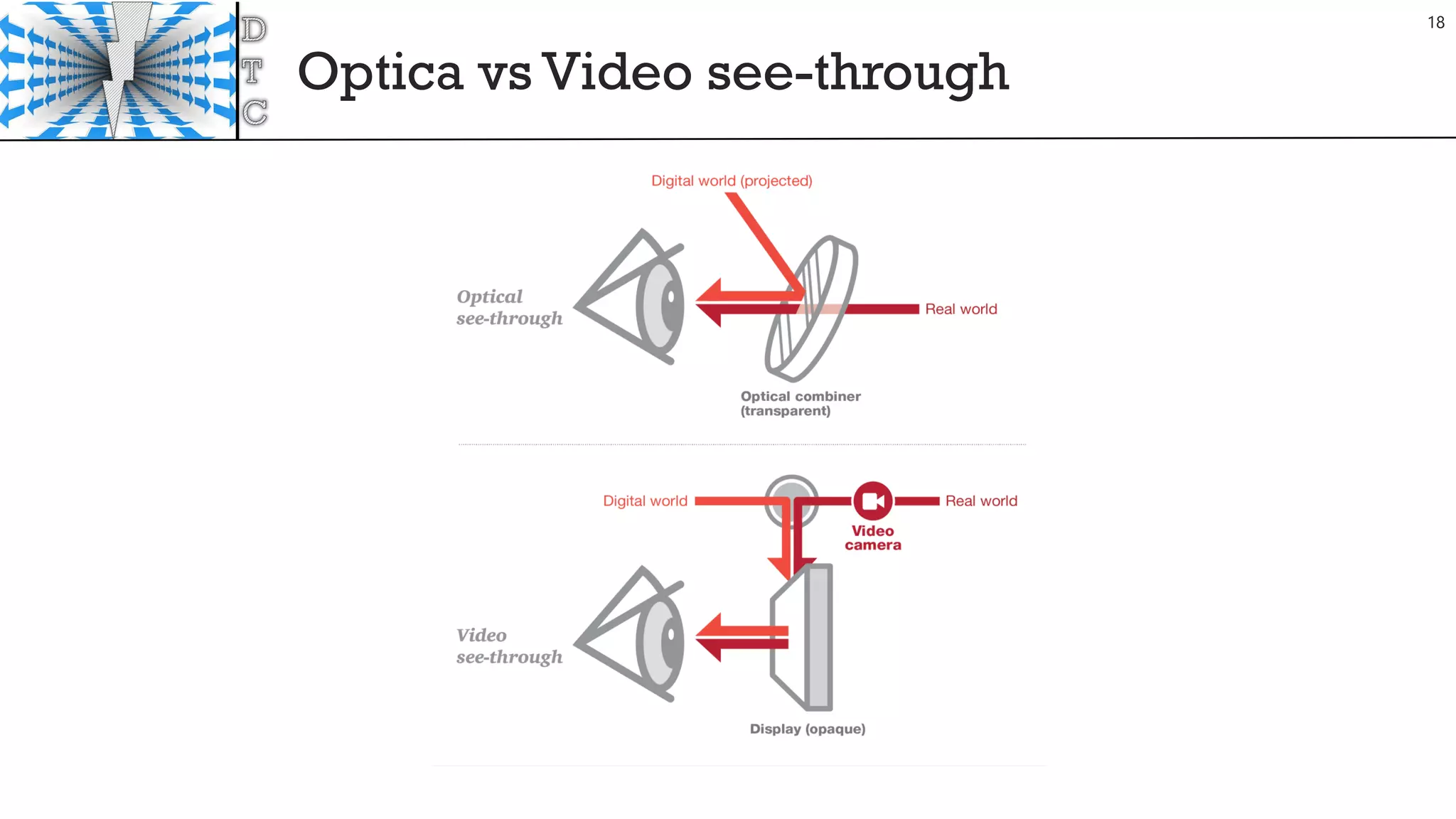
Optica vs Video see-through
18
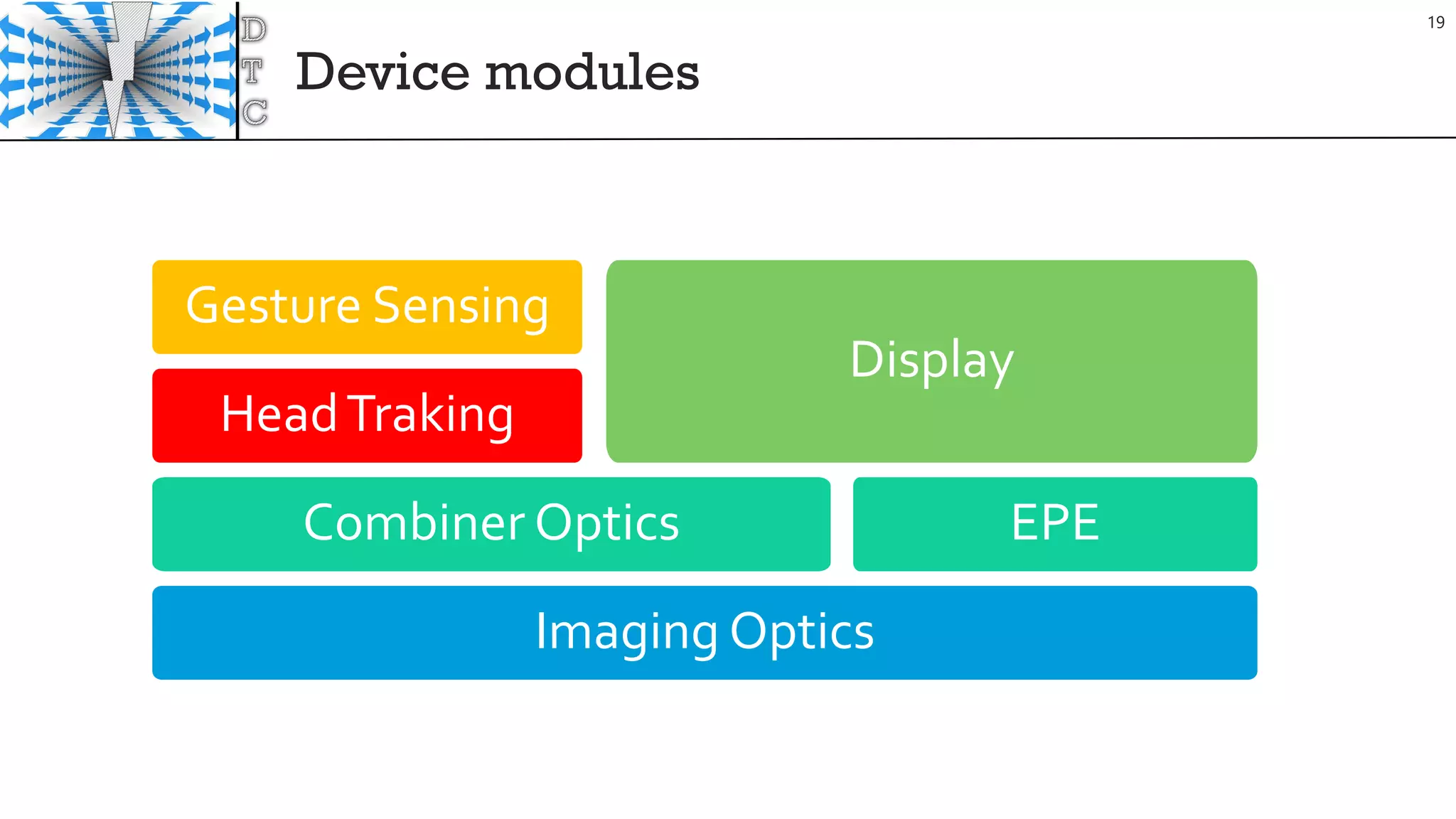
Device modules
19
Imaging Optics
Combiner Optics
HeadTraking
Gesture Sensing
EPE
Display
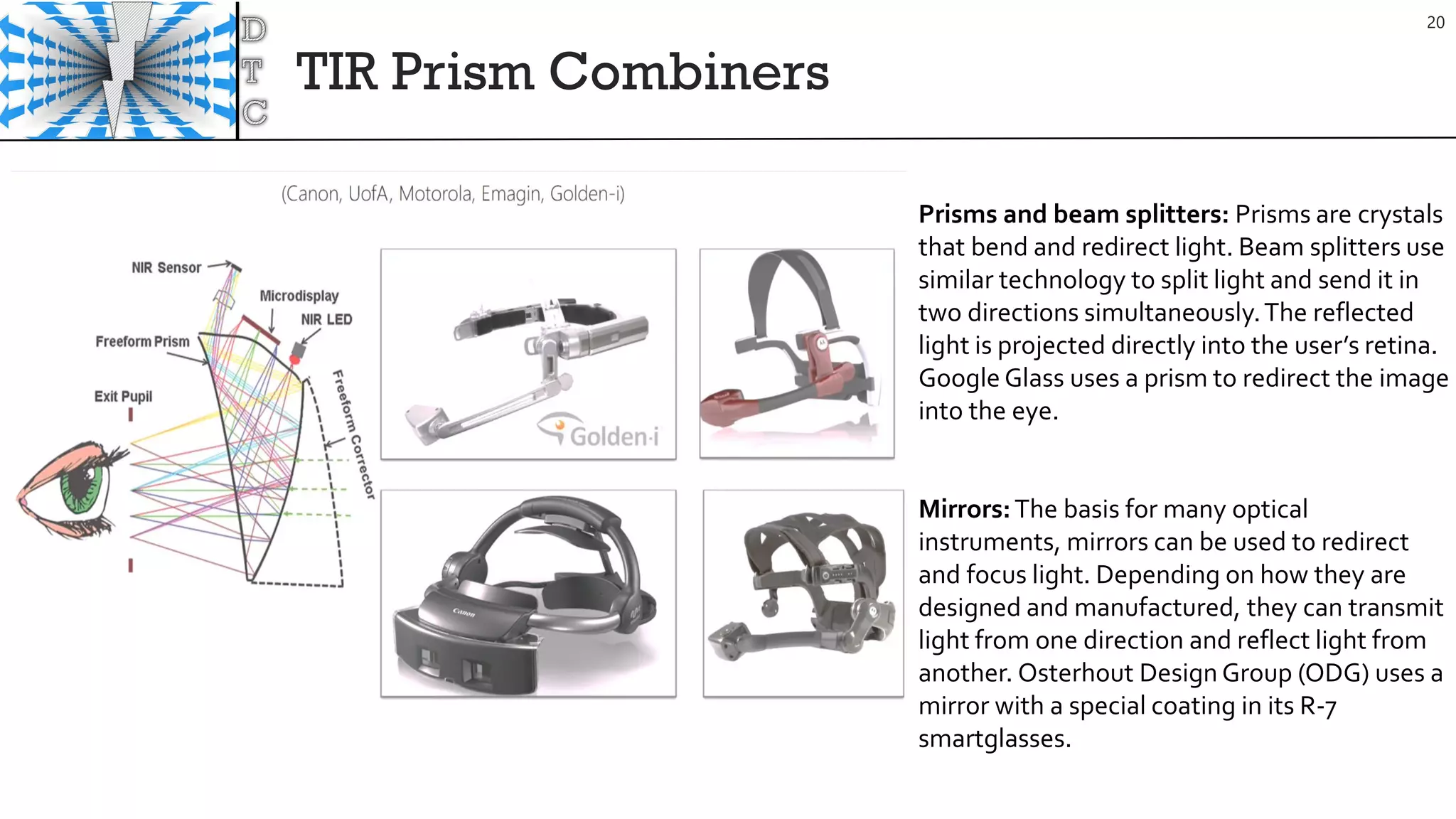
TIR Prism Combiners
20
Prisms and beam splitters: Prisms are crystals
that bend and redirect light. Beam splitters use
similar technology to split light and send it in
two directions simultaneously.The reflected
light is projected directly into the user’s retina.
Google Glass uses a prism to redirect the image
into the eye.
Mirrors:The basis for many optical
instruments, mirrors can be used to redirect
and focus light. Depending on how they are
designed and manufactured, they can transmit
light from one direction and reflect light from
another. Osterhout Design Group (ODG) uses a
mirror with a special coating in its R-7
smartglasses.
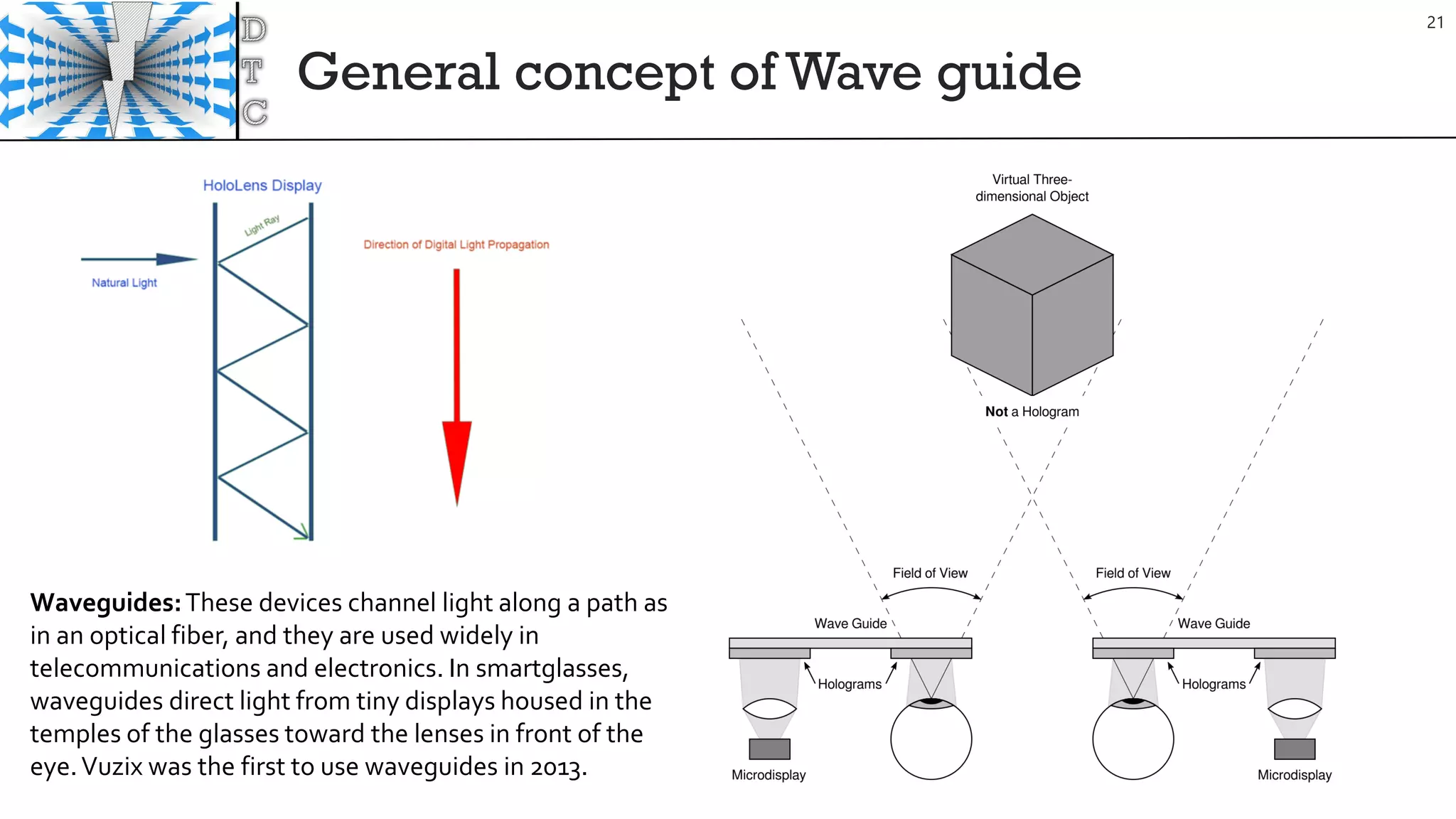
General concept of Wave guide
21
Waveguides:These devices channel light along a path as
in an optical fiber, and they are used widely in
telecommunications and electronics. In smartglasses,
waveguides direct light from tiny displays housed in the
temples of the glasses toward the lenses in front of the
eye.Vuzix was the first to use waveguides in 2013.
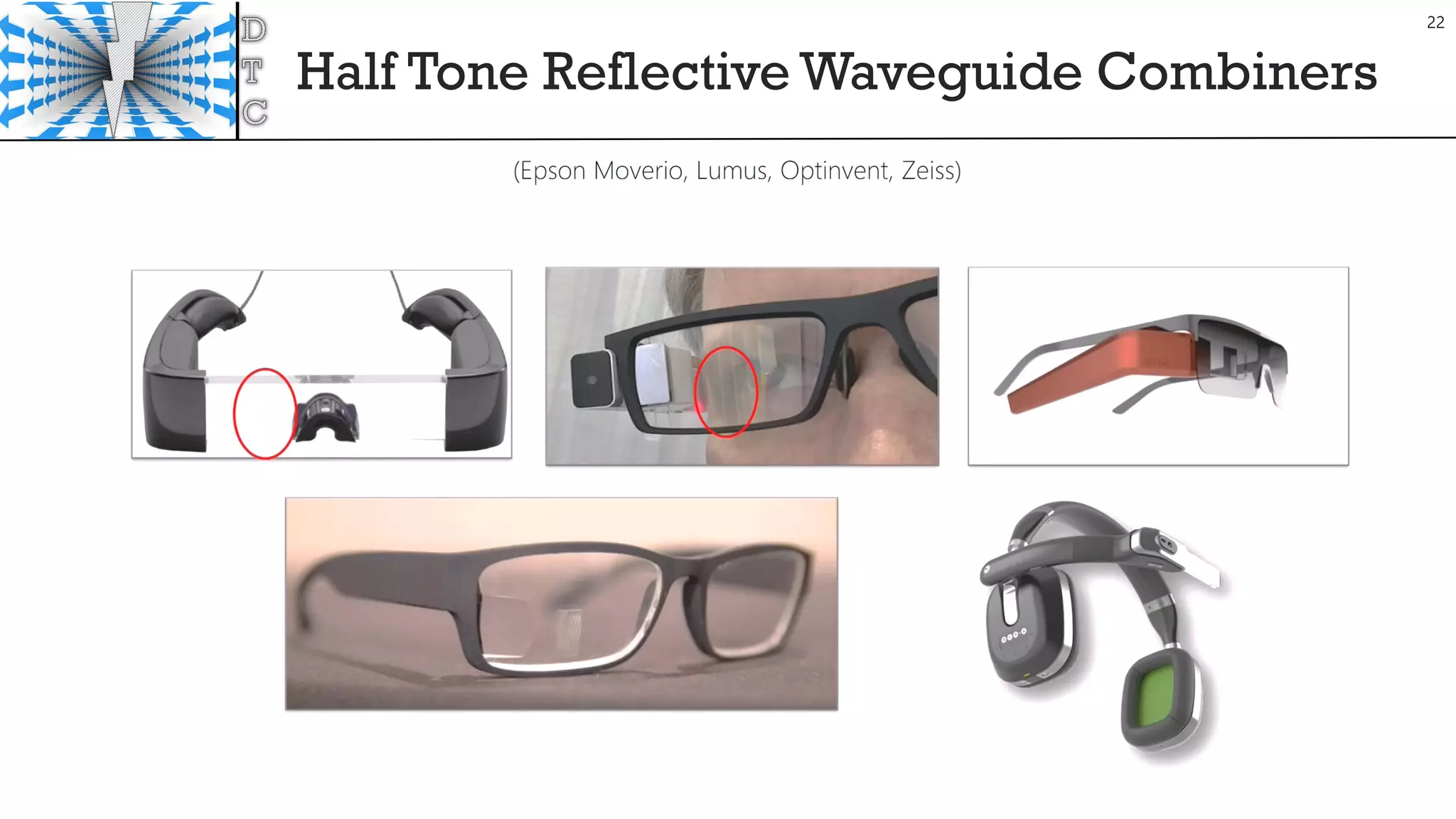
Half Tone Reflective Waveguide Combiners
22
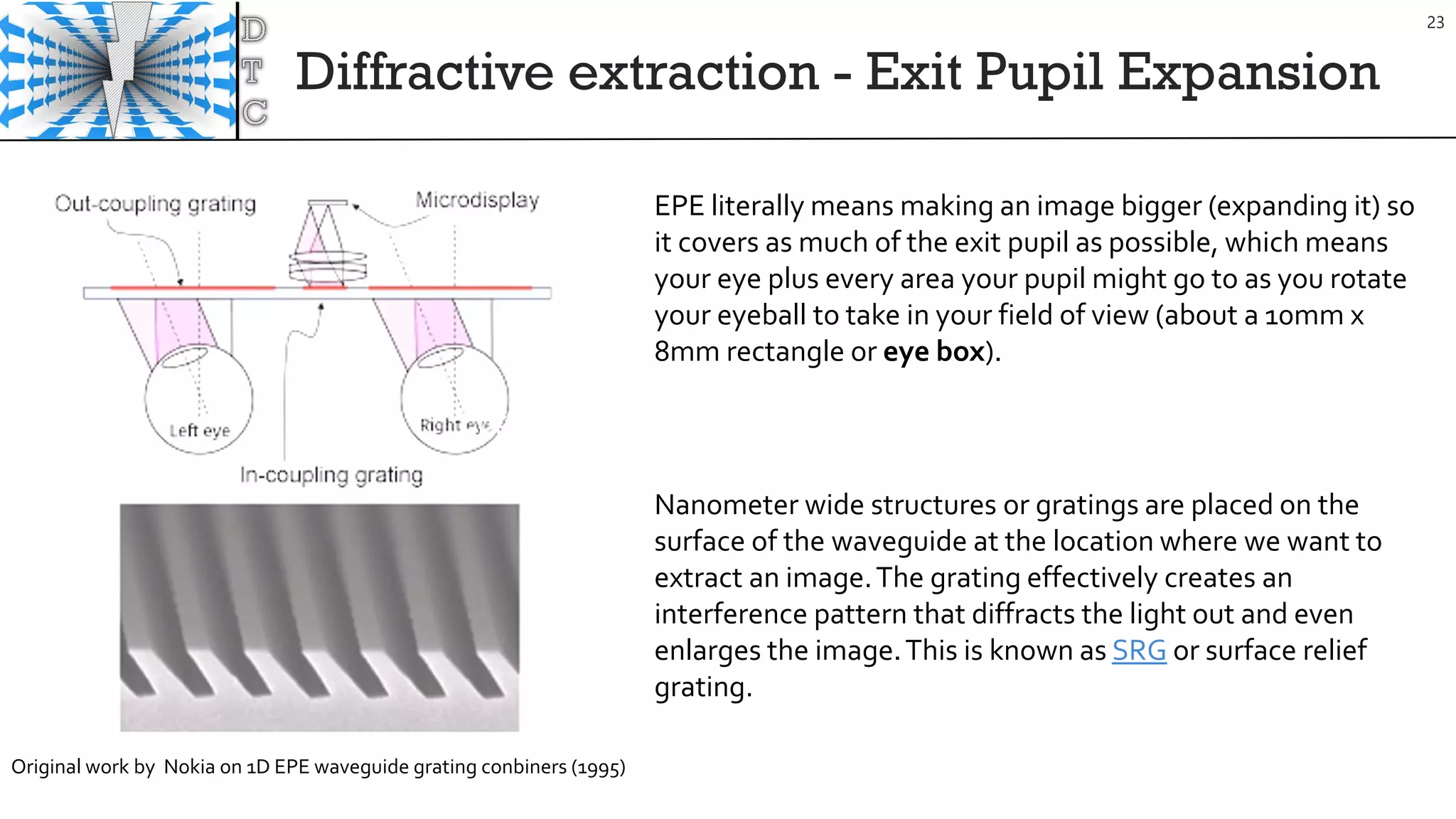
Diffractive extraction - Exit Pupil Expansion
23
Nanometer wide structures or gratings are placed on the
surface of the waveguide at the location where we want to
extract an image.The grating effectively creates an
interference pattern that diffracts the light out and even
enlarges the image.This is known as SRG or surface relief
grating.
EPE literally means making an image bigger (expanding it) so
it covers as much of the exit pupil as possible, which means
your eye plus every area your pupil might go to as you rotate
your eyeball to take in your field of view (about a 10mm x
8mm rectangle or eye box).
Original work by Nokia on 1D EPE waveguide grating conbiners (1995)
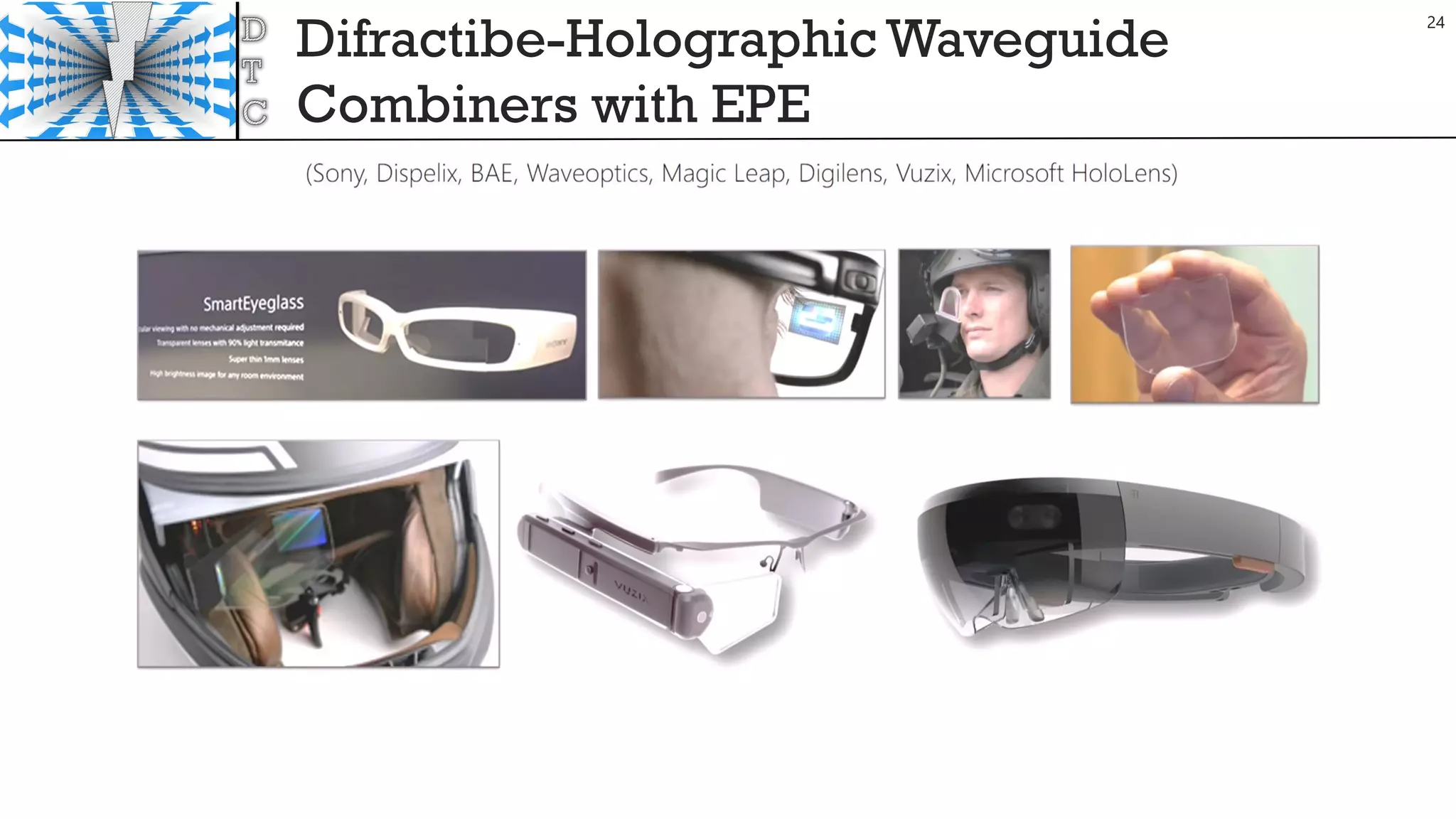
Difractibe-Holographic Waveguide
Combiners with EPE
24
Light field
25
This term is defined as the amount of light flowing in every direction through every
point in space.4 It is emerging as an alternative method for displaying 3-D objects that
appear more realistic than those created by providing different left and right images in
a stereoscopic display.
Magic Leap states it is using light field technology in its smartglasses.
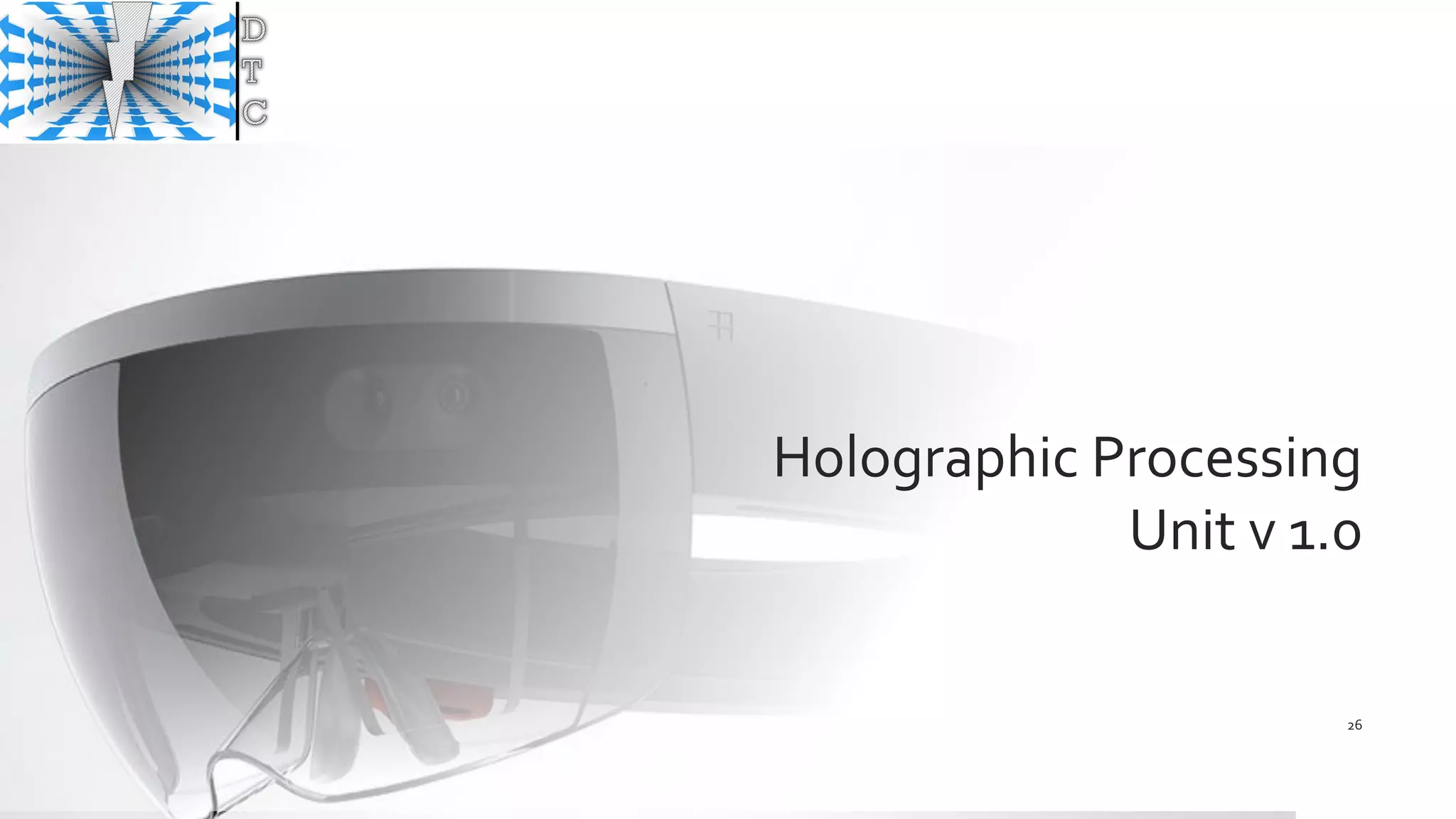
Holographic Processing
Unit v 1.0
26
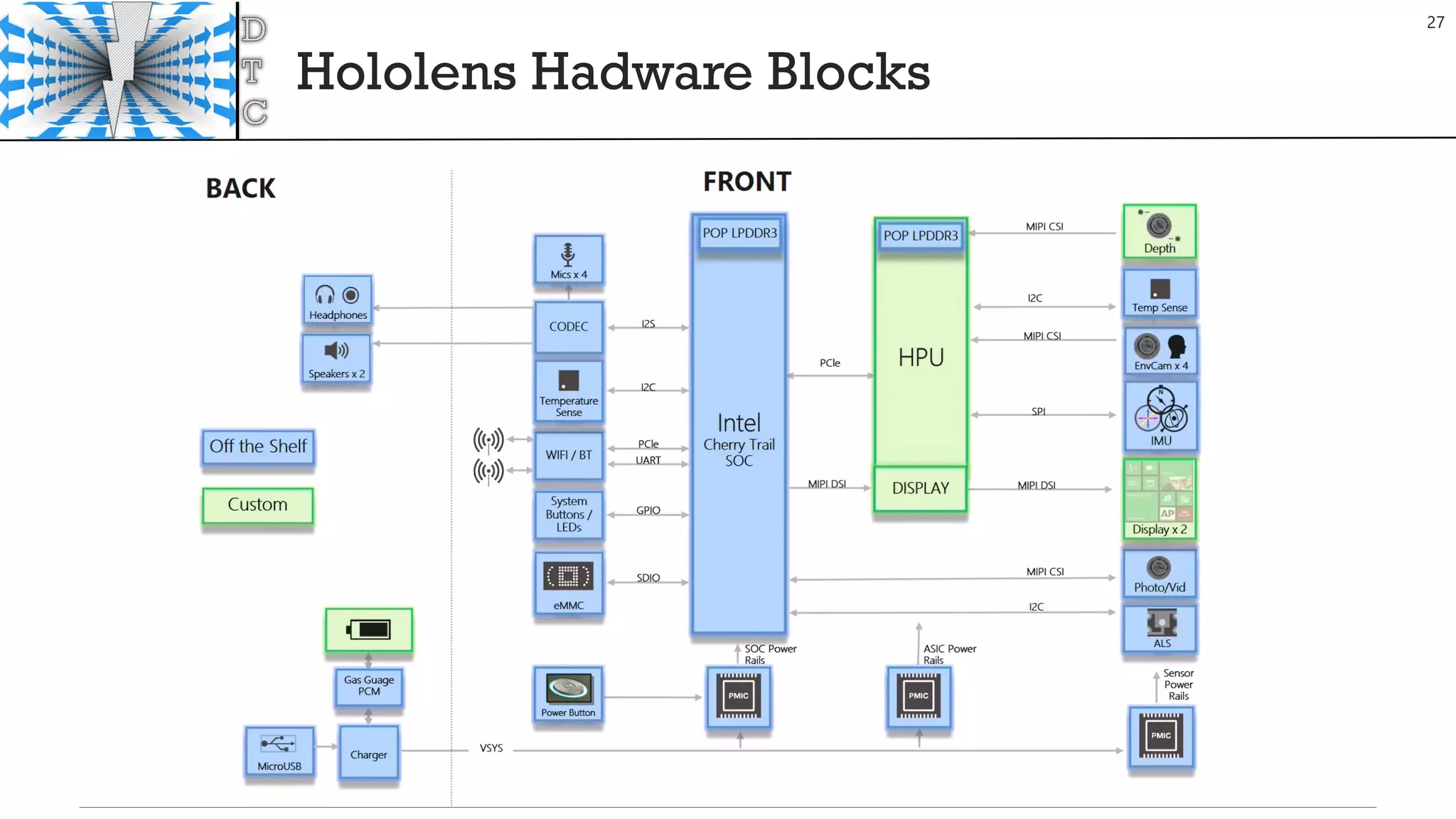
Hololens Hadware Blocks
27
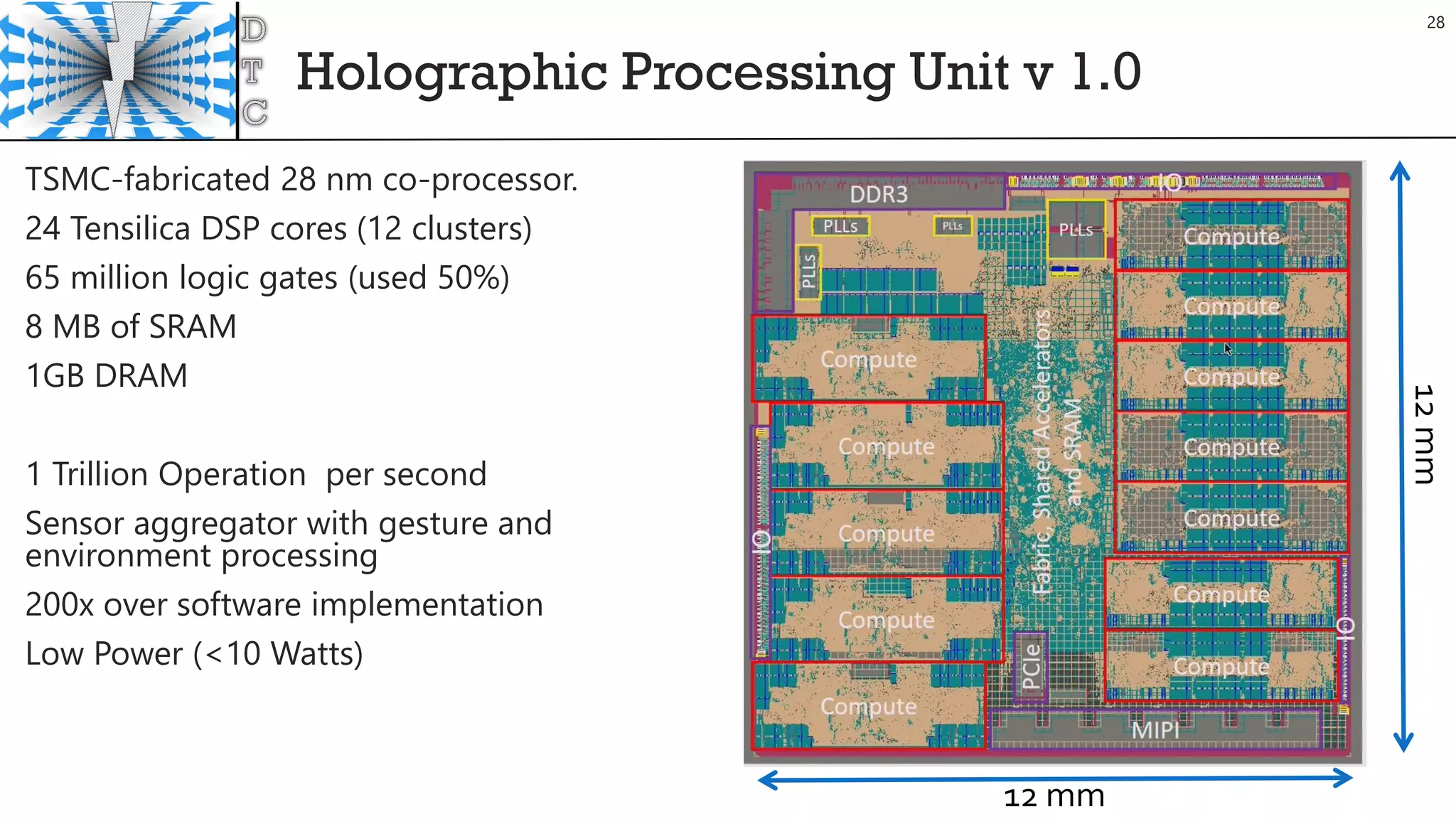
Holographic Processing Unit v 1.0
TSMC-fabricated 28 nm co-processor.
24 Tensilica DSP cores (12 clusters)
65 million logic gates (used 50%)
8 MB of SRAM
1GB DRAM
1 Trillion Operation per second
Sensor aggregator with gesture and
environment processing
200x over software implementation
Low Power (<10 Watts)
12 mm
12mm
28
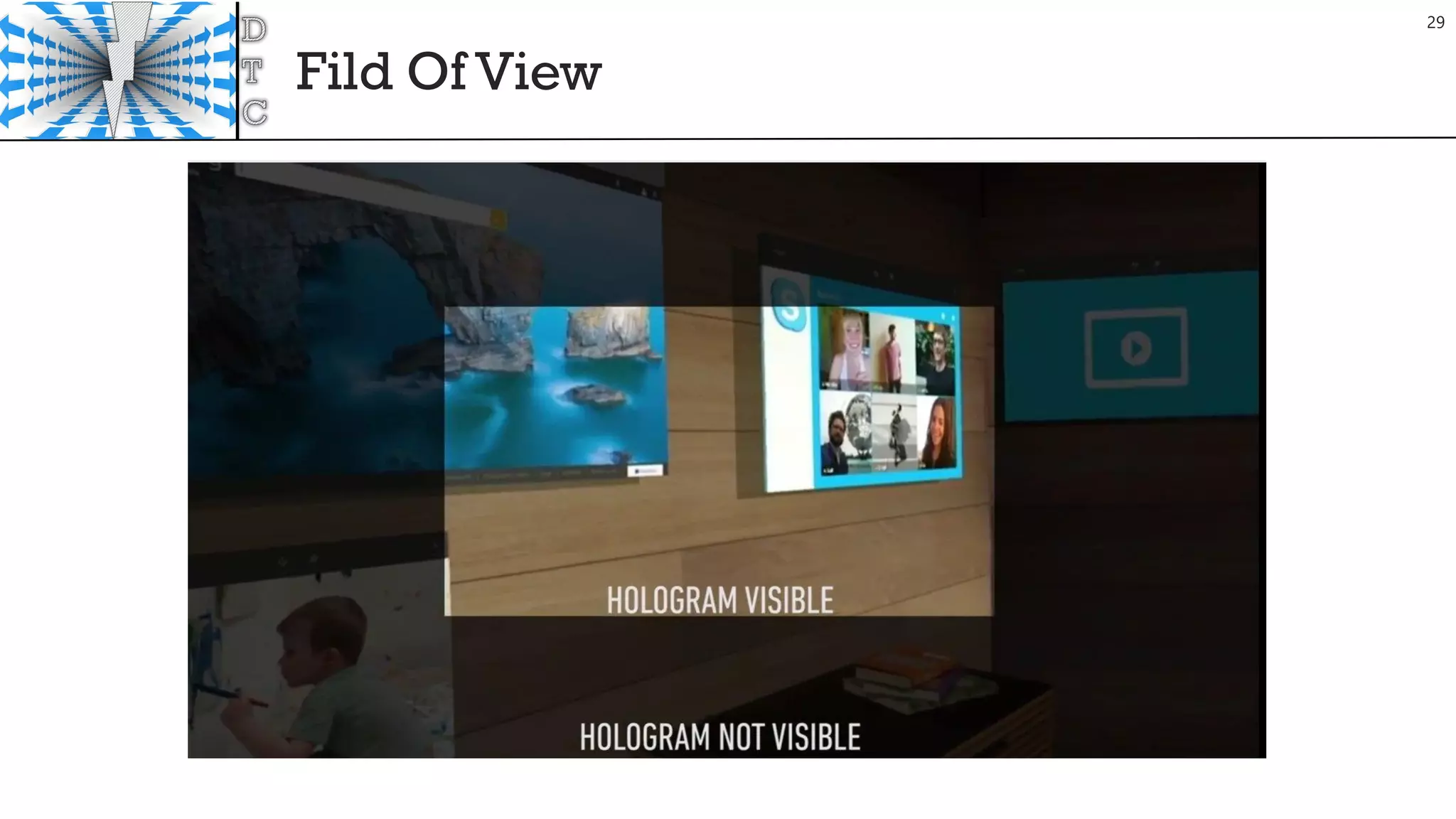
Fild Of View
29
Remember HW Limits
30
Goals
• Frame Rate 60 fps
• Memory < 900 MB Total Commit
The the biggest factors for CPU performance are:
• Too many objects being rendered (try to keep this under 100 unique Renderers or UI elements)
• Expensive updates or too many object updates
• Hitches due to garbage collection
• Expensive graphics settings and shaders (shadows, reflection probes, etc.)
https://developer.microsoft.com/en-us/windows/holographic/performance_recommendations_for_unity
Optimize Player
31
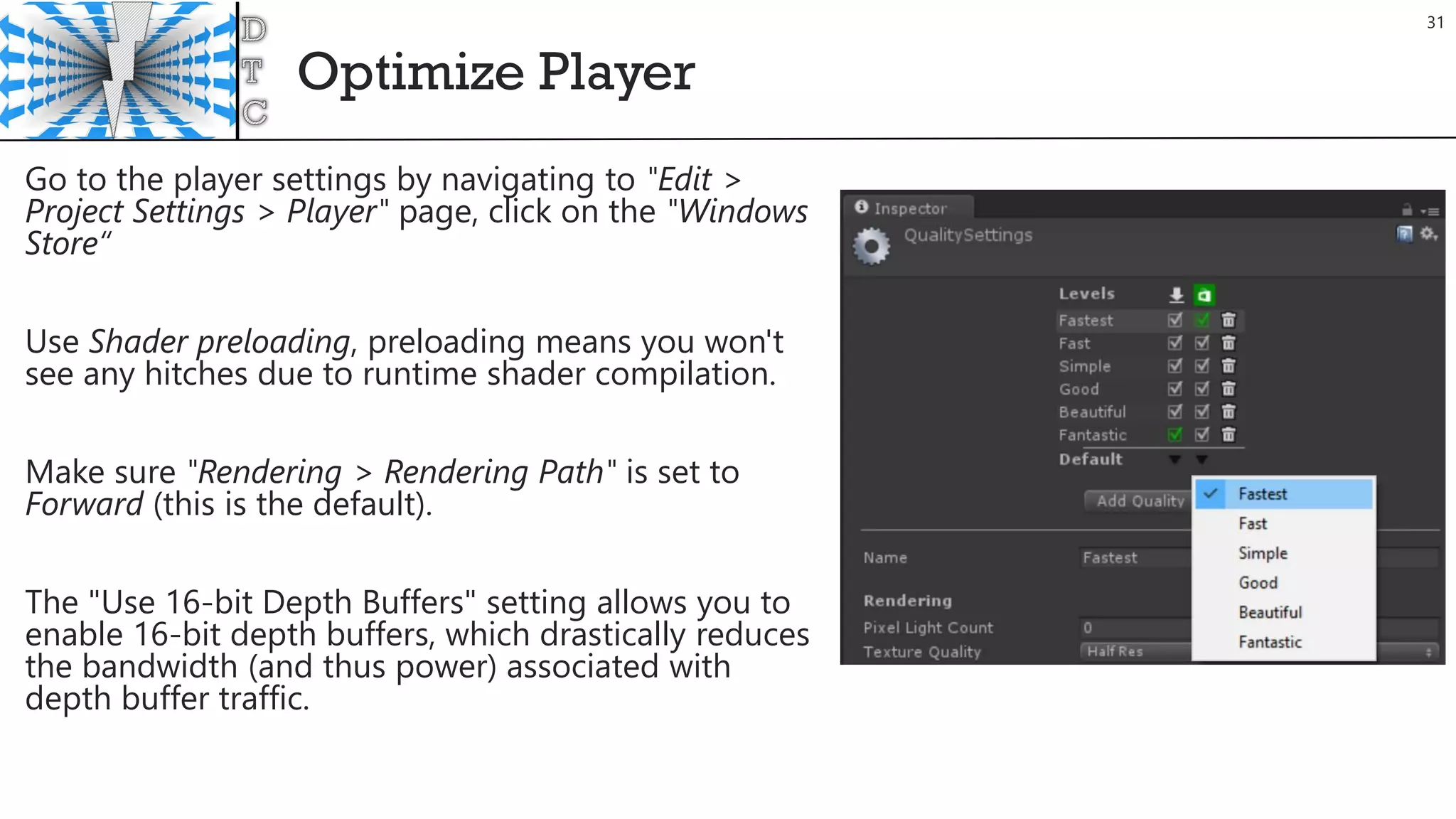
Go to the player settings by navigating to "Edit >
Project Settings > Player" page, click on the "Windows
Store“
Use Shader preloading, preloading means you won't
see any hitches due to runtime shader compilation.
Make sure "Rendering > Rendering Path" is set to
Forward (this is the default).
The "Use 16-bit Depth Buffers" setting allows you to
enable 16-bit depth buffers, which drastically reduces
the bandwidth (and thus power) associated with
depth buffer traffic.
HoloLens UX
32
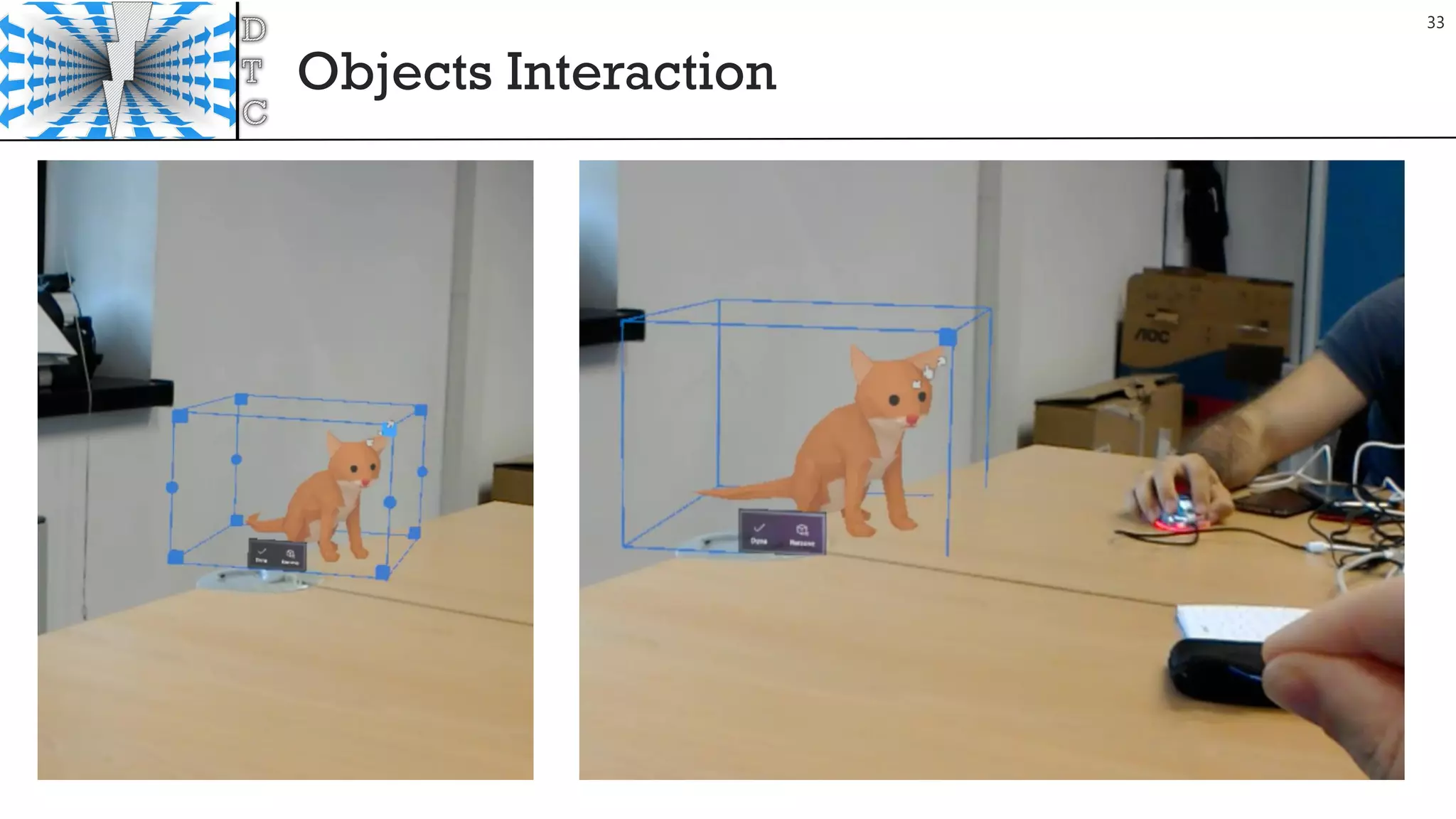
Objects Interaction
33
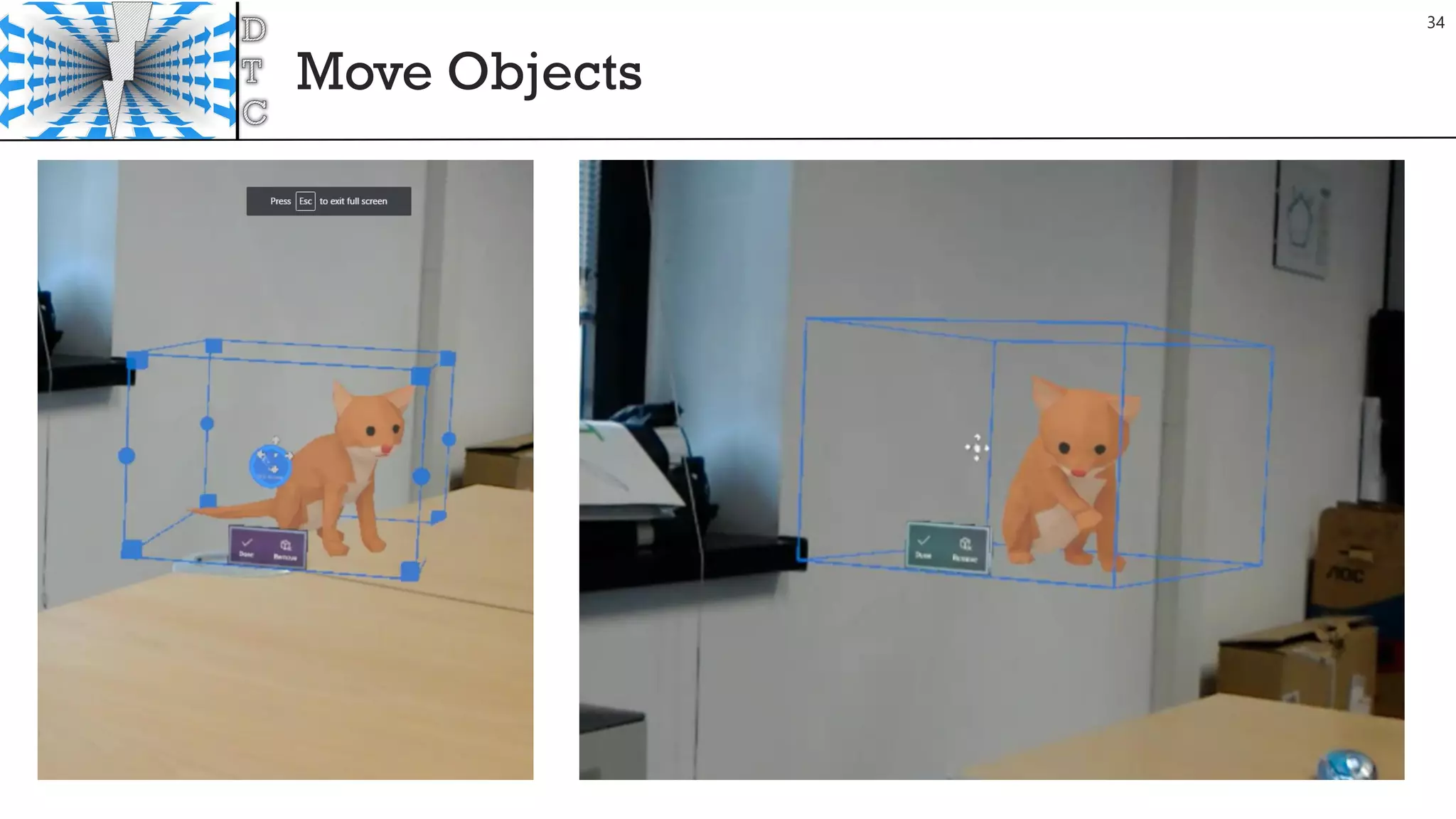
Move Objects
34
Rotate Objects
35
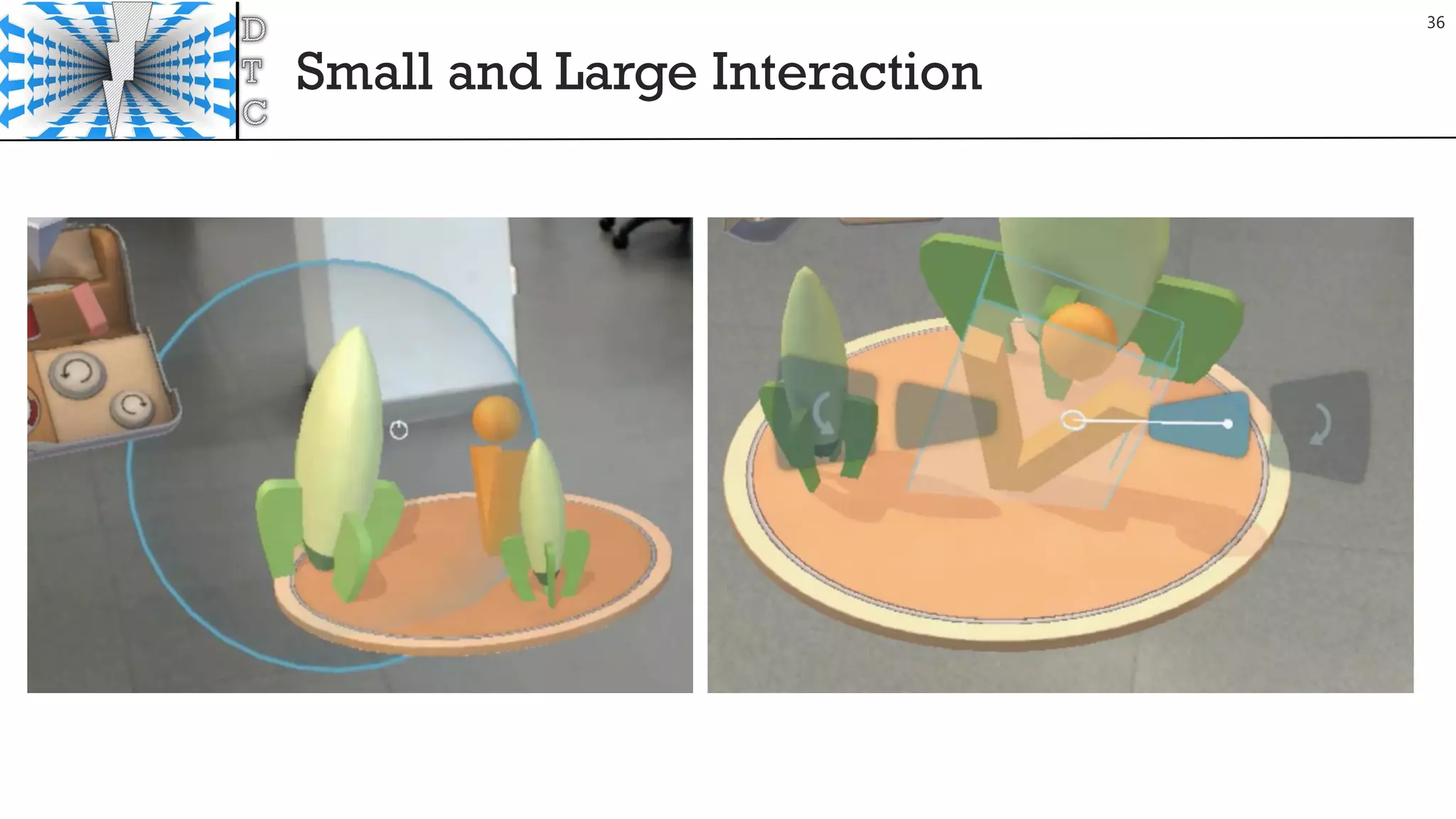
Small and Large Interaction
36
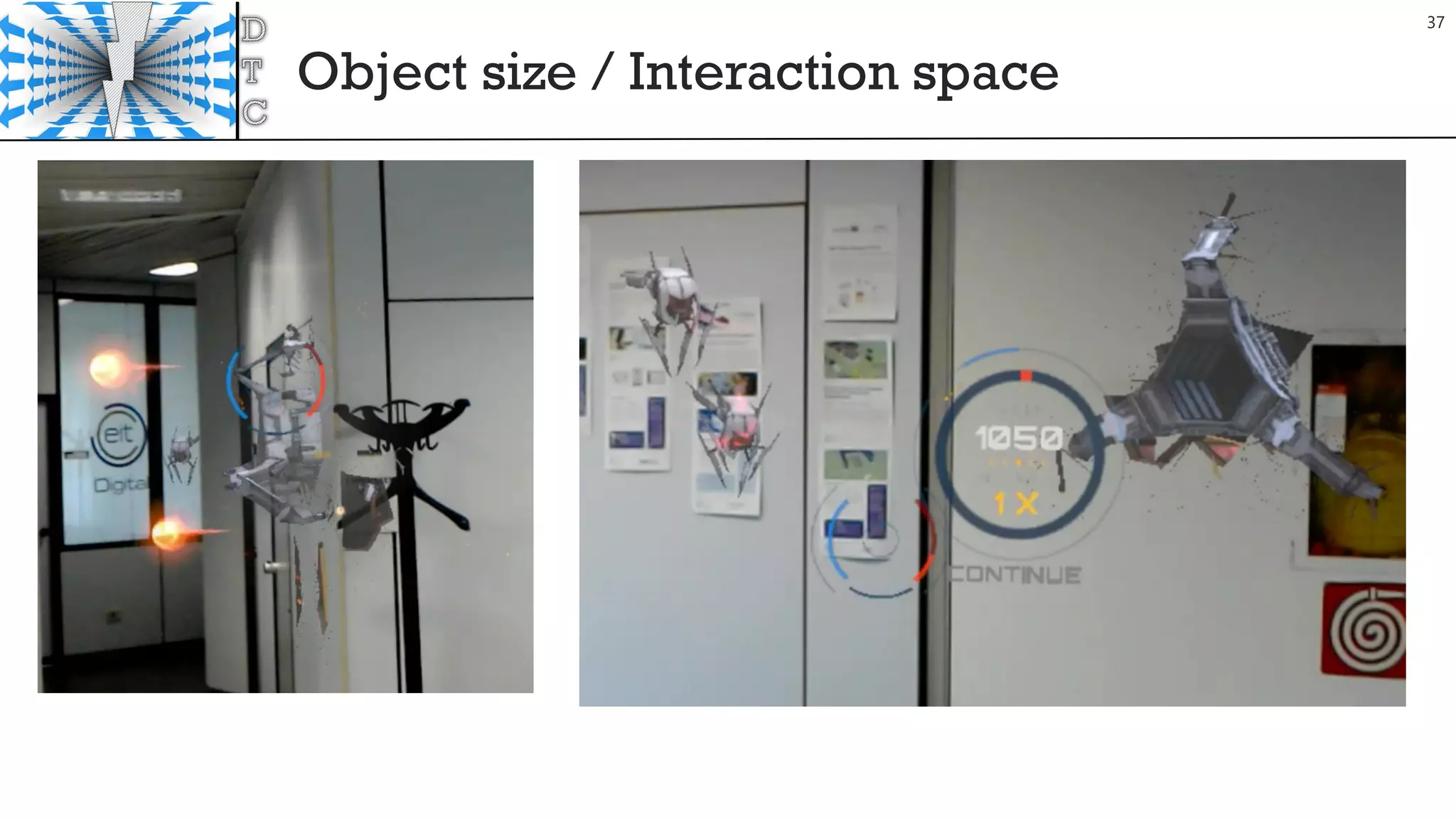
Object size / Interaction space
37
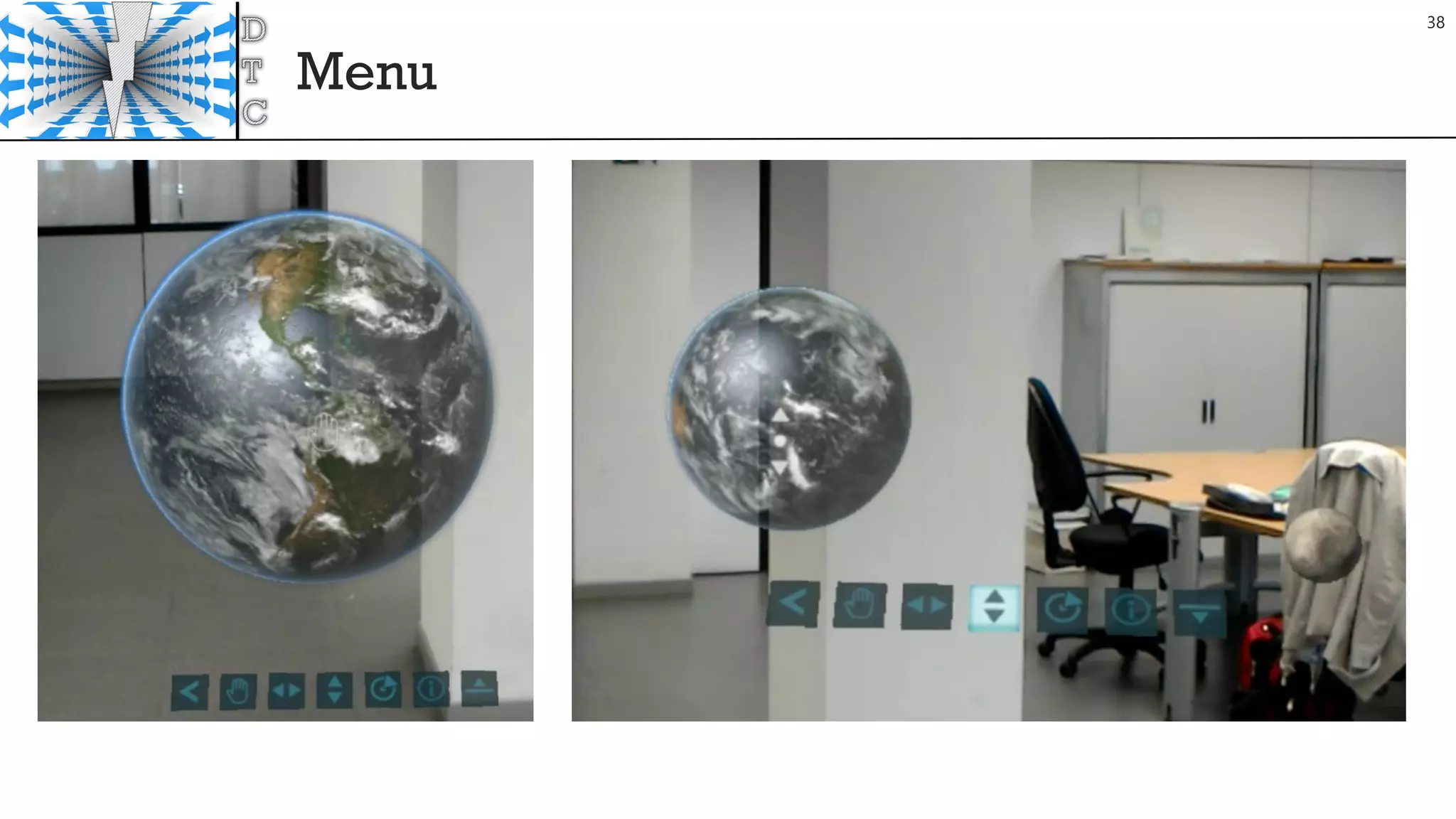
Menu
38
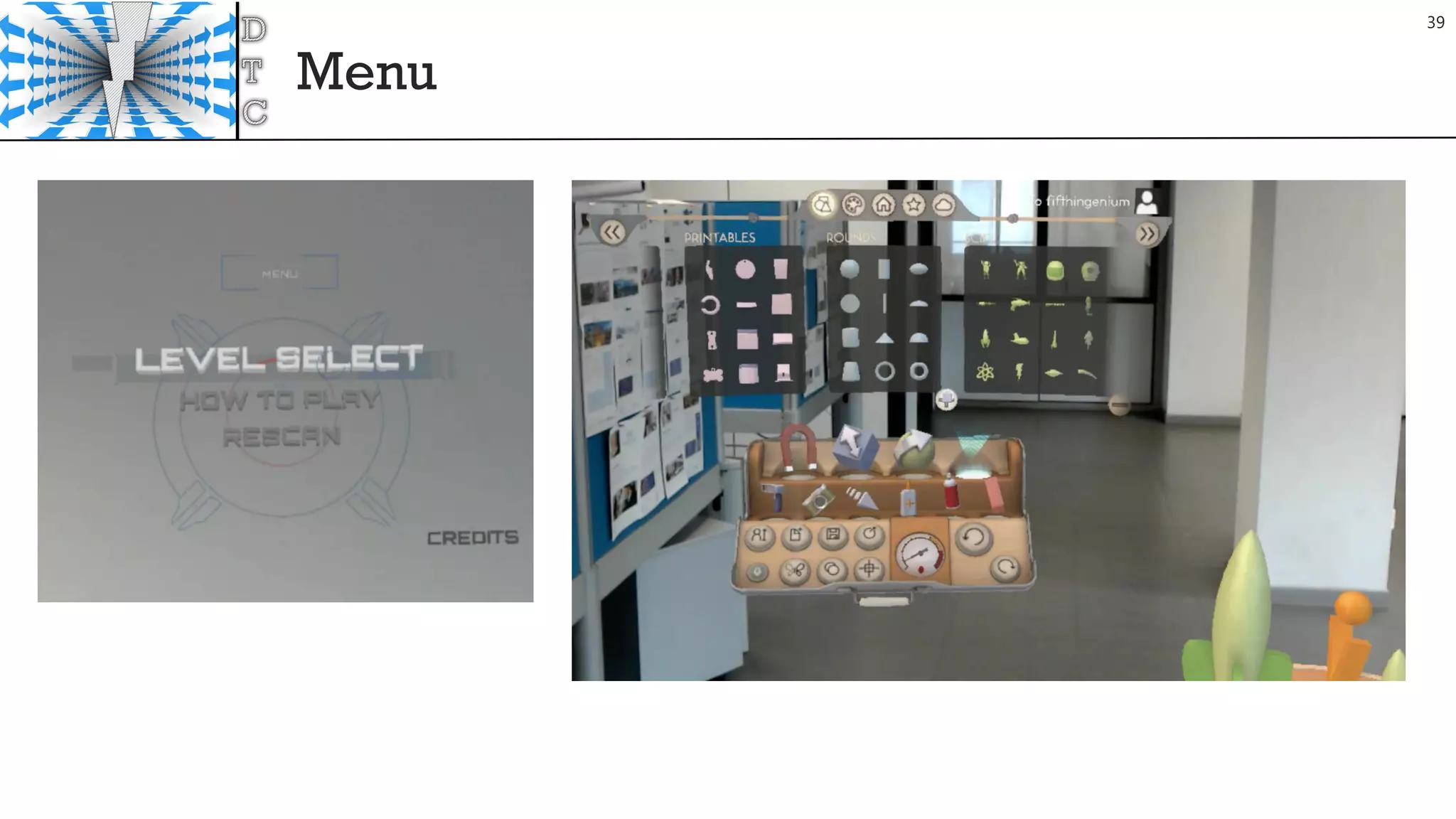
Menu
39
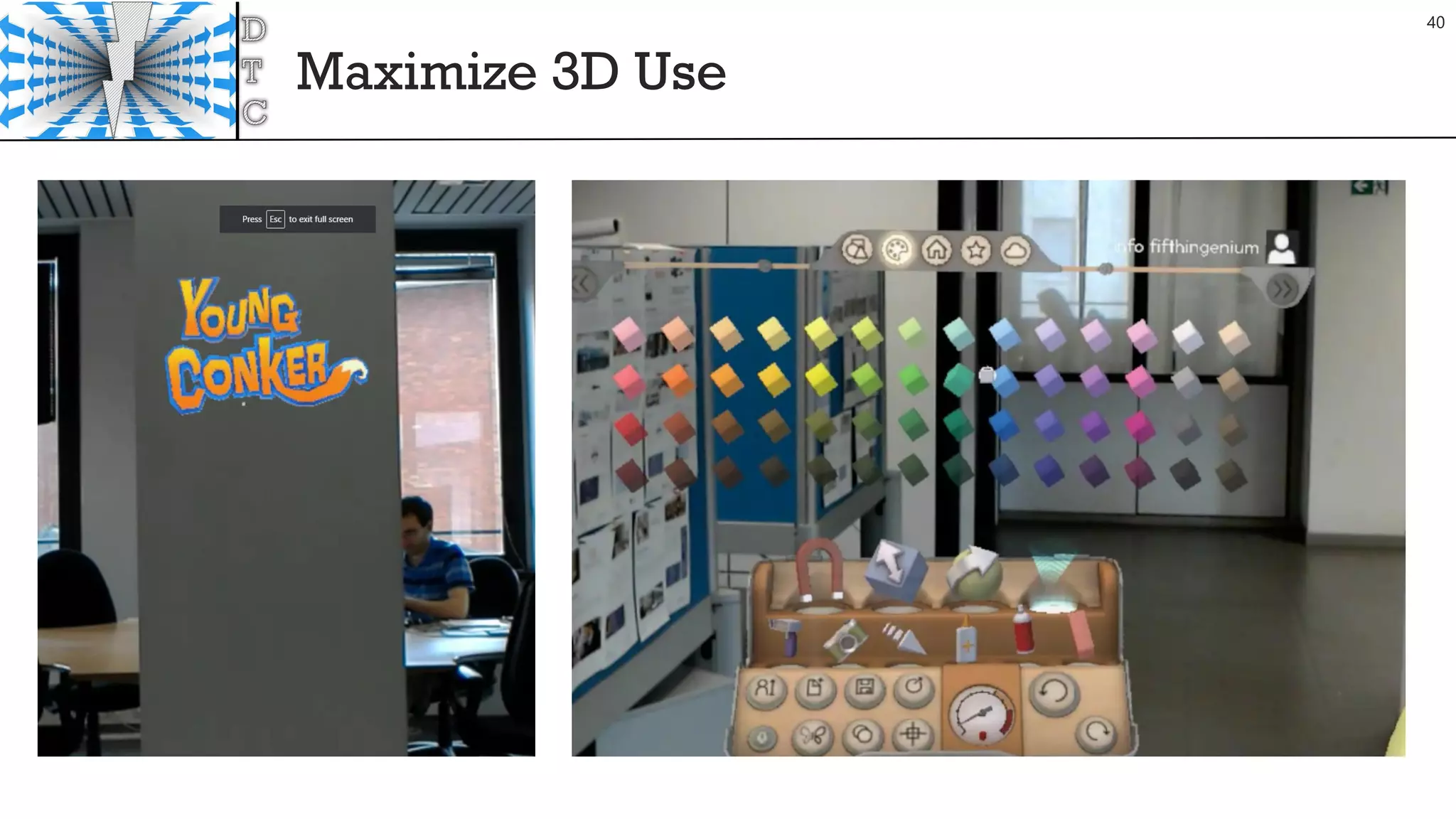
Maximize 3D Use
40
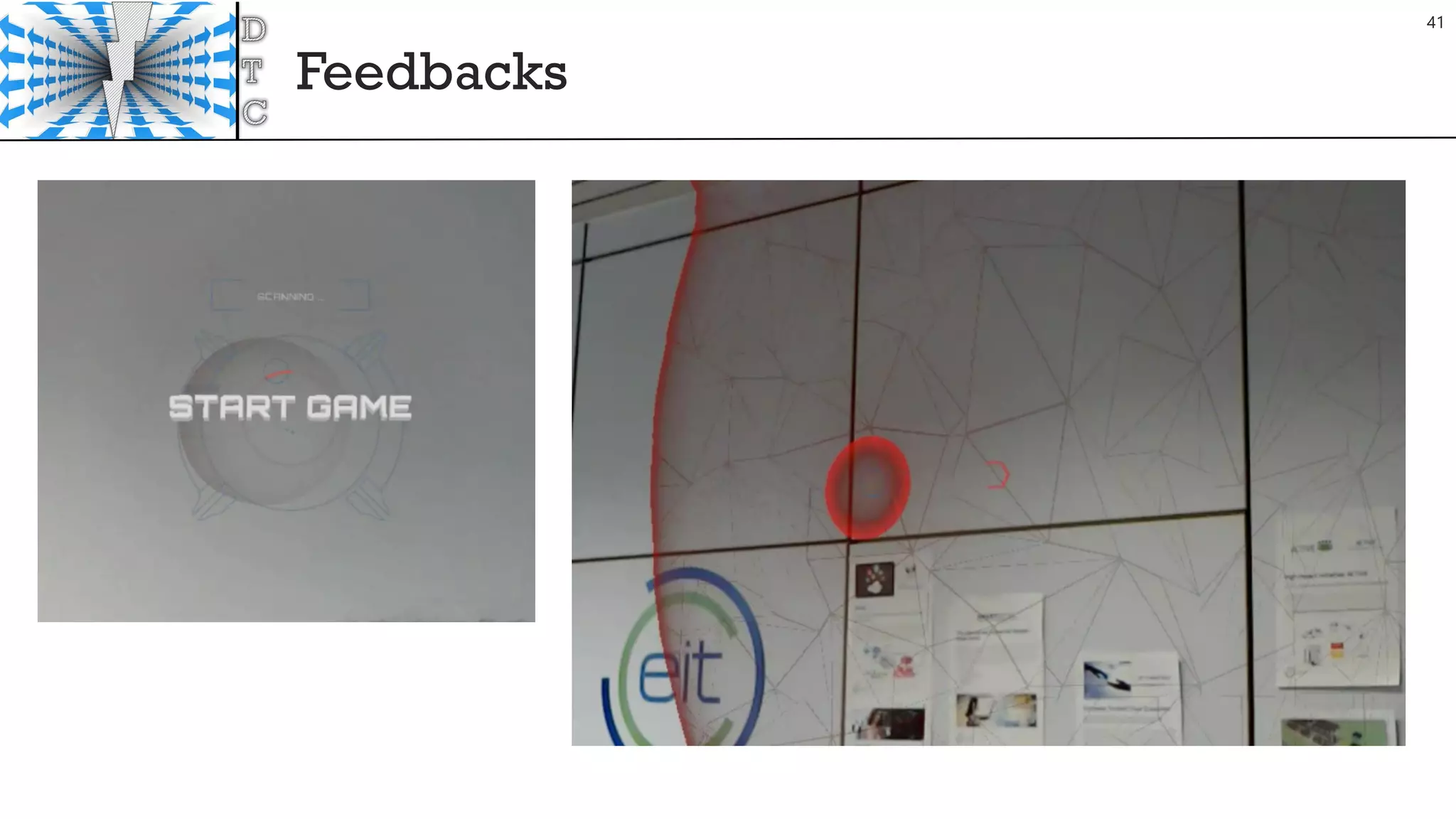
Feedbacks
41
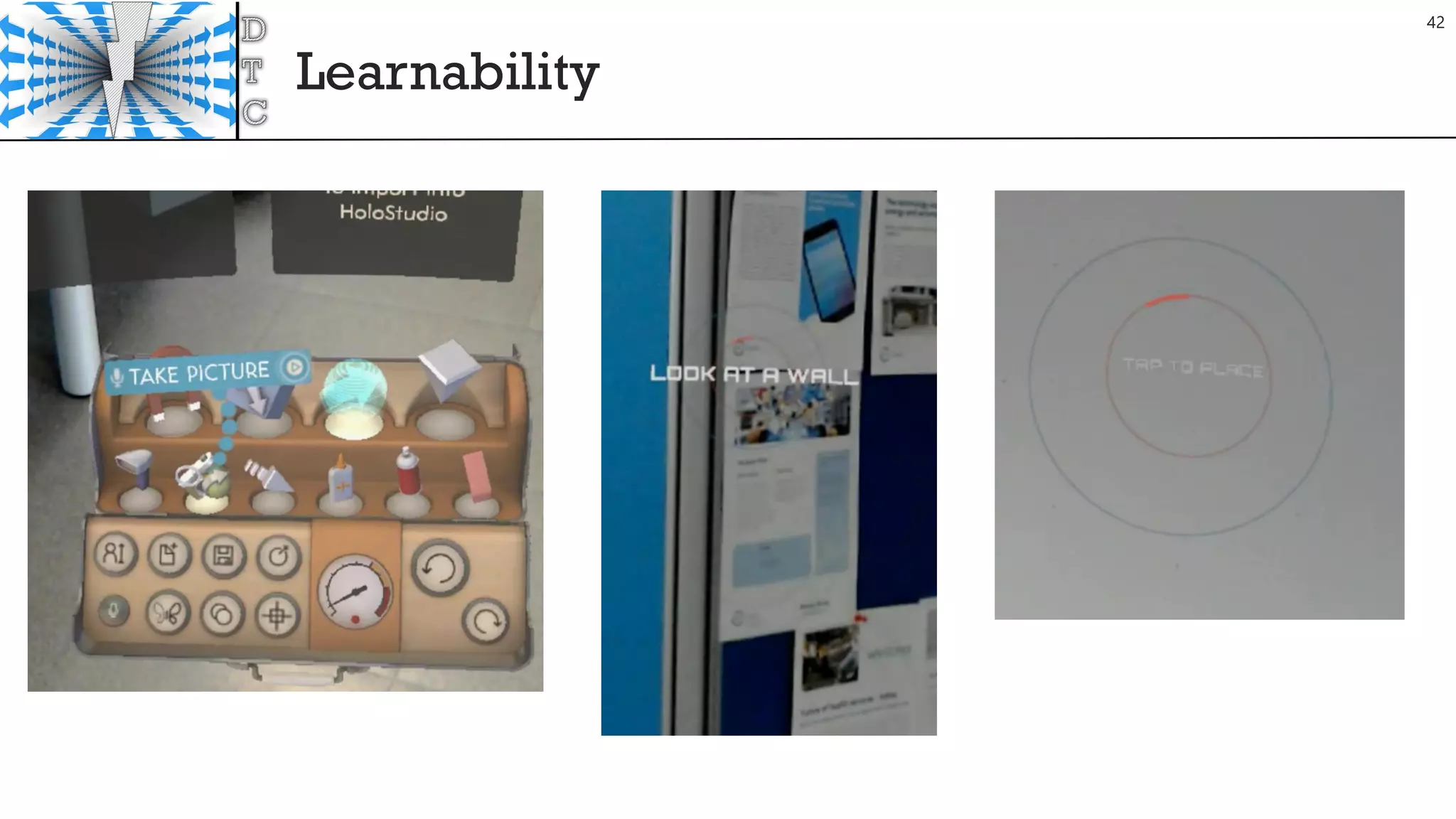
Learnability
42
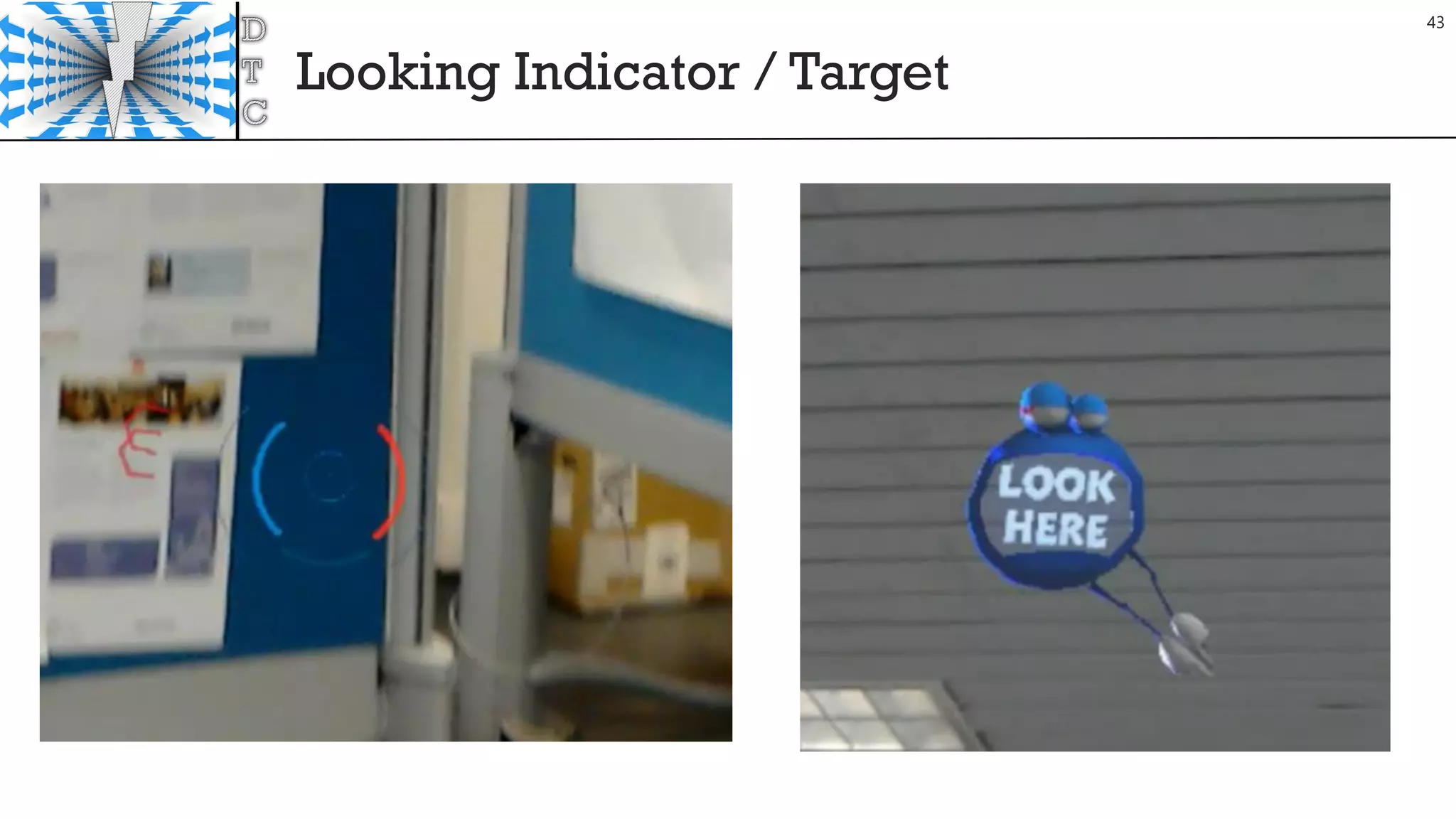
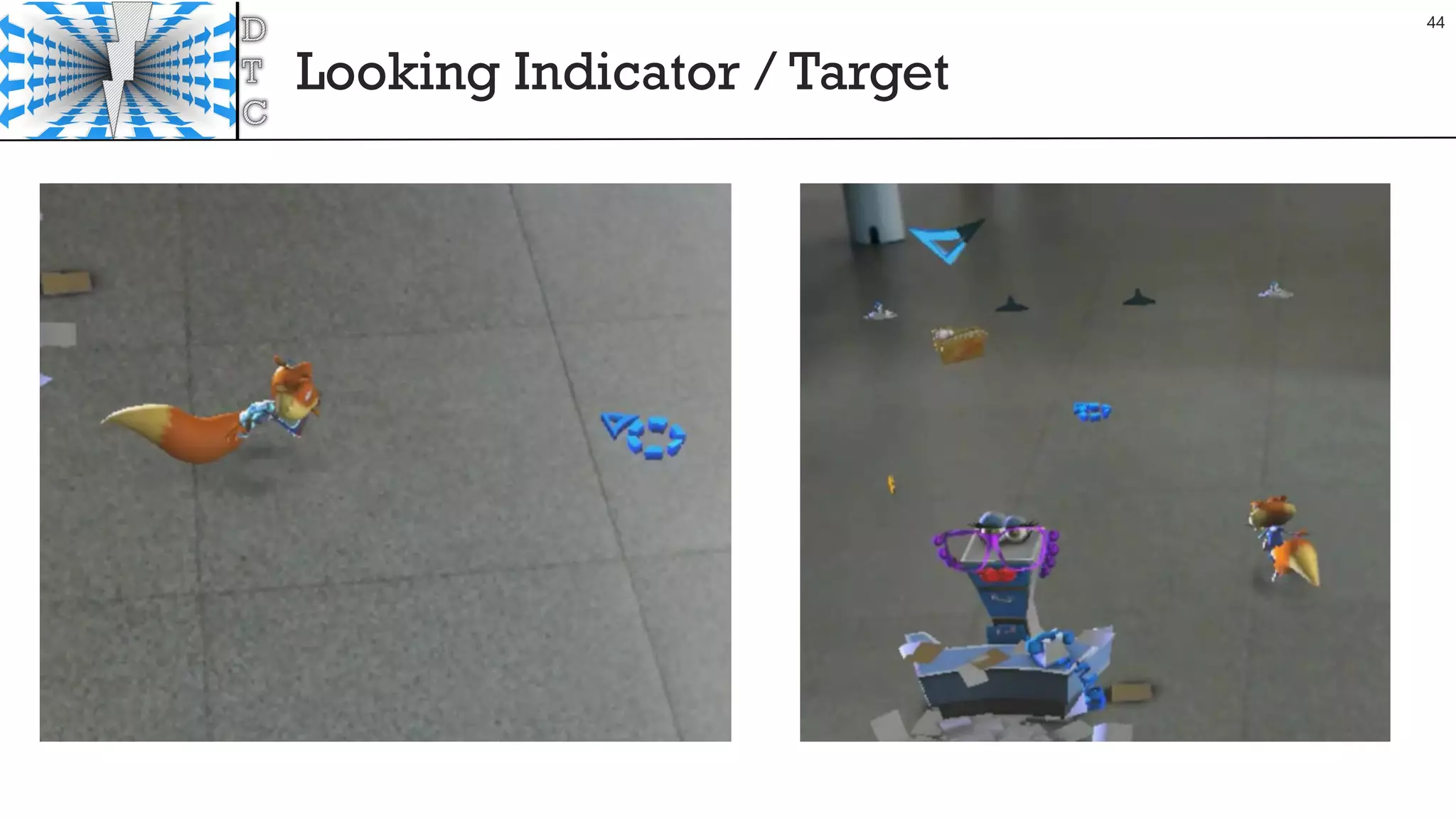
Looking Indicator / Target
43
Looking Indicator / Target
44
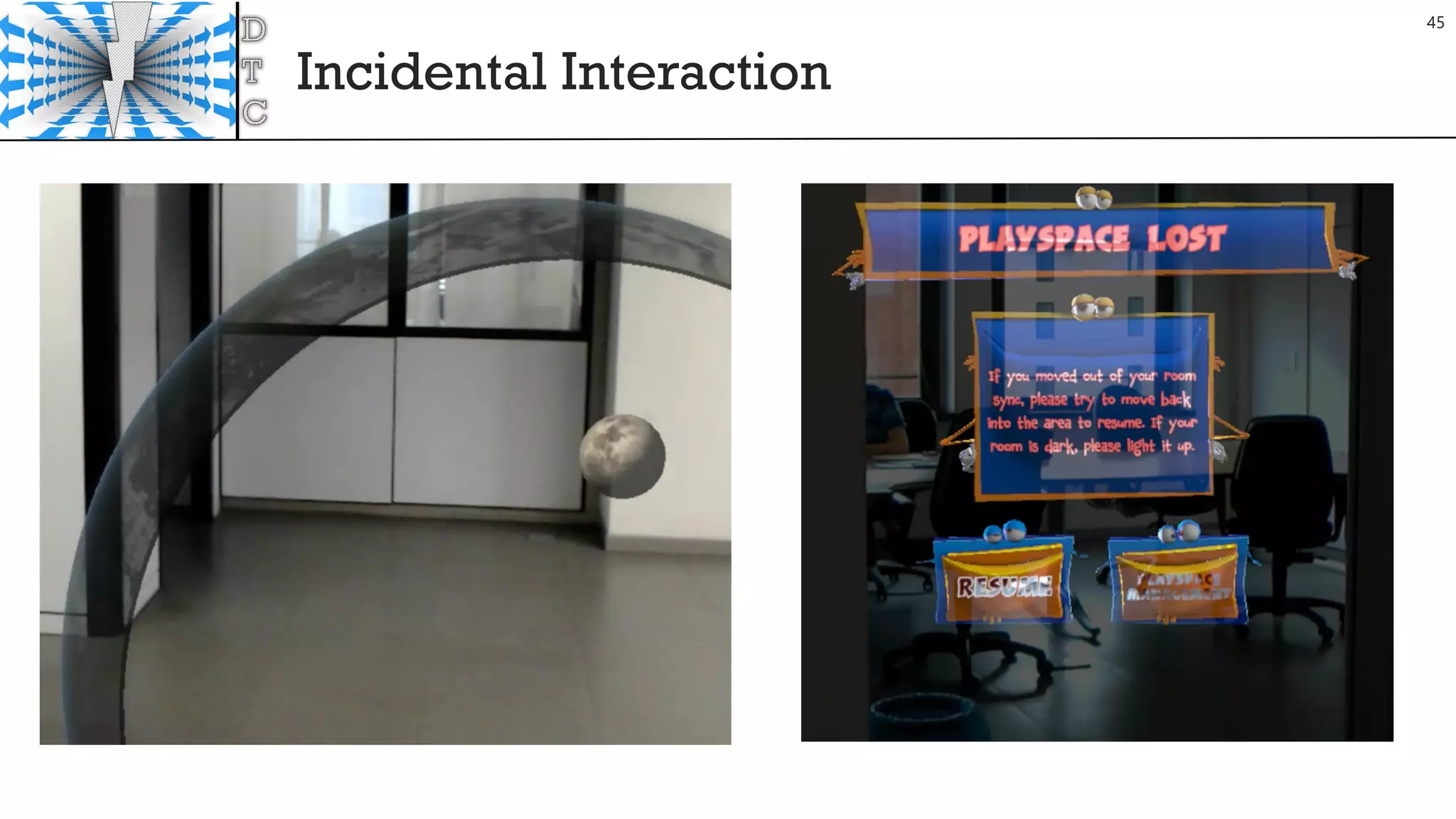
Incidental Interaction
45
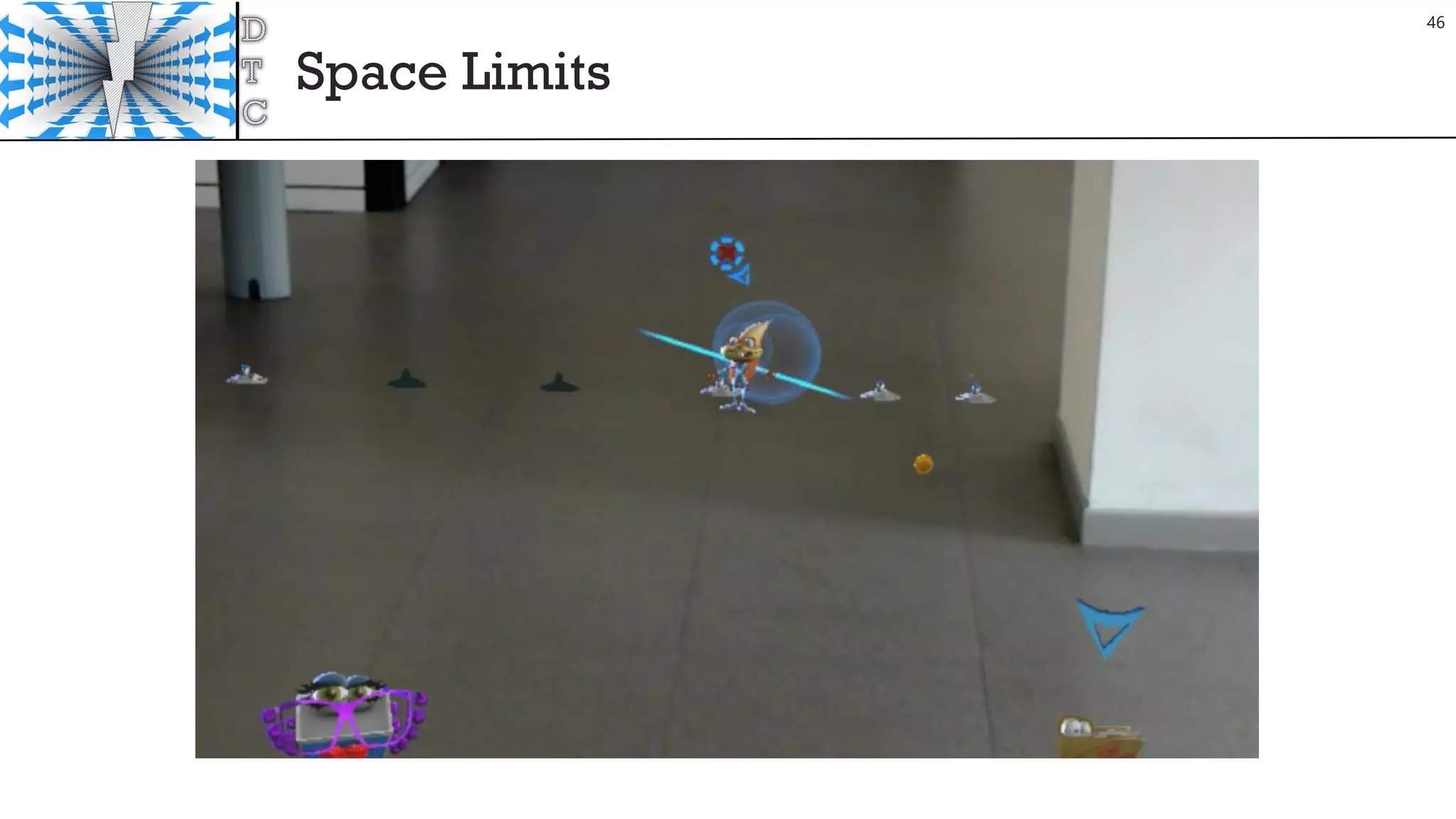
Space Limits
46
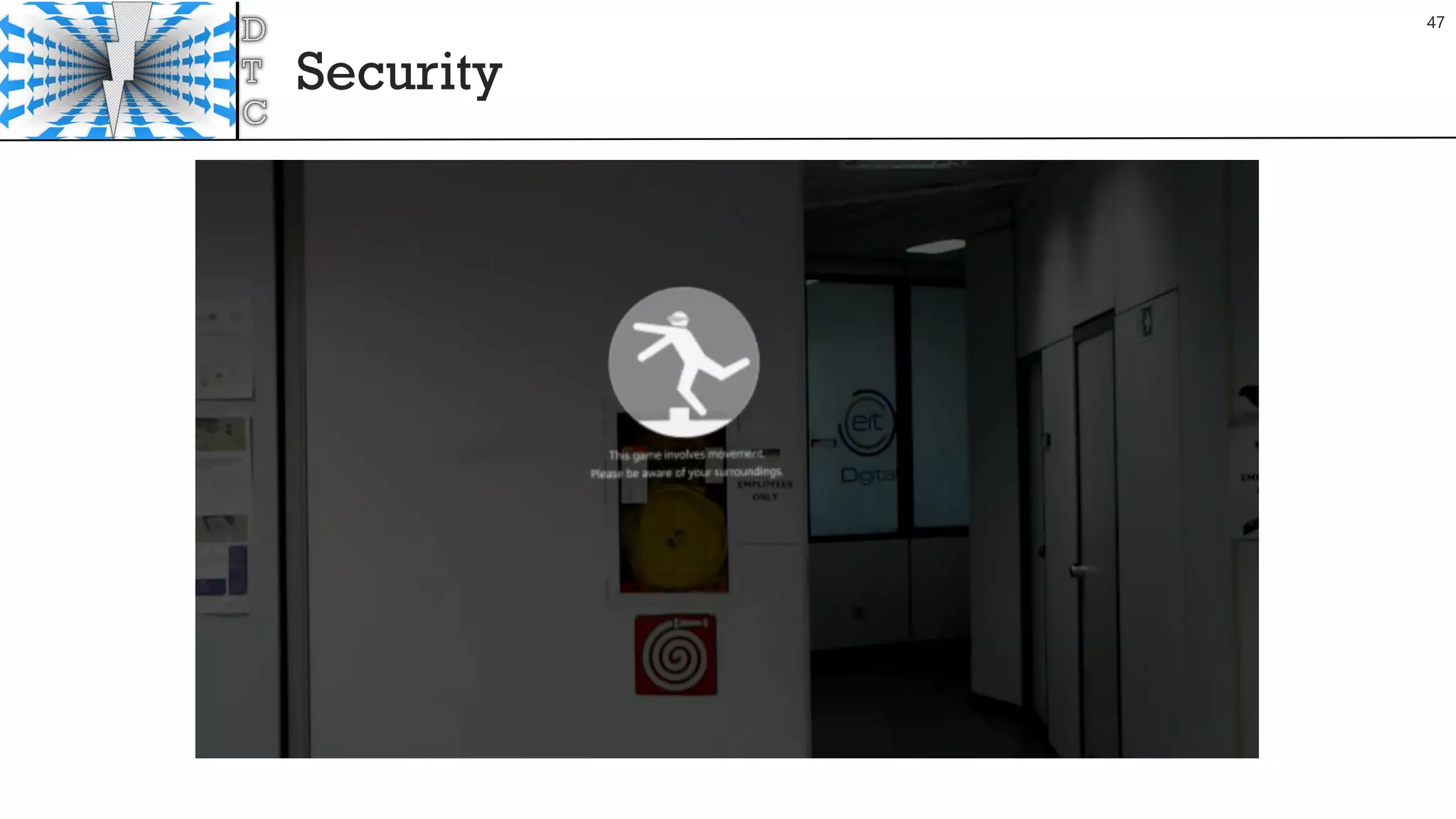
Security
47
Takeaways
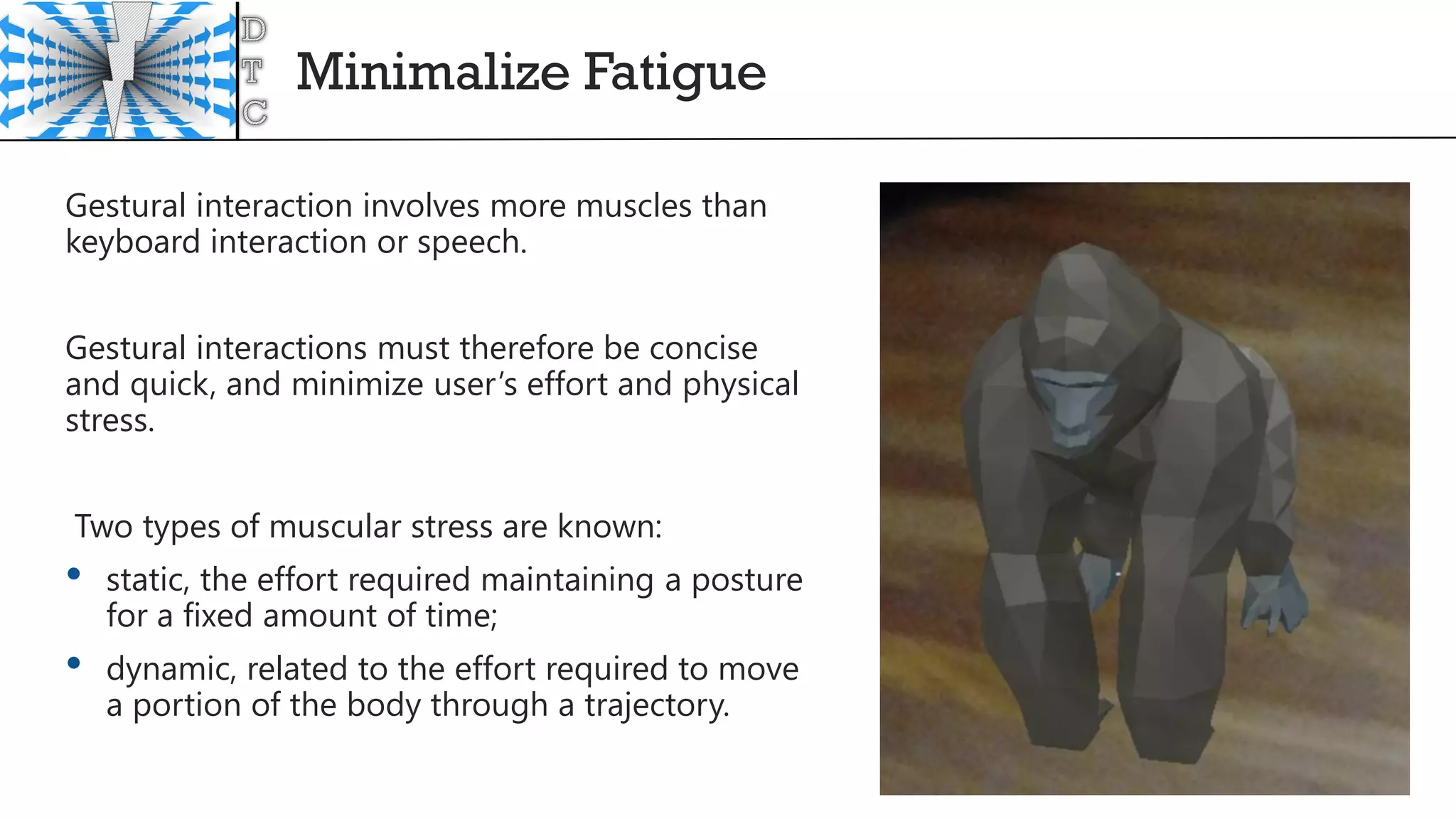
Minimalize Fatigue
Gestural interaction involves more muscles than
keyboard interaction or speech.
Gestural interactions must therefore be concise
and quick, and minimize user’s effort and physical
stress.
Two types of muscular stress are known:
• static, the effort required maintaining a posture
for a fixed amount of time;
• dynamic, related to the effort required to move
a portion of the body through a trajectory.
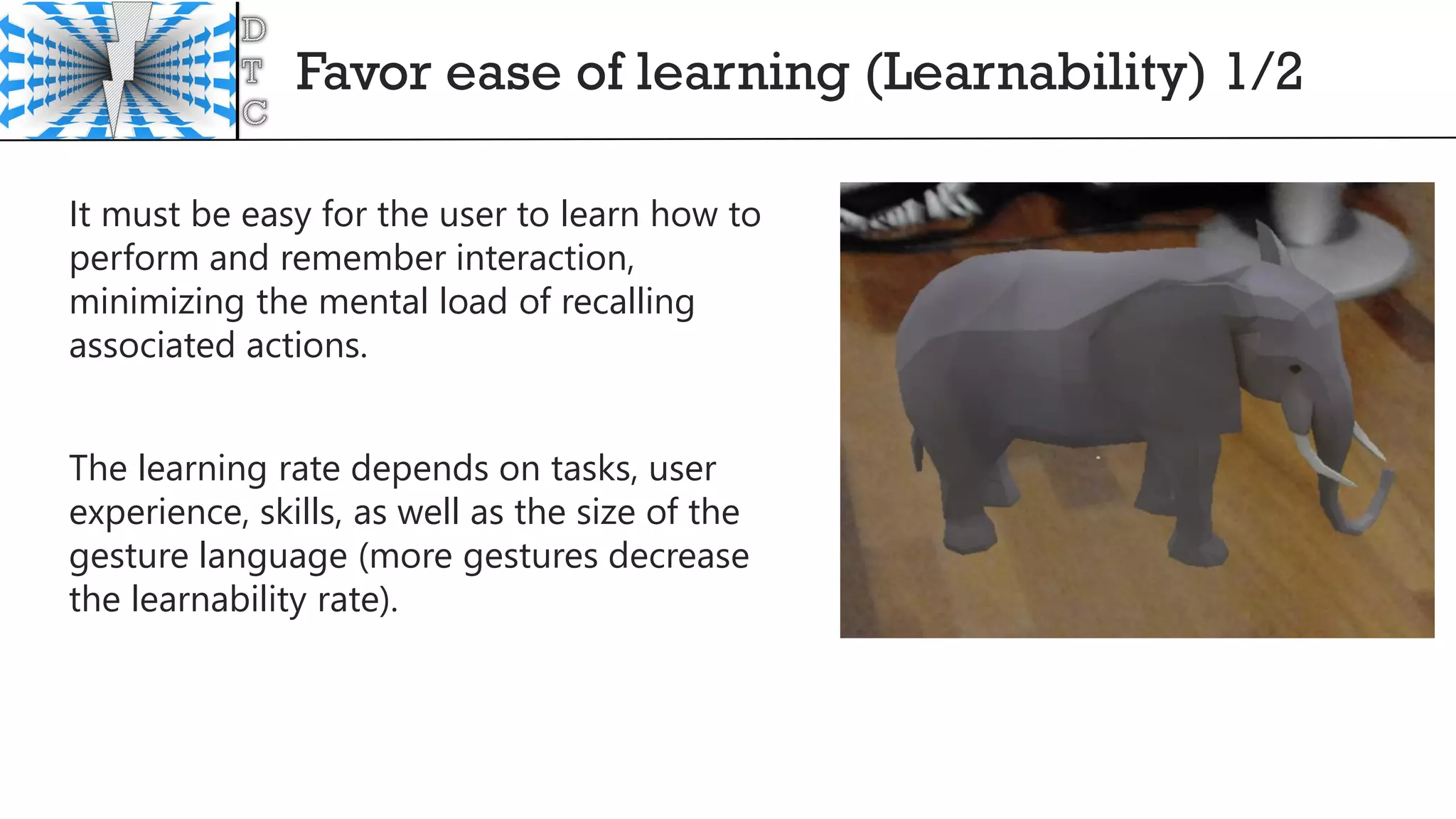
Favor ease of learning (Learnability) 1/2
It must be easy for the user to learn how to
perform and remember interaction,
minimizing the mental load of recalling
associated actions.
The learning rate depends on tasks, user
experience, skills, as well as the size of the
gesture language (more gestures decrease
the learnability rate).
Favor ease of learning (Learnability) 2/2
The interaction that are most natural, easy to learn and are immediately
assimilated by the user are those that belong to everyday life, or involve the
least physical effort.
Complex interaction can be more expressive and give more control, but have
a higher learnability burden.
Hence there is clearly a tension between design requirements, among which a
compromise must be made: naturalness of interaction, minimum size of the
gesture language, expressiveness and completeness of the interaction.
Intentionality (Immersion Syndrome)
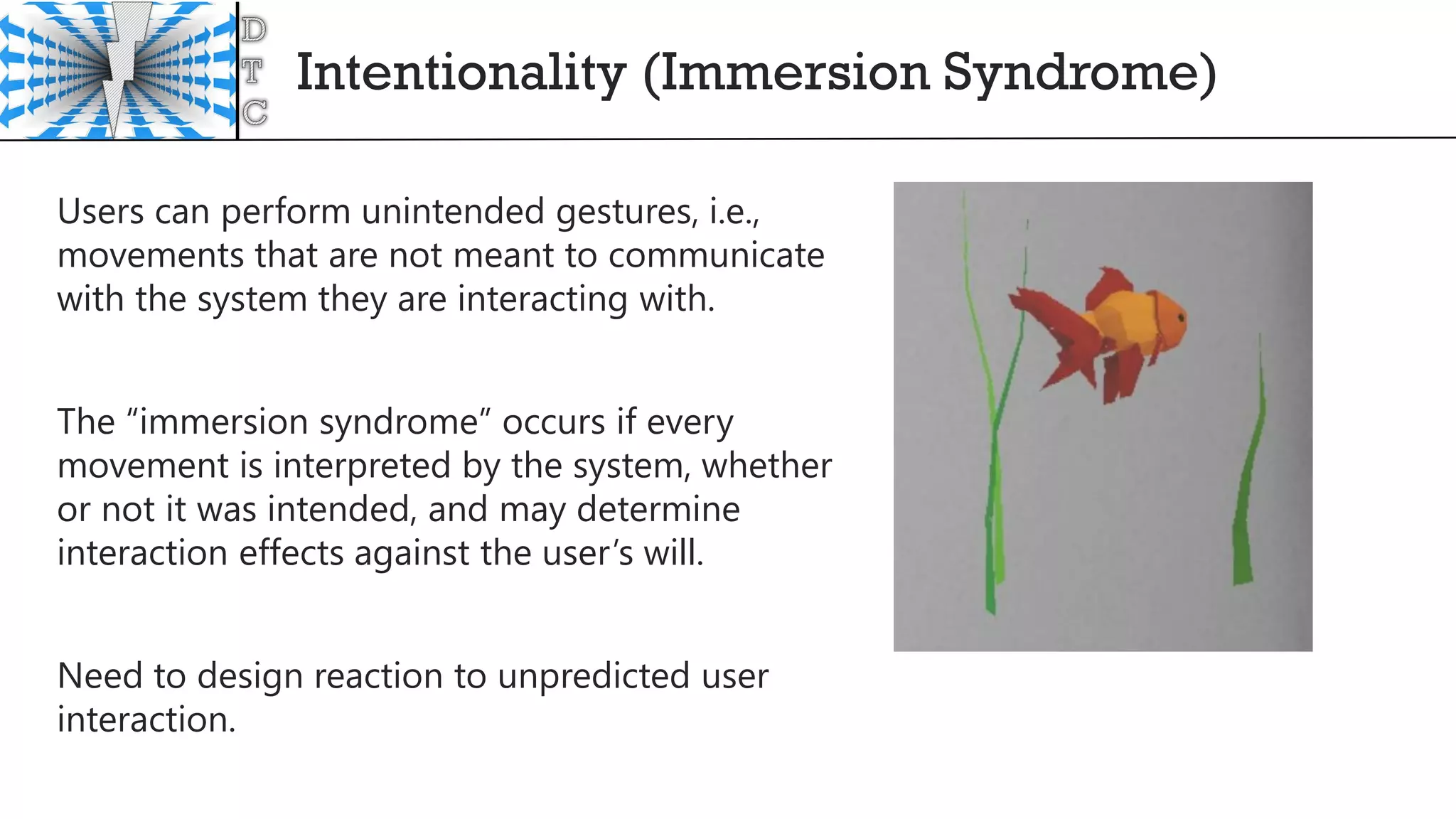
Users can perform unintended gestures, i.e.,
movements that are not meant to communicate
with the system they are interacting with.
The “immersion syndrome” occurs if every
movement is interpreted by the system, whether
or not it was intended, and may determine
interaction effects against the user’s will.
Need to design reaction to unpredicted user
interaction.
Not-self-revealing
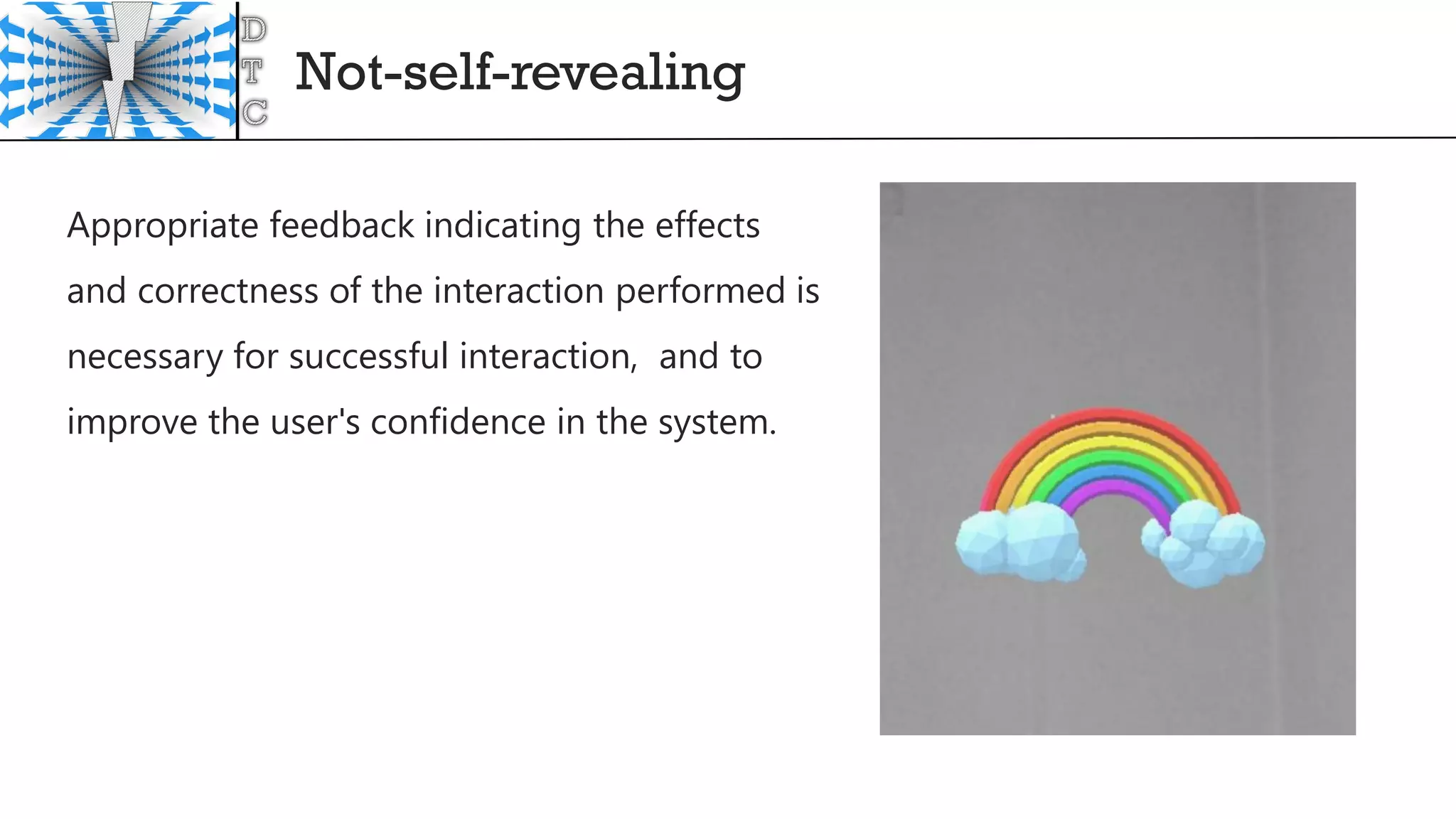
Appropriate feedback indicating the effects
and correctness of the interaction performed is
necessary for successful interaction, and to
improve the user's confidence in the system.
DeveloperTips
54
What next?
55
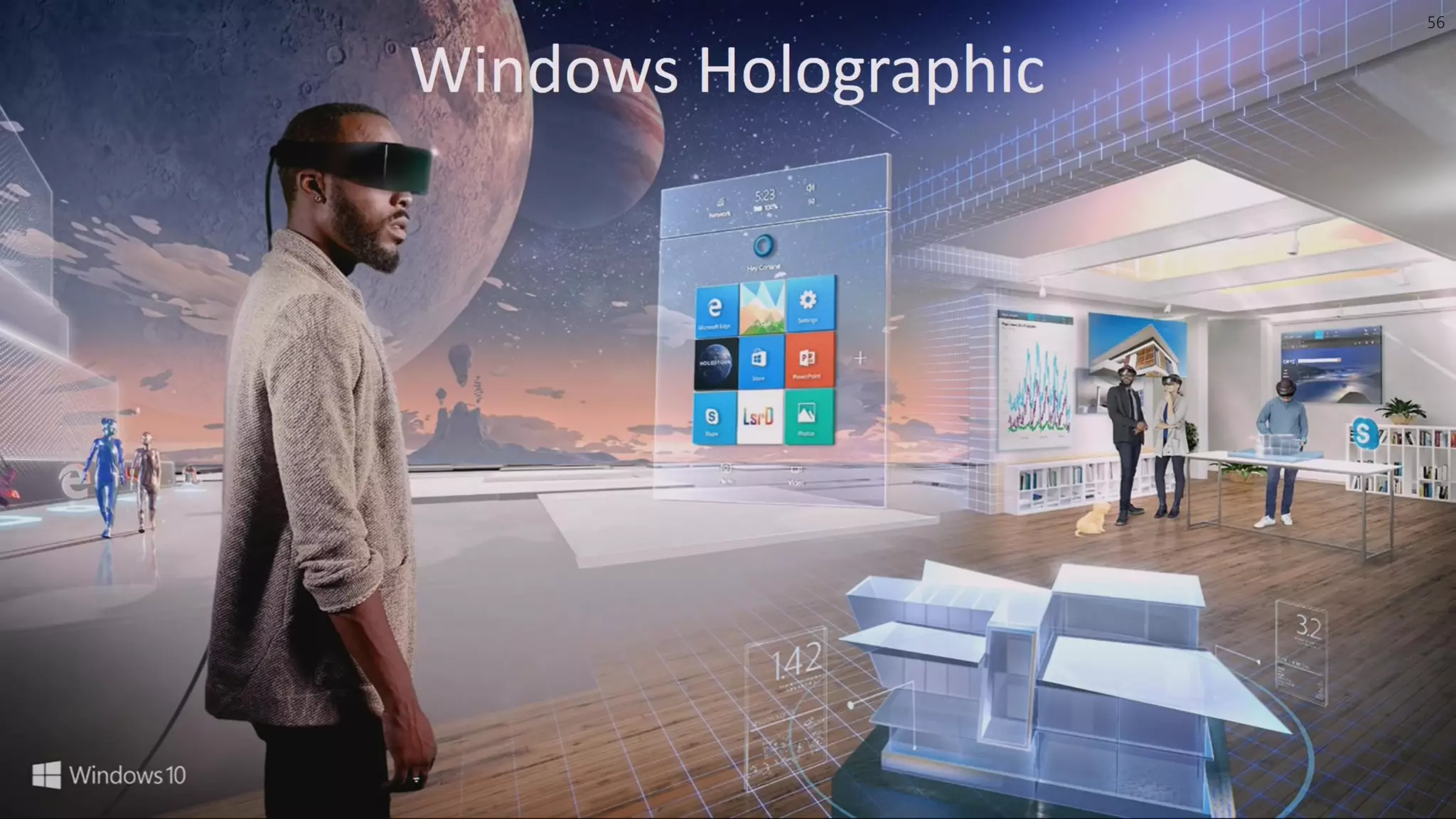
56
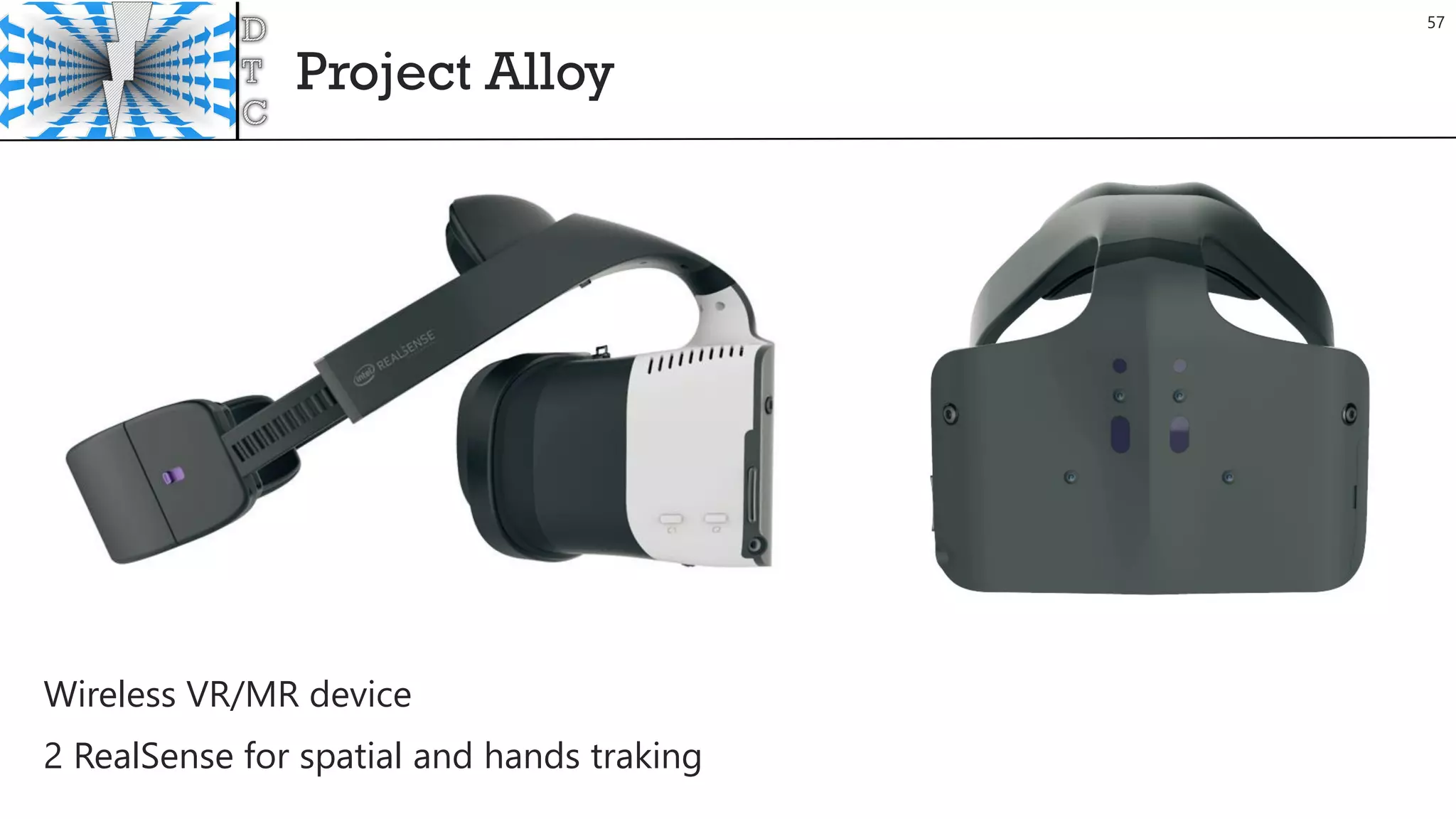
Project Alloy
57
Wireless VR/MR device
2 RealSense for spatial and hands traking
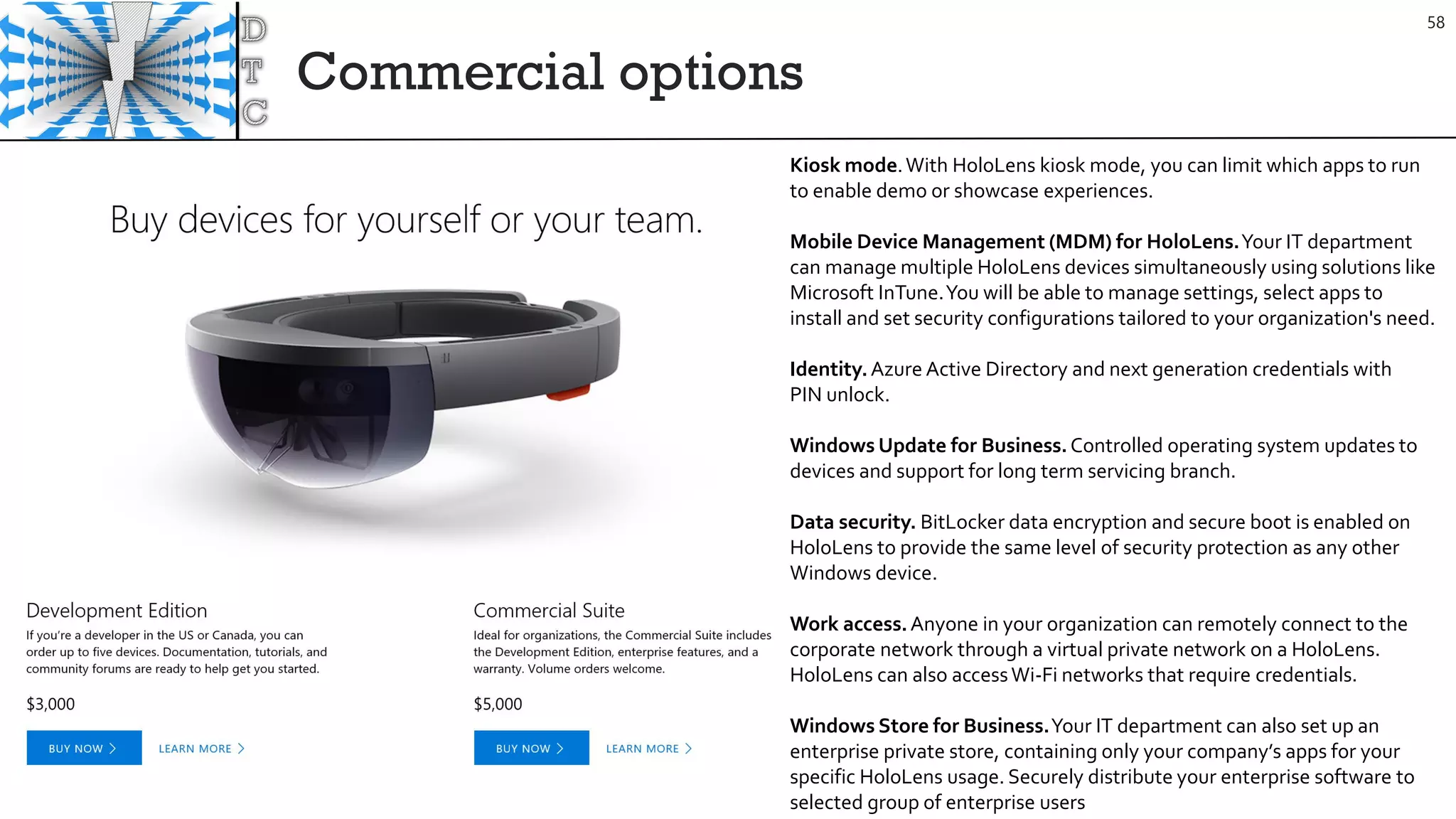
Commercial options
58
Kiosk mode.With HoloLens kiosk mode, you can limit which apps to run
to enable demo or showcase experiences.
Mobile Device Management (MDM) for HoloLens.Your IT department
can manage multiple HoloLens devices simultaneously using solutions like
Microsoft InTune.You will be able to manage settings, select apps to
install and set security configurations tailored to your organization's need.
Identity.Azure Active Directory and next generation credentials with
PIN unlock.
Windows Update for Business.Controlled operating system updates to
devices and support for long term servicing branch.
Data security. BitLocker data encryption and secure boot is enabled on
HoloLens to provide the same level of security protection as any other
Windows device.
Work access.Anyone in your organization can remotely connect to the
corporate network through a virtual private network on a HoloLens.
HoloLens can also accessWi-Fi networks that require credentials.
Windows Store for Business.Your IT department can also set up an
enterprise private store, containing only your company’s apps for your
specific HoloLens usage. Securely distribute your enterprise software to
selected group of enterprise users
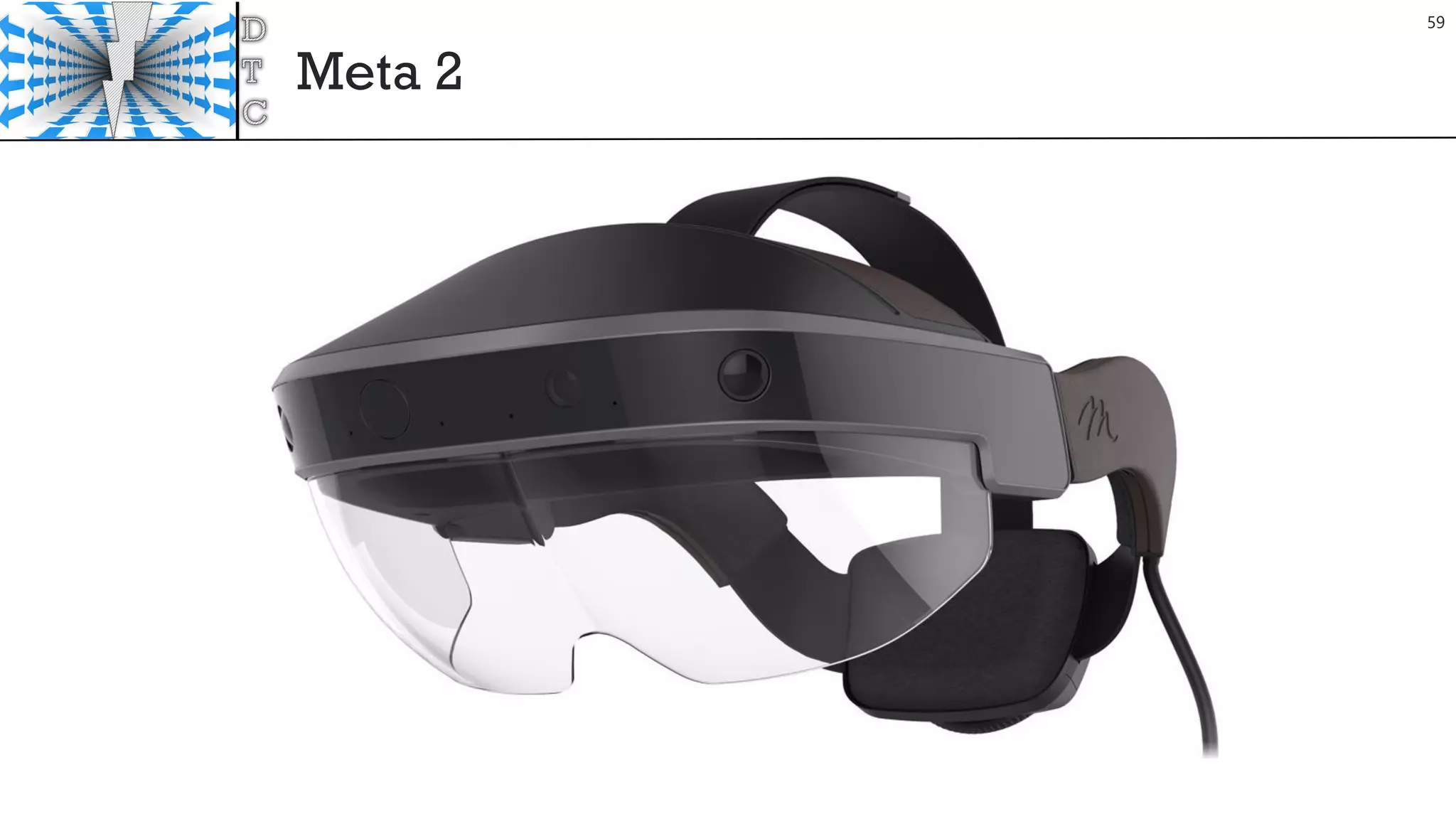
Meta 2
59
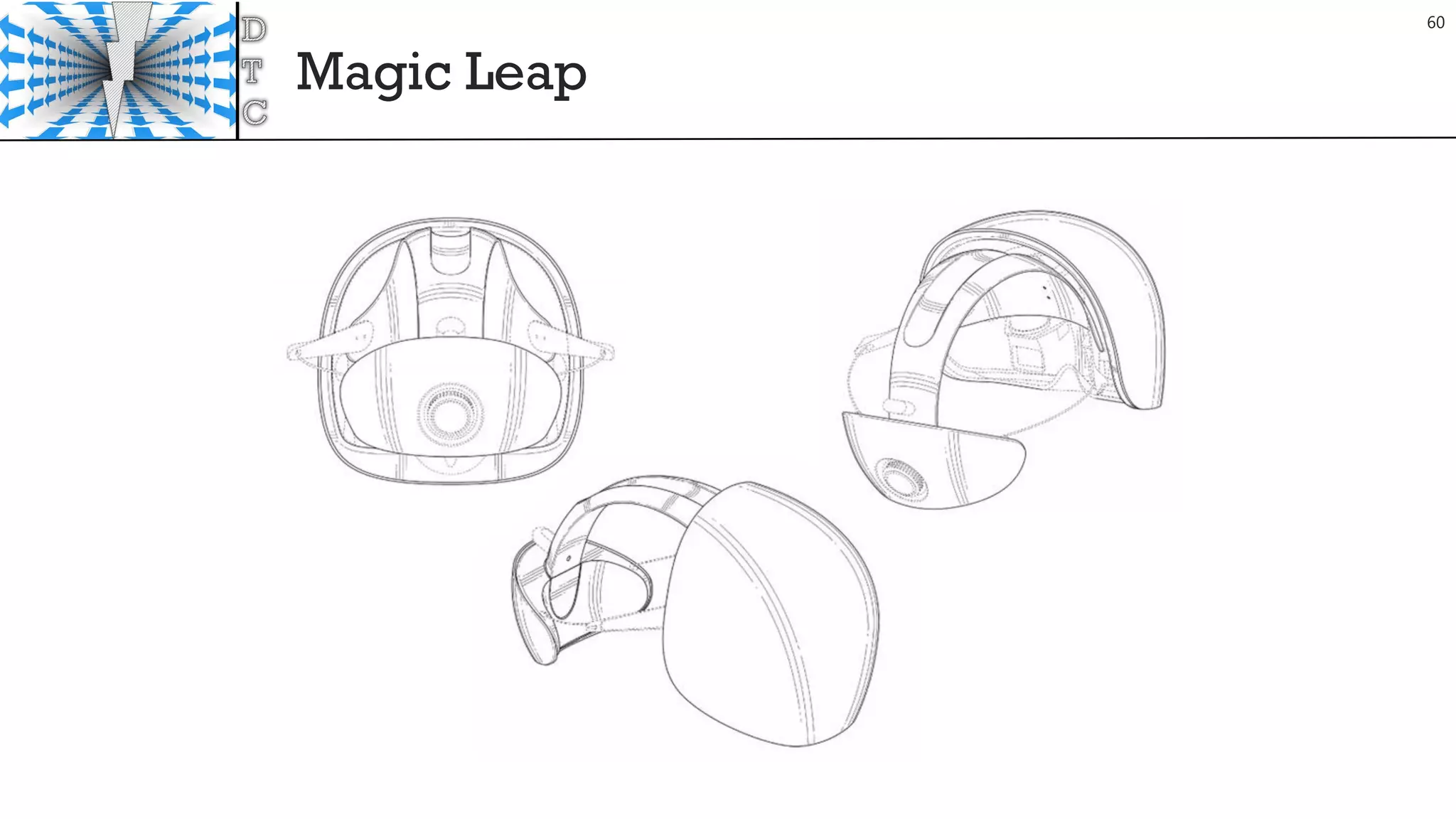
Magic Leap
60
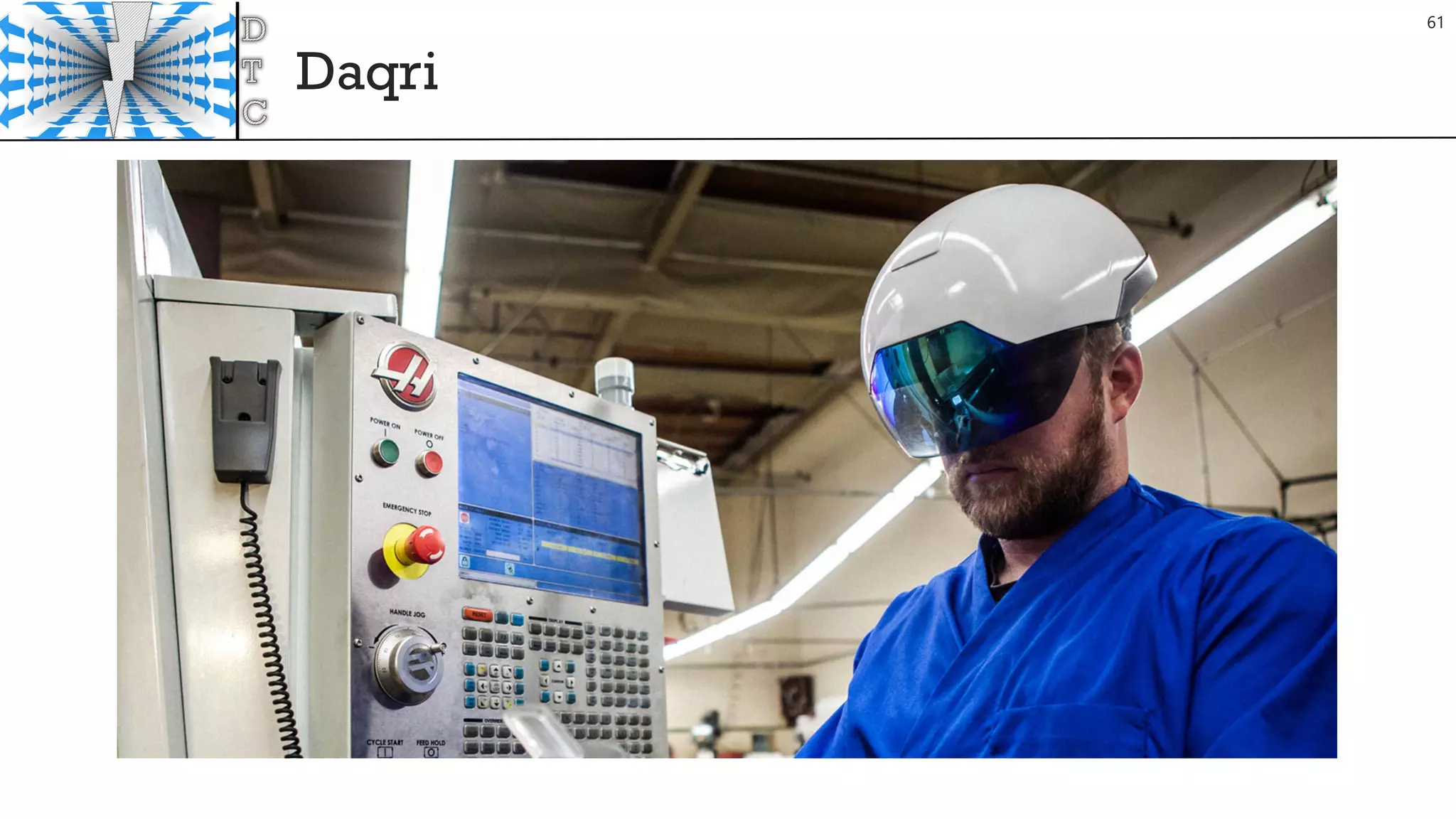
Daqri
61
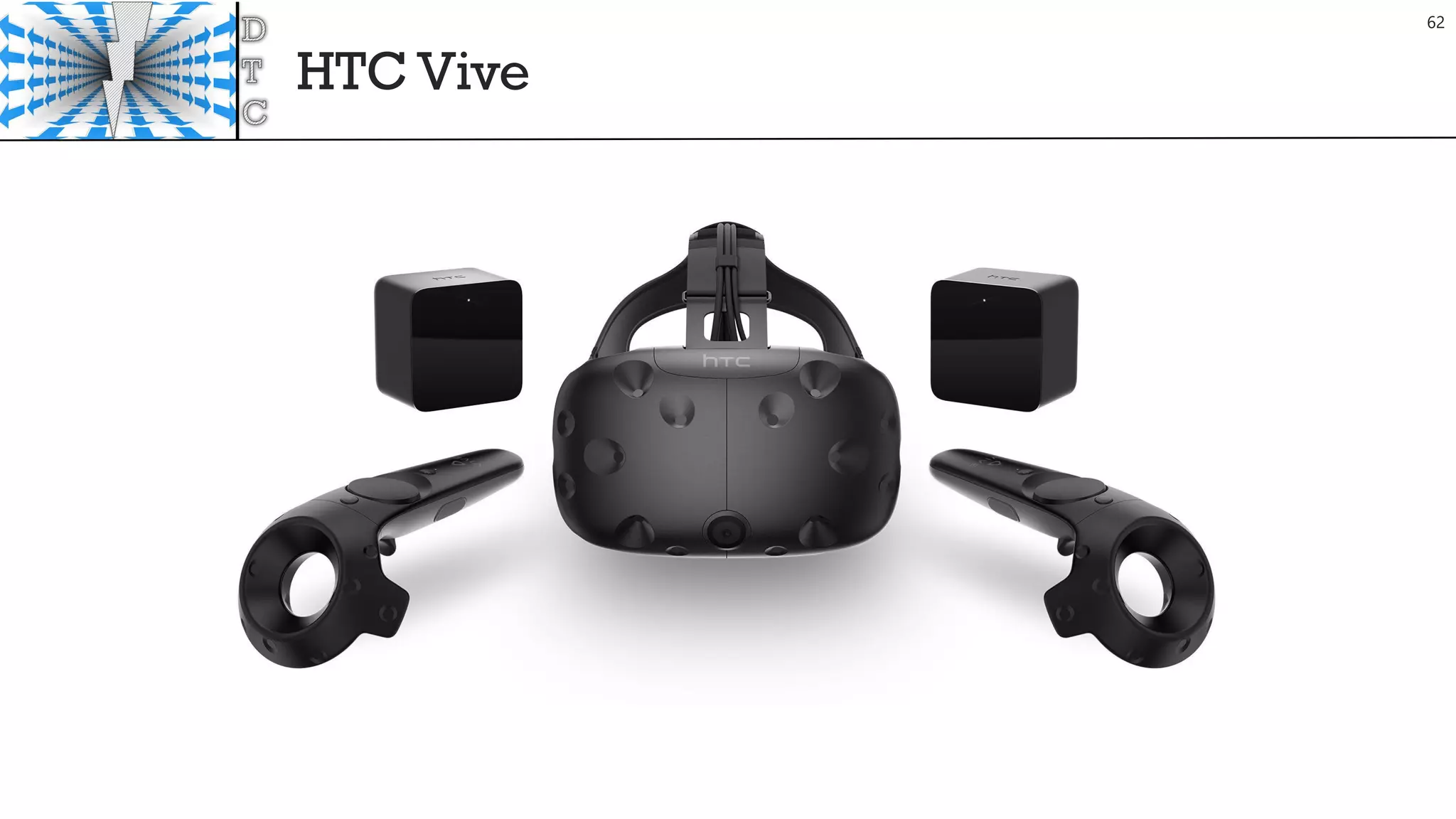
HTC Vive
62
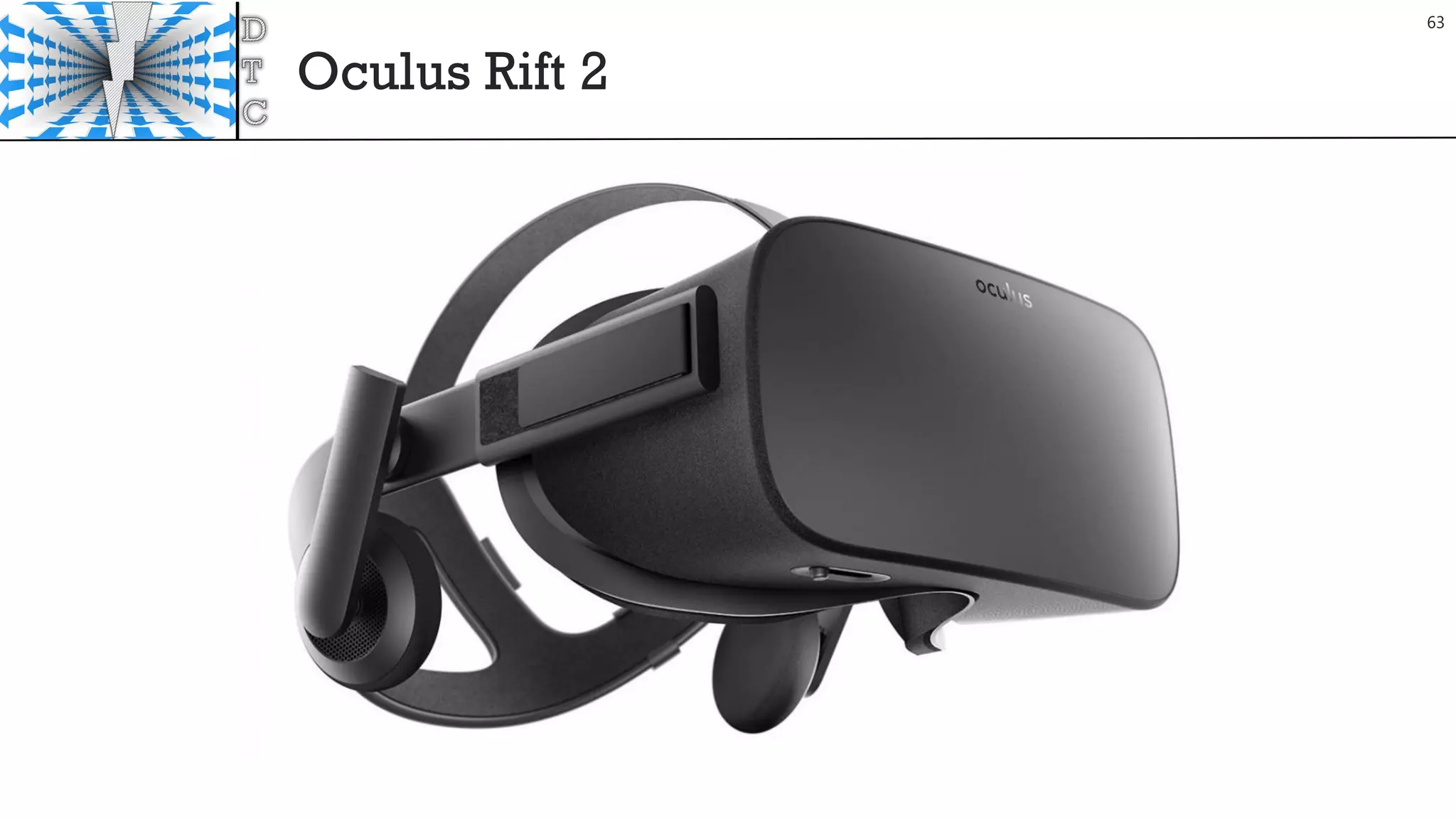
Oculus Rift 2
63
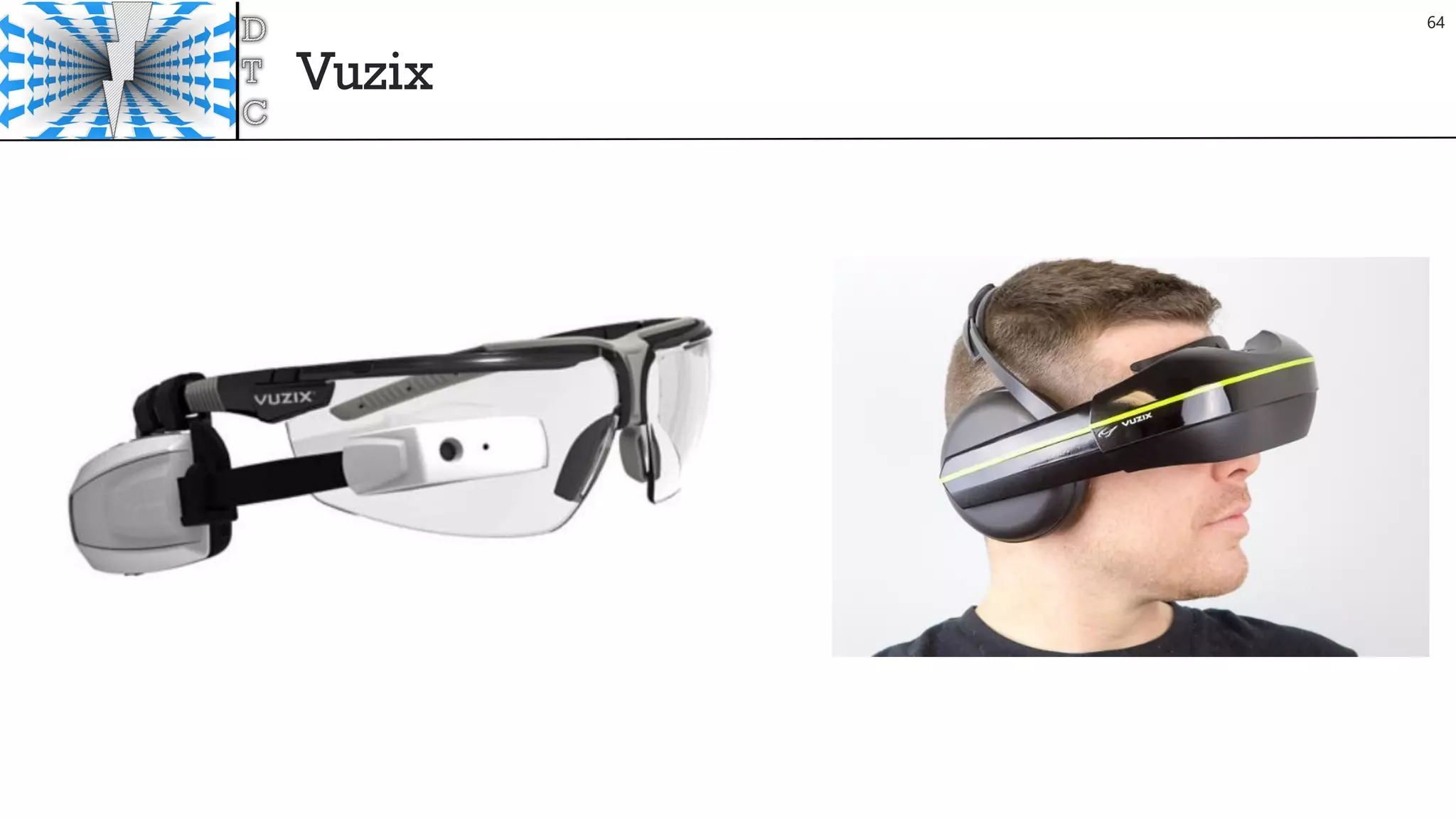
Vuzix
64
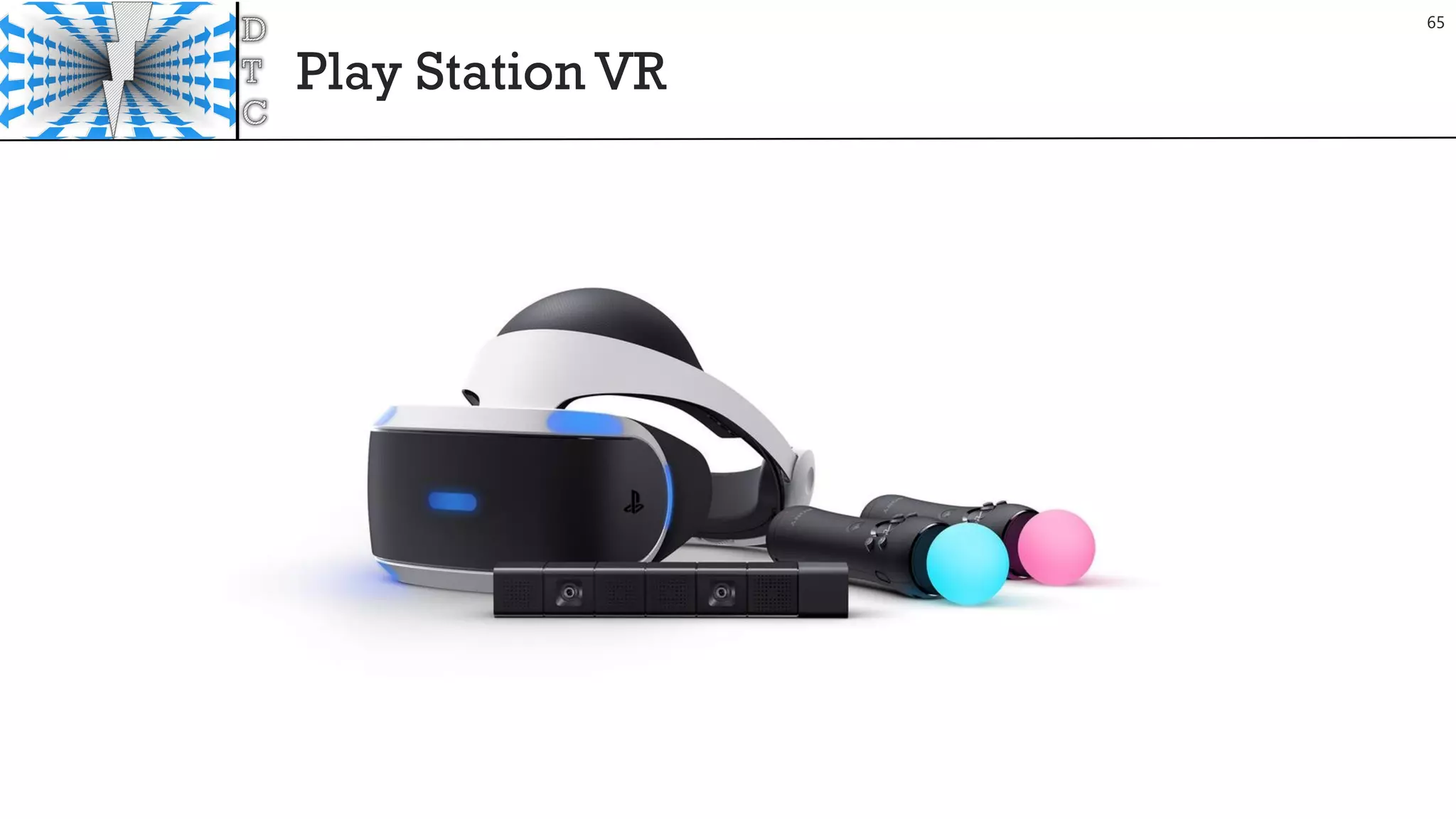
Play Station VR
65
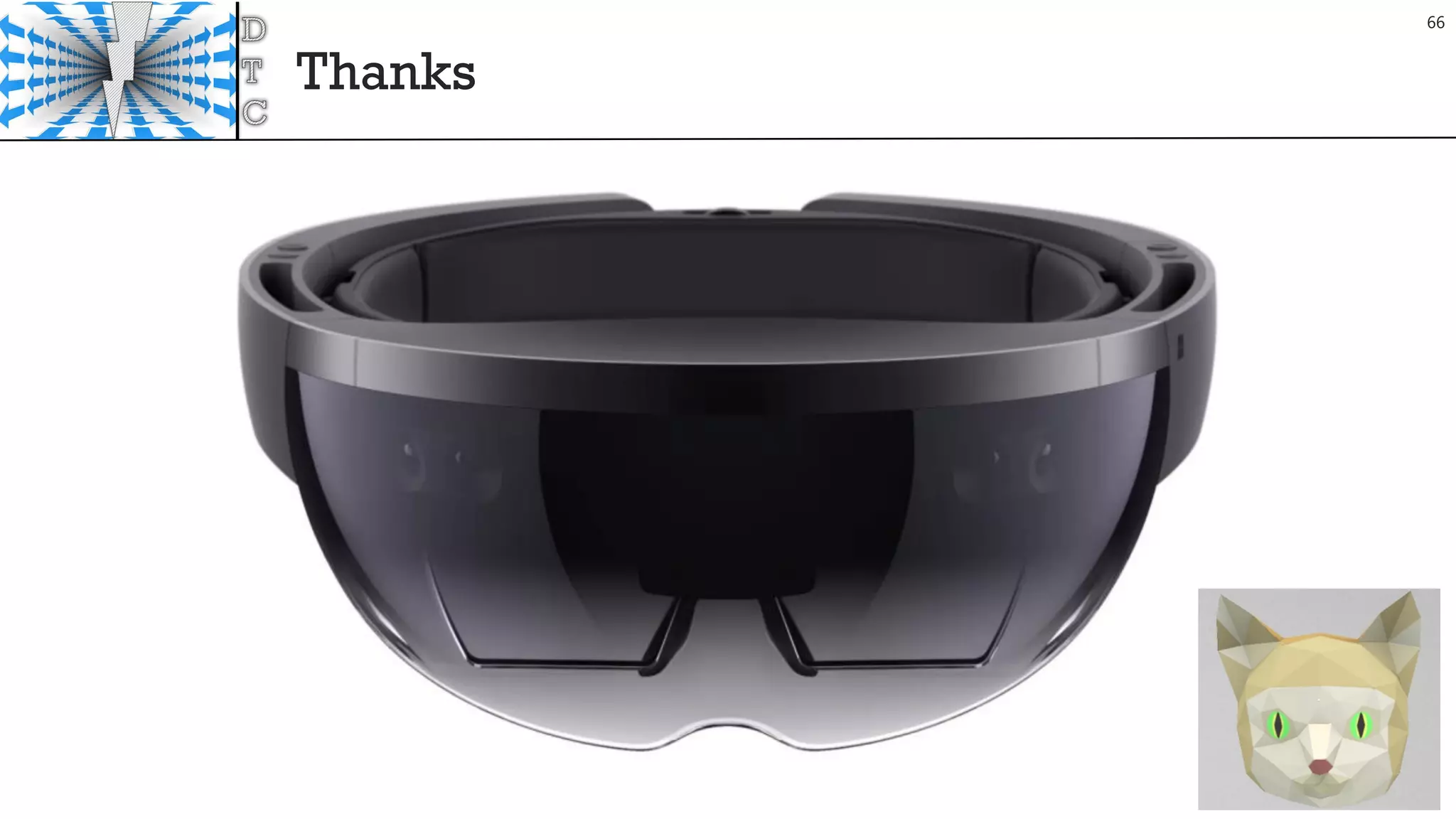
Thanks
66
References
• https://www.youtube.com/watch?v=zuzK3amWFzg
• https://developer.microsoft.com/en-us/windows/holographic/hardware_details
• https://www.youtube.com/watch?v=u0eBd2m_wEs&app=desktop
• http://www.techtimes.com/articles/175034/20160826/microsoft-reveals-more-about-hololens-
hardware.htm
• http://www.techtimes.com/articles/174764/20160823/microsoft-reveals-specs-of-hololens-holographic-
processing-unit.htm
• http://www.tomshardware.com/news/microsoft-hololens-components-hpu-28nm,32546.html
• https://books.google.it/books?id=qPU2DAAAQBAJ&pg=PT136&lpg=PT136&dq=hololens+spatial+resoluti
on&source=bl&ots=rZxOQzXlj7&sig=by_ssS7gRYaL_viWpmPBACMQffU&hl=en&sa=X&ved=0ahUKEwj0ue
LXiZnPAhUBthoKHVpfCL44ChDoAQhUMAk#v=onepage&q=hololens%20spatial%20resolution&f=false
• http://doc-ok.org/?p=1329
• http://www.pwc.com/us/en/technology-forecast/augmented-reality/optic-breakthroughs-reshaping-
augmented-reality.html
• http://www.slideshare.net/marknb00/a-survey-of-augmented-reality
• https://www.microsoft.com/microsoft-hololens/en-us/hololens-commercial
67/8

Mixed Reality from demo to product

  • 1.
    mvaloriani@gmail.com @matteovaloriani www.fifthingenium.com Mixed Reality:Dalle demoa un prodotto Matteo Valoriani Torino, 23 Settembre 2016
  • 2.
  • 3.
    Nice to MeetYou 3 MatteoValoriani CEOof FifthIngenium PhD at Politecnico of Milano Speaker and Consultant Microsoft MVP – Emerging Experiences Intel Software Innovator mvaloriani at gmail.com @MatteoValoriani Slideshare: www.slideshare.net/MatteoValoriani Linkedin: https://it.linkedin.com/in/matteovaloriani Blog: http://fifthingenium.com/blog GitHub: https://github.com/mvaloriani
  • 4.
    Agenda Inside the HoloLens HardwareReview HoloLens Optics Holographic Processing Unit v 1.0 HoloLens UX HoloLens UX overview HoloLens UXTips Fast DeveloperTips What NEXT?
  • 5.
  • 6.
  • 7.
  • 8.
  • 9.
    Hololens Device –Sensor Bar 9
  • 10.
    Hololens Device –Sensor Bar Ambient Light Sensor 2MP Photo (2048x1152)/ HDVideo Camera (1408x792) Depth Camera IR Camera based onTime-Of-Fly HandsTracking + Surface reconstruction + Object Position 4 Environment Understanding Camera Gray Scale Cameras Create Map of the Room 10
  • 11.
  • 12.
    Hololens Device –Optics IMU Gyroscope + Magnetometer + Accelerometer Fast Position Updates (<10ms ) 2 HD 16:9 light engines Project images on lenses Holographic Resolution: 2.3M total light points Holographic Density >2.5k radiants (light points per radian) Automatic pupillary distance calibration See-through holographic lenses (waveguides) R - G – B Layers 12
  • 13.
    Hololens Device –Internal Hardware 13
  • 14.
    Hololens Device –Internal Hardware Memory: 64GB Flash / 2GB RAM Processor: Intel Atom x5-Z8100 1.04 GHz 64-bit Intel Airmont (14nm) 4 Logical GPU: Intel 8086h, Dedicated Video Memory 114 MB, Shared System Memory 980 MB Custom-built Microsoft Holographic Processing Unit (HPU 1.0) Battery: 16,500 mWh Weight : 579g 14
  • 15.
    Hololens Device –3D Spatial Sound 15
  • 16.
    Hololens Device –3D Spatial Sound Built-in speakers. A precise audio experience without headphones that is immersive, yet won’t block out the real world. Spatial sound. Using a scientific model that characterizes how the human ear receives sound from a specific location, Microsoft HoloLens synthesizes sound so that you can hear holograms from anywhere in the room. 16
  • 17.
  • 18.
    Optica vs Videosee-through 18
  • 19.
    Device modules 19 Imaging Optics CombinerOptics HeadTraking Gesture Sensing EPE Display
  • 20.
    TIR Prism Combiners 20 Prismsand beam splitters: Prisms are crystals that bend and redirect light. Beam splitters use similar technology to split light and send it in two directions simultaneously.The reflected light is projected directly into the user’s retina. Google Glass uses a prism to redirect the image into the eye. Mirrors:The basis for many optical instruments, mirrors can be used to redirect and focus light. Depending on how they are designed and manufactured, they can transmit light from one direction and reflect light from another. Osterhout Design Group (ODG) uses a mirror with a special coating in its R-7 smartglasses.
  • 21.
    General concept ofWave guide 21 Waveguides:These devices channel light along a path as in an optical fiber, and they are used widely in telecommunications and electronics. In smartglasses, waveguides direct light from tiny displays housed in the temples of the glasses toward the lenses in front of the eye.Vuzix was the first to use waveguides in 2013.
  • 22.
    Half Tone ReflectiveWaveguide Combiners 22
  • 23.
    Diffractive extraction -Exit Pupil Expansion 23 Nanometer wide structures or gratings are placed on the surface of the waveguide at the location where we want to extract an image.The grating effectively creates an interference pattern that diffracts the light out and even enlarges the image.This is known as SRG or surface relief grating. EPE literally means making an image bigger (expanding it) so it covers as much of the exit pupil as possible, which means your eye plus every area your pupil might go to as you rotate your eyeball to take in your field of view (about a 10mm x 8mm rectangle or eye box). Original work by Nokia on 1D EPE waveguide grating conbiners (1995)
  • 24.
  • 25.
    Light field 25 This termis defined as the amount of light flowing in every direction through every point in space.4 It is emerging as an alternative method for displaying 3-D objects that appear more realistic than those created by providing different left and right images in a stereoscopic display. Magic Leap states it is using light field technology in its smartglasses.
  • 26.
  • 27.
  • 28.
    Holographic Processing Unitv 1.0 TSMC-fabricated 28 nm co-processor. 24 Tensilica DSP cores (12 clusters) 65 million logic gates (used 50%) 8 MB of SRAM 1GB DRAM 1 Trillion Operation per second Sensor aggregator with gesture and environment processing 200x over software implementation Low Power (<10 Watts) 12 mm 12mm 28
  • 29.
  • 30.
    Remember HW Limits 30 Goals •Frame Rate 60 fps • Memory < 900 MB Total Commit The the biggest factors for CPU performance are: • Too many objects being rendered (try to keep this under 100 unique Renderers or UI elements) • Expensive updates or too many object updates • Hitches due to garbage collection • Expensive graphics settings and shaders (shadows, reflection probes, etc.) https://developer.microsoft.com/en-us/windows/holographic/performance_recommendations_for_unity
  • 31.
    Optimize Player 31 Go tothe player settings by navigating to "Edit > Project Settings > Player" page, click on the "Windows Store“ Use Shader preloading, preloading means you won't see any hitches due to runtime shader compilation. Make sure "Rendering > Rendering Path" is set to Forward (this is the default). The "Use 16-bit Depth Buffers" setting allows you to enable 16-bit depth buffers, which drastically reduces the bandwidth (and thus power) associated with depth buffer traffic.
  • 32.
  • 33.
  • 34.
  • 35.
  • 36.
    Small and LargeInteraction 36
  • 37.
    Object size /Interaction space 37
  • 38.
  • 39.
  • 40.
  • 41.
  • 42.
  • 43.
  • 44.
  • 45.
  • 46.
  • 47.
  • 48.
  • 49.
    Minimalize Fatigue Gestural interactioninvolves more muscles than keyboard interaction or speech. Gestural interactions must therefore be concise and quick, and minimize user’s effort and physical stress. Two types of muscular stress are known: • static, the effort required maintaining a posture for a fixed amount of time; • dynamic, related to the effort required to move a portion of the body through a trajectory.
  • 50.
    Favor ease oflearning (Learnability) 1/2 It must be easy for the user to learn how to perform and remember interaction, minimizing the mental load of recalling associated actions. The learning rate depends on tasks, user experience, skills, as well as the size of the gesture language (more gestures decrease the learnability rate).
  • 51.
    Favor ease oflearning (Learnability) 2/2 The interaction that are most natural, easy to learn and are immediately assimilated by the user are those that belong to everyday life, or involve the least physical effort. Complex interaction can be more expressive and give more control, but have a higher learnability burden. Hence there is clearly a tension between design requirements, among which a compromise must be made: naturalness of interaction, minimum size of the gesture language, expressiveness and completeness of the interaction.
  • 52.
    Intentionality (Immersion Syndrome) Userscan perform unintended gestures, i.e., movements that are not meant to communicate with the system they are interacting with. The “immersion syndrome” occurs if every movement is interpreted by the system, whether or not it was intended, and may determine interaction effects against the user’s will. Need to design reaction to unpredicted user interaction.
  • 53.
    Not-self-revealing Appropriate feedback indicatingthe effects and correctness of the interaction performed is necessary for successful interaction, and to improve the user's confidence in the system.
  • 54.
  • 55.
  • 56.
  • 57.
    Project Alloy 57 Wireless VR/MRdevice 2 RealSense for spatial and hands traking
  • 58.
    Commercial options 58 Kiosk mode.WithHoloLens kiosk mode, you can limit which apps to run to enable demo or showcase experiences. Mobile Device Management (MDM) for HoloLens.Your IT department can manage multiple HoloLens devices simultaneously using solutions like Microsoft InTune.You will be able to manage settings, select apps to install and set security configurations tailored to your organization's need. Identity.Azure Active Directory and next generation credentials with PIN unlock. Windows Update for Business.Controlled operating system updates to devices and support for long term servicing branch. Data security. BitLocker data encryption and secure boot is enabled on HoloLens to provide the same level of security protection as any other Windows device. Work access.Anyone in your organization can remotely connect to the corporate network through a virtual private network on a HoloLens. HoloLens can also accessWi-Fi networks that require credentials. Windows Store for Business.Your IT department can also set up an enterprise private store, containing only your company’s apps for your specific HoloLens usage. Securely distribute your enterprise software to selected group of enterprise users
  • 59.
  • 60.
  • 61.
  • 62.
  • 63.
  • 64.
  • 65.
  • 66.
  • 67.
    References • https://www.youtube.com/watch?v=zuzK3amWFzg • https://developer.microsoft.com/en-us/windows/holographic/hardware_details •https://www.youtube.com/watch?v=u0eBd2m_wEs&app=desktop • http://www.techtimes.com/articles/175034/20160826/microsoft-reveals-more-about-hololens- hardware.htm • http://www.techtimes.com/articles/174764/20160823/microsoft-reveals-specs-of-hololens-holographic- processing-unit.htm • http://www.tomshardware.com/news/microsoft-hololens-components-hpu-28nm,32546.html • https://books.google.it/books?id=qPU2DAAAQBAJ&pg=PT136&lpg=PT136&dq=hololens+spatial+resoluti on&source=bl&ots=rZxOQzXlj7&sig=by_ssS7gRYaL_viWpmPBACMQffU&hl=en&sa=X&ved=0ahUKEwj0ue LXiZnPAhUBthoKHVpfCL44ChDoAQhUMAk#v=onepage&q=hololens%20spatial%20resolution&f=false • http://doc-ok.org/?p=1329 • http://www.pwc.com/us/en/technology-forecast/augmented-reality/optic-breakthroughs-reshaping- augmented-reality.html • http://www.slideshare.net/marknb00/a-survey-of-augmented-reality • https://www.microsoft.com/microsoft-hololens/en-us/hololens-commercial 67/8