MATLAB
Mr Elaventhan.A, Project Engineer
Pantech ProEd Pvt Ltd, Trichy
Agenda:
• Introduction
• Commands
• Operators
• Functions
• GUI
• How to Generate GUI?
• TMS320C6745 Introduction
• TMS Procedure
• Demo
Introduction
 MATLAB  MATrix LABoratory
 Developed by CleveMoler in 1984 as a teaching tool
 High performance language for technical computing
 Typical uses are,
 numerical computation
 Data analysis ,plotting and visualization
 Graphical user interface building
 Algorithm development and modelling
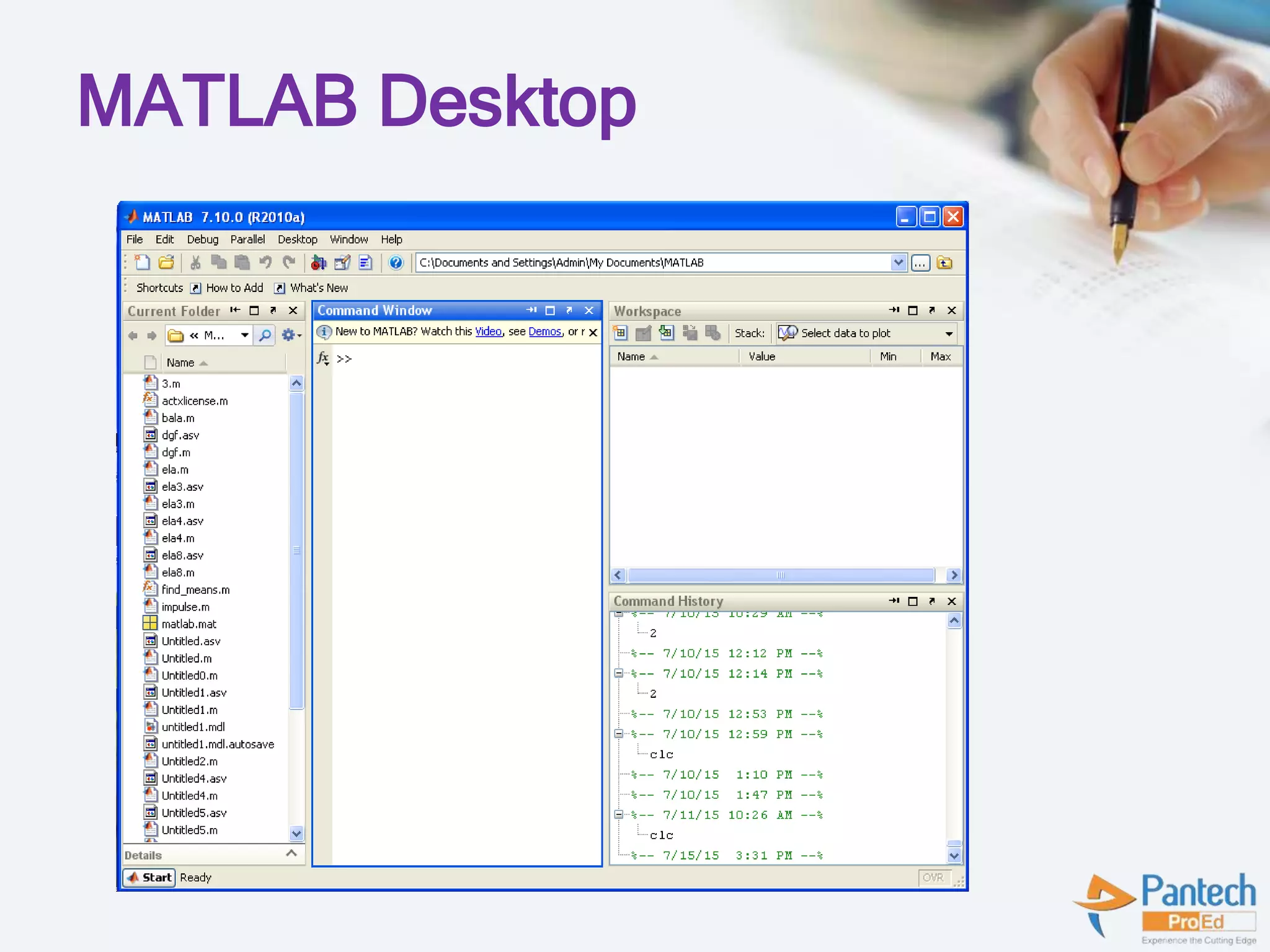
MATLAB Desktop Tools
 Command Window
 Command History
 Workspace
 Current Directory
 Editor Window
MATLAB Desktop
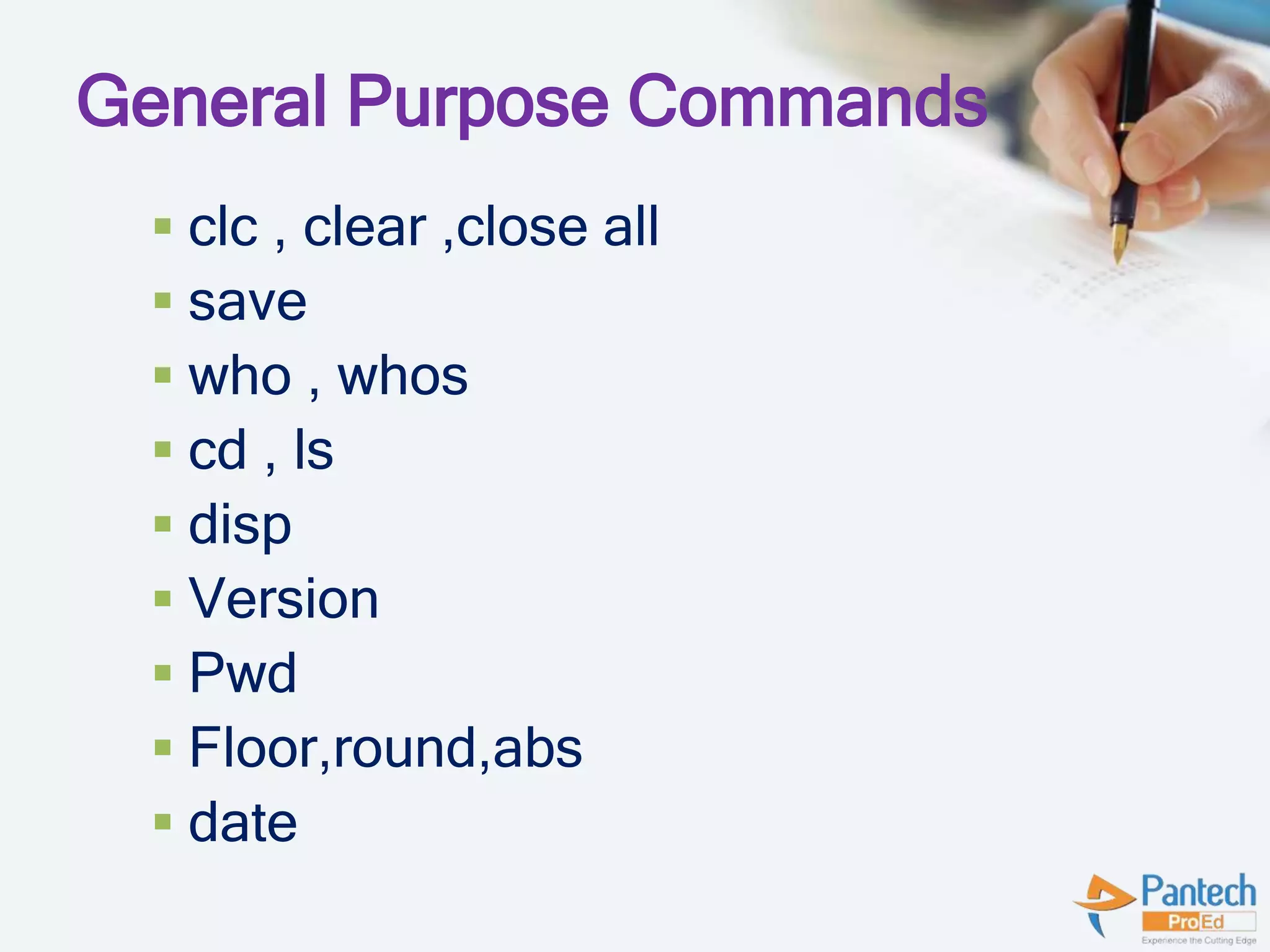
General Purpose Commands
 clc , clear ,close all
 save
 who , whos
 cd , ls
 disp
 Version
 Pwd
 Floor,round,abs
 date
Clear
 clear removes items from workspace,
freeing up system memory
 Examples of syntax:
 clear
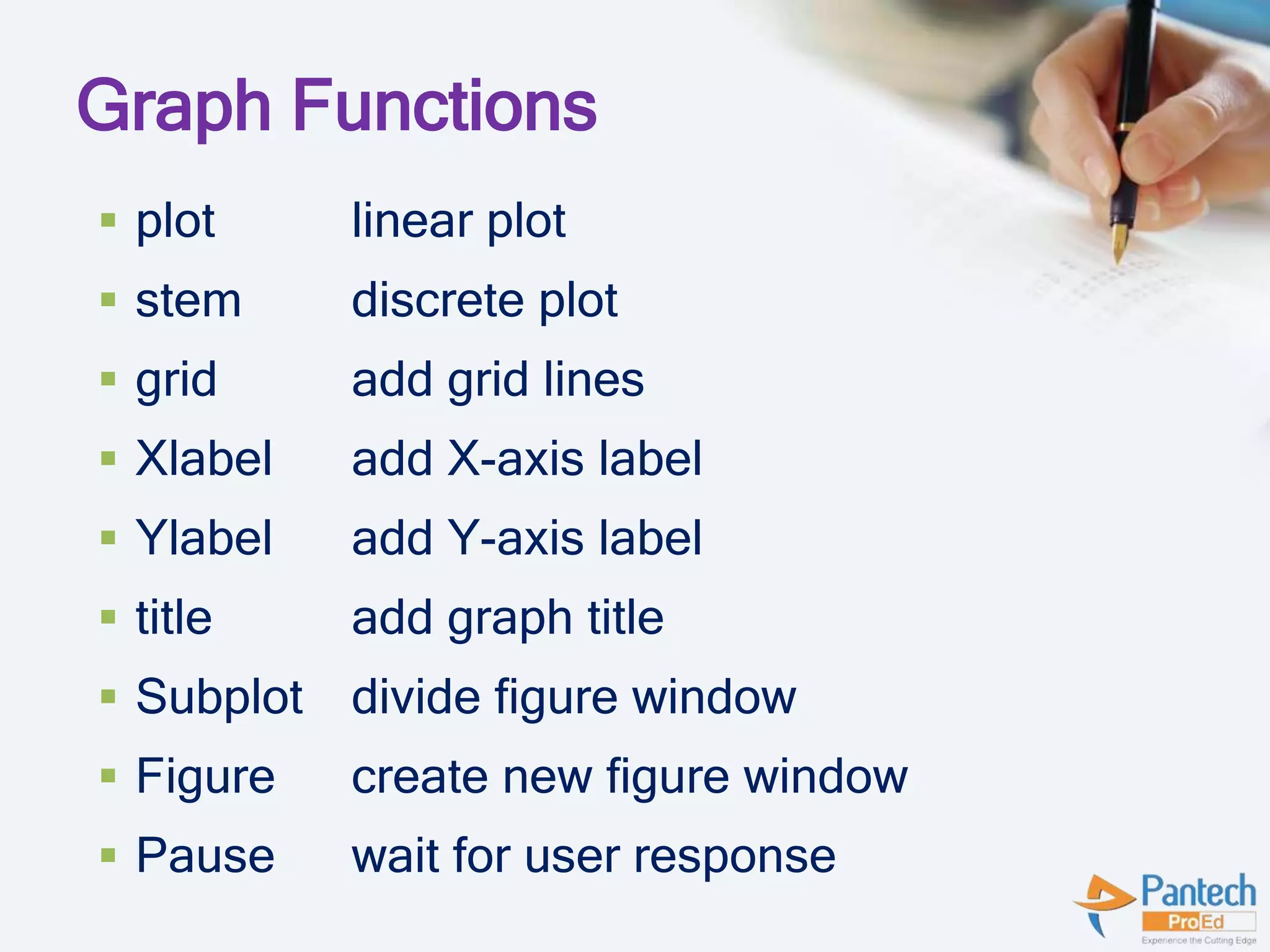
Graph Functions
 plot linear plot
 stem discrete plot
 grid add grid lines
 Xlabel add X-axis label
 Ylabel add Y-axis label
 title add graph title
 Subplot divide figure window
 Figure create new figure window
 Pause wait for user response
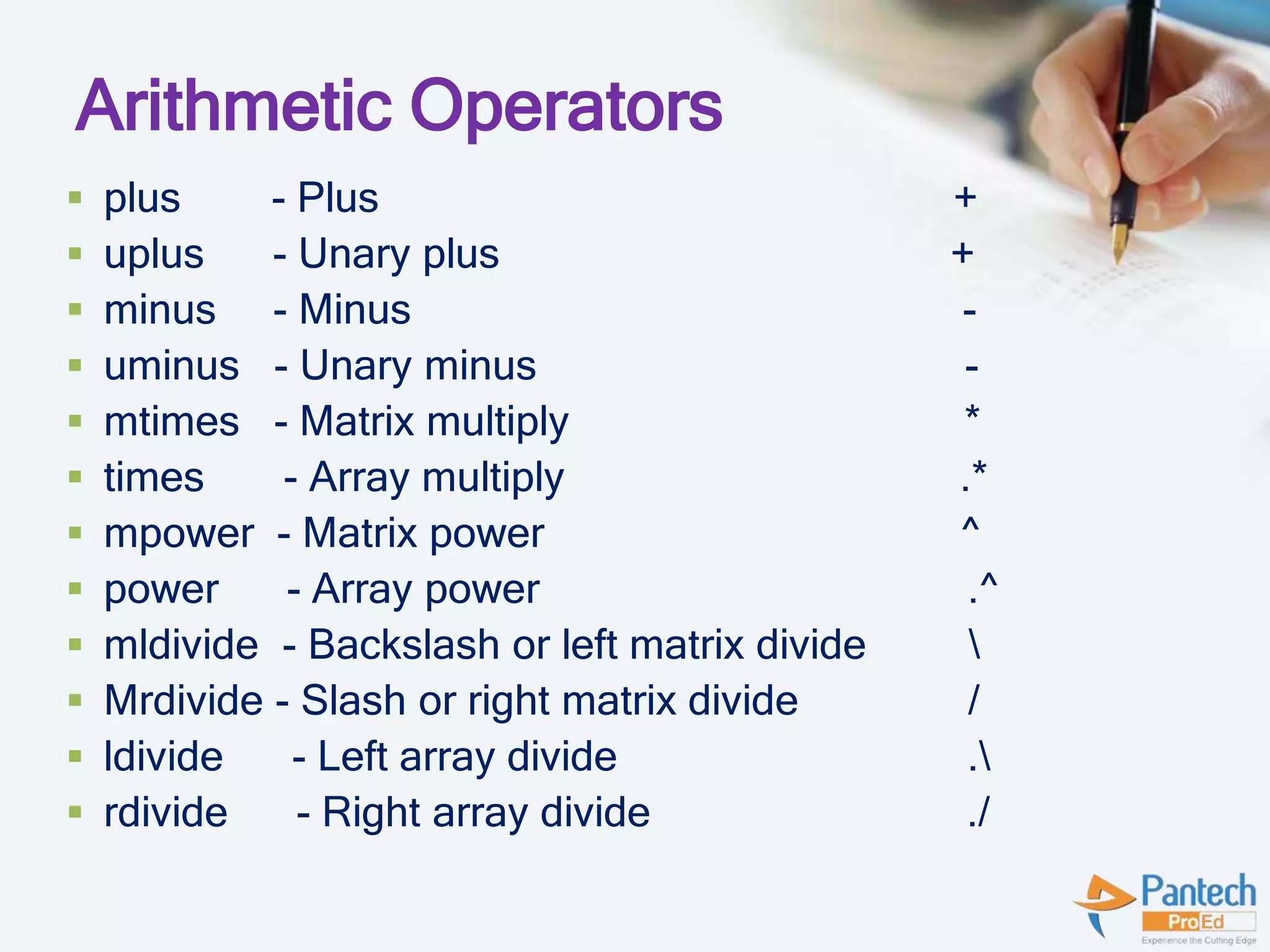
Arithmetic Operators
 plus - Plus +
 uplus - Unary plus +
 minus - Minus -
 uminus - Unary minus -
 mtimes - Matrix multiply *
 times - Array multiply .*
 mpower - Matrix power ^
 power - Array power .^
 mldivide - Backslash or left matrix divide 
 Mrdivide - Slash or right matrix divide /
 ldivide - Left array divide .
 rdivide - Right array divide ./
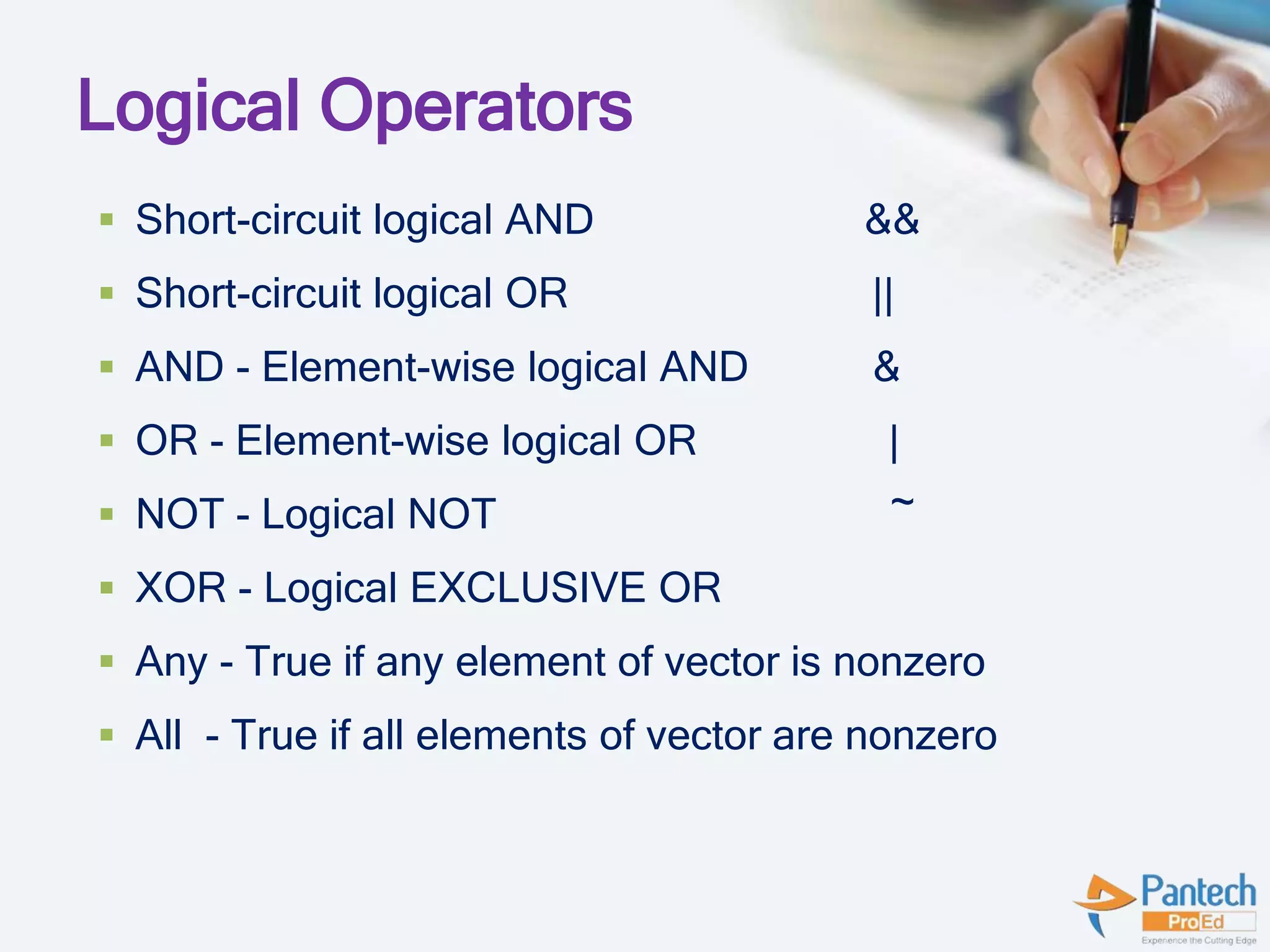
Logical Operators
 Short-circuit logical AND &&
 Short-circuit logical OR ||
 AND - Element-wise logical AND &
 OR - Element-wise logical OR |
 NOT - Logical NOT ~
 XOR - Logical EXCLUSIVE OR
 Any - True if any element of vector is nonzero
 All - True if all elements of vector are nonzero
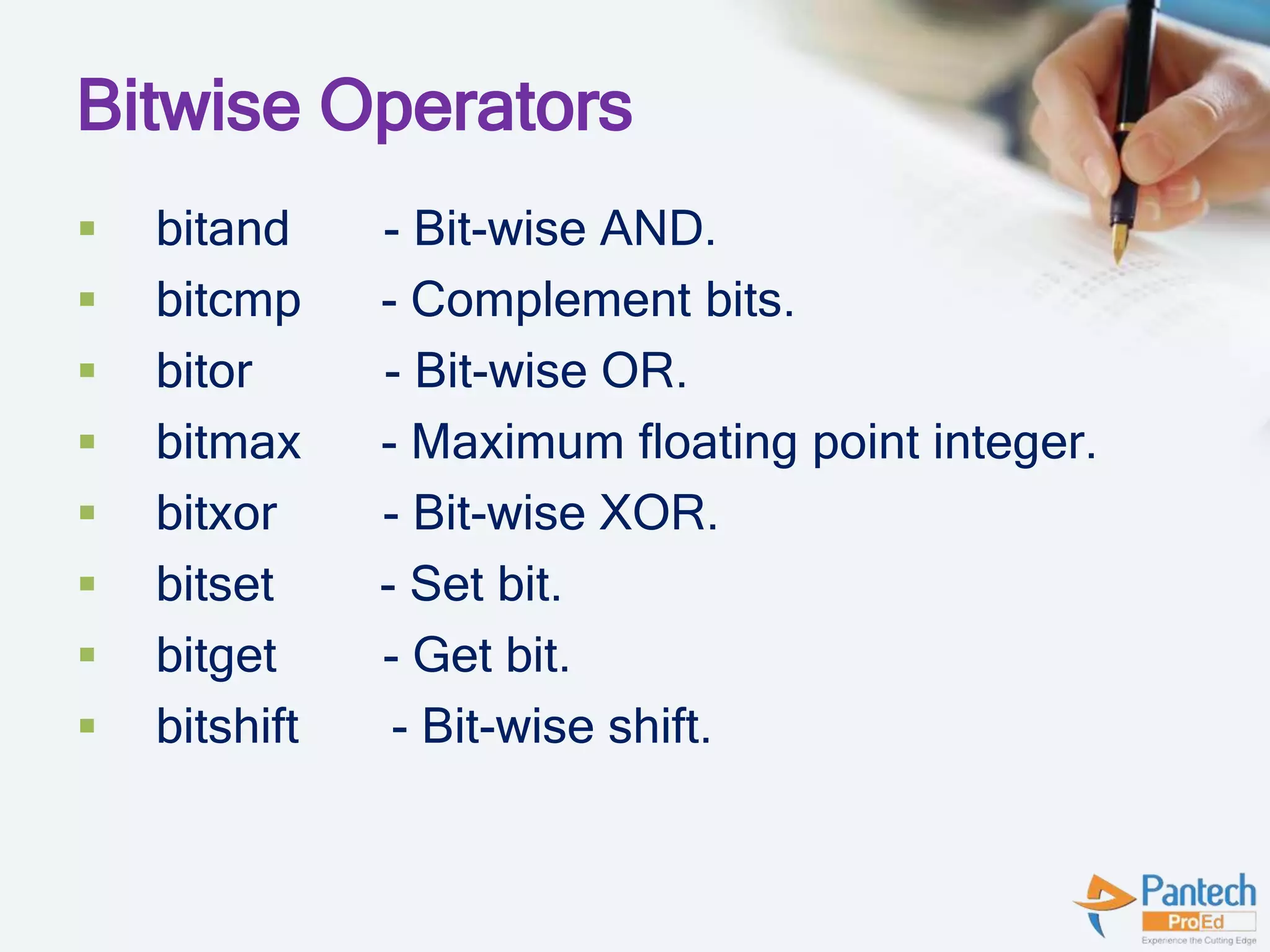
Bitwise Operators
 bitand - Bit-wise AND.
 bitcmp - Complement bits.
 bitor - Bit-wise OR.
 bitmax - Maximum floating point integer.
 bitxor - Bit-wise XOR.
 bitset - Set bit.
 bitget - Get bit.
 bitshift - Bit-wise shift.
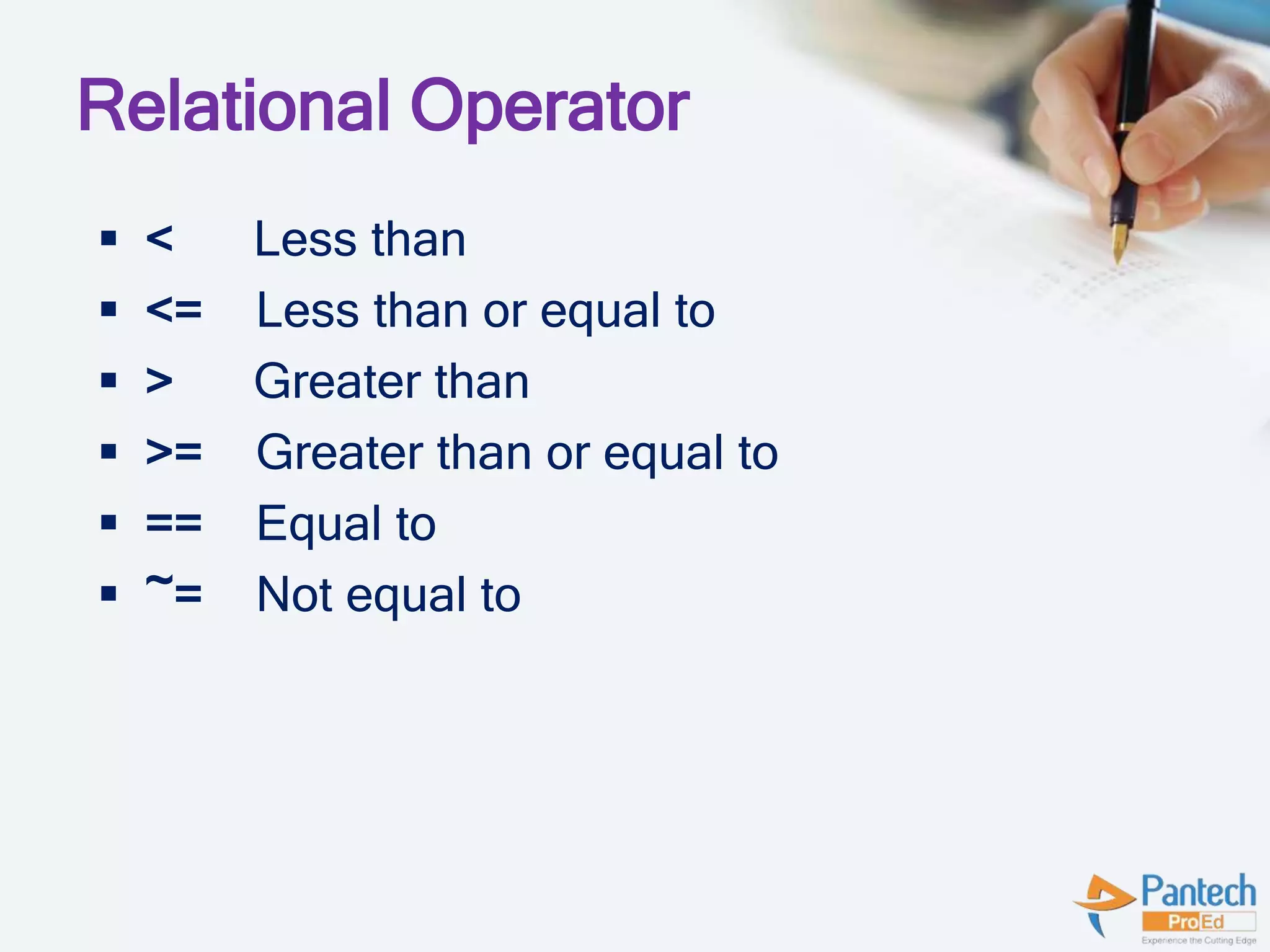
Relational Operator
 < Less than
 <= Less than or equal to
 > Greater than
 >= Greater than or equal to
 == Equal to
 ~= Not equal to
Matrix Creation
 When entering a matrix, separate columns by
spaces or commas; separate rows by semicolons.
For example, typing:
A = [1 2; 3 4]
results in:
A = 1 2
3 4
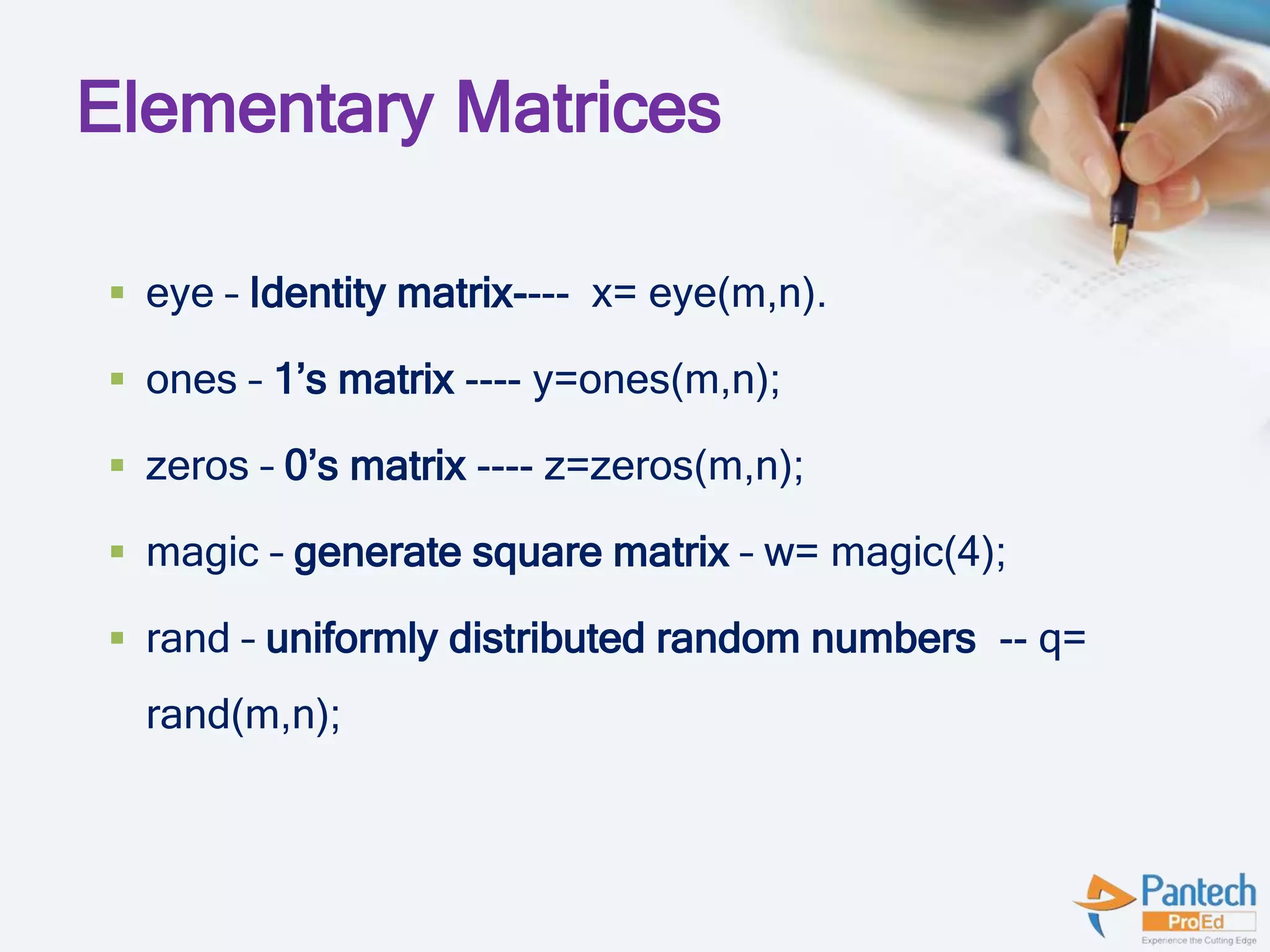
Elementary Matrices
 eye – Identity matrix---- x= eye(m,n).
 ones – 1’s matrix ---- y=ones(m,n);
 zeros – 0’s matrix ---- z=zeros(m,n);
 magic – generate square matrix – w= magic(4);
 rand – uniformly distributed random numbers -- q=
rand(m,n);
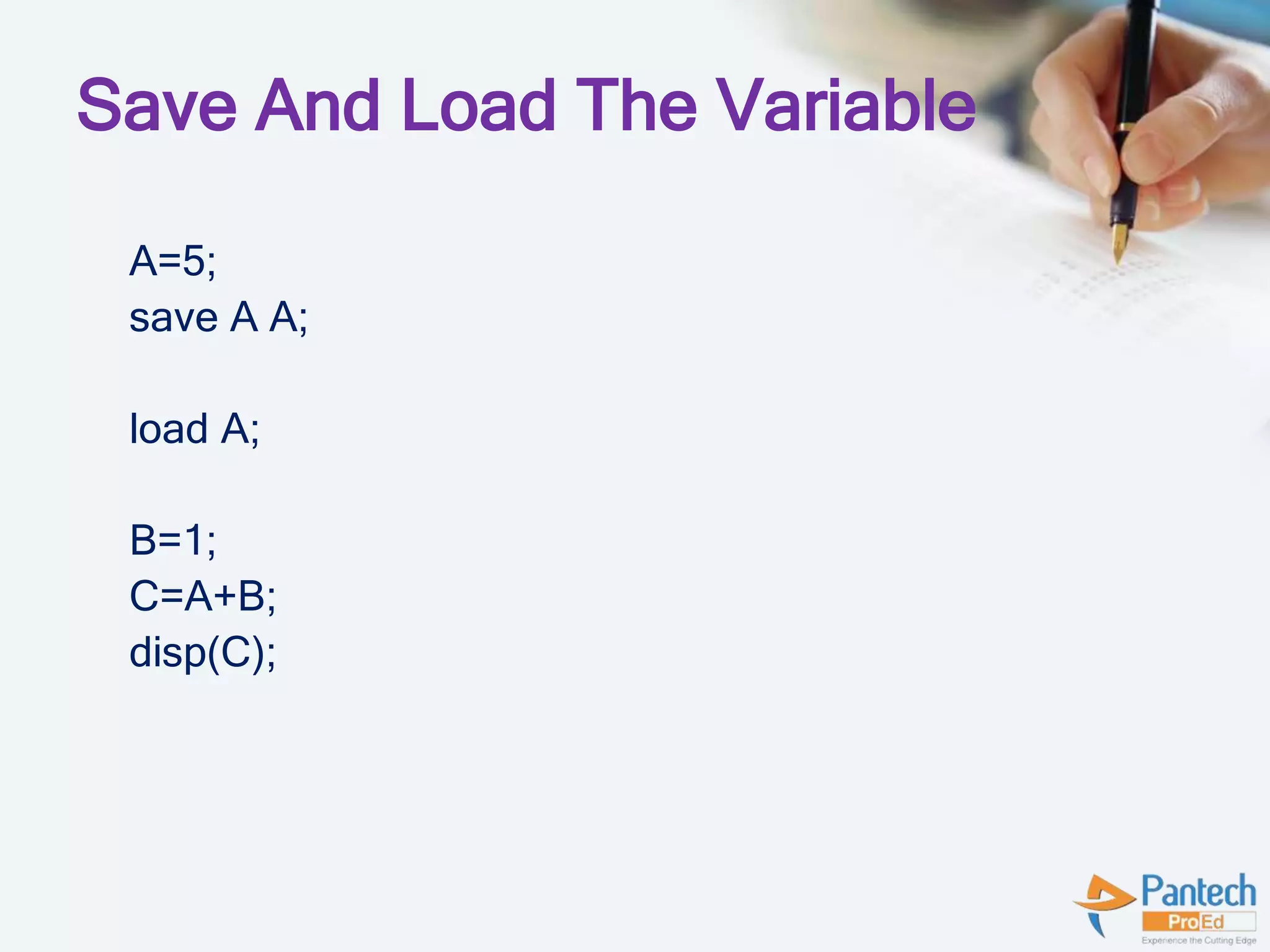
Save And Load The Variable
A=5;
save A A;
load A;
B=1;
C=A+B;
disp(C);
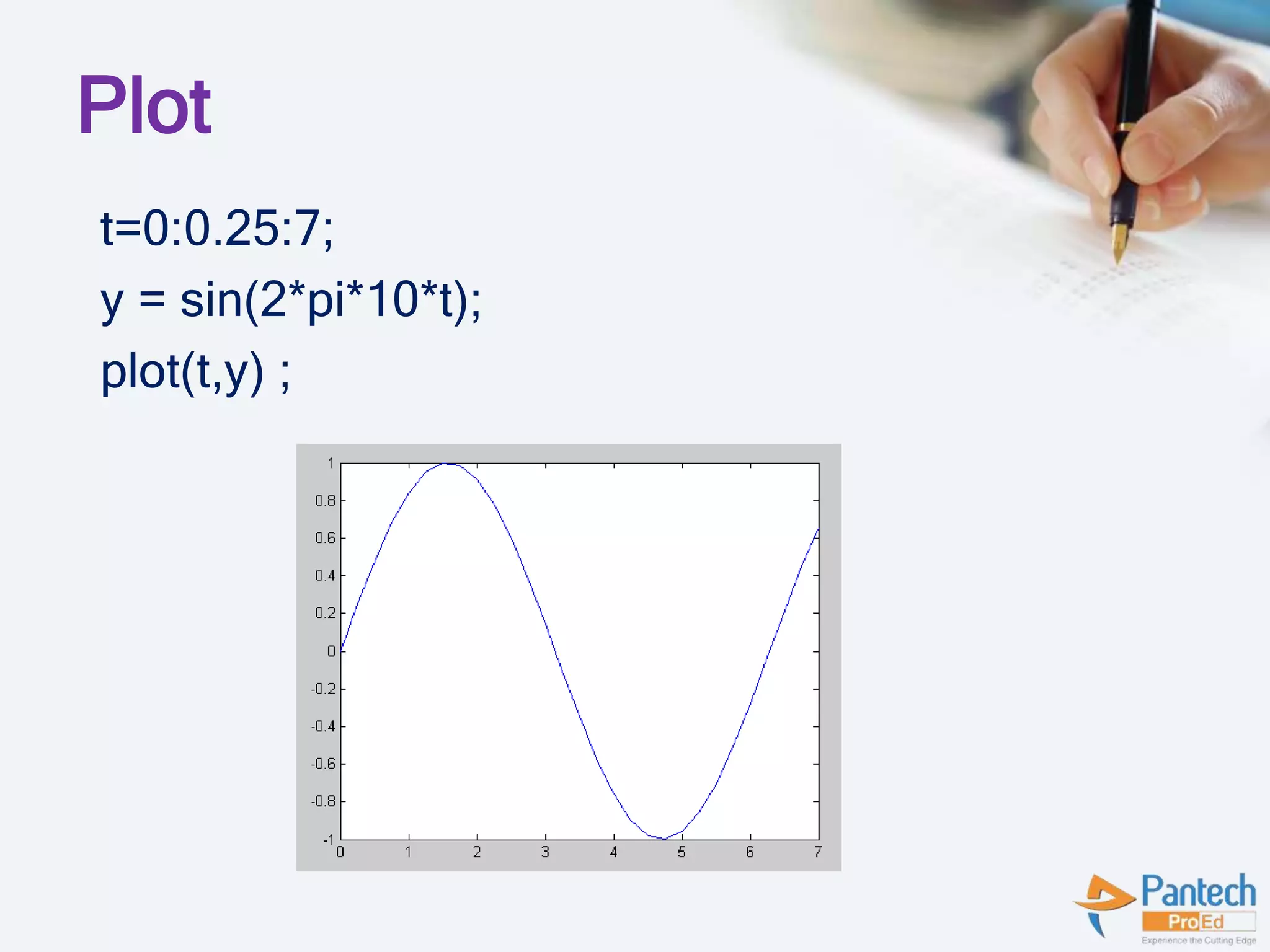
Plot
t=0:0.25:7;
y = sin(2*pi*10*t);
plot(t,y) ;
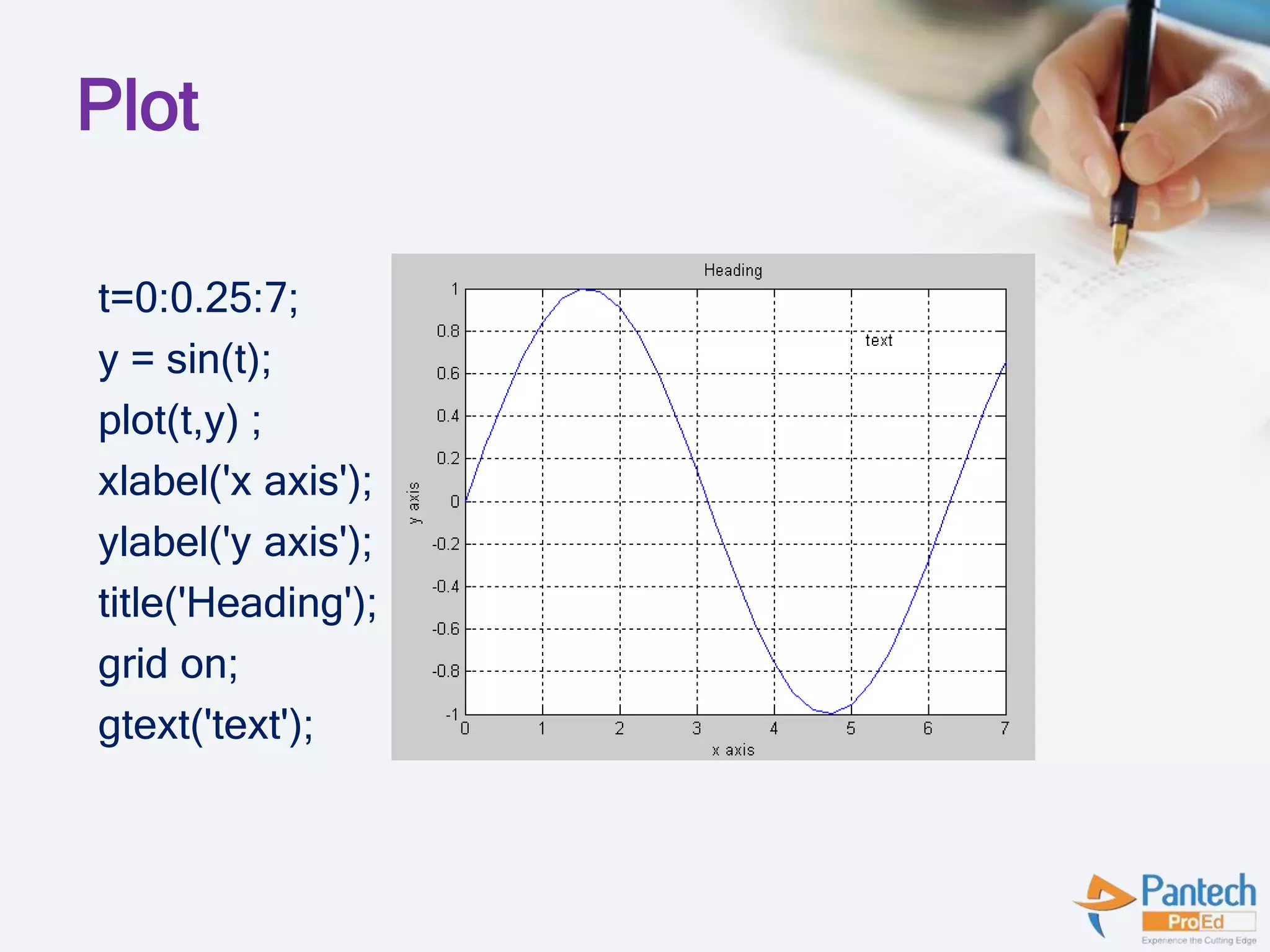
Plot
t=0:0.25:7;
y = sin(t);
plot(t,y) ;
xlabel('x axis');
ylabel('y axis');
title('Heading');
grid on;
gtext('text');
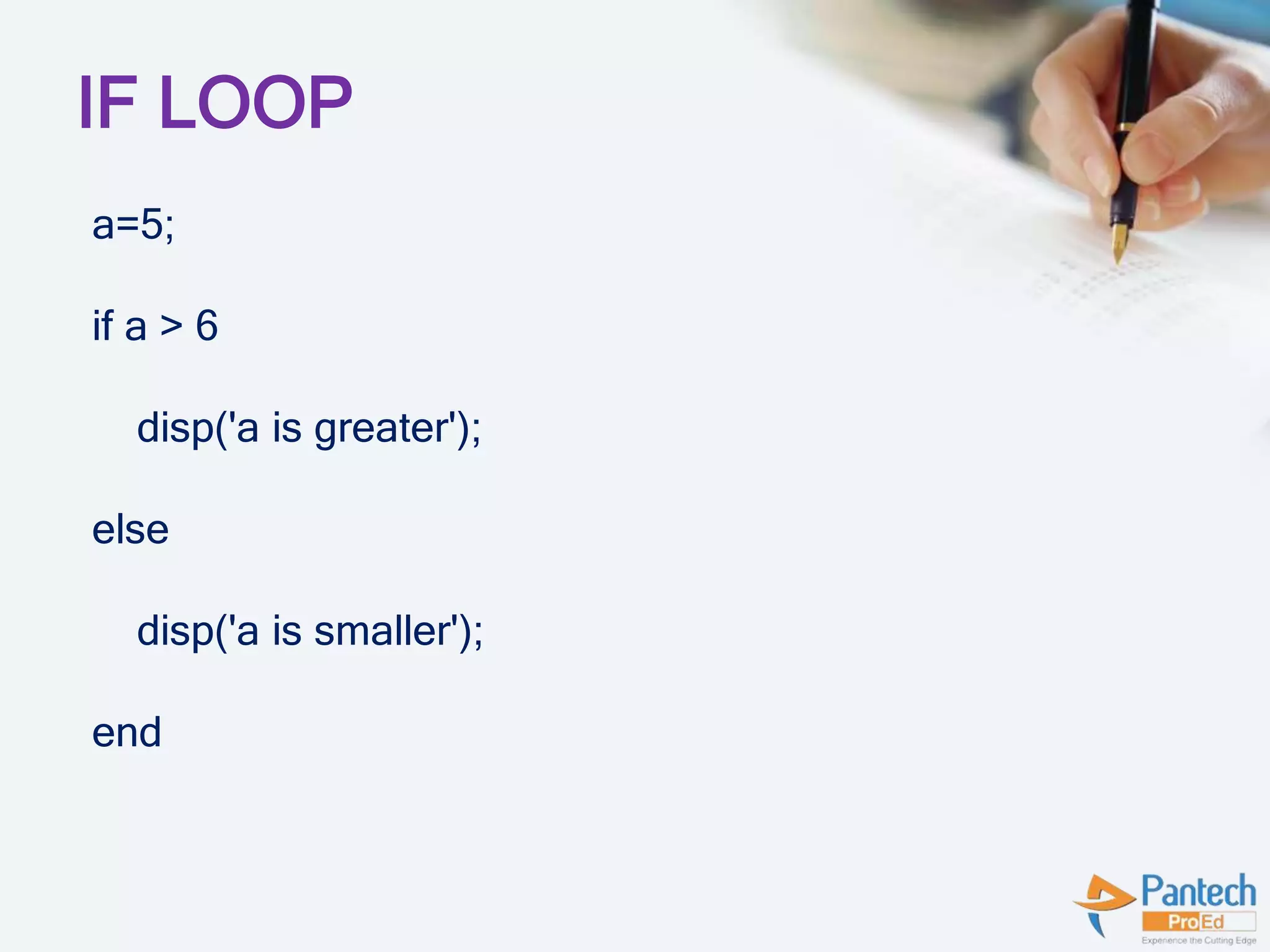
IF LOOP
a=5;
if a > 6
disp('a is greater');
else
disp('a is smaller');
end
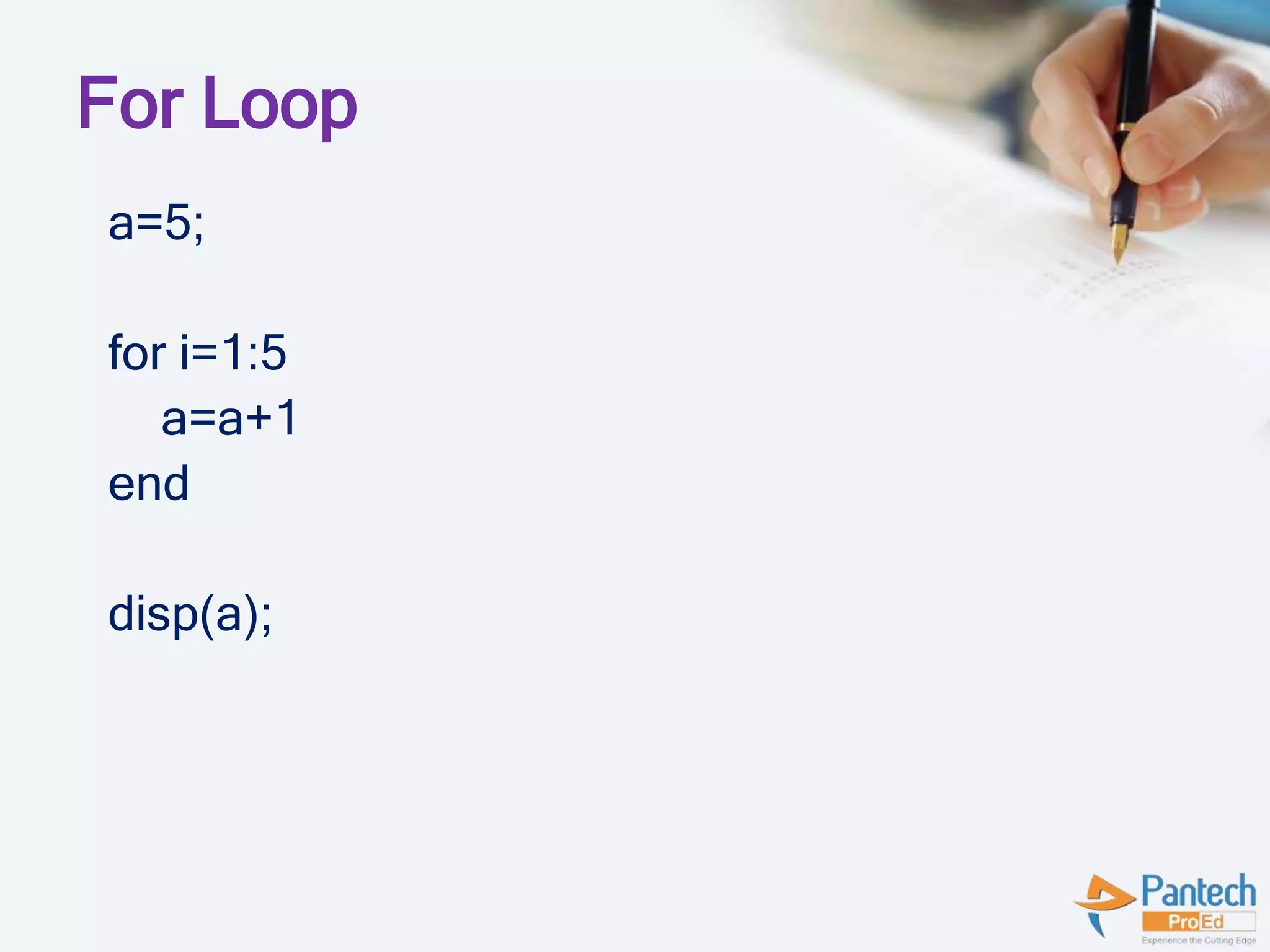
For Loop
a=5;
for i=1:5
a=a+1
end
disp(a);
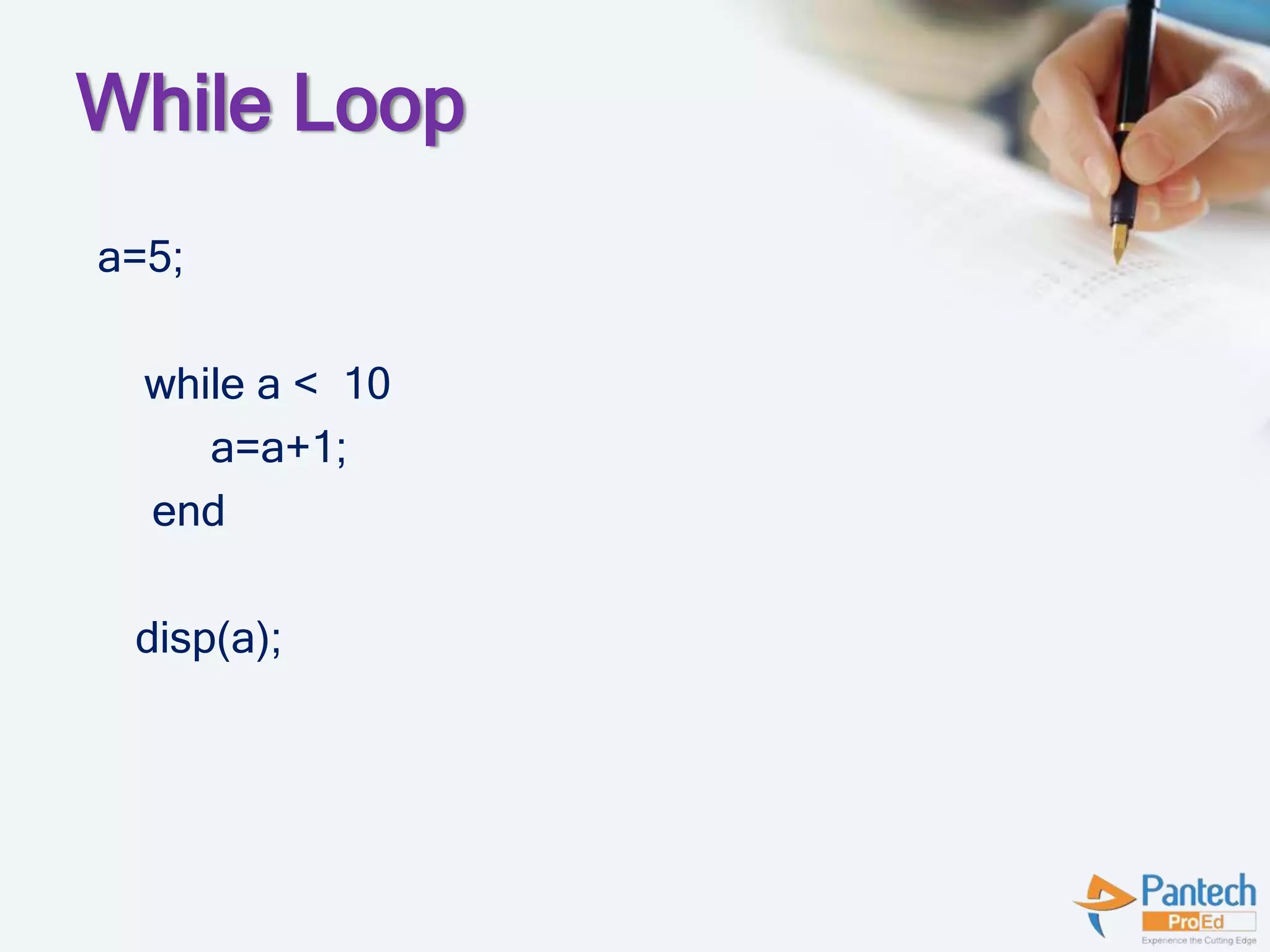
While Loop
a=5;
while a < 10
a=a+1;
end
disp(a);
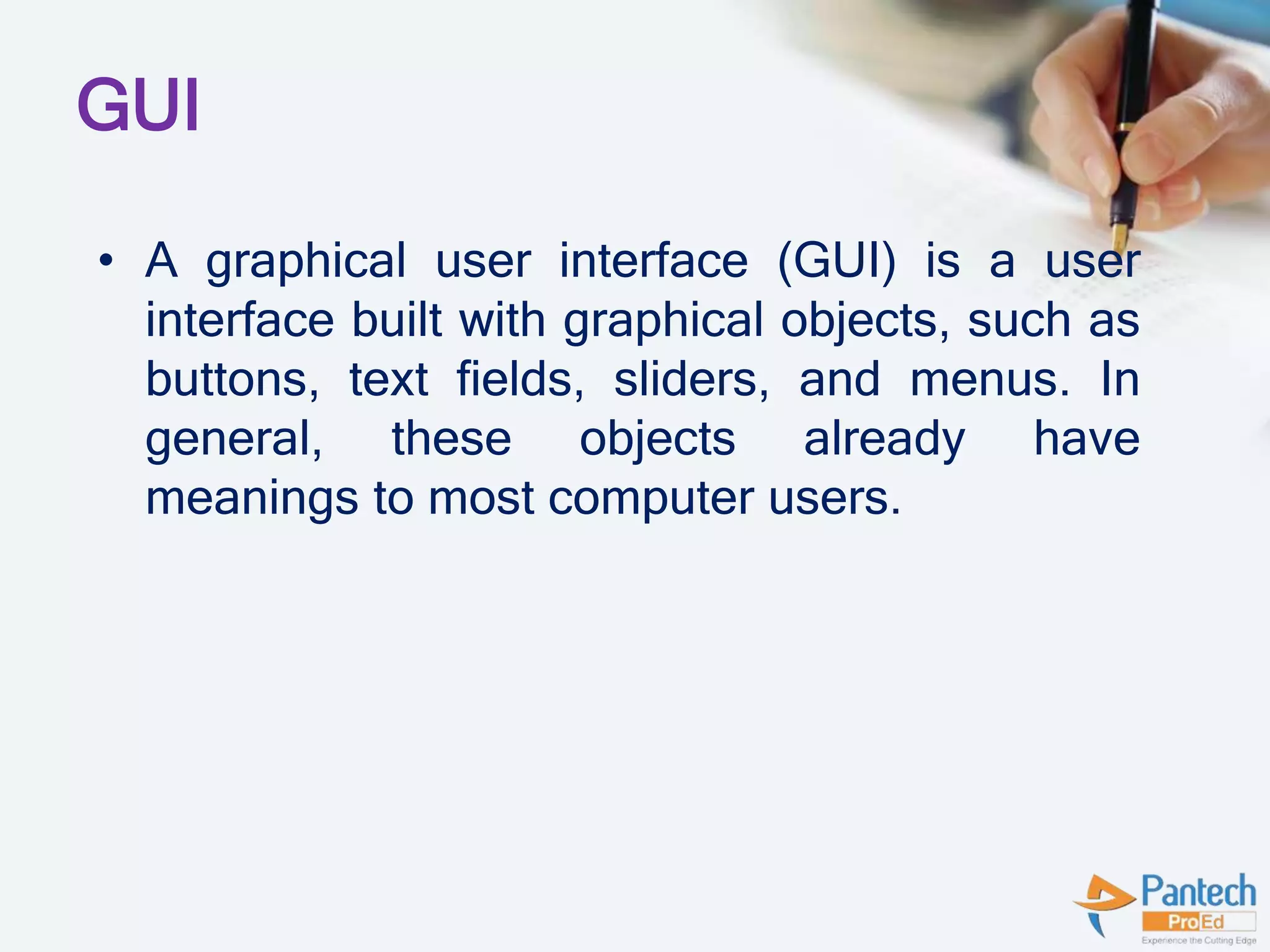
GUI
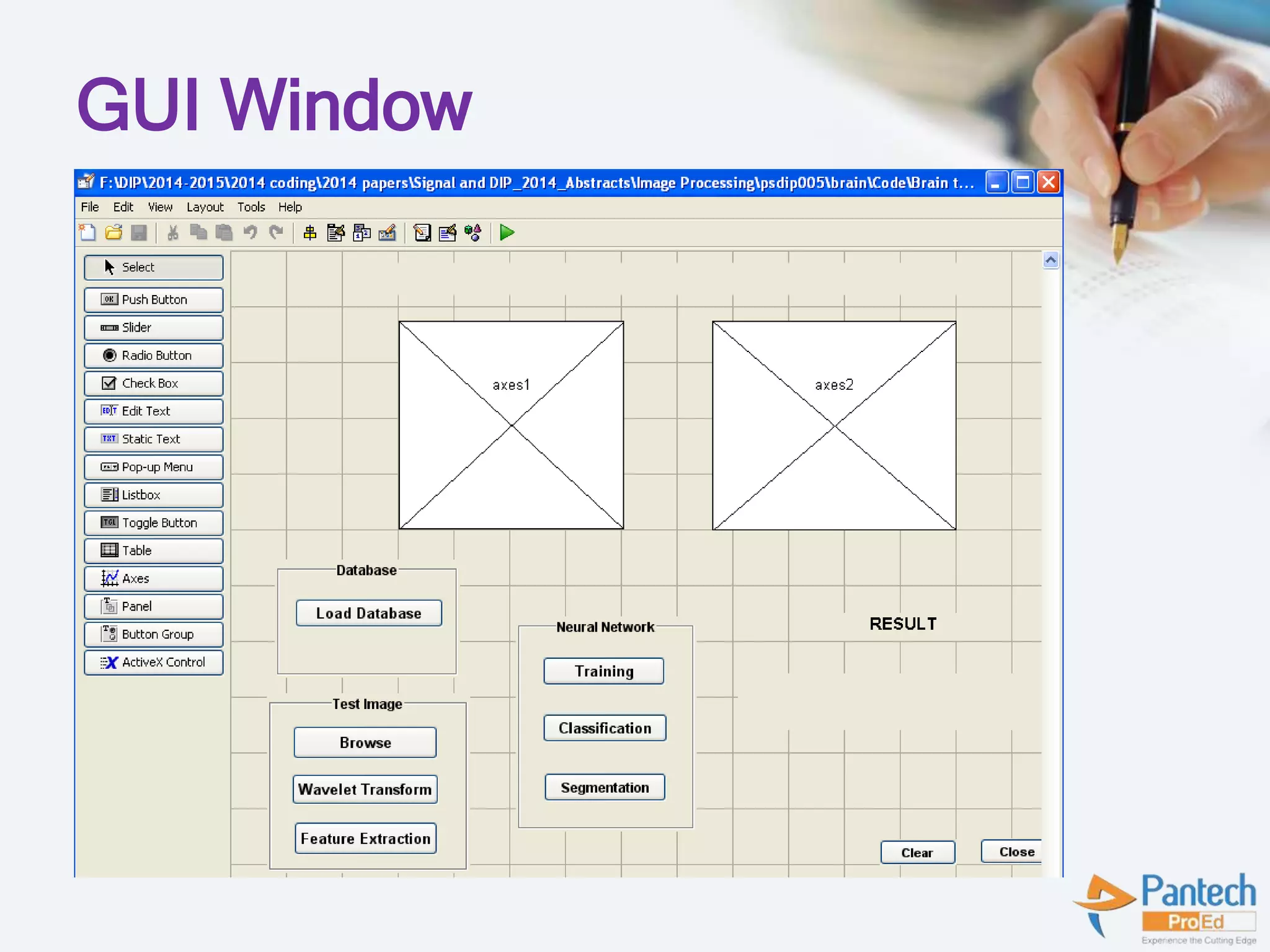
• A graphical user interface (GUI) is a user
interface built with graphical objects, such as
buttons, text fields, sliders, and menus. In
general, these objects already have
meanings to most computer users.
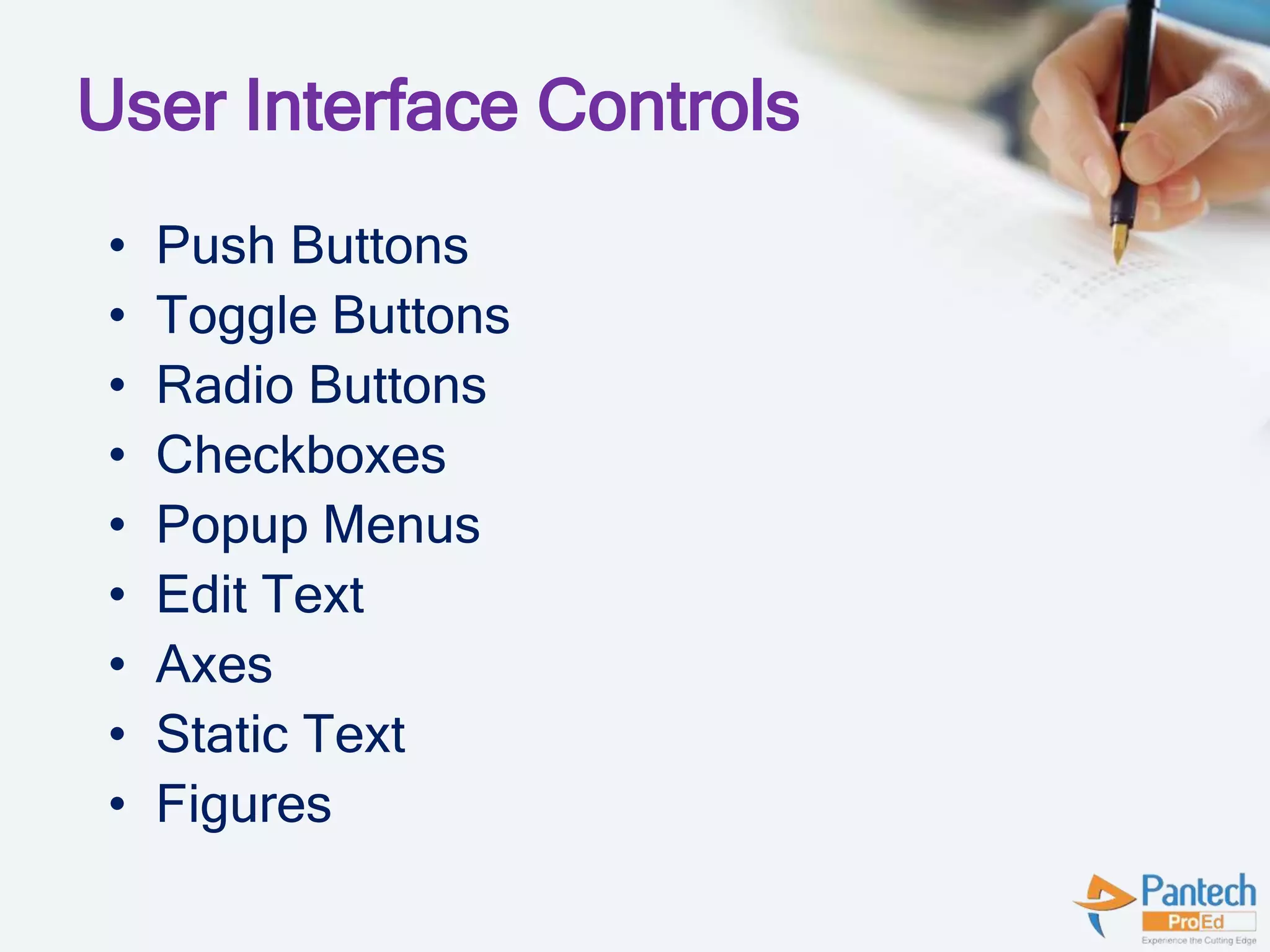
User Interface Controls
• Push Buttons
• Toggle Buttons
• Radio Buttons
• Checkboxes
• Popup Menus
• Edit Text
• Axes
• Static Text
• Figures
GUI Window
Thank You!!
Contact Us
• Con Person:
Sowmiya.S, Event Coordinator
• Con No:
7200045955
8807058158
• Mail Id:
Trichy.DSP@pantechmail.com
Senthilmurugan.m@pantechmail.com

Matlab

  • 1.
    MATLAB Mr Elaventhan.A, ProjectEngineer Pantech ProEd Pvt Ltd, Trichy
  • 2.
    Agenda: • Introduction • Commands •Operators • Functions • GUI • How to Generate GUI? • TMS320C6745 Introduction • TMS Procedure • Demo
  • 3.
    Introduction  MATLAB MATrix LABoratory  Developed by CleveMoler in 1984 as a teaching tool  High performance language for technical computing  Typical uses are,  numerical computation  Data analysis ,plotting and visualization  Graphical user interface building  Algorithm development and modelling
  • 4.
    MATLAB Desktop Tools Command Window  Command History  Workspace  Current Directory  Editor Window
  • 5.
  • 6.
    General Purpose Commands clc , clear ,close all  save  who , whos  cd , ls  disp  Version  Pwd  Floor,round,abs  date
  • 7.
    Clear  clear removesitems from workspace, freeing up system memory  Examples of syntax:  clear
  • 8.
    Graph Functions  plotlinear plot  stem discrete plot  grid add grid lines  Xlabel add X-axis label  Ylabel add Y-axis label  title add graph title  Subplot divide figure window  Figure create new figure window  Pause wait for user response
  • 9.
    Arithmetic Operators  plus- Plus +  uplus - Unary plus +  minus - Minus -  uminus - Unary minus -  mtimes - Matrix multiply *  times - Array multiply .*  mpower - Matrix power ^  power - Array power .^  mldivide - Backslash or left matrix divide  Mrdivide - Slash or right matrix divide /  ldivide - Left array divide .  rdivide - Right array divide ./
  • 10.
    Logical Operators  Short-circuitlogical AND &&  Short-circuit logical OR ||  AND - Element-wise logical AND &  OR - Element-wise logical OR |  NOT - Logical NOT ~  XOR - Logical EXCLUSIVE OR  Any - True if any element of vector is nonzero  All - True if all elements of vector are nonzero
  • 11.
    Bitwise Operators  bitand- Bit-wise AND.  bitcmp - Complement bits.  bitor - Bit-wise OR.  bitmax - Maximum floating point integer.  bitxor - Bit-wise XOR.  bitset - Set bit.  bitget - Get bit.  bitshift - Bit-wise shift.
  • 12.
    Relational Operator  <Less than  <= Less than or equal to  > Greater than  >= Greater than or equal to  == Equal to  ~= Not equal to
  • 13.
    Matrix Creation  Whenentering a matrix, separate columns by spaces or commas; separate rows by semicolons. For example, typing: A = [1 2; 3 4] results in: A = 1 2 3 4
  • 14.
    Elementary Matrices  eye– Identity matrix---- x= eye(m,n).  ones – 1’s matrix ---- y=ones(m,n);  zeros – 0’s matrix ---- z=zeros(m,n);  magic – generate square matrix – w= magic(4);  rand – uniformly distributed random numbers -- q= rand(m,n);
  • 15.
    Save And LoadThe Variable A=5; save A A; load A; B=1; C=A+B; disp(C);
  • 16.
  • 17.
    Plot t=0:0.25:7; y = sin(t); plot(t,y); xlabel('x axis'); ylabel('y axis'); title('Heading'); grid on; gtext('text');
  • 18.
    IF LOOP a=5; if a> 6 disp('a is greater'); else disp('a is smaller'); end
  • 19.
  • 20.
    While Loop a=5; while a< 10 a=a+1; end disp(a);
  • 21.
    GUI • A graphicaluser interface (GUI) is a user interface built with graphical objects, such as buttons, text fields, sliders, and menus. In general, these objects already have meanings to most computer users.
  • 22.
    User Interface Controls •Push Buttons • Toggle Buttons • Radio Buttons • Checkboxes • Popup Menus • Edit Text • Axes • Static Text • Figures
  • 23.
  • 24.
  • 26.
    Contact Us • ConPerson: Sowmiya.S, Event Coordinator • Con No: 7200045955 8807058158 • Mail Id: Trichy.DSP@pantechmail.com Senthilmurugan.m@pantechmail.com