PO Box 505, Nyack, NY 10960 l 845-353-6300 l rocklandpridecenter.org
BOARD OF DIRECTORS
OFFICERS
Hon. Sherri Eisenpress
Chair
Joseph Coe, MPA
Vice Chair
Mark Jacobs
Treasurer
Janine Getler, Esq.
Legal Chair
Eric Dea
Secretary
Dr. Mary Jean Marsico
Member at Large
Jennifer Hatch
Member at Large
MEMBERS
Paul Adler, Esq.
Simona Chazen, LCSW
Andrea Composto, Esq.
Hon. David Fried
Daniel Kaplan
Ashley R. Kersting, Esq.
Lena Anne Krug
Rabbi Paula Mack-Drill
Paul Wnorowski
STAFF
Brooke Malloy
Executive Director
Diana Wilkins
Director of Community
Services
Alex Francisco
Coordinator of Youth &
Young Adult Services
Loren Klein
Coordinator of Transgender &
Non-Binary Services
Matt Koke
Development &
Special Events Manager
Amanda Roman
Coordinator of Latinx Services
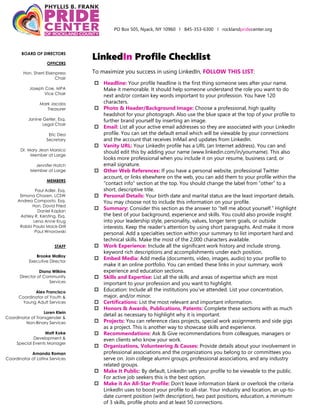
LinkedIn Profile Checklist
To maximize you success in using LinkedIn, FOLLOW THIS LIST:
 Headline: Your profile headline is the first thing someone sees after your name.
Make it memorable. It should help someone understand the role you want to do
next and/or contain key words important to your profession. You have 120
characters.
 Photo & Header/Background Image: Choose a professional, high quality
headshot for your photograph. Also use the blue space at the top of your profile to
further brand yourself by inserting an image.
 Email: List all your active email addresses so they are associated with your LinkedIn
profile. You can set the default email which will be viewable by your connections
and the account that receives InMail and updates from LinkedIn.
 Vanity URL: Your LinkedIn profile has a URL (an Internet address). You can and
should edit this by adding your name (www.linkedin.com/in/yourname). This also
looks more professional when you include it on your resume, business card, or
email signature.
 Other Web References: If you have a personal website, professional Twitter
account, or links elsewhere on the web, you can add them to your profile within the
“contact info” section at the top. You should change the label from “other” to a
short, descriptive title.
 Personal Details: Your birth date and marital status are the least important details.
You may choose not to include this information on your profile.
 Summary: Consider this section as the answer to “tell me about yourself.” Highlight
the best of your background, experience and skills. You could also provide insight
into your leadership style, personality, values, longer term goals, or outside
interests. Keep the reader’s attention by using short paragraphs. And make it more
personal. Add a specialties section within your summary to list important hard and
technical skills. Make the most of the 2,000 characters available.
 Work Experience: Include all the significant work history and include strong,
keyword rich descriptions and accomplishments under each position.
 Embed Media: Add media (documents, video, images, audio) to your profile to
make it an online portfolio. You can embed these links in your summary, work
experience and education sections.
 Skills and Expertise: List all the skills and areas of expertise which are most
important to your profession and you want to highlight.
 Education: Include all the institutions you’ve attended. List your concentration,
major, and/or minor.
 Certifications: List the most relevant and important information.
 Honors & Awards, Publications, Patents: Complete these sections with as much
detail as necessary to highlight why it is important.
 Projects: You can reference class projects, special work assignments and side gigs
as a project. This is another way to showcase skills and experience.
 Recommendations: Ask & Give recommendations from colleagues, managers or
even clients who know your work.
 Organizations, Volunteering & Causes: Provide details about your involvement in
professional associations and the organizations you belong to or committees you
serve on. Join college alumni groups, professional associations, and any industry
related groups.
 Make It Public: By default, LinkedIn sets your profile to be viewable to the public.
For active job seekers this is the best option.
 Make it An All-Star Profile: Don’t leave information blank or overlook the criteria
LinkedIn uses to boost your profile to all-star. Your industry and location, an up-to-
date current position (with description), two past positions, education, a minimum
of 3 skills, profile photo and at least 50 connections.
PO Box 505, Nyack, NY 10960 l 845-353-6300 l rocklandpridecenter.org
BOARD OF DIRECTORS
OFFICERS
Hon. Sherri Eisenpress
Chair
Joseph Coe, MPA
Vice Chair
Mark Jacobs
Treasurer
Janine Getler, Esq.
Legal Chair
Eric Dea
Secretary
Dr. Mary Jean Marsico
Member at Large
Jennifer Hatch
Member at Large
MEMBERS
Paul Adler, Esq.
Simona Chazen, LCSW
Andrea Composto, Esq.
Hon. David Fried
Daniel Kaplan
Ashley R. Kersting, Esq.
Lena Anne Krug
Rabbi Paula Mack-Drill
Paul Wnorowski
STAFF
Brooke Malloy
Executive Director
Diana Wilkins
Director of Community
Services
Alex Francisco
Coordinator of Youth &
Young Adult Services
Loren Klein
Coordinator of Transgender &
Non-Binary Services
Matt Koke
Development &
Special Events Manager
Amanda Roman
Coordinator of Latinx Services
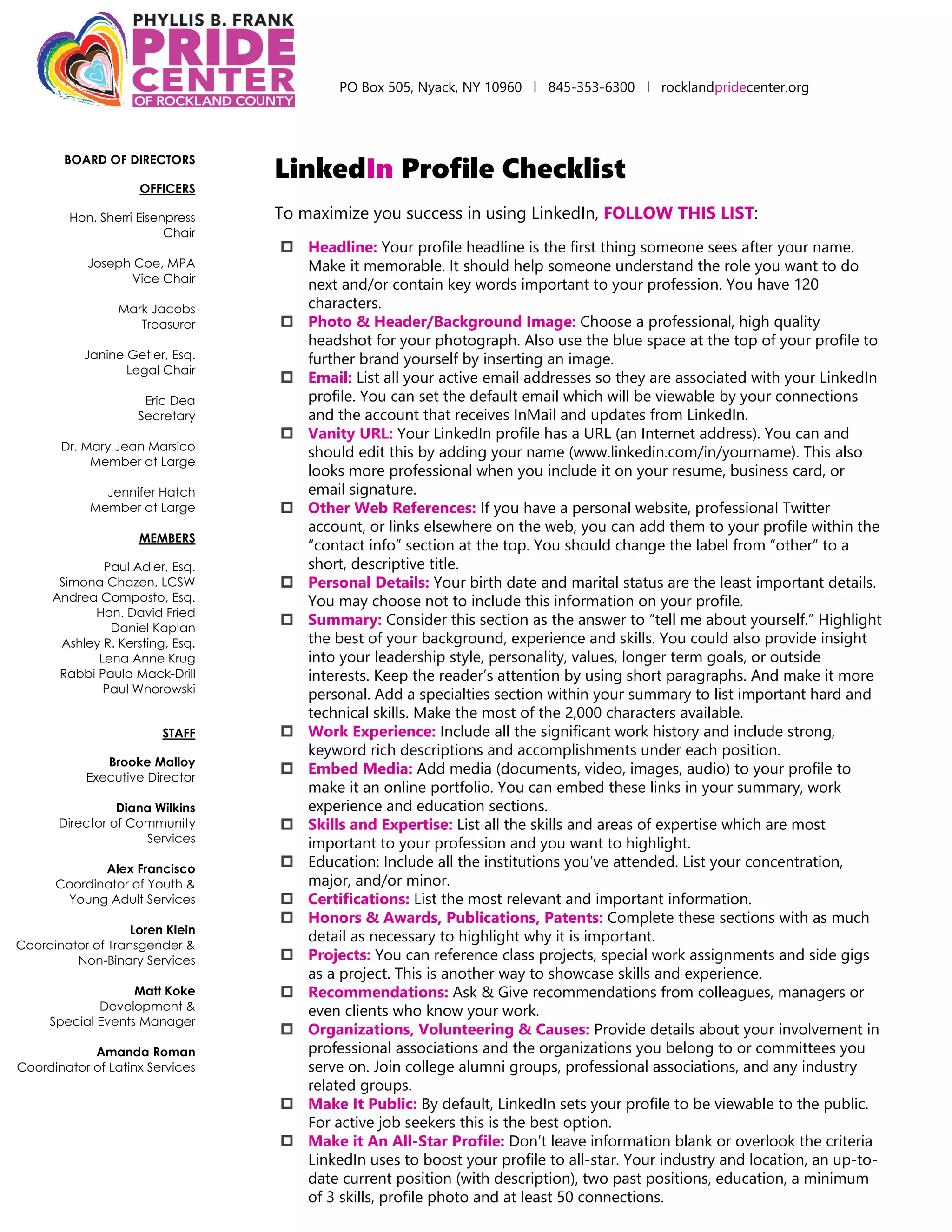
LinkedIn Marketing in 15 Minutes a Day
Network like a pro on LinkedIn, even if you only have 10-15 minutes a day to dedicate
it. Follow this checklist to maximize LinkedIn marketing when you have limited time
available. If you have questions feel free to reach out Rachel A. Adler on LinkedIn.
 Accept Connection Requests and Send a Welcome Message
 Review and accept (if appropriate) any new connections requests.
 After you have accepted a connection request, send your new connection a
quick Welcome Message to thank them for connecting and get the
conversation going.
 Reply to Messages
 Review and reply to any new messages you have received to build
relationships and get to know your network.
 Be interested. Ask questions. Add value.
 Post a Status Update
 Post a daily status update to stay top of mind and build your
authority and credibility on your topic with your network.
 If you have a blog, share a link and relevant comment every time you post.
 Pre-schedule status updates once a week to decrease the amount of daily
time you need to be on LinkedIn.
 Respond to Engagement
 Respond to any engagement on your status updates or comments on LinkedIn
 Review your Notifications and Activity pages and respond accordingly to all
the people who have engaged with your content, followed you, liked your
updates, or taken any other action that involves you on LinkedIn.
 Send a connection request to people you are not already connected to (but
want to be) when they engage positively to your content.
 Engage Your Network
 Engage with content or status updates of your connections as networking
requires two-way conversations and effort.
 Scroll through your newsfeed each day and find a few posts you can like,
comment on share.
Connect with the The Phyllis B. Frank Pride Center of Rockland County on LinkedIn
to see Pride Center updates, news and opportunities.
PO Box 505, Nyack, NY 10960 l 845-353-6300 l rocklandpridecenter.org
BOARD OF DIRECTORS
OFFICERS
Hon. Sherri Eisenpress
Chair
Joseph Coe, MPA
Vice Chair
Mark Jacobs
Treasurer
Janine Getler, Esq.
Legal Chair
Eric Dea
Secretary
Dr. Mary Jean Marsico
Member at Large
Jennifer Hatch
Member at Large
MEMBERS
Paul Adler, Esq.
Simona Chazen, LCSW
Andrea Composto, Esq.
Hon. David Fried
Daniel Kaplan
Ashley R. Kersting, Esq.
Lena Anne Krug
Rabbi Paula Mack-Drill
Paul Wnorowski
STAFF
Brooke Malloy
Executive Director
Diana Wilkins
Director of Community
Services
Alex Francisco
Coordinator of Youth &
Young Adult Services
Loren Klein
Coordinator of Transgender &
Non-Binary Services
Matt Koke
Development &
Special Events Manager
Amanda Roman
Coordinator of Latinx Services
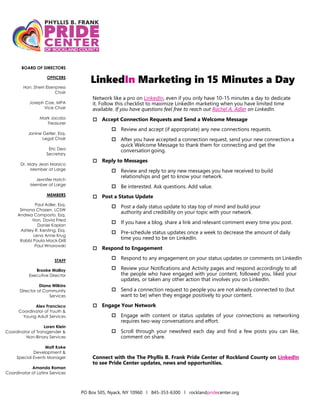
LinkedIn Status Update/Post Checklist
Not sure what to post? Use this handy checklist below:
Why Post?
 LinkedIn, a social media platform for professional engagement, has 303 million
monthly active users.
What do I post?
 Share your perspective
o Ask yourself: What's happening in your world?
o Ask yourself: What's a popular talking point in your industry?
 Leave a comment
o One of the easiest ways to increase profile views is to leave a thoughtful
comment on someone's post.
o Use hashtags to find more.
 Share a photo
o Photos of local business, homes, work environments, networking events, etc.
 Share an article
o An easy way to look even smarter – post about current events with brief blurb
or perspective.
 Tell a story
o Help others visualize the point you're trying to make.
o Life is interesting!
o What's your favorite thing about what you do?
 Share a company update
o Follow companies, non-profit or organization you are passitonate about and
re-share one of their updates.
 Teach lessons
o You know 100X more about your industry than me (your network).
o Ask yourself: What can you help me (your network) understand or do better?
When is the best time to post?
o Most up to date data on best time to post on social media can be found here.
o Even though it isn't one-size-fits-all, users have found success on LinkedIn by
posting Tuesday through Thursday, typically between the hours of 8 a.m. to
2 p.m. depending on your time zone.
 B2C, B2G, B2B businesses, between 11 a.m. to 2 p.m. B2Bs
 Software companies should aim for outside of 9 a.m. to 5 p.m.
 Healthcare and higher education companies should post from 11 a.m.
to 1 p.m.
 Media companies should post between 8 to 10 a.m.
o The worst time to post is on weekends or outside of business hours, which are 9
a.m. to 5 p.m.

LinkedIn 2021 Profile Checklist Handout

  • 1.
    PO Box 505,Nyack, NY 10960 l 845-353-6300 l rocklandpridecenter.org BOARD OF DIRECTORS OFFICERS Hon. Sherri Eisenpress Chair Joseph Coe, MPA Vice Chair Mark Jacobs Treasurer Janine Getler, Esq. Legal Chair Eric Dea Secretary Dr. Mary Jean Marsico Member at Large Jennifer Hatch Member at Large MEMBERS Paul Adler, Esq. Simona Chazen, LCSW Andrea Composto, Esq. Hon. David Fried Daniel Kaplan Ashley R. Kersting, Esq. Lena Anne Krug Rabbi Paula Mack-Drill Paul Wnorowski STAFF Brooke Malloy Executive Director Diana Wilkins Director of Community Services Alex Francisco Coordinator of Youth & Young Adult Services Loren Klein Coordinator of Transgender & Non-Binary Services Matt Koke Development & Special Events Manager Amanda Roman Coordinator of Latinx Services LinkedIn Profile Checklist To maximize you success in using LinkedIn, FOLLOW THIS LIST:  Headline: Your profile headline is the first thing someone sees after your name. Make it memorable. It should help someone understand the role you want to do next and/or contain key words important to your profession. You have 120 characters.  Photo & Header/Background Image: Choose a professional, high quality headshot for your photograph. Also use the blue space at the top of your profile to further brand yourself by inserting an image.  Email: List all your active email addresses so they are associated with your LinkedIn profile. You can set the default email which will be viewable by your connections and the account that receives InMail and updates from LinkedIn.  Vanity URL: Your LinkedIn profile has a URL (an Internet address). You can and should edit this by adding your name (www.linkedin.com/in/yourname). This also looks more professional when you include it on your resume, business card, or email signature.  Other Web References: If you have a personal website, professional Twitter account, or links elsewhere on the web, you can add them to your profile within the “contact info” section at the top. You should change the label from “other” to a short, descriptive title.  Personal Details: Your birth date and marital status are the least important details. You may choose not to include this information on your profile.  Summary: Consider this section as the answer to “tell me about yourself.” Highlight the best of your background, experience and skills. You could also provide insight into your leadership style, personality, values, longer term goals, or outside interests. Keep the reader’s attention by using short paragraphs. And make it more personal. Add a specialties section within your summary to list important hard and technical skills. Make the most of the 2,000 characters available.  Work Experience: Include all the significant work history and include strong, keyword rich descriptions and accomplishments under each position.  Embed Media: Add media (documents, video, images, audio) to your profile to make it an online portfolio. You can embed these links in your summary, work experience and education sections.  Skills and Expertise: List all the skills and areas of expertise which are most important to your profession and you want to highlight.  Education: Include all the institutions you’ve attended. List your concentration, major, and/or minor.  Certifications: List the most relevant and important information.  Honors & Awards, Publications, Patents: Complete these sections with as much detail as necessary to highlight why it is important.  Projects: You can reference class projects, special work assignments and side gigs as a project. This is another way to showcase skills and experience.  Recommendations: Ask & Give recommendations from colleagues, managers or even clients who know your work.  Organizations, Volunteering & Causes: Provide details about your involvement in professional associations and the organizations you belong to or committees you serve on. Join college alumni groups, professional associations, and any industry related groups.  Make It Public: By default, LinkedIn sets your profile to be viewable to the public. For active job seekers this is the best option.  Make it An All-Star Profile: Don’t leave information blank or overlook the criteria LinkedIn uses to boost your profile to all-star. Your industry and location, an up-to- date current position (with description), two past positions, education, a minimum of 3 skills, profile photo and at least 50 connections.
  • 2.
    PO Box 505,Nyack, NY 10960 l 845-353-6300 l rocklandpridecenter.org BOARD OF DIRECTORS OFFICERS Hon. Sherri Eisenpress Chair Joseph Coe, MPA Vice Chair Mark Jacobs Treasurer Janine Getler, Esq. Legal Chair Eric Dea Secretary Dr. Mary Jean Marsico Member at Large Jennifer Hatch Member at Large MEMBERS Paul Adler, Esq. Simona Chazen, LCSW Andrea Composto, Esq. Hon. David Fried Daniel Kaplan Ashley R. Kersting, Esq. Lena Anne Krug Rabbi Paula Mack-Drill Paul Wnorowski STAFF Brooke Malloy Executive Director Diana Wilkins Director of Community Services Alex Francisco Coordinator of Youth & Young Adult Services Loren Klein Coordinator of Transgender & Non-Binary Services Matt Koke Development & Special Events Manager Amanda Roman Coordinator of Latinx Services LinkedIn Marketing in 15 Minutes a Day Network like a pro on LinkedIn, even if you only have 10-15 minutes a day to dedicate it. Follow this checklist to maximize LinkedIn marketing when you have limited time available. If you have questions feel free to reach out Rachel A. Adler on LinkedIn.  Accept Connection Requests and Send a Welcome Message  Review and accept (if appropriate) any new connections requests.  After you have accepted a connection request, send your new connection a quick Welcome Message to thank them for connecting and get the conversation going.  Reply to Messages  Review and reply to any new messages you have received to build relationships and get to know your network.  Be interested. Ask questions. Add value.  Post a Status Update  Post a daily status update to stay top of mind and build your authority and credibility on your topic with your network.  If you have a blog, share a link and relevant comment every time you post.  Pre-schedule status updates once a week to decrease the amount of daily time you need to be on LinkedIn.  Respond to Engagement  Respond to any engagement on your status updates or comments on LinkedIn  Review your Notifications and Activity pages and respond accordingly to all the people who have engaged with your content, followed you, liked your updates, or taken any other action that involves you on LinkedIn.  Send a connection request to people you are not already connected to (but want to be) when they engage positively to your content.  Engage Your Network  Engage with content or status updates of your connections as networking requires two-way conversations and effort.  Scroll through your newsfeed each day and find a few posts you can like, comment on share. Connect with the The Phyllis B. Frank Pride Center of Rockland County on LinkedIn to see Pride Center updates, news and opportunities.
  • 3.
    PO Box 505,Nyack, NY 10960 l 845-353-6300 l rocklandpridecenter.org BOARD OF DIRECTORS OFFICERS Hon. Sherri Eisenpress Chair Joseph Coe, MPA Vice Chair Mark Jacobs Treasurer Janine Getler, Esq. Legal Chair Eric Dea Secretary Dr. Mary Jean Marsico Member at Large Jennifer Hatch Member at Large MEMBERS Paul Adler, Esq. Simona Chazen, LCSW Andrea Composto, Esq. Hon. David Fried Daniel Kaplan Ashley R. Kersting, Esq. Lena Anne Krug Rabbi Paula Mack-Drill Paul Wnorowski STAFF Brooke Malloy Executive Director Diana Wilkins Director of Community Services Alex Francisco Coordinator of Youth & Young Adult Services Loren Klein Coordinator of Transgender & Non-Binary Services Matt Koke Development & Special Events Manager Amanda Roman Coordinator of Latinx Services LinkedIn Status Update/Post Checklist Not sure what to post? Use this handy checklist below: Why Post?  LinkedIn, a social media platform for professional engagement, has 303 million monthly active users. What do I post?  Share your perspective o Ask yourself: What's happening in your world? o Ask yourself: What's a popular talking point in your industry?  Leave a comment o One of the easiest ways to increase profile views is to leave a thoughtful comment on someone's post. o Use hashtags to find more.  Share a photo o Photos of local business, homes, work environments, networking events, etc.  Share an article o An easy way to look even smarter – post about current events with brief blurb or perspective.  Tell a story o Help others visualize the point you're trying to make. o Life is interesting! o What's your favorite thing about what you do?  Share a company update o Follow companies, non-profit or organization you are passitonate about and re-share one of their updates.  Teach lessons o You know 100X more about your industry than me (your network). o Ask yourself: What can you help me (your network) understand or do better? When is the best time to post? o Most up to date data on best time to post on social media can be found here. o Even though it isn't one-size-fits-all, users have found success on LinkedIn by posting Tuesday through Thursday, typically between the hours of 8 a.m. to 2 p.m. depending on your time zone.  B2C, B2G, B2B businesses, between 11 a.m. to 2 p.m. B2Bs  Software companies should aim for outside of 9 a.m. to 5 p.m.  Healthcare and higher education companies should post from 11 a.m. to 1 p.m.  Media companies should post between 8 to 10 a.m. o The worst time to post is on weekends or outside of business hours, which are 9 a.m. to 5 p.m.