POWERSHELL SHENANIGANS
LATERAL MOVEMENT WITH POWERSHELL
KIERAN JACOBSEN
HP ENTERPRISE SERVICES
ABOUT:ME
• Kieran Jacobsen
• HP Enterprise Services – Engineer/Architect
• Microsoft/Automation/Security focus
• Twitter: @Kjacobsen
• Blog: Aperturescience.su
OUTLINE
• PowerShell as an attack platform
• PowerShell malware
• PowerShell Remoting & WinRM
• PowerShell security, and bypassing that security
• Defence
CHALLENGE
• Move from social engineered workstation to domain controller
• Where possible use only PowerShell code
• Demo environment will be a “corporate like” environment
ADVANTAGES AS AN ATTACK PLATFORM
• Code is very easy to develop
• Windows integration
• Plenty of remote execution options
• Designed for automation against 1 – 10000000 devices
• Limited security model
• Antivirus products are no real concern/limitation
• Scripts can be easily hidden from administrators
• Installed by DEFAULT
REAL WORLD POWERSHELL MALWARE
• Prior to March 2014, only a few minor instances
• PowerWorm:
• Infect’s Word and Excel documents, initial infection via macro in
.doc/.xls
• First spotted by TrendMicro, analysis and rewrite by Matt Graeber
(@Mattifestation)
• PoshKoder/PoshCoder:
• PowerWorm crossed with CryptoLocker
• Bitcoin ransom
MY POWERSHELL MALWARE
• Single Script – SystemInformation.ps1
• Runs as a schedule task, every 5 minutes
• Script:
• Collects system information and more
• Connects to C2 infrastructure, downloads a task list and executes tasks
• Executes each task, if successful, task will not be rerun
• Tasks can be restricted to individual computers
DEMO: THE ENTRY
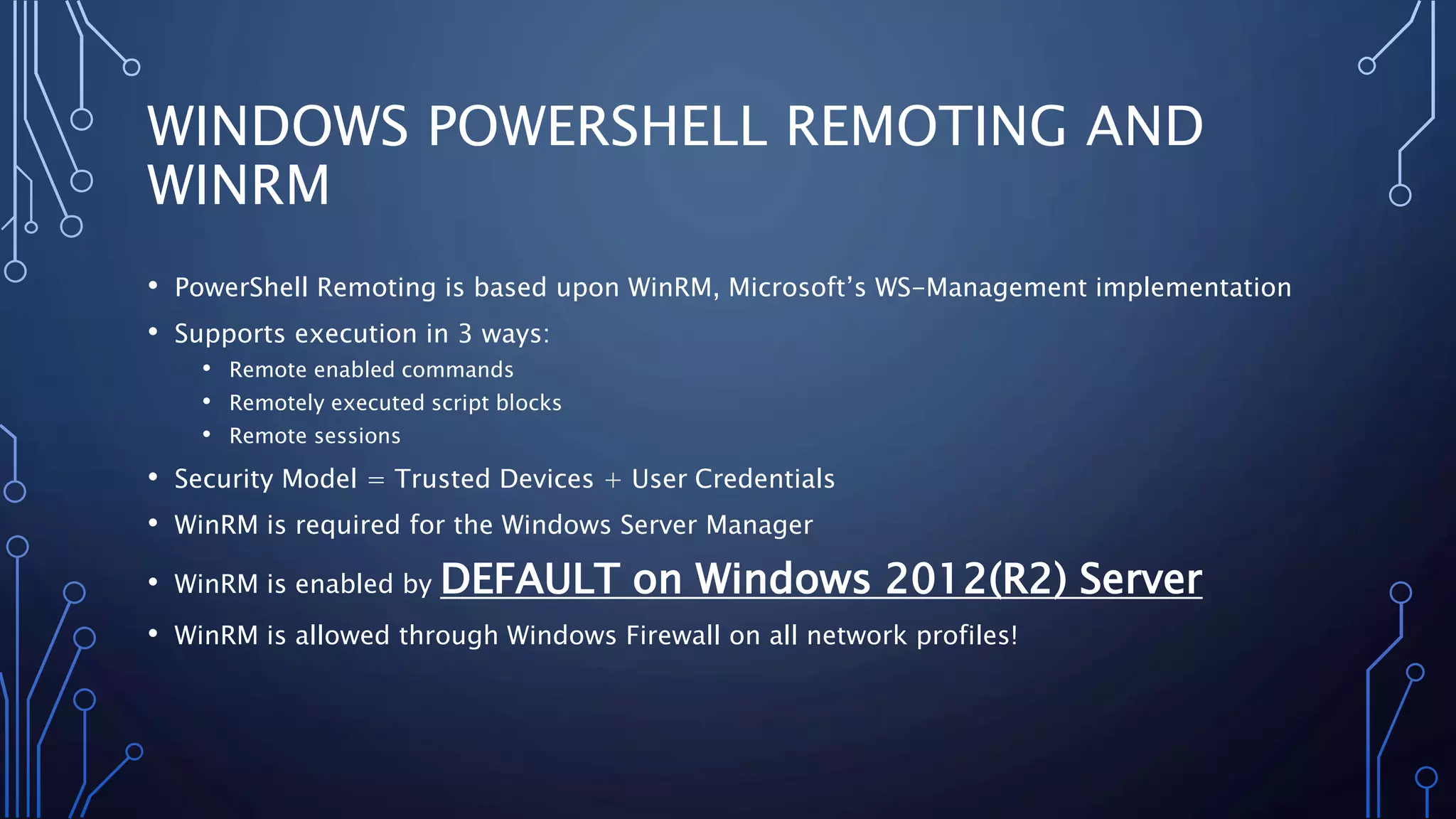
WINDOWS POWERSHELL REMOTING AND
WINRM
• PowerShell Remoting is based upon WinRM, Microsoft’s WS-Management implementation
• Supports execution in 3 ways:
• Remote enabled commands
• Remotely executed script blocks
• Remote sessions
• Security Model = Trusted Devices + User Credentials
• WinRM is required for the Windows Server Manager
• WinRM is enabled by DEFAULT on Windows 2012(R2) Server
• WinRM is allowed through Windows Firewall on all network profiles!
DEMO: THE DC
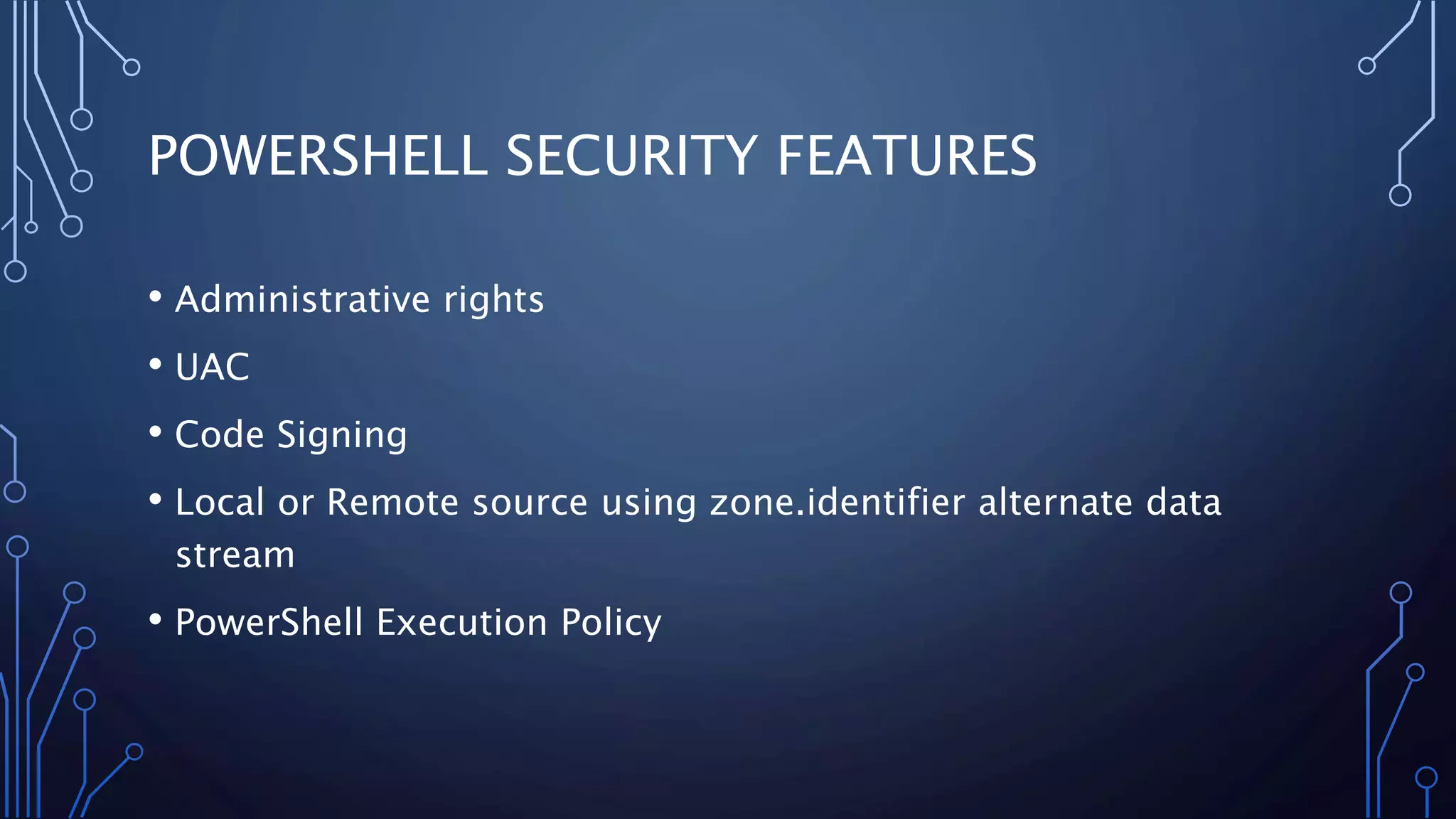
POWERSHELL SECURITY FEATURES
• Administrative rights
• UAC
• Code Signing
• Local or Remote source using zone.identifier alternate data
stream
• PowerShell Execution Policy
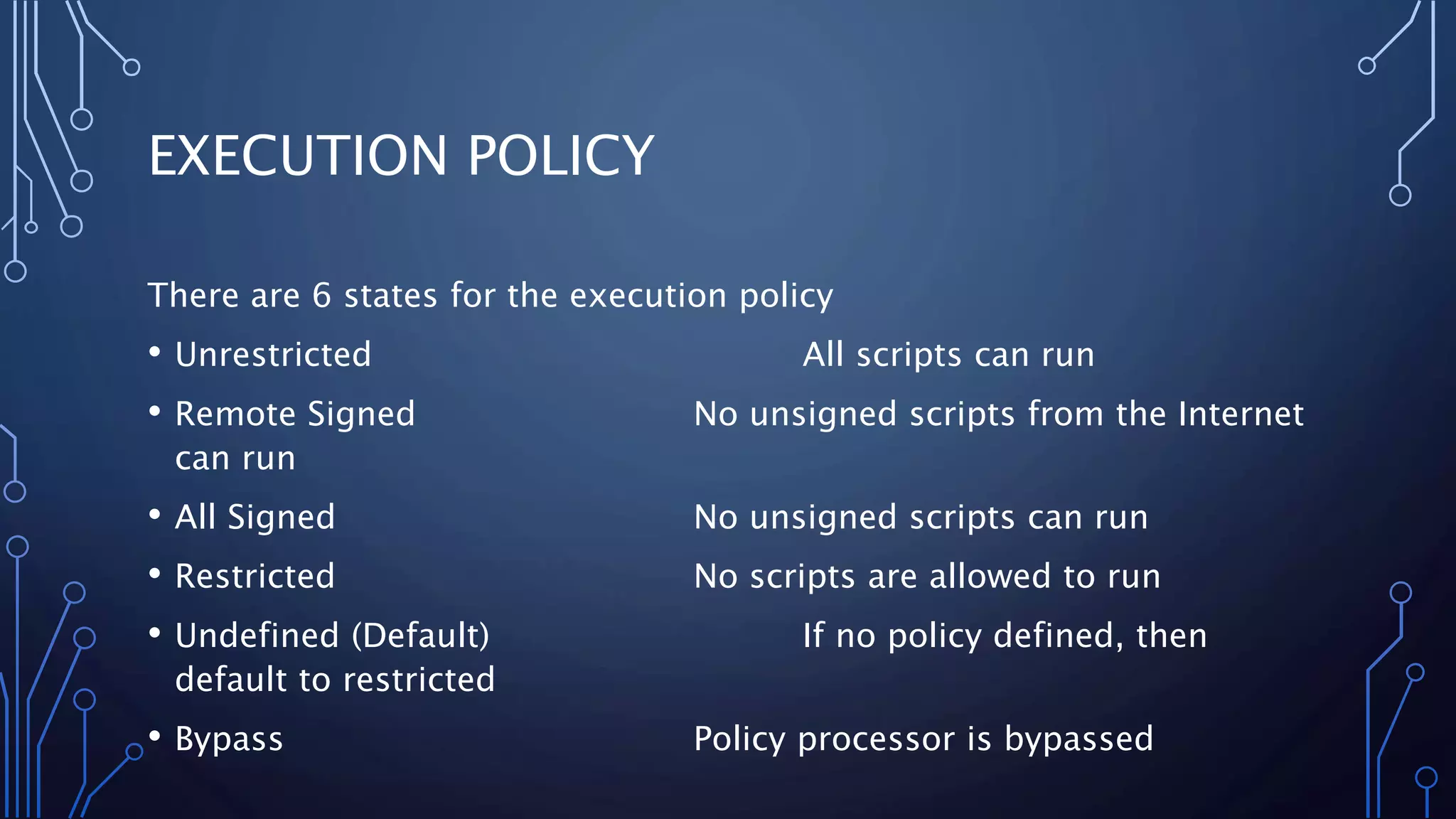
EXECUTION POLICY
There are 6 states for the execution policy
• Unrestricted All scripts can run
• Remote Signed No unsigned scripts from the Internet
can run
• All Signed No unsigned scripts can run
• Restricted No scripts are allowed to run
• Undefined (Default) If no policy defined, then
default to restricted
• Bypass Policy processor is bypassed
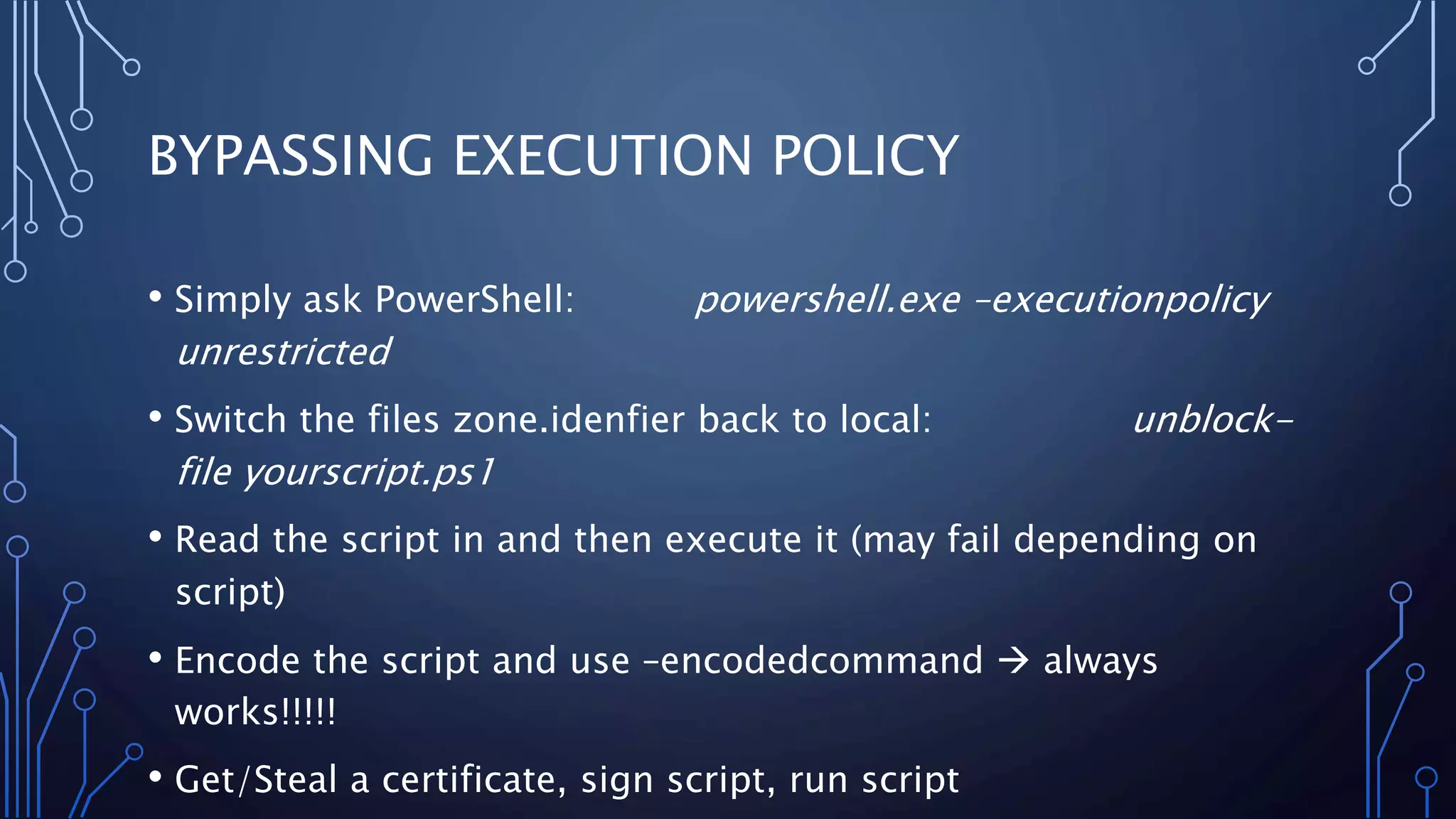
BYPASSING EXECUTION POLICY
• Simply ask PowerShell: powershell.exe –executionpolicy
unrestricted
• Switch the files zone.idenfier back to local: unblock-
file yourscript.ps1
• Read the script in and then execute it (may fail depending on
script)
• Encode the script and use –encodedcommand  always
works!!!!!
• Get/Steal a certificate, sign script, run script
DEMO: THE HASHES
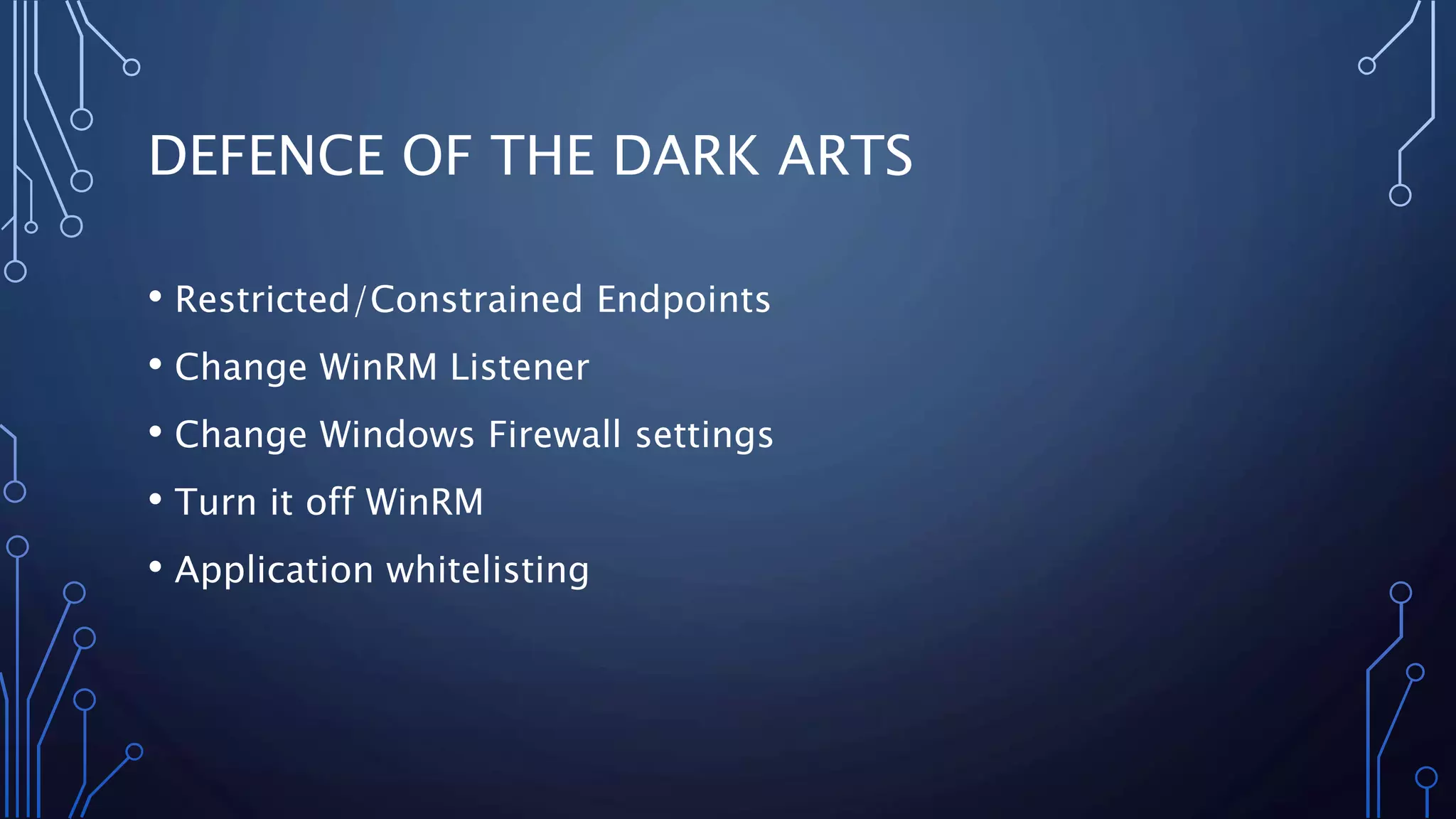
DEFENCE OF THE DARK ARTS
• Restricted/Constrained Endpoints
• Change WinRM Listener
• Change Windows Firewall settings
• Turn it off WinRM
• Application whitelisting
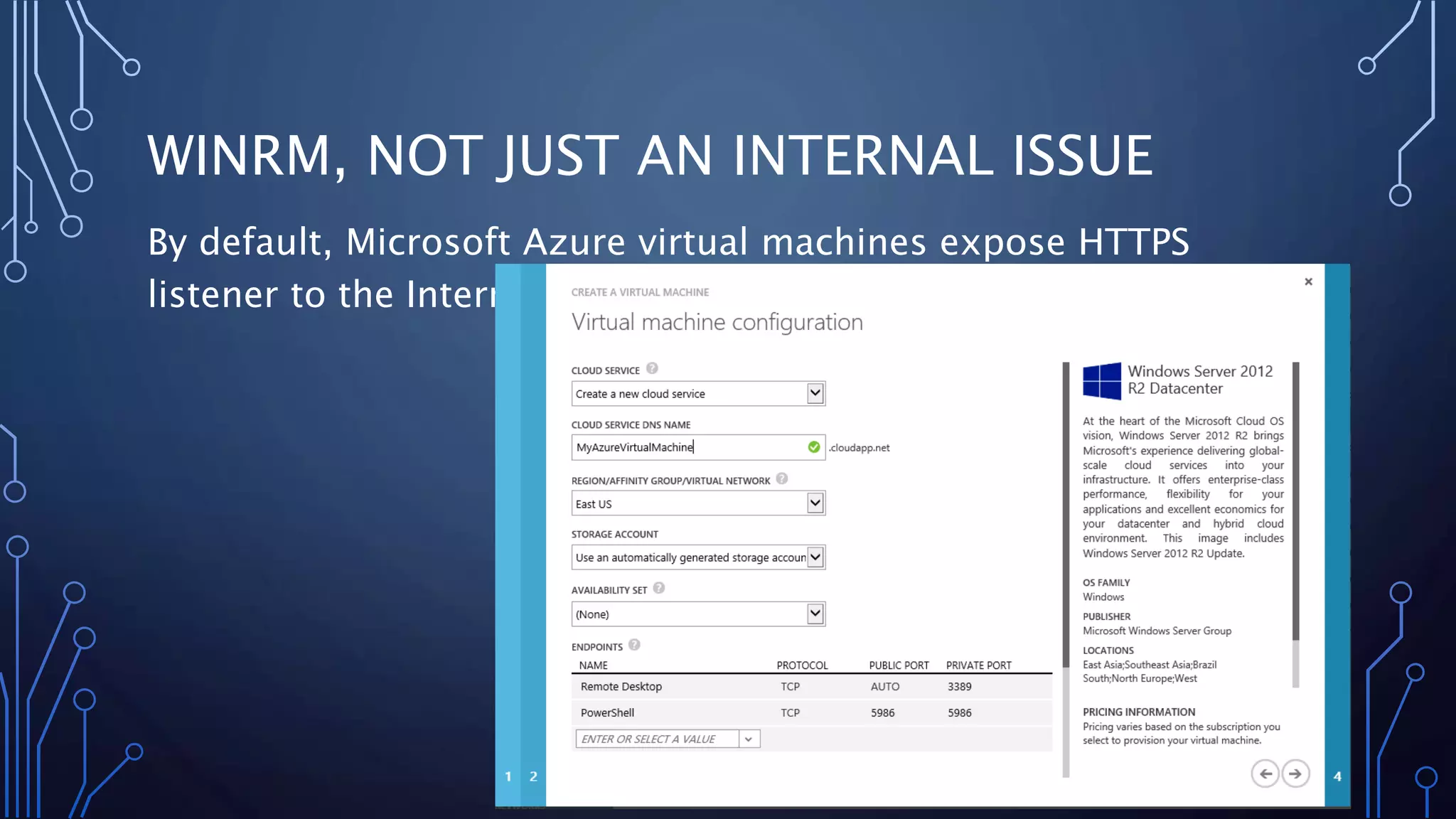
WINRM, NOT JUST AN INTERNAL ISSUE
By default, Microsoft Azure virtual machines expose HTTPS
listener to the Internet.
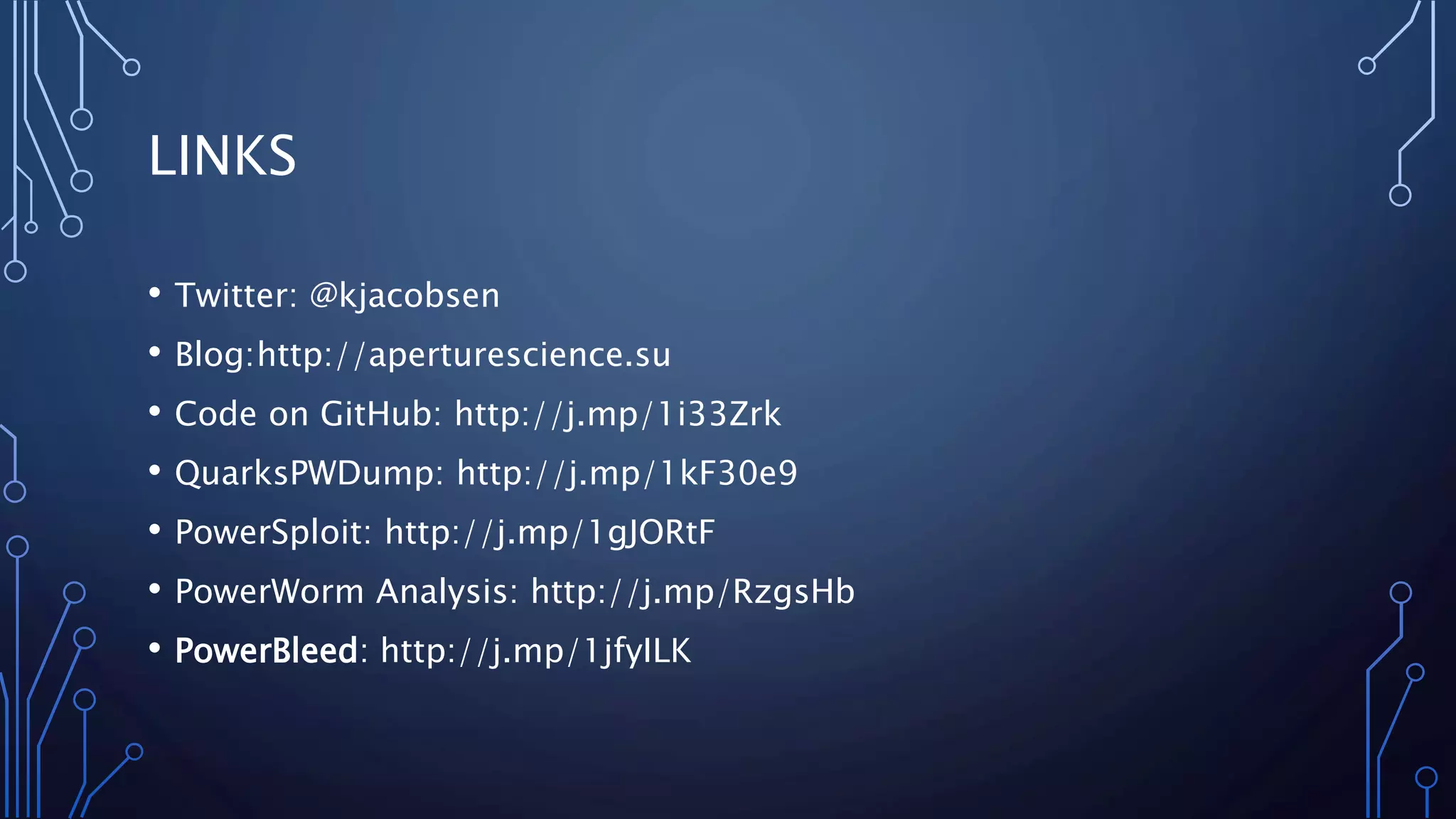
LINKS
• Twitter: @kjacobsen
• Blog:http://aperturescience.su
• Code on GitHub: http://j.mp/1i33Zrk
• QuarksPWDump: http://j.mp/1kF30e9
• PowerSploit: http://j.mp/1gJORtF
• PowerWorm Analysis: http://j.mp/RzgsHb
• PowerBleed: http://j.mp/1jfyILK
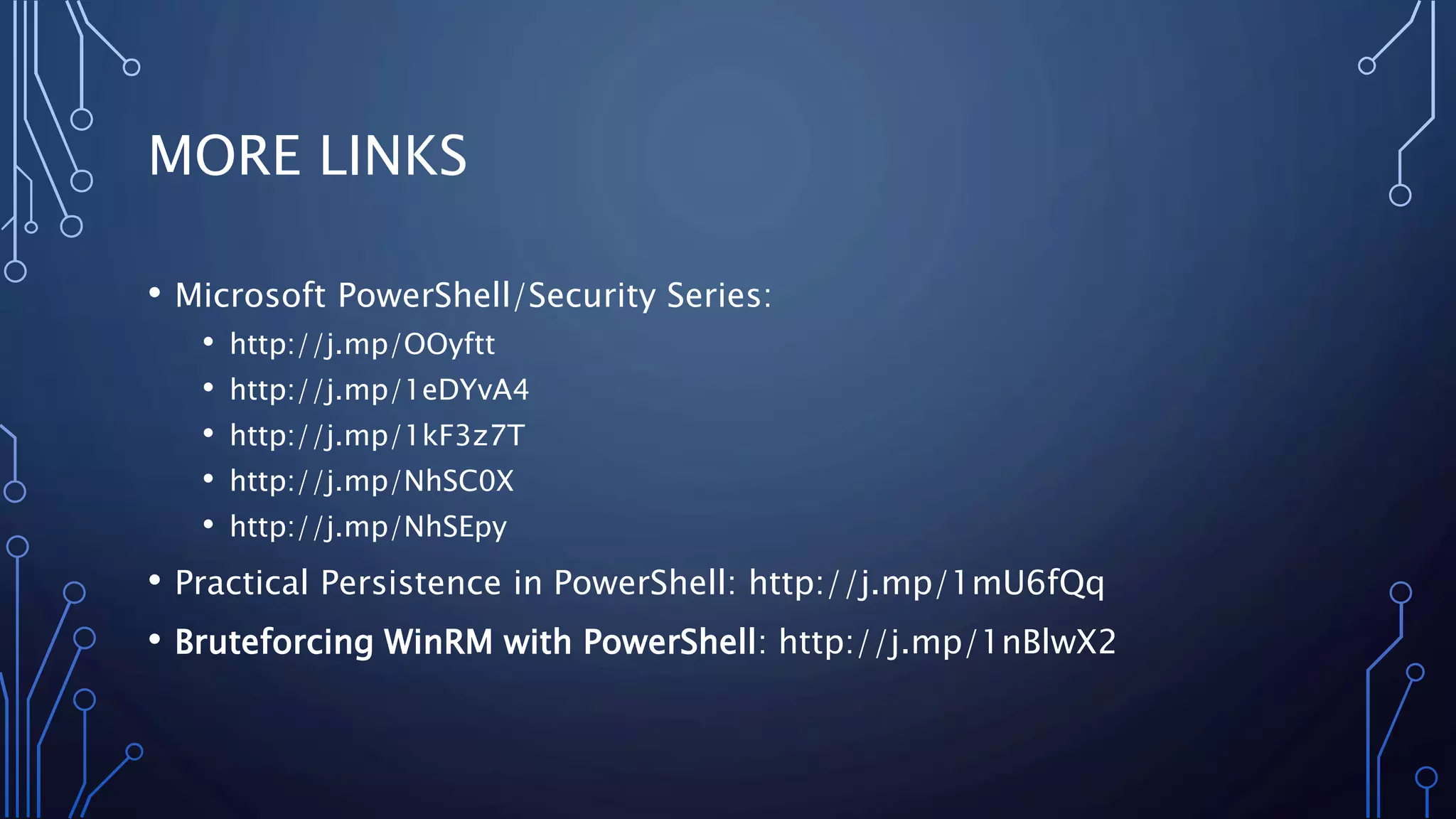
MORE LINKS
• Microsoft PowerShell/Security Series:
• http://j.mp/OOyftt
• http://j.mp/1eDYvA4
• http://j.mp/1kF3z7T
• http://j.mp/NhSC0X
• http://j.mp/NhSEpy
• Practical Persistence in PowerShell: http://j.mp/1mU6fQq
• Bruteforcing WinRM with PowerShell: http://j.mp/1nBlwX2

Lateral Movement with PowerShell

  • 1.
    POWERSHELL SHENANIGANS LATERAL MOVEMENTWITH POWERSHELL KIERAN JACOBSEN HP ENTERPRISE SERVICES
  • 2.
    ABOUT:ME • Kieran Jacobsen •HP Enterprise Services – Engineer/Architect • Microsoft/Automation/Security focus • Twitter: @Kjacobsen • Blog: Aperturescience.su
  • 3.
    OUTLINE • PowerShell asan attack platform • PowerShell malware • PowerShell Remoting & WinRM • PowerShell security, and bypassing that security • Defence
  • 4.
    CHALLENGE • Move fromsocial engineered workstation to domain controller • Where possible use only PowerShell code • Demo environment will be a “corporate like” environment
  • 5.
    ADVANTAGES AS ANATTACK PLATFORM • Code is very easy to develop • Windows integration • Plenty of remote execution options • Designed for automation against 1 – 10000000 devices • Limited security model • Antivirus products are no real concern/limitation • Scripts can be easily hidden from administrators • Installed by DEFAULT
  • 6.
    REAL WORLD POWERSHELLMALWARE • Prior to March 2014, only a few minor instances • PowerWorm: • Infect’s Word and Excel documents, initial infection via macro in .doc/.xls • First spotted by TrendMicro, analysis and rewrite by Matt Graeber (@Mattifestation) • PoshKoder/PoshCoder: • PowerWorm crossed with CryptoLocker • Bitcoin ransom
  • 7.
    MY POWERSHELL MALWARE •Single Script – SystemInformation.ps1 • Runs as a schedule task, every 5 minutes • Script: • Collects system information and more • Connects to C2 infrastructure, downloads a task list and executes tasks • Executes each task, if successful, task will not be rerun • Tasks can be restricted to individual computers
  • 8.
  • 9.
    WINDOWS POWERSHELL REMOTINGAND WINRM • PowerShell Remoting is based upon WinRM, Microsoft’s WS-Management implementation • Supports execution in 3 ways: • Remote enabled commands • Remotely executed script blocks • Remote sessions • Security Model = Trusted Devices + User Credentials • WinRM is required for the Windows Server Manager • WinRM is enabled by DEFAULT on Windows 2012(R2) Server • WinRM is allowed through Windows Firewall on all network profiles!
  • 10.
  • 11.
    POWERSHELL SECURITY FEATURES •Administrative rights • UAC • Code Signing • Local or Remote source using zone.identifier alternate data stream • PowerShell Execution Policy
  • 12.
    EXECUTION POLICY There are6 states for the execution policy • Unrestricted All scripts can run • Remote Signed No unsigned scripts from the Internet can run • All Signed No unsigned scripts can run • Restricted No scripts are allowed to run • Undefined (Default) If no policy defined, then default to restricted • Bypass Policy processor is bypassed
  • 13.
    BYPASSING EXECUTION POLICY •Simply ask PowerShell: powershell.exe –executionpolicy unrestricted • Switch the files zone.idenfier back to local: unblock- file yourscript.ps1 • Read the script in and then execute it (may fail depending on script) • Encode the script and use –encodedcommand  always works!!!!! • Get/Steal a certificate, sign script, run script
  • 14.
  • 15.
    DEFENCE OF THEDARK ARTS • Restricted/Constrained Endpoints • Change WinRM Listener • Change Windows Firewall settings • Turn it off WinRM • Application whitelisting
  • 16.
    WINRM, NOT JUSTAN INTERNAL ISSUE By default, Microsoft Azure virtual machines expose HTTPS listener to the Internet.
  • 17.
    LINKS • Twitter: @kjacobsen •Blog:http://aperturescience.su • Code on GitHub: http://j.mp/1i33Zrk • QuarksPWDump: http://j.mp/1kF30e9 • PowerSploit: http://j.mp/1gJORtF • PowerWorm Analysis: http://j.mp/RzgsHb • PowerBleed: http://j.mp/1jfyILK
  • 18.
    MORE LINKS • MicrosoftPowerShell/Security Series: • http://j.mp/OOyftt • http://j.mp/1eDYvA4 • http://j.mp/1kF3z7T • http://j.mp/NhSC0X • http://j.mp/NhSEpy • Practical Persistence in PowerShell: http://j.mp/1mU6fQq • Bruteforcing WinRM with PowerShell: http://j.mp/1nBlwX2