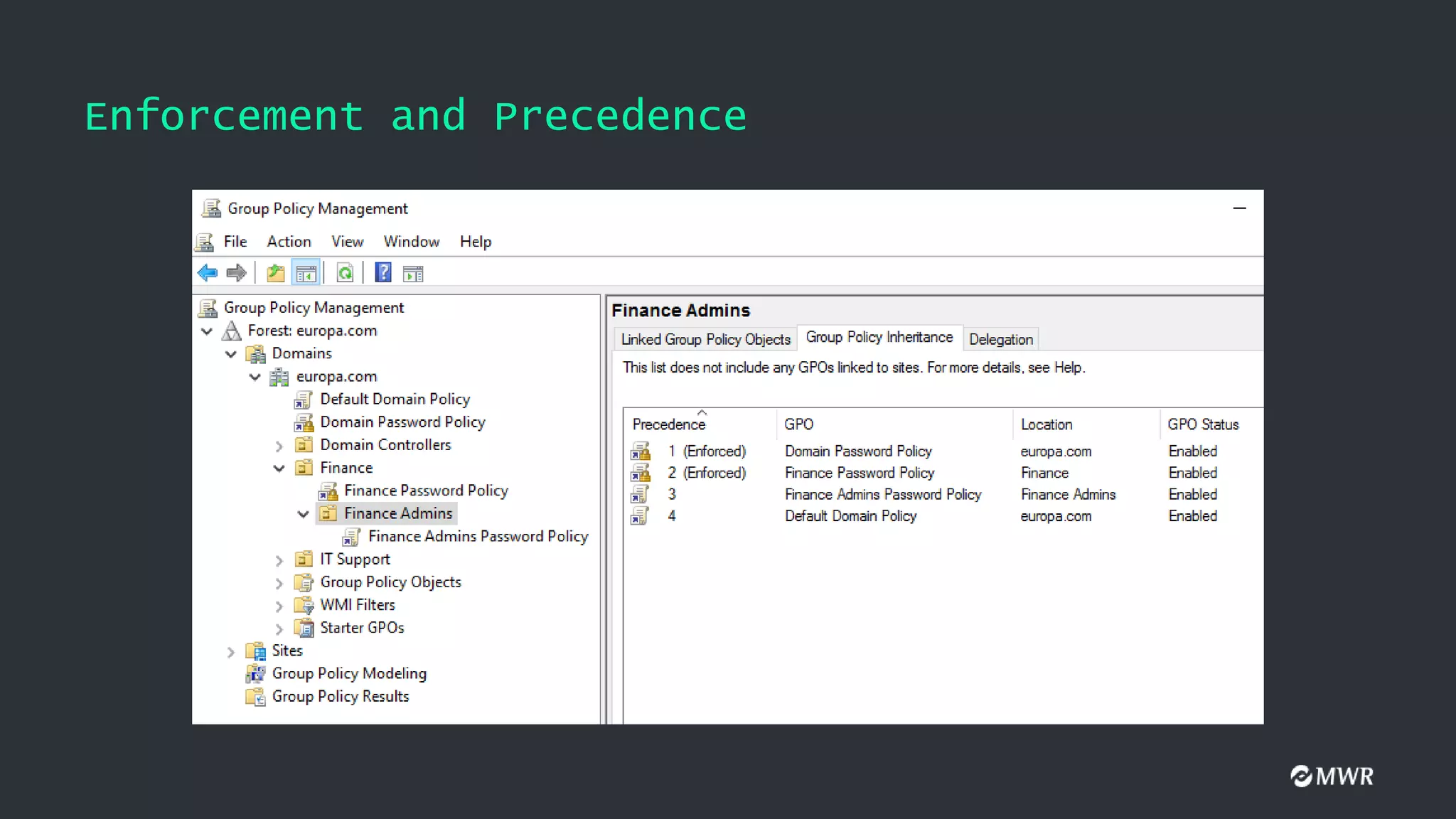
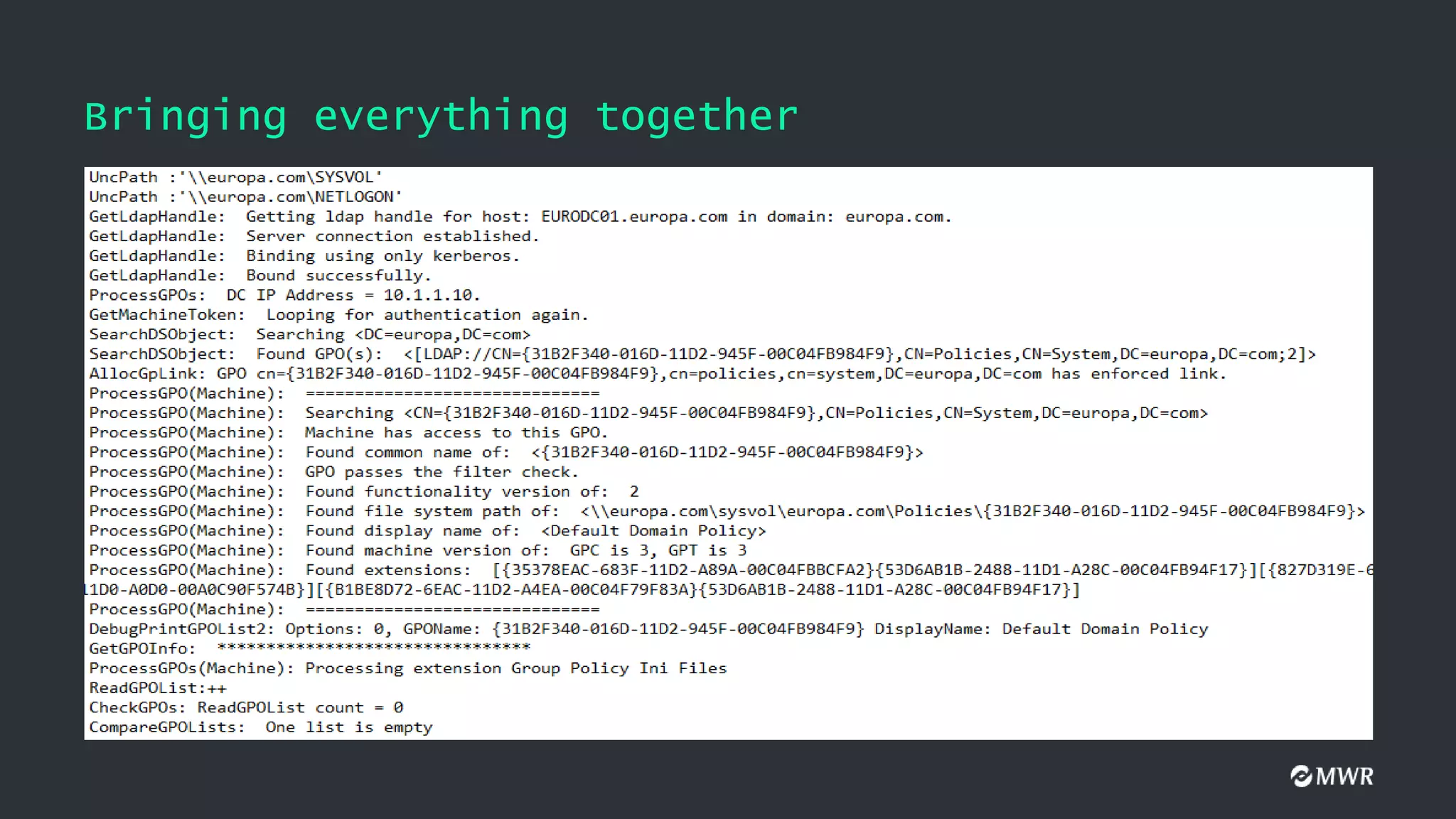
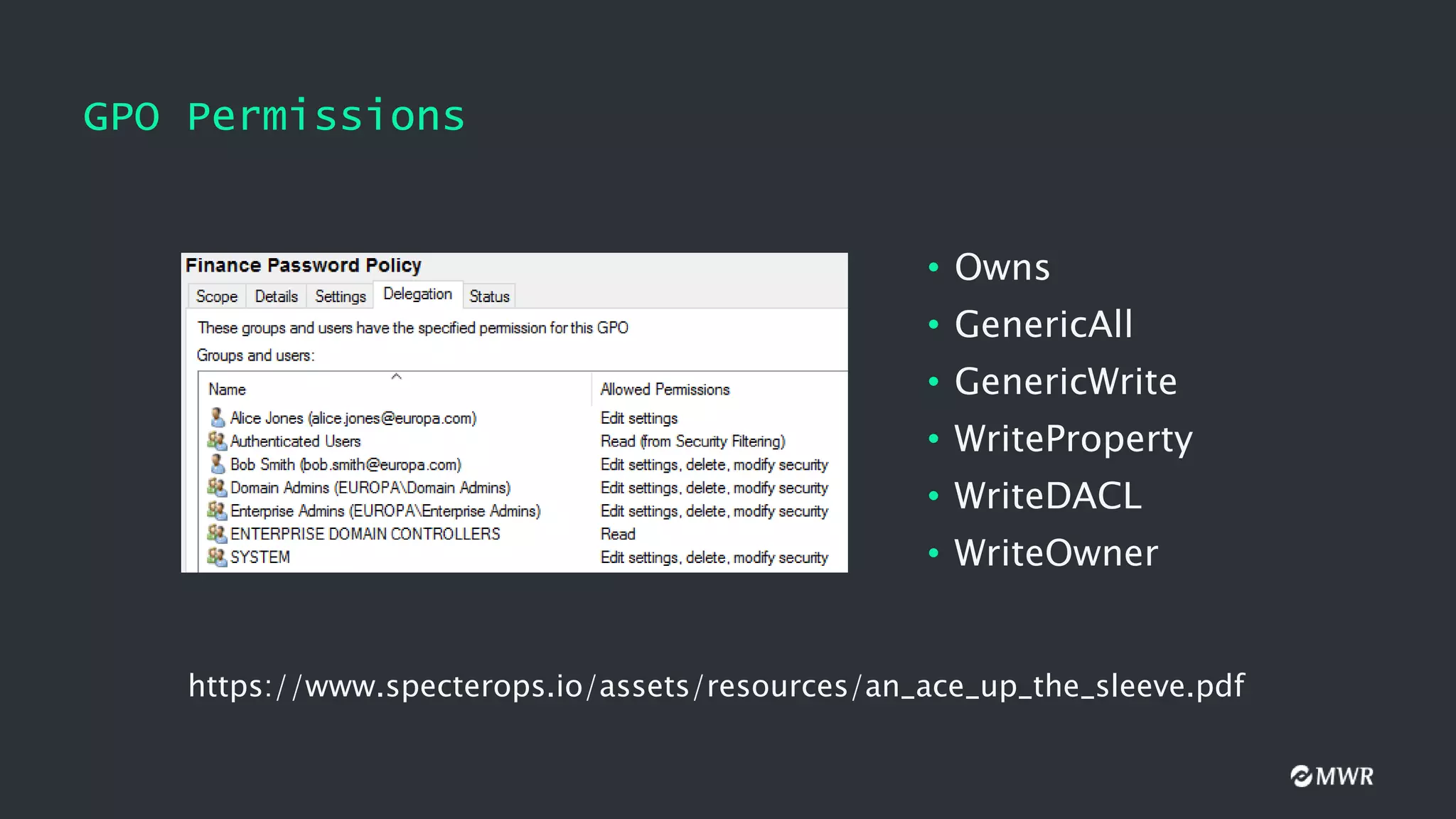
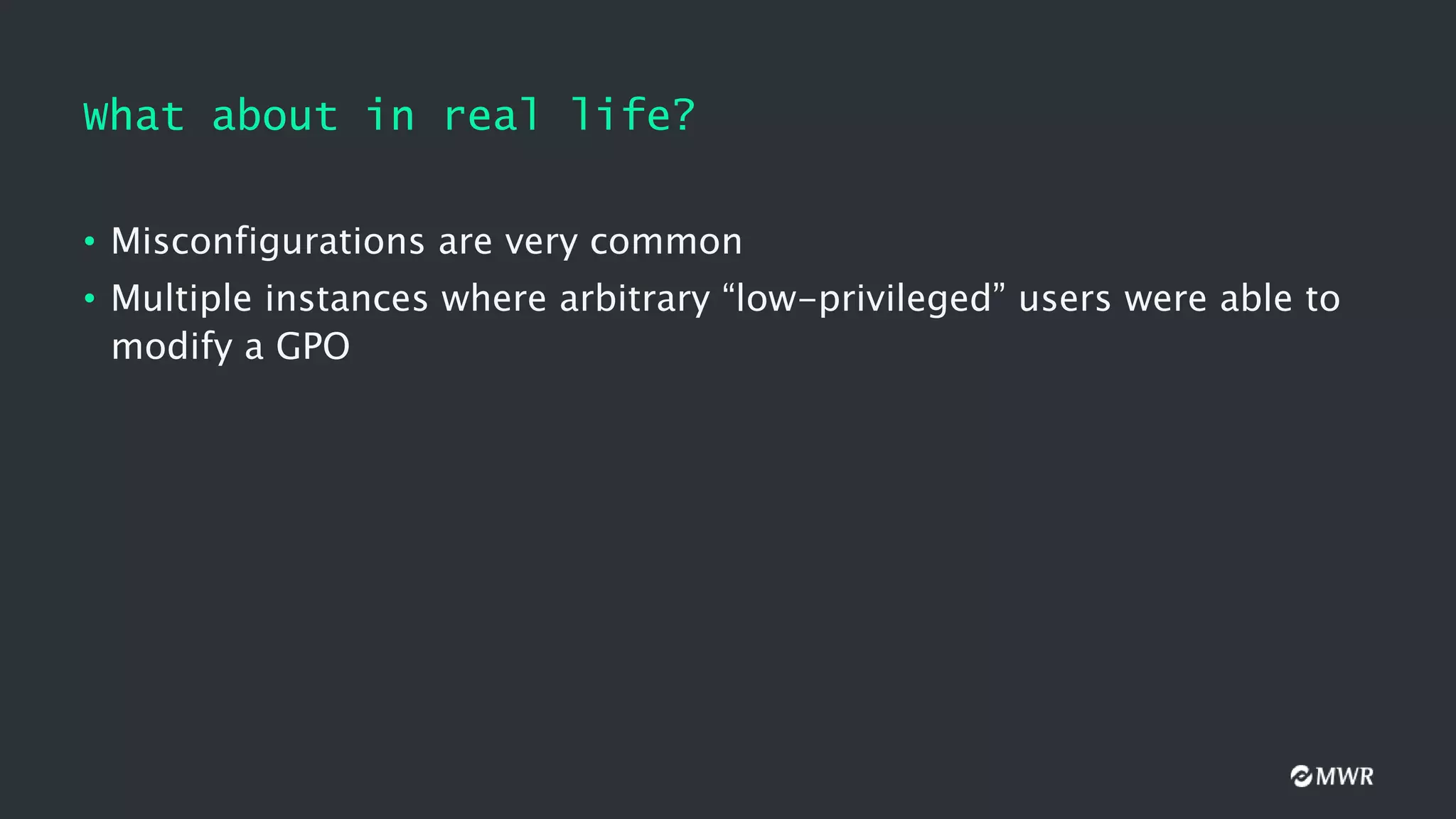
The document discusses the exploitation of Group Policy Objects (GPO) within Active Directory environments, focusing on weak GPO permissions and various exploitation methods. It covers topics such as GPO internals, processing types, permissions, and tools like BloodHound and SharpGpoAbuse for hunting and exploitation. The document also highlights real-life examples of misconfigurations allowing unauthorized modifications to GPOs.
What is aGPO?
• Allows administrators to easily control the settings deployed to clients
within an Active Directory environment.
• Configure settings for User and Computer accounts
• Can be Local or in Active Directory
5.
Components of aGPO
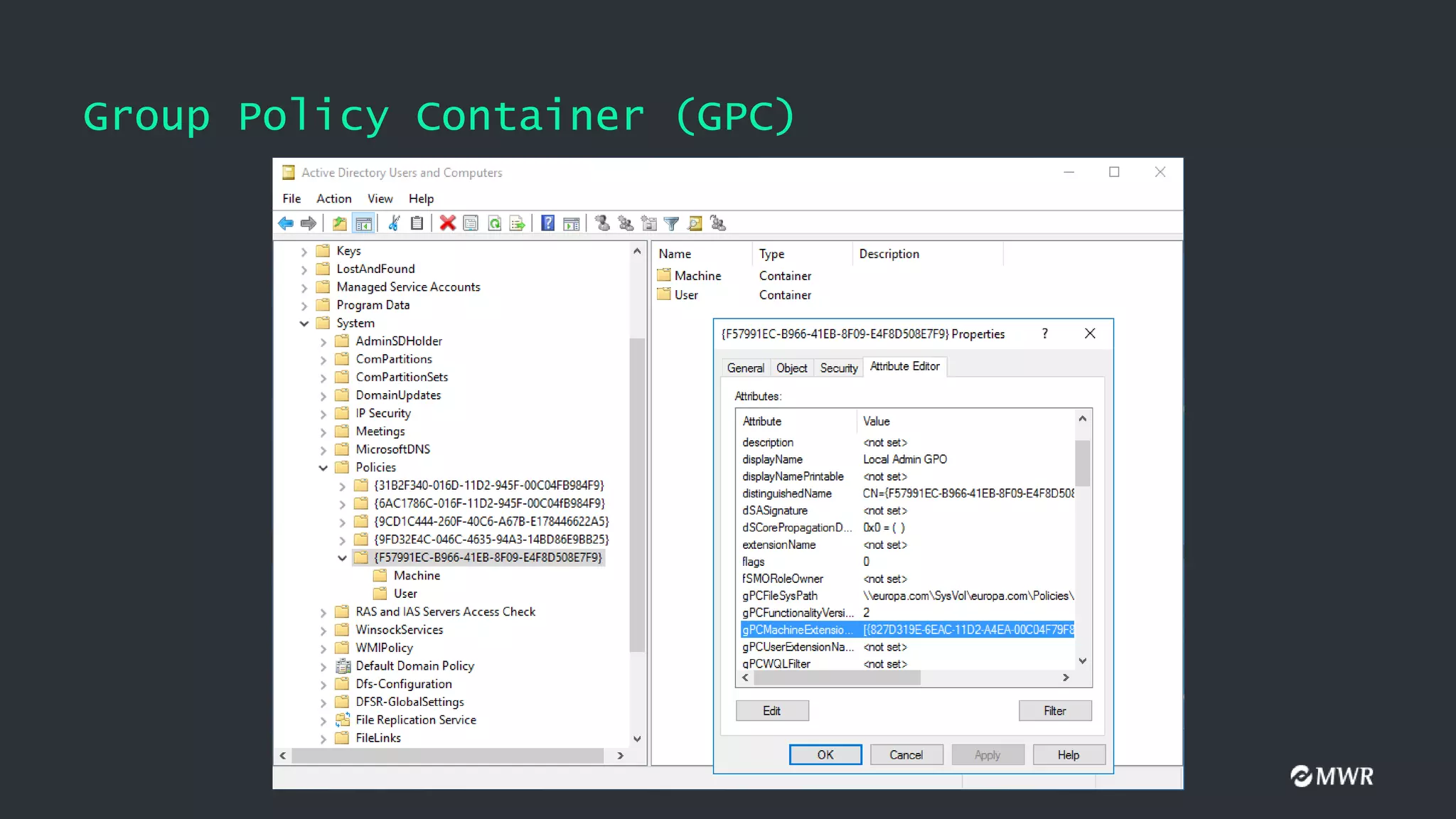
• Group Policy Container (GPC)
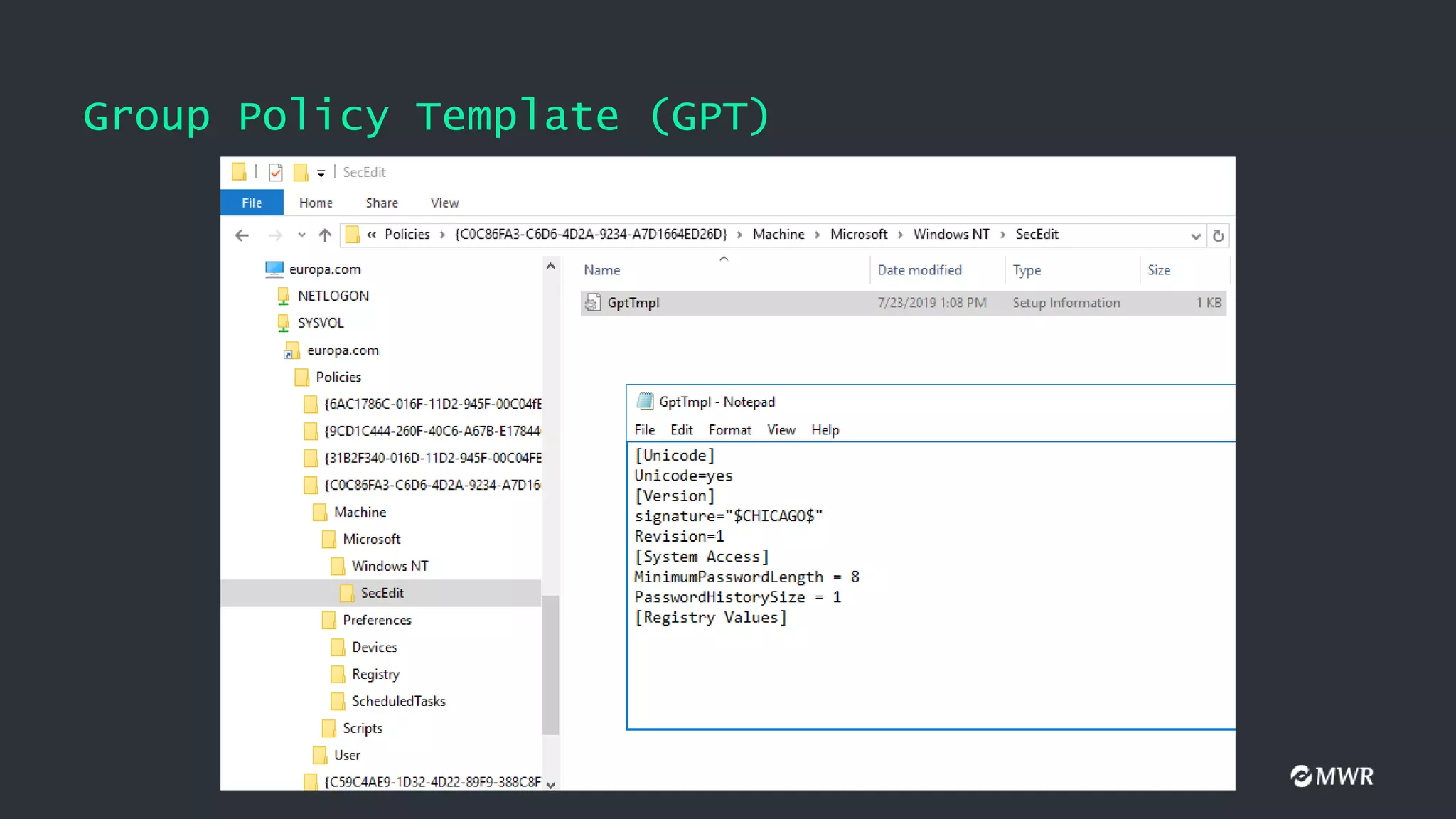
• Group Policy Template (GPT)
Also,
• Client-Side Extensions (CSEs)
Client-Side Extensions (CSEs)
•DLLs installed on clients
• Used to process GPO settings
• Identified by a GUID
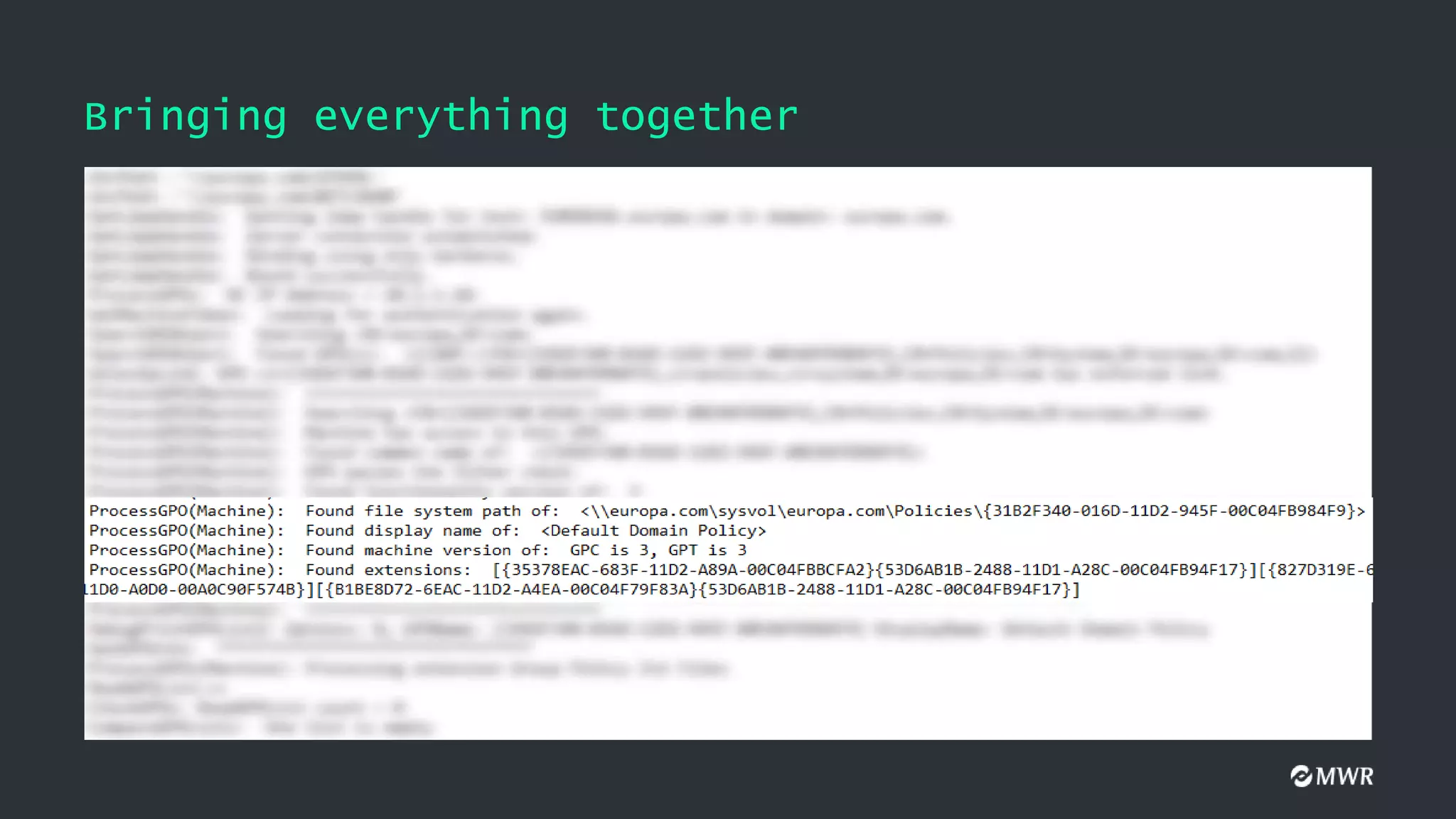
• Found in the gPCMachineExtensionNames and
gPCUserExtensionNames attributes of a GPO
• Special order
10.
Client-Side Extensions (CSEs)
•gPCMachineExtensionNames value when Audit Policy is configured
[
{827D319E-6EAC-11D2-A4EA-00C04F79F83A} //Security Settings
{803E14A0-B4FB-11D0-A0D0-00A0C90F574B} //Computer Restricted Groups
]
• gPCMachineExtensionNames value after adding a Startup Script
[
{42B5FAAE-6536-11D2-AE5A-0000F87571E3} //Process Scripts Group Policy
{40B6664F-4972-11D1-A7CA-0000F87571E3} //Startup - Shutdown Scripts
]
[
{827D319E-6EAC-11D2-A4EA-00C04F79F83A} //Security Settings
{803E14A0-B4FB-11D0-A0D0-00A0C90F574B} //Computer Restricted Groups
]
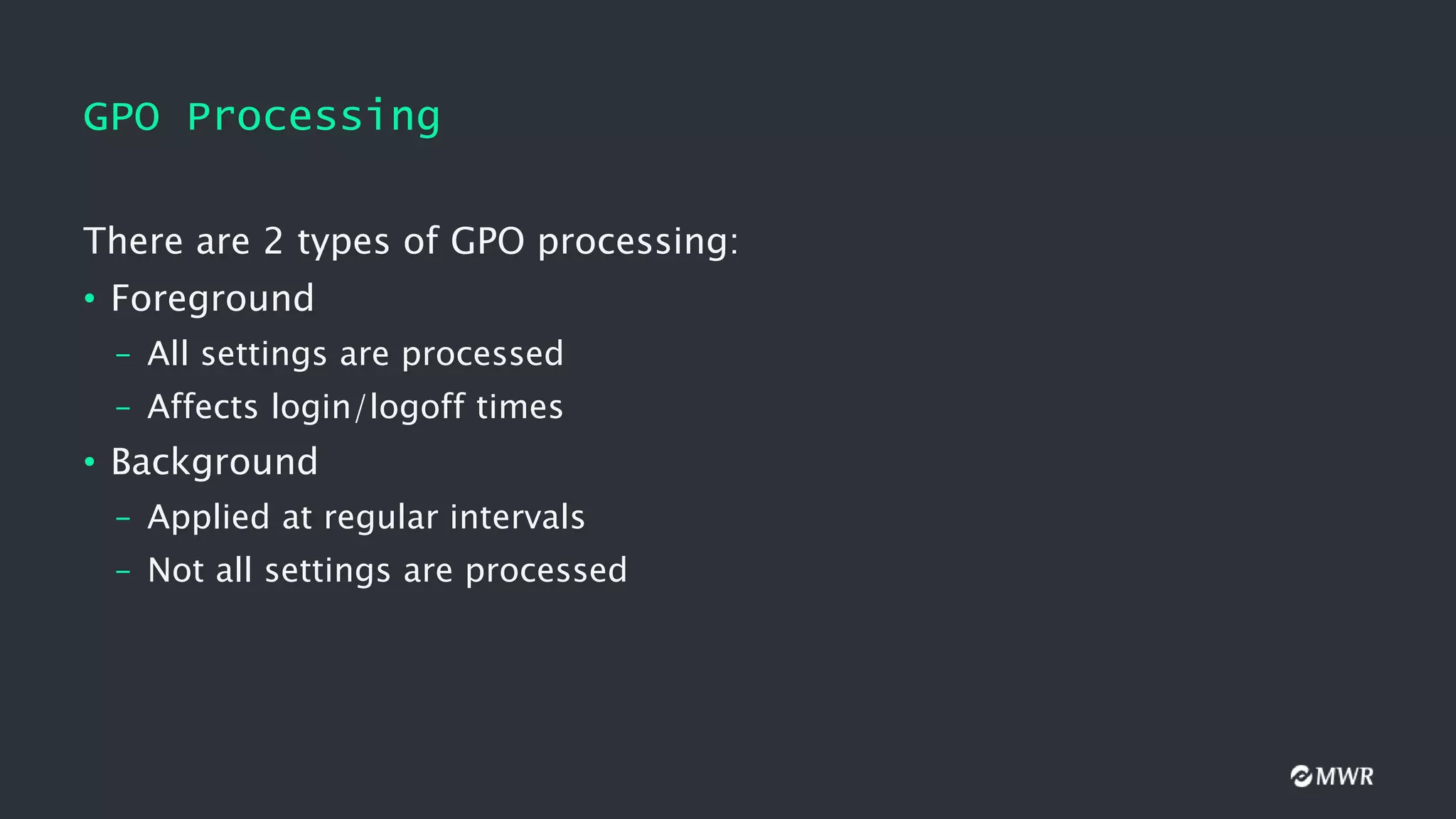
GPO Processing
There are2 types of GPO processing:
• Foreground
– All settings are processed
– Affects login/logoff times
• Background
– Applied at regular intervals
– Not all settings are processed
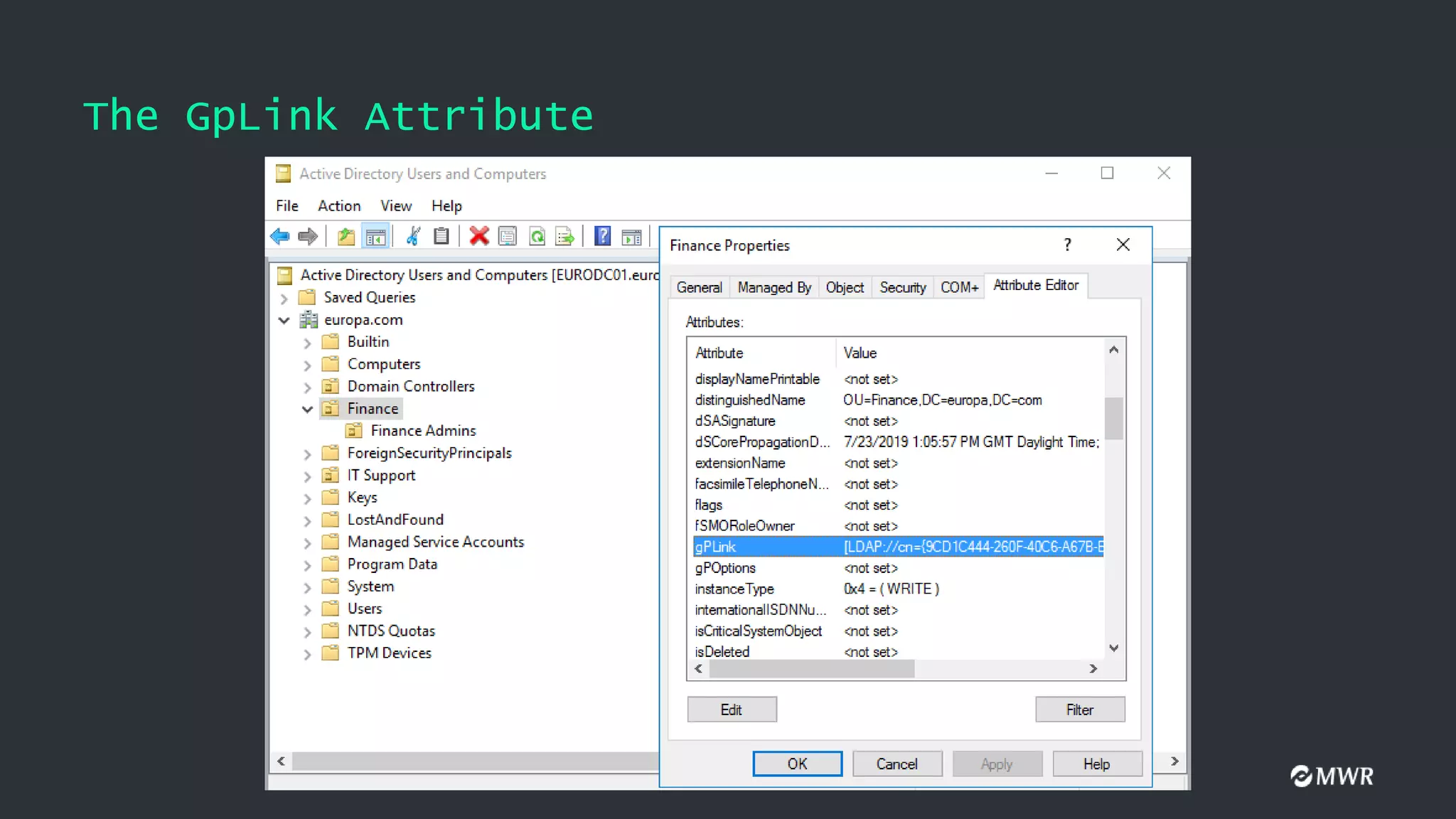
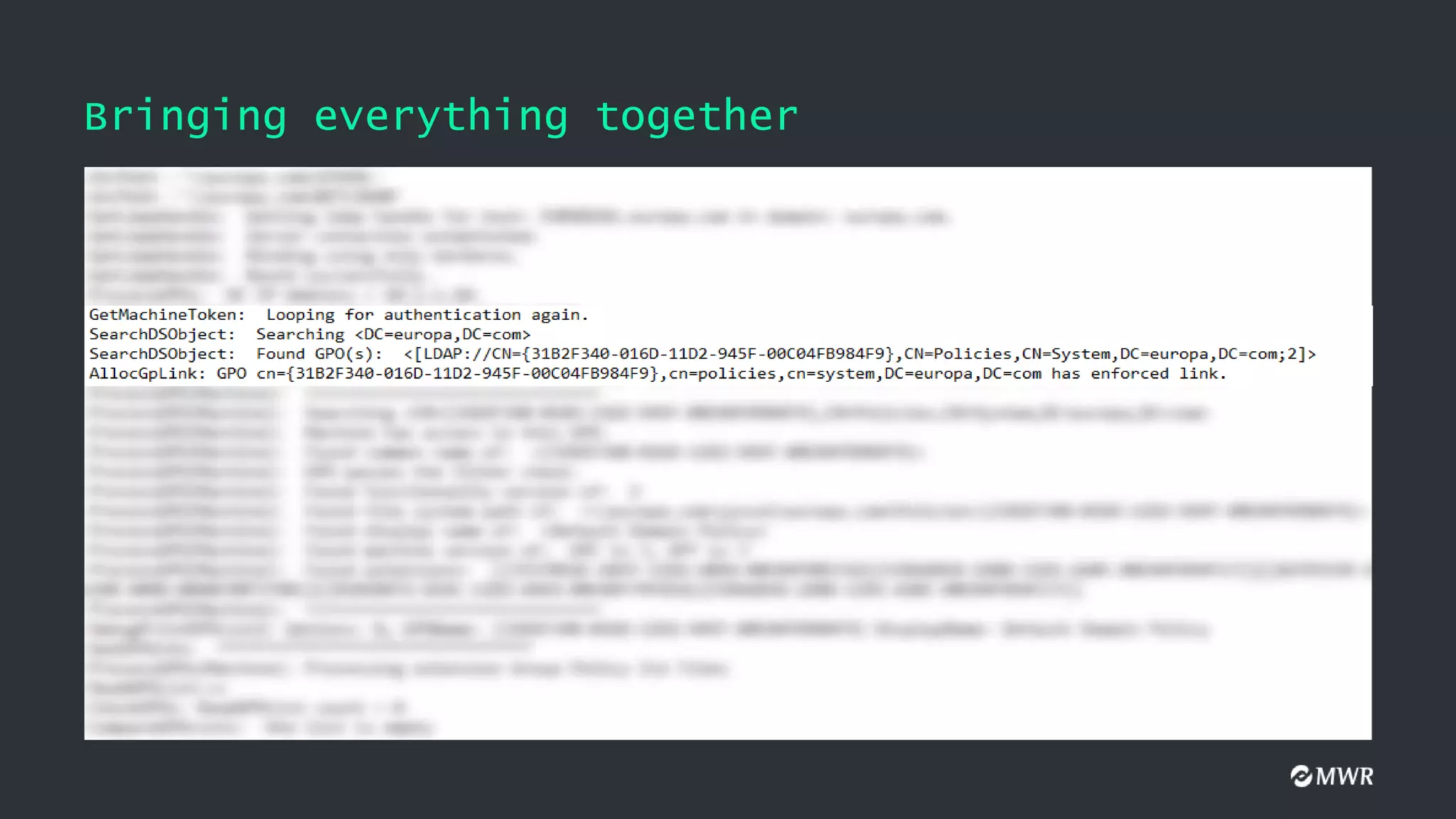
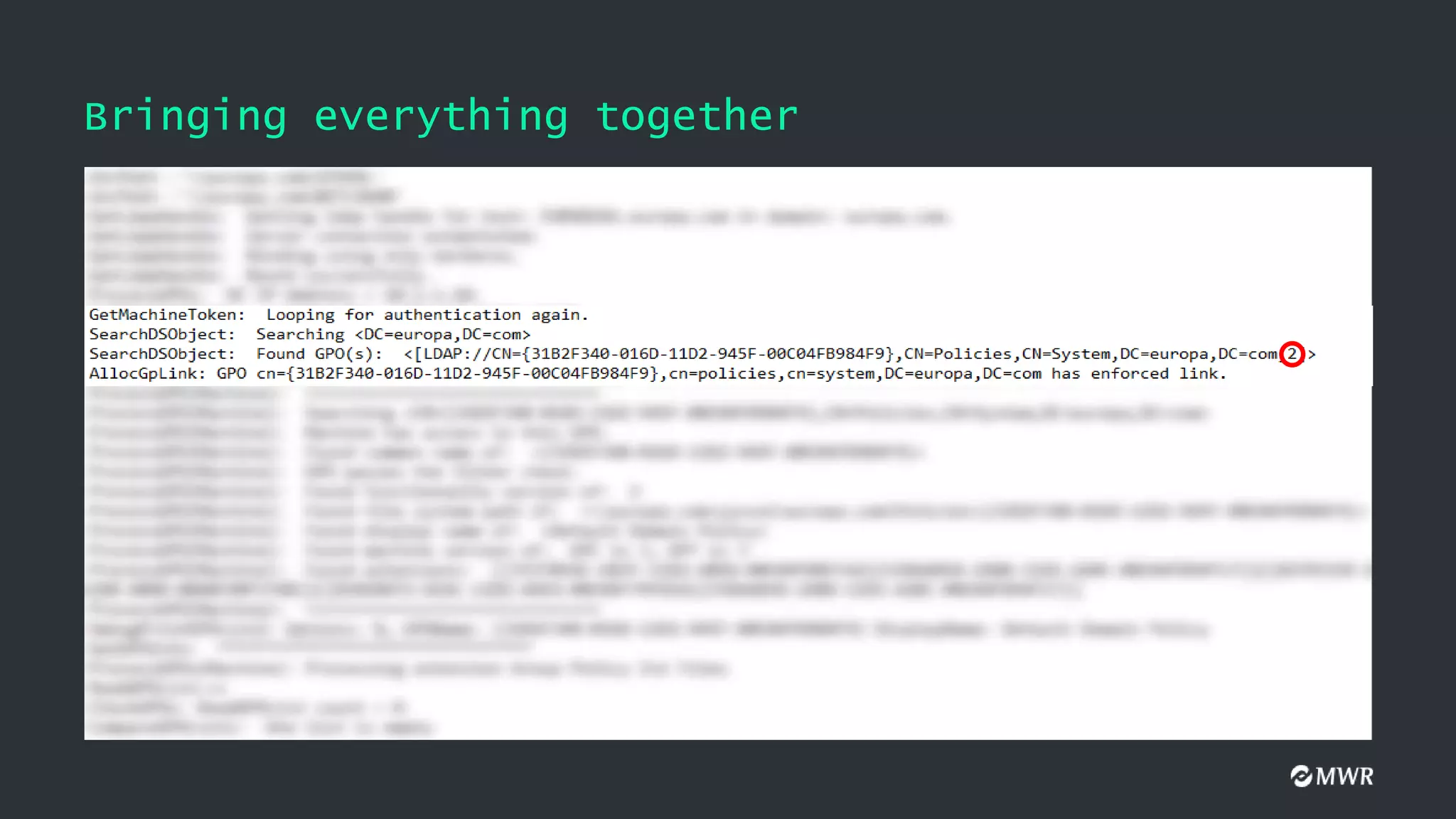
The GpLink Attribute
GPLinkOptions:
•0: The GPO is not enforced. This is the default value
• 1: The GPO link is not enabled
• 2: The GPO is enforced
• 3: The GPO is enforced but not enabled
[LDAP://cn={9CD1C444-260F-40C6-A67B-E178446622A5},cn=policies,cn=system,DC=europa,DC=com;0]
[LDAP://cn={77D3AFFC-1292-4DBE-AE89-CEDEE60BAD0E},cn=policies,cn=system,DC=europa,DC=com;2]
[LDAP://cn={C877A421-BF69-439E-89C3-99CF82C71299},cn=policies,cn=system,DC=europa,DC=com;2]
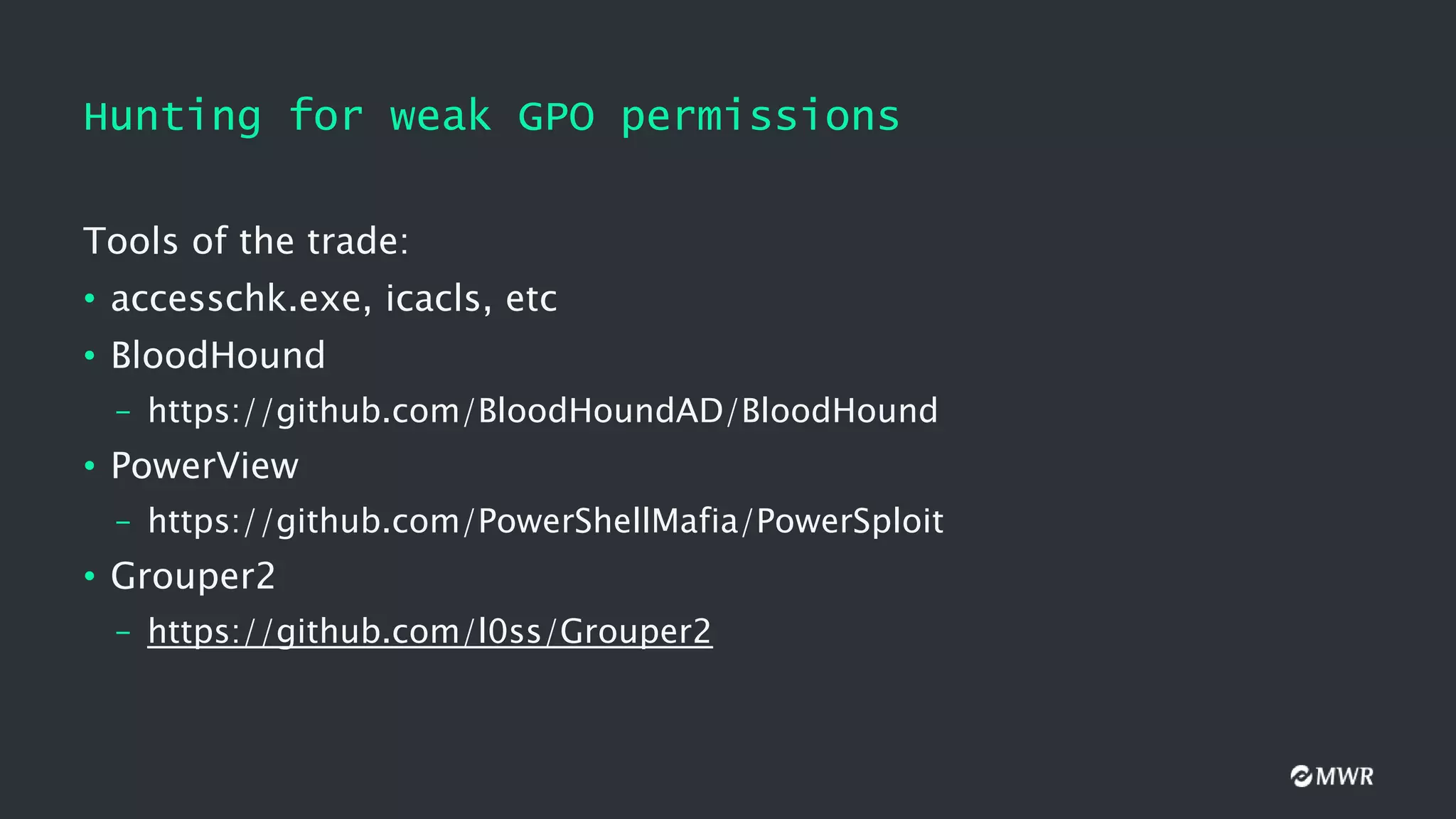
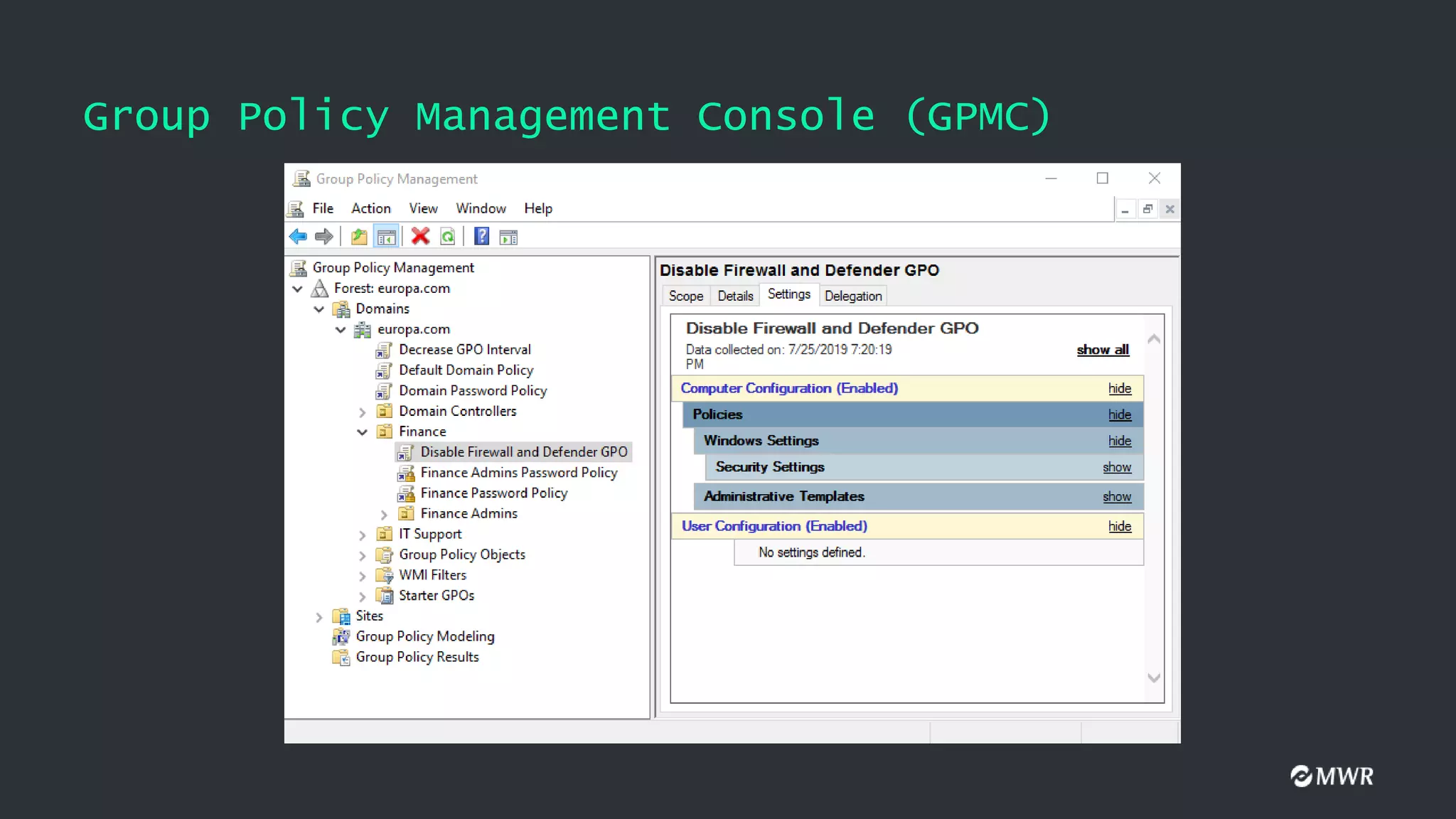
Hunting for weakGPO permissions
Tools of the trade:
• accesschk.exe, icacls, etc
• BloodHound
– https://github.com/BloodHoundAD/BloodHound
• PowerView
– https://github.com/PowerShellMafia/PowerSploit
• Grouper2
– https://github.com/l0ss/Grouper2
29.
BloodHound
• Released in2016 by @_wald0, @CptJesus and @harmj0y
• Uses graph theory to reveal relationships between active directory
components
• An ingestor collects data that can be loaded onto a neo4j database
• Useful for both Red and Blue teams
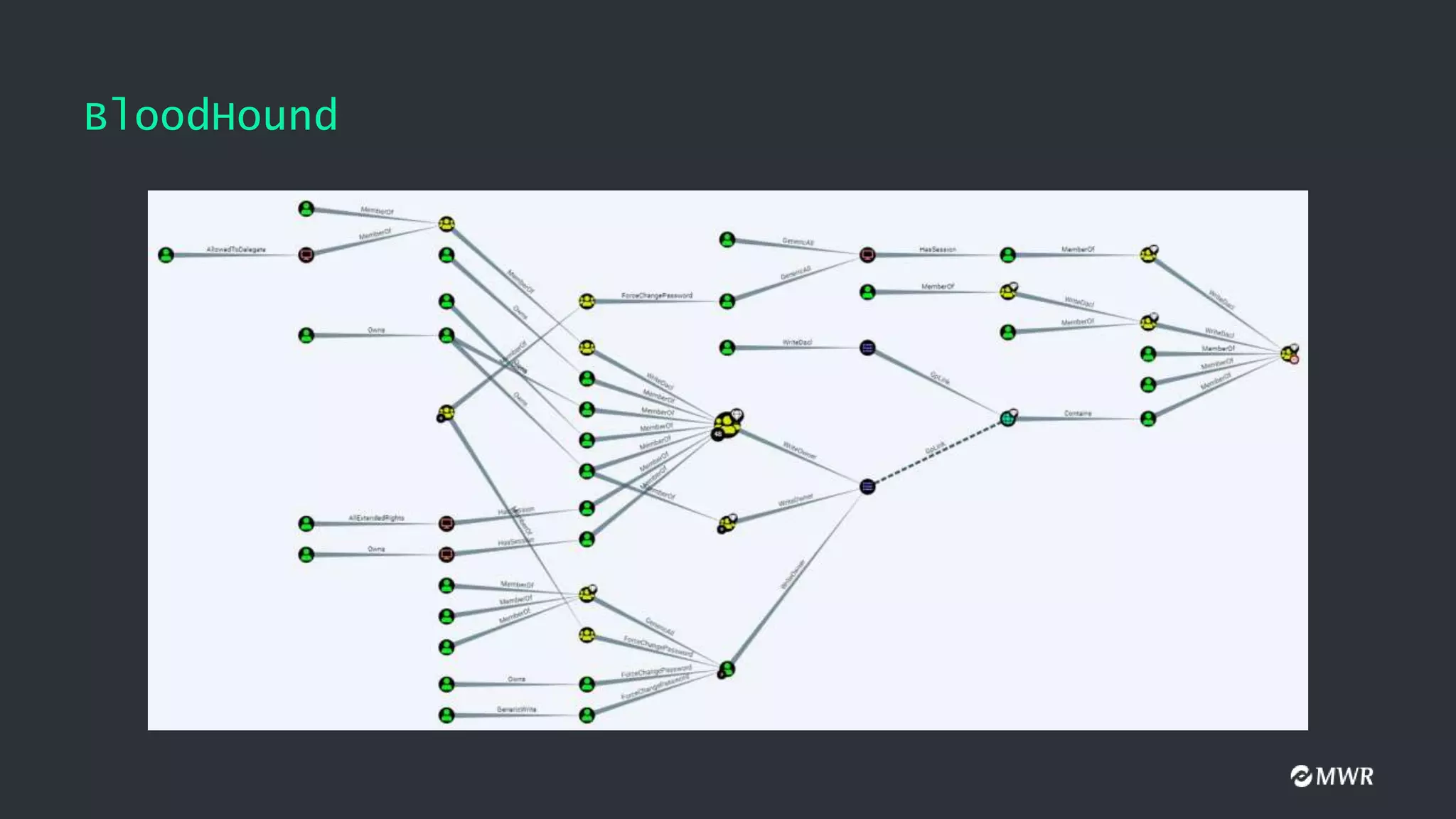
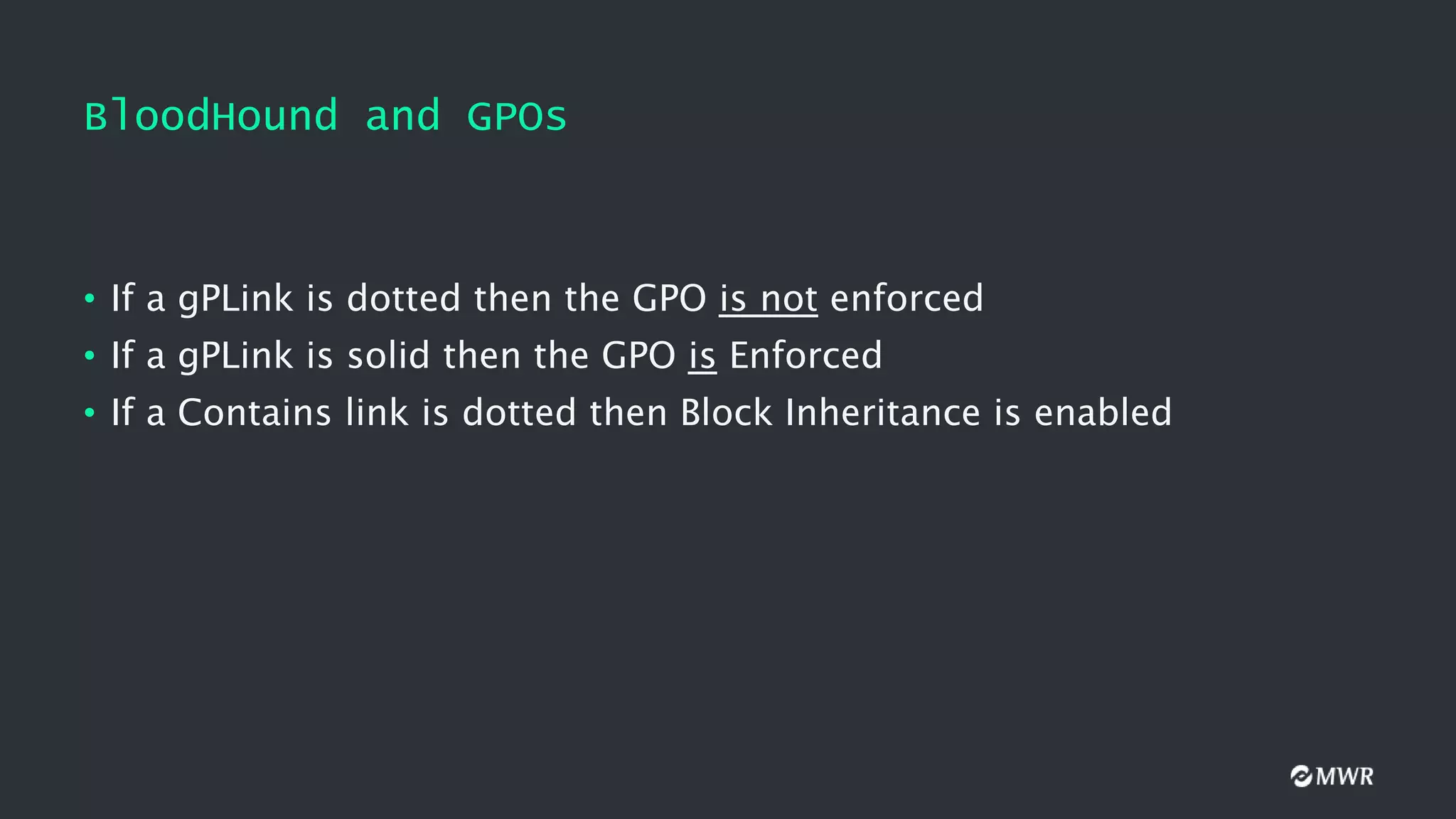
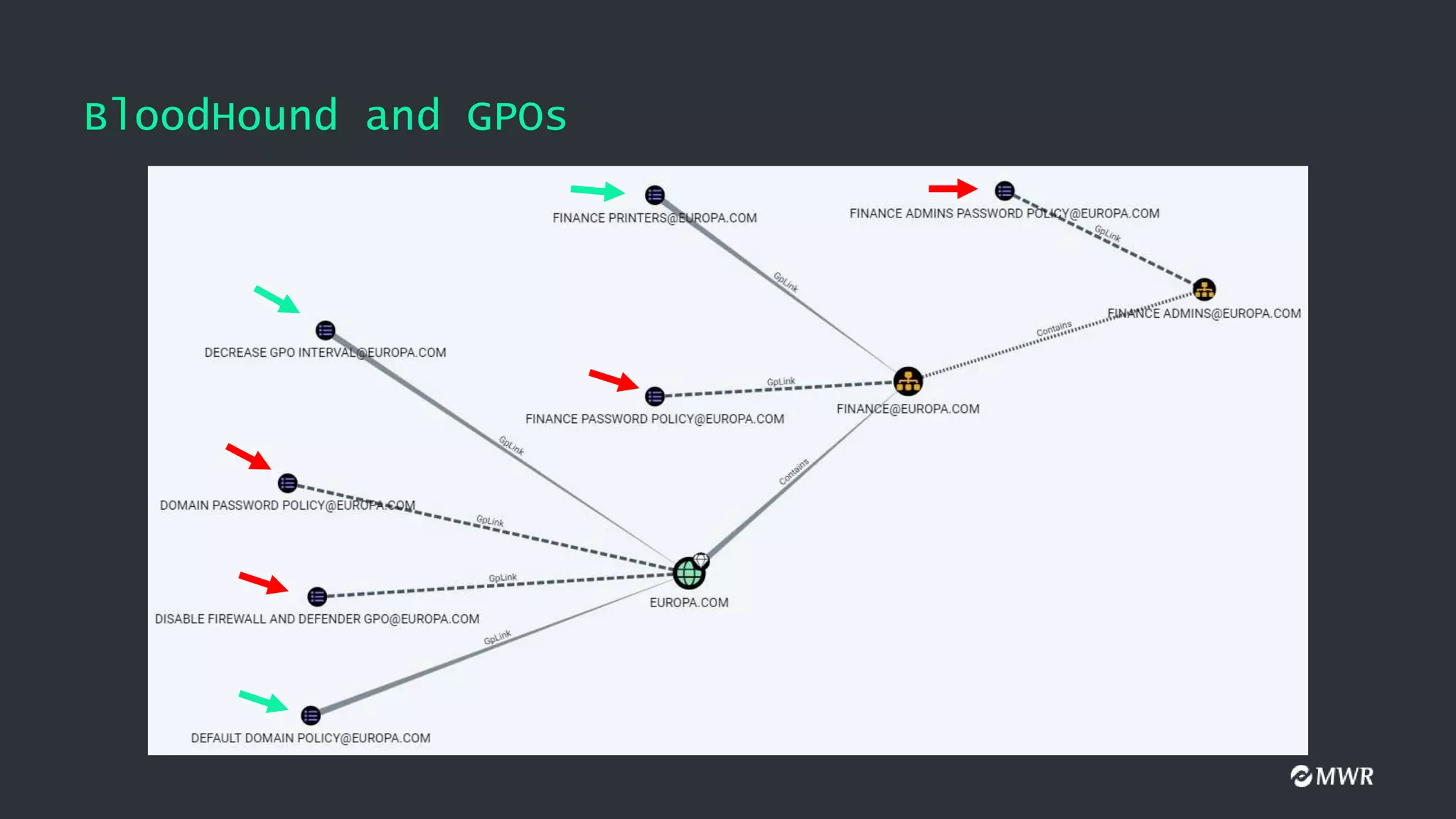
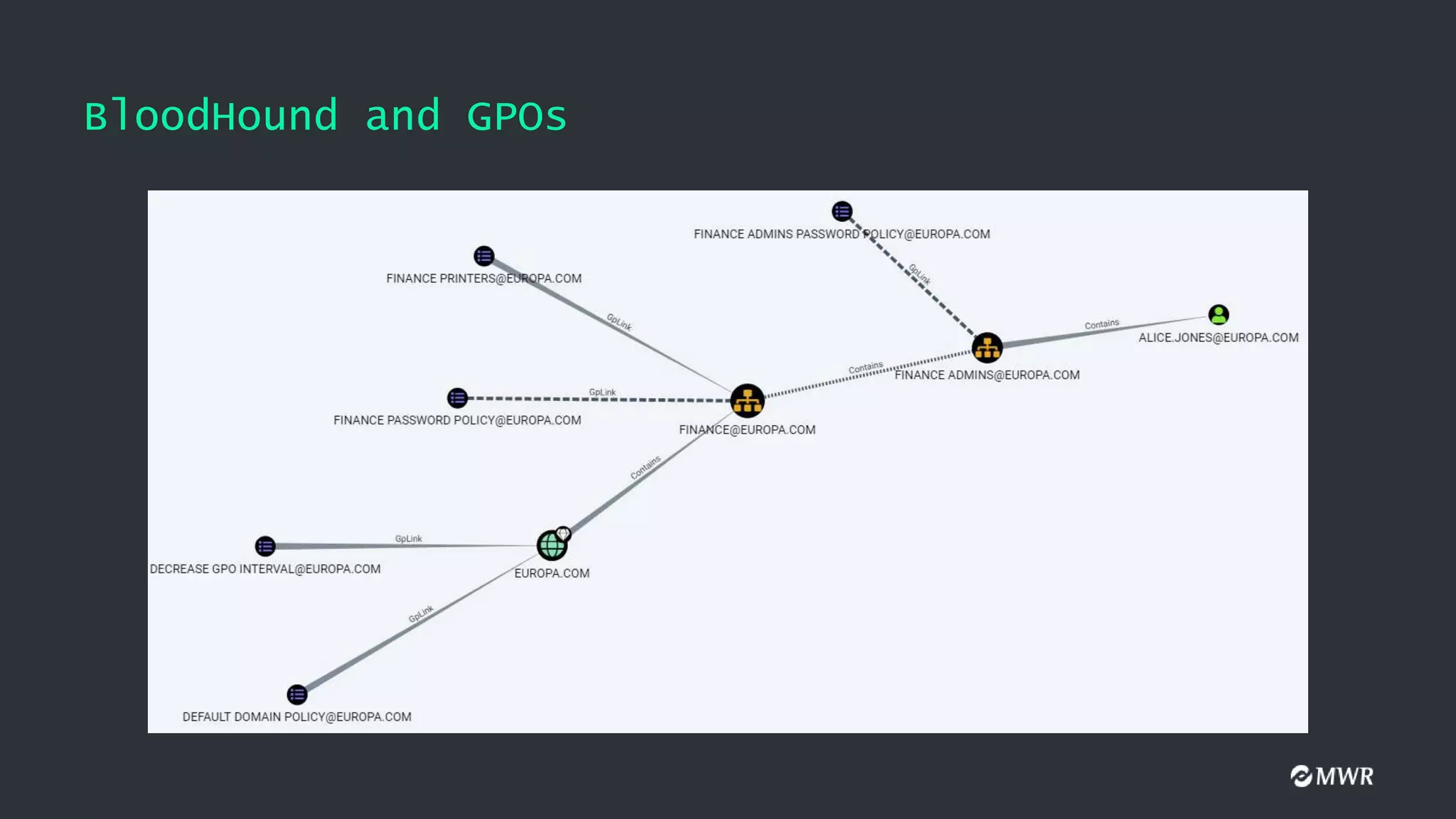
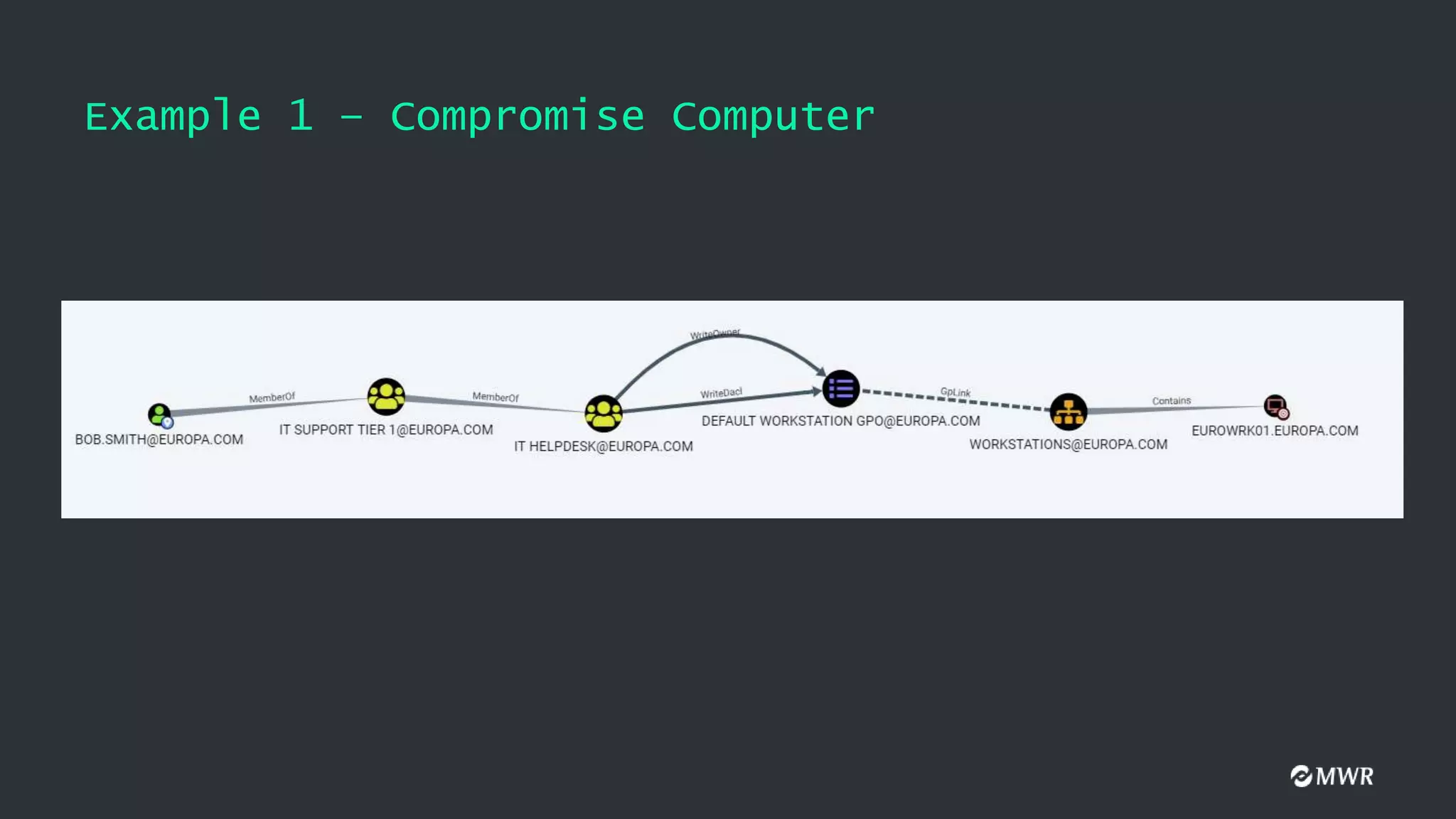
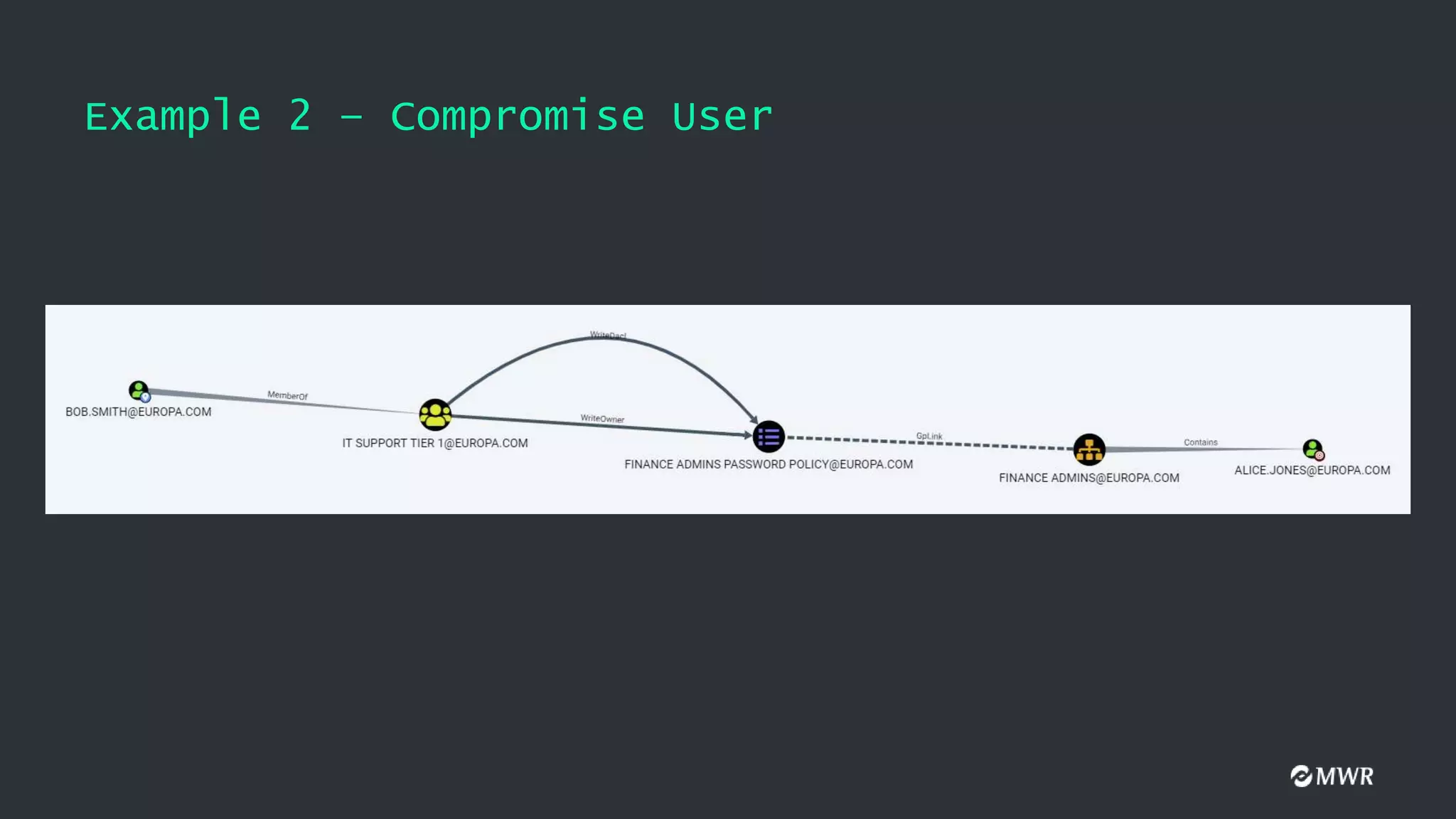
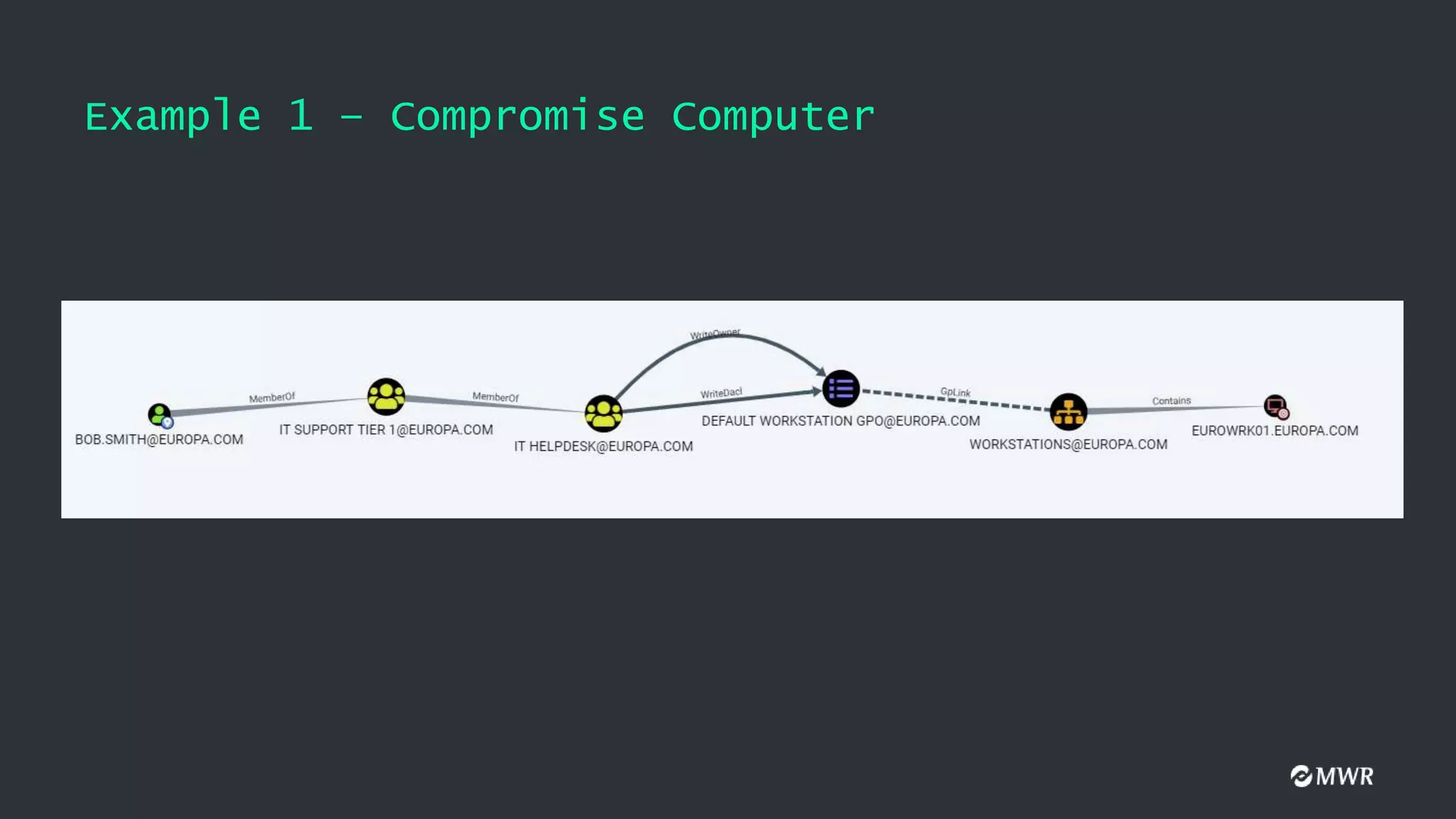
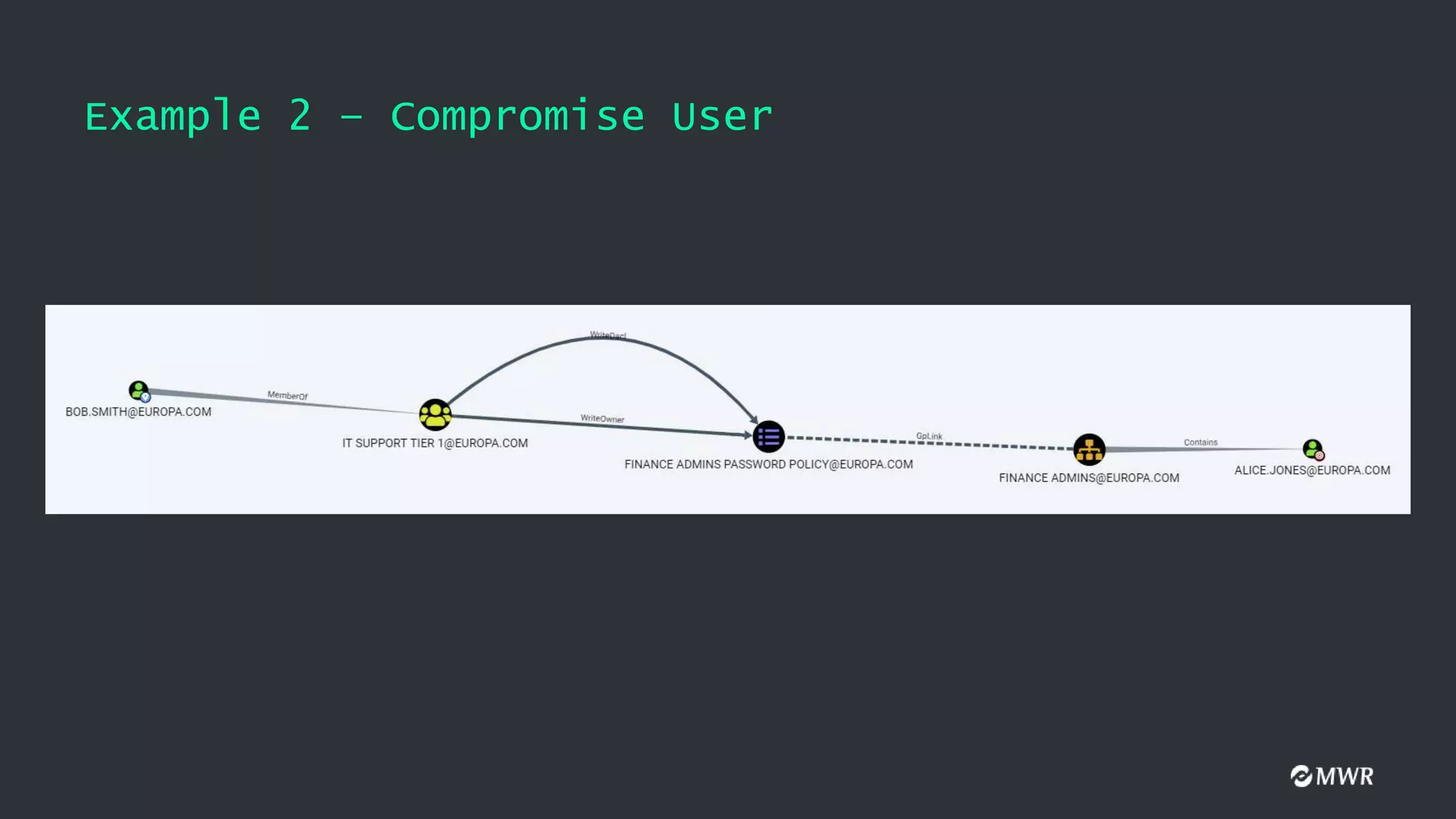
BloodHound and GPOs
•If a gPLink is dotted then the GPO is not enforced
• If a gPLink is solid then the GPO is Enforced
• If a Contains link is dotted then Block Inheritance is enabled
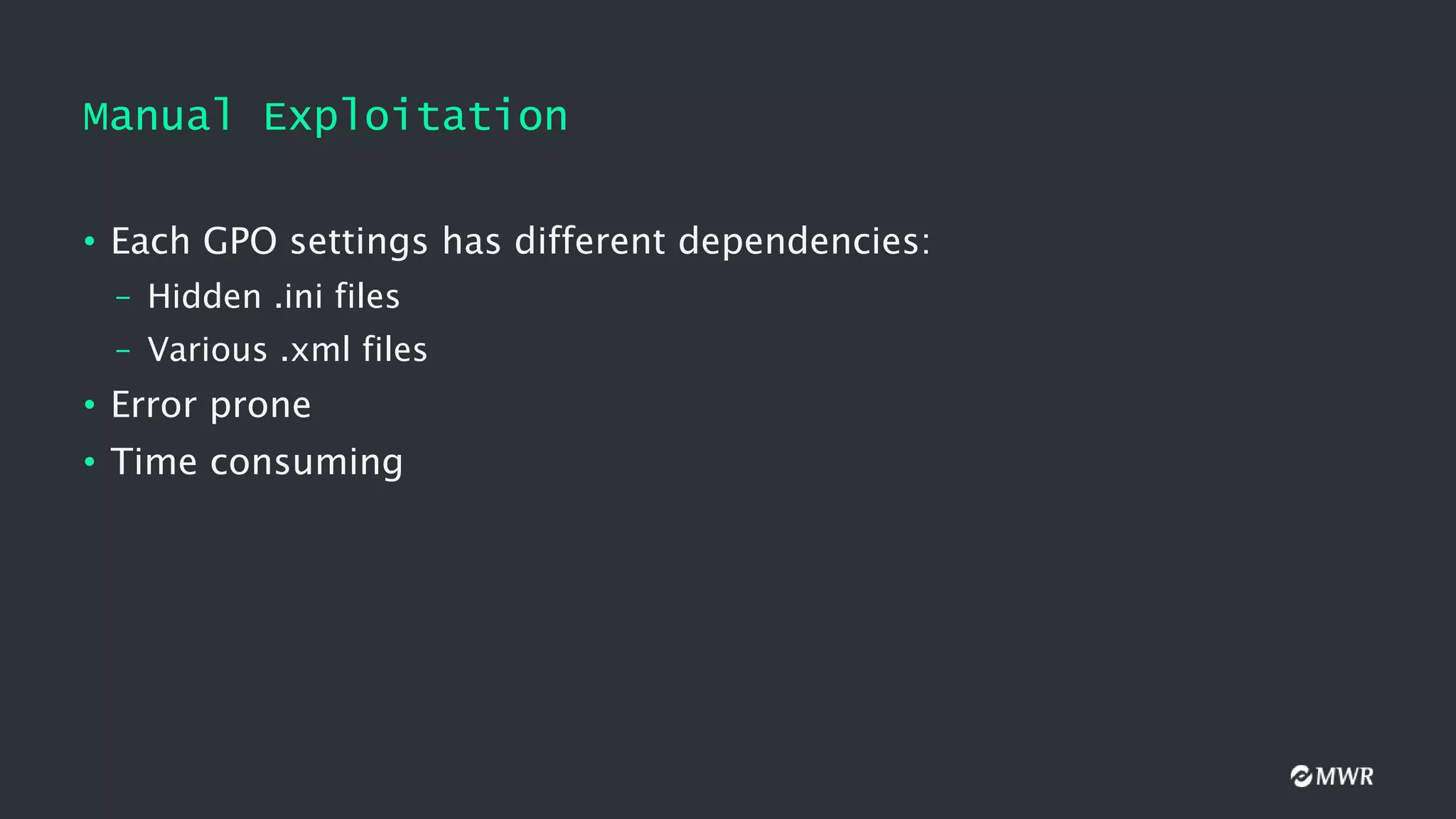
Manual Exploitation
• EachGPO settings has different dependencies:
– Hidden .ini files
– Various .xml files
• Error prone
• Time consuming
40.
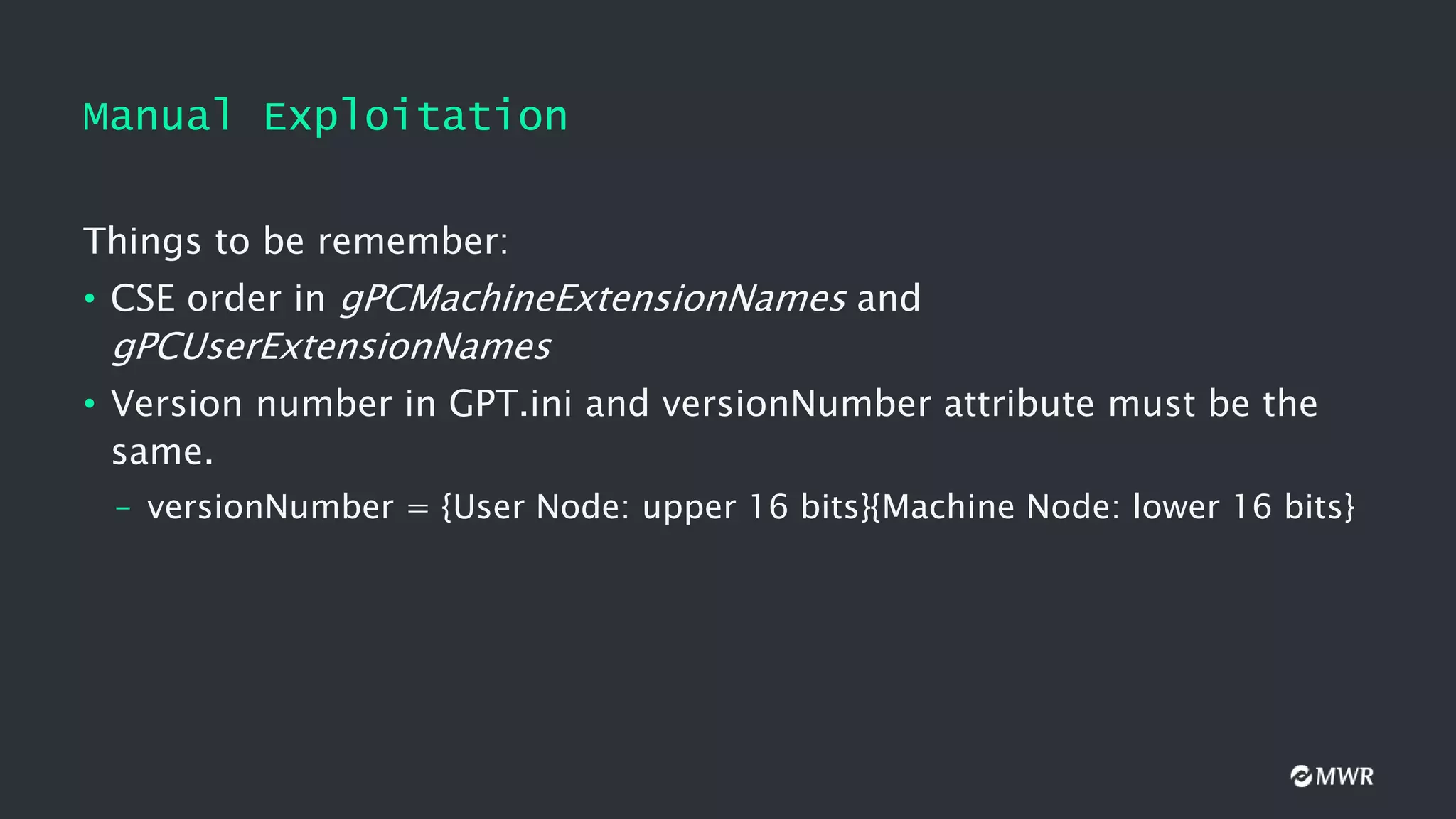
Manual Exploitation
Things tobe remember:
• CSE order in gPCMachineExtensionNames and
gPCUserExtensionNames
• Version number in GPT.ini and versionNumber attribute must be the
same.
– versionNumber = {User Node: upper 16 bits}{Machine Node: lower 16 bits}
41.
Manual Exploitation
Adding auser to the local Administrators group:
• Find the SID of the user we want to add as a local admin
• Get the GUID of the target GPO
• Create SYSVOLdomainPolicies{GUID}MachineMicrosoftWindows
NTSecEditGptTmpl.inf with the following contents:
[Unicode]
Unicode=yes
[Version]
signature="$CHICAGO$"
Revision=1
[Group Membership]
*S-1-5-32-544__Memberof =
*S-1-5-32-544__Members = *<USER-SID>
42.
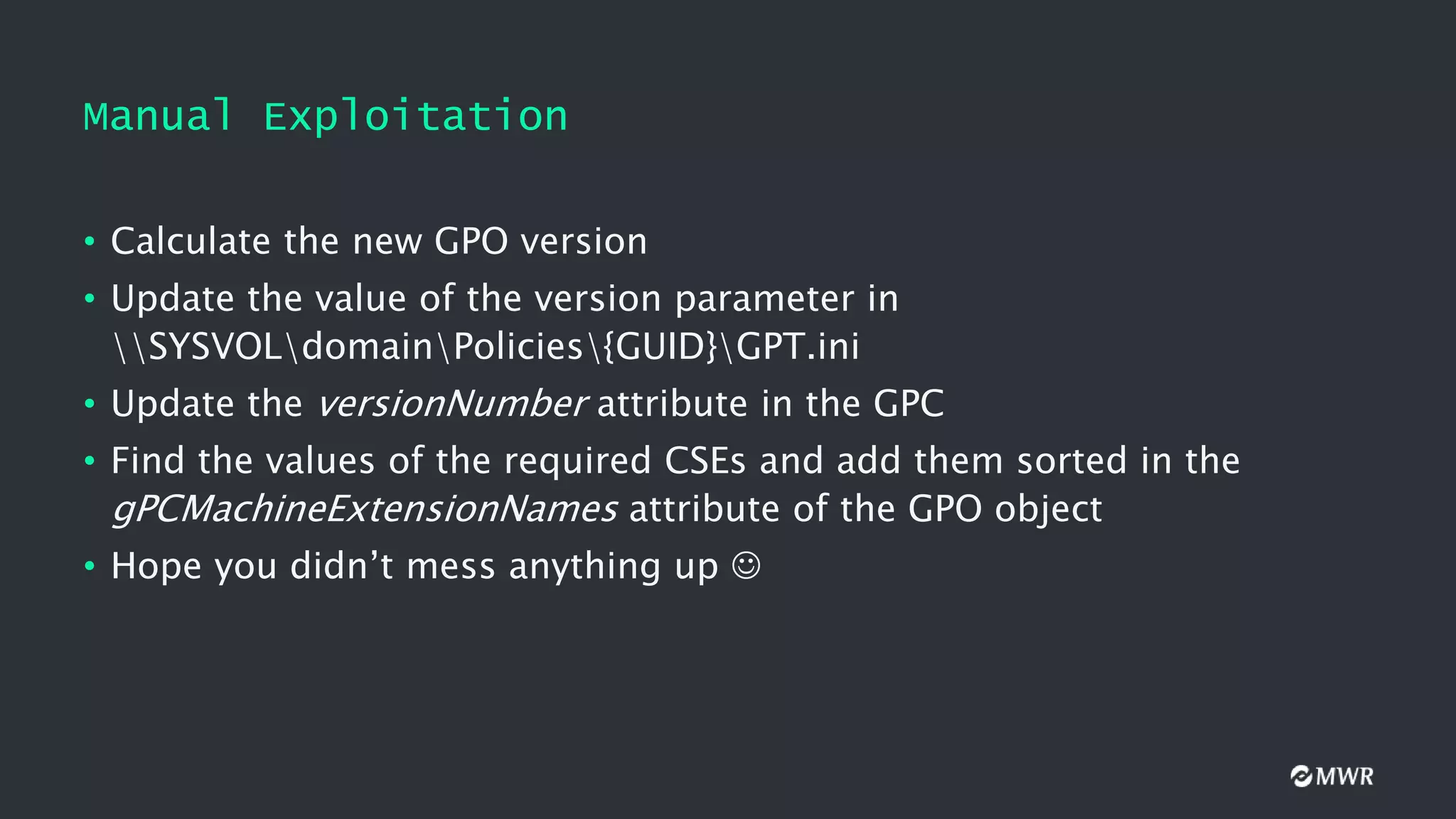
Manual Exploitation
• Calculatethe new GPO version
• Update the value of the version parameter in
SYSVOLdomainPolicies{GUID}GPT.ini
• Update the versionNumber attribute in the GPC
• Find the values of the required CSEs and add them sorted in the
gPCMachineExtensionNames attribute of the GPO object
• Hope you didn’t mess anything up
43.
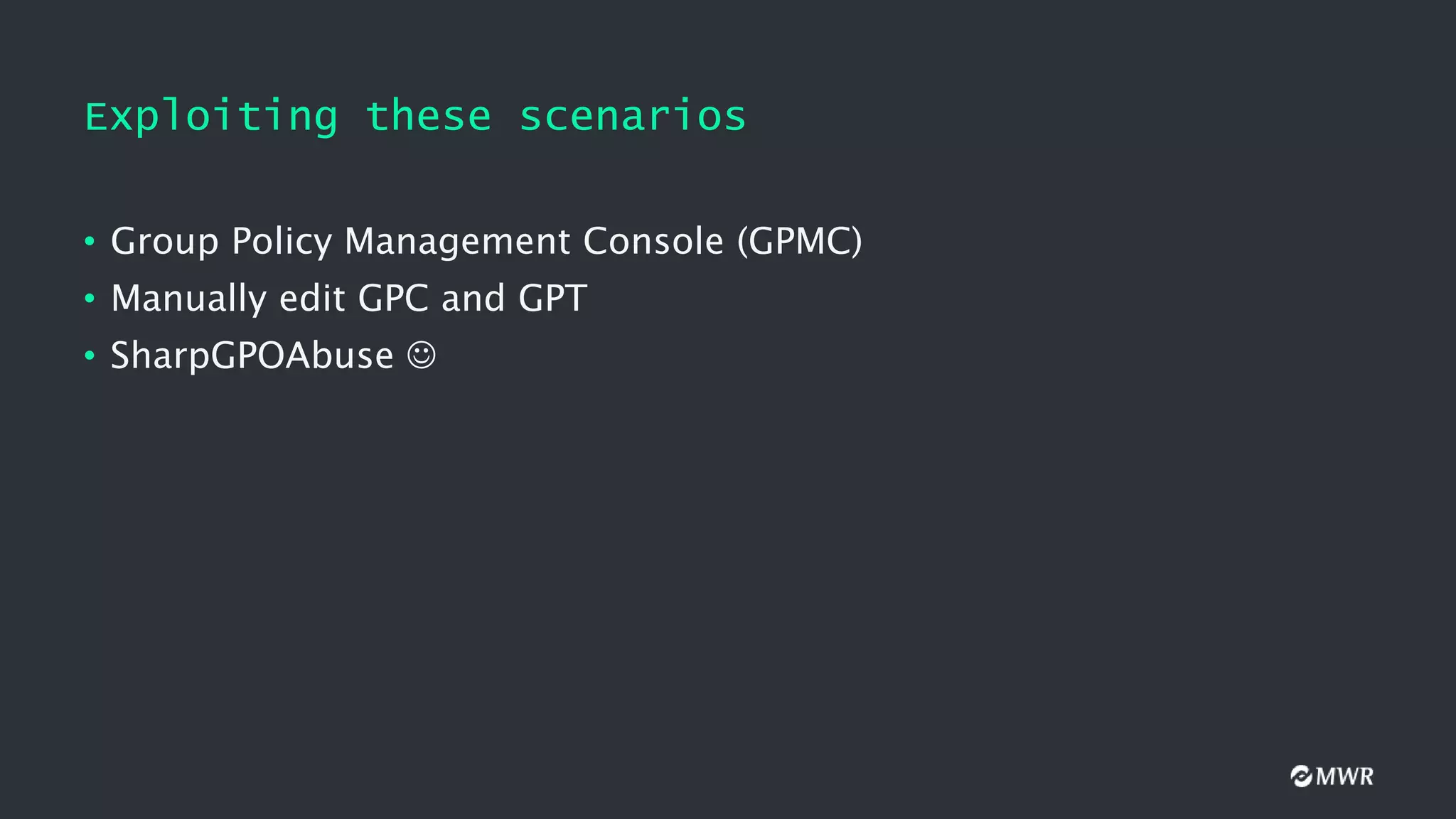
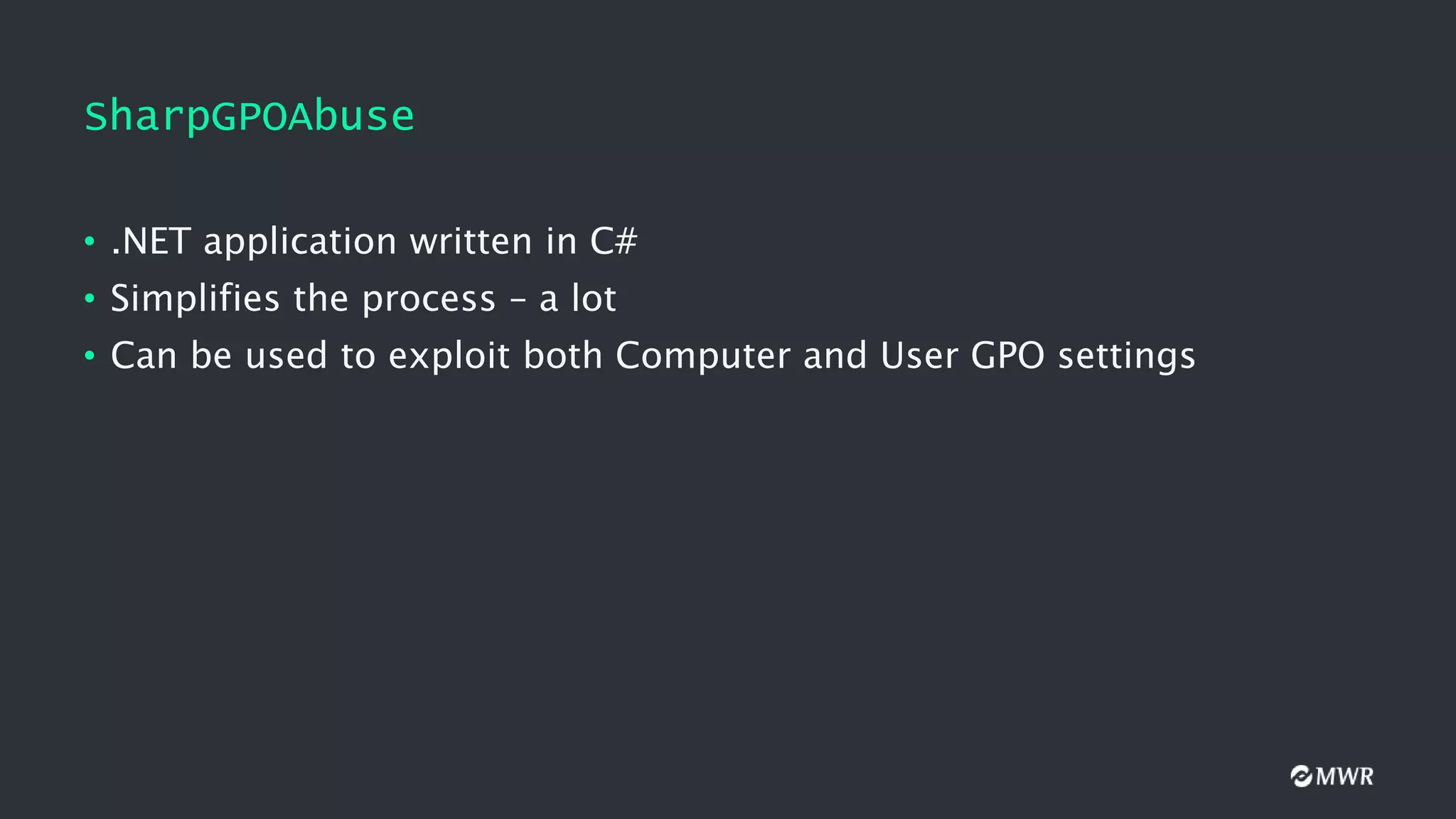
SharpGPOAbuse
• .NET applicationwritten in C#
• Simplifies the process – a lot
• Can be used to exploit both Computer and User GPO settings
44.
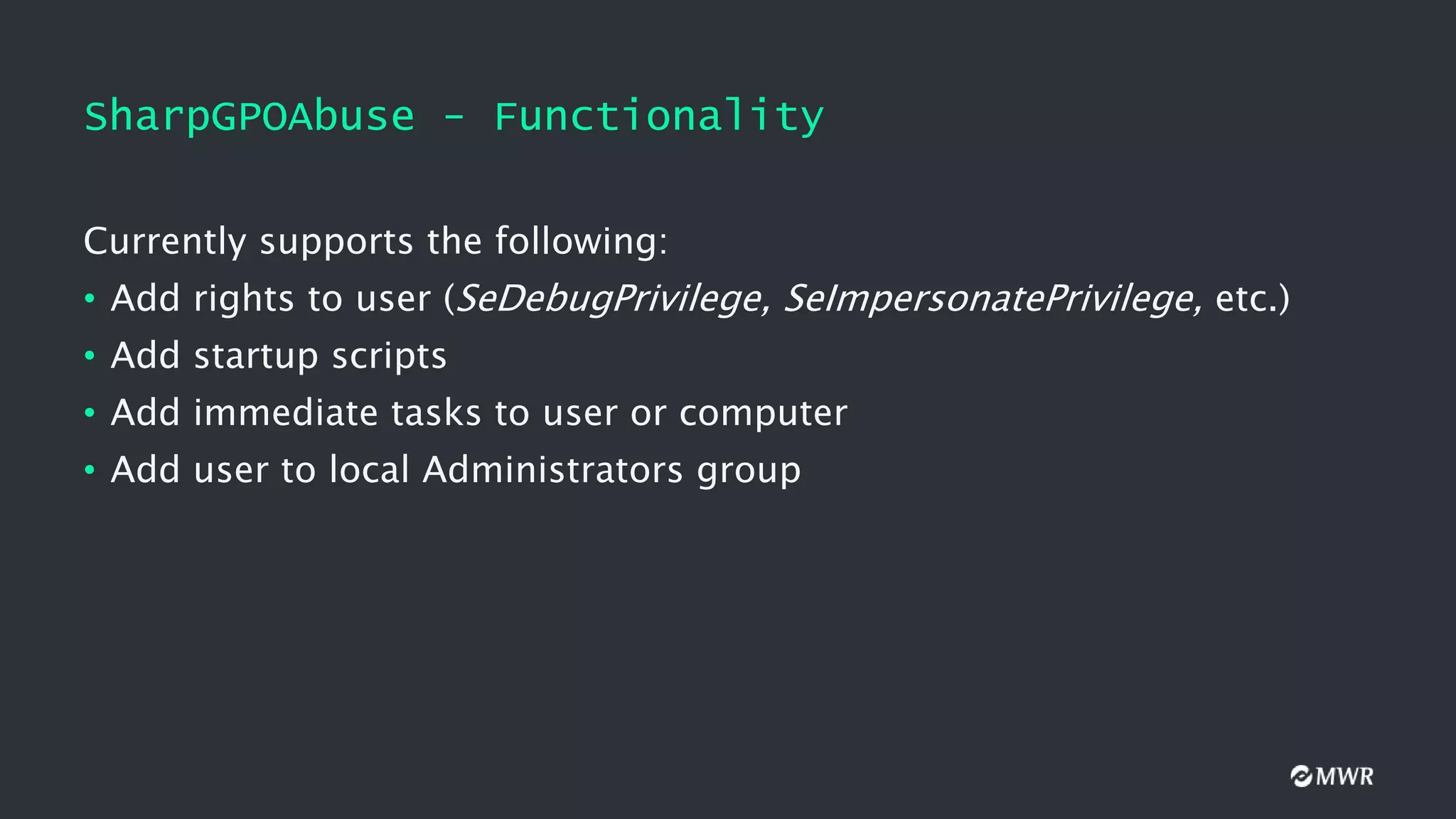
SharpGPOAbuse - Functionality
Currentlysupports the following:
• Add rights to user (SeDebugPrivilege, SeImpersonatePrivilege, etc.)
• Add startup scripts
• Add immediate tasks to user or computer
• Add user to local Administrators group
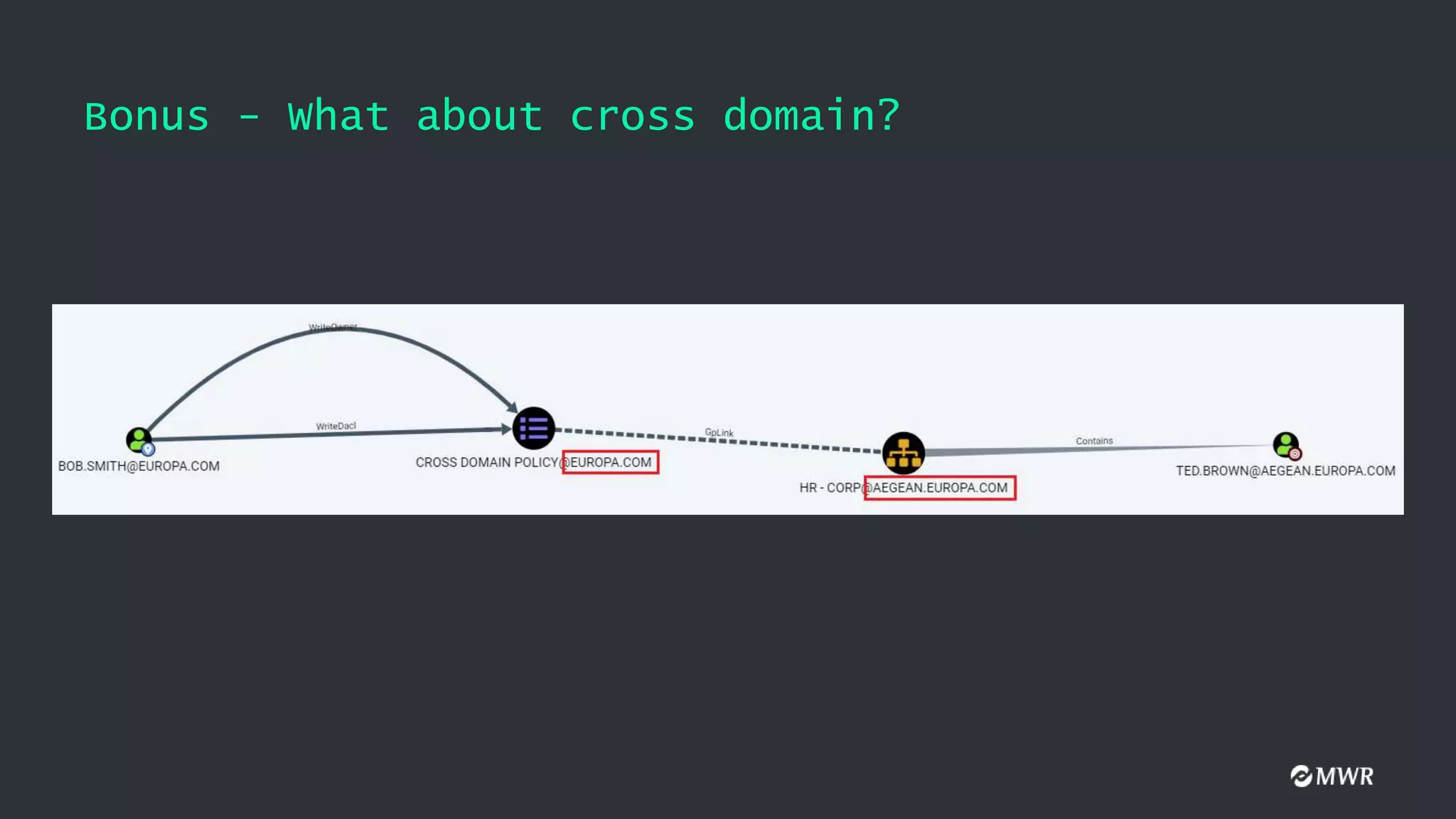
Bonus - Whatabout cross domain?
• GPOs can also apply to different domains
• New PR to SharpHound
• You can use SharpGPOAbuse to abuse this scenario as well

![Client-Side Extensions (CSEs)
• gPCMachineExtensionNames value when Audit Policy is configured
[
{827D319E-6EAC-11D2-A4EA-00C04F79F83A} //Security Settings
{803E14A0-B4FB-11D0-A0D0-00A0C90F574B} //Computer Restricted Groups
]
• gPCMachineExtensionNames value after adding a Startup Script
[
{42B5FAAE-6536-11D2-AE5A-0000F87571E3} //Process Scripts Group Policy
{40B6664F-4972-11D1-A7CA-0000F87571E3} //Startup - Shutdown Scripts
]
[
{827D319E-6EAC-11D2-A4EA-00C04F79F83A} //Security Settings
{803E14A0-B4FB-11D0-A0D0-00A0C90F574B} //Computer Restricted Groups
]](https://image.slidesharecdn.com/defcon-presentation-210202112457/75/Ab-Using-GPOs-for-Active-Directory-Pwnage-10-2048.jpg)


![The GpLink Attribute
GPLinkOptions:
• 0: The GPO is not enforced. This is the default value
• 1: The GPO link is not enabled
• 2: The GPO is enforced
• 3: The GPO is enforced but not enabled
[LDAP://cn={9CD1C444-260F-40C6-A67B-E178446622A5},cn=policies,cn=system,DC=europa,DC=com;0]
[LDAP://cn={77D3AFFC-1292-4DBE-AE89-CEDEE60BAD0E},cn=policies,cn=system,DC=europa,DC=com;2]
[LDAP://cn={C877A421-BF69-439E-89C3-99CF82C71299},cn=policies,cn=system,DC=europa,DC=com;2]](https://image.slidesharecdn.com/defcon-presentation-210202112457/75/Ab-Using-GPOs-for-Active-Directory-Pwnage-20-2048.jpg)

![Manual Exploitation
Adding a user to the local Administrators group:
• Find the SID of the user we want to add as a local admin
• Get the GUID of the target GPO
• Create SYSVOLdomainPolicies{GUID}MachineMicrosoftWindows
NTSecEditGptTmpl.inf with the following contents:
[Unicode]
Unicode=yes
[Version]
signature="$CHICAGO$"
Revision=1
[Group Membership]
*S-1-5-32-544__Memberof =
*S-1-5-32-544__Members = *<USER-SID>](https://image.slidesharecdn.com/defcon-presentation-210202112457/75/Ab-Using-GPOs-for-Active-Directory-Pwnage-41-2048.jpg)


![Carlos García - Pentesting Active Directory Forests [rooted2019]](https://cdn.slidesharecdn.com/ss_thumbnails/carlosgarcia-rooted2019-pentestingactivedirectoryforests-public-190403185357-thumbnail.jpg?width=640&height=640&fit=bounds)


