Download as KEY, PPTX
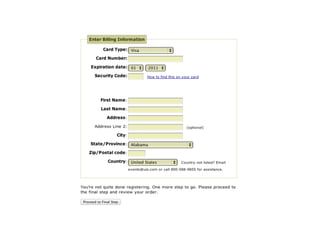
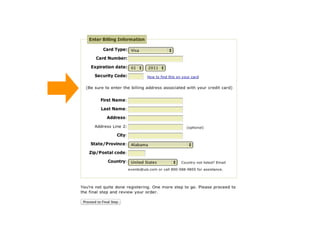

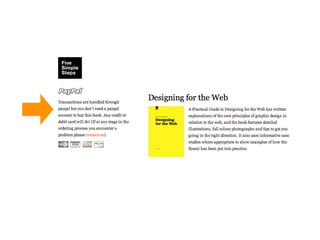
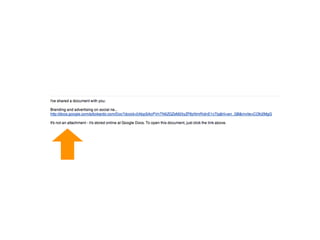
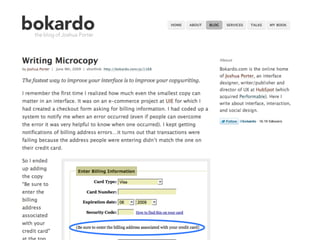
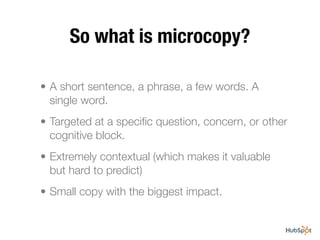


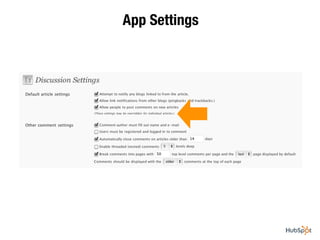
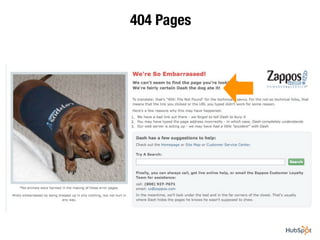
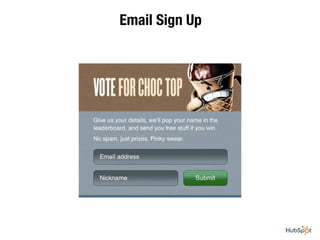
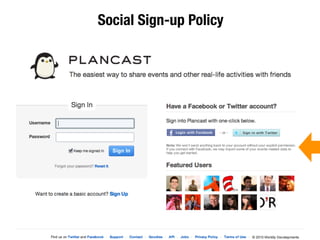
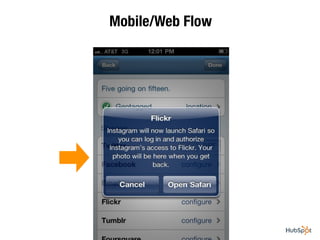
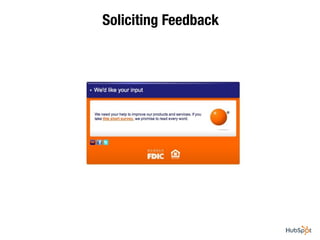
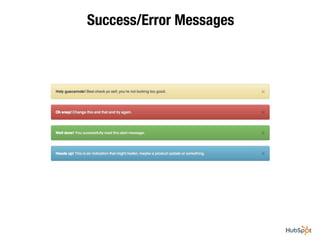

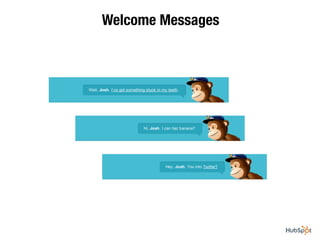
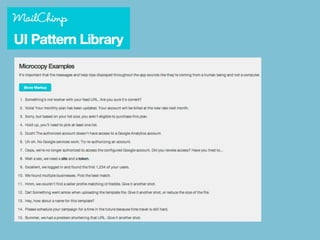







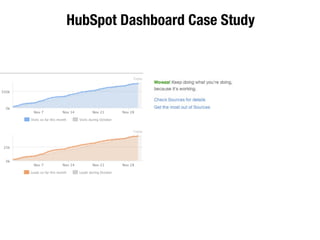
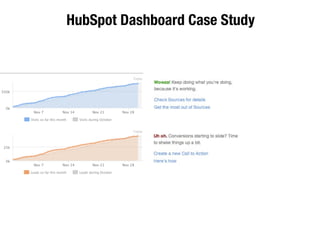
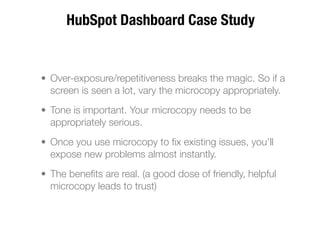




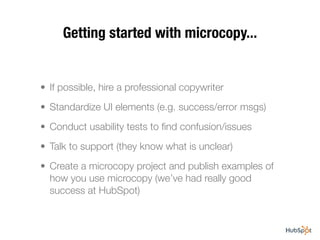

Microcopy refers to short phrases, sentences, or single words used in interfaces to provide contextual help and reduce friction. It targets specific user questions or concerns. While small, microcopy can have a big impact on improving interfaces since most interactions involve words. Examples include sign-up prompts, settings labels, error messages, and welcome messages. Using helpful microcopy throughout an interface can make users happier and more loyal by clearing their path and making them feel supported. Getting started requires identifying areas of confusion through usability testing and support feedback to add targeted microcopy.


![[PREMONEY 2014] Gunderson Dettmer >> Joshua Cook, "The Wind-Down Round: Navig...](https://cdn.slidesharecdn.com/ss_thumbnails/08joshuacookgundersondettmerfinal-140626185517-phpapp02-thumbnail.jpg?width=640&height=640&fit=bounds)


![[#500Distro] Brand Building with Twitter: Generating Leads, Mastering Metrics...](https://cdn.slidesharecdn.com/ss_thumbnails/02mathewjohnson500-final-140806212832-phpapp01-thumbnail.jpg?width=640&height=640&fit=bounds)


