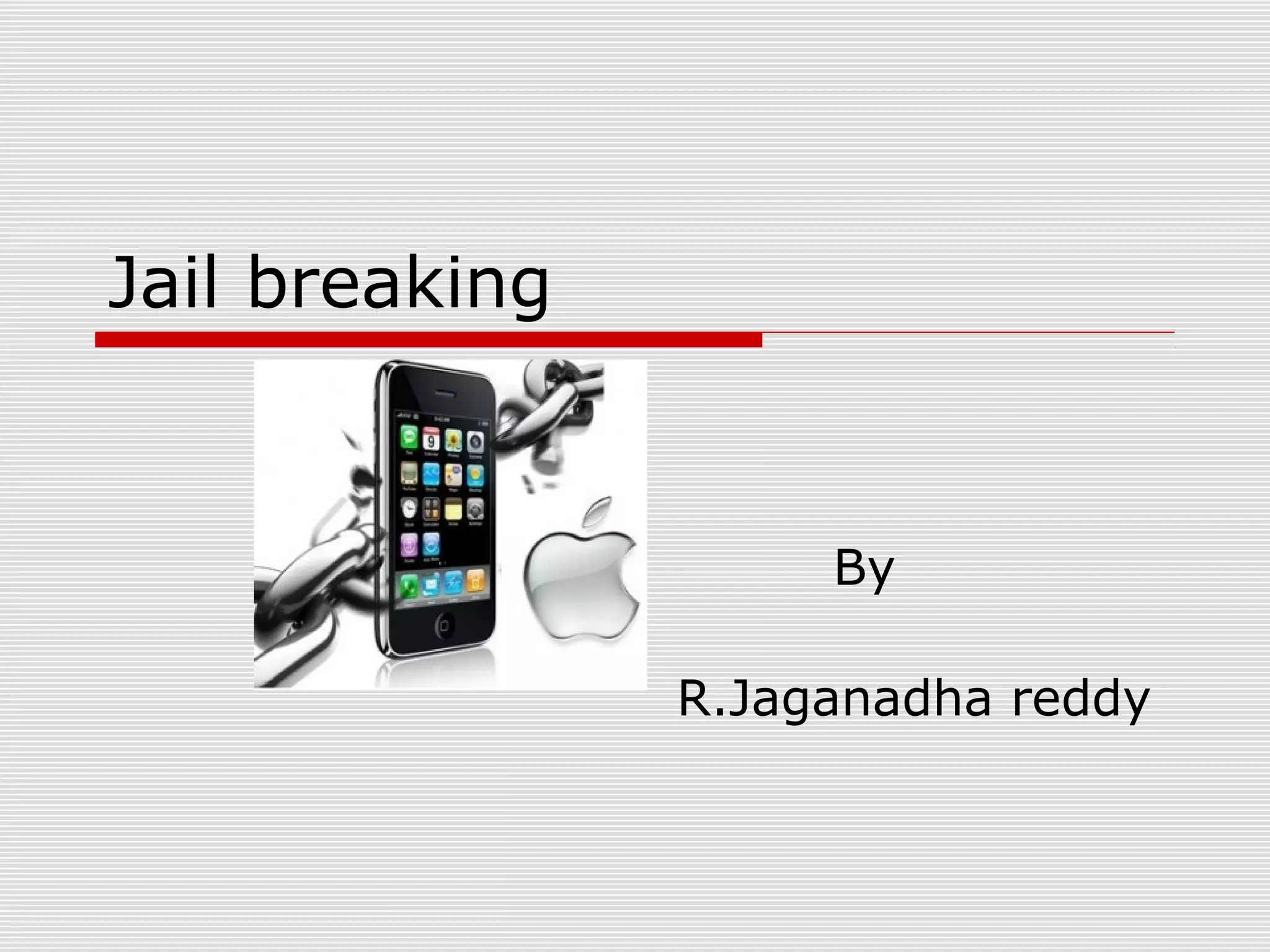


Jail breaking


                     By

                R.Jaganadha reddy
   Jail breaking is a process that allows
    iPhone,iPad and iPod touch users to
    run third party on their devices by
    unlocking the operating system and
    allowing user root access
   Once jail broken,iPhone users are
    able to download many extensions
    and themes previously unavailable
    throw app store via unofficial installer
    such as cyadia
Cydia is a software application for iOS
that lets a user browse and download
applications for a jailbroken iPhone,
iPod Touch or iPad. It was developed
by FreemanJay. he estimates that
over 10% of all iPhones are jail
broken
iPhone Dev Team


    The iPhone Dev Team is a group of
    engineers in the iOS community who
    have developed many jailbreaking
    and unlocking applications not
    authorized by Apple Inc for the
    iPhone, iPod Touch and iPad devices,
    with the ability to sidestep the
    limitations placed on devices by the
    manufacturer.
How to jail break
   1: Load Firmware in RedSnow Click
    on the "Extras" button in the interface
    to enter the Extras screen. Then click
    "Select IPSW" in the Extras window to
    load iOS5 firmware file.
   When you see the Succesfully
    identified prompt, you can then click
    "OK" to close the prompt and return
    to Extras screen. After that you
    should click the "Back" option to
    return the main interface.
   Step 2: Install Cydia Click the
    "Jailbreak" button to install Cydia. If
    it is the first time to jailbreak iPhone
    or iPad, you can simply check the first
    "Install Cydia (install Cydia)" option.
   For iPad touch user, you can also tick
    the third "Enable battery percentage
    (on percentage of electricity)" option.
    After that, you should then click
    "Next" to the next step, which gives
    you some tips for jailbreaking iOS 5.
   Step 3: Enter UDF Mode to Start
    Jailbreaking Click the Next option in
    the prompt interface, and then press
    the Home and Power buttons
    according to the prompts.
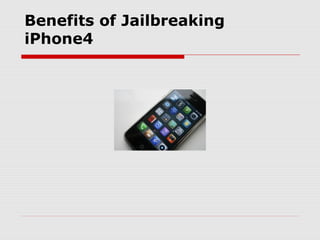
Benefits of Jailbreaking
iPhone4
1. Wi-Fi Hotspot :

   Wi-Fi Hotspot Using the iPhone as a
    Wi-Fi hotspot is still the number one
    reason to jailbreak the iPhone. MyWi
    is the app to get it. There's a new
    version of MyWi for the iPhone 4 OS,
    which you'll need to grab from Cydia.
    The app is called, simply, MyWi 4.0.
2. FaceTime (and More!) over
3G :


    2. FaceTime (and More!) over 3G
    Another paid app worth checking out
    is My3G. This jailbreak app lets you
    do more things over 3G than you can
    on an un-jailbroken phone,which
    Apple restricts to Wi-Fi only. My3G
    users can also download TV shows
    and podcasts from iTunes over 3G
3. Unlocking the Phone :

    Unlocking is not the same thing as
    jailbreaking. Jailbreaking allows you
    to install unapproved third party
    applications on your iPhone, but
    unlocking allows you to run the
    iPhone on a different carrier than its
    default.
4. Block Calls and Texts :

   4. Block Calls and Texts Want to
    block calls, SMS or MMS messages
    from someone? The iBlacklist app
    makes that possible. Now iPhone
    4/iOS 4 compatible, the app lets you
    select who to block and also offers
    parental controls for outgoing calls.
 
   Although iOS 4 allows for homescreen
    backgrounds, Winterboard lets you
    customize even more options, like the
    battery indicator and the icons on the
    lock screen. Other apps,
    like LockInfo, for example, let you
    customize your phone's lockscreen to
    provide info like email time etc.
   Jailbreaking an iPod or iPhone in the
    United States is legal and does not
    violate copyright laws defined by
    the Digital Millennium Copyright Act.
    While the U.S. Copyright Office has
    declared the software legal, Apple
    discourages users from loading the
    bypass, reminding them that doing so
    will void their device's warranty.
Disadvantages:
 1. Possibility Of Small Lag (only
 visible if you watch closly)
  2.Small Posibiltiy Of Virus
  3.Some False Apps
  4.Disables SpellChecker
Any Queries

Jail breaking

  • 1.
    Jail breaking By R.Jaganadha reddy
  • 2.
    Jail breaking is a process that allows iPhone,iPad and iPod touch users to run third party on their devices by unlocking the operating system and allowing user root access
  • 3.
    Once jail broken,iPhone users are able to download many extensions and themes previously unavailable throw app store via unofficial installer such as cyadia
  • 4.
    Cydia is asoftware application for iOS that lets a user browse and download applications for a jailbroken iPhone, iPod Touch or iPad. It was developed by FreemanJay. he estimates that over 10% of all iPhones are jail broken
  • 5.
    iPhone Dev Team  The iPhone Dev Team is a group of engineers in the iOS community who have developed many jailbreaking and unlocking applications not authorized by Apple Inc for the iPhone, iPod Touch and iPad devices, with the ability to sidestep the limitations placed on devices by the manufacturer.
  • 6.
    How to jailbreak  1: Load Firmware in RedSnow Click on the "Extras" button in the interface to enter the Extras screen. Then click "Select IPSW" in the Extras window to load iOS5 firmware file.
  • 7.
    When you see the Succesfully identified prompt, you can then click "OK" to close the prompt and return to Extras screen. After that you should click the "Back" option to return the main interface.
  • 8.
    Step 2: Install Cydia Click the "Jailbreak" button to install Cydia. If it is the first time to jailbreak iPhone or iPad, you can simply check the first "Install Cydia (install Cydia)" option.
  • 9.
    For iPad touch user, you can also tick the third "Enable battery percentage (on percentage of electricity)" option. After that, you should then click "Next" to the next step, which gives you some tips for jailbreaking iOS 5.
  • 10.
    Step 3: Enter UDF Mode to Start Jailbreaking Click the Next option in the prompt interface, and then press the Home and Power buttons according to the prompts.
  • 11.
  • 12.
    1. Wi-Fi Hotspot:  Wi-Fi Hotspot Using the iPhone as a Wi-Fi hotspot is still the number one reason to jailbreak the iPhone. MyWi is the app to get it. There's a new version of MyWi for the iPhone 4 OS, which you'll need to grab from Cydia. The app is called, simply, MyWi 4.0.
  • 13.
    2. FaceTime (andMore!) over 3G :  2. FaceTime (and More!) over 3G Another paid app worth checking out is My3G. This jailbreak app lets you do more things over 3G than you can on an un-jailbroken phone,which Apple restricts to Wi-Fi only. My3G users can also download TV shows and podcasts from iTunes over 3G
  • 14.
    3. Unlocking thePhone :  Unlocking is not the same thing as jailbreaking. Jailbreaking allows you to install unapproved third party applications on your iPhone, but unlocking allows you to run the iPhone on a different carrier than its default.
  • 15.
    4. Block Callsand Texts :  4. Block Calls and Texts Want to block calls, SMS or MMS messages from someone? The iBlacklist app makes that possible. Now iPhone 4/iOS 4 compatible, the app lets you select who to block and also offers parental controls for outgoing calls.
  • 16.
       Although iOS 4 allows for homescreen backgrounds, Winterboard lets you customize even more options, like the battery indicator and the icons on the lock screen. Other apps, like LockInfo, for example, let you customize your phone's lockscreen to provide info like email time etc.
  • 17.
    Jailbreaking an iPod or iPhone in the United States is legal and does not violate copyright laws defined by the Digital Millennium Copyright Act. While the U.S. Copyright Office has declared the software legal, Apple discourages users from loading the bypass, reminding them that doing so will void their device's warranty.
  • 18.
    Disadvantages: 1. PossibilityOf Small Lag (only visible if you watch closly) 2.Small Posibiltiy Of Virus 3.Some False Apps 4.Disables SpellChecker
  • 20.