ANDROID AND IOS
CRACKING
TWO POPULAR OS
1
‘IOS’ VS ‘ANDROID’
2
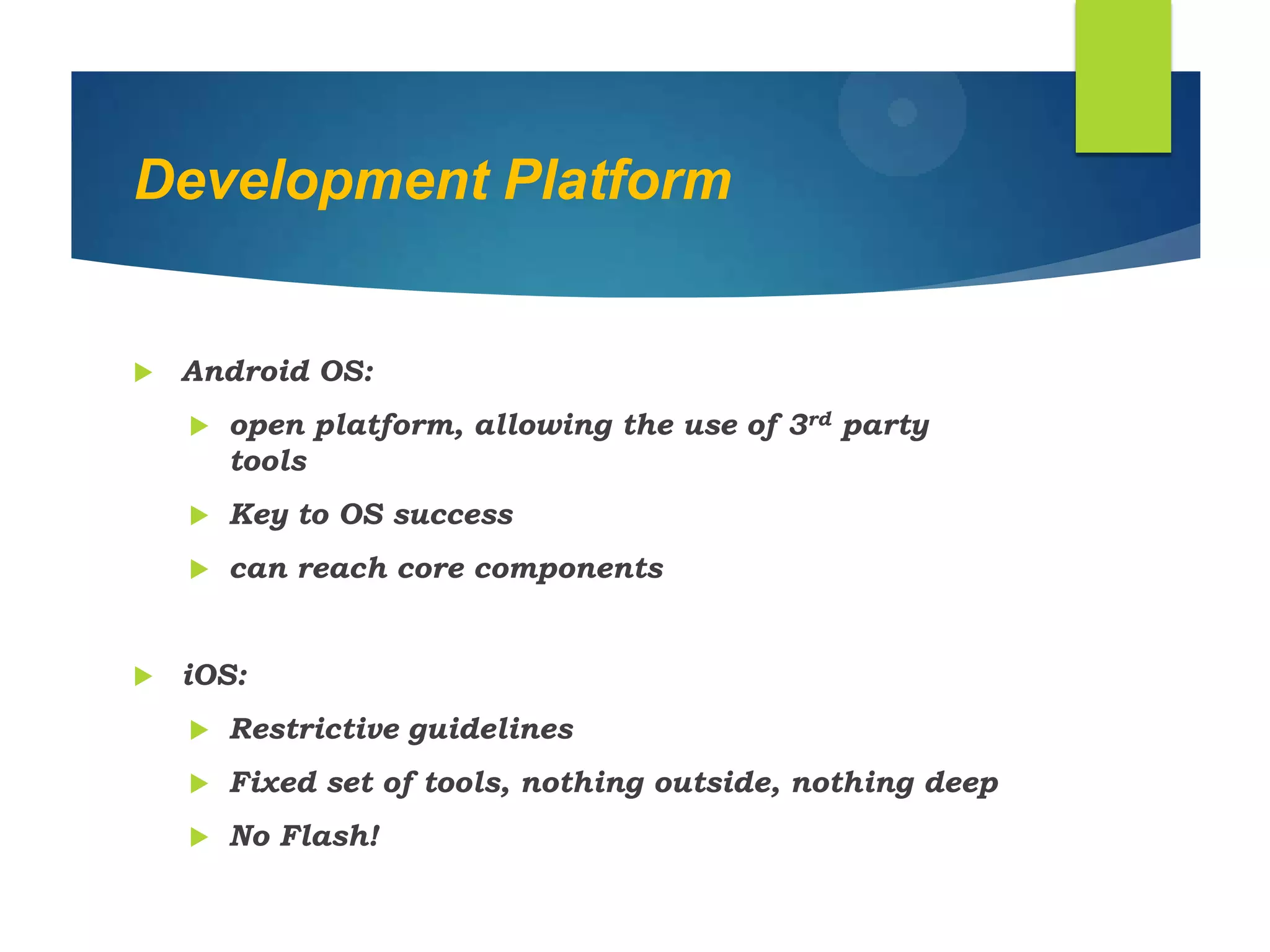
Development Platform
 Android OS:
 open platform, allowing the use of 3rd party
tools
 Key to OS success
 can reach core components
 iOS:
 Restrictive guidelines
 Fixed set of tools, nothing outside, nothing deep
 No Flash!
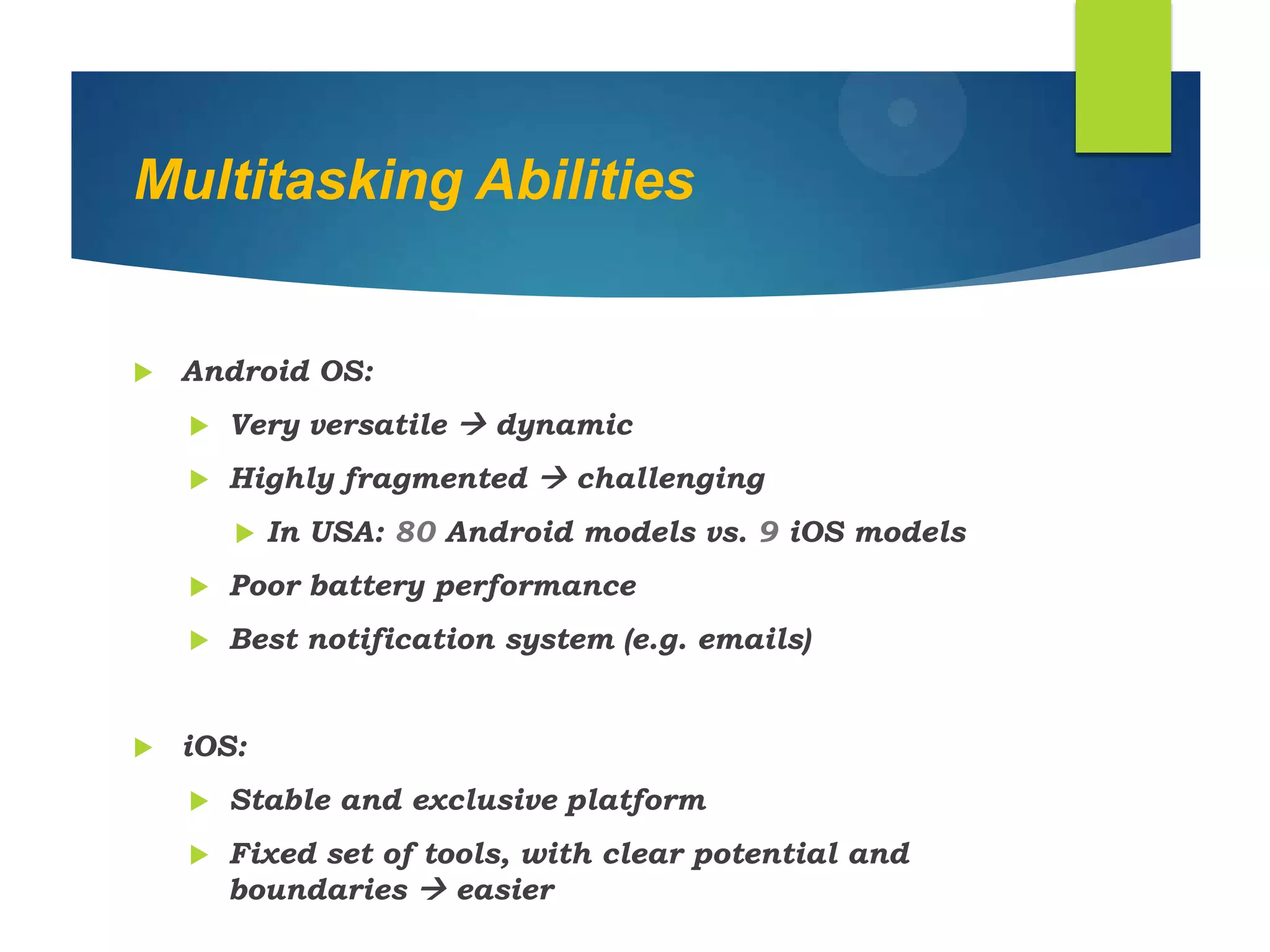
Multitasking Abilities
 Android OS:
 Very versatile  dynamic
 Highly fragmented  challenging
 In USA: 80 Android models vs. 9 iOS models
 Poor battery performance
 Best notification system (e.g. emails)
 iOS:
 Stable and exclusive platform
 Fixed set of tools, with clear potential and
boundaries  easier
IOS AND ANDROID
IOS
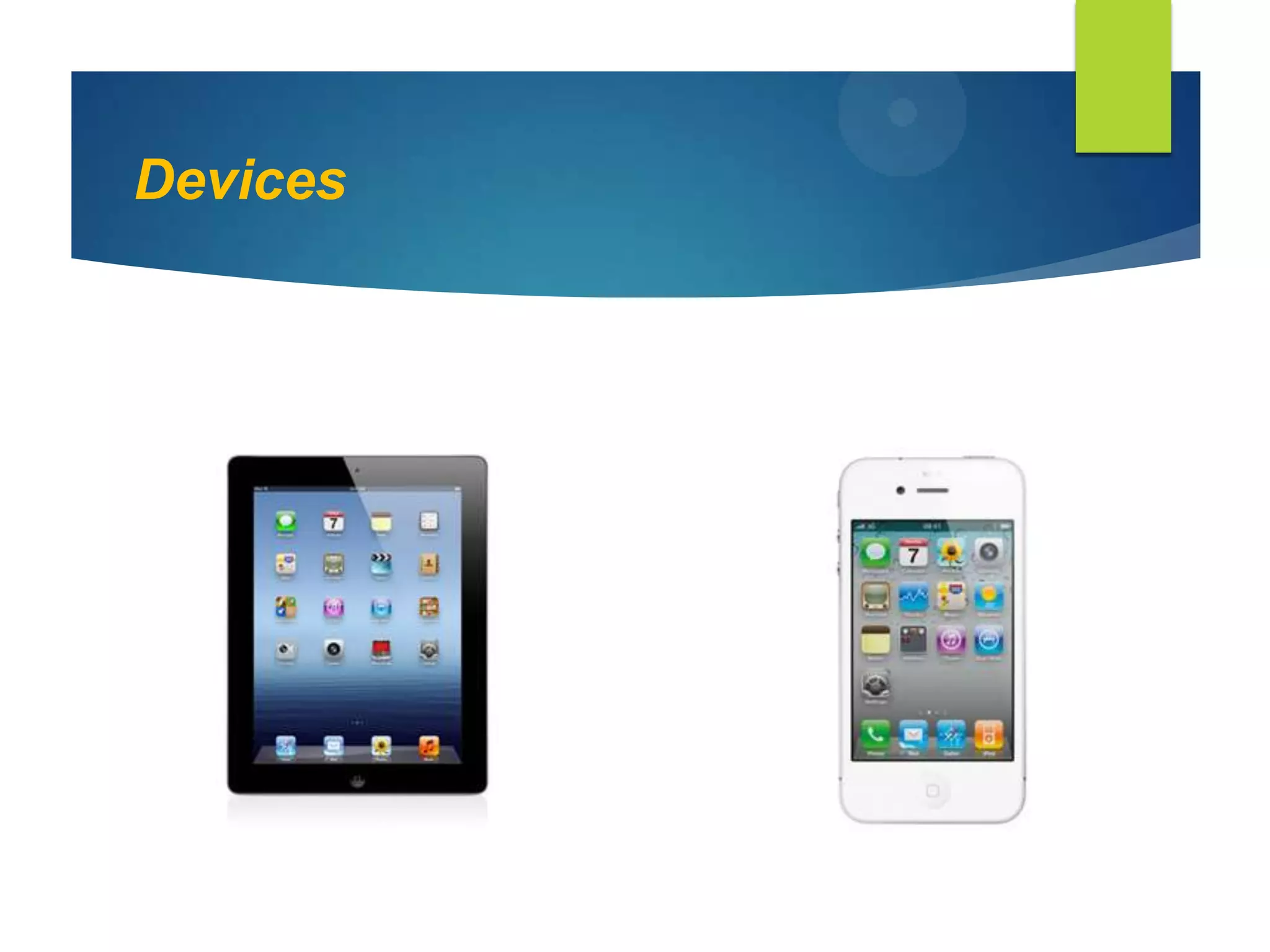
 IOS comprises the operating system
and technologies that you use to run
applications natively on devices , such
as ipad, iphone and ipod touch.
 IOS even ensures that performance and
battery space life don‟t suffer even if
you are multitasking.
IOS Software Specs
 Programmed in :C, C++, Objective-C
 OS family :OS X, UNIX
 Initial release :June 29,2007
 Kernel type :Hybrid (XNU)
 Default user :Cocoa touch
interface (multi-touch,GUI)
Devices
IOS ARCHITECTURE
 At the highest level, iOS acts as an intermediary
between the underlying hardware and the apps
that appear on the screen. The apps you create
rarely talk to the underlying hardware directly.
Instead, apps communicate with the hardware
through a set of well-defined system interfaces
that protect your app from hardware changes.
 The Kernel in IOS is based on same variant of the
basic mach Kernel that is found in MAC OSX
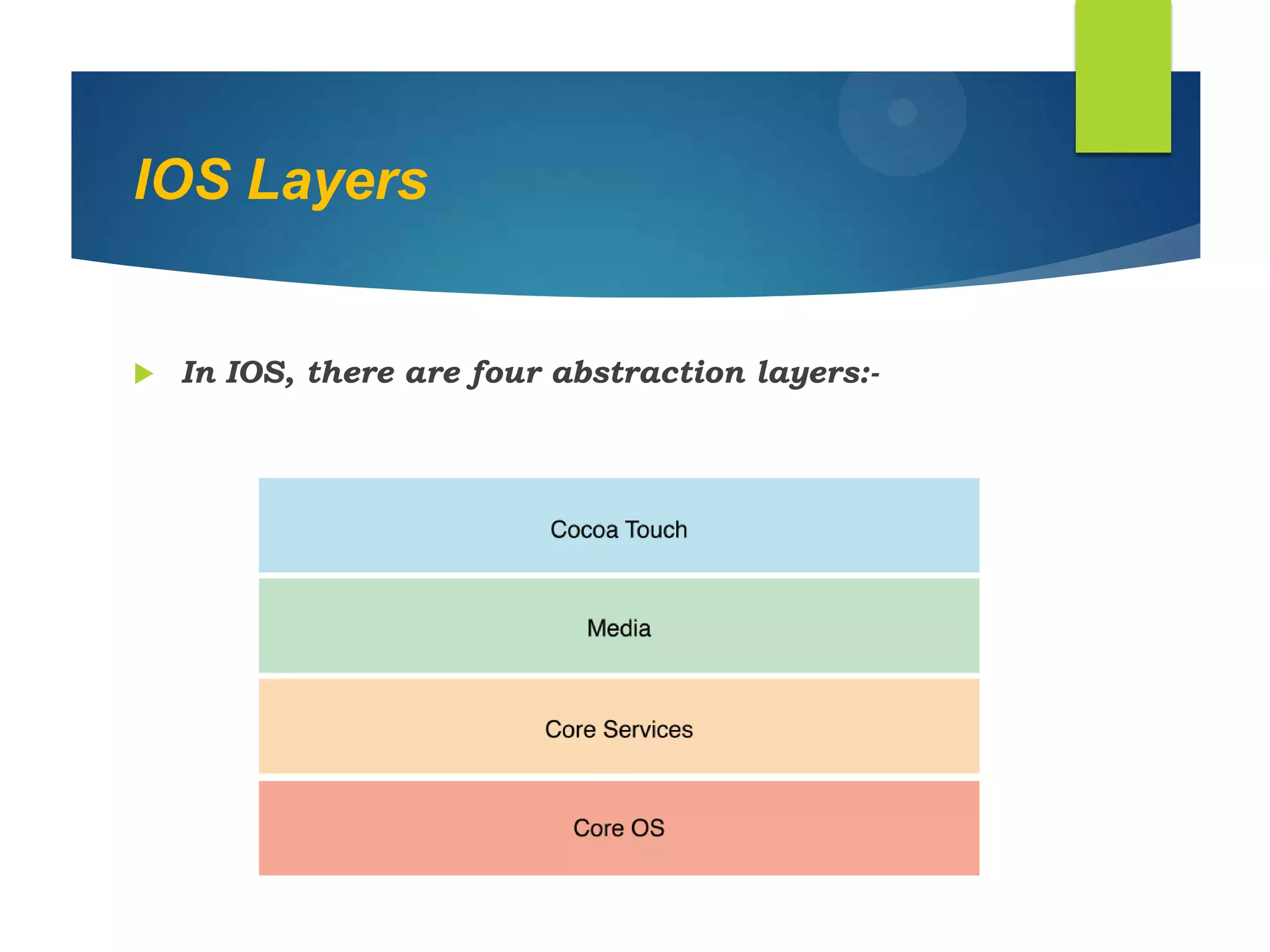
IOS Layers
 In IOS, there are four abstraction layers:-
ANDROID
 Android is a Linux based Operating System.
 Android is open source and Google releases the
code under the Apache License.
 This open source code and permissive licensing
allows the software to be freely modified and
distributed by device manufacturers, wireless
carriers and enthusiast developers.
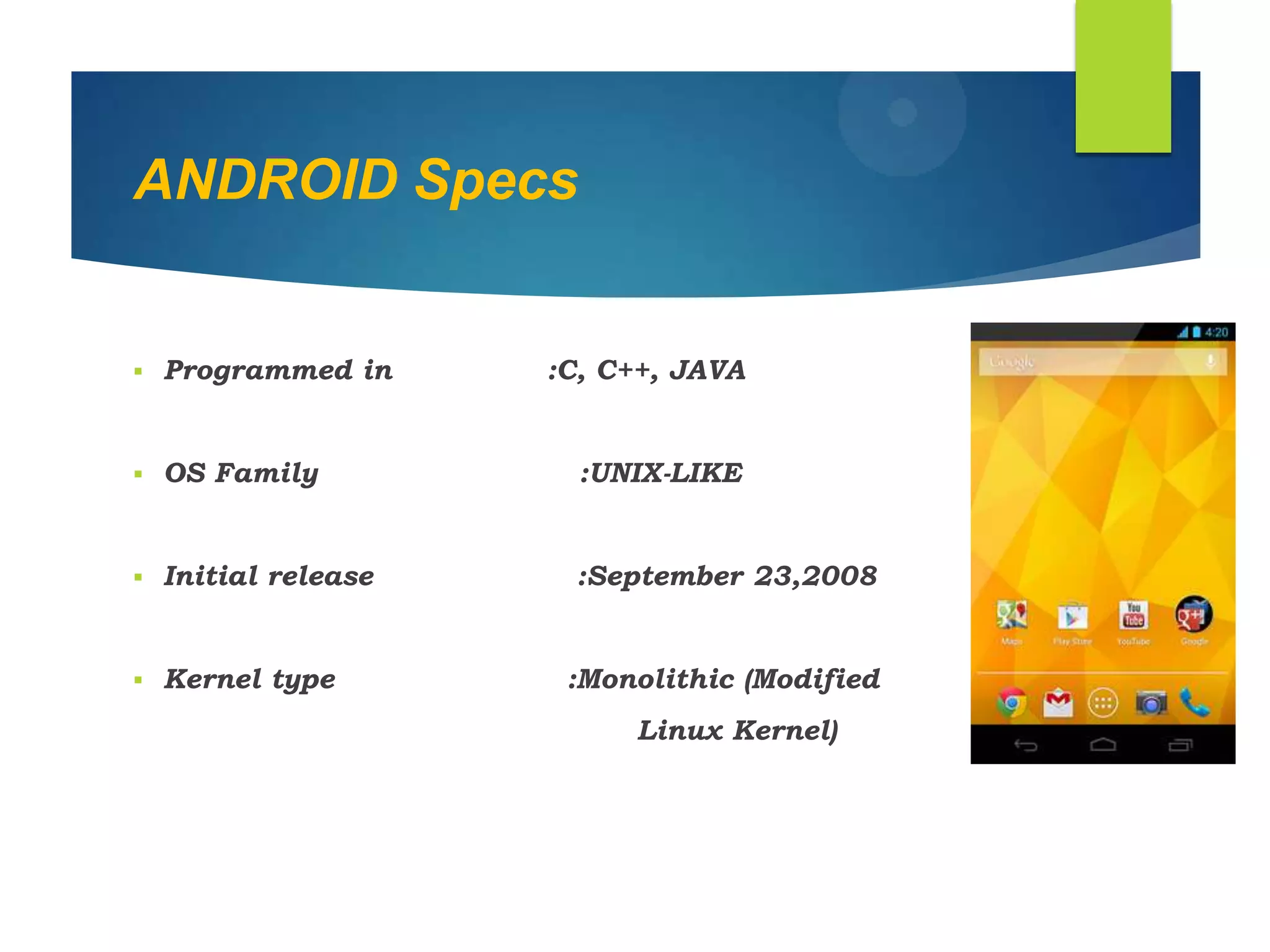
ANDROID Specs
 Programmed in :C, C++, JAVA
 OS Family :UNIX-LIKE
 Initial release :September 23,2008
 Kernel type :Monolithic (Modified
Linux Kernel)
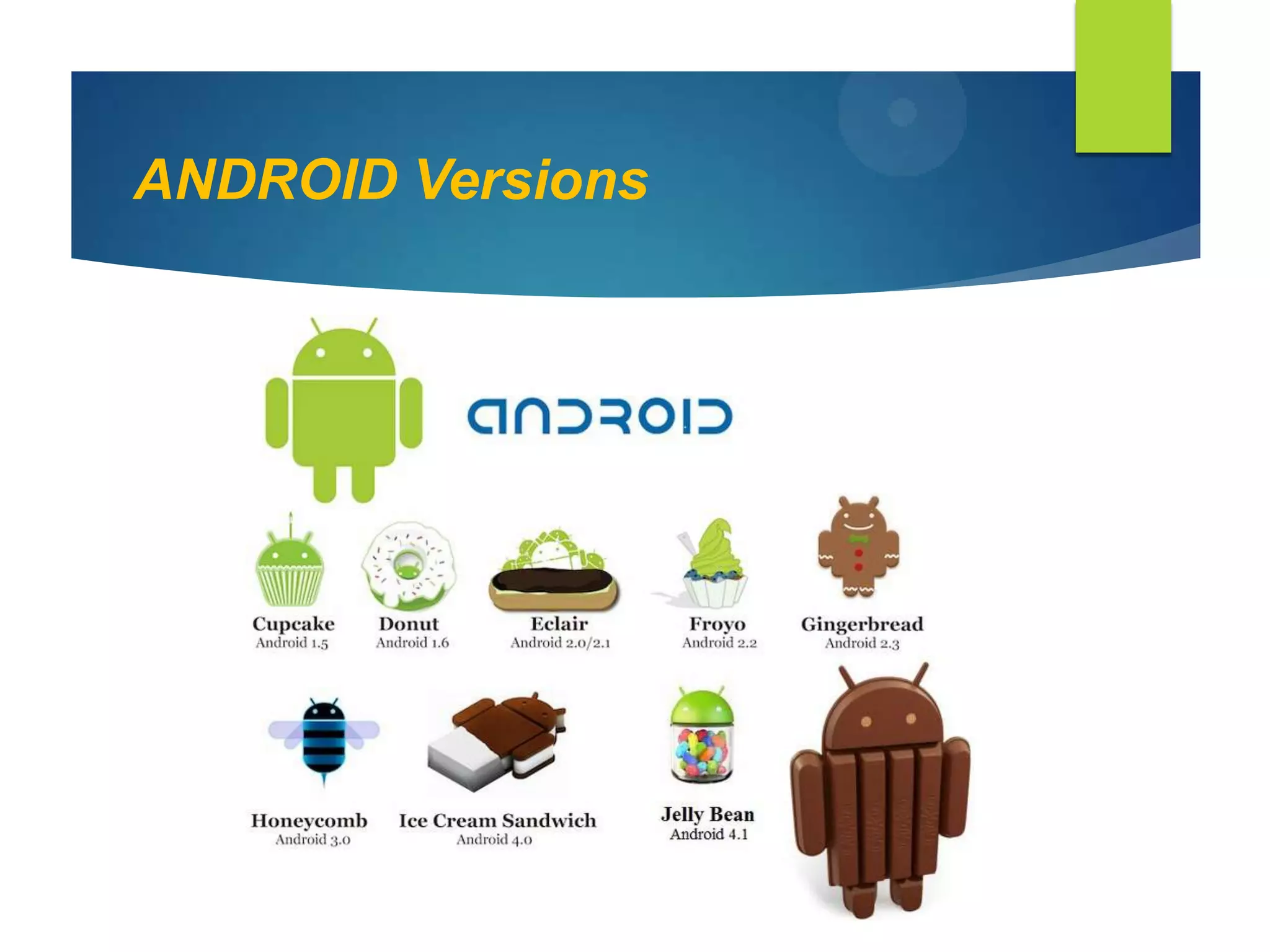
ANDROID Versions
Rooting Android
 What is Rooting?
• Rooting allows a user to gain
administrative access or root access.
• By default phones do not allow users root
access because the average consumer will
not need it. You are not average consumers.
• Root access allows you to
overclock/underclock the
CPU, install/uninstall whatever apps you
want. Install custom ROMs.
ANDROID: Roms and Rooting
• Read-only memory (ROM) is a class of storage
medium used in computers and other
electronic devices. Data stored in ROM cannot
be modified, or can be modified only slowly or
with difficulty, so it is mainly used to
distribute firmware (software that is very
closely tied to specific hardware, and unlikely
to need frequent updates).
• When people talk about ROM's on their phone
they're talking about ROM images
Benefits to Rooting
• Custom ROMS
 Stock ROM is based on the OS the
phone is shipped with
 AOSP (Android Open Source Project)
ROMs are based off the source code
released by Google and are typically
"vanilla" Android experience (No fancy
UI like HTC Sense or Motoblur)
• Enhanced performance
o e.g ext3 vs ext4
• Overclocking
• Unlocking features
Side Effects of Rooting
• Flashing will void your warranty!
• It's possible to "brick" your phone!
o When used in reference to consumer
electronics, "brick" describes a
device that cannot function in any
capacity (such as a device with
damaged firmware) OTA updates can
break root or brick the phone.
• Read ALL the instructions first and
multiple times if need be.
How to Root :
1. Before doing anything - Make a backup!
1. SMS, call logs text messages etc. can be erased so don't
take chances!
2. Every device is different but the basic premise is you need to
• unlock bootloader
• flash a custom recovery which will allow you to
• install Superuser APK
3. Before flashing a new ROM, make a backup of your current
ROM.
1. If anything goes wrong you'll be able to reflash a ROM
you know works.
IOS: Jailbreak
• One of the main reasons for jailbreaking is to
 expand the feature set limited by Apple and its
App Store and get paid apps for free.
• Users install these programs for purposes
including personalization and customization of
the interface, adding desired features and fixing
annoyances,and making development work
easier.
Jailbreak Process
• Jailbreak itself is getting control over the root
and media partition of your iDevice; where all
the iOS‟s files are stored at.
• To do so /private/etc/fstab must be patched.
• fstab is the switch room of your
iDevice, controlling the permission of the root
and media partition. The default is „read-
only‟, allowing eyes and no hands.
• The main problem is not getting the files in, but
getting them trough various checkpoints. These
checkpoints were put by Apple to verify if the file
is indeed legit, or a third-party.
Chain Of Trust
 Runs Bootrom: “SecureROM”
 Runs Bootloader
 Loads Kernel
 Loads iOS
 patch the checks or simply bypass
Exploit categories
 Bootrom exploit: Exploit done during the bootrom.
It can‟t be patched by conventional firmware
update, and must be patched by new hardware.
• the malicious code is injected before everything
 Userland exploit: Exploit done during or after the
kernel has loaded and can easily be patched by
Apple with a software update.
• injects the malicious code directly into the
openings back into the kernel
Types Of Jailbreak
• Tethered:
 With a tethered jailbreak, if the device starts
back up on its own, it will no longer have a
patched kernel, and it may get stuck in a
partially started state.
• Untethered:
 An untethered jailbreak has the property that
if the user turns the device off and back
on, the device will start up completely.
Cydia
 Developed by Jay Freeman (also called "saurik")
and his company, SaurikIT.
 Cydia is a graphical front end to Advanced
Packaging Tool (APT) and the dpkg package
management system, which means packages
available in Cydia are provided by a
decentralized system of repositories (also called
sources) that list these packages.
Cydia tweaks
1. Byta Font
2. SB Settings
3. Barrel
4. Zephyr
5. Call Bar
6. Activator
7. Swipe Selection
8. Bigify+
9. Springtomize
10. Bite SMS
Hackintosh
System requirements:
 -Processor: Intel Core 2 Duo, Core 2 Quad, Core i3, Core
i5, Core i7
 -Motherboard: Intel chipset with AHCI enabled
 -At least 2GB of memory (4GB or more strongly
recommended).
 -Most Nvidia 8xxx 9xxx 2xx 3xx 4xx 5xx 6xx graphics
cards
 -Most ATI HD 5xxx/6xxx series graphics cards
 -HD3000/HD4000 Integrated Graphics
 -USB Keyboard and Mouse. (Apple keyboard
recommended)
 -At least 40GB of internal hard disk space attached to
Intel SATA controller running in AHCI mode.
How to:
 Create a bootable pendrive from a mackintosh
computer or from a virtual machine with OSX
10.7 or 10.8 with MYHACK
 We should format the pendrive with HFS+ and
MBR or GPT partition table
 Then install the OS on pendrive with MYHACK
 Some BIOS settings should be altered for the OS
to run its bootloader ( Chameleon )
 Then install it on the HFS+ partition created on
HDD
 To install drivers we have to install KEXTS for
the specific hardware devise to work
Thank You
Bharat Veduruparthy
Nithin Kumar

Android and ios cracking, hackintosh included !

  • 1.
  • 2.
  • 3.
    Development Platform  AndroidOS:  open platform, allowing the use of 3rd party tools  Key to OS success  can reach core components  iOS:  Restrictive guidelines  Fixed set of tools, nothing outside, nothing deep  No Flash!
  • 4.
    Multitasking Abilities  AndroidOS:  Very versatile  dynamic  Highly fragmented  challenging  In USA: 80 Android models vs. 9 iOS models  Poor battery performance  Best notification system (e.g. emails)  iOS:  Stable and exclusive platform  Fixed set of tools, with clear potential and boundaries  easier
  • 5.
    IOS AND ANDROID IOS IOS comprises the operating system and technologies that you use to run applications natively on devices , such as ipad, iphone and ipod touch.  IOS even ensures that performance and battery space life don‟t suffer even if you are multitasking.
  • 6.
    IOS Software Specs Programmed in :C, C++, Objective-C  OS family :OS X, UNIX  Initial release :June 29,2007  Kernel type :Hybrid (XNU)  Default user :Cocoa touch interface (multi-touch,GUI)
  • 7.
  • 8.
    IOS ARCHITECTURE  Atthe highest level, iOS acts as an intermediary between the underlying hardware and the apps that appear on the screen. The apps you create rarely talk to the underlying hardware directly. Instead, apps communicate with the hardware through a set of well-defined system interfaces that protect your app from hardware changes.  The Kernel in IOS is based on same variant of the basic mach Kernel that is found in MAC OSX
  • 9.
    IOS Layers  InIOS, there are four abstraction layers:-
  • 10.
    ANDROID  Android isa Linux based Operating System.  Android is open source and Google releases the code under the Apache License.  This open source code and permissive licensing allows the software to be freely modified and distributed by device manufacturers, wireless carriers and enthusiast developers.
  • 11.
    ANDROID Specs  Programmedin :C, C++, JAVA  OS Family :UNIX-LIKE  Initial release :September 23,2008  Kernel type :Monolithic (Modified Linux Kernel)
  • 12.
  • 13.
    Rooting Android  Whatis Rooting? • Rooting allows a user to gain administrative access or root access. • By default phones do not allow users root access because the average consumer will not need it. You are not average consumers. • Root access allows you to overclock/underclock the CPU, install/uninstall whatever apps you want. Install custom ROMs.
  • 14.
    ANDROID: Roms andRooting • Read-only memory (ROM) is a class of storage medium used in computers and other electronic devices. Data stored in ROM cannot be modified, or can be modified only slowly or with difficulty, so it is mainly used to distribute firmware (software that is very closely tied to specific hardware, and unlikely to need frequent updates). • When people talk about ROM's on their phone they're talking about ROM images
  • 15.
    Benefits to Rooting •Custom ROMS  Stock ROM is based on the OS the phone is shipped with  AOSP (Android Open Source Project) ROMs are based off the source code released by Google and are typically "vanilla" Android experience (No fancy UI like HTC Sense or Motoblur) • Enhanced performance o e.g ext3 vs ext4 • Overclocking • Unlocking features
  • 16.
    Side Effects ofRooting • Flashing will void your warranty! • It's possible to "brick" your phone! o When used in reference to consumer electronics, "brick" describes a device that cannot function in any capacity (such as a device with damaged firmware) OTA updates can break root or brick the phone. • Read ALL the instructions first and multiple times if need be.
  • 17.
    How to Root: 1. Before doing anything - Make a backup! 1. SMS, call logs text messages etc. can be erased so don't take chances! 2. Every device is different but the basic premise is you need to • unlock bootloader • flash a custom recovery which will allow you to • install Superuser APK 3. Before flashing a new ROM, make a backup of your current ROM. 1. If anything goes wrong you'll be able to reflash a ROM you know works.
  • 18.
    IOS: Jailbreak • Oneof the main reasons for jailbreaking is to  expand the feature set limited by Apple and its App Store and get paid apps for free. • Users install these programs for purposes including personalization and customization of the interface, adding desired features and fixing annoyances,and making development work easier.
  • 19.
    Jailbreak Process • Jailbreakitself is getting control over the root and media partition of your iDevice; where all the iOS‟s files are stored at. • To do so /private/etc/fstab must be patched. • fstab is the switch room of your iDevice, controlling the permission of the root and media partition. The default is „read- only‟, allowing eyes and no hands. • The main problem is not getting the files in, but getting them trough various checkpoints. These checkpoints were put by Apple to verify if the file is indeed legit, or a third-party.
  • 20.
    Chain Of Trust Runs Bootrom: “SecureROM”  Runs Bootloader  Loads Kernel  Loads iOS  patch the checks or simply bypass
  • 21.
    Exploit categories  Bootromexploit: Exploit done during the bootrom. It can‟t be patched by conventional firmware update, and must be patched by new hardware. • the malicious code is injected before everything  Userland exploit: Exploit done during or after the kernel has loaded and can easily be patched by Apple with a software update. • injects the malicious code directly into the openings back into the kernel
  • 22.
    Types Of Jailbreak •Tethered:  With a tethered jailbreak, if the device starts back up on its own, it will no longer have a patched kernel, and it may get stuck in a partially started state. • Untethered:  An untethered jailbreak has the property that if the user turns the device off and back on, the device will start up completely.
  • 23.
    Cydia  Developed byJay Freeman (also called "saurik") and his company, SaurikIT.  Cydia is a graphical front end to Advanced Packaging Tool (APT) and the dpkg package management system, which means packages available in Cydia are provided by a decentralized system of repositories (also called sources) that list these packages.
  • 24.
    Cydia tweaks 1. BytaFont 2. SB Settings 3. Barrel 4. Zephyr 5. Call Bar 6. Activator 7. Swipe Selection 8. Bigify+ 9. Springtomize 10. Bite SMS
  • 25.
  • 26.
    System requirements:  -Processor:Intel Core 2 Duo, Core 2 Quad, Core i3, Core i5, Core i7  -Motherboard: Intel chipset with AHCI enabled  -At least 2GB of memory (4GB or more strongly recommended).  -Most Nvidia 8xxx 9xxx 2xx 3xx 4xx 5xx 6xx graphics cards  -Most ATI HD 5xxx/6xxx series graphics cards  -HD3000/HD4000 Integrated Graphics  -USB Keyboard and Mouse. (Apple keyboard recommended)  -At least 40GB of internal hard disk space attached to Intel SATA controller running in AHCI mode.
  • 27.
    How to:  Createa bootable pendrive from a mackintosh computer or from a virtual machine with OSX 10.7 or 10.8 with MYHACK  We should format the pendrive with HFS+ and MBR or GPT partition table  Then install the OS on pendrive with MYHACK  Some BIOS settings should be altered for the OS to run its bootloader ( Chameleon )  Then install it on the HFS+ partition created on HDD  To install drivers we have to install KEXTS for the specific hardware devise to work
  • 28.