
Introduction to LinkedIn

Kamales Lardi, Lardi & Partner Consulting GmbH
15th October 2013

Confidential. Do not copy or re-distribute ©LPC
LinkedIn
Agenda

SECTION 1 (1945h - 2000h)
• Basic introduction to LinkedIn
• Types of accounts
• Privacy Settings

Confidential. Do not copy or re-distribute ©LPC
LinkedIn
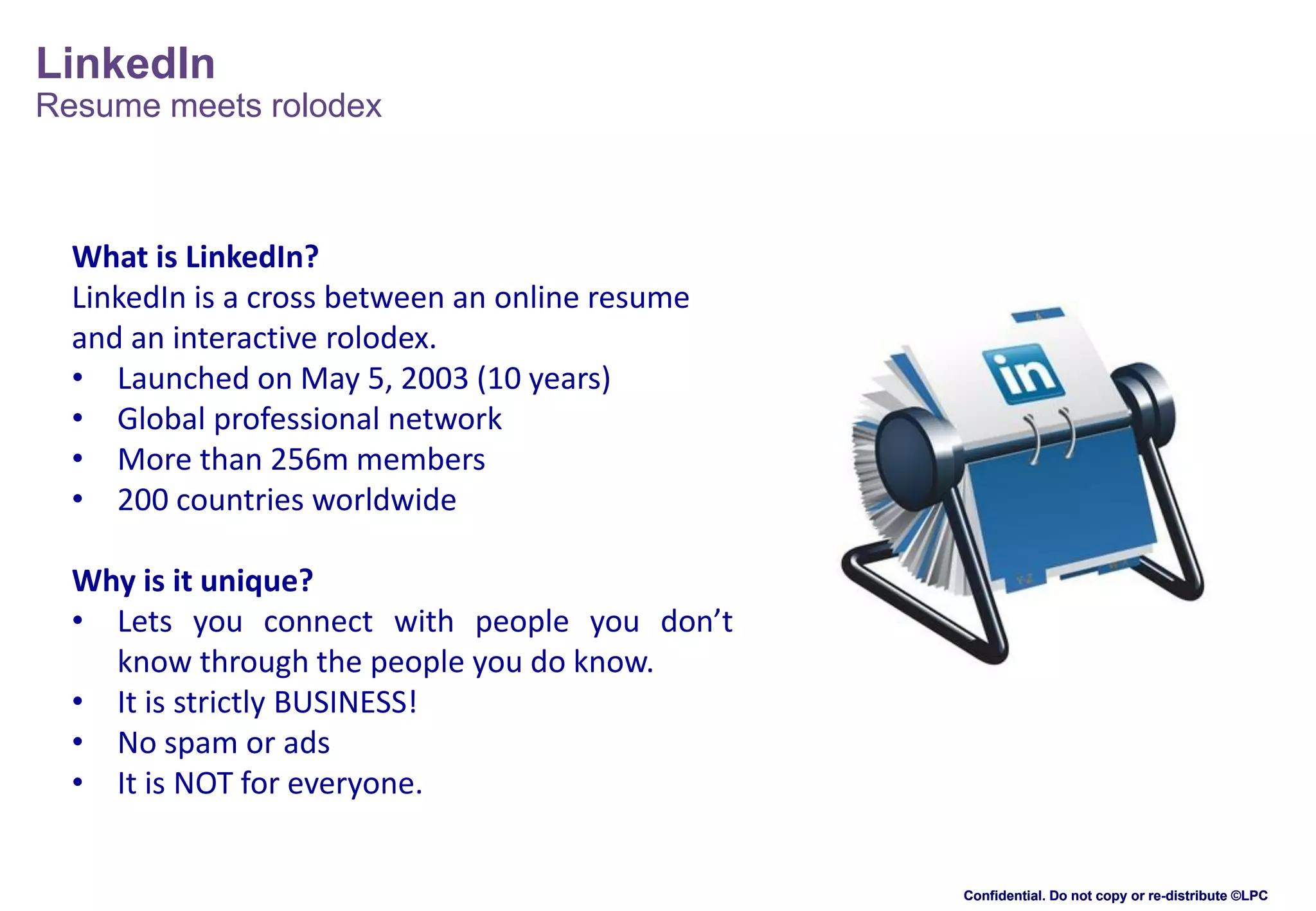
Resume meets rolodex

What is LinkedIn?
LinkedIn is a cross between an online resume
and an interactive rolodex.
• Launched on May 5, 2003 (10 years)
• Global professional network
• More than 256m members
• 200 countries worldwide
Why is it unique?
• Lets you connect with people you don’t
know through the people you do know.
• It is strictly BUSINESS!
• No spam or ads
• It is NOT for everyone.

Confidential. Do not copy or re-distribute ©LPC
LinkedIn
Some statistics

1

A new member joins LinkedIn EVERY
SECOND.

3
4

2

Executives from ALL Fortune
500 companies are LinkedIn
members

40% of users check LinkedIn daily

5

42% of users update their profile
regularly

6

15m LinkedIn groups

More than 3m business pages, 1.2m
products/services showcased

7

1 billion LinkedIn endorsements,
average 4 endorsements per user

Source: DMR, August 2013
http://expandedramblings.com/index.php/by-the-numbers-a-few-important-linkedin-stats/
Confidential. Do not copy or re-distribute ©LPC
LinkedIn
Types of accounts

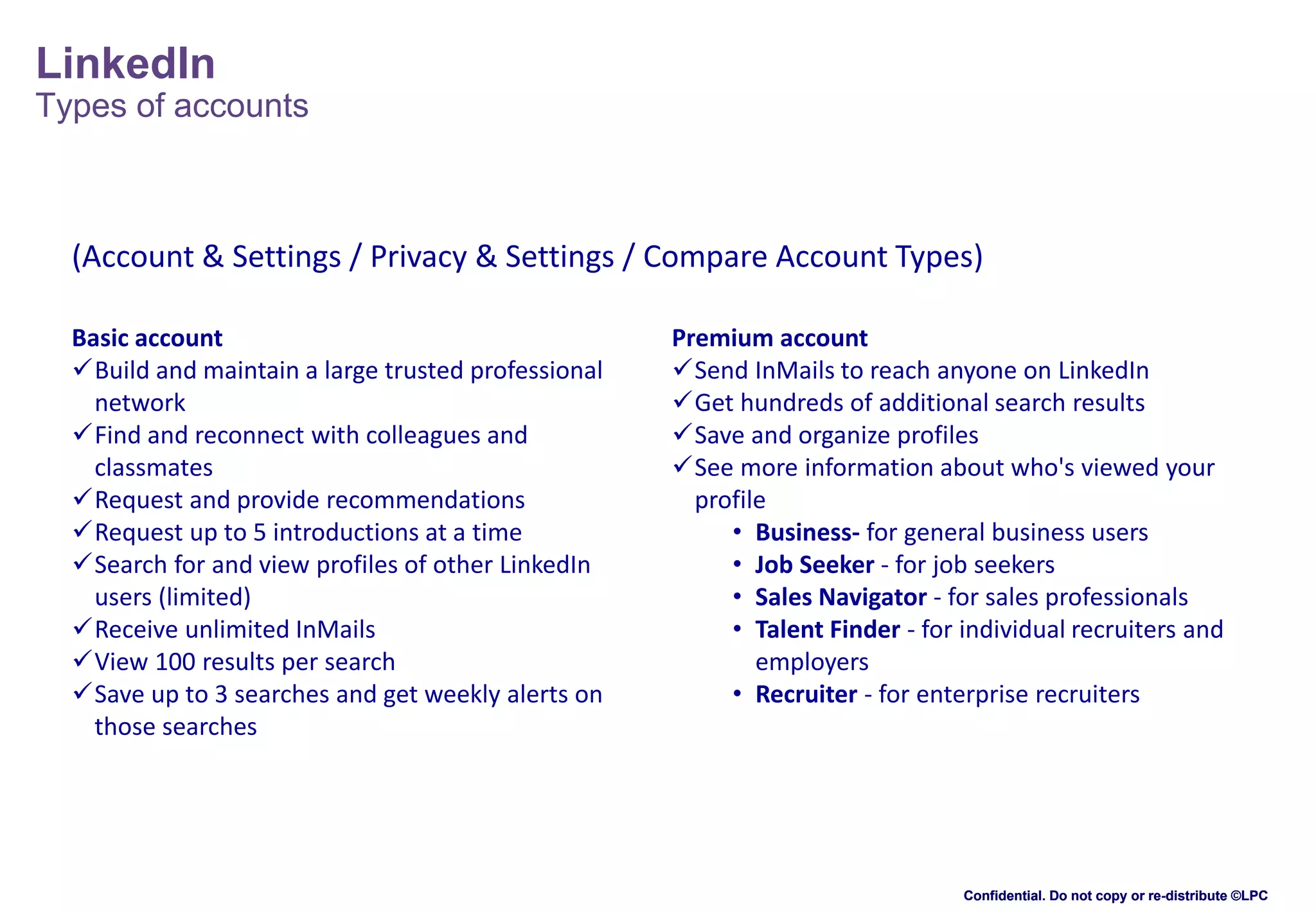
(Account & Settings / Privacy & Settings / Compare Account Types)
Basic account
Build and maintain a large trusted professional
network
Find and reconnect with colleagues and
classmates
Request and provide recommendations
Request up to 5 introductions at a time
Search for and view profiles of other LinkedIn
users (limited)
Receive unlimited InMails
View 100 results per search
Save up to 3 searches and get weekly alerts on
those searches

Premium account
Send InMails to reach anyone on LinkedIn
Get hundreds of additional search results
Save and organize profiles
See more information about who's viewed your
profile
• Business- for general business users
• Job Seeker - for job seekers
• Sales Navigator - for sales professionals
• Talent Finder - for individual recruiters and
employers
• Recruiter - for enterprise recruiters

Confidential. Do not copy or re-distribute ©LPC
LinkedIn
Privacy settings

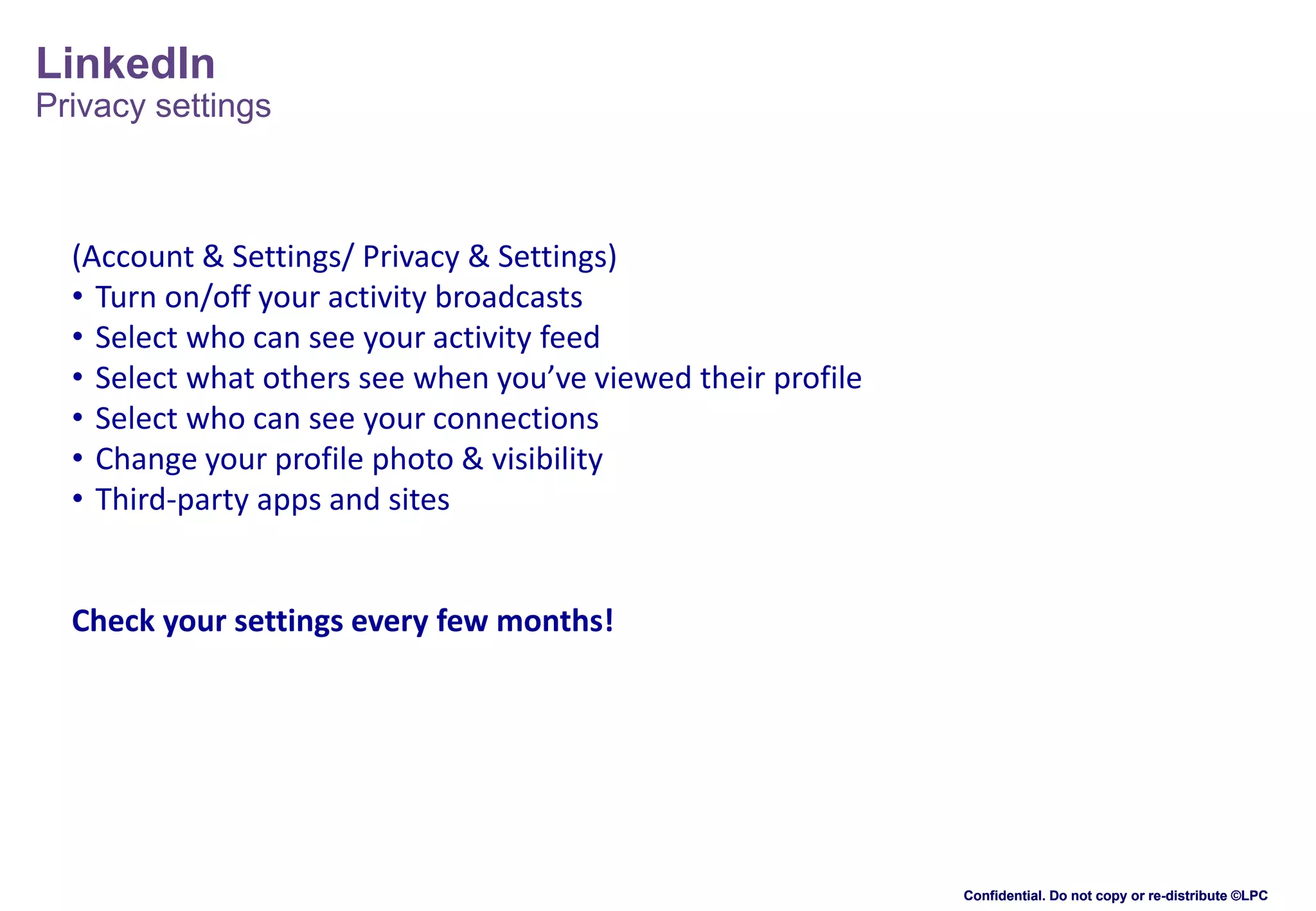
(Account & Settings/ Privacy & Settings)
• Turn on/off your activity broadcasts
• Select who can see your activity feed
• Select what others see when you’ve viewed their profile
• Select who can see your connections
• Change your profile photo & visibility
• Third-party apps and sites

Check your settings every few months!

Confidential. Do not copy or re-distribute ©LPC
LinkedIn
Some tips

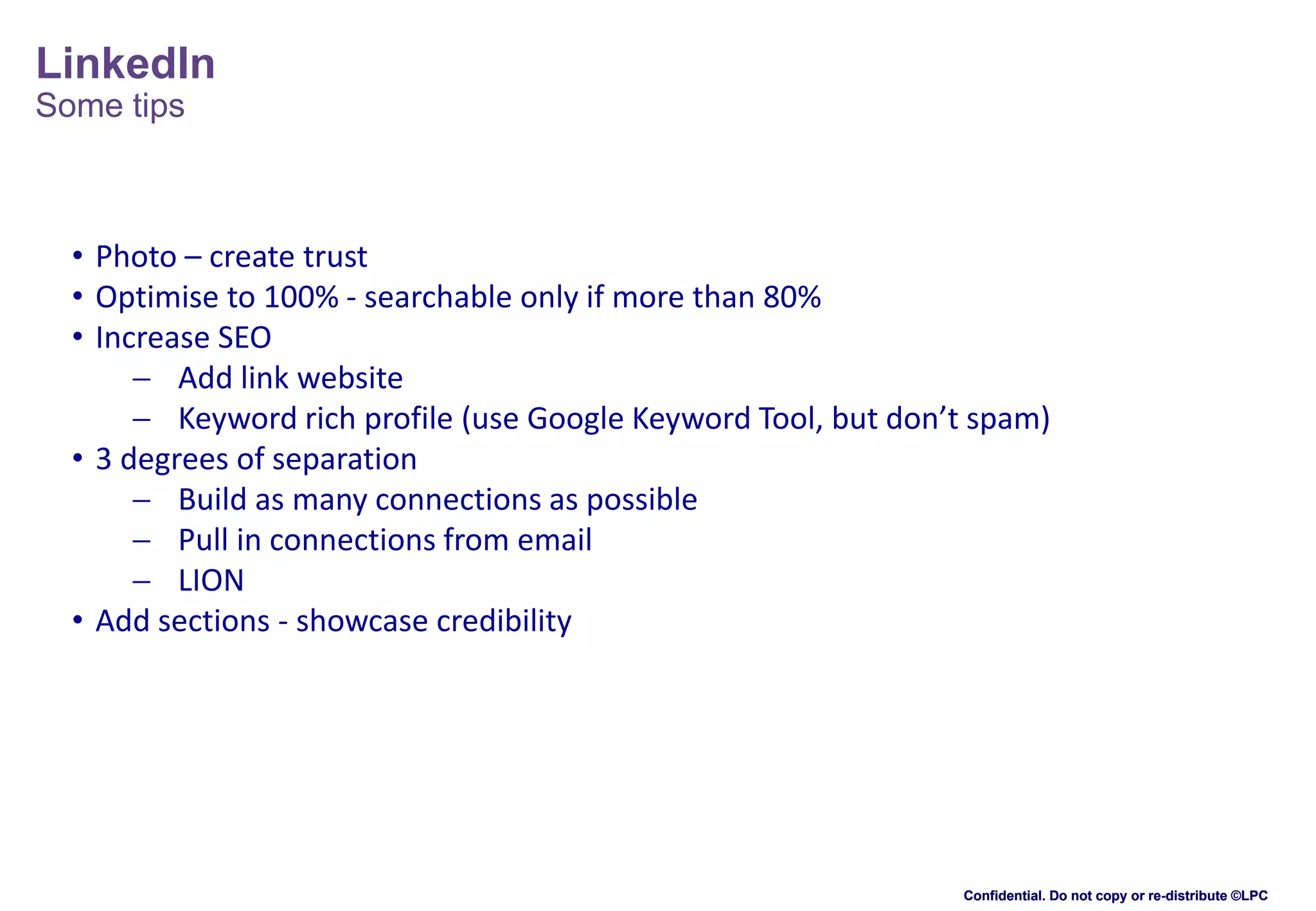
• Photo – create trust
• Optimise to 100% - searchable only if more than 80%
• Increase SEO
 Add link website
 Keyword rich profile (use Google Keyword Tool, but don’t spam)
• 3 degrees of separation
 Build as many connections as possible
 Pull in connections from email
 LION
• Add sections - showcase credibility

Confidential. Do not copy or re-distribute ©LPC
LinkedIn
Resume meets rolodex

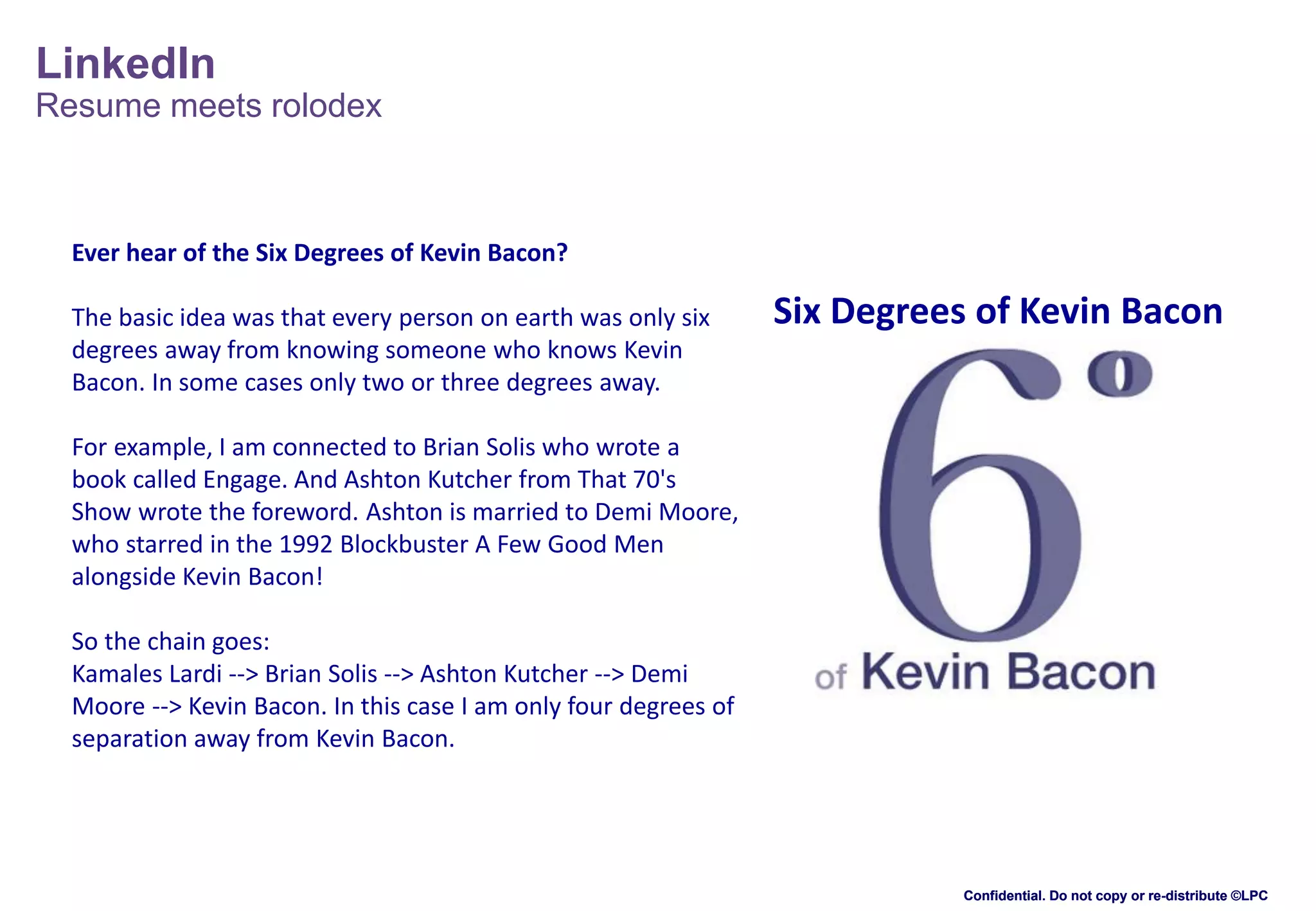
Ever hear of the Six Degrees of Kevin Bacon?
The basic idea was that every person on earth was only six
degrees away from knowing someone who knows Kevin
Bacon. In some cases only two or three degrees away.

Six Degrees of Kevin Bacon

For example, I am connected to Brian Solis who wrote a
book called Engage. And Ashton Kutcher from That 70's
Show wrote the foreword. Ashton is married to Demi Moore,
who starred in the 1992 Blockbuster A Few Good Men
alongside Kevin Bacon!
So the chain goes:
Kamales Lardi --> Brian Solis --> Ashton Kutcher --> Demi
Moore --> Kevin Bacon. In this case I am only four degrees of
separation away from Kevin Bacon.

Confidential. Do not copy or re-distribute ©LPC
LinkedIn
Agenda

SECTION 4 (2115h - 2215h)
• Key functions
• Uses for LinkedIn
• Links to different social media sites
• Group Discussion / Q&A

Confidential. Do not copy or re-distribute ©LPC
LinkedIn
Key functions - InMail

• InMails are messages you can send directly to another LinkedIn member you're not
connected to.
• Any member can purchase an InMail, or you can get them with a premium account.
• InMails let you directly message members you're not connected to
• If you have a Basic (free) account, you can purchase up to 10 InMail credits
• If you have a premium account and want more credits than the number you've
been allotted, you can always purchase up to 10 more
• 7-day response guarantee for InMails - if you don't get a reply in 7 days, LinkedIn
will give you another InMail to send. If the recipient replies later, they won't take
the InMail credit back
• InMail not required to send messages to your 1st degree connections

Confidential. Do not copy or re-distribute ©LPC
LinkedIn
Key functions - Introductions

• Introductions let you contact members in your extended network through the people
you know
• If you want to contact someone who is two or three degrees away from you, you can
request an introduction through one of your connections
• Your connection will, in turn, decide whether to forward your message on to the
desired recipient (if in your 2nd degree network) or on to a shared connection (if in
your 3rd degree network)

• All LinkedIn members (even those with free accounts) have a certain number of
introductions they can request. Introductions expire after 6 months if the receiver
doesn't respond
• You won't become 1st degree connections unless one of you invites the other to
connect and the request is accepted
Confidential. Do not copy or re-distribute ©LPC
LinkedIn
Key functions - Recommendations

• A recommendation is a comment written by a LinkedIn member to recognise or
commend a contact
• Viewers of your profile often view the recommendations you've received on your
profile to see what others have to say about your work
• The best recommendations come from people who value your work, services or
products, such as managers, colleagues, co-workers, customers, and clients
• Hiring managers and people searching for new customers and business partners
prefer to work with people who come recommended by someone they know and
trust
• There's no limit to the number of recommendations you can request or give

Confidential. Do not copy or re-distribute ©LPC
LinkedIn

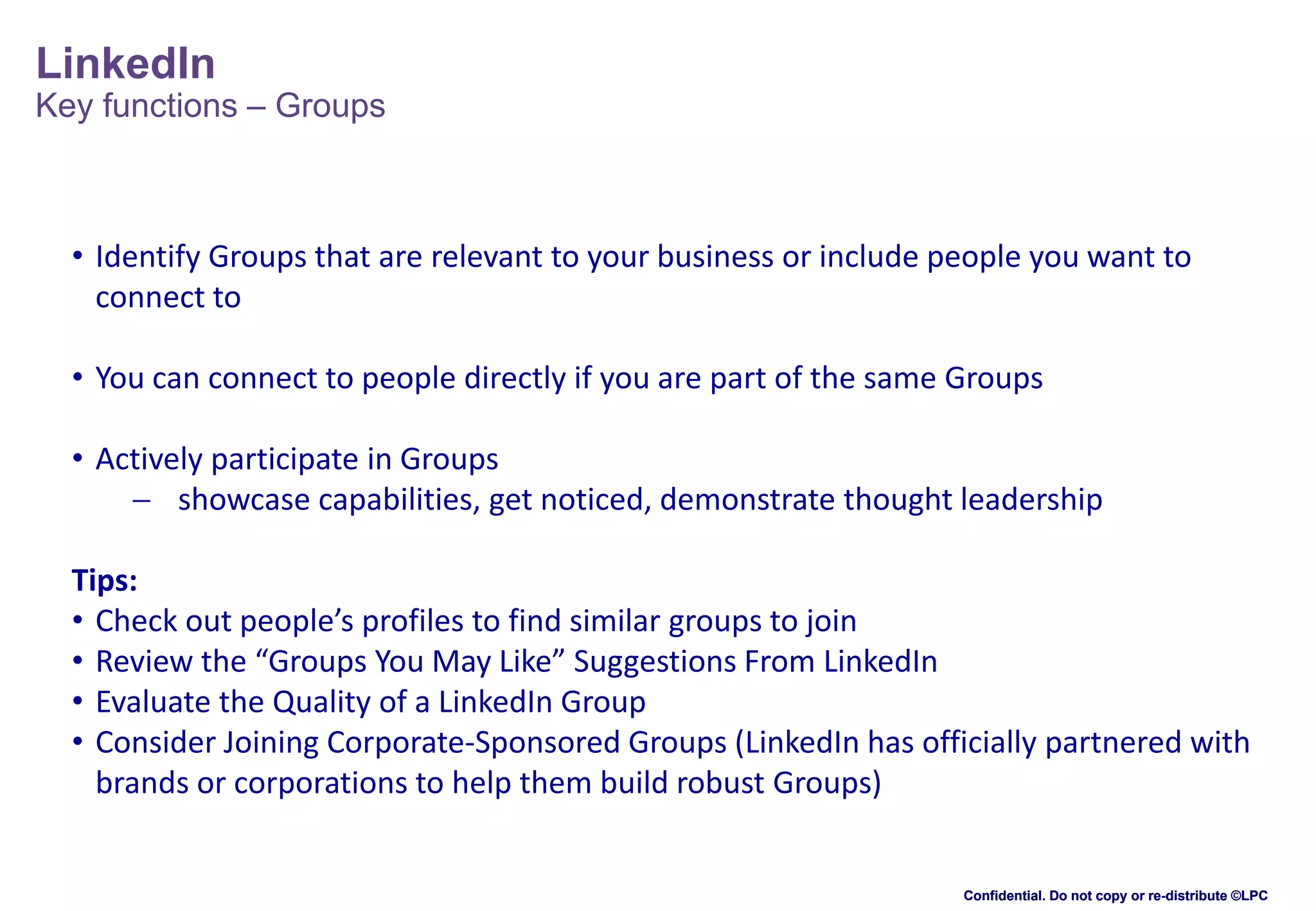
Key functions – Groups

• Identify Groups that are relevant to your business or include people you want to
connect to
• You can connect to people directly if you are part of the same Groups

• Actively participate in Groups
 showcase capabilities, get noticed, demonstrate thought leadership
Tips:
• Check out people’s profiles to find similar groups to join
• Review the “Groups You May Like” Suggestions From LinkedIn
• Evaluate the Quality of a LinkedIn Group
• Consider Joining Corporate-Sponsored Groups (LinkedIn has officially partnered with
brands or corporations to help them build robust Groups)

Confidential. Do not copy or re-distribute ©LPC
LinkedIn

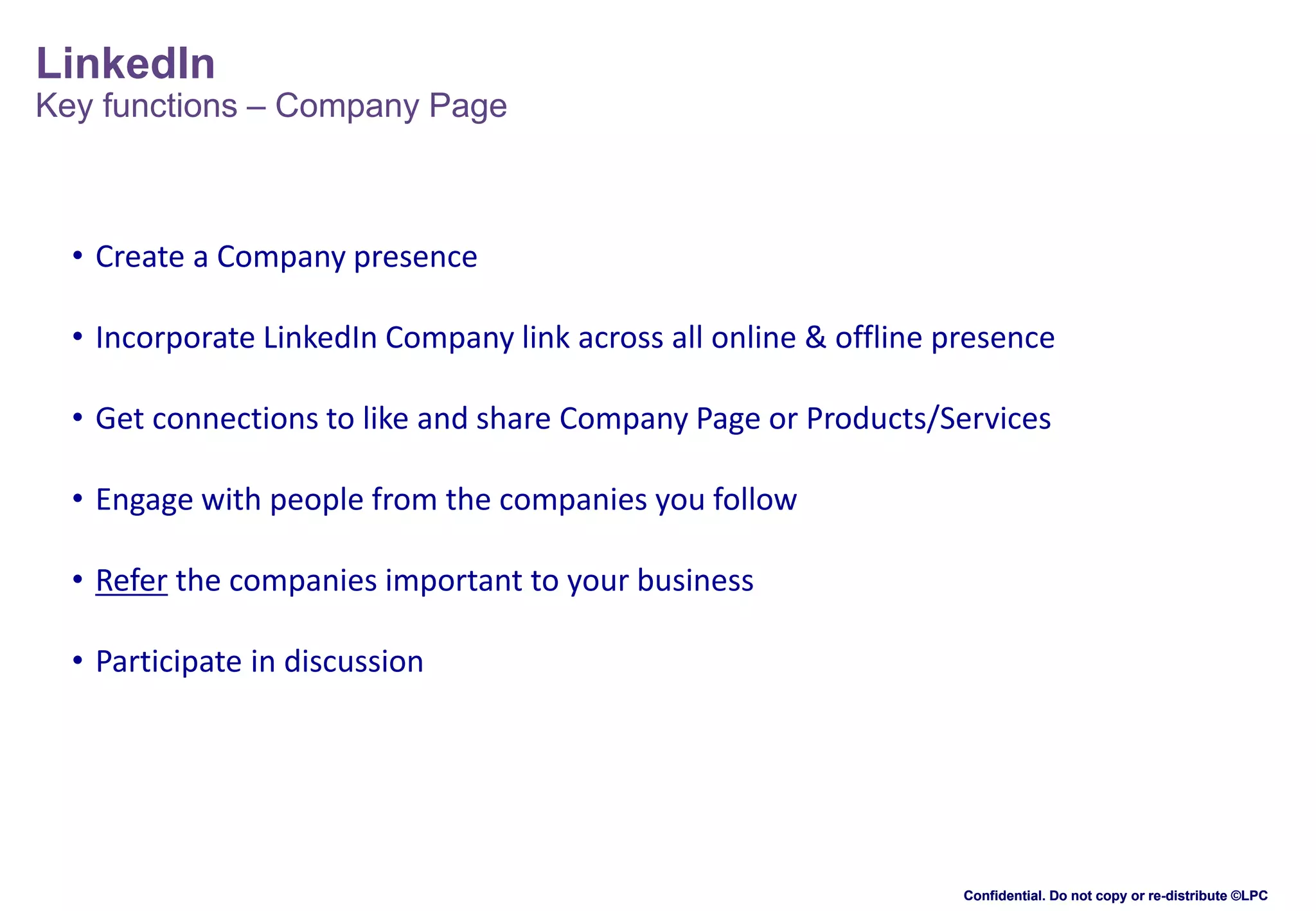
Key functions – Company Page

• Create a Company presence
• Incorporate LinkedIn Company link across all online & offline presence
• Get connections to like and share Company Page or Products/Services
• Engage with people from the companies you follow
• Refer the companies important to your business

• Participate in discussion

Confidential. Do not copy or re-distribute ©LPC
LinkedIn

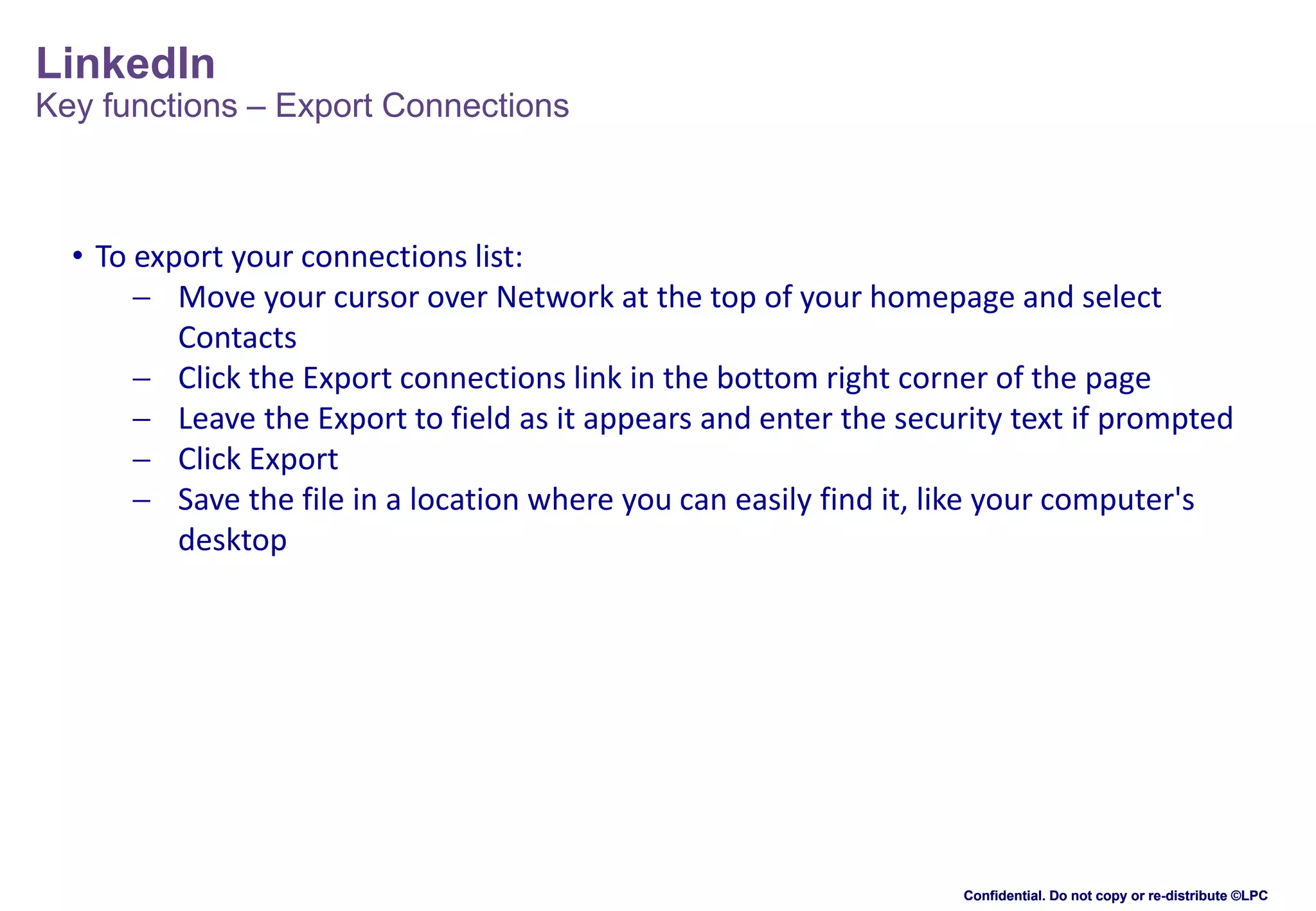
Key functions – Export Connections

• To export your connections list:
 Move your cursor over Network at the top of your homepage and select
Contacts
 Click the Export connections link in the bottom right corner of the page
 Leave the Export to field as it appears and enter the security text if prompted
 Click Export
 Save the file in a location where you can easily find it, like your computer's
desktop

Confidential. Do not copy or re-distribute ©LPC
LinkedIn
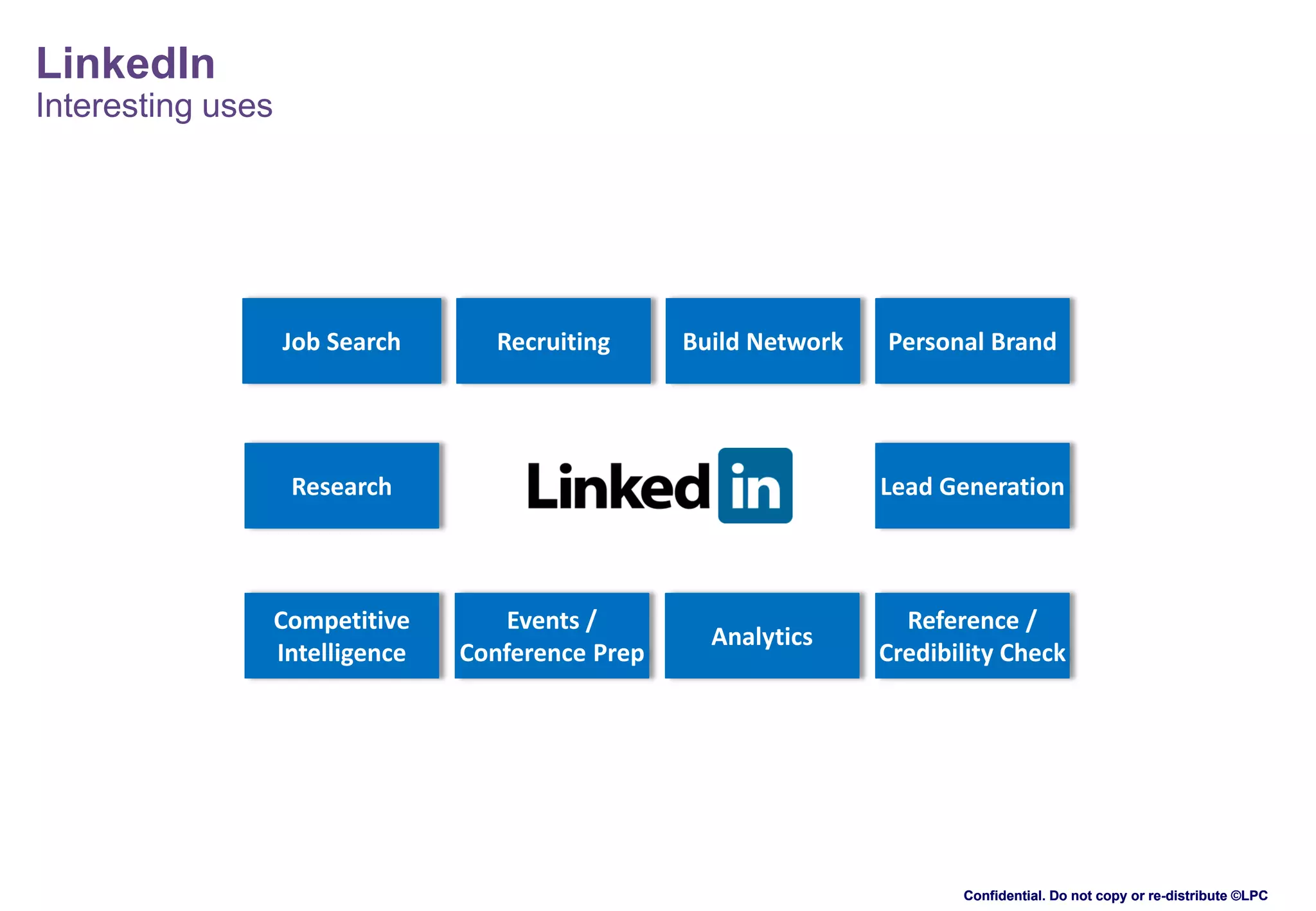
Interesting uses

Job Search

Recruiting

Build Network

Research

Competitive
Intelligence

Personal Brand

Lead Generation

Events /
Conference Prep

Analytics

Reference /
Credibility Check

Confidential. Do not copy or re-distribute ©LPC
Thank you

@KamLardi
lardistrategy.com

slideshare.net/kamalesn
ch.linkedin.com/in/kamaleslardi
xing.com/profiles/Kamales_Lardi

Confidential. Do not copy or re-distribute ©LPC

Introduction to LinkedIn for business

  • 1.
    Introduction to LinkedIn KamalesLardi, Lardi & Partner Consulting GmbH 15th October 2013 Confidential. Do not copy or re-distribute ©LPC
  • 2.
    LinkedIn Agenda SECTION 1 (1945h- 2000h) • Basic introduction to LinkedIn • Types of accounts • Privacy Settings Confidential. Do not copy or re-distribute ©LPC
  • 3.
    LinkedIn Resume meets rolodex Whatis LinkedIn? LinkedIn is a cross between an online resume and an interactive rolodex. • Launched on May 5, 2003 (10 years) • Global professional network • More than 256m members • 200 countries worldwide Why is it unique? • Lets you connect with people you don’t know through the people you do know. • It is strictly BUSINESS! • No spam or ads • It is NOT for everyone. Confidential. Do not copy or re-distribute ©LPC
  • 4.
    LinkedIn Some statistics 1 A newmember joins LinkedIn EVERY SECOND. 3 4 2 Executives from ALL Fortune 500 companies are LinkedIn members 40% of users check LinkedIn daily 5 42% of users update their profile regularly 6 15m LinkedIn groups More than 3m business pages, 1.2m products/services showcased 7 1 billion LinkedIn endorsements, average 4 endorsements per user Source: DMR, August 2013 http://expandedramblings.com/index.php/by-the-numbers-a-few-important-linkedin-stats/ Confidential. Do not copy or re-distribute ©LPC
  • 5.
    LinkedIn Types of accounts (Account& Settings / Privacy & Settings / Compare Account Types) Basic account Build and maintain a large trusted professional network Find and reconnect with colleagues and classmates Request and provide recommendations Request up to 5 introductions at a time Search for and view profiles of other LinkedIn users (limited) Receive unlimited InMails View 100 results per search Save up to 3 searches and get weekly alerts on those searches Premium account Send InMails to reach anyone on LinkedIn Get hundreds of additional search results Save and organize profiles See more information about who's viewed your profile • Business- for general business users • Job Seeker - for job seekers • Sales Navigator - for sales professionals • Talent Finder - for individual recruiters and employers • Recruiter - for enterprise recruiters Confidential. Do not copy or re-distribute ©LPC
  • 6.
    LinkedIn Privacy settings (Account &Settings/ Privacy & Settings) • Turn on/off your activity broadcasts • Select who can see your activity feed • Select what others see when you’ve viewed their profile • Select who can see your connections • Change your profile photo & visibility • Third-party apps and sites Check your settings every few months! Confidential. Do not copy or re-distribute ©LPC
  • 7.
    LinkedIn Some tips • Photo– create trust • Optimise to 100% - searchable only if more than 80% • Increase SEO  Add link website  Keyword rich profile (use Google Keyword Tool, but don’t spam) • 3 degrees of separation  Build as many connections as possible  Pull in connections from email  LION • Add sections - showcase credibility Confidential. Do not copy or re-distribute ©LPC
  • 8.
    LinkedIn Resume meets rolodex Everhear of the Six Degrees of Kevin Bacon? The basic idea was that every person on earth was only six degrees away from knowing someone who knows Kevin Bacon. In some cases only two or three degrees away. Six Degrees of Kevin Bacon For example, I am connected to Brian Solis who wrote a book called Engage. And Ashton Kutcher from That 70's Show wrote the foreword. Ashton is married to Demi Moore, who starred in the 1992 Blockbuster A Few Good Men alongside Kevin Bacon! So the chain goes: Kamales Lardi --> Brian Solis --> Ashton Kutcher --> Demi Moore --> Kevin Bacon. In this case I am only four degrees of separation away from Kevin Bacon. Confidential. Do not copy or re-distribute ©LPC
  • 9.
    LinkedIn Agenda SECTION 4 (2115h- 2215h) • Key functions • Uses for LinkedIn • Links to different social media sites • Group Discussion / Q&A Confidential. Do not copy or re-distribute ©LPC
  • 10.
    LinkedIn Key functions -InMail • InMails are messages you can send directly to another LinkedIn member you're not connected to. • Any member can purchase an InMail, or you can get them with a premium account. • InMails let you directly message members you're not connected to • If you have a Basic (free) account, you can purchase up to 10 InMail credits • If you have a premium account and want more credits than the number you've been allotted, you can always purchase up to 10 more • 7-day response guarantee for InMails - if you don't get a reply in 7 days, LinkedIn will give you another InMail to send. If the recipient replies later, they won't take the InMail credit back • InMail not required to send messages to your 1st degree connections Confidential. Do not copy or re-distribute ©LPC
  • 11.
    LinkedIn Key functions -Introductions • Introductions let you contact members in your extended network through the people you know • If you want to contact someone who is two or three degrees away from you, you can request an introduction through one of your connections • Your connection will, in turn, decide whether to forward your message on to the desired recipient (if in your 2nd degree network) or on to a shared connection (if in your 3rd degree network) • All LinkedIn members (even those with free accounts) have a certain number of introductions they can request. Introductions expire after 6 months if the receiver doesn't respond • You won't become 1st degree connections unless one of you invites the other to connect and the request is accepted Confidential. Do not copy or re-distribute ©LPC
  • 12.
    LinkedIn Key functions -Recommendations • A recommendation is a comment written by a LinkedIn member to recognise or commend a contact • Viewers of your profile often view the recommendations you've received on your profile to see what others have to say about your work • The best recommendations come from people who value your work, services or products, such as managers, colleagues, co-workers, customers, and clients • Hiring managers and people searching for new customers and business partners prefer to work with people who come recommended by someone they know and trust • There's no limit to the number of recommendations you can request or give Confidential. Do not copy or re-distribute ©LPC
  • 13.
    LinkedIn Key functions –Groups • Identify Groups that are relevant to your business or include people you want to connect to • You can connect to people directly if you are part of the same Groups • Actively participate in Groups  showcase capabilities, get noticed, demonstrate thought leadership Tips: • Check out people’s profiles to find similar groups to join • Review the “Groups You May Like” Suggestions From LinkedIn • Evaluate the Quality of a LinkedIn Group • Consider Joining Corporate-Sponsored Groups (LinkedIn has officially partnered with brands or corporations to help them build robust Groups) Confidential. Do not copy or re-distribute ©LPC
  • 14.
    LinkedIn Key functions –Company Page • Create a Company presence • Incorporate LinkedIn Company link across all online & offline presence • Get connections to like and share Company Page or Products/Services • Engage with people from the companies you follow • Refer the companies important to your business • Participate in discussion Confidential. Do not copy or re-distribute ©LPC
  • 15.
    LinkedIn Key functions –Export Connections • To export your connections list:  Move your cursor over Network at the top of your homepage and select Contacts  Click the Export connections link in the bottom right corner of the page  Leave the Export to field as it appears and enter the security text if prompted  Click Export  Save the file in a location where you can easily find it, like your computer's desktop Confidential. Do not copy or re-distribute ©LPC
  • 16.
    LinkedIn Interesting uses Job Search Recruiting BuildNetwork Research Competitive Intelligence Personal Brand Lead Generation Events / Conference Prep Analytics Reference / Credibility Check Confidential. Do not copy or re-distribute ©LPC
  • 17.
  • 18.
    Confidential. Do notcopy or re-distribute ©LPC