Introduction to
Kanban Boards
@ProofHub
In Japanese, the word "Kan"
means "visual" and "ban" means
"card," so Kanban refers to visual
cards.
@ProofHub
Kanban is a fantastic way to get
things done. A kanban system
utilizes a visual cue that tell you
what to produce, how much to
produce and when to produce it.
@ProofHub
History of
Kanban Boards
@ProofHub
Kanban is a lean scheduling system, developed by
Taichi Ohno at Toyota (Japan) in 1940's. Kanban is
based on PULL system.
Why
Kanban Boards?
@ProofHub
Kanban boards simplify the way teams manage their work by
visualizing complex project information such as tasks in progress,
resource utilization and more.
As less time is wasted in communicating project information, there
is an automatic rise in productivity of teams - all thanks to Kanban
boards.
How Kanban Works
@ProofHub
1. Visualize work
2. Limit work in progress
3. Focus on flow
4. Continuous improvement
Visualize work
@ProofHub
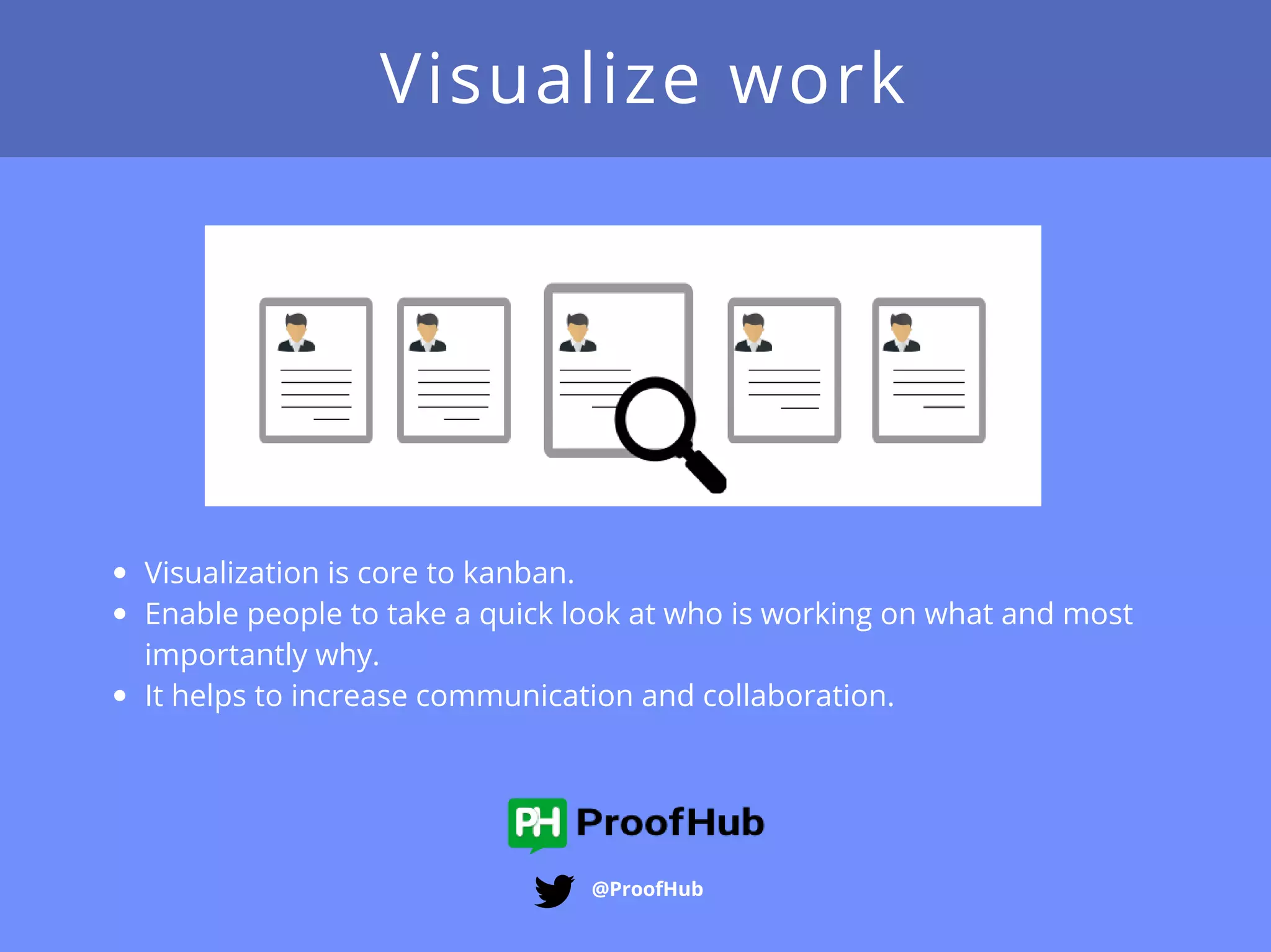
Visualization is core to kanban.
Enable people to take a quick look at who is working on what and most
importantly why.
It helps to increase communication and collaboration.
Limit work in progress - (WIP)
@ProofHub
Helps balance the flow-based approach so teams don'​​t start too much work
at once
By limiting WIP- you can reduce the time taken by a task to travel through the
system.
It also improves quality.
Focus on flow
@ProofHub
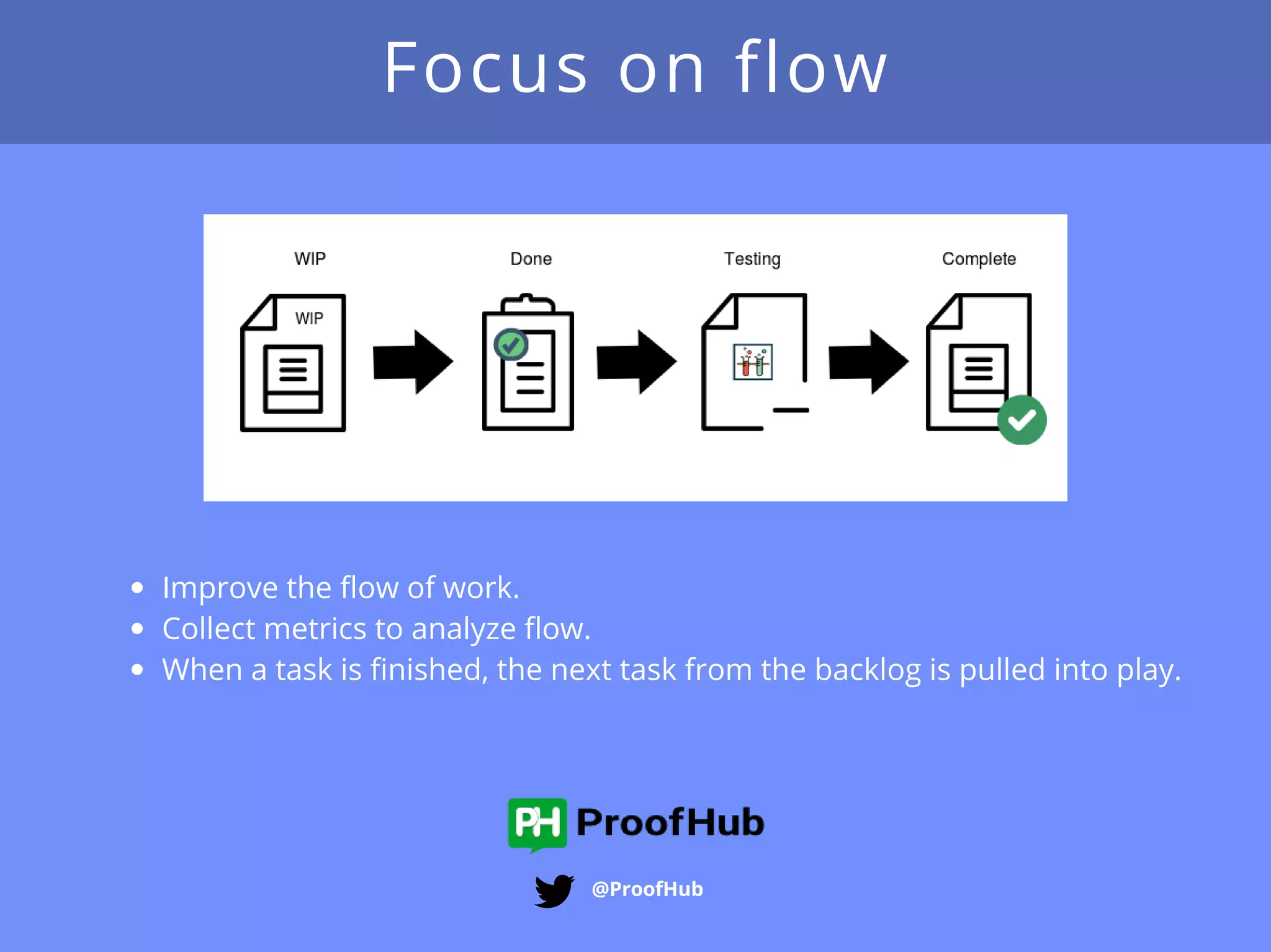
Improve the flow of work.
Collect metrics to analyze flow.
When a task is finished, the next task from the backlog is pulled into play.
Continuous Improvement
@ProofHub
Tracking flow, quality, throughput, lead times and more.
Quick analysis to improve the team’s effectiveness.
Foster a culture of continuous improvement.
@ProofHub
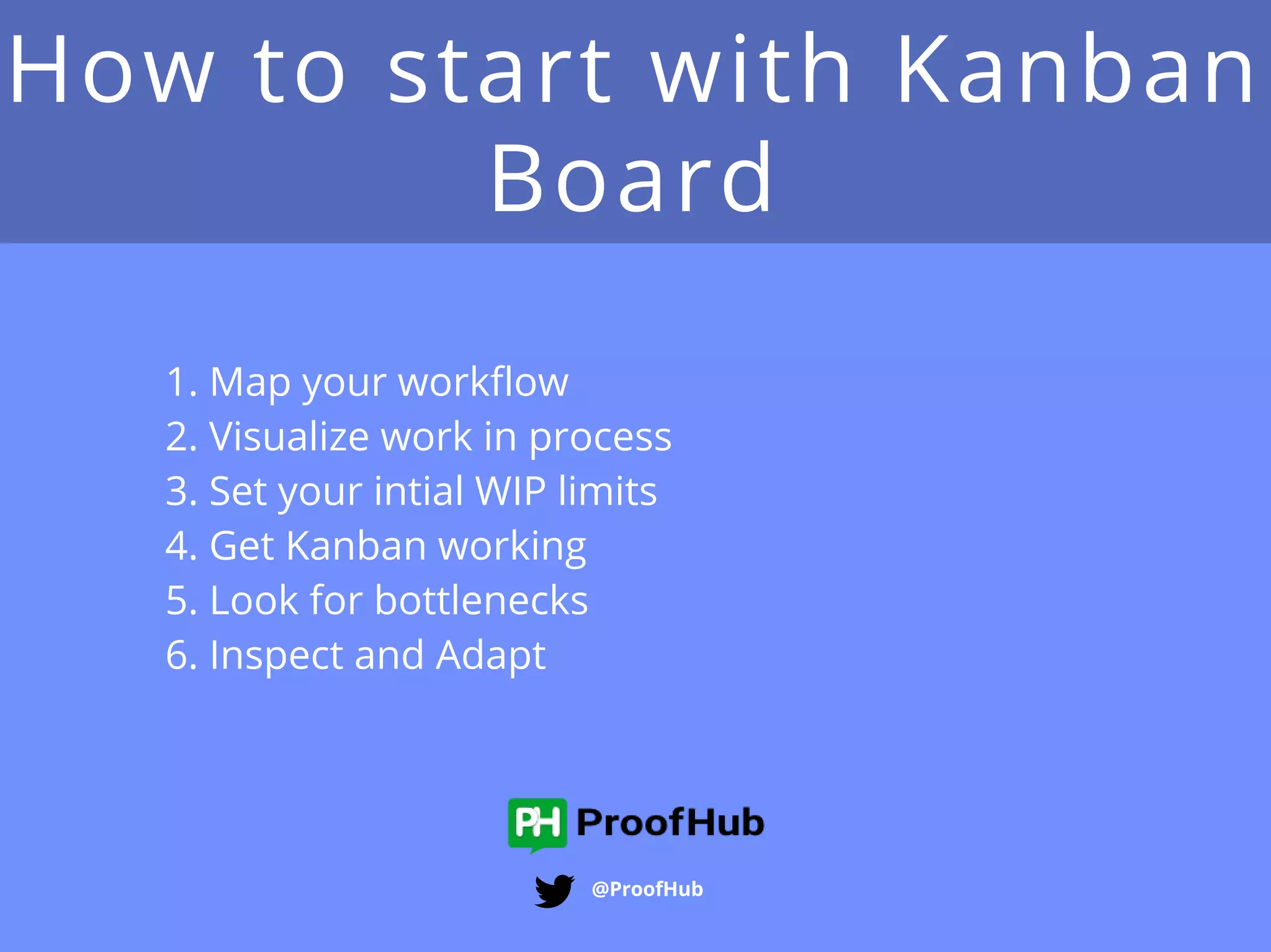
How to start with Kanban
Board
@ProofHub
1. Map your workflow
2. Visualize work in process
3. Set your intial WIP limits
4. Get Kanban working
5. Look for bottlenecks
6. Inspect and Adapt
Map your workflow
@ProofHub
The first thing to do is to identify the major processes in
your organization, and then identify the steps in the
individual processes.
Example: Software Project
Backlog - Requirements- Design - Development -
Testing- Acceptance - Deploy - Support
Visualize work in
progress
@ProofHub
Once you have your process mapped and you have
created your kanban board, you can start adding tasks
to it.
Tasks represent something that has to be done.
Tasks should have a name that everyone recognizes and
understands.
Set your initial WIP limits
@ProofHub
It reduces the time it takes to get any one thing done.
It improves quality by giving greater focus to fewer tasks.
Once you have set WIP limits for each phase, write them
above the columns on your Kanban board that represent
steps in the process.
Get Kanban working
@ProofHub
Kanban is a “pull” system.
When someone is ready to do work, they look on the
board to see what needs to be done, and pull the next
task into the column, representing the next step in the
process.
Inspect and adapt
@ProofHub
Kanban system allows you to compare your metrics at
various points in the process and see your process
improvements.
@ProofHub
Sources
@ProofHub
https://leankit.com/learn/kanban/what-is-kanban/
https://www.versionone.com/what-is-kanban/
https://www.youtube.com/watch?v=R8dYLbJiTUE
https://kanbanery.com/ebook/GettingStartedWithKanban.pdf
Created By
@ProofHub
Project Management Simplified!

Introduction to Kanban boards