An Introduction to   Tech Tools for TeachersJayme LintonJuly 17, 2010Teaching Fellows Senior Conference
Session OutcomesIdentify a variety of technology tools teachers and students may have access to (hardware, software, open source resources)Explore practical and innovative ideas for using these toolsDiscover instructional strategies for maximizing student learning through technology
Beware“It’s not about the technology. It’s about learning.”-Clif MimsTechnology is not a replacement for goodteaching. Technology can enhance good teaching. Effective teachers use technology seamlessly in their classrooms and know when to use it and when not to. Teachers must focus on how to use technology to achieve the highest impact on student learning. When good teaching meets technology, anything is possible.
Interactive WhiteboardBest Practices:Sit where your students sitGet students’ attention with spotlight, reveal, highlighter, and other toolsLet students interact with the boardImport static files to make them interactive Insert videos, images, and links to websitesRecord lessons and post online Absent students, parents, and class reviews laterTap into existing resources and share your own
Interactive WhiteboardClassroom Ideas:Take a picture of student writing with document camera and edit on IWB.Work out math problem, explaining step-by-step. Record and play back as students practice.Interactive word wall – link to definitions, images, synonyms, antonyms, examples, nonexamples, etc.Capture a website or online document and mark it up with text tools.Go paperless. Instead of making copies, import files, project, and use IWB.Use virtual manipulatives to solve math problems.Interact with primary sources.Organize information with graphic organizers. (click here for interactive graphic organizers)
Interactive Whiteboard Software & Free Teacher ResourcesMimio Notebook – www.mimio.com and www.mimioconnect.comSMART Notebook – www.smarttech.com and www.exchange.smarttech.com Promethean ActivInspire – www.prometheanplanet.com
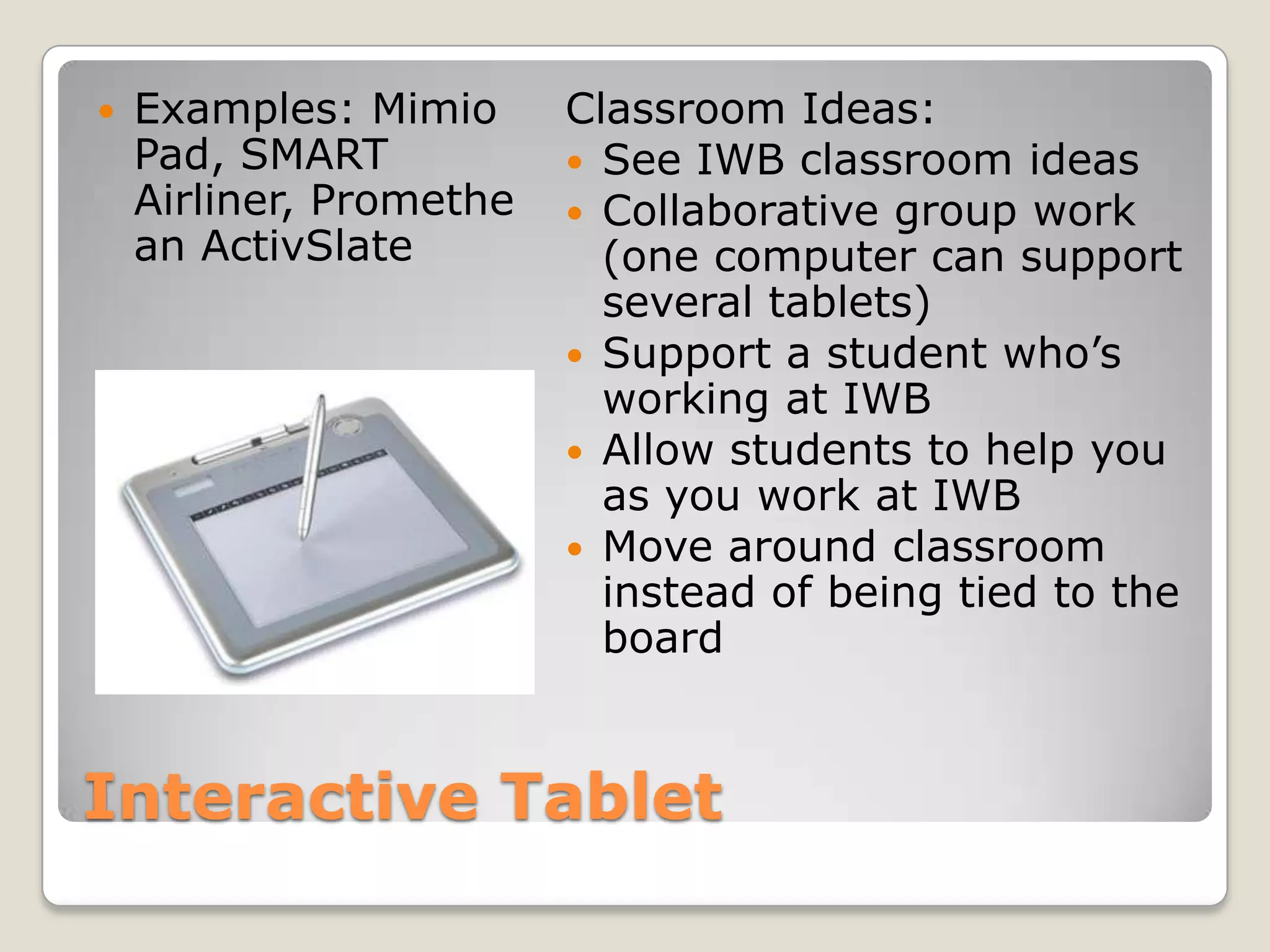
Interactive TabletExamples: Mimio Pad, SMART Airliner, Promethean ActivSlateClassroom Ideas:See IWB classroom ideasCollaborative group work (one computer can support several tablets)Support a student who’s working at IWBAllow students to help you as you work at IWBMove around classroom instead of being tied to the board
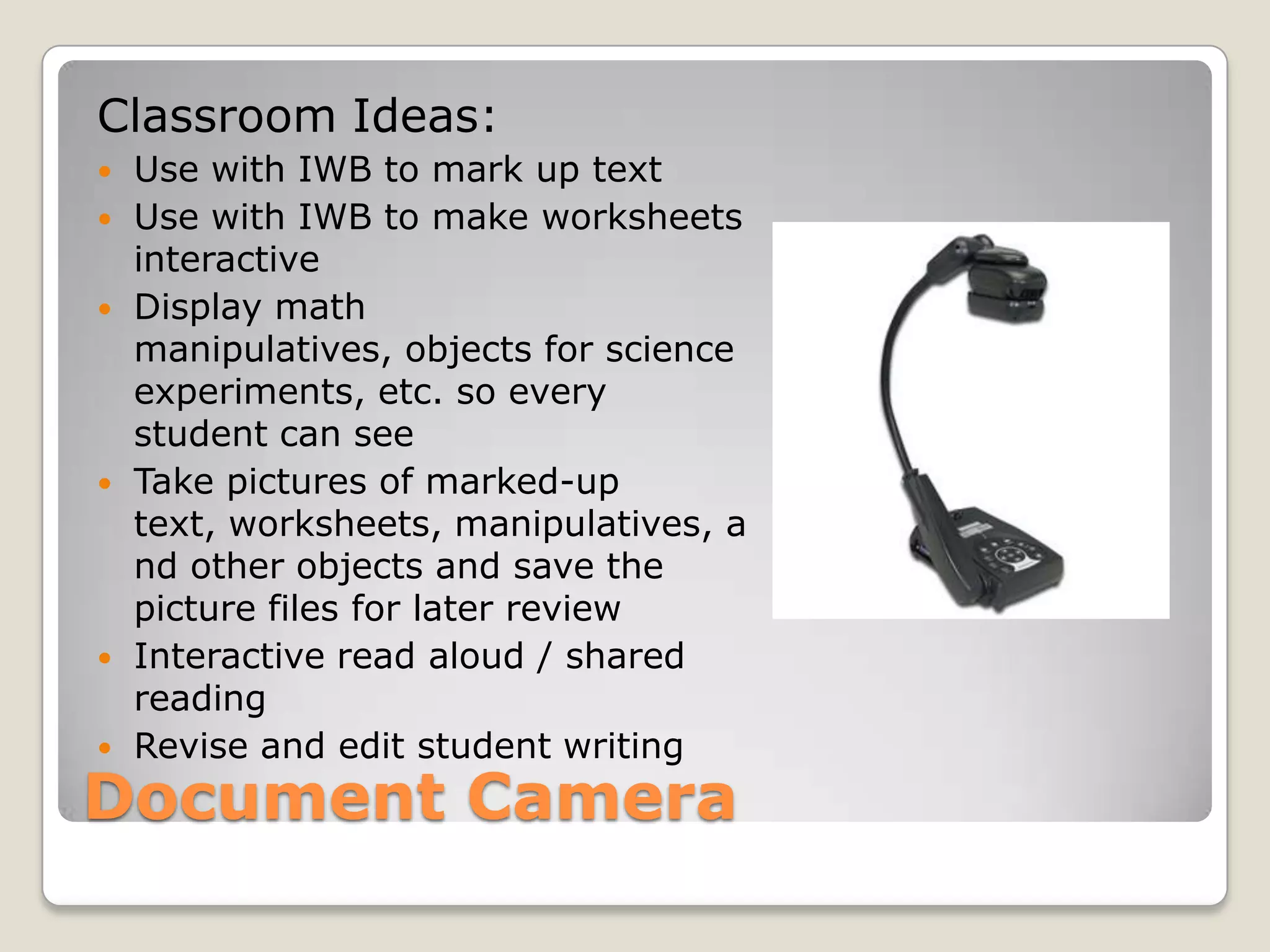
Document CameraClassroom Ideas:Use with IWB to mark up text Use with IWB to make worksheets interactiveDisplay math manipulatives, objects for science experiments, etc. so every student can seeTake pictures of marked-up text, worksheets, manipulatives, and other objects and save the picture files for later reviewInteractive read aloud / shared readingRevise and edit student writing
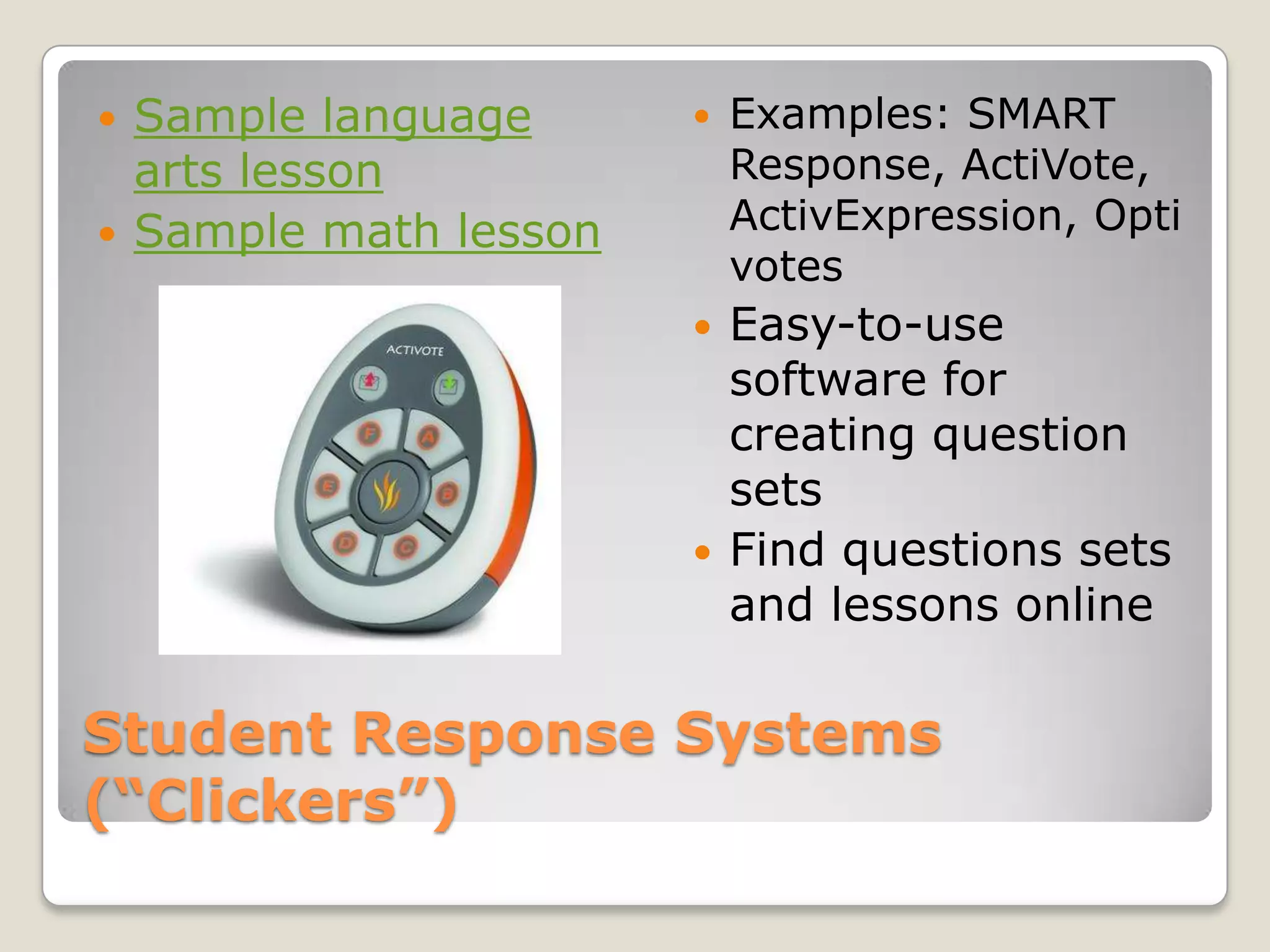
Student Response Systems      (“Clickers”)Examples: SMART Response, ActiVote, ActivExpression, OptivotesEasy-to-use software for creating question setsFind questions sets and lessons onlineSample language arts lessonSample math lesson
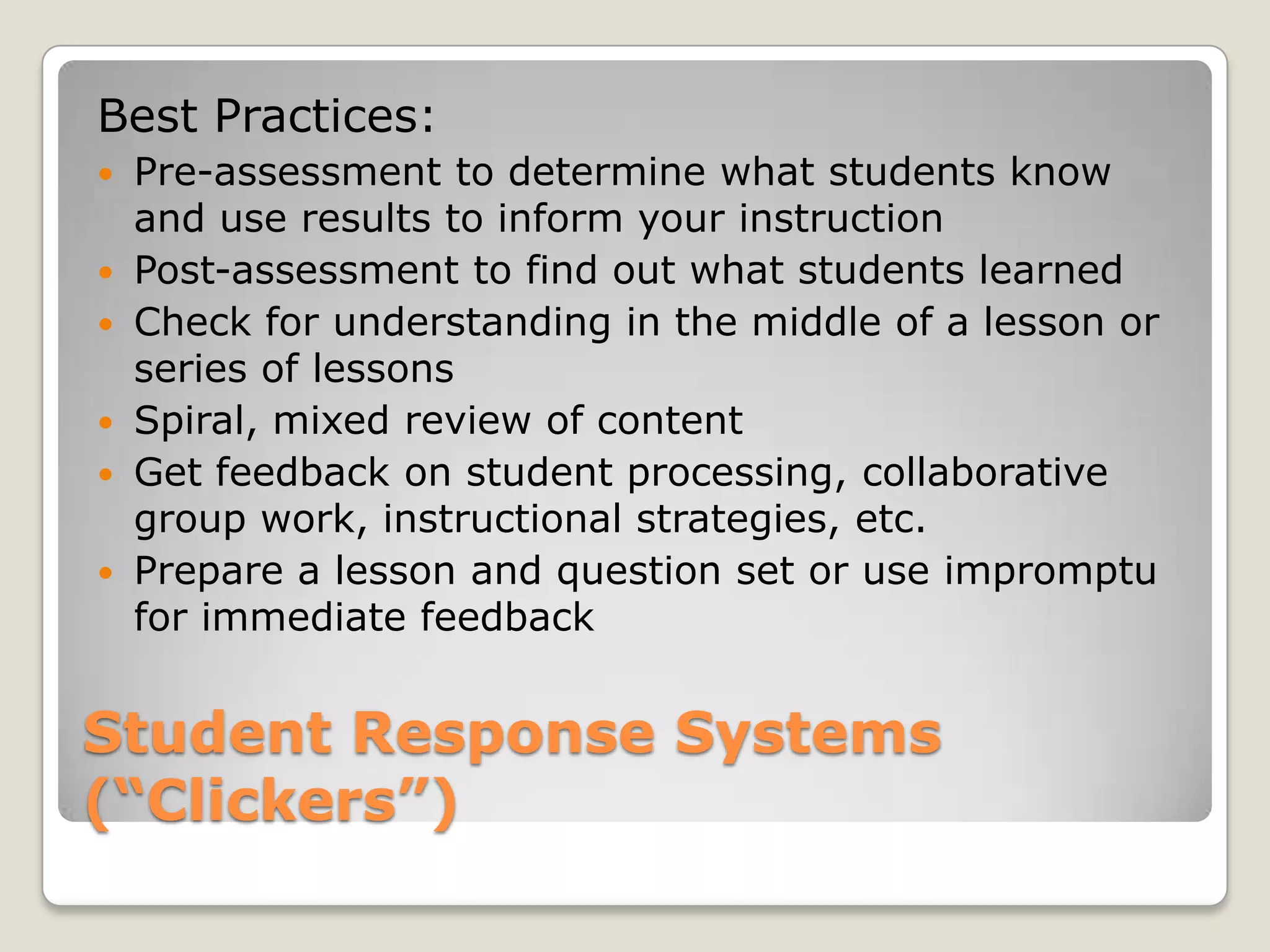
Student Response Systems(“Clickers”)Best Practices:Pre-assessment to determine what students know and use results to inform your instruction
Post-assessment to find out what students learned
Check for understanding in the middle of a lesson or series of lessons
Spiral, mixed review of content
Get feedback on student processing, collaborative group work, instructional strategies, etc.
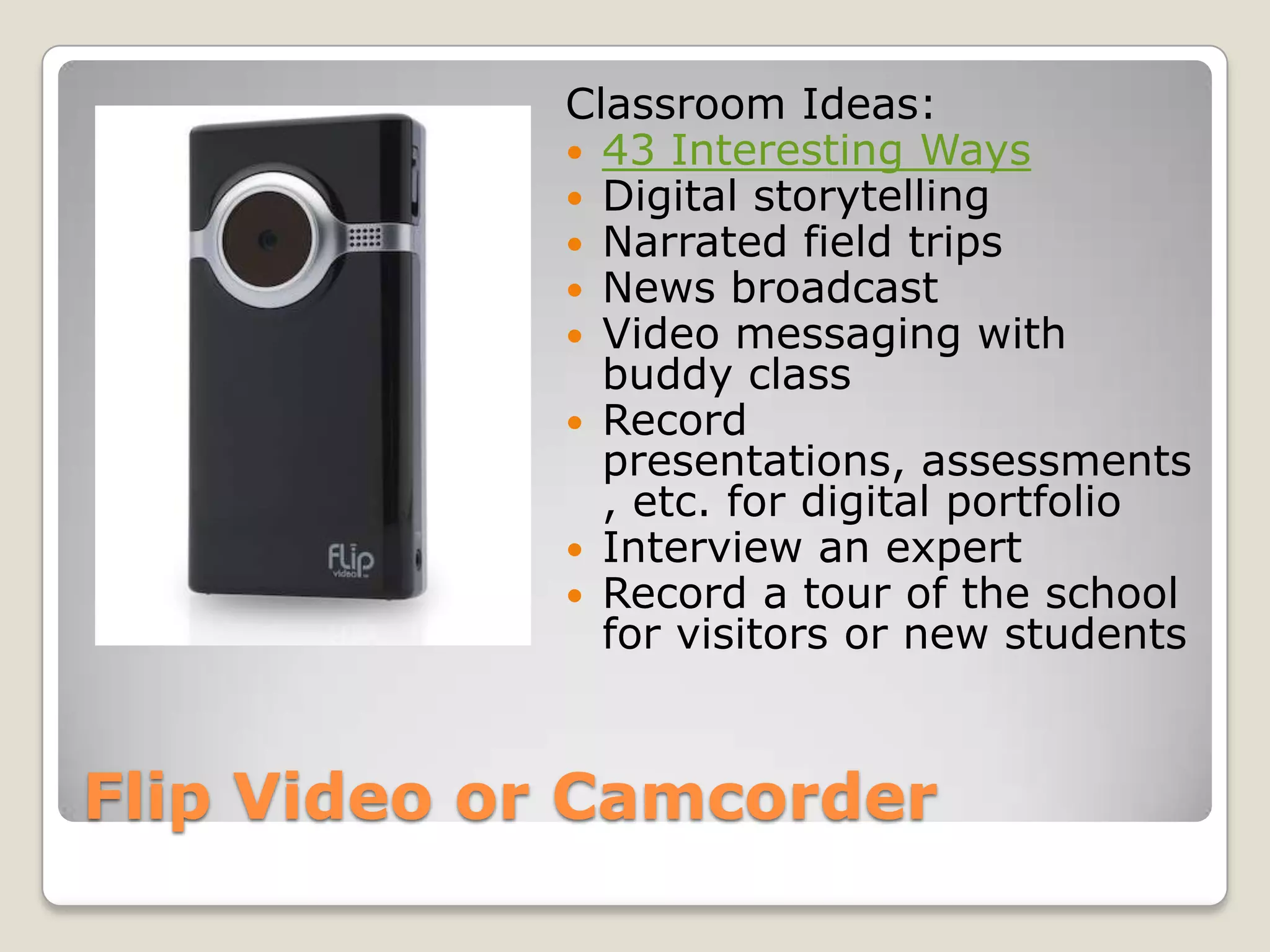
Prepare a lesson and question set or use impromptu for immediate feedbackFlip Video or CamcorderClassroom Ideas:43 Interesting WaysDigital storytellingNarrated field tripsNews broadcastVideo messaging with buddy classRecord presentations, assessments, etc. for digital portfolioInterview an expertRecord a tour of the school for visitors or new students
Microsoft Mouse MischiefFree downloadAll you need: Microsoft PowerPoint, Wireless mice (up to 25)You create a PowerPoint presentation for your lessonStudents respond to questions, participate in polls, and draw answers on the screen during the lesson using wireless mousehttp://www.microsoft.com/multipoint/mouse-mischief/

Intro to tech tools

  • 1.
    An Introduction to Tech Tools for TeachersJayme LintonJuly 17, 2010Teaching Fellows Senior Conference
  • 2.
    Session OutcomesIdentify avariety of technology tools teachers and students may have access to (hardware, software, open source resources)Explore practical and innovative ideas for using these toolsDiscover instructional strategies for maximizing student learning through technology
  • 3.
    Beware“It’s not aboutthe technology. It’s about learning.”-Clif MimsTechnology is not a replacement for goodteaching. Technology can enhance good teaching. Effective teachers use technology seamlessly in their classrooms and know when to use it and when not to. Teachers must focus on how to use technology to achieve the highest impact on student learning. When good teaching meets technology, anything is possible.
  • 4.
    Interactive WhiteboardBest Practices:Sitwhere your students sitGet students’ attention with spotlight, reveal, highlighter, and other toolsLet students interact with the boardImport static files to make them interactive Insert videos, images, and links to websitesRecord lessons and post online Absent students, parents, and class reviews laterTap into existing resources and share your own
  • 5.
    Interactive WhiteboardClassroom Ideas:Takea picture of student writing with document camera and edit on IWB.Work out math problem, explaining step-by-step. Record and play back as students practice.Interactive word wall – link to definitions, images, synonyms, antonyms, examples, nonexamples, etc.Capture a website or online document and mark it up with text tools.Go paperless. Instead of making copies, import files, project, and use IWB.Use virtual manipulatives to solve math problems.Interact with primary sources.Organize information with graphic organizers. (click here for interactive graphic organizers)
  • 6.
    Interactive Whiteboard Software& Free Teacher ResourcesMimio Notebook – www.mimio.com and www.mimioconnect.comSMART Notebook – www.smarttech.com and www.exchange.smarttech.com Promethean ActivInspire – www.prometheanplanet.com
  • 7.
    Interactive TabletExamples: MimioPad, SMART Airliner, Promethean ActivSlateClassroom Ideas:See IWB classroom ideasCollaborative group work (one computer can support several tablets)Support a student who’s working at IWBAllow students to help you as you work at IWBMove around classroom instead of being tied to the board
  • 8.
    Document CameraClassroom Ideas:Usewith IWB to mark up text Use with IWB to make worksheets interactiveDisplay math manipulatives, objects for science experiments, etc. so every student can seeTake pictures of marked-up text, worksheets, manipulatives, and other objects and save the picture files for later reviewInteractive read aloud / shared readingRevise and edit student writing
  • 9.
    Student Response Systems (“Clickers”)Examples: SMART Response, ActiVote, ActivExpression, OptivotesEasy-to-use software for creating question setsFind questions sets and lessons onlineSample language arts lessonSample math lesson
  • 10.
    Student Response Systems(“Clickers”)BestPractices:Pre-assessment to determine what students know and use results to inform your instruction
  • 11.
    Post-assessment to findout what students learned
  • 12.
    Check for understandingin the middle of a lesson or series of lessons
  • 13.
  • 14.
    Get feedback onstudent processing, collaborative group work, instructional strategies, etc.
  • 15.
    Prepare a lessonand question set or use impromptu for immediate feedbackFlip Video or CamcorderClassroom Ideas:43 Interesting WaysDigital storytellingNarrated field tripsNews broadcastVideo messaging with buddy classRecord presentations, assessments, etc. for digital portfolioInterview an expertRecord a tour of the school for visitors or new students
  • 16.
    Microsoft Mouse MischiefFreedownloadAll you need: Microsoft PowerPoint, Wireless mice (up to 25)You create a PowerPoint presentation for your lessonStudents respond to questions, participate in polls, and draw answers on the screen during the lesson using wireless mousehttp://www.microsoft.com/multipoint/mouse-mischief/
  • 17.
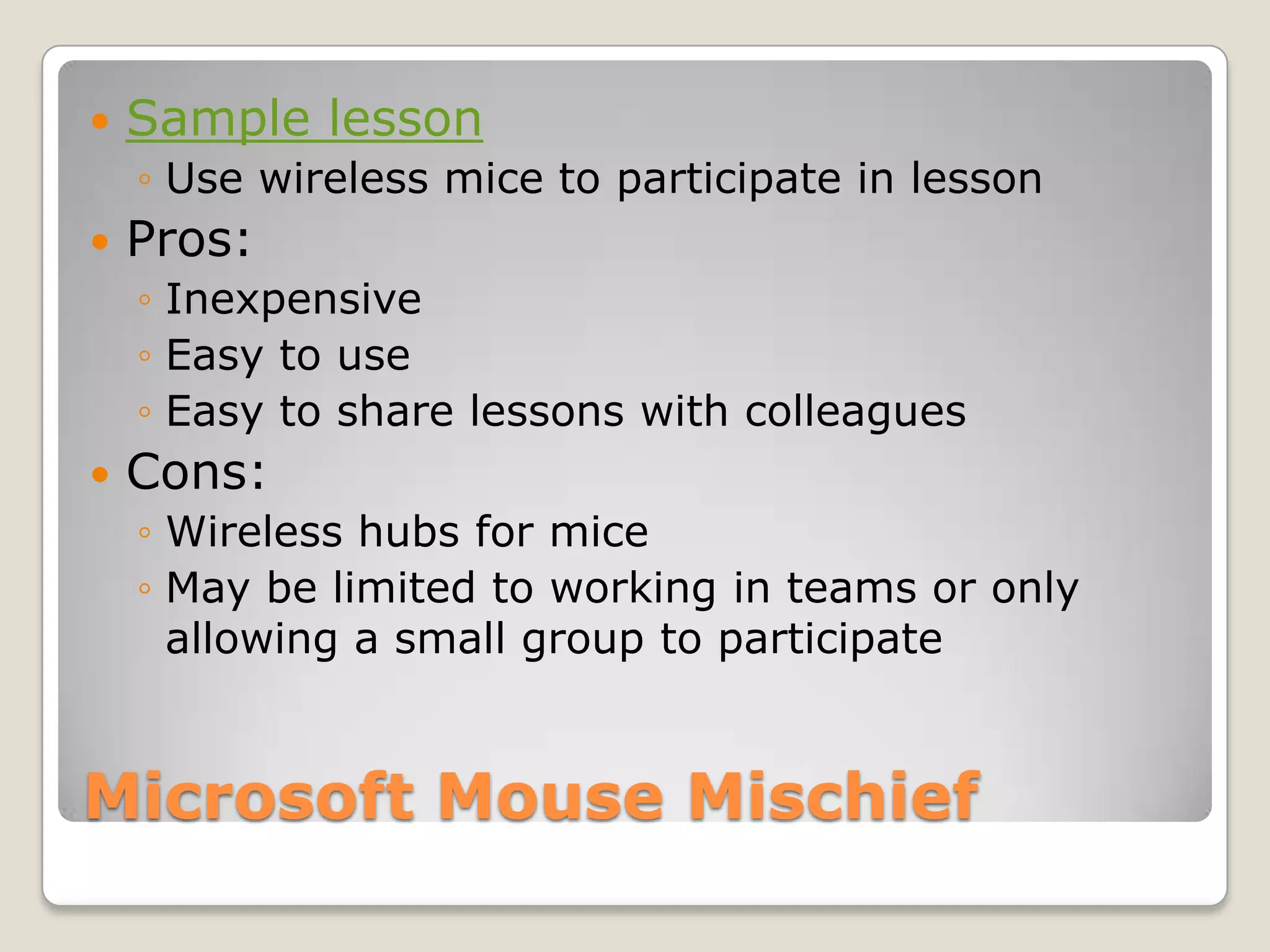
    Microsoft Mouse MischiefSamplelessonUse wireless mice to participate in lessonPros: InexpensiveEasy to useEasy to share lessons with colleaguesCons:Wireless hubs for miceMay be limited to working in teams or only allowing a small group to participate
  • 18.
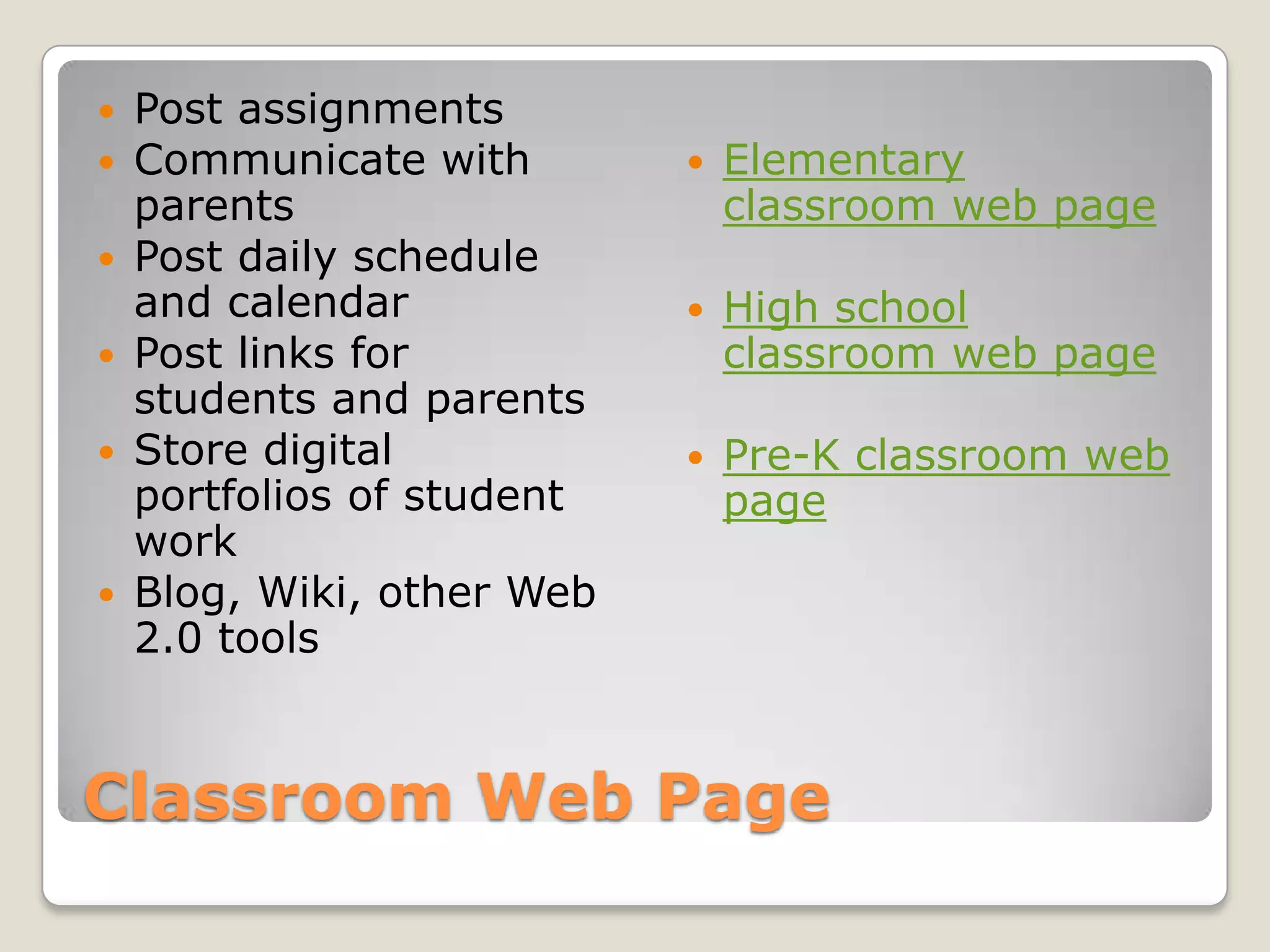
    Classroom Web PagePostassignmentsCommunicate with parentsPost daily schedule and calendarPost links for students and parentsStore digital portfolios of student workBlog, Wiki, other Web 2.0 toolsElementary classroom web pageHigh school classroom web pagePre-K classroom web page
  • 19.
  • 20.