Cool Web 2.0 Tools for Teachers and StudentsJayme LintonTeaching Fellows Senior ConferenceJuly 17, 2010
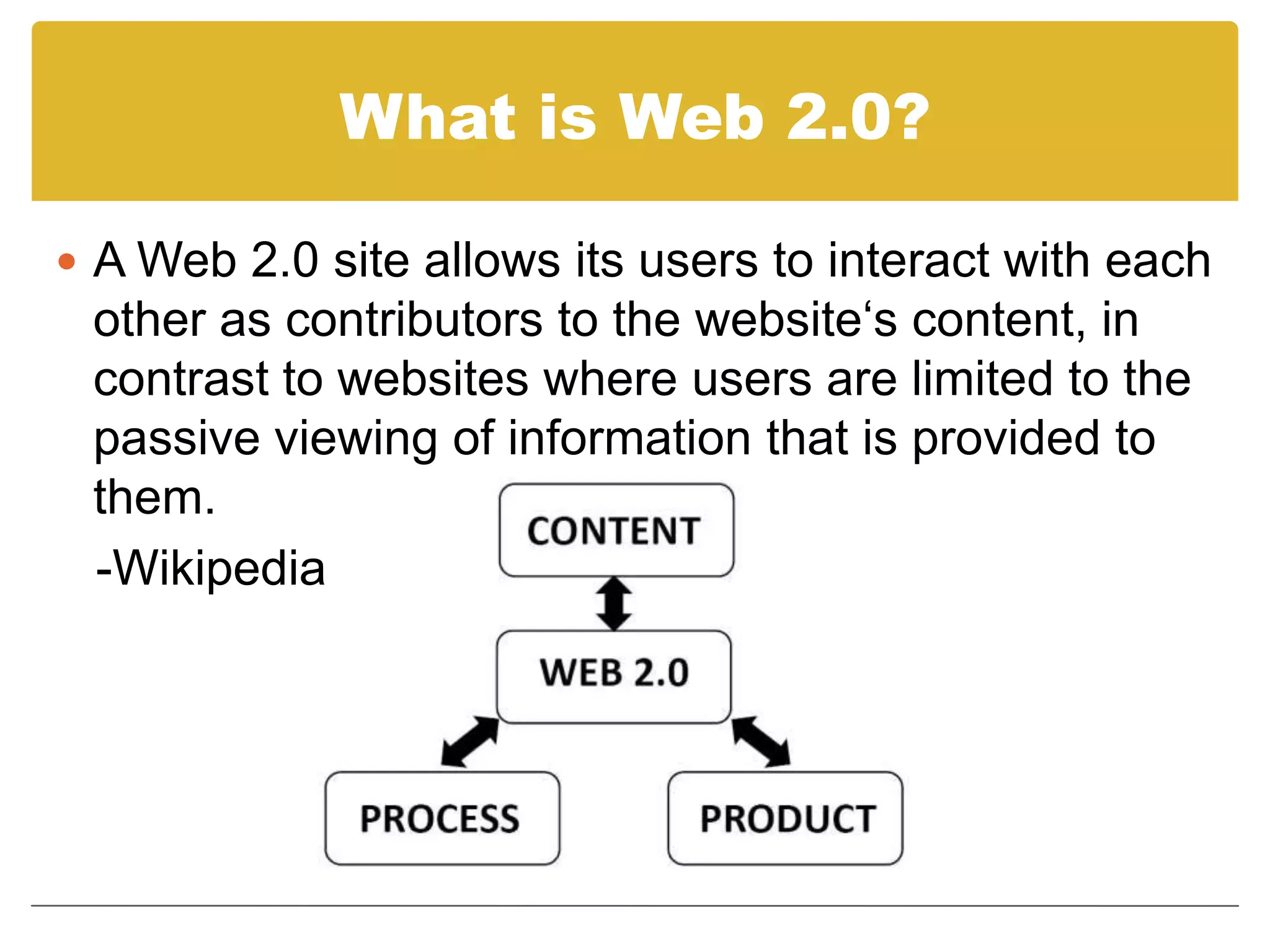
What is Web 2.0?A Web 2.0 site allows its users to interact with each other as contributors to the website‘s content, in contrast to websites where users are limited to the passive viewing of information that is provided to them.   -Wikipedia
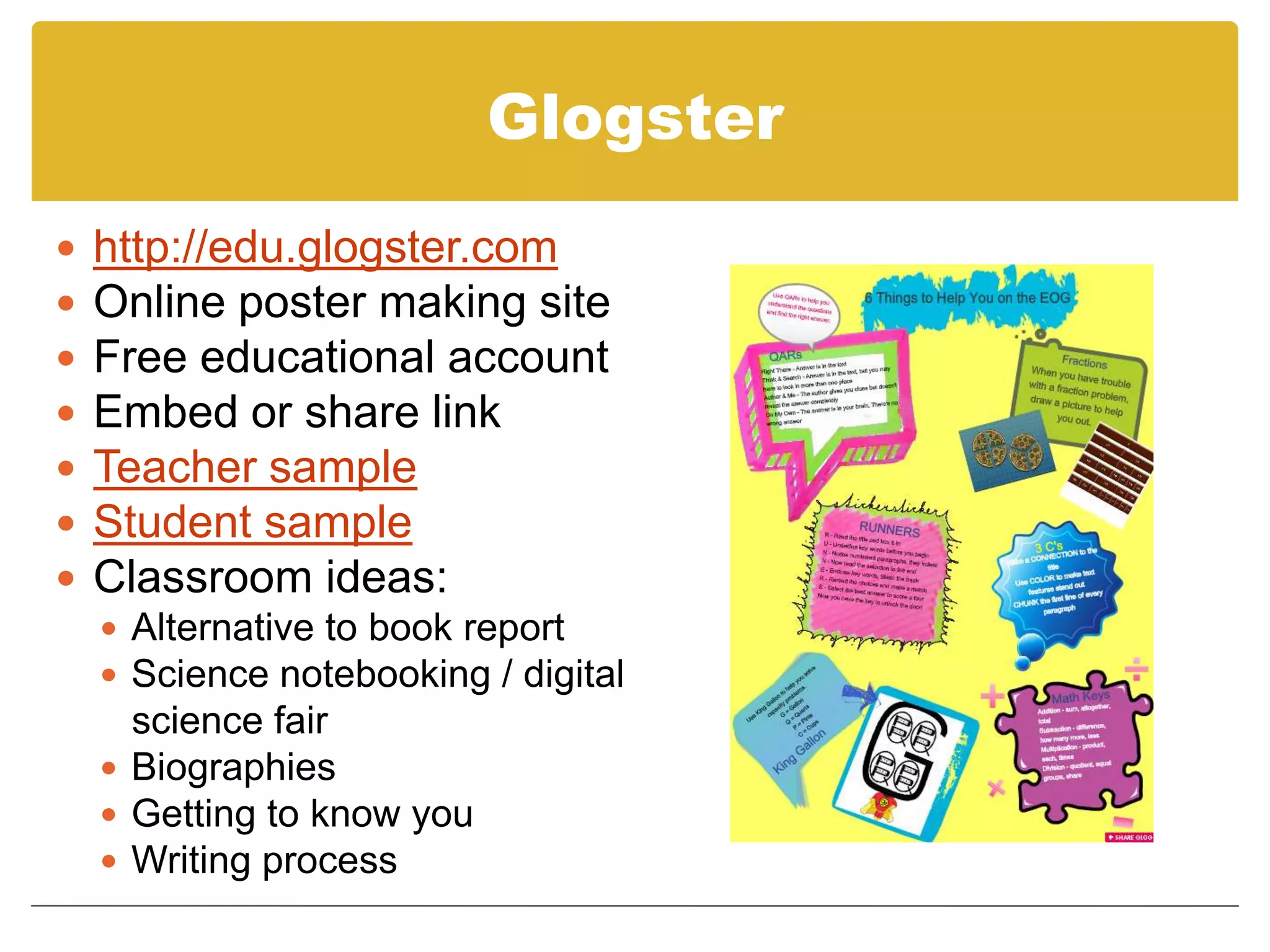
Glogsterhttp://edu.glogster.comOnline poster making siteFree educational accountEmbed or share linkTeacher sampleStudent sampleClassroom ideas:Alternative to book reportScience notebooking / digital    science fairBiographiesGetting to know youWriting process
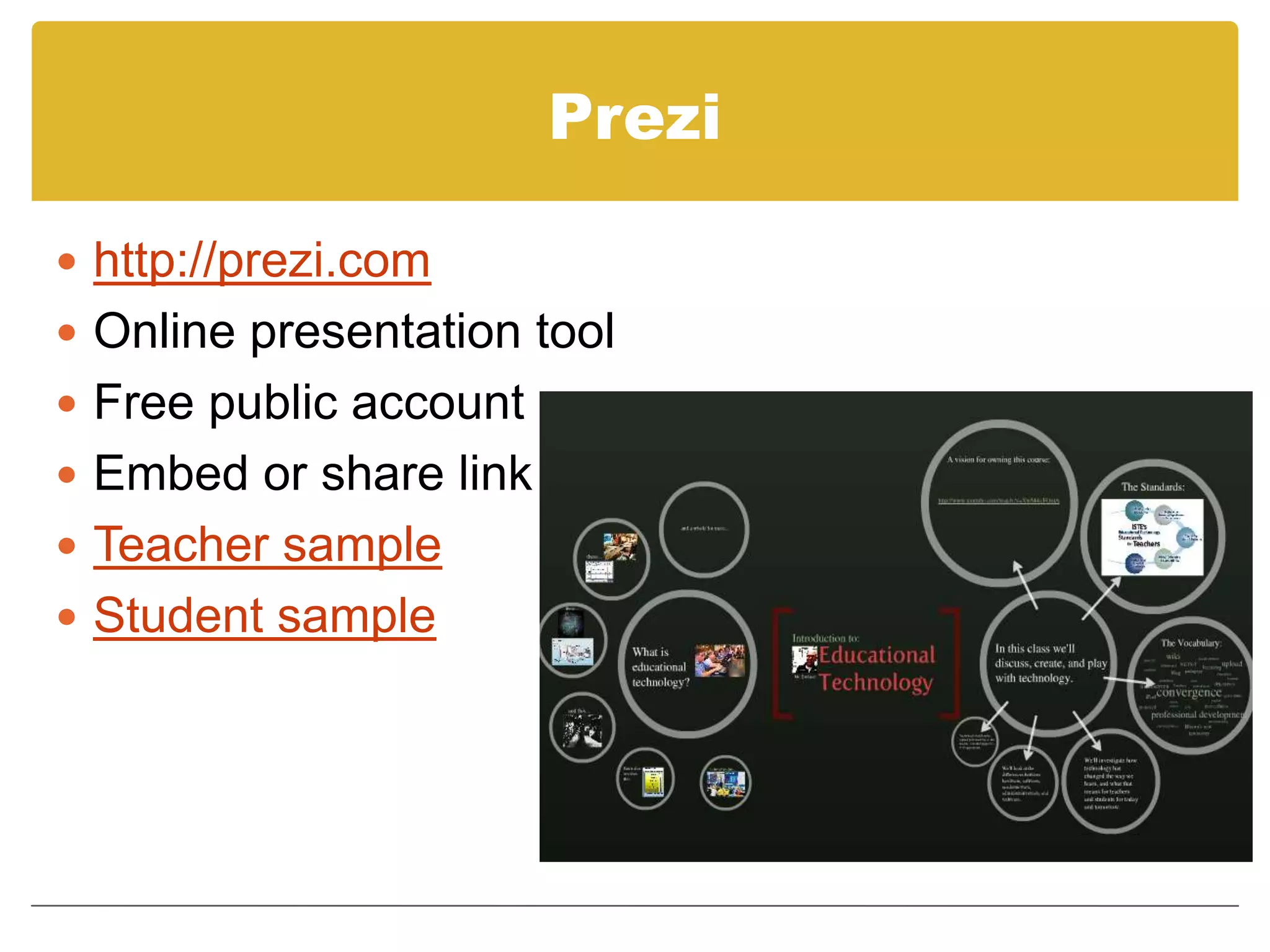
Prezihttp://prezi.comOnline presentation toolFree public accountEmbed or share linkTeacher sampleStudent sample
BlogsMany free blogging sitesBlogger, Posterous, TwitterPost topics, questions, content review, resourcesStudents comment on blog posts and reply to each otherTeacher sample – US HistoryTeacher sample – 5th grade mathClassroom ideas:Reading response journalProblem of the dayStudent writing - peer revisionScience notebookingParent communication
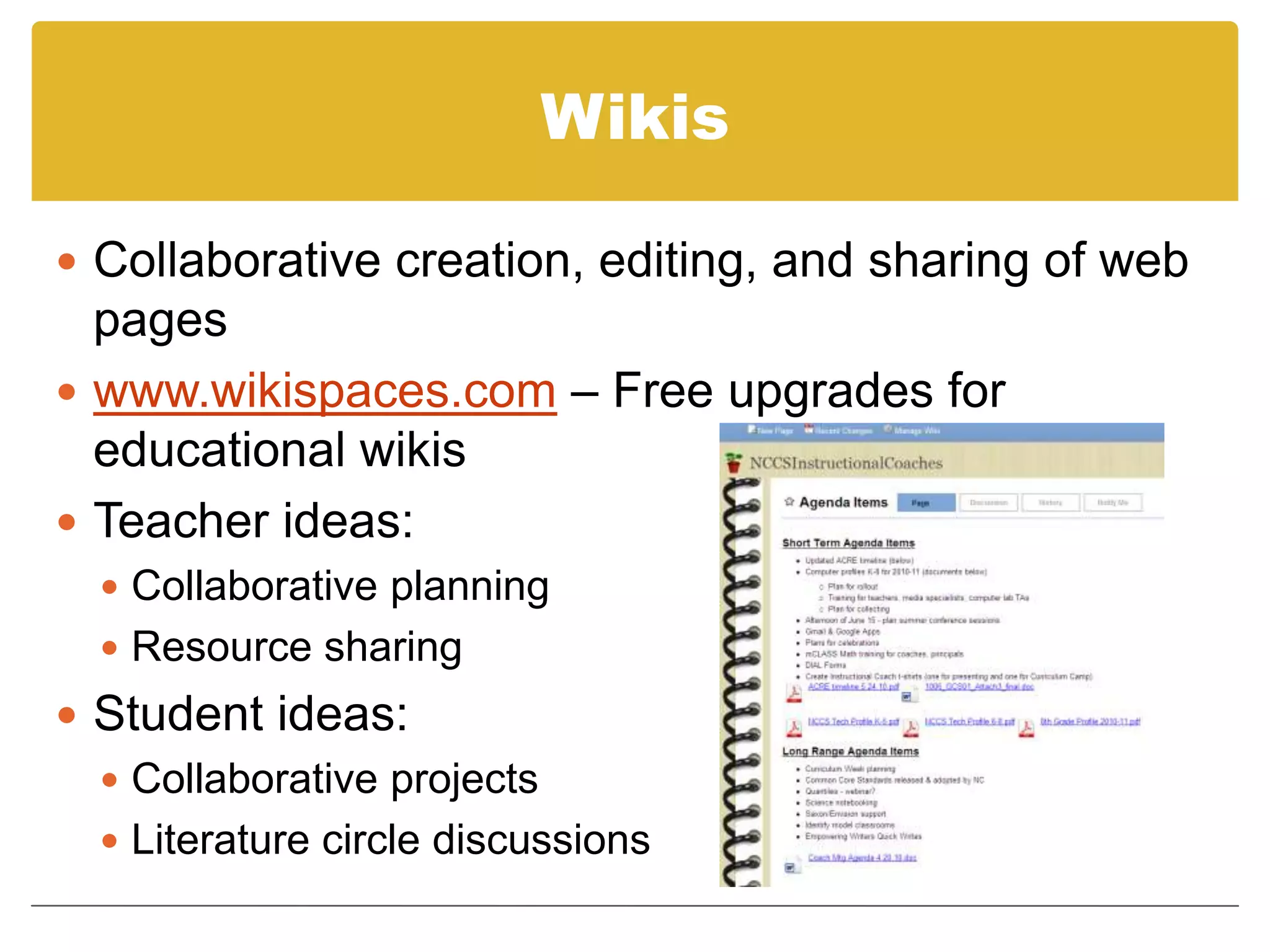
WikisCollaborative creation, editing, and sharing of web pageswww.wikispaces.com – Free upgrades for educational wikisTeacher ideas: Collaborative planningResource sharingStudent ideas:Collaborative projectsLiterature circle discussions
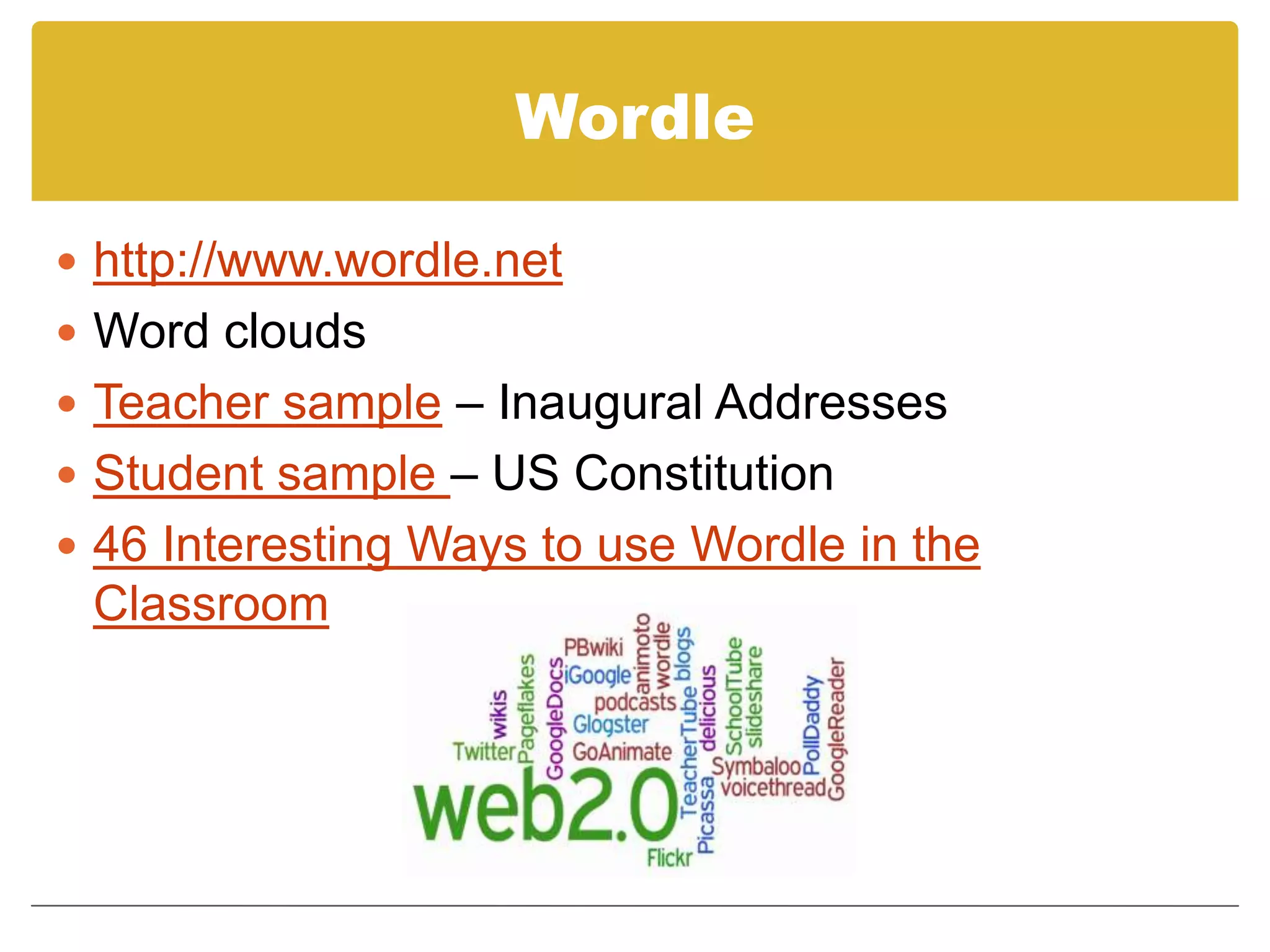
Wordlehttp://www.wordle.netWord cloudsTeacher sample – Inaugural AddressesStudent sample – US Constitution46 Interesting Ways to use Wordle in the Classroom
Animotohttp://animoto.com/educationOnline slideshow and video toolFree account for educatorsTeacher sampleClassroom ideas:Scavenger hunt (simple machines, solid shapes, angles, letters, living/nonliving, etc.)Open house / classroom tourBook response project (alternative to book report)Science experimentNeighborhood / community / state / nation – goods & services, community helpers, historic locations, geography, etc.
Audioboohttp://audioboo.fm/Free podcasting toolUp to 5 minutes of audioEmbed anywhereTeacher sampleClassroom ideas:Book recommendationsScience notebookingAnnouncements / parent communicationBlog topics & responsesRead aloud student writing
Skypewww.skype.comVoice and video calls, instant messagingFree downloadhttp://skypeanauthor.wetpaint.com/50 Awesome Ways to use Skype in the Classroom
Tokboxhttp://www.tokbox.comFree accountVideo chat and video messagingUp to 20 people at onceUp to 10 minutes for video messagingClassroom ideas for video chat:Collaborative projects with classrooms around the worldParent conferencesVirtual field tripsExpert interviewsClassroom ideas for video messaging:Work through steps for solving a math problemRead aloudStudent project presentationsReaders TheaterWax museumTravel log
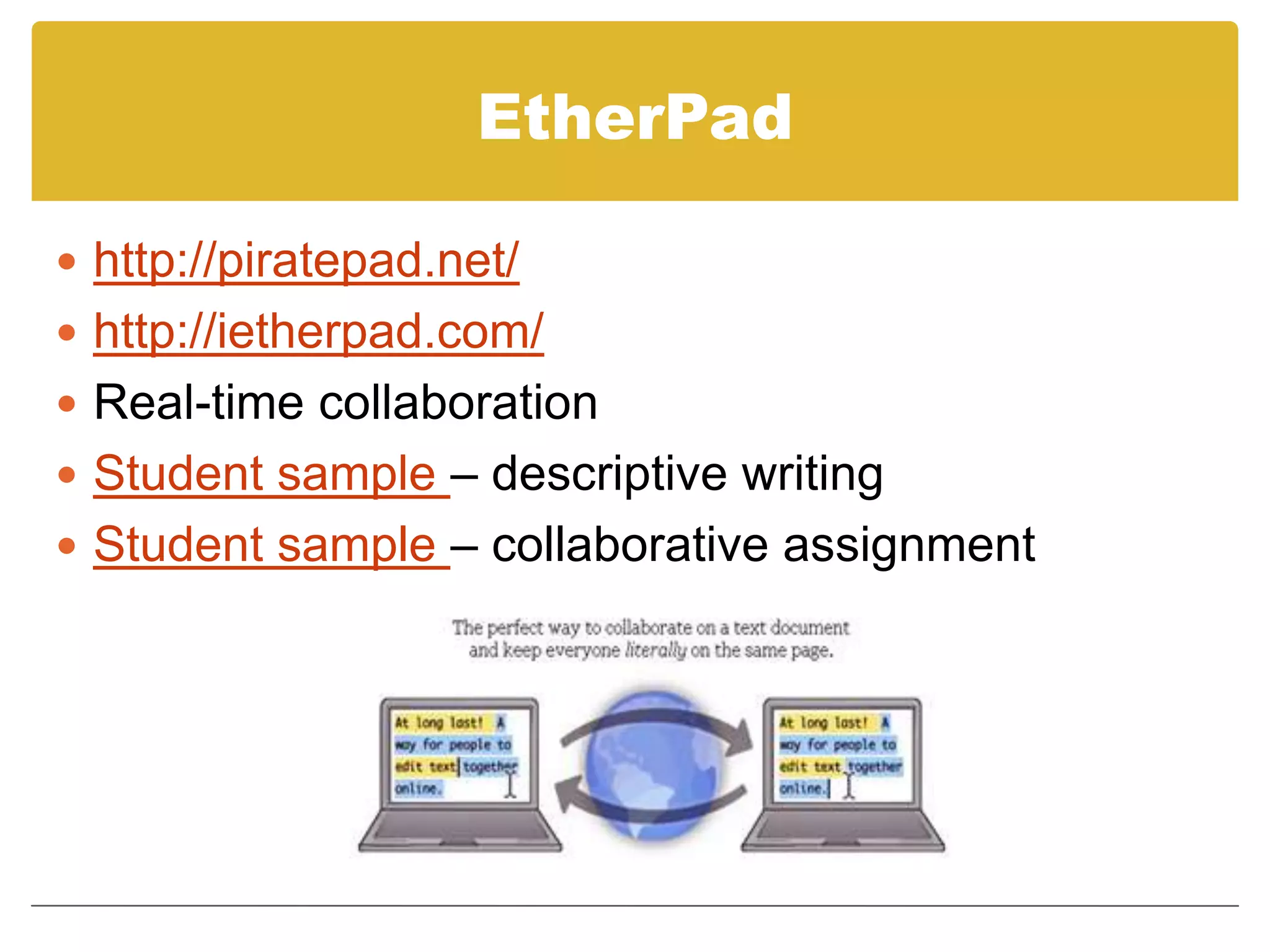
EtherPadhttp://piratepad.net/http://ietherpad.com/Real-time collaborationStudent sample – descriptive writingStudent sample – collaborative assignment
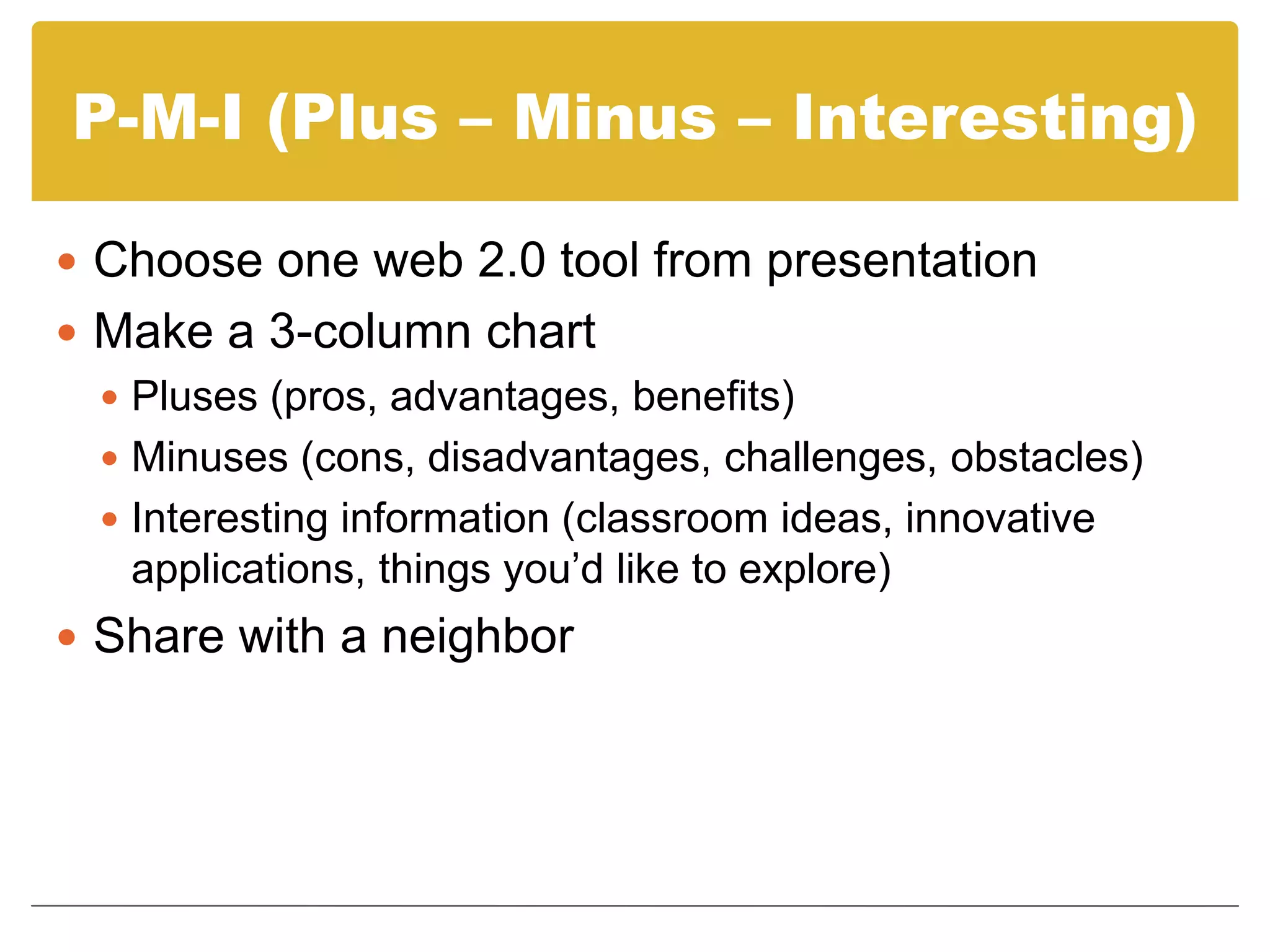
P-M-I (Plus – Minus – Interesting)Choose one web 2.0 tool from presentationMake a 3-column chartPluses (pros, advantages, benefits)Minuses (cons, disadvantages, challenges, obstacles)Interesting information (classroom ideas, innovative applications, things you’d like to explore)Share with a neighbor
Contact Mejayme_linton@nccs.k12.nc.usTwitter: jaymelintonhttp://techlearning.weebly.comVisit http://tr.im/nccsinsttech for today’s presentation.

Web 2.0 tools

  • 1.
    Cool Web 2.0Tools for Teachers and StudentsJayme LintonTeaching Fellows Senior ConferenceJuly 17, 2010
  • 2.
    What is Web2.0?A Web 2.0 site allows its users to interact with each other as contributors to the website‘s content, in contrast to websites where users are limited to the passive viewing of information that is provided to them. -Wikipedia
  • 3.
    Glogsterhttp://edu.glogster.comOnline poster makingsiteFree educational accountEmbed or share linkTeacher sampleStudent sampleClassroom ideas:Alternative to book reportScience notebooking / digital science fairBiographiesGetting to know youWriting process
  • 4.
    Prezihttp://prezi.comOnline presentation toolFreepublic accountEmbed or share linkTeacher sampleStudent sample
  • 5.
    BlogsMany free bloggingsitesBlogger, Posterous, TwitterPost topics, questions, content review, resourcesStudents comment on blog posts and reply to each otherTeacher sample – US HistoryTeacher sample – 5th grade mathClassroom ideas:Reading response journalProblem of the dayStudent writing - peer revisionScience notebookingParent communication
  • 6.
    WikisCollaborative creation, editing,and sharing of web pageswww.wikispaces.com – Free upgrades for educational wikisTeacher ideas: Collaborative planningResource sharingStudent ideas:Collaborative projectsLiterature circle discussions
  • 7.
    Wordlehttp://www.wordle.netWord cloudsTeacher sample– Inaugural AddressesStudent sample – US Constitution46 Interesting Ways to use Wordle in the Classroom
  • 8.
    Animotohttp://animoto.com/educationOnline slideshow andvideo toolFree account for educatorsTeacher sampleClassroom ideas:Scavenger hunt (simple machines, solid shapes, angles, letters, living/nonliving, etc.)Open house / classroom tourBook response project (alternative to book report)Science experimentNeighborhood / community / state / nation – goods & services, community helpers, historic locations, geography, etc.
  • 9.
    Audioboohttp://audioboo.fm/Free podcasting toolUpto 5 minutes of audioEmbed anywhereTeacher sampleClassroom ideas:Book recommendationsScience notebookingAnnouncements / parent communicationBlog topics & responsesRead aloud student writing
  • 10.
    Skypewww.skype.comVoice and videocalls, instant messagingFree downloadhttp://skypeanauthor.wetpaint.com/50 Awesome Ways to use Skype in the Classroom
  • 11.
    Tokboxhttp://www.tokbox.comFree accountVideo chatand video messagingUp to 20 people at onceUp to 10 minutes for video messagingClassroom ideas for video chat:Collaborative projects with classrooms around the worldParent conferencesVirtual field tripsExpert interviewsClassroom ideas for video messaging:Work through steps for solving a math problemRead aloudStudent project presentationsReaders TheaterWax museumTravel log
  • 12.
    EtherPadhttp://piratepad.net/http://ietherpad.com/Real-time collaborationStudent sample– descriptive writingStudent sample – collaborative assignment
  • 13.
    P-M-I (Plus –Minus – Interesting)Choose one web 2.0 tool from presentationMake a 3-column chartPluses (pros, advantages, benefits)Minuses (cons, disadvantages, challenges, obstacles)Interesting information (classroom ideas, innovative applications, things you’d like to explore)Share with a neighbor
  • 14.