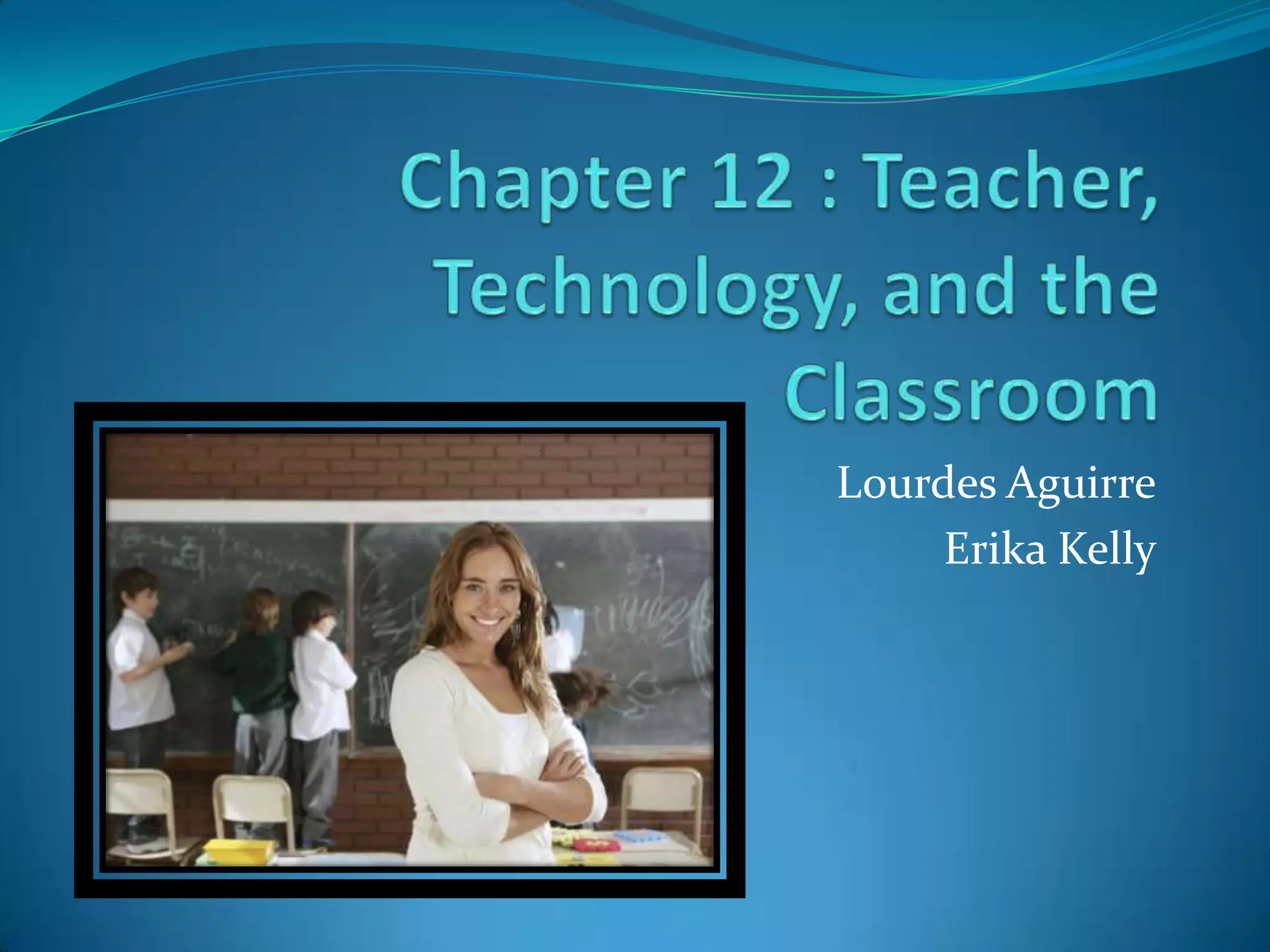
Chapter 12 : Teacher, Technology, and the ClassroomLourdes AguirreErika Kelly
In this chapter……What can I do to “get ready” for a lesson if I’m using the computers?
Where does the “computer part” come in while I’m teaching?
How do I make it equal for my students with the limited number of computers I have?
ISTE National Educational Technology Standards for Teachers1. Facilitate & Inspire Student Learning & Creativity2. Design & Develop Digital-Age Learning Experiences & Assessments3. Model Digital-Age Work & Learning4. Promote & Model Digital Citizenship & Responsibility5. Engage in Professional Growth & Leadership
Preparing to Implement Technology Integration LessonsPreparing HandoutsTechnical Step by Step GuidesResource GuidesAssessment ToolsPreparing TechnologyCreate Digital FoldersDesign TemplatesLoad Specialized SoftwareBookmark Internet sitesTurn on computers and open applications
Technical Step by Step GuidesGuides can be used for:Inserting and formatting tables
Creating spreadsheet and charts
Inserting hyperlinksGuides can be presented as:Think SheetsIndividual handoutsLaminated Sheets
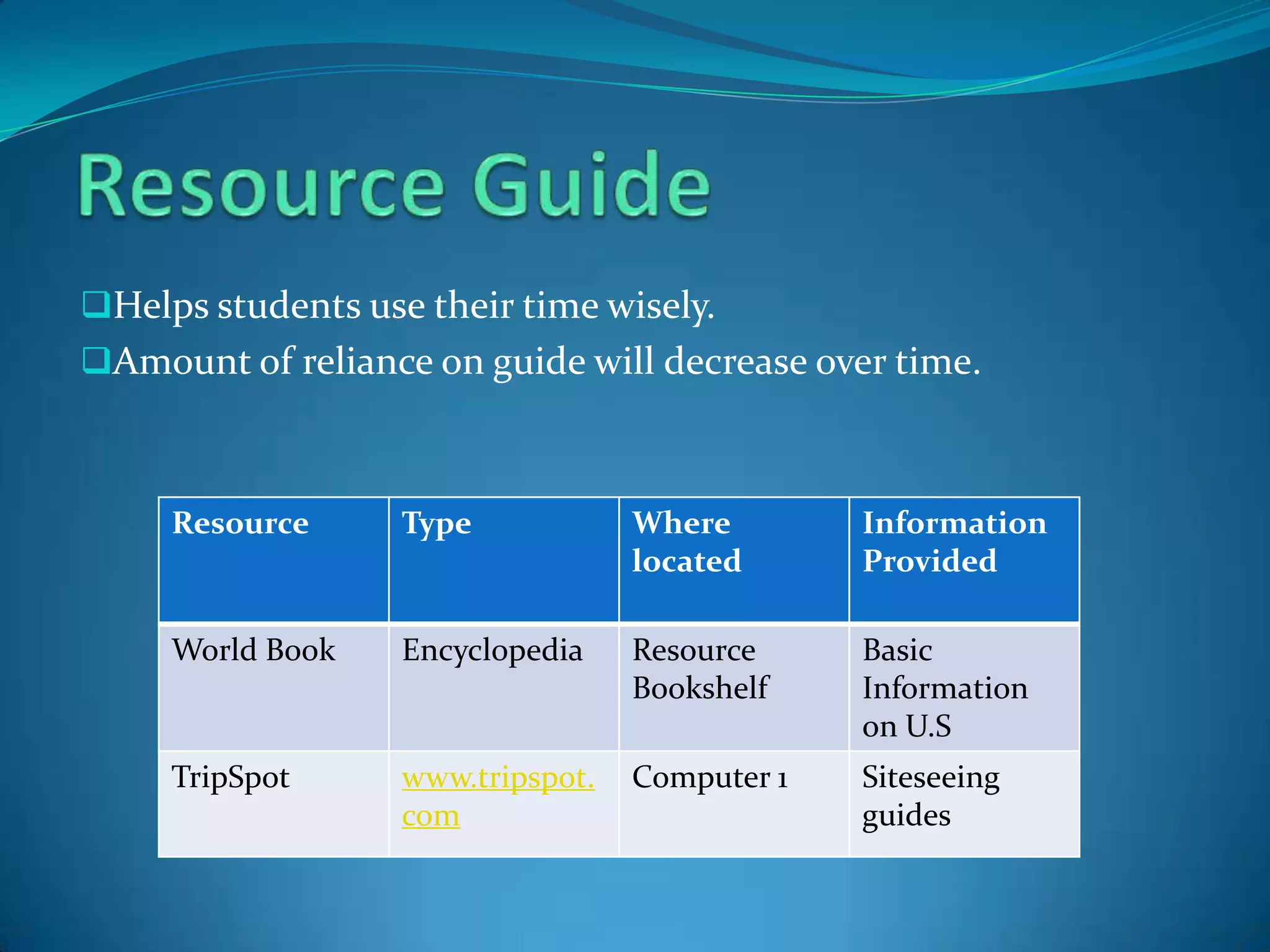
Resource GuideHelps students use their time wisely.
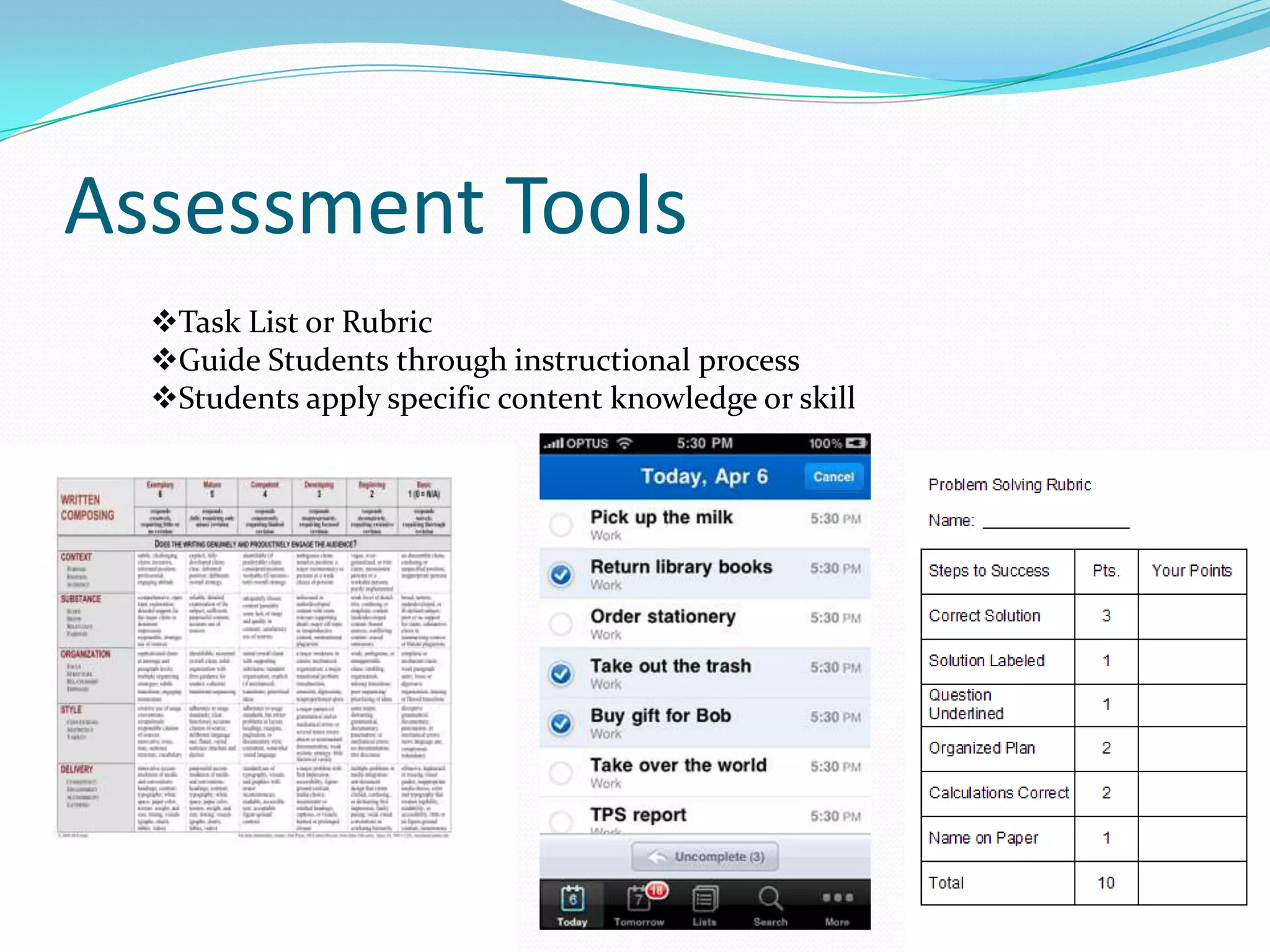
Amount of reliance on guide will decrease over time.Assessment ToolsTask List or Rubric
Guide Students through instructional process
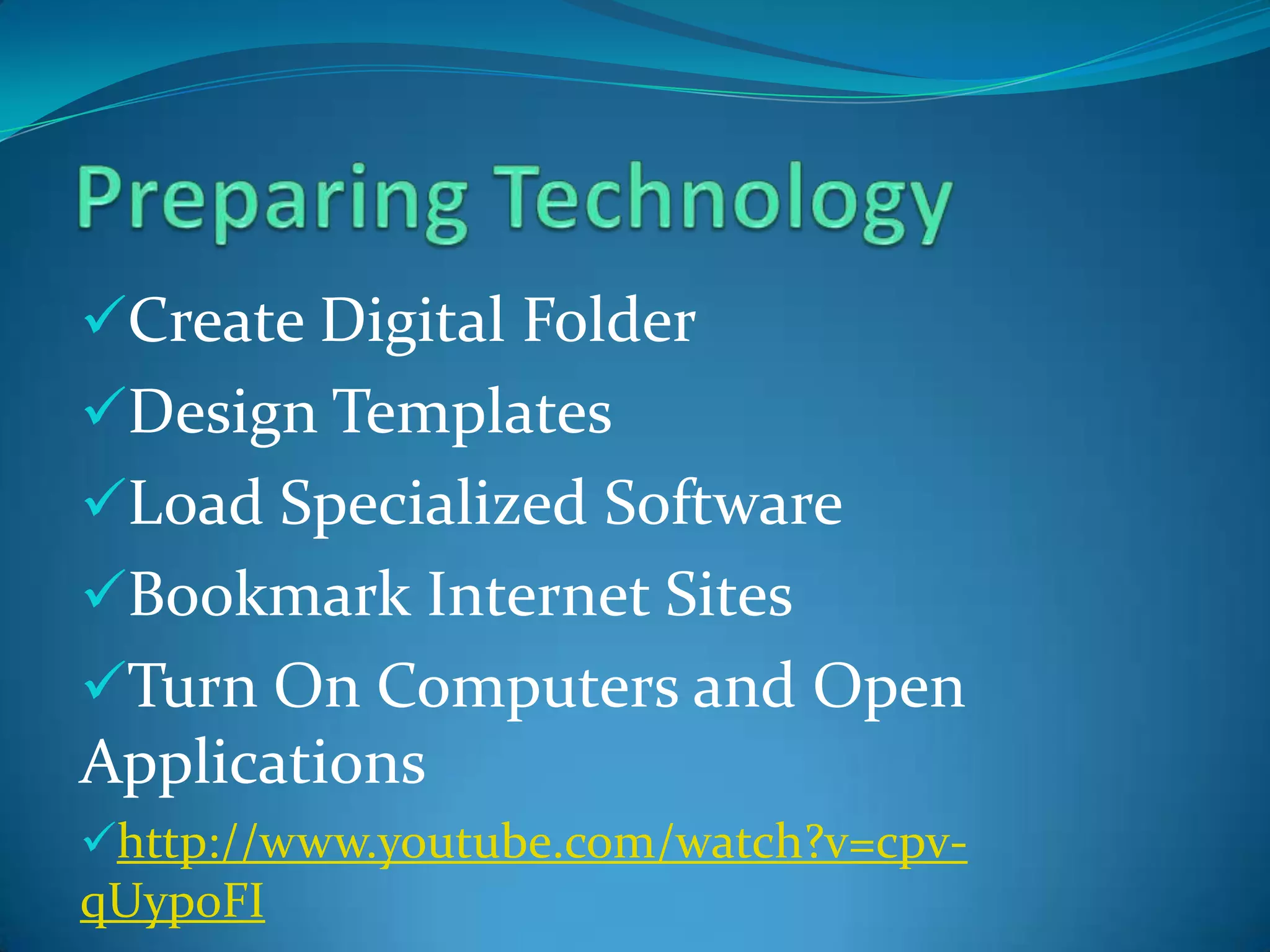
Students apply specific content knowledge or skillPreparing TechnologyCreate Digital Folder
Design Templates
Load Specialized Software
Bookmark Internet Sites
Turn On Computers and Open Applications
http://www.youtube.com/watch?v=cpv-qUyp0FITemplate
Managing the ClassroomQuestion 1:What are some classroom rules that you would include aimed specifically toward computer use in the classroom?
Computer Learning CultureHelping one another solve problemsReinforcing each other for making progressEffectively working in physically close proximity to one anotherExtending the effective working relationships beyond the computer environment

Chapter 12 New