Download as PDF, PPTX




This document discusses various topics related to the internet including what the internet is, why we need it, the world wide web, how to access and bookmark websites, search engines, and specialized search engines. It defines the internet as the largest network connecting computer networks around the world. It explains that the world wide web is a system of hyperlinked documents accessed via the internet and the most important service it provides. It also discusses how to search the internet using search engines and save pages or images, and lists some specialized search engines for specific topics like companies, people, images, jobs, games, health, and education.
Deepak John from the Department Of I.T, CE-Poonjar introduces the presentation.
Defines Internet, its need, WWW, web browser, URL, and web sites, including how to access and bookmark.
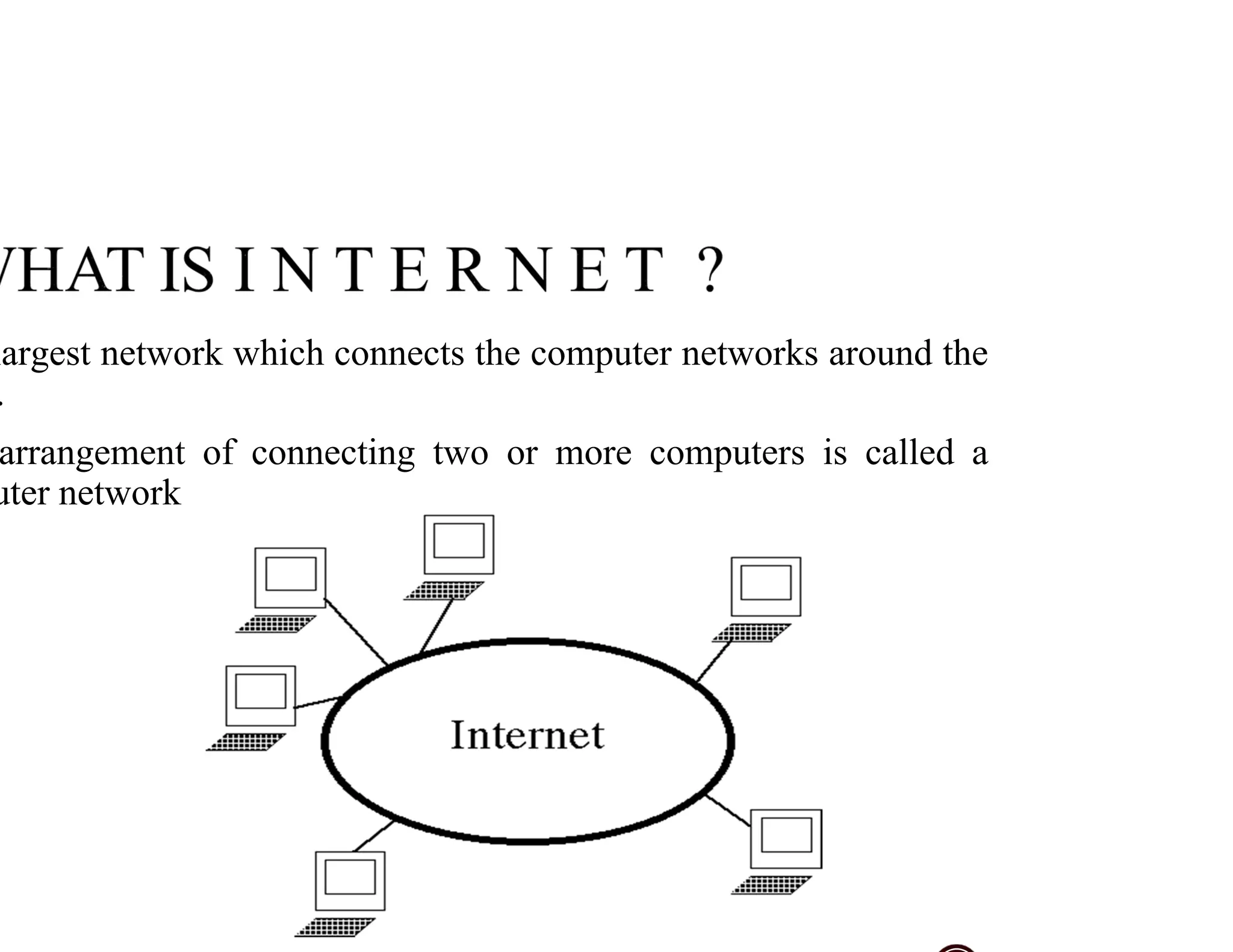
Covers largest networks and defines computer networks as arrangements connecting multiple computers.
Explains internet needs for information sharing, education, communication, medical data, and entertainment.
Describes the internet as a system of interlinked hypertext documents that enables global information sharing.
Defines web browsers, lists common ones like Mozilla Firefox, Netscape Navigator, and Microsoft Internet Explorer.
Defines URL as a web address, shows examples, and explains its significance in locating resources.
Describes a website as a set of web pages served from a domain, accessible via its URL.
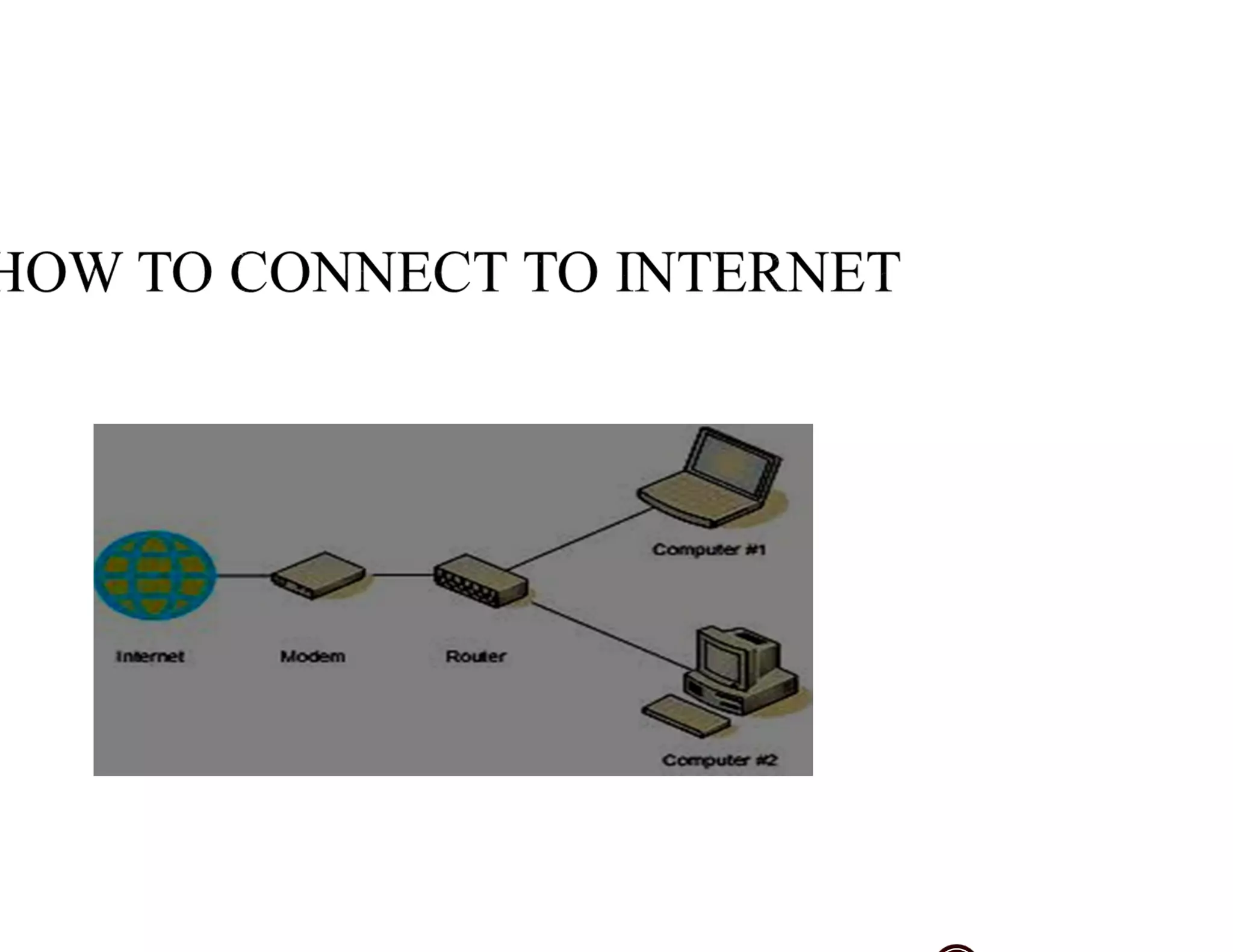
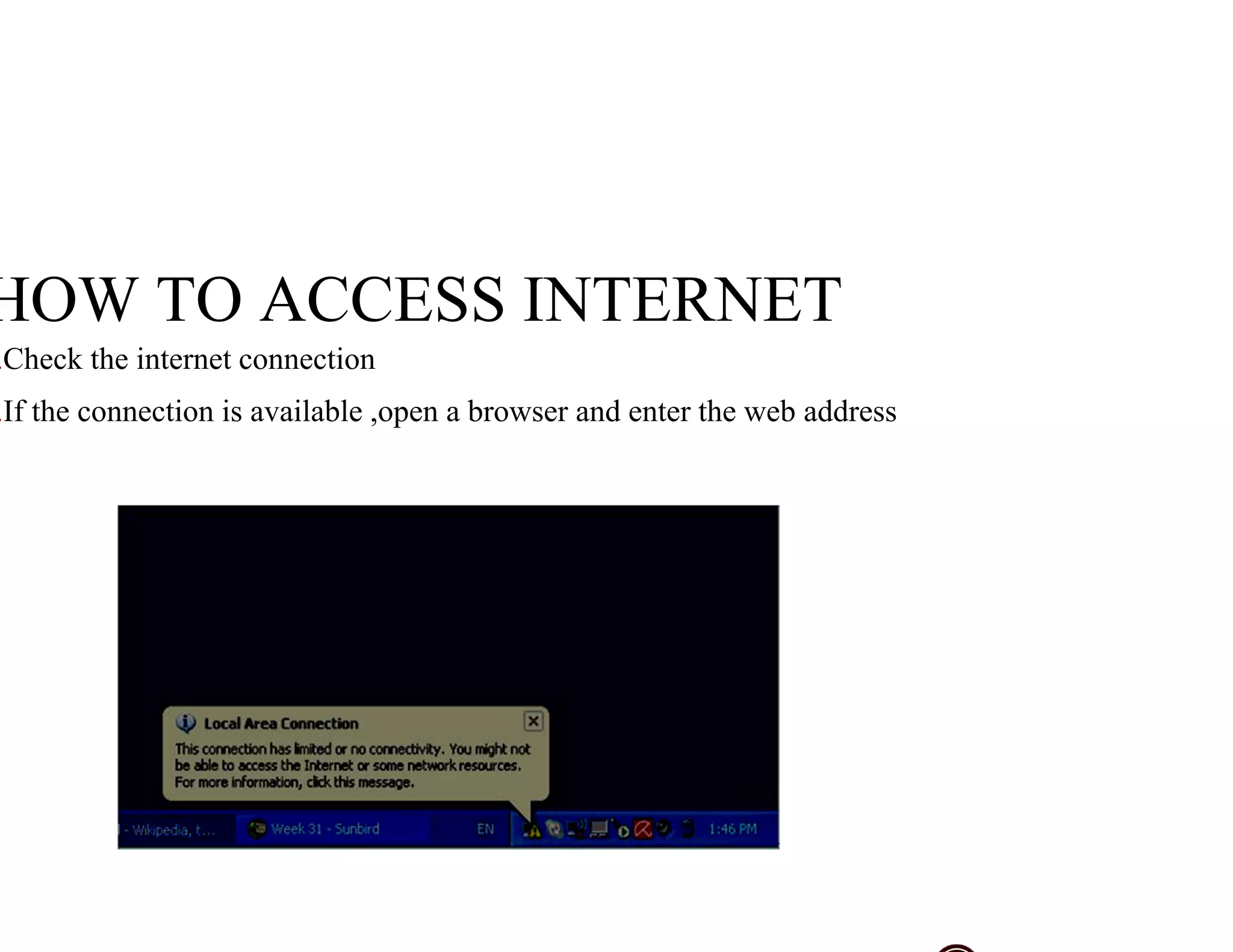
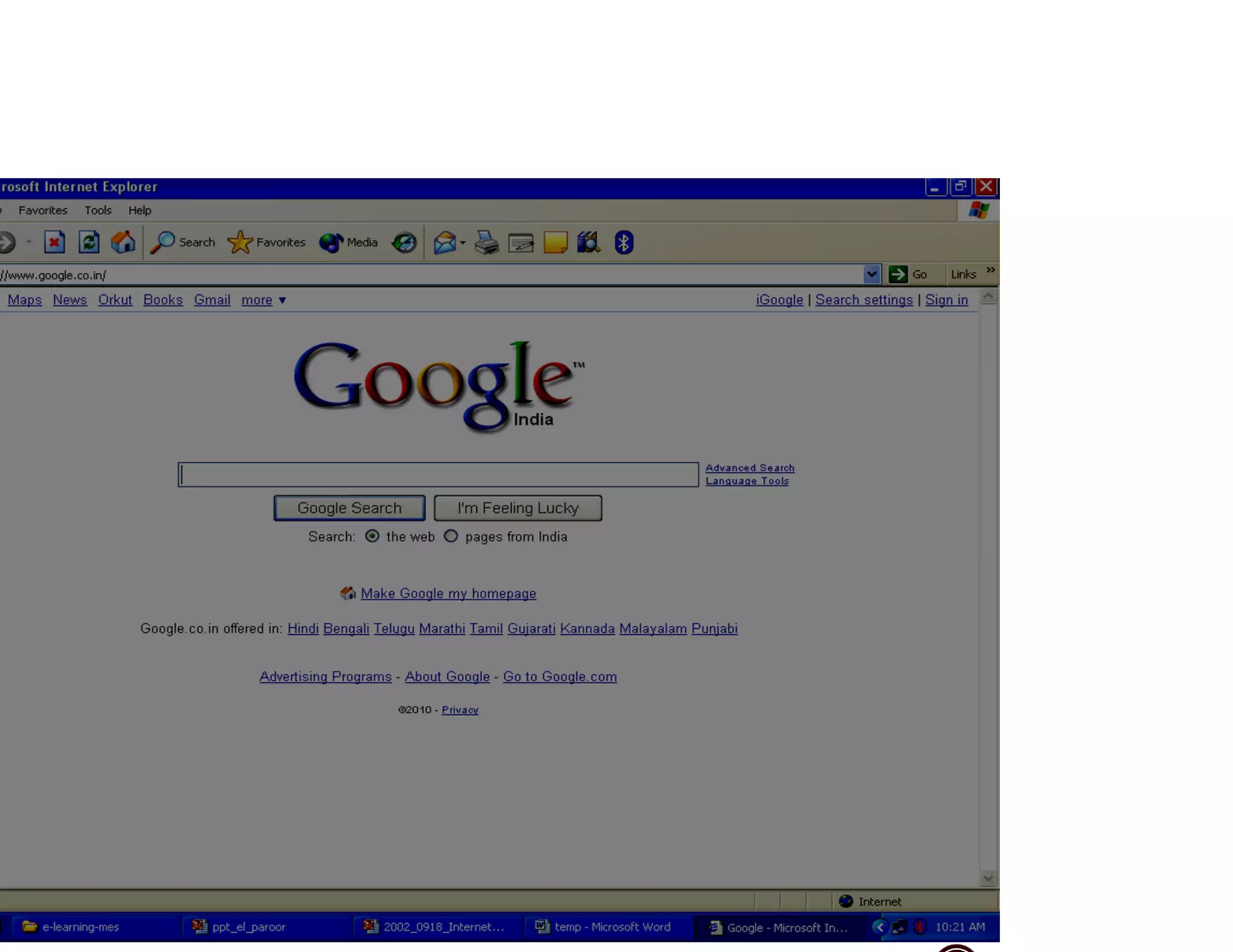
Step-by-step guide on checking internet connection and using a web browser to access the internet.
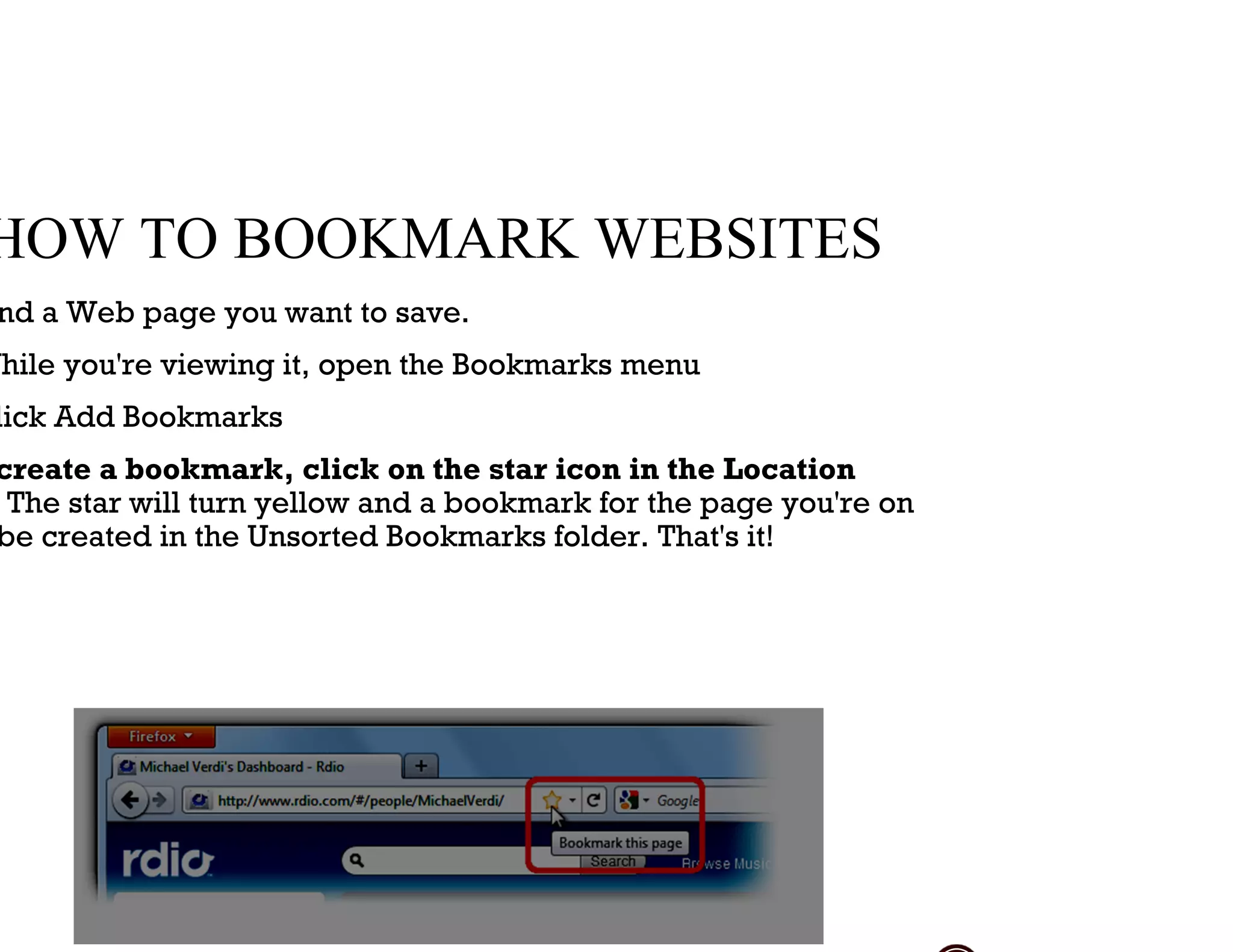
Instructions on how to bookmark a website using the bookmarks menu and techniques for saving pages.
Lists various internet services including Email, World Wide Web, Internet Telephone, and News Groups.
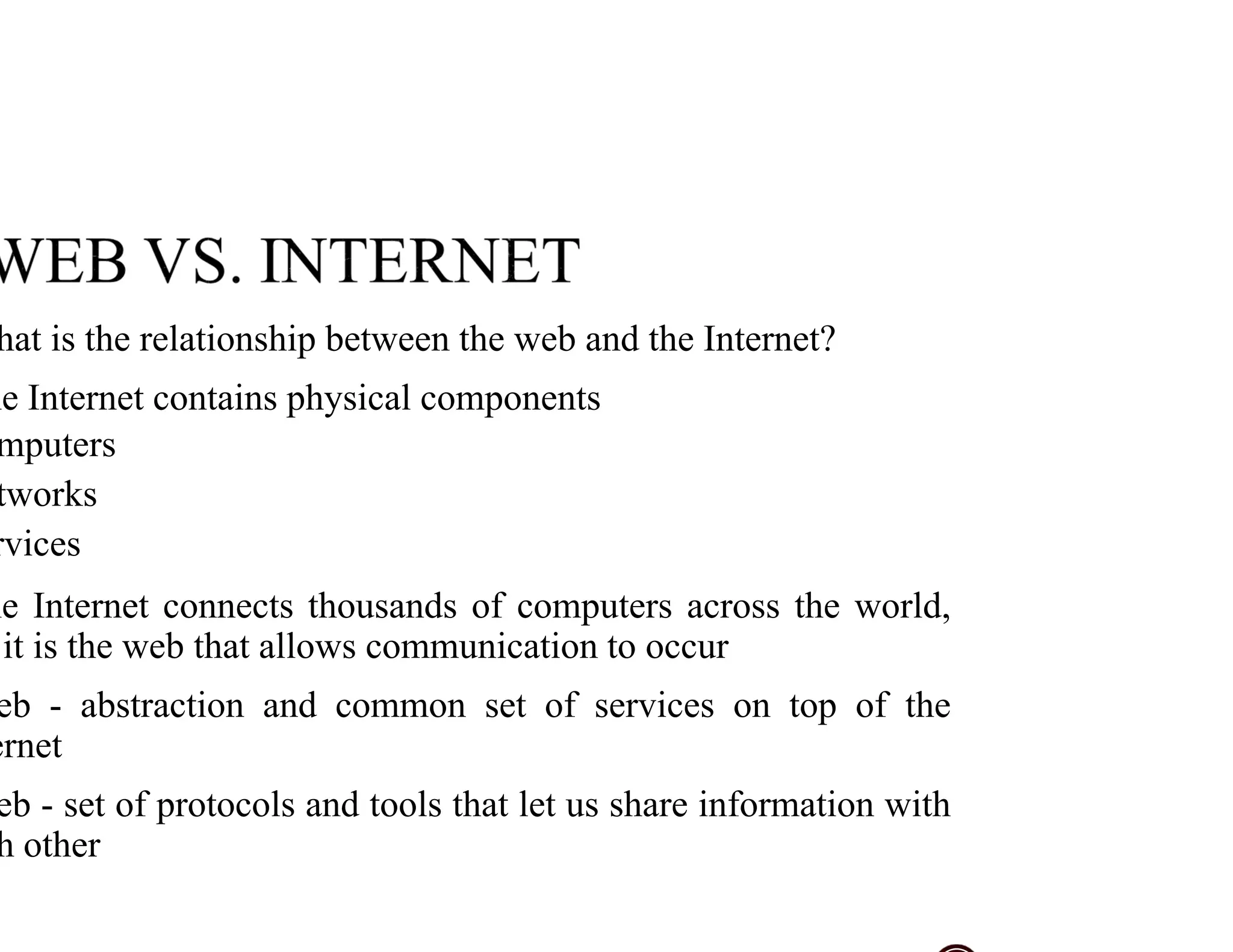
Explains the relationship between the web and the internet, highlighting their distinct roles.
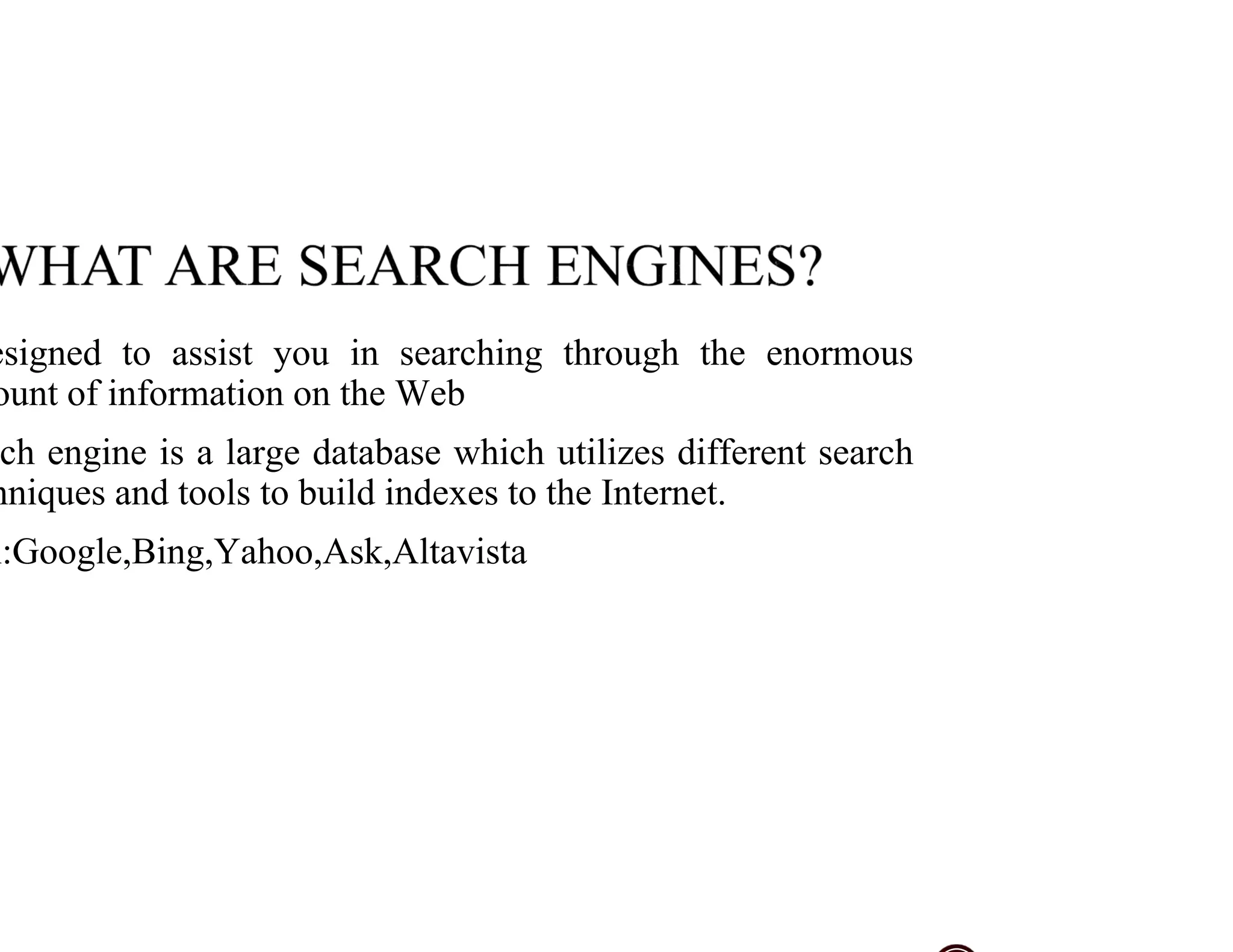
Introduces search engines, their purpose, and objectives for effectively using them.
Describes various search engines and their databases, emphasizing differences and functionalities.
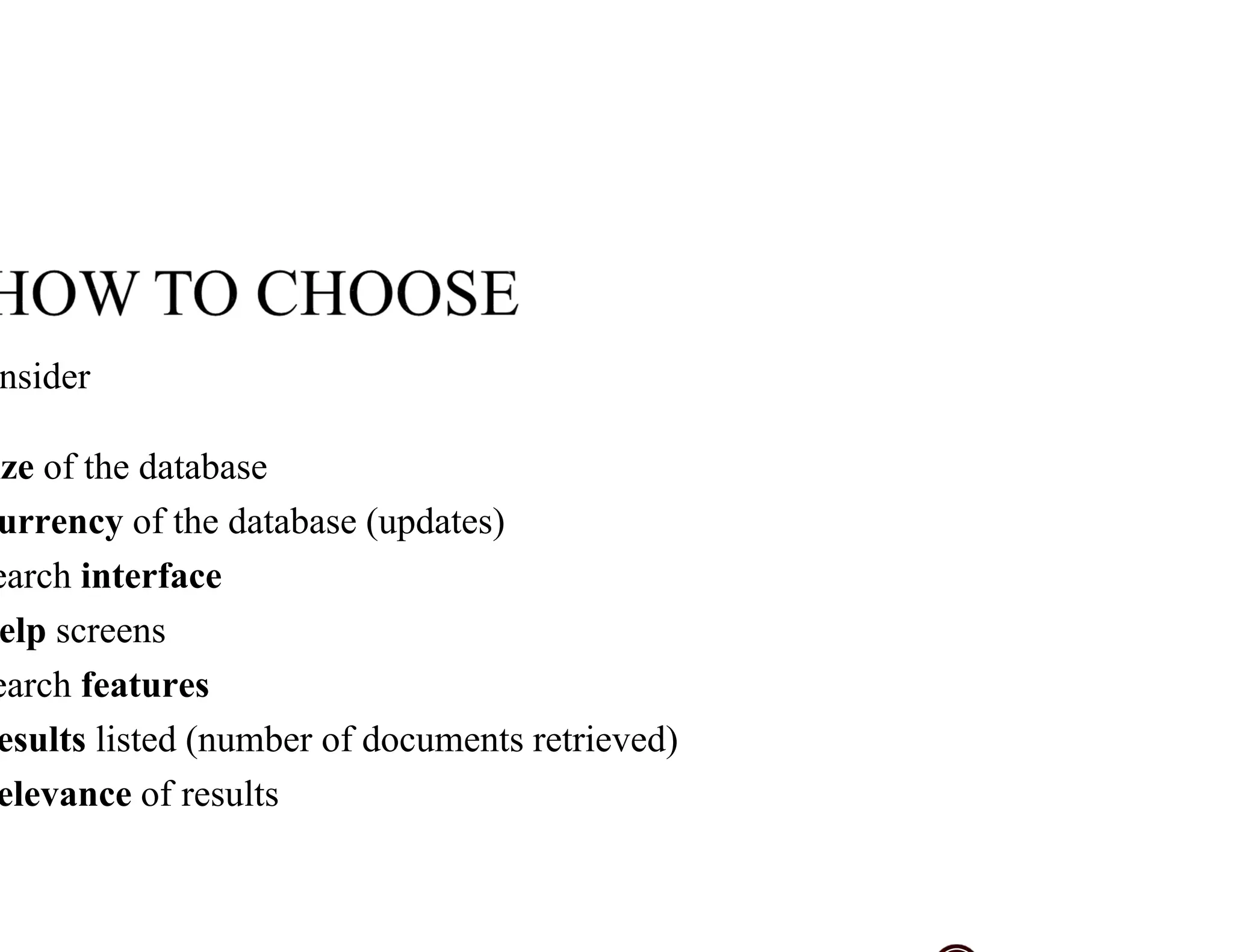
Key considerations for choosing search engines, including database size, update currency, and features.
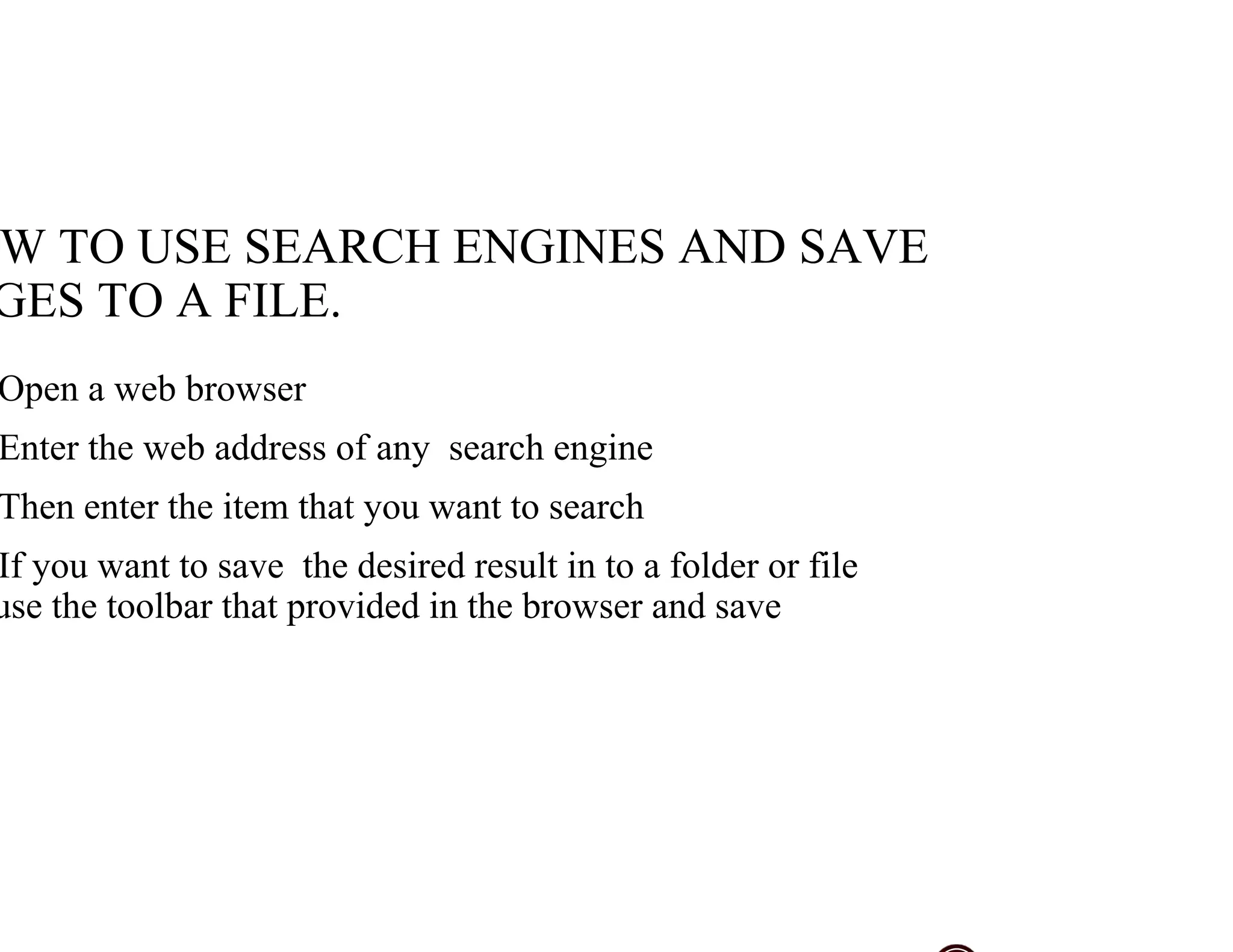
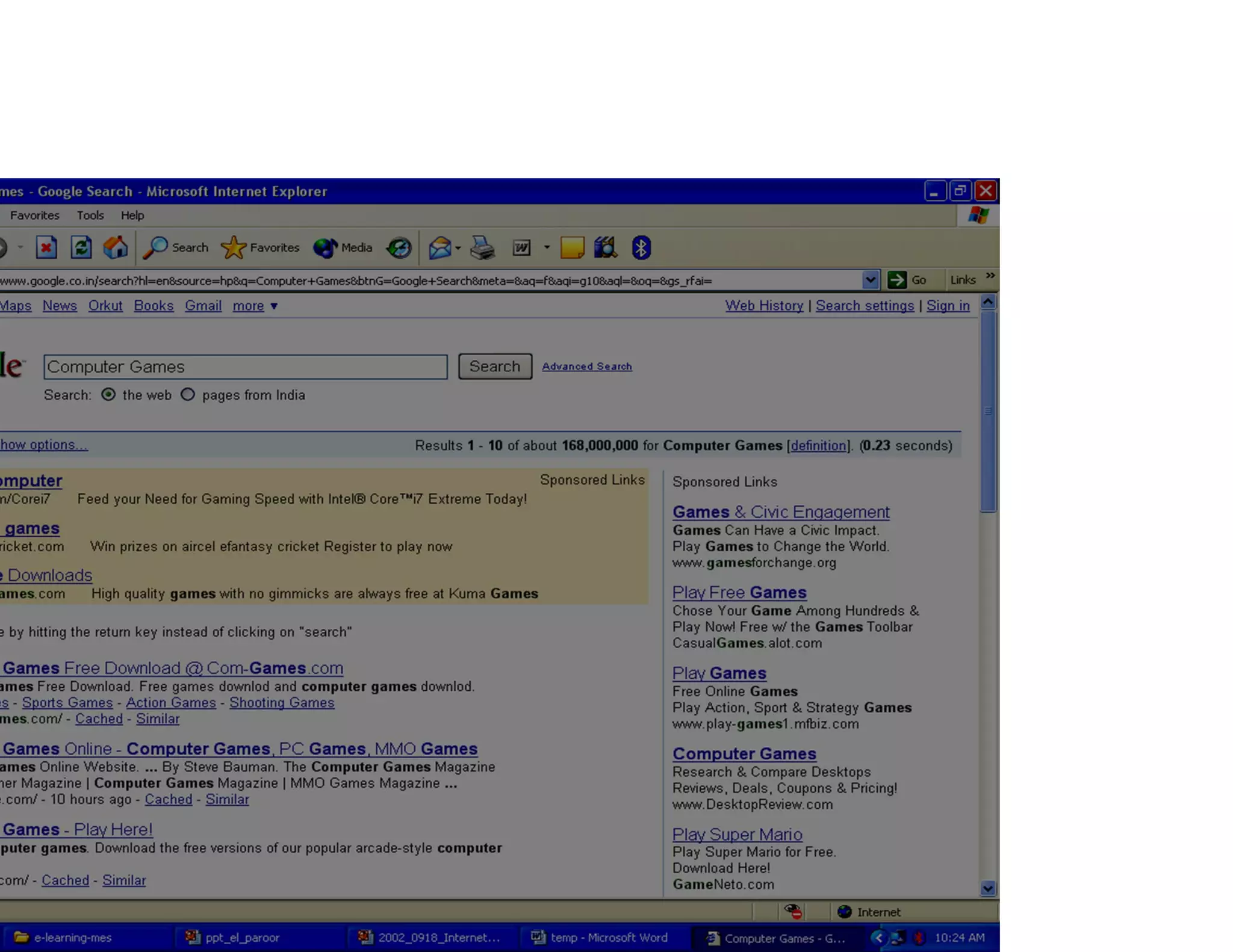
Instructional content on how to utilize search engines and save results efficiently.
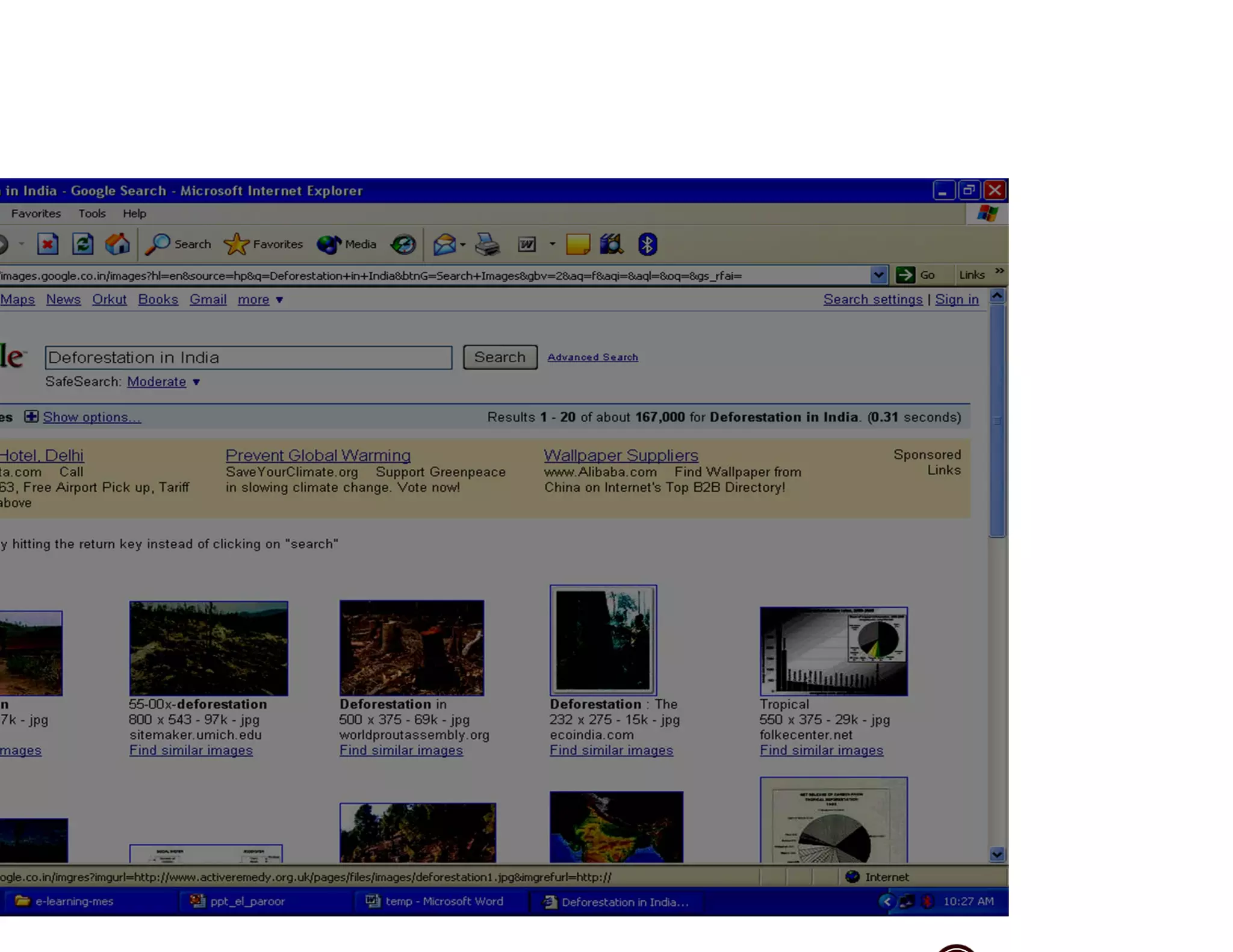
Guidance on searching for images on the internet and saving them to folders.
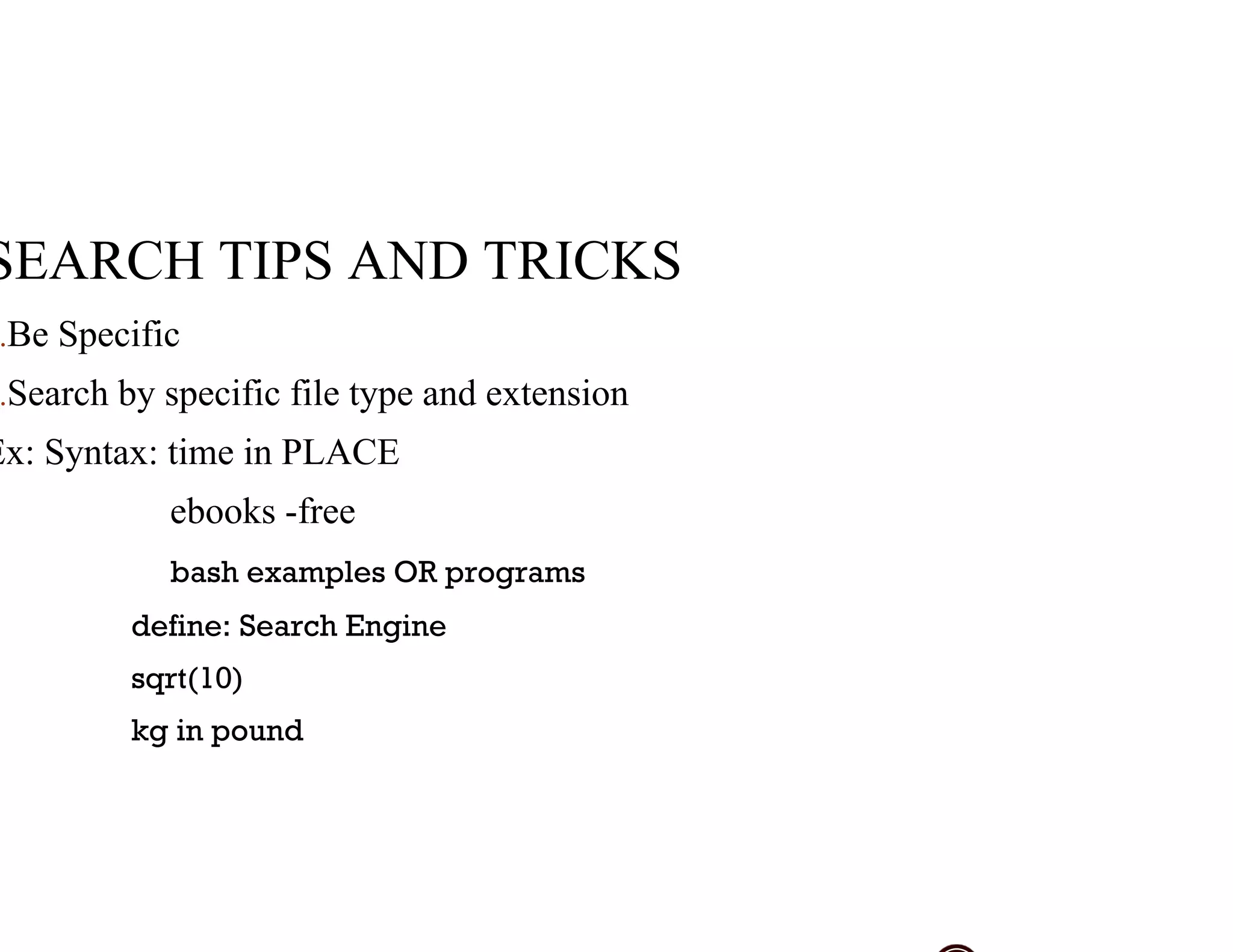
Important search tips and tricks for refining results, including syntax and searching methods.
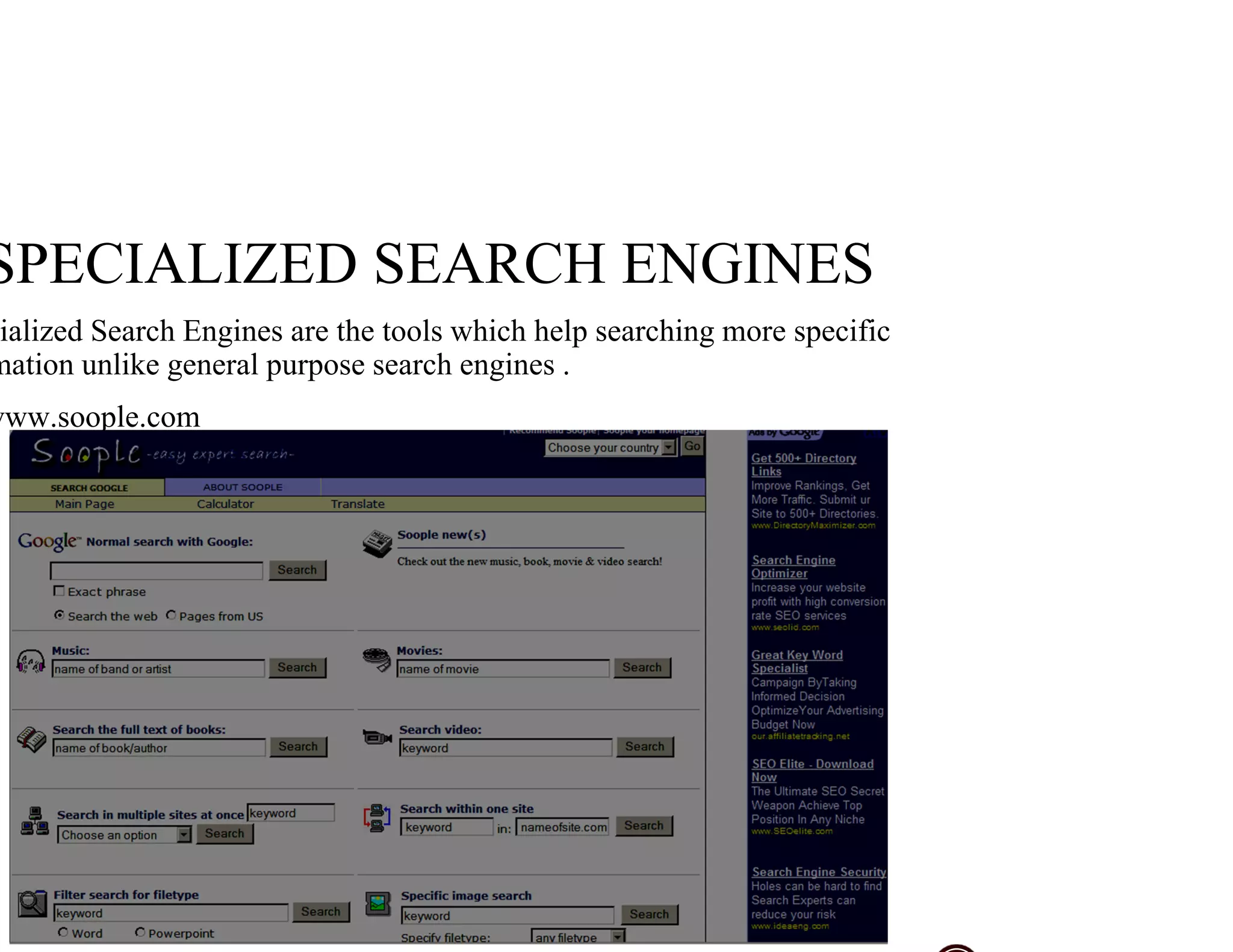
Introduces specialized search engines designed for more targeted searches compared to general ones.
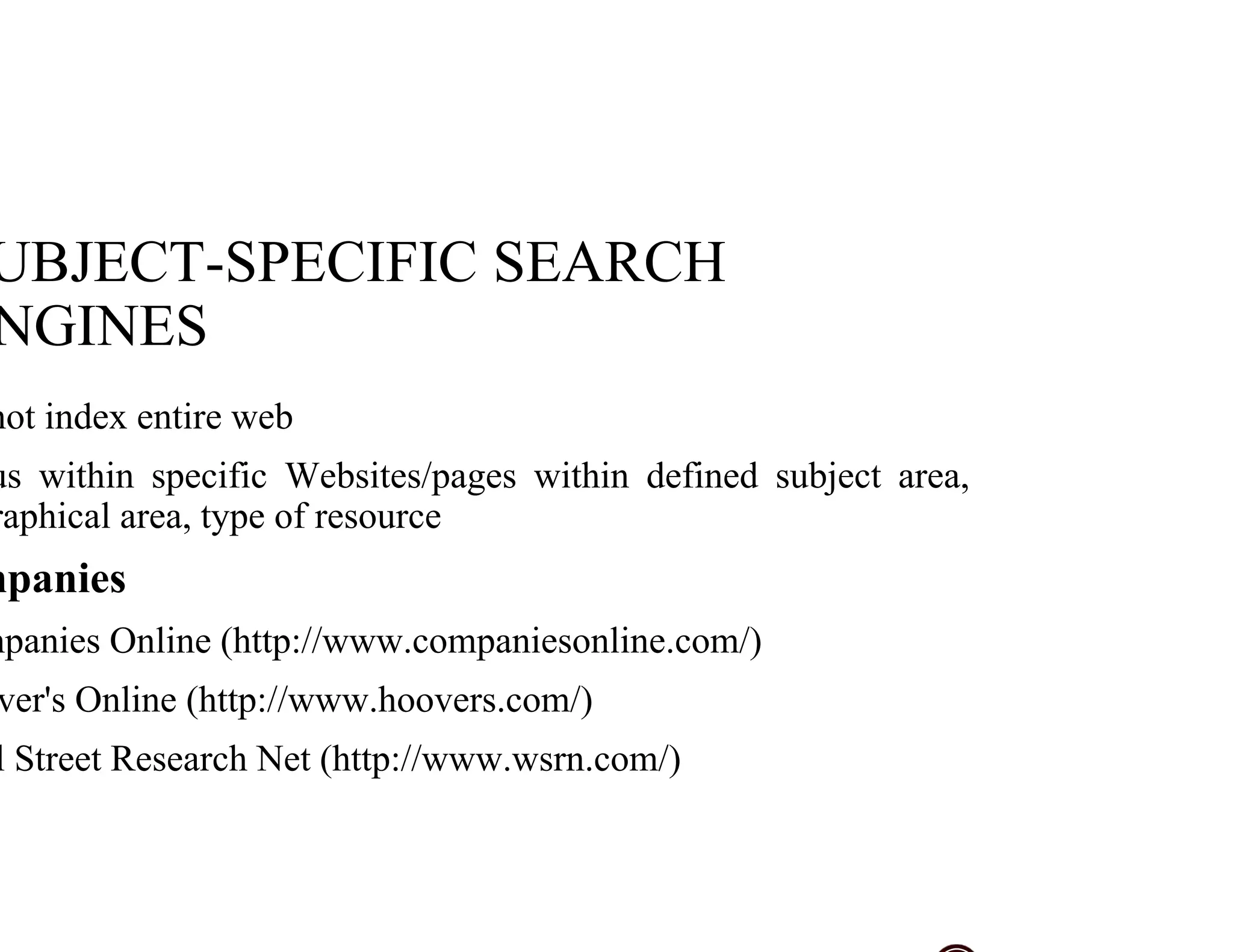
Details subject-specific search engines that index specific sites or resource types for efficient searching.
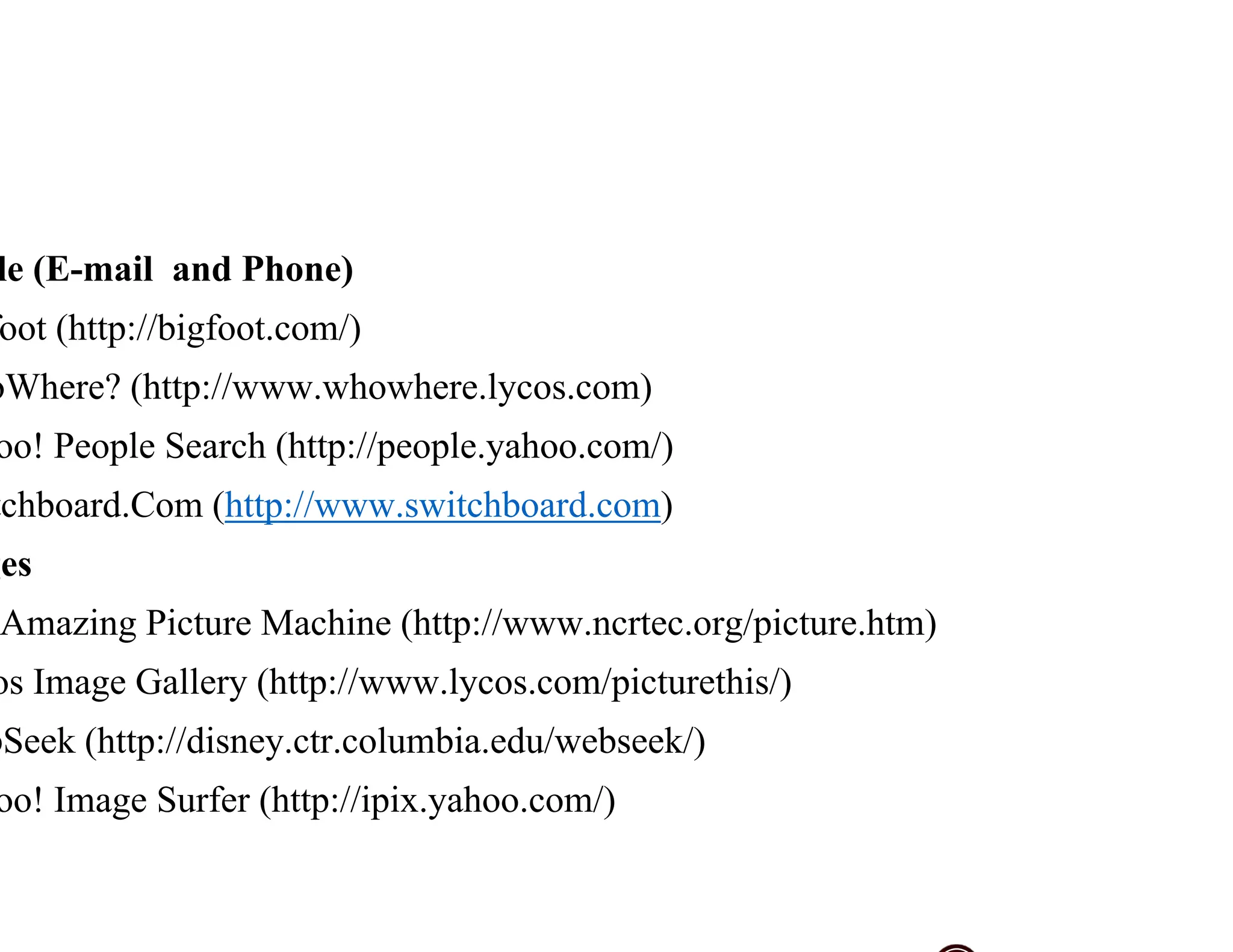
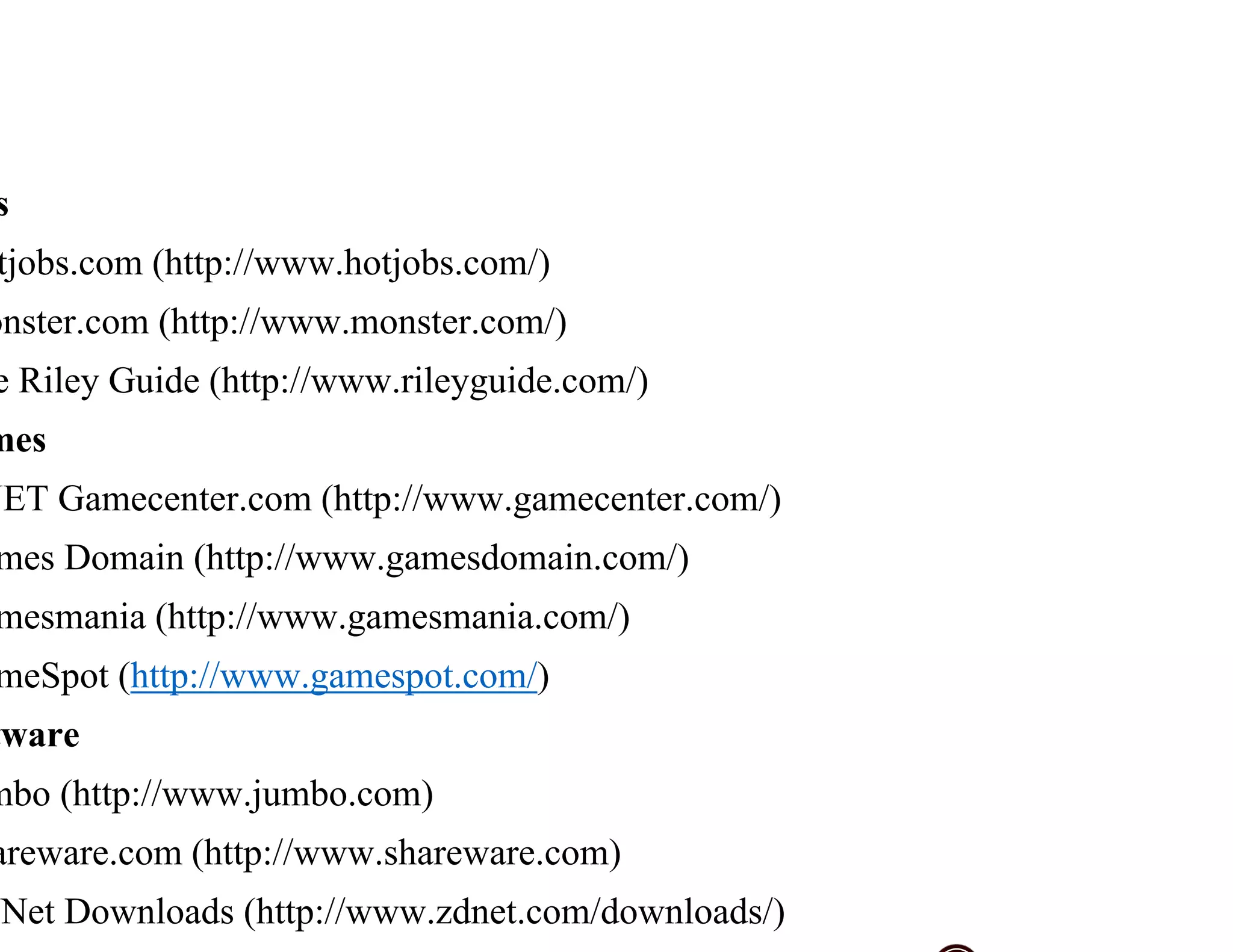
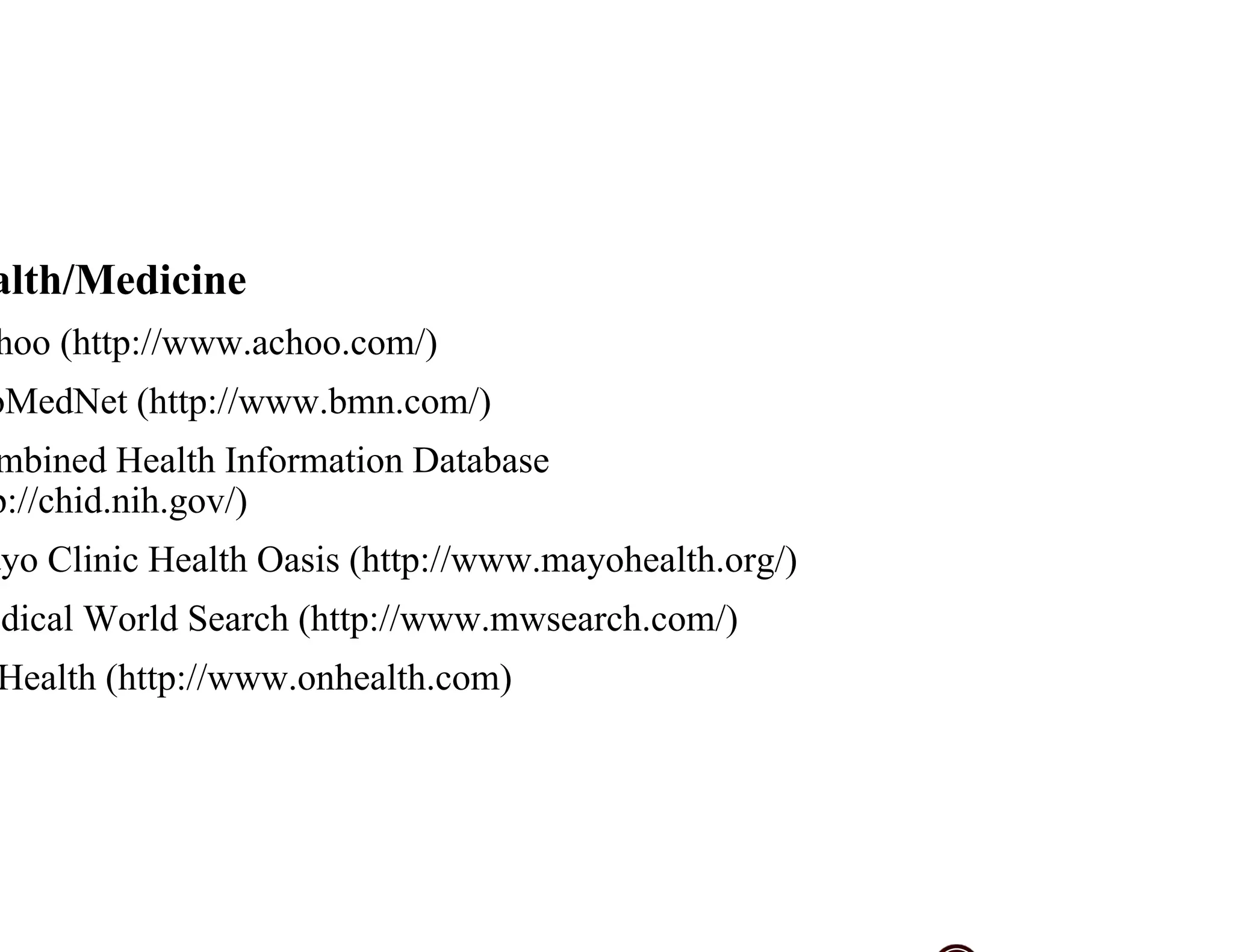
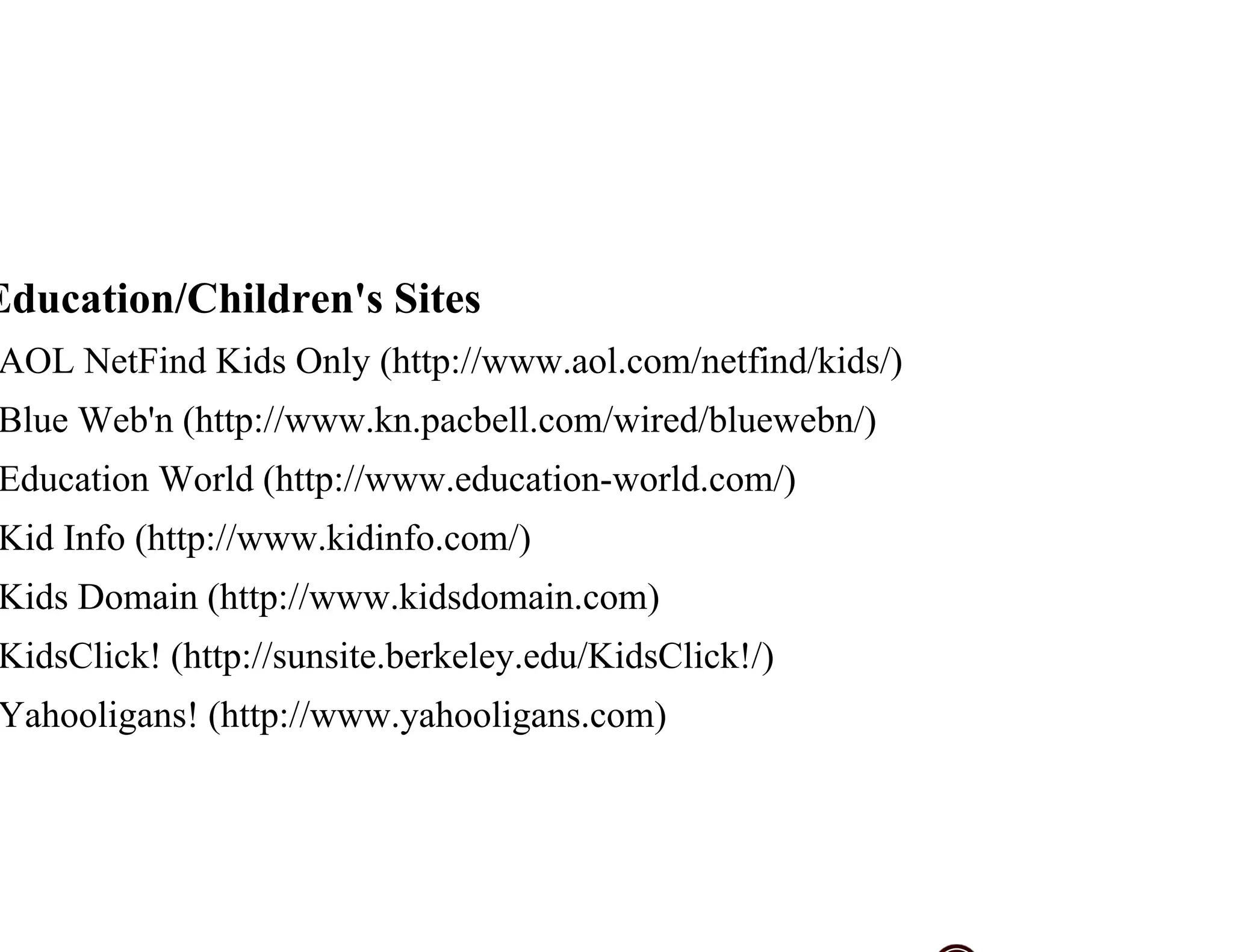
Lists various specialized search engines and resources for job hunting, medical information, and children's education.


