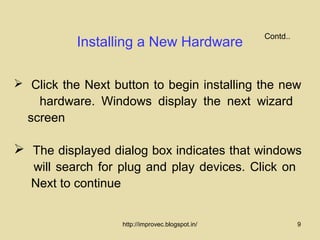
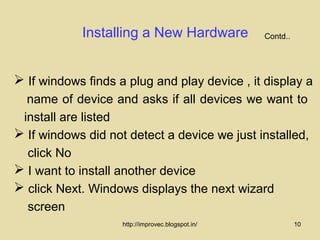
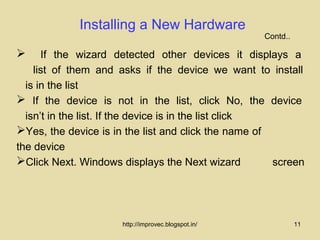
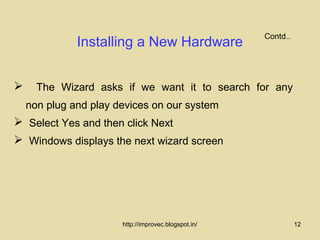
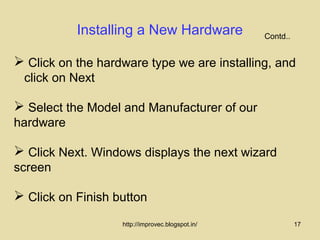
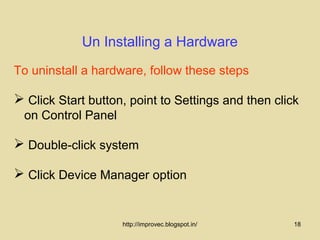
This document discusses how to install and uninstall hardware in Windows 95/98. It describes using the Add New Hardware wizard to guide the installation process for new hardware. The wizard can detect most standard hardware and make appropriate changes to the registry and configuration files. It also covers plug and play technology which allows connecting devices without configuration settings. The steps provided include closing programs, using the Add New Hardware icon, selecting hardware types, and clicking finish once installation is complete. Uninstalling hardware involves using the Device Manager to select and remove hardware before disconnecting it.