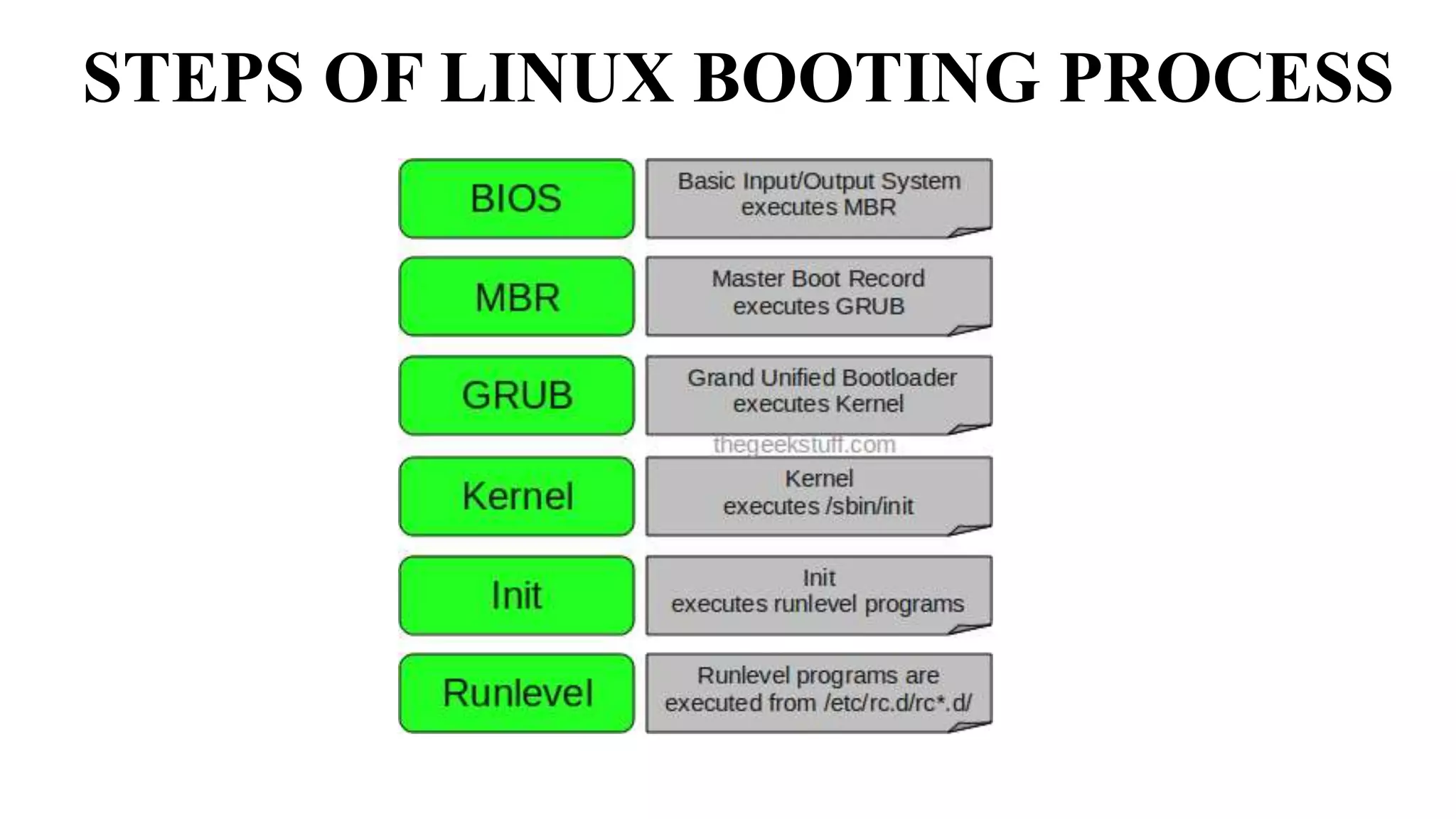
The Linux boot process begins when the BIOS performs initial checks and loads the master boot record (MBR). The MBR then loads the GRUB boot loader, which displays a menu allowing the user to select an operating system. GRUB loads the Linux kernel, which initializes devices, mounts the root filesystem, and executes the init process. Init reads the /etc/inittab file to determine the run level and loads the appropriate startup scripts to fully boot the system.
OVERVIEW
• WHAT ISBOOTING?
• STEPS OF LINUX BOOTING PROCESS
• BIOS(Basic Input/Output System)
• MBR(Master Boot Record)
• GRUB(Grand Unified Bootloader)
• KERNEL
• INIT(Initial Process)
• RUN LEVEL
3.
WHAT IS BOOTING?
•Booting is a process that starts operating systems when the user
turns on a computer system.
• When we start our Computer then there is an operation which is
performed automatically by the Computer which is also called as
Booting.
• In the Booting, System will check all the hardware’s and Software’s
those are installed or Attached with the System and this will also load
all the Files those are needed for running a system.
BIOS(Basic Input/Output System)
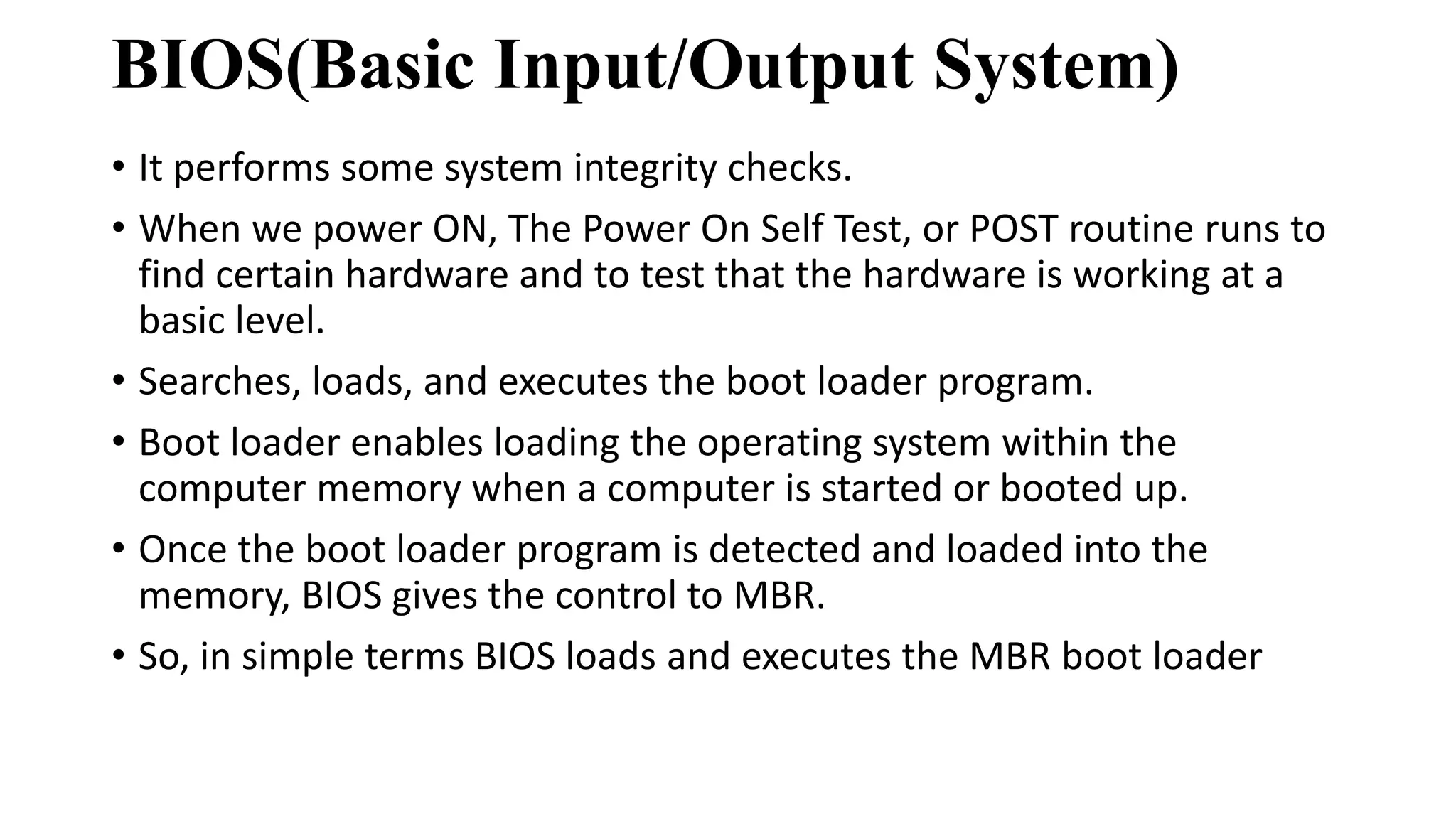
•It performs some system integrity checks.
• When we power ON, The Power On Self Test, or POST routine runs to
find certain hardware and to test that the hardware is working at a
basic level.
• Searches, loads, and executes the boot loader program.
• Boot loader enables loading the operating system within the
computer memory when a computer is started or booted up.
• Once the boot loader program is detected and loaded into the
memory, BIOS gives the control to MBR.
• So, in simple terms BIOS loads and executes the MBR boot loader
6.
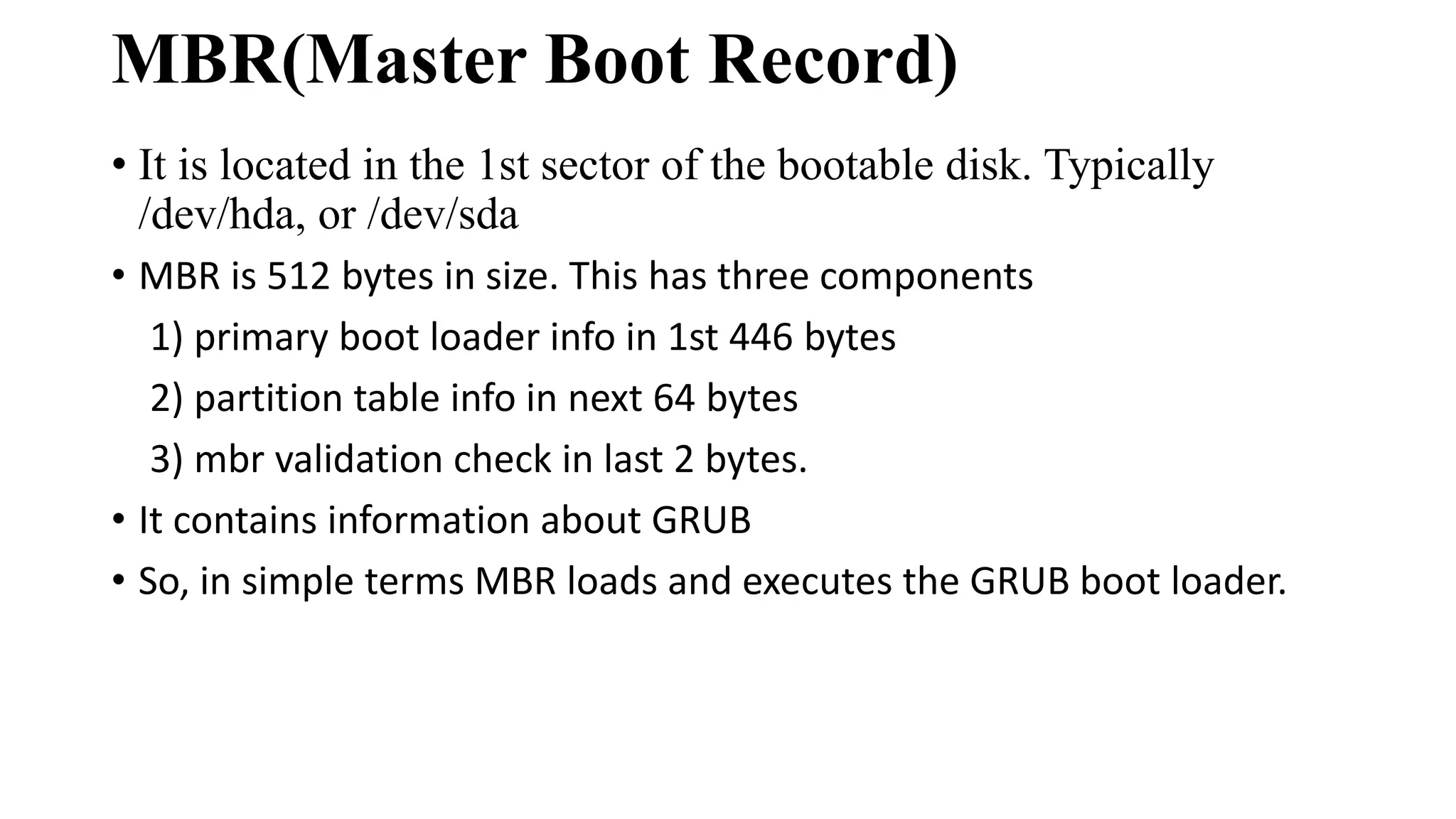
MBR(Master Boot Record)
•It is located in the 1st sector of the bootable disk. Typically
/dev/hda, or /dev/sda
• MBR is 512 bytes in size. This has three components
1) primary boot loader info in 1st 446 bytes
2) partition table info in next 64 bytes
3) mbr validation check in last 2 bytes.
• It contains information about GRUB
• So, in simple terms MBR loads and executes the GRUB boot loader.
8.
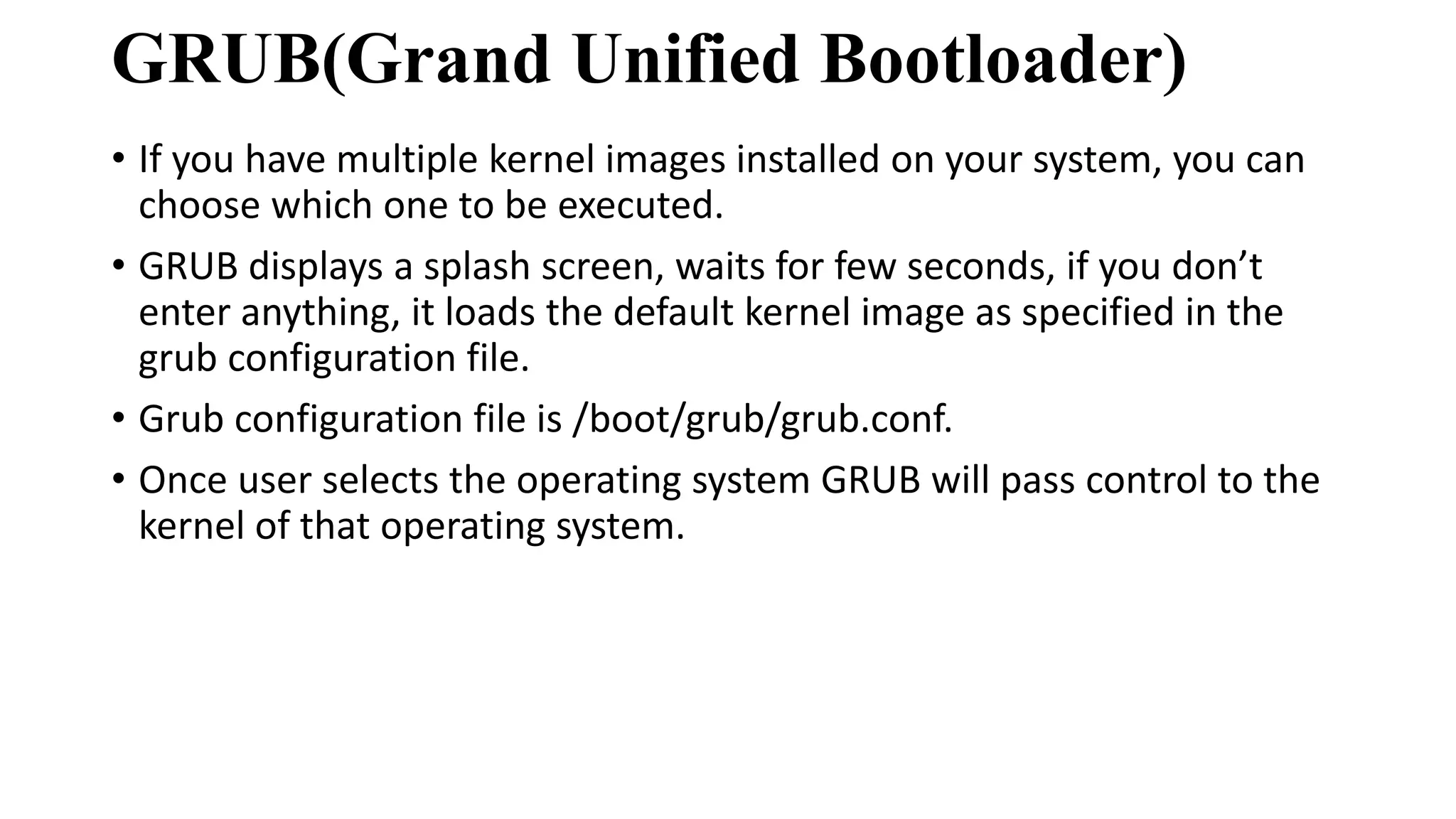
GRUB(Grand Unified Bootloader)
•If you have multiple kernel images installed on your system, you can
choose which one to be executed.
• GRUB displays a splash screen, waits for few seconds, if you don’t
enter anything, it loads the default kernel image as specified in the
grub configuration file.
• Grub configuration file is /boot/grub/grub.conf.
• Once user selects the operating system GRUB will pass control to the
kernel of that operating system.
9.
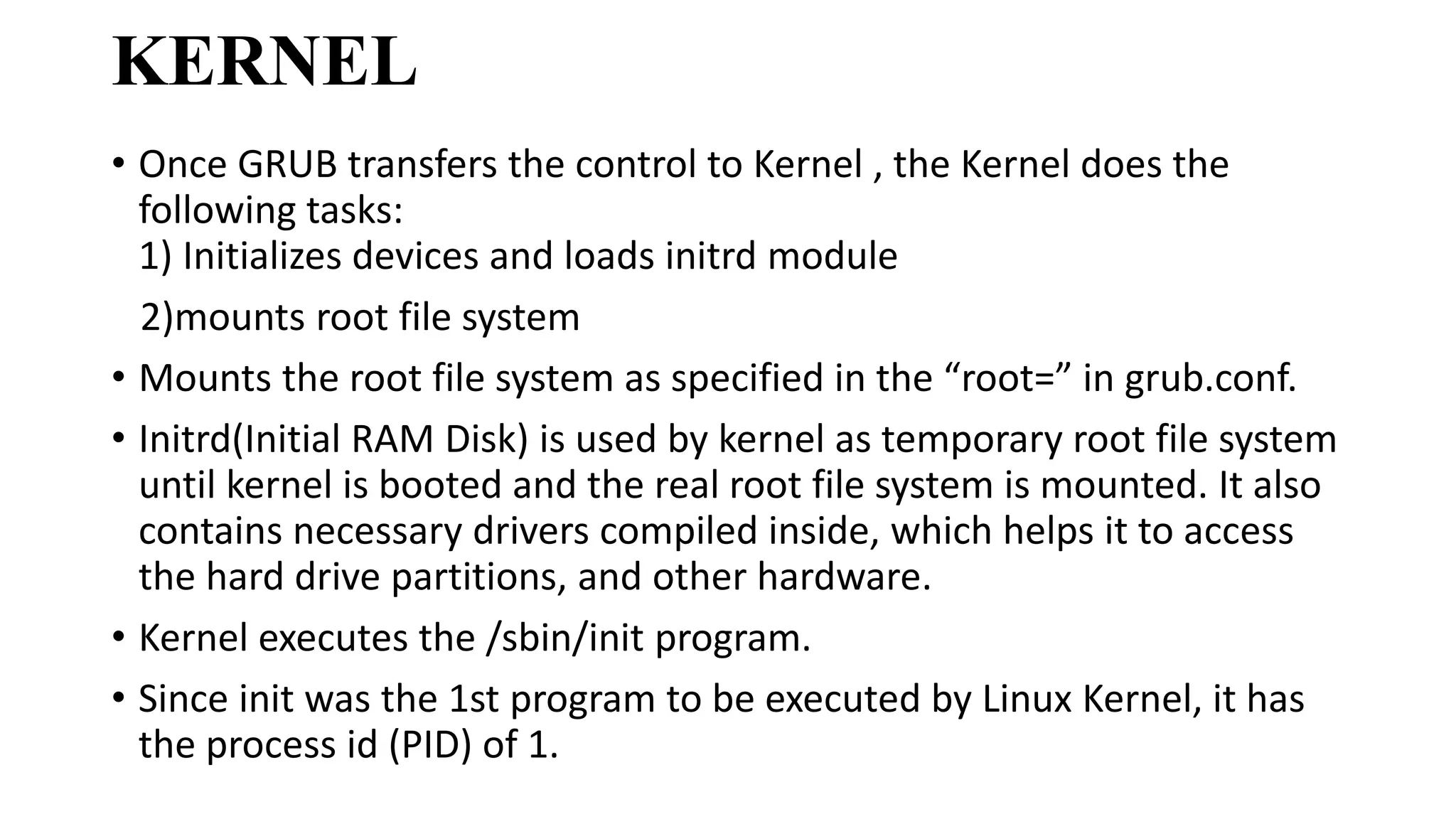
KERNEL
• Once GRUBtransfers the control to Kernel , the Kernel does the
following tasks:
1) Initializes devices and loads initrd module
2)mounts root file system
• Mounts the root file system as specified in the “root=” in grub.conf.
• Initrd(Initial RAM Disk) is used by kernel as temporary root file system
until kernel is booted and the real root file system is mounted. It also
contains necessary drivers compiled inside, which helps it to access
the hard drive partitions, and other hardware.
• Kernel executes the /sbin/init program.
• Since init was the 1st program to be executed by Linux Kernel, it has
the process id (PID) of 1.
10.
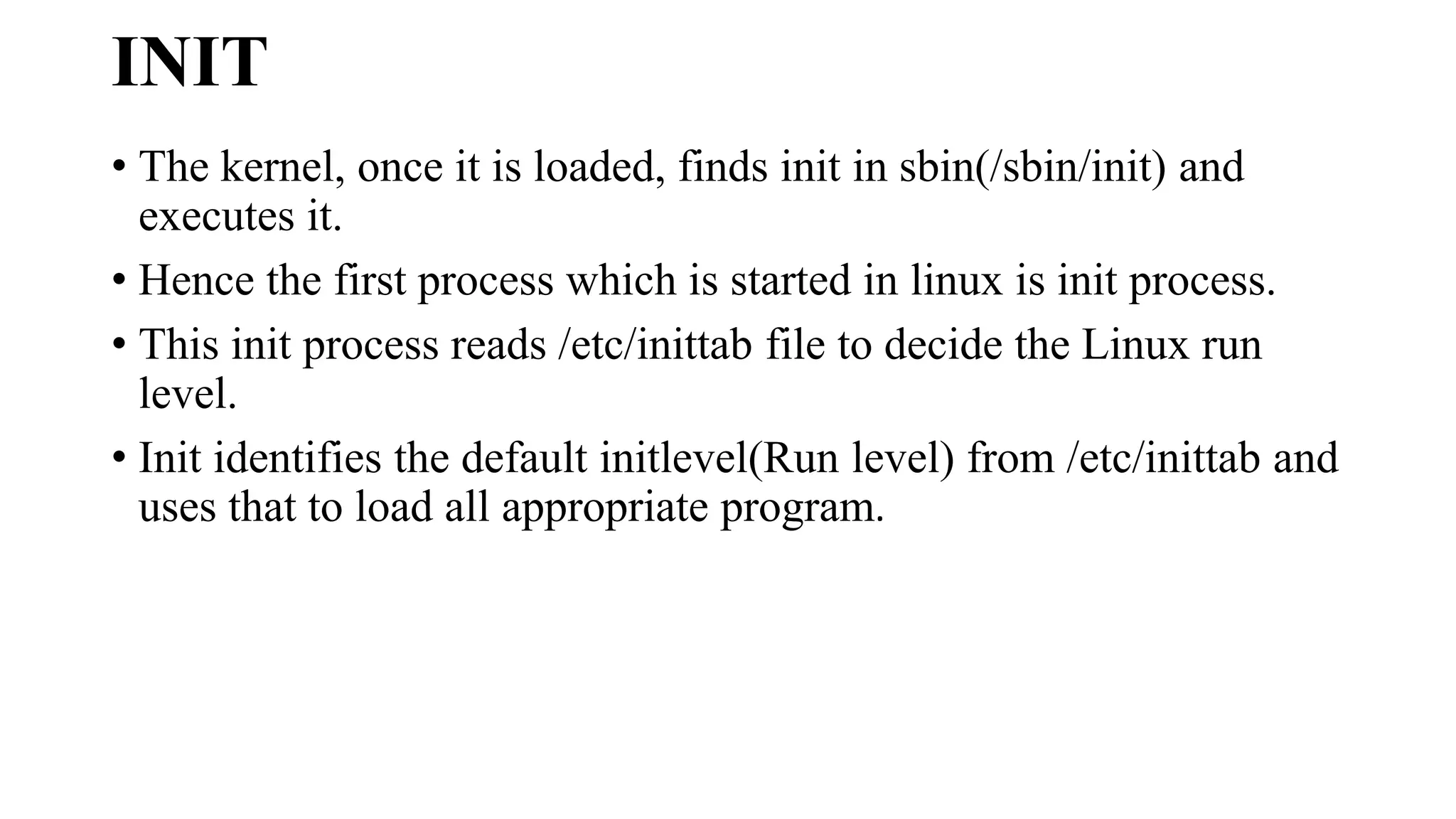
INIT
• The kernel,once it is loaded, finds init in sbin(/sbin/init) and
executes it.
• Hence the first process which is started in linux is init process.
• This init process reads /etc/inittab file to decide the Linux run
level.
• Init identifies the default initlevel(Run level) from /etc/inittab and
uses that to load all appropriate program.
11.
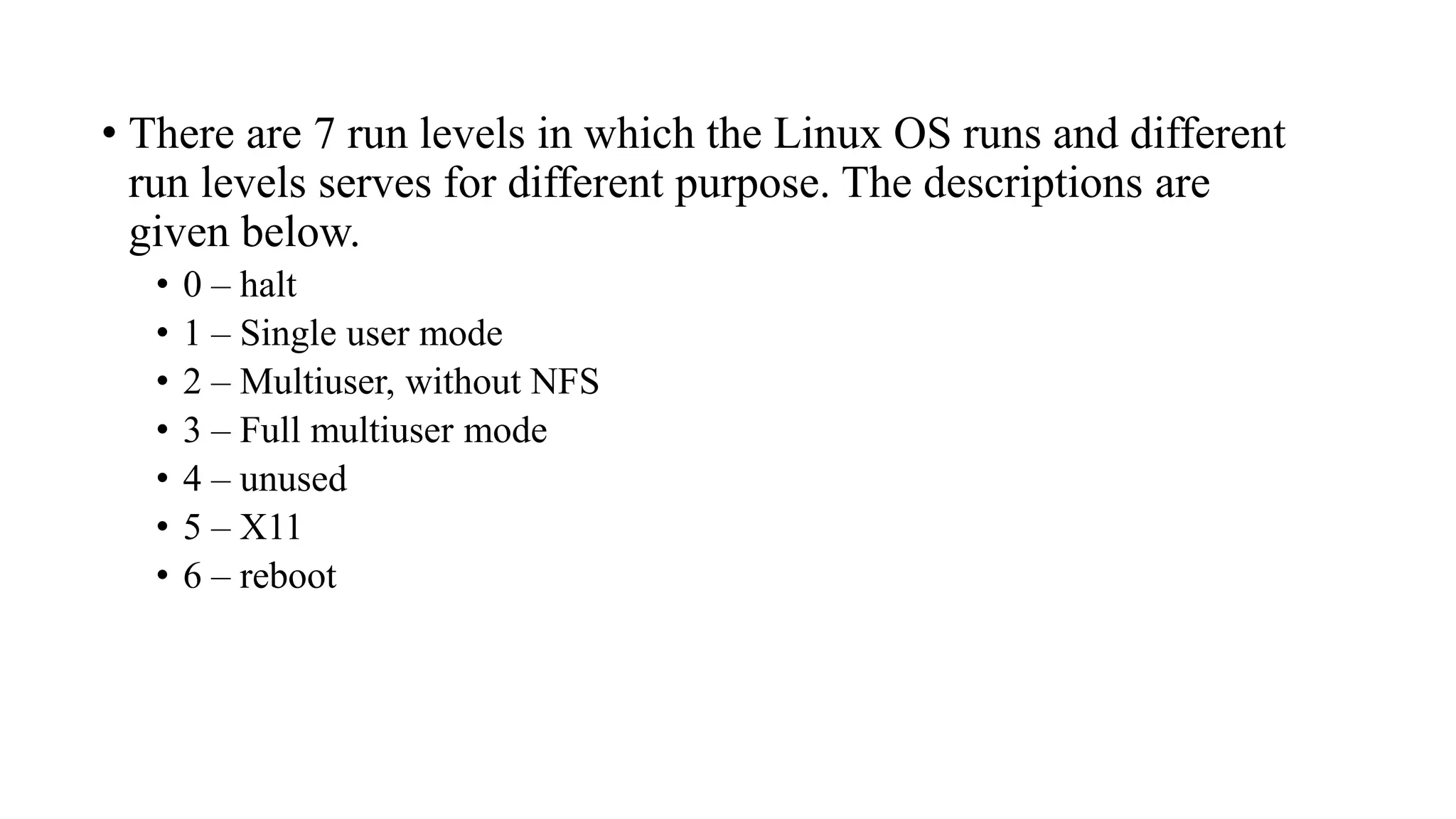
• There are7 run levels in which the Linux OS runs and different
run levels serves for different purpose. The descriptions are
given below.
• 0 – halt
• 1 – Single user mode
• 2 – Multiuser, without NFS
• 3 – Full multiuser mode
• 4 – unused
• 5 – X11
• 6 – reboot
12.
RUN LEVEL
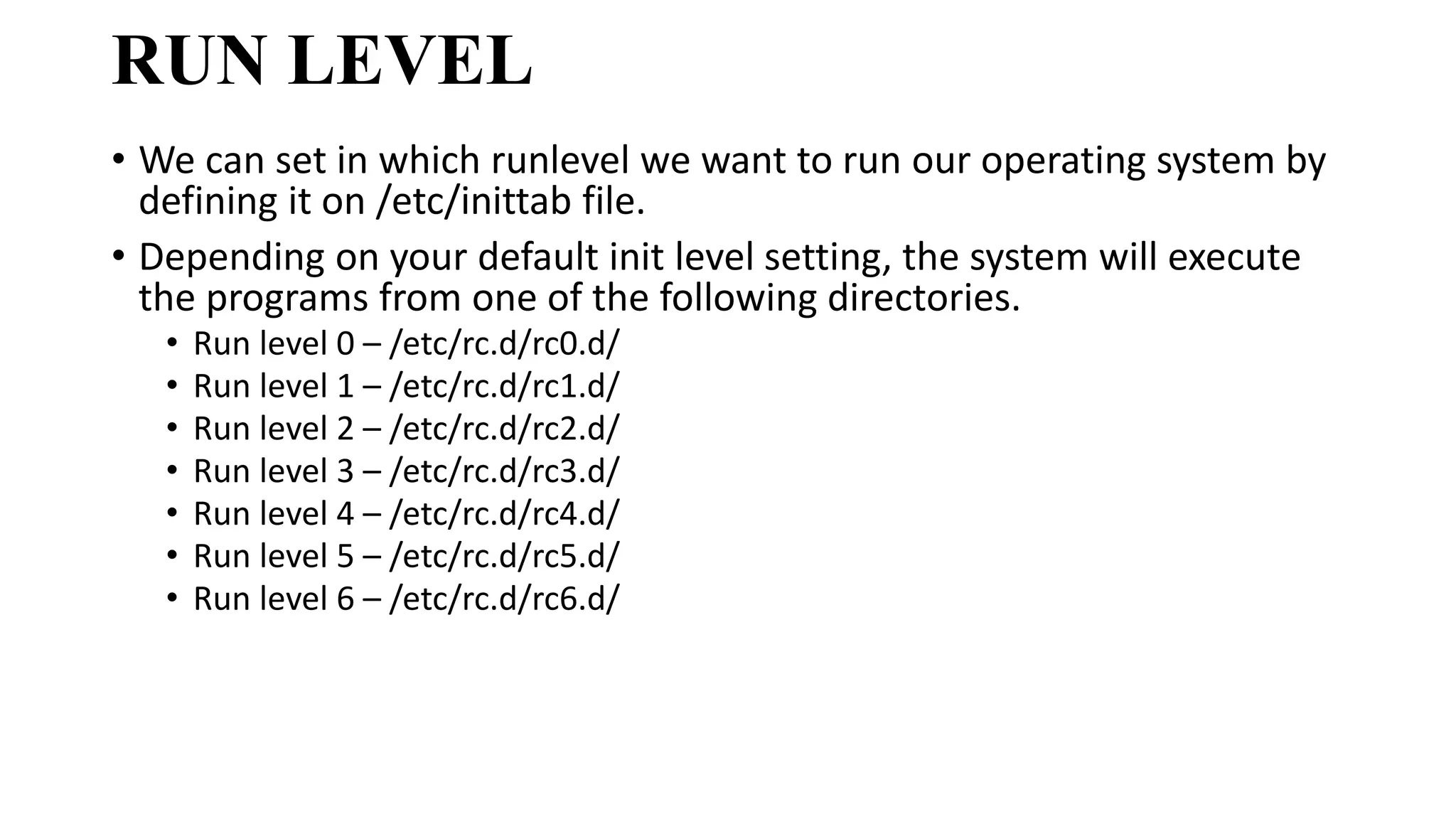
• Wecan set in which runlevel we want to run our operating system by
defining it on /etc/inittab file.
• Depending on your default init level setting, the system will execute
the programs from one of the following directories.
• Run level 0 – /etc/rc.d/rc0.d/
• Run level 1 – /etc/rc.d/rc1.d/
• Run level 2 – /etc/rc.d/rc2.d/
• Run level 3 – /etc/rc.d/rc3.d/
• Run level 4 – /etc/rc.d/rc4.d/
• Run level 5 – /etc/rc.d/rc5.d/
• Run level 6 – /etc/rc.d/rc6.d/