Improving Teaching
and Learning
for the 21st Century
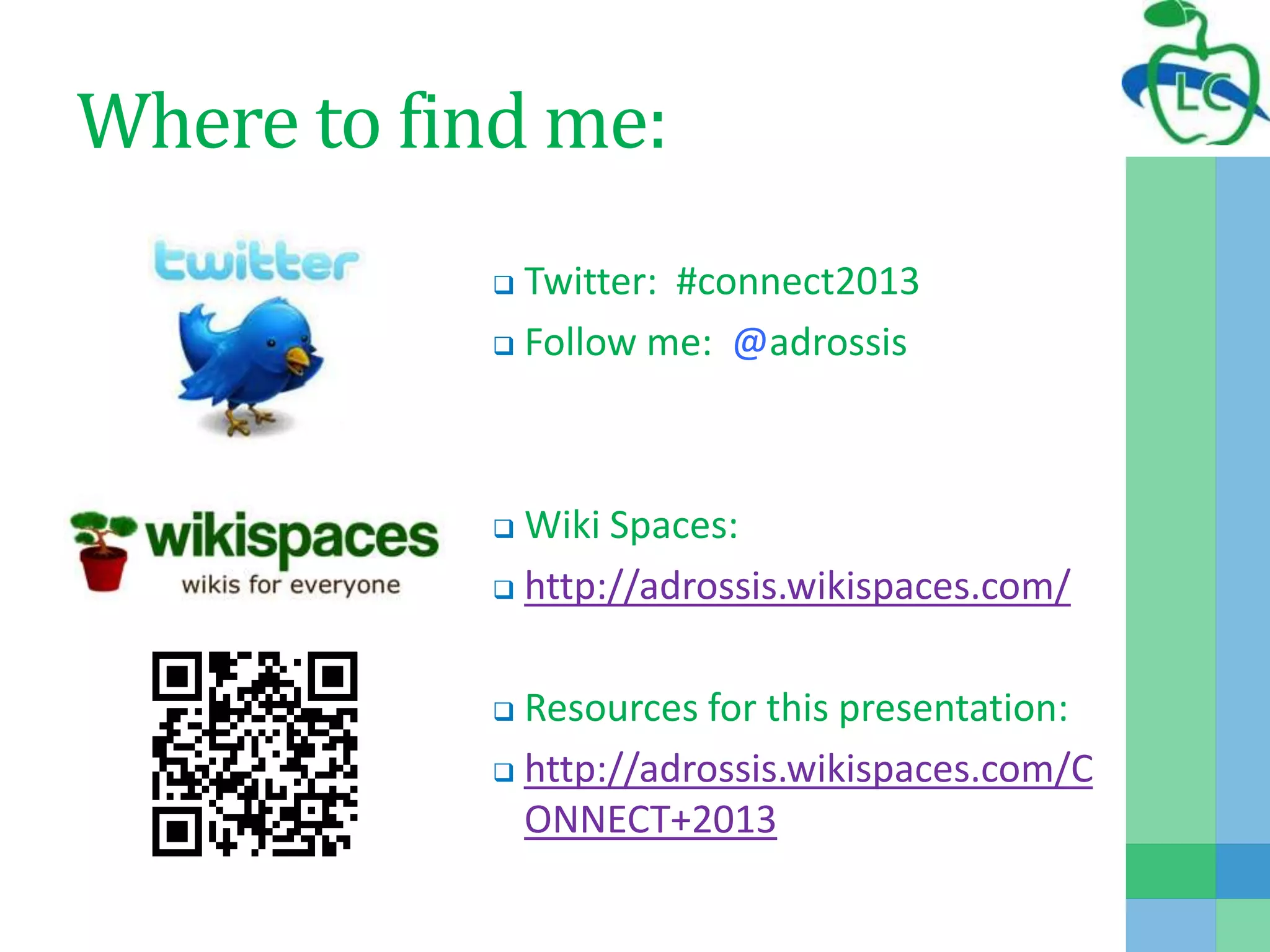
Where to find me:
 Twitter: #connect2013
 Follow me: @adrossis
 Wiki Spaces:
 http://adrossis.wikispaces.com/
 Resources for this presentation:
 http://adrossis.wikispaces.com/C
ONNECT+2013
What is Learning Connections?
Learning Connections (LC) is:
 funded by a grant from the Ontario Ministry of
Education, Literacy and Numeracy Secretariat
 an online community driven by the collaboration of
school districts called District Champions
District Champions
 align their involvement with their district level plans
 engage in sharing and collaborations with other district
champions
 build capacity within their district with support from LC
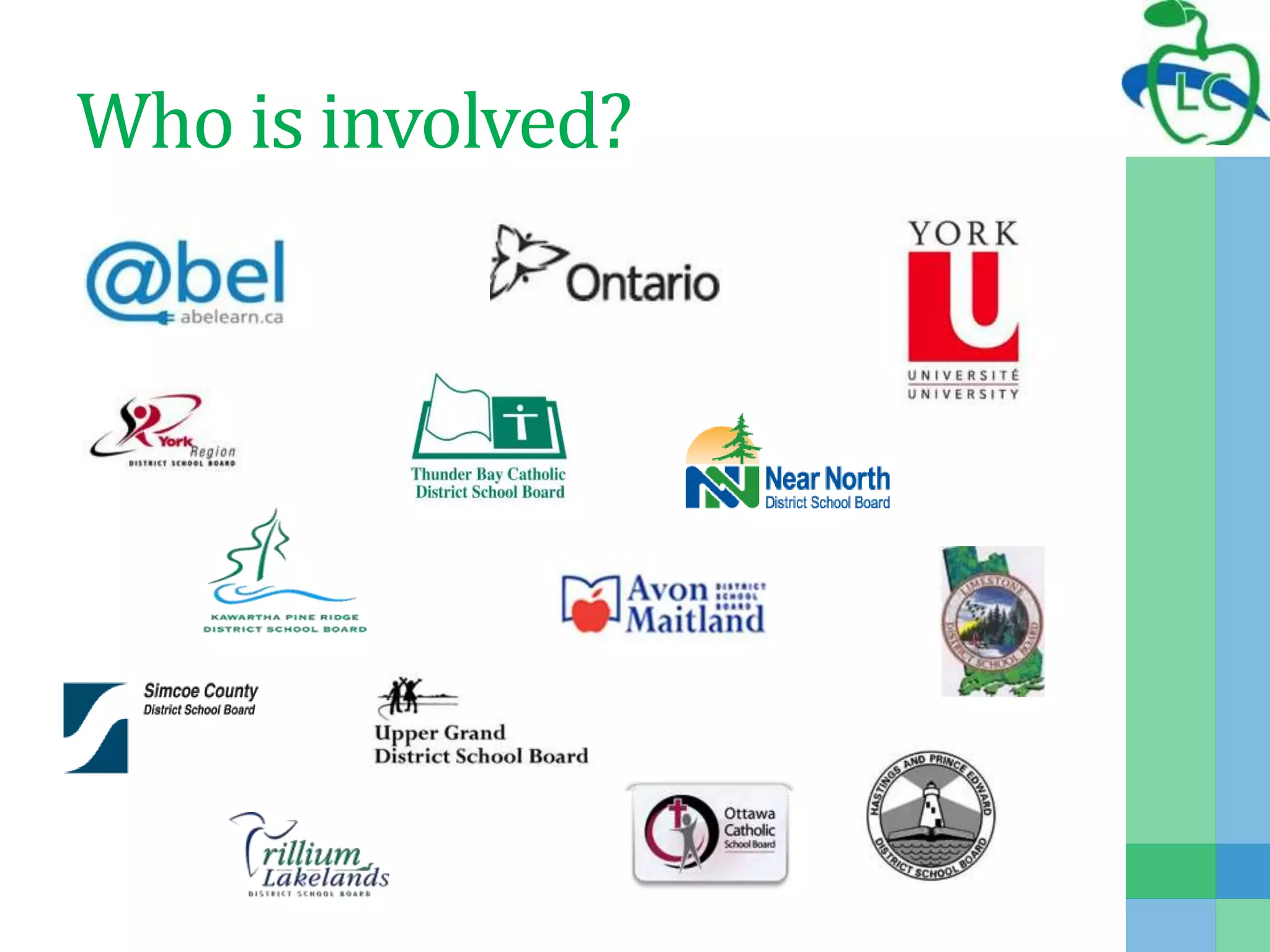
Who is involved?
Polleverywhere.com
Polleverywhere.com
Blended Approach to
Professional Learning
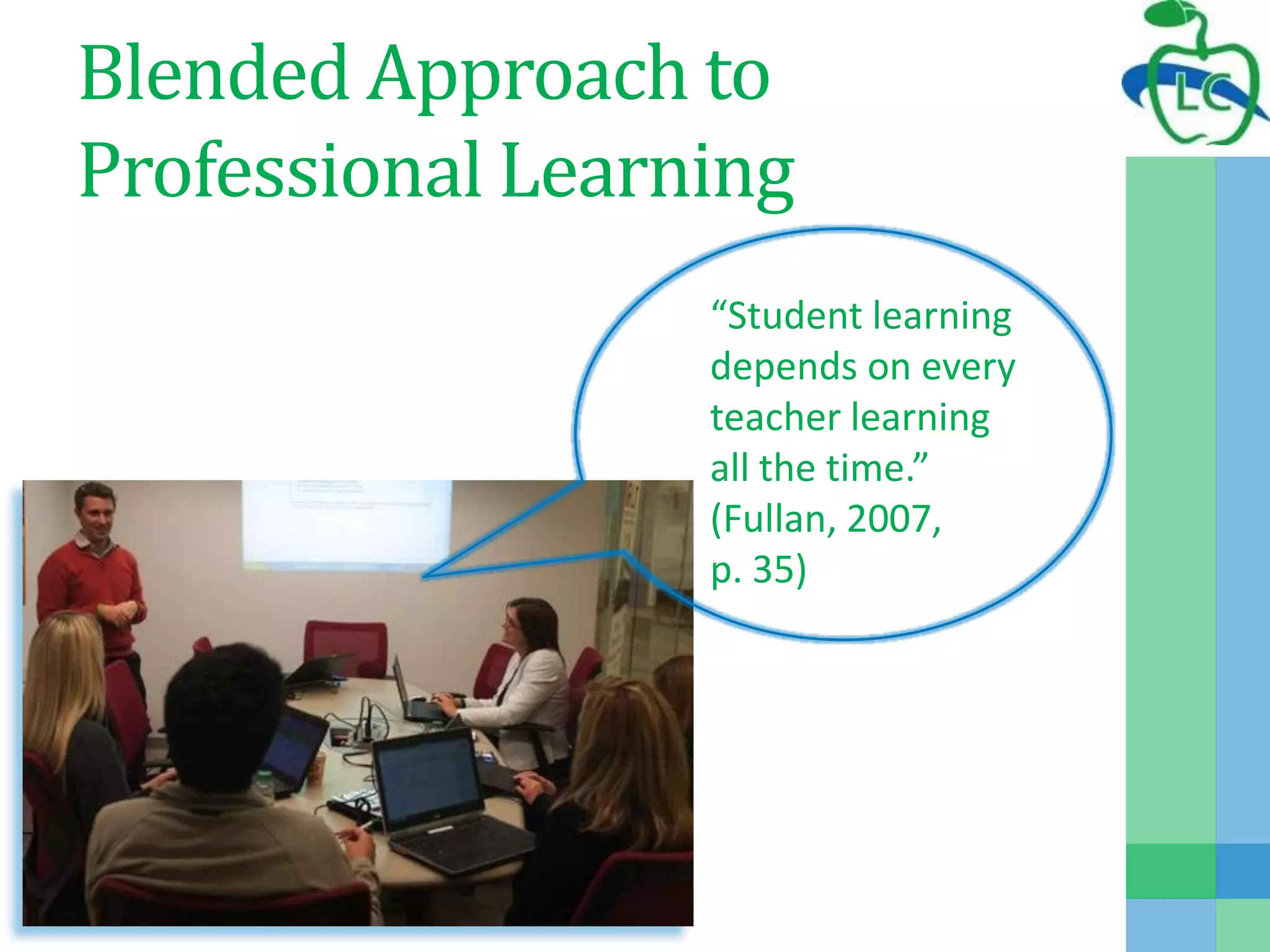
“Student learning
depends on every
teacher learning
all the time.”
(Fullan, 2007,
p. 35)
Blended Approach to
Professional Learning
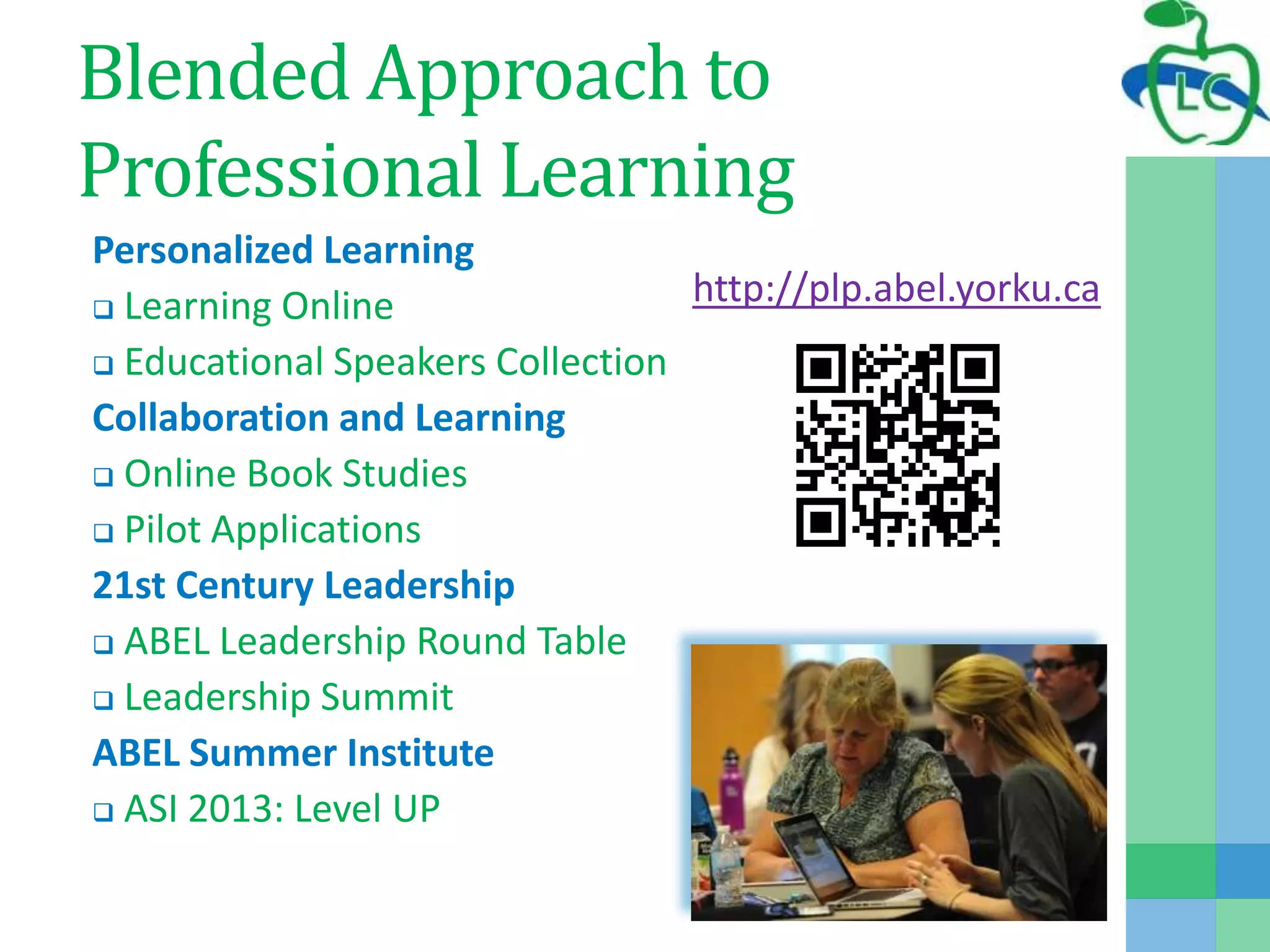
Personalized Learning
 Learning Online
 Educational Speakers Collection
Collaboration and Learning
 Online Book Studies
 Pilot Applications
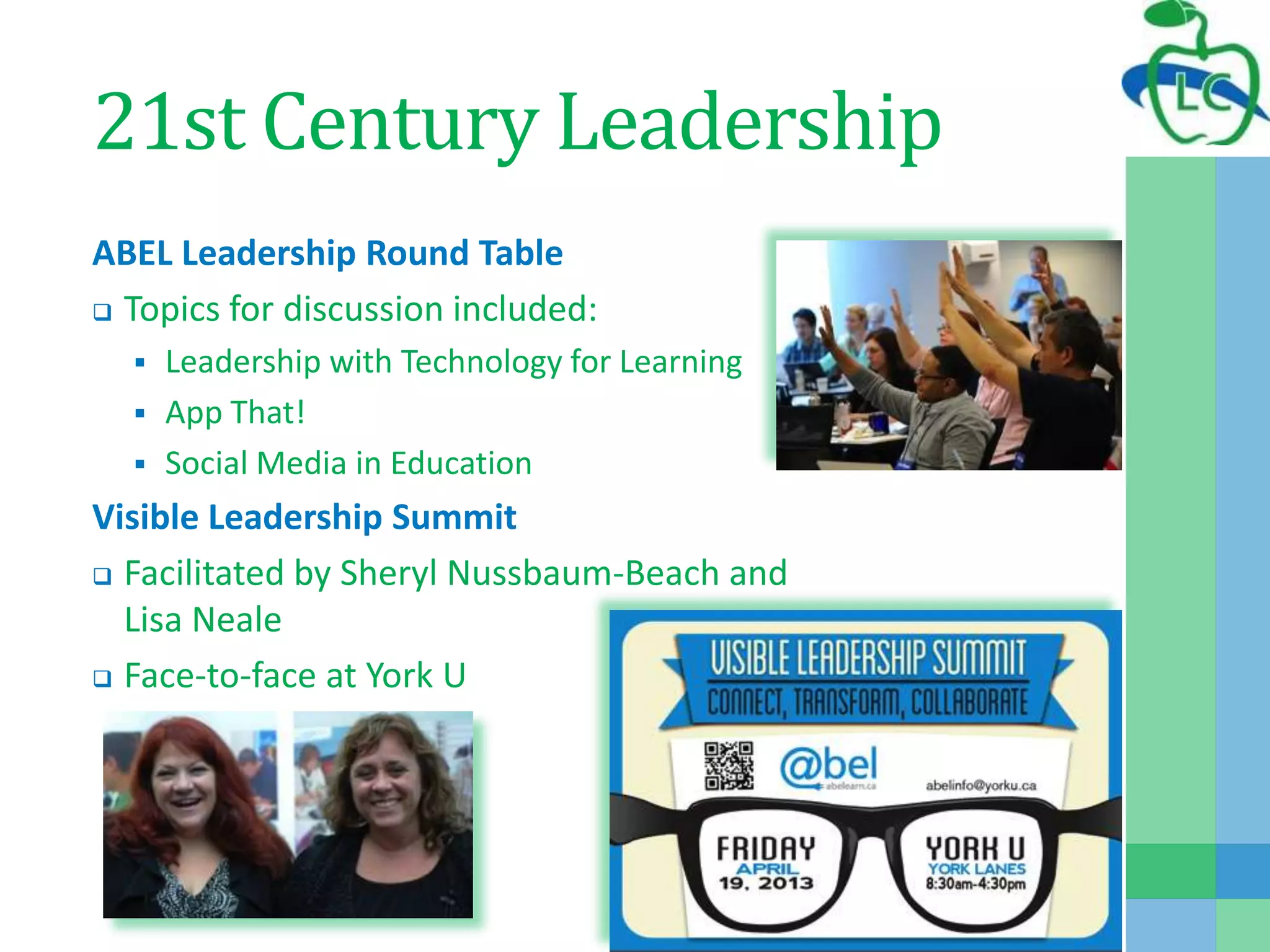
21st Century Leadership
 ABEL Leadership Round Table
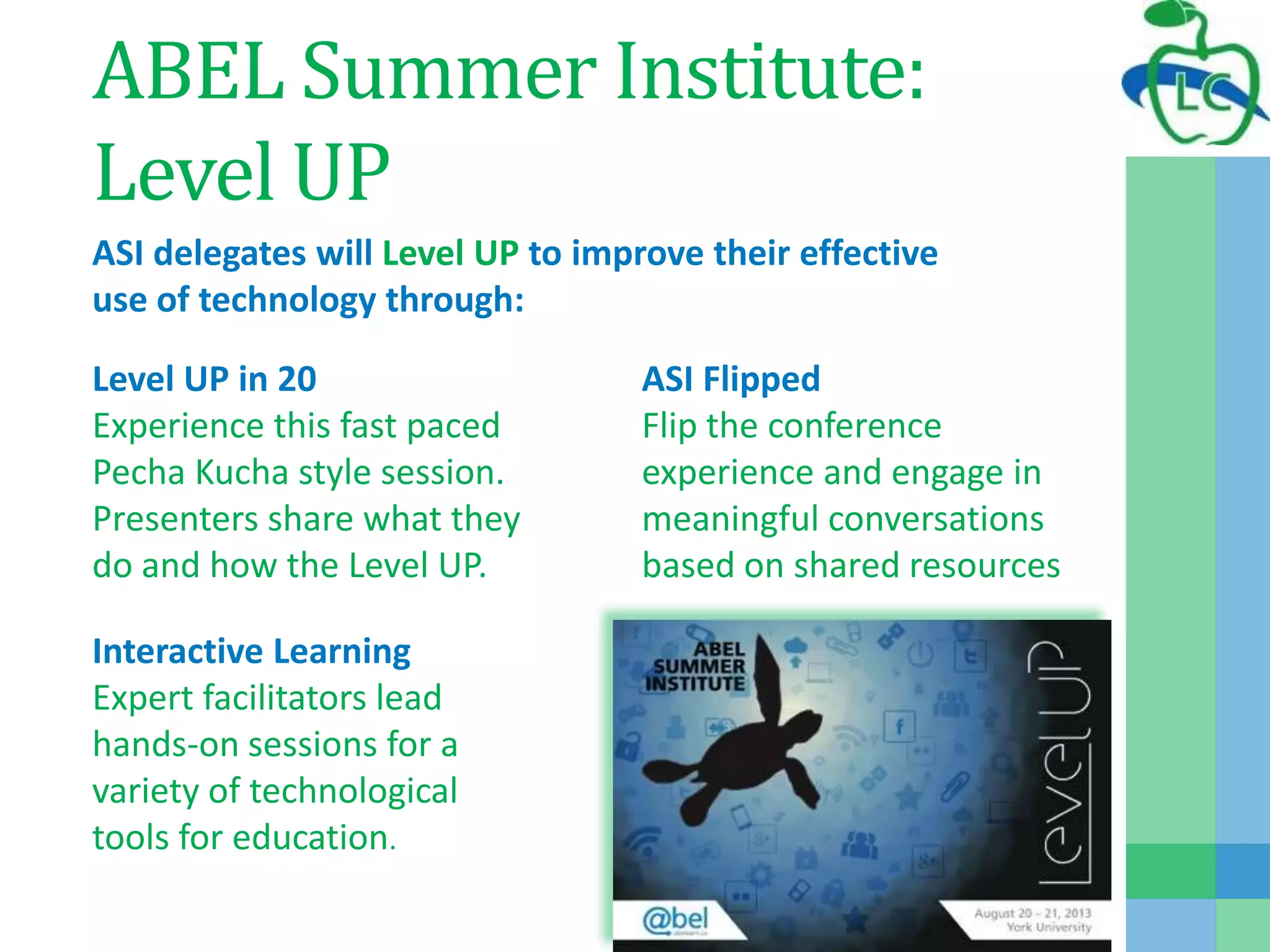
 Leadership Summit
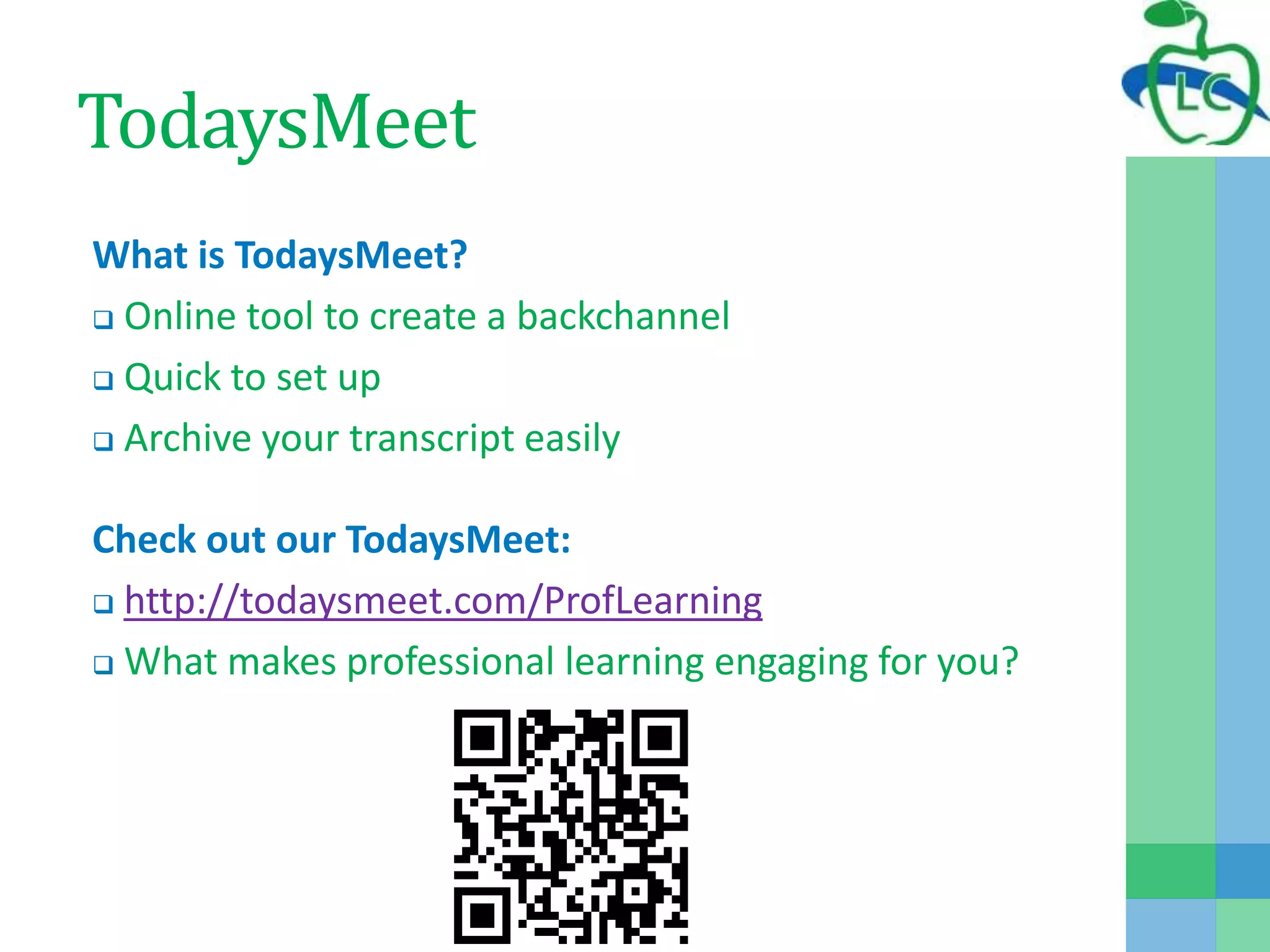
ABEL Summer Institute
 ASI 2013: Level UP
http://plp.abel.yorku.ca
Personalized Learning
Learning Online
 Scheduled Learning included:
 Sessions on: Literacy Skills in Science, Numeracy and 21st Century
Literacy
 Videos of these sessions were created for later viewing
 OnDemand Learning included:
 Sessions on WordPress, Moodle…
Educational Speakers Collection
 Variety of videos available
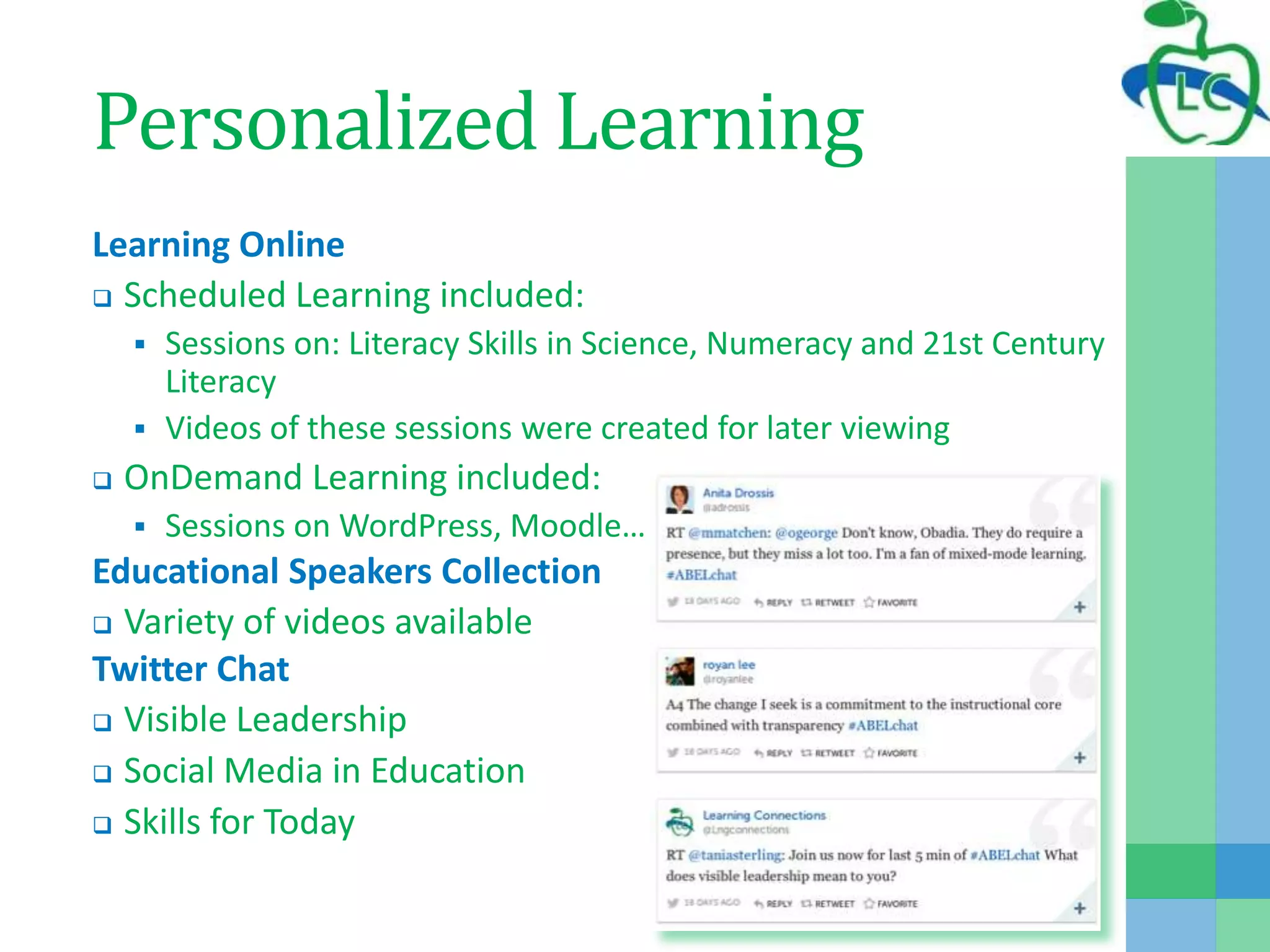
Twitter Chat
 Visible Leadership
 Social Media in Education
 Skills for Today
Collaboration and Learning
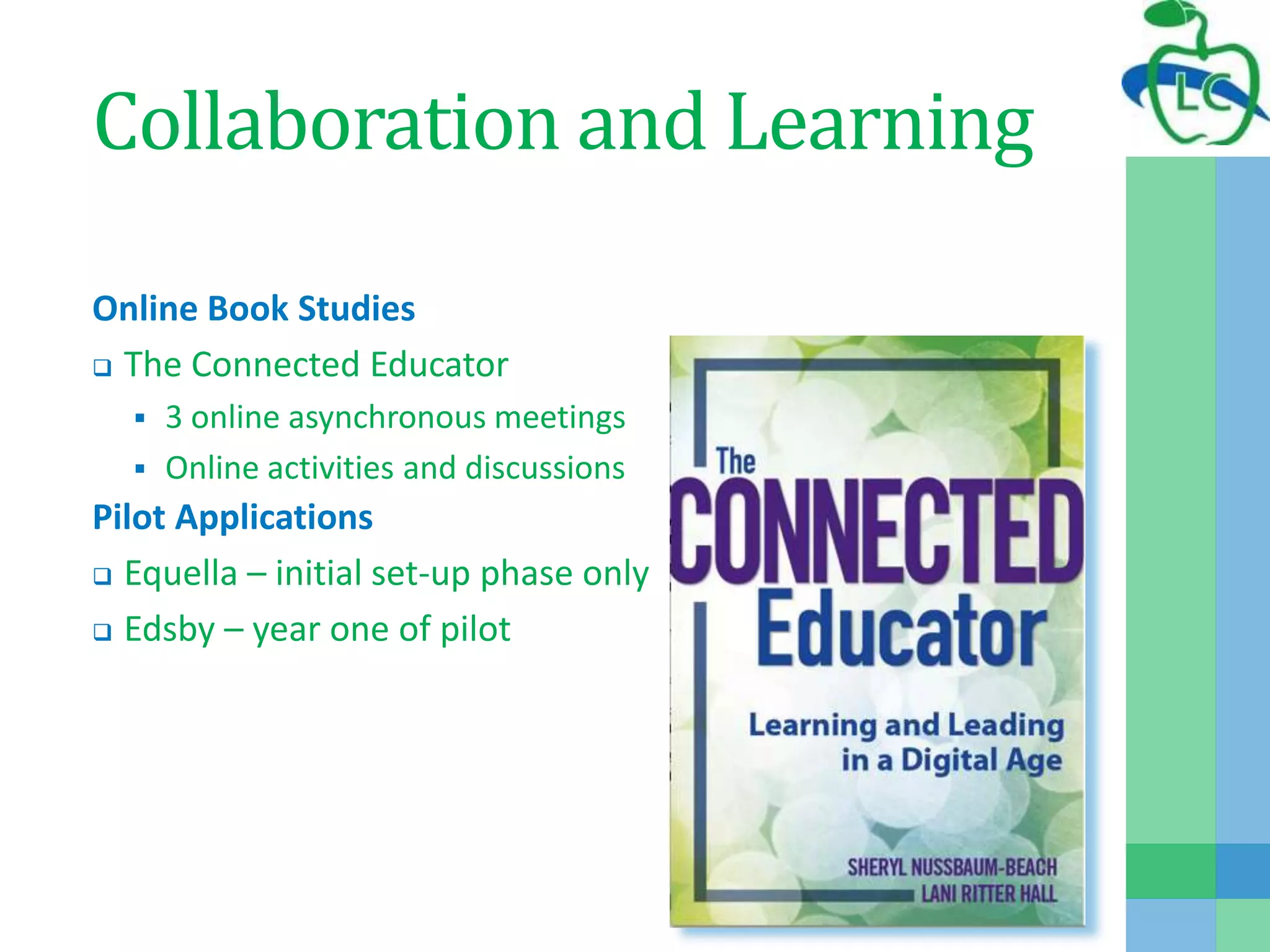
Online Book Studies
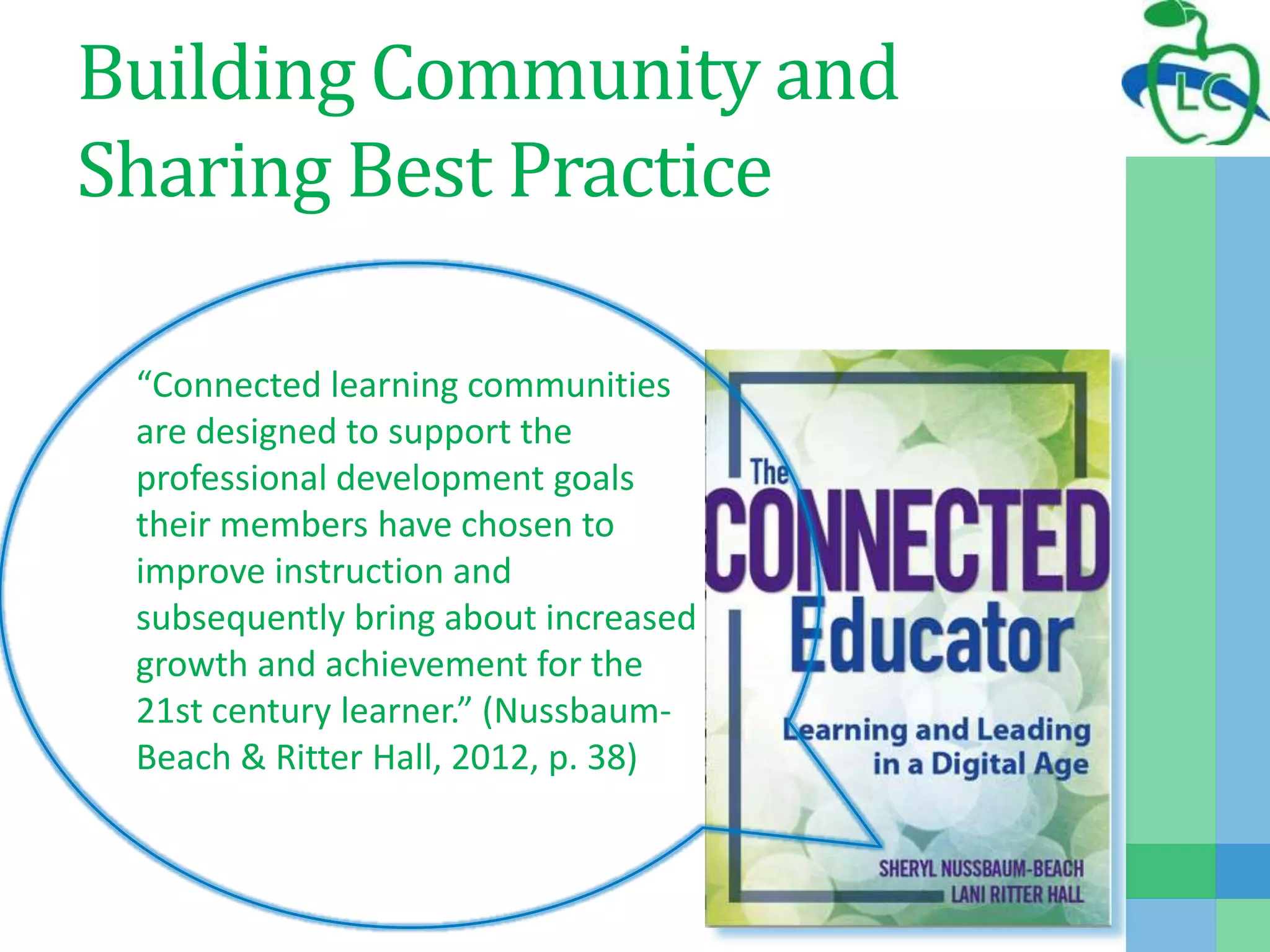
 The Connected Educator
 3 online asynchronous meetings
 Online activities and discussions
Pilot Applications
 Equella – initial set-up phase only
 Edsby – year one of pilot
21st Century Leadership
ABEL Leadership Round Table
 Topics for discussion included:
 Leadership with Technology for Learning
 App That!
 Social Media in Education
Visible Leadership Summit
 Facilitated by Sheryl Nussbaum-Beach and
Lisa Neale
 Face-to-face at York U
ABEL Summer Institute:
Level UP
ASI delegates will Level UP to improve their effective
use of technology through:
Level UP in 20
Experience this fast paced
Pecha Kucha style session.
Presenters share what they
do and how the Level UP.
ASI Flipped
Flip the conference
experience and engage in
meaningful conversations
based on shared resources
Interactive Learning
Expert facilitators lead
hands-on sessions for a
variety of technological
tools for education.
TodaysMeet
What is TodaysMeet?
 Online tool to create a backchannel
 Quick to set up
 Archive your transcript easily
Check out our TodaysMeet:
 http://todaysmeet.com/ProfLearning
 What makes professional learning engaging for you?
Building Community and
Sharing Best Practice
“Connected learning communities
are designed to support the
professional development goals
their members have chosen to
improve instruction and
subsequently bring about increased
growth and achievement for the
21st century learner.” (Nussbaum-
Beach & Ritter Hall, 2012, p. 38)
Building Community and
Sharing Best Practice
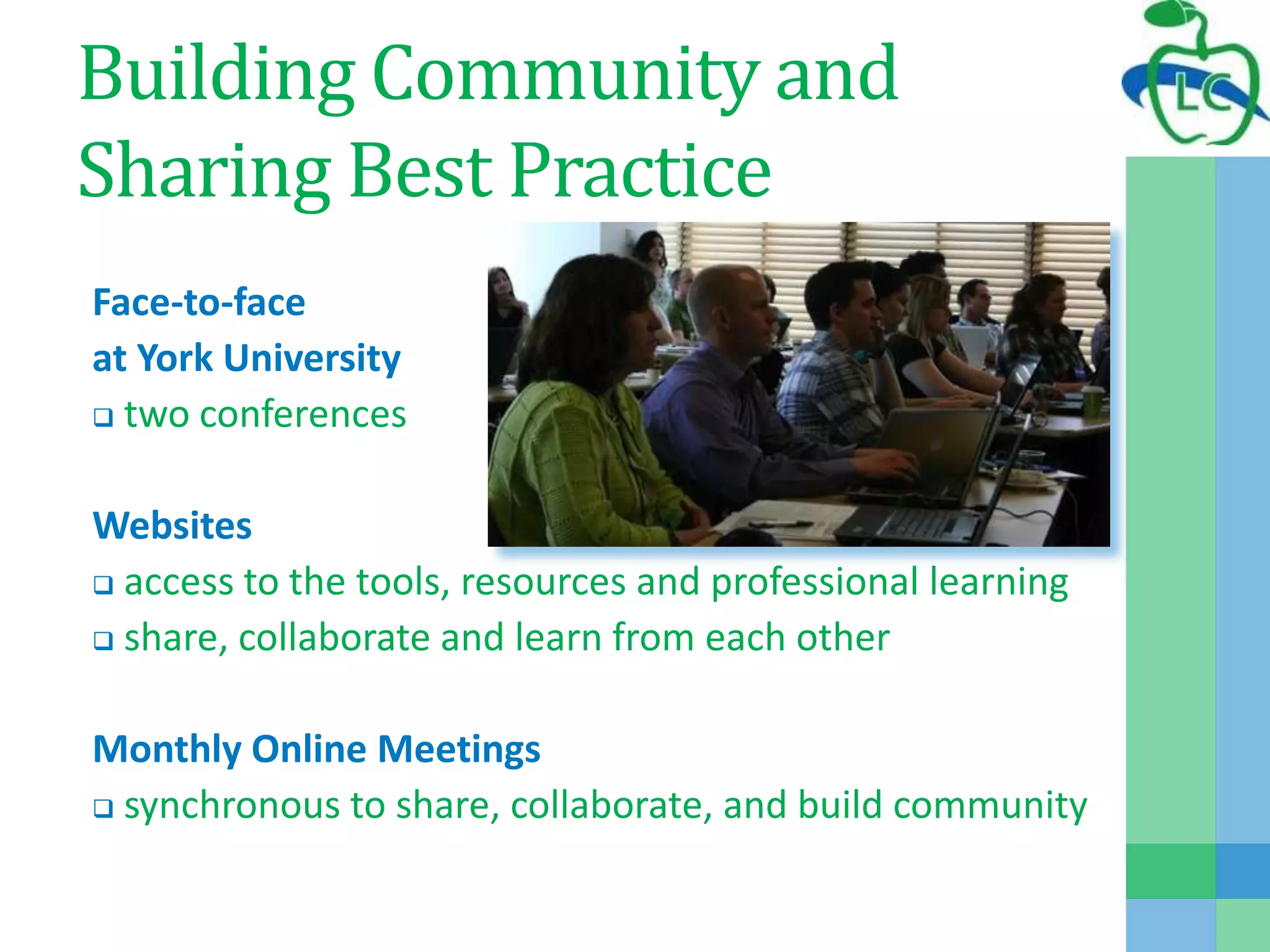
Face-to-face
at York University
 two conferences
Websites
 access to the tools, resources and professional learning
 share, collaborate and learn from each other
Monthly Online Meetings
 synchronous to share, collaborate, and build community
Face-to-Face at York U
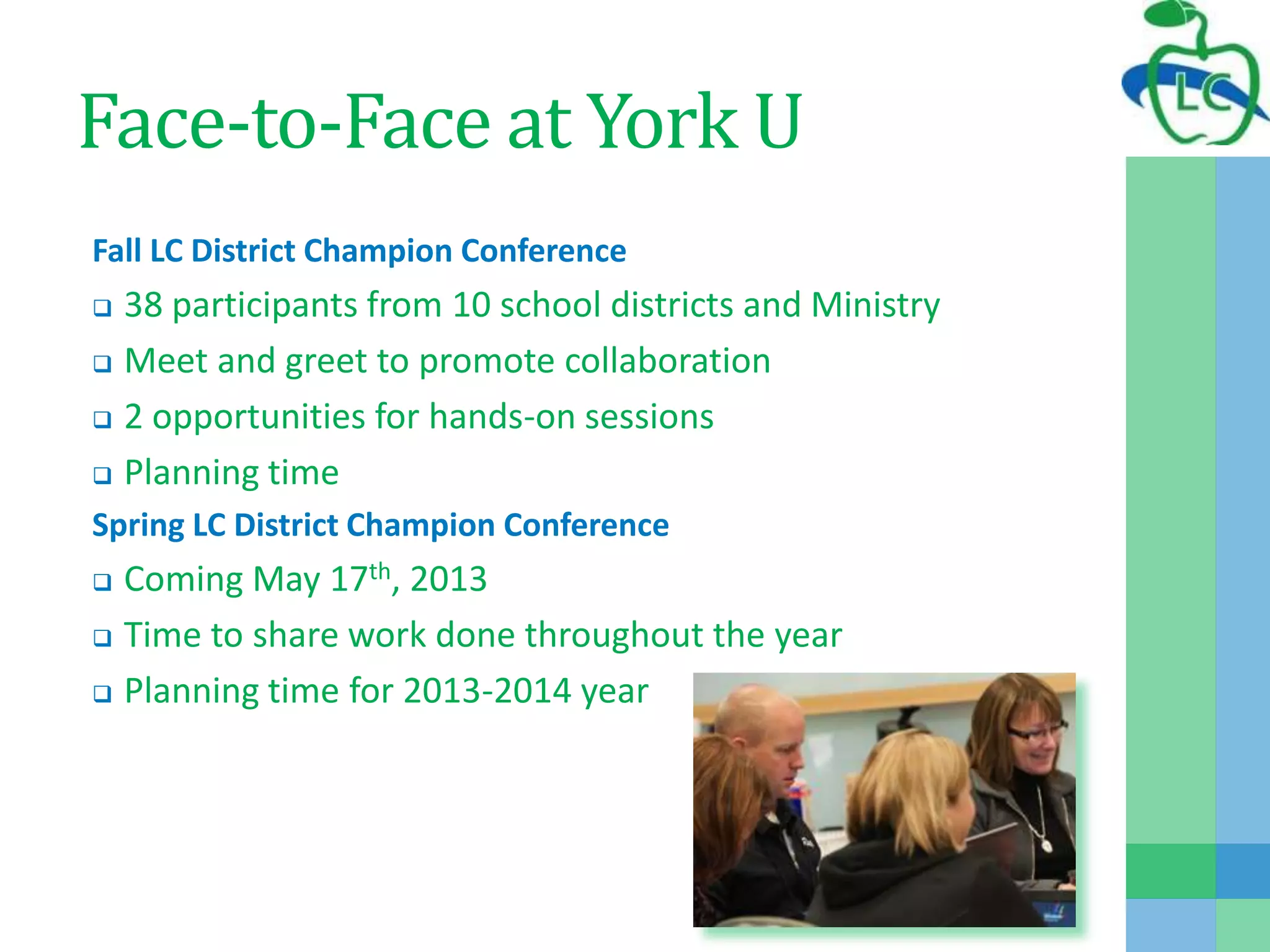
Fall LC District Champion Conference
 38 participants from 10 school districts and Ministry
 Meet and greet to promote collaboration
 2 opportunities for hands-on sessions
 Planning time
Spring LC District Champion Conference
 Coming May 17th, 2013
 Time to share work done throughout the year
 Planning time for 2013-2014 year
Websites
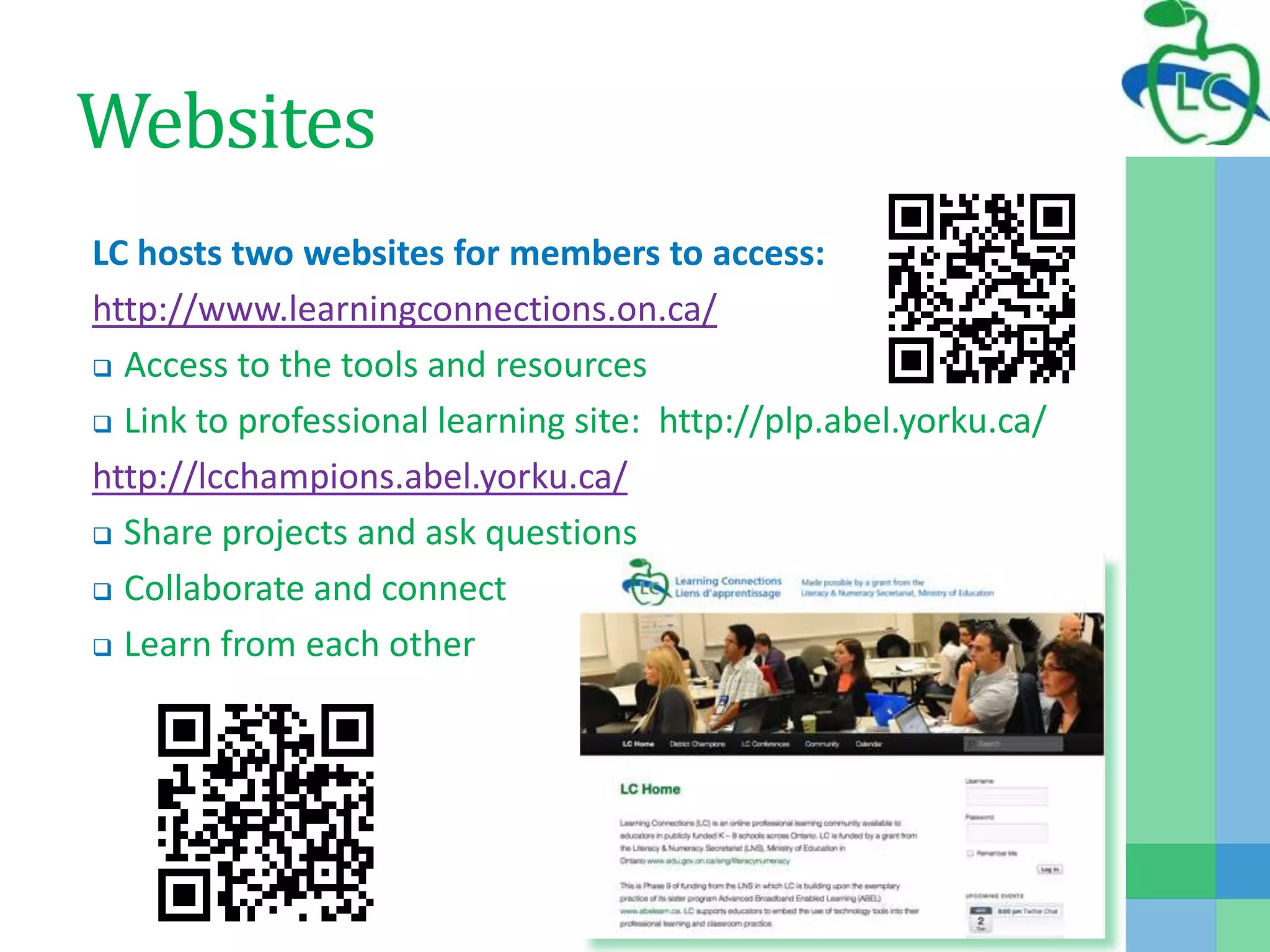
LC hosts two websites for members to access:
http://www.learningconnections.on.ca/
 Access to the tools and resources
 Link to professional learning site: http://plp.abel.yorku.ca/
http://lcchampions.abel.yorku.ca/
 Share projects and ask questions
 Collaborate and connect
 Learn from each other
Monthly On-line Meetings
Representatives from Champion Districts meet online
 Provide information regarding upcoming professional learning
 Champions provide feedback to program office about their
needs
 Planning time for LC events
Sharing of best practices
 Each month 1-2 districts take 15 minutes to share
 Opportunity to ask questions and collaborate
Edmodo
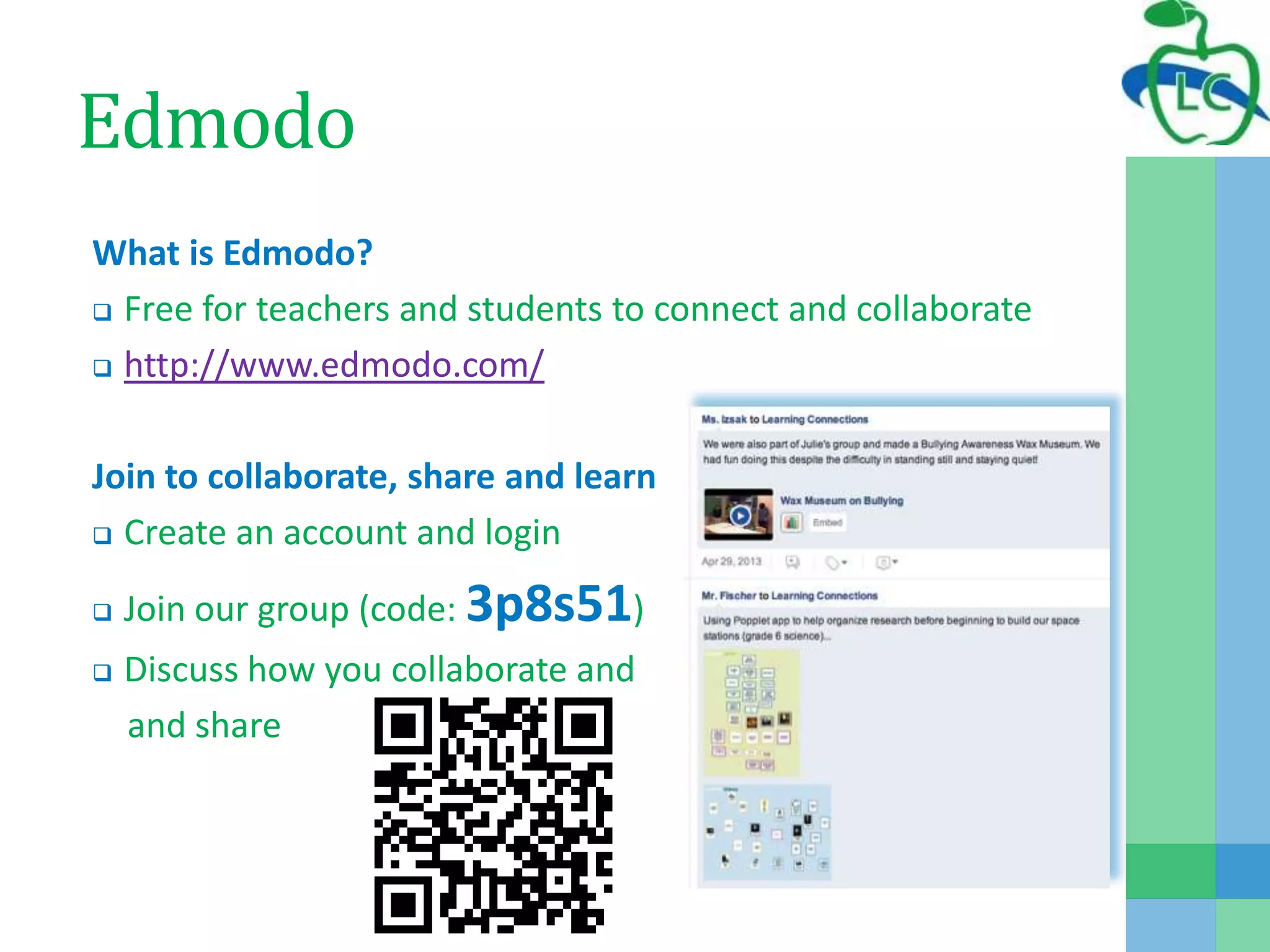
What is Edmodo?
 Free for teachers and students to connect and collaborate
 http://www.edmodo.com/
Join to collaborate, share and learn
 Create an account and login
 Join our group (code: 3p8s51)
 Discuss how you collaborate and
and share
Sample LC Projects
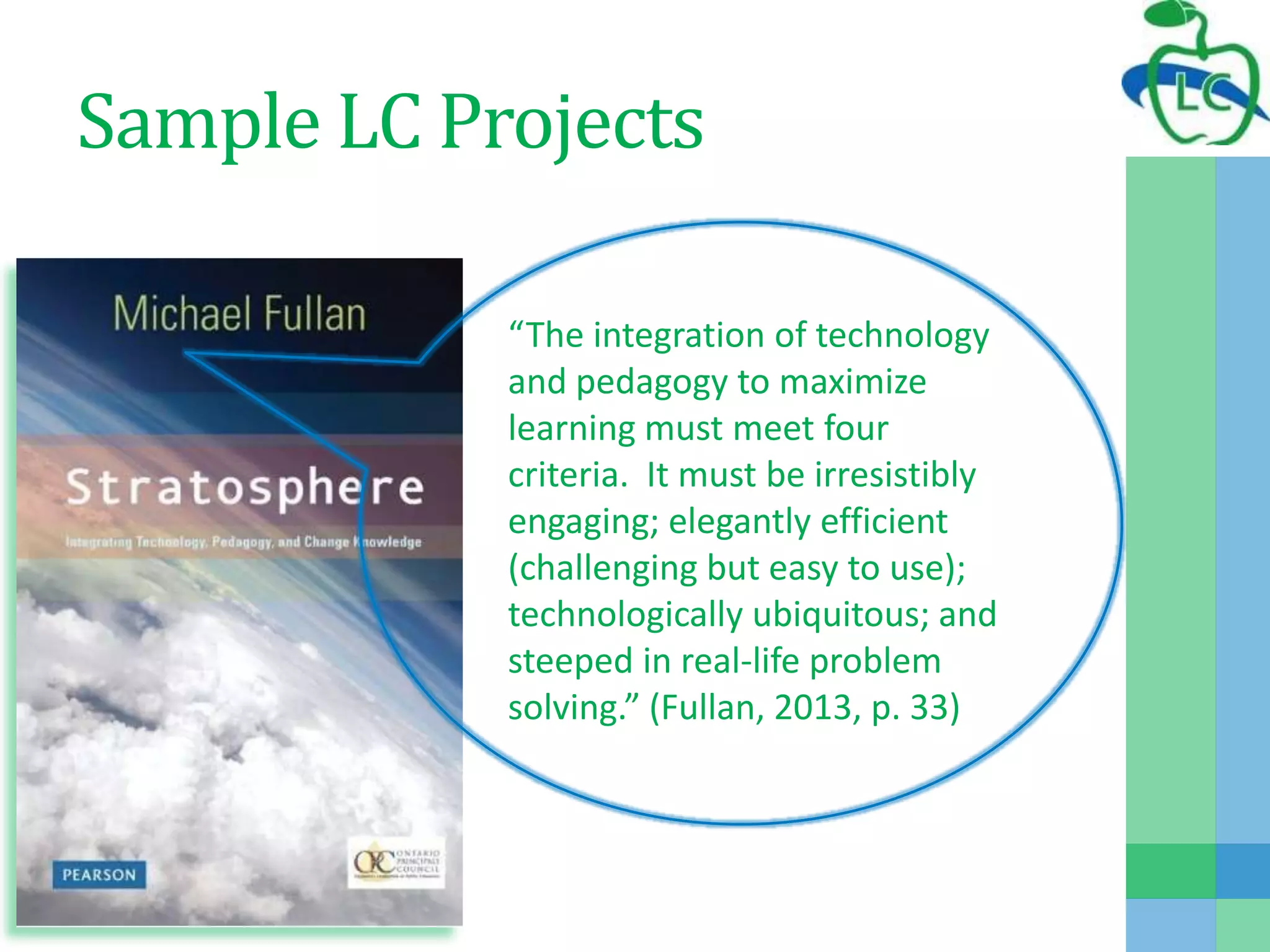
“The integration of technology
and pedagogy to maximize
learning must meet four
criteria. It must be irresistibly
engaging; elegantly efficient
(challenging but easy to use);
technologically ubiquitous; and
steeped in real-life problem
solving.” (Fullan, 2013, p. 33)
LC Champion District Project
Evident in LC Projects:
 Teachers engaged in professional learning by coaching, one to
one, small group and large group
 Teachers sharing their work online and face-to-face
 Teachers learning new ways to work and collaborate
 Teachers using technology for literacy and numeracy
instruction
 Students learning appropriate use of technology
 Students engaged in using technology tools for learning
 Students completing authentic tasks and projects
 Teachers working with students to learn new technologies
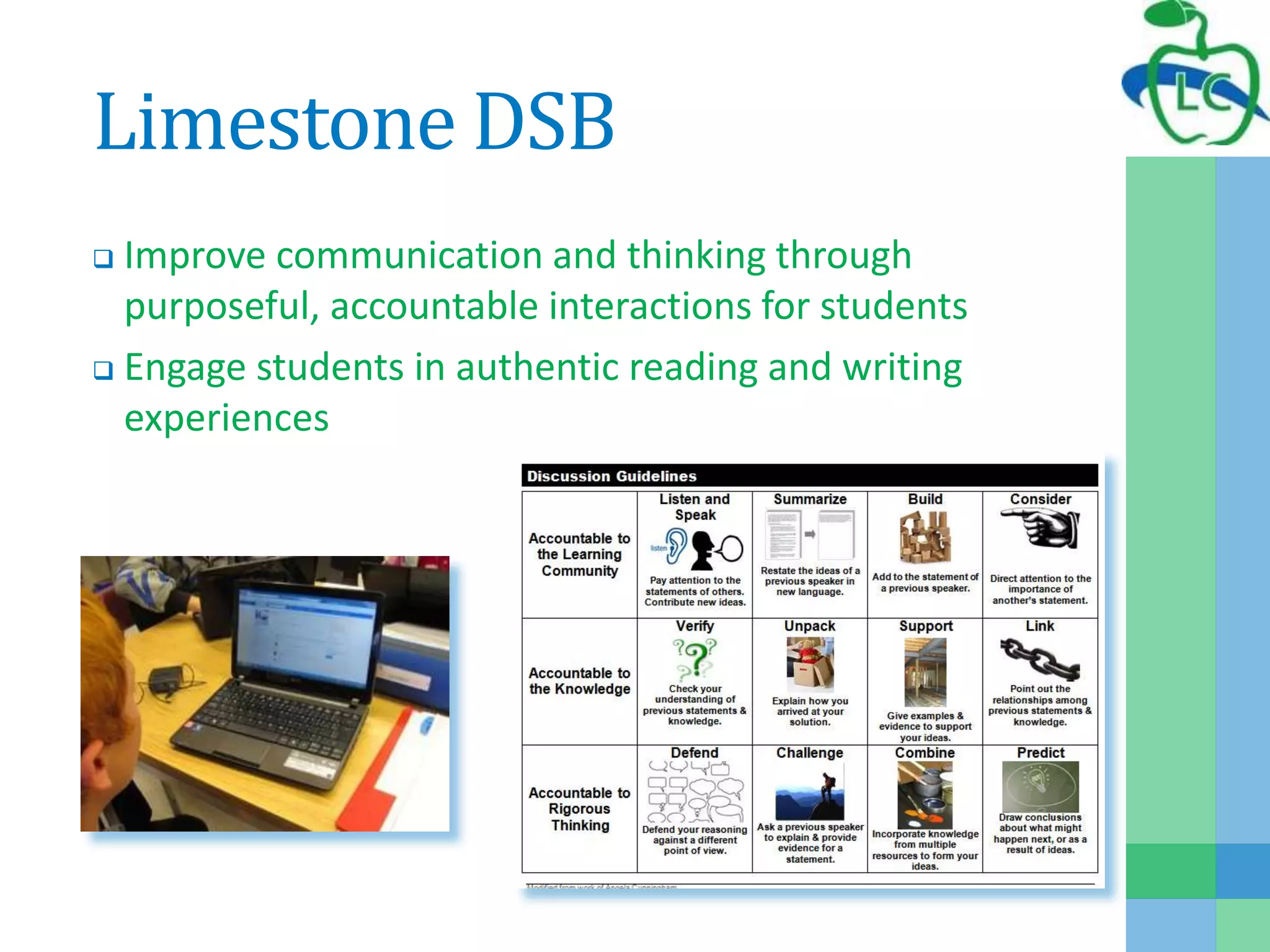
Limestone DSB
 Improve communication and thinking through
purposeful, accountable interactions for students
 Engage students in authentic reading and writing
experiences
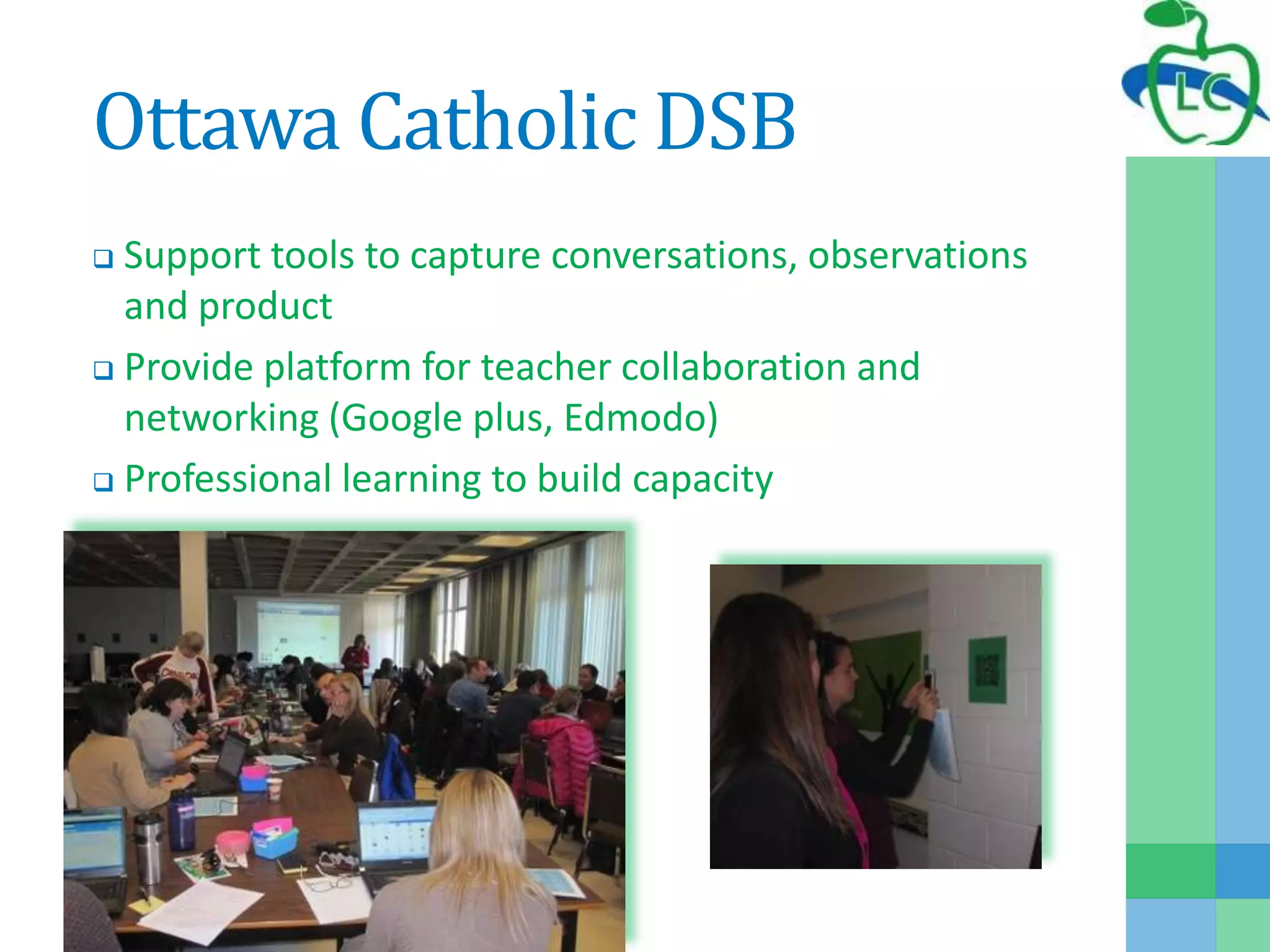
Ottawa Catholic DSB
 Support tools to capture conversations, observations
and product
 Provide platform for teacher collaboration and
networking (Google plus, Edmodo)
 Professional learning to build capacity
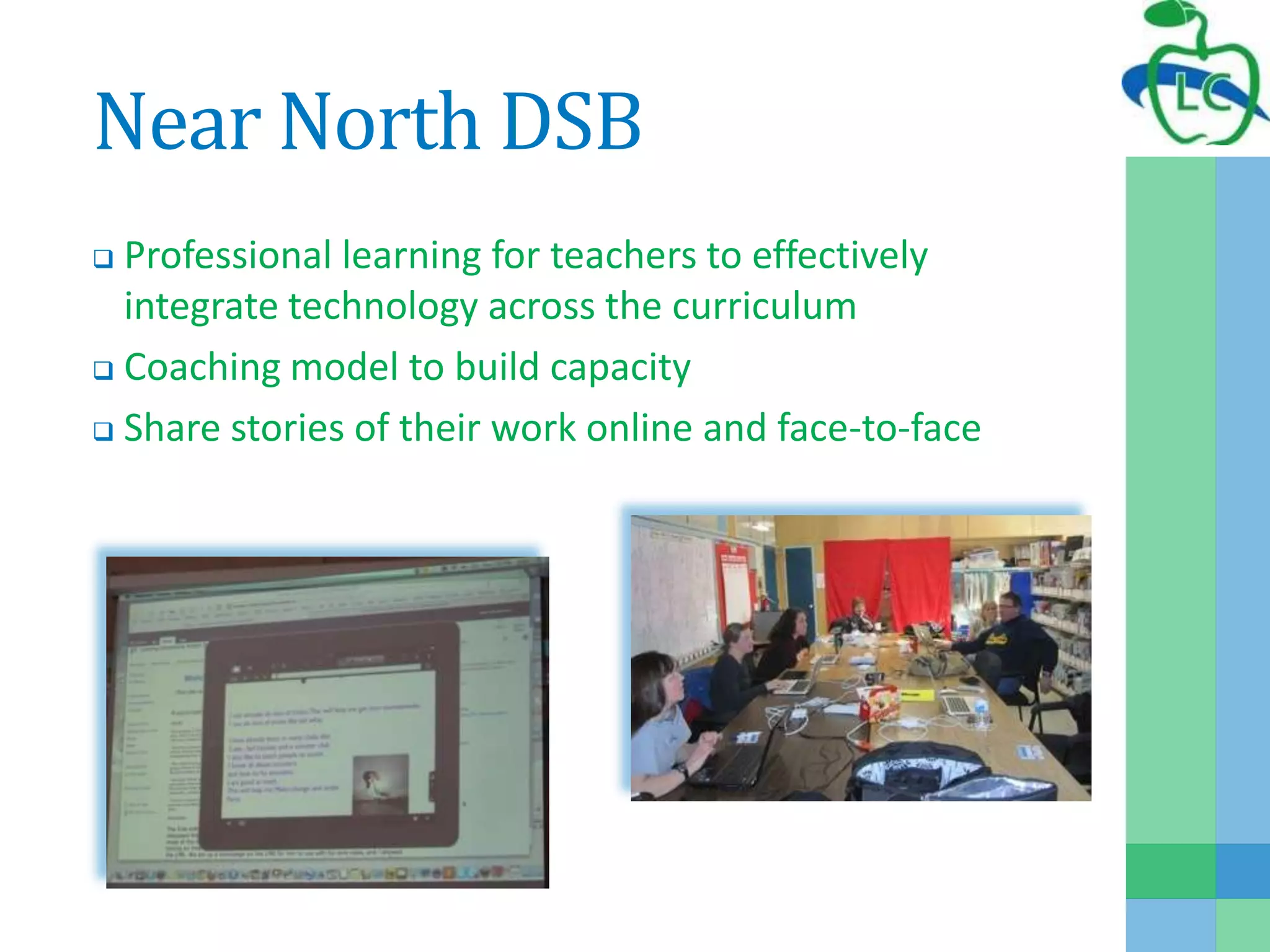
Near North DSB
 Professional learning for teachers to effectively
integrate technology across the curriculum
 Coaching model to build capacity
 Share stories of their work online and face-to-face
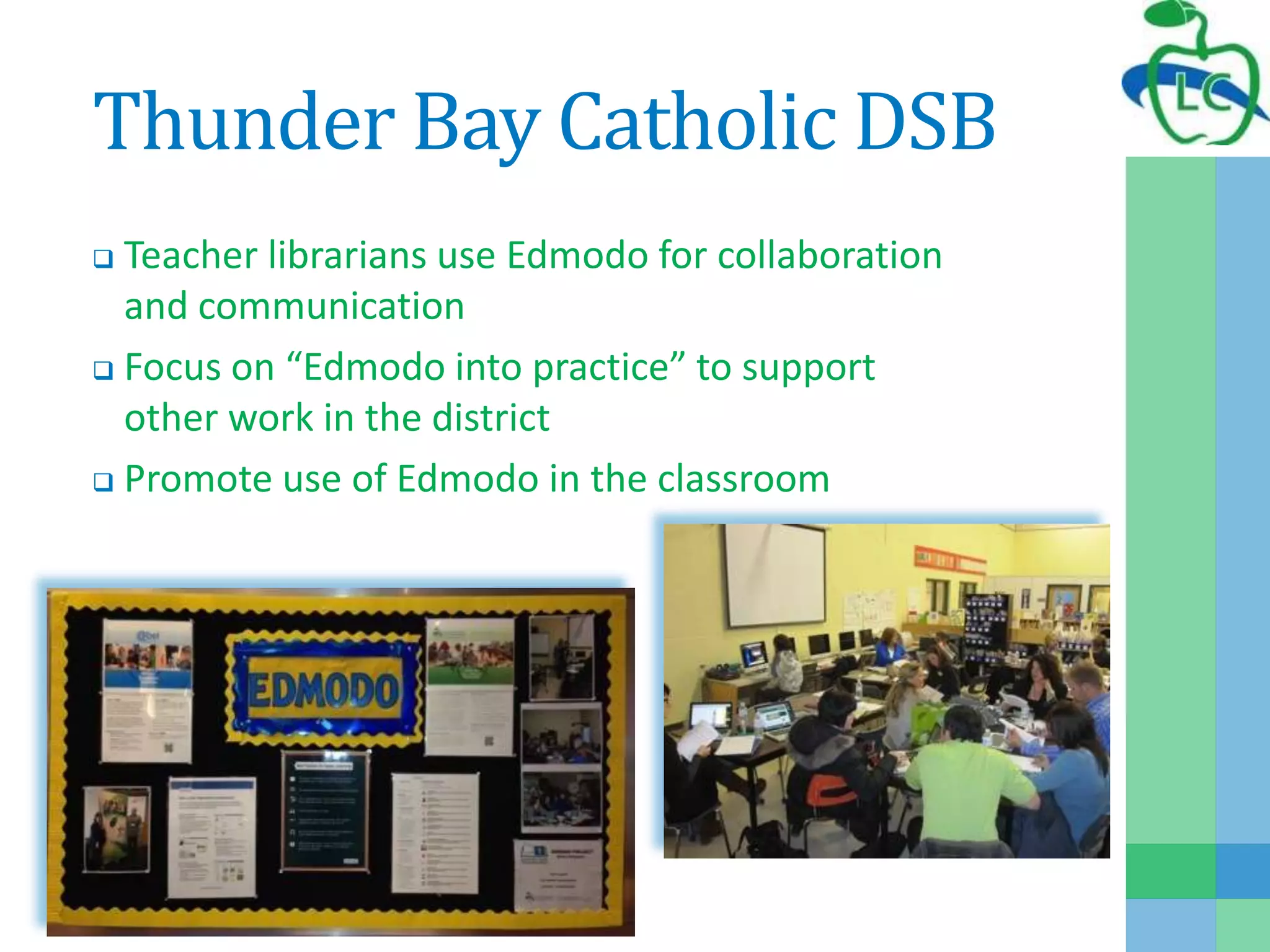
Thunder Bay Catholic DSB
 Teacher librarians use Edmodo for collaboration
and communication
 Focus on “Edmodo into practice” to support
other work in the district
 Promote use of Edmodo in the classroom
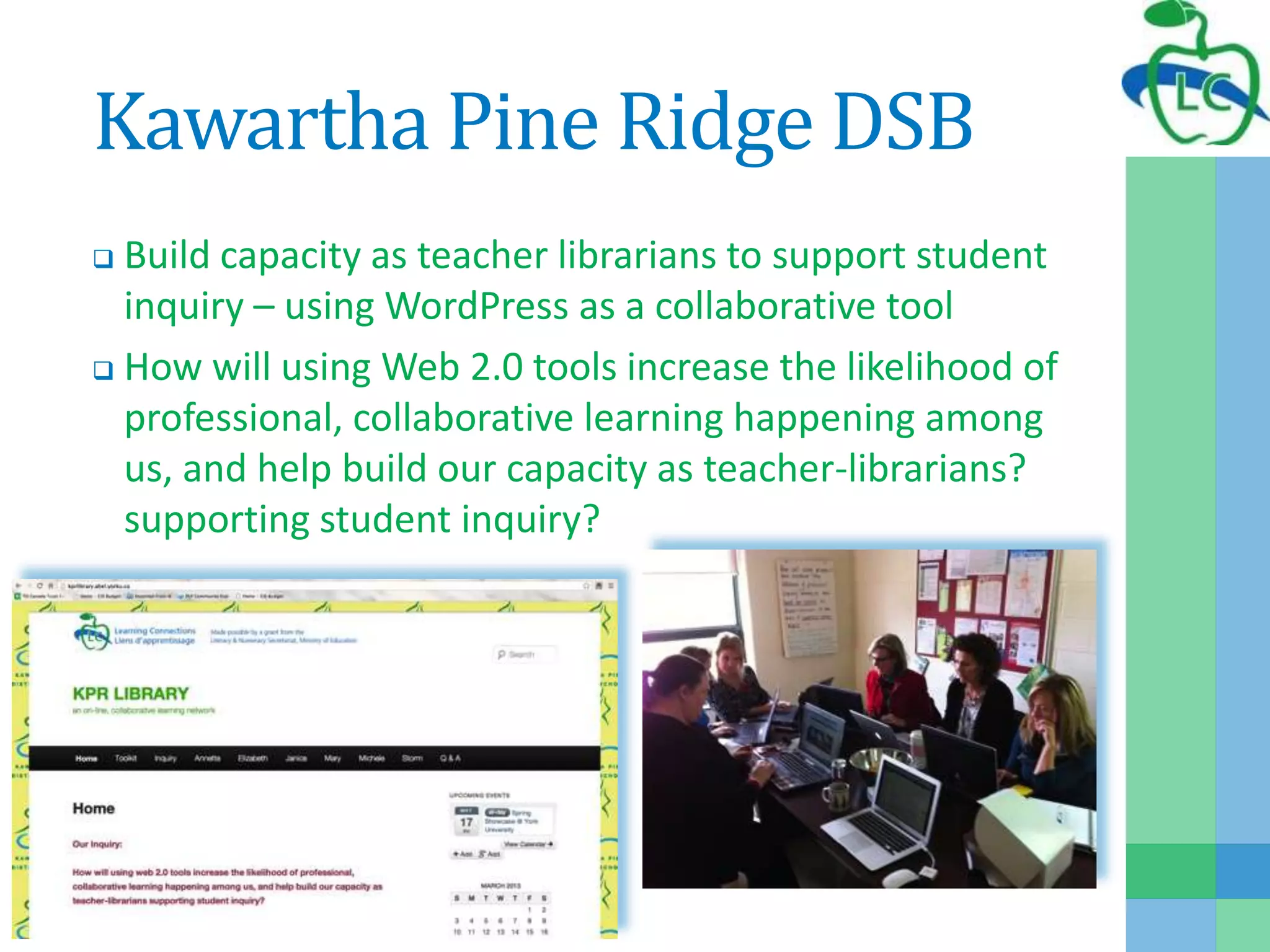
Kawartha Pine Ridge DSB
 Build capacity as teacher librarians to support student
inquiry – using WordPress as a collaborative tool
 How will using Web 2.0 tools increase the likelihood of
professional, collaborative learning happening among
us, and help build our capacity as teacher-librarians?
supporting student inquiry?
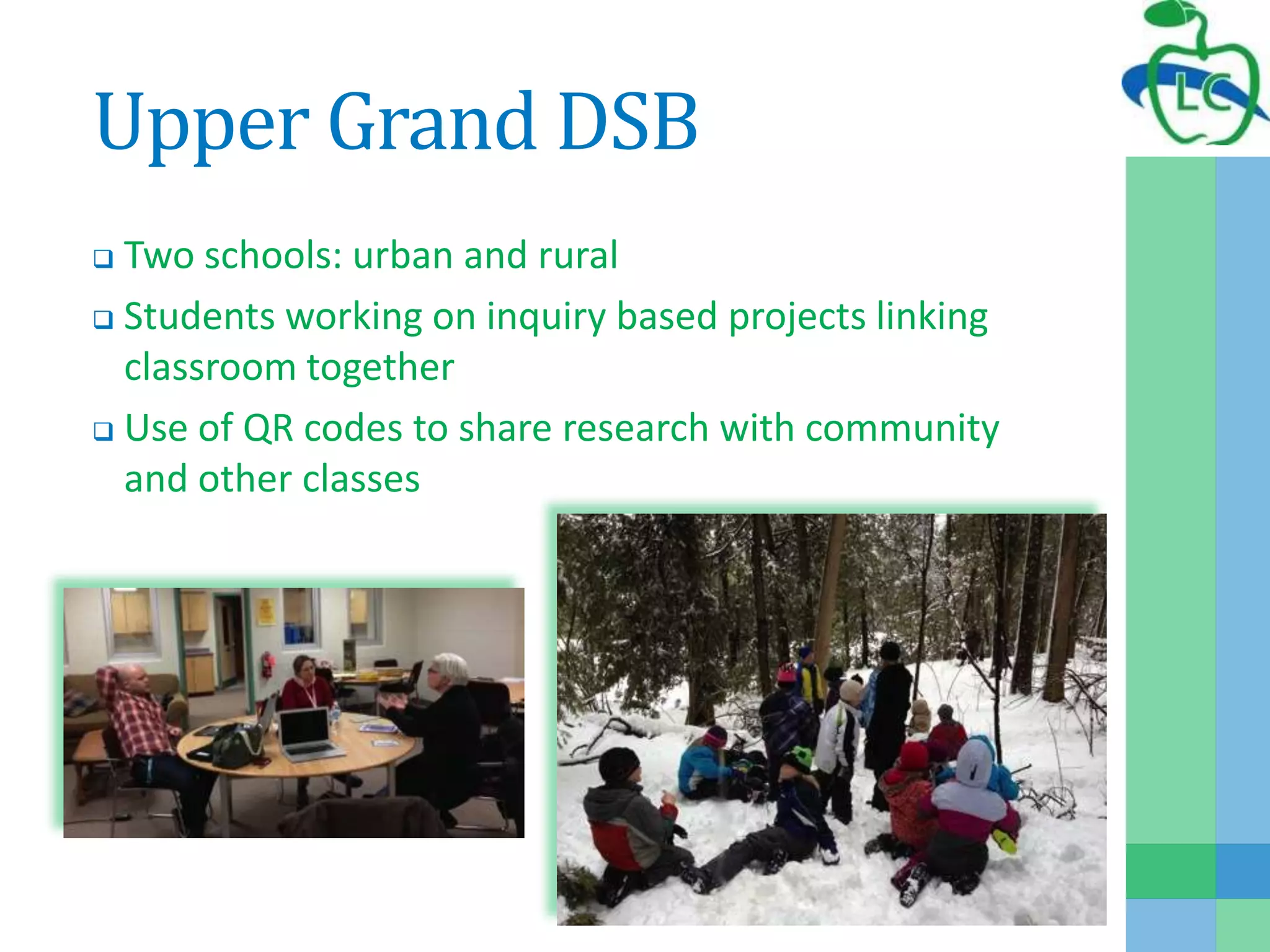
Upper Grand DSB
 Two schools: urban and rural
 Students working on inquiry based projects linking
classroom together
 Use of QR codes to share research with community
and other classes
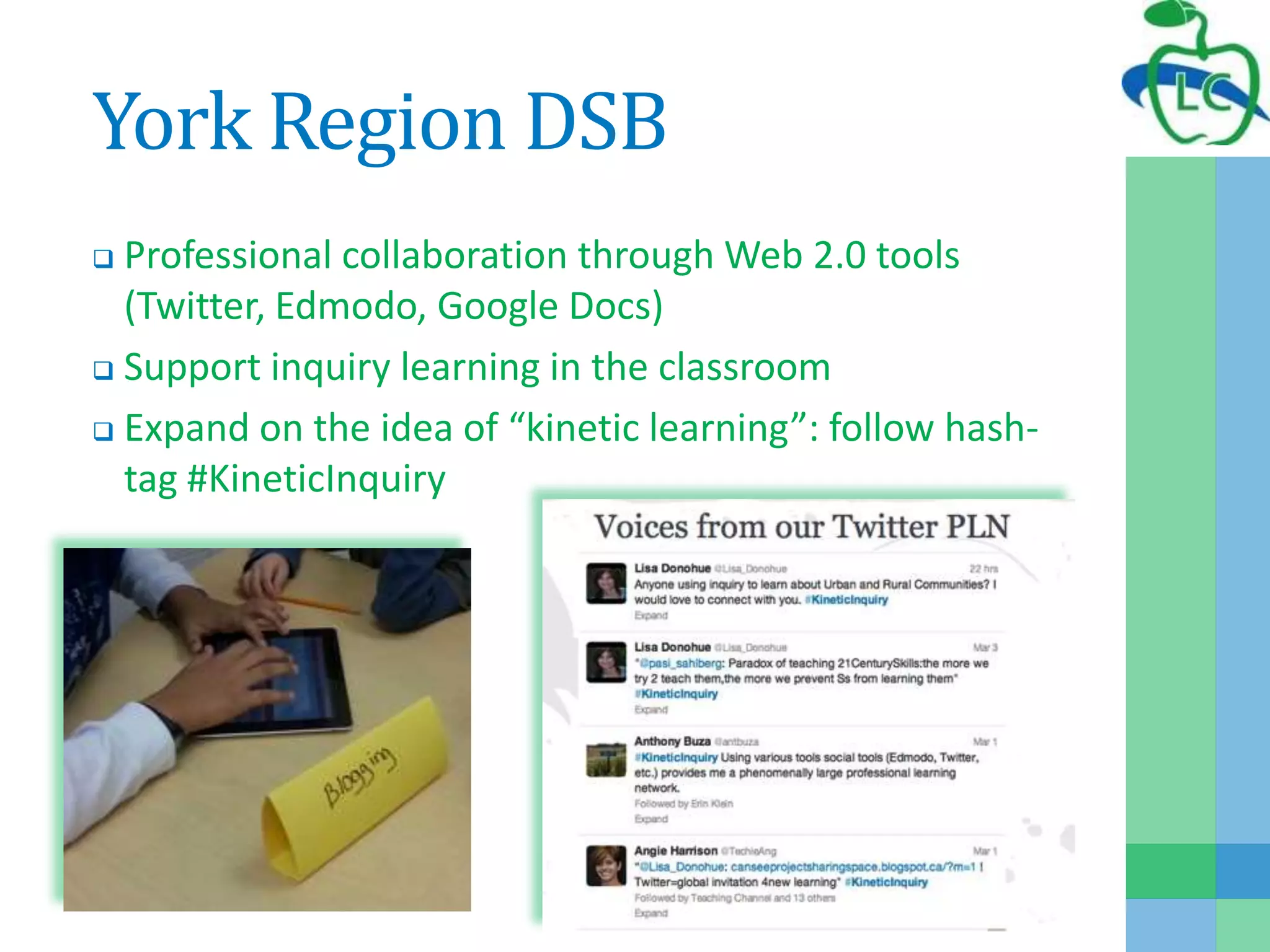
York Region DSB
 Professional collaboration through Web 2.0 tools
(Twitter, Edmodo, Google Docs)
 Support inquiry learning in the classroom
 Expand on the idea of “kinetic learning”: follow hash-
tag #KineticInquiry
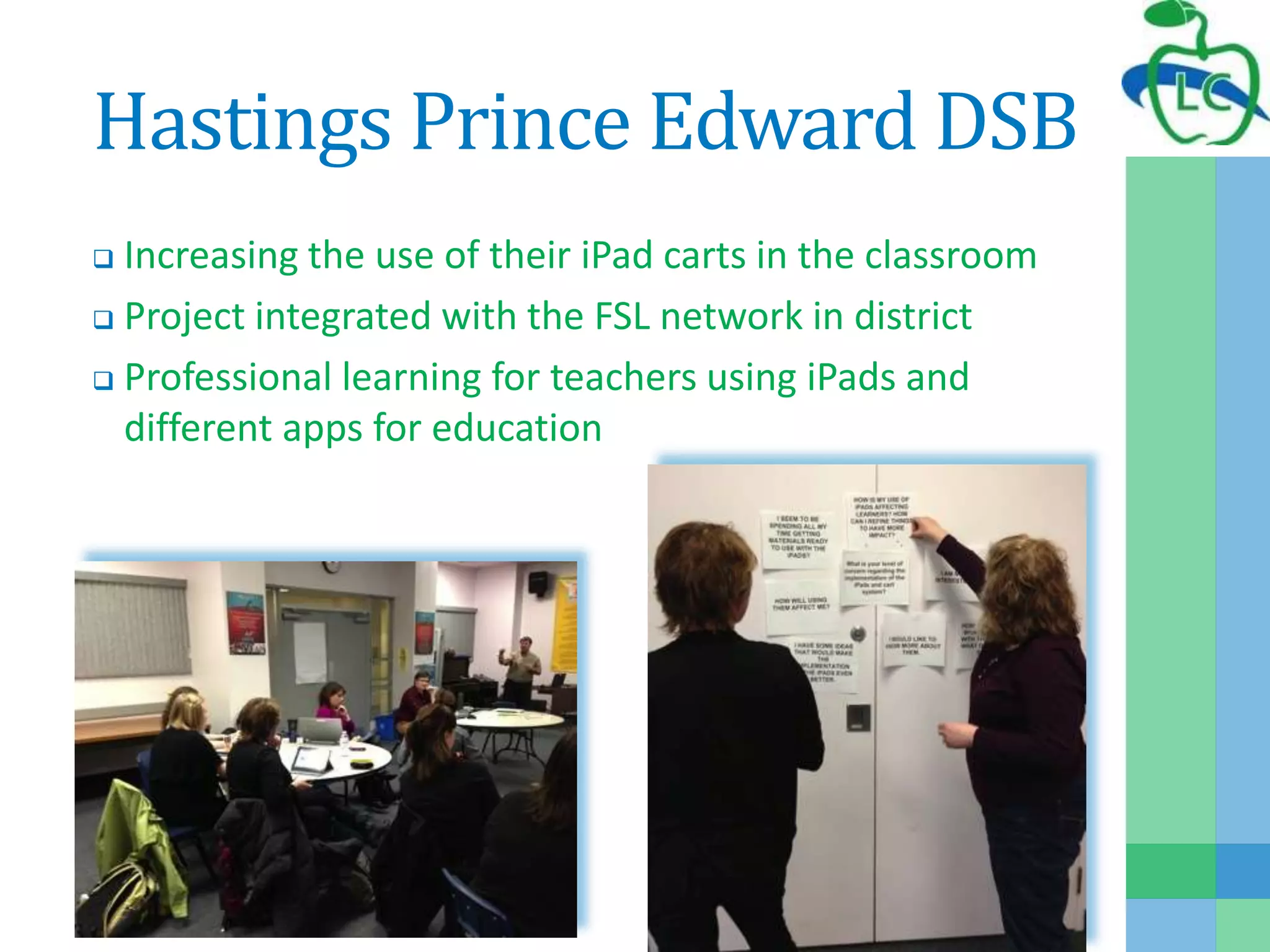
Hastings Prince Edward DSB
 Increasing the use of their iPad carts in the classroom
 Project integrated with the FSL network in district
 Professional learning for teachers using iPads and
different apps for education
Research in LC
 Partnered with Institute for Research in
Learning Technologies, York University
 research and evaluates the work of the
program
 2011-2012: Learning Connections: Project
Year End Report
 2012-2013: Learning Connection:
Developing Skills for the 21st Century
Research for Improvement
2011-2012: LC Project Year End Report
 Changed format of monthly meetings to highlight 1-2
districts
 Provided comprehensive online space for sharing and
collaboration: http://lcchampions.abel.yorku.ca/
 Continued to provide two face to face conferences:
“Continue to provide the two face-to-face sessions. They
really help to build capacity and collaboration across
boards in Ontario. We really appreciate and look forward
to those opportunities to meet and share with others.”
(Wideman, 2012, p. 13)
Research for 21st Century
Learning
2012-2013: LC - Developing Skills for the 21st Century
 Provide a framework to align LC project proposals with
21st century learning skills
 Case study of 2 districts
 Preliminary review of past proposals:
“Most projects explicitly incorporated
inquiry, expository, communicative, and collaborative skill
dimensions in their pedagogical design and classroom
implementations, and all made use of ICT in ways that
required students to apply (and further develop) important
ICT literacy skills.” (Wideman, 2013, p. 34)
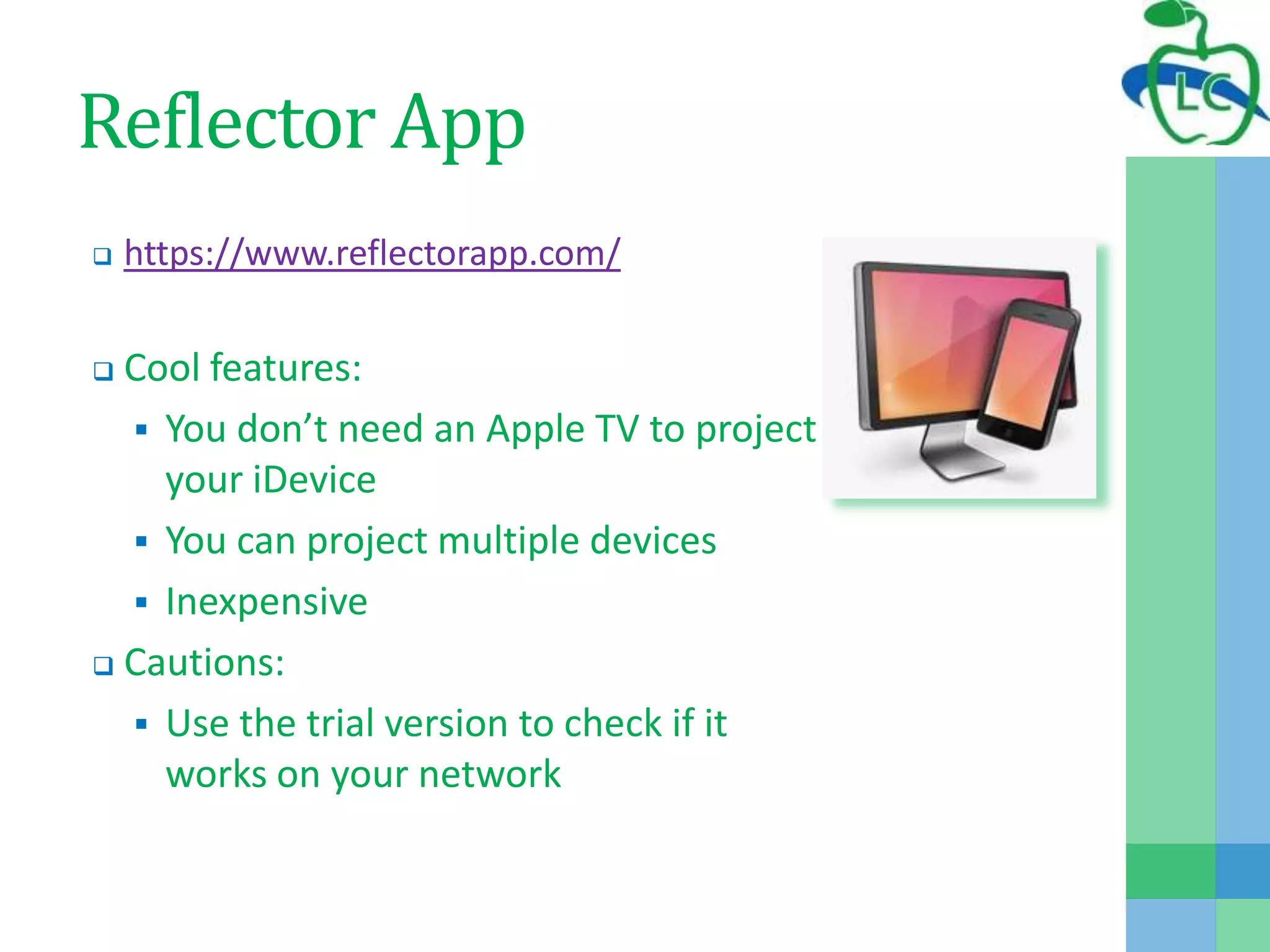
Reflector App
 https://www.reflectorapp.com/
 Cool features:
 You don’t need an Apple TV to project
your iDevice
 You can project multiple devices
 Inexpensive
 Cautions:
 Use the trial version to check if it
works on your network
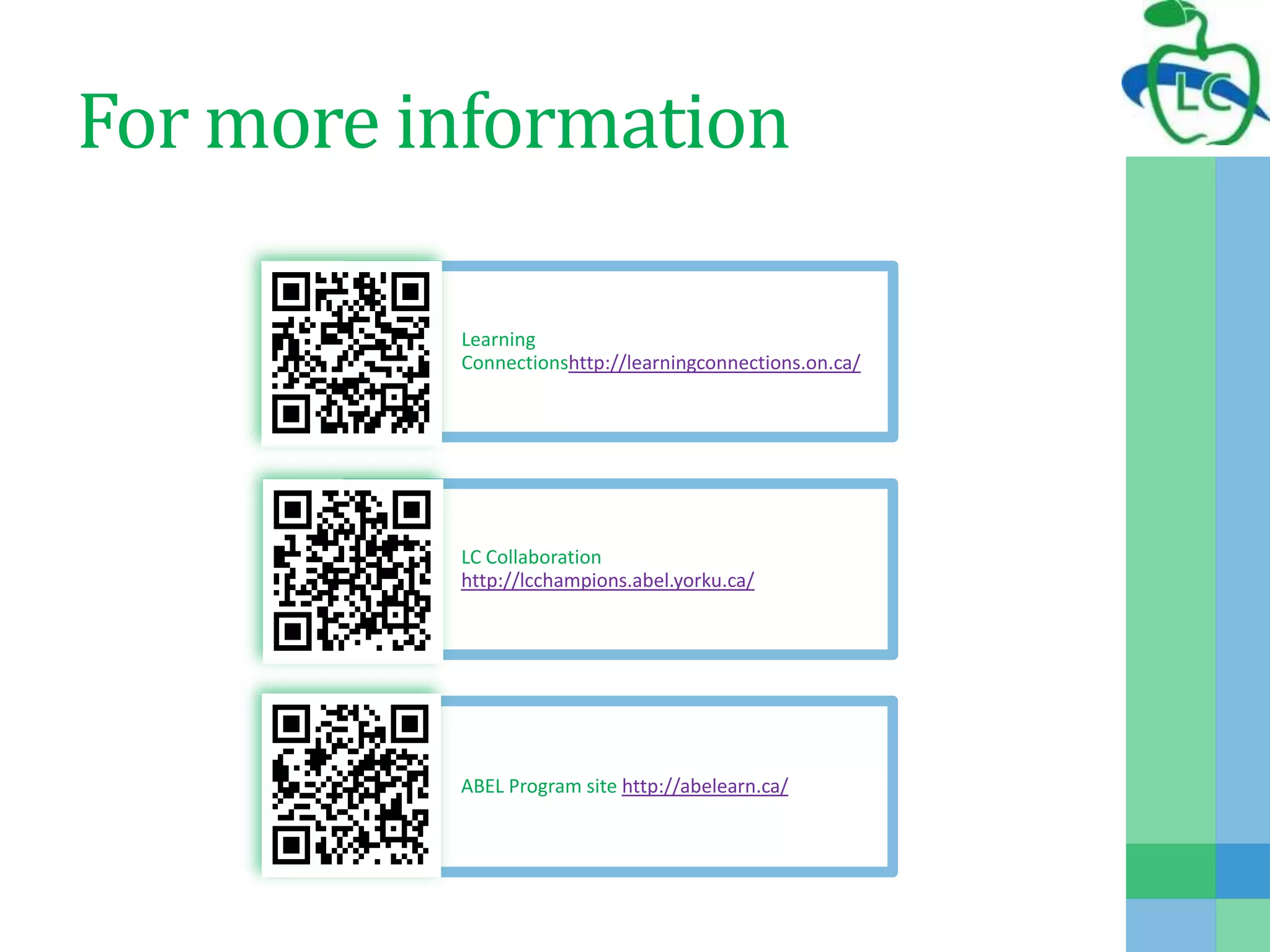
For more information
Learning
Connectionshttp://learningconnections.on.ca/
LC Collaboration
http://lcchampions.abel.yorku.ca/
ABEL Program site http://abelearn.ca/
Resources
 Wideman, H. (2012). Learning connections: Project year-end report
2011-2012. Toronto, ON: Institute for Research on Learning
Technologies, York University.
 Wideman, H. (2013). Learning connections: Developing skills for the
21st century. Toronto, ON: Institute for Research on Learning
Technologies, York University.
 Nussbaum-Beach, S., & Ritter Hall, L. (2012). The Connected
Educator: Learning and leading in a digital age. Bloomington, IN:
Solution Tree Press.
 Fullan, M. (2013). Stratosphere: Integrating
technology, pedagogy, and change knowledge. Toronto: Pearson
Canada Inc.
 Fullan, M. (2007). Change the terms for teacher learning. JSD The
Learning Forward Journal, 28(3), 35-36. Retrieved from
http://www.michaelfullan.ca/media/13396074650.pdf
Thank you!
Anita

Improving teaching and learning 21 connect 2013 - compress

  • 1.
  • 2.
    Where to findme:  Twitter: #connect2013  Follow me: @adrossis  Wiki Spaces:  http://adrossis.wikispaces.com/  Resources for this presentation:  http://adrossis.wikispaces.com/C ONNECT+2013
  • 3.
    What is LearningConnections? Learning Connections (LC) is:  funded by a grant from the Ontario Ministry of Education, Literacy and Numeracy Secretariat  an online community driven by the collaboration of school districts called District Champions District Champions  align their involvement with their district level plans  engage in sharing and collaborations with other district champions  build capacity within their district with support from LC
  • 4.
  • 5.
  • 6.
  • 7.
    Blended Approach to ProfessionalLearning “Student learning depends on every teacher learning all the time.” (Fullan, 2007, p. 35)
  • 8.
    Blended Approach to ProfessionalLearning Personalized Learning  Learning Online  Educational Speakers Collection Collaboration and Learning  Online Book Studies  Pilot Applications 21st Century Leadership  ABEL Leadership Round Table  Leadership Summit ABEL Summer Institute  ASI 2013: Level UP http://plp.abel.yorku.ca
  • 9.
    Personalized Learning Learning Online Scheduled Learning included:  Sessions on: Literacy Skills in Science, Numeracy and 21st Century Literacy  Videos of these sessions were created for later viewing  OnDemand Learning included:  Sessions on WordPress, Moodle… Educational Speakers Collection  Variety of videos available Twitter Chat  Visible Leadership  Social Media in Education  Skills for Today
  • 10.
    Collaboration and Learning OnlineBook Studies  The Connected Educator  3 online asynchronous meetings  Online activities and discussions Pilot Applications  Equella – initial set-up phase only  Edsby – year one of pilot
  • 11.
    21st Century Leadership ABELLeadership Round Table  Topics for discussion included:  Leadership with Technology for Learning  App That!  Social Media in Education Visible Leadership Summit  Facilitated by Sheryl Nussbaum-Beach and Lisa Neale  Face-to-face at York U
  • 12.
    ABEL Summer Institute: LevelUP ASI delegates will Level UP to improve their effective use of technology through: Level UP in 20 Experience this fast paced Pecha Kucha style session. Presenters share what they do and how the Level UP. ASI Flipped Flip the conference experience and engage in meaningful conversations based on shared resources Interactive Learning Expert facilitators lead hands-on sessions for a variety of technological tools for education.
  • 13.
    TodaysMeet What is TodaysMeet? Online tool to create a backchannel  Quick to set up  Archive your transcript easily Check out our TodaysMeet:  http://todaysmeet.com/ProfLearning  What makes professional learning engaging for you?
  • 14.
    Building Community and SharingBest Practice “Connected learning communities are designed to support the professional development goals their members have chosen to improve instruction and subsequently bring about increased growth and achievement for the 21st century learner.” (Nussbaum- Beach & Ritter Hall, 2012, p. 38)
  • 15.
    Building Community and SharingBest Practice Face-to-face at York University  two conferences Websites  access to the tools, resources and professional learning  share, collaborate and learn from each other Monthly Online Meetings  synchronous to share, collaborate, and build community
  • 16.
    Face-to-Face at YorkU Fall LC District Champion Conference  38 participants from 10 school districts and Ministry  Meet and greet to promote collaboration  2 opportunities for hands-on sessions  Planning time Spring LC District Champion Conference  Coming May 17th, 2013  Time to share work done throughout the year  Planning time for 2013-2014 year
  • 17.
    Websites LC hosts twowebsites for members to access: http://www.learningconnections.on.ca/  Access to the tools and resources  Link to professional learning site: http://plp.abel.yorku.ca/ http://lcchampions.abel.yorku.ca/  Share projects and ask questions  Collaborate and connect  Learn from each other
  • 18.
    Monthly On-line Meetings Representativesfrom Champion Districts meet online  Provide information regarding upcoming professional learning  Champions provide feedback to program office about their needs  Planning time for LC events Sharing of best practices  Each month 1-2 districts take 15 minutes to share  Opportunity to ask questions and collaborate
  • 19.
    Edmodo What is Edmodo? Free for teachers and students to connect and collaborate  http://www.edmodo.com/ Join to collaborate, share and learn  Create an account and login  Join our group (code: 3p8s51)  Discuss how you collaborate and and share
  • 20.
    Sample LC Projects “Theintegration of technology and pedagogy to maximize learning must meet four criteria. It must be irresistibly engaging; elegantly efficient (challenging but easy to use); technologically ubiquitous; and steeped in real-life problem solving.” (Fullan, 2013, p. 33)
  • 21.
    LC Champion DistrictProject Evident in LC Projects:  Teachers engaged in professional learning by coaching, one to one, small group and large group  Teachers sharing their work online and face-to-face  Teachers learning new ways to work and collaborate  Teachers using technology for literacy and numeracy instruction  Students learning appropriate use of technology  Students engaged in using technology tools for learning  Students completing authentic tasks and projects  Teachers working with students to learn new technologies
  • 22.
    Limestone DSB  Improvecommunication and thinking through purposeful, accountable interactions for students  Engage students in authentic reading and writing experiences
  • 23.
    Ottawa Catholic DSB Support tools to capture conversations, observations and product  Provide platform for teacher collaboration and networking (Google plus, Edmodo)  Professional learning to build capacity
  • 24.
    Near North DSB Professional learning for teachers to effectively integrate technology across the curriculum  Coaching model to build capacity  Share stories of their work online and face-to-face
  • 25.
    Thunder Bay CatholicDSB  Teacher librarians use Edmodo for collaboration and communication  Focus on “Edmodo into practice” to support other work in the district  Promote use of Edmodo in the classroom
  • 26.
    Kawartha Pine RidgeDSB  Build capacity as teacher librarians to support student inquiry – using WordPress as a collaborative tool  How will using Web 2.0 tools increase the likelihood of professional, collaborative learning happening among us, and help build our capacity as teacher-librarians? supporting student inquiry?
  • 27.
    Upper Grand DSB Two schools: urban and rural  Students working on inquiry based projects linking classroom together  Use of QR codes to share research with community and other classes
  • 28.
    York Region DSB Professional collaboration through Web 2.0 tools (Twitter, Edmodo, Google Docs)  Support inquiry learning in the classroom  Expand on the idea of “kinetic learning”: follow hash- tag #KineticInquiry
  • 29.
    Hastings Prince EdwardDSB  Increasing the use of their iPad carts in the classroom  Project integrated with the FSL network in district  Professional learning for teachers using iPads and different apps for education
  • 30.
    Research in LC Partnered with Institute for Research in Learning Technologies, York University  research and evaluates the work of the program  2011-2012: Learning Connections: Project Year End Report  2012-2013: Learning Connection: Developing Skills for the 21st Century
  • 31.
    Research for Improvement 2011-2012:LC Project Year End Report  Changed format of monthly meetings to highlight 1-2 districts  Provided comprehensive online space for sharing and collaboration: http://lcchampions.abel.yorku.ca/  Continued to provide two face to face conferences: “Continue to provide the two face-to-face sessions. They really help to build capacity and collaboration across boards in Ontario. We really appreciate and look forward to those opportunities to meet and share with others.” (Wideman, 2012, p. 13)
  • 32.
    Research for 21stCentury Learning 2012-2013: LC - Developing Skills for the 21st Century  Provide a framework to align LC project proposals with 21st century learning skills  Case study of 2 districts  Preliminary review of past proposals: “Most projects explicitly incorporated inquiry, expository, communicative, and collaborative skill dimensions in their pedagogical design and classroom implementations, and all made use of ICT in ways that required students to apply (and further develop) important ICT literacy skills.” (Wideman, 2013, p. 34)
  • 33.
    Reflector App  https://www.reflectorapp.com/ Cool features:  You don’t need an Apple TV to project your iDevice  You can project multiple devices  Inexpensive  Cautions:  Use the trial version to check if it works on your network
  • 34.
    For more information Learning Connectionshttp://learningconnections.on.ca/ LCCollaboration http://lcchampions.abel.yorku.ca/ ABEL Program site http://abelearn.ca/
  • 35.
    Resources  Wideman, H.(2012). Learning connections: Project year-end report 2011-2012. Toronto, ON: Institute for Research on Learning Technologies, York University.  Wideman, H. (2013). Learning connections: Developing skills for the 21st century. Toronto, ON: Institute for Research on Learning Technologies, York University.  Nussbaum-Beach, S., & Ritter Hall, L. (2012). The Connected Educator: Learning and leading in a digital age. Bloomington, IN: Solution Tree Press.  Fullan, M. (2013). Stratosphere: Integrating technology, pedagogy, and change knowledge. Toronto: Pearson Canada Inc.  Fullan, M. (2007). Change the terms for teacher learning. JSD The Learning Forward Journal, 28(3), 35-36. Retrieved from http://www.michaelfullan.ca/media/13396074650.pdf
  • 36.

Editor's Notes

  • #6 <?xml version="1.0" encoding="ISO-8859-1" ?><poll url="http://www.polleverywhere.com/multiple_choice_polls/LTg4ODMzODIwOA"> <!-- This snippet was inserted via the Poll Everywhere Mac Presenter --> <!-- The presence of this snippet is used to indicate that a poll will be shown during the slideshow --> <!-- TIP: You can draw a solid, filled rectangle on your slide and the Mac Presenter will automatically display your poll in that area. --> <!-- The Mac Presenter application must also be running and logged in for this to work. --> <!-- To remove this, simply delete it from the notes yourself or use the Mac Presenter to remove it for you. --> <title>Who are you?</title></poll>
  • #7 <?xml version="1.0" encoding="ISO-8859-1" ?><poll url="http://www.polleverywhere.com/free_text_polls/SagKnzDVpej2afy"> <!-- This snippet was inserted via the Poll Everywhere Mac Presenter --> <!-- The presence of this snippet is used to indicate that a poll will be shown during the slideshow --> <!-- TIP: You can draw a solid, filled rectangle on your slide and the Mac Presenter will automatically display your poll in that area. --> <!-- The Mac Presenter application must also be running and logged in for this to work. --> <!-- To remove this, simply delete it from the notes yourself or use the Mac Presenter to remove it for you. --> <title>How are you feeling today at CONNECT?</title></poll>