Integrating 21st-Century Skills
         in Education
                   2011 Updates

  An Ongoing Experience: Learning
          & Monitoring
                  Rita Abdelnour
                Saint Joseph School
            Cornet Chehwan, Lebanon
             slaveoflight@gmail.com

    https://sites.google.com/site/rabdelnourcv/
        http://efleducators.wikispaces.com
Basics
    Does the way you’ve been taught prepare you for these
                      days’ challenges?
      What are the most memorable or positive learning
                    experience you’ve had?

   Authentic practical experiences / situations; problem solving; real
    audience
   Open-ended outcomes; real risks
   Team work
   Ongoing learning
Move is inevitable: it’s not “if,” it’s “when”
Where Did it All Start?
        Professional Development (1): Invitation to
        reflect and create the needed interventions
   Online Course in 2008:

       reading: educators around the world share the same challenges; exchanging
        experiences helps

       Compare, reflect, and adapt

       Act: start by creating interventions with specific objectives that can be
        assessed (success or failure) immediately after. For e.g. change instructions,
        give more time for oral discussion, give students a chance to choose the
        product, etc.

       Understand what a discussion forum / thread means: posting once
        (overwhelming) vs. interacting
Only Connect: Turn Mirrors
          into Windows
Professional Development (2): Building Teaching
       Skills Through the Interactive Web
   Online Course in 2009:

       Better web-searching

       Blogging: sharing reflections vs. discussion forums

       Skill-building websites

       Project-based learning; WebQuests

       Using PPT effectively (by students)

       Life-changing idea of learner autonomy

       Web 2.0: wiki, online posters, webquest, ning
Ongoing Learning:
                    Communities
         Professional Development (3): Personal
              Learning Environments (PLEs)
   2009-2011:

       Classroom 2.0 (Learning Times; Learn Central; Elluminate; Ed Tech)

       Virtual Round Table

       TESOL (e-lists + resources) & TESOL EVO (free online sessions)

       Education Week

       Technology Integration in Education

       Training Magazine Network
From learning to Application  More Learning:

                            “Try it Yourself” Web 2.0
   Web 2.0: the second generation of the web / the read write web
       relies on users’ interaction and collaboration
       tools considered an excellent means to engage learners and enhance learning
       learner at the center; teacher hand in hand with digital natives
       A basic 21st-century literacy...but not an obvious fact in most schools in Lebanon
       Ethical use and digital etiquette
   Try it yourself: Social networking sites (Ning); Wikis (wikispaces; pbworks); Online
    surveys (Survey monkey); Twitter; Doodle; Google sites; Blogs (blogger; blogmeister;
    edublogs); online quizzes; picture & video sharing (Flickr; youtube; vimeo); sharing
    presentations (slideshare); bookmarking (Delicious; Diigo)


Ideas adapted from: LoTI (Levels of Technology Integration): Digital Age Framework
The University of Oregon online course homepage Building Teaching Skills Through the Interactive Web
Reflections collected in a personal blog Only Connect: Turning Mirrors into Windows
Becoming a CALL Practitioner
              In preparation for TESOL:
TESOL CALL-IS Academic Session 2010 in Boston: invited speaker to
  speak on The Emergent Role of Educators in e-learning environments
First Steps in Middle School
                Proposal: Targeted Objectives
   Shift from addictive social networking to collaborative learning
   Enhance learners’ motivation through experiencing authentic
    contexts employing their “digital” language
   Enhance critical thinking skills through discussion forums
   Acquire digital literacy and practice ethical use and digital
    etiquette
   Encourage students to write reflective pieces
Practicing CALL:
        One Pilot Class: Multiple Attempts
   Grade 7: e-pals (obstacles to matching our
    Lebanese students to American students coming
    from American parents)
   Grade 8: Blog (difficulties in following students
    and troubleshooting)
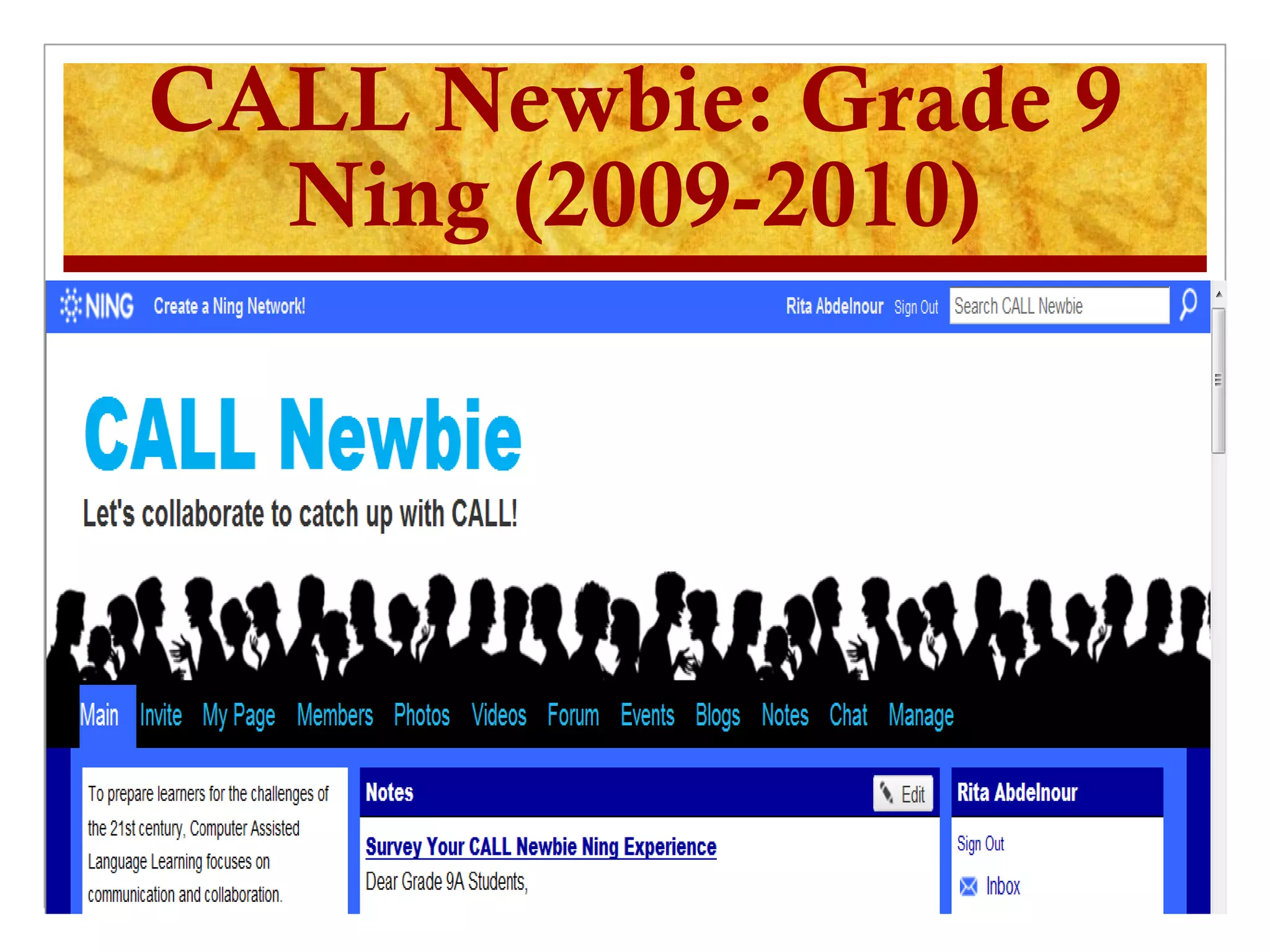
   Grade 9: the Ning www.callnewbie.ning.com
    It was the result of an authentic need – an unfinished
    discussion in class was picked up online!
CALL Newbie: Grade 9
  Ning (2009-2010)
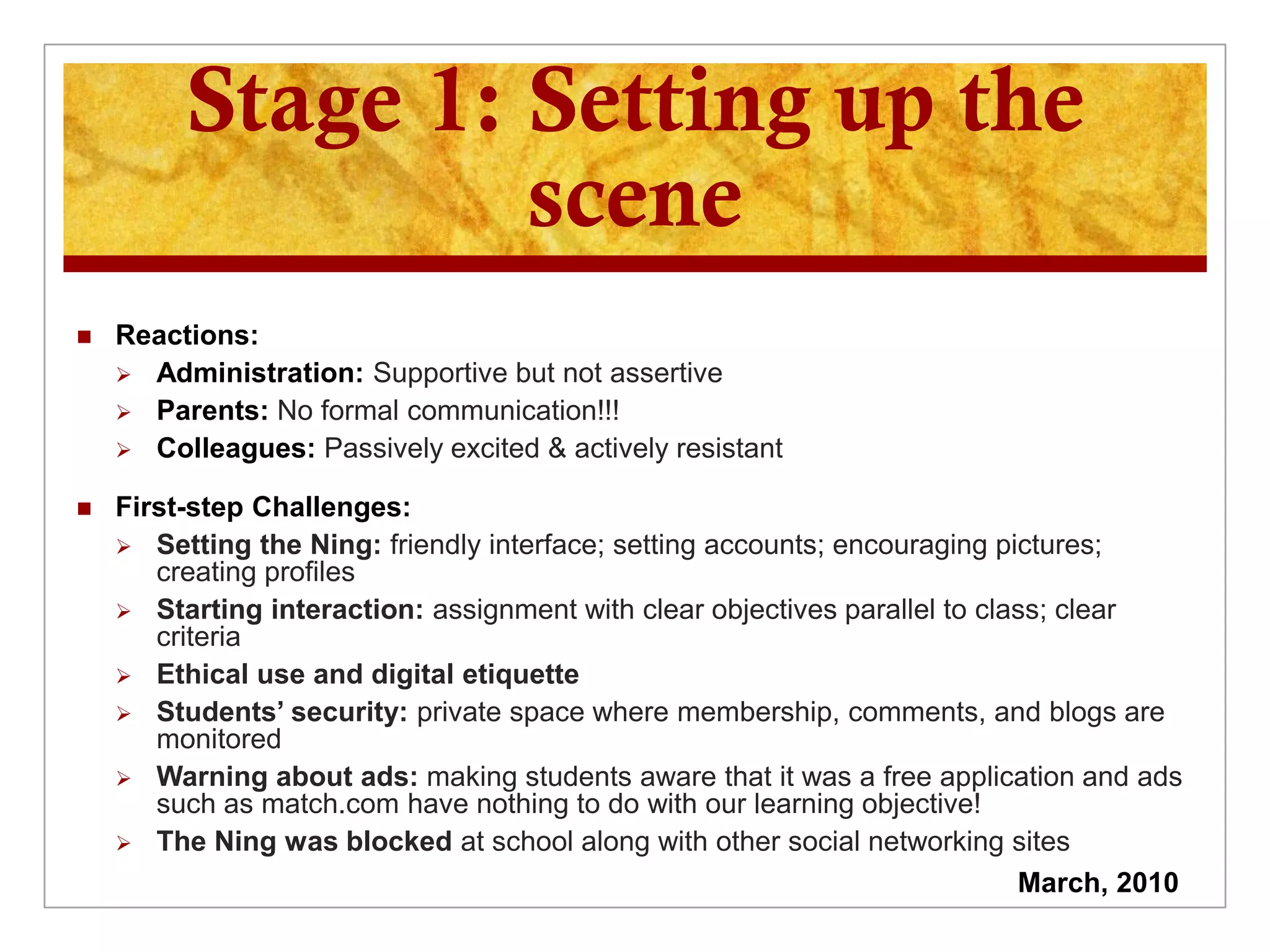
Stage 1: Setting up the
                  scene
   Reactions:
     Administration: Supportive but not assertive
     Parents: No formal communication!!!
     Colleagues: Passively excited & actively resistant

   First-step Challenges:
     Setting the Ning: friendly interface; setting accounts; encouraging pictures;
       creating profiles
     Starting interaction: assignment with clear objectives parallel to class; clear
       criteria
     Ethical use and digital etiquette
     Students’ security: private space where membership, comments, and blogs are
       monitored
     Warning about ads: making students aware that it was a free application and ads
       such as match.com have nothing to do with our learning objective!
     The Ning was blocked at school along with other social networking sites
                                                                            March, 2010
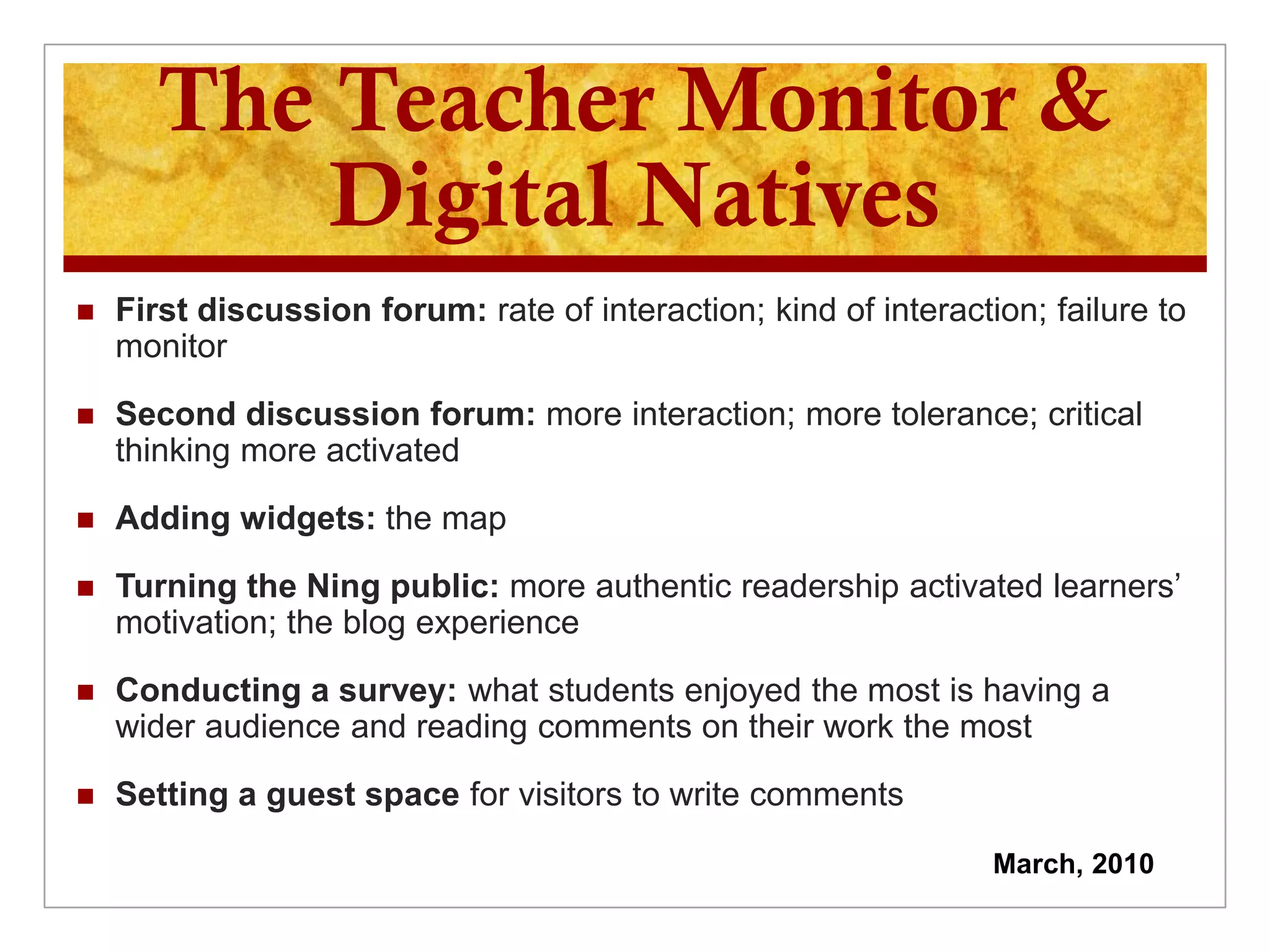
The Teacher Monitor &
          Digital Natives
   First discussion forum: rate of interaction; kind of interaction; failure to
    monitor

   Second discussion forum: more interaction; more tolerance; critical
    thinking more activated

   Adding widgets: the map

   Turning the Ning public: more authentic readership activated learners’
    motivation; the blog experience

   Conducting a survey: what students enjoyed the most is having a
    wider audience and reading comments on their work the most

   Setting a guest space for visitors to write comments

                                                                  March, 2010
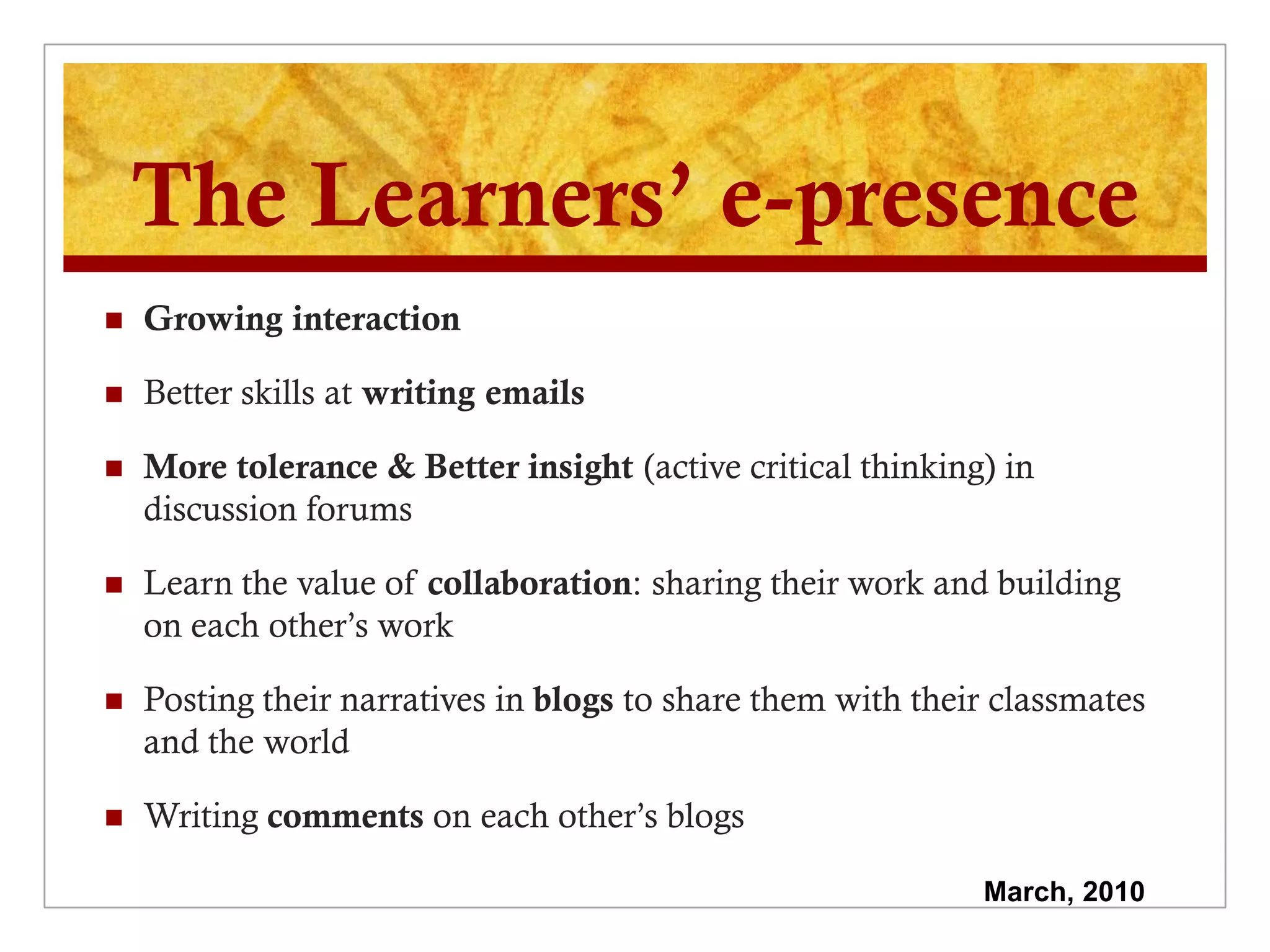
The Learners’ e-presence
   Growing interaction

   Better skills at writing emails

   More tolerance & Better insight (active critical thinking) in
    discussion forums

   Learn the value of collaboration: sharing their work and building
    on each other’s work

   Posting their narratives in blogs to share them with their classmates
    and the world

   Writing comments on each other’s blogs

                                                             March, 2010
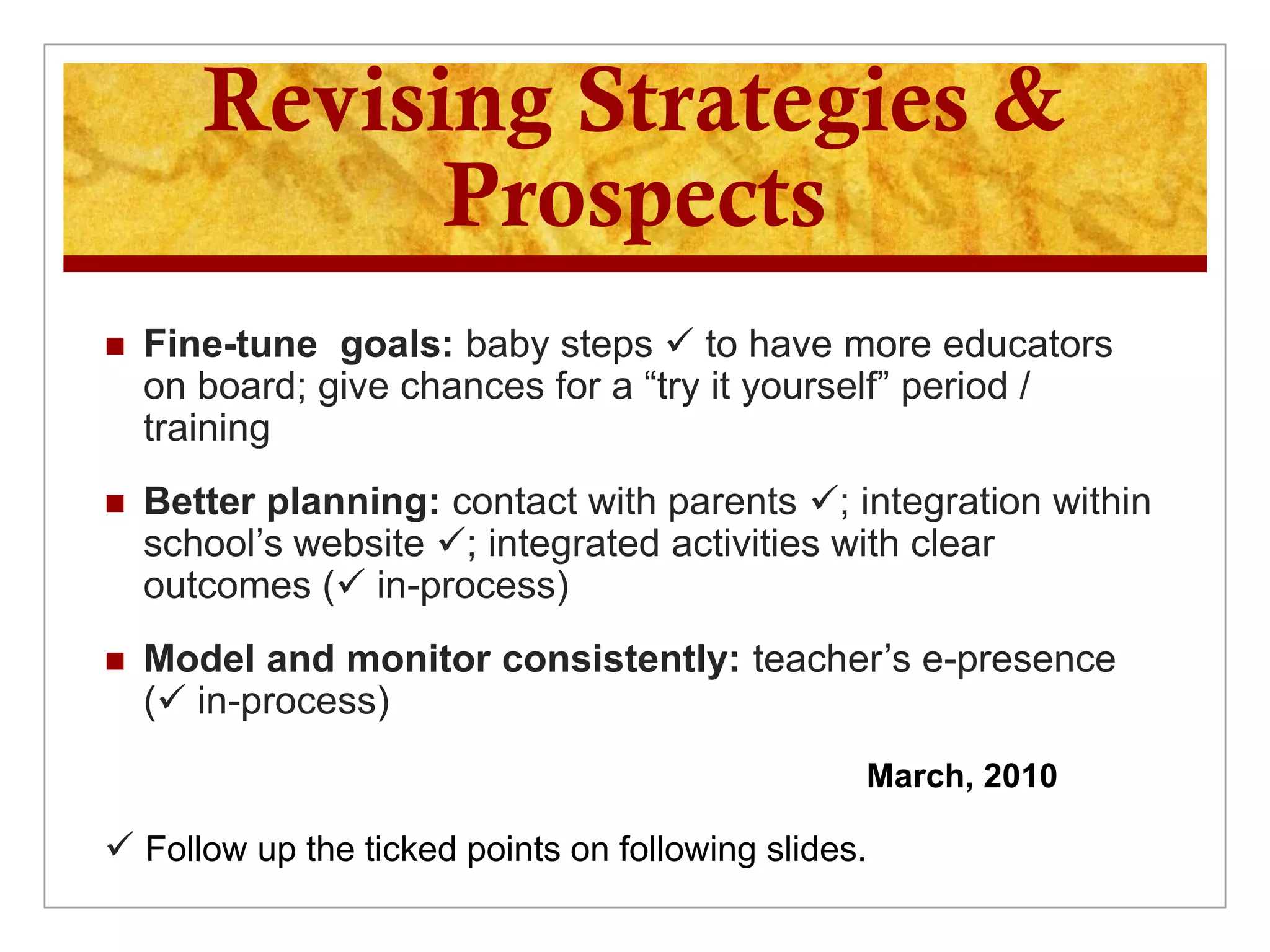
Revising Strategies &
             Prospects
   Fine-tune goals: baby steps  to have more educators
    on board; give chances for a “try it yourself” period /
    training
   Better planning: contact with parents ; integration within
    school’s website ; integrated activities with clear
    outcomes ( in-process)
   Model and monitor consistently: teacher’s e-presence
    ( in-process)
                                                 March, 2010

 Follow up the ticked points on following slides.
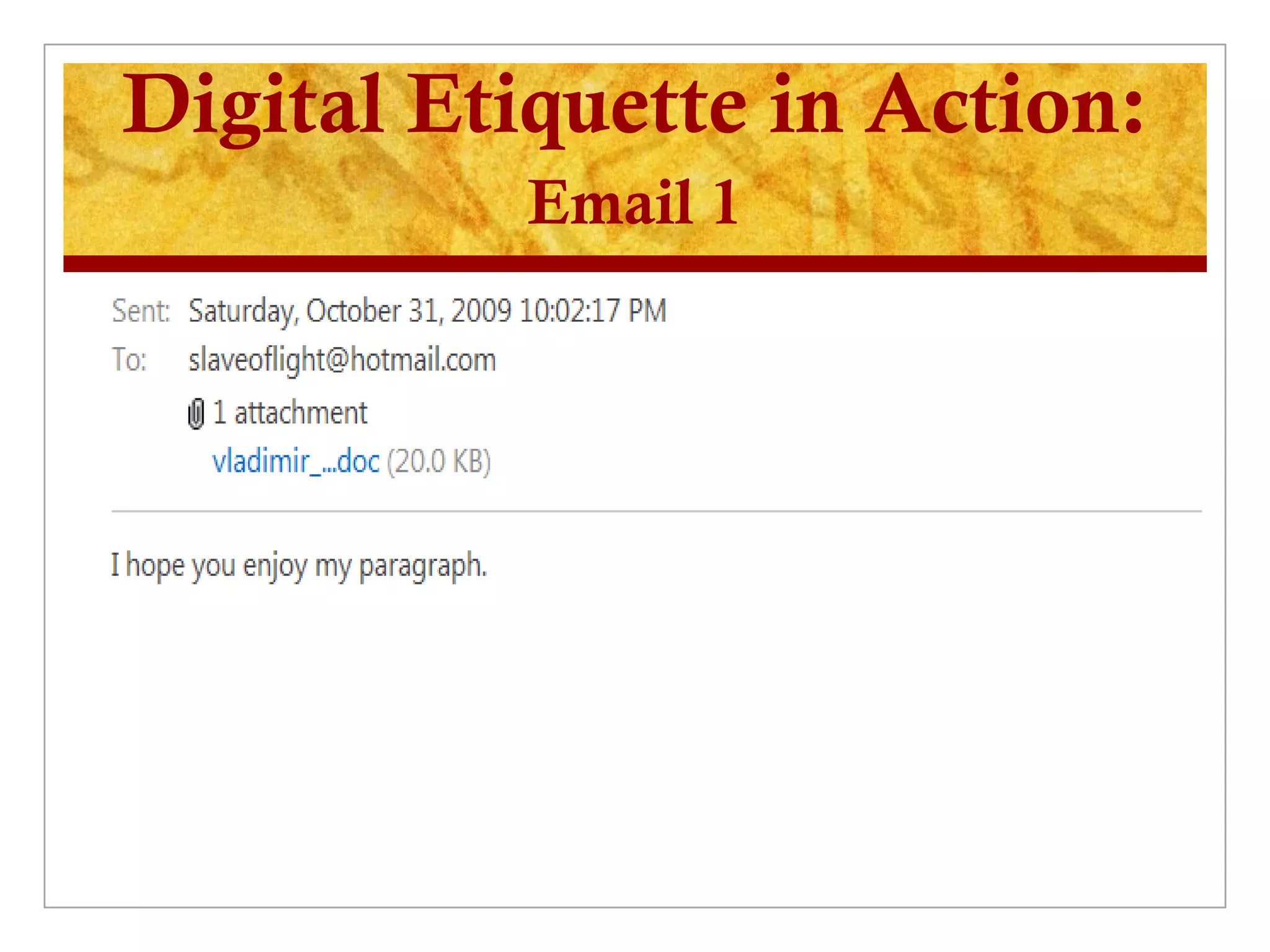
Digital Etiquette in Action:
           Email 1
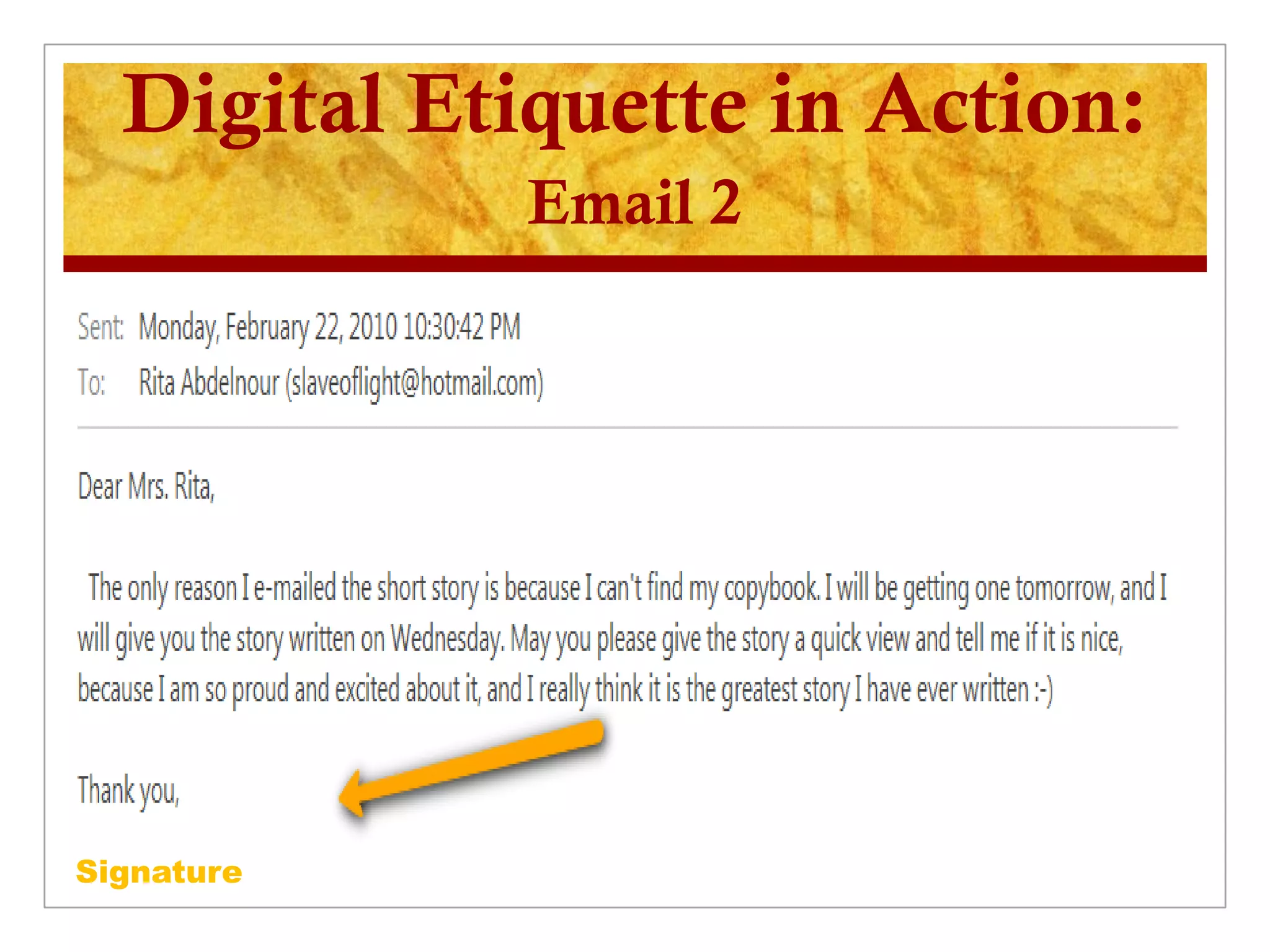
Digital Etiquette in Action:
             Email 2


Signature
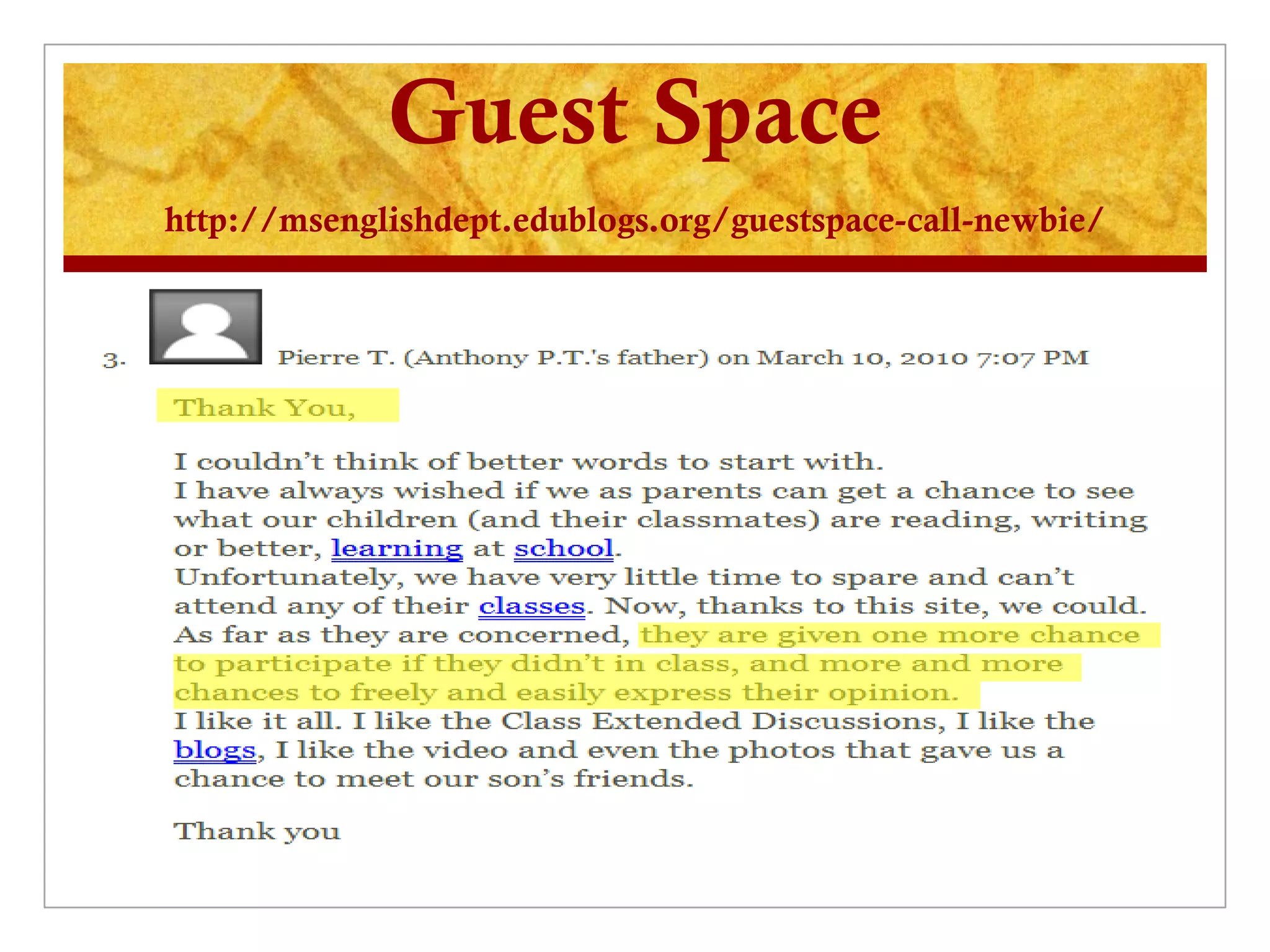
Guest Space
http://msenglishdept.edublogs.org/guestspace-call-newbie/
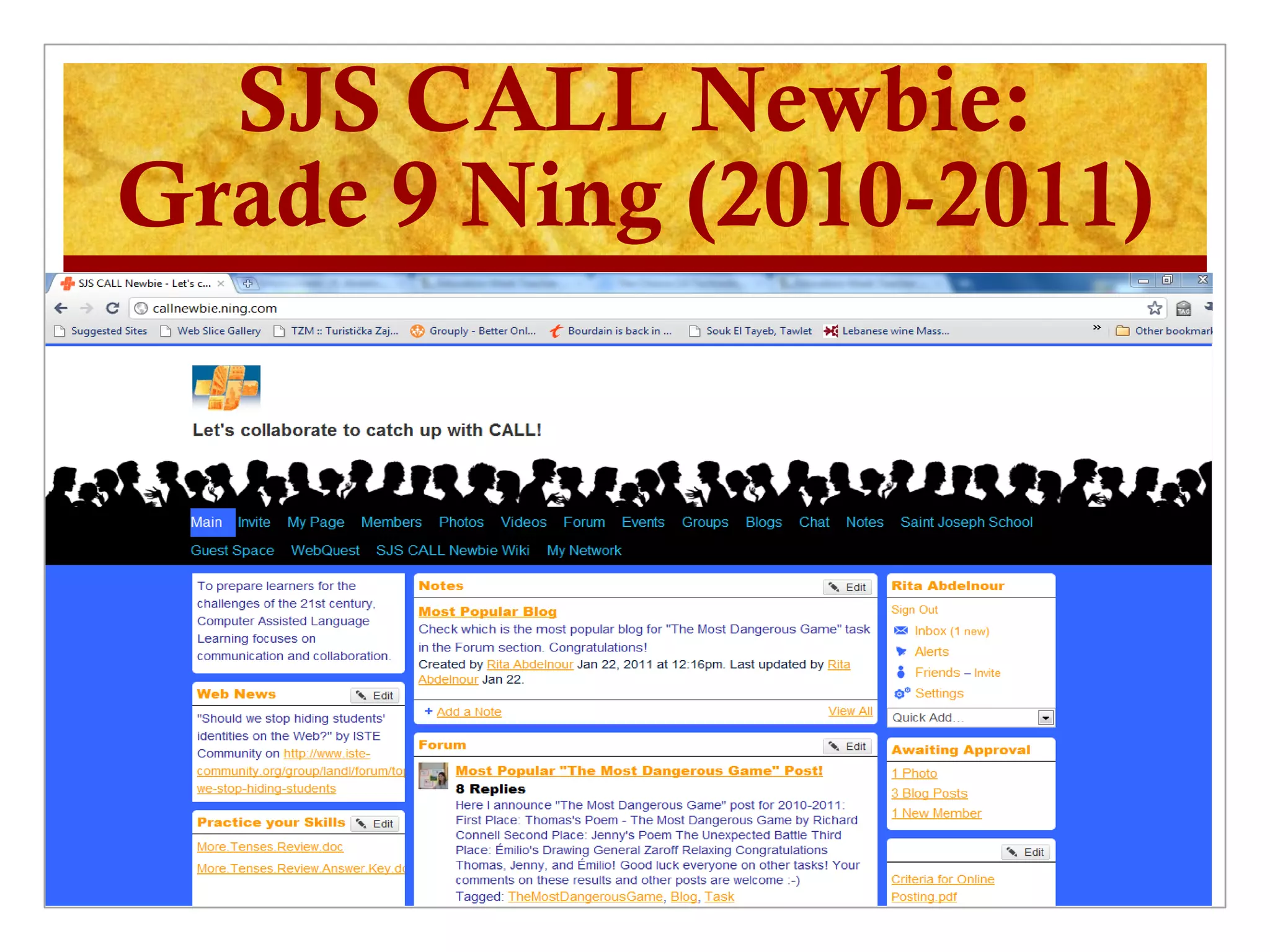
SJS CALL Newbie:
Grade 9 Ning (2010-2011)
Development:
   SJS CALL Newbie on the school’s website
   Formal communication with parents
   Upgrading – annual subscription: no longer a free
    application / no more ads
   Accessible at school
   WebQuest
   Gradual initiation; more personal space (to avoid
    the creepy treehouse effect)
   Class Wiki
How is it done?

1.   Setting objectives + Product (usually
     prepared with students)
2.   Posting clear prompt + Criteria
3.   Setting a timeline
4.   Arranging checkpoints
5.   Posting & encouraging comments
6.   Editing and improving on
What matters the most?
                     Message to Learners
   To engage you in a learning space outside the classroom

   That way, we prepare you for the technological challenges of the time
    where the web is a major platform for interaction, learning, and business

   We fix some misconceptions we might have about the uses of the
    Internet and we open up our classroom walls to the world; in other
    words, we build up an identity on the web, and we post work that we are
    proud to share with the world. This enhances both independence and
    responsibility.

   Moreover - as the description of this community indicates - we aim to
    promote the value of communication and collaboration. This includes
    digital etiquette (respect, etc.) as well as critical thinking (in your
    comments on each others' posts for e.g.) and support (exchange of
    information & skills and intellectual generosity).
What matters most?
                Message to Learners
   Most of all, this kind of personalized yet responsible
    interaction is meant to be more F.U.N. as more time is
    given to everybody and more space to display what
    they know best and for others to appreciate that!
   I know it's clear to everybody that we haven't achieved
    all these objectives, and we might not do so anytime
    this year. The degree of achievement is individual, and
    the only measure for success is awareness and
    consistency i.e. you should know where you’re
    heading and keep at it even when the year is done.
    What you acquire here should be the base!
What is still the problem?

   Assessment
   Collaboration with other teachers
   Resistance: Exhaustion; Fear of change
   No training / support (problem of professional
    development all over in Lebanon)
   School vision
   Not enough time

21st-Century Skills: The Learning Journey

  • 1.
    Integrating 21st-Century Skills in Education 2011 Updates An Ongoing Experience: Learning & Monitoring Rita Abdelnour Saint Joseph School Cornet Chehwan, Lebanon slaveoflight@gmail.com https://sites.google.com/site/rabdelnourcv/ http://efleducators.wikispaces.com
  • 2.
    Basics Does the way you’ve been taught prepare you for these days’ challenges? What are the most memorable or positive learning experience you’ve had?  Authentic practical experiences / situations; problem solving; real audience  Open-ended outcomes; real risks  Team work  Ongoing learning Move is inevitable: it’s not “if,” it’s “when”
  • 3.
    Where Did itAll Start? Professional Development (1): Invitation to reflect and create the needed interventions  Online Course in 2008:  reading: educators around the world share the same challenges; exchanging experiences helps  Compare, reflect, and adapt  Act: start by creating interventions with specific objectives that can be assessed (success or failure) immediately after. For e.g. change instructions, give more time for oral discussion, give students a chance to choose the product, etc.  Understand what a discussion forum / thread means: posting once (overwhelming) vs. interacting
  • 4.
    Only Connect: TurnMirrors into Windows Professional Development (2): Building Teaching Skills Through the Interactive Web  Online Course in 2009:  Better web-searching  Blogging: sharing reflections vs. discussion forums  Skill-building websites  Project-based learning; WebQuests  Using PPT effectively (by students)  Life-changing idea of learner autonomy  Web 2.0: wiki, online posters, webquest, ning
  • 5.
    Ongoing Learning: Communities Professional Development (3): Personal Learning Environments (PLEs)  2009-2011:  Classroom 2.0 (Learning Times; Learn Central; Elluminate; Ed Tech)  Virtual Round Table  TESOL (e-lists + resources) & TESOL EVO (free online sessions)  Education Week  Technology Integration in Education  Training Magazine Network
  • 6.
    From learning toApplication  More Learning: “Try it Yourself” Web 2.0  Web 2.0: the second generation of the web / the read write web  relies on users’ interaction and collaboration  tools considered an excellent means to engage learners and enhance learning  learner at the center; teacher hand in hand with digital natives  A basic 21st-century literacy...but not an obvious fact in most schools in Lebanon  Ethical use and digital etiquette  Try it yourself: Social networking sites (Ning); Wikis (wikispaces; pbworks); Online surveys (Survey monkey); Twitter; Doodle; Google sites; Blogs (blogger; blogmeister; edublogs); online quizzes; picture & video sharing (Flickr; youtube; vimeo); sharing presentations (slideshare); bookmarking (Delicious; Diigo) Ideas adapted from: LoTI (Levels of Technology Integration): Digital Age Framework The University of Oregon online course homepage Building Teaching Skills Through the Interactive Web Reflections collected in a personal blog Only Connect: Turning Mirrors into Windows
  • 7.
    Becoming a CALLPractitioner In preparation for TESOL: TESOL CALL-IS Academic Session 2010 in Boston: invited speaker to speak on The Emergent Role of Educators in e-learning environments First Steps in Middle School Proposal: Targeted Objectives  Shift from addictive social networking to collaborative learning  Enhance learners’ motivation through experiencing authentic contexts employing their “digital” language  Enhance critical thinking skills through discussion forums  Acquire digital literacy and practice ethical use and digital etiquette  Encourage students to write reflective pieces
  • 8.
    Practicing CALL: One Pilot Class: Multiple Attempts  Grade 7: e-pals (obstacles to matching our Lebanese students to American students coming from American parents)  Grade 8: Blog (difficulties in following students and troubleshooting)  Grade 9: the Ning www.callnewbie.ning.com It was the result of an authentic need – an unfinished discussion in class was picked up online!
  • 9.
    CALL Newbie: Grade9 Ning (2009-2010)
  • 10.
    Stage 1: Settingup the scene  Reactions:  Administration: Supportive but not assertive  Parents: No formal communication!!!  Colleagues: Passively excited & actively resistant  First-step Challenges:  Setting the Ning: friendly interface; setting accounts; encouraging pictures; creating profiles  Starting interaction: assignment with clear objectives parallel to class; clear criteria  Ethical use and digital etiquette  Students’ security: private space where membership, comments, and blogs are monitored  Warning about ads: making students aware that it was a free application and ads such as match.com have nothing to do with our learning objective!  The Ning was blocked at school along with other social networking sites March, 2010
  • 11.
    The Teacher Monitor& Digital Natives  First discussion forum: rate of interaction; kind of interaction; failure to monitor  Second discussion forum: more interaction; more tolerance; critical thinking more activated  Adding widgets: the map  Turning the Ning public: more authentic readership activated learners’ motivation; the blog experience  Conducting a survey: what students enjoyed the most is having a wider audience and reading comments on their work the most  Setting a guest space for visitors to write comments March, 2010
  • 12.
    The Learners’ e-presence  Growing interaction  Better skills at writing emails  More tolerance & Better insight (active critical thinking) in discussion forums  Learn the value of collaboration: sharing their work and building on each other’s work  Posting their narratives in blogs to share them with their classmates and the world  Writing comments on each other’s blogs March, 2010
  • 13.
    Revising Strategies & Prospects  Fine-tune goals: baby steps  to have more educators on board; give chances for a “try it yourself” period / training  Better planning: contact with parents ; integration within school’s website ; integrated activities with clear outcomes ( in-process)  Model and monitor consistently: teacher’s e-presence ( in-process) March, 2010  Follow up the ticked points on following slides.
  • 14.
    Digital Etiquette inAction: Email 1
  • 15.
    Digital Etiquette inAction: Email 2 Signature
  • 16.
  • 17.
    SJS CALL Newbie: Grade9 Ning (2010-2011)
  • 18.
    Development:  SJS CALL Newbie on the school’s website  Formal communication with parents  Upgrading – annual subscription: no longer a free application / no more ads  Accessible at school  WebQuest  Gradual initiation; more personal space (to avoid the creepy treehouse effect)  Class Wiki
  • 19.
    How is itdone? 1. Setting objectives + Product (usually prepared with students) 2. Posting clear prompt + Criteria 3. Setting a timeline 4. Arranging checkpoints 5. Posting & encouraging comments 6. Editing and improving on
  • 20.
    What matters themost? Message to Learners  To engage you in a learning space outside the classroom  That way, we prepare you for the technological challenges of the time where the web is a major platform for interaction, learning, and business  We fix some misconceptions we might have about the uses of the Internet and we open up our classroom walls to the world; in other words, we build up an identity on the web, and we post work that we are proud to share with the world. This enhances both independence and responsibility.  Moreover - as the description of this community indicates - we aim to promote the value of communication and collaboration. This includes digital etiquette (respect, etc.) as well as critical thinking (in your comments on each others' posts for e.g.) and support (exchange of information & skills and intellectual generosity).
  • 21.
    What matters most? Message to Learners  Most of all, this kind of personalized yet responsible interaction is meant to be more F.U.N. as more time is given to everybody and more space to display what they know best and for others to appreciate that!  I know it's clear to everybody that we haven't achieved all these objectives, and we might not do so anytime this year. The degree of achievement is individual, and the only measure for success is awareness and consistency i.e. you should know where you’re heading and keep at it even when the year is done. What you acquire here should be the base!
  • 22.
    What is stillthe problem?  Assessment  Collaboration with other teachers  Resistance: Exhaustion; Fear of change  No training / support (problem of professional development all over in Lebanon)  School vision  Not enough time