

How to Run a LinkedIn Search
Like a Pro
Zack Andresen
Customer Education Consultant
zandresen@linkedin.com
Kristen Widman
Customer Education Consultant
kwidman@linkedin.com
What is advanced search?
3
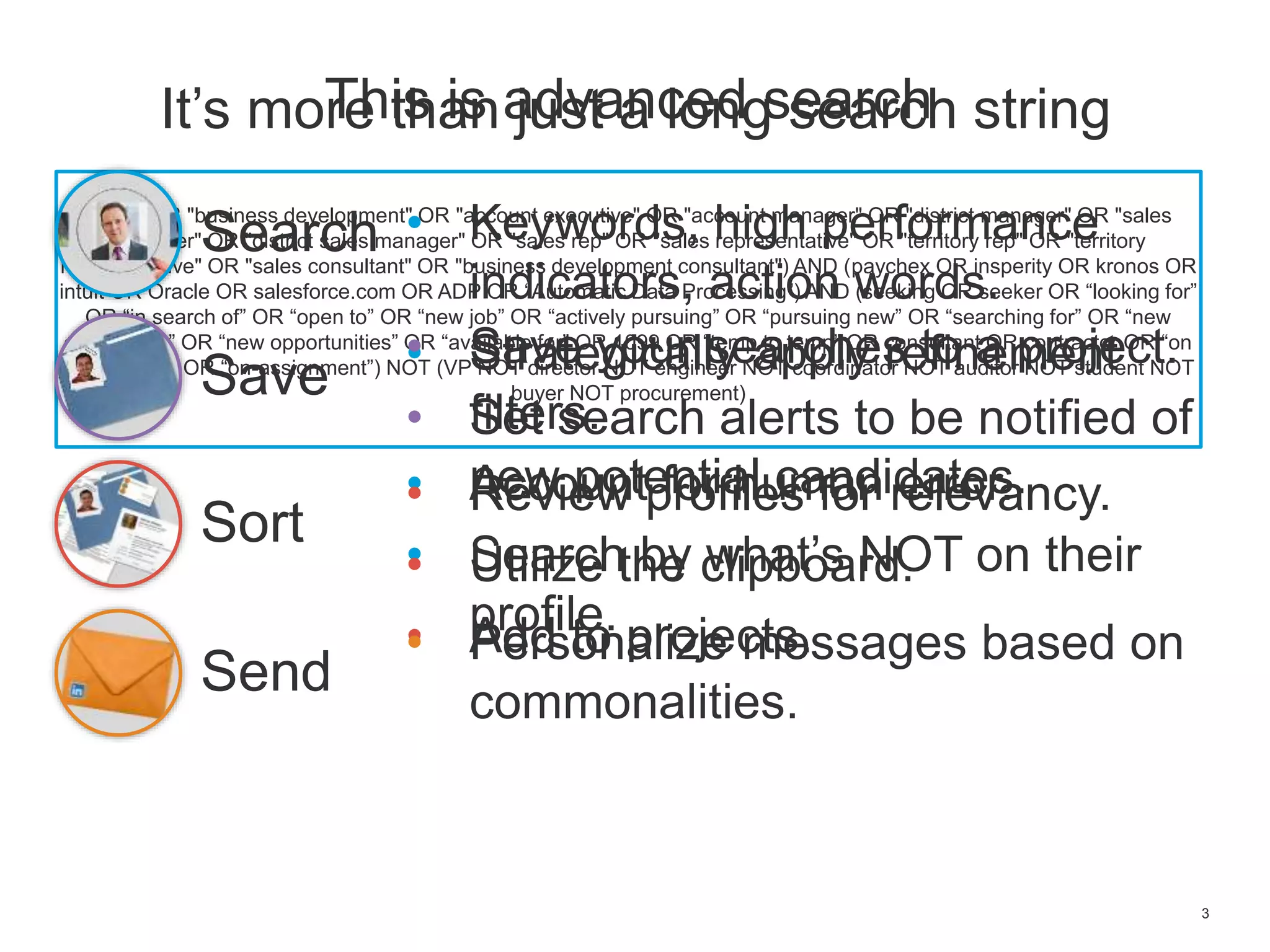
It’s more than just a long search string
(sales OR "business development" OR "account executive" OR "account manager" OR "district manager" OR "sales
manager" OR "district sales manager" OR "sales rep" OR "sales representative" OR "territory rep" OR "territory
representative" OR "sales consultant" OR "business development consultant") AND (paychex OR insperity OR kronos OR
intuit OR Oracle OR salesforce.com OR ADP OR “Automatic Data Processing”) AND (seeking OR seeker OR “looking for”
OR “in search of” OR “open to” OR “new job” OR “actively pursuing” OR “pursuing new” OR “searching for” OR “new
opportunity” OR “new opportunities” OR “available for” OR 1099 OR “temp to temp” OR consultant OR contractor OR “on
assignment” OR “on-assignment”) NOT (VP NOT director NOT engineer NOT coordinator NOT auditor NOT student NOT
buyer NOT procurement)
This is advanced search
Search
Sort
Save
Send
• Keywords, high performance
indicators, action words.
• Strategically apply refinement
filters.
• Account for human error.
• Search by what’s NOT on their
profile.
• Save your searches to a project.
• Set search alerts to be notified of
new potential candidates.• Review profiles for relevancy.
• Utilize the clipboard.
• Add to projects.• Personalize messages based on
commonalities.
4
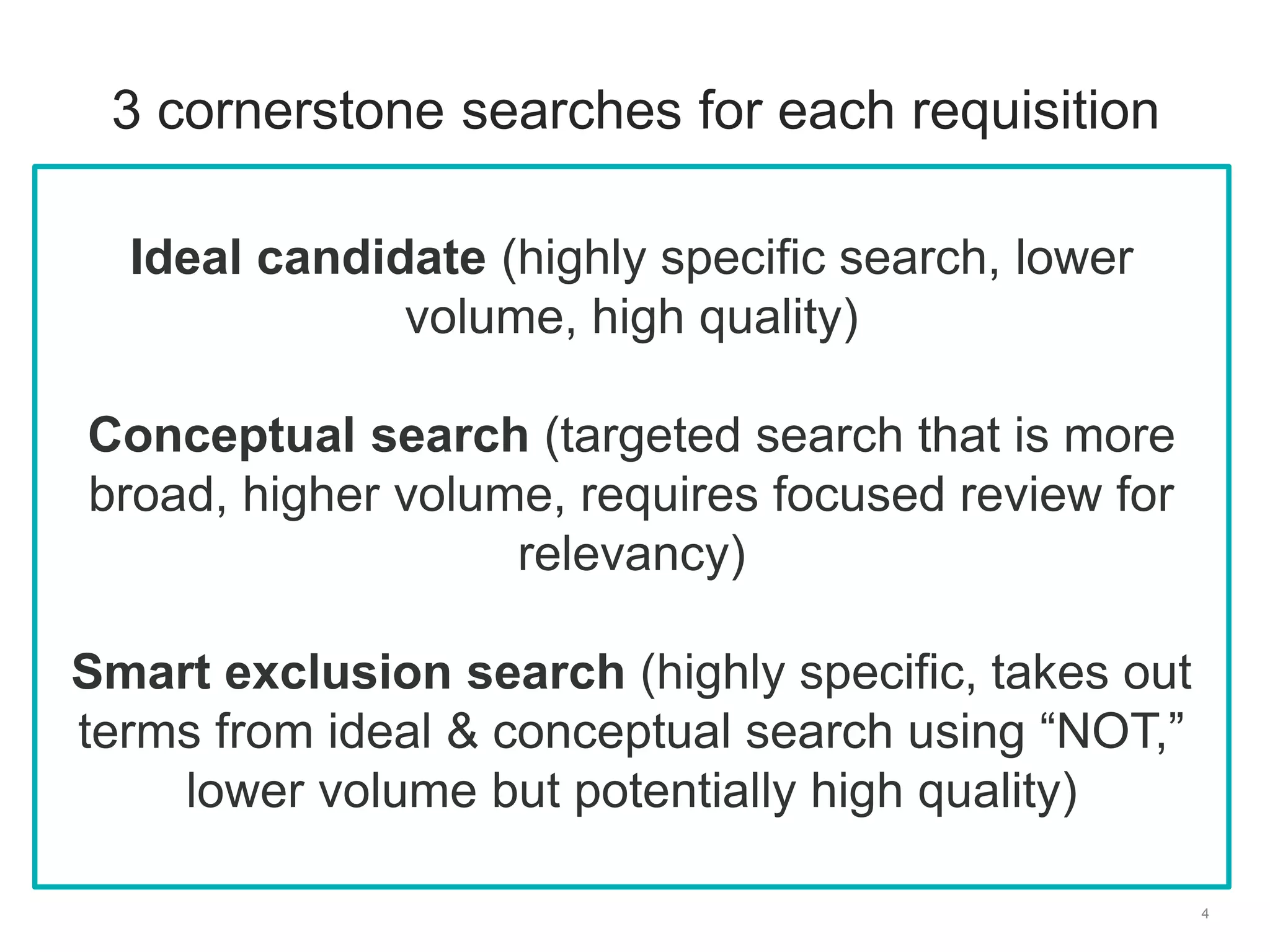
3 cornerstone searches for each requisition
Ideal candidate (highly specific search, lower
volume, high quality)
Conceptual search (targeted search that is more
broad, higher volume, requires focused review for
relevancy)
Smart exclusion search (highly specific, takes out
terms from ideal & conceptual search using “NOT,”
lower volume but potentially high quality)
Social InMail techniques
Do’s & Don’ts
6
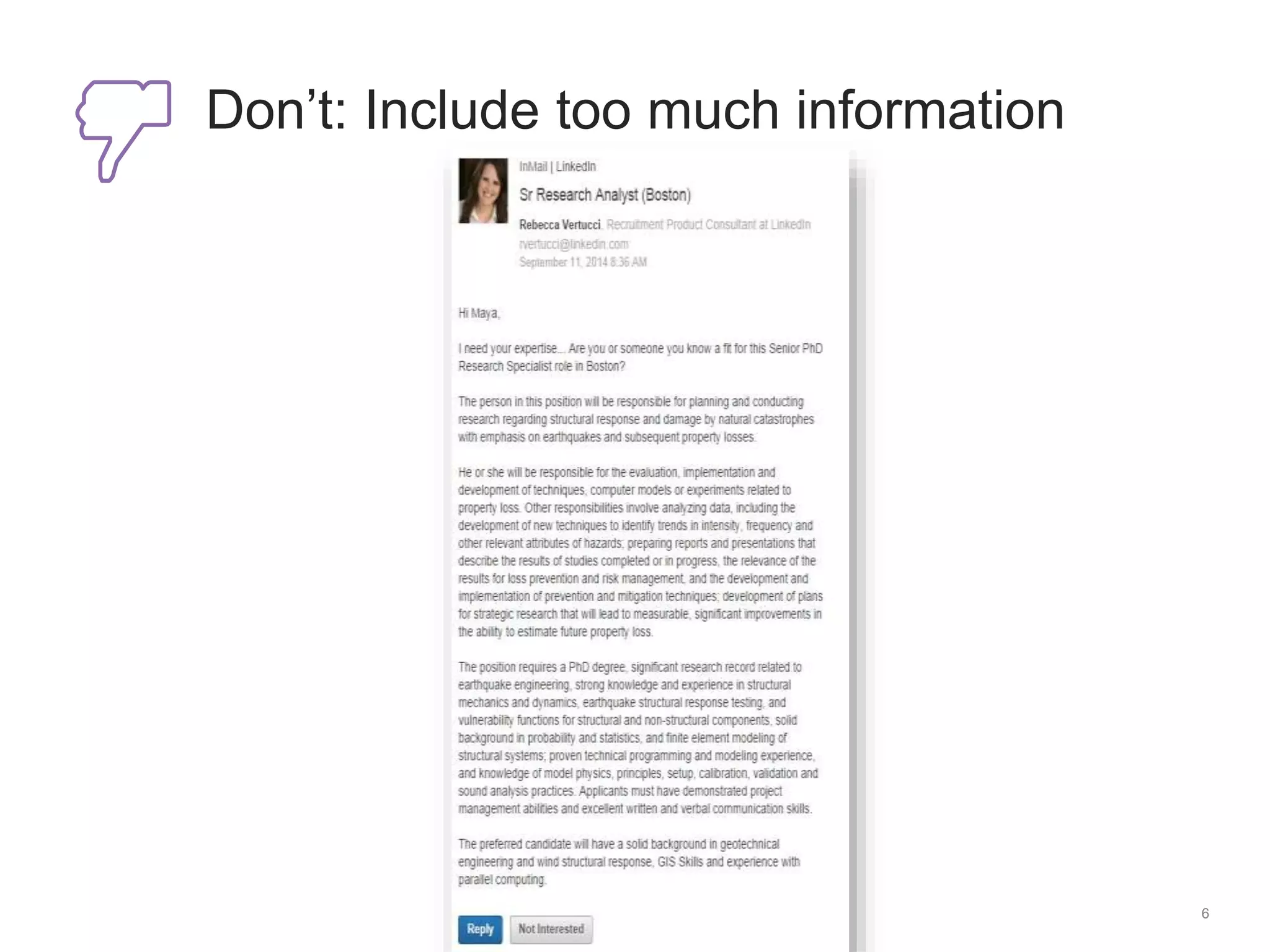
Don’t: Include too much information
7
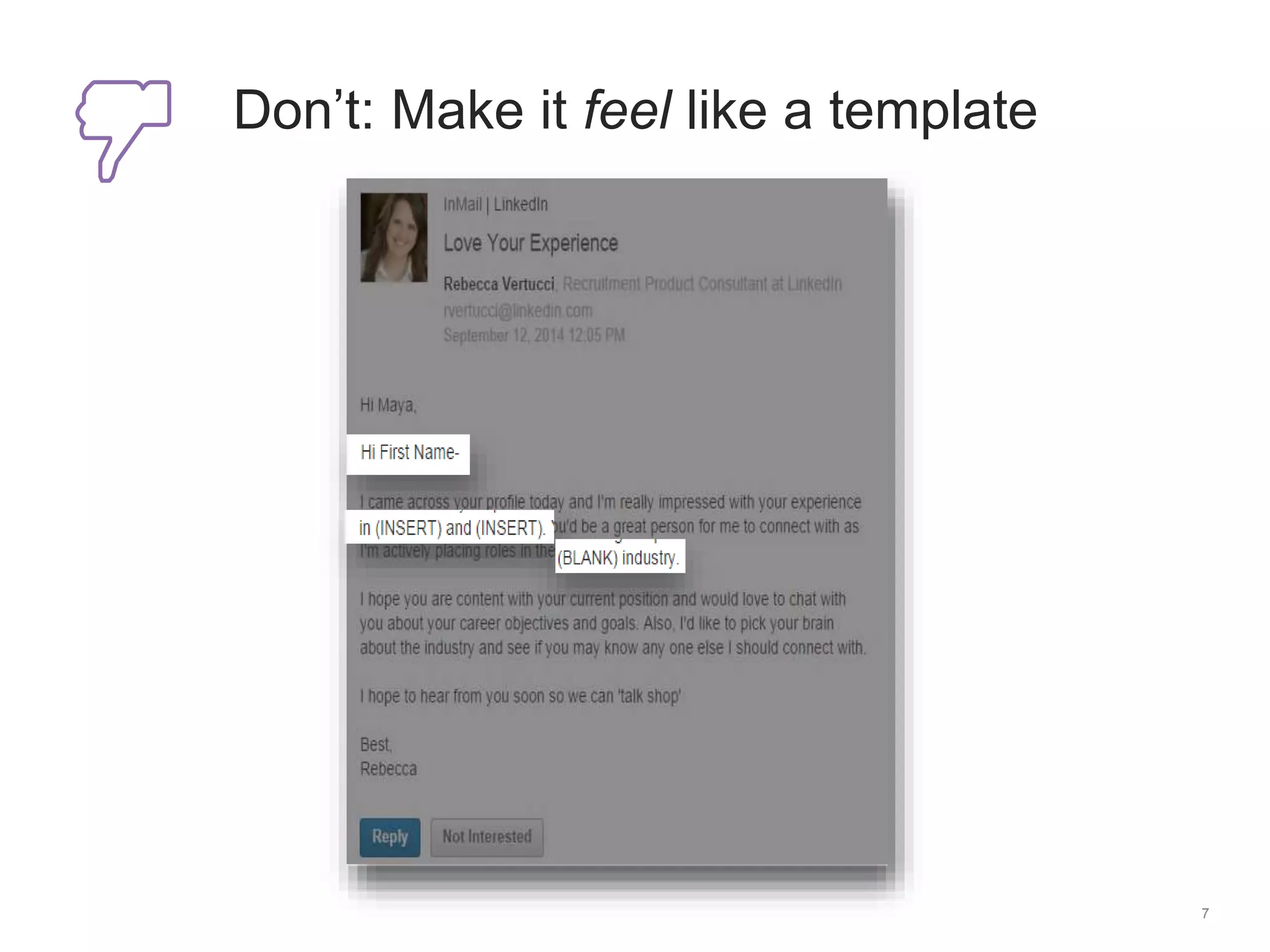
Don’t: Make it feel like a template
8
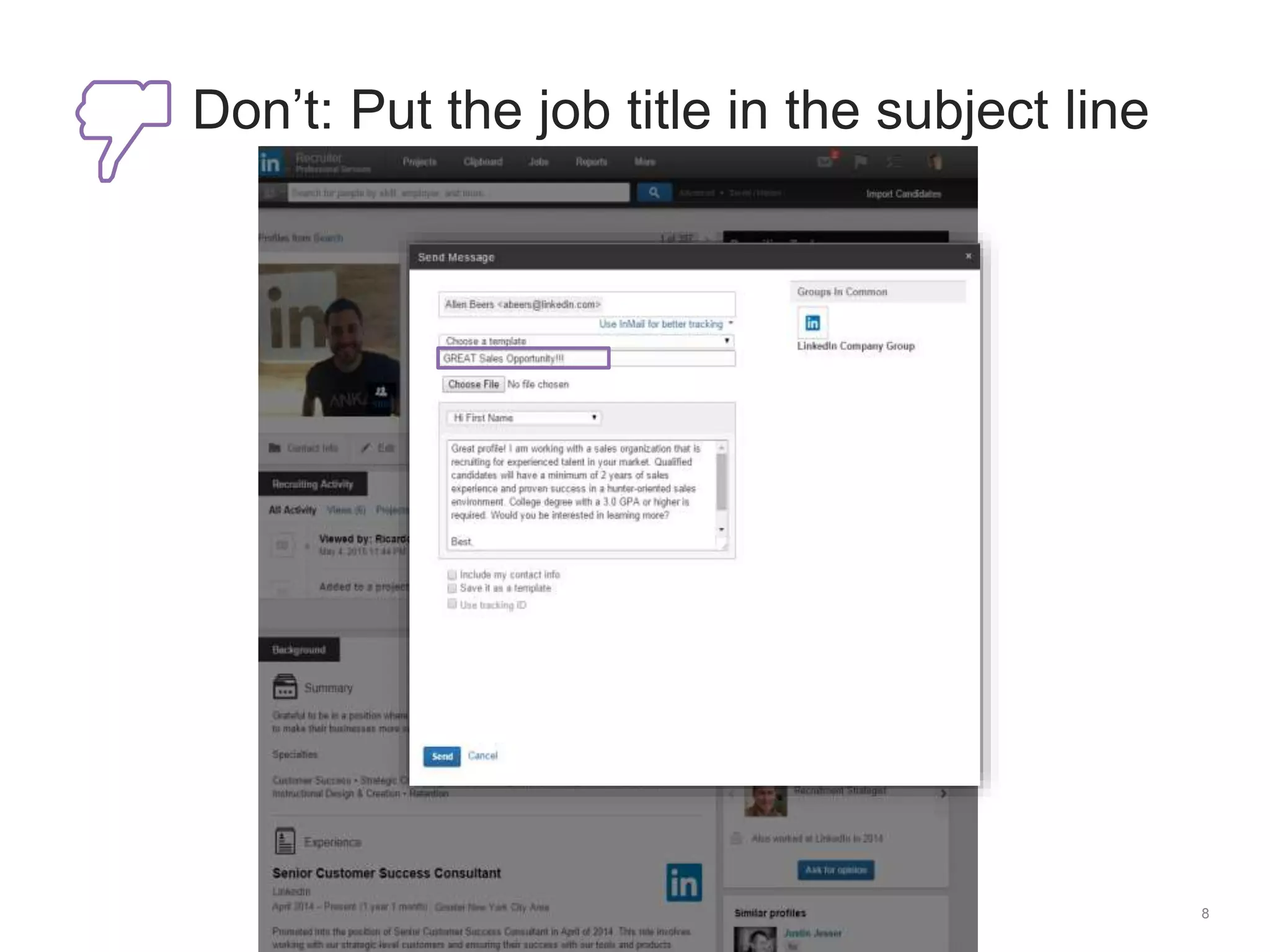
Don’t: Put the job title in the subject line
9
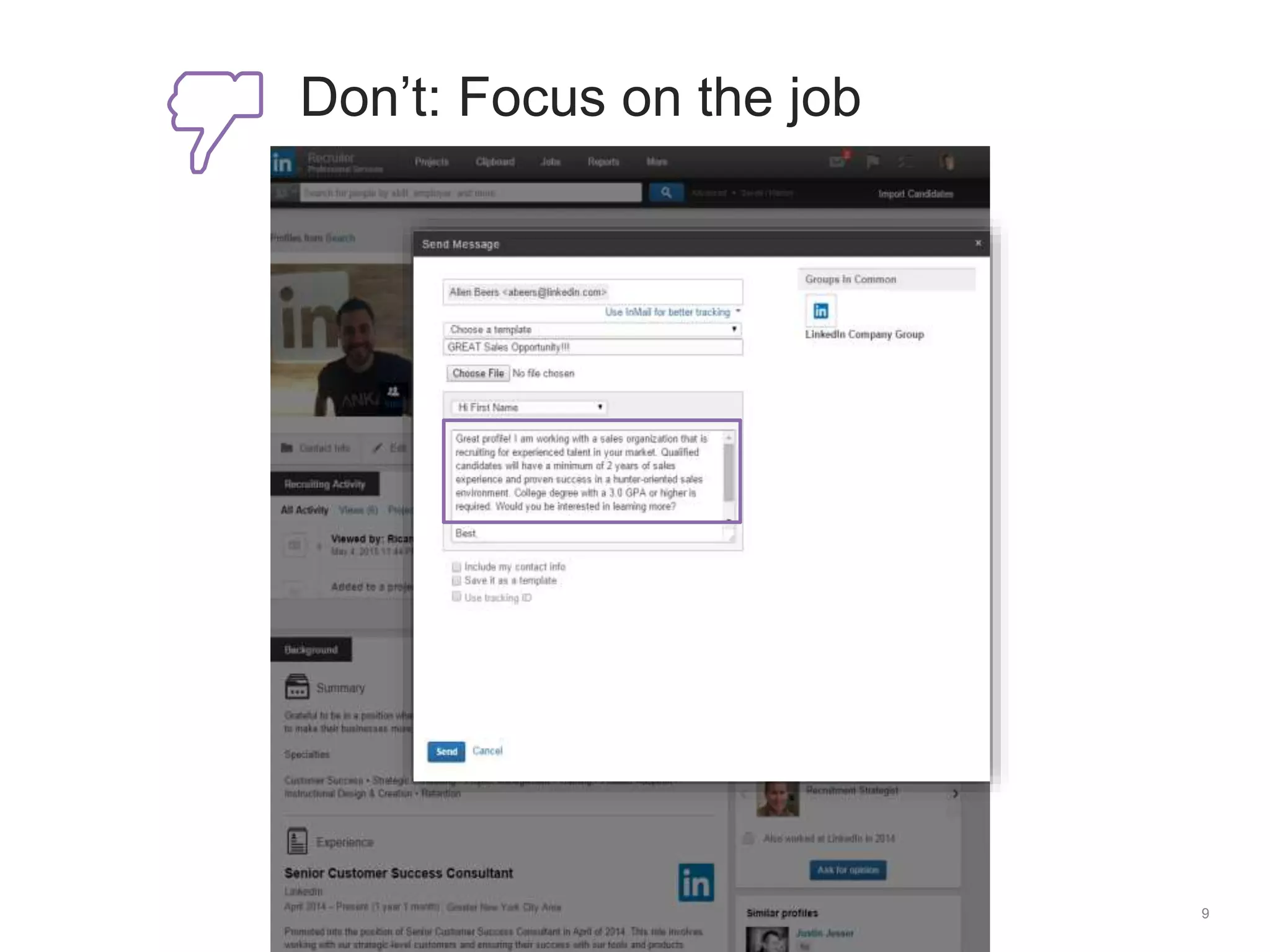
Don’t: Focus on the job
10
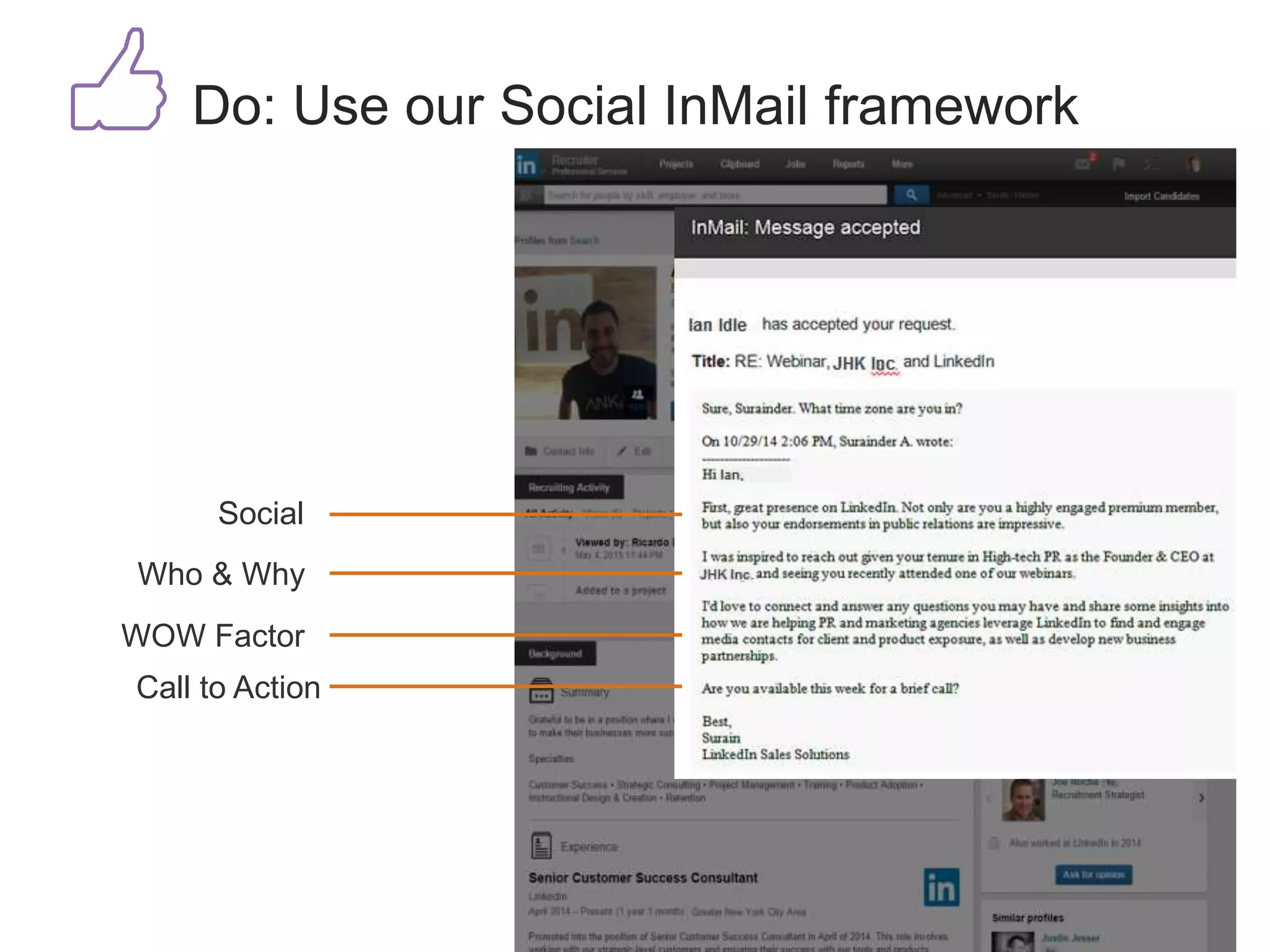
Do: Use our Social InMail framework
Social
Who & Why
WOW Factor
Call to Action
• School
• Relationship
• Function
• Groups
• When joined
11
Do: Use our top five InMail filters
12
Thanks for joining!
The webinar will begin shortly
Follow us on social media:
talent.linkedin.com/blog
#hiretowin

How to Run LinkedIn Searches Like a Pro [Webcast]

  • 1.
    How to Runa LinkedIn Search Like a Pro Zack Andresen Customer Education Consultant zandresen@linkedin.com Kristen Widman Customer Education Consultant kwidman@linkedin.com
  • 2.
  • 3.
    3 It’s more thanjust a long search string (sales OR "business development" OR "account executive" OR "account manager" OR "district manager" OR "sales manager" OR "district sales manager" OR "sales rep" OR "sales representative" OR "territory rep" OR "territory representative" OR "sales consultant" OR "business development consultant") AND (paychex OR insperity OR kronos OR intuit OR Oracle OR salesforce.com OR ADP OR “Automatic Data Processing”) AND (seeking OR seeker OR “looking for” OR “in search of” OR “open to” OR “new job” OR “actively pursuing” OR “pursuing new” OR “searching for” OR “new opportunity” OR “new opportunities” OR “available for” OR 1099 OR “temp to temp” OR consultant OR contractor OR “on assignment” OR “on-assignment”) NOT (VP NOT director NOT engineer NOT coordinator NOT auditor NOT student NOT buyer NOT procurement) This is advanced search Search Sort Save Send • Keywords, high performance indicators, action words. • Strategically apply refinement filters. • Account for human error. • Search by what’s NOT on their profile. • Save your searches to a project. • Set search alerts to be notified of new potential candidates.• Review profiles for relevancy. • Utilize the clipboard. • Add to projects.• Personalize messages based on commonalities.
  • 4.
    4 3 cornerstone searchesfor each requisition Ideal candidate (highly specific search, lower volume, high quality) Conceptual search (targeted search that is more broad, higher volume, requires focused review for relevancy) Smart exclusion search (highly specific, takes out terms from ideal & conceptual search using “NOT,” lower volume but potentially high quality)
  • 5.
  • 6.
    6 Don’t: Include toomuch information
  • 7.
    7 Don’t: Make itfeel like a template
  • 8.
    8 Don’t: Put thejob title in the subject line
  • 9.
  • 10.
    10 Do: Use ourSocial InMail framework Social Who & Why WOW Factor Call to Action
  • 11.
    • School • Relationship •Function • Groups • When joined 11 Do: Use our top five InMail filters
  • 12.
    12 Thanks for joining! Thewebinar will begin shortly Follow us on social media: talent.linkedin.com/blog #hiretowin

Editor's Notes

  • #11 Include something social Personalize the message Be authentic – complement sincerely Mention who you are & why you’re reaching out Write one sentence on who you are Be sure to mention why you’re interested in them! Entice them with a WOW factor Emphasize growth What’s unique about this role? Don’t forget a call to action Ask for referrals Include next steps
  • #13 Text/Links to put in chat box: Thanks for joining! We will start shortly. In the meantime, follow us on social media: Twitter: @HireOnLinkedIn LinkedIn: https://www.linkedin.com/company/linkedin-talent-solutions SlideShare: http://www.slideshare.net/linkedin-talent-solutions YouTube: https://www.youtube.com/user/LITalentSolutions Blog: http://talent.linkedin.com/blog/