




How to Leverage Social
Media Technologies on
    a Low Budget
                  Nicole C. Engard
Director of Open Source Education, ByWater Solutions
                nengard@gmail.com
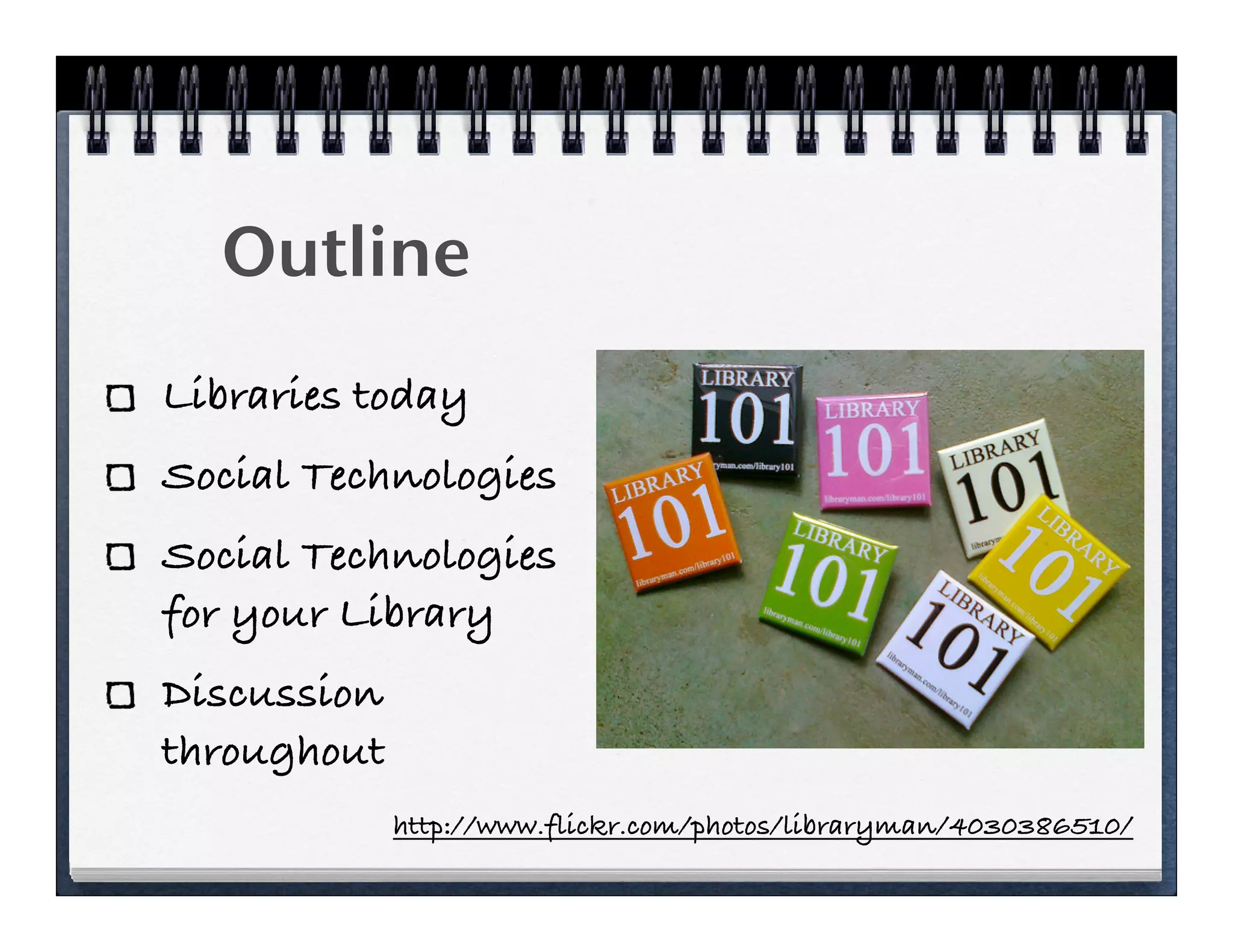
Outline
Libraries today
Social Technologies
Social Technologies
for your Library
Discussion
throughout
             http://www.flickr.com/photos/libraryman/4030386510/
Budgets are changing
“Library budgets are under intense
budgetary pressures regardless of
institution size or type.  Most report that
a flat budget is the best-case scenario,
and double-digit cuts are more of the
norm.” 1  
  PA Library budget cut 27%
    1. http://www.snaponline.org/public/articles/details.cfm?id=253
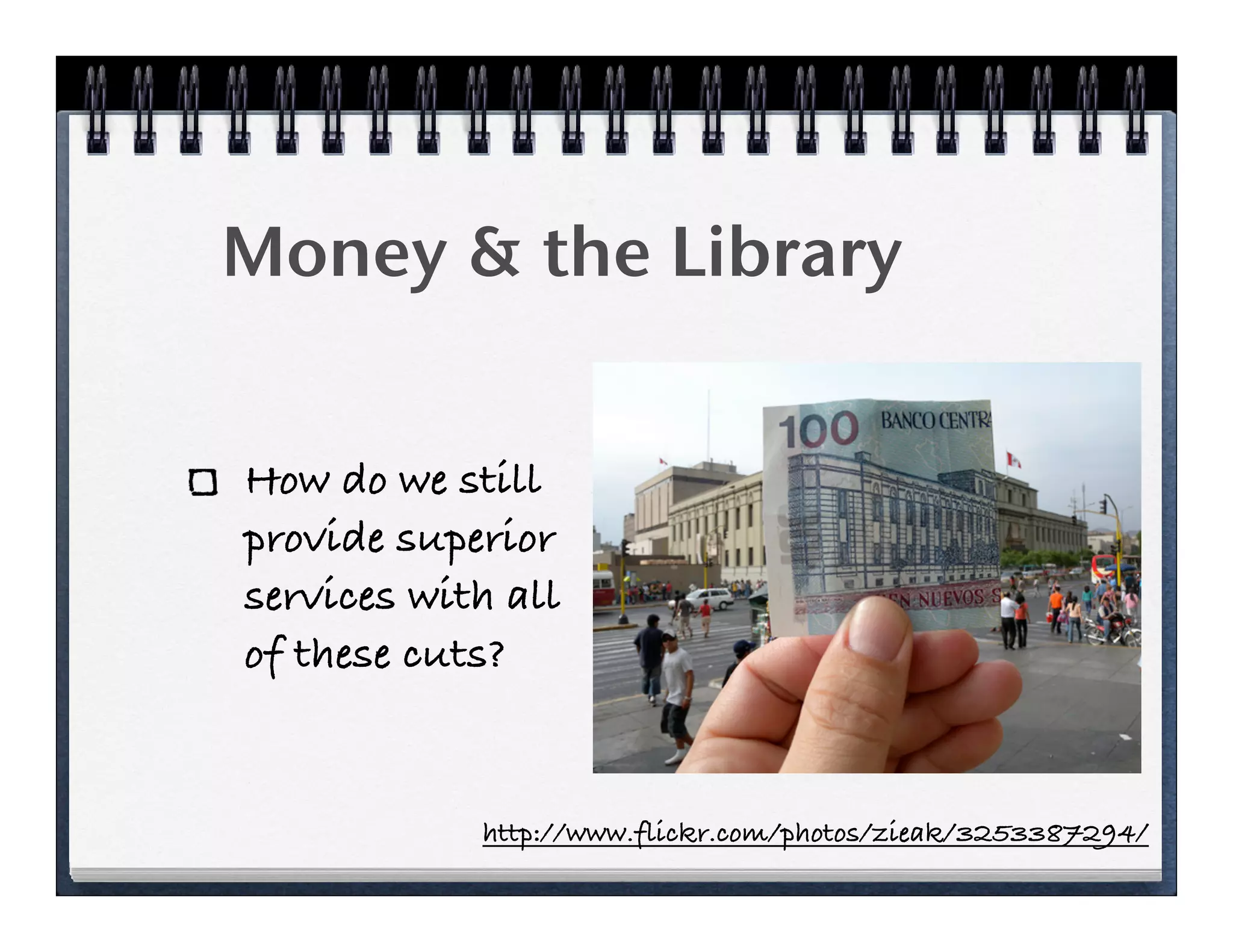
Money & the Library


How do we still
provide superior
services with all
of these cuts?


            http://www.flickr.com/photos/zieak/3253387294/
Library 101


       http://www.youtube.com/watch?v=gVq5WDDA5a4
Libraries & Learning
“Today, technology is a powerful driver of
change in libraries, and it will stay that
way for the rest of your career.”
“Yes, you need to know the basics of
emerging 2.0 tools, like Flickr, MySpace,
Google Docs, wikis, and Google Maps. With
Google Maps, you should know how to create
a mashup using Google Maps and your
library’s data.”
              http://www.libraryman.com/blog/101rtk/
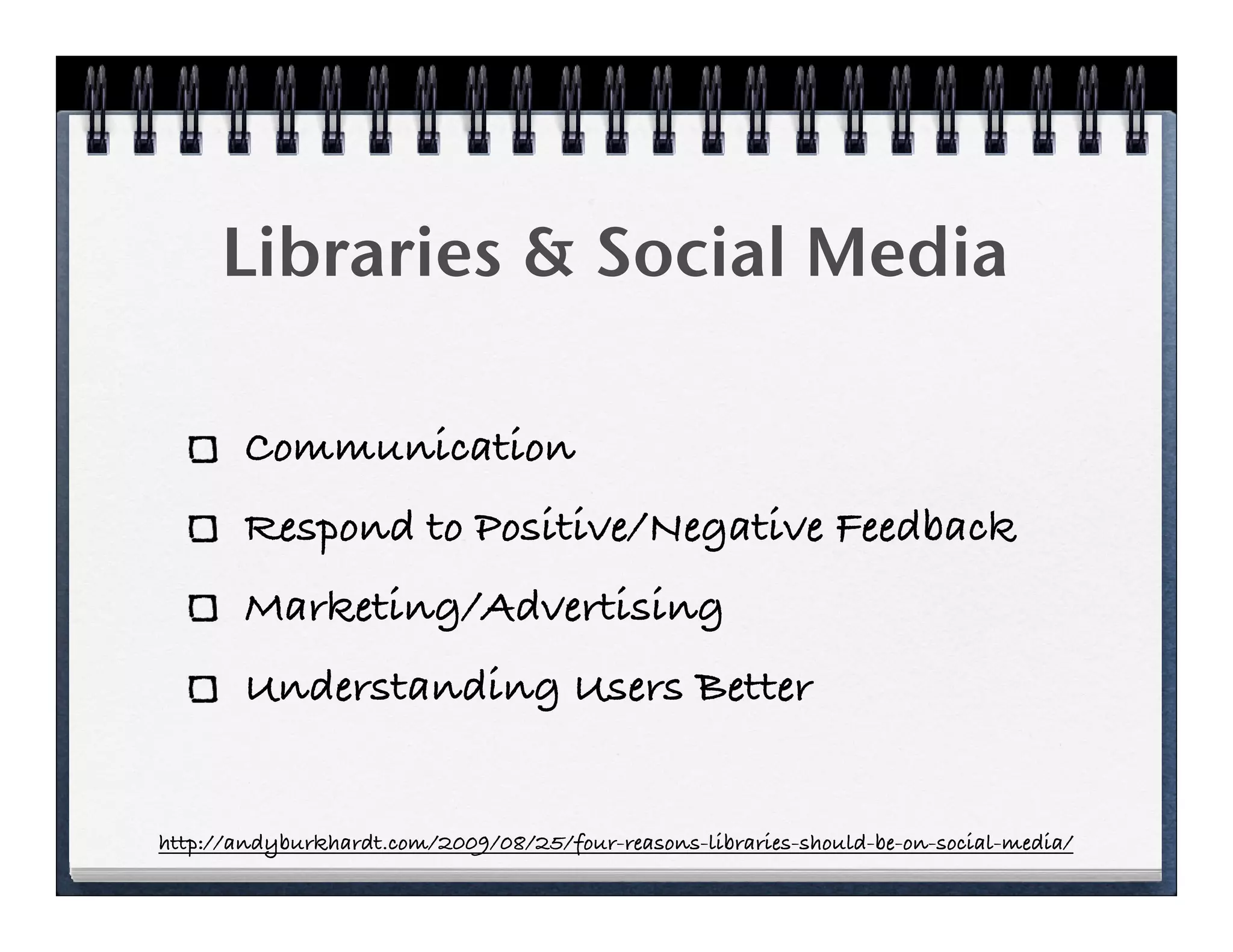
Libraries & Social Media

       Communication
       Respond to Positive/Negative Feedback
       Marketing/Advertising
       Understanding Users Better


http://andyburkhardt.com/2009/08/25/four-reasons-libraries-should-be-on-social-media/
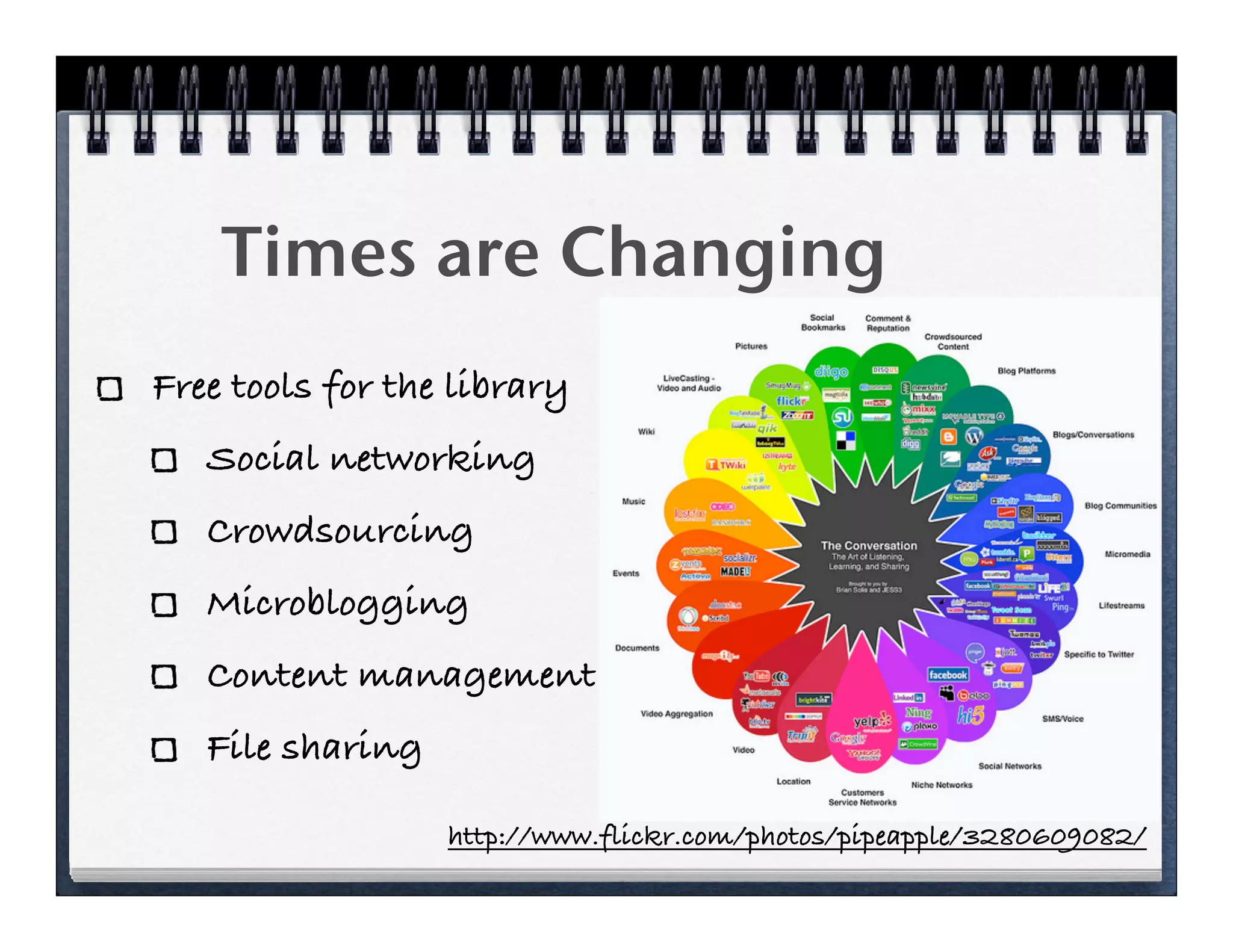
Times are Changing
Free tools for the library
   Social networking
   Crowdsourcing
   Microblogging
   Content management
   File sharing

                  http://www.flickr.com/photos/pipeapple/3280609082/
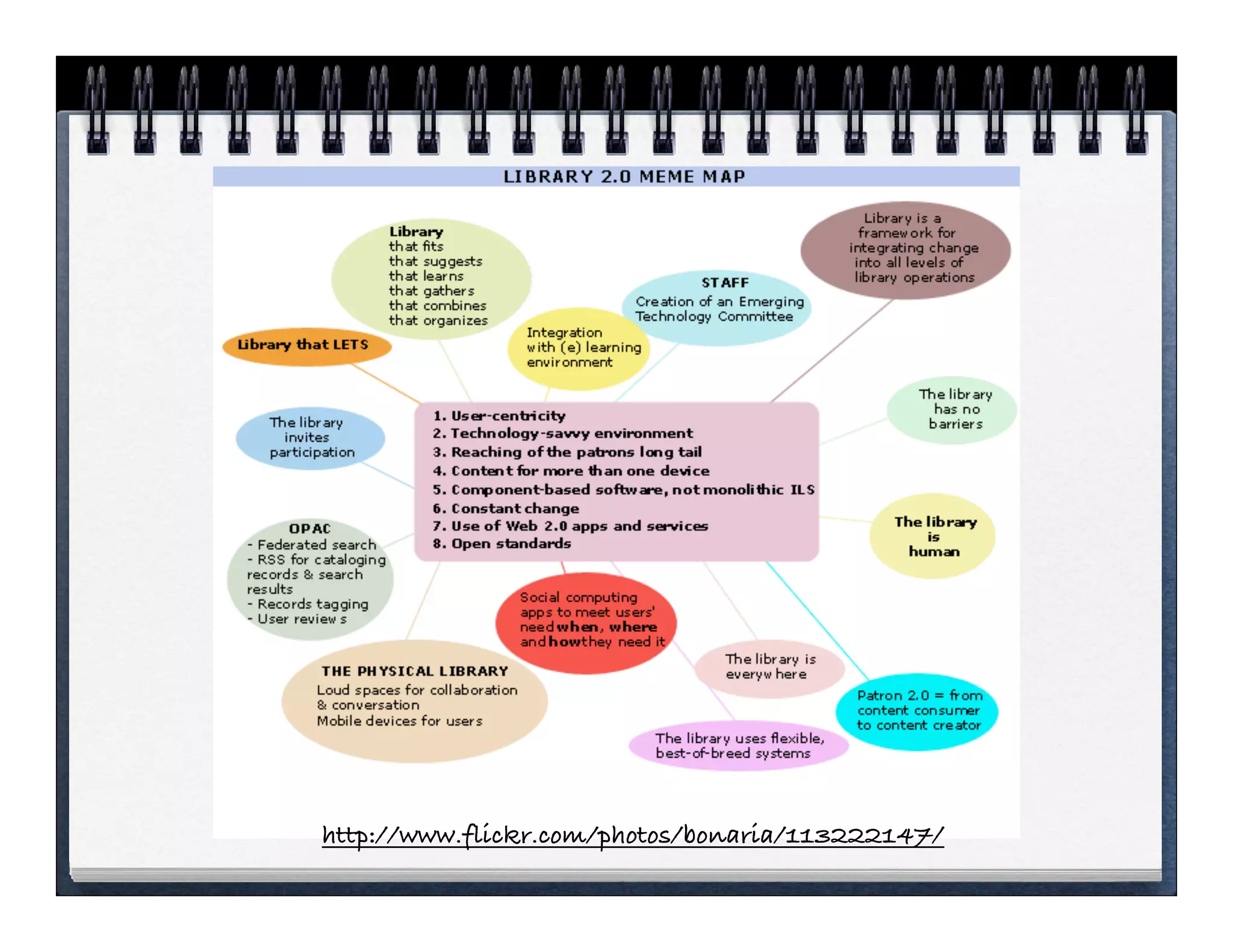
http://www.flickr.com/photos/bonaria/113222147/
Free Social Tools
 for your library
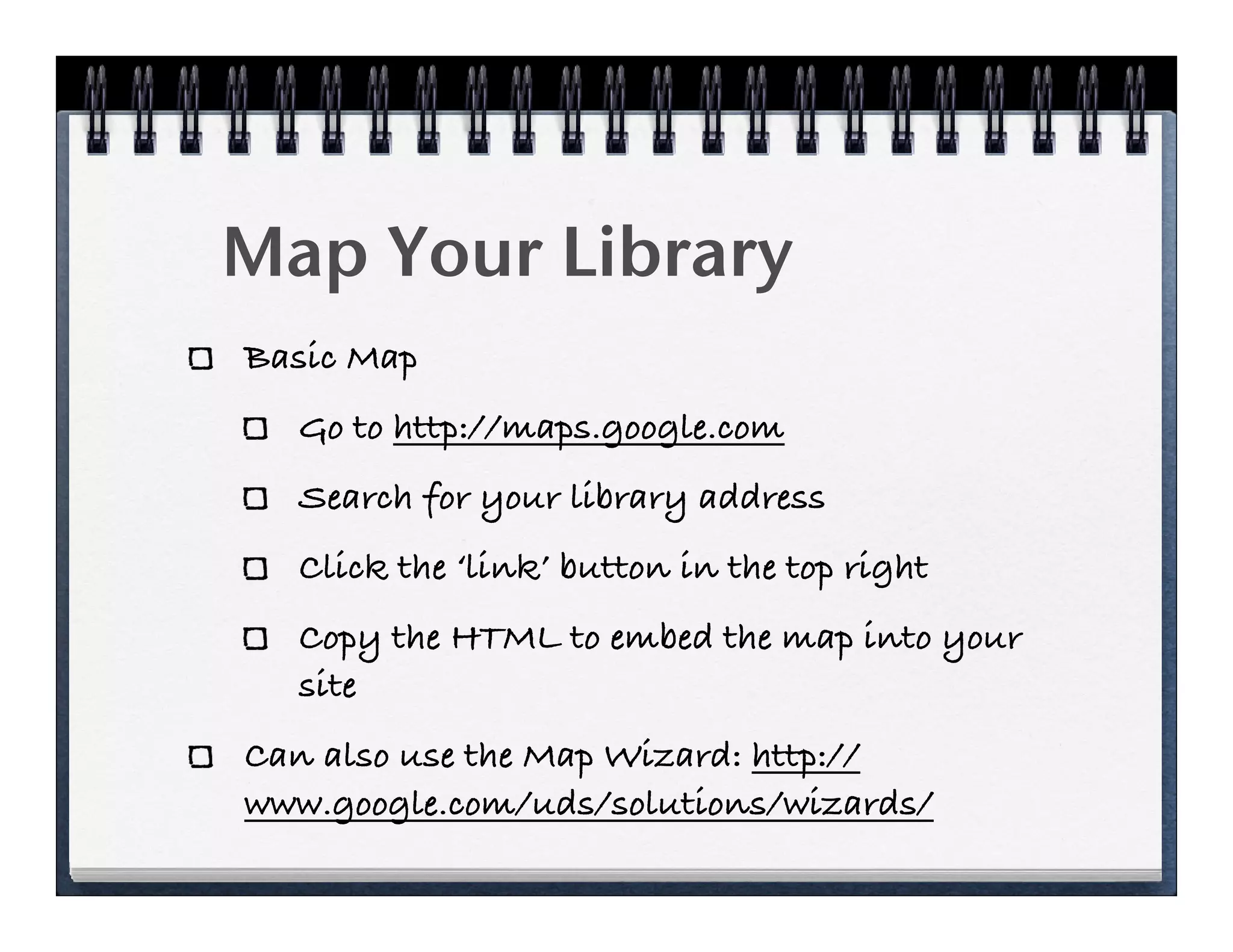
Map Your Library
Basic Map
  Go to http://maps.google.com
  Search for your library address
  Click the ‘link’ button in the top right
  Copy the HTML to embed the map into your
  site
Can also use the Map Wizard: http://
www.google.com/uds/solutions/wizards/
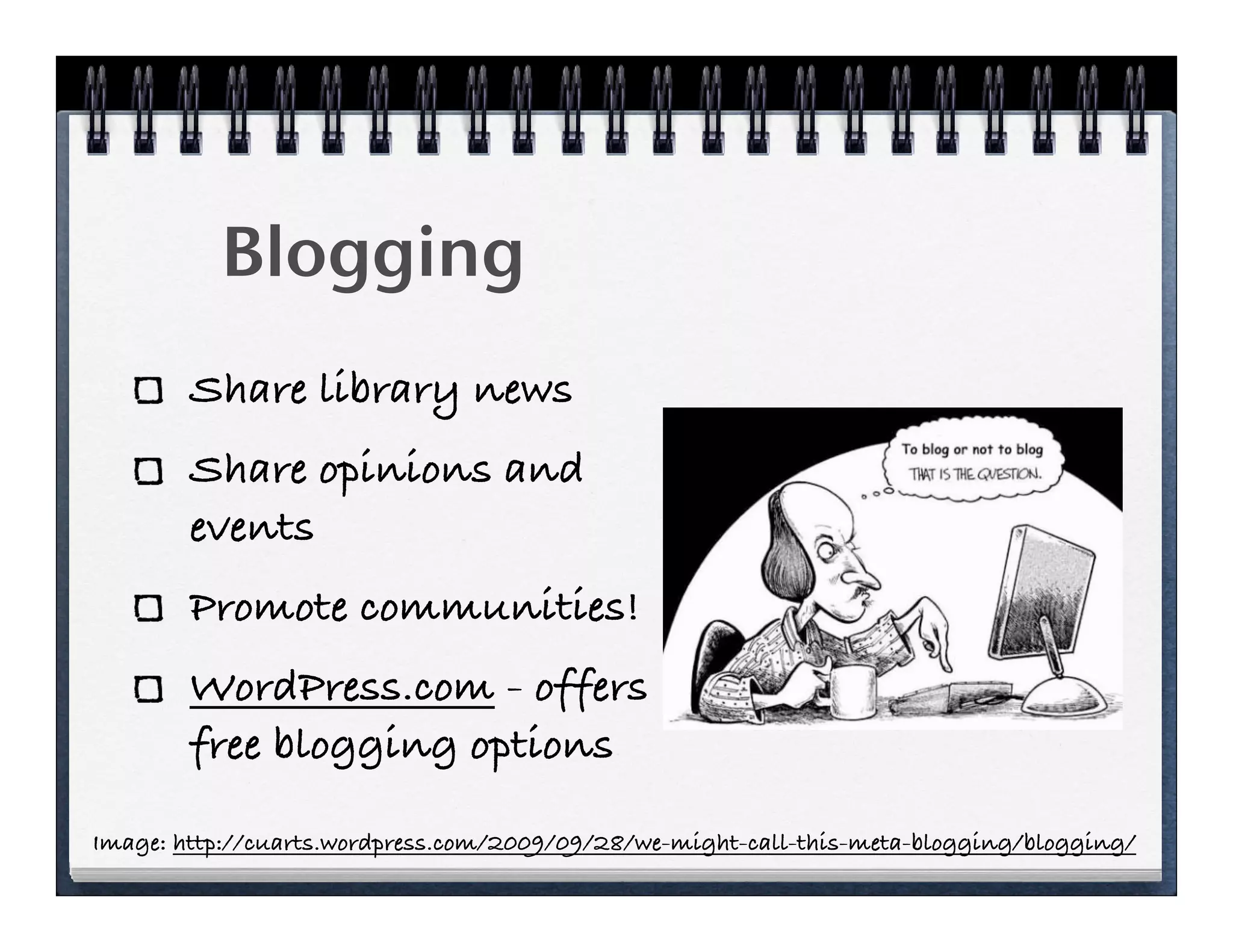
Blogging
        Share library news
        Share opinions and
        events
        Promote communities!
        WordPress.com - offers
        free blogging options

Image: http://cuarts.wordpress.com/2009/09/28/we-might-call-this-meta-blogging/blogging/
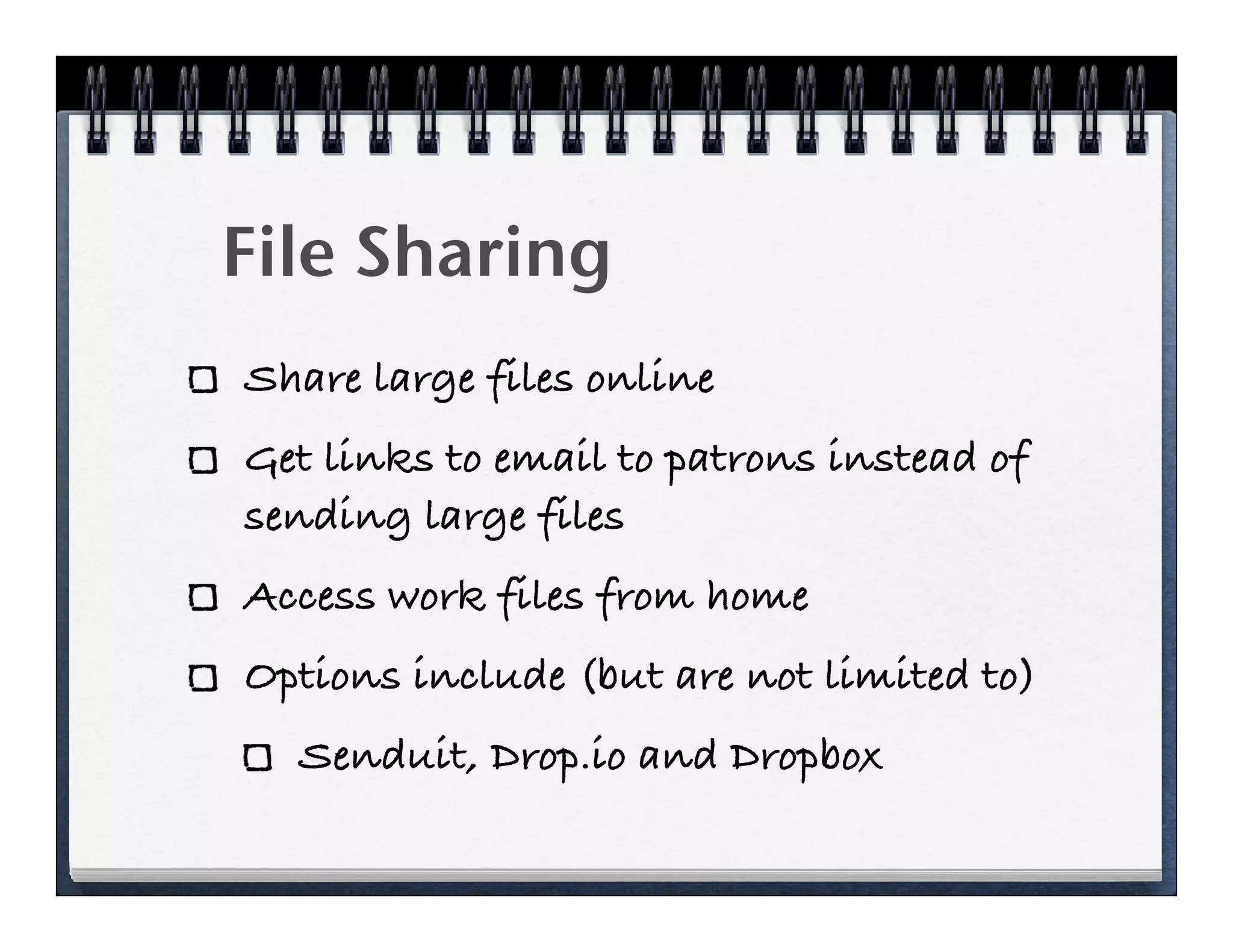
File Sharing
Share large files online
Get links to email to patrons instead of
sending large files
Access work files from home
Options include (but are not limited to)
  Senduit, Drop.io and Dropbox
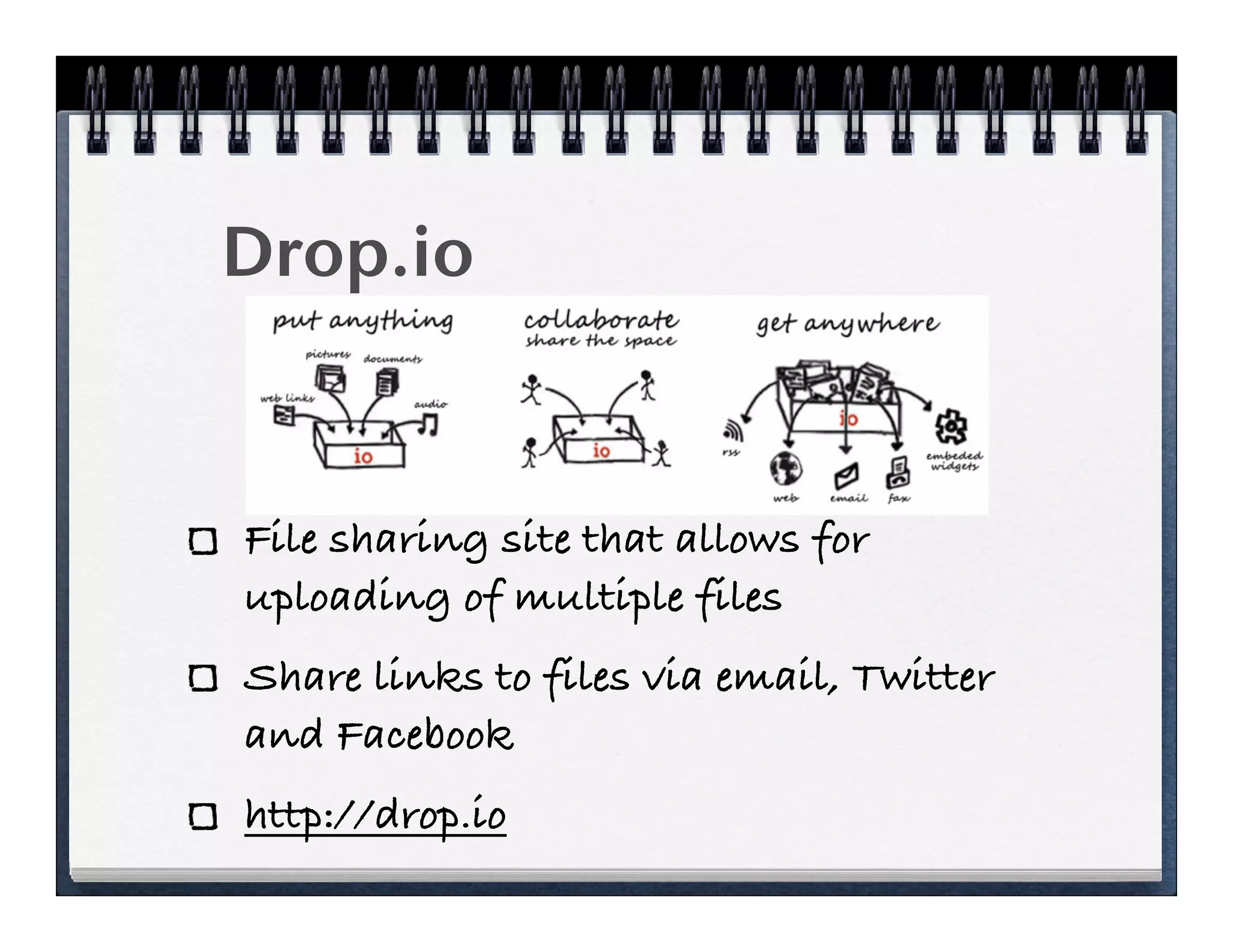
Drop.io


File sharing site that allows for
uploading of multiple files
Share links to files via email, Twitter
and Facebook
http://drop.io
Senduit
Upload files and share links
to the files via email
Choose how long your files
stay on the Senduit servers
Share files that are too big to
send via email
www.senduit.com
Dropbox
Free and affordable account
options
Share your dropbox with
others
Install software to your
desktop for easy sharing
and access
www.dropbox.com
Delicious
Share resource with colleagues & patrons
  delicious.com
Create subject guides
  www.chelmsfordlibrary.org/reference/
  consumer.html
  www.chelmsfordlibrary.org/reference/
  consumers.html (w/out)
Instant Messaging
Sign up for accounts for free at popular
sites
  AOL             Google
  Yahoo!         Microsoft
Download free IM Clients
  Pidgin, Meebo, Digsby, etc.
Twitter
Social networking in 140
characters or less
Users type messages (from their
computers and/or mobile
devices) or ‘tweets’ in answer to
‘What are you doing?’
www.twitter.com
What is Twitter?
“Most people who see Twitter.com don’t get it. It seems
invasive or time consuming or even dumb
The converts, though, understand the true power of Twitter.
Twitter is deceptively simple: it’s a Web protocol that
makes it easy to instant-message people with short notes
like “going to the gym.” In fact, the limit is 140
characters, about half the length of this paragraph.
The difference between an instant message and twits,
though, is that your instant message goes to one person
and a twit goes to anyone who has chosen to follow you.”
                              Godin, S. (2008). Tribes. London: Piatkus. (p34)
Free Marketing!
Despite the nonbelievers, Gary Vaynerchuk knew a
marketing juggernaut when he saw one. An early Twitter
adopter, he now has 530,000 followers hanging on his
every 140-character thought.
One of his tweets alone -- a free shipping offer -- pulled in
1,800 new customers. Compare that with a direct-mail
campaign that cost $7,500, but brought in a scant 200
customers.
Or a billboard ad that cost another $7,500, winning just
300 customers.
           http://www.nj.com/business/index.ssf/2009/06/companies_take_time_to_twitter.html
Skype
Make long distance calls on your
computer at affordable rates
Make free VOIP calls to toll free numbers
and other Skype members
Use Skype as a text
chat tool
skype.com
Photo Sharing
Put a human face on your library
Once again put the library out on
various media
Give librarians power to create dynamic
content
  www.manchester.lib.nh.us
Flickr
Free and affordable accounts
Most popular among librarians and
libraries
Upload and share pictures, create badges
for your site, and promote your library
www.flickr.com
Picasa

Free accounts from Google
  picasaweb.google.com
Several options for embedding images
in your various websites
  http://www.bloggingtips.com/2009/03/23/picasa-
  widgets-and-plugins-for-your-blog/
Facebook
Promote your library where your patrons
are
Easily automate the process of keeping
your page up to date with RSS Feeds
Bring people into the library who might
not visit the library website
www.facebook.com
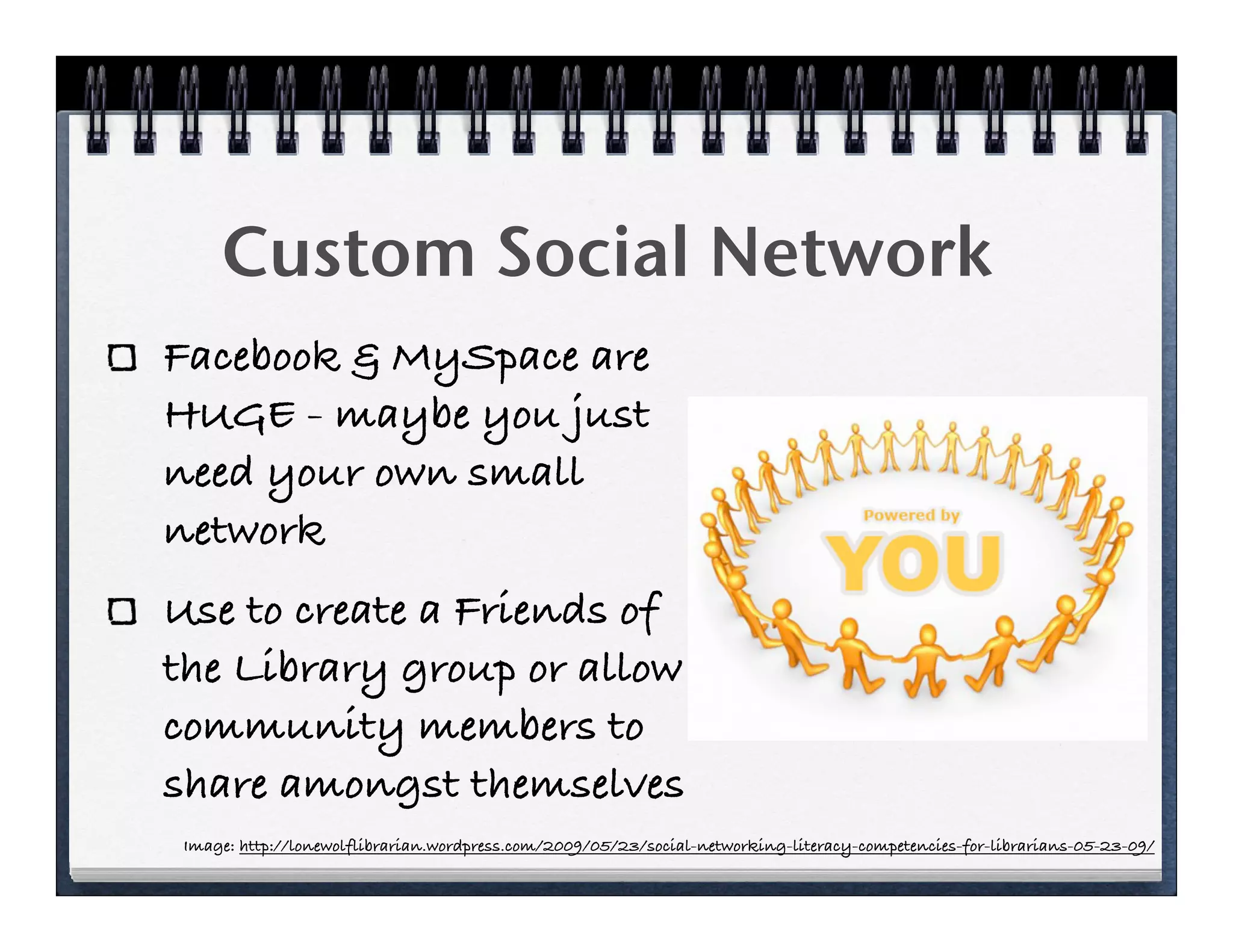
Custom Social Network
Facebook & MySpace are
HUGE - maybe you just
need your own small
network
Use to create a Friends of
the Library group or allow
community members to
share amongst themselves
 Image: http://lonewolflibrarian.wordpress.com/2009/05/23/social-networking-literacy-competencies-for-librarians-05-23-09/
Ning
Free hosted service
Several library communities already on
board
Allows for some customization of your
group
www.ning.com
BuddyPress

Install on your own servers over
WordPress MU (mu.wordpress.org)
Create and manage your own social
networks - www.buddypress.org
  Friends/Groups        ExtendedProfiles
  Private Messaging
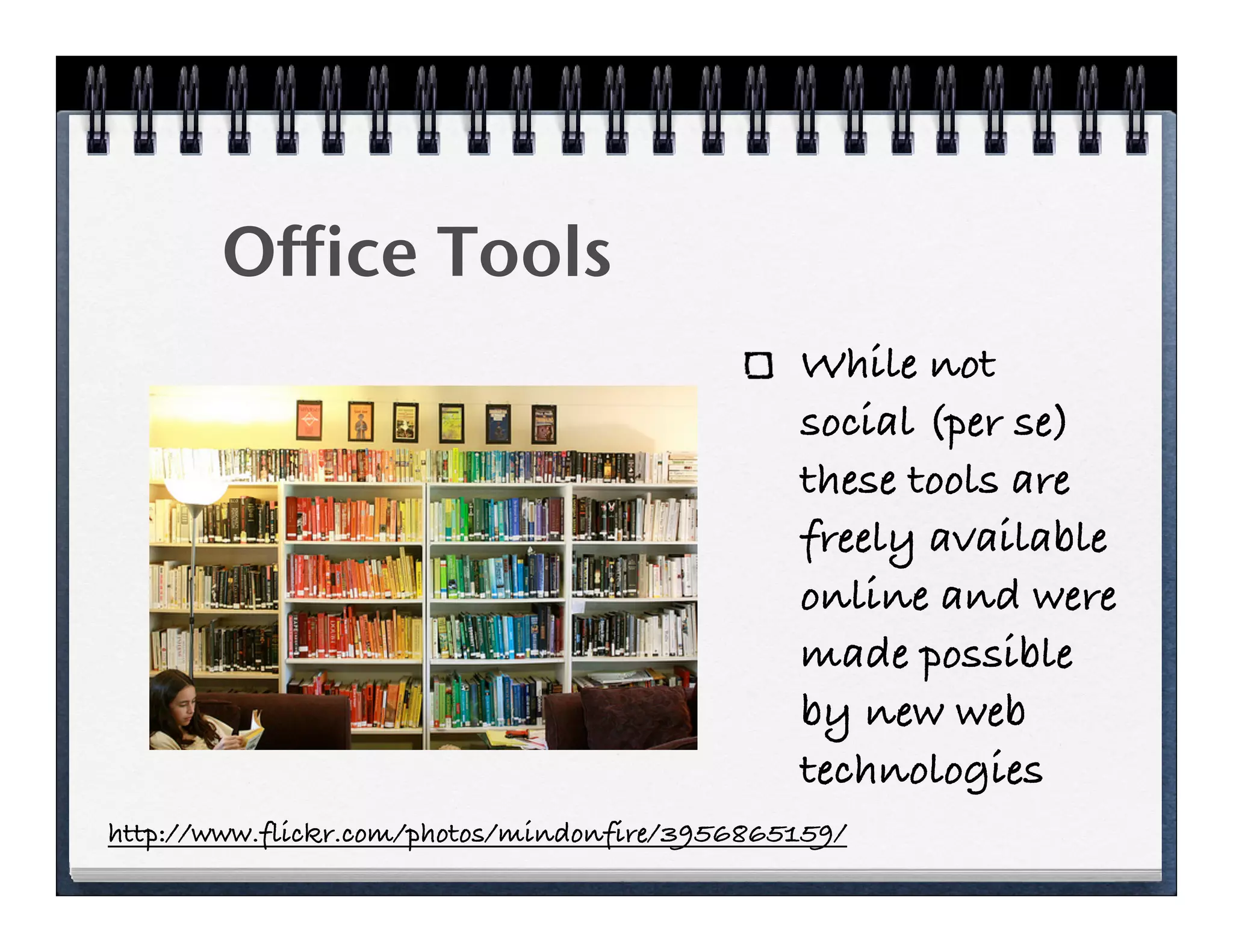
Office Tools
                                               While not
                                               social (per se)
                                               these tools are
                                               freely available
                                               online and were
                                               made possible
                                               by new web
                                               technologies
http://www.flickr.com/photos/mindonfire/3956865159/
File Conversion

Zamzar lets you conver almost any file
type in to any other file time
  They offer this service for free for files
  up to 100 MB
  Affordable packages for other options

                       http://www.zamzar.com/
Google Office

Create documents, spreadsheets,
presentations and more online with your
colleagues
Free with a google account (which is also
free)

                     http://docs.google.com/
Zoho Office
Extensive suite of office tools including
(but not limited to)
         Documents
         Spreadsheets
         Presentations

                        http://www.zoho.com/
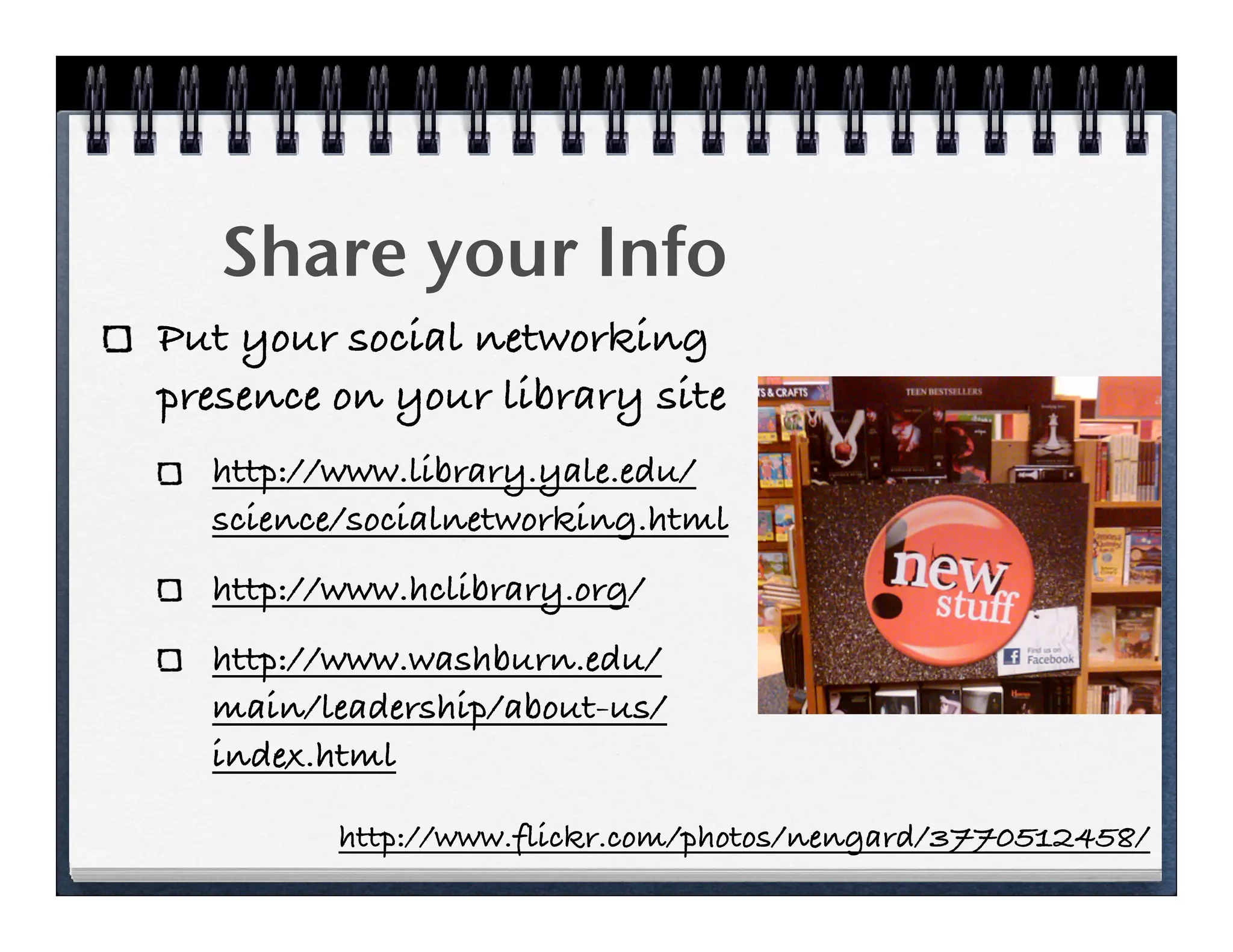
Share your Info
Put your social networking
presence on your library site
  http://www.library.yale.edu/
  science/socialnetworking.html
  http://www.hclibrary.org/
  http://www.washburn.edu/
  main/leadership/about-us/
  index.html

         http://www.flickr.com/photos/nengard/3770512458/
What we learned?
We can publicize our library for free or
cheap!
We can learn to use these tools on our
own!
Our patrons are already using some of
these tools and can help us!
Continued Learning
To find out about new tools:
  you need to always keep your eyes
  open
  you need to keep up with your
  colleagues
  you need to listen to your patrons
More Learning/
   Reading
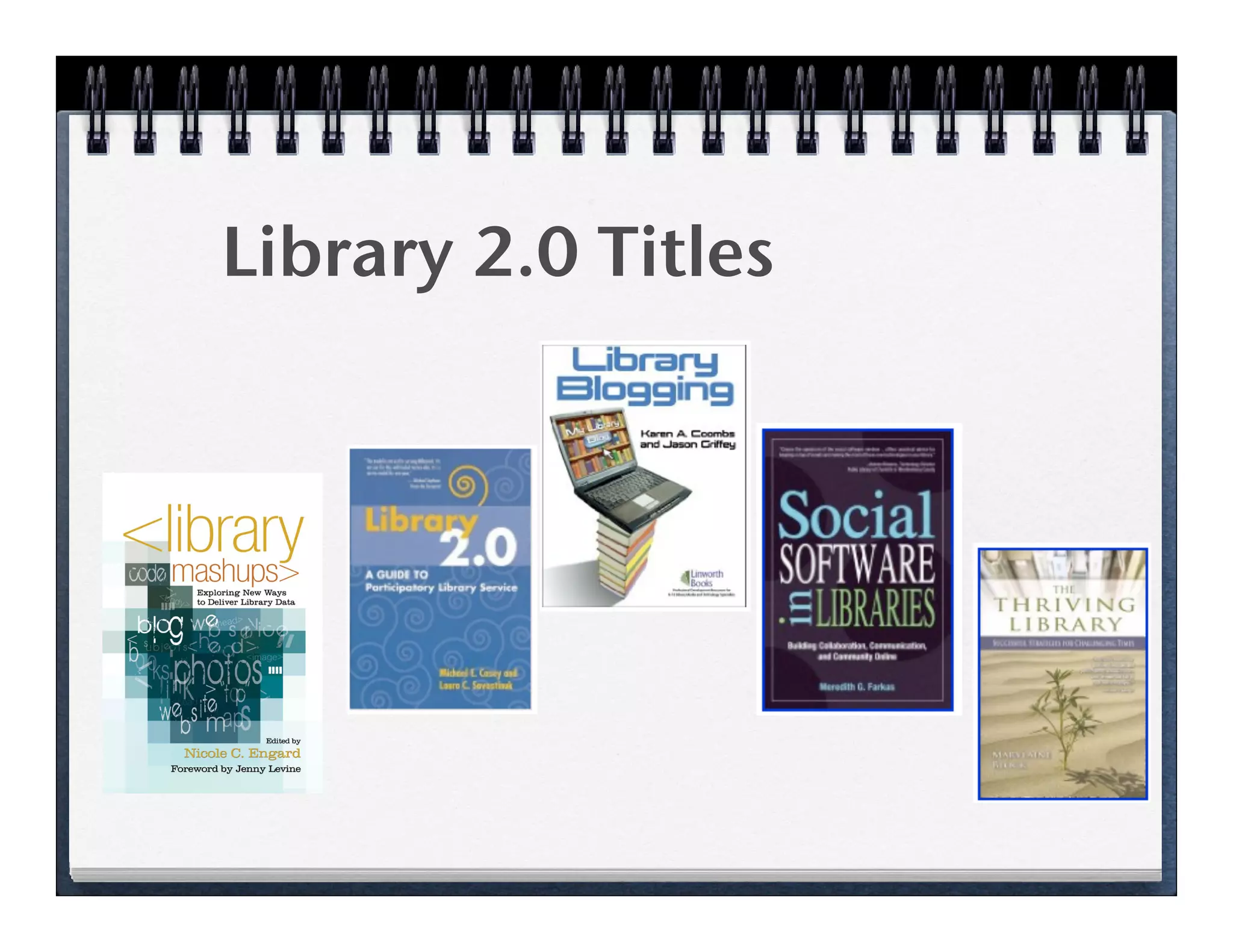
Library 2.0 Titles
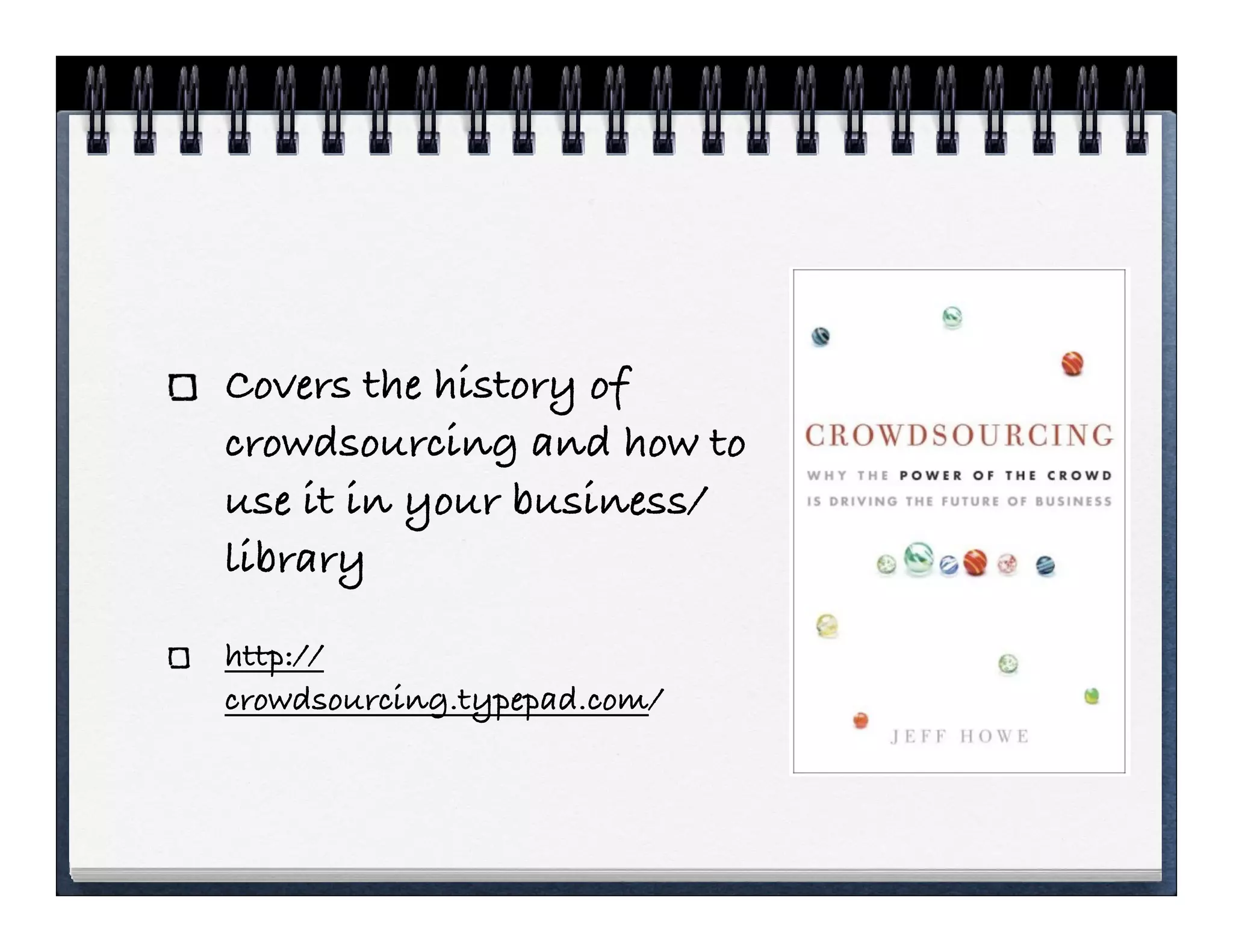
Covers the history of
crowdsourcing and how to
use it in your business/
library

http://
crowdsourcing.typepad.com/
Talks about how products
and companies are being
organized by the power of
the people instead of the
traditional hierarchy

shirky.com/
herecomeseverybody/
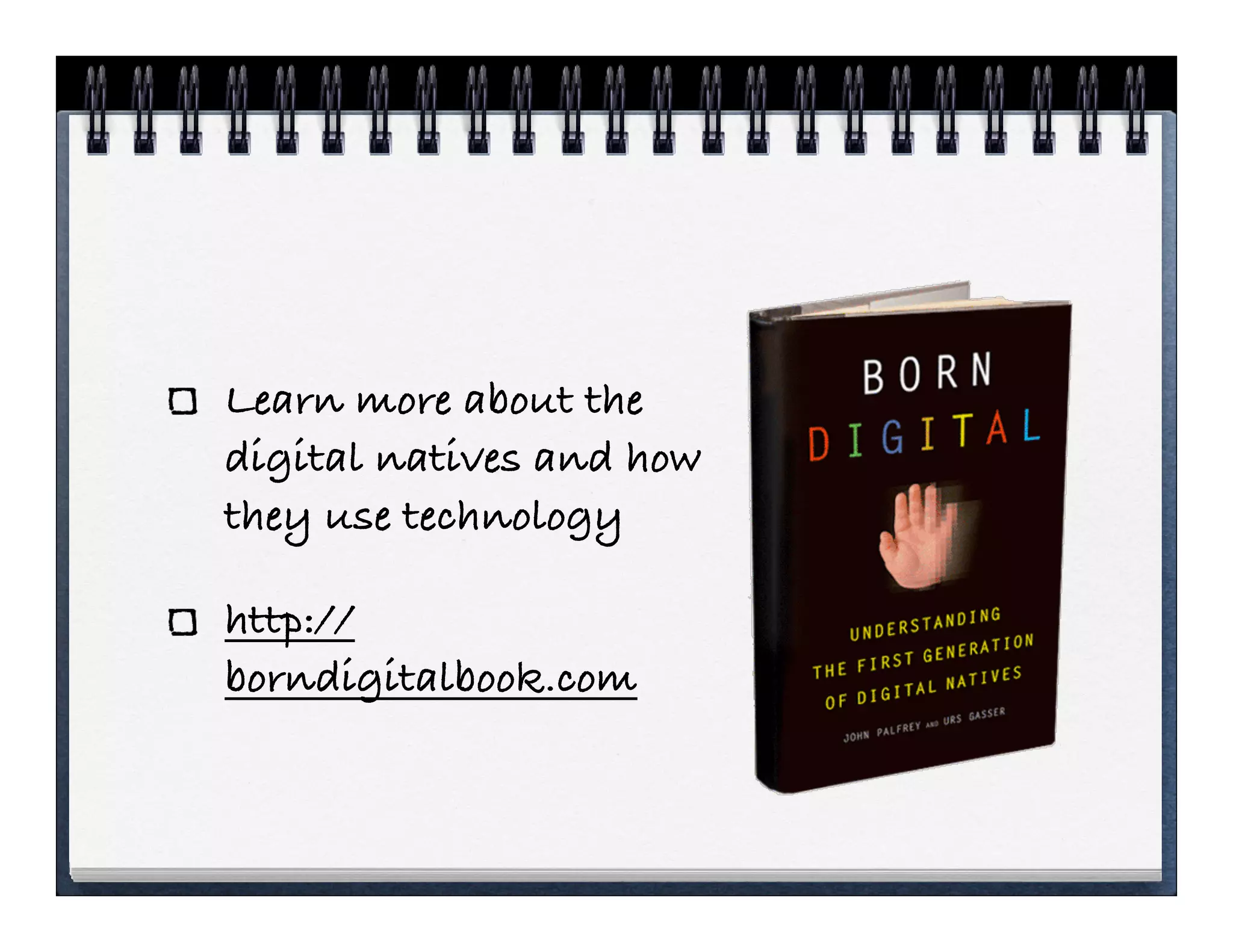
Learn more about the
digital natives and how
they use technology

http://
borndigitalbook.com
More Links
Keep track of social network usage
   http://andyburkhardt.com/2009/09/28/
   how-to-track-your-librarys-social-media-
   stats/
Many of the sites in this talk I learned about
from another talk
   http://www.libraryjournal.com/
   webcastsDetail/2140330112.html?
   industryid=48747&industry=Webcasts
Social Network Policies
Many libraries want to write up policies
once they start using these tools - check
out these links for more info:
  http://www.web2learning.net/archives/1250
  http://www.web2learning.net/archives/2967
  http://www.schoollibraryjournal.com/article/
  CA6699104.html
Thank You &
   Always keep learning!

                      Nicole C. Engard
    Director of Open Source Education, ByWater Solutions
                    nengard@gmail.com
Slides: www.web2learning.net > Publications & Presentations

How to leverage social media technologies on a low budget

  • 1.
    How to LeverageSocial Media Technologies on a Low Budget Nicole C. Engard Director of Open Source Education, ByWater Solutions nengard@gmail.com
  • 2.
    Outline Libraries today Social Technologies SocialTechnologies for your Library Discussion throughout http://www.flickr.com/photos/libraryman/4030386510/
  • 3.
    Budgets are changing “Librarybudgets are under intense budgetary pressures regardless of institution size or type.  Most report that a flat budget is the best-case scenario, and double-digit cuts are more of the norm.” 1   PA Library budget cut 27% 1. http://www.snaponline.org/public/articles/details.cfm?id=253
  • 4.
    Money & theLibrary How do we still provide superior services with all of these cuts? http://www.flickr.com/photos/zieak/3253387294/
  • 5.
    Library 101 http://www.youtube.com/watch?v=gVq5WDDA5a4
  • 6.
    Libraries & Learning “Today,technology is a powerful driver of change in libraries, and it will stay that way for the rest of your career.” “Yes, you need to know the basics of emerging 2.0 tools, like Flickr, MySpace, Google Docs, wikis, and Google Maps. With Google Maps, you should know how to create a mashup using Google Maps and your library’s data.” http://www.libraryman.com/blog/101rtk/
  • 7.
    Libraries & SocialMedia Communication Respond to Positive/Negative Feedback Marketing/Advertising Understanding Users Better http://andyburkhardt.com/2009/08/25/four-reasons-libraries-should-be-on-social-media/
  • 8.
    Times are Changing Freetools for the library Social networking Crowdsourcing Microblogging Content management File sharing http://www.flickr.com/photos/pipeapple/3280609082/
  • 10.
  • 11.
    Free Social Tools for your library
  • 12.
    Map Your Library BasicMap Go to http://maps.google.com Search for your library address Click the ‘link’ button in the top right Copy the HTML to embed the map into your site Can also use the Map Wizard: http:// www.google.com/uds/solutions/wizards/
  • 13.
    Blogging Share library news Share opinions and events Promote communities! WordPress.com - offers free blogging options Image: http://cuarts.wordpress.com/2009/09/28/we-might-call-this-meta-blogging/blogging/
  • 14.
    File Sharing Share largefiles online Get links to email to patrons instead of sending large files Access work files from home Options include (but are not limited to) Senduit, Drop.io and Dropbox
  • 15.
    Drop.io File sharing sitethat allows for uploading of multiple files Share links to files via email, Twitter and Facebook http://drop.io
  • 16.
    Senduit Upload files andshare links to the files via email Choose how long your files stay on the Senduit servers Share files that are too big to send via email www.senduit.com
  • 17.
    Dropbox Free and affordableaccount options Share your dropbox with others Install software to your desktop for easy sharing and access www.dropbox.com
  • 18.
    Delicious Share resource withcolleagues & patrons delicious.com Create subject guides www.chelmsfordlibrary.org/reference/ consumer.html www.chelmsfordlibrary.org/reference/ consumers.html (w/out)
  • 19.
    Instant Messaging Sign upfor accounts for free at popular sites AOL Google Yahoo! Microsoft Download free IM Clients Pidgin, Meebo, Digsby, etc.
  • 20.
    Twitter Social networking in140 characters or less Users type messages (from their computers and/or mobile devices) or ‘tweets’ in answer to ‘What are you doing?’ www.twitter.com
  • 21.
    What is Twitter? “Mostpeople who see Twitter.com don’t get it. It seems invasive or time consuming or even dumb The converts, though, understand the true power of Twitter. Twitter is deceptively simple: it’s a Web protocol that makes it easy to instant-message people with short notes like “going to the gym.” In fact, the limit is 140 characters, about half the length of this paragraph. The difference between an instant message and twits, though, is that your instant message goes to one person and a twit goes to anyone who has chosen to follow you.” Godin, S. (2008). Tribes. London: Piatkus. (p34)
  • 22.
    Free Marketing! Despite thenonbelievers, Gary Vaynerchuk knew a marketing juggernaut when he saw one. An early Twitter adopter, he now has 530,000 followers hanging on his every 140-character thought. One of his tweets alone -- a free shipping offer -- pulled in 1,800 new customers. Compare that with a direct-mail campaign that cost $7,500, but brought in a scant 200 customers. Or a billboard ad that cost another $7,500, winning just 300 customers. http://www.nj.com/business/index.ssf/2009/06/companies_take_time_to_twitter.html
  • 23.
    Skype Make long distancecalls on your computer at affordable rates Make free VOIP calls to toll free numbers and other Skype members Use Skype as a text chat tool skype.com
  • 24.
    Photo Sharing Put ahuman face on your library Once again put the library out on various media Give librarians power to create dynamic content www.manchester.lib.nh.us
  • 25.
    Flickr Free and affordableaccounts Most popular among librarians and libraries Upload and share pictures, create badges for your site, and promote your library www.flickr.com
  • 26.
    Picasa Free accounts fromGoogle picasaweb.google.com Several options for embedding images in your various websites http://www.bloggingtips.com/2009/03/23/picasa- widgets-and-plugins-for-your-blog/
  • 27.
    Facebook Promote your librarywhere your patrons are Easily automate the process of keeping your page up to date with RSS Feeds Bring people into the library who might not visit the library website www.facebook.com
  • 28.
    Custom Social Network Facebook& MySpace are HUGE - maybe you just need your own small network Use to create a Friends of the Library group or allow community members to share amongst themselves Image: http://lonewolflibrarian.wordpress.com/2009/05/23/social-networking-literacy-competencies-for-librarians-05-23-09/
  • 29.
    Ning Free hosted service Severallibrary communities already on board Allows for some customization of your group www.ning.com
  • 30.
    BuddyPress Install on yourown servers over WordPress MU (mu.wordpress.org) Create and manage your own social networks - www.buddypress.org Friends/Groups ExtendedProfiles Private Messaging
  • 31.
    Office Tools While not social (per se) these tools are freely available online and were made possible by new web technologies http://www.flickr.com/photos/mindonfire/3956865159/
  • 32.
    File Conversion Zamzar letsyou conver almost any file type in to any other file time They offer this service for free for files up to 100 MB Affordable packages for other options http://www.zamzar.com/
  • 33.
    Google Office Create documents,spreadsheets, presentations and more online with your colleagues Free with a google account (which is also free) http://docs.google.com/
  • 34.
    Zoho Office Extensive suiteof office tools including (but not limited to) Documents Spreadsheets Presentations http://www.zoho.com/
  • 35.
    Share your Info Putyour social networking presence on your library site http://www.library.yale.edu/ science/socialnetworking.html http://www.hclibrary.org/ http://www.washburn.edu/ main/leadership/about-us/ index.html http://www.flickr.com/photos/nengard/3770512458/
  • 36.
    What we learned? Wecan publicize our library for free or cheap! We can learn to use these tools on our own! Our patrons are already using some of these tools and can help us!
  • 37.
    Continued Learning To findout about new tools: you need to always keep your eyes open you need to keep up with your colleagues you need to listen to your patrons
  • 38.
  • 39.
  • 40.
    Covers the historyof crowdsourcing and how to use it in your business/ library http:// crowdsourcing.typepad.com/
  • 41.
    Talks about howproducts and companies are being organized by the power of the people instead of the traditional hierarchy shirky.com/ herecomeseverybody/
  • 42.
    Learn more aboutthe digital natives and how they use technology http:// borndigitalbook.com
  • 43.
    More Links Keep trackof social network usage http://andyburkhardt.com/2009/09/28/ how-to-track-your-librarys-social-media- stats/ Many of the sites in this talk I learned about from another talk http://www.libraryjournal.com/ webcastsDetail/2140330112.html? industryid=48747&industry=Webcasts
  • 44.
    Social Network Policies Manylibraries want to write up policies once they start using these tools - check out these links for more info: http://www.web2learning.net/archives/1250 http://www.web2learning.net/archives/2967 http://www.schoollibraryjournal.com/article/ CA6699104.html
  • 45.
    Thank You & Always keep learning! Nicole C. Engard Director of Open Source Education, ByWater Solutions nengard@gmail.com Slides: www.web2learning.net > Publications & Presentations