How to create a blog using
      Blogger.com

        by Fiona Beal
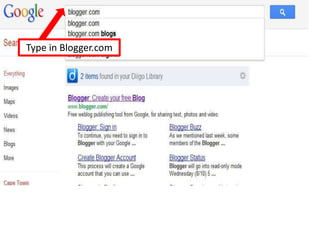
Open Google.com
Type in Blogger.com
If you already have a
Google account fill in
details here and sign
in:
If you don’t have a
Google account sign up
here.
Fill in all your details
The next page says ‘Sign up
for Blogger.com. Follow the
prompts
Remember - The blog
title can be changed
but your http://
address is permanent
You’ll be told if your
choice is available.
Choose your starter template. I
chose ‘Simple’. We will be
changing the background.
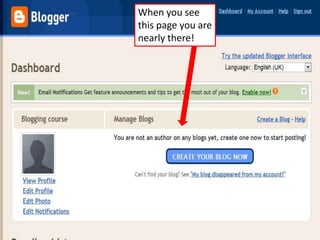
When you see
this page you are
nearly there!
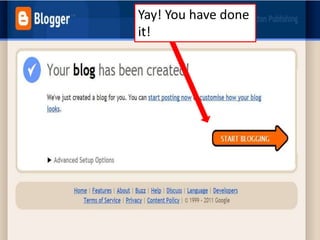
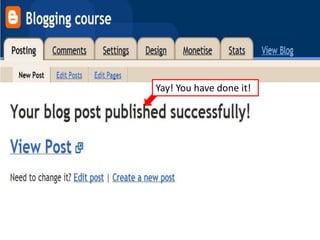
Yay! You have done
it!
You will immediately see
      the new post. Write a
      title.


                       Write your words.


First click Preview to
see if you like it. Then
click Publish Post
Yay! You have done it!
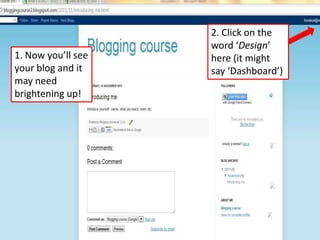
2. Click on the
                    word ‘Design’
1. Now you’ll see   here (it might
your blog and it    say ‘Dashboard’)
may need
brightening up!
You’ll get to this page.
Click on Template
Designer
3                        2
                    1


Make sure your
template is in this box,
by clicking on these
arrows, and then click
on ‘Background’
Explore all the
possibilities under
each heading!
That’s all for
  now. More
coming soon!

How to create a blog using Blogger.com