Download to read offline
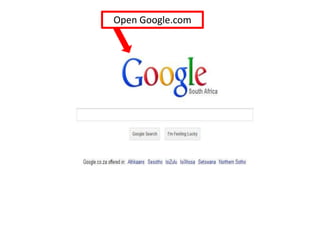
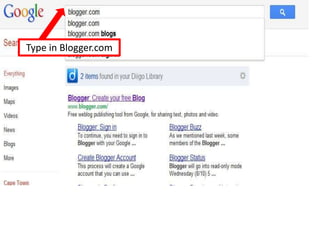
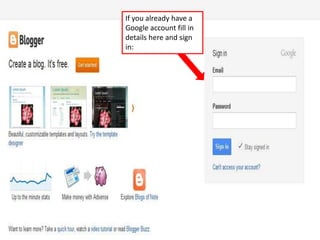
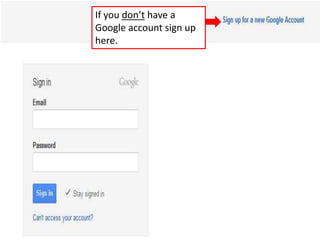
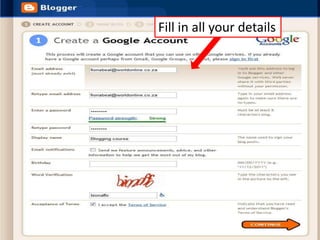
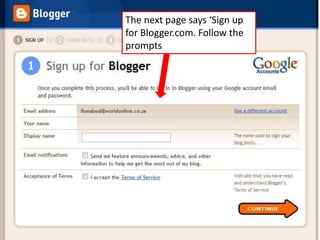
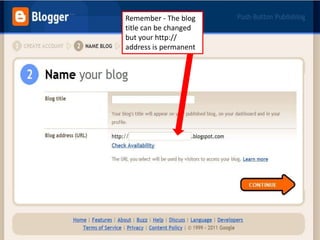
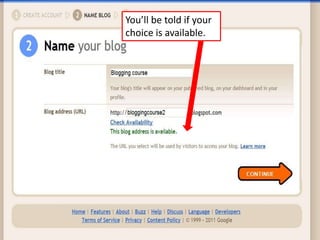
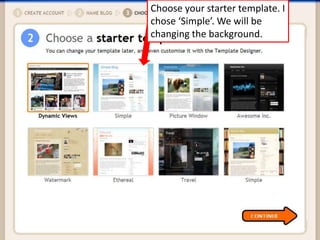
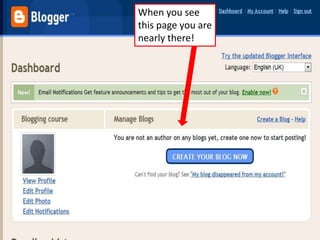
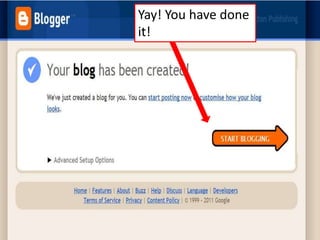
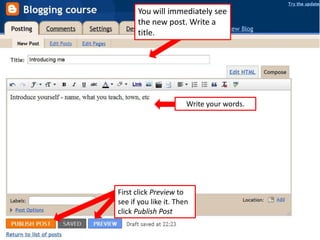
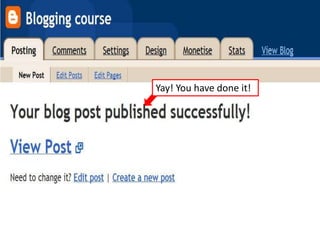
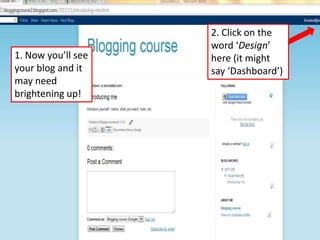
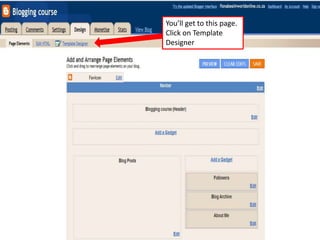
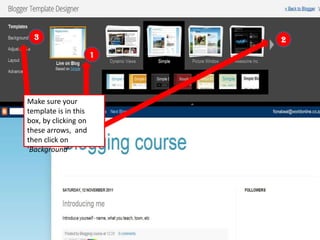
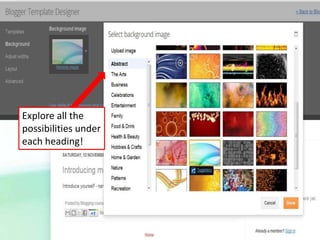

The document provides instructions for creating a blog using Blogger.com in 13 steps. It explains how to sign up for a Blogger account if you don't already have a Google account, choose a starter template, write and publish your first blog post, and customize the blog design by changing the background template. The overall process allows users to set up and start publishing to their new blog on Blogger.com.


![[INFOGRAPHIC] 2015 State of Social Business](https://cdn.slidesharecdn.com/ss_thumbnails/2015stateofsocialbusinessfinal3-150807194800-lva1-app6892-thumbnail.jpg?width=640&height=640&fit=bounds)


