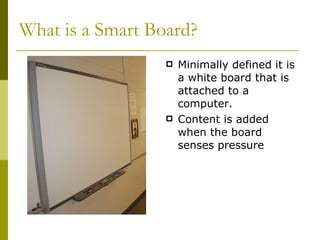
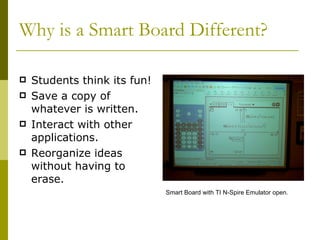
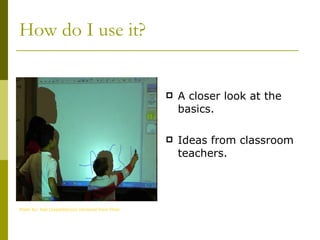
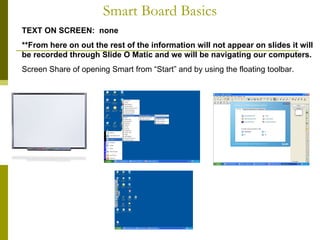
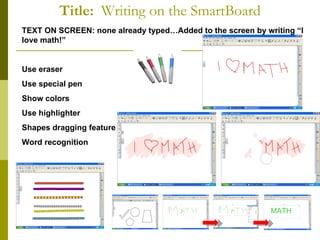
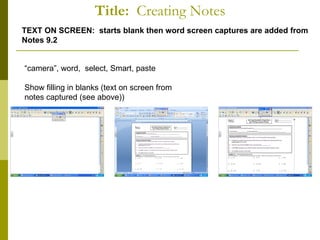
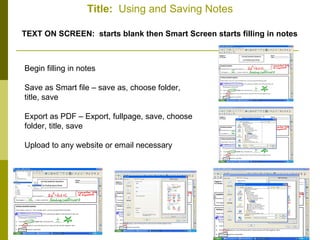
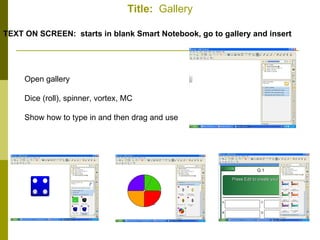
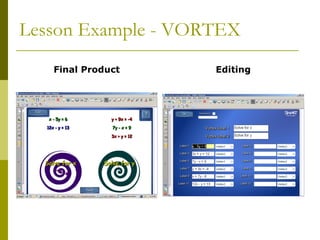
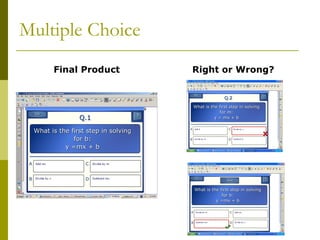
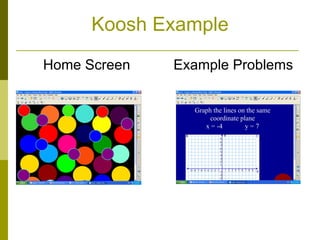
The document provides an overview of how to use an interactive smart board to help struggling learners. It outlines the basic functions like opening the smart board software, using pens and shapes, creating notes that can be saved as documents. It also discusses using the smart board's gallery of interactive resources like dice and spinners during lessons. Specific examples are given of math and multiple choice activities created on the smart board.