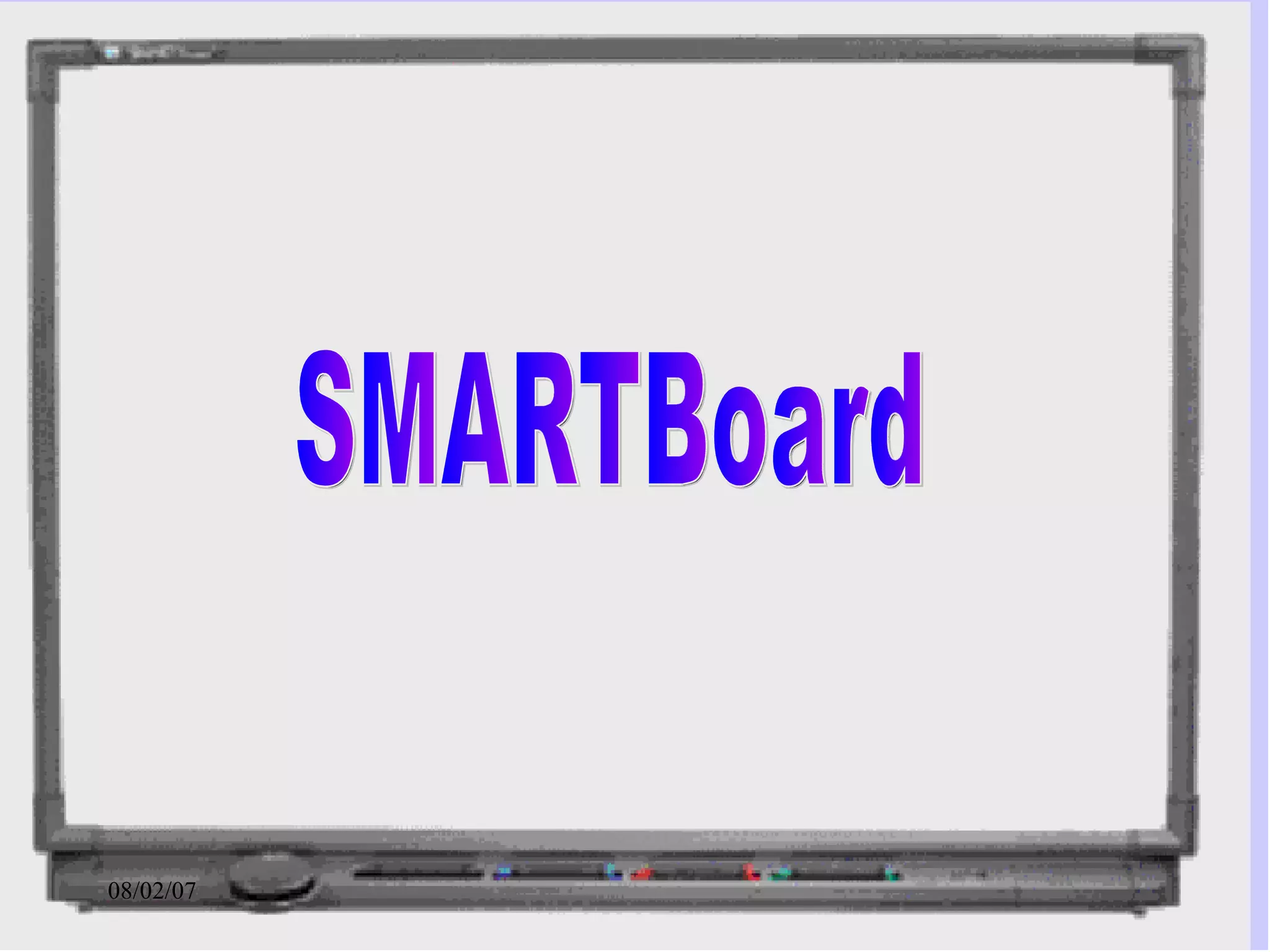
SMARTBoard
What is a   SMART Board ? High-tech hardware used for group/class presentations with special interactive features
Special Features It can be used alone as a regular or electronic  whiteboard  or... It can be used as an LED projector and screen with a connected computer. It is touch sensitive.
Whiteboard It works just as any erasable whiteboard. User can write or draw with finger. But it works with virtual markers and eraser also.
LED Projection It can be used with an external LED projector Another model comes with its own rear-projected LED projecter It is more than a glorified  whiteboard! No more messy chalk!
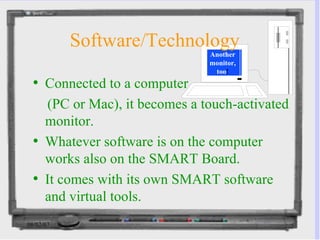
Software/Technology Connected to a computer  (PC or Mac), it becomes a touch-activated monitor. Whatever software is on the computer works also on the SMART Board. It comes with its own SMART software and virtual tools.  Another monitor, too !
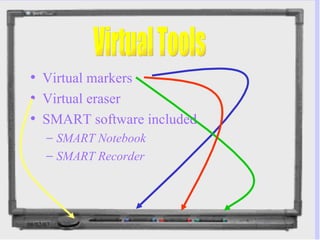
Virtual markers Virtual eraser SMART software included SMART Notebook SMART Recorder Virtual Tools
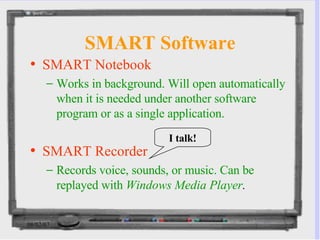
SMART Software SMART Notebook Works in background. Will open automatically when it is needed under another software program or as a single application. SMART Recorder Records voice, sounds, or music. Can be replayed with  Windows Media Player . I talk!
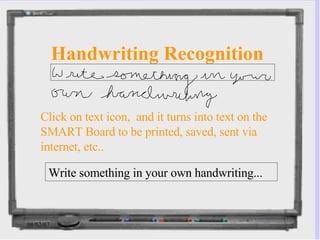
Handwriting Recognition Write something in your own handwriting... Click on text icon,  and it turns into text on the SMART Board to be printed, saved, sent via internet, etc..
Save/Print Options Regular software document Screen capture graphic file (.png) Html file--can be posted to web or sent via internet PDF file (Adobe Acrobat) Printed as any document Transmitted via network to connected computers
Applications of SMART Board for English/ESL Instructors Teach syntax and grammar Teach editing/proofreading Mark papers virtually Annotate literary passages Demonstrate writing process Peer review of compositions Teach computer technology to facilitate writing Distance classes and many more…...
Other Applications Foreign Languages Computer Applications/IT Geography Science Engineering Business Art Any Distance Classes
Enhances Presentation Adds interactivity Uses multimedia to increase learning Increases interest in material presented
SMART Board Concerns Damage (holes, scratches, permanent marks, etc. ) to board is not reversible Lost virtual tools Extra RAM memory needed, speakers and mike for sound 3-yr warranty covers defects and malfunctions only Finger can replace tools 64 M is minimum but 128+ is needed for SMART Recorder
Where to find more information about SMART Board www. smarttech .com http://www. smarttech .com/services/training/10minute.asp SMART Board Basics Taking Notes on a SMART Board Using PowerPoint on a SMART Board Using Computer Applications on a SMART Board
Get SMART! Learn how to use the SmartBoard.

Smartboarddrc

  • 1.
  • 2.
    What is a SMART Board ? High-tech hardware used for group/class presentations with special interactive features
  • 3.
    Special Features Itcan be used alone as a regular or electronic whiteboard or... It can be used as an LED projector and screen with a connected computer. It is touch sensitive.
  • 4.
    Whiteboard It worksjust as any erasable whiteboard. User can write or draw with finger. But it works with virtual markers and eraser also.
  • 5.
    LED Projection Itcan be used with an external LED projector Another model comes with its own rear-projected LED projecter It is more than a glorified whiteboard! No more messy chalk!
  • 6.
    Software/Technology Connected toa computer (PC or Mac), it becomes a touch-activated monitor. Whatever software is on the computer works also on the SMART Board. It comes with its own SMART software and virtual tools. Another monitor, too !
  • 7.
    Virtual markers Virtualeraser SMART software included SMART Notebook SMART Recorder Virtual Tools
  • 8.
    SMART Software SMARTNotebook Works in background. Will open automatically when it is needed under another software program or as a single application. SMART Recorder Records voice, sounds, or music. Can be replayed with Windows Media Player . I talk!
  • 9.
    Handwriting Recognition Writesomething in your own handwriting... Click on text icon, and it turns into text on the SMART Board to be printed, saved, sent via internet, etc..
  • 10.
    Save/Print Options Regularsoftware document Screen capture graphic file (.png) Html file--can be posted to web or sent via internet PDF file (Adobe Acrobat) Printed as any document Transmitted via network to connected computers
  • 11.
    Applications of SMARTBoard for English/ESL Instructors Teach syntax and grammar Teach editing/proofreading Mark papers virtually Annotate literary passages Demonstrate writing process Peer review of compositions Teach computer technology to facilitate writing Distance classes and many more…...
  • 12.
    Other Applications ForeignLanguages Computer Applications/IT Geography Science Engineering Business Art Any Distance Classes
  • 13.
    Enhances Presentation Addsinteractivity Uses multimedia to increase learning Increases interest in material presented
  • 14.
    SMART Board ConcernsDamage (holes, scratches, permanent marks, etc. ) to board is not reversible Lost virtual tools Extra RAM memory needed, speakers and mike for sound 3-yr warranty covers defects and malfunctions only Finger can replace tools 64 M is minimum but 128+ is needed for SMART Recorder
  • 15.
    Where to findmore information about SMART Board www. smarttech .com http://www. smarttech .com/services/training/10minute.asp SMART Board Basics Taking Notes on a SMART Board Using PowerPoint on a SMART Board Using Computer Applications on a SMART Board
  • 16.
    Get SMART! Learnhow to use the SmartBoard.