GRAPHICALUSERINTERFACE
UserInterface (UI)
User interface is the front-end
application view to which user
interacts in order to use the
software.
The software becomes more popular if its user
interface is:
• Attractive
• Simple to use
• Responsive in short time
• Clear to understand
2
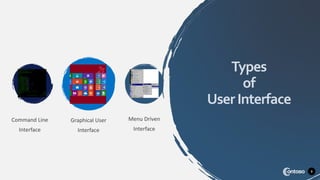
Command Line
Interface
Graphical User
Interface
Menu Driven
Interface
Types
of
UserInterface
3
4
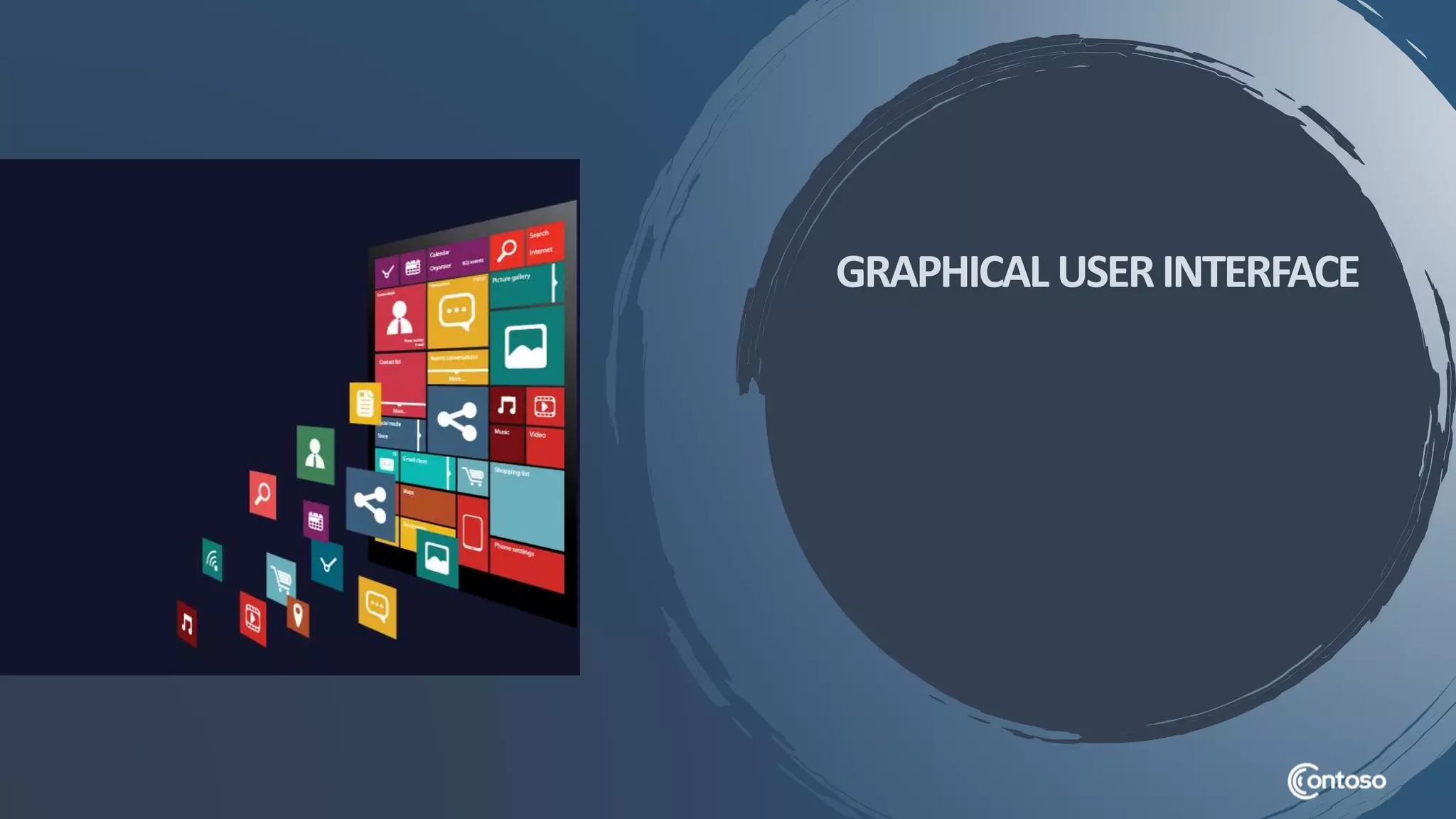
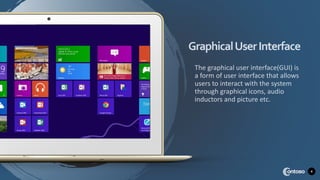
The graphical user interface(GUI) is
a form of user interface that allows
users to interact with the system
through graphical icons, audio
inductors and picture etc.
GraphicalUserInterface
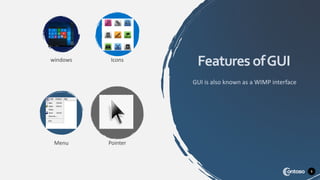
windows Icons
Menu Pointer
5
Features ofGUI
GUI is also known as a WIMP interface
6
Features ofGUI
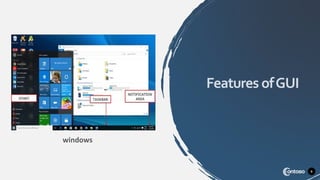
windows
7
Features ofGUI
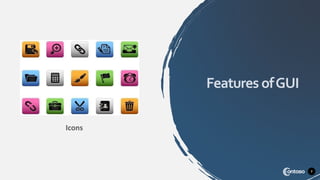
Icons
8
Features ofGUI
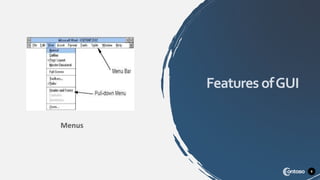
Menus
9
Features ofGUI
pointers
10
Advantage Of GUI
• They are easy to learn and use
• Users without experience can learn
use the system quickly.
• Users may switch quickly from one
task to another
• Only need to click on none simple
picture.
• Several instructions are replaced by
one icon.
11
Disadvantage Of GUI
• May consume more screen space
• Require a more powerfull process
and better graphics display
• Slower when executing a command
because a lot more interpretion
takes place.
• Takes up more disk space
THANKYOU
12

Graphical user-interface