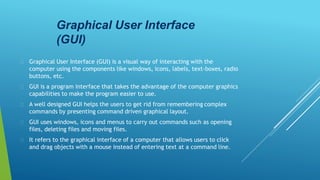
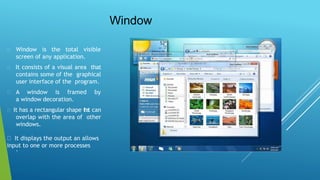
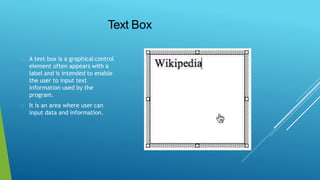
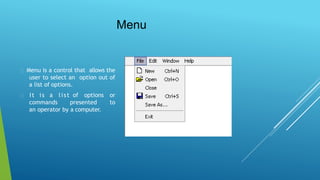
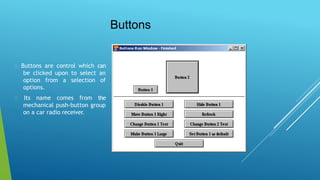
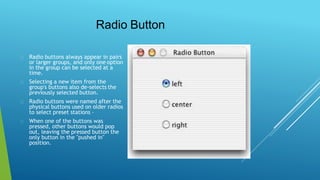
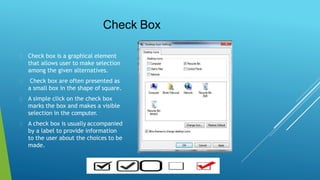
This document introduces the key components of a graphical user interface (GUI). It discusses GUI elements like windows, icons, text boxes, menus, buttons, radio buttons, and check boxes. Windows display the output and allow for input. Text boxes and fields allow users to enter text. Menus present a list of options. Buttons allow selecting options. Radio buttons select only one option in a group, while check boxes allow multiple selections. The GUI uses these visual elements to provide an easier interface than text-based commands.







![20260201 [FOSDEM] gomodjail - library sandboxing for Go modules.pdf](https://cdn.slidesharecdn.com/ss_thumbnails/20260201fosdemgomodjail-librarysandboxingforgomodules-260201225659-76609ec4-thumbnail.jpg?width=640&height=640&fit=bounds)


