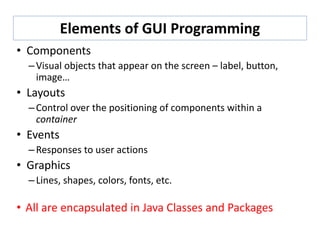
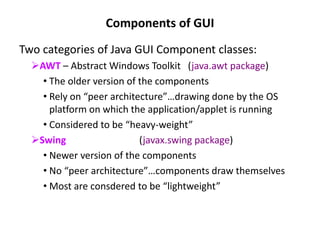
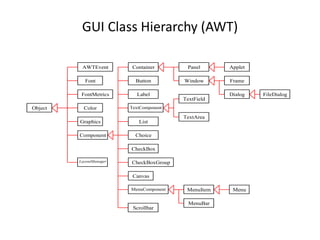
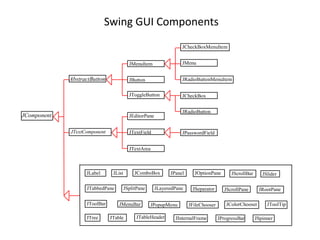
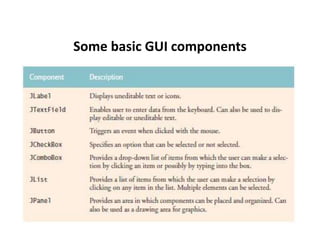
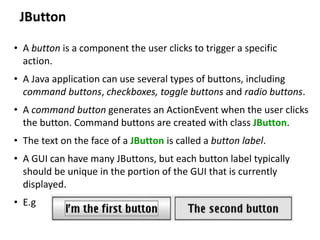
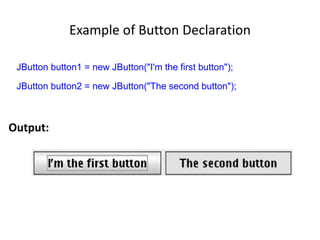
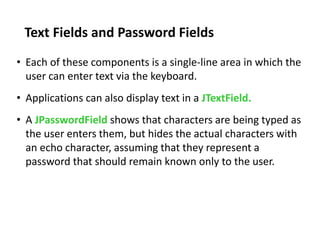
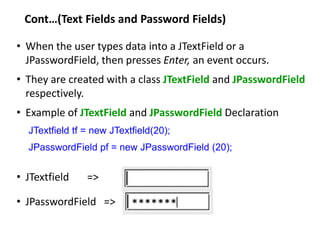
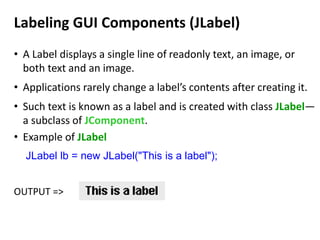
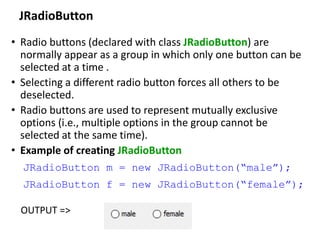
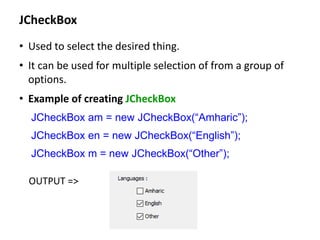
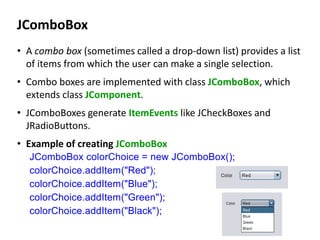
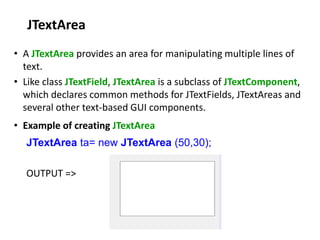
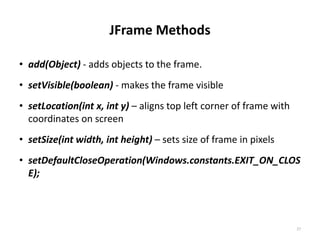
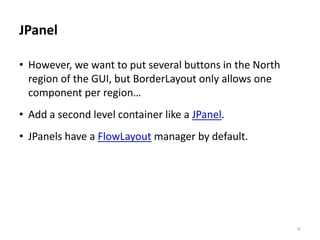
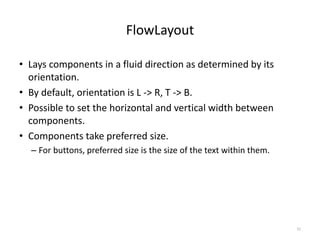
Graphical user interfaces (GUIs) present information to users visually using components like buttons, text fields, labels etc. Java provides the Abstract Window Toolkit (AWT) and Swing toolkit for building GUIs. Some key GUI components in Java include JButton for buttons, JTextField for text fields, JLabel for labels, JRadioButton for radio buttons, JCheckBox for checkboxes, JComboBox for drop-down lists, JTextArea for multi-line text, and JFrame for windows. JFrame methods like add(), setVisible(), setLocation(), setSize() are used to control frames. Dialog boxes are also used for input/output using the JOptionPane class.

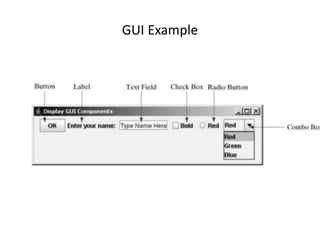
![Creating GUI Objects
// Create a button with text OK
JButton jbtOK = new JButton("OK");
// Create a label with text "Enter your name: "
JLabel jlblName = new JLabel("Enter your name: ");
// Create a text field with text "Type Name Here"
JTextField jtfName = new JTextField("Type Name Here");
// Create a check box with text bold
JCheckBox jchkBold = new JCheckBox("Bold");
// Create a radio button with text red
JRadioButton jrbRed = new JRadioButton("Red");
// Create a combo box with choices red, green, and blue
JComboBox jcboColor = new JComboBox(new String[]{"Red",
"Green", "Blue"});](https://image.slidesharecdn.com/chap1-introductiongui-230806201247-ff5b0f31/85/Chap-1-Introduction-GUI-pptx-7-320.jpg)
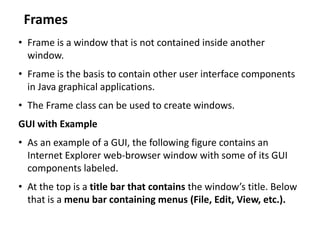
![Example of JFrame
import javax.swing.*;
public class MyFrame {
public static void main(String[] args) {
JFrame frame = new JFrame("MyFrame"); // Create a frame
frame.setSize(400, 300); // Set the frame size
frame.setLocationRelativeTo(null); // New since JDK 1.4
frame.setDefaultCloseOperation(JFrame.EXIT_ON_CLOSE);
frame.setVisible(true); // Display the frame
}
}](https://image.slidesharecdn.com/chap1-introductiongui-230806201247-ff5b0f31/85/Chap-1-Introduction-GUI-pptx-10-320.jpg)
![Simple JFrame Example
// Sets several properties of a window frame.
import java.awt.*; // for Dimension
import javax.swing.*; // for GUI components
public class SimpleFrame2 {
public static void main(String[] args) {
JFrame f = new JFrame();
f.setForeground(Color.WHITE);
f.setDefaultCloseOperation(JFrame.EXIT_ON_CLOSE);
f.setLocation(new Point(10, 50));
f.setSize(new Dimension(300, 120));
f.setTitle("A frame");
f.setVisible(true);
}
} Output :](https://image.slidesharecdn.com/chap1-introductiongui-230806201247-ff5b0f31/85/Chap-1-Introduction-GUI-pptx-12-320.jpg)
![Example: Input Dialogs
// Addition program that uses JOptionPane for input and output.
import javax.swing.JOptionPane; // program uses JOptionPane
public class Addition{
public static void main( String args[] ) {
// obtain user input from JOptionPane input dialogs
String num1 = JOptionPane.showInputDialog( "Enter first integer" );
String num2 = JOptionPane.showInputDialog( "Enter second integer" );
// convert String inputs to int values for use in a calculation
int number1 = Integer.parseInt(num1);
int number2 = Integer.parseInt( num2);
int sum = number1 + number2; // add numbers
// display result in a JOptionPane message dialog
JOptionPane.showMessageDialog( null, "The sum is " + sum,
"Sum of Two Integers", JOptionPane.PLAIN_MESSAGE );
}
}](https://image.slidesharecdn.com/chap1-introductiongui-230806201247-ff5b0f31/85/Chap-1-Introduction-GUI-pptx-14-320.jpg)
![Simple JFrame Example
// Sets several properties of a window frame.
import java.awt.*; // for Dimension
import javax.swing.*; // for GUI components
public class SimpleFrame2 {
public static void main(String[] args) {
JFrame f = new JFrame();
f.setForeground(Color.WHITE);
f.setDefaultCloseOperation(JFrame.EXIT_ON_CLOSE);
f.setLocation(new Point(10, 50));
f.setSize(new Dimension(300, 120));
f.setTitle("A frame");
f.setVisible(true);
}
}
Output :](https://image.slidesharecdn.com/chap1-introductiongui-230806201247-ff5b0f31/85/Chap-1-Introduction-GUI-pptx-16-320.jpg)
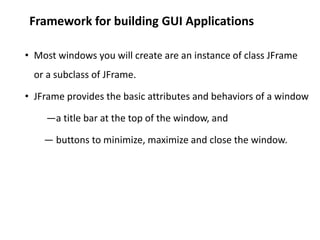
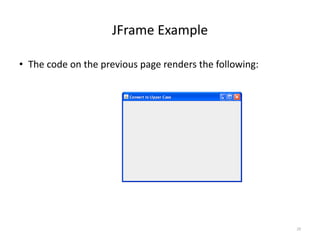
![JFrame Code
import javax.swing.*;
import java.awt.*;
public class UpperCaseConverter extends JFrame
{
public UpperCaseConverter(String name){
super(name);
setLocation(300, 100);
setSize (400,300);
setDefaultCloseOperation(WindowConstants.EXIT_ON_CLOSE);
}
public static void main(String args[]){
UpperCaseConverter ucc = new UpperCaseConverter("Convert to Upper Case");
ucc.setVisible(true);
}
}
28
Constructor sets the title,
size and location of the
JFrame
Instantiates JFrame
and makes it visible](https://image.slidesharecdn.com/chap1-introductiongui-230806201247-ff5b0f31/85/Chap-1-Introduction-GUI-pptx-28-320.jpg)
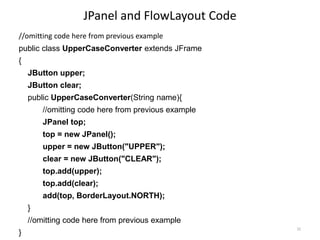
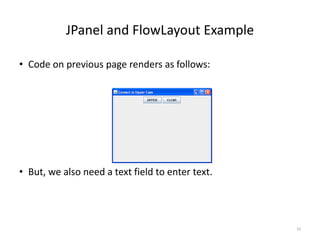
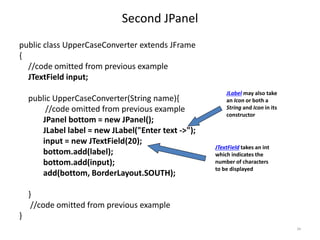
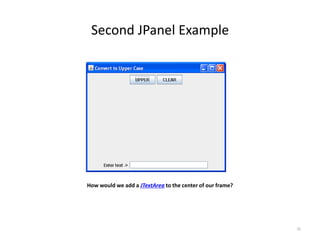
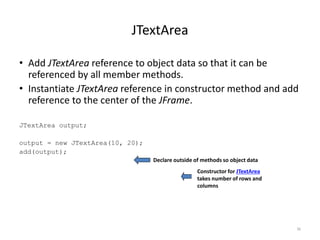
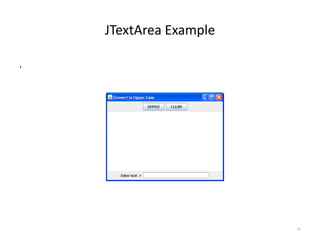
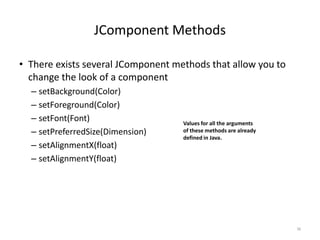
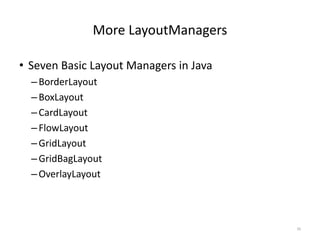
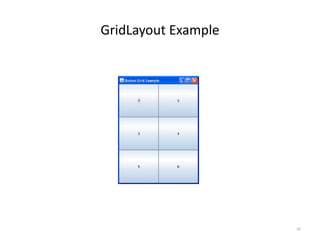
![GridLayout Code
import java.awt.*;
import javax.swing.*;
public class ButtonGrid extends JFrame {
public ButtonGrid() {
super("Button Grid Example");
setLayout(new GridLayout(3,2));
setSize(300,400);
add(new JButton("1"));
add(new JButton("2"));
add(new JButton("3"));
add(new JButton("4"));
add(new JButton("5"));
add(new JButton("6"));
}
public static void main(String arg[]){
ButtonGrid bg = new ButtonGrid();
bg.setVisible(true);
}
}
41
Compare the order in which
the buttons are added to the
GUI on the next page.
The setLayout method
changes a container’s
LayoutManager.](https://image.slidesharecdn.com/chap1-introductiongui-230806201247-ff5b0f31/85/Chap-1-Introduction-GUI-pptx-41-320.jpg)