Downloaded 129 times


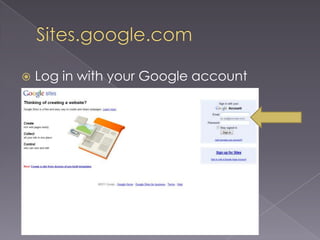
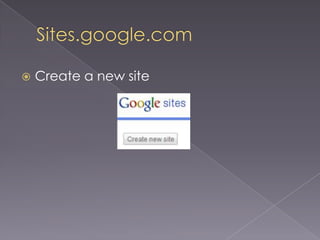
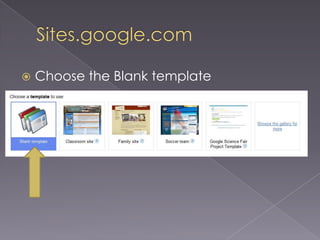
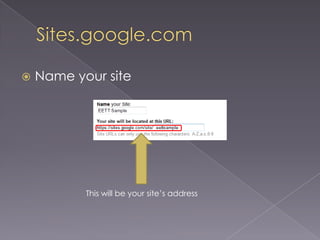
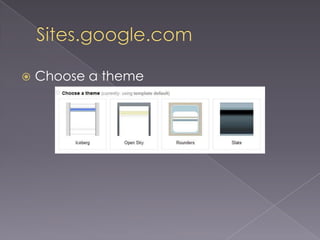
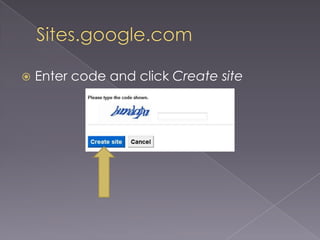
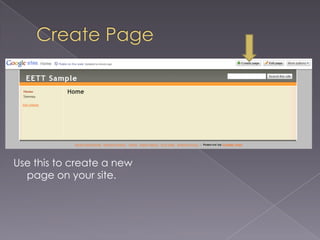
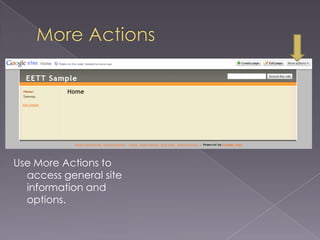
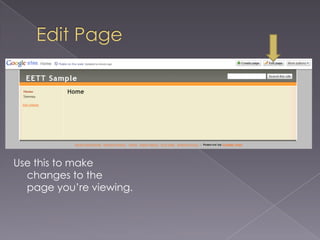
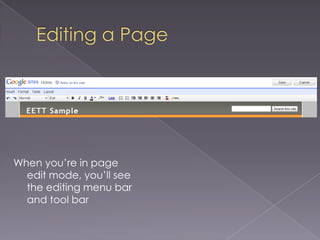
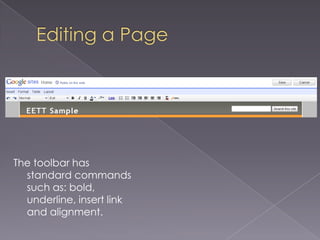
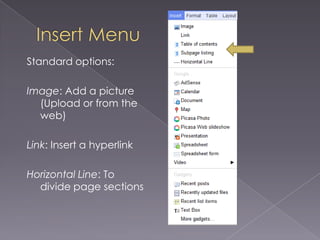
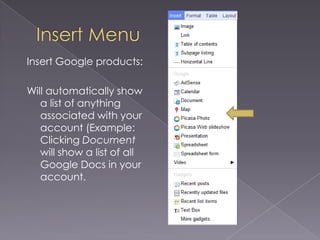
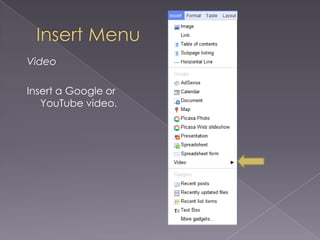
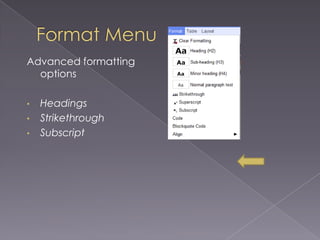
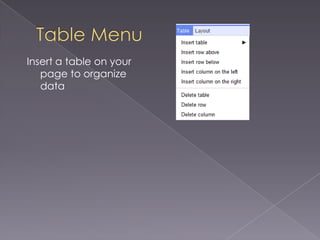
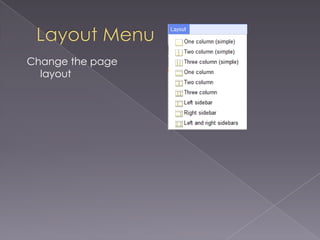
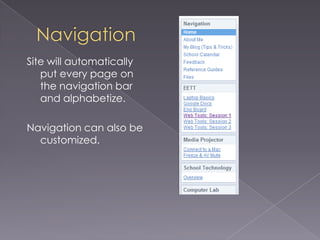
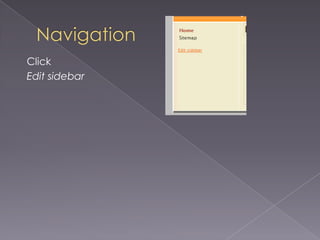
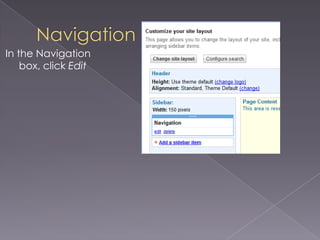
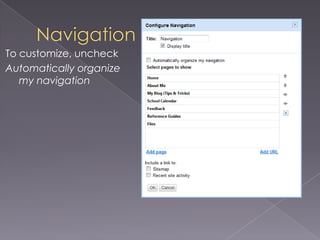
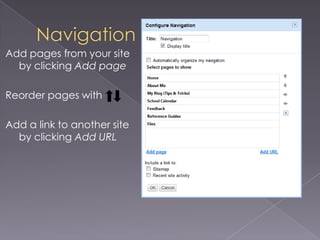
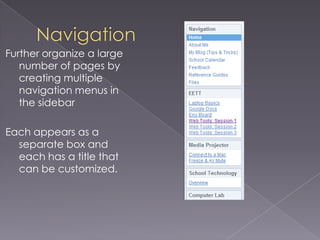
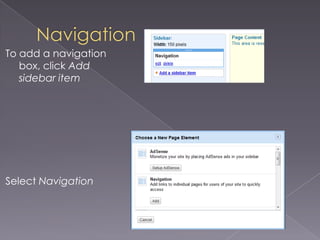
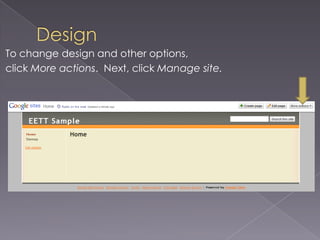
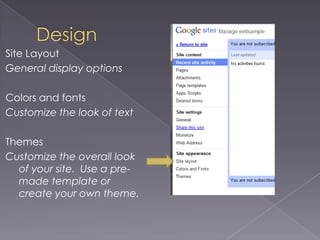


This document provides an overview of using Google Sites to create a website. It explains how to set up a Google Sites account and create a new blank site. It then outlines the various page editing and formatting tools available in Google Sites, such as inserting images, links, headings, and tables. It also covers customizing the site navigation bar and designing the overall site layout and colors. The document encourages attendees to visit the presenter's website for additional tech tips and resources on using Google Sites.


