This document provides a tutorial for creating and editing Google Forms. It is divided into four parts:
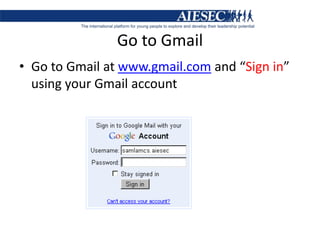
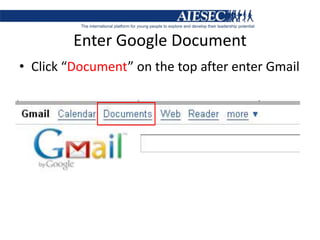
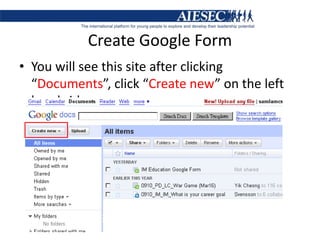
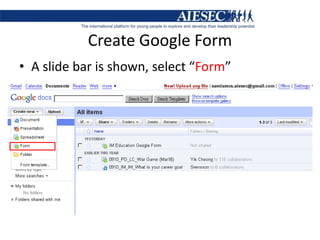
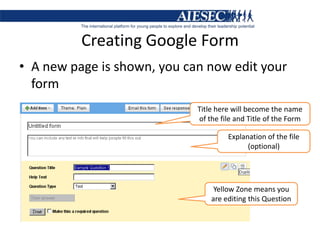
Part A explains how to access Google Forms through a Gmail account and create a new form.
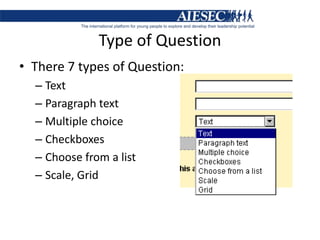
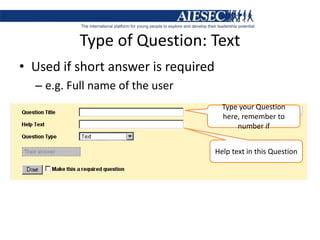
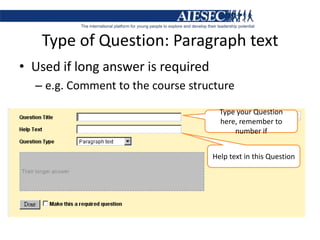
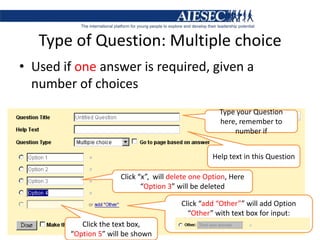
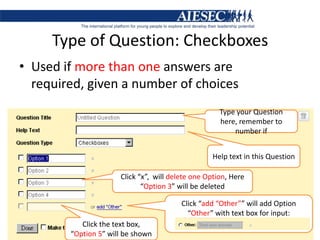
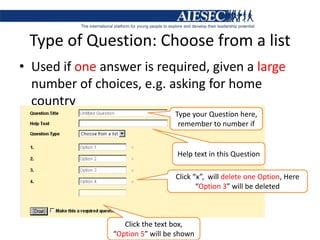
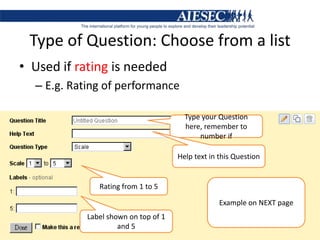
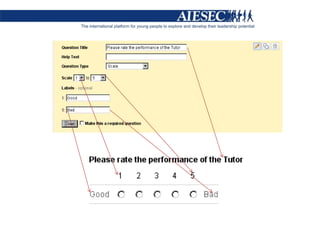
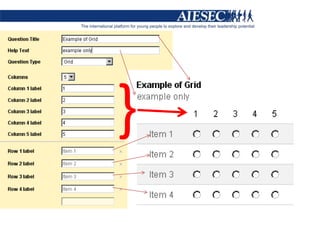
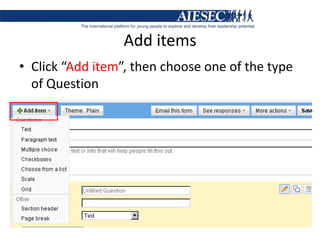
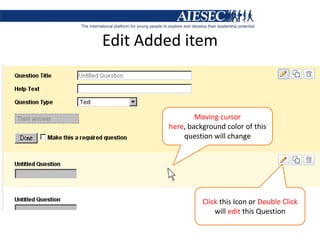
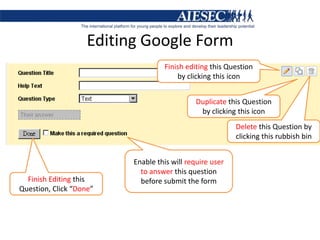
Part B describes the different types of questions that can be included in a form, such as text, multiple choice, checkboxes, and scales. It provides examples of how to add, edit, and delete questions.
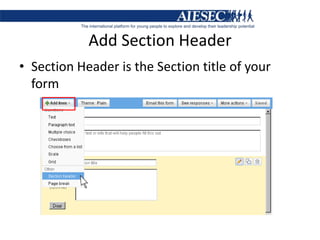
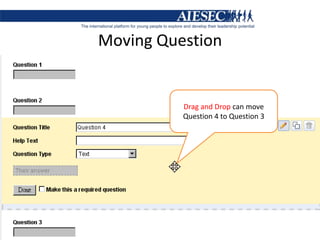
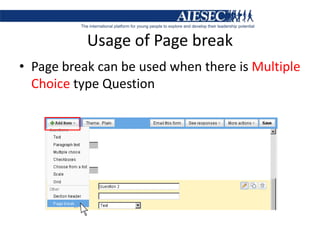
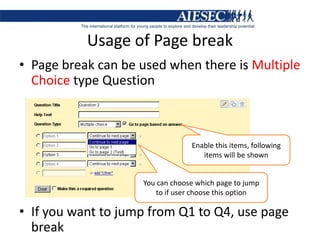
Part C covers how to edit forms by adding section headers, rearranging questions, and using page breaks to structure the form.
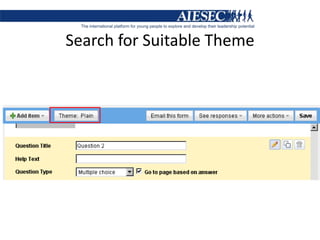
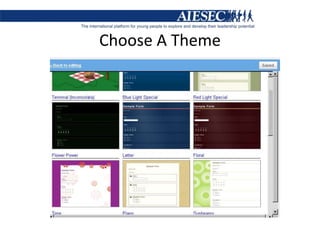
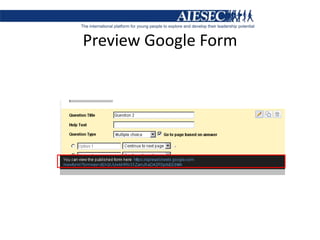
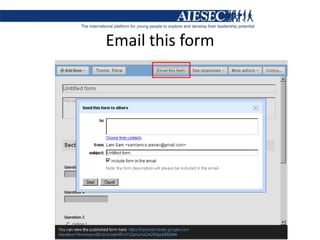
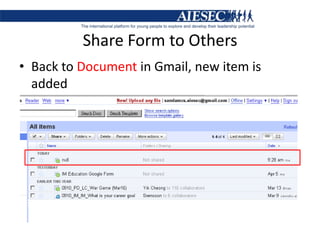
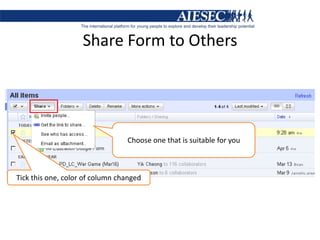
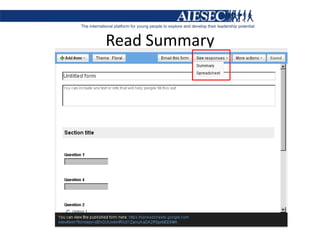
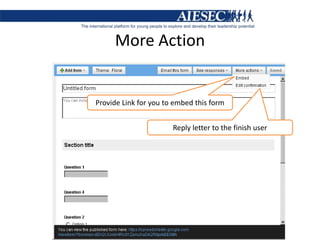
Part D reviews how to preview a form, share it with others via email or a link, and choose a theme to customize the form's appearance


![Google docs[1] by Claire Pollok](https://cdn.slidesharecdn.com/ss_thumbnails/googledocs1-111122184124-phpapp01-thumbnail.jpg?width=640&height=640&fit=bounds)


