Presentation
                 on
     GNU Build System
                 for
 (FOSS) From the Open Source Shelf
    CDAC Monthly Seminar Series

              Presented by
             Sagun Baijal


            Organised by
 CDAC, Kharghar, Navi Mumbai
E-mail: course_kh@cdacmumbai.in
WELCOME
Overview

Background
Why GNU Build System

Introduction to GNU Build System

Using GNU Build System

Conclusion

References
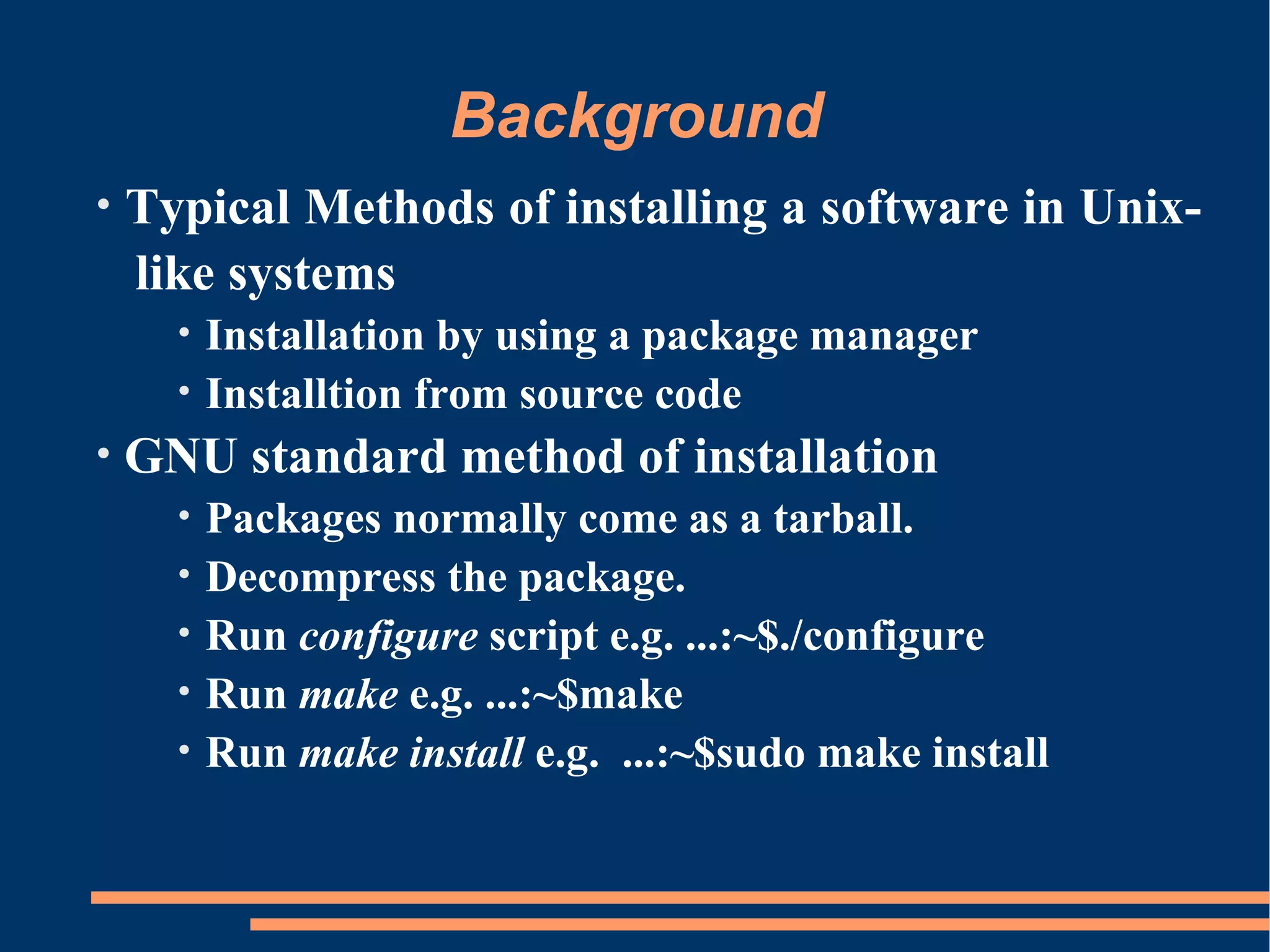
Background
•   Typical Methods of installing a software in Unix-
    like systems
      •   Installation by using a package manager
      •   Installtion from source code
•   GNU standard method of installation
      •   Packages normally come as a tarball.
      •   Decompress the package.
      •   Run configure script e.g. ...:~$./configure
      •   Run make e.g. ...:~$make
      •   Run make install e.g. ...:~$sudo make install
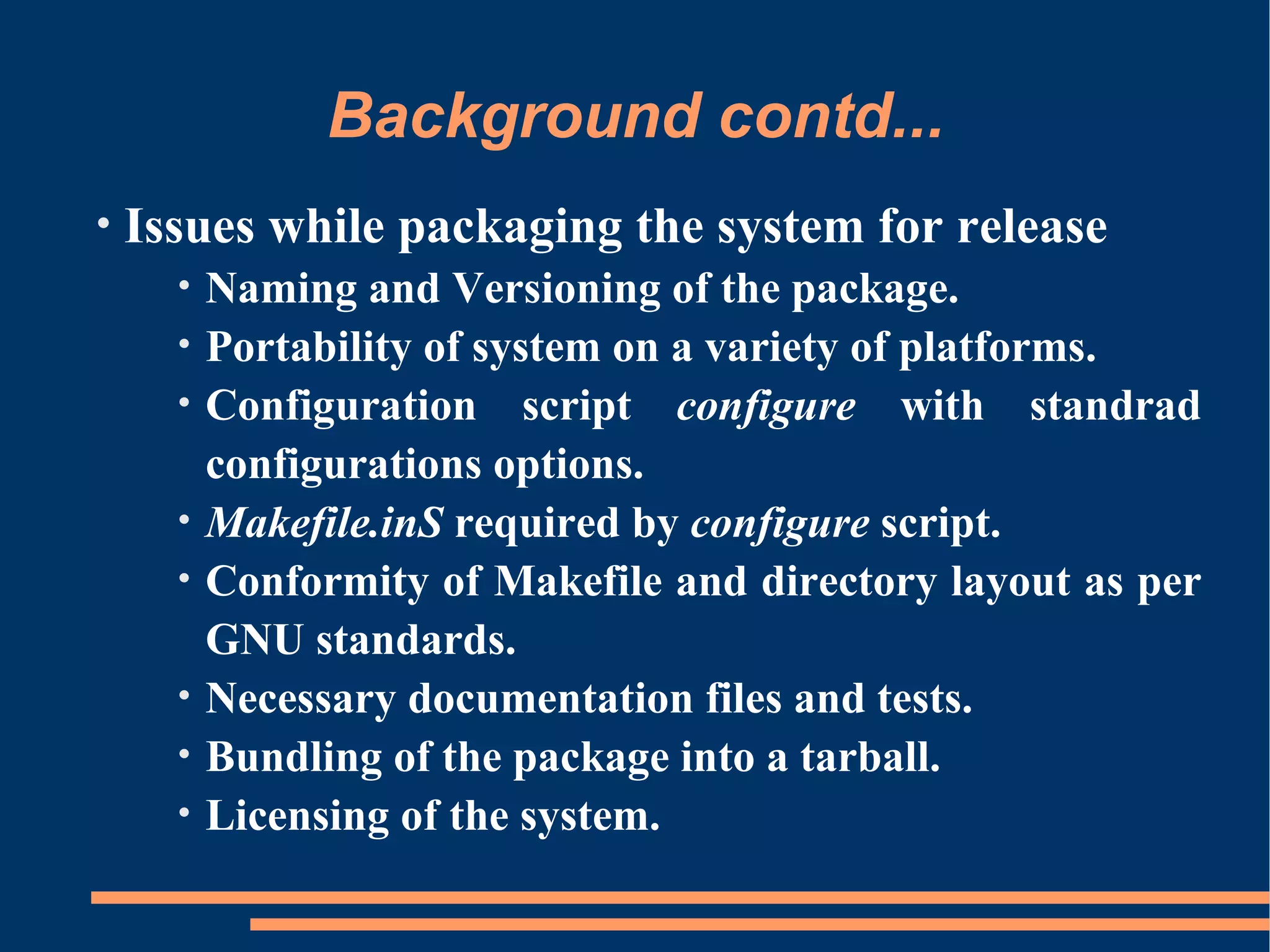
Background contd...
•   Issues while packaging the system for release
      •   Naming and Versioning of the package.
      •   Portability of system on a variety of platforms.
      •   Configuration script configure with standrad
          configurations options.
      •   Makefile.inS required by configure script.
      •   Conformity of Makefile and directory layout as per
          GNU standards.
      •   Necessary documentation files and tests.
      •   Bundling of the package into a tarball.
      •   Licensing of the system.
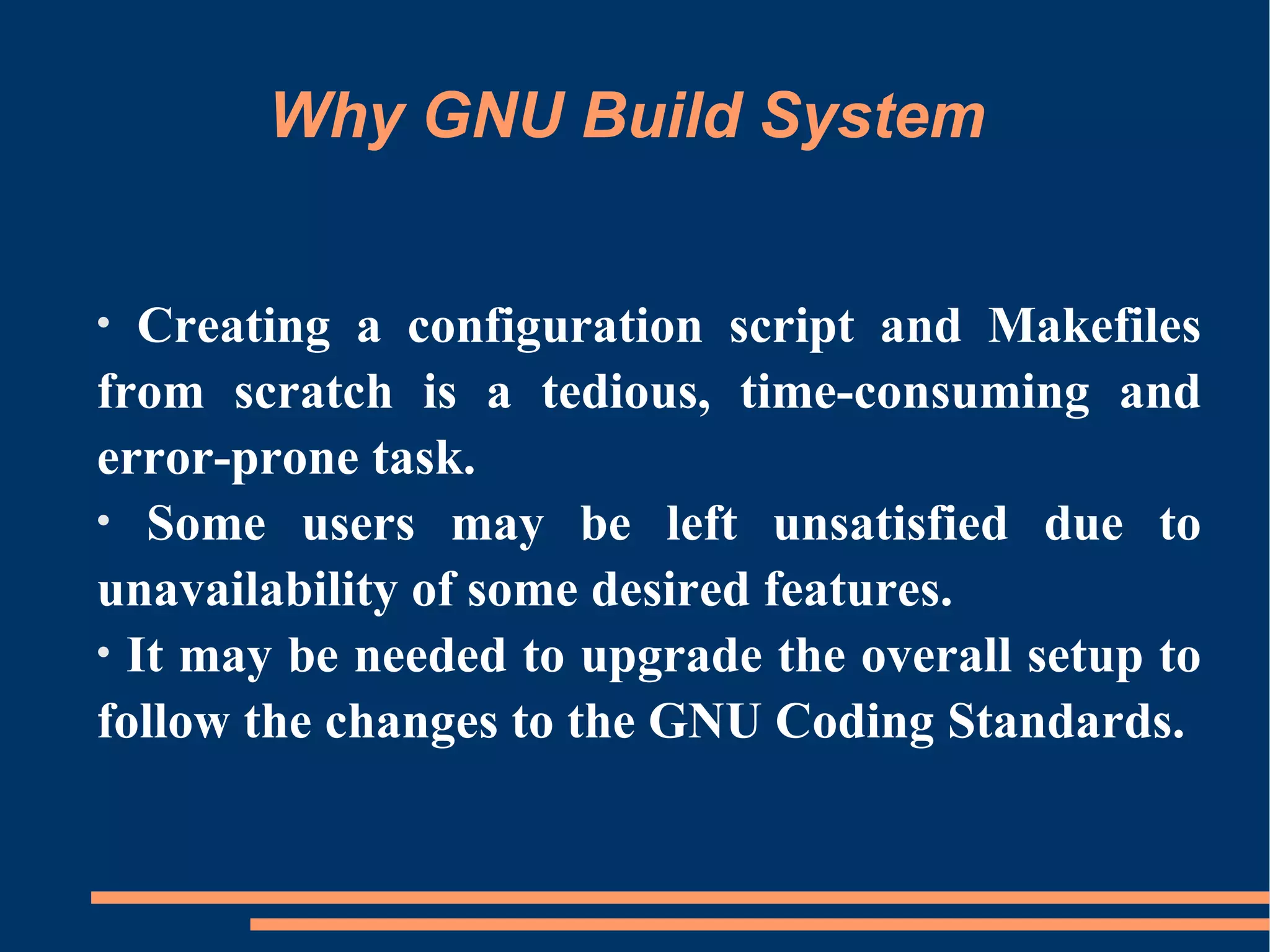
Why GNU Build System


•  Creating a configuration script and Makefiles
from scratch is a tedious, time-consuming and
error-prone task.
• Some users may be left unsatisfied due to
unavailability of some desired features.
• It may be needed to upgrade the overall setup to
follow the changes to the GNU Coding Standards.
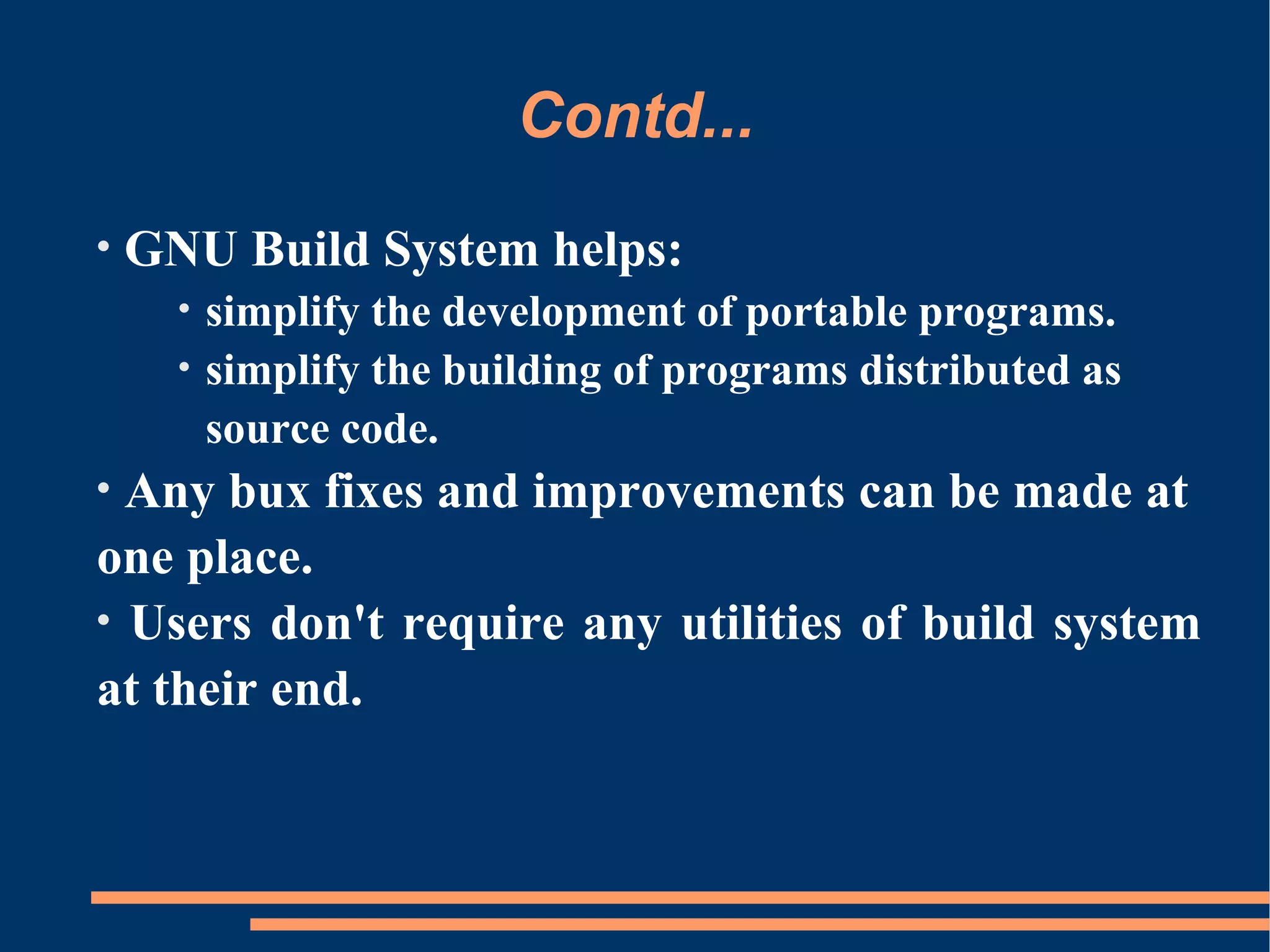
Contd...
•   GNU Build System helps:
      •   simplify the development of portable programs.
      •   simplify the building of programs distributed as
          source code.
• Any bux fixes and improvements can be made at
one place.
• Users don't require any utilities of build system
at their end.
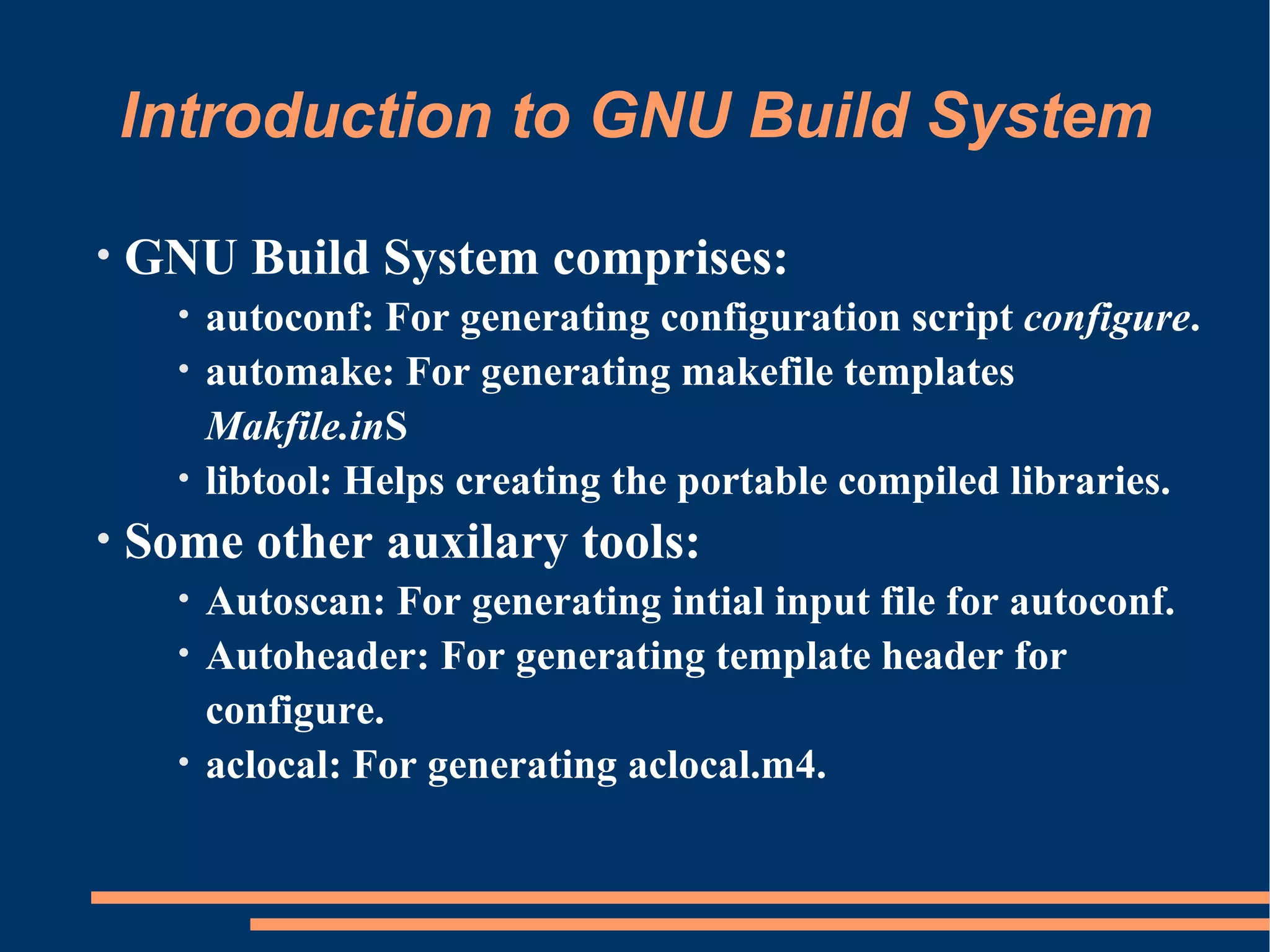
Introduction to GNU Build System

•   GNU Build System comprises:
      • autoconf: For generating configuration script configure.
      • automake: For generating makefile templates
        Makfile.inS
      • libtool: Helps creating the portable compiled libraries.
•   Some other auxilary tools:
      • Autoscan: For generating intial input file for autoconf.
      • Autoheader: For generating template header for
        configure.
      • aclocal: For generating aclocal.m4.
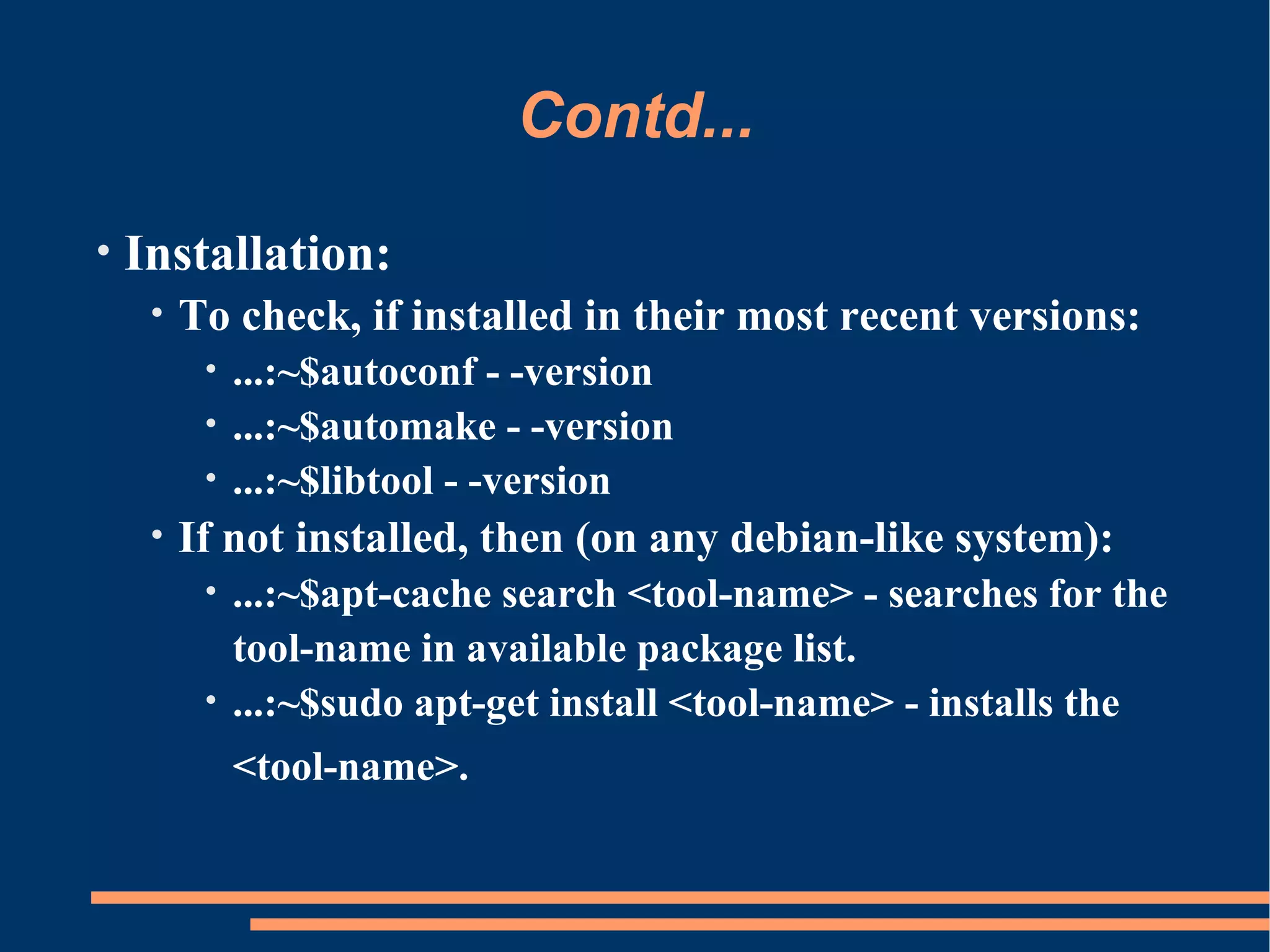
Contd...
•   Installation:
     •   To check, if installed in their most recent versions:
          • ...:~$autoconf - -version
          • ...:~$automake - -version
          • ...:~$libtool - -version
     •   If not installed, then (on any debian-like system):
          • ...:~$apt-cache search <tool-name> - searches for the
            tool-name in available package list.
          • ...:~$sudo apt-get install <tool-name> - installs the

              <tool-name>.
Using GNU Build System

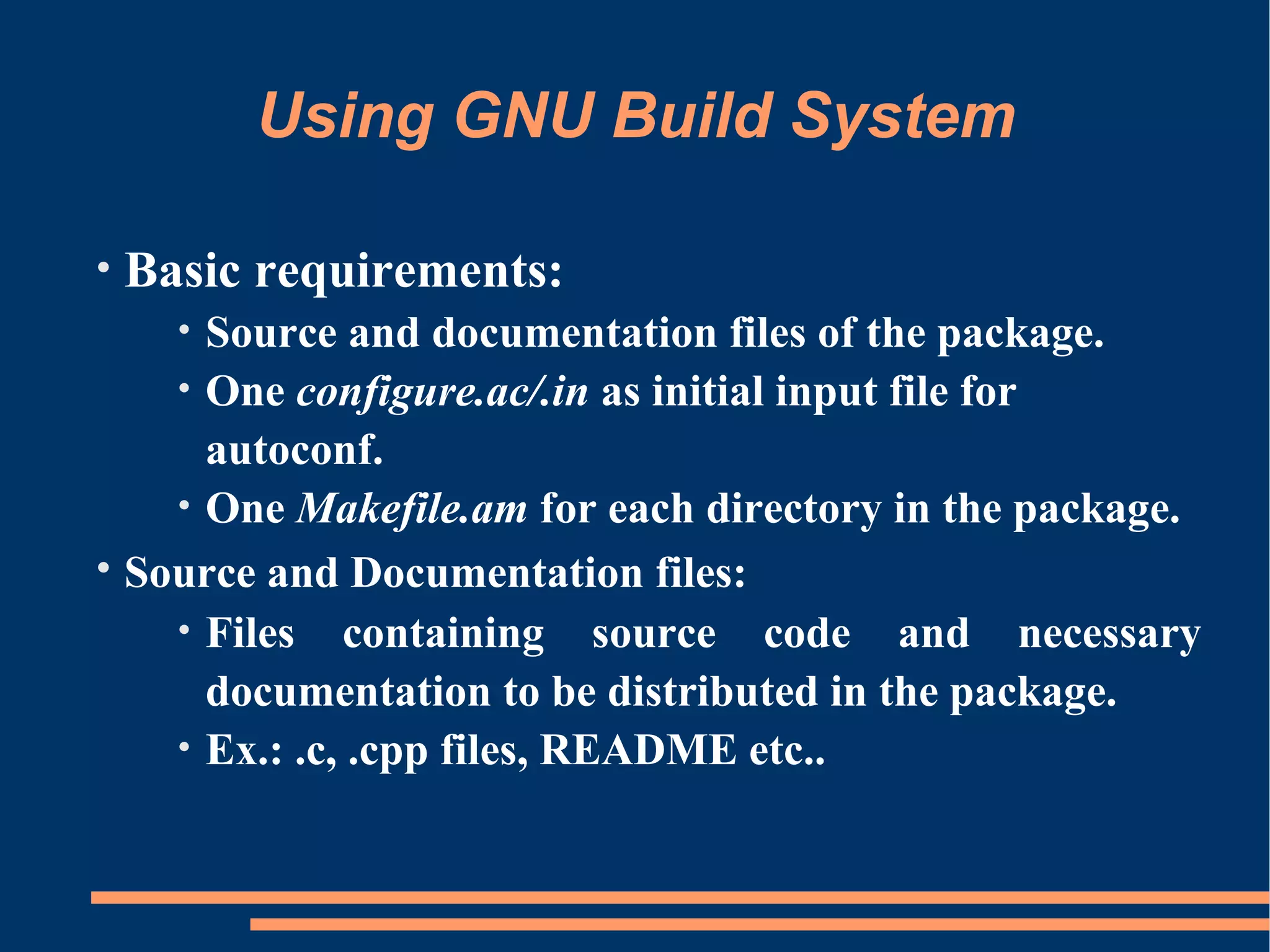
•   Basic requirements:
      Source and documentation files of the package.
      •
    • One configure.ac/.in as initial input file for
      autoconf.
    • One Makefile.am for each directory in the package.
• Source and Documentation files:
    • Files containing source code and necessary
      documentation to be distributed in the package.
    • Ex.: .c, .cpp files, README etc..
Contd...
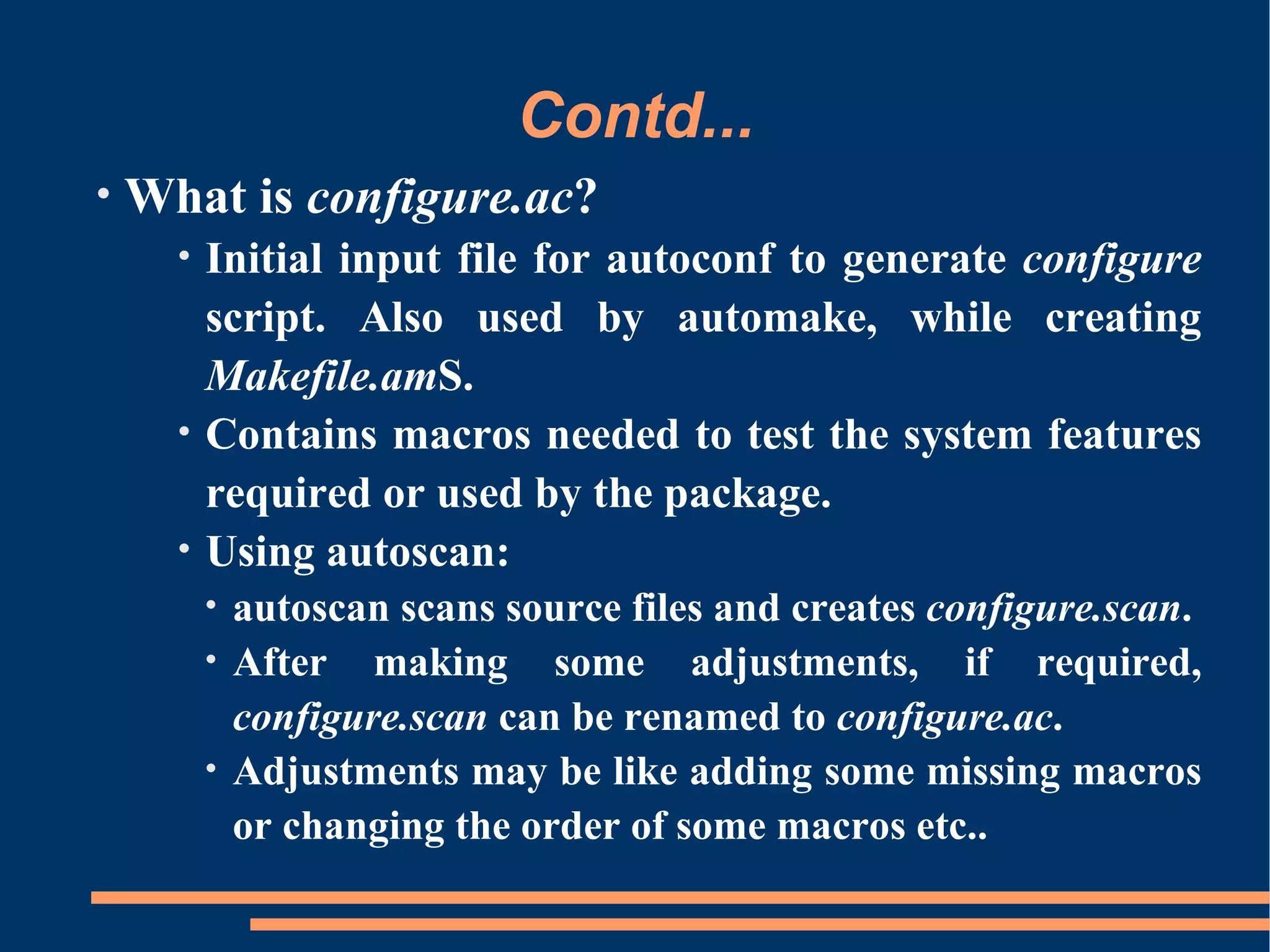
•   What is configure.ac?
      •   Initial input file for autoconf to generate configure
          script. Also used by automake, while creating
          Makefile.amS.
      •   Contains macros needed to test the system features
          required or used by the package.
      •   Using autoscan:
          • autoscan scans source files and creates configure.scan.
          • After making some adjustments, if required,
            configure.scan can be renamed to configure.ac.
          • Adjustments may be like adding some missing macros
            or changing the order of some macros etc..
Contd...
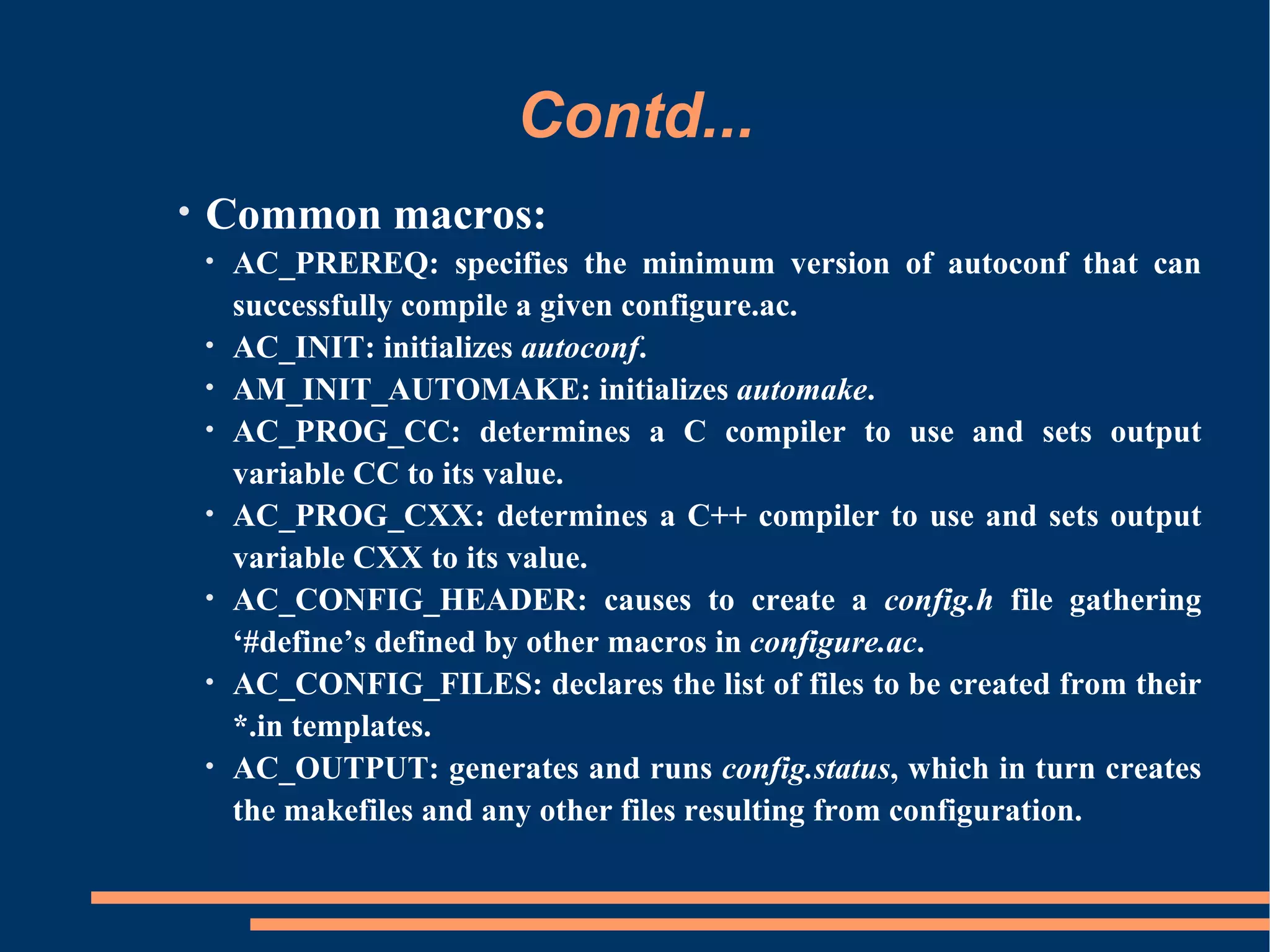
•   Common macros:
    •   AC_PREREQ: specifies the minimum version of autoconf that can
        successfully compile a given configure.ac.
    •   AC_INIT: initializes autoconf.
    •   AM_INIT_AUTOMAKE: initializes automake.
    •   AC_PROG_CC: determines a C compiler to use and sets output
        variable CC to its value.
    •   AC_PROG_CXX: determines a C++ compiler to use and sets output
        variable CXX to its value.
    •   AC_CONFIG_HEADER: causes to create a config.h file gathering
        ‘#define’s defined by other macros in configure.ac.
    •   AC_CONFIG_FILES: declares the list of files to be created from their
        *.in templates.
    •   AC_OUTPUT: generates and runs config.status, which in turn creates
        the makefiles and any other files resulting from configuration.
Contd...

•   Example configure.ac:
    AC_PREREQ(2.61)
    AC_INIT([hello], [0.1], [sagun@cdacmumbai.in])
     AM_INIT_AUTOMAKE([-Wall -Werror])
     AC_PROG_CC
     AC_CONFIG_HEADER([config.h])
     AC_CONFIG_FILES([
       Makefile
       src/Makefile
    ])
    AC_OUTPUT
Contd...
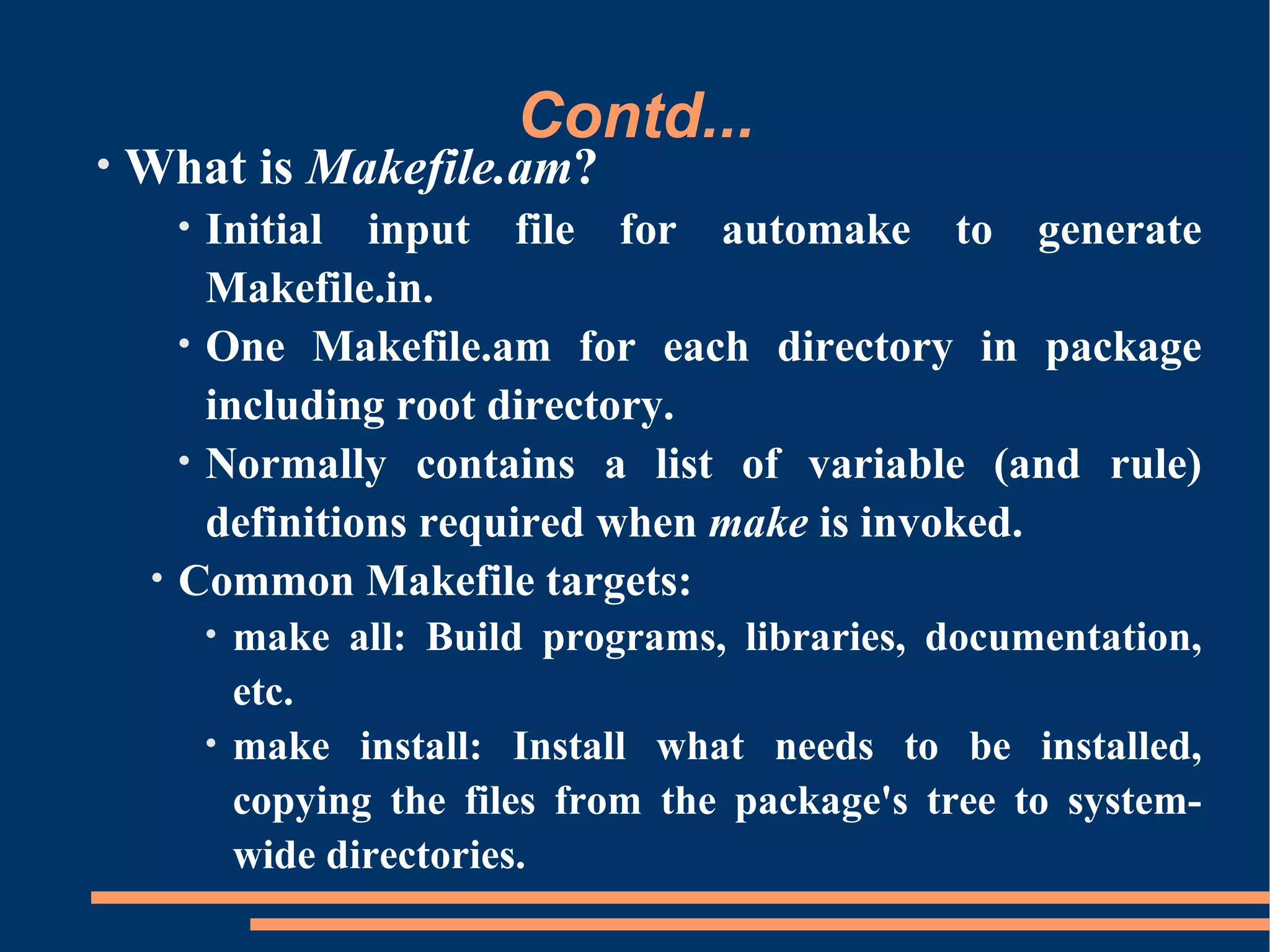
•   What is Makefile.am?
         • Initial input file for automake to generate
           Makefile.in.
         • One Makefile.am for each directory in package
           including root directory.
         • Normally contains a list of variable (and rule)
           definitions required when make is invoked.
     •   Common Makefile targets:
             • make all: Build programs, libraries, documentation,
               etc.
             • make install: Install what needs to be installed,
               copying the files from the package's tree to system-
               wide directories.
Contd...
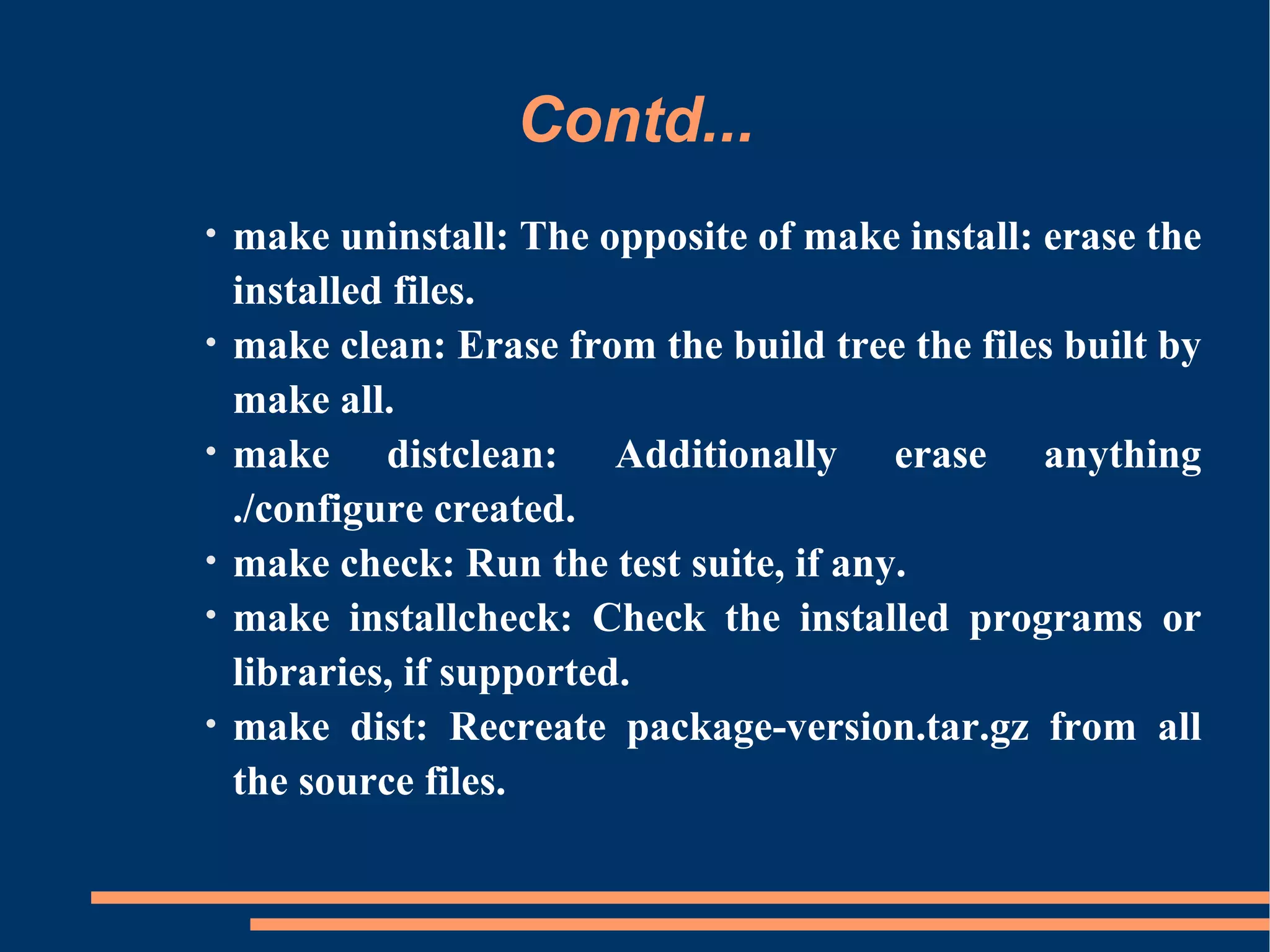
•   make uninstall: The opposite of make install: erase the
    installed files.
•   make clean: Erase from the build tree the files built by
    make all.
•   make distclean: Additionally erase anything
    ./configure created.
•   make check: Run the test suite, if any.
•   make installcheck: Check the installed programs or
    libraries, if supported.
•   make dist: Recreate package-version.tar.gz from all
    the source files.
Contd...
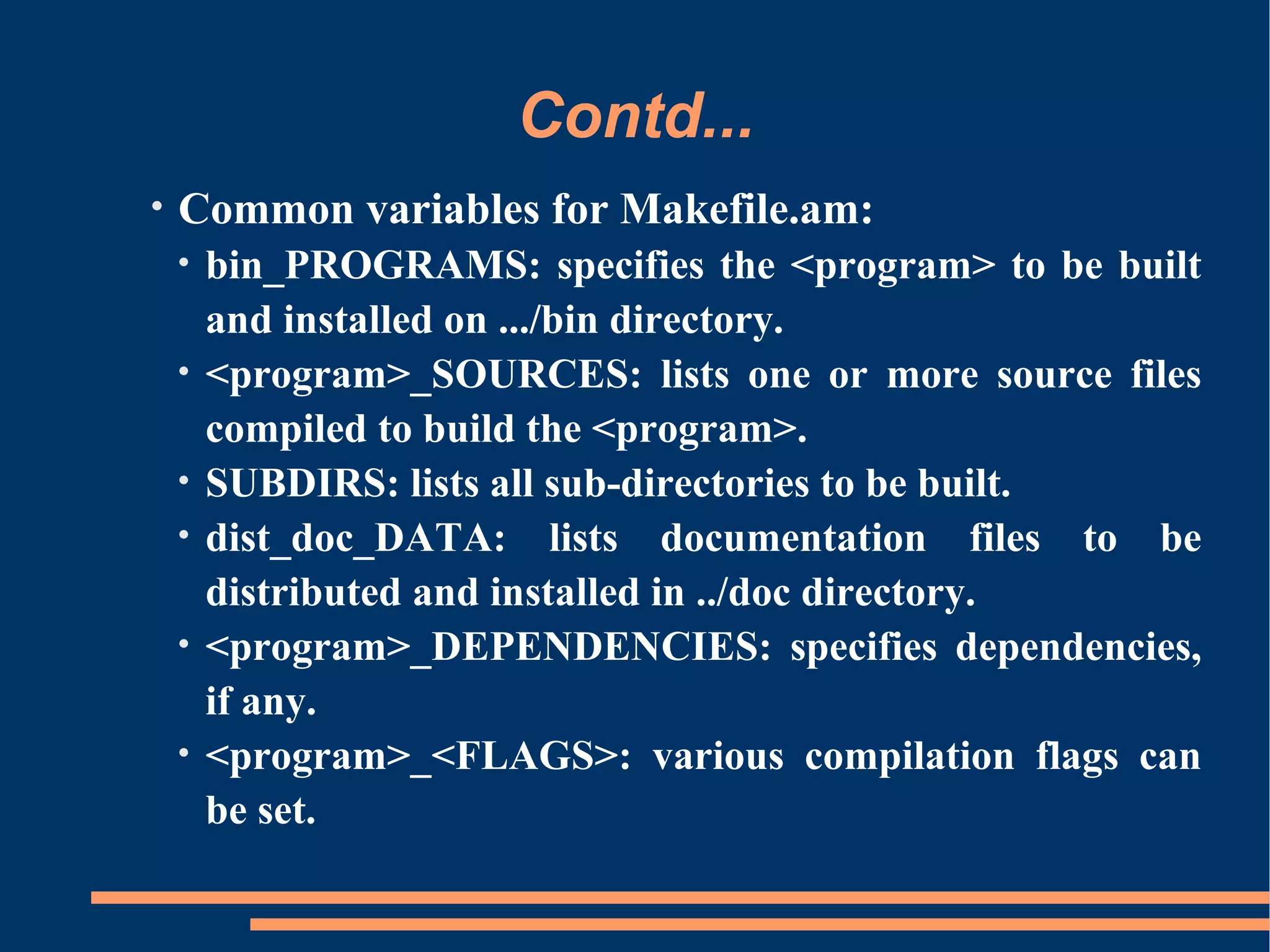
•   Common variables for Makefile.am:
    •   bin_PROGRAMS: specifies the <program> to be built
        and installed on .../bin directory.
    •   <program>_SOURCES: lists one or more source files
        compiled to build the <program>.
    •   SUBDIRS: lists all sub-directories to be built.
    •   dist_doc_DATA: lists documentation files to be
        distributed and installed in ../doc directory.
    •   <program>_DEPENDENCIES: specifies dependencies,
        if any.
    •   <program>_<FLAGS>: various compilation flags can
        be set.
Contd...

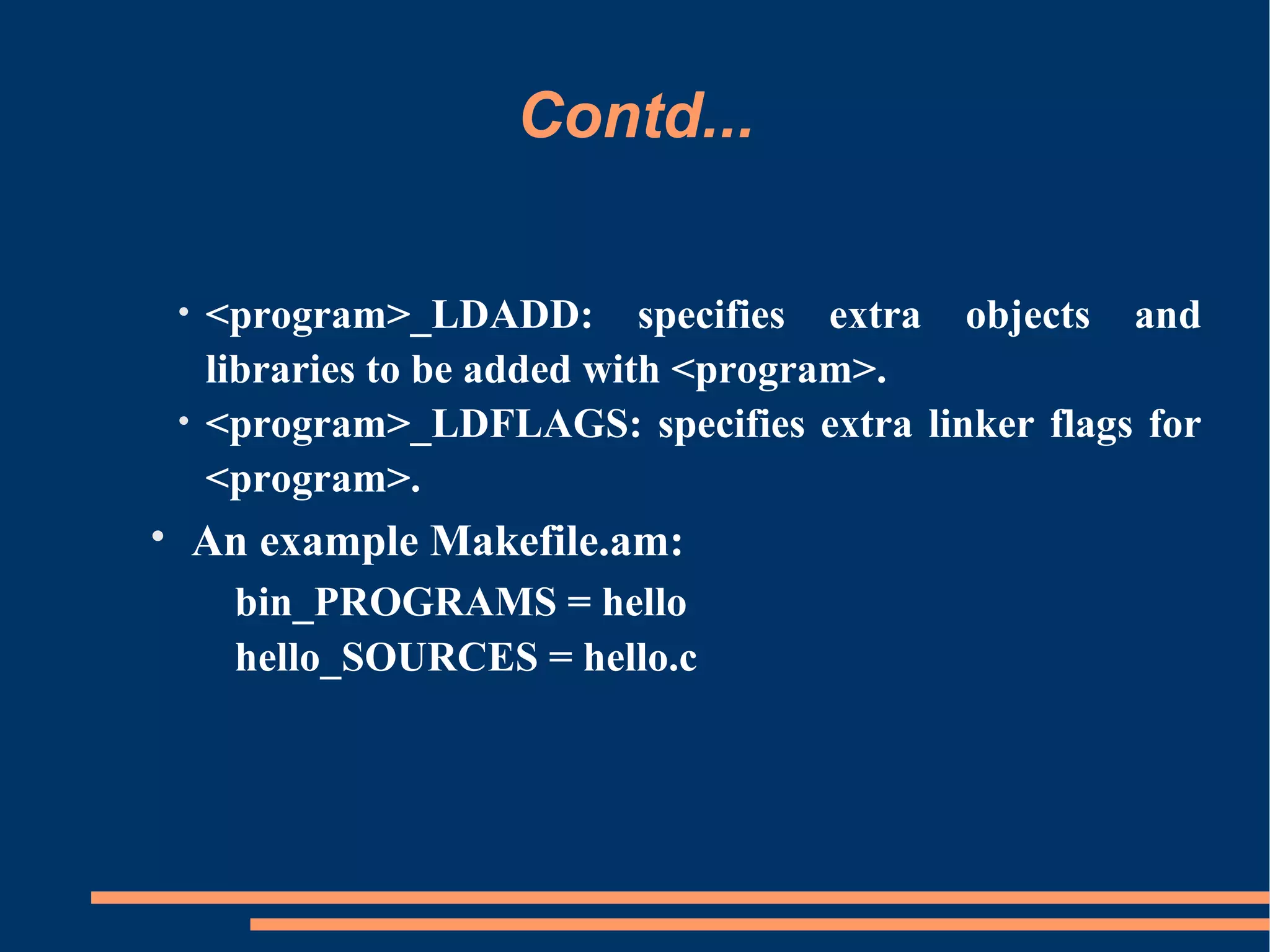
 • <program>_LDADD: specifies extra objects and
   libraries to be added with <program>.
 • <program>_LDFLAGS: specifies extra linker flags for
   <program>.
• An example Makefile.am:
   bin_PROGRAMS = hello
   hello_SOURCES = hello.c
Contd...
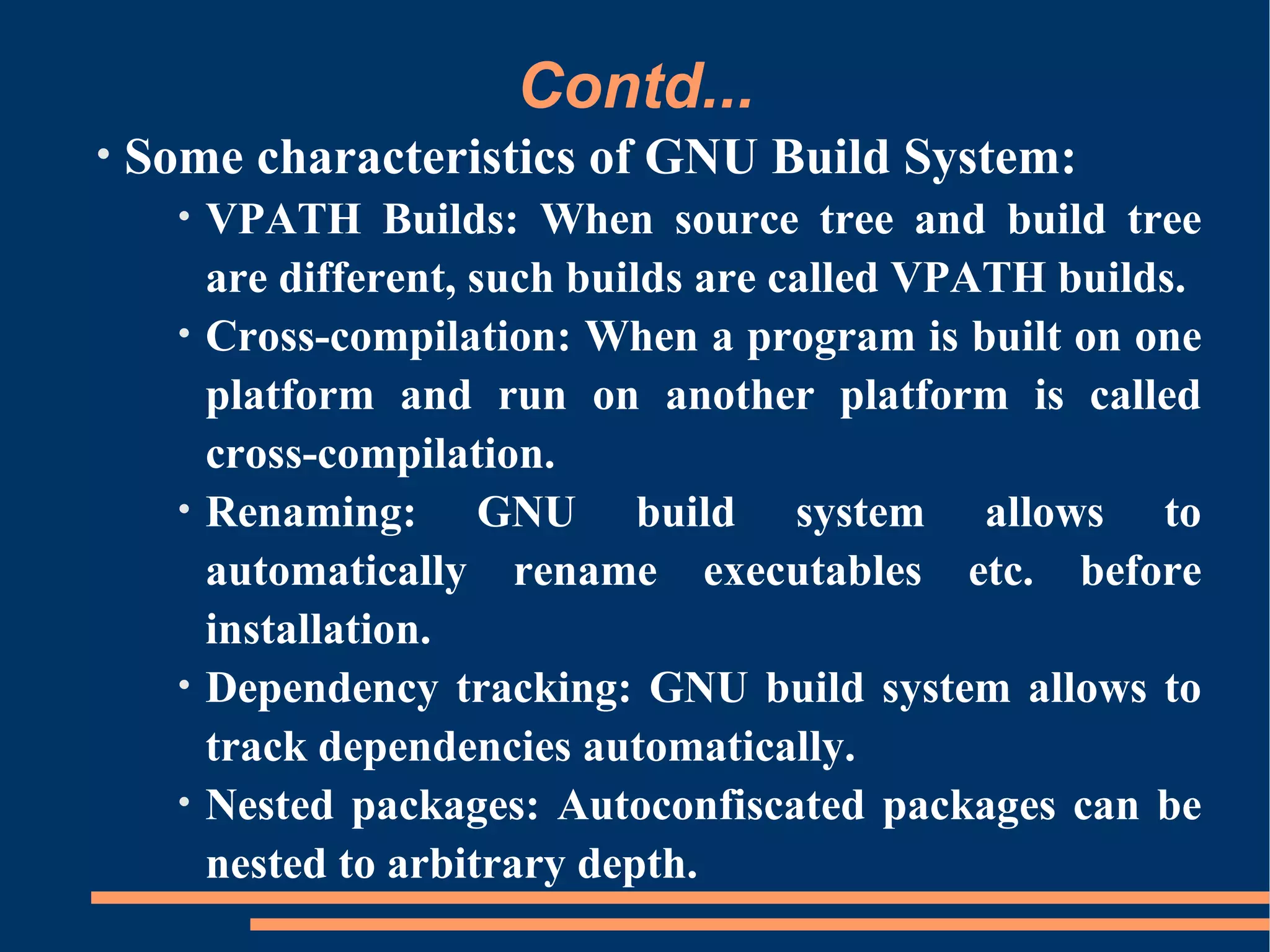
•   Some characteristics of GNU Build System:
      •   VPATH Builds: When source tree and build tree
          are different, such builds are called VPATH builds.
      •   Cross-compilation: When a program is built on one
          platform and run on another platform is called
          cross-compilation.
      •   Renaming: GNU build system allows to
          automatically rename executables etc. before
          installation.
      •   Dependency tracking: GNU build system allows to
          track dependencies automatically.
      •   Nested packages: Autoconfiscated packages can be
          nested to arbitrary depth.
Contd...
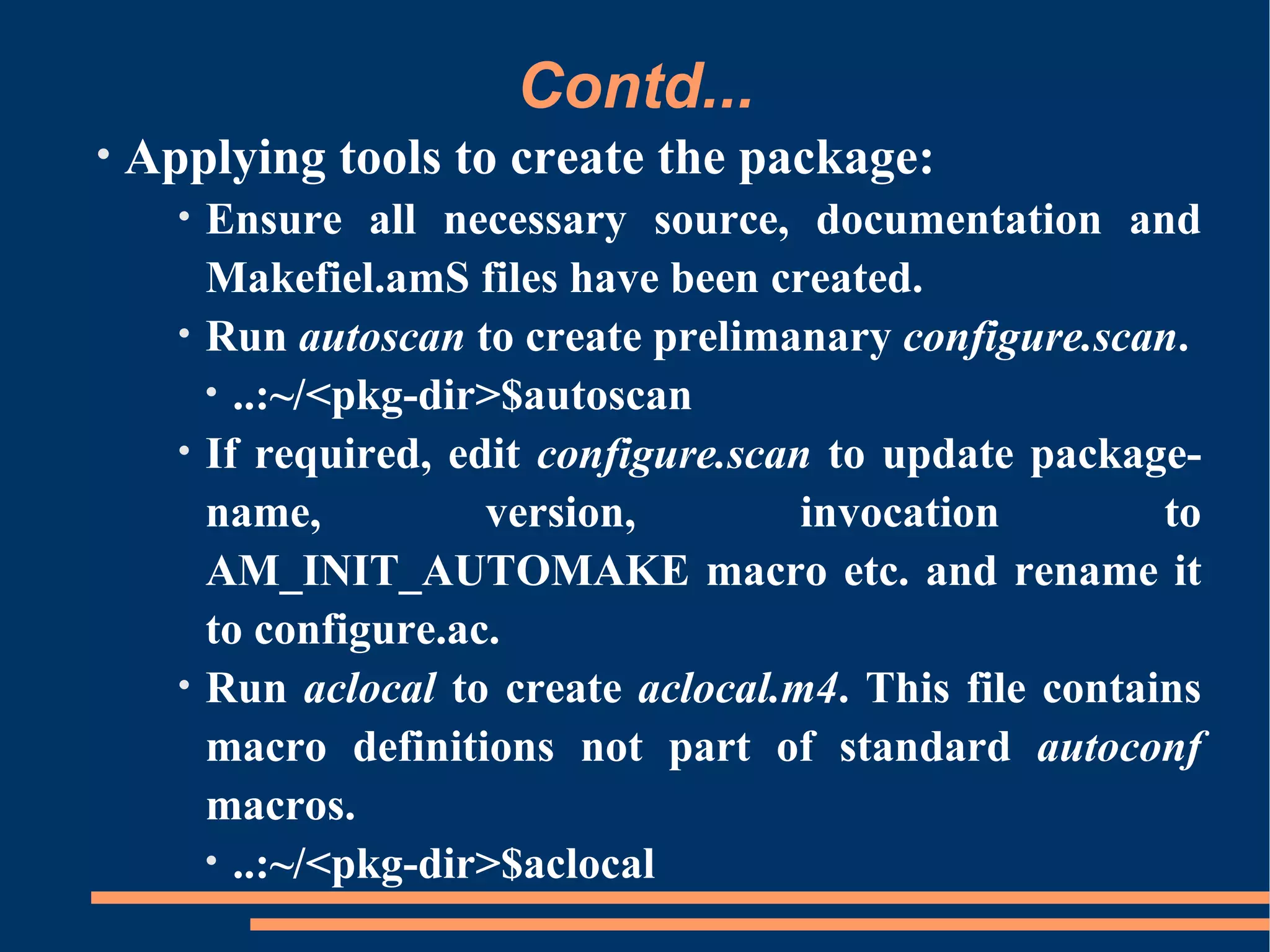
•   Applying tools to create the package:
      •   Ensure all necessary source, documentation and
          Makefiel.amS files have been created.
      •   Run autoscan to create prelimanary configure.scan.
          • ..:~/<pkg-dir>$autoscan
      •   If required, edit configure.scan to update package-
          name,          version,         invocation        to
          AM_INIT_AUTOMAKE macro etc. and rename it
          to configure.ac.
      •   Run aclocal to create aclocal.m4. This file contains
          macro definitions not part of standard autoconf
          macros.
          • ..:~/<pkg-dir>$aclocal
Contd...
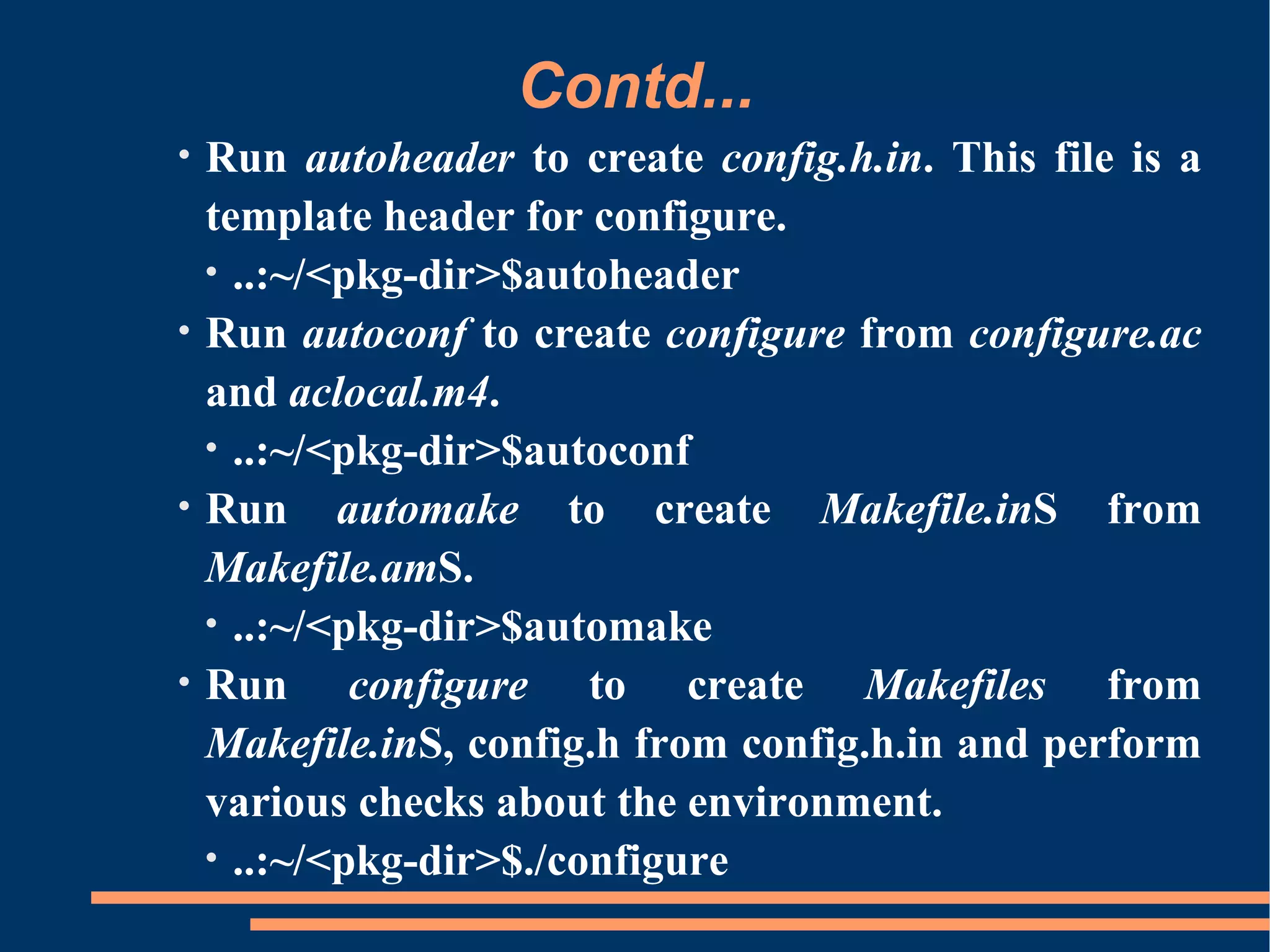
•   Run autoheader to create config.h.in. This file is a
    template header for configure.
    • ..:~/<pkg-dir>$autoheader
•   Run autoconf to create configure from configure.ac
    and aclocal.m4.
    • ..:~/<pkg-dir>$autoconf
•   Run automake to create Makefile.inS from
    Makefile.amS.
    • ..:~/<pkg-dir>$automake
•   Run configure to create Makefiles from
    Makefile.inS, config.h from config.h.in and perform
    various checks about the environment.
    • ..:~/<pkg-dir>$./configure
Contd...

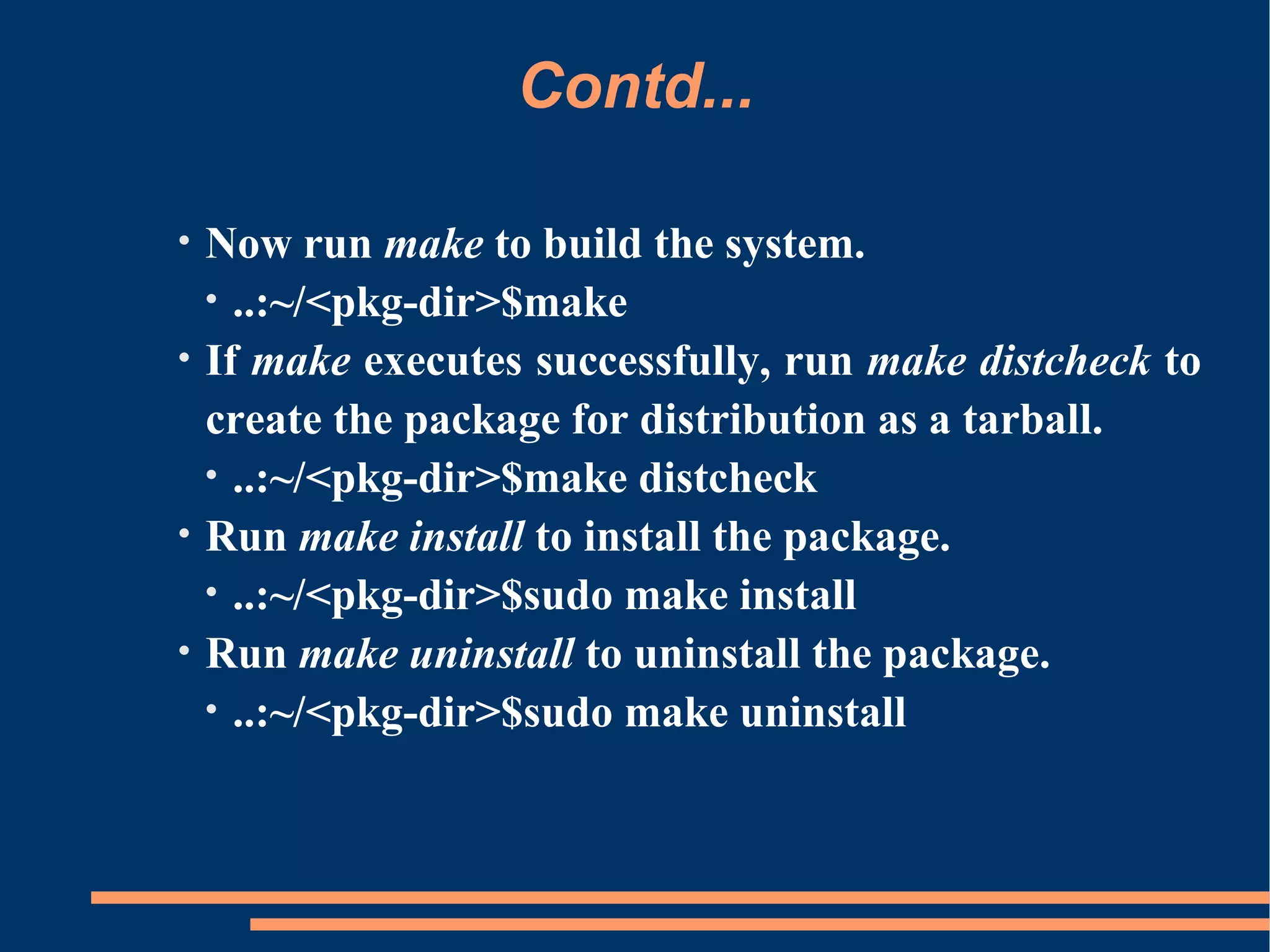
•   Now run make to build the system.
    • ..:~/<pkg-dir>$make
•   If make executes successfully, run make distcheck to
    create the package for distribution as a tarball.
    • ..:~/<pkg-dir>$make distcheck
•   Run make install to install the package.
    • ..:~/<pkg-dir>$sudo make install
•   Run make uninstall to uninstall the package.
    • ..:~/<pkg-dir>$sudo make uninstall
Conclusion

•   From User's point of view:
     •   provides a standard procedure for installation.
     •   procedure consists of only a small set of commands.
•   From Developer's point of view:
     •   Creating portable distributions become easy.
     •   Updations or improvements, if any, can be done at
         one place.
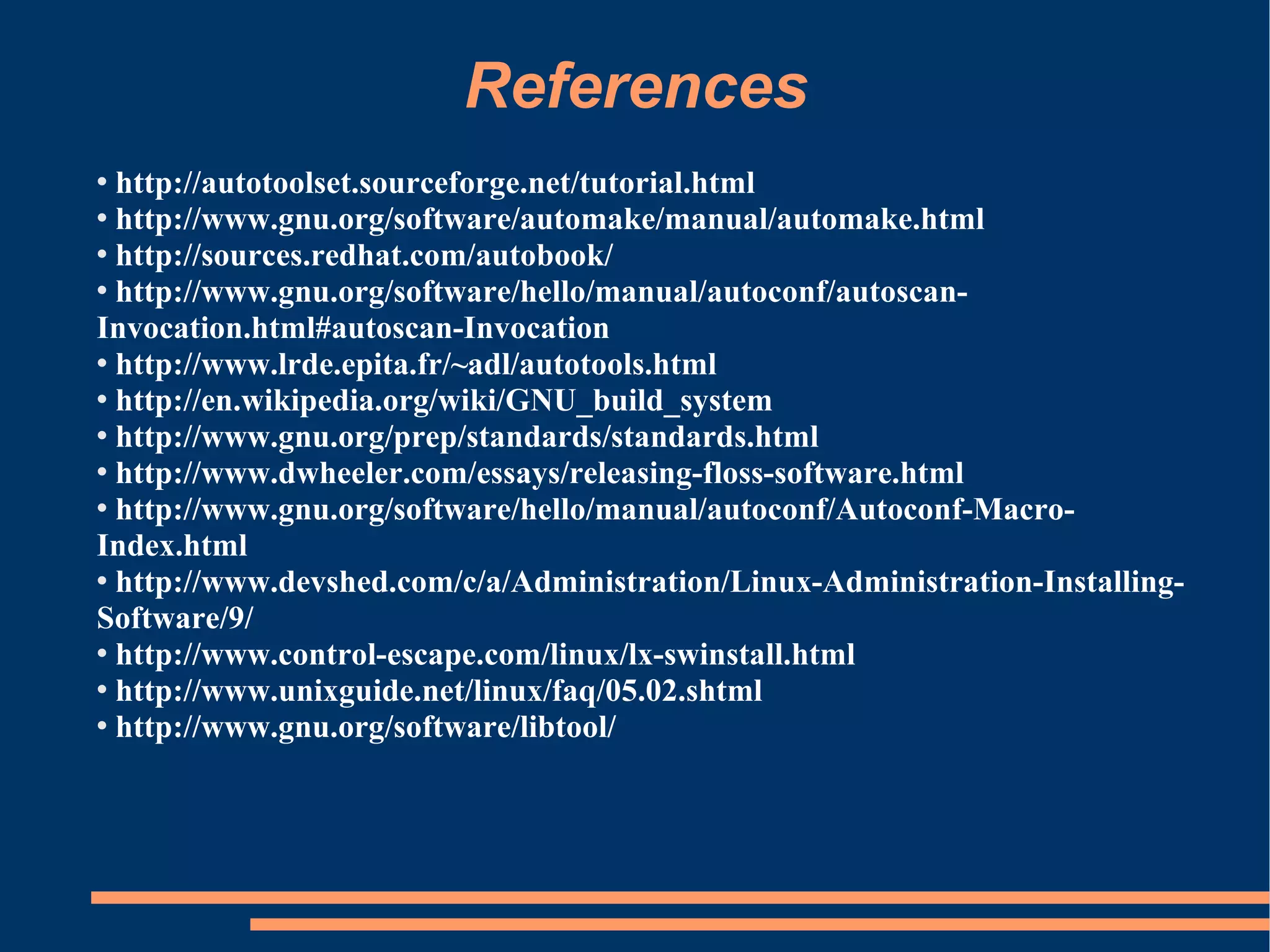
References
 http://autotoolset.sourceforge.net/tutorial.html
 http://www.gnu.org/software/automake/manual/automake.html

 http://sources.redhat.com/autobook/

 http://www.gnu.org/software/hello/manual/autoconf/autoscan-

Invocation.html#autoscan-Invocation
 http://www.lrde.epita.fr/~adl/autotools.html

 http://en.wikipedia.org/wiki/GNU_build_system

 http://www.gnu.org/prep/standards/standards.html

 http://www.dwheeler.com/essays/releasing-floss-software.html

 http://www.gnu.org/software/hello/manual/autoconf/Autoconf-Macro-

Index.html
 http://www.devshed.com/c/a/Administration/Linux-Administration-Installing-

Software/9/
 http://www.control-escape.com/linux/lx-swinstall.html

 http://www.unixguide.net/linux/faq/05.02.shtml

 http://www.gnu.org/software/libtool/
Thank You
E-mail: course_kh@cdacmumbai.in

Gnubs-pres-foss-cdac-sem

  • 1.
    Presentation on GNU Build System for (FOSS) From the Open Source Shelf CDAC Monthly Seminar Series Presented by Sagun Baijal Organised by CDAC, Kharghar, Navi Mumbai E-mail: course_kh@cdacmumbai.in
  • 2.
  • 3.
    Overview Background Why GNU BuildSystem Introduction to GNU Build System Using GNU Build System Conclusion References
  • 4.
    Background • Typical Methods of installing a software in Unix- like systems • Installation by using a package manager • Installtion from source code • GNU standard method of installation • Packages normally come as a tarball. • Decompress the package. • Run configure script e.g. ...:~$./configure • Run make e.g. ...:~$make • Run make install e.g. ...:~$sudo make install
  • 5.
    Background contd... • Issues while packaging the system for release • Naming and Versioning of the package. • Portability of system on a variety of platforms. • Configuration script configure with standrad configurations options. • Makefile.inS required by configure script. • Conformity of Makefile and directory layout as per GNU standards. • Necessary documentation files and tests. • Bundling of the package into a tarball. • Licensing of the system.
  • 6.
    Why GNU BuildSystem • Creating a configuration script and Makefiles from scratch is a tedious, time-consuming and error-prone task. • Some users may be left unsatisfied due to unavailability of some desired features. • It may be needed to upgrade the overall setup to follow the changes to the GNU Coding Standards.
  • 7.
    Contd... • GNU Build System helps: • simplify the development of portable programs. • simplify the building of programs distributed as source code. • Any bux fixes and improvements can be made at one place. • Users don't require any utilities of build system at their end.
  • 8.
    Introduction to GNUBuild System • GNU Build System comprises: • autoconf: For generating configuration script configure. • automake: For generating makefile templates Makfile.inS • libtool: Helps creating the portable compiled libraries. • Some other auxilary tools: • Autoscan: For generating intial input file for autoconf. • Autoheader: For generating template header for configure. • aclocal: For generating aclocal.m4.
  • 9.
    Contd... • Installation: • To check, if installed in their most recent versions: • ...:~$autoconf - -version • ...:~$automake - -version • ...:~$libtool - -version • If not installed, then (on any debian-like system): • ...:~$apt-cache search <tool-name> - searches for the tool-name in available package list. • ...:~$sudo apt-get install <tool-name> - installs the <tool-name>.
  • 10.
    Using GNU BuildSystem • Basic requirements: Source and documentation files of the package. • • One configure.ac/.in as initial input file for autoconf. • One Makefile.am for each directory in the package. • Source and Documentation files: • Files containing source code and necessary documentation to be distributed in the package. • Ex.: .c, .cpp files, README etc..
  • 11.
    Contd... • What is configure.ac? • Initial input file for autoconf to generate configure script. Also used by automake, while creating Makefile.amS. • Contains macros needed to test the system features required or used by the package. • Using autoscan: • autoscan scans source files and creates configure.scan. • After making some adjustments, if required, configure.scan can be renamed to configure.ac. • Adjustments may be like adding some missing macros or changing the order of some macros etc..
  • 12.
    Contd... • Common macros: • AC_PREREQ: specifies the minimum version of autoconf that can successfully compile a given configure.ac. • AC_INIT: initializes autoconf. • AM_INIT_AUTOMAKE: initializes automake. • AC_PROG_CC: determines a C compiler to use and sets output variable CC to its value. • AC_PROG_CXX: determines a C++ compiler to use and sets output variable CXX to its value. • AC_CONFIG_HEADER: causes to create a config.h file gathering ‘#define’s defined by other macros in configure.ac. • AC_CONFIG_FILES: declares the list of files to be created from their *.in templates. • AC_OUTPUT: generates and runs config.status, which in turn creates the makefiles and any other files resulting from configuration.
  • 13.
    Contd... • Example configure.ac: AC_PREREQ(2.61) AC_INIT([hello], [0.1], [sagun@cdacmumbai.in]) AM_INIT_AUTOMAKE([-Wall -Werror]) AC_PROG_CC AC_CONFIG_HEADER([config.h]) AC_CONFIG_FILES([ Makefile src/Makefile ]) AC_OUTPUT
  • 14.
    Contd... • What is Makefile.am? • Initial input file for automake to generate Makefile.in. • One Makefile.am for each directory in package including root directory. • Normally contains a list of variable (and rule) definitions required when make is invoked. • Common Makefile targets: • make all: Build programs, libraries, documentation, etc. • make install: Install what needs to be installed, copying the files from the package's tree to system- wide directories.
  • 15.
    Contd... • make uninstall: The opposite of make install: erase the installed files. • make clean: Erase from the build tree the files built by make all. • make distclean: Additionally erase anything ./configure created. • make check: Run the test suite, if any. • make installcheck: Check the installed programs or libraries, if supported. • make dist: Recreate package-version.tar.gz from all the source files.
  • 16.
    Contd... • Common variables for Makefile.am: • bin_PROGRAMS: specifies the <program> to be built and installed on .../bin directory. • <program>_SOURCES: lists one or more source files compiled to build the <program>. • SUBDIRS: lists all sub-directories to be built. • dist_doc_DATA: lists documentation files to be distributed and installed in ../doc directory. • <program>_DEPENDENCIES: specifies dependencies, if any. • <program>_<FLAGS>: various compilation flags can be set.
  • 17.
    Contd... • <program>_LDADD:specifies extra objects and libraries to be added with <program>. • <program>_LDFLAGS: specifies extra linker flags for <program>. • An example Makefile.am: bin_PROGRAMS = hello hello_SOURCES = hello.c
  • 18.
    Contd... • Some characteristics of GNU Build System: • VPATH Builds: When source tree and build tree are different, such builds are called VPATH builds. • Cross-compilation: When a program is built on one platform and run on another platform is called cross-compilation. • Renaming: GNU build system allows to automatically rename executables etc. before installation. • Dependency tracking: GNU build system allows to track dependencies automatically. • Nested packages: Autoconfiscated packages can be nested to arbitrary depth.
  • 19.
    Contd... • Applying tools to create the package: • Ensure all necessary source, documentation and Makefiel.amS files have been created. • Run autoscan to create prelimanary configure.scan. • ..:~/<pkg-dir>$autoscan • If required, edit configure.scan to update package- name, version, invocation to AM_INIT_AUTOMAKE macro etc. and rename it to configure.ac. • Run aclocal to create aclocal.m4. This file contains macro definitions not part of standard autoconf macros. • ..:~/<pkg-dir>$aclocal
  • 20.
    Contd... • Run autoheader to create config.h.in. This file is a template header for configure. • ..:~/<pkg-dir>$autoheader • Run autoconf to create configure from configure.ac and aclocal.m4. • ..:~/<pkg-dir>$autoconf • Run automake to create Makefile.inS from Makefile.amS. • ..:~/<pkg-dir>$automake • Run configure to create Makefiles from Makefile.inS, config.h from config.h.in and perform various checks about the environment. • ..:~/<pkg-dir>$./configure
  • 21.
    Contd... • Now run make to build the system. • ..:~/<pkg-dir>$make • If make executes successfully, run make distcheck to create the package for distribution as a tarball. • ..:~/<pkg-dir>$make distcheck • Run make install to install the package. • ..:~/<pkg-dir>$sudo make install • Run make uninstall to uninstall the package. • ..:~/<pkg-dir>$sudo make uninstall
  • 22.
    Conclusion • From User's point of view: • provides a standard procedure for installation. • procedure consists of only a small set of commands. • From Developer's point of view: • Creating portable distributions become easy. • Updations or improvements, if any, can be done at one place.
  • 23.
    References  http://autotoolset.sourceforge.net/tutorial.html  http://www.gnu.org/software/automake/manual/automake.html http://sources.redhat.com/autobook/  http://www.gnu.org/software/hello/manual/autoconf/autoscan- Invocation.html#autoscan-Invocation  http://www.lrde.epita.fr/~adl/autotools.html  http://en.wikipedia.org/wiki/GNU_build_system  http://www.gnu.org/prep/standards/standards.html  http://www.dwheeler.com/essays/releasing-floss-software.html  http://www.gnu.org/software/hello/manual/autoconf/Autoconf-Macro- Index.html  http://www.devshed.com/c/a/Administration/Linux-Administration-Installing- Software/9/  http://www.control-escape.com/linux/lx-swinstall.html  http://www.unixguide.net/linux/faq/05.02.shtml  http://www.gnu.org/software/libtool/
  • 24.