Autoconf & Automake [email_address]
Agenda History How to run configure&make A Minimal Project Writing ‘configure.in’ Writing ‘Makefile.am’ References
History ( I)   The Diversity of Unix Systems   System III SunOS …… Although similar, there are still various differences between different systems. Different sets of header files  Different lists of functions in the system libraries ……
History ( II) #ifdef Cannot know which system which version had which features POSIX standards  Portable Operating System Interface Only eliminate some of these differences Need more organized approach to handle the differences between Unix variants
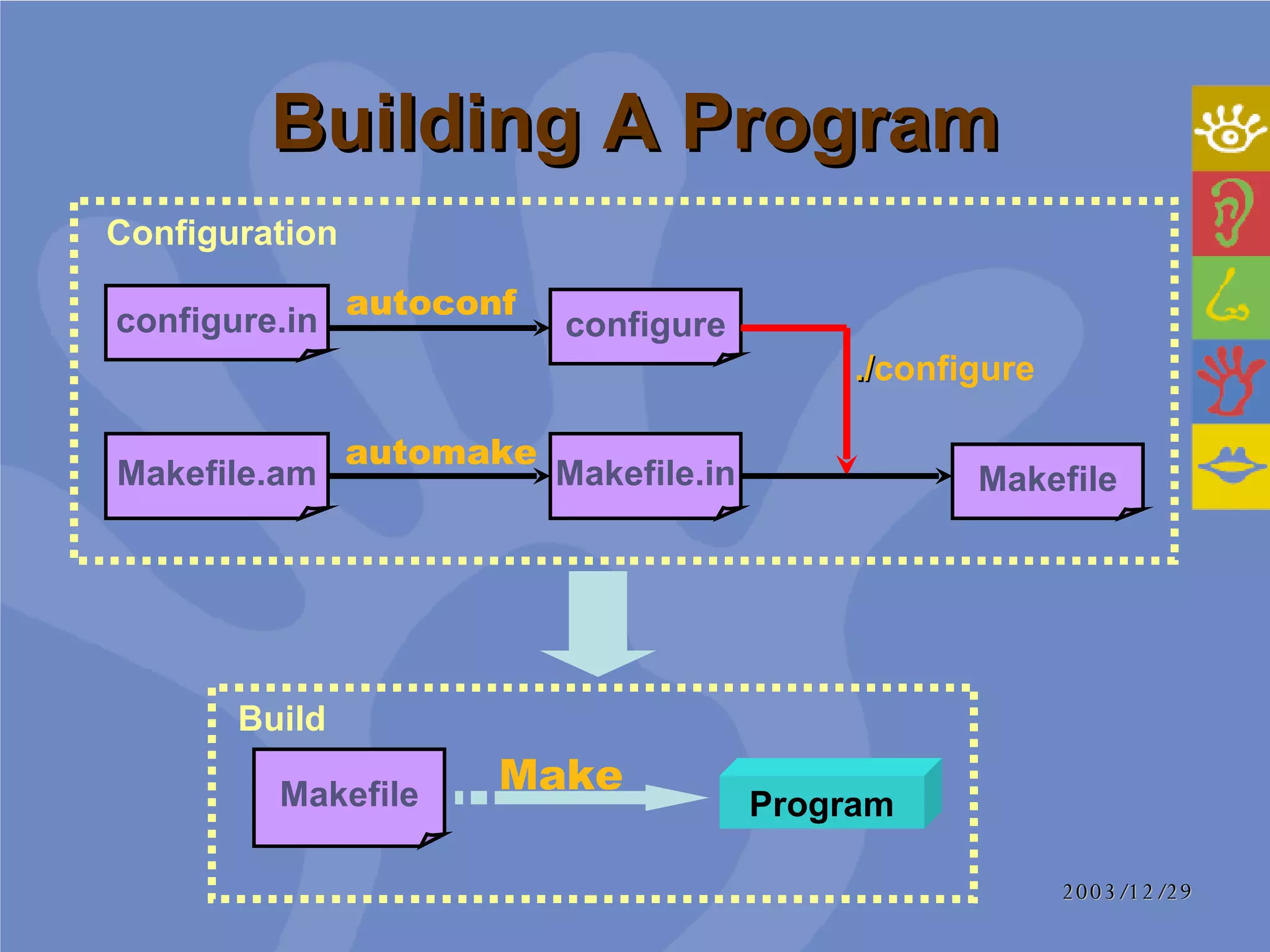
Building A Program Makefile configure Makefile.am Makefile Program Makefile.in configure.in Configuration Build Make automake autoconf ./ configure
What is Autoconf (I) ‘ configure’ script Shell script Tests system features Prepare source tree in order to build the program on a particular system Before:  had to be updated for each new Unix variant Now:  build a package on any kind of system with a simple ‘configure’ script
What is Autoconf   (II) ‘ configure.in’ List the features that the program needs Autoconf Generate ‘configure’ script Run by developers
What is Automake Run by developers ‘ Makefile.am’ Which source files are used to build the program A simpler syntax ‘ Makefile.in’ There was a great deal of duplication  ‘ Makefile’ The rules for how to build the program itself  With a reasonably complex set of GNU standards
Agenda History How to run configure&make A Minimal Project Writing ‘configure.in’ Writing ‘Makefile.am’ References
Configure Parameters - h  (-- help)  - V  (-- version) --includedir=dir Specifies where C header files should be installed --libdir=dir Specifies where object code library should be installed --srcdir=dir   Tells where the source files may be found Not necessary
Files generated by configure  ( I)   ‘ config.cache’ Cache the results of system tests that have been performed to speed up subsequent tests A plain text file  Can be hand-modified or removed if desired ‘ config.log’ Outputs a message describing each test it performs and the result of each test
Files generated by configure ( II) ‘ config.status’ Used to recreate the current configuration (all generated files will be regenerated) Re-run  configure  with  --recheck  option
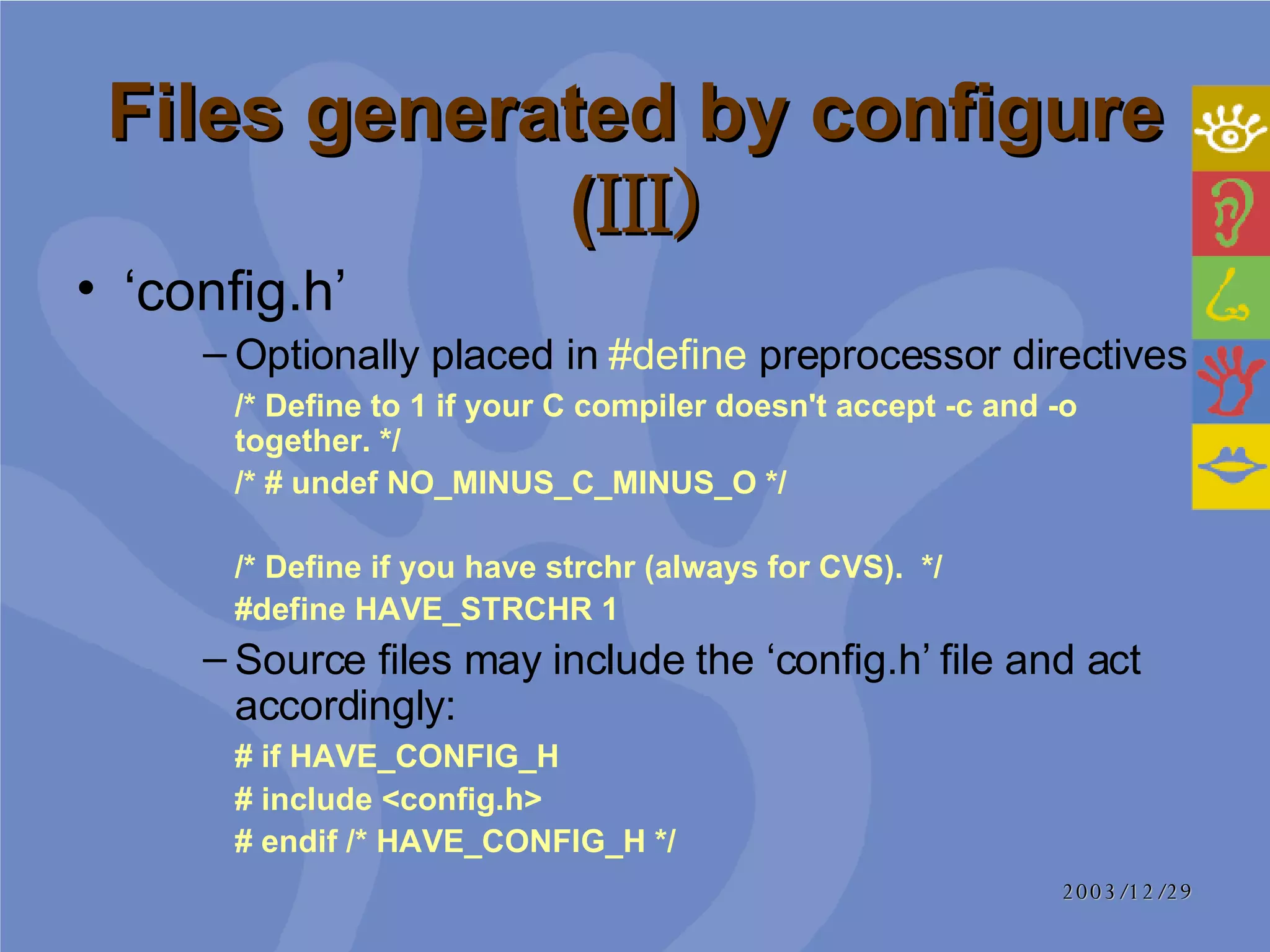
Files generated by configure ( III) ‘ config.h’  Optionally placed in  #define  preprocessor directives /* Define to 1 if your C compiler doesn't accept -c and -o together. */ /* # undef NO_MINUS_C_MINUS_O */ /* Define if you have strchr (always for CVS).  */ #define HAVE_STRCHR 1 Source files may include the ‘config.h’ file and act accordingly:  # if HAVE_CONFIG_H  # include <config.h> # endif /* HAVE_CONFIG_H */
Make make all   Builds all derived files sufficient to declare the package built make check  Runs any self-tests that the package may have make install Installs the package in a predetermined location  make clean Removes all derived files
Agenda History How to run configure&make A Minimal Project Writing ‘configure.in’ Writing ‘Makefile.am’ References
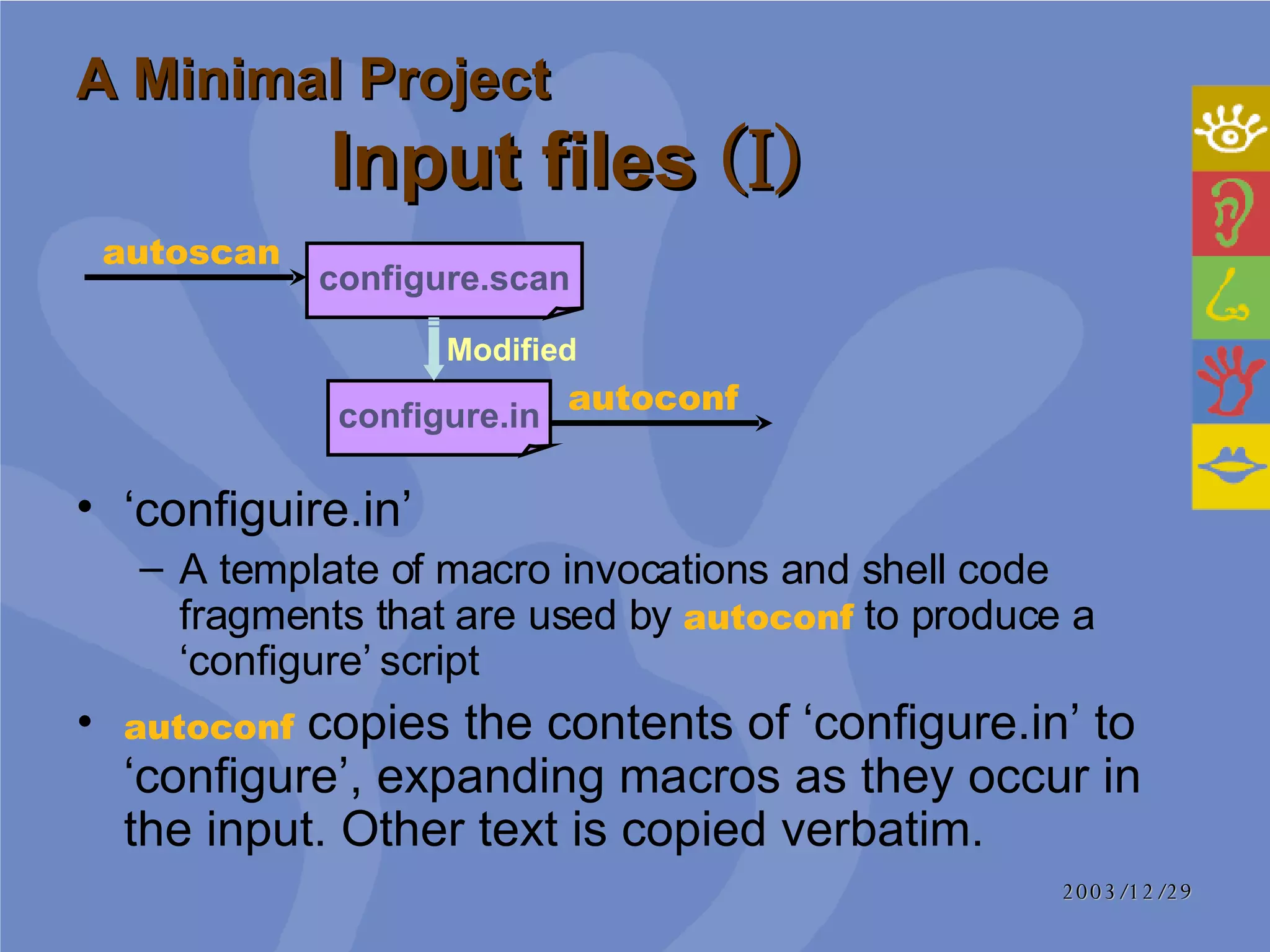
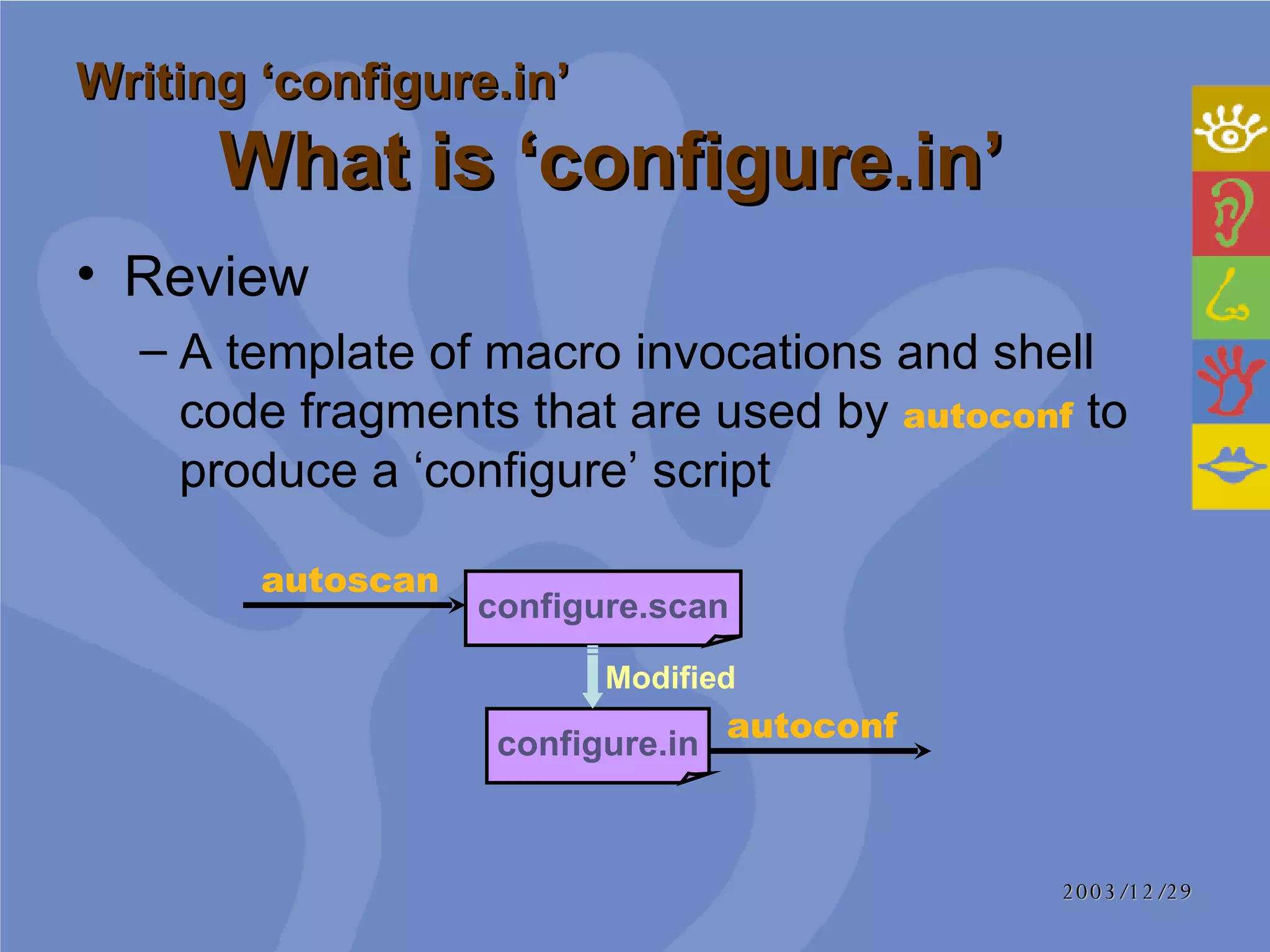
A Minimal Project Input files  (I) ‘ configuire.in’ A template of macro invocations and shell code fragments that are used by  autoconf   to produce a ‘configure’ script  autoconf   copies the contents of ‘configure.in’ to ‘configure’, expanding macros as they occur in the input. Other text is copied verbatim.  autoconf configure.in configure.scan autoscan Modified
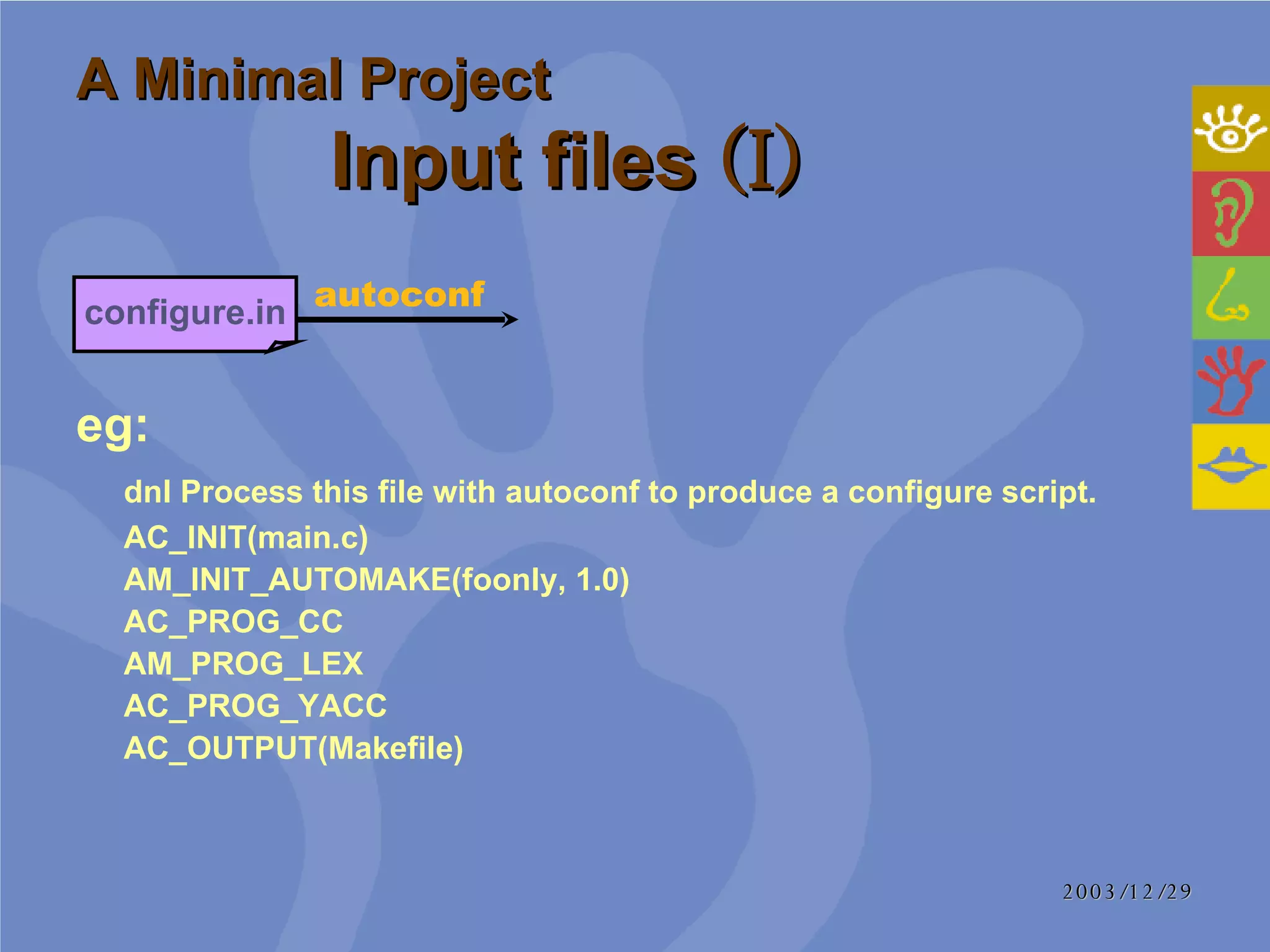
A Minimal Project Input files  (I) eg:   dnl Process this file with autoconf to produce a configure script.  AC_INIT(main.c)  AM_INIT_AUTOMAKE(foonly, 1.0)  AC_PROG_CC  AM_PROG_LEX  AC_PROG_YACC  AC_OUTPUT(Makefile)  autoconf configure.in
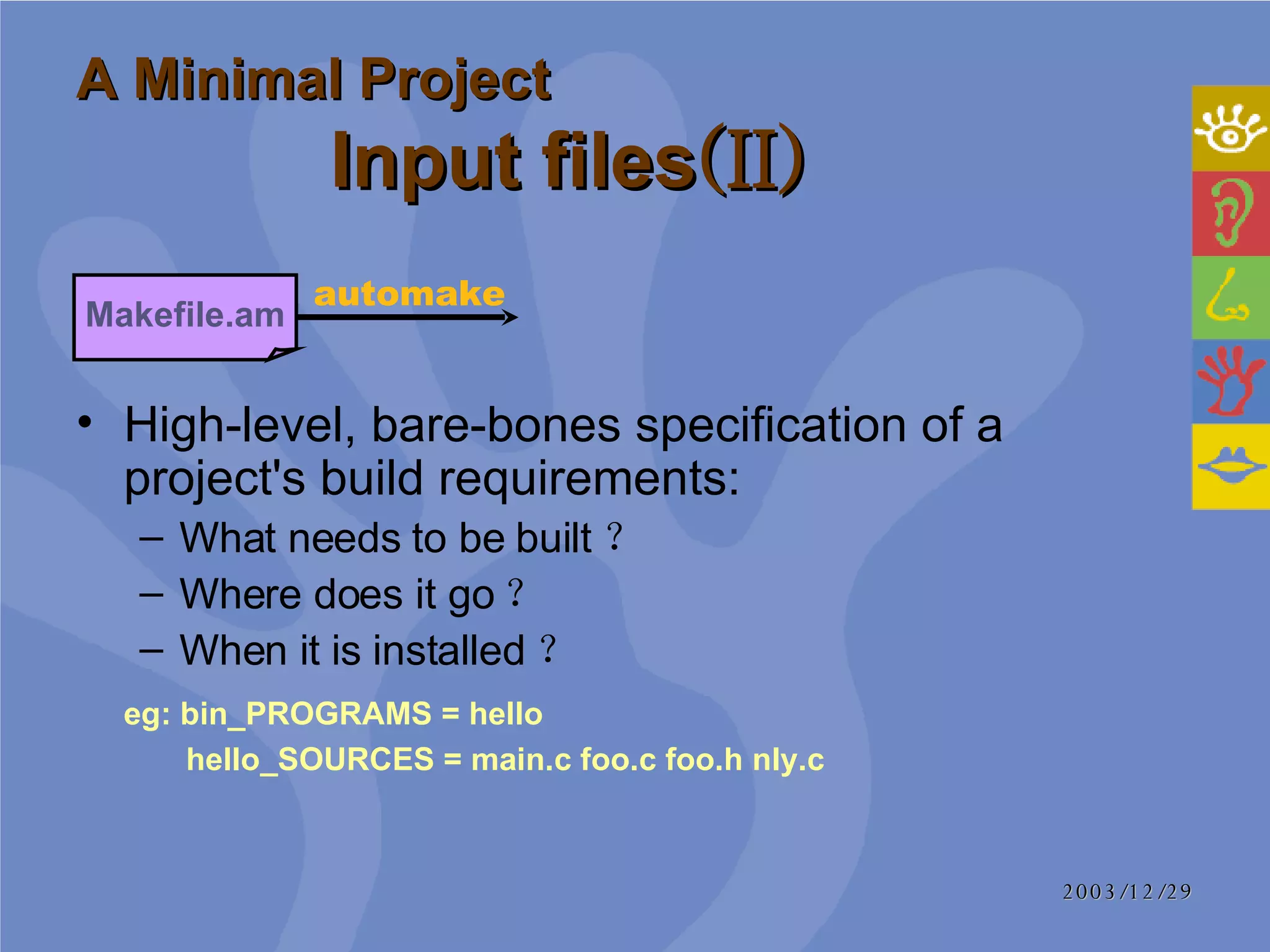
A Minimal Project Input files (II) High-level, bare-bones specification of a project's build requirements:  What needs to be built ? Where does it go ? When it is installed ?  eg: bin_PROGRAMS = hello    hello_SOURCES = main.c foo.c foo.h nly.c  Makefile.am automake
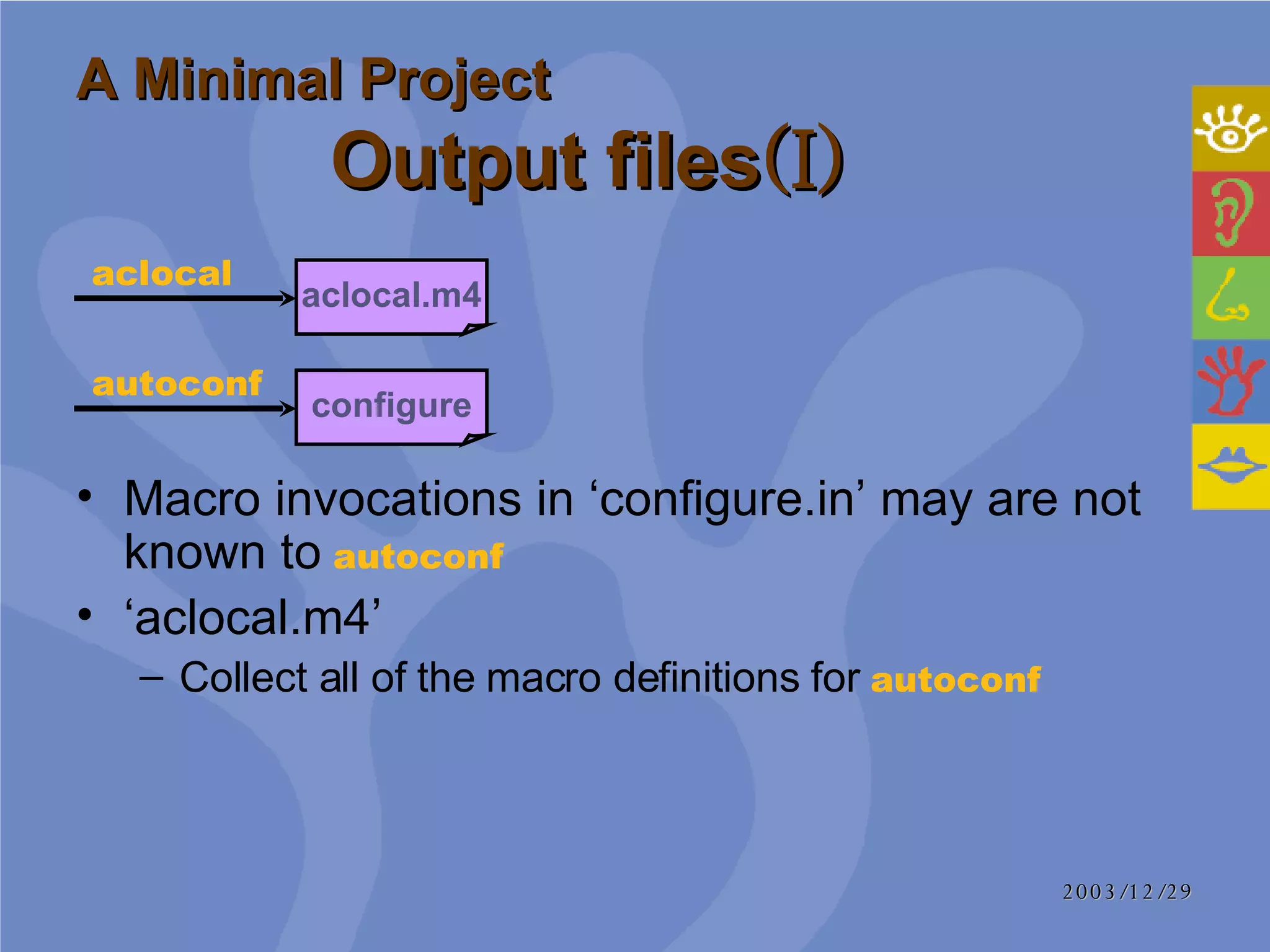
A Minimal Project Output files (I) Macro invocations in ‘configure.in’ may are not known to   autoconf ‘ aclocal.m4’ Collect all of the macro definitions for  autoconf   aclocal.m4 aclocal configure autoconf
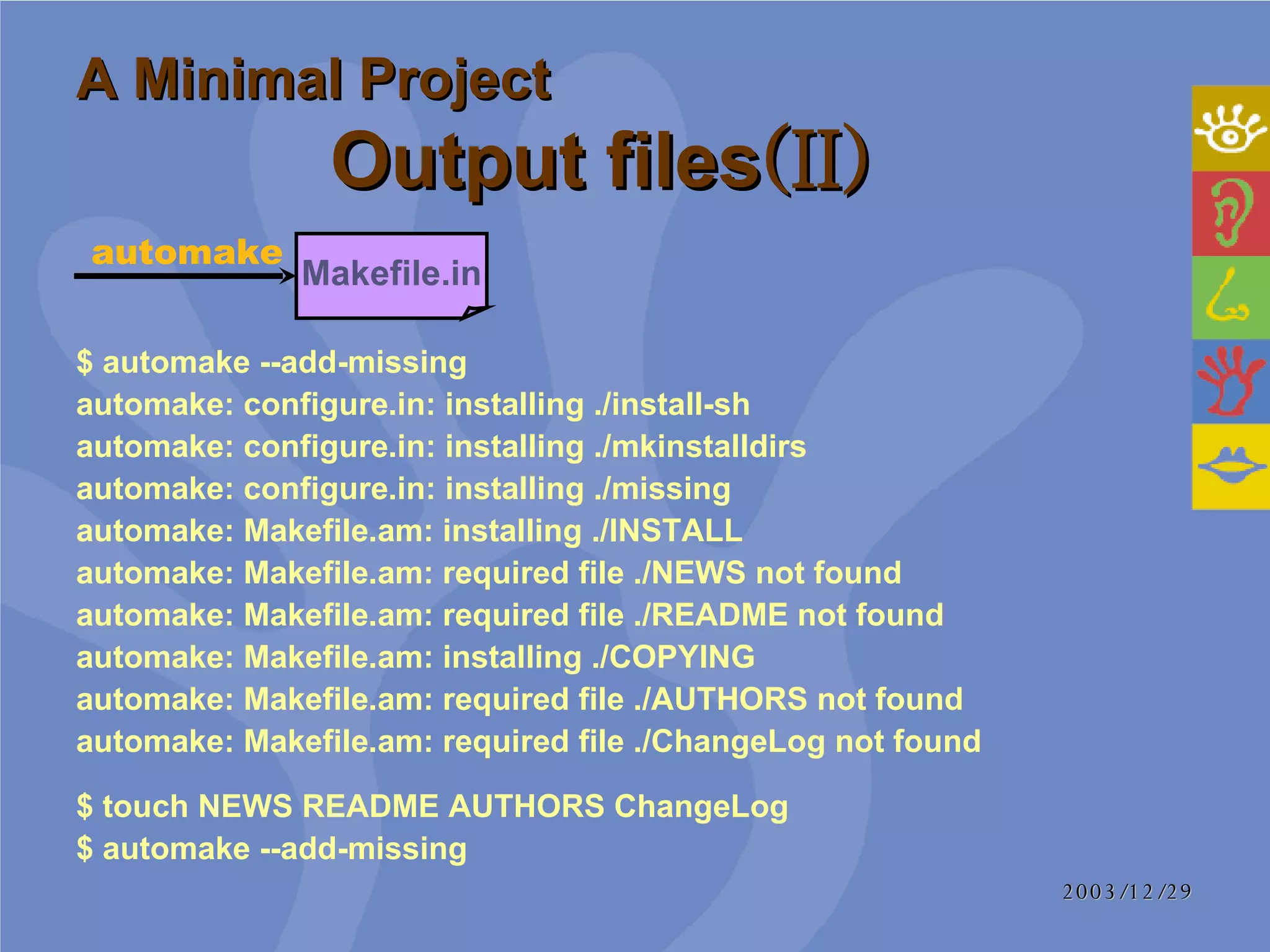
A Minimal Project Output files (II) $ automake --add-missing  automake: configure.in: installing ./install-sh  automake: configure.in: installing ./mkinstalldirs  automake: configure.in: installing ./missing  automake: Makefile.am: installing ./INSTALL  automake: Makefile.am: required file ./NEWS not found  automake: Makefile.am: required file ./README not found  automake: Makefile.am: installing ./COPYING  automake: Makefile.am: required file ./AUTHORS not found  automake: Makefile.am: required file ./ChangeLog not found  Makefile.in automake $ touch NEWS README AUTHORS ChangeLog $ automake --add-missing
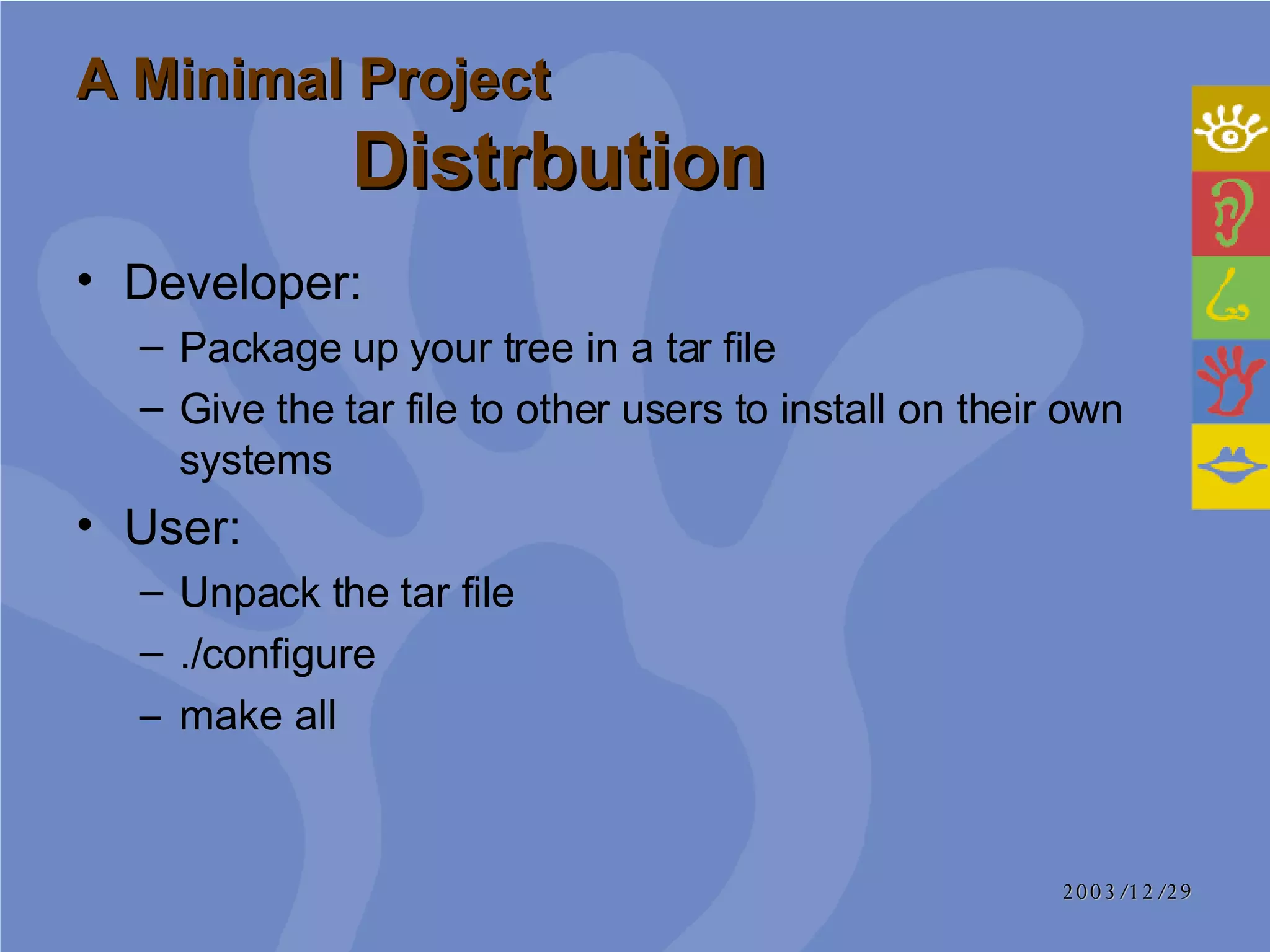
A Minimal Project  Distrbution Developer: Package up your tree in a tar file Give the tar file to other users to install on their own systems User: Unpack the  tar  file ./ configure   make all
Agenda History How to run configure&make A Minimal Project Writing ‘configure.in’ Writing ‘Makefile.am’ References
Review A template of macro invocations and shell code fragments that are used by  autoconf  to produce a ‘configure’ script  Writing ‘configure.in’     What is ‘configure.in’ autoconf configure.in configure.scan autoscan Modified
What constructs are portable and what constructs aren't portable?  How do I decide what to check for? What shouldn't I check for?  What shouldn't I put in `configure.in'?  In what order should I run my checks?  Writing ‘configure.in’   Frequent Question
Boilerplate Programs Libraries Headers Typedefs and structures  Functions Output Writing ‘configure.in’     Standard Ordering
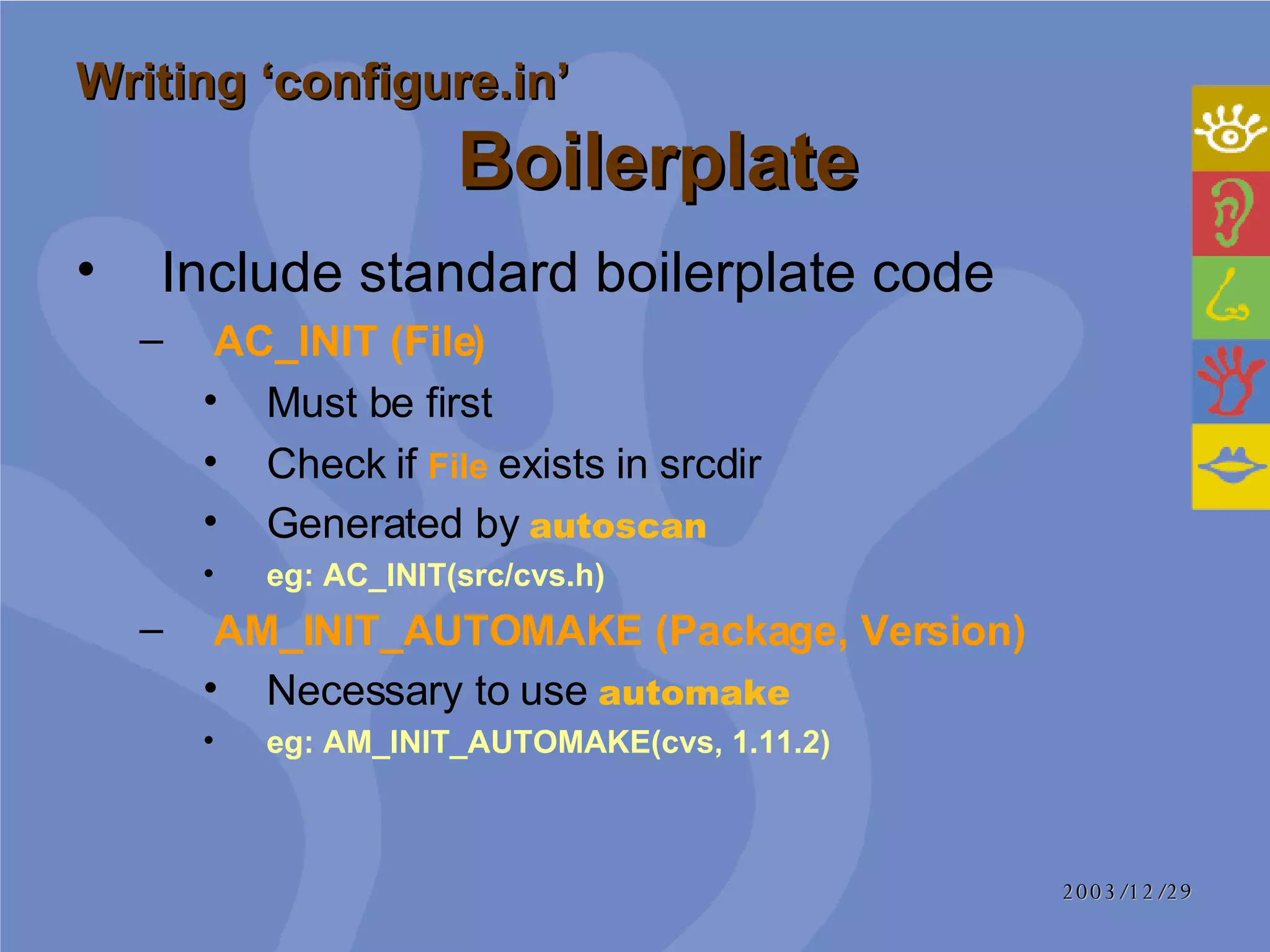
Include standard boilerplate code AC_INIT (File)   Must be first Check if  File  exists in srcdir Generated by  autoscan eg: AC_INIT(src/cvs.h) AM_INIT_AUTOMAKE (Package, Version) Necessary to use  automake eg: AM_INIT_AUTOMAKE(cvs, 1.11.2) Writing ‘configure.in’     Boilerplate
Check for programs that are either needed by the configure process, the build process, or by one of the programs being built AC_CHECK_PROG (variable, progs-to-check-for [, value-if-not-found [, path]]) Writing ‘configure.in’     Programs
Checks for libraries come before checks for other objects visible to C (or C++, or anything else) Writing ‘configure.in’     Libraries   Headers Checks for existence of headers Typedefs and structures Checks for typedefs and structures inside the headers
Checks for functions based on: Libraries  for correctly linking Headers  for finding prototypes  Typedefs   for using types which are not built in  AC_CHECK_FUNC (function, [action-if-found [, action-if-not-found]])   Writing ‘configure.in’   Functions
Writing ‘configure.in’   Output   AC_OUTPUT ([file... [, extra-cmds [, init-cmds]]])  file...  separate with space file.in file eg: AC_OUTPUT([Makefile \   cvs.spec \   contrib/log \   src/Makefile \   src/cvsbug \   src/version.h \   ],   [chmod +x \   contrib/log \   src/cvsbug])
Agenda History How to run configure&make A Minimal Project Writing ‘configure.in’ Writing ‘Makefile.am’ References
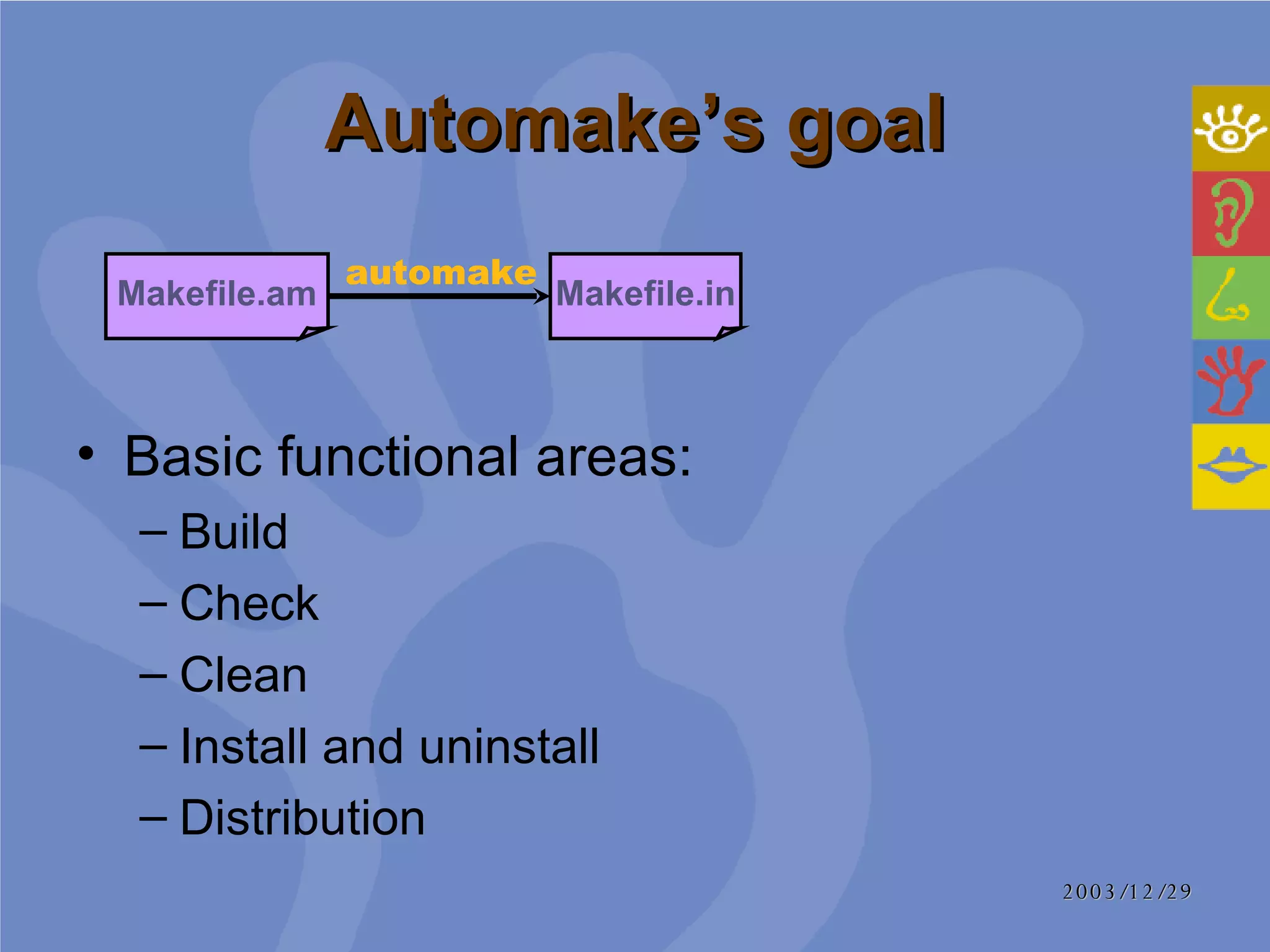
Automake’s goal Basic functional areas:  Build  Check  Clean  Install and uninstall  Distribution  Makefile.am Makefile.in automake
Primaries Concept: A special root variable name associated with each type of object that Automake understands  SCRIPTS:   scripts (interpreted executable programs) Add various prefixes to a primary to represent an actual object bin_SCRIPTS = magic-script  bin_SCRIPTS  represents an actual script object which is installed in /bin directory magic-script  is an object file, represents a variable of  bin_SCRIPTS  , will be a  Target  in Makefile finally
Easy Primaries DATA   Easiest primary  List files which are installed verbatim HEADERS List header files Allows for extra error checking SCRIPTS  Executable scripts (interpreted programs) MANS   List man pages TEXINFOS   List Texinfo documentations JAVA, LISP, PYTHON......
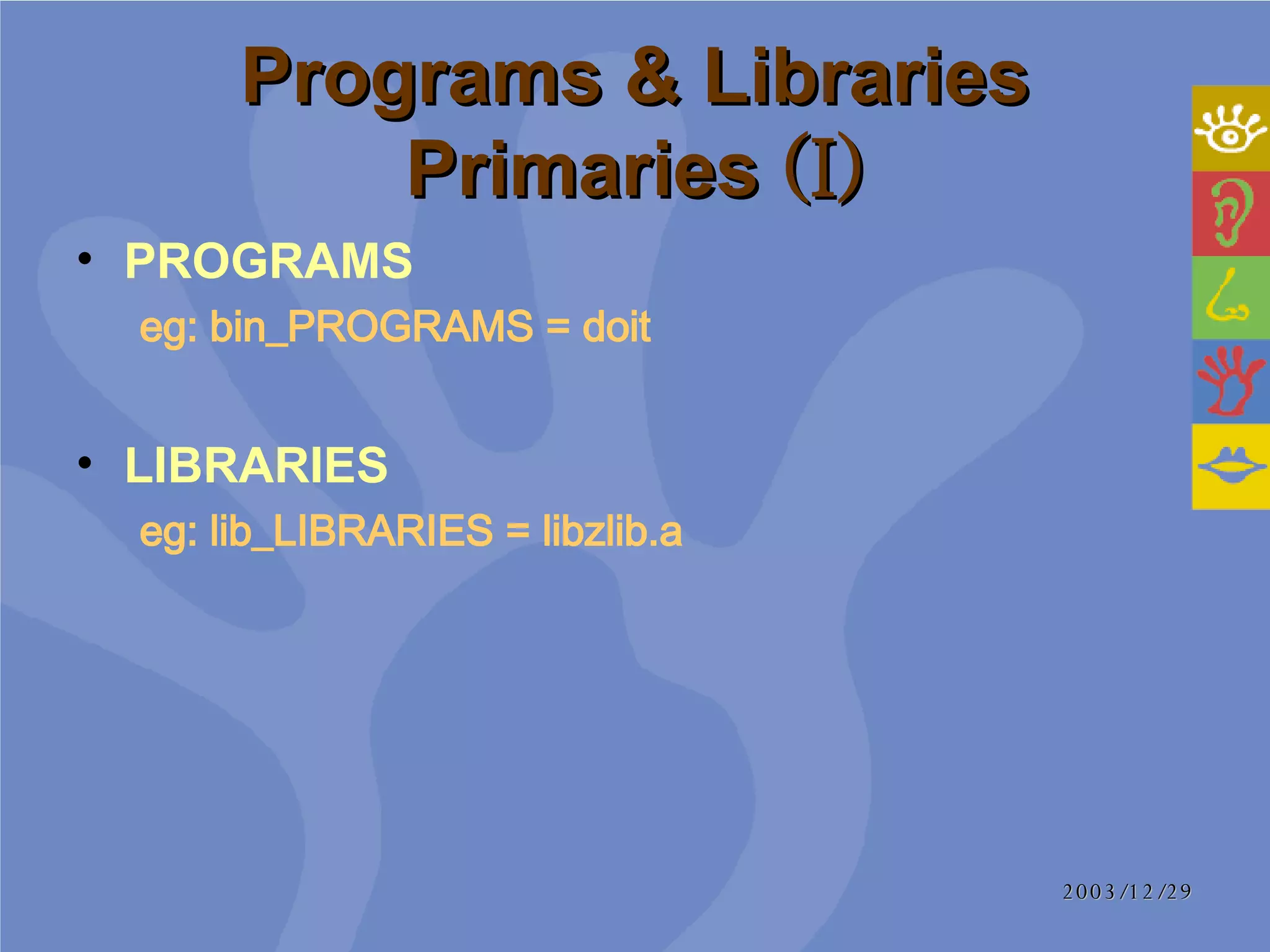
Programs & Libraries Primaries  (I) PROGRAMS  eg:   bin_PROGRAMS = doit   LIBRARIES  eg:   lib_LIBRARIES = libzlib.a
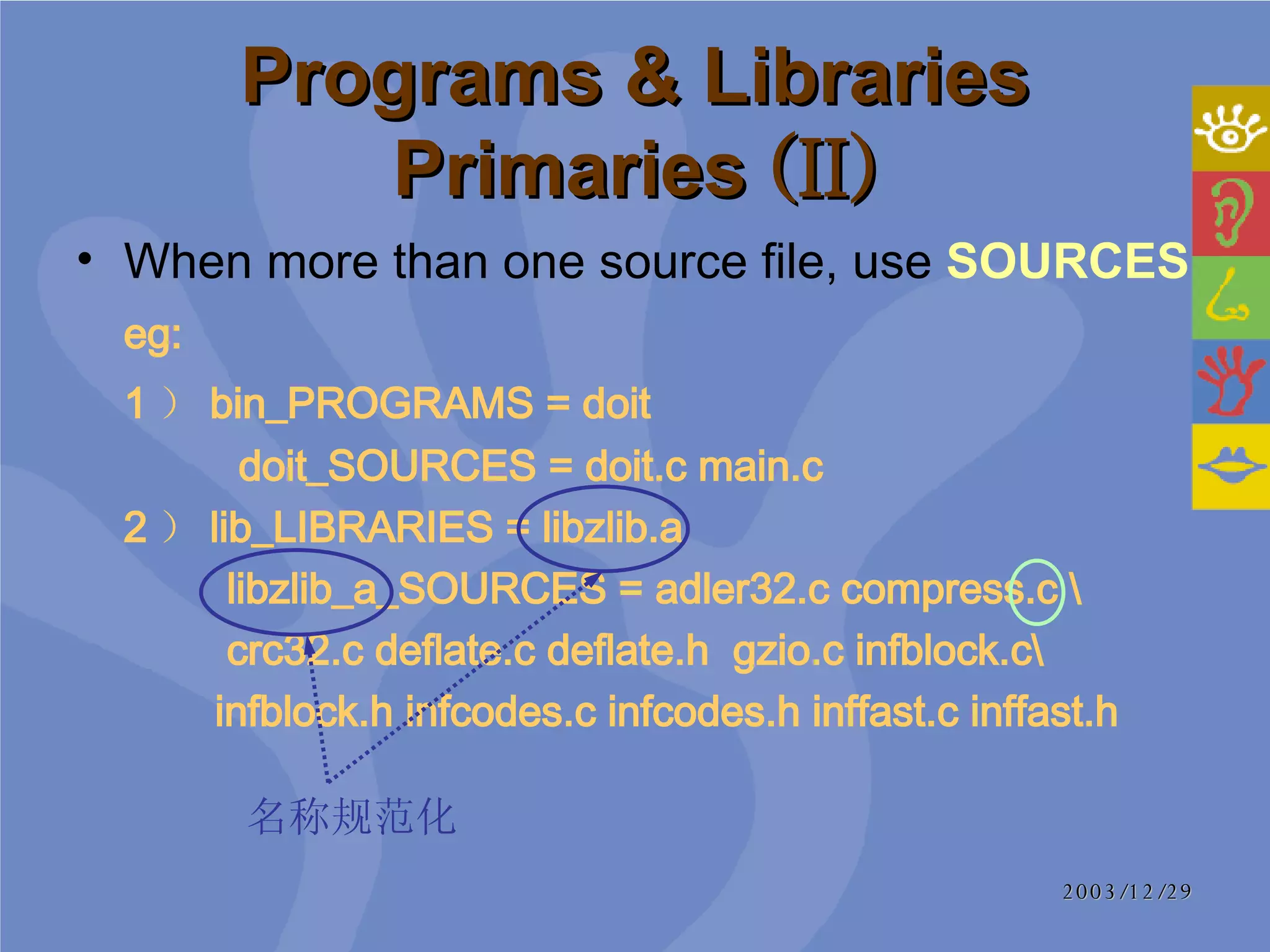
Programs & Libraries Primaries  (II) When more than one source file, use  SOURCES eg: 1 ) bin_PROGRAMS = doit    doit_SOURCES = doit.c main.c  2 ) lib_LIBRARIES = libzlib.a   libzlib_a_SOURCES = adler32.c compress.c \   crc32.c deflate.c deflate.h  gzio.c infblock.c\   infblock.h infcodes.c infcodes.h inffast.c inffast.h 名称规范化
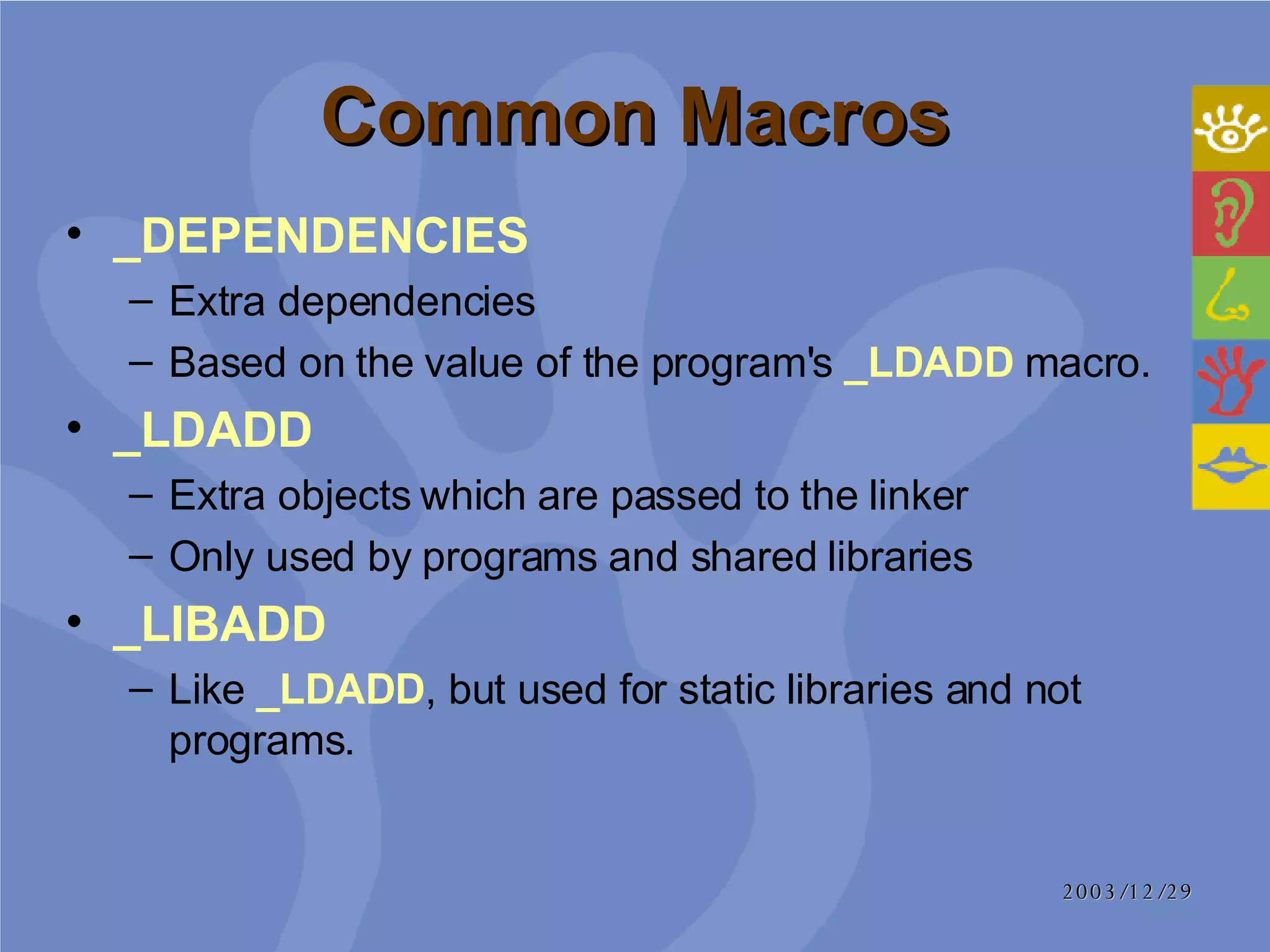
Common Macros _DEPENDENCIES Extra dependencies Based on the value of the program's  _LDADD  macro.  _LDADD Extra objects which are passed to the linker Only used by programs and shared libraries _LIBADD   Like  _LDADD , but used for static libraries and not programs.
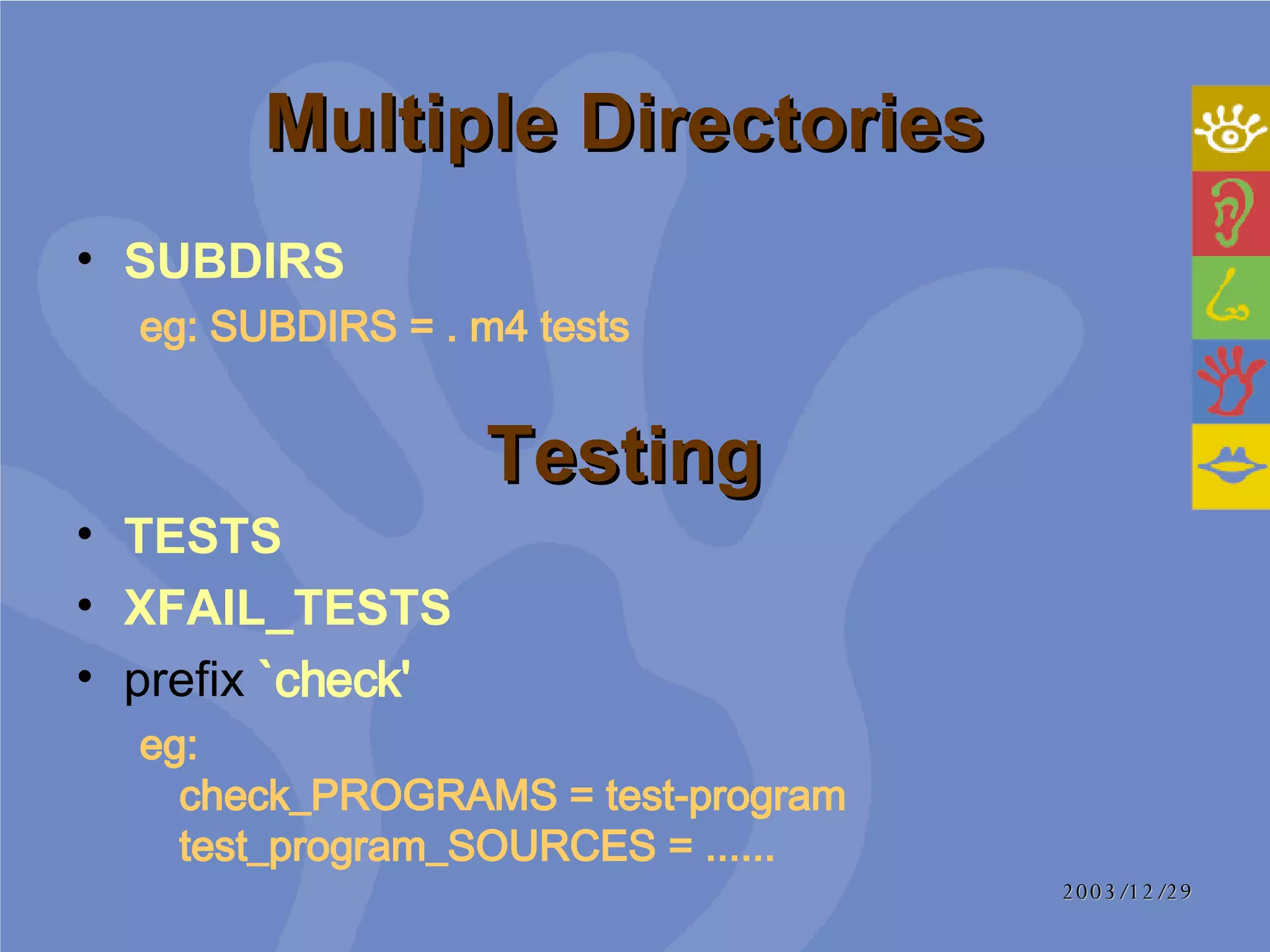
Multiple Directories  SUBDIRS  eg:   SUBDIRS = . m4 tests  Testing  TESTS  XFAIL_TESTS prefix   `check'   eg:   check_PROGRAMS = test-program test_program_SOURCES = ......
2003/12/29 References Autobook http://192.168.1.182/ linux /tech/ autobook / autobook .html Autoconf  手册 http://www. cngnu .org/technology/145747f636f6e666.html
Thank you!

Autoconf&Automake

  • 1.
    Autoconf & Automake[email_address]
  • 2.
    Agenda History Howto run configure&make A Minimal Project Writing ‘configure.in’ Writing ‘Makefile.am’ References
  • 3.
    History ( I) The Diversity of Unix Systems System III SunOS …… Although similar, there are still various differences between different systems. Different sets of header files Different lists of functions in the system libraries ……
  • 4.
    History ( II)#ifdef Cannot know which system which version had which features POSIX standards Portable Operating System Interface Only eliminate some of these differences Need more organized approach to handle the differences between Unix variants
  • 5.
    Building A ProgramMakefile configure Makefile.am Makefile Program Makefile.in configure.in Configuration Build Make automake autoconf ./ configure
  • 6.
    What is Autoconf(I) ‘ configure’ script Shell script Tests system features Prepare source tree in order to build the program on a particular system Before: had to be updated for each new Unix variant Now: build a package on any kind of system with a simple ‘configure’ script
  • 7.
    What is Autoconf (II) ‘ configure.in’ List the features that the program needs Autoconf Generate ‘configure’ script Run by developers
  • 8.
    What is AutomakeRun by developers ‘ Makefile.am’ Which source files are used to build the program A simpler syntax ‘ Makefile.in’ There was a great deal of duplication ‘ Makefile’ The rules for how to build the program itself With a reasonably complex set of GNU standards
  • 9.
    Agenda History Howto run configure&make A Minimal Project Writing ‘configure.in’ Writing ‘Makefile.am’ References
  • 10.
    Configure Parameters -h (-- help) - V (-- version) --includedir=dir Specifies where C header files should be installed --libdir=dir Specifies where object code library should be installed --srcdir=dir Tells where the source files may be found Not necessary
  • 11.
    Files generated byconfigure ( I) ‘ config.cache’ Cache the results of system tests that have been performed to speed up subsequent tests A plain text file Can be hand-modified or removed if desired ‘ config.log’ Outputs a message describing each test it performs and the result of each test
  • 12.
    Files generated byconfigure ( II) ‘ config.status’ Used to recreate the current configuration (all generated files will be regenerated) Re-run configure with --recheck option
  • 13.
    Files generated byconfigure ( III) ‘ config.h’ Optionally placed in #define preprocessor directives /* Define to 1 if your C compiler doesn't accept -c and -o together. */ /* # undef NO_MINUS_C_MINUS_O */ /* Define if you have strchr (always for CVS). */ #define HAVE_STRCHR 1 Source files may include the ‘config.h’ file and act accordingly: # if HAVE_CONFIG_H # include <config.h> # endif /* HAVE_CONFIG_H */
  • 14.
    Make make all Builds all derived files sufficient to declare the package built make check Runs any self-tests that the package may have make install Installs the package in a predetermined location make clean Removes all derived files
  • 15.
    Agenda History Howto run configure&make A Minimal Project Writing ‘configure.in’ Writing ‘Makefile.am’ References
  • 16.
    A Minimal ProjectInput files (I) ‘ configuire.in’ A template of macro invocations and shell code fragments that are used by autoconf to produce a ‘configure’ script autoconf copies the contents of ‘configure.in’ to ‘configure’, expanding macros as they occur in the input. Other text is copied verbatim. autoconf configure.in configure.scan autoscan Modified
  • 17.
    A Minimal ProjectInput files (I) eg: dnl Process this file with autoconf to produce a configure script. AC_INIT(main.c) AM_INIT_AUTOMAKE(foonly, 1.0) AC_PROG_CC AM_PROG_LEX AC_PROG_YACC AC_OUTPUT(Makefile) autoconf configure.in
  • 18.
    A Minimal ProjectInput files (II) High-level, bare-bones specification of a project's build requirements: What needs to be built ? Where does it go ? When it is installed ? eg: bin_PROGRAMS = hello hello_SOURCES = main.c foo.c foo.h nly.c Makefile.am automake
  • 19.
    A Minimal ProjectOutput files (I) Macro invocations in ‘configure.in’ may are not known to autoconf ‘ aclocal.m4’ Collect all of the macro definitions for autoconf aclocal.m4 aclocal configure autoconf
  • 20.
    A Minimal ProjectOutput files (II) $ automake --add-missing automake: configure.in: installing ./install-sh automake: configure.in: installing ./mkinstalldirs automake: configure.in: installing ./missing automake: Makefile.am: installing ./INSTALL automake: Makefile.am: required file ./NEWS not found automake: Makefile.am: required file ./README not found automake: Makefile.am: installing ./COPYING automake: Makefile.am: required file ./AUTHORS not found automake: Makefile.am: required file ./ChangeLog not found Makefile.in automake $ touch NEWS README AUTHORS ChangeLog $ automake --add-missing
  • 21.
    A Minimal Project Distrbution Developer: Package up your tree in a tar file Give the tar file to other users to install on their own systems User: Unpack the tar file ./ configure make all
  • 22.
    Agenda History Howto run configure&make A Minimal Project Writing ‘configure.in’ Writing ‘Makefile.am’ References
  • 23.
    Review A templateof macro invocations and shell code fragments that are used by autoconf to produce a ‘configure’ script Writing ‘configure.in’ What is ‘configure.in’ autoconf configure.in configure.scan autoscan Modified
  • 24.
    What constructs areportable and what constructs aren't portable? How do I decide what to check for? What shouldn't I check for? What shouldn't I put in `configure.in'? In what order should I run my checks? Writing ‘configure.in’ Frequent Question
  • 25.
    Boilerplate Programs LibrariesHeaders Typedefs and structures Functions Output Writing ‘configure.in’ Standard Ordering
  • 26.
    Include standard boilerplatecode AC_INIT (File) Must be first Check if File exists in srcdir Generated by autoscan eg: AC_INIT(src/cvs.h) AM_INIT_AUTOMAKE (Package, Version) Necessary to use automake eg: AM_INIT_AUTOMAKE(cvs, 1.11.2) Writing ‘configure.in’ Boilerplate
  • 27.
    Check for programsthat are either needed by the configure process, the build process, or by one of the programs being built AC_CHECK_PROG (variable, progs-to-check-for [, value-if-not-found [, path]]) Writing ‘configure.in’ Programs
  • 28.
    Checks for librariescome before checks for other objects visible to C (or C++, or anything else) Writing ‘configure.in’ Libraries Headers Checks for existence of headers Typedefs and structures Checks for typedefs and structures inside the headers
  • 29.
    Checks for functionsbased on: Libraries for correctly linking Headers for finding prototypes Typedefs for using types which are not built in AC_CHECK_FUNC (function, [action-if-found [, action-if-not-found]]) Writing ‘configure.in’ Functions
  • 30.
    Writing ‘configure.in’ Output AC_OUTPUT ([file... [, extra-cmds [, init-cmds]]]) file... separate with space file.in file eg: AC_OUTPUT([Makefile \ cvs.spec \ contrib/log \ src/Makefile \ src/cvsbug \ src/version.h \ ], [chmod +x \ contrib/log \ src/cvsbug])
  • 31.
    Agenda History Howto run configure&make A Minimal Project Writing ‘configure.in’ Writing ‘Makefile.am’ References
  • 32.
    Automake’s goal Basicfunctional areas: Build Check Clean Install and uninstall Distribution Makefile.am Makefile.in automake
  • 33.
    Primaries Concept: Aspecial root variable name associated with each type of object that Automake understands SCRIPTS: scripts (interpreted executable programs) Add various prefixes to a primary to represent an actual object bin_SCRIPTS = magic-script bin_SCRIPTS represents an actual script object which is installed in /bin directory magic-script is an object file, represents a variable of bin_SCRIPTS , will be a Target in Makefile finally
  • 34.
    Easy Primaries DATA Easiest primary List files which are installed verbatim HEADERS List header files Allows for extra error checking SCRIPTS Executable scripts (interpreted programs) MANS List man pages TEXINFOS List Texinfo documentations JAVA, LISP, PYTHON......
  • 35.
    Programs & LibrariesPrimaries (I) PROGRAMS eg: bin_PROGRAMS = doit LIBRARIES eg: lib_LIBRARIES = libzlib.a
  • 36.
    Programs & LibrariesPrimaries (II) When more than one source file, use SOURCES eg: 1 ) bin_PROGRAMS = doit doit_SOURCES = doit.c main.c 2 ) lib_LIBRARIES = libzlib.a libzlib_a_SOURCES = adler32.c compress.c \ crc32.c deflate.c deflate.h gzio.c infblock.c\ infblock.h infcodes.c infcodes.h inffast.c inffast.h 名称规范化
  • 37.
    Common Macros _DEPENDENCIESExtra dependencies Based on the value of the program's _LDADD macro. _LDADD Extra objects which are passed to the linker Only used by programs and shared libraries _LIBADD Like _LDADD , but used for static libraries and not programs.
  • 38.
    Multiple Directories SUBDIRS eg: SUBDIRS = . m4 tests Testing TESTS XFAIL_TESTS prefix `check' eg: check_PROGRAMS = test-program test_program_SOURCES = ......
  • 39.
    2003/12/29 References Autobookhttp://192.168.1.182/ linux /tech/ autobook / autobook .html Autoconf 手册 http://www. cngnu .org/technology/145747f636f6e666.html
  • 40.