The document provides an overview of Direct3D 12 (D3D12) from NVIDIA and AMD, highlighting its design for explicit control and reduced driver interference, beneficial for experienced graphics programmers. Key features include command lists, bundles, pipeline state objects, and a new resource management system that enhances efficiency in rendering. It emphasizes practical advice for developers on effective submission, engine organization, and resource management to optimize performance in both console and PC environments.
The ‘What’ ofD3D12
● Broad rethinking of the API
● Much closer to HW realities
● Model is more explicit
Less driver magic
5.
“With great powercomes great
responsibility.”
● D3D12 answers many developer requests
● Be ready to use it wisely and it can
reward you
6.
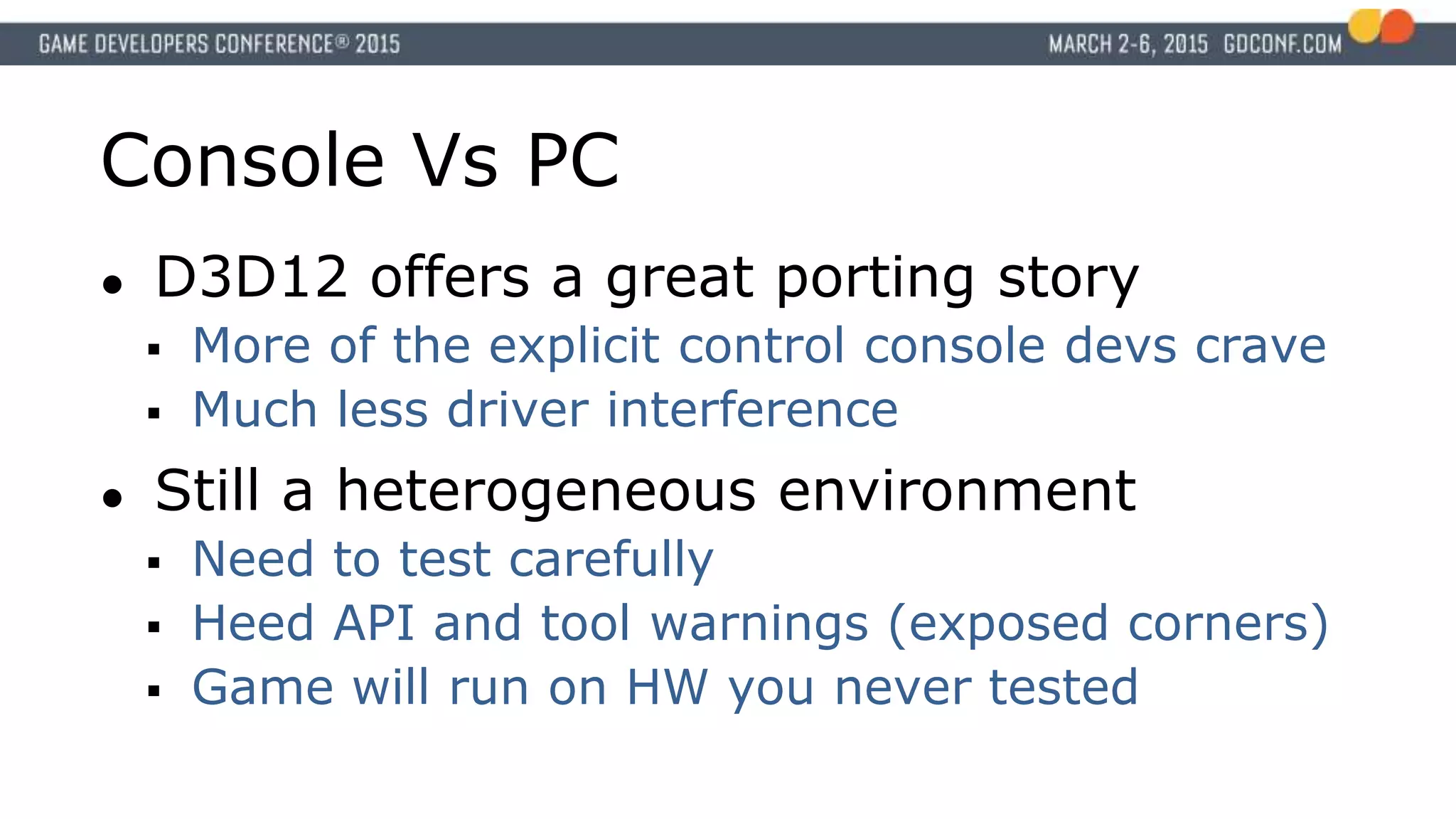
Console Vs PC
●D3D12 offers a great porting story
More of the explicit control console devs crave
Much less driver interference
● Still a heterogeneous environment
Need to test carefully
Heed API and tool warnings (exposed corners)
Game will run on HW you never tested
7.
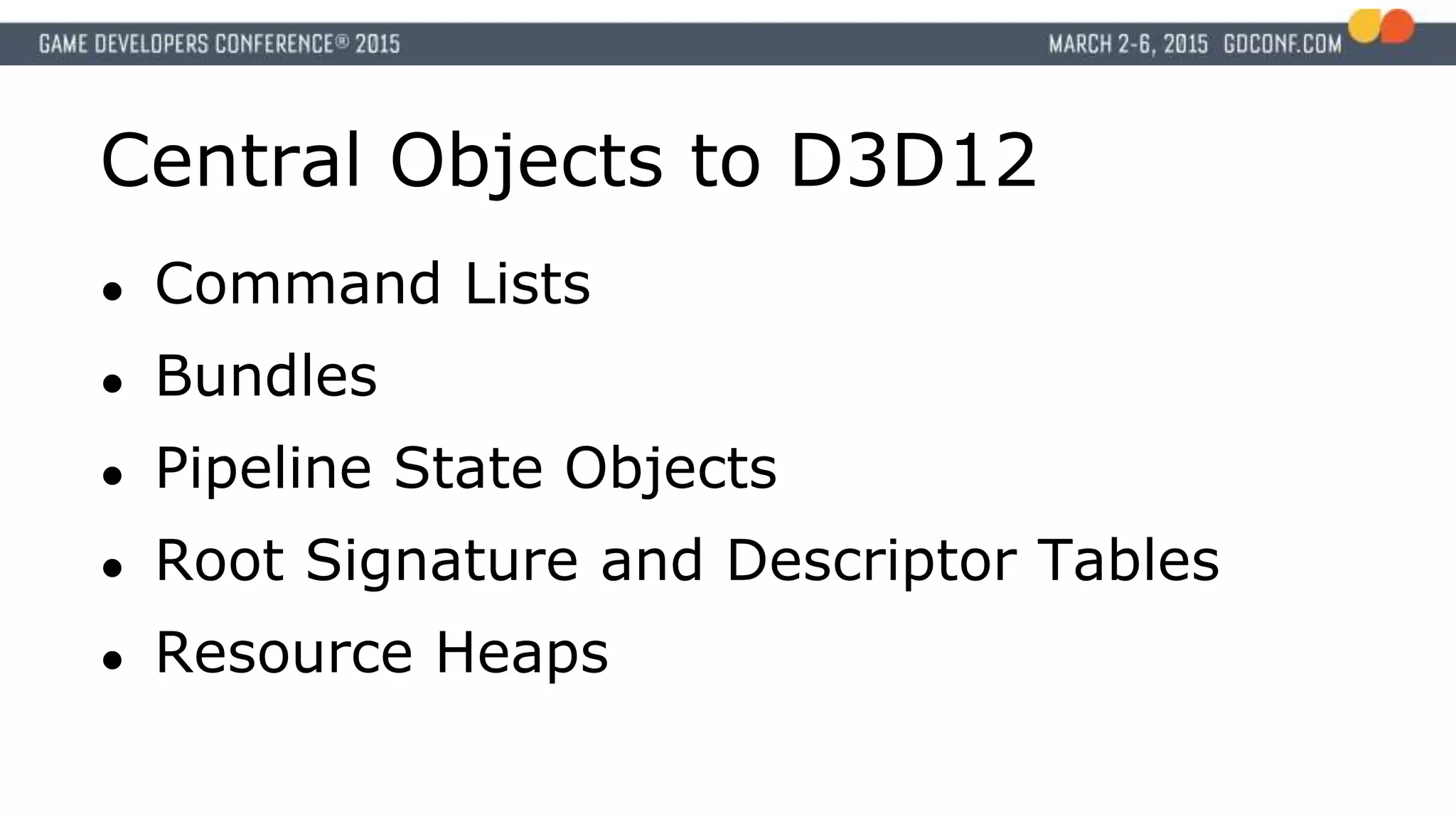
Central Objects toD3D12
● Command Lists
● Bundles
● Pipeline State Objects
● Root Signature and Descriptor Tables
● Resource Heaps
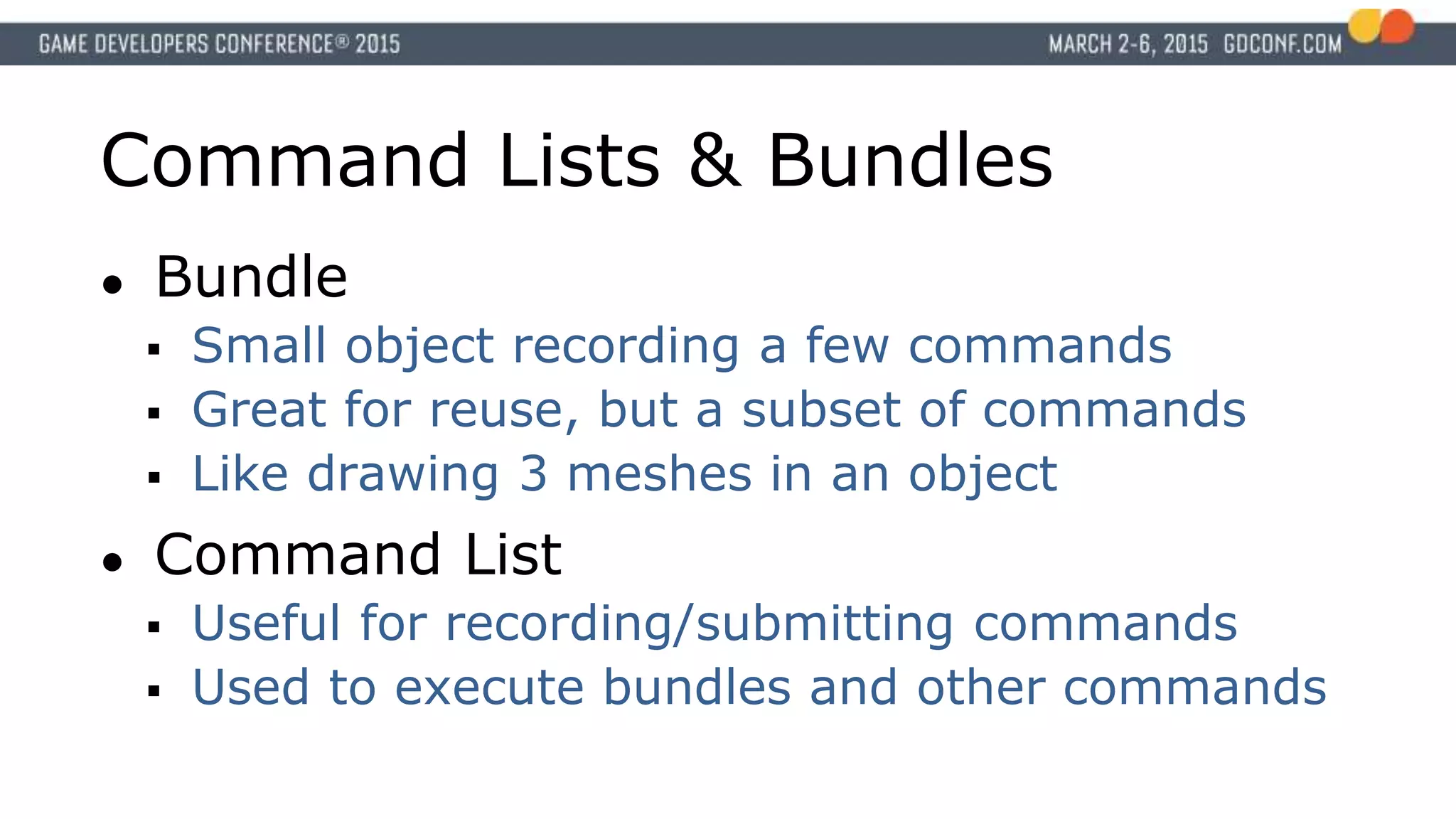
Command Lists &Bundles
● Bundle
Small object recording a few commands
Great for reuse, but a subset of commands
Like drawing 3 meshes in an object
● Command List
Useful for recording/submitting commands
Used to execute bundles and other commands
10.
Pipeline State Object
●Collates most render state
Shaders, raster, blend
● All packaged and swapped together
11.
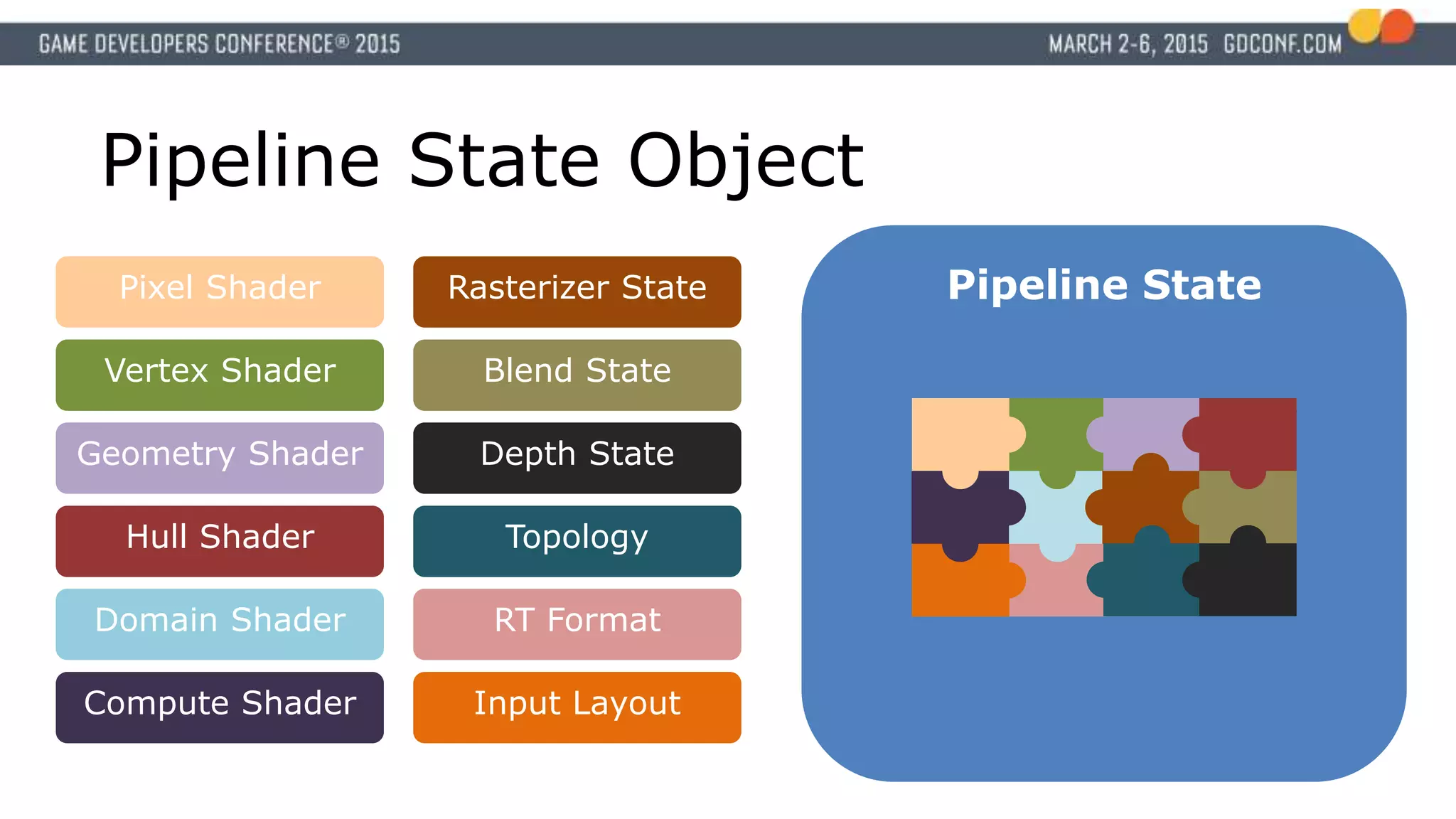
Pipeline State Object
PipelineStatePixel Shader
Vertex Shader
Rasterizer State
Depth State
Blend State
Input Layout
Topology
RT Format
Geometry Shader
Hull Shader
Domain Shader
Compute Shader
12.
Root Signature &Descriptor Tables
● New method for resource setting
● Flexible interface
Methods for changing large blocks
Methods for small bits quickly
Indexing and open-ended tables enable
“bindless”-like behaviour
13.
Resource Heaps
● Newmemory management primitive
● Tie multiple related resources into one
heap
● App controls residency on the heap
Somewhat coarse
● Enables console-like memory aliasing
14.
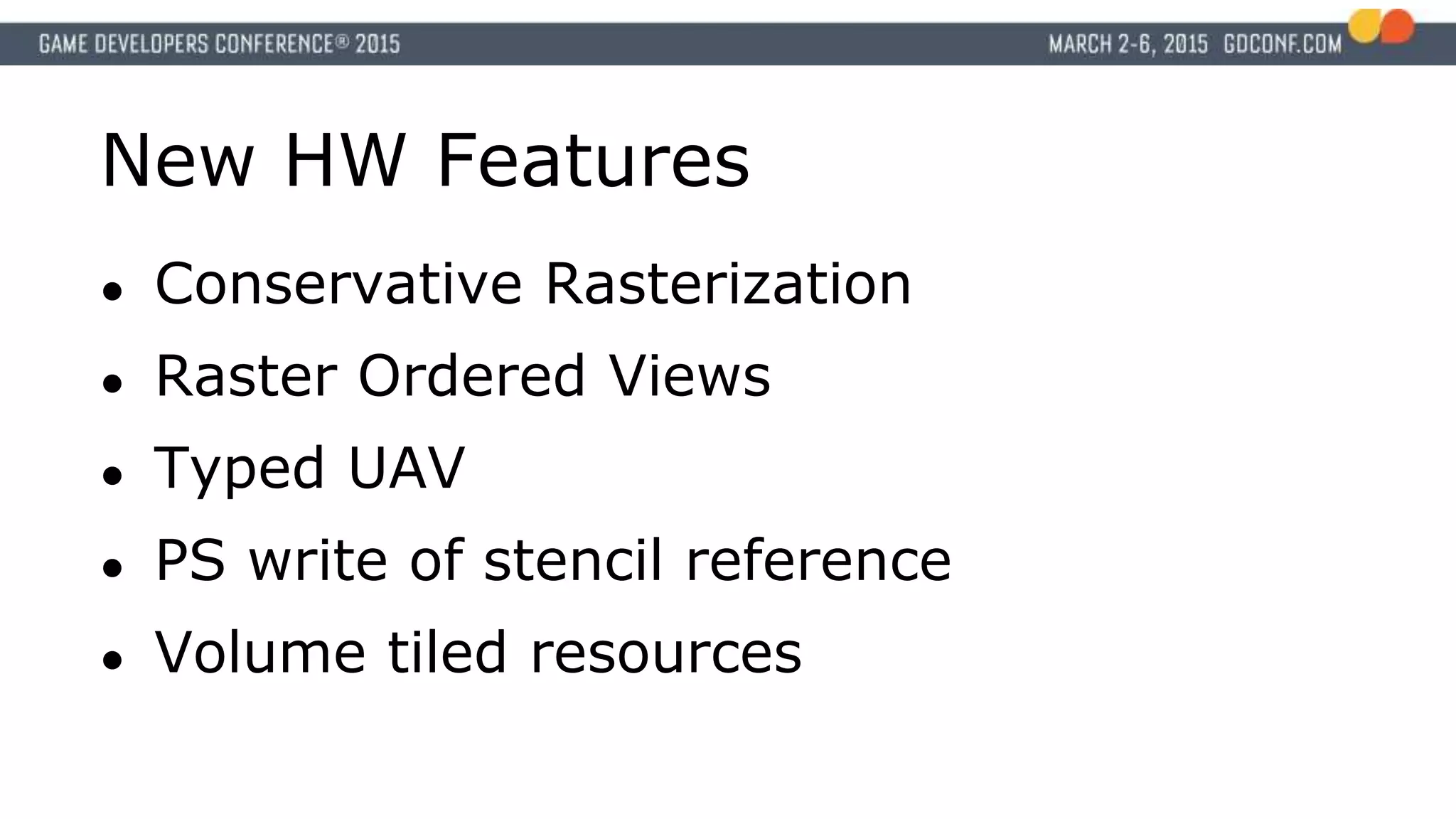
New HW Features
●Conservative Rasterization
● Raster Ordered Views
● Typed UAV
● PS write of stencil reference
● Volume tiled resources
Practical Developer Advice
●Small nuggets on key issues
● Advice is from experience
Multiple engines have done trial ports
Many months of experimentation
• Driver, API, and app level
17.
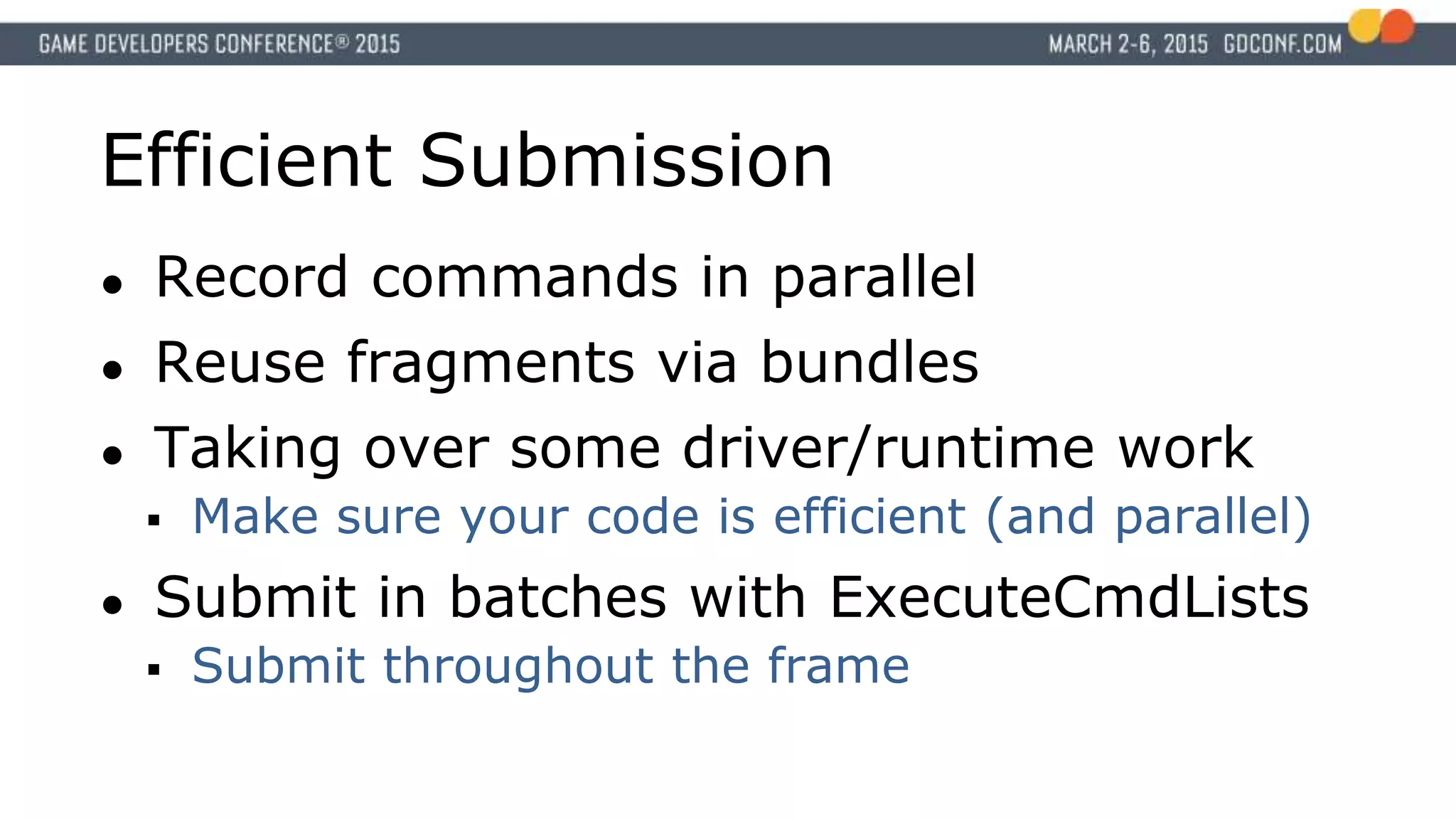
Efficient Submission
● Recordcommands in parallel
● Reuse fragments via bundles
● Taking over some driver/runtime work
Make sure your code is efficient (and parallel)
● Submit in batches with ExecuteCmdLists
Submit throughout the frame
18.
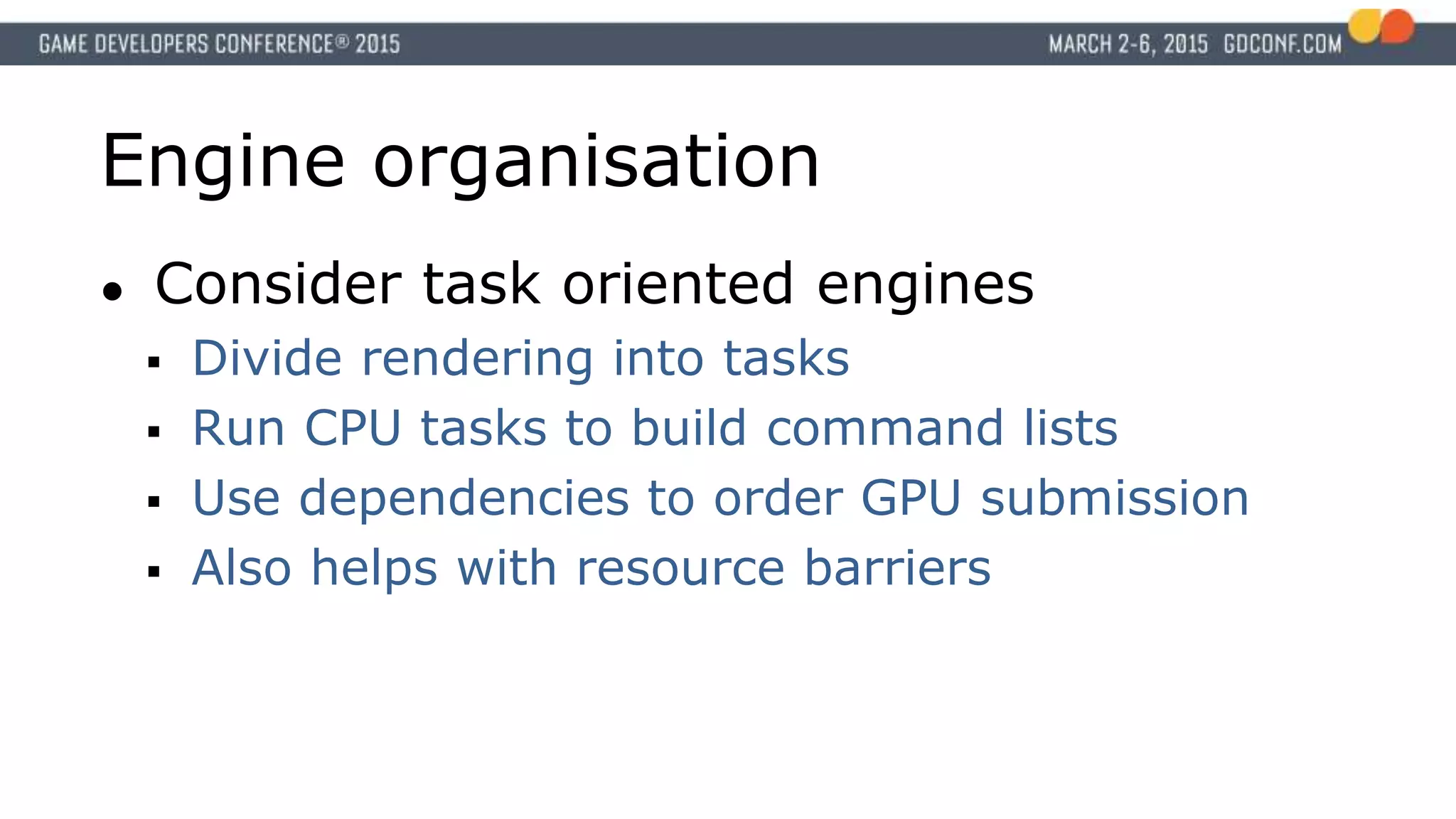
Engine organisation
● Considertask oriented engines
Divide rendering into tasks
Run CPU tasks to build command lists
Use dependencies to order GPU submission
Also helps with resource barriers
19.
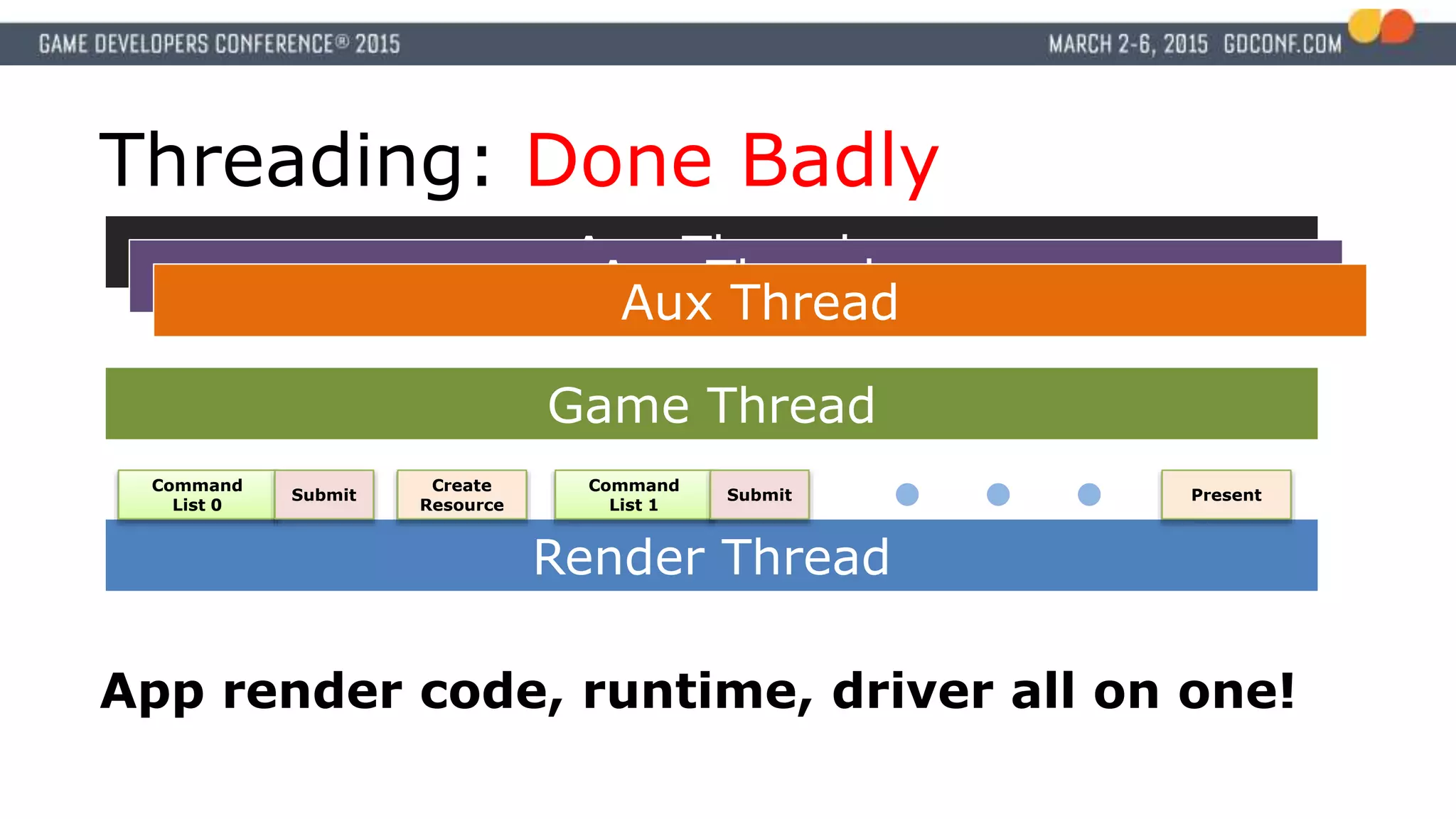
Threading: Done Badly
RenderThread
Command
List 0
Command
List 1
Submit Submit
Create
Resource
Present
Game Thread
Aux Thread
Aux ThreadAux Thread
App render code, runtime, driver all on one!
20.
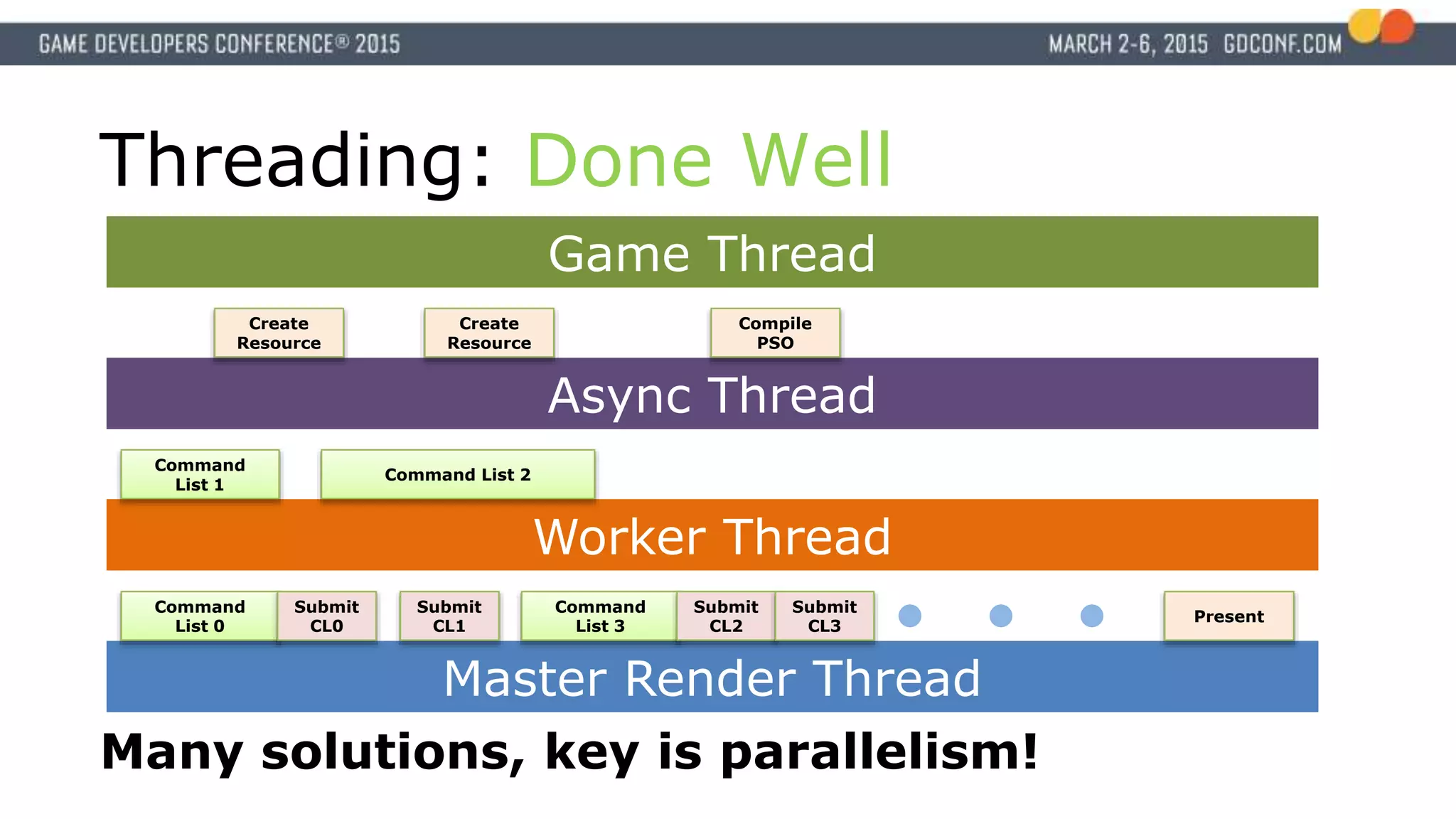
Async Thread
Worker Thread
Threading:Done Well
Master Render Thread
Command
List 0
Command
List 1
Submit
CL0
Submit
CL1
Create
Resource
Present
Game Thread
Many solutions, key is parallelism!
Create
Resource
Compile
PSO
Command List 2
Command
List 3
Submit
CL2
Submit
CL3
21.
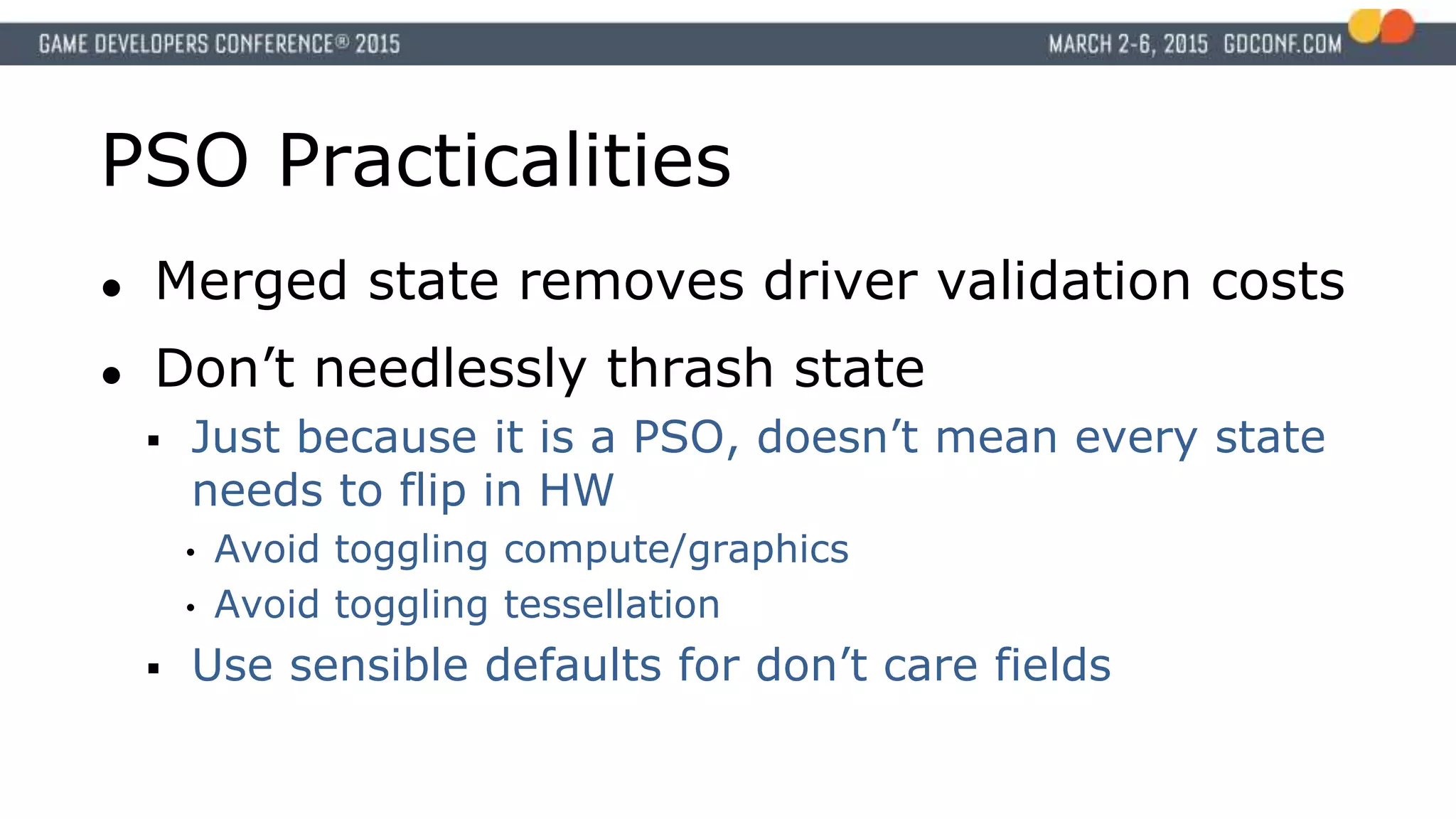
PSO Practicalities
● Mergedstate removes driver validation costs
● Don’t needlessly thrash state
Just because it is a PSO, doesn’t mean every state
needs to flip in HW
• Avoid toggling compute/graphics
• Avoid toggling tessellation
Use sensible defaults for don’t care fields
22.
Creating PSOs
● PSOcreation can be costly
Probably means a compile
● Streaming threads should handle PSO
Gather state and create on async threads
Prevents stalls
Can handle specializations too
23.
Deferred PSO Update
●“Quick first compile; better answer later”
Simple / generic / free initial shader
Start the compile of the better result
Substitute PSO when it’s ready
● Generic / specialized especially useful
Precompile the generic case
More optimal path for special cases, compiled on
low priority thread
Bundle Advice
● Aimfor a moderate size (~12 draws)
Some potential overhead with setup
● Limit resource binding inheritance when
possible
Enables more complete cooking of bundle
26.
Lists Advice
● Aimfor a decent size
Typically hundreds of draw calls
● Submit together when feasible
● Don’t expect lots of list reuse
Per-frame changes + overlap limitation
Post-processing might be an exception
• Still need 2-3 copies of that list
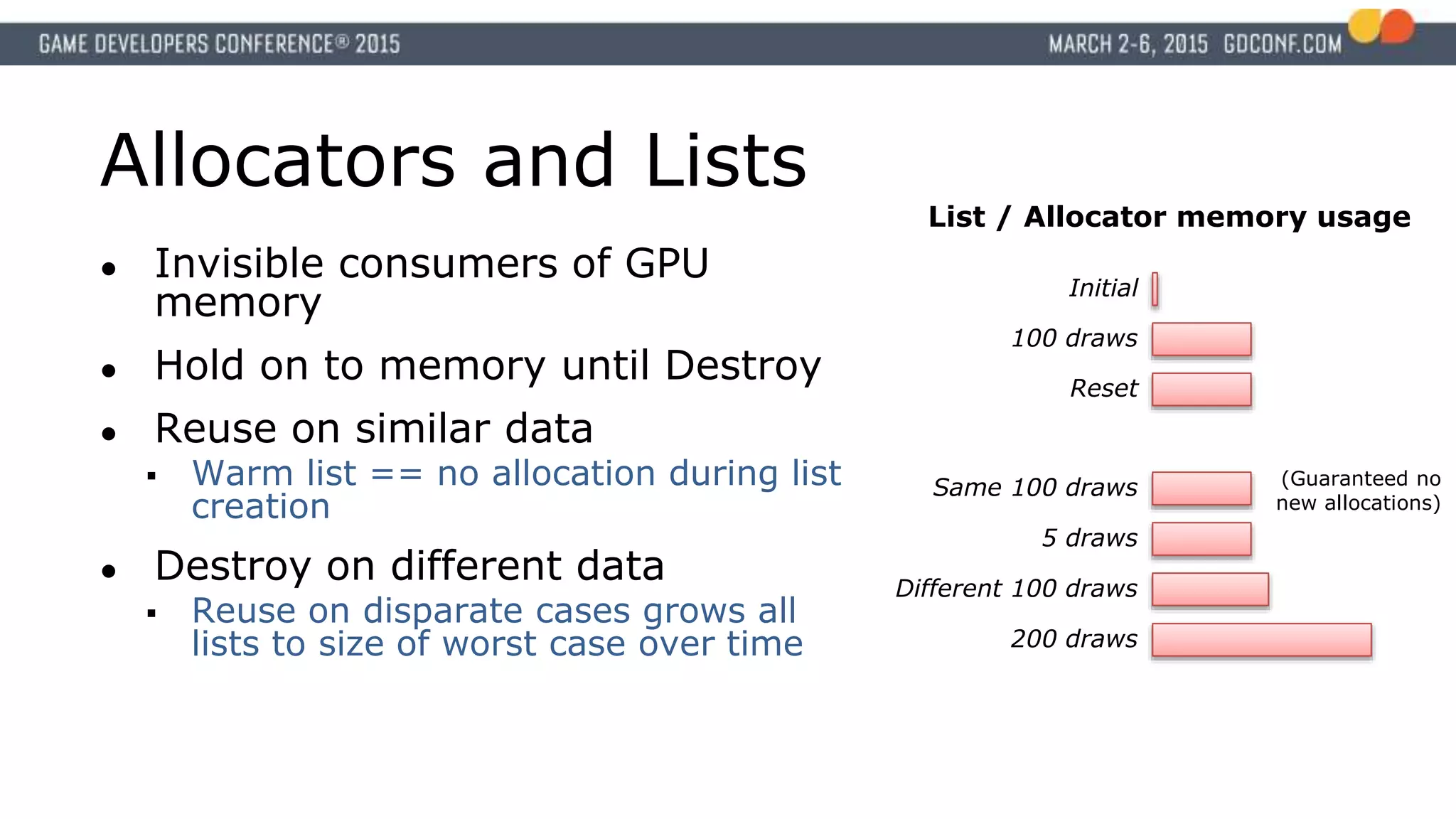
Allocators and Lists
●Invisible consumers of GPU
memory
● Hold on to memory until Destroy
● Reuse on similar data
Warm list == no allocation during list
creation
● Destroy on different data
Reuse on disparate cases grows all
lists to size of worst case over time
Initial
100 draws
Reset
Same 100 draws
200 draws
List / Allocator memory usage
(Guaranteed no
new allocations)
Different 100 draws
5 draws
29.
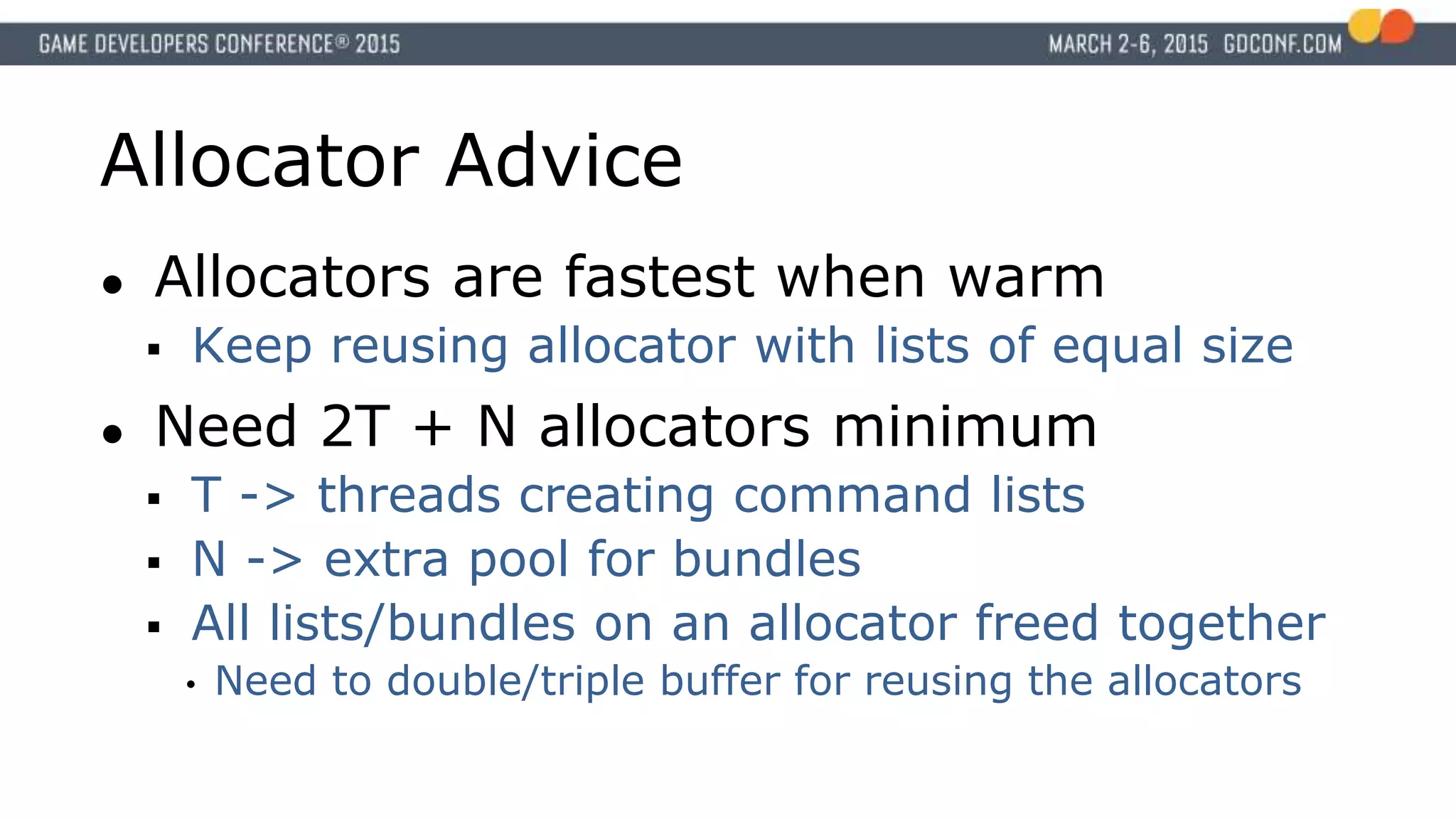
Allocator Advice
● Allocatorsare fastest when warm
Keep reusing allocator with lists of equal size
● Need 2T + N allocators minimum
T -> threads creating command lists
N -> extra pool for bundles
All lists/bundles on an allocator freed together
• Need to double/triple buffer for reusing the allocators
30.
Root Signature
● Carefullylayout root
signature
Group tables by
frequency of change
Most frequent changes
early in signature
● Standardize slots
Signature change costs
Per-Draw
Table
Pointer
Tex Tex
Const
Buf
(shader
params)
Tex
Const
Buf
(shader
params)
Tex
Const
Buf
(camera
, eye...)
Constant
Buffer pointer
(Modelview
matrix,
skinning)
Per-draw
constants
Per-Material
Table
Pointer
Per-Frame
Table
Pointer
Tex
31.
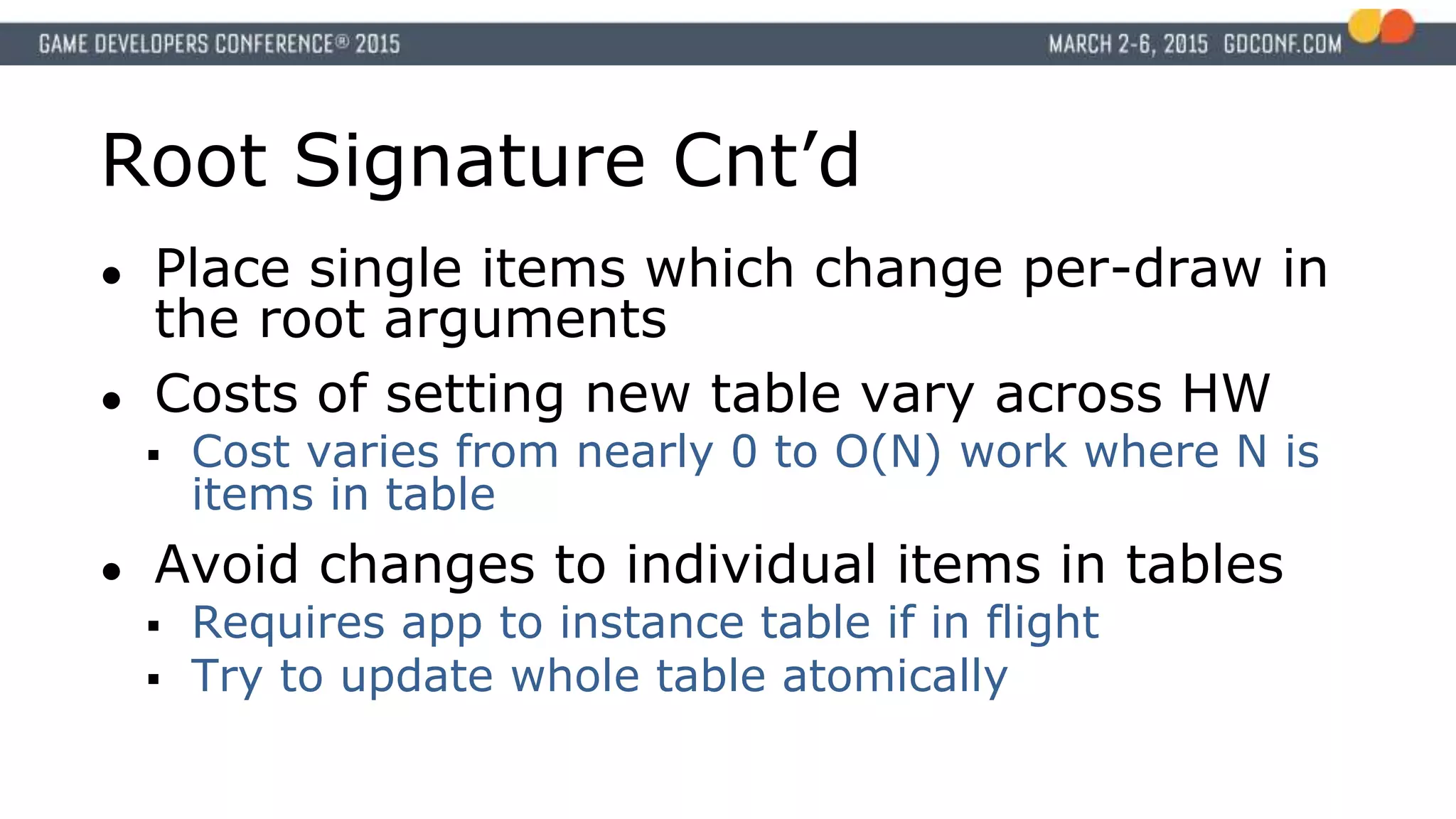
Root Signature Cnt’d
●Place single items which change per-draw in
the root arguments
● Costs of setting new table vary across HW
Cost varies from nearly 0 to O(N) work where N is
items in table
● Avoid changes to individual items in tables
Requires app to instance table if in flight
Try to update whole table atomically
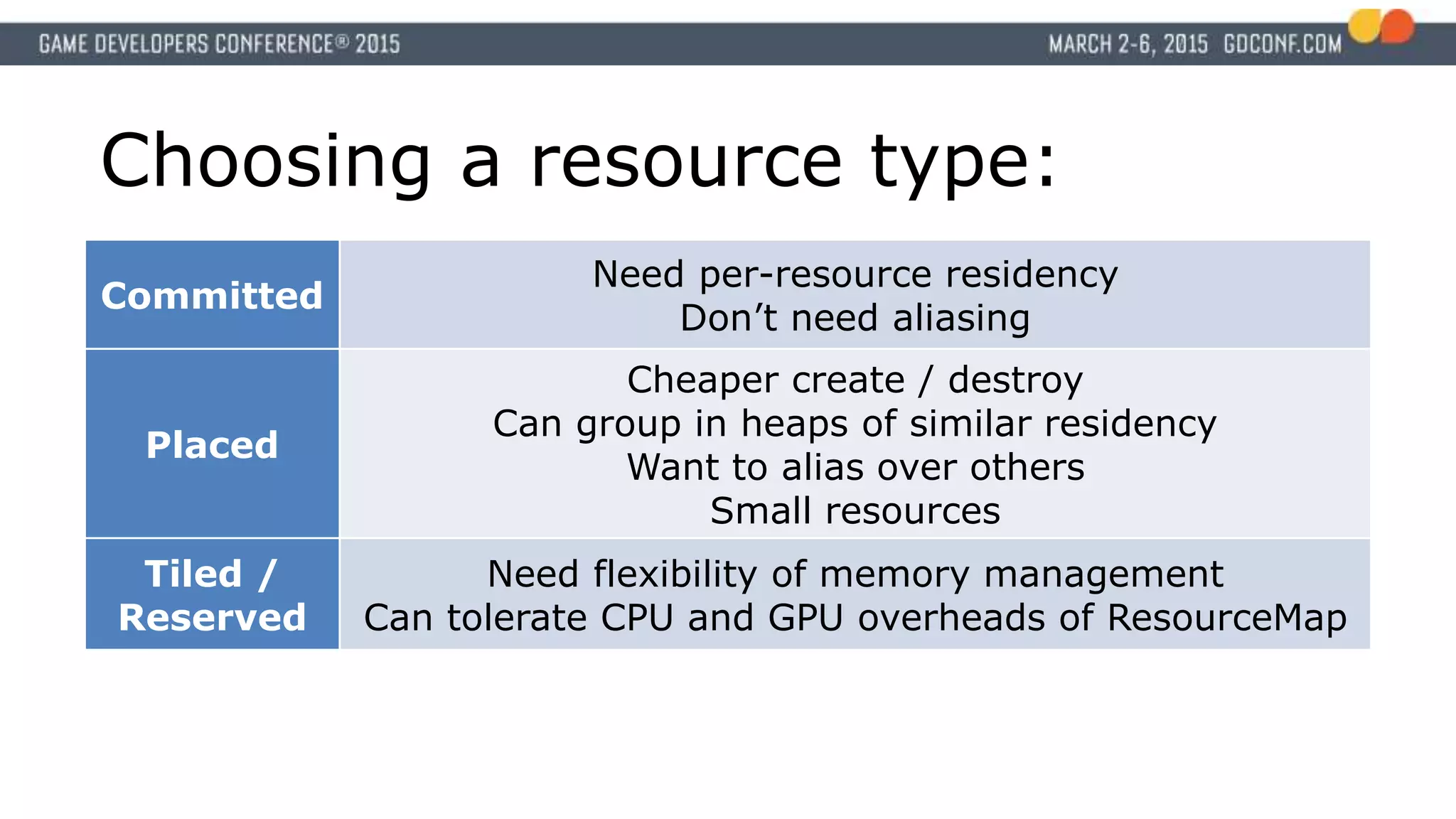
Choosing a resourcetype:
Committed
Need per-resource residency
Don’t need aliasing
Placed
Cheaper create / destroy
Can group in heaps of similar residency
Want to alias over others
Small resources
Tiled /
Reserved
Need flexibility of memory management
Can tolerate CPU and GPU overheads of ResourceMap
34.
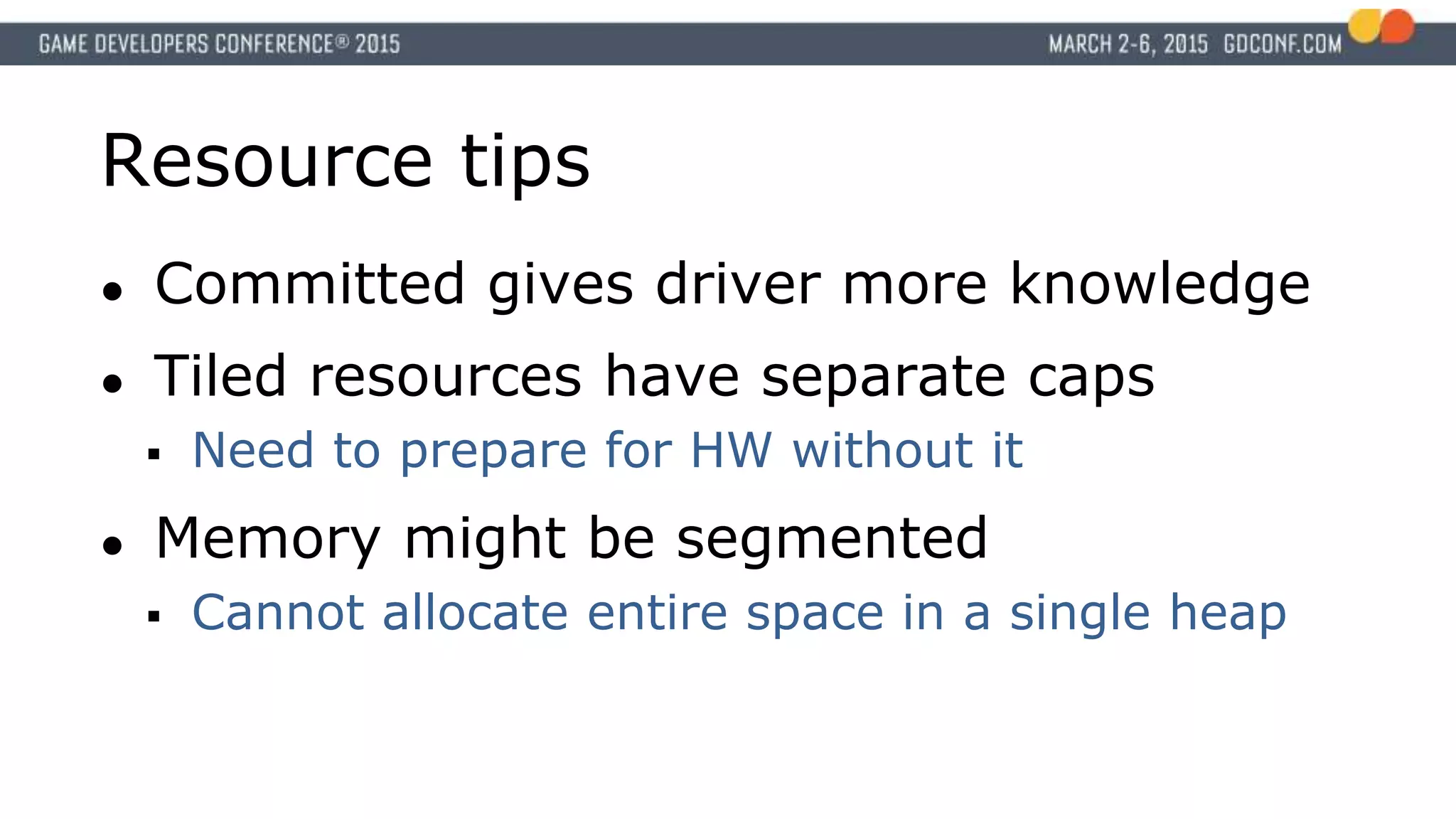
Resource tips
● Committedgives driver more knowledge
● Tiled resources have separate caps
Need to prepare for HW without it
● Memory might be segmented
Cannot allocate entire space in a single heap
35.
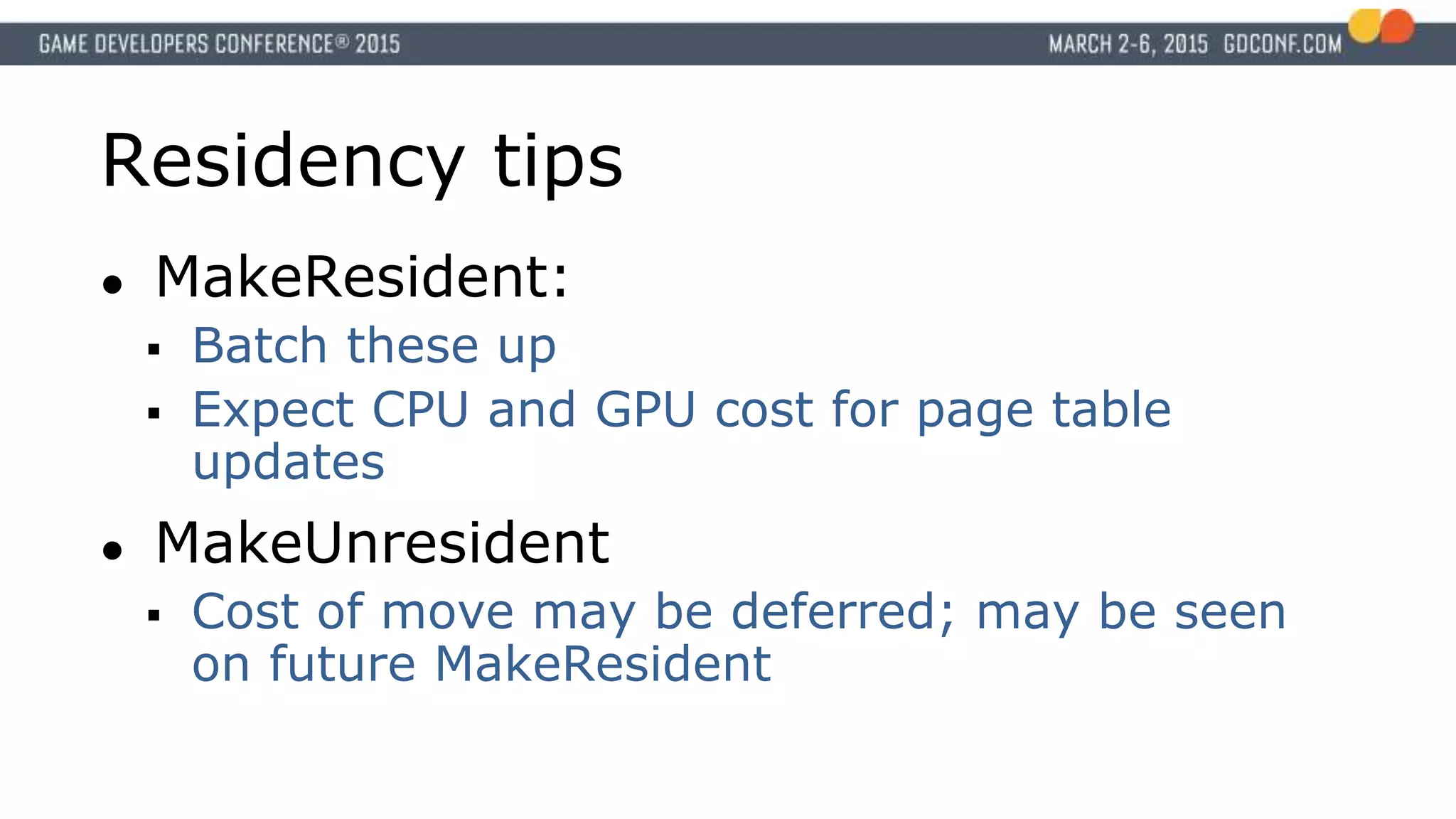
Residency tips
● MakeResident:
Batch these up
Expect CPU and GPU cost for page table
updates
● MakeUnresident
Cost of move may be deferred; may be seen
on future MakeResident
36.
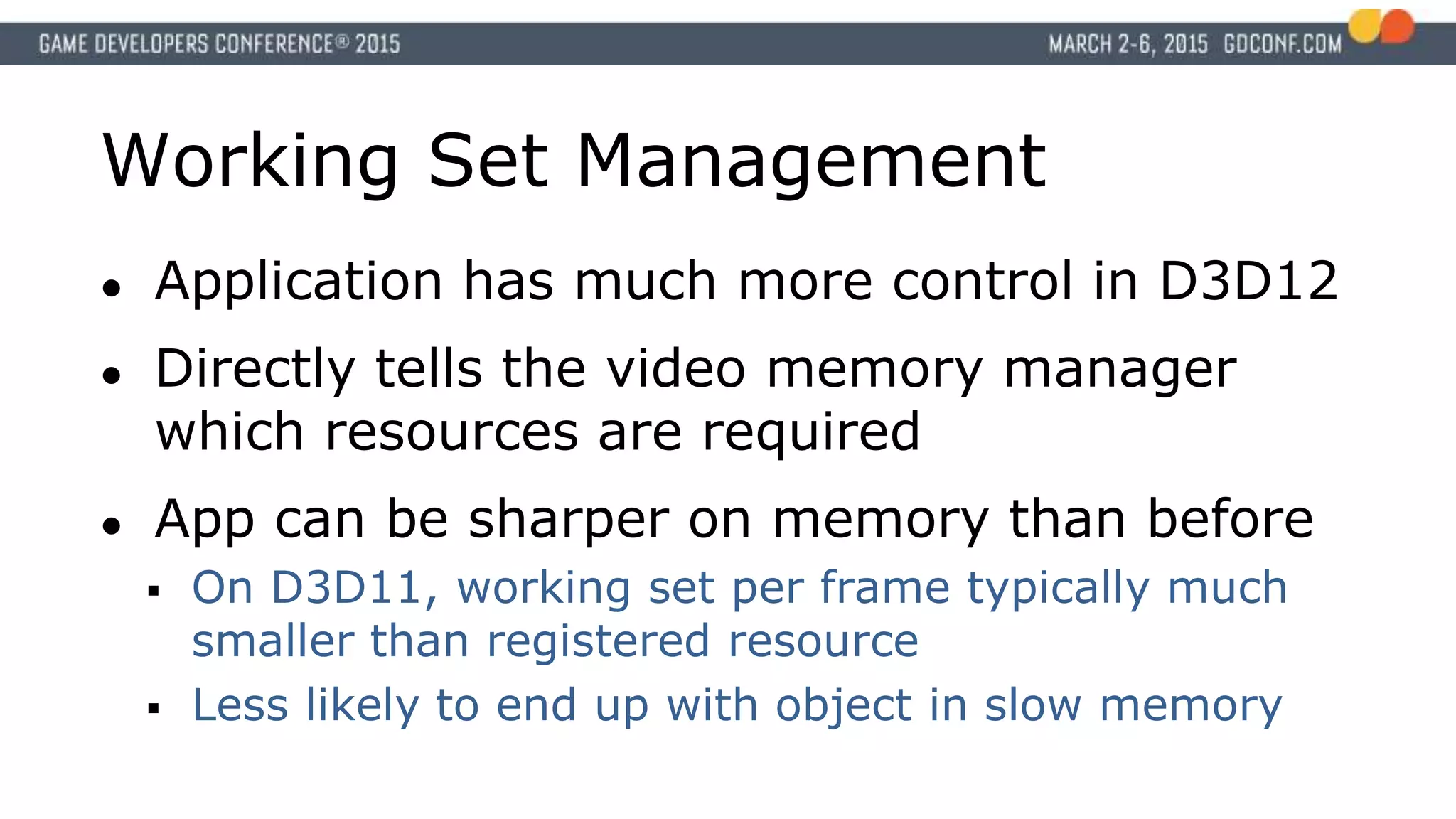
Working Set Management
●Application has much more control in D3D12
● Directly tells the video memory manager
which resources are required
● App can be sharper on memory than before
On D3D11, working set per frame typically much
smaller than registered resource
Less likely to end up with object in slow memory
37.
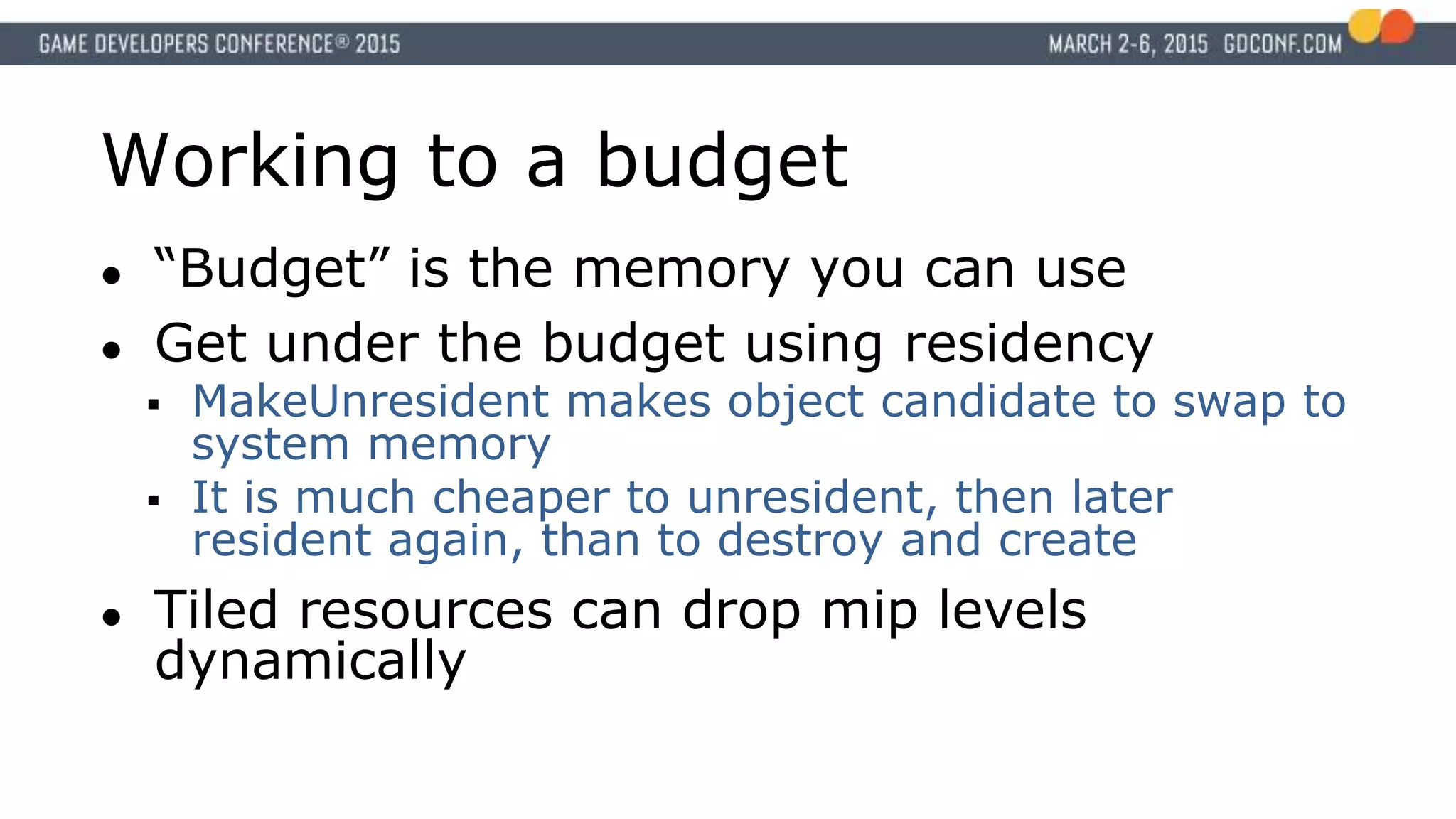
Working to abudget
● “Budget” is the memory you can use
● Get under the budget using residency
MakeUnresident makes object candidate to swap to
system memory
It is much cheaper to unresident, then later
resident again, than to destroy and create
● Tiled resources can drop mip levels
dynamically
38.
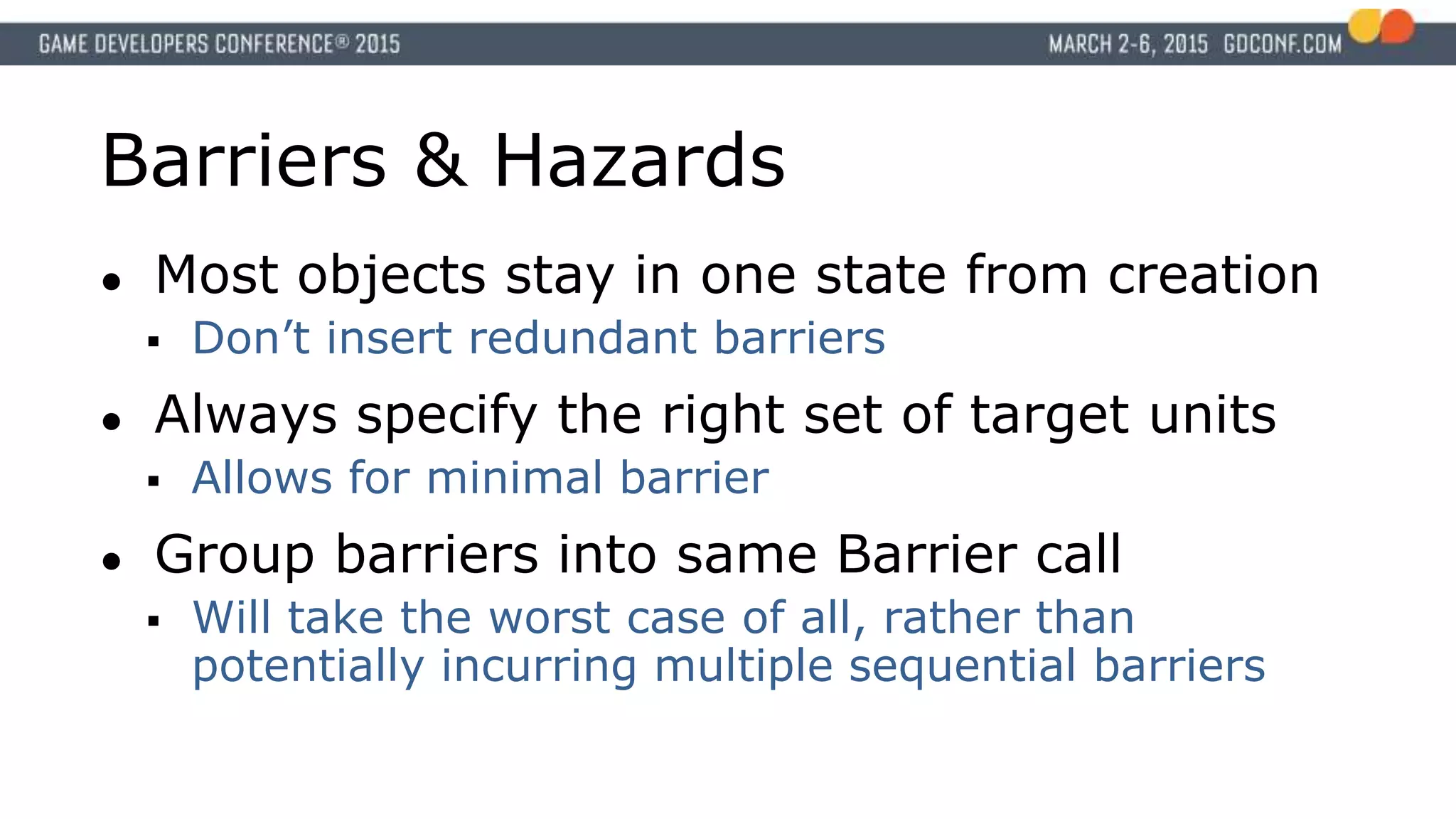
Barriers & Hazards
●Most objects stay in one state from creation
Don’t insert redundant barriers
● Always specify the right set of target units
Allows for minimal barrier
● Group barriers into same Barrier call
Will take the worst case of all, rather than
potentially incurring multiple sequential barriers
39.
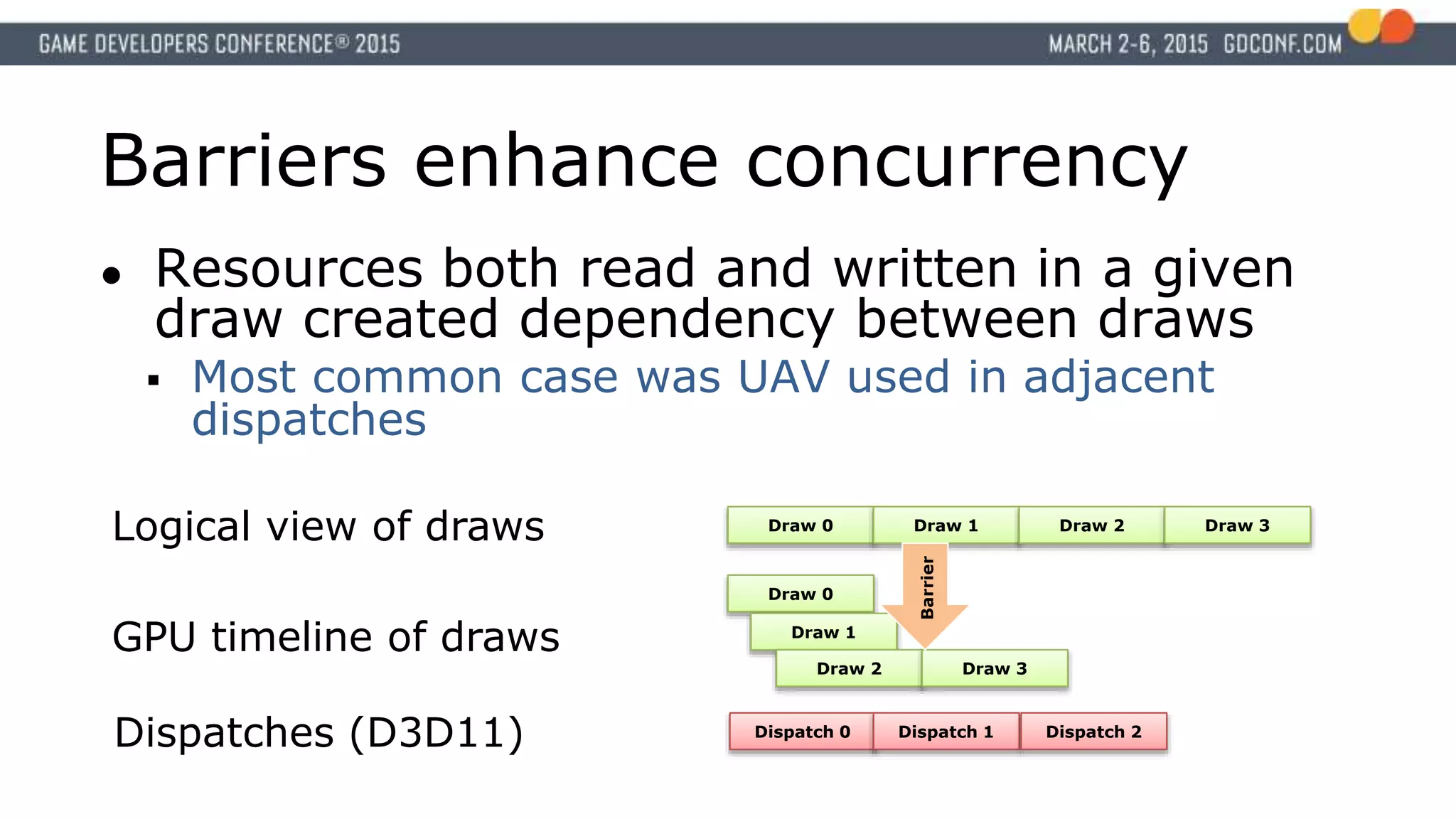
Barriers enhance concurrency
●Resources both read and written in a given
draw created dependency between draws
Most common case was UAV used in adjacent
dispatches
Dispatch 0 Dispatch 1 Dispatch 2
Dispatches (D3D11)
Draw 0 Draw 1 Draw 2 Draw 3
Draw 0
Draw 1
Draw 2 Draw 3
Logical view of draws
GPU timeline of draws
Barrier
40.
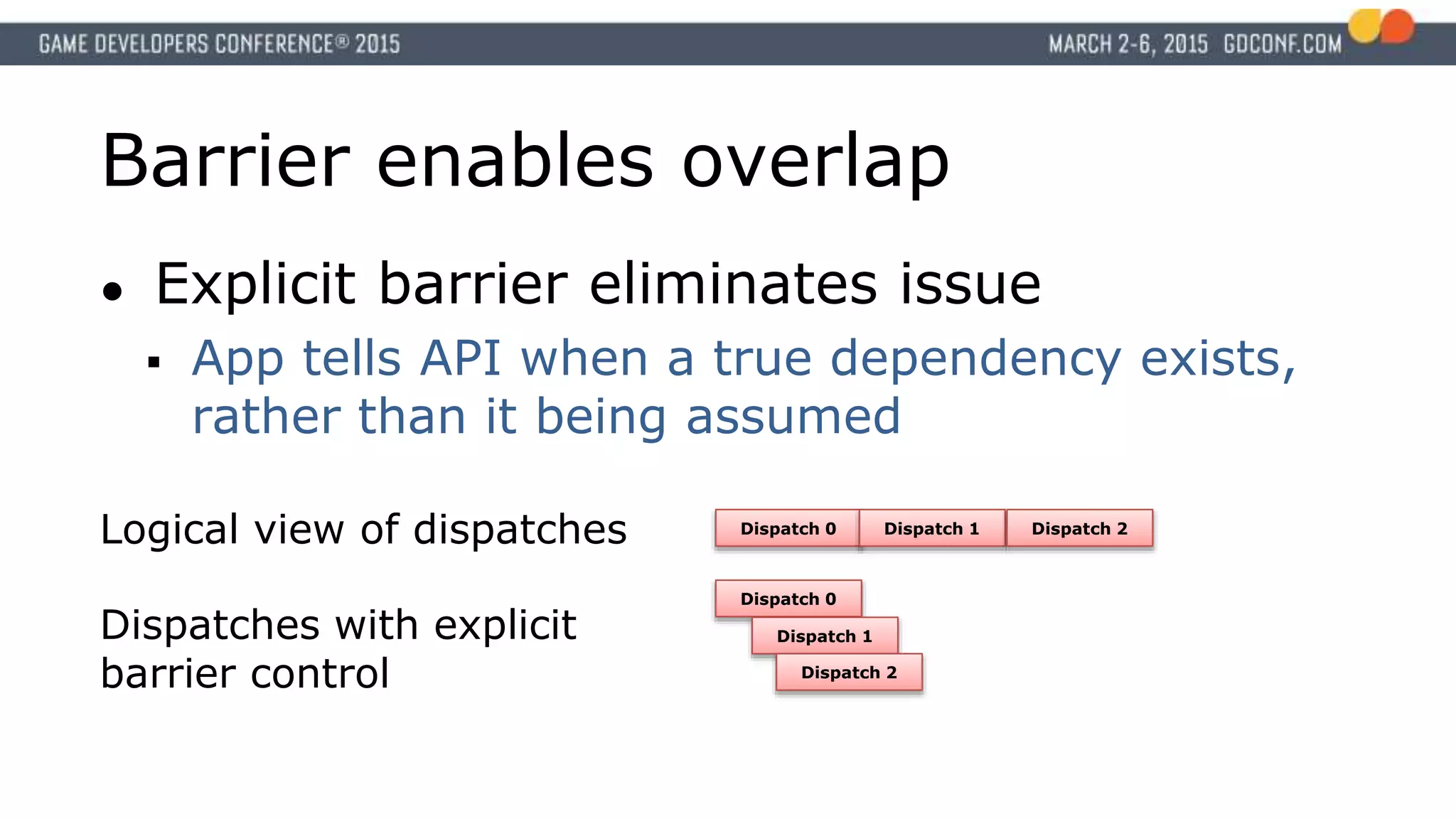
Barrier enables overlap
●Explicit barrier eliminates issue
App tells API when a true dependency exists,
rather than it being assumed
Dispatch 0 Dispatch 1 Dispatch 2
Dispatch 0
Dispatch 1
Dispatch 2
Logical view of dispatches
Dispatches with explicit
barrier control
41.
CPU side
● D3D12simplifies picture
Easier to associate driver effort with
application actions
Less likely that driver itself is the bottleneck
● Be aware of your system buses
42.
GPU side
● Environmentis new
Less familiar without console experience
Interesting new hardware limits are now
accessible
● Use the tools
Get Ready
● D3D12done right isn’t just an API port
More so when referring to consoles
● Good engine design offers a lot of
opportunity
● The power you’ve been asking for is here
#7 [It works on card XXX does not mean you can expect it to work elsewhere, need to heed the spec to ensure compatibility in the heterogeneous environment]
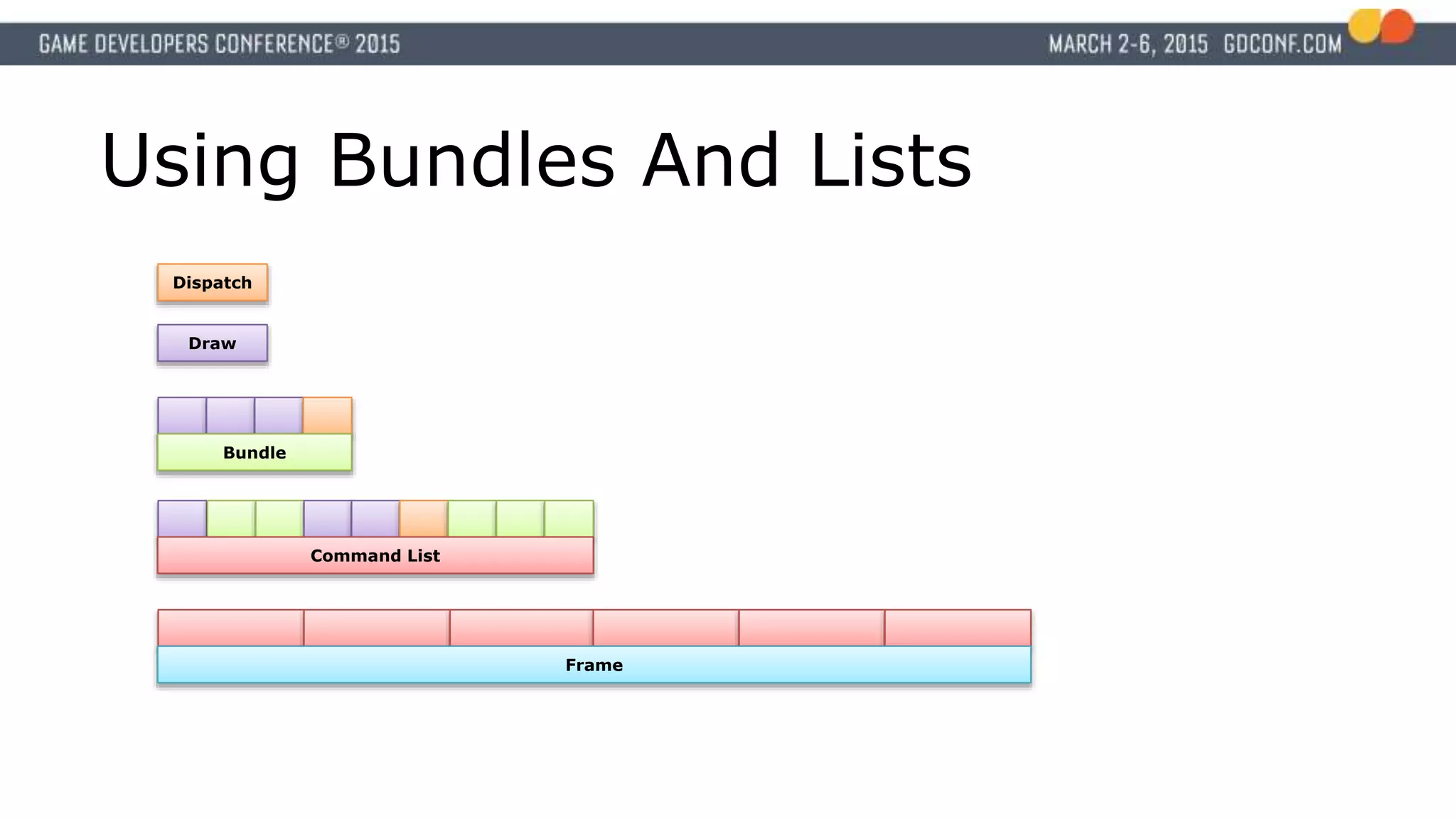
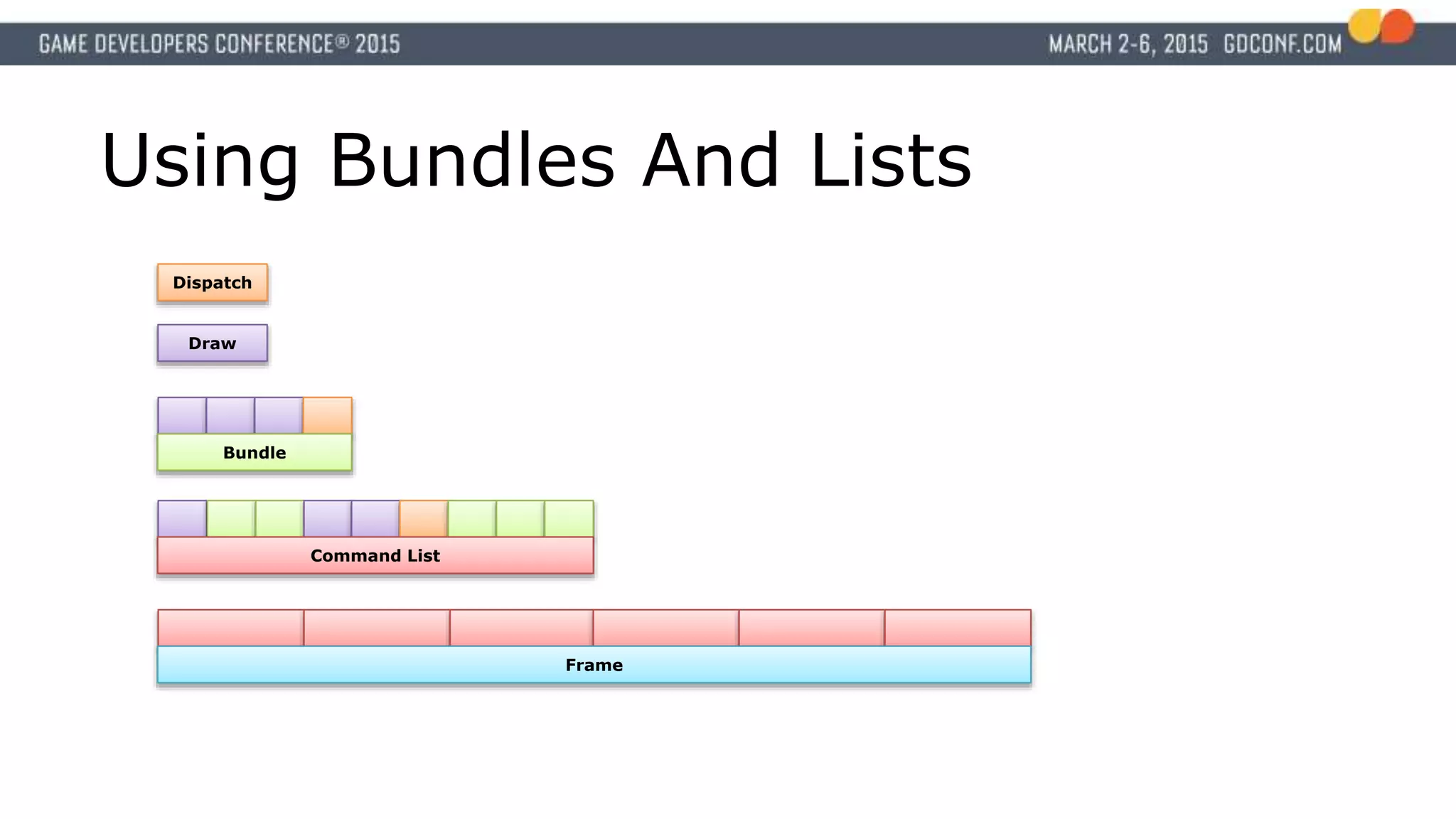
#9 Bundles and Lists provide the work submission and reuse capability to the API
All work in a frame is provided via command lists
Command lists consist of bundles, draws, and dispatches
Bundles package draws and dispatches
Grouping work together in reasonable chunks is key to efficiency
Same general principal of triangles per draw call applies to bundles command lists and frames
#15 Not a lot of these as primarily D3D12 is a software update
#18 [Cost of N lists per submit ~= cost of 1]
[Don’t build everything, then submit everything]
[Submit is thread-safe]
#24 This is for when you’re about to display an object and don’t have the time to wait 100ms for a compile result.
#25 Bundles and Lists provide the work submission and reuse capability to the API
All work in a frame is provided via command lists
Command lists consist of bundles, draws, and dispatches
Bundles package draws and dispatches
Grouping work together in reasonable chunks is key to efficiency
Same general principal of triangles per draw call applies to bundles command lists and frames
#40 UAVs are as stated unordered, but API enforced draw/dispatch ordering.
#41 Now, explicit usage barriers allows overlap of calls referencing UAVs. If back to back dispatches don’t have a dependency, the kernels can run in parallel. This resolves some of the largest inefficiencies seen in compute work loads today.
#43 API still has timestamps
Fully featured tooling will come and soon


![Managing Resources with Heaps
● Committed
Monolithic, D3D11-style
● Placed
Offset in existing heap
● Reserved
Mapped to heaps like
tiled resources
Resource [VA]
Heap
G-buffer
Postprocess buffer
Heap
Heap](https://image.slidesharecdn.com/getting-the-best-out-of-d3d12-150323052130-conversion-gate01/75/Getting-the-best-out-of-d3-d12-32-2048.jpg)