1. The document provides instructions for various data entry and formatting tasks in Microsoft Excel including entering data, dates, times, and series; conditional formatting; shortcuts; formatting text, cells, rows, and columns; inserting and deleting cells, rows, and columns; merging and splitting cells; freezing and hiding panes; hiding and moving worksheets; and creating custom views.
2. Steps are provided for tasks like entering data, formatting text alignment and colors, inserting symbols and line breaks, and using shortcuts like Ctrl-D and Ctrl-R for copying cells.
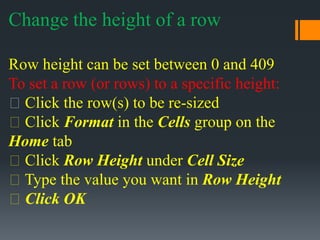
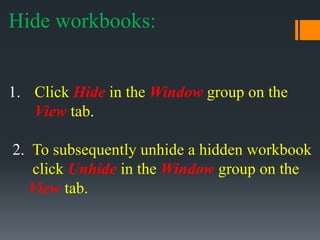
3. Instructions include how to format cells by changing colors, adding borders, merging or splitting cells, adjusting column widths and row heights, and freezing or hiding