Downloaded 10 times


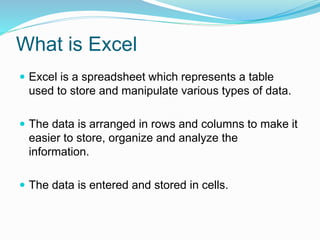
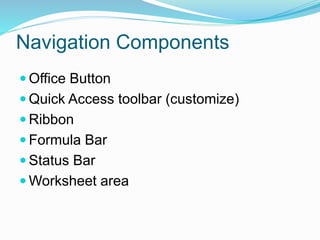
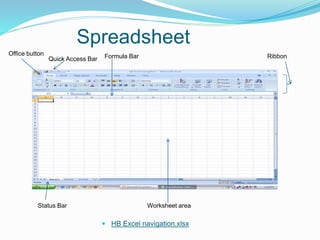
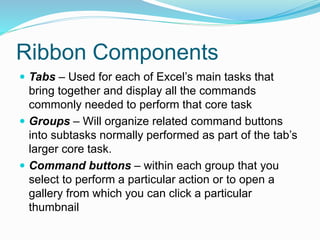
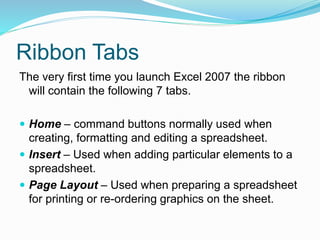
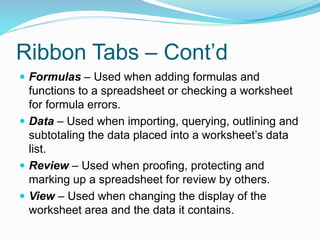
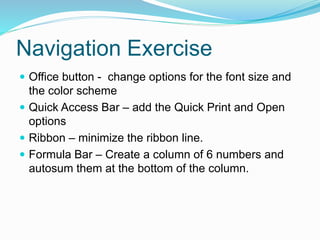
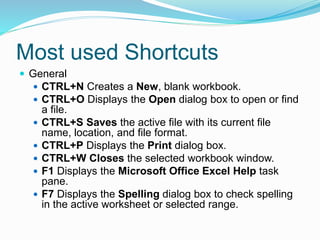
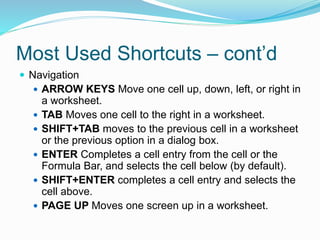
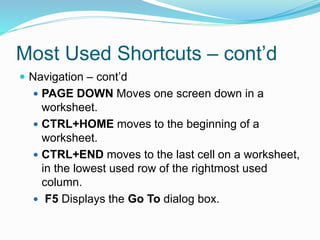
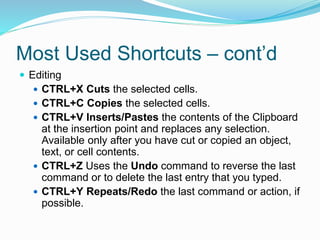
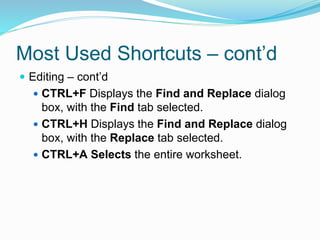
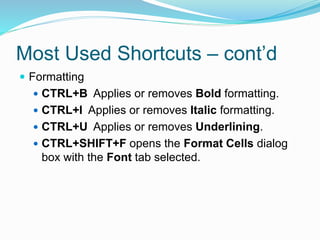
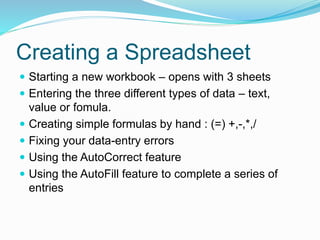
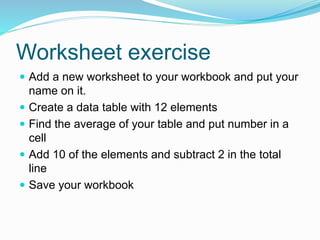
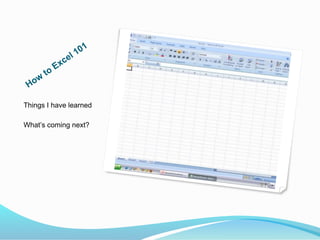

This document provides an overview of Microsoft Excel, including its key components and navigation features. It describes Excel as a spreadsheet program that stores data in rows and columns. It then details the various parts of the Excel interface, such as the ribbon, formula bar, status bar, and worksheet area. It also provides instructions for common tasks like creating formulas, saving spreadsheets, and using shortcuts. The document is intended to help users learn the basics of navigating and using Excel.


