Evaluation question 4 –
How did you use media technologies in the construction and
research, planning and evaluation stages ?
Jack Francis
Research/planning – Computers
Using a computer was vital for the research/planning stage as well as
the whole project, as it runs software for example the internet, which I
found detailed examples of secondary research – which helped me
form all drafts and completed texts as I found out what my target
audience liked/disliked. The computer also allowed me to run many
other forms of software which I will be going into more detail later on in
the power point.
Research/planning - Word/PowerPoint/prezi
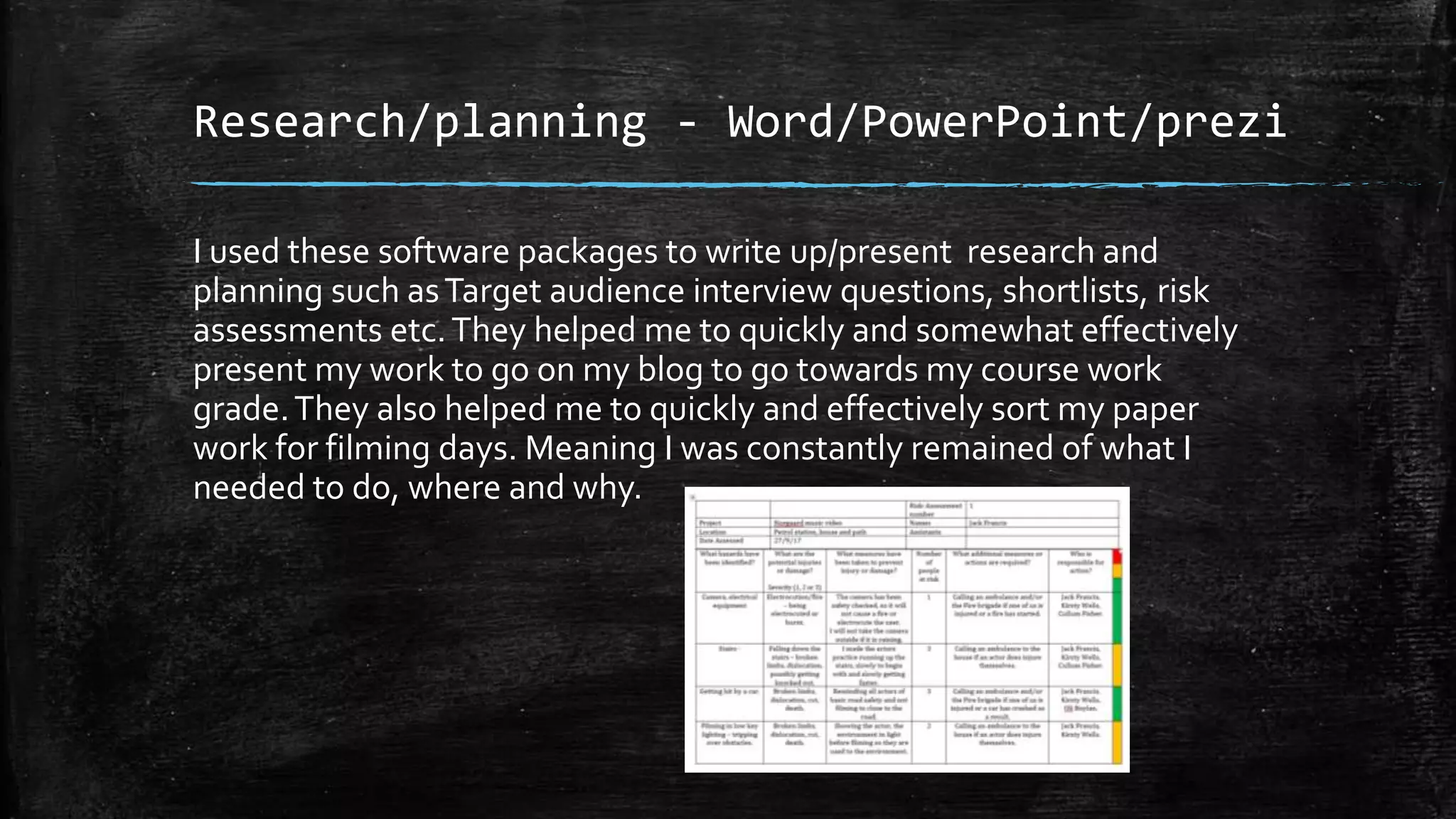
I used these software packages to write up/present research and
planning such asTarget audience interview questions, shortlists, risk
assessments etc.They helped me to quickly and somewhat effectively
present my work to go on my blog to go towards my course work
grade.They also helped me to quickly and effectively sort my paper
work for filming days. Meaning I was constantly remained of what I
needed to do, where and why.
Research/planning – Mobile phone/other
forms of communication
▪ I used my mobile phone to
communicate to actors, to remind
them of filming dates and
costumes. Also to find an actor as
I looked on social media to see
who would fit the role.
▪ I also used my phone to gain
inspiration, viewing other music
videos of the indie alternative
genre whenever I go a spare
minute.This ensured I was
competent when talking about
the genre as well as ensuring I
wasn't copying any other band as
the genre strives for originality.
▪ I also used email platforms such as
outlook to email teachers to get
permission to try certain things -
for example asking whether I
could use a camera on a certain
day. I also used email to
communicate to the actual studio
who produced the song used in
my music video for permission to
use it.
Research/planning – Projector/speaker
▪ The main reason I used media technologies such as a projector and
speaker was mainly to present my pitch to an audience. I used to
projector to present a Prezi, the projector was useful as it allowed my
whole audience the immersive visuals of my presentation.
▪ The speakers were used to amplify the song as I wanted to show my
audience the song mainly so they could understand why I choose my
ideas.
ushttps://www.youtube.com/watch?v=OpbexEwP7NQed these
Technologies was to present my pitch
Research/planning – still cameras
▪ The main reason I used a still
camera/mobile phone camera
was to make sure I had a digital
copy of everything; the first
reason is so that I could ensure
my work could be uploaded
onto the internet.The second
reason was so if the physical
copy got lost or damaged I
always had a digital reference.
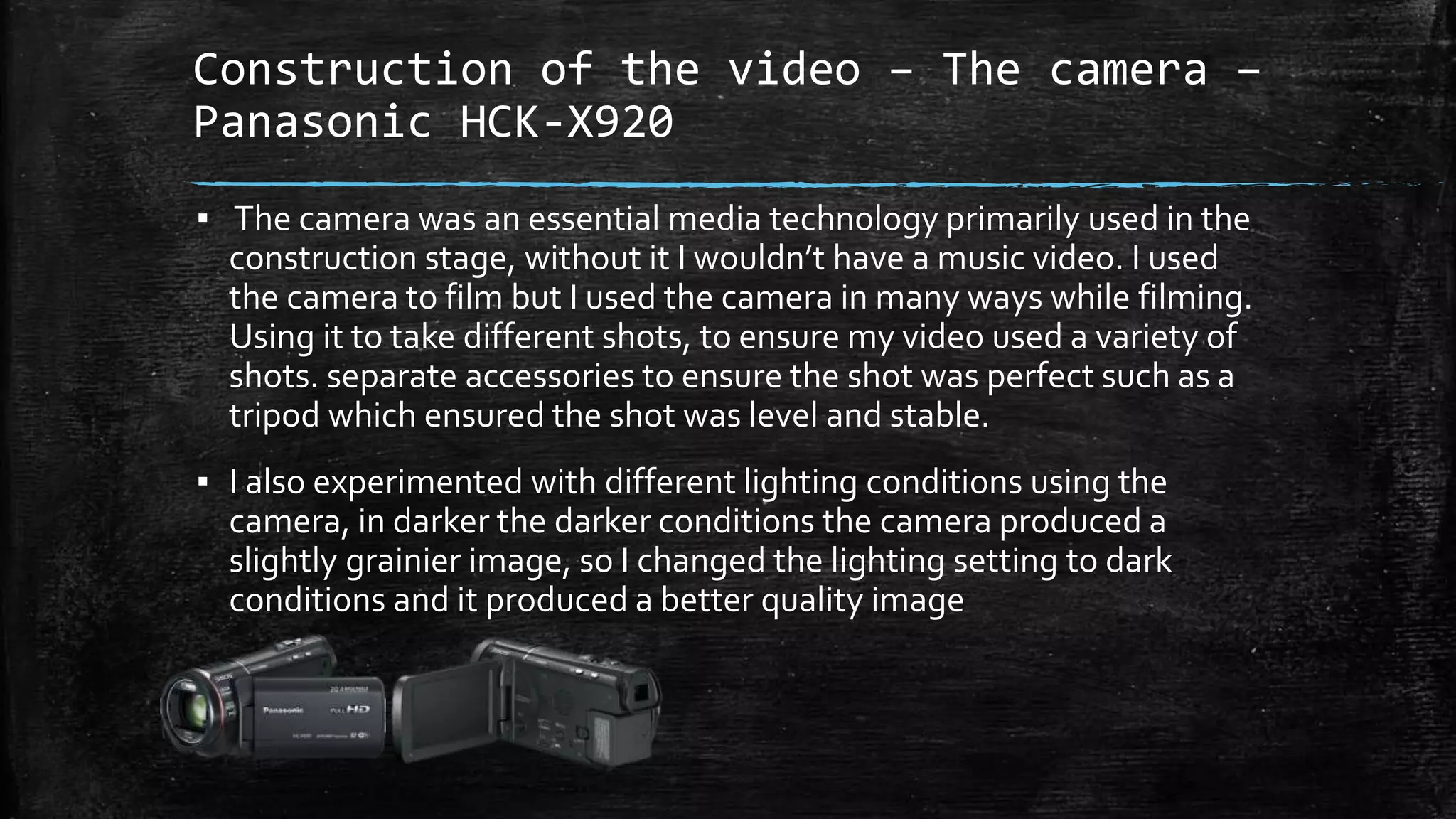
Construction of the video – The camera –
Panasonic HCK-X920
▪ The camera was an essential media technology primarily used in the
construction stage, without it I wouldn’t have a music video. I used
the camera to film but I used the camera in many ways while filming.
Using it to take different shots, to ensure my video used a variety of
shots. separate accessories to ensure the shot was perfect such as a
tripod which ensured the shot was level and stable.
▪ I also experimented with different lighting conditions using the
camera, in darker the darker conditions the camera produced a
slightly grainier image, so I changed the lighting setting to dark
conditions and it produced a better quality image
Construction of the video – music
downloading software
▪ As I needed a digital file of the music to allow me to place over my
music I used a piece of software called ‘YouTube downloader’ on my
phone, I then emailed the music file to my computer allowing me to
edit the video.This was very useful as the file could be edited
allowing me to experiment with pauses in the song to go with the
vide0.
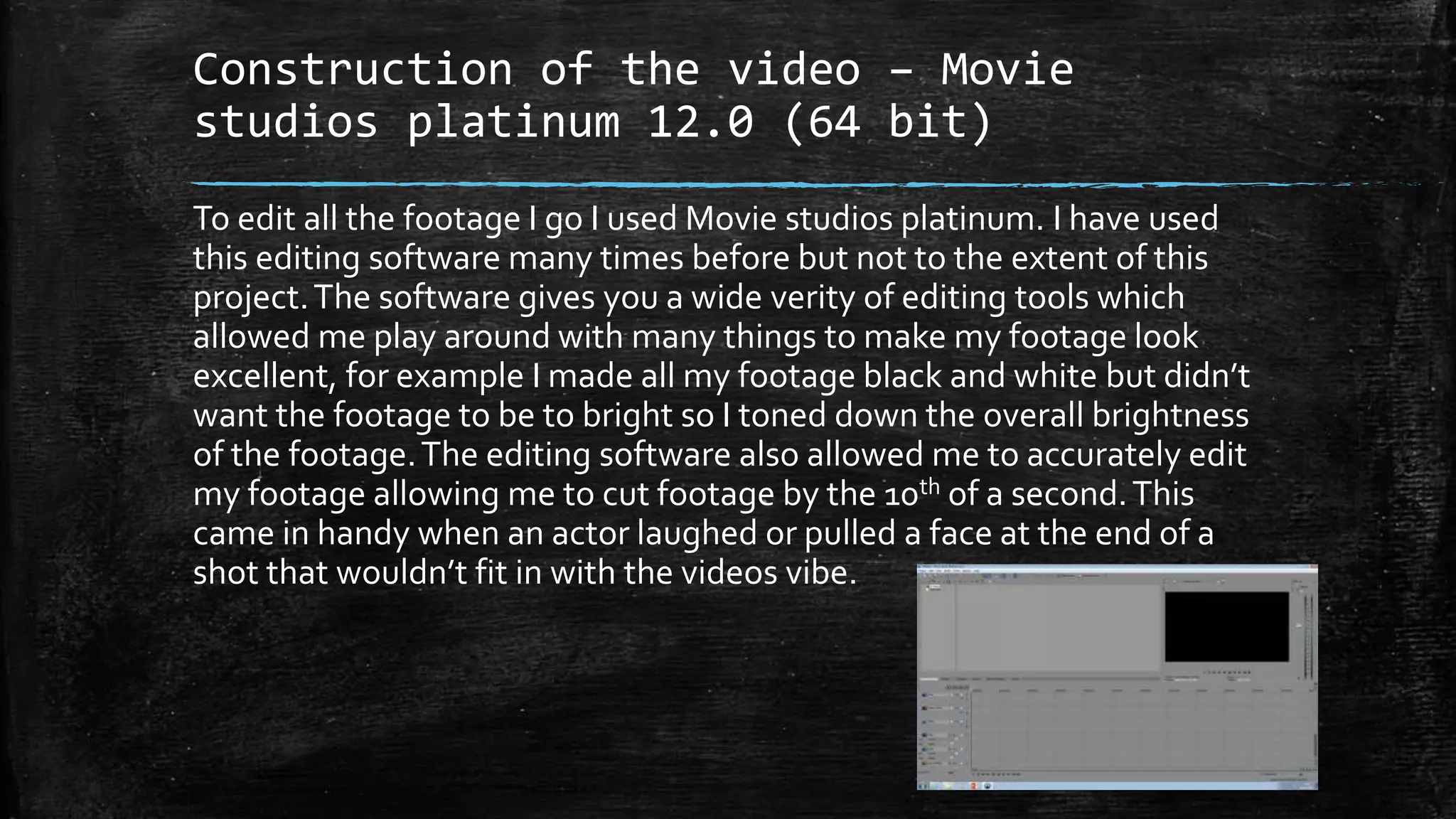
Construction of the video – Movie
studios platinum 12.0 (64 bit)
To edit all the footage I go I used Movie studios platinum. I have used
this editing software many times before but not to the extent of this
project.The software gives you a wide verity of editing tools which
allowed me play around with many things to make my footage look
excellent, for example I made all my footage black and white but didn’t
want the footage to be to bright so I toned down the overall brightness
of the footage.The editing software also allowed me to accurately edit
my footage allowing me to cut footage by the 10th of a second.This
came in handy when an actor laughed or pulled a face at the end of a
shot that wouldn’t fit in with the videos vibe.
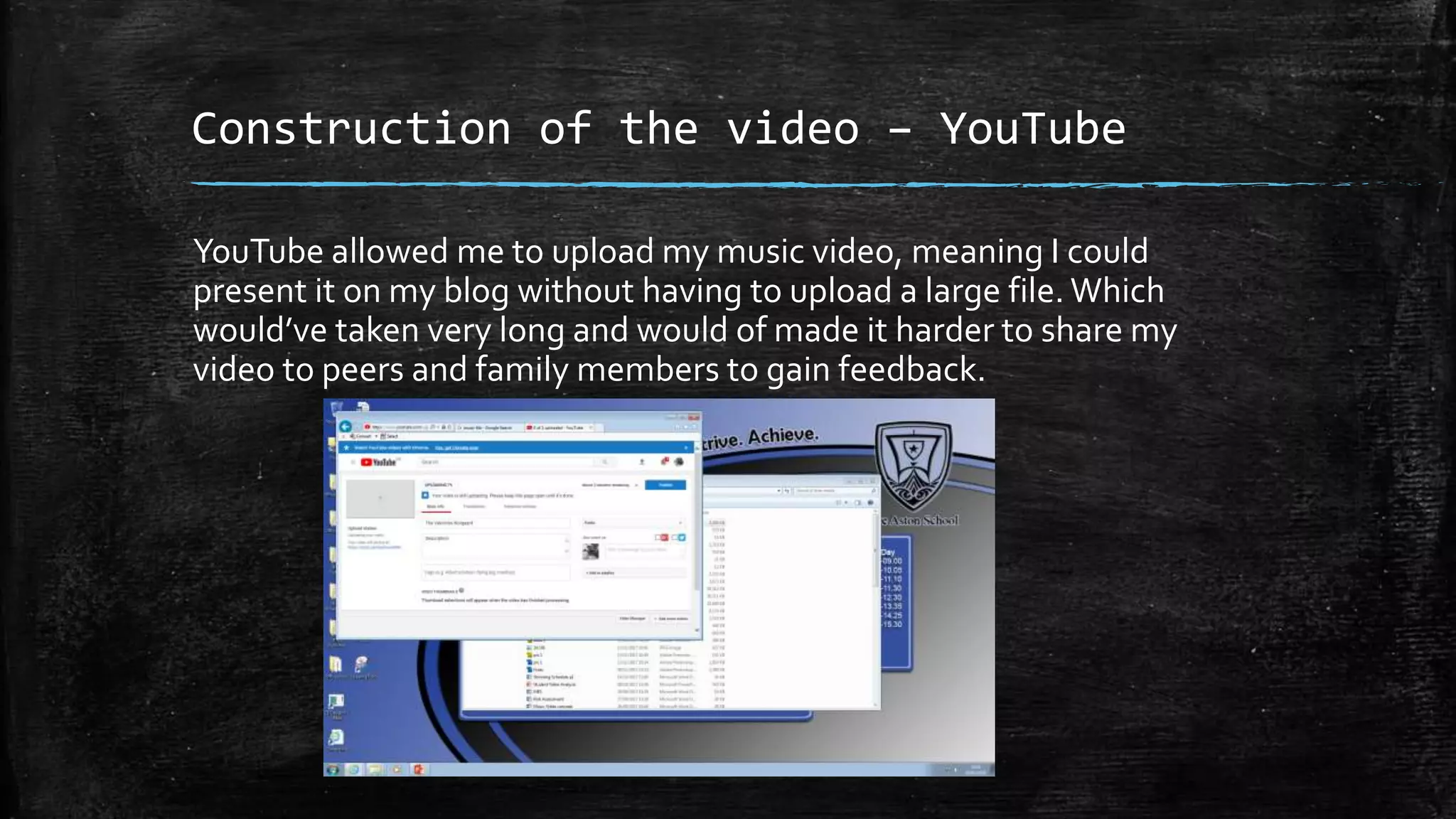
Construction of the video – YouTube
YouTube allowed me to upload my music video, meaning I could
present it on my blog without having to upload a large file. Which
would’ve taken very long and would of made it harder to share my
video to peers and family members to gain feedback.
Construction of ancillary tasks –
Photoshop
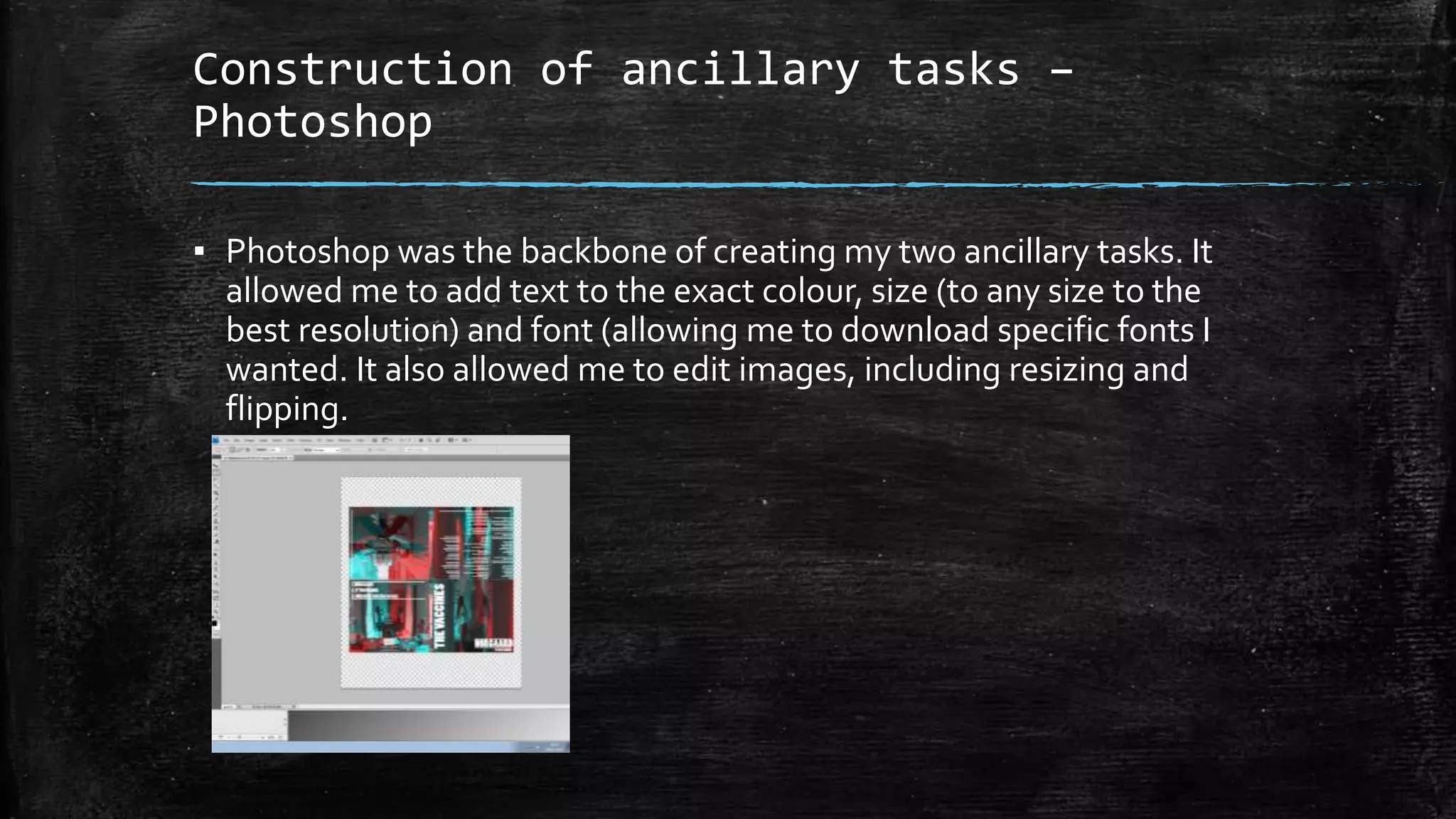
▪ Photoshop was the backbone of creating my two ancillary tasks. It
allowed me to add text to the exact colour, size (to any size to the
best resolution) and font (allowing me to download specific fonts I
wanted. It also allowed me to edit images, including resizing and
flipping.
Construction of ancillary tasks – filter
website
I used a online filter website to run a filter over images I used for my
digipak/advert. It was very quick and simple and even better it was free.
The filter also gave the images a mirrored effect which I really like personally
as well as making all the images slightly mirrored, It almost un intentionally
gives the image two meanings/two choices/options.
Construction of ancillary tasks –
printer
▪ I sent my two print texts to the printer to be printed, the printer
printed both pieces of work in full colour, allowing me to see a
physical version of my work to an exact scale.
Evaluation
▪ I have uploaded all my work to blogger.This means its very quick and
easy to see my whole portfolio online, from anywhere in the word, I
have also uploaded all evaluation questions to blogger.

Evaluation question 4

  • 1.
    Evaluation question 4– How did you use media technologies in the construction and research, planning and evaluation stages ? Jack Francis
  • 2.
    Research/planning – Computers Usinga computer was vital for the research/planning stage as well as the whole project, as it runs software for example the internet, which I found detailed examples of secondary research – which helped me form all drafts and completed texts as I found out what my target audience liked/disliked. The computer also allowed me to run many other forms of software which I will be going into more detail later on in the power point.
  • 3.
    Research/planning - Word/PowerPoint/prezi Iused these software packages to write up/present research and planning such asTarget audience interview questions, shortlists, risk assessments etc.They helped me to quickly and somewhat effectively present my work to go on my blog to go towards my course work grade.They also helped me to quickly and effectively sort my paper work for filming days. Meaning I was constantly remained of what I needed to do, where and why.
  • 4.
    Research/planning – Mobilephone/other forms of communication ▪ I used my mobile phone to communicate to actors, to remind them of filming dates and costumes. Also to find an actor as I looked on social media to see who would fit the role. ▪ I also used my phone to gain inspiration, viewing other music videos of the indie alternative genre whenever I go a spare minute.This ensured I was competent when talking about the genre as well as ensuring I wasn't copying any other band as the genre strives for originality. ▪ I also used email platforms such as outlook to email teachers to get permission to try certain things - for example asking whether I could use a camera on a certain day. I also used email to communicate to the actual studio who produced the song used in my music video for permission to use it.
  • 5.
    Research/planning – Projector/speaker ▪The main reason I used media technologies such as a projector and speaker was mainly to present my pitch to an audience. I used to projector to present a Prezi, the projector was useful as it allowed my whole audience the immersive visuals of my presentation. ▪ The speakers were used to amplify the song as I wanted to show my audience the song mainly so they could understand why I choose my ideas. ushttps://www.youtube.com/watch?v=OpbexEwP7NQed these Technologies was to present my pitch
  • 6.
    Research/planning – stillcameras ▪ The main reason I used a still camera/mobile phone camera was to make sure I had a digital copy of everything; the first reason is so that I could ensure my work could be uploaded onto the internet.The second reason was so if the physical copy got lost or damaged I always had a digital reference.
  • 7.
    Construction of thevideo – The camera – Panasonic HCK-X920 ▪ The camera was an essential media technology primarily used in the construction stage, without it I wouldn’t have a music video. I used the camera to film but I used the camera in many ways while filming. Using it to take different shots, to ensure my video used a variety of shots. separate accessories to ensure the shot was perfect such as a tripod which ensured the shot was level and stable. ▪ I also experimented with different lighting conditions using the camera, in darker the darker conditions the camera produced a slightly grainier image, so I changed the lighting setting to dark conditions and it produced a better quality image
  • 8.
    Construction of thevideo – music downloading software ▪ As I needed a digital file of the music to allow me to place over my music I used a piece of software called ‘YouTube downloader’ on my phone, I then emailed the music file to my computer allowing me to edit the video.This was very useful as the file could be edited allowing me to experiment with pauses in the song to go with the vide0.
  • 9.
    Construction of thevideo – Movie studios platinum 12.0 (64 bit) To edit all the footage I go I used Movie studios platinum. I have used this editing software many times before but not to the extent of this project.The software gives you a wide verity of editing tools which allowed me play around with many things to make my footage look excellent, for example I made all my footage black and white but didn’t want the footage to be to bright so I toned down the overall brightness of the footage.The editing software also allowed me to accurately edit my footage allowing me to cut footage by the 10th of a second.This came in handy when an actor laughed or pulled a face at the end of a shot that wouldn’t fit in with the videos vibe.
  • 10.
    Construction of thevideo – YouTube YouTube allowed me to upload my music video, meaning I could present it on my blog without having to upload a large file. Which would’ve taken very long and would of made it harder to share my video to peers and family members to gain feedback.
  • 11.
    Construction of ancillarytasks – Photoshop ▪ Photoshop was the backbone of creating my two ancillary tasks. It allowed me to add text to the exact colour, size (to any size to the best resolution) and font (allowing me to download specific fonts I wanted. It also allowed me to edit images, including resizing and flipping.
  • 12.
    Construction of ancillarytasks – filter website I used a online filter website to run a filter over images I used for my digipak/advert. It was very quick and simple and even better it was free. The filter also gave the images a mirrored effect which I really like personally as well as making all the images slightly mirrored, It almost un intentionally gives the image two meanings/two choices/options.
  • 13.
    Construction of ancillarytasks – printer ▪ I sent my two print texts to the printer to be printed, the printer printed both pieces of work in full colour, allowing me to see a physical version of my work to an exact scale.
  • 14.
    Evaluation ▪ I haveuploaded all my work to blogger.This means its very quick and easy to see my whole portfolio online, from anywhere in the word, I have also uploaded all evaluation questions to blogger.