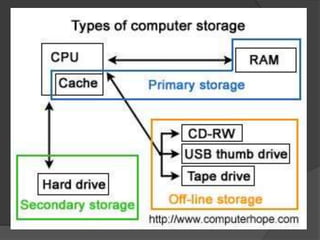
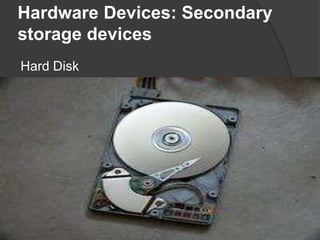
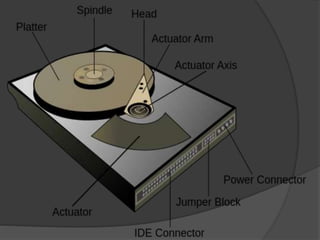
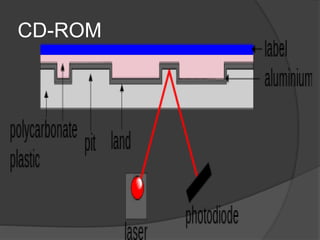
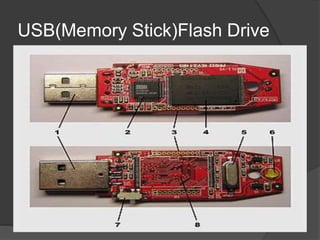
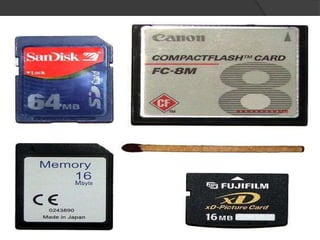













Secondary storage devices hold information regardless of whether the computer has power. Examples include hard disk drives and floppy disks. While primary storage is faster, secondary storage is needed for today's computers to store programs and personal data due to limitations on primary storage sizes and prices. Common secondary storage devices discussed include hard disks, CD-ROMs, CD-Rs, USB flash drives, and memory cards.


